This is the multi-page printable view of this section. Click here to print.
Developing applications with Dapr
- 1: Building blocks
- 1.1: Workflow
- 1.1.1: Workflow overview
- 1.1.2: Features and concepts
- 1.1.3: Workflow history propagation
- 1.1.4: Workflow versioning
- 1.1.5: Detached workflows
- 1.1.6: Stateful workflow client
- 1.1.7: Workflow patterns
- 1.1.8: Workflow architecture
- 1.1.9: Workflow fast path
- 1.1.10: How to: Author a workflow
- 1.1.11: How to: Manage workflows
- 1.1.12: Multi Application Workflows
- 1.1.13: History Retention Policy
- 1.1.14: Workflow Concurrency Limits
- 1.1.15: Workflow history signing
- 1.1.16: Workflow payload size
- 1.2: Service invocation
- 1.2.1: Service invocation overview
- 1.2.2: How-To: Invoke services using HTTP
- 1.2.3: How-To: Invoke services using gRPC
- 1.2.4: How-To: Invoke Non-Dapr Endpoints using HTTP
- 1.2.5: How to: Service invocation across namespaces
- 1.3: Publish & subscribe messaging
- 1.3.1: Publish and subscribe overview
- 1.3.2: How to: Publish a message and subscribe to a topic
- 1.3.3: Publishing & subscribing messages with Cloudevents
- 1.3.4: Publishing & subscribing messages without CloudEvents
- 1.3.5: How-To: Route messages to different event handlers
- 1.3.6: Declarative, streaming, and programmatic subscription types
- 1.3.7: Dead Letter Topics
- 1.3.8: How to: Set up pub/sub namespace consumer groups
- 1.3.9: How to: Horizontally scale subscribers with StatefulSets
- 1.3.10: Scope Pub/sub topic access
- 1.3.11: Message Time-to-Live (TTL)
- 1.3.12: Publish and subscribe to bulk messages
- 1.4: State management
- 1.4.1: State management overview
- 1.4.2: How-To: Save and get state
- 1.4.3: How-To: Query state
- 1.4.4: How-To: Build a stateful service
- 1.4.5: How-To: Enable the transactional outbox pattern
- 1.4.6: How-To: Share state between applications
- 1.4.7: How-To: Encrypt application state
- 1.4.8: Work with backend state stores
- 1.4.8.1: Azure Cosmos DB
- 1.4.8.2: Redis
- 1.4.8.3: SQL server
- 1.4.9: State Time-to-Live (TTL)
- 1.5: Binary Store
- 1.5.1: Binary Store overview
- 1.5.2: How-To: Use the Binary Store API
- 1.6: Bindings
- 1.6.1: Bindings overview
- 1.6.2: How-To: Trigger your application with input bindings
- 1.6.3: How-To: Use output bindings to interface with external resources
- 1.7: Actors
- 1.7.1: Actors overview
- 1.7.2: Actor runtime features
- 1.7.3: Actor runtime configuration parameters
- 1.7.4: Namespaced actors
- 1.7.5: Actors timers and reminders
- 1.7.6: Actor app-initiated gRPC event streams (Alpha)
- 1.7.7: How-to: Use actor app-initiated gRPC event streams
- 1.7.8: How-to: Interact with virtual actors using scripting
- 1.7.9: How-to: Enable and use actor reentrancy in Dapr
- 1.8: Secrets management
- 1.8.1: Secrets management overview
- 1.8.2: How To: Retrieve a secret
- 1.8.3: How To: Use secret scoping
- 1.9: Configuration
- 1.10: Distributed lock
- 1.10.1: Distributed lock overview
- 1.10.2: How-To: Use a lock
- 1.11: Cryptography
- 1.11.1: Cryptography overview
- 1.11.2: How to: Use the cryptography APIs
- 1.12: Jobs
- 1.12.1: Jobs overview
- 1.12.2: Features and concepts
- 1.12.3: How-To: Schedule and handle triggered jobs
- 1.13: Conversation
- 1.14: Search
- 1.14.1: Search overview
- 1.14.2: How-To: Index and search documents
- 1.15: Vector
- 1.15.1: Vector overview
- 1.15.2: How-To: Store and query vectors
- 2: Dapr Software Development Kits (SDKs)
- 2.1: Dapr .NET SDK
- 2.1.1: .NET building block support
- 2.1.2: Getting started with the Dapr client .NET SDK
- 2.1.2.1: DaprClient usage
- 2.1.3: Dapr Workflow .NET SDK
- 2.1.3.1: DaprWorkflowClient lifetime management and registration
- 2.1.3.2: Author workflows and activities in .NET
- 2.1.3.3: Workflow serialization in the .NET SDK
- 2.1.3.4: Workflow data references in the .NET SDK
- 2.1.3.5: Multi-application workflows in the .NET SDK
- 2.1.3.6: Workflow history propagation in the .NET SDK
- 2.1.3.7: Workflow management operations with DaprWorkflowClient
- 2.1.3.8: Workflow versioning in the .NET SDK
- 2.1.3.9: .NET Workflow Examples
- 2.1.4: Dapr actors .NET SDK
- 2.1.4.1: Unit Testing Dapr Actors
- 2.1.4.2: The IActorProxyFactory interface
- 2.1.4.3: Author & run actors
- 2.1.4.4: Actor serialization in the .NET SDK
- 2.1.4.5: How to: Run and use virtual actors in the .NET SDK
- 2.1.5: Dapr Actors (Next) in the .NET SDK
- 2.1.5.1: Migrating from Dapr.Actors to Dapr.Actors.Next
- 2.1.5.2: How to: Author, register, and call actors with the .NET SDK
- 2.1.5.3: Serialization in the .NET SDK
- 2.1.5.4: State migration in the .NET SDK
- 2.1.5.5: State machine actors in the .NET SDK
- 2.1.5.6: Subscription streams in the .NET SDK
- 2.1.5.7: Dynamic actor invocation in the .NET SDK
- 2.1.5.8: Testing actors in the .NET SDK
- 2.1.5.9: Tutorial: Dapr.Actors.Next by example
- 2.1.5.9.1: Part 1: The cart, the modern baseline
- 2.1.5.9.2: Part 2: Evolving the cart's state
- 2.1.5.9.3: Part 3: The cart that reacts
- 2.1.5.9.4: Part 4: The auction
- 2.1.5.9.5: Part 5: Runtime-defined state machines
- 2.1.5.9.6: Part 6: Composing interpreted actors with workflows
- 2.1.6: Dapr AI .NET SDK
- 2.1.6.1: Dapr AI Client
- 2.1.6.2: How to: Create and use Dapr AI Conversations in the .NET SDK
- 2.1.6.3: How to: Handle conversation tool calls in .NET
- 2.1.6.4: How to: Using Microsoft's AI extensions with Dapr's .NET Conversation SDK
- 2.1.7: Dapr Jobs .NET SDK
- 2.1.7.1: How to: Author and manage Dapr Jobs in the .NET SDK
- 2.1.7.2: DaprJobsClient usage
- 2.1.8: Dapr Cryptography .NET SDK
- 2.1.9: Dapr Secrets Management .NET SDK
- 2.1.9.1: How to: Manage secrets with the Dapr Secrets Management .NET SDK
- 2.1.9.2: DaprSecretsManagementClient usage
- 2.1.10: Dapr State Management .NET SDK
- 2.1.10.1: How to: Manage state with the Dapr State Management .NET SDK
- 2.1.10.2: DaprStateManagementClient usage
- 2.1.11: Dapr Binary Store .NET SDK
- 2.1.11.1: How to: Manage binary files with the Dapr Binary Store .NET SDK
- 2.1.11.2: DaprBinaryStoreClient usage
- 2.1.12: Dapr Search .NET SDK
- 2.1.12.1: How to: Index and search documents with the Dapr .NET SDK
- 2.1.12.2: Dapr Search client
- 2.1.13: Dapr Vector .NET SDK
- 2.1.13.1: How to: Store and query vectors with the Dapr .NET SDK
- 2.1.13.2: Dapr Vector client
- 2.1.14: Dapr Metadata .NET SDK
- 2.1.15: Dapr Messaging in the .NET SDK
- 2.1.15.1: How to: Publish events with the Dapr Messaging .NET SDK
- 2.1.15.2: How to: Author subscriptions and handle topic messages with the Dapr Messaging .NET SDK
- 2.1.15.3: Dapr Messaging configuration and usage
- 2.1.15.4: Tutorial: Dapr.Messaging by example
- 2.1.15.4.1: Part 1: Publish events with Dapr.Messaging
- 2.1.15.4.2: Part 2: Declarative streaming subscriptions
- 2.1.15.4.3: Part 3: Content-based routing and dead-letter topics
- 2.1.15.4.4: Part 4: Bulk subscriptions
- 2.1.15.4.5: Part 5: gRPC AppCallback push subscriptions
- 2.1.15.4.6: Part 6: HTTP push subscriptions
- 2.1.15.4.7: Part 7: Dynamic streaming subscriptions
- 2.1.16: Dapr Distributed Lock .NET SDK
- 2.1.16.1: How to: Create and use Dapr Distributed Lock in the .NET SDK
- 2.1.16.2: DaprDistributedLockClient usage
- 2.1.17: Developing applications with the Dapr .NET SDK
- 2.1.17.1: Dapr .NET SDK Development with Dapr CLI
- 2.1.17.2: Dapr .NET SDK Development with Docker-Compose
- 2.1.17.3: Dapr .NET SDK Development with .NET Aspire
- 2.1.18: Best Practices for the Dapr .NET SDK
- 2.1.18.1: Error Model in the Dapr .NET SDK
- 2.1.18.2: Experimental Attributes
- 2.1.18.3: Integration testing with Dapr.Testcontainers
- 2.1.18.4: Dapr source code analyzers and generators
- 2.1.19: How to troubleshoot and debug with the Dapr .NET SDK
- 2.1.19.1: Troubleshoot Pub/Sub with the .NET SDK
- 2.2: Dapr Go SDK
- 2.2.1: Getting started with the Dapr client Go SDK
- 2.2.2: Getting started with the Dapr Service (Callback) SDK for Go
- 2.3: Dapr Java SDK
- 2.3.1: AI
- 2.3.2: Getting started with the Dapr client Java SDK
- 2.3.2.1: Properties
- 2.3.3: Jobs
- 2.3.4: Workflow
- 2.3.5: Getting started with the Dapr and Spring Boot
- 2.4: JavaScript SDK
- 2.4.1: JavaScript Client SDK
- 2.4.2: State management with the Dapr JavaScript SDK
- 2.4.2.1: How to: Manage state with the Dapr JavaScript SDK
- 2.4.2.2: State client usage
- 2.4.2.3: How to: Query state with the Dapr JavaScript SDK
- 2.4.3: JavaScript Server SDK
- 2.4.4: Service invocation with the JavaScript SDK
- 2.4.4.1: How to: Call services with the JavaScript SDK
- 2.4.4.2: How to: Receive service invocations with the JavaScript SDK
- 2.4.4.3: Service invocation configuration and usage
- 2.4.5: JavaScript SDK for Actors
- 2.4.5.1: How to: Run and use virtual actors with the JavaScript SDK
- 2.4.5.2: Author and host actors with the JavaScript SDK
- 2.4.5.3: Call actors with the JavaScript SDK
- 2.4.5.4: Manage actor state with the JavaScript SDK
- 2.4.5.5: Use actor timers and reminders with the JavaScript SDK
- 2.4.6: Publish and subscribe with the JavaScript SDK
- 2.4.6.1: Publish events with the JavaScript SDK
- 2.4.6.2: Receive events with a JavaScript application server
- 2.4.6.3: Receive events with JavaScript streaming subscriptions
- 2.4.6.4: JavaScript pub/sub configuration and usage
- 2.4.7: Logging in JavaScript SDK
- 2.4.8: JavaScript Examples
- 2.4.9: Dapr Workflow JavaScript SDK
- 2.4.9.1: How to: Author and run workflows with the JavaScript SDK
- 2.4.9.2: Manage workflow instances with the JavaScript SDK
- 2.4.9.3: Multi-app workflows and history propagation in the JavaScript SDK
- 2.4.9.4: Workflow versioning in the JavaScript SDK
- 2.4.9.5: Workflow serialization in the JavaScript SDK
- 2.4.9.6: Workflow data references in the JavaScript SDK
- 2.4.10: Dapr Configuration JavaScript SDK
- 2.4.10.1: How to: Manage configuration with the Dapr JavaScript SDK
- 2.4.10.2: Configuration client usage
- 2.4.11: Dapr Conversation JavaScript SDK
- 2.4.11.1: How to: Converse with an LLM using the Dapr JavaScript SDK
- 2.4.11.2: Dapr Conversation JavaScript client usage
- 2.4.11.3: How to: Call tools with the Dapr Conversation JavaScript SDK
- 2.4.12: Dapr Jobs JavaScript SDK
- 2.4.12.1: How to: Author and manage Dapr Jobs using the JavaScript SDK
- 2.4.12.2: Build cron schedules using the JavaScript SDK
- 2.4.12.3: JavaScript Jobs client and callback usage
- 2.4.13: Dapr Cryptography JavaScript SDK
- 2.4.13.1: How to: Encrypt and decrypt data with the Dapr JavaScript SDK
- 2.4.13.2: Cryptography client usage
- 2.4.14: Dapr Binary Store JavaScript SDK
- 2.4.14.1: How to: Manage binary files with the Dapr JavaScript SDK
- 2.4.14.2: Binary Store client usage
- 2.4.15: Dapr Search JavaScript SDK
- 2.4.15.1: How to: Index and search documents with the Dapr JavaScript SDK
- 2.4.15.2: Search client usage
- 2.4.16: Dapr Vector JavaScript SDK
- 2.4.16.1: How to: Store and query vectors with the Dapr JavaScript SDK
- 2.4.16.2: Vector client usage
- 2.4.17: Dapr Secrets JavaScript SDK
- 2.4.17.1: How to: Retrieve secrets with the Dapr JavaScript SDK
- 2.4.17.2: Secrets client usage
- 2.5: Dapr PHP SDK
- 2.5.1: Virtual Actors
- 2.5.1.1: Production Reference: Actors
- 2.5.2: The App
- 2.5.2.1: Unit Testing
- 2.5.3: Custom Serialization
- 2.5.4: Publish and Subscribe with PHP
- 2.5.5: State Management with PHP
- 2.6: Dapr Python SDK
- 2.6.1: Getting started with the Dapr client Python SDK
- 2.6.2: Getting started with the Dapr actor Python SDK
- 2.6.3: Dapr Python SDK extensions
- 2.6.3.1: Getting started with the Dapr Python gRPC service extension
- 2.6.3.2: Dapr Python SDK integration with FastAPI
- 2.6.3.3: Dapr Python SDK integration with Flask
- 2.6.3.4: Dapr Python SDK integration with Dapr Workflow extension
- 2.6.3.5: Dapr Python SDK integration with Databricks Lakeflow
- 2.6.4:
- 2.7: Dapr Rust SDK
- 3: Error codes
- 3.1: Errors overview
- 3.2: Error codes reference guide
- 3.3: Handling HTTP error codes
- 3.4: Handling gRPC error codes
- 4: Local development
- 4.1: Dapr Dev Dashboard
- 4.2: IDE support
- 4.2.1: Visual Studio Code integration with Dapr
- 4.2.1.1: Dapr Visual Studio Code extension overview
- 4.2.1.2: How-To: Debug Dapr applications with Visual Studio Code
- 4.2.1.3: Developing Dapr applications with Dev Containers
- 4.2.2: IntelliJ
- 4.3: Multi-App Run
- 4.4: How to: Use the gRPC interface in your Dapr application
- 4.5: Serialization in Dapr's SDKs
- 5: Debugging Dapr applications and the Dapr control plane
- 6: Components
- 6.1: Pluggable components
- 6.1.1: Pluggable components overview
- 6.1.2: How to: Implement pluggable components
- 6.1.3: Pluggable components SDKs
- 6.1.3.1: Getting started with the Dapr pluggable components .NET SDK
- 6.1.3.1.1: Implementing a .NET input/output binding component
- 6.1.3.1.2: Implementing a .NET pub/sub component
- 6.1.3.1.3: Implementing a .NET state store component
- 6.1.3.1.4: Advanced uses of the Dapr pluggable components .NET SDK
- 6.1.3.1.4.1: Application Environment of a .NET Dapr pluggable component
- 6.1.3.1.4.2: Lifetimes of .NET Dapr pluggable components
- 6.1.3.1.4.3: Multiple services in a .NET Dapr pluggable component
- 6.1.3.2: Getting started with the Dapr pluggable components Go SDK
- 6.1.3.2.1: Implementing a Go input/output binding component
- 6.1.3.2.2: Implementing a Go pub/sub component
- 6.1.3.2.3: Implementing a Go state store component
- 6.1.3.2.4: Advanced uses of the Dapr pluggable components .Go SDK
- 6.2: How to: Author middleware components
1 - Building blocks
Get a high-level overview of Dapr building blocks in the Concepts section.

1.1 - Workflow
More about Dapr Workflow
Learn more about how to use Dapr Workflow:
- Try the Workflow quickstart.
- Explore workflow via any of the supporting Dapr SDKs.
- Review the Workflow API reference documentation.
1.1.1 - Workflow overview
Dapr Workflow is a durable execution engine. You write workflow logic as ordinary code with a Dapr SDK. Dapr persists the result of each completed step and resumes the workflow from the last completed step after a crash, a restart, or a redeployment. Dapr workflows are stateful, so they support long-running and fault-tolerant applications. They also orchestrate other Dapr building blocks, such as service invocation, pub/sub, state management, and bindings.
The durable, resilient Dapr Workflow capability:
- Offers a built-in workflow runtime for driving Dapr Workflow execution.
- Provides SDKs for authoring workflows in code. See the supported SDKs.
- Provides HTTP and gRPC APIs for managing workflows (start, query, pause/resume, raise event, terminate, purge).
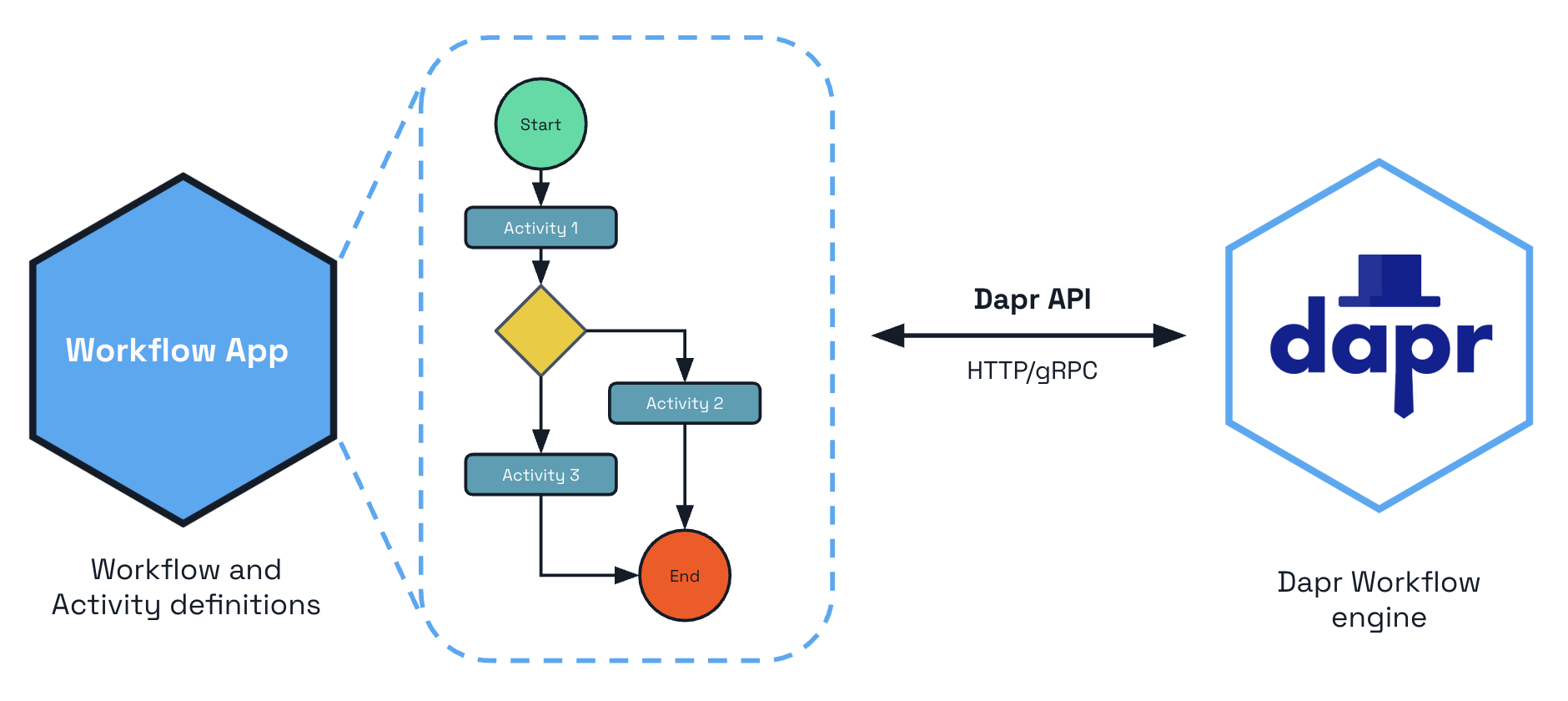
Some example scenarios that Dapr Workflow can perform are:
- Order processing involving orchestration between inventory management, payment systems, and shipping services.
- HR onboarding workflows coordinating tasks across multiple departments and participants.
- Orchestrating the roll-out of digital menu updates in a national restaurant chain.
- Image processing workflows involving API-based classification and storage.
Features
Workflows and activities
With Dapr Workflow, you can write activities and then orchestrate those activities in a workflow. Workflow activities are:
- The basic unit of work in a workflow
- Used for calling other (Dapr) services, interacting with state stores, and pub/sub brokers.
- Used for calling external third party services.
Learn more about workflow activities.
Child workflows
In addition to activities, you can write workflows to schedule other workflows as child workflows. A child workflow has its own instance ID, history, and status that is independent of the parent workflow that started it, except for the fact that terminating the parent workflow terminates all of the child workflows created by it. Child workflow also supports automatic retry policies.
Learn more about child workflows.
Detached workflows
You can also schedule a new workflow as a detached workflow: a fire-and-forget instance that runs fully independently of the workflow that started it. The calling workflow receives the new instance ID immediately and continues, and the detached workflow’s success or failure does not flow back to the caller. This is useful for triggering isolated, independent work, such as per-tenant fan-out.
Learn more about detached workflows.
Multi-application workflows
Multi-application workflows, enable you to orchestrate complex business processes that span across multiple applications. This allows a workflow to call activities or start child workflows in different applications, distributing the workflow execution while maintaining the security, reliability and durability guarantees of Dapr’s workflow engine.
Learn more about multi-application workflows.
History signing
When mTLS and the WorkflowHistorySigning feature flag are enabled, Dapr cryptographically signs every workflow history event using the sidecar’s X.509 SPIFFE identity.
On each load, the full signature chain is verified, detecting any tampering of workflow state in the state store.
For example, consider an order-processing workflow that captures payment, ships the goods, and emails a receipt. Without signing, an attacker with write access to the state store could rewrite the recorded order total between the payment step and the shipping step, so the workflow ships at a lower price than was actually charged, and Dapr would have no way to know. With signing enabled, the modified event no longer matches its signature, the next load fails verification, and Dapr marks the workflow as FAILED with error type DAPR_WORKFLOW_HISTORY_TAMPERED instead of acting on the forged data. The same protection applies to approvals being flipped from denied to approved, extra recipients being added to outbound messages, or fake activity results being injected into the inbox.
Signing is a one-way commitment: once enabled for a workflow, it cannot be disabled.
Learn more about workflow history signing.
Fast path
The WorkflowsFastPath preview feature drives workflow turns and activity bodies on the host that already holds the work, and folds activity completions into the next turn’s single state store commit, instead of creating a Scheduler reminder for every event. This removes the per-event Scheduler round trips and most state store commits from the workflow hot path. At-least-once execution is unchanged: a per-instance janitor reminder and automatic escalation back to durable reminders provide recovery.
Learn more about the workflow fast path.
Timers and reminders
Same as Dapr actors, you can schedule reminder-like durable delays for any time range.
Learn more about workflow timers and reminders
History propagation
Workflow history propagation enables a current workflow to look back over the set of events that the workflow or a another workflow has executed and verify these actually occurred. Scenarios include fraud checks, checking compliance gates (was this activity called or not), or enabling long-running AI agents/workflows to maintain context across calls (multi-agent, multi-app workflows) to determine what the agent or workflows claims to have done, it actually true.
A parent workflow can opt to share its execution history with child workflows and activities — useful for chain-of-custody verification, fraud detection, audit, and AI-agent context that must flow across hops.
For details, read [workflow history propagation ](https://v1-19.docs.dapr.io/developing-applications/building-blocks/workflow/workflow-history-propagation/ to understand how to apply this to a workflow, child workflow and activities.
Learn more about workflow history propagation.
Workflow HTTP calls to manage a workflow
When you create an application with workflow code and run it with Dapr, you can call specific workflows that reside in the application. Each individual workflow can be:
- Started or terminated through a POST request
- Triggered to deliver a named event through a POST request
- Paused and then resumed through a POST request
- Purged from your state store through a POST request
- Queried for workflow status through a GET request
Learn more about how manage a workflow using HTTP calls.
Workflow patterns
Dapr Workflow simplifies complex, stateful coordination requirements in microservice architectures. The following sections describe several application patterns that can benefit from Dapr Workflow.
Learn more about different types of workflow patterns
Workflow SDKs
The Dapr Workflow authoring SDKs are language-specific SDKs that contain types and functions to implement workflow logic. The workflow logic lives in your application and is orchestrated by the Dapr Workflow engine running in the Dapr sidecar via a gRPC stream.
Supported SDKs
You can use the following SDKs to author a workflow.
| Language stack | Package |
|---|---|
| Python | dapr.ext.workflow, installed with pip install "dapr[workflow]" |
| JavaScript | DaprWorkflowClient |
| .NET | Dapr.Workflow |
| Java | io.dapr.workflows |
| Go | workflow |
Try out workflows
Quickstarts and tutorials
Want to put workflows to the test? Walk through the following quickstart and tutorials to see workflows in action:
| Quickstart/tutorial | Description |
|---|---|
| Workflow quickstart | Run a workflow application with four workflow activities to see Dapr Workflow in action |
| Workflow Python SDK example | Learn how to create a Dapr Workflow and invoke it using the Python dapr.ext.workflow package. |
| Workflow JavaScript SDK example | Learn how to create a Dapr Workflow and invoke it using the JavaScript SDK. |
| Workflow .NET SDK example | Learn how to create a Dapr Workflow and invoke it using ASP.NET Core web APIs. |
| Workflow Java SDK example | Learn how to create a Dapr Workflow and invoke it using the Java io.dapr.workflows package. |
| Workflow Go SDK example | Learn how to create a Dapr Workflow and invoke it using the Go workflow package. |
Start using workflows directly in your app
Want to skip the quickstarts? Not a problem. You can try out the workflow building block directly in your application. After Dapr is installed, you can begin using workflows, starting with how to author a workflow.
Managing Workflows
Dapr provides comprehensive workflow management capabilities through both the HTTP API and the CLI.
Workflow Lifecycle Operations
Start Workflows
dapr workflow run MyWorkflow --app-id myapp --input '{"key": "value"}'
Monitor Workflows
# List active workflows for a given application
dapr workflow list --app-id myapp --filter-status RUNNING
# View execution history
dapr workflow history <instance-id> --app-id myapp
Control Workflows
# Suspend, resume, or terminate
dapr workflow suspend <instance-id> --app-id myapp
dapr workflow resume <instance-id> --app-id myapp
dapr workflow terminate <instance-id> --app-id myapp
Maintenance Operations
# Purge completed workflows
dapr workflow purge --app-id myapp --all-older-than 720h
See How-To: Manage workflows for detailed instructions.
Inspect Workflows Visually
During local development, you can use the Dapr Dev Dashboard to browse workflow instances, check their status, and drill down into the event history of each execution.
Limitations
- State stores: You can only use state stores which support workflows, as described here.
- Azure Cosmos DB has payload and workflow complexity limitations.
- AWS DynamoDB has workflow complexity limitations.
Workflow security
Dapr provides fine-grained access control for workflow and activity scheduling through the WorkflowAccessPolicy resource. You can restrict which applications are permitted to start specific workflows or call specific activities on your application.
Workflow access policies for a given application (appID) are loaded by the sidecar when the application is instantiated, and are hot-reloaded thereafter when policies are added, updated, or removed. Policies are a pure allow-list evaluated on the callee side: a cross-app schedule is permitted only if some rule in some loaded policy matches the caller and the workflow or activity name.
This is especially important for multi-application workflows, where activities and child workflows execute across application boundaries. Read How-To: Apply workflow access policies for full configuration details.
Watch the demo
Watch this video for an overview on Dapr Workflow:
Next steps
Workflow features and concepts >>Related links
- Workflow API reference
- Try out the full SDK examples:
1.1.2 - Features and concepts
Now that you’ve learned about the workflow building block at a high level, let’s deep dive into the features and concepts included with the Dapr Workflow engine and SDKs. Dapr Workflow exposes several core features and concepts which are common across all supported languages.
Note
For more information on how workflow state is managed, see the workflow architecture guide.Workflows
Dapr Workflows are functions you write that define a series of tasks to be executed in a particular order. The Dapr Workflow engine takes care of scheduling and execution of the tasks, including managing failures and retries. If the app hosting your workflows is scaled out across multiple machines, the workflow engine load balances the execution of workflows and their tasks across multiple machines. You can configure concurrency limits to control how many workflows and activities run simultaneously, either per-sidecar or globally across all replicas.
There are several different kinds of tasks that a workflow can schedule, including
- Activities for executing custom logic
- Durable timers for putting the workflow to sleep for arbitrary lengths of time
- Child workflows for breaking larger workflows into smaller pieces
- Detached workflows for spawning independent, fire-and-forget workflows that run on their own
- External event waiters for blocking workflows until they receive external event signals. These tasks are described in more details in their corresponding sections.
Workflow Instance Management
Querying Workflow State
You can query workflow instances using the CLI:
# Find all running workflows
dapr workflow list --app-id myapp --filter-status RUNNING
# Find workflows by name
dapr workflow list --app-id myapp --filter-name OrderProcessing
# Find recent workflows (last 2 hours)
dapr workflow list --app-id myapp --filter-max-age 2h
# Get detailed JSON output
dapr workflow list --app-id myapp --output json
Workflow History
View the complete execution history:
dapr workflow history wf-12345 --app-id myapp --output json
This shows all events, activities, and state transitions.
External Events
Raising Events via CLI
dapr workflow raise-event wf-12345/ApprovalReceived \
--app-id myapp \
--input '{"approved": true, "comments": "Approved by manager"}'
Workflow Suspension and Resumption
Using the CLI
# Suspend for manual intervention
dapr workflow suspend wf-12345 \
--app-id myapp \
--reason "Awaiting customer response"
# Resume when ready
dapr workflow resume wf-12345 \
--app-id myapp \
--reason "Customer responded"
Workflow identity
Each workflow you define has a type name, and individual executions of a workflow require a unique instance ID. Workflow instance IDs can be generated by your app code, which is useful when workflows correspond to business entities like documents or jobs, or can be auto-generated UUIDs. A workflow’s instance ID is useful for debugging and also for managing workflows using the Workflow APIs.
Only one workflow instance with a given ID can exist at any given time. Attempting to create a new workflow instance with the same ID as an existing instance results in an error unless the existing instance, and every child workflow it created (checked recursively), has reached a terminal state: COMPLETED, FAILED, or TERMINATED. Once the entire workflow tree is terminal, creating a new instance with the same ID starts a fresh execution that replaces the previous one in the state store.
SDK workflow clients get the gRPC AlreadyExists status code when the instance ID belongs to an active instance (the Java SDK raises WorkflowInstanceAlreadyExistsException). A client can therefore start a workflow with a fixed instance ID as an idempotent call and treat AlreadyExists as “already running”, without parsing the error message. A completed instance ID is reused by default. It also returns AlreadyExists when a durabletask-go client sets api.WithEnforceUniqueInstanceID(), or when the old instance’s child workflows have not finished. The workflow API (HTTP and gRPC StartWorkflowBeta1) keeps its error response: HTTP 500 with error code ERR_START_WORKFLOW.
Implications of Instance ID Reuse
Recommendation
Give every workflow execution an instance ID that has never been used before. Starting a new execution under the ID of a finished one is permitted for backwards compatibility, but is not recommended, and new applications should not depend on it.Reusing an instance ID for a new workflow execution has costs that a fresh ID does not:
- The previous execution is replaced. Its history, output, and failure details are overwritten in the state store the moment the new execution is created. The audit trail is lost and it can no longer be queried what the earlier run did.
- Every reuse is a conflict check across the whole previous workflow tree. Before accepting the create, the runtime must confirm that the previous instance and every child workflow it created, recursively and possibly in other applications, has reached a terminal state. A child that is still running rejects the create with a conflict and a child that cannot be reached during an outage rejects the create as unavailable. A create with a fresh ID has no such dependency and succeeds in the same conditions.
- Work addressed to the old execution can arrive at the new one. Events, activity results, and reminders are routed by instance ID and can outlive the execution that produced them. Dapr guards against them being applied to the wrong execution, but it is still riskier than no reuse.
- Recovery and troubleshooting are harder. The engine’s recovery paths key on the instance ID. When one ID has carried several executions, an operator looking at a stuck instance first has to work out which execution the stored state, reminders, and logs belong to.
Recommended patterns instead of reuse:
- Let Dapr generate the ID, or derive one from your business key plus a unique suffix, such as
order-1234-<uuid>ororder-1234-attempt-3. Keep the mapping from business entity to current instance ID in your own state store, or expose it through the workflow’s custom status, so callers can find the active instance. - Use a fixed ID only to deduplicate a single logical start. If two callers may race to start the same logical workflow, a deterministic ID makes the second create fail with a conflict while the first is running, which is the intended signal. Do not use the same ID to run a sequence of executions.
- If a business identifier must be the instance ID and executions repeat, purge the previous instance with the purge API or a retention policy before starting the next one, and treat the purge and the create as as transaction in code.
Important
An instance ID cannot be reused while its workflow is running, or while any child workflow created by its previous execution is still running. This includes children abandoned by a parent that completed without awaiting them or that was terminated non-recursively; a still-running child from the old execution could otherwise deliver its results into the new one. The create request fails with an error naming the child workflow that is not yet terminal: gRPC AlreadyExists for SDK workflow clients, or HTTP 500 with ERR_START_WORKFLOW from the workflow HTTP API.
To free up an instance ID, purge the workflow using the purge API or configure a workflow retention policy.
The instance ID reuse policy option that was previously available in some SDKs (allowing actions like IGNORE or TERMINATE on ID conflicts) was removed in v1.18 and is deprecated in the SDKs that still expose it. Dapr 1.18+ runtimes ignore the option entirely.
Workflow replay
Dapr Workflows maintain their execution state by using a technique known as event sourcing. Instead of storing the current state of a workflow as a snapshot, the workflow engine manages an append-only log of history events that describe the various steps that a workflow has taken. When using the workflow SDK, these history events are stored automatically whenever the workflow “awaits” for the result of a scheduled task.
When a workflow “awaits” a scheduled task, it unloads itself from memory until the task completes. Once the task completes, the workflow engine schedules the workflow function to run again. This second workflow function execution is known as a replay.
When a workflow function is replayed, it runs again from the beginning. However, when it encounters a task that already completed, instead of scheduling that task again, the workflow engine:
- Returns the stored result of the completed task to the workflow.
- Continues execution until the next “await” point.
This “replay” behavior continues until the workflow function completes or fails with an error.
Using this replay technique, a workflow is able to resume execution from any “await” point as if it had never been unloaded from memory. Even the values of local variables from previous runs can be restored without the workflow engine knowing anything about what data they stored. This ability to restore state makes Dapr Workflows durable and fault tolerant.
Note
The workflow replay behavior described here requires that workflow function code be deterministic. Deterministic workflow functions take the exact same actions when provided the exact same inputs. Learn more about the limitations around deterministic workflow code.Infinite loops and eternal workflows
As discussed in the workflow replay section, workflows maintain a write-only event-sourced history log of all its operations. To avoid runaway resource usage, workflows must limit the number of operations they schedule. For example, ensure your workflow doesn’t:
- Use infinite loops in its implementation
- Schedule thousands of tasks.
You can use the following two techniques to write workflows that may need to schedule extreme numbers of tasks:
Use the continue-as-new API: Each workflow SDK exposes a continue-as-new API that workflows can invoke to restart themselves with a new input and history. The continue-as-new API is especially ideal for implementing “eternal workflows”, like monitoring agents, which would otherwise be implemented using a
while (true)-like construct. Using continue-as-new is a great way to keep the workflow history size small.Note
Continue-as-new restarts the workflow immediately and discards the results of any incomplete tasks - including activities, timers, and child workflows that were started but not awaited.The continue-as-new API truncates the existing history, replacing it with a new history.
Use child workflows: Each workflow SDK exposes an API for creating child workflows. A child workflow behaves like any other workflow, except that it’s scheduled by a parent workflow. Child workflows have:
- Their own history
- The benefit of distributing workflow function execution across multiple machines.
If a workflow needs to schedule thousands of tasks or more, it’s recommended that those tasks be distributed across child workflows so that no single workflow’s history size grows too large.
Updating workflow code
Because workflows are long-running and durable, updating workflow code must be done with extreme care. As discussed in the workflow determinism limitation section, workflow code must be deterministic. Updates to workflow code must preserve this determinism if there are any non-completed workflow instances in the system. Otherwise, updates to workflow code can result in runtime failures the next time those workflows execute.
Workflow activities
Workflow activities are the basic unit of work in a workflow and are the tasks that get orchestrated in the business process. For example, you might create a workflow to process an order. The tasks may involve checking the inventory, charging the customer, and creating a shipment. Each task would be a separate activity. These activities may be executed serially, in parallel, or some combination of both.
Unlike workflows, activities aren’t restricted in the type of work you can do in them. Activities are frequently used to make network calls or run CPU intensive operations. An activity can also return data back to the workflow.
The Dapr Workflow engine guarantees that each called activity is executed at least once as part of a workflow’s execution. Because activities only guarantee at-least-once execution, it’s recommended that activity logic be implemented as idempotent whenever possible.
Child workflows
In addition to activities, workflows can schedule other workflows as child workflows. A child workflow has its own instance ID, history, and status that is independent of the parent workflow that started it.
Child workflows have many benefits:
- You can split large workflows into a series of smaller child workflows, making your code more maintainable.
- You can distribute workflow logic across multiple compute nodes concurrently, which is useful if your workflow logic otherwise needs to coordinate a lot of tasks.
- You can reduce memory usage and CPU overhead by keeping the history of parent workflow smaller.
The return value of a child workflow is its output. If a child workflow fails with an exception, then that exception is surfaced to the parent workflow, just like it is when an activity task fails with an exception. Child workflows also support automatic retry policies.
Terminating a parent workflow terminates all of the child workflows created by the workflow instance. See the terminate workflow api for more information.
Detached workflows
In addition to child workflows, a workflow can schedule another workflow as a detached workflow: a fire-and-forget instance that runs fully independently of the caller. The call returns the new instance ID synchronously and the scheduling workflow continues immediately, without waiting for the detached workflow. Unlike a child workflow, there is no parent linkage: the detached workflow’s success or failure does not flow back to the caller, and terminating the caller does not terminate the detached workflow.
For the comparison with child workflows, guidance on when to use them, and a code example, see Detached workflows.
Durable timers
Dapr Workflows allow you to schedule reminder-like durable delays for any time range, including minutes, days, or even years. These durable timers can be scheduled by workflows to implement simple delays or to set up ad-hoc timeouts on other async tasks. More specifically, a durable timer can be set to trigger on a particular date or after a specified duration. There are no limits to the maximum duration of durable timers, which are internally backed by internal actor reminders. For example, a workflow that tracks a 30-day free subscription to a service could be implemented using a durable timer that fires 30-days after the workflow is created. Workflows can be safely unloaded from memory while waiting for a durable timer to fire.
Note
Some APIs in the workflow authoring SDK may internally schedule durable timers to implement internal timeout behavior.Retry policies
Workflows support durable retry policies for activities and child workflows. Workflow retry policies are separate and distinct from Dapr resiliency policies in the following ways.
- Workflow retry policies are configured by the workflow author in code, whereas Dapr Resiliency policies are configured by the application operator in YAML.
- Workflow retry policies are durable and maintain their state across application restarts, whereas Dapr Resiliency policies are not durable and must be re-applied after application restarts.
- Workflow retry policies are triggered by unhandled errors/exceptions in activities and child workflows, whereas Dapr Resiliency policies are triggered by operation timeouts and connectivity faults.
Retries are internally implemented using durable timers. This means that workflows can be safely unloaded from memory while waiting for a retry to fire, conserving system resources. This also means that delays between retries can be arbitrarily long, including minutes, hours, or even days.
Note
The actions performed by a retry policy are saved into a workflow’s history. Care must be taken not to change the behavior of a retry policy after a workflow has already been executed. Otherwise, the workflow may behave unexpectedly when replayed. See the notes on updating workflow code for more information.It’s possible to use both workflow retry policies and Dapr Resiliency policies together. For example, if a workflow activity uses a Dapr client to invoke a service, the Dapr client uses the configured resiliency policy. See Quickstart: Service-to-service resiliency for more information with an example. However, if the activity itself fails for any reason, including exhausting the retries on the resiliency policy, then the workflow’s resiliency policy kicks in.
Note
Using workflow retry policies and resiliency policies together can result in unexpected behavior. For example, if a workflow activity exhausts its configured retry policy, the workflow engine will still retry the activity according to the workflow retry policy. This can result in the activity being retried more times than expected.Because workflow retry policies are configured in code, the exact developer experience may vary depending on the version of the workflow SDK. In general, workflow retry policies can be configured with the following parameters.
| Parameter | Description |
|---|---|
| Maximum number of attempts | The maximum number of times to execute the activity or child workflow. If set to 0, no attempts will be made. |
| First retry interval | The amount of time to wait before the first retry. |
| Backoff coefficient | The coefficient used to determine the rate of increase of back-off. For example a coefficient of 2 doubles the wait of each subsequent retry. |
| Maximum retry interval | The maximum amount of time to wait before each subsequent retry. If set to 0, no retries will happen. |
| Retry timeout | The global timeout for retries, regardless of any configured max number of attempts. No further attempts are made executing activities after this timeout expires. |
Each retry of a child workflow is a separate instance with its own instance ID. From Dapr 1.19, the ChildWorkflowInstanceCreated event of a retry attempt in the parent’s history records the instance ID of the first attempt (retryParentInstanceInfo). Tooling that reads a parent’s history can group the attempts of one call by that ID, without walking the retry timers between them.
External events
Sometimes workflows will need to wait for events that are raised by external systems. For example, an approval workflow may require a human to explicitly approve an order request within an order processing workflow if the total cost exceeds some threshold. Another example is a trivia game orchestration workflow that pauses while waiting for all participants to submit their answers to trivia questions. These mid-execution inputs are referred to as external events.
External events have a name and a payload and are delivered to a single workflow instance. Workflows can create “wait for external event” tasks that subscribe to external events and await those tasks to block execution until the event is received. The workflow can then read the payload of these events and make decisions about which next steps to take. External events can be processed serially or in parallel. External events can be raised by other workflows or by workflow code.
Workflows can also wait for multiple external event signals of the same name, in which case they are dispatched to the corresponding workflow tasks in a first-in, first-out (FIFO) manner. If a workflow receives an external event signal but has not yet created a “wait for external event” task, the event will be saved into the workflow’s history and consumed immediately after the workflow requests the event.
Learn more about external system interaction.
Workflow history propagation
Workflow history propagation enables a workflow instance to look back over the set of events that the workflow or a another workflow has executed and verify these actually occurred. Some scenarios include performance fraud checks, checking compliance gates, or enable long-running AI agents/workflows to maintain context across calls (multi-agent, multi-app workflows) to determine what the agent or workflows claims to have done, it actually true.
For example if you have a workflow that verifies a credit check for a user, you can use workflow history propagation to verify this actually happened for the named user. When this is combined with workflow history signing, you can further cryptographically confirm or attest this.
A parent workflow can opt to share its execution history with downstream child and grandchild workflows and activities. Two scopes are available:
- Lineage — caller’s events plus the full ancestor chain (chain-of-custody)
- Own history — caller’s events only (a trust boundary, ancestral lineage dropped)
The receiving workflow/activity reads its inherited history via the SDKs GetPropagatedHistory() API and can verify what happened upstream.
For details, the scope comparison, and code examples, see workflow history propagation.
Stateful workflow client
A workflow is replayed from its history on every turn, and that history only grows. Rather than sending the whole thing each time, the workflow SDK keeps the history it has already replayed in memory and the sidecar sends only the events added since the previous turn. The per-turn payload therefore stops growing with the length of the workflow, which matters most for long-running, monitor-pattern, and large fan-out workflows.
This is enabled by default, requires no configuration or code changes, and never affects correctness: if the worker’s cached history does not match what the sidecar expects, the full history is fetched instead.
Learn more about the stateful workflow client.
Purging
Workflow state can be purged from a state store, purging all its history and removing all metadata related to a specific workflow instance. The purge capability is used for workflows that have run to a COMPLETED, FAILED, or TERMINATED state.
Learn more in the workflow API reference guide.
Versioning
Workflow code is long-running and must remain deterministic during updates. For details on patching and named workflow versioning, see Workflow versioning.
Limitations
Payload size
A single workflow or activity dispatch is bounded by the sidecar’s --max-body-size setting (default 4 MiB). If a workflow’s PastEvents + NewEvents + PropagatedHistory would exceed 95% of that limit, the workflow is stalled rather than tearing down the dispatch stream. Metrics expose how close each workflow and activity is to the limit so operators can act before a stall. See Workflow payload size for details and remediation steps.
Fast path and concurrency limits
The WorkflowsFastPath preview feature disables itself when Scheduler-enforced concurrency limits (globalMaxConcurrentWorkflowInvocations, globalMaxConcurrentActivityInvocations, or per-name workflowConcurrencyLimits and activityConcurrencyLimits) are configured, because those limits gate each Scheduler job delivery and the fast path drives work without Scheduler jobs. Per-sidecar limits are compatible. See Workflow fast path and Workflow concurrency limits.
Workflow determinism and code restraints
To take advantage of the workflow replay technique, your workflow code needs to be deterministic. For your workflow code to be deterministic, you may need to work around some limitations.
Workflow functions must call deterministic APIs
APIs that generate random numbers, random UUIDs, or the current date are non-deterministic. To work around this limitation, you can:
- Use these APIs in activity functions, or
- (Preferred) Use built-in equivalent APIs offered by the SDK. For example, each authoring SDK provides an API for retrieving the current time in a deterministic manner.
For example, instead of this:
// DON'T DO THIS!
DateTime currentTime = DateTime.UtcNow;
Guid newIdentifier = Guid.NewGuid();
string randomString = GetRandomString();
// DON'T DO THIS!
Instant currentTime = Instant.now();
UUID newIdentifier = UUID.randomUUID();
String randomString = getRandomString();
// DON'T DO THIS!
const currentTime = new Date();
const newIdentifier = uuidv4();
const randomString = getRandomString();
// DON'T DO THIS!
const currentTime = time.Now()
Do this:
// Do this!!
DateTime currentTime = context.CurrentUtcDateTime;
Guid newIdentifier = context.NewGuid();
string randomString = await context.CallActivityAsync<string>(nameof("GetRandomString")); //Use "nameof" to prevent specifying an activity name that does not exist in your application
// Do this!!
Instant currentTime = context.getCurrentInstant();
Guid newIdentifier = context.newGuid();
String randomString = context.callActivity(GetRandomString.class.getName(), String.class).await();
// Do this!!
const currentTime = context.getCurrentUtcDateTime();
const randomString = yield context.callActivity(getRandomString);
const currentTime = ctx.CurrentUTCDateTime()
Workflow functions must only interact indirectly with external state.
External data includes any data that isn’t stored in the workflow state. Workflows must not interact with global variables, environment variables, the file system, or make network calls.
Instead, workflows should interact with external state indirectly using workflow inputs, activity tasks, and through external event handling.
For example, instead of this:
// DON'T DO THIS!
string configuration = Environment.GetEnvironmentVariable("MY_CONFIGURATION")!;
string data = await new HttpClient().GetStringAsync("https://example.com/api/data");
// DON'T DO THIS!
String configuration = System.getenv("MY_CONFIGURATION");
HttpRequest request = HttpRequest.newBuilder().uri(new URI("https://postman-echo.com/post")).GET().build();
HttpResponse<String> response = HttpClient.newBuilder().build().send(request, HttpResponse.BodyHandlers.ofString());
// DON'T DO THIS!
// Accessing an Environment Variable (Node.js)
const configuration = process.env.MY_CONFIGURATION;
fetch('https://postman-echo.com/get')
.then(response => response.text())
.then(data => {
console.log(data);
})
.catch(error => {
console.error('Error:', error);
});
// DON'T DO THIS!
resp, err := http.Get("http://example.com/api/data")
Do this:
// Do this!!
string configuration = workflowInput.Configuration; // imaginary workflow input argument
string data = await context.CallActivityAsync<string>(nameof("MakeHttpCall"), "https://example.com/api/data");
// Do this!!
String configuration = ctx.getInput(InputType.class).getConfiguration(); // imaginary workflow input argument
String data = ctx.callActivity(MakeHttpCall.class, "https://example.com/api/data", String.class).await();
// Do this!!
const configuration = workflowInput.getConfiguration(); // imaginary workflow input argument
const data = yield ctx.callActivity(makeHttpCall, "https://example.com/api/data");
// Do this!!
err := ctx.CallActivity(MakeHttpCallActivity, workflow.ActivityInput("https://example.com/api/data")).Await(&output)
Workflow functions must execute only on the workflow dispatch thread.
The implementation of each language SDK requires that all workflow function operations operate on the same thread (goroutine, etc.) that the function was scheduled on. Workflow functions must never:
- Schedule background threads, or
- Use APIs that schedule a callback function to run on another thread.
Failure to follow this rule could result in undefined behavior. Any background processing should instead be delegated to activity tasks, which can be scheduled to run serially or concurrently.
For example, instead of this:
// DON'T DO THIS!
Task t = Task.Run(() => context.CallActivityAsync("DoSomething"));
await context.CreateTimer(5000).ConfigureAwait(false);
// DON'T DO THIS!
new Thread(() -> {
ctx.callActivity(DoSomethingActivity.class.getName()).await();
}).start();
ctx.createTimer(Duration.ofSeconds(5)).await();
Don’t declare JavaScript workflow as async. The Node.js runtime doesn’t guarantee that asynchronous functions are deterministic.
// DON'T DO THIS!
go func() {
err := ctx.CallActivity(DoSomething).Await(nil)
}()
err := ctx.CreateTimer(time.Second).Await(nil)
Do this:
// Do this!!
Task t = context.CallActivityAsync(nameof("DoSomething"));
await context.CreateTimer(5000).ConfigureAwait(true);
// Do this!!
ctx.callActivity(DoSomethingActivity.class.getName()).await();
ctx.createTimer(Duration.ofSeconds(5)).await();
Since the Node.js runtime doesn’t guarantee that asynchronous functions are deterministic, always declare JavaScript workflow as synchronous generator functions.
// Do this!
task := ctx.CallActivity(DoSomething)
task.Await(nil)
Updating workflow code
Make sure updates you make to the workflow code maintain its determinism. Here are a few example of code updates that can break workflow determinism:
- Changing the workflow function signature: Changing the name, input, or output of a workflow or activity is considered a breaking change and must be avoided.
- Changing the number or order of workflow tasks: Changing the number or order of workflow tasks causes a workflow’s history to no longer match the workflow code and may result in runtime errors or other unexpected behavior.
To work around these constraints, use the workflow versioning concepts described in the versioning guide to patch and introduce new named workflow versions to incorporate changes to your workflows deterministically.
Next steps
Workflow patterns >>Related links
1.1.3 - Workflow history propagation
By default, a child workflow or activity only sees the input it was scheduled with. The parent’s execution history — what activities ran, what child workflows it spawned, what events it observed — is invisible. Workflow history propagation lets a parent opt-in to share that history with the workflows it schedules.
This is useful for:
- Chain-of-custody and audit — a fraud check, compliance gate, or settlement step can verify what already happened upstream rather than trusting the caller’s claims.
- Cross-app workflows — a downstream app, often owned by a different team, can confirm an upstream activity ran without an out-of-band query.
- AI agents and long-running orchestrations — agents that loop with
ContinueAsNewor fan out to sub-agents can carry context (tool calls, model outputs, intermediate decisions) forward without re-prompting expensive calls from scratch.
Propagation scopes
Two scopes are exposed. The default is no propagation.
| Option helper | Scope value carried | What gets sent | When to use it |
|---|---|---|---|
workflow.PropagateLineage() | LINEAGE (HISTORY_PROPAGATION_SCOPE_LINEAGE) | Caller’s own events plus the full ancestor chain inherited from the caller’s parent | Full chain-of-custody, downstream wants to see everything that happened before, all the way to the root |
workflow.PropagateOwnHistory() | OWN_HISTORY (HISTORY_PROPAGATION_SCOPE_OWN_HISTORY) | Caller’s own events only, ancestral (parents) lineage is dropped | Trust boundary — the caller is willing to vouch for what it did but the receiver shouldn’t see further upstream |
The helpers (PropagateLineage / PropagateOwnHistory) are what you pass when scheduling — each SDK has its own equivalent (see the examples below). The scope values (LINEAGE / OWN_HISTORY) are the runtime enum names carried on the propagation.
PropagateOwnHistory is the trust boundary: choosing it tells the runtime to stop forwarding any history the caller itself received. This is the right choice when the receiver is a less-trusted app, a third party, or operates under different compliance rules.
Which scope should I use?
PropagateLineage is the most common choice, as most workflows will want the receiver to see the full chain of what happened upstream — that’s what makes the chain-of-custody, audit, and agent-context use cases above work. The decision is about how far down the chain you’re willing to share.
Use PropagateOwnHistory only when you’re crossing a trust boundary: the receiver is a less-trusted app, a third party, or runs under different compliance rules, and you’re willing to vouch for your own steps but not forward everything you inherited from your own parent. Outside those cases, prefer lineage.
Mind the payload size
Propagated history is carried as part of the scheduled call’s payload and stored in the receiver’s history. WithPropagateLineage the payload grows with the depth of the ancestor chain — deep workflow trees and long-running orchestrations can approach Dapr’s default gRPC message limit (4 MB), which is configurable. PropagateOwnHistory keeps the payload smaller by dropping the inherited ancestor chain.Setting it up
A parent enables propagation for a single child workflow or activity with a per-call option. Other calls in the same workflow are unaffected, and the default remains no propagation.
import dapr.ext.workflow as wf
@wfr.workflow(name='MerchantCheckout')
def merchant_checkout(ctx: wf.DaprWorkflowContext, order_json: str):
# The validate_merchant activity does NOT receive propagated history (default).
yield ctx.call_activity(validate_merchant, input=order_json)
# The process_payment child workflow DOES receive parent's history (LINEAGE).
result = yield ctx.call_child_workflow(
process_payment,
input=order_json,
propagation=wf.PropagationScope.LINEAGE,
)
return result
using Dapr.Workflow;
public sealed class MerchantCheckoutWorkflow : Workflow<Order, string>
{
public override async Task<string> RunAsync(WorkflowContext ctx, Order order)
{
// The ValidateMerchantActivity does NOT receive propagated history (default).
await ctx.CallActivityAsync<bool>(nameof(ValidateMerchantActivity), order);
// The ProcessPaymentWorkflow child workflow DOES receive parent's history (Lineage).
var childOptions = new ChildWorkflowTaskOptions()
.WithHistoryPropagation(HistoryPropagationScope.Lineage);
return await ctx.CallChildWorkflowAsync<string>(
nameof(ProcessPaymentWorkflow),
order,
options: childOptions);
}
}
import (
"github.com/dapr/durabletask-go/workflow"
)
func MerchantCheckout(ctx *workflow.WorkflowContext) (any, error) {
// Activity does NOT receive propagated history (default).
if err := ctx.CallActivity("ValidateMerchant").Await(nil); err != nil {
return nil, err
}
// Child workflow DOES receive parent's history (LINEAGE).
var result string
if err := ctx.CallChildWorkflow("ProcessPayment",
workflow.WithHistoryPropagation(workflow.PropagateLineage()),
).Await(&result); err != nil {
return nil, err
}
return result, nil
}
Accessing propagated history
Inside a child workflow or activity, call GetPropagatedHistory() (Go / .NET) or get_propagated_history() (Python). It returns the propagated history if the caller opted in, or None / nil if it didn’t.
What you get back is a point-in-time snapshot of the caller’s execution at the moment it scheduled this call — the steps that had already run, not anything the caller does afterward. In the MerchantCheckout parent above, ValidateMerchant completed before the child workflow was scheduled, so it appears in the propagated history the child receives.
The example below assumes the parent workflow shown above is registered as MerchantCheckout with an activity ValidateMerchant and a child workflow ProcessPayment (called with Lineage).
import dapr.ext.workflow as wf
@wfr.workflow(name='FraudDetection')
def fraud_detection(ctx: wf.DaprWorkflowContext, order_json: str):
history = ctx.get_propagated_history()
if history is None:
return 'no upstream history'
# Logs once instead of repeatedly during replays — not required, just keeps logging clean.
if not ctx.is_replaying:
print(f'scope={history.scope}, workflows={[w.name for w in history.get_workflows()]}')
try:
merchant_wf = history.get_last_workflow_by_name('MerchantCheckout')
validation = merchant_wf.get_last_activity_by_name('ValidateMerchant')
except wf.PropagationNotFoundError as exc:
return f'missing required upstream step: {exc}'
if not validation.completed:
return 'merchant validation did not complete, rejecting'
return 'approved'
using Dapr.Workflow;
public sealed class FraudDetectionWorkflow : Workflow<Order, string>
{
public override Task<string> RunAsync(WorkflowContext ctx, Order order)
{
var history = ctx.GetPropagatedHistory();
if (history is null)
return Task.FromResult("no upstream history");
// Logs once instead of repeatedly during replays — not required, just keeps logging clean.
if (!ctx.IsReplaying)
Console.WriteLine($"received {history.Events.Count} ancestor workflow event(s)");
// Verify MerchantCheckout is present in the ancestor chain.
if (!history.TryGetLastWorkflowEventByName(nameof(MerchantCheckoutWorkflow), out _))
return Task.FromResult("MerchantCheckout missing from propagated history, rejecting");
return Task.FromResult("approved");
}
}
import (
"fmt"
"github.com/dapr/durabletask-go/workflow"
)
func FraudDetection(ctx *workflow.WorkflowContext) (any, error) {
propagatedHistory := ctx.GetPropagatedHistory()
if propagatedHistory == nil {
return "no upstream history", nil
}
// The history exposes both raw events and per-app/per-instance chunks.
fmt.Printf("scope: %s, %d events from apps %v\n",
propagatedHistory.Scope(), len(propagatedHistory.Events()), propagatedHistory.GetAppIDs())
// Drill into a specific upstream workflow's activities.
merchantWf, err := propagatedHistory.GetLastWorkflowByName("MerchantCheckout")
if err != nil {
return nil, fmt.Errorf("expected MerchantCheckout in propagated history: %w", err)
}
validation, err := merchantWf.GetLastActivityByName("ValidateMerchant")
if err != nil {
return nil, fmt.Errorf("expected ValidateMerchant in propagated history: %w", err)
}
if !validation.Completed {
return "merchant validation didn't complete, rejecting", nil
}
return "approved", nil
}
Every SDK gives you the same underlying model — an execution-ordered chain of ancestor workflows, each carrying its identity (app ID, instance ID, name) plus the activities and child workflows it ran. From the returned object you can:
- List the ancestor chain — one entry per ancestor workflow, in execution order.
- Look up an ancestor workflow by name — either the most-recent match or all matches.
- Look up activities or child workflows within an entry by name, with the same pattern.
- See which apps contributed to the chain (deduplicated).
- Read the propagation scope the parent chose (
LINEAGEorOWN_HISTORY), where the SDK exposes it on the receiver.
For exact method signatures in each language see the runnable examples linked under Related links.
History propagation in multi-app workflows
When a parent workflow in App A calls a child workflow in App B using multi-app workflow calling, the propagated context travels across the network between the two sidecars. Two things secure that hop: the channel it travels over, and the signature on the context itself.
Transport security (mTLS)
The propagated context rides the inter-sidecar gRPC channel, so it inherits whatever protects that channel. When Dapr runs with mTLS — the default for Helm and dapr init -k — that traffic is encrypted and the two sidecars are mutually authenticated, so the context can’t be read or injected by anything sitting between App A and App B. mTLS is also the prerequisite for signing below: the SPIFFE X.509 identity it provides is the key the producer signs with.
Workflow history signing
mTLS protects the context in transit, but says nothing about whether the contents are authentic once they arrive. Signing closes that gap. With the WorkflowHistorySigning Configuration feature enabled, the producing app signs each propagated chunk with its SPIFFE identity, and the receiver can cryptographically verify the chunk wasn’t tampered with after it left the producer. For the full mechanism — how signatures are chained, stored, and verified on load — see Workflow history signing.
If WorkflowHistorySigning is not enabled, daprd logs a warning per dispatch:
propagating unsigned workflow history to child workflow '...' (signing is not configured; context cannot be cryptographically verified by the receiver)
Treat unsigned chunks as untrusted
Without signing, propagated context is functional but not cryptographically verifiable. Don’t treat unsigned propagated history as authoritative for high-value decisions (payments, approvals). EnableWorkflowHistorySigning for production deployments that depend on chain-of-custody.ContinueAsNew and rerun
Propagated history is correctly maintained with both ContinueAsNew and Rerun workflow operations.
- A workflow that received propagated history and calls
ContinueAsNewpasses the same incoming context to its next generation. - Re-running a workflow re-issues activity / child-workflow calls with the same propagation scope they were originally scheduled with —
LINEAGEstaysLINEAGE,OWN_HISTORYstaysOWN_HISTORY.
This makes long-running agents and crash-recovery scenarios behave the way you’d expect: the receiving generation/rerun sees the same history the original run did.
Next steps
Discover how to apply workflow history signing to cryptographically attest the validity of a previous workflow or activity step.
Workflow patterns >>Related links
1.1.4 - Workflow versioning
Versioning
There are many scenarios where it is necessary to introduce changes to workflow code while workflows are actively running. In cases where these changes are non-deterministic, a versioning strategy is required so that existing workflows can continue executing with the original code, while new workflows use the updated version.
Workflows can be versioned using two complementary approaches and it’s intended that both are used in conjunction with one another. These are:
Note
In either versioning strategy, workflows can reach the stalled state. This typically occurs during rollouts, when both old and new versions of the workflow code are running at the same time.
A versioned workflow will become stalled when it is started on a new replica, but a subsequent replay is attempted on an old replica.
Workflows can remain stalled for the entire duration of the rollout, until there are only new replicas available. Once a stalled workflow is scheduled on a new replica, it will continue executing.
If a workflow never continues it means the conditions for getting stalled are still present and will need to be addressed. See the specific reasons for getting stalled in the each of the versioning approaches below.
What Does Versioning Solve?
To best understand how versioning works and how to use it effectively, it helps to first understand what it’s solving and why versioning is necesssary at all. Workflows are required to be deterministic meaning that every time they are run, they produce precisely the same output as the last time.
This is a key concept because Dapr Workflows are implemented to use an event sourcing approach to persist the workflow state. As activities and child workflows are executed within the workflow, Dapr is maintaining a history that logs the inputs and outputs at each of those boundary executions. As each completes, we persist the updated event history then re-invoke the workflow from the top (this is called a “replay”). This time, when it hits one of these activities or child workflows, it substitutes in the already-realized output and skips re-executing it and repeats.
Because of this, it’s critical that no code be arbitrarily introduced into a workflow while it’s in-flight because when the engine replays the workflow, your changes risk the workflow no longer matching with its history and failing.
Patching
Patches are the first of our two versioning approaches that allow you to introduce changes to your workflow while
keeping it deterministic between replays. It works by allowing you to insert branched logic associated with named
identifiers via if statements. The workflow history keeps track of where these named identifiers have been
observed while replaying the workflow ensuring that a consistent logical path is followed between replays.
This enables you to apply targeted changes to your workflow code in only those specific places where a tweak is necessary.
To add a patch, select a stable, unique name that identifies the patch. This can be something
descriptive like use-sms that characterizes what the patch changes or something that’s inherently different like
the current timestamp or date. The specific value you use doesn’t matter so long as you don’t use an identifier that you’ve already deployed into production. You’ll insert the patch by adding an if statement that evaluates if the workflow has applied this patch or not - if so, the patch’s code is used and if not, the original code path is taken.
The uniqueness requirement for the patch identifier only extends to this workflow; patches between workflows are not evaluated, so a duplicate identifier can be used across multiple workflows without conflict.
The following example demonstrates this by checking if the use-sms patch has been applied to this workflow
instance. If so, ths SendSMS activity is executed; otherwise, it falls back to the original path and uses the
SendEmail activity.
public sealed class MyWorkflow : Workflow<string, object?>
{
public overrride async Task<object?> RunAsync(WorkflowContext context, string input)
{
// ...
if (context.IsPatched("use-sms"))
{
// Patched code
await context.CallActivityAsync(nameof(SendSMS), input);
}
else {
// Original code
await context.CallActivityAsync(nameof(SendEmail), input);
}
return null;
}
}
import "github.com/dapr/durabletask-go/workflow"
func Workflow(ctx *workflow.WorkflowContext) error {
// ...
if ctx.IsPatched("use-sms") {
if err := ctx.CallActivity("SendSMS", ctx.GetInput()).Await(); err != nil {
return err
}
} else {
if err := ctx.CallActivity("SendEmail", ctx.GetInput()).Await(); err != nil {
return err
}
}
// ...
}
from dapr.ext.workflow import DaprWorkflowContext, WorkflowRuntime
wfr = WorkflowRuntime()
@wfr.workflow
def my_workflow(ctx: DaprWorkflowContext, wf_input: str):
# ...
if ctx.is_patched("use-sms"):
yield ctx.call_activity(send_sms)
else:
yield ctx.call_activity(send_email)
# ...
Using this approach, new workflow instances will take the patched code path but existing workflows that are in-flight when the patch is introduced will continue to use the original code path. Patch checks are recorded in the workflow instance history the first time they are evaluated, meaning that it’s safe to use the same identifier in different places throughout your workflow.
Again, it’s imperative that once your patched workflow is running in production, you do not repurpose that identifier again though. Once deployed, it should be assumed that the engine will handle the workflow deterministically, but adding a new patch with a previously used identifier would break that contract: if your new code was inserted earlier than an in-flight workflow instance had evaluated to that point, when it replayed, it would take your patch branch, but your changes may no longer match the existing workflow history and cause the workflow to stall indefinitely (at least until you removed the new or updated it to use a different unique identifier).
The list of patches applied to a workflow are stored in the workflow’s history, so it’s important to be mindful that the more patches you use, the larger your workflow state history. This will increasingly have a negative impact on workflow performance because it needs to be retrieved every replay and as the state grows, this incurs added retrieval and parsing overhead.
Validating stalls
In addition to the re-use of an identifier as described above, there are several other reasons for workflows to stall when using patches:
- Removing (or renaming) a patch identifier
- Changing the order of patches
You can use the workflow commands in the Dapr CLI to check for stalled workflows. For example, the following is what the dapr workflow list command would look like if a workflow is stalled:
> dapr workflow list
NAME ID STATUS AGE
workflow <ID> STALLED 9m39s
The following is what the dapr workflow history command would look like when a workflow is stalled:
> dapr workflow history <ID> -k -o wide
PLAY TYPE NAME TIMESTAMP ELAPSED STATUS DETAILS ROUTER EXECUTION ID ATTRS
0 ExecutionStarted workflow <TIMESTAMP> Age:15.8h RUNNING workflowStart workflows <EXEC_ID> input=2026-01-22T14:44:02.728101
1 OrchestratorStarted <TIMESTAMP> 25.3ms RUNNING replay versionName=workflow_v1
1 ExecutionStalled <TIMESTAMP> 8.9m STALLED reason=VERSION_NAME_MISMATCH;description=Version not available: workflow_v1
Patching best practices
The following represents some additional suggestions that should be considered to eliminate the possibility of a stalled or failed workflow as a result of using patches:
- The original code must remain available and unchanged when applying a patch so it’s present for in-flight workflows to evaluate in the same way.
- Patches should be applied in an additive way meaning that once they’re added and your application deployed, you should never move nor remove them from your workflow. They must exist to retain in-flight workflow determinism.
- As covered above, you must not re-use a patch identifier that you’ve used in previous deployments as this will break the determinism guarantee. However, you’re welcome to use that same identifier within the same deployment in multiple places and without concern across different workflows.
- If you can avoid using an
elsebranch when applying your patch, it will make it easier to apply future patches. While this generally can’t be avoided if you’re replacing existing code, it’s certainly manageable if you’re simply adding new logic to your workflow. - If you must nest patches, you must do so within existing patches. For example your new patch cannot wrap an
existing patch else in the
elsebranch. Doing so would other mean that the originally code cannot be accessed by in-flight workflows, breaking the determinism guarantee.
Named Workflow Versioning
Named workflow versioning represents our second approach to facilitating a means of versioning your workflows in a deterministically safe way. In this approach, you introduce a new workflow version by duplicating an existing workflow and assigning it a new “versioned” name. Because you can then refactor your workflow logic from scratch to remove any patches and otherwise introduce any other changes you want, this approach offers a clean break from previous workflows versions.
While the particulars of how this is achieved will vary depending on the language SDK you’re using, generally, the idea is that you’ll duplicate your latest workflow, assign it a unique name that reflects the newer version and register this with your SDK. A registry will be built of each workflow so that at runtime, Dapr will call in with a workflow name to execute and the SDK will either route to the old workflow (if in-flight) or to the newer version.
Do note that across all SDKs, the runtime does not migrate workflows between versions sequentially. Rather, when the SDKs receive a request to run a new workflow, it chooses to run the latest version, not simply the “next” one, so there’s is no need to handle any compensation logic between versions.
The language SDKs may expose a way to register versions when using the same workflow name, but this varies by SDK,
so refer to the documentation for a specific SDK for more information. For example, some may use a mechanism
by which you would explicitly supply an is_latest flag to indicate which version is the latest.
When the SDK receives a request to run a workflow in a version that is not registered, the workflow will stall. This can happen naturally during application rollouts, but can also happen if a version is removed while some workflow instances are still using it. The recommendation is that older named workflow versions should not be deleted at all unless you’ve independently confirmed that there are no outstanding (in-flight or dormant) workflow instances that are running against that version.
.NET uses a source generator to automatically identify and register your workflow versions, so no manual registration of workflows is necessary (the activities do need to be registered). By default, .NET uses a built-in and configurably numerical versioning strategy where the version is provided as a suffix on the name. See the .NET SDK documentation on how to change versioning strategies or configuration and how to set up versioning in your application.
Since .NET applications do not allow multiple types to exist with the same name, that’s not an option in this SDK.
To create a new named workflow version, duplicate an existing workflow and modify the name of the class to use the same prefix, but change the version identifier in the suffix to reflect a later version. Rebuild your application and the SDK will automatically handle the rest.
Given the following workflow definitions:
import "github.com/dapr/durabletask-go/workflow"
func WorkflowV1(ctx *workflow.WorkflowContext) error {
// ...
return nil
}
func WorkflowV2(ctx *workflow.WorkflowContext) error {
// ...
return nil
}
This is how you would register the two workflows:
import "github.com/dapr/durabletask-go/workflow"
registry := workflow.NewRegistry()
// This is the previous workflow version, so `isLatest` is false
registry.AddVersionedWorkflow("Workflow", false, WorkflowV1)
// This is the latest workflow version, so `isLatest` is true
registry.AddVersionedWorkflow("Workflow", true, WorkflowV2)
This is the same example, but setting the version name explicitly:
import "github.com/dapr/durabletask-go/workflow"
registry := workflow.NewRegistry()
// This is the previous workflow version, so `isLatest` is false
registry.AddVersionedWorkflow("Workflow", "WorkflowV1", false, WorkflowV1)
// This is the latest workflow version, so `isLatest` is true
registry.AddVersionedWorkflow("Workflow", "WorkflowV2", true, WorkflowV2)
Note: The boolean argument to AddVersionedOrchestrator and AddVersionedOrchestratorN indicates whether the workflow is the latest version.
This would be your workflow using different versions:
from dapr.ext.workflow import DaprWorkflowContext, WorkflowRuntime
wfr = WorkflowRuntime()
@wfr.versioned_workflow(name="workflow")
def workflow_v1(ctx: DaprWorkflowContext, wf_input: str):
# ...
@wfr.versioned_workflow(name="workflow", is_latest=True)
def workflow_v2(ctx: DaprWorkflowContext, wf_input: str):
# ...
This is the same example, but setting the version name explicitly:
from dapr.ext.workflow import DaprWorkflowContext, WorkflowRuntime
wfr = WorkflowRuntime()
@wfr.versioned_workflow(name="workflow", version_name="workflow_v1")
def workflow_v1(ctx: DaprWorkflowContext, wf_input: str):
# ...
@wfr.versioned_workflow(name="workflow", version_name="workflow_v2", is_latest=True)
def workflow_v2(ctx: DaprWorkflowContext, wf_input: str):
# ...
Versioning Process Guidance
Because named workflows are fully compatible with patches, the approach is that changes to your workflow are initially made by applying patches to your existing workflow logic. Eventually you’ll hit one of the following problems after applying several patches:
- You’re concerned about the overhead to your workflow state history because of the number of applied patches;
- The golden path through your workflow logic is hard to follow;
- You need to make another workflow tweak, but can’t figure out how to apply a patch that doesn’t break the determinism guarantee.
At this point, the recommendation is that you introduce a named version of your workflow. Copy your existing workflow, change its name to reflect whatever versioning strategy you’re using in your SDK and refactor to remove all your patches and retain only your intended “latest” logic. Apply your new changes (no need for a patch here – it’s a new workflow) and deploy it.
Here, apply patches again as needed to address future changes and when necessary, introduce another named workflow version and continue. Repeat this process indefinitely.
It is recommended that you retain old workflow versions until you’re completely confident that nothing is in-flight (including deferred with a long-running timer) that uses any of your old workflow versions.
Workflow versioning doesn’t address changing the types of inputs and outputs of the workflows themselves. As general guidance, it is recommended to either return serialized values like strings (making the consumer of the output responsible for being able to deserialize different outputs over time) or adopt complex types that incorporate optional properties to include new expected output values.
1.1.5 - Detached workflows
In addition to child workflows, a workflow can schedule another workflow as a detached workflow. With a detached workflow, however, the relationship is fire-and-forget: the calling workflow asks the runtime to start a new, fully independent workflow instance and then immediately continues with the rest of its own logic, without waiting for the detached workflow to complete.
When you schedule a detached workflow, the call returns the new instance ID synchronously. The detached workflow then runs as its own top-level instance, with its own instance ID, history, and lifecycle, exactly as if it had been scheduled directly by a client. There is no parent linkage: the detached workflow’s success or failure does not flow back to the caller, and terminating the caller does not terminate the detached workflow.
This reference is one-directional. The calling workflow records the spawn as a single event in its own history, so it keeps a reference to the detached instance it created. The detached workflow, however, holds no reference back to its caller: it has no parent instance and behaves like a standalone, top-level workflow.
Recording the spawn in the caller’s history is also what keeps the calling workflow deterministic. As with any workflow action, the spawn must be captured in the history so that, when the workflow replays, the runtime knows the detached workflow was already created and does not schedule it a second time. Without this event, a replay would have no way to know whether the detached workflow had already been started.
Note
Detached workflows are available in Dapr v1.19 and later. SDK support is currently available in Go (Go SDK v1.16.0 and later) and .NET (.NET SDK 1.19 and later), with support for the other SDKs being added soon.Detached workflows compared to child workflows
| Child workflow | Detached workflow | |
|---|---|---|
| Relationship to caller | Coupled to the caller’s lifecycle | Fully independent (fire-and-forget) |
| Caller behavior | Receives an awaitable task and typically awaits its completion | Receives the new instance ID synchronously and continues immediately |
| Return value and errors | Output and exceptions surface back to the caller | Nothing flows back to the caller |
| Parent termination | Terminating the caller terminates the child workflow | Terminating the caller has no effect on the detached workflow |
| Retry policies | Supported | Not applicable, as the caller does not track the outcome |
If you need the result of the scheduled workflow, want its failures to propagate, or want it to be terminated alongside its parent, use a child workflow instead.
When to use detached workflows
Detached workflows are a good fit when a workflow needs to trigger independent work that should be isolated from the caller, such as:
- Multi-tenant fan-out: a workflow that iterates over tenants, organizations, or customers and starts an isolated workflow per entity, where you want hard isolation between each tenant’s work and the orchestrating workflow.
- Fire-and-forget downstream work: triggering follow-on processing (notifications, audits, cleanup) whose outcome should not affect the workflow that started it.
- Forking a new history chain: starting a long-running or independently-managed workflow that should not inflate the caller’s history or share its failure domain.
Schedule a detached workflow
The following example schedules a detached AuditWorkflow from within ParentWorkflow. Unlike a child workflow, there is no task to await: the call returns the new instance ID synchronously and the scheduling workflow continues immediately. Both the scheduling workflow and the detached workflow must be registered with the worker, the same way as any other workflow.
// ParentWorkflow schedules a detached workflow and continues immediately,
// without waiting for it to finish.
func ParentWorkflow(ctx *workflow.WorkflowContext) (any, error) {
// ScheduleNewDetachedWorkflow starts a detached, fire-and-forget workflow
// and returns its instance ID synchronously. There is no task to await.
instanceID, err := ctx.ScheduleNewDetachedWorkflow(AuditWorkflow,
workflow.WithDetachedWorkflowInput("order-1234"),
)
if err != nil {
return nil, err
}
// The parent continues without waiting. The detached workflow's success
// or failure does not affect this workflow.
return instanceID, nil
}
// AuditWorkflow runs independently as its own top-level workflow instance.
func AuditWorkflow(ctx *workflow.WorkflowContext) (any, error) {
var orderID string
if err := ctx.GetInput(&orderID); err != nil {
return nil, err
}
if err := ctx.CreateTimer(3 * time.Second).Await(nil); err != nil {
return nil, err
}
return "audit completed for " + orderID, nil
}
ScheduleNewDetachedWorkflowAsync takes the workflow name and optional instanceId, input, and startTime arguments. When instanceId is omitted, the SDK generates a deterministic GUID. The .NET SDK does not take an app ID or app namespace for detached workflows.
// ParentWorkflow schedules a detached workflow and continues immediately,
// without waiting for it to finish.
public sealed class ParentWorkflow : Workflow<string, string>
{
public override async Task<string> RunAsync(WorkflowContext context, string orderId)
{
// Returns the new instance ID. There is no result to await.
string instanceId = await context.ScheduleNewDetachedWorkflowAsync(
nameof(AuditWorkflow), input: orderId);
return instanceId;
}
}
// AuditWorkflow runs independently as its own top-level workflow instance.
public sealed class AuditWorkflow : Workflow<string, string>
{
public override async Task<string> RunAsync(WorkflowContext context, string orderId)
{
await context.CreateTimer(TimeSpan.FromSeconds(3));
return $"audit completed for {orderId}";
}
}
Detached workflow options
When scheduling a detached workflow, you can set the following options to control the new instance. The exact API and naming depend on the SDK.
| Option | Description |
|---|---|
| Instance ID | The instance ID of the detached workflow. When omitted, a deterministic ID of the form <caller-instance-id>-<n> is generated. |
| Input | The input passed to the detached workflow. |
| Start time | Defers the start of the detached workflow until the given time. |
| App ID | Schedules the detached workflow on a different application by target app ID, subject to the multi-application workflow rules. |
| App namespace | The Dapr namespace of the target application. Must be combined with the app ID and, per the multi-application rules, must match the caller’s namespace. |
Related links
1.1.6 - Stateful workflow client
Every time a workflow makes progress, the Dapr sidecar hands the workflow SDK the history it needs to replay the workflow back to its current point. Historically that meant sending the instance’s entire committed history on every turn, so the same events were serialized, transferred, and deserialized again and again as the workflow grew.
The stateful workflow client removes that repetition. The SDK’s workflow worker keeps the history it has already replayed in memory, tells the sidecar it can do so, and the sidecar then sends only the events added since the last turn.
Note
The stateful workflow client is available in Dapr v1.19 and later and is enabled by default in the SDKs that support it (see Version compatibility). No sidecar configuration is required, and no application code changes are needed to benefit from it. The Python, .NET, and Java SDKs additionally expose options to disable or tune it, described below. In Go, these options are on the durabletask-go client, not the Go SDK workflow client. The JavaScript SDK does not support the stateful workflow client.Why it matters
A workflow’s history only grows. Each activity call, timer, and external event appends to it, and the workflow is replayed from that history on every turn.
When the full history is sent every turn, the cost of a single turn grows with the length of the whole workflow. A workflow on its hundredth turn re-receives everything from the previous ninety-nine. The work is paid three times over: the sidecar serializes the history, the connection carries it, and the worker deserializes it.
With the stateful workflow client, a warm worker receives only the events committed since its previous turn, which is typically a handful regardless of how long the workflow has been running. The per-turn history payload stops growing with the length of the workflow.
The workflows that benefit most are the ones where history accumulates:
- Long-running workflows, and workflows with large loops.
- Monitor-pattern and eternal workflows that run for days or longer.
- Fan-out/fan-in workflows that collect many activity completions.
As a concrete illustration, Dapr’s integration tests run a workflow with 40 sequential activities. At most two of its turns are sent as a full history, and every remaining turn is sent as a delta.
How it works
When the worker opens its work item stream, it advertises that it retains history between turns. The sidecar records this per stream, then tracks how much committed history each connected stream has been given. On later turns it omits the prefix the worker already holds and tells the worker how many events it left out.
Two separate pieces of state make this work:
- The sidecar stores only a watermark: a count, per instance, of how many committed events that stream has been sent.
- The worker stores the actual events.
Both are scoped to a single work item stream and neither is persisted.
The first two turns are always full sends
The sidecar records its watermark only after it has prepared a work item, which produces a short warm-up:
- Turn 1 starts from an empty committed history, so there is nothing to omit and the watermark is recorded as zero.
- Turn 2 now has real committed history, but the watermark is still zero, so there is still no prefix the worker is known to hold.
- Turn 3 onwards the watermark is non-zero and the sidecar sends deltas.
This warm-up repeats whenever a worker starts cold, including after a reconnect.
Cache hits and misses
The worker validates every delta before using it: the number of events it has cached must exactly match the count the sidecar says it omitted. If it does not match, or nothing is cached at all, the worker treats it as a cache miss and fetches the full history from the sidecar with a GetInstanceHistory call.
A cache miss costs one extra call and is always safe, which is what lets the cache be evicted freely.
When cached history is dropped
The worker releases an instance’s cached history when:
- The instance ends. Completion, failure, termination, and continue-as-new all end the current execution, after which the cached history no longer extends.
- The entry goes idle. Each entry has a sliding time-to-live, refreshed on every turn, that reclaims memory from instances that stop receiving turns without completing.
- A cache bound is reached. The least recently used entries are evicted first, so the active working set is preserved.
- The stream reconnects. The cache lives only as long as the work item stream. A reconnected worker starts cold and is re-warmed with a full history.
What this does not change
Your workflow code. This is a transport optimization between the sidecar and the SDK. Workflow and activity code is unaffected, and replay behaves exactly as before.
Correctness. The sidecar only ever omits a prefix that it sent to that same stream in the first place, so the cached prefix plus the delta is, by construction, the history the sidecar holds. Three independent fallbacks protect the rest:
- A prefix that does not match the expected length is treated as a miss and recovered with a full fetch.
- A history that shrinks, as it does on continue-as-new, never produces a delta and is re-sent in full.
- A turn that lands on any other stream finds no watermark there and is re-sent in full.
The payload size limit. Delta sends shrink what crosses the wire, but they do not raise the effective ceiling on history size. The sidecar checks a workflow’s size against the maximum body size using the full history held in state, before the work item is reduced to a delta. A workflow with a very large history still stalls at the same point, even though the delta that would have been sent was small. The check is deliberately conservative: at the point it runs, the sidecar does not yet know which worker will receive the turn, and a worker that is cold for that instance is always sent the full history.
Running multiple workers
When several workers, or several replicas of the same app, are connected to a sidecar, the sidecar prefers to route an instance’s turns back to the stream that already holds its history. It does this with rendezvous hashing, so when a worker joins or leaves, only a small fraction of instances change owner and most caches survive the change.
A few properties are worth knowing:
- Affinity is a preference, not a constraint. If the preferred worker is busy or gone, the turn goes to another worker after a brief wait, and that worker is simply sent the full history. Throughput and liveness always take priority over cache hits.
- Warm state belongs to one sidecar. Which sidecar owns an instance is decided by actor placement. Cached history is never transferred between sidecars.
- Worker restarts are safe. A new or reconnected worker starts cold, is re-warmed with a full history, and resumes receiving deltas.
Enabling and disabling
The stateful workflow client is enabled by default. You may want to disable it if your workers are memory constrained, or to rule it out while debugging.
from dapr.ext.workflow import WorkflowRuntime
runtime = WorkflowRuntime(disable_stateful_history=True)
builder.Services.AddDaprWorkflow(options =>
{
options.RegisterWorkflow<MyWorkflow>();
options.DisableStatefulHistory = true;
});
WorkflowRuntime runtime = new WorkflowRuntimeBuilder()
.registerWorkflow(MyWorkflow.class)
.withStatefulHistoryDisabled(true)
.build();
The Go SDK workflow client (client.NewWorkflowClient) has no option to disable the feature. To disable it, run the worker on the durabletask-go client and pass WithStatefulHistoryDisabled. This client registers workflows on a task.TaskRegistry, so workflow functions take a *task.WorkflowContext.
import (
"context"
"log"
"github.com/dapr/durabletask-go/backend"
dtclient "github.com/dapr/durabletask-go/client"
"github.com/dapr/durabletask-go/task"
"github.com/dapr/go-sdk/client"
)
daprClient, err := client.NewClient()
if err != nil {
log.Fatal(err)
}
registry := task.NewTaskRegistry()
if err := registry.AddWorkflow(MyWorkflow); err != nil {
log.Fatal(err)
}
worker := dtclient.NewTaskHubGrpcClient(daprClient.GrpcClientConn(), backend.DefaultLogger(),
dtclient.WithStatefulHistoryDisabled(),
)
if err := worker.StartWorkItemListener(context.Background(), registry); err != nil {
log.Fatal(err)
}
A worker that disables the feature does not advertise it, so the sidecar sends the full history on every turn and the worker keeps no cache.
Tuning the cache
The defaults suit most applications and you should not normally need to change them.
| Setting | Default | Description |
|---|---|---|
| Stateful history | Enabled | Whether the worker retains history between turns. |
| Cache time-to-live | 1 hour | Sliding expiry for an instance’s cached history, refreshed on every turn. |
| Maximum instances | 100,000 | How many instances may be cached on one stream. Least recently used entries are evicted first. |
| Maximum bytes | Unlimited | Optional memory budget for the cache. Least recently used entries are evicted first. |
Every bound is safe to hit: an evicted entry costs one GetInstanceHistory call the next time that instance runs.
Setting a byte budget is not free
The worker measures the serialized size of a history only when a maximum byte budget is configured. Setting one therefore reintroduces a full-history serialization pass on every turn, which is part of the cost this feature exists to remove. Prefer the time-to-live and instance-count bounds, and set a byte budget only when worker memory is genuinely the constraint.from dapr.ext.workflow import WorkflowRuntime
runtime = WorkflowRuntime(
history_cache_ttl=600,
history_cache_max_instances=10_000,
history_cache_max_bytes=256 * 1024 * 1024,
)
builder.Services.AddDaprWorkflow(options =>
{
options.RegisterWorkflow<MyWorkflow>();
options.HistoryCacheTtl = TimeSpan.FromMinutes(10);
options.HistoryCacheMaxInstances = 10_000;
options.HistoryCacheMaxBytes = 256L * 1024 * 1024;
});
WorkflowRuntime runtime = new WorkflowRuntimeBuilder()
.registerWorkflow(MyWorkflow.class)
.withHistoryCacheTtl(Duration.ofMinutes(10))
.withHistoryCacheMaxInstances(10_000)
.withHistoryCacheMaxBytes(256L * 1024 * 1024)
.build();
The cache options are also on the durabletask-go client constructor. Start the worker with worker.StartWorkItemListener, as in the example under Enabling and disabling.
import (
"log"
"time"
"github.com/dapr/durabletask-go/backend"
dtclient "github.com/dapr/durabletask-go/client"
"github.com/dapr/go-sdk/client"
)
daprClient, err := client.NewClient()
if err != nil {
log.Fatal(err)
}
worker := dtclient.NewTaskHubGrpcClient(daprClient.GrpcClientConn(), backend.DefaultLogger(),
dtclient.WithWorkflowHistoryCacheTTL(10*time.Minute),
dtclient.WithWorkflowHistoryCacheMaxInstances(10_000),
dtclient.WithWorkflowHistoryCacheMaxBytes(256*1024*1024),
)
Go also exposes the janitor sweep interval, which the other SDKs keep fixed at one minute:
dtclient.WithWorkflowHistoryCacheSweepInterval(30 * time.Second)
Version compatibility
The stateful workflow client needs a Dapr v1.19 or later sidecar and a worker built with one of these SDKs:
- Python, Java, and .NET: SDK 1.19 or later.
- Go: Go SDK v1.16.0 or later, or durabletask-go v0.15.0 or later when you use it directly.
- JavaScript: not supported. The JavaScript SDK workflow engine does not use the shared durabletask client library, so its workers receive the full history on every turn.
The feature is negotiated per connection, so mixed versions degrade to the previous behavior with no configuration and no errors:
- A newer SDK with an older sidecar. The sidecar ignores the capability it does not recognize and never sends a delta. The worker receives full histories, exactly as before.
- An older SDK with a newer sidecar. The worker advertises nothing, so the sidecar sends full histories to it.
- Mixed workers on one sidecar. Support is tracked per connection, so workers that support the feature receive deltas while those that do not receive full histories, at the same time.
Next steps
Learn how the sidecar and the workflow SDK communicate in the workflow architecture overview.
Workflow patterns >>Related links
1.1.7 - Workflow patterns
Dapr Workflows simplify complex, stateful coordination requirements in microservice architectures. The following sections describe several application patterns that can benefit from Dapr Workflows.
Task chaining
In the task chaining pattern, multiple steps in a workflow are run in succession, and the output of one step may be passed as the input to the next step. Task chaining workflows typically involve creating a sequence of operations that need to be performed on some data, such as filtering, transforming, and reducing.

In some cases, the steps of the workflow may need to be orchestrated across multiple microservices. For increased reliability and scalability, you’re also likely to use queues to trigger the various steps.
While the pattern is simple, there are many complexities hidden in the implementation. For example:
- What happens if one of the microservices are unavailable for an extended period of time?
- Can failed steps be automatically retried?
- If not, how do you facilitate the rollback of previously completed steps, if applicable?
- Implementation details aside, is there a way to visualize the workflow so that other engineers can understand what it does and how it works?
Dapr Workflow solves these complexities by allowing you to implement the task chaining pattern concisely as a simple function in the programming language of your choice, as shown in the following example.
import dapr.ext.workflow as wf
def task_chain_workflow(ctx: wf.DaprWorkflowContext, wf_input: int):
try:
result1 = yield ctx.call_activity(step1, input=wf_input)
result2 = yield ctx.call_activity(step2, input=result1)
result3 = yield ctx.call_activity(step3, input=result2)
except Exception as e:
yield ctx.call_activity(error_handler, input=str(e))
raise
return [result1, result2, result3]
def step1(ctx, activity_input):
print(f'Step 1: Received input: {activity_input}.')
# Add step-specific logic here (e.g. data transformation)
return activity_input + 1
def step2(ctx, activity_input):
print(f'Step 2: Received input: {activity_input}.')
# Add step-specific logic here (e.g. data transformation)
return activity_input * 2
def step3(ctx, activity_input):
print(f'Step 3: Received input: {activity_input}.')
# Add step-specific logic here (e.g. data transformation)
return activity_input ^ 2
def error_handler(ctx, error):
print(f'Executing error handler: {error}.')
# Add logic here to undo partial changes (e.g., release inventory)
Note Workflow retry policies will be available in a future version of the Python SDK.
import { DaprWorkflowClient, WorkflowActivityContext, WorkflowContext, WorkflowRuntime, TWorkflow } from "@dapr/dapr";
async function start() {
// Update the gRPC client and worker to use a local address and port
const daprHost = "localhost";
const daprPort = "50001";
const workflowClient = new DaprWorkflowClient({
daprHost,
daprPort,
});
const workflowRuntime = new WorkflowRuntime({
daprHost,
daprPort,
});
const hello = async (_: WorkflowActivityContext, name: string) => {
return `Hello ${name}!`;
};
const sequence: TWorkflow = async function* (ctx: WorkflowContext): any {
const cities: string[] = [];
const result1 = yield ctx.callActivity(hello, "Tokyo");
cities.push(result1);
const result2 = yield ctx.callActivity(hello, "Seattle");
cities.push(result2);
const result3 = yield ctx.callActivity(hello, "London");
cities.push(result3);
return cities;
};
workflowRuntime.registerWorkflow(sequence).registerActivity(hello);
// Wrap the worker startup in a try-catch block to handle any errors during startup
try {
await workflowRuntime.start();
console.log("Workflow runtime started successfully");
} catch (error) {
console.error("Error starting workflow runtime:", error);
}
// Schedule a new orchestration
try {
const id = await workflowClient.scheduleNewWorkflow(sequence);
console.log(`Orchestration scheduled with ID: ${id}`);
// Wait for orchestration completion
const state = await workflowClient.waitForWorkflowCompletion(id, undefined, 30);
console.log(`Orchestration completed! Result: ${state?.serializedOutput}`);
} catch (error) {
console.error("Error scheduling or waiting for orchestration:", error);
}
await workflowRuntime.stop();
await workflowClient.stop();
// stop the dapr side car
process.exit(0);
}
start().catch((e) => {
console.error(e);
process.exit(1);
// Add logic here to undo partial changes (e.g., refund payment)
});
// Expotential backoff retry policy that survives long outages
var retryOptions = new WorkflowTaskOptions
{
RetryPolicy = new WorkflowRetryPolicy(
firstRetryInterval: TimeSpan.FromMinutes(1),
backoffCoefficient: 2.0,
maxRetryInterval: TimeSpan.FromHours(1),
maxNumberOfAttempts: 10),
};
try
{
var result1 = await context.CallActivityAsync<string>("Step1", wfInput, retryOptions);
var result2 = await context.CallActivityAsync<byte[]>("Step2", result1, retryOptions);
var result3 = await context.CallActivityAsync<long[]>("Step3", result2, retryOptions);
return string.Join(", ", result4);
}
catch (TaskFailedException) // Task failures are surfaced as TaskFailedException
{
// Retries expired - apply custom compensation logic
await context.CallActivityAsync<long[]>("MyCompensation", options: retryOptions);
throw;
}
Note In the example above,
"Step1","Step2","Step3", and"MyCompensation"represent workflow activities, which are functions in your code that actually implement the steps of the workflow. For brevity, these activity implementations are left out of this example.
public class ChainWorkflow extends Workflow {
@Override
public WorkflowStub create() {
return ctx -> {
StringBuilder sb = new StringBuilder();
String wfInput = ctx.getInput(String.class);
String result1 = ctx.callActivity("Step1", wfInput, String.class).await();
String result2 = ctx.callActivity("Step2", result1, String.class).await();
String result3 = ctx.callActivity("Step3", result2, String.class).await();
String result = sb.append(result1).append(',').append(result2).append(',').append(result3).toString();
ctx.complete(result);
};
}
}
class Step1 implements WorkflowActivity {
@Override
public Object run(WorkflowActivityContext ctx) {
Logger logger = LoggerFactory.getLogger(Step1.class);
logger.info("Starting Activity: " + ctx.getName());
// Add step-specific logic here (e.g. data transformation)
return null;
}
}
class Step2 implements WorkflowActivity {
@Override
public Object run(WorkflowActivityContext ctx) {
Logger logger = LoggerFactory.getLogger(Step2.class);
logger.info("Starting Activity: " + ctx.getName());
// Add step-specific logic here (e.g. data transformation)
return null;
}
}
class Step3 implements WorkflowActivity {
@Override
public Object run(WorkflowActivityContext ctx) {
Logger logger = LoggerFactory.getLogger(Step3.class);
logger.info("Starting Activity: " + ctx.getName());
// Add step-specific logic here (e.g. data transformation)
return null;
}
}
func TaskChainWorkflow(ctx *workflow.WorkflowContext) (any, error) {
var input int
if err := ctx.GetInput(&input); err != nil {
return "", err
}
var result1 int
if err := ctx.CallActivity(Step1, workflow.ActivityInput(input)).Await(&result1); err != nil {
return nil, err
}
var result2 int
if err := ctx.CallActivity(Step2, workflow.ActivityInput(input)).Await(&result2); err != nil {
return nil, err
}
var result3 int
if err := ctx.CallActivity(Step3, workflow.ActivityInput(input)).Await(&result3); err != nil {
return nil, err
}
return []int{result1, result2, result3}, nil
}
func Step1(ctx workflow.ActivityContext) (any, error) {
var input int
if err := ctx.GetInput(&input); err != nil {
return "", err
}
fmt.Printf("Step 1: Received input: %s", input)
return input + 1, nil
}
func Step2(ctx workflow.ActivityContext) (any, error) {
var input int
if err := ctx.GetInput(&input); err != nil {
return "", err
}
fmt.Printf("Step 2: Received input: %s", input)
return input * 2, nil
}
func Step3(ctx workflow.ActivityContext) (any, error) {
var input int
if err := ctx.GetInput(&input); err != nil {
return "", err
}
fmt.Printf("Step 3: Received input: %s", input)
return int(math.Pow(float64(input), 2)), nil
}
As you can see, the workflow is expressed as a simple series of statements in the programming language of your choice. This allows any engineer in the organization to quickly understand the end-to-end flow without necessarily needing to understand the end-to-end system architecture.
Behind the scenes, the Dapr Workflow runtime:
- Takes care of executing the workflow and ensuring that it runs to completion.
- Saves progress automatically.
- Automatically resumes the workflow from the last completed step if the workflow process itself fails for any reason.
- Enables error handling to be expressed naturally in your target programming language, allowing you to implement compensation logic easily.
- Provides built-in retry configuration primitives to simplify the process of configuring complex retry policies for individual steps in the workflow.
Fan-out/fan-in
In the fan-out/fan-in design pattern, you execute multiple tasks simultaneously across potentially multiple workers, wait for them to finish, and perform some aggregation on the result.
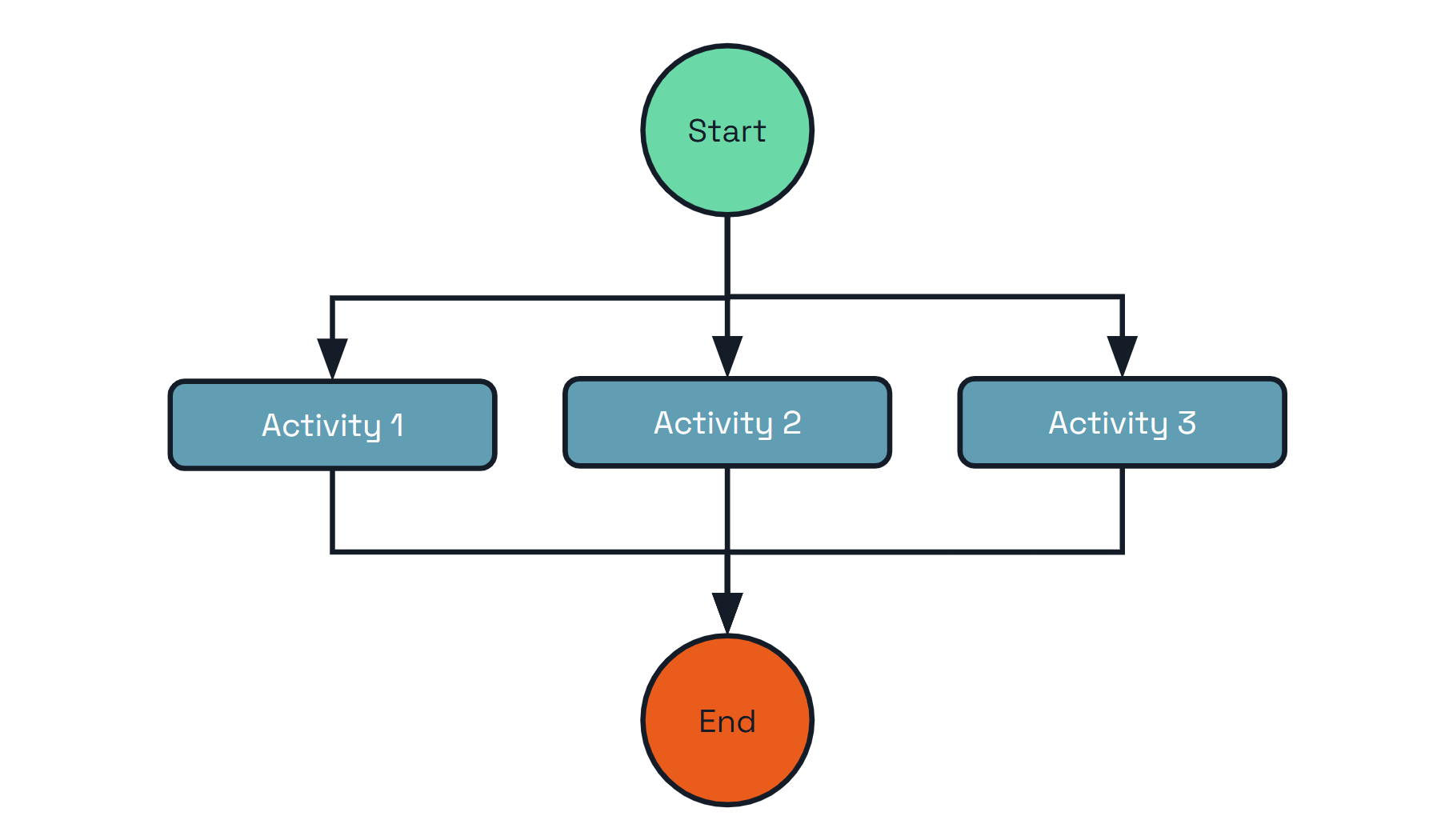
In addition to the challenges mentioned in the previous pattern, there are several important questions to consider when implementing the fan-out/fan-in pattern manually:
- How do you control the degree of parallelism?
- How do you know when to trigger subsequent aggregation steps?
- What if the number of parallel steps is dynamic?
Dapr Workflows provides a way to express the fan-out/fan-in pattern as a simple function, as shown in the following example:
# Start the workflow
dapr workflow run DataProcessingWorkflow \
--app-id processor \
--input '{"items": ["item1", "item2", "item3"]}'
# Monitor parallel execution
dapr workflow history <instance-id> --app-id processor --output json
import time
from typing import List
import dapr.ext.workflow as wf
def batch_processing_workflow(ctx: wf.DaprWorkflowContext, wf_input: int):
# get a batch of N work items to process in parallel
work_batch = yield ctx.call_activity(get_work_batch, input=wf_input)
# schedule N parallel tasks to process the work items and wait for all to complete
parallel_tasks = [ctx.call_activity(process_work_item, input=work_item) for work_item in work_batch]
outputs = yield wf.when_all(parallel_tasks)
# aggregate the results and send them to another activity
total = sum(outputs)
yield ctx.call_activity(process_results, input=total)
def get_work_batch(ctx, batch_size: int) -> List[int]:
return [i + 1 for i in range(batch_size)]
def process_work_item(ctx, work_item: int) -> int:
print(f'Processing work item: {work_item}.')
time.sleep(5)
result = work_item * 2
print(f'Work item {work_item} processed. Result: {result}.')
return result
def process_results(ctx, final_result: int):
print(f'Final result: {final_result}.')
import {
Task,
DaprWorkflowClient,
WorkflowActivityContext,
WorkflowContext,
WorkflowRuntime,
TWorkflow,
} from "@dapr/dapr";
// Wrap the entire code in an immediately-invoked async function
async function start() {
// Update the gRPC client and worker to use a local address and port
const daprHost = "localhost";
const daprPort = "50001";
const workflowClient = new DaprWorkflowClient({
daprHost,
daprPort,
});
const workflowRuntime = new WorkflowRuntime({
daprHost,
daprPort,
});
function getRandomInt(min: number, max: number): number {
return Math.floor(Math.random() * (max - min + 1)) + min;
}
async function getWorkItemsActivity(_: WorkflowActivityContext): Promise<string[]> {
const count: number = getRandomInt(2, 10);
console.log(`generating ${count} work items...`);
const workItems: string[] = Array.from({ length: count }, (_, i) => `work item ${i}`);
return workItems;
}
function sleep(ms: number): Promise<void> {
return new Promise((resolve) => setTimeout(resolve, ms));
}
async function processWorkItemActivity(context: WorkflowActivityContext, item: string): Promise<number> {
console.log(`processing work item: ${item}`);
// Simulate some work that takes a variable amount of time
const sleepTime = Math.random() * 5000;
await sleep(sleepTime);
// Return a result for the given work item, which is also a random number in this case
// For more information about random numbers in workflow please check
// https://learn.microsoft.com/azure/azure-functions/durable/durable-functions-code-constraints?tabpane=csharp#random-numbers
return Math.floor(Math.random() * 11);
}
const workflow: TWorkflow = async function* (ctx: WorkflowContext): any {
const tasks: Task<any>[] = [];
const workItems = yield ctx.callActivity(getWorkItemsActivity);
for (const workItem of workItems) {
tasks.push(ctx.callActivity(processWorkItemActivity, workItem));
}
const results: number[] = yield ctx.whenAll(tasks);
const sum: number = results.reduce((accumulator, currentValue) => accumulator + currentValue, 0);
return sum;
};
workflowRuntime.registerWorkflow(workflow);
workflowRuntime.registerActivity(getWorkItemsActivity);
workflowRuntime.registerActivity(processWorkItemActivity);
// Wrap the worker startup in a try-catch block to handle any errors during startup
try {
await workflowRuntime.start();
console.log("Worker started successfully");
} catch (error) {
console.error("Error starting worker:", error);
}
// Schedule a new orchestration
try {
const id = await workflowClient.scheduleNewWorkflow(workflow);
console.log(`Orchestration scheduled with ID: ${id}`);
// Wait for orchestration completion
const state = await workflowClient.waitForWorkflowCompletion(id, undefined, 30);
console.log(`Orchestration completed! Result: ${state?.serializedOutput}`);
} catch (error) {
console.error("Error scheduling or waiting for orchestration:", error);
}
// stop worker and client
await workflowRuntime.stop();
await workflowClient.stop();
// stop the dapr side car
process.exit(0);
}
start().catch((e) => {
console.error(e);
process.exit(1);
});
// Get a list of N work items to process in parallel.
object[] workBatch = await context.CallActivityAsync<object[]>("GetWorkBatch", null);
// Schedule the parallel tasks, but don't wait for them to complete yet.
var parallelTasks = new List<Task<int>>(workBatch.Length);
for (int i = 0; i < workBatch.Length; i++)
{
Task<int> task = context.CallActivityAsync<int>("ProcessWorkItem", workBatch[i]);
parallelTasks.Add(task);
}
// Everything is scheduled. Wait here until all parallel tasks have completed.
await Task.WhenAll(parallelTasks);
// Aggregate all N outputs and publish the result.
int sum = parallelTasks.Sum(t => t.Result);
await context.CallActivityAsync("PostResults", sum);
public class FaninoutWorkflow extends Workflow {
@Override
public WorkflowStub create() {
return ctx -> {
// Get a list of N work items to process in parallel.
Object[] workBatch = ctx.callActivity("GetWorkBatch", Object[].class).await();
// Schedule the parallel tasks, but don't wait for them to complete yet.
List<Task<Integer>> tasks = Arrays.stream(workBatch)
.map(workItem -> ctx.callActivity("ProcessWorkItem", workItem, int.class))
.collect(Collectors.toList());
// Everything is scheduled. Wait here until all parallel tasks have completed.
List<Integer> results = ctx.allOf(tasks).await();
// Aggregate all N outputs and publish the result.
int sum = results.stream().mapToInt(Integer::intValue).sum();
ctx.complete(sum);
};
}
}
func BatchProcessingWorkflow(ctx *workflow.WorkflowContext) (any, error) {
var input int
if err := ctx.GetInput(&input); err != nil {
return 0, err
}
var workBatch []int
if err := ctx.CallActivity(GetWorkBatch, workflow.ActivityInput(input)).Await(&workBatch); err != nil {
return 0, err
}
parallelTasks := workflow.NewTaskSlice(len(workBatch))
for i, workItem := range workBatch {
parallelTasks[i] = ctx.CallActivity(ProcessWorkItem, workflow.ActivityInput(workItem))
}
var outputs int
for _, task := range parallelTasks {
var output int
err := task.Await(&output)
if err == nil {
outputs += output
} else {
return 0, err
}
}
if err := ctx.CallActivity(ProcessResults, workflow.ActivityInput(outputs)).Await(nil); err != nil {
return 0, err
}
return 0, nil
}
func GetWorkBatch(ctx workflow.ActivityContext) (any, error) {
var batchSize int
if err := ctx.GetInput(&batchSize); err != nil {
return 0, err
}
batch := make([]int, batchSize)
for i := 0; i < batchSize; i++ {
batch[i] = i
}
return batch, nil
}
func ProcessWorkItem(ctx workflow.ActivityContext) (any, error) {
var workItem int
if err := ctx.GetInput(&workItem); err != nil {
return 0, err
}
fmt.Printf("Processing work item: %d\n", workItem)
time.Sleep(time.Second * 5)
result := workItem * 2
fmt.Printf("Work item %d processed. Result: %d\n", workItem, result)
return result, nil
}
func ProcessResults(ctx workflow.ActivityContext) (any, error) {
var finalResult int
if err := ctx.GetInput(&finalResult); err != nil {
return 0, err
}
fmt.Printf("Final result: %d\n", finalResult)
return finalResult, nil
}
The key takeaways from this example are:
- The fan-out/fan-in pattern can be expressed as a simple function using ordinary programming constructs
- The number of parallel tasks can be static or dynamic
- The workflow itself is capable of aggregating the results of parallel executions
Furthermore, the execution of the workflow is durable. If a workflow starts 100 parallel task executions and only 40 complete before the process crashes, the workflow restarts itself automatically and only schedules the remaining 60 tasks.
It’s possible to go further and limit the degree of concurrency using simple, language-specific constructs. The sample code below illustrates how to restrict the degree of fan-out to just 5 concurrent activity executions:
//Revisiting the earlier example...
// Get a list of N work items to process in parallel.
object[] workBatch = await context.CallActivityAsync<object[]>("GetWorkBatch", null);
const int MaxParallelism = 5;
var results = new List<int>();
var inFlightTasks = new HashSet<Task<int>>();
foreach(var workItem in workBatch)
{
if (inFlightTasks.Count >= MaxParallelism)
{
var finishedTask = await Task.WhenAny(inFlightTasks);
results.Add(finishedTask.Result);
inFlightTasks.Remove(finishedTask);
}
inFlightTasks.Add(context.CallActivityAsync<int>("ProcessWorkItem", workItem));
}
results.AddRange(await Task.WhenAll(inFlightTasks));
var sum = results.Sum(t => t);
await context.CallActivityAsync("PostResults", sum);
You can process workflow activities in parallel while putting an upper cap on concurrency by using the following extension methods on the WorkflowContext:
//Revisiting the earlier example...
// Get a list of work items to process
var workBatch = await context.CallActivityAsync<object[]>("GetWorkBatch", null);
// Process deterministically in parallel with an upper cap of 5 activities at a time
var results = await context.ProcessInParallelAsync(workBatch, workItem => context.CallActivityAsync<int>("ProcessWorkItem", workItem), maxConcurrency: 5);
var sum = results.Sum(t => t);
await context.CallActivityAsync("PostResults", sum);
Limiting the degree of concurrency in this way can be useful for limiting contention against shared resources. For example, if the activities need to call into external resources that have their own concurrency limits, like a databases or external APIs, it can be useful to ensure that no more than a specified number of activities call that resource concurrently.
Async HTTP APIs
Asynchronous HTTP APIs are typically implemented using the Asynchronous Request-Reply pattern. Implementing this pattern traditionally involves the following:
- A client sends a request to an HTTP API endpoint (the start API)
- The start API writes a message to a backend queue, which triggers the start of a long-running operation
- Immediately after scheduling the backend operation, the start API returns an HTTP 202 response to the client with an identifier that can be used to poll for status
- The status API queries a database that contains the status of the long-running operation
- The client repeatedly polls the status API either until some timeout expires or it receives a “completion” response
The end-to-end flow is illustrated in the following diagram.
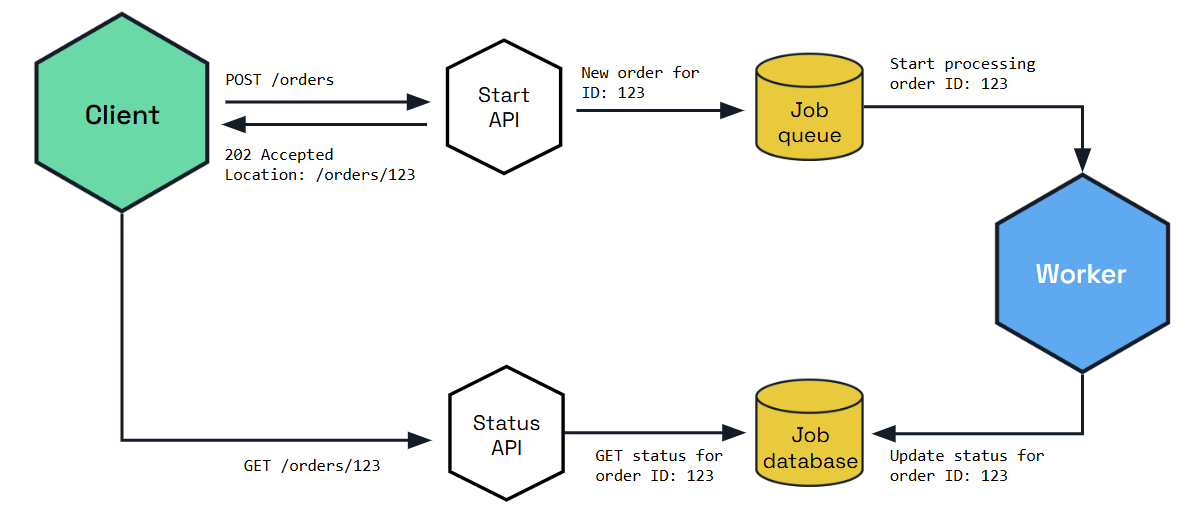
The challenge with implementing the asynchronous request-reply pattern is that it involves the use of multiple APIs and state stores. It also involves implementing the protocol correctly so that the client knows how to automatically poll for status and know when the operation is complete.
The Dapr workflow HTTP API supports the asynchronous request-reply pattern out-of-the box, without requiring you to write any code or do any state management.
The following curl commands illustrate how the workflow APIs support this pattern.
curl -X POST http://localhost:3500/v1.0/workflows/dapr/OrderProcessingWorkflow/start?instanceID=12345678 -d '{"Name":"Paperclips","Quantity":1,"TotalCost":9.95}'
The previous command will result in the following response JSON:
{"instanceID":"12345678"}
The HTTP client can then construct the status query URL using the workflow instance ID and poll it repeatedly until it sees the “COMPLETE”, “FAILURE”, or “TERMINATED” status in the payload.
curl http://localhost:3500/v1.0/workflows/dapr/12345678
The following is an example of what an in-progress workflow status might look like.
{
"instanceID": "12345678",
"workflowName": "OrderProcessingWorkflow",
"createdAt": "2023-05-03T23:22:11.143069826Z",
"lastUpdatedAt": "2023-05-03T23:22:22.460025267Z",
"runtimeStatus": "RUNNING",
"properties": {
"dapr.workflow.custom_status": "",
"dapr.workflow.input": "{\"Name\":\"Paperclips\",\"Quantity\":1,\"TotalCost\":9.95}"
}
}
As you can see from the previous example, the workflow’s runtime status is RUNNING, which lets the client know that it should continue polling.
If the workflow has completed, the status might look as follows.
{
"instanceID": "12345678",
"workflowName": "OrderProcessingWorkflow",
"createdAt": "2023-05-03T23:30:11.381146313Z",
"lastUpdatedAt": "2023-05-03T23:30:52.923870615Z",
"runtimeStatus": "COMPLETED",
"properties": {
"dapr.workflow.custom_status": "",
"dapr.workflow.input": "{\"Name\":\"Paperclips\",\"Quantity\":1,\"TotalCost\":9.95}",
"dapr.workflow.output": "{\"Processed\":true}"
}
}
As you can see from the previous example, the runtime status of the workflow is now COMPLETED, which means the client can stop polling for updates.
Monitor
The monitor pattern is recurring process that typically:
- Checks the status of a system
- Takes some action based on that status - e.g. send a notification
- Sleeps for some period of time
- Repeat
The following diagram provides a rough illustration of this pattern.
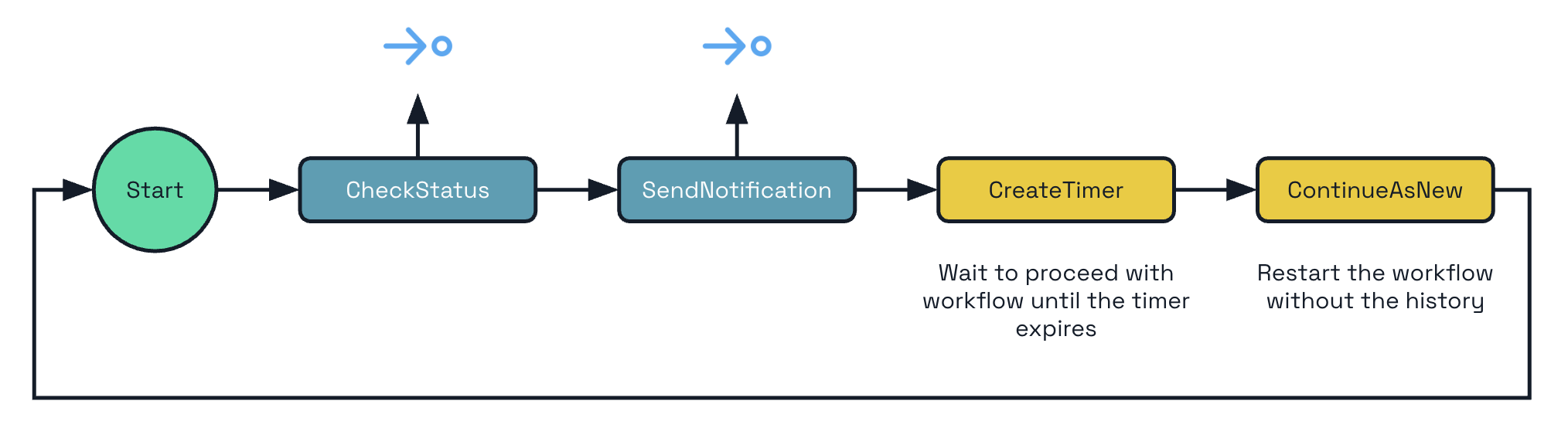
Depending on the business needs, there may be a single monitor or there may be multiple monitors, one for each business entity (for example, a stock). Furthermore, the amount of time to sleep may need to change, depending on the circumstances. These requirements make using cron-based scheduling systems impractical.
Dapr Workflow supports this pattern natively by allowing you to implement eternal workflows. Rather than writing infinite while-loops (which is an anti-pattern), Dapr Workflow exposes a continue-as-new API that workflow authors can use to restart a workflow function from the beginning with a new input.
Note
Continue-as-new restarts the workflow immediately and discards the results of any incomplete tasks - including activities, timers, and child workflows that were started but not awaited.from dataclasses import dataclass
from datetime import timedelta
import random
import dapr.ext.workflow as wf
@dataclass
class JobStatus:
job_id: str
is_healthy: bool
def status_monitor_workflow(ctx: wf.DaprWorkflowContext, job: JobStatus):
# poll a status endpoint associated with this job
status = yield ctx.call_activity(check_status, input=job)
if not ctx.is_replaying:
print(f"Job '{job.job_id}' is {status}.")
if status == "healthy":
job.is_healthy = True
next_sleep_interval = 60 # check less frequently when healthy
else:
if job.is_healthy:
job.is_healthy = False
ctx.call_activity(send_alert, input=f"Job '{job.job_id}' is unhealthy!")
next_sleep_interval = 5 # check more frequently when unhealthy
yield ctx.create_timer(fire_at=ctx.current_utc_datetime + timedelta(minutes=next_sleep_interval))
# restart from the beginning with a new JobStatus input
ctx.continue_as_new(job)
def check_status(ctx, _) -> str:
return random.choice(["healthy", "unhealthy"])
def send_alert(ctx, message: str):
print(f'*** Alert: {message}')
const statusMonitorWorkflow: TWorkflow = async function* (ctx: WorkflowContext): any {
let duration;
const status = yield ctx.callActivity(checkStatusActivity);
if (status === "healthy") {
// Check less frequently when in a healthy state
duration = 60 * 60;
} else {
yield ctx.callActivity(alertActivity, "job unhealthy");
// Check more frequently when in an unhealthy state
duration = 5 * 60;
}
// Put the workflow to sleep until the determined time
ctx.createTimer(duration);
// Restart from the beginning with the updated state
ctx.continueAsNew();
};
public override async Task<object> RunAsync(WorkflowContext context, MyEntityState myEntityState)
{
TimeSpan nextSleepInterval;
var status = await context.CallActivityAsync<string>("GetStatus");
if (status == "healthy")
{
myEntityState.IsHealthy = true;
// Check less frequently when in a healthy state
nextSleepInterval = TimeSpan.FromMinutes(60);
}
else
{
if (myEntityState.IsHealthy)
{
myEntityState.IsHealthy = false;
await context.CallActivityAsync("SendAlert", myEntityState);
}
// Check more frequently when in an unhealthy state
nextSleepInterval = TimeSpan.FromMinutes(5);
}
// Put the workflow to sleep until the determined time
await context.CreateTimer(nextSleepInterval);
// Restart from the beginning with the updated state
context.ContinueAsNew(myEntityState);
return null;
}
This example assumes you have a predefined
MyEntityStateclass with a booleanIsHealthyproperty.
public class MonitorWorkflow extends Workflow {
@Override
public WorkflowStub create() {
return ctx -> {
Duration nextSleepInterval;
var status = ctx.callActivity(DemoWorkflowStatusActivity.class.getName(), DemoStatusActivityOutput.class).await();
var isHealthy = status.getIsHealthy();
if (isHealthy) {
// Check less frequently when in a healthy state
nextSleepInterval = Duration.ofMinutes(60);
} else {
ctx.callActivity(DemoWorkflowAlertActivity.class.getName()).await();
// Check more frequently when in an unhealthy state
nextSleepInterval = Duration.ofMinutes(5);
}
// Put the workflow to sleep until the determined time
try {
ctx.createTimer(nextSleepInterval);
} catch (InterruptedException e) {
throw new RuntimeException(e);
}
// Restart from the beginning with the updated state
ctx.continueAsNew();
}
}
}
type JobStatus struct {
JobID string `json:"job_id"`
IsHealthy bool `json:"is_healthy"`
}
func StatusMonitorWorkflow(ctx *workflow.WorkflowContext) (any, error) {
var sleepInterval time.Duration
var job JobStatus
if err := ctx.GetInput(&job); err != nil {
return "", err
}
var status string
if err := ctx.CallActivity(CheckStatus, workflow.ActivityInput(job)).Await(&status); err != nil {
return "", err
}
if status == "healthy" {
job.IsHealthy = true
sleepInterval = time.Minutes * 60
} else {
if job.IsHealthy {
job.IsHealthy = false
err := ctx.CallActivity(SendAlert, workflow.ActivityInput(fmt.Sprintf("Job '%s' is unhealthy!", job.JobID))).Await(nil)
if err != nil {
return "", err
}
}
sleepInterval = time.Minutes * 5
}
if err := ctx.CreateTimer(sleepInterval).Await(nil); err != nil {
return "", err
}
ctx.ContinueAsNew(job, false)
return "", nil
}
func CheckStatus(ctx workflow.ActivityContext) (any, error) {
statuses := []string{"healthy", "unhealthy"}
return statuses[rand.Intn(1)], nil
}
func SendAlert(ctx workflow.ActivityContext) (any, error) {
var message string
if err := ctx.GetInput(&message); err != nil {
return "", err
}
fmt.Printf("*** Alert: %s", message)
return "", nil
}
A workflow implementing the monitor pattern can loop forever or it can terminate itself gracefully by not calling continue-as-new.
Note
This pattern can also be expressed using actors and reminders. The difference is that this workflow is expressed as a single function with inputs and state stored in local variables. Workflows can also execute a sequence of actions with stronger reliability guarantees, if necessary.External system interaction
In some cases, a workflow may need to pause and wait for an external system to perform some action. For example, a workflow may need to pause and wait for a payment to be received. In this case, a payment system might publish an event to a pub/sub topic on receipt of a payment, and a listener on that topic can raise an event to the workflow using the raise event workflow API.
Another very common scenario is when a workflow needs to pause and wait for a human, for example when approving a purchase order. Dapr Workflow supports this event pattern via the external events feature.
Here’s an example workflow for a purchase order involving a human:
- A workflow is triggered when a purchase order is received.
- A rule in the workflow determines that a human needs to perform some action. For example, the purchase order cost exceeds a certain auto-approval threshold.
- The workflow sends a notification requesting a human action. For example, it sends an email with an approval link to a designated approver.
- The workflow pauses and waits for the human to either approve or reject the order by clicking on a link.
- If the approval isn’t received within the specified time, the workflow resumes and performs some compensation logic, such as canceling the order.
The following diagram illustrates this flow.
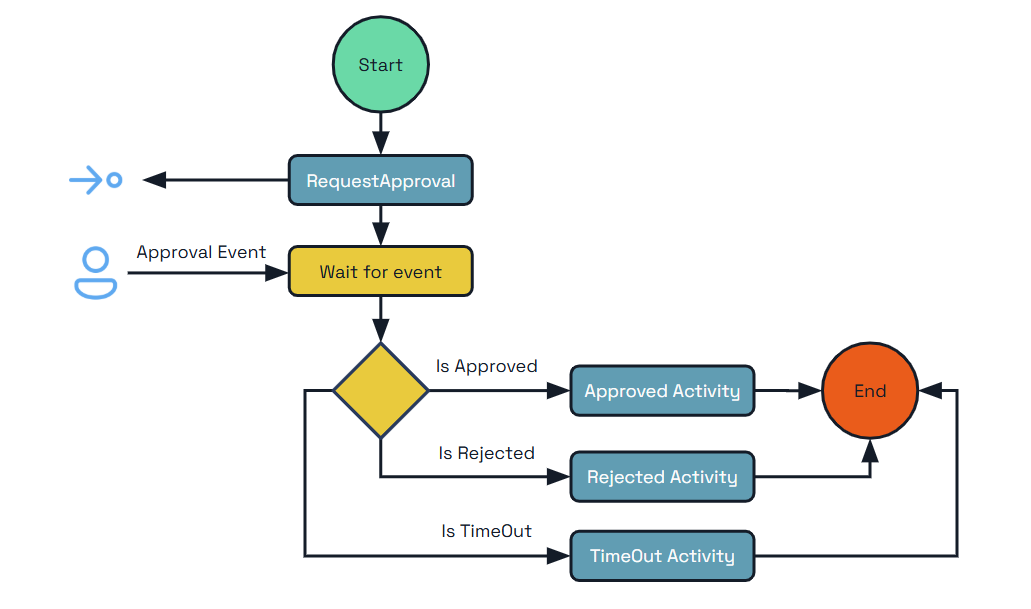
The following example code shows how this pattern can be implemented using Dapr Workflow.
from dataclasses import dataclass
from datetime import timedelta
import dapr.ext.workflow as wf
@dataclass
class Order:
cost: float
product: str
quantity: int
def __str__(self):
return f'{self.product} ({self.quantity})'
@dataclass
class Approval:
approver: str
@staticmethod
def from_dict(dict):
return Approval(**dict)
def purchase_order_workflow(ctx: wf.DaprWorkflowContext, order: Order):
# Orders under $1000 are auto-approved
if order.cost < 1000:
return "Auto-approved"
# Orders of $1000 or more require manager approval
yield ctx.call_activity(send_approval_request, input=order)
# Approvals must be received within 24 hours or they will be canceled.
approval_event = ctx.wait_for_external_event("approval_received")
timeout_event = ctx.create_timer(timedelta(hours=24))
winner = yield wf.when_any([approval_event, timeout_event])
if winner == timeout_event:
return "Cancelled"
# The order was approved
yield ctx.call_activity(place_order, input=order)
approval_details = Approval.from_dict(approval_event.get_result())
return f"Approved by '{approval_details.approver}'"
def send_approval_request(_, order: Order) -> None:
print(f'*** Sending approval request for order: {order}')
def place_order(_, order: Order) -> None:
print(f'*** Placing order: {order}')
import {
Task,
DaprWorkflowClient,
WorkflowActivityContext,
WorkflowContext,
WorkflowRuntime,
TWorkflow,
} from "@dapr/dapr";
import * as readlineSync from "readline-sync";
// Wrap the entire code in an immediately-invoked async function
async function start() {
class Order {
cost: number;
product: string;
quantity: number;
constructor(cost: number, product: string, quantity: number) {
this.cost = cost;
this.product = product;
this.quantity = quantity;
}
}
function sleep(ms: number): Promise<void> {
return new Promise((resolve) => setTimeout(resolve, ms));
}
// Update the gRPC client and worker to use a local address and port
const daprHost = "localhost";
const daprPort = "50001";
const workflowClient = new DaprWorkflowClient({
daprHost,
daprPort,
});
const workflowRuntime = new WorkflowRuntime({
daprHost,
daprPort,
});
// Activity function that sends an approval request to the manager
const sendApprovalRequest = async (_: WorkflowActivityContext, order: Order) => {
// Simulate some work that takes an amount of time
await sleep(3000);
console.log(`Sending approval request for order: ${order.product}`);
};
// Activity function that places an order
const placeOrder = async (_: WorkflowActivityContext, order: Order) => {
console.log(`Placing order: ${order.product}`);
};
// Orchestrator function that represents a purchase order workflow
const purchaseOrderWorkflow: TWorkflow = async function* (ctx: WorkflowContext, order: Order): any {
// Orders under $1000 are auto-approved
if (order.cost < 1000) {
return "Auto-approved";
}
// Orders of $1000 or more require manager approval
yield ctx.callActivity(sendApprovalRequest, order);
// Approvals must be received within 24 hours or they will be cancelled.
const tasks: Task<any>[] = [];
const approvalEvent = ctx.waitForExternalEvent("approval_received");
const timeoutEvent = ctx.createTimer(24 * 60 * 60);
tasks.push(approvalEvent);
tasks.push(timeoutEvent);
const winner = ctx.whenAny(tasks);
if (winner == timeoutEvent) {
return "Cancelled";
}
yield ctx.callActivity(placeOrder, order);
const approvalDetails = approvalEvent.getResult();
return `Approved by ${approvalDetails.approver}`;
};
workflowRuntime
.registerWorkflow(purchaseOrderWorkflow)
.registerActivity(sendApprovalRequest)
.registerActivity(placeOrder);
// Wrap the worker startup in a try-catch block to handle any errors during startup
try {
await workflowRuntime.start();
console.log("Worker started successfully");
} catch (error) {
console.error("Error starting worker:", error);
}
// Schedule a new orchestration
try {
const cost = readlineSync.questionInt("Cost of your order:");
const approver = readlineSync.question("Approver of your order:");
const timeout = readlineSync.questionInt("Timeout for your order in seconds:");
const order = new Order(cost, "MyProduct", 1);
const id = await workflowClient.scheduleNewWorkflow(purchaseOrderWorkflow, order);
console.log(`Orchestration scheduled with ID: ${id}`);
// prompt for approval asynchronously
promptForApproval(approver, workflowClient, id);
// Wait for orchestration completion
const state = await workflowClient.waitForWorkflowCompletion(id, undefined, timeout + 2);
console.log(`Orchestration completed! Result: ${state?.serializedOutput}`);
} catch (error) {
console.error("Error scheduling or waiting for orchestration:", error);
}
// stop worker and client
await workflowRuntime.stop();
await workflowClient.stop();
// stop the dapr side car
process.exit(0);
}
async function promptForApproval(approver: string, workflowClient: DaprWorkflowClient, id: string) {
if (readlineSync.keyInYN("Press [Y] to approve the order... Y/yes, N/no")) {
const approvalEvent = { approver: approver };
await workflowClient.raiseEvent(id, "approval_received", approvalEvent);
} else {
return "Order rejected";
}
}
start().catch((e) => {
console.error(e);
process.exit(1);
});
public override async Task<OrderResult> RunAsync(WorkflowContext context, OrderPayload order)
{
// Initial business logic (e.g. inventory check)
// Require orders over a certain threshold to be approved
if (order.TotalCost > OrderApprovalThreshold)
{
try
{
// Request human approval for this order
await context.CallActivityAsync(nameof(RequestApprovalActivity), order);
// Pause and wait for a human to approve the order
ApprovalResult approvalResult = await context.WaitForExternalEventAsync<ApprovalResult>(
eventName: "ManagerApproval",
timeout: TimeSpan.FromDays(3));
if (approvalResult == ApprovalResult.Rejected)
{
// The order was rejected, end the workflow here
return new OrderResult(Processed: false);
}
}
catch (TaskCanceledException)
{
// An approval timeout results in automatic order cancellation
return new OrderResult(Processed: false);
}
}
// Final business logic (e.g. shipping confirmation)
// End the workflow with a success result
return new OrderResult(Processed: true);
}
Note In the example above,
RequestApprovalActivityis the name of a workflow activity to invoke andApprovalResultis an enumeration defined by the workflow app. For brevity, these definitions were left out of the example code.
public class ExternalSystemInteractionWorkflow extends Workflow {
@Override
public WorkflowStub create() {
return ctx -> {
// Initial business logic (e.g. inventory check)
Integer orderCost = ctx.getInput(int.class);
// Require orders over a certain threshold to be approved
if (orderCost > ORDER_APPROVAL_THRESHOLD) {
try {
// Request human approval for this order
ctx.callActivity("RequestApprovalActivity", orderCost, Void.class).await();
// Pause and wait for a human to approve the order
boolean approved = ctx.waitForExternalEvent("ManagerApproval", Duration.ofDays(3), boolean.class).await();
if (!approved) {
// The order was rejected, end the workflow here
ctx.complete("Process reject");
}
} catch (TaskCanceledException e) {
// An approval timeout results in automatic order cancellation
ctx.complete("Process cancel");
}
}
// Final business logic (e.g. shipping confirmation)
// End the workflow with a success result
ctx.complete("Process approved");
};
}
}
type Order struct {
Cost float64 `json:"cost"`
Product string `json:"product"`
Quantity int `json:"quantity"`
}
type Approval struct {
Approver string `json:"approver"`
}
func PurchaseOrderWorkflow(ctx *workflow.WorkflowContext) (any, error) {
var order Order
if err := ctx.GetInput(&order); err != nil {
return "", err
}
// Orders under $1000 are auto-approved
if order.Cost < 1000 {
return "Auto-approved", nil
}
// Orders of $1000 or more require manager approval
if err := ctx.CallActivity(SendApprovalRequest, workflow.ActivityInput(order)).Await(nil); err != nil {
return "", err
}
// Approvals must be received within 24 hours or they will be cancelled
var approval Approval
if err := ctx.WaitForExternalEvent("approval_received", time.Hour*24).Await(&approval); err != nil {
// Assuming that a timeout has taken place - in any case; an error.
return "error/cancelled", err
}
// The order was approved
if err := ctx.CallActivity(PlaceOrder, workflow.ActivityInput(order)).Await(nil); err != nil {
return "", err
}
return fmt.Sprintf("Approved by %s", approval.Approver), nil
}
func SendApprovalRequest(ctx workflow.ActivityContext) (any, error) {
var order Order
if err := ctx.GetInput(&order); err != nil {
return "", err
}
fmt.Printf("*** Sending approval request for order: %v\n", order)
return "", nil
}
func PlaceOrder(ctx workflow.ActivityContext) (any, error) {
var order Order
if err := ctx.GetInput(&order); err != nil {
return "", err
}
fmt.Printf("*** Placing order: %v", order)
return "", nil
}
The code that delivers the event to resume the workflow execution is external to the workflow. Workflow events can be delivered to a waiting workflow instance using the raise event workflow management API, as shown in the following example:
from dapr.clients import DaprClient
from dataclasses import asdict
with DaprClient() as d:
d.raise_workflow_event(
instance_id=instance_id,
workflow_component="dapr",
event_name="approval_received",
event_data=asdict(Approval("Jane Doe")))
import { DaprClient } from "@dapr/dapr";
public async raiseEvent(workflowInstanceId: string, eventName: string, eventPayload?: any) {
this._innerClient.raiseOrchestrationEvent(workflowInstanceId, eventName, eventPayload);
}
// Raise the workflow event to the waiting workflow
await daprClient.RaiseWorkflowEventAsync(
instanceId: orderId,
workflowComponent: "dapr",
eventName: "ManagerApproval",
eventData: ApprovalResult.Approved);
System.out.println("**SendExternalMessage: RestartEvent**");
client.raiseEvent(restartingInstanceId, "RestartEvent", "RestartEventPayload");
func raiseEvent() {
daprClient, err := client.NewClient()
if err != nil {
log.Fatalf("failed to initialize the client")
}
err = daprClient.RaiseEventWorkflow(context.Background(), &client.RaiseEventWorkflowRequest{
InstanceID: "instance_id",
WorkflowComponent: "dapr",
EventName: "approval_received",
EventData: Approval{
Approver: "Jane Doe",
},
})
if err != nil {
log.Fatalf("failed to raise event on workflow")
}
log.Println("raised an event on specified workflow")
}
External events don’t have to be directly triggered by humans. They can also be triggered by other systems. For example, a workflow may need to pause and wait for a payment to be received. In this case, a payment system might publish an event to a pub/sub topic on receipt of a payment, and a listener on that topic can raise an event to the workflow using the raise event workflow API.
Compensation
The compensation pattern (also known as the saga pattern) provides a mechanism for rolling back or undoing operations that have already been executed when a workflow fails partway through. This pattern is particularly important for long-running workflows that span multiple microservices where traditional database transactions are not feasible.
In distributed microservice architectures, you often need to coordinate operations across multiple services. When these operations cannot be wrapped in a single transaction, the compensation pattern provides a way to maintain consistency by defining compensating actions for each step in the workflow.
The compensation pattern addresses several critical challenges:
- Distributed Transaction Management: When a workflow spans multiple microservices, each with their own data stores, traditional ACID transactions are not possible. The compensation pattern provides transactional consistency by ensuring operations are either all completed successfully or all undone through compensation.
- Partial Failure Recovery: If a workflow fails after some steps have completed successfully, the compensation pattern allows you to undo those completed steps gracefully.
- Business Process Integrity: Ensures that business processes can be properly rolled back in case of failures, maintaining the integrity of your business operations.
- Long-Running Processes: For workflows that may run for hours, days, or longer, traditional locking mechanisms are impractical. Compensation provides a way to handle failures in these scenarios.
Common use cases for the compensation pattern include:
- E-commerce Order Processing: Reserve inventory, charge payment, and ship orders. If shipping fails, you need to release the inventory and refund the payment.
- Financial Transactions: In a money transfer, if crediting the destination account fails, you need to rollback the debit from the source account.
- Resource Provisioning: When provisioning cloud resources across multiple providers, if one step fails, you need to clean up all previously provisioned resources.
- Multi-Step Business Processes: Any business process that involves multiple irreversible steps that may need to be undone in case of later failures.
Dapr Workflow provides support for the compensation pattern, allowing you to register compensation activities for each step and execute them in reverse order when needed.
Here’s an example workflow for an e-commerce process:
- A workflow is triggered when an order is received.
- A reservation is made for the order in the inventory.
- The payment is processed.
- The order is shipped.
- If any of the above actions results in an error, the actions are compensated with another action:
- The shipment is canceled.
- The payment is refunded.
- The inventory reservation is released.
The following diagram illustrates this flow.
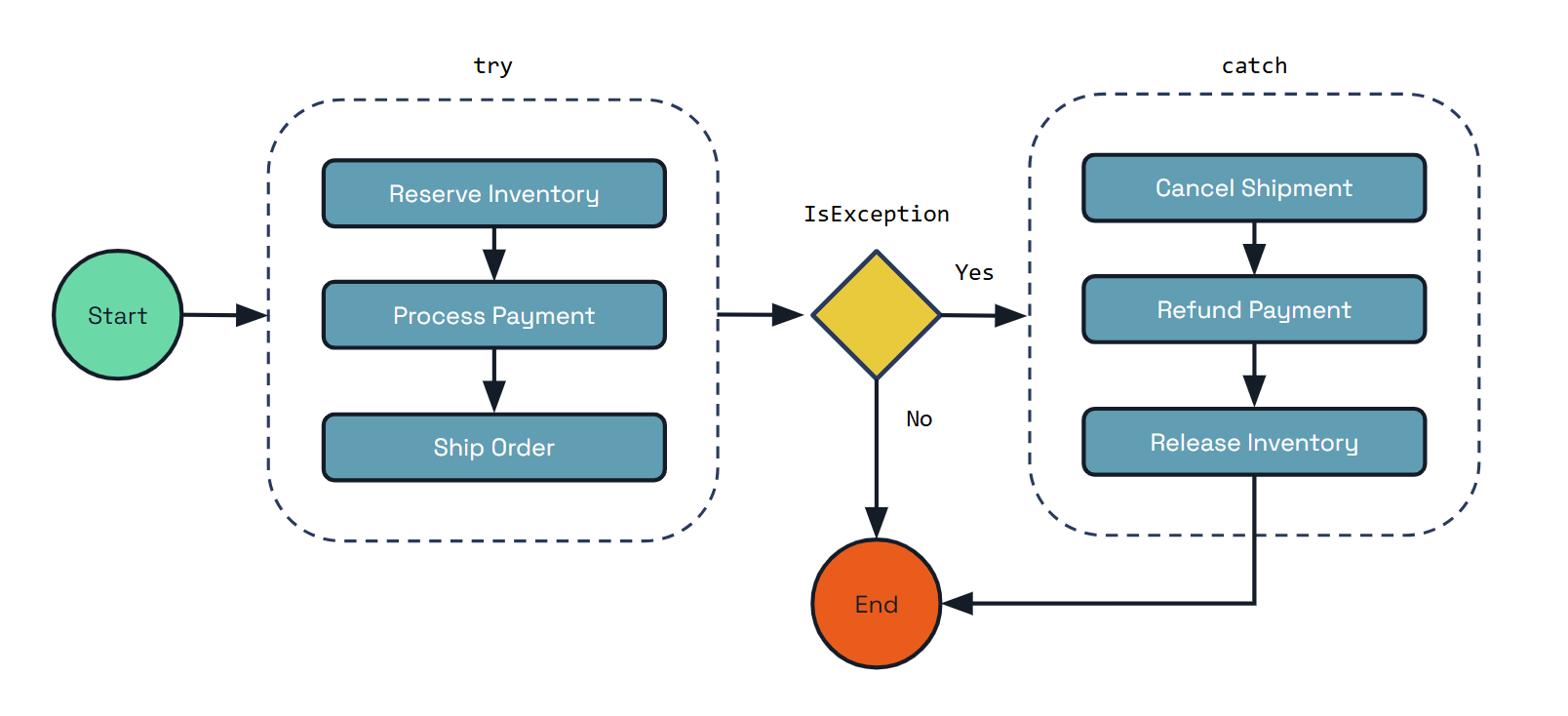
public class PaymentProcessingWorkflow implements Workflow {
@Override
public WorkflowStub create() {
return ctx -> {
ctx.getLogger().info("Starting Workflow: " + ctx.getName());
var orderId = ctx.getInput(String.class);
List<String> compensations = new ArrayList<>();
try {
// Step 1: Reserve inventory
String reservationId = ctx.callActivity(ReserveInventoryActivity.class.getName(), orderId, String.class).await();
ctx.getLogger().info("Inventory reserved: {}", reservationId);
compensations.add("ReleaseInventory");
// Step 2: Process payment
String paymentId = ctx.callActivity(ProcessPaymentActivity.class.getName(), orderId, String.class).await();
ctx.getLogger().info("Payment processed: {}", paymentId);
compensations.add("RefundPayment");
// Step 3: Ship order
String shipmentId = ctx.callActivity(ShipOrderActivity.class.getName(), orderId, String.class).await();
ctx.getLogger().info("Order shipped: {}", shipmentId);
compensations.add("CancelShipment");
} catch (TaskFailedException e) {
ctx.getLogger().error("Activity failed: {}", e.getMessage());
// Execute compensations in reverse order
Collections.reverse(compensations);
for (String compensation : compensations) {
try {
switch (compensation) {
case "CancelShipment":
String shipmentCancelResult = ctx.callActivity(
CancelShipmentActivity.class.getName(),
orderId,
String.class).await();
ctx.getLogger().info("Shipment cancellation completed: {}", shipmentCancelResult);
break;
case "RefundPayment":
String refundResult = ctx.callActivity(
RefundPaymentActivity.class.getName(),
orderId,
String.class).await();
ctx.getLogger().info("Payment refund completed: {}", refundResult);
break;
case "ReleaseInventory":
String releaseResult = ctx.callActivity(
ReleaseInventoryActivity.class.getName(),
orderId,
String.class).await();
ctx.getLogger().info("Inventory release completed: {}", releaseResult);
break;
}
} catch (TaskFailedException ex) {
ctx.getLogger().error("Compensation activity failed: {}", ex.getMessage());
}
}
ctx.complete("Order processing failed, compensation applied");
}
// Step 4: Send confirmation
ctx.callActivity(SendConfirmationActivity.class.getName(), orderId, Void.class).await();
ctx.getLogger().info("Confirmation sent for order: {}", orderId);
ctx.complete("Order processed successfully: " + orderId);
};
}
}
// Example activities
class ReserveInventoryActivity implements WorkflowActivity {
@Override
public Object run(WorkflowActivityContext ctx) {
String orderId = ctx.getInput(String.class);
// Logic to reserve inventory
String reservationId = "reservation_" + orderId;
System.out.println("Reserved inventory for order: " + orderId);
return reservationId;
}
}
class ReleaseInventoryActivity implements WorkflowActivity {
@Override
public Object run(WorkflowActivityContext ctx) {
String reservationId = ctx.getInput(String.class);
// Logic to release inventory reservation
System.out.println("Released inventory reservation: " + reservationId);
return "Released: " + reservationId;
}
}
class ProcessPaymentActivity implements WorkflowActivity {
@Override
public Object run(WorkflowActivityContext ctx) {
String orderId = ctx.getInput(String.class);
// Logic to process payment
String paymentId = "payment_" + orderId;
System.out.println("Processed payment for order: " + orderId);
return paymentId;
}
}
class RefundPaymentActivity implements WorkflowActivity {
@Override
public Object run(WorkflowActivityContext ctx) {
String paymentId = ctx.getInput(String.class);
// Logic to refund payment
System.out.println("Refunded payment: " + paymentId);
return "Refunded: " + paymentId;
}
}
class ShipOrderActivity implements WorkflowActivity {
@Override
public Object run(WorkflowActivityContext ctx) {
String orderId = ctx.getInput(String.class);
// Logic to ship order
String shipmentId = "shipment_" + orderId;
System.out.println("Shipped order: " + orderId);
return shipmentId;
}
}
class CancelShipmentActivity implements WorkflowActivity {
@Override
public Object run(WorkflowActivityContext ctx) {
String shipmentId = ctx.getInput(String.class);
// Logic to cancel shipment
System.out.println("Canceled shipment: " + shipmentId);
return "Canceled: " + shipmentId;
}
}
class SendConfirmationActivity implements WorkflowActivity {
@Override
public Object run(WorkflowActivityContext ctx) {
String orderId = ctx.getInput(String.class);
// Logic to send confirmation
System.out.println("Sent confirmation for order: " + orderId);
return null;
}
}
The key benefits of using Dapr Workflow’s compensation pattern include:
- Compensation Control: You have full control over when and how compensation activities are executed.
- Flexible Configuration: You can implement custom logic for determining which compensations to run.
- Error Handling: Handle compensation failures according to your specific business requirements.
- Simple Implementation: No additional framework dependencies - just standard workflow activities and exception handling.
The compensation pattern ensures that your distributed workflows can maintain consistency and recover gracefully from failures, making it an essential tool for building reliable microservice architectures.
Next steps
Workflow architecture >>Related links
- Try out Dapr Workflows using the quickstart
- Workflow overview
- Workflow API reference
- Try out the following examples:
1.1.8 - Workflow architecture
Dapr Workflows allow developers to define workflows using ordinary code in a variety of programming languages. The workflow engine runs inside of the Dapr sidecar and orchestrates workflow code deployed as part of your application. Dapr Workflows are built on top of Dapr Actors providing durability and scalability for workflow execution.
This article describes:
- The architecture of the Dapr Workflow engine
- How the workflow engine interacts with application code
- How the workflow engine fits into the overall Dapr architecture
- How different workflow backends can work with workflow engine
For more information on how to author Dapr Workflows in your application, see How to: Author a workflow.
The Dapr Workflow engine is internally powered by Dapr’s actor runtime. The following diagram illustrates the Dapr Workflow architecture in Kubernetes mode:
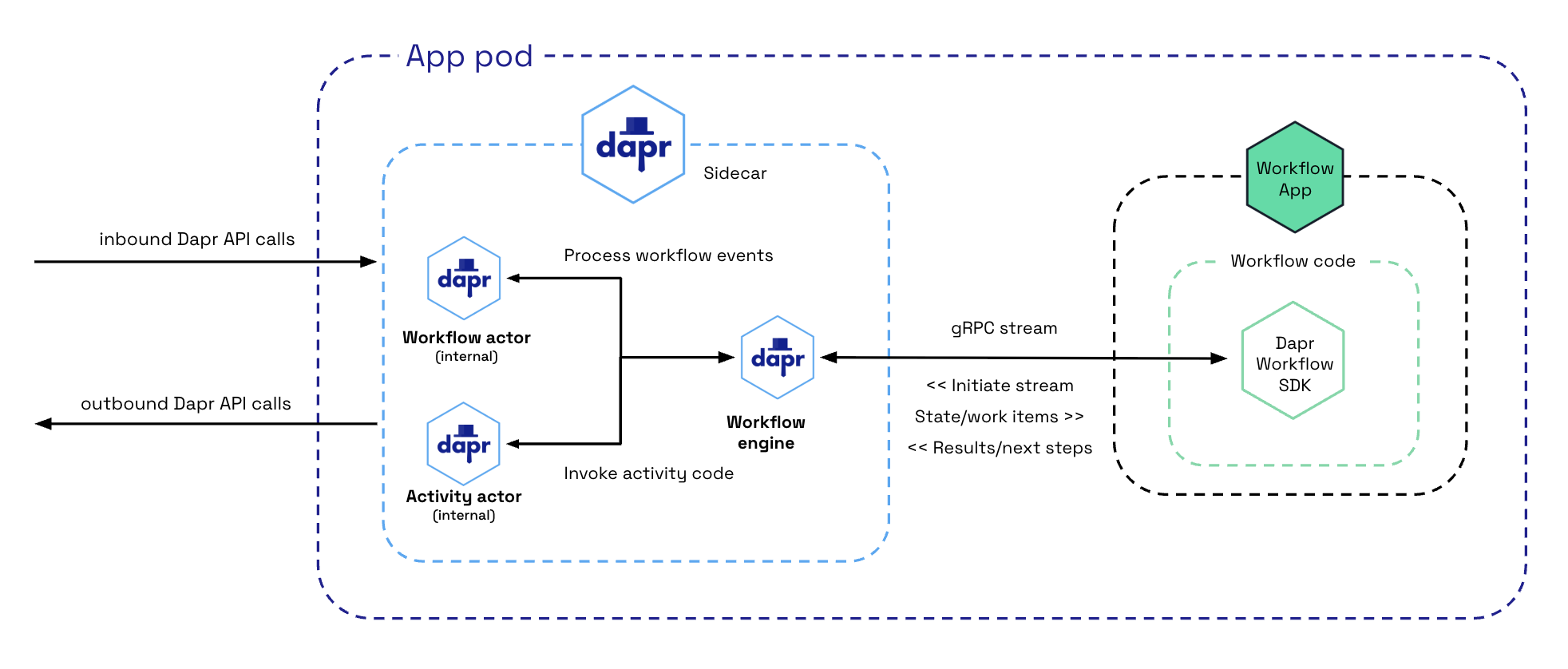
To use the Dapr Workflow building block, you write workflow code in your application using the Dapr Workflow SDK, which internally connects to the sidecar using a gRPC stream. This registers the workflow and any workflow activities, or tasks that workflows can schedule.
The engine is embedded directly into the sidecar and implemented using the durabletask-go framework library. This framework allows you to swap out different storage providers, including a storage provider created for Dapr that leverages internal actors behind the scenes. Since Dapr Workflows use actors, you can store workflow state in state stores.
Sidecar interactions
When a workflow application starts up, it uses a workflow authoring SDK to send a gRPC request to the Dapr sidecar and get back a stream of workflow work items, following the server streaming RPC pattern. These work items can be anything from “start a new X workflow” (where X is the type of a workflow) to “schedule activity Y with input Z to run on behalf of workflow X”.
The workflow app executes the appropriate workflow code and then sends a gRPC request back to the sidecar with the execution results.
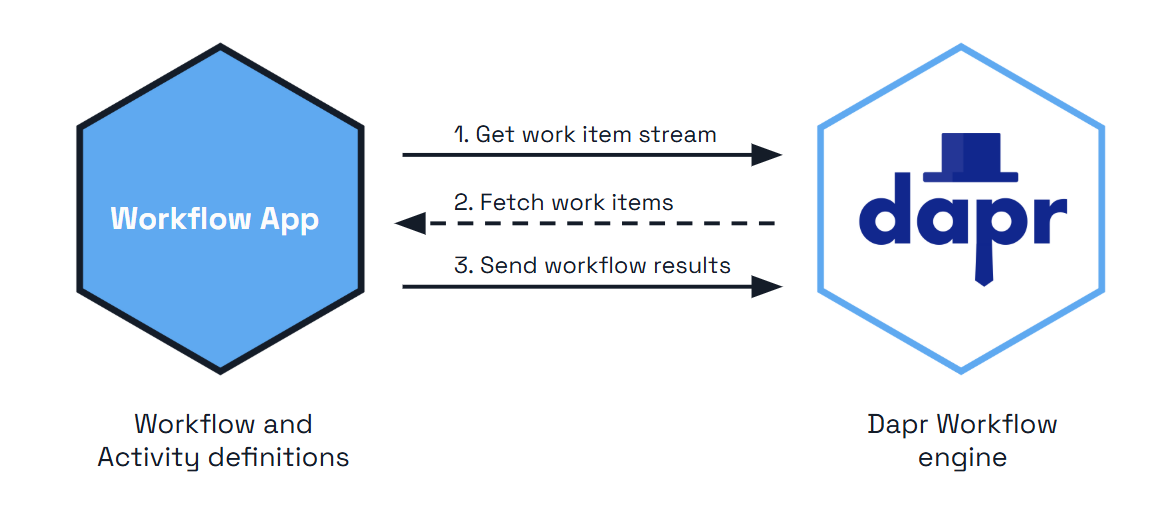
All interactions happen over a single gRPC channel and are initiated by the application, which means the application doesn’t need to open any inbound ports. The details of these interactions are internally handled by the language-specific Dapr Workflow authoring SDK.
The history the sidecar sends over this stream is incremental: once a worker is warm for an instance, it is sent only the events added since its previous turn rather than the whole history. See the stateful workflow client.
A load balancer or proxy between the app and the sidecar can close a stream that carries no traffic. AWS ALB and nginx, for example, close an idle stream after 60 seconds, which costs the worker a reconnect and a full history resend. To keep the stream open, a worker can advertise the WORKER_CAPABILITY_HEALTH_PING capability when it opens the stream, and the sidecar then sends it a health ping every 30 seconds. Workers built with the 1.19 Python, Java, and .NET SDKs, or with the Go SDK v1.16 (durabletask-go v0.15), advertise it. The sidecar reads a DAPR_WORKFLOW_HEALTH_PING_INTERVAL environment variable that overrides the interval, but it exists for Dapr’s integration tests and is not a supported setting. See the environment variable reference.
Differences between workflow and application actor interactions
If you’re familiar with Dapr actors, you may notice a few differences in terms of how sidecar interactions works for workflows compared to application defined actors.
| Actors | Workflows |
|---|---|
| Actors created by the application can interact with the sidecar using either HTTP or gRPC. | Workflows only use gRPC. Due to the workflow gRPC protocol’s complexity, an SDK is required when implementing workflows. |
| Actor operations are pushed to application code from the sidecar. This requires the application to listen on a particular app port. | For workflows, operations are pulled from the sidecar by the application using a streaming protocol. The application doesn’t need to listen on any ports to run workflows. |
| Actors explicitly register themselves with the sidecar. | Workflows do not register themselves with the sidecar. The embedded engine doesn’t keep track of workflow types. This responsibility is instead delegated to the workflow application and its SDK. |
Workflow distributed tracing
The durabletask-go core used by the workflow engine writes distributed traces using Open Telemetry SDKs.
These traces are captured automatically by the Dapr sidecar and exported to the configured Open Telemetry provider, such as Zipkin.
Each workflow instance managed by the engine is represented as one or more spans. There is a single parent span representing the full workflow execution and child spans for the various tasks, including spans for activity task execution and durable timers.
Workflow activity code currently does not have access to the trace context.
Workflow actors
Upon the workflow client connecting to the sidecar, there are two types of actors that are registered in support of the workflow engine:
dapr.internal.{namespace}.{appID}.workflowdapr.internal.{namespace}.{appID}.activity
The {namespace} value is the Dapr namespace and defaults to default if no namespace is configured.
The {appID} value is the app’s ID.
For example, if you have a workflow app named “wfapp”, then the type of the workflow actor would be dapr.internal.default.wfapp.workflow and the type of the activity actor would be dapr.internal.default.wfapp.activity.
The following diagram demonstrates how workflow actors operate in a Kubernetes scenario:
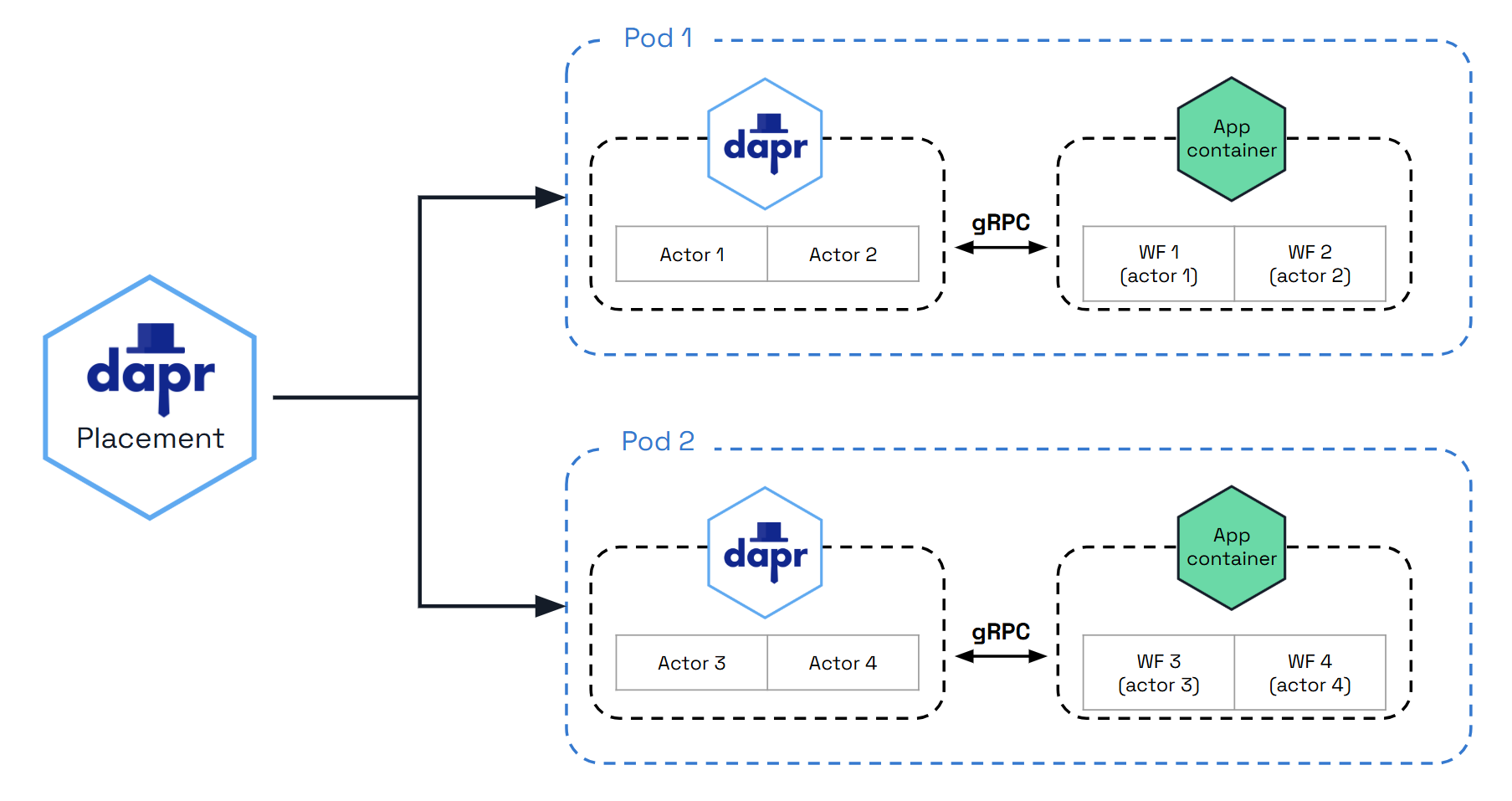
Just like user-defined actors, workflow actors are distributed across the cluster by the hashing lookup table provided by the actor placement service. They also maintain their own state and make use of reminders. However, unlike actors that live in application code, these workflow actors are embedded into the Dapr sidecar. Application code is completely unaware that these actors exist.
Note
The workflow actor types are only registered after an app has registered a workflow using a Dapr Workflow SDK. If an app never registers a workflow, then the internal workflow actors are never registered.Workflow actors
There are 2 different types of actors used with workflows: workflow actors and activity actors. Workflow actors are responsible for managing the state and placement of all workflows running in the app. A new instance of the workflow actor is activated for every workflow instance that gets scheduled. The ID of the workflow actor is the ID of the workflow. This workflow actor stores the state of the workflow as it progresses, and determines the node on which the workflow code executes via the actor lookup table.
As workflows are based on actors, all workflow and activity work is distributed across all replicas of the application implementing workflows by the actor placement table. By default there is no locality or relationship between where a workflow is started and where each work item is executed. With the workflow fast path preview feature enabled, the host that commits an event also drives the resulting turn, and activity bodies are driven on their target host without a reminder round trip through the Scheduler.
Each workflow actor saves its state using the following keys in the configured actor state store:
| Key | Description |
|---|---|
inbox-NNNNNN | A workflow’s inbox is effectively a FIFO queue of messages that drive a workflow’s execution. Example messages include workflow creation messages, activity task completion messages, etc. Each message is stored in its own key in the state store with the name inbox-NNNNNN where NNNNNN is a 6-digit number indicating the ordering of the messages. These state keys are removed once the corresponding messages are consumed by the workflow. |
history-NNNNNN | A workflow’s history is an ordered list of events that represent a workflow’s execution history. Each key in the history holds the data for a single history event. Like an append-only log, workflow history events are only added and never removed (except when a workflow performs a “continue as new” operation, which purges all history and restarts a workflow with a new input). |
customStatus | Contains a user-defined workflow status value. There is exactly one customStatus key for each workflow actor instance. |
metadata | Contains meta information about the workflow as a JSON blob and includes details such as the length of the inbox, the length of the history, and a 64-bit integer representing the workflow generation. The length information is used to determine which keys need to be read or written to when loading or saving workflow state updates. |
parent-notify | A marker written in the same transaction as a child workflow’s terminal state, recording that the parent workflow has not yet been notified of the completion. It is cleared once the parent acknowledges. While it is present, purging the child or reusing its instance ID is refused as “not completed”. |
creation-input | Written only for child workflows when history signing is enabled: the input the parent created the child with, kept separately from the history so it survives continue as new and can be verified against the parent when the completion is attested. |
Warning
Workflow actor state remains in the state store even after a workflow has completed. Creating a large number of workflows could result in unbounded storage usage. To address this, purge workflows using the purge API or configure a workflow retention policy to automatically clean up completed workflow state.The following diagram illustrates the typical lifecycle of a workflow actor.
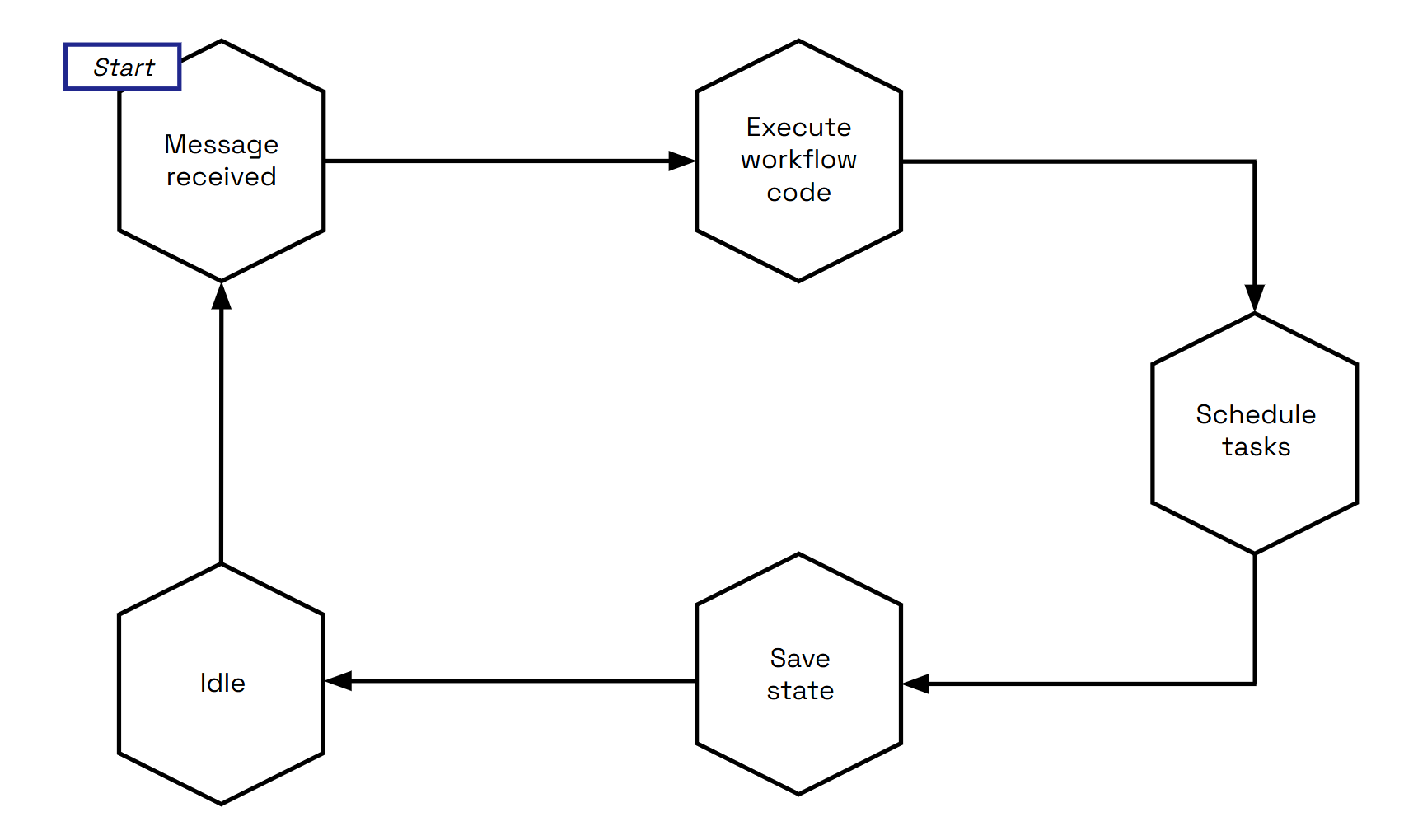
To summarize:
- A workflow actor is activated when it receives a new message.
- New messages then trigger the associated workflow code (in your application) to run and return an execution result back to the workflow actor.
- Once the result is received, the actor schedules any tasks as necessary.
- After scheduling, the actor updates its state in the state store.
- Finally, the actor goes idle until it receives another message. During this idle time, the sidecar may decide to unload the workflow actor from memory.
Activity actors
Activity actors are responsible for managing the state and placement of all workflow activity invocations.
A new instance of the activity actor is activated for every activity task that gets scheduled by a workflow.
The ID of the activity actor is the ID of the workflow, the task ID of the activity (task IDs start at 0) and a constant trailing 0, joined by ::.
For example, if a workflow has an ID of 876bf371 and schedules its third activity, the activity actor’s ID is 876bf371::2::0.
The third component is kept for compatibility with earlier releases, which wrote the workflow generation there; it no longer carries information.
Task IDs restart from 0 when a workflow uses continue as new, so a later generation reuses the same activity actor IDs; the engine tells the executions apart by the task execution ID carried on the scheduling and completion events.
Activity actors store no state of their own, and instead all resulting data is sent back to the parent workflow actor. The one exception is the workflow fast path, where an activity actor writes a short-lived execution-claim record while actor placement moves a running execution to another host.
The following diagram illustrates the typical lifecycle of an activity actor.
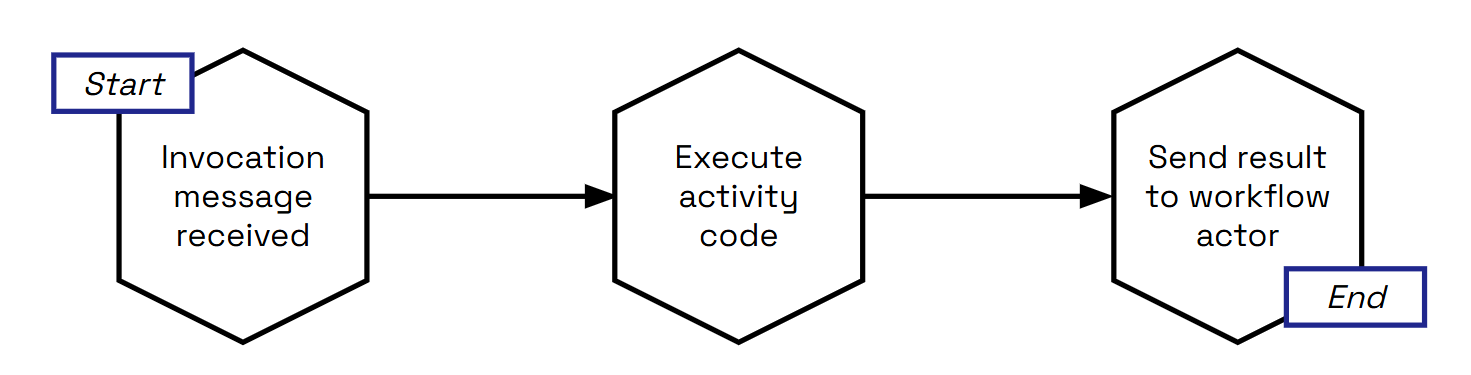
Activity actors are short-lived:
- Activity actors are activated when a workflow actor schedules an activity task.
- Activity actors then immediately call into the workflow application to invoke the associated activity code.
- Once the activity code has finished running and has returned its result, the activity actor sends a message to the parent workflow actor with the execution results.
- The activity actor then deactivates itself.
- Once the results are sent, the workflow is triggered to move forward to its next step.
With the workflow fast path enabled, the activity body runs as soon as the dispatch arrives, without the one-shot reminder, whenever the workflow actor certifies that its janitor backstop is armed. During a placement change the activity actor may write a small execution-claim record so that the new owner can tell a live execution from one that died with its host.
Reminder usage and execution guarantees
The Dapr Workflow ensures workflow fault-tolerance by using actor reminders to recover from transient system failures. By default, prior to invoking application workflow code, the workflow or activity actor will create a new reminder. These reminders are made “one shot”, meaning that they will expire after successful triggering. If the application code executes without interruption, the reminder is triggered and expired. However, if the node or the sidecar hosting the associated workflow or activity crashes, the reminder will reactivate the corresponding actor and the execution will be retried, forever. Retries of a failed delivery are paced with a decorrelated jittered exponential backoff between 50 ms and 2 s, so that many instances failing at once do not retry in lockstep.
With the workflow fast path preview feature enabled, the per-event reminders are replaced by a single repeating “janitor” reminder per live workflow instance, which fires every 20 seconds, drives any turn or activity that lost its local driver, and deletes itself when the instance completes. A wake whose local drive keeps failing is left to the janitor; a failed activity drive escalates back to the one-shot run-activity reminder described above. Either way the recovery guarantees are the same on both paths.
An instance whose state was saved but whose start can never be processed (for example because its committed start event was lost) is failed with the error type DAPR_WORKFLOW_UNSTARTABLE_STATE instead of remaining PENDING forever, and a pending start whose reminder is overdue is re-driven when the instance’s status is read.
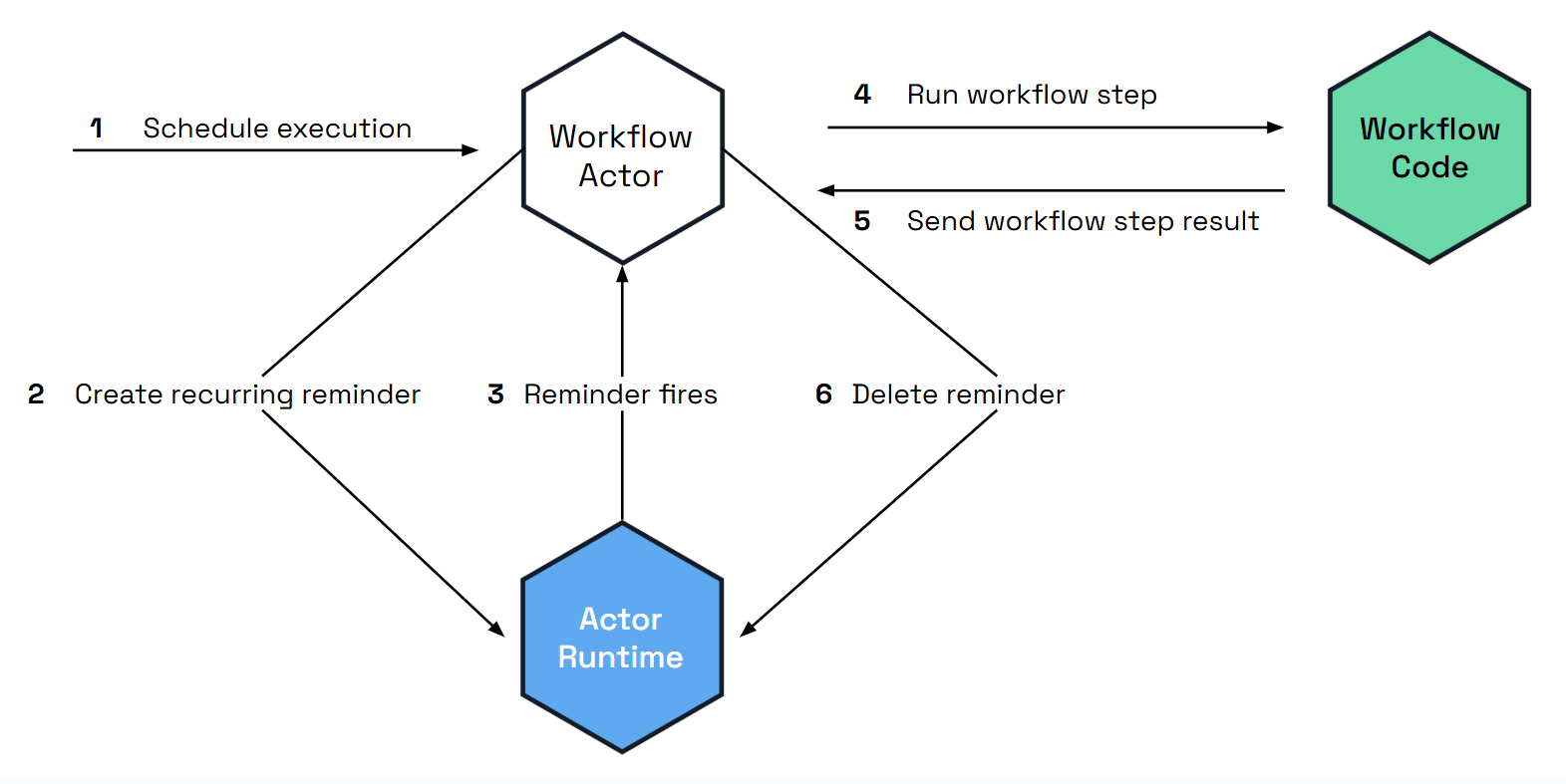
State store usage
Dapr Workflows use actors internally to drive the execution of workflows.
Like any actors, these workflow actors store their state in the configured actor state store.
This is done by specifying a state store component in your Dapr configuration and then referencing that state store in the actorStateStore property of the configuration’s actors section.
Read the state API reference and the actors API reference to learn more about state stores for actors.
Any state store that supports actors implicitly supports Dapr Workflow.
As discussed in the workflow actors section, workflows save their state incrementally by appending to a history log. The history log for a workflow is distributed across multiple state store keys so that each “checkpoint” only needs to append the newest entries.
The size of each checkpoint is determined by the number of concurrent actions scheduled by the workflow before it goes into an idle state. Sequential workflows will therefore make smaller batch updates to the state store, while fan-out/fan-in workflows will require larger batches. The size of the batch is also impacted by the size of inputs and outputs when workflows invoke activities or child workflows.
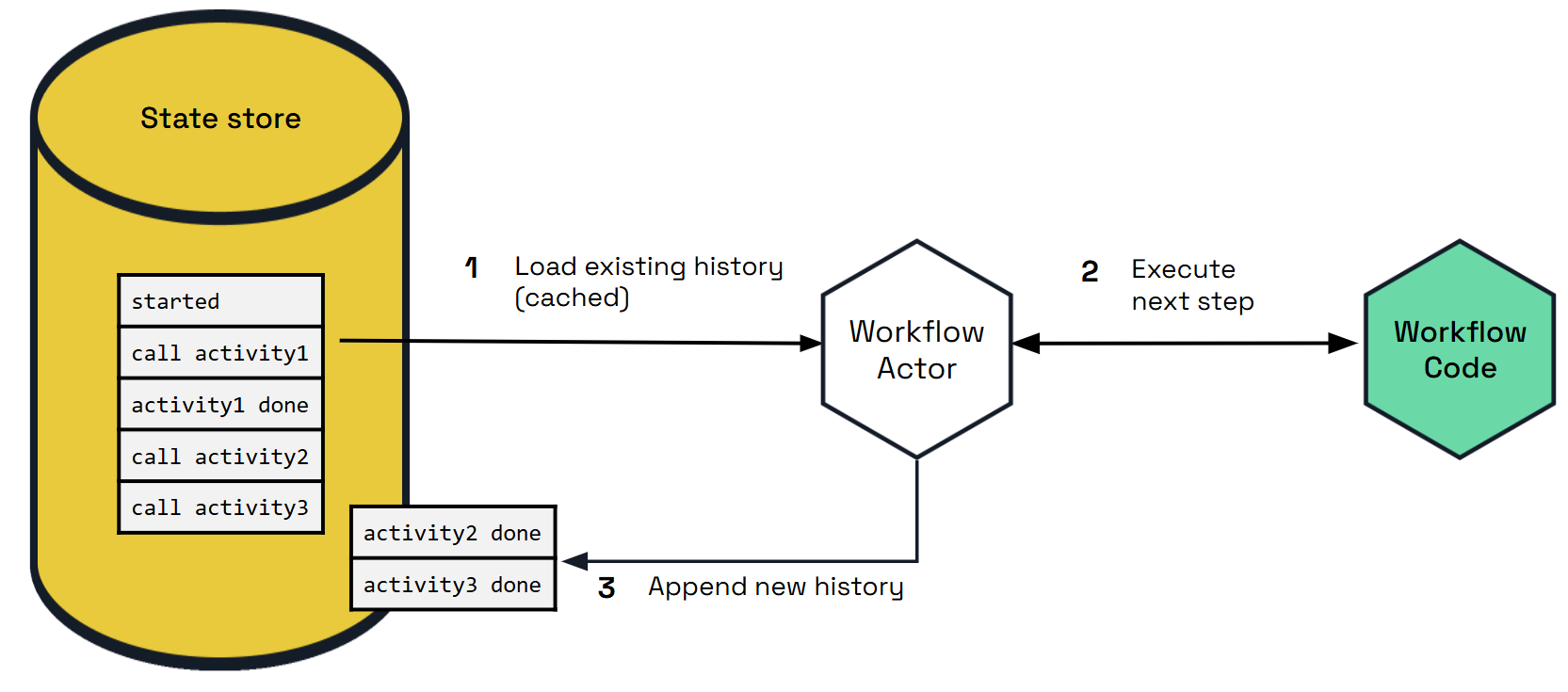
Different state store implementations may implicitly put restrictions on the types of workflows you can author. For example, the Azure Cosmos DB state store limits item sizes to 2 MB of UTF-8 encoded JSON (source). The input or output payload of an activity or child workflow is stored as a single record in the state store, so a item limit of 2 MB means that workflow and activity inputs and outputs can’t exceed 2 MB of JSON-serialized data.
Similarly, if a state store imposes restrictions on the size of a batch transaction, that may limit the number of parallel actions that can be scheduled by a workflow.
Workflow state can be purged from a state store, including all its history. Each Dapr SDK exposes APIs for purging all metadata related to specific workflow instances.
State store record count
The number of records which are saved as history in the state store per workflow run is determined by its complexity or “shape”. In other words, the number of activities, timers, sub-workflows etc. The following table shows a general guide to the number of records that are saved by different workflow tasks. This number may be larger or smaller depending on retries or concurrency.
| Task type | Number of records saved |
|---|---|
| Start workflow | 5 records |
| Call activity | 3 records |
| Timer | 3 records |
| Raise event | 3 records |
| Start child workflow | 8 records |
Every instance also carries the metadata and customStatus keys, which do not grow with the history. Child workflows additionally carry a transient parent-notify marker between their terminal commit and the parent’s acknowledgement, and, when history signing is enabled, a creation-input row.
Query Workflow History
dapr workflow --app-id myapp list
dapr workflow --app-id myapp history <instance-id>
Supported State Stores
The workflow engine supports these state stores:
- PostgreSQL
- MySQL
- SQL Server
- SQLite
- Oracle Database
- CockroachDB
- MongoDB
- Redis
Workflow scalability
Because Dapr Workflows are internally implemented using actors, Dapr Workflows have the same scalability characteristics as actors. The placement service:
- Doesn’t distinguish between workflow actors and actors you define in your application
- Will load balance workflows using the same algorithms that it uses for actors
The expected scalability of a workflow is determined by the following factors:
- The number of machines used to host your workflow application
- The CPU and memory resources available on the machines running workflows
- The scalability of the state store configured for actors
- The scalability of the actor placement service and the reminder subsystem
The implementation details of the workflow code in the target application also plays a role in the scalability of individual workflow instances. Each workflow instance executes on a single node at a time, but a workflow can schedule activities and child workflows which run on other nodes.
Workflows can also schedule these activities and child workflows to run in parallel, allowing a single workflow to potentially distribute compute tasks across all available nodes in the cluster.
You can configure the maximum concurrency of workflows and activities using the Dapr configuration as described in the next section.
Important
By default, there are no global limits imposed on workflow and activity concurrency. A runaway workflow could therefore potentially consume all resources in a cluster if it attempts to schedule too many tasks in parallel. Use care when authoring Dapr Workflows that schedule large batches of work in parallel.Important
The Dapr Workflow engine requires that all instances of a workflow app register the exact same set of workflows and activities. In other words, it’s not possible to scale certain workflows or activities independently. All workflows and activities within an app must be scaled together.Workflows don’t control the specifics of how load is distributed across the cluster. For example, if a workflow schedules 10 activity tasks to run in parallel, all 10 tasks may run on as many as 10 different compute nodes or as few as a single compute node. The actual scale behavior is determined by the actor placement service, which manages the distribution of the actors that represent each of the workflow’s tasks.
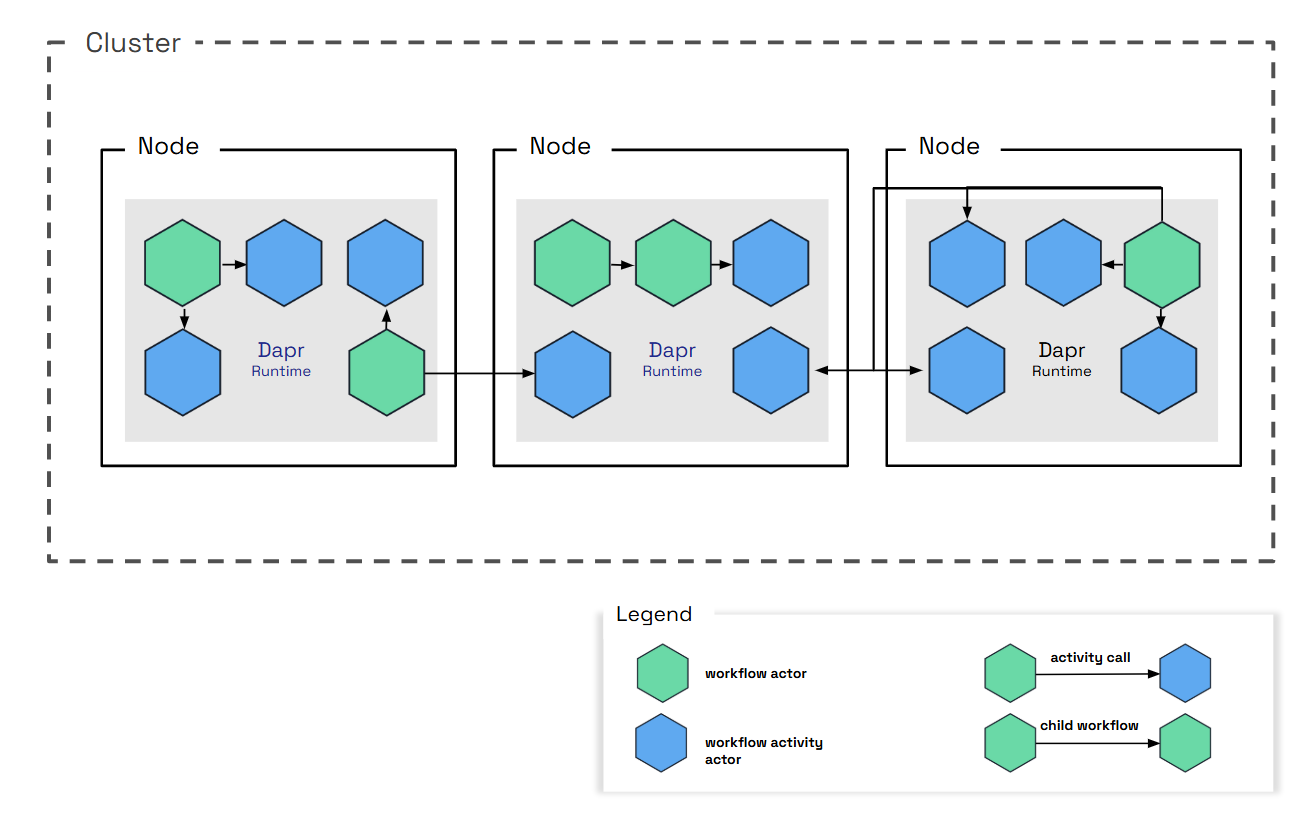
Workflow latency
In order to provide guarantees around durability and resiliency, Dapr Workflows frequently write to the state store and rely on reminders to drive execution. Dapr Workflows therefore may not be appropriate for latency-sensitive workloads. Expected sources of high latency include:
- Latency from the state store when persisting workflow state.
- Latency from the state store when rehydrating workflows with large histories.
- Latency caused by too many active reminders in the cluster.
- Latency caused by high CPU usage in the cluster.
See the Reminder usage and execution guarantees section for more details on how the design of workflow actors may impact execution latency.
The workflow fast path preview feature removes the per-event reminders and most of the state store commits from each turn. With it enabled, the first and third sources above apply mainly to recovery after a failure rather than to the steady-state turn.
Increasing scheduling throughput
By default, when a client schedules a workflow, the workflow engine waits for the workflow to be fully started before returning a response to the client. Waiting for the workflow to start before returning can decrease the scheduling throughput of workflows. When scheduling a workflow with a start time, the workflow engine does not wait for the workflow to start before returning a response to the client. To increase scheduling throughput, consider adding a start time of “now” when scheduling a workflow. An example of scheduling a workflow with a start time of “now” in the Go SDK is shown below:
client.ScheduleNewWorkflow(ctx, "MyCoolWorkflow", workflow.WithStartTime(time.Now()))
This tip speeds up how quickly the client’s scheduling call returns. To increase the throughput of the turns themselves, see the workflow fast path.
Workflows cluster deployment when using Dapr Shared with workflow
Note
The following feature is only available when the Workflows Clustered Deployment preview feature is enabled.When using Dapr Shared, it can be the case that there are multiple daprd sidecars running behind a single load balancer or service.
As such, the instance to which a worker receiving work, may not be the same instance that receives the work result.
Dapr uses a third actor type to handle this scenario: dapr.internal.{namespace}.{appID}.executor.
The daprd that holds a pending work item registers a process-local waiter for its result. A result that lands on a different daprd is forwarded with a single internal call to the executor actor, which shares its ID with the workflow or activity actor that is waiting, so actor placement resolves it to the waiting host. On a single replica no forwarding call is made.
The dapr_runtime_workflow_completion_route_count metric, tagged with task_type and route (wait_local, wait_watch, complete_local, complete_actor), shows which path each result took; a sustained wait_watch rate indicates that results are not landing on the waiting host.
Next steps
Author workflows >>Related links
1.1.9 - Workflow fast path
The workflow fast path is a set of three optimizations inside the Dapr sidecar that remove the per-event Scheduler reminders and most of the state store commits from every workflow turn, while keeping the same at-least-once execution guarantees as the default path. Workflows and activities are driven on the host that already holds the work, and activity completions are persisted inside the next turn’s single state store commit instead of in a commit of their own.
Preview feature
The fast path is available in Dapr v1.19 and later as a preview feature behind the WorkflowsFastPath feature gate. It is disabled by default and enabled per application through the Configuration features list.
The fast path is entirely sidecar-internal. No SDK upgrade or application change is required, and the protocol between the workflow SDK and the sidecar is unchanged.
Overview
A workflow makes progress in turns. A turn wakes the workflow actor, replays the workflow’s history plus the new events in your application code, and commits the outcome (new history events, and any activities or timers to schedule). Every activity completion, external event, timer or start request triggers a turn.
Without the fast path, each turn is driven through the Scheduler service and touches the state store several times:
- The incoming event is committed to the workflow’s durable inbox.
- A one-shot reminder named
new-event-<code>-<id>is created in the Scheduler (a job upsert), which fires back to the workflow actor and is then deleted. - The turn runs and commits the new history.
- Every activity scheduled by the turn gets its own one-shot
run-activityreminder on the activity actor before the activity body runs.
For a sequential workflow this adds up to about four fsync’d state store commits, two Scheduler round trips and around nine gRPC hops per turn, and the Scheduler carries one job per event.
The fast path replaces this with three legs, all gated together:
- Local wake: the host that committed the event drives the turn itself, instead of arming a per-event reminder. Learn more.
- Local activity drive: the activity body runs on its host as soon as the dispatch arrives, without a
run-activityreminder, when the dispatching workflow certifies that its recovery backstop is armed. Learn more. - Completion folding: an activity completion is held in memory and persisted inside the next turn’s single commit. The activity actor is acked only after that commit. Learn more.
Durability moves from “one Scheduler job per event” to one repeating janitor reminder per live workflow instance. A wake whose local drive fails is recovered by that janitor, and a failed activity drive additionally escalates back to its durable run-activity reminder. At-least-once execution and event ordering are unchanged.
Prerequisites
- Dapr v1.19 or later on every sidecar of the application. Older sidecars ignore the fast path signals and keep using reminders, so a mixed-version rollout is safe, but only upgraded hosts take the fast path.
- The Scheduler service must be running. The janitor backstop is a Scheduler reminder.
- No Scheduler-enforced workflow concurrency limits configured. See Concurrency limits.
- Any actor state store that supports Dapr Workflow. The fast path adds one small
execution-claimkey under the activity actor’s state prefix, written only during placement changes.
Configuration
Enable the fast path in the application’s Configuration resource:
apiVersion: dapr.io/v1alpha1
kind: Configuration
metadata:
name: appconfig
spec:
features:
- name: WorkflowsFastPath
enabled: true
The gate is read when the sidecar starts. After changing it, restart the sidecars of the application.
The setting is scoped to the application that uses the Configuration. In a multi-application workflow, an activity hosted by another application is driven locally only if that application’s Configuration also enables the fast path; otherwise it keeps the durable reminder path.
If the Configuration also sets Scheduler-enforced concurrency limits, the sidecar logs the following line at startup and runs the default reminder path instead:
WorkflowsFastPath is enabled but scheduler-enforced workflow concurrency limits are configured; disabling the fast path so the limits are enforced
Disabling the fast path again is safe at any time and does not require any migration. Janitor reminders left behind for running instances fire as a normal turn or a no-op and delete themselves once the instance completes, and any escalated run-activity reminders behave exactly as they do on the default path.
What a turn costs
| Step | Without the fast path | With the fast path |
|---|---|---|
| Activity completion arrives | Committed to the inbox (one commit) | Held in memory; the activity actor’s call stays open until the turn commits |
| Wake the workflow actor | new-event reminder: job upsert (one commit), Scheduler trigger round trip, job delete | Local drive loop on the same host, no Scheduler call |
| Turn result | History commit (one commit) | One commit that includes the folded completion, then the activity actor is acked |
| Dispatch an activity | run-activity reminder: job upsert (one commit), trigger round trip, job delete | Detached local drive on the target host, no reminder |
| Durable backstop | Every reminder is its own backstop | One repeating janitor reminder per live instance, created once, firing every 20 seconds, a no-op while nothing is pending |
The following two diagrams show the same sequential step, an activity completing and the next activity being scheduled, on the default path and on the fast path.
Indicatively, in a same-cluster comparison on a hosted deployment, the number of state store commits for a five-activity sequential workflow fell from about 45 without the fast path to about 26 with the local wake and local activity legs, and to about 17 with completion folding as well. See Indicative performance for the caveats.
How it works
Leg 1: local wake
When an event has been committed to the workflow’s inbox, the workflow actor drives the turn itself instead of creating a per-event reminder:
- The actor first makes sure its janitor backstop reminder exists. If the janitor cannot be created, the actor falls back to the durable per-event reminder for this event, so durability never depends on the fast path succeeding.
- The actor posts a notification to a per-instance channel with a capacity of one. Pending notifications coalesce, which mirrors the overwrite-by-name behaviour of the reminder that is being replaced.
- If no drive loop is running for the instance, one is started. The loop runs one turn per notification and exits when there is nothing left to do. A reclaim handshake between the loop and the poster guarantees that a notification posted while the loop is exiting is never lost: either the exiting loop picks it up, or the poster starts a fresh loop.
- The turn is invoked through the normal reminder invocation path on the local host, with retries disabled at that layer. Locking, deduplication and error handling are therefore identical to a turn triggered by the Scheduler.
- Every drive drains the whole inbox, not only the event that triggered it, so any event saved before the turn started is processed by it.
If a turn fails, the loop retries it in place with a decorrelated jittered backoff between 50 ms and 2 s, for a total retry budget of about six seconds. If the turn still fails, the loop exits and the janitor takes over recovery at its next fire. A failed local wake never creates a per-event reminder; the janitor is its only durable backstop.
Two cases keep their Scheduler due time: a workflow scheduled with a start time in the future, and any wake whose due time is in the future. Only due-now work is driven locally.
Starting a new instance still creates the durable start reminder, but under the fast path it is armed five seconds in the future as a dormant backstop while the first turn is driven locally. Once the first turn commits, the start reminder is deleted. If the only worker holding the first turn disappears, the backstop fires after the grace and recovers the start. A backstop that outlives a lost delete fires into an empty inbox and acks as a no-op.
A running workflow that acks an empty-inbox reminder stays resident in memory with its cached history, instead of deactivating as on the default path, because its next event usually arrives shortly. Idle actors are unloaded by the actor factory’s idle reaper after about a minute, and a workflow’s terminal turn releases its cached history immediately.
The janitor backstop
The janitor is a repeating actor reminder named new-event-janitor, one per live workflow instance:
- It is created lazily, once per residency of the workflow actor, the first time the fast path is used for that instance. Instances that never take the fast path never get one. The create is idempotent (the Scheduler overwrites by name).
- It fires every 20 seconds with a drop failure policy: its periodicity is its retry.
- It is deleted at the workflow’s terminal turn and swept by purge.
- Its
new-eventprefix is deliberate: a Dapr sidecar older than 1.19 routes anynew-event*reminder to a normal turn, so a janitor that fires against an instance that moved to an older host still drives any pending inbox.
On every fire the janitor loads the instance state and does the least work needed:
| Instance state | Janitor action | Recorded as |
|---|---|---|
| Purged | Deletes itself | |
| Completed, failed or terminated | Settles anything owed after the terminal commit (parent notification, retention reminder), then deletes itself | |
| Inbox rows pending and no drive in sight | Drives a turn. This is the recovery event the janitor exists for | janitor_recovered |
| No inbox rows, but completions held for folding with no live driver | Drives a turn that commits the captive completions | janitor_fold_recovered |
No inbox rows, but TaskScheduled events with no resolution and no drive in flight | Re-dispatches the activities (see Leg 2) | janitor_redispatched and related statuses |
| Nothing pending | No-op, without deactivating the actor |
An idle janitor also guards against a stale in-memory cache: a peer host could have written an inbox row after this host loaded its state. Re-reading the store on every fire for every idle instance would be the dominant janitor cost, so the probe backs off across consecutive idle fires (the first, second, fourth and eighth fire, then every eighth). Recovery of that rare double failure therefore takes at most eight periods instead of one. Any real activity resets the cadence.
Leg 2: local activity drive
On the default path the workflow actor calls Execute on the activity actor, which creates a one-shot run-activity reminder and runs the activity body only when the Scheduler fires it. That reminder is what survives a crash of the activity host.
With the fast path:
- When a turn schedules activities and the workflow’s janitor is armed, the workflow actor marks each
Executecall with alocalDrivesignal. If the janitor cannot be armed, the activities are dispatched with durable reminders as before. - An activity host that runs the fast path, receiving a due-now activity with that signal, arms a detached local drive and returns immediately, without creating the reminder. A delayed activity, or a host that is shutting down, uses the reminder instead.
- The drive invokes the activity through the normal reminder invocation path, up to three attempts with jittered backoff. If all three fail, the drive escalates: it creates the durable
run-activityreminder, restoring the retry-forever chain of the default path. If the escalation itself fails, the workflow’s janitor re-dispatches the activity within one period. - A drive that is interrupted by a placement change while its execution is still live on this host does not escalate, because a reminder would run the body a second time on the new owner. The execution claim record covers that case instead.
The workflow’s janitor is the durable re-driver for activities whose host died before publishing a result. On each fire it looks for TaskScheduled events in history that have no resolution in history, in the inbox or among held completions:
- The first time it sees such a task, it re-dispatches it with the
localDrivesignal. If the activity is in fact still executing, the running execution absorbs the duplicate as a follower and the result is published once; a duplicate completion is dropped by the workflow actor’s deduplication. - If the same task is still unresolved on the next fire, the janitor escalates: it dispatches the activity without the
localDrivesignal, so the activity host creates the durablerun-activityreminder that the fast path had elided. Escalation repeats every period until the task resolves; the reminder create is idempotent. - A re-dispatch call that times out after 30 seconds because the activity actor is busy executing is the healthy in-flight case and is recorded as
janitor_redispatch_busy. - Task IDs restart from zero after
ContinueAsNew, so the janitor’s per-task bookkeeping is reset for each generation.
An escalated run-activity reminder is deleted as soon as its task resolves. Without this reaping, a leftover fire could run the body again on a host that no longer remembers the execution.
Execution claim record
On the default path, the run-activity reminder is host-agnostic: whichever host owns the activity actor when it fires runs the body. With the fast path there is no reminder while a body executes, so a placement change during a long-running activity needs another way to tell a live execution on the previous owner from one that died with its host. The execution claim record provides it:
- The record is written under the activity actor’s state prefix, key
execution-claim, only when placement moves an actor with an unsettled execution away from its host. Steady-state fast path execution never touches the store for it, and a graceful shutdown does not write one either, because the execution dies with the process and a record would only delay the new owner. - The previous owner refreshes a heartbeat in the record every 10 seconds (half a janitor period) while the body is still running, marks the record as completed when the result has been published, and deletes it after a short retention.
- An arrival on the new owner reads the record and takes one of three outcomes: defer while the heartbeat is still changing (the arrival returns a recoverable error and retries later), completed when the previous owner already published the result (the arrival acks without executing), or proceed as a fresh owner when the heartbeat has not changed for two janitor periods (40 seconds).
- Staleness is judged by observing the heartbeat value unchanged on the reader’s own clock. The reader never compares the writer’s timestamp against its own time, so clock skew between hosts can never cause a live execution to be reclaimed.
When the record is written, the result is a stronger guarantee than the default path offers: at most one live activity body across hosts during a placement handoff, with at-least-once execution preserved. If the write fails, the sidecar logs a warning and that handoff falls back to ordinary at-least-once behaviour, where two executions can overlap.
Leg 3: completion folding
When an activity actor delivers a completion to the workflow actor on the default path, the workflow actor commits the event to its durable inbox and acks; the inbox commit is what makes the completion durable. The fast path removes that commit:
- The workflow actor classifies the incoming event. Only activity completions and failures (
TaskCompleted,TaskFailed) whose task execution ID matches the scheduling event in history, arriving at a running, non-stalled instance, are eligible for folding. Everything else keeps the durable inbox path: external events raised through the API, child workflow completions, duplicates, and events for stalled or tombstoned instances. - An eligible completion is appended to an in-memory list of held completions, the drive loop is notified, and the actor lock is released so that the turn can take it. The activity actor’s call remains open.
- The next turn takes up to 128 held completions, appends them to the events it delivers to your workflow code, and persists them into history inside its single, transactional state store commit.
- Only after that commit succeeds does the workflow actor ack the activity actor. The ack means “durable”. If the turn does not commit for any reason (an engine error, a stall, a cancellation), the held completions are nacked with a recoverable error and the activity actor’s retry-forever delivery redelivers them. The sender’s retry is the durability.
A retry that arrives while its completion is still held joins the pending entry and waits for the same commit; it is never acked early, because an early ack would stop the only durable re-driver. The wait is capped at two minutes, after which the sender receives a recoverable error and retries. If the workflow actor deactivates while completions are held (a placement change, for example), every held completion is nacked so that the senders retry against the new owner. Held completions from a previous ContinueAsNew generation are dropped and acked, because task IDs restart with every generation.
Child workflow completions never fold. A child publishes its completion while holding its own turn lock; parking that publish until the parent’s turn commits could deadlock when the parent’s turn dispatches back into the same child.
Durability and recovery
The fast path changes what provides durability, not whether work is durable. The following table lists the failure windows the default path’s reminders used to cover, what covers them on the fast path, and the metric status that records each recovery so you can see it happening.
| Failure | Recovery | Worst-case added latency | Evidence |
|---|---|---|---|
| Host dies after the inbox commit, before the turn commits | The janitor drives the pending inbox on the new owner | One janitor period (20 s) | dapr_runtime_workflow_local_wake_count{status="janitor_recovered"} |
| Same, and a peer wrote the inbox row into a stale cache | The janitor’s backed-off store re-read | Up to eight periods | Same |
| Local drive fails repeatedly | In-place retries (about 6 s), then the janitor | About 6 s plus one period | status="failed" then janitor_recovered |
| Janitor reminder cannot be created | Durable per-event reminder, exactly the default path | Scheduler trigger latency | Warning log failed to ensure janitor reminder, falling back to a durable wake-up reminder |
| The only worker holding a new instance’s first turn vanishes | The dormant start reminder, due 5 s after creation | 5 s plus trigger latency | status="pending_start_redriven" when a status read re-drives an overdue start |
| Instance saved but its start can never be processed | The instance is failed with error type DAPR_WORKFLOW_UNSTARTABLE_STATE instead of hanging | Immediate | status="unstartable_failed" |
| Activity host dies before publishing a result | Janitor re-dispatch, then escalation to the durable reminder | One to two periods | dapr_runtime_workflow_local_activity_count{status="janitor_redispatched"}, then janitor_redispatch_escalated |
| Local activity drive fails three times | Immediate escalation to the durable run-activity reminder | Seconds | status="escalated" |
| Body still running on the previous owner at a placement change | The claim record defers the new owner until completed or stale | Up to two periods (40 s) | status="claim_evicted" when a stale claim is reaped |
| Folding turn does not commit | Nack; the sender retries | Sender backoff, 50 ms to 2 s | dapr_runtime_workflow_completions_fold_count{status="fold_nacked"} |
| Sender dies and the folding drive is lost | The janitor drives a turn that commits the captive completions | One period | local_wake_count{status="janitor_fold_recovered"} |
| Actor deactivates with held completions | Flush; senders retry against the new owner | Sender backoff | fold_nacked |
At-least-once execution and the ordering of events within an instance are unchanged: every wake drains the whole durable inbox, the per-actor turn lock still serializes turns, and folded completions are appended after the inbox events inside the same work item. The execution claim record adds a guarantee the default path did not have, whenever the record is written: at most one live activity body across hosts during a placement handoff.
Trade-offs
- Recovery latency. A lost wake is recovered within one janitor period (20 seconds) instead of the Scheduler’s retry cadence for a failed reminder; a lost activity dispatch takes up to two periods before the durable reminder is restored. In exchange, the healthy path has no Scheduler round trip at all.
- Memory. Running workflow actors stay resident after an empty-inbox fire instead of deactivating, holding their cached history. Residency is bounded by the idle reaper (about a minute), by terminal turns releasing their history immediately, and by the engine’s concurrency caps.
- Goroutines. One drive loop per instance with pending work, one detached drive per locally driven activity, and one heartbeat per unsettled claim during a placement change. All are scoped to the actor factory and drained on shutdown.
- Scheduler load shape. Per-event jobs are replaced by one repeating job per live instance firing every 20 seconds. Many long-lived, mostly idle instances therefore cost a small steady trickle of Scheduler triggers instead of nothing while idle. The janitor’s backed-off store probe keeps the state store cost of that trickle low.
- Sender-visible latency. The activity actor’s completion call now waits for the folding turn to commit instead of returning after an inbox commit. The added wait is exposed as
dapr_runtime_workflow_completions_fold_wait_latencyand is bounded at two minutes, after which the sender retries. - Fan-in amortization. Up to 128 completions fold into one commit, so fan-out/fan-in patterns gain the most. A wider fan-in is committed across consecutive turns rather than in one unbounded transaction.
- Locality. The host that commits an event also runs the resulting turn, and activity bodies run on their target host as soon as they are dispatched. Work is still distributed across replicas by actor placement, but the Scheduler no longer sits between one step and the next.
Concurrency limits
Scheduler-enforced concurrency limits gate each job delivery, and local drives bypass job delivery. To keep the limits effective, the fast path disables itself at sidecar startup when any of the following is set in spec.workflow:
globalMaxConcurrentWorkflowInvocationsglobalMaxConcurrentActivityInvocations- Any
workflowConcurrencyLimitsoractivityConcurrencyLimitsentry with a name and a positivemaxConcurrent
The per-sidecar limits maxConcurrentWorkflowInvocations and maxConcurrentActivityInvocations are enforced by the sidecar itself and are fully compatible with the fast path. See Workflow concurrency limits.
Composition and rollout
- Other workflow features. The fast path composes with Workflows Clustered Deployment and Workflow history signing. Folded completions are signed inside the same commit as the rest of the turn, and a janitor re-dispatch re-signs the propagated history it carries. The Dapr integration suite runs the workflow tests as a matrix of these three features.
- Mixed versions. The
localDriveandjanitorRedispatchsignals travel as metadata on internal actor calls. A sidecar that does not understand them ignores them and creates the durable reminders, and the janitor’snew-eventname is routed to a normal turn by older sidecars. Upgrade every sidecar of the application to 1.19 first, then enable the gate, so that all hosts take the fast path. - Multi-application workflows. Each application decides for its own actors. An activity hosted by an application that has not enabled the fast path is executed through its durable
run-activityreminder even when the calling workflow has the fast path enabled.
Metrics
The fast path adds the following sidecar metrics. The app_id and namespace tags are present on all of them.
| Metric | Type | Extra tags | Meaning |
|---|---|---|---|
dapr_runtime_workflow_local_wake_count | counter | status | Locally driven turns and wake recovery evidence |
dapr_runtime_workflow_local_wake_drive_latency | histogram (ms) | status | Time from the drive request until the locally driven turn returned |
dapr_runtime_workflow_local_activity_count | counter | status | Locally driven activity executions and activity recovery evidence |
dapr_runtime_workflow_local_activity_drive_latency | histogram (ms) | status | One local activity attempt, including the call into the application |
dapr_runtime_workflow_completions_fold_count | counter | status (folded, fold_nacked) | Completion folding outcomes, recorded on the commit side |
dapr_runtime_workflow_completions_fold_wait_latency | histogram (ms) | How long an activity actor waited for its completion’s folding turn to commit | |
dapr_runtime_workflow_lock_wait | histogram (ms) | operation | Time an invocation queued on the per-actor turn lock, by invocation kind |
The status values on the wake and activity counters are:
| Status | Counter | Meaning |
|---|---|---|
success, failed | both | Outcome of a local drive attempt |
janitor_recovered | wake | The janitor drove a turn for a pending inbox that had no driver |
janitor_fold_recovered | wake | The janitor drove a turn for held completions that had no driver |
stale_turn_rejected | wake | A turn computed from stale history was rejected and retried instead of committing a duplicate operation |
unstartable_failed | wake | An instance whose start can never be processed was terminally failed |
reminder_arm_detached, reminder_arm_detached_failed, reminder_arm_detached_skipped_shutdown | wake | A reminder create that failed after its inbox commit was retried detached, or that retry gave up |
pending_start_redriven | wake | A status read re-asserted the start reminder of an overdue pending start |
escalated, escalate_failed, escalate_skipped_shutdown | activity | A lost local drive was escalated to the durable run-activity reminder, or the escalation failed or was skipped at shutdown |
janitor_redispatched, janitor_redispatch_busy, janitor_redispatch_failed | activity | A janitor re-dispatch was sent, found the activity busy (healthy), or failed |
janitor_redispatch_escalated | activity | A re-dispatched task was still unresolved a period later and was escalated to the durable reminder |
janitor_redispatch_suppressed | activity | The re-dispatch check was skipped because a drive was in flight on the instance |
janitor_escalation_reaped | activity | An escalated run-activity reminder was deleted because its task resolved |
claim_evicted | activity | A stale in-flight claim held by a dead execution was evicted so that the arrival re-executes |
The recovery statuses (janitor_recovered, janitor_fold_recovered, stale_turn_rejected, unstartable_failed, reminder_arm_detached, reminder_arm_detached_failed, pending_start_redriven, janitor_redispatched, janitor_redispatch_escalated, janitor_escalation_reaped, claim_evicted) are registered at zero when the sidecar starts, so a series that is absent can always be told apart from a recovery path that never fired. In a healthy deployment they stay at zero. The latency histograms use the sidecar’s shared latencyDistributionBuckets; see Configure metrics.
Suggested alerts
# A janitor had to rescue a lost wake or a captive completion in the last 15 minutes.
sum by (app_id) (
increase(dapr_runtime_workflow_local_wake_count{status=~"janitor_recovered|janitor_fold_recovered"}[15m])
) > 0
# An activity dispatch was lost and had to be re-dispatched or escalated to a durable reminder.
sum by (app_id) (
increase(dapr_runtime_workflow_local_activity_count{status=~"janitor_redispatched|janitor_redispatch_escalated|escalated"}[15m])
) > 0
# More than 5% of folded completions were nacked back to their senders (overload or failing turns).
sum by (app_id) (rate(dapr_runtime_workflow_completions_fold_count{status="fold_nacked"}[5m]))
/
sum by (app_id) (rate(dapr_runtime_workflow_completions_fold_count[5m])) > 0.05
Indicative performance
Indicative figures
The figures below come from a same-cluster A/B comparison on a hosted deployment with a PostgreSQL actor state store, measured while the fast path was being developed. They show the direction and rough size of the change, not a guarantee. Your results depend on the state store’s commit latency, on Scheduler and CPU headroom, and on the shape of your workflows.| Scenario | Observed change |
|---|---|
| Sequential workflow, local activity drive added to local wake | About 50% higher sustained throughput; engine-side p50 latency at a fixed request rate down by 72% and 84% at two load points |
| Completion folding added on top of both | About 16% higher sustained throughput |
| Fan-out of 10 activities, sustained throughput across the whole stack | From 25 workflows per second to 167 |
| State store commits per five-activity sequential workflow | From about 45, to about 26, to about 17 |
| Recovery evidence during the runs | Zero lost drives and zero janitor rescues |
The gains come from removing work rather than from doing it faster: fewer fsync’d commits per turn, no Scheduler trigger on the hot path, and completions amortized into a single commit. Once those are gone, the next limit is usually the sidecar’s CPU or the state store’s commit rate.
Limitations
- The fast path is a preview feature and is disabled by default.
- It disables itself when Scheduler-enforced concurrency limits are configured. See Concurrency limits.
- Workflows scheduled with a future start time, and activities with a future due time, keep the Scheduler path so that their timing is honoured.
- External events raised through the API and child workflow completions always take the durable inbox path; only activity completions fold.
- Under sustained overload the completion wait can reach its two-minute cap, after which the activity actor retries. The
fold_nackedratio shows when this happens. - The janitor period (20 seconds), the start redrive grace (5 seconds) and the fold wait cap (2 minutes) are fixed and not configurable.
- In a multi-application workflow, an activity host takes the fast path only if its own application has the gate enabled.
Frequently asked questions
Does the fast path change the at-least-once guarantee?
No. Every failure window that a reminder covered on the default path is covered by the janitor, by escalation back to the durable reminders, or by the sender’s retry. Duplicate deliveries are still removed by the same deduplication as before. See Durability and recovery.
Can I turn it off after enabling it?
Yes, at any time, by setting the gate to false and restarting the sidecars. There is no persisted commitment. Janitor reminders of running instances fire as normal turns or no-ops and delete themselves when their instance completes.
Why does my sidecar log that the fast path is disabled?
Because the Configuration sets Scheduler-enforced concurrency limits. Remove the global or per-name limits, or keep the limits and accept the default path. See Concurrency limits.
Why did activity completions start taking longer to be acknowledged?
The completion call now returns after the folding turn commits rather than after an inbox commit. This is the wait shown by dapr_runtime_workflow_completions_fold_wait_latency. The overall turn is faster; the acknowledgement moved to the end of it.
What happens if placement moves an activity while it is running?
The previous owner writes an execution claim record and keeps heartbeating it. The new owner defers while the heartbeat is live, acks without executing once the result is published, and only re-executes if the heartbeat has been stale for two janitor periods. See Execution claim record.
Do I need to change my application or SDK?
No. The fast path is implemented entirely in the sidecar, and the protocol between the SDK and the sidecar is unchanged.
Does the janitor keep firing for completed workflows?
No. The janitor is deleted at the workflow’s terminal turn. If a fire arrives for a completed or purged instance anyway, the janitor settles anything still owed and deletes itself.
Related links
1.1.10 - How to: Author a workflow
This article provides a high-level overview of how to author workflows that are executed by the Dapr Workflow engine.
Note
If you haven’t already, try out the workflow quickstart for a quick walk-through on how to use workflows.Author workflows as code
Dapr Workflow logic is implemented using general purpose programming languages, allowing you to:
- Use your preferred programming language (no need to learn a new DSL or YAML schema).
- Have access to the language’s standard libraries.
- Build your own libraries and abstractions.
- Use debuggers and examine local variables.
- Write unit tests for your workflows, just like any other part of your application logic.
The Dapr sidecar doesn’t load any workflow definitions. Rather, the sidecar simply drives the execution of the workflows, leaving all the workflow activities to be part of the application.
Write the workflow activities
Workflow activities are the basic unit of work in a workflow and are the tasks that get orchestrated in the business process.
Define the workflow activities you’d like your workflow to perform. Activities are a function definition and can take inputs and outputs. The following example creates a counter (activity) called hello_act that notifies users of the current counter value. hello_act is a function derived from a class called WorkflowActivityContext.
@wfr.activity(name='hello_act')
def hello_act(ctx: WorkflowActivityContext, wf_input):
global counter
counter += wf_input
print(f'New counter value is: {counter}!', flush=True)
Define the workflow activities you’d like your workflow to perform. Activities are wrapped in the WorkflowActivityContext class, which implements the workflow activities.
export default class WorkflowActivityContext {
private readonly _innerContext: ActivityContext;
constructor(innerContext: ActivityContext) {
if (!innerContext) {
throw new Error("ActivityContext cannot be undefined");
}
this._innerContext = innerContext;
}
public getWorkflowInstanceId(): string {
return this._innerContext.orchestrationId;
}
public getWorkflowActivityId(): number {
return this._innerContext.taskId;
}
}
Define the workflow activities you’d like your workflow to perform. Activities are a class definition and can take inputs and outputs. Activities also participate in dependency injection, like binding to a Dapr client.
The activities called in the example below are:
NotifyActivity: Receive notification of a new order.ReserveInventoryActivity: Check for sufficient inventory to meet the new order.ProcessPaymentActivity: Process payment for the order. IncludesNotifyActivityto send notification of successful order.
NotifyActivity
public class NotifyActivity : WorkflowActivity<Notification, object>
{
//...
public NotifyActivity(ILoggerFactory loggerFactory)
{
this.logger = loggerFactory.CreateLogger<NotifyActivity>();
}
//...
}
See the full NotifyActivity.cs workflow activity example.
ReserveInventoryActivity
public class ReserveInventoryActivity : WorkflowActivity<InventoryRequest, InventoryResult>
{
//...
public ReserveInventoryActivity(ILoggerFactory loggerFactory, DaprClient client)
{
this.logger = loggerFactory.CreateLogger<ReserveInventoryActivity>();
this.client = client;
}
//...
}
See the full ReserveInventoryActivity.cs workflow activity example.
ProcessPaymentActivity
public class ProcessPaymentActivity : WorkflowActivity<PaymentRequest, object>
{
//...
public ProcessPaymentActivity(ILoggerFactory loggerFactory)
{
this.logger = loggerFactory.CreateLogger<ProcessPaymentActivity>();
}
//...
}
See the full ProcessPaymentActivity.cs workflow activity example.
Define the workflow activities you’d like your workflow to perform. Activities are wrapped in the public DemoWorkflowActivity class, which implements the workflow activities.
@JsonAutoDetect(fieldVisibility = JsonAutoDetect.Visibility.ANY)
public class DemoWorkflowActivity implements WorkflowActivity {
@Override
public DemoActivityOutput run(WorkflowActivityContext ctx) {
Logger logger = LoggerFactory.getLogger(DemoWorkflowActivity.class);
logger.info("Starting Activity: " + ctx.getName());
var message = ctx.getInput(DemoActivityInput.class).getMessage();
var newMessage = message + " World!, from Activity";
logger.info("Message Received from input: " + message);
logger.info("Sending message to output: " + newMessage);
logger.info("Sleeping for 5 seconds to simulate long running operation...");
try {
TimeUnit.SECONDS.sleep(5);
} catch (InterruptedException e) {
throw new RuntimeException(e);
}
logger.info("Activity finished");
var output = new DemoActivityOutput(message, newMessage);
logger.info("Activity returned: " + output);
return output;
}
}
Define workflow activities
Define each workflow activity you’d like your workflow to perform. The Activity input can be unmarshalled from the context with ctx.GetInput. Activities should be defined as taking a ctx workflow.ActivityContext parameter and returning an interface and error.
func BusinessActivity(ctx workflow.ActivityContext) (any, error) {
var input int
if err := ctx.GetInput(&input); err != nil {
return "", err
}
// Do something here
return "result", nil
}
Define the workflow
Define your workflow function with the parameter ctx *workflow.WorkflowContext and return any and error. Invoke your defined activities from within your workflow.
func BusinessWorkflow(ctx *workflow.WorkflowContext) (any, error) {
var input int
if err := ctx.GetInput(&input); err != nil {
return nil, err
}
var output string
if err := ctx.CallActivity(BusinessActivity, workflow.ActivityInput(input)).Await(&output); err != nil {
return nil, err
}
if err := ctx.WaitForExternalEvent("businessEvent", time.Minute*60).Await(&output); err != nil {
return nil, err
}
if err := ctx.CreateTimer(time.Second).Await(nil); err != nil {
return nil, nil
}
return output, nil
}
Register workflows and activities
Before your application can execute workflows, you must register both the workflow orchestrator and its activities with a workflow registry. This ensures Dapr knows which functions to call when executing your workflow.
func main() {
// Create a workflow registry
r := workflow.NewRegistry()
// Register the workflow orchestrator
if err := r.AddWorkflow(BusinessWorkflow); err != nil {
log.Fatal(err)
}
fmt.Println("BusinessWorkflow registered")
// Register the workflow activities
if err := r.AddActivity(BusinessActivity); err != nil {
log.Fatal(err)
}
fmt.Println("BusinessActivity registered")
// Create workflow client and start worker
wclient, err := client.NewWorkflowClient()
if err != nil {
log.Fatal(err)
}
fmt.Println("Worker initialized")
ctx, cancel := context.WithCancel(context.Background())
if err = wclient.StartWorker(ctx, r); err != nil {
log.Fatal(err)
}
fmt.Println("runner started")
// Your application logic continues here...
// Example: Start a workflow
instanceID, err := wclient.ScheduleWorkflow(ctx, "BusinessWorkflow", workflow.WithInput(1))
if err != nil {
log.Fatalf("failed to start workflow: %v", err)
}
fmt.Printf("workflow started with id: %v\n", instanceID)
// Stop workflow worker when done
cancel()
fmt.Println("workflow worker successfully shutdown")
}
Key points about registration:
- Use
workflow.NewRegistry()to create a workflow registry - Use
r.AddWorkflow()to register workflow functions - Use
r.AddActivity()to register activity functions - Use
client.NewWorkflowClient()to create a workflow client - Call
wclient.StartWorker()to begin processing workflows - Use
wclient.ScheduleWorkflowto schedule a named instance of a workflow
Write the workflow
Next, register and call the activites in a workflow.
The hello_world_wf function is a function derived from a class called DaprWorkflowContext with input and output parameter types. It also includes a yield statement that does the heavy lifting of the workflow and calls the workflow activities.
@wfr.workflow(name='hello_world_wf')
def hello_world_wf(ctx: DaprWorkflowContext, wf_input):
print(f'{wf_input}')
yield ctx.call_activity(hello_act, input=1)
yield ctx.call_activity(hello_act, input=10)
yield ctx.call_activity(hello_retryable_act, retry_policy=retry_policy)
yield ctx.call_child_workflow(child_retryable_wf, retry_policy=retry_policy)
# Change in event handling: Use when_any to handle both event and timeout
event = ctx.wait_for_external_event(event_name)
timeout = ctx.create_timer(timedelta(seconds=30))
winner = yield when_any([event, timeout])
if winner == timeout:
print('Workflow timed out waiting for event')
return 'Timeout'
yield ctx.call_activity(hello_act, input=100)
yield ctx.call_activity(hello_act, input=1000)
return 'Completed'
Next, register the workflow with the WorkflowRuntime class and start the workflow runtime.
export default class WorkflowRuntime {
//..
// Register workflow implementation for handling orchestrations
public registerWorkflow(workflow: TWorkflow): WorkflowRuntime {
const name = getFunctionName(workflow);
const workflowWrapper = (ctx: OrchestrationContext, input: any): any => {
const workflowContext = new WorkflowContext(ctx);
return workflow(workflowContext, input);
};
this.worker.addNamedOrchestrator(name, workflowWrapper);
return this;
}
// Register workflow activities
public registerActivity(fn: TWorkflowActivity<TInput, TOutput>): WorkflowRuntime {
const name = getFunctionName(fn);
const activityWrapper = (ctx: ActivityContext, input: TInput): TOutput => {
const wfActivityContext = new WorkflowActivityContext(ctx);
return fn(wfActivityContext, input);
};
this.worker.addNamedActivity(name, activityWrapper);
return this;
}
// Start the workflow runtime processing items and block.
public async start() {
await this.worker.start();
}
}
The OrderProcessingWorkflow class is derived from a base class called Workflow with input and output parameter types. It also includes a RunAsync method that does the heavy lifting of the workflow and calls the workflow activities.
class OrderProcessingWorkflow : Workflow<OrderPayload, OrderResult>
{
public override async Task<OrderResult> RunAsync(WorkflowContext context, OrderPayload order)
{
//...
await context.CallActivityAsync(
nameof(NotifyActivity),
new Notification($"Received order {orderId} for {order.Name} at {order.TotalCost:c}"));
//...
InventoryResult result = await context.CallActivityAsync<InventoryResult>(
nameof(ReserveInventoryActivity),
new InventoryRequest(RequestId: orderId, order.Name, order.Quantity));
//...
await context.CallActivityAsync(
nameof(ProcessPaymentActivity),
new PaymentRequest(RequestId: orderId, order.TotalCost, "USD"));
await context.CallActivityAsync(
nameof(NotifyActivity),
new Notification($"Order {orderId} processed successfully!"));
// End the workflow with a success result
return new OrderResult(Processed: true);
}
}
See the full workflow example in OrderProcessingWorkflow.cs.
Next, register the workflow with the WorkflowRuntimeBuilder and start the workflow runtime.
public class DemoWorkflowWorker {
public static void main(String[] args) throws Exception {
// Register the Workflow with the builder.
WorkflowRuntimeBuilder builder = new WorkflowRuntimeBuilder().registerWorkflow(DemoWorkflow.class);
builder.registerActivity(DemoWorkflowActivity.class);
// Build and then start the workflow runtime pulling and executing tasks
try (WorkflowRuntime runtime = builder.build()) {
System.out.println("Start workflow runtime");
runtime.start();
}
System.exit(0);
}
}
Define your workflow function with the parameter ctx *workflow.WorkflowContext and return any and error. Invoke your defined activities from within your workflow.
func BusinessWorkflow(ctx *workflow.WorkflowContext) (any, error) {
var input int
if err := ctx.GetInput(&input); err != nil {
return nil, err
}
var output string
if err := ctx.CallActivity(BusinessActivity, workflow.ActivityInput(input)).Await(&output); err != nil {
return nil, err
}
if err := ctx.WaitForExternalEvent("businessEvent", time.Minute*60).Await(&output); err != nil {
return nil, err
}
if err := ctx.CreateTimer(time.Second).Await(nil); err != nil {
return nil, nil
}
return output, nil
}
Write the application
Finally, compose the application using the workflow.
In the following example, for a basic Python hello world application using the Python SDK, your project code would include:
- A Python package called
DaprClientto receive the Python SDK capabilities. - A builder with extensions called:
WorkflowRuntime: Allows you to register the workflow runtime.DaprWorkflowContext: Allows you to create workflowsWorkflowActivityContext: Allows you to create workflow activities
- API calls. In the example below, these calls start, pause, resume, purge, and completing the workflow.
from datetime import timedelta
from time import sleep
from dapr.ext.workflow import (
WorkflowRuntime,
DaprWorkflowContext,
WorkflowActivityContext,
RetryPolicy,
DaprWorkflowClient,
when_any,
)
from dapr.conf import Settings
from dapr.clients.exceptions import DaprInternalError
settings = Settings()
counter = 0
retry_count = 0
child_orchestrator_count = 0
child_orchestrator_string = ''
child_act_retry_count = 0
instance_id = 'exampleInstanceID'
child_instance_id = 'childInstanceID'
workflow_name = 'hello_world_wf'
child_workflow_name = 'child_wf'
input_data = 'Hi Counter!'
event_name = 'event1'
event_data = 'eventData'
non_existent_id_error = 'no such instance exists'
retry_policy = RetryPolicy(
first_retry_interval=timedelta(seconds=1),
max_number_of_attempts=3,
backoff_coefficient=2,
max_retry_interval=timedelta(seconds=10),
retry_timeout=timedelta(seconds=100),
)
wfr = WorkflowRuntime()
@wfr.workflow(name='hello_world_wf')
def hello_world_wf(ctx: DaprWorkflowContext, wf_input):
print(f'{wf_input}')
yield ctx.call_activity(hello_act, input=1)
yield ctx.call_activity(hello_act, input=10)
yield ctx.call_activity(hello_retryable_act, retry_policy=retry_policy)
yield ctx.call_child_workflow(child_retryable_wf, retry_policy=retry_policy)
# Change in event handling: Use when_any to handle both event and timeout
event = ctx.wait_for_external_event(event_name)
timeout = ctx.create_timer(timedelta(seconds=30))
winner = yield when_any([event, timeout])
if winner == timeout:
print('Workflow timed out waiting for event')
return 'Timeout'
yield ctx.call_activity(hello_act, input=100)
yield ctx.call_activity(hello_act, input=1000)
return 'Completed'
@wfr.activity(name='hello_act')
def hello_act(ctx: WorkflowActivityContext, wf_input):
global counter
counter += wf_input
print(f'New counter value is: {counter}!', flush=True)
@wfr.activity(name='hello_retryable_act')
def hello_retryable_act(ctx: WorkflowActivityContext):
global retry_count
if (retry_count % 2) == 0:
print(f'Retry count value is: {retry_count}!', flush=True)
retry_count += 1
raise ValueError('Retryable Error')
print(f'Retry count value is: {retry_count}! This print statement verifies retry', flush=True)
retry_count += 1
@wfr.workflow(name='child_retryable_wf')
def child_retryable_wf(ctx: DaprWorkflowContext):
global child_orchestrator_string, child_orchestrator_count
if not ctx.is_replaying:
child_orchestrator_count += 1
print(f'Appending {child_orchestrator_count} to child_orchestrator_string!', flush=True)
child_orchestrator_string += str(child_orchestrator_count)
yield ctx.call_activity(
act_for_child_wf, input=child_orchestrator_count, retry_policy=retry_policy
)
if child_orchestrator_count < 3:
raise ValueError('Retryable Error')
@wfr.activity(name='act_for_child_wf')
def act_for_child_wf(ctx: WorkflowActivityContext, inp):
global child_orchestrator_string, child_act_retry_count
inp_char = chr(96 + inp)
print(f'Appending {inp_char} to child_orchestrator_string!', flush=True)
child_orchestrator_string += inp_char
if child_act_retry_count % 2 == 0:
child_act_retry_count += 1
raise ValueError('Retryable Error')
child_act_retry_count += 1
def main():
wfr.start()
wf_client = DaprWorkflowClient()
print('==========Start Counter Increase as per Input:==========')
wf_client.schedule_new_workflow(
workflow=hello_world_wf, input=input_data, instance_id=instance_id
)
wf_client.wait_for_workflow_start(instance_id)
# Sleep to let the workflow run initial activities
sleep(12)
assert counter == 11
assert retry_count == 2
assert child_orchestrator_string == '1aa2bb3cc'
# Pause Test
wf_client.pause_workflow(instance_id=instance_id)
metadata = wf_client.get_workflow_state(instance_id=instance_id)
print(f'Get response from {workflow_name} after pause call: {metadata.runtime_status.name}')
# Resume Test
wf_client.resume_workflow(instance_id=instance_id)
metadata = wf_client.get_workflow_state(instance_id=instance_id)
print(f'Get response from {workflow_name} after resume call: {metadata.runtime_status.name}')
sleep(2) # Give the workflow time to reach the event wait state
wf_client.raise_workflow_event(instance_id=instance_id, event_name=event_name, data=event_data)
print('========= Waiting for Workflow completion', flush=True)
try:
state = wf_client.wait_for_workflow_completion(instance_id, timeout_in_seconds=30)
if state.runtime_status.name == 'COMPLETED':
print('Workflow completed! Result: {}'.format(state.serialized_output.strip('"')))
else:
print(f'Workflow failed! Status: {state.runtime_status.name}')
except TimeoutError:
print('*** Workflow timed out!')
wf_client.purge_workflow(instance_id=instance_id)
try:
wf_client.get_workflow_state(instance_id=instance_id)
except DaprInternalError as err:
if non_existent_id_error in err._message:
print('Instance Successfully Purged')
sleep(10000)
wfr.shutdown()
if __name__ == '__main__':
main()
The following example is a basic JavaScript application using the JavaScript SDK. As in this example, your project code would include:
- A builder with extensions called:
WorkflowRuntime: Allows you to register workflows and workflow activitiesDaprWorkflowContext: Allows you to create workflowsWorkflowActivityContext: Allows you to create workflow activities
- API calls. The following example is a simple project consuming the workflow APIs:
mkdir my-wf && cd my-wf
npm init -y
npm i @dapr/dapr @microsoft/durabletask-js
npm i -D typescript ts-node @types/node
Create the following tsconfig.json file:
{
"compilerOptions": {
"target": "ES2020",
"module": "CommonJS",
"moduleResolution": "Node",
"strict": true,
"esModuleInterop": true,
"skipLibCheck": true,
"outDir": "dist"
},
"include": ["src"]
}
Create the following src/app.ts file:
import {
WorkflowRuntime,
WorkflowActivityContext,
WorkflowContext,
DaprWorkflowClient,
TWorkflow
} from "@dapr/dapr";
const workflowClient = new DaprWorkflowClient();
const workflowRuntime = new WorkflowRuntime();
// simple activity
const hello = async (_: WorkflowActivityContext, name: string) => `Hello ${name}!`;
// simple workflow: call the activity 3 times
const sequence: TWorkflow = async function* (ctx: WorkflowContext): any {
const out: string[] = [];
out.push(yield ctx.callActivity(hello, "Tokyo"));
out.push(yield ctx.callActivity(hello, "Seattle"));
out.push(yield ctx.callActivity(hello, "London"));
out.push(yield ctx.waitForExternalEvent("continue"));
return out;
};
async function main() {
workflowRuntime.registerWorkflow(sequence).registerActivity(hello);
await workflowRuntime.start();
const id = await workflowClient.scheduleNewWorkflow(sequence);
console.log("Scheduled:", id);
workflowClient.raiseEvent(id, "continue", "Go go go!");
const state = await workflowClient.waitForWorkflowCompletion(id, undefined, 30);
console.log("Done:", state?.runtimeStatus, "output:", state?.serializedOutput);
await new Promise(f => setTimeout(f, 100000));
await workflowRuntime.stop();
await workflowClient.stop();
}
main().catch((e) => { console.error(e); });
In the following Program.cs example, for a basic ASP.NET order processing application using the .NET SDK, your project code would include:
- A NuGet package called
Dapr.Workflowto receive the .NET SDK capabilities - A builder with an extension method called
AddDaprWorkflow- This will allow you to register workflows and workflow activities (tasks that workflows can schedule)
- HTTP API calls
- One for submitting a new order
- One for checking the status of an existing order
using Dapr.Workflow;
//...
// Dapr Workflows are registered as part of the service configuration
builder.Services.AddDaprWorkflow(options =>
{
// Note that it's also possible to register a lambda function as the workflow
// or activity implementation instead of a class.
options.RegisterWorkflow<OrderProcessingWorkflow>();
// These are the activities that get invoked by the workflow(s).
options.RegisterActivity<NotifyActivity>();
options.RegisterActivity<ReserveInventoryActivity>();
options.RegisterActivity<ProcessPaymentActivity>();
});
WebApplication app = builder.Build();
// POST starts new order workflow instance
app.MapPost("/orders", async (DaprWorkflowClient client, [FromBody] OrderPayload orderInfo) =>
{
if (orderInfo?.Name == null)
{
return Results.BadRequest(new
{
message = "Order data was missing from the request",
example = new OrderPayload("Paperclips", 99.95),
});
}
//...
});
// GET fetches state for order workflow to report status
app.MapGet("/orders/{orderId}", async (string orderId, DaprWorkflowClient client) =>
{
WorkflowState state = await client.GetWorkflowStateAsync(orderId, true);
if (!state.Exists)
{
return Results.NotFound($"No order with ID = '{orderId}' was found.");
}
var httpResponsePayload = new
{
details = state.ReadInputAs<OrderPayload>(),
status = state.RuntimeStatus.ToString(),
result = state.ReadOutputAs<OrderResult>(),
};
//...
}).WithName("GetOrderInfoEndpoint");
app.Run();
As in the following example, a hello-world application using the Java SDK and Dapr Workflow would include:
- A Java package called
io.dapr.workflows.clientto receive the Java SDK client capabilities. - An import of
io.dapr.workflows.Workflow - The
DemoWorkflowclass which extendsWorkflow - Creating the workflow with input and output.
- API calls. In the example below, these calls start and call the workflow activities.
package io.dapr.examples.workflows;
import com.microsoft.durabletask.CompositeTaskFailedException;
import com.microsoft.durabletask.Task;
import com.microsoft.durabletask.TaskCanceledException;
import io.dapr.workflows.Workflow;
import io.dapr.workflows.WorkflowStub;
import java.time.Duration;
import java.util.Arrays;
import java.util.List;
/**
* Implementation of the DemoWorkflow for the server side.
*/
public class DemoWorkflow extends Workflow {
@Override
public WorkflowStub create() {
return ctx -> {
ctx.getLogger().info("Starting Workflow: " + ctx.getName());
// ...
ctx.getLogger().info("Calling Activity...");
var input = new DemoActivityInput("Hello Activity!");
var output = ctx.callActivity(DemoWorkflowActivity.class.getName(), input, DemoActivityOutput.class).await();
// ...
};
}
}
As in the following example, a hello-world application using the Go SDK and Dapr Workflow would include:
- A Go package called
clientto receive the Go SDK client capabilities. - The
BusinessWorkflowmethod - Creating the workflow with input and output.
- API calls. In the example below, these calls start and call the workflow activities.
package main
import (
"context"
"errors"
"fmt"
"log"
"strconv"
"time"
"github.com/dapr/durabletask-go/workflow"
"github.com/dapr/go-sdk/client"
)
var stage = 0
var failActivityTries = 0
func main() {
r := workflow.NewRegistry()
if err := r.AddWorkflow(BusinessWorkflow); err != nil {
log.Fatal(err)
}
fmt.Println("BusinessWorkflow registered")
if err := r.AddActivity(BusinessActivity); err != nil {
log.Fatal(err)
}
fmt.Println("BusinessActivity registered")
if err := r.AddActivity(FailActivity); err != nil {
log.Fatal(err)
}
fmt.Println("FailActivity registered")
wclient, err := client.NewWorkflowClient()
if err != nil {
log.Fatal(err)
}
fmt.Println("Worker initialized")
ctx, cancel := context.WithCancel(context.Background())
if err = wclient.StartWorker(ctx, r); err != nil {
log.Fatal(err)
}
fmt.Println("runner started")
// Start workflow test
// Set the start time to the current time to not wait for the workflow to
// "start". This is useful for increasing the throughput of creating
// workflows.
// workflow.WithStartTime(time.Now())
instanceID, err := wclient.ScheduleWorkflow(ctx, "BusinessWorkflow", workflow.WithInstanceID("a7a4168d-3a1c-41da-8a4f-e7f6d9c718d9"), workflow.WithInput("1"))
if err != nil {
log.Fatalf("failed to start workflow: %v", err)
}
fmt.Printf("workflow started with id: %v\n", instanceID)
// Pause workflow test
err = wclient.SuspendWorkflow(ctx, instanceID, "")
if err != nil {
log.Fatalf("failed to pause workflow: %v", err)
}
respFetch, err := wclient.FetchWorkflowMetadata(ctx, instanceID, workflow.WithFetchPayloads(true))
if err != nil {
log.Fatalf("failed to fetch workflow: %v", err)
}
if respFetch.RuntimeStatus != workflow.StatusSuspended {
log.Fatalf("workflow not paused: %s: %v", respFetch.RuntimeStatus, respFetch)
}
fmt.Printf("workflow paused\n")
// Resume workflow test
err = wclient.ResumeWorkflow(ctx, instanceID, "")
if err != nil {
log.Fatalf("failed to resume workflow: %v", err)
}
respFetch, err = wclient.FetchWorkflowMetadata(ctx, instanceID, workflow.WithFetchPayloads(true))
if err != nil {
log.Fatalf("failed to get workflow: %v", err)
}
if respFetch.RuntimeStatus != workflow.StatusRunning {
log.Fatalf("workflow not running")
}
fmt.Println("workflow resumed")
fmt.Printf("stage: %d\n", stage)
// Raise Event
err = wclient.RaiseEvent(ctx, instanceID, "businessEvent", workflow.WithEventPayload("testData"))
if err != nil {
fmt.Printf("failed to raise event: %v", err)
}
fmt.Println("workflow event raised")
time.Sleep(time.Second) // allow workflow to advance
fmt.Printf("stage: %d\n", stage)
_, err = wclient.WaitForWorkflowCompletion(ctx, instanceID)
if err != nil {
log.Fatalf("failed to wait for workflow: %v", err)
}
fmt.Printf("fail activity executions: %d\n", failActivityTries)
respFetch, err = wclient.FetchWorkflowMetadata(ctx, instanceID, workflow.WithFetchPayloads(true))
if err != nil {
log.Fatalf("failed to get workflow: %v", err)
}
fmt.Printf("workflow status: %v\n", respFetch.String())
// Purge workflow test
err = wclient.PurgeWorkflowState(ctx, instanceID)
if err != nil {
log.Fatalf("failed to purge workflow: %v", err)
}
respFetch, err = wclient.FetchWorkflowMetadata(ctx, instanceID, workflow.WithFetchPayloads(true))
if err == nil || respFetch != nil {
log.Fatalf("failed to purge workflow: %v", err)
}
fmt.Println("workflow purged")
fmt.Printf("stage: %d\n", stage)
// Terminate workflow test
id, err := wclient.ScheduleWorkflow(ctx, "BusinessWorkflow", workflow.WithInstanceID("a7a4168d-3a1c-41da-8a4f-e7f6d9c718d9"), workflow.WithInput("1"))
if err != nil {
log.Fatalf("failed to start workflow: %v", err)
}
fmt.Printf("workflow started with id: %v\n", instanceID)
metadata, err := wclient.WaitForWorkflowStart(ctx, id)
if err != nil {
log.Fatalf("failed to get workflow: %v", err)
}
fmt.Printf("workflow status: %s\n", metadata.String())
err = wclient.TerminateWorkflow(ctx, id)
if err != nil {
log.Fatalf("failed to terminate workflow: %v", err)
}
fmt.Println("workflow terminated")
err = wclient.PurgeWorkflowState(ctx, id)
if err != nil {
log.Fatalf("failed to purge workflow: %v", err)
}
fmt.Println("workflow purged")
<-ctx.Done()
cancel()
fmt.Println("workflow worker successfully shutdown")
}
func BusinessWorkflow(ctx *workflow.WorkflowContext) (any, error) {
var input string
if err := ctx.GetInput(&input); err != nil {
return nil, err
}
var output string
if err := ctx.CallActivity(BusinessActivity, workflow.WithActivityInput(input)).Await(&output); err != nil {
return nil, err
}
err := ctx.WaitForExternalEvent("businessEvent", time.Minute*60).Await(&output)
if err != nil {
return nil, err
}
if err := ctx.CallActivity(BusinessActivity, workflow.WithActivityInput(input)).Await(&output); err != nil {
return nil, err
}
if err := ctx.CallActivity(FailActivity, workflow.WithActivityRetryPolicy(&workflow.RetryPolicy{
MaxAttempts: 3,
InitialRetryInterval: 100 * time.Millisecond,
BackoffCoefficient: 2,
MaxRetryInterval: 1 * time.Second,
})).Await(nil); err == nil {
return nil, fmt.Errorf("unexpected no error executing fail activity")
}
return output, nil
}
func BusinessActivity(ctx workflow.ActivityContext) (any, error) {
var input string
if err := ctx.GetInput(&input); err != nil {
return "", err
}
iinput, err := strconv.Atoi(input)
if err != nil {
return "", err
}
stage += iinput
return fmt.Sprintf("Stage: %d", stage), nil
}
func FailActivity(ctx workflow.ActivityContext) (any, error) {
failActivityTries += 1
return nil, errors.New("dummy activity error")
}
Important
Because of how replay-based workflows execute, you’ll write logic that does things like I/O and interacting with systems inside activities. Meanwhile, the workflow method is just for orchestrating those activities.Run the workflow & inspect the workflow execution with the Diagrid Dev Dashboard
Start the workflow application via your IDE or the Dapr CLI (Dapr multi-app run if you want to start multiple applications, or regular Dapr run command for one application, and schedule a new workflow instance.
Use the local Diagrid Dev Dashboard to visualize and inspect your workflow state, and drill down to see detailed workflow execution history. The dashboard runs as a standalone tool and is connected to the state store that is used by Dapr workflows (by default a local Redis instance).
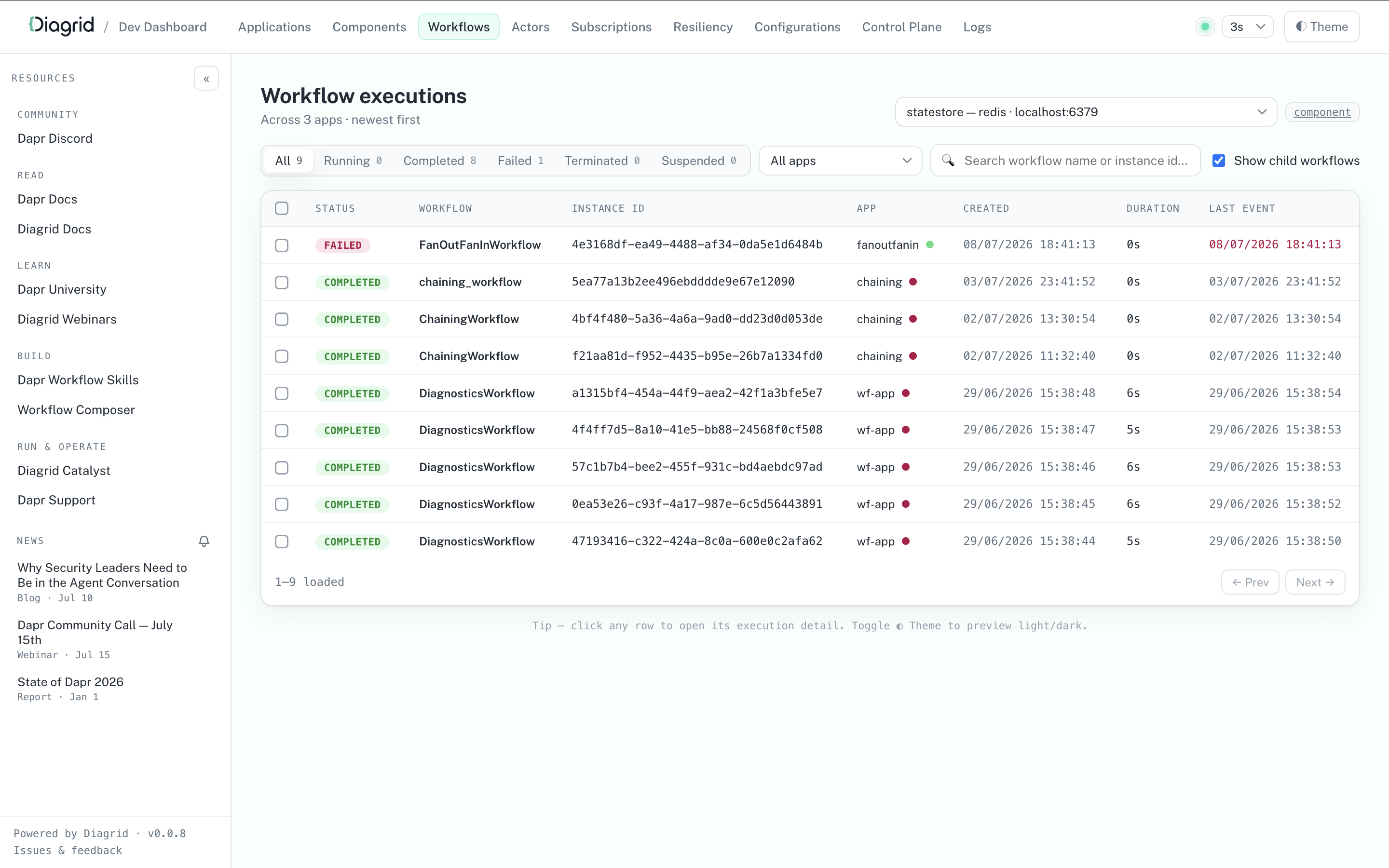
curl -sSL https://raw.githubusercontent.com/diagridio/dev-dashboard/main/scripts/install.sh | sh
iwr -useb https://raw.githubusercontent.com/diagridio/dev-dashboard/main/scripts/install.ps1 | iex
Start the Diagrid Dev Dashboard with:
diagrid-dev-dashboard
The dashboard will open in a browser at http://localhost:9090. Navigate to the Workflows page to inspect the workflows.
Testing the workflow via the Dapr CLI
After authoring the workflow, you can test it using the Dapr CLI:
Run the workflow application
dapr run --app-id workflow-app python3 app.py
Make sure the application is running:
dapr list
Run the workflow
dapr workflow run hello_world_wf --app-id workflow-app --input 'hello world' --instance-id test-run
Check the workflow status
dapr workflow list --app-id workflow-app -o wide
Check completed workflows
dapr workflow list --app-id workflow-app --filter-status COMPLETED -o wide
View workflow history
dapr workflow history --app-id workflow-app test-run
Run the workflow application
dapr run --app-id workflow-app npx ts-node src/app.ts
Make sure the application is running:
dapr list
Run the workflow
dapr workflow run sequence --app-id workflow-app --input 'hello world' --instance-id test-run
Check the workflow status
dapr workflow list --app-id workflow-app -o wide
Raise the waiting external event
dapr workflow raise-event --app-id workflow-app test-run/businessEvent
Check completed workflows
dapr workflow list --app-id workflow-app --filter-status COMPLETED -o wide
View workflow history
dapr workflow history --app-id workflow-app test-run
Run the workflow application
dapr run --app-id workflow-app dotnet run
Make sure the application is running:
dapr list
Run the workflow
dapr workflow run OrderProcessingWorkflow --app-id workflow-app --instance-id test-run --input '{"name": "Paperclips", "totalCost": 99.95}'
Check the workflow status
dapr workflow list --app-id workflow-app -o wide
Raise the waiting external event
dapr workflow raise-event --app-id workflow-app test-run/incoming-purchase-order --input '{"name": "Paperclips", "totalCost": 99.95}'
Check completed workflows
dapr workflow list --app-id workflow-app --filter-status COMPLETED -o wide
View workflow history
dapr workflow history --app-id workflow-app test-run
Run the workflow application
dapr run --app-id workflow-app -- java -jar target/WorkflowService-0.0.1-SNAPSHOT.jar
Make sure the application is running:
dapr list
Run the workflow
dapr workflow run DemoWorkflow --app-id workflow-app --instance-id test-run --input "input data"
Check the workflow status
dapr workflow list --app-id workflow-app -o wide
Raise the waiting external event
dapr workflow raise-event --app-id workflow-app test-run/TestEvent --input 'TestEventPayload'
dapr workflow raise-event --app-id workflow-app test-run/event1 --input 'TestEvent 1 Payload'
dapr workflow raise-event --app-id workflow-app test-run/event2 --input 'TestEvent 2 Payload'
dapr workflow raise-event --app-id workflow-app test-run/event3 --input 'TestEvent 3 Payload'
Check completed workflows
dapr workflow list --app-id workflow-app --filter-status COMPLETED -o wide
View workflow history
dapr workflow history --app-id workflow-app test-run
Run the workflow application
dapr run --app-id workflow-app go run main.go
Make sure the application is running:
dapr list
Run the workflow
dapr workflow run BusinessWorkflow --app-id workflow-app --input '1' --instance-id test-run
Check the workflow status
dapr workflow list --app-id workflow-app -o wide
Raise the waiting external event
dapr workflow raise-event --app-id workflow-app test-run/businessEvent
Check completed workflows
dapr workflow list --app-id workflow-app --filter-status COMPLETED -o wide
View workflow history
dapr workflow history test-run --app-id workflow-app
Monitor Workflow Execution
dapr workflow list --app-id workflow-app --filter-status RUNNING -o wide
dapr workflow list --app-id workflow-app --filter-status FAILED -o wide
dapr workflow list --app-id workflow-app --filter-status COMPLETED -o wide
Test External Events
# Raise an event your workflow is waiting for
dapr workflow raise-event <instance-id>/ApprovalReceived \
--app-id workflow-app \
--input '{"approved": true, "approver": "manager@company.com"}'
Debug Failed Workflows
# List failed workflows
dapr workflow list --app-id workflow-app --filter-status FAILED --output wide
# Get detailed history of a failed workflow
dapr workflow history <failed-instance-id> --app-id workflow-app --output json
# Re-run the workflow after fixing issues
dapr workflow rerun <failed-instance-id> --app-id workflow-app --input '<new-input-json-data>'
Next steps
Now that you’ve authored a workflow, learn how to manage it.
Manage workflows >>Related links
- Workflow overview
- Try out the full SDK examples:
1.1.11 - How to: Manage workflows
Now that you’ve authored the workflow and its activities in your application, you can start, terminate, rerun, and get information about the workflow using the CLI or API calls.
The SDK clients and the HTTP API can also target a workflow owned by another application in the same namespace, by sending that application’s ID with the request. (The CLI’s --app-id flag is different: it selects which sidecar to talk to, so those calls stay local to that application.) The target application’s workflow access policy decides whether the call is permitted. See Multi Application Workflows for the full picture.
Managing Workflows with the Dapr CLI
The Dapr CLI provides commands for managing workflow instances in both self-hosted and Kubernetes environments.
See also Workflow Retention Policy for information on how to configure retention policies for completed workflows.
Basic Workflow Operations
Start a Workflow
# Using the `orderprocessing` application, start a new workflow instance with input data
dapr workflow run OrderProcessingWorkflow \
--app-id orderprocessing \
--input '{"orderId": "12345", "amount": 100.50}'
# Start with a new workflow with a specific instance ID
# Note: an instance ID is only reusable once the existing workflow
# and all of its child workflows have reached a terminal state;
# otherwise the request is rejected. Purge a workflow to free up
# its instance ID unconditionally.
dapr workflow run OrderProcessingWorkflow \
--app-id orderprocessing \
--instance-id order-12345 \
--input '{"orderId": "12345"}'
# Schedule a new workflow to start at 10:00:00 AM on December 25, 2024, Coordinated Universal Time (UTC).
dapr workflow run OrderProcessingWorkflow \
--app-id orderprocessing \
--start-time "2024-12-25T10:00:00Z"
List Workflow Instances
# List all workflows for an app
dapr workflow list
# Filter by status
dapr workflow list --filter-status RUNNING
# Filter by workflow name and app ID
dapr workflow list --app-id orderprocessing --filter-name OrderProcessingWorkflow
# Filter by age (workflows started in last 24 hours)
dapr workflow list --filter-max-age 24h
# Get detailed output
dapr workflow list -o wide
View Workflow History
# Get execution history
dapr workflow history order-12345
# Get history in JSON format on a particular app ID.
dapr workflow history order-12345 --app-id orderprocessing --output json
Control Workflow Execution
# Suspend a running workflow
dapr workflow suspend order-12345 \
--app-id orderprocessing \
--reason "Waiting for manual approval"
# Resume a suspended workflow
dapr workflow resume order-12345 \
--app-id orderprocessing \
--reason "Approved by manager"
# Terminate a workflow
dapr workflow terminate order-12345 \
--app-id orderprocessing \
--output '{"reason": "Cancelled by customer"}'
Raise External Events
# Raise an event for a waiting workflow
dapr workflow raise-event order-12345/PaymentReceived \
--app-id orderprocessing \
--input '{"paymentId": "pay-67890", "amount": 100.50}'
Re-run Workflows
# Re-run from the beginning
dapr workflow rerun order-12345
# Re-run from a specific event ID, discovered via the history command
dapr workflow rerun order-12345 --event-id 5
# Re-run with a new specified instance ID
dapr workflow rerun order-12345 --new-instance-id order-12345-retry
Purge Completed Workflows
Note that purging a workflow from the CLI will also delete all associated Scheduler reminders.
Important
<p>It is required that a workflow client is running in the application to perform purge operations.</p>
The workflow client connection is required in order to preserve the workflow state machine integrity and prevent corruption. Errors like the following suggest that the workflow client is not running:
failed to purge orchestration state: rpc error: code = FailedPrecondition desc = failed to purge orchestration state: failed to lookup actor: api error: code = FailedPrecondition desc = did not find address for actor
It is possible to purge a workflow without a workflow application running by using the --force flag; however, this should only be used when you are certain that no workflow instances are currently running, as it will otherwise corrupt the workflow state machine.
# Purge a specific instance
dapr workflow purge order-12345
# Purge all completed workflows older than 30 days
dapr workflow purge --all-older-than 720h
# Purge only FAILED workflows older than 30 days
dapr workflow purge --all-older-than 720h --all-filter-status FAILED
# Purge all terminal workflows (use with caution!)
dapr workflow purge --app-id orderprocessing --all
# Force a purge without a running workflow client (use with extreme caution!)
dapr workflow purge order-12345 --force
Kubernetes Operations
All commands support the -k flag for Kubernetes deployments:
# List workflows in Kubernetes
dapr workflow list \
--kubernetes \
--namespace production \
--app-id orderprocessing
# Suspend a workflow in Kubernetes
dapr workflow suspend order-12345 \
--kubernetes \
--namespace production \
--app-id orderprocessing \
--reason "Maintenance window"
Listing Workflows
In self-hosted mode, simply run:
dapr workflow list
In Kubernetes mode, specify the --kubernetes/-k flag along with the namespace and app ID:
dapr workflow list -k
Workflow Management Best Practices
Monitor Running Workflows: Use filtered lists to track long-running instances
dapr workflow list --app-id orderprocessing --filter-status RUNNING --filter-max-age 24hUse Instance IDs: Assign meaningful instance IDs for easier tracking
dapr workflow run OrderWorkflow --app-id orderprocessing --instance-id "order-$(date +%s)"Export for Analysis: Export workflow data for analysis
dapr workflow list --app-id orderprocessing --output json > workflows.json
Managing Workflows with the Dapr Dev Dashboard
For local development, you can use the Dapr Dev Dashboard as a visual alternative to the dapr workflow list and dapr workflow history commands. The dashboard lists the workflow instances of your running apps with their status, and shows the full event history of each instance, including activity inputs and outputs, timers, and external events. The Dev Dashboard is intended for local development and does not run inside Kubernetes.
Managing Workflow Reminders with the Dapr CLI
Workflow reminders are stored in the Scheduler and can be managed using the dapr scheduler CLI.
List workflow reminders
dapr scheduler list --filter workflow
NAME BEGIN COUNT LAST TRIGGER
workflow/my-app/instance1/timer-0-ABC123 +50.0h 0
workflow/my-app/instance2/timer-0-XYZ789 +50.0h 0
Get reminder details
dapr scheduler get workflow/my-app/instance1/timer-0-ABC123 -o yaml
Delete workflow reminders
Delete a single reminder:
dapr scheduler delete workflow/my-app/instance1/timer-0-ABC123
Delete all reminders for a given workflow app"
dapr scheduler delete-all workflow/my-app
Delete all reminders for a specific workflow instance:
dapr scheduler delete-all workflow/my-app/instance1
Backup and restore reminders
Export all reminders:
dapr scheduler export -o workflow-reminders-backup.bin
Restore from a backup file:
dapr scheduler import -f workflow-reminders-backup.bin
Manage your workflow within your code. In the workflow example from the Author a workflow guide, the workflow is registered in the code using the following APIs:
- schedule_new_workflow: Start an instance of a workflow
- get_workflow_state: Get information on the status of the workflow
- pause_workflow: Pauses or suspends a workflow instance that can later be resumed
- resume_workflow: Resumes a paused workflow instance
- raise_workflow_event: Raise an event on a workflow
- purge_workflow: Removes all metadata related to a specific workflow instance
- wait_for_workflow_completion: Complete a particular instance of a workflow
from dapr.ext.workflow import WorkflowRuntime, DaprWorkflowContext, WorkflowActivityContext
from dapr.clients import DaprClient
# Sane parameters
instanceId = "exampleInstanceID"
workflowComponent = "dapr"
workflowName = "hello_world_wf"
eventName = "event1"
eventData = "eventData"
# Start the workflow
wf_client.schedule_new_workflow(
workflow=hello_world_wf, input=input_data, instance_id=instance_id
)
# Get info on the workflow
wf_client.get_workflow_state(instance_id=instance_id)
# Pause the workflow
wf_client.pause_workflow(instance_id=instance_id)
metadata = wf_client.get_workflow_state(instance_id=instance_id)
# Resume the workflow
wf_client.resume_workflow(instance_id=instance_id)
# Raise an event on the workflow.
wf_client.raise_workflow_event(instance_id=instance_id, event_name=event_name, data=event_data)
# Purge the workflow
wf_client.purge_workflow(instance_id=instance_id)
# Wait for workflow completion
wf_client.wait_for_workflow_completion(instance_id, timeout_in_seconds=30)
Target another application
Pass app_id to any of these operations to act on a workflow owned by another application. The target’s workflow access policy decides whether the call is allowed:
wf_client.terminate_workflow(instance_id=instance_id, app_id='app2')
Manage your workflow within your code. In the workflow example from the Author a workflow guide, the workflow is registered in the code using the following APIs:
- client.workflow.start: Start an instance of a workflow
- client.workflow.get: Get information on the status of the workflow
- client.workflow.pause: Pauses or suspends a workflow instance that can later be resumed
- client.workflow.resume: Resumes a paused workflow instance
- client.workflow.purge: Removes all metadata related to a specific workflow instance
- client.workflow.terminate: Terminate or stop a particular instance of a workflow
import { DaprClient } from "@dapr/dapr";
async function printWorkflowStatus(client: DaprClient, instanceId: string) {
const workflow = await client.workflow.get(instanceId);
console.log(
`Workflow ${workflow.workflowName}, created at ${workflow.createdAt.toUTCString()}, has status ${
workflow.runtimeStatus
}`,
);
console.log(`Additional properties: ${JSON.stringify(workflow.properties)}`);
console.log("--------------------------------------------------\n\n");
}
async function start() {
const client = new DaprClient();
// Start a new workflow instance
const instanceId = await client.workflow.start("OrderProcessingWorkflow", {
Name: "Paperclips",
TotalCost: 99.95,
Quantity: 4,
});
console.log(`Started workflow instance ${instanceId}`);
await printWorkflowStatus(client, instanceId);
// Pause a workflow instance
await client.workflow.pause(instanceId);
console.log(`Paused workflow instance ${instanceId}`);
await printWorkflowStatus(client, instanceId);
// Resume a workflow instance
await client.workflow.resume(instanceId);
console.log(`Resumed workflow instance ${instanceId}`);
await printWorkflowStatus(client, instanceId);
// Terminate a workflow instance
await client.workflow.terminate(instanceId);
console.log(`Terminated workflow instance ${instanceId}`);
await printWorkflowStatus(client, instanceId);
// Wait for the workflow to complete, 30 seconds!
await new Promise((resolve) => setTimeout(resolve, 30000));
await printWorkflowStatus(client, instanceId);
// Purge a workflow instance
await client.workflow.purge(instanceId);
console.log(`Purged workflow instance ${instanceId}`);
// This will throw an error because the workflow instance no longer exists.
await printWorkflowStatus(client, instanceId);
}
start().catch((e) => {
console.error(e);
process.exit(1);
});
Manage your workflow within your code. In the OrderProcessingWorkflow example from the Author a workflow guide, the workflow is registered in the code. You can now start, terminate, and get information about a running workflow:
string orderId = "exampleOrderId";
OrderPayload input = new OrderPayload("Paperclips", 99.95);
Dictionary<string, string> workflowOptions; // This is an optional parameter
// Start the workflow using the orderId as our workflow ID. This returns a string containing the instance ID for the particular workflow instance, whether we provide it ourselves or not.
await daprWorkflowClient.ScheduleNewWorkflowAsync(nameof(OrderProcessingWorkflow), orderId, input, workflowOptions);
// Get information on the workflow. This response contains information such as the status of the workflow, when it started, and more!
WorkflowState currentState = await daprWorkflowClient.GetWorkflowStateAsync(orderId, orderId);
// Terminate the workflow
await daprWorkflowClient.TerminateWorkflowAsync(orderId);
// Raise an event (an incoming purchase order) that your workflow will wait for
await daprWorkflowClient.RaiseEventAsync(orderId, "incoming-purchase-order", input);
// Pause
await daprWorkflowClient.SuspendWorkflowAsync(orderId);
// Resume
await daprWorkflowClient.ResumeWorkflowAsync(orderId);
// Purge the workflow, removing all inbox and history information from associated instance
await daprWorkflowClient.PurgeInstanceAsync(orderId);
Target another application
Pass targetAppId to act on a workflow owned by another application. The target’s workflow access policy decides whether the call is allowed:
await client.TerminateWorkflowAsync(instanceId, null, "app2");
Manage your workflow within your code. In the workflow example from the Java SDK, the workflow is registered in the code using the following APIs:
- scheduleNewWorkflow: Starts a new workflow instance
- getInstanceState: Get information on the status of the workflow
- waitForInstanceStart: Pauses or suspends a workflow instance that can later be resumed
- raiseEvent: Raises events/tasks for the running workflow instance
- waitForInstanceCompletion: Waits for the workflow to complete its tasks
- purgeInstance: Removes all metadata related to a specific workflow instance
- terminateWorkflow: Terminates the workflow
- purgeInstance: Removes all metadata related to a specific workflow
package io.dapr.examples.workflows;
import io.dapr.workflows.client.DaprWorkflowClient;
import io.dapr.workflows.client.WorkflowInstanceStatus;
// ...
public class DemoWorkflowClient {
// ...
public static void main(String[] args) throws InterruptedException {
DaprWorkflowClient client = new DaprWorkflowClient();
try (client) {
// Start a workflow
String instanceId = client.scheduleNewWorkflow(DemoWorkflow.class, "input data");
// Get status information on the workflow
WorkflowInstanceStatus workflowMetadata = client.getInstanceState(instanceId, true);
// Wait or pause for the workflow instance start
try {
WorkflowInstanceStatus waitForInstanceStartResult =
client.waitForInstanceStart(instanceId, Duration.ofSeconds(60), true);
}
// Raise an event for the workflow; you can raise several events in parallel
client.raiseEvent(instanceId, "TestEvent", "TestEventPayload");
client.raiseEvent(instanceId, "event1", "TestEvent 1 Payload");
client.raiseEvent(instanceId, "event2", "TestEvent 2 Payload");
client.raiseEvent(instanceId, "event3", "TestEvent 3 Payload");
// Wait for workflow to complete running through tasks
try {
WorkflowInstanceStatus waitForInstanceCompletionResult =
client.waitForInstanceCompletion(instanceId, Duration.ofSeconds(60), true);
}
// Purge the workflow instance, removing all metadata associated with it
boolean purgeResult = client.purgeInstance(instanceId);
// Terminate the workflow instance
client.terminateWorkflow(instanceToTerminateId, null);
System.exit(0);
}
}
Target another application
Pass the target application’s ID to act on a workflow it owns. The target’s workflow access policy decides whether the call is allowed:
client.terminateWorkflow(instanceId, null, "app2");
Manage your workflow within your code. In the workflow example from the Go SDK, the workflow is registered in the code using the following APIs:
- StartWorkflow: Starts a new workflow instance
- GetWorkflow: Get information on the status of the workflow
- PauseWorkflow: Pauses or suspends a workflow instance that can later be resumed
- RaiseEventWorkflow: Raises events/tasks for the running workflow instance
- ResumeWorkflow: Waits for the workflow to complete its tasks
- PurgeWorkflow: Removes all metadata related to a specific workflow instance
- TerminateWorkflow: Terminates the workflow
// Start workflow
type StartWorkflowRequest struct {
InstanceID string // Optional instance identifier
WorkflowComponent string
WorkflowName string
Options map[string]string // Optional metadata
Input any // Optional input
SendRawInput bool // Set to True in order to disable serialization on the input
}
type StartWorkflowResponse struct {
InstanceID string
}
// Get the workflow status
type GetWorkflowRequest struct {
InstanceID string
WorkflowComponent string
}
type GetWorkflowResponse struct {
InstanceID string
WorkflowName string
CreatedAt time.Time
LastUpdatedAt time.Time
RuntimeStatus string
Properties map[string]string
}
// Purge workflow
type PurgeWorkflowRequest struct {
InstanceID string
WorkflowComponent string
}
// Terminate workflow
type TerminateWorkflowRequest struct {
InstanceID string
WorkflowComponent string
}
// Pause workflow
type PauseWorkflowRequest struct {
InstanceID string
WorkflowComponent string
}
// Resume workflow
type ResumeWorkflowRequest struct {
InstanceID string
WorkflowComponent string
}
// Raise an event for the running workflow
type RaiseEventWorkflowRequest struct {
InstanceID string
WorkflowComponent string
EventName string
EventData any
SendRawData bool // Set to True in order to disable serialization on the data
}
Target another application
Pass the matching app ID option to act on a workflow owned by another application. The target’s workflow access policy decides whether the call is allowed:
err = client.TerminateWorkflow(ctx, instanceID, workflow.WithTerminateAppID("app2"))
Manage your workflow using HTTP calls. The example below plugs in the properties from the Author a workflow example with a random instance ID number.
Start workflow
To start your workflow with an ID 12345678, run:
curl -X POST "http://localhost:3500/v1.0/workflows/dapr/OrderProcessingWorkflow/start?instanceID=12345678"
Note that workflow instance IDs can only contain alphanumeric characters, underscores, and dashes.
Important
It is strongly recommended to give every execution a new instance ID rather than reusing an old one. See <a href="https://v1-19.docs.dapr.io/developing-applications/building-blocks/workflow/workflow-features-concepts/#implications-of-instance-id-reuse">Implications of instance ID reuse</a>. An instance ID can only be reused once the existing workflow with that ID, and every child workflow it created (checked recursively), has reached a terminal state (<code>COMPLETED</code>, <code>FAILED</code>, or <code>TERMINATED</code>). Otherwise the request fails with HTTP <code>500</code> and error code <code>ERR_START_WORKFLOW</code>. SDK workflow clients get the gRPC <code>AlreadyExists</code> status code instead. To free up an instance ID unconditionally, first purge the existing workflow using the <a href="https://v1-19.docs.dapr.io/reference/api/workflow_api/#purge-workflow-request">purge API</a> or configure a <a href="https://v1-19.docs.dapr.io/developing-applications/building-blocks/workflow/workflow-history-retention-policy/">retention policy</a>.
The app that owns the workflow must be running with its workflow worker connected to its Dapr sidecar. Otherwise the start request fails at once with no workflow worker is connected for app '<app-id>', instead of retrying and then returning an actor routing error.
Terminate workflow
To terminate your workflow with an ID 12345678, run:
curl -X POST "http://localhost:3500/v1.0/workflows/dapr/12345678/terminate"
Raise an event
For workflow components that support subscribing to external events, such as the Dapr Workflow engine, you can use the following “raise event” API to deliver a named event to a specific workflow instance.
curl -X POST "http://localhost:3500/v1.0/workflows/<workflowComponentName>/<instanceID>/raiseEvent/<eventName>"
An
eventNamecan be any function.
Pause or resume a workflow
To plan for down-time, wait for inputs, and more, you can pause and then resume a workflow. To pause a workflow with an ID 12345678 until triggered to resume, run:
curl -X POST "http://localhost:3500/v1.0/workflows/dapr/12345678/pause"
To resume a workflow with an ID 12345678, run:
curl -X POST "http://localhost:3500/v1.0/workflows/dapr/12345678/resume"
Purge a workflow
The purge API can be used to permanently delete workflow metadata from the underlying state store, including any stored inputs, outputs, and workflow history records. This is often useful for implementing data retention policies and for freeing resources.
Only workflow instances in the COMPLETED, FAILED, or TERMINATED state can be purged. If the workflow is in any other state, calling purge returns an error.
curl -X POST "http://localhost:3500/v1.0/workflows/dapr/12345678/purge"
Get information about a workflow
To fetch workflow information (outputs and inputs) with an ID 12345678, run:
curl -X GET "http://localhost:3500/v1.0/workflows/dapr/12345678"
Target another application
Add the appID query parameter to any of the calls above to act on a workflow owned by another application. Every operation in the workflow API reference accepts it, and the target’s workflow access policy decides whether the call is allowed:
curl -X POST "http://localhost:3500/v1.0/workflows/dapr/12345678/terminate?appID=app2"
Next steps
Now that you’ve learned how to manage workflows, learn how to execute workflows across multiple applications
Multi Application Workflows>>Related links
1.1.12 - Multi Application Workflows
It is often the case that a single workflow spans multiple applications, microservices, or programming languages. This is where an activity or a child workflow will be executed on a different application than the one hosting the parent workflow.
Some scenarios where this is useful include:
- A Machine Learning (ML) training activity must be executed on GPU-enabled machines, while the rest of the workflow runs on CPU-only orchestration machines.
- Activities need access to sensitive data or credentials that are only available to particular identities or locales.
- Different parts of the workflow need to be executed in different trust zones or networks.
- Different parts of the workflow need to be executed in different geographic regions due to data residency requirements.
- An involved business process spans multiple teams or departments, each owning their own application.
- Implementation of a workflow spans different programming languages based on team expertise or existing codebases.
- Different team boundaries or microservice ownership.
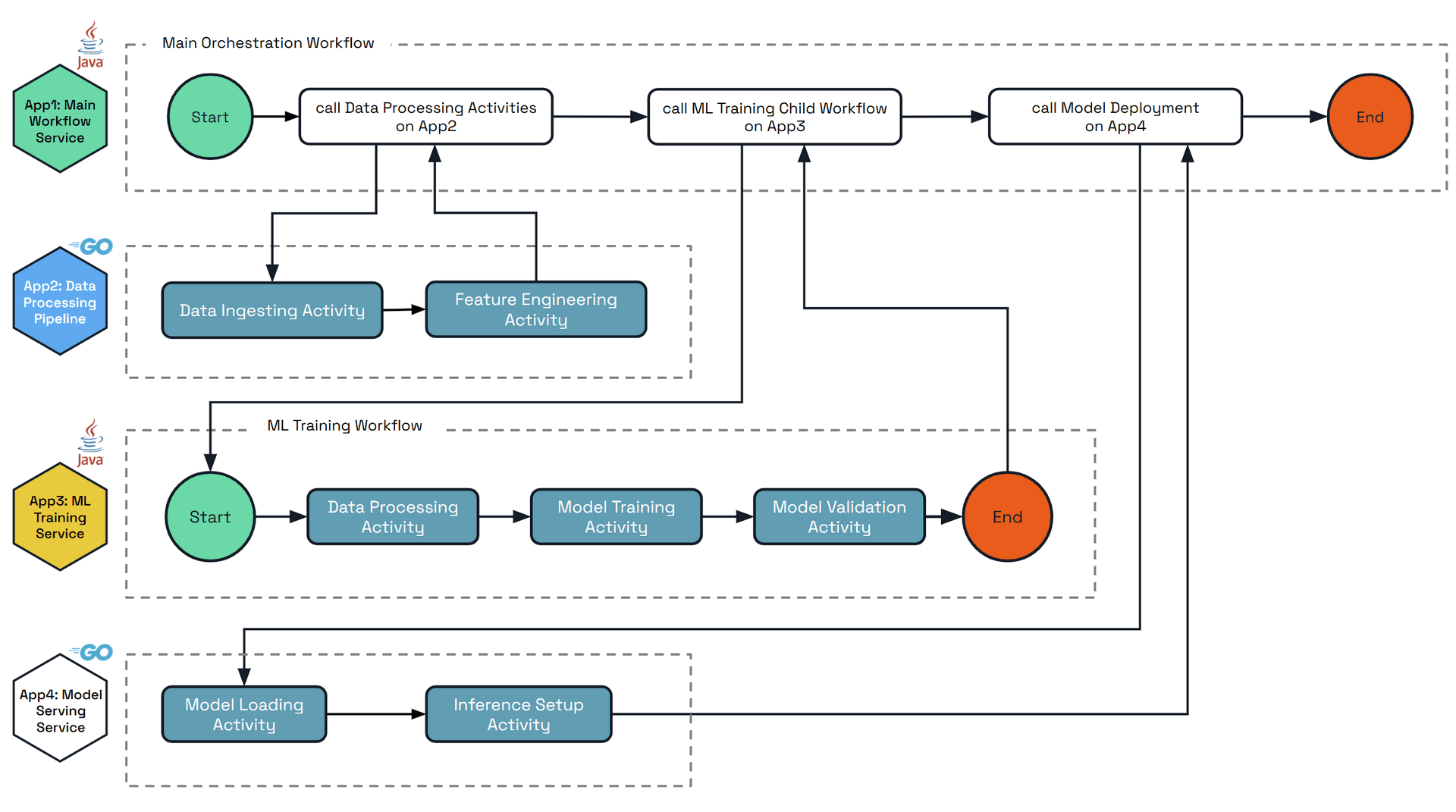
The diagram below shows an example scenario of a complex workflow that orchestrates across multiple applications that are written in different languages. Each applications’ main steps and activities are:
• App1: Main Workflow Service - Top-level orchestrator that coordinates the entire ML pipeline
- Starts the process
- Calls data processing activities on App2
- Calls ML training child workflow on App3
- Calls model deployment on App4
- Ends the complete workflow
- Language: Java
• App2: Data Processing Pipeline - GPU activities only
- Data Ingesting Activity (GPU-accelerated)
- Feature Engineering Activity (GPU-accelerated)
- Returns completion signal to Main Workflow
- Language: Go
• App3: ML Training Child Workflow - Contains a child workflow and activities
- Child workflow orchestrates:
- Data Processing Activity
- Model Training Activity (GPU-intensive)
- Model Validation Activity
- Triggered by App2’s activities completing
- Returns completion signal to Main Workflow
- Language: Java
• App4: Model Serving Service - Beefy GPU app with activities only
- Model Loading Activity (GPU memory intensive)
- Inference Setup Activity (GPU-accelerated inference)
- Triggered by App3’s workflow completing
- Returns completion signal to Main Workflow
- Language: Go
Multi-application workflows
Workflow execution routing is based on the App ID of the hosting Dapr application. By default, the full workflow execution is hosted on the app ID that started the workflow. This workflow can be executed across any replicas of that app ID, not just the single replica which scheduled the workflow.
It is possible to execute activities and child workflows on different app IDs by specifying the target app ID parameter, inside the workflow execution code. Upon execution, the target app ID executes the activity or child workflow, and returns the result to the parent workflow of the originating app ID.
The entire Workflow execution may be distributed across multiple app IDs with no limit, with each activity or child workflow specifying the target app ID. The final history of the workflow will be saved by the app ID that hosts the very parent (or can consider it the root) workflow.
Restrictions
Like other API building blocks and resources in Dapr, workflows are scoped to a single namespace. This means that all app IDs involved in a multi-application workflow must be in the same namespace. Cross-namespace workflows are not supported: any workflow or activity call from a caller in a different namespace than the target is always denied. Similarly, all app IDs must use the same workflow (or actor) state store. Finally, the target app ID must have the activity or child workflow defined and registered, otherwise the parent workflow retries indefinitely.Note
Multi-application workflows require Dapr runtime v1.16.0 or later. .NET SDK support is available starting with v1.17.0.Important Limitations
SDKs supporting multi-application workflows - Multi-application workflows are used via the SDKs. Currently the following are supported:
- Java (only activity calls)
- Go (both activity and child workflow calls)
- Python (both activity and child workflow calls)
- .NET (both activity and child workflow calls, requires .NET SDK v1.17.0+)
- JavaScript SDK support is planned for a future release
Error handling
When calling multi-application activities or child workflows:
- If the target application does not exist, the call will be retried using the provided retry policy.
- If the target application exists but doesn’t contain the specified activity or workflow, the call will return an error.
- Standard workflow retry policies apply to multi-application calls.
Client operations fail at once when no workflow worker is connected for the target application, local or remote, with the error no workflow worker is connected for app '<app-id>'. This tells you to start the app, or wait for its worker to connect, instead of returning an actor routing error such as did not find address for actor. Starting a workflow no longer retries in this case, so the error comes about 20 seconds sooner. The original error stays wrapped, so existing error code checks still match.
It is paramount that there is coordination between the teams owning the different app IDs to ensure that the activities and child workflows are defined and available when needed.
Durable Activity Results
It is often the case that Activities take some amount of time to complete, or similarly are expensive to execute in resource or dollar cost. It is therefore undesirable to execute these activities more than once for the same round, even in unhappy paths. Before 1.17 in multi-application scenarios, Activities would publish responses over a network call to the other application which is hosting the owning Workflow. In the case where the hosting workflow application is down or otherwise unreachable, the result would be lost and the Activity would be retried, leading to duplicate execution of the Activity.
In 1.17, enabling the WorkflowsRemoteActivityReminder feature gate will make the activity result be sent to the owning workflow application with a reminder in the event that the workflow application is offline or unreachable, ensuring that the result is not lost and duplicate execution is avoided.
This option should be enabled by all users who have all applications running Dapr version 1.17 or later.
As of 1.18 it is enabled by default. In 1.17 it was disabled by default for backwards compatibility between Dapr versions, and can be opted into via the feature gate.
Multi-application activity example
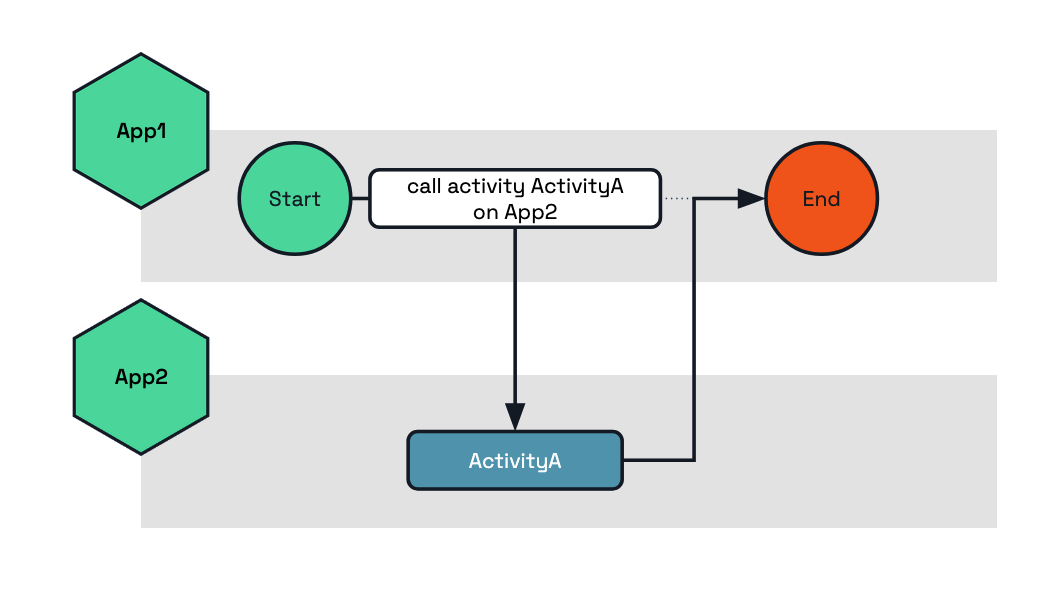
The following example shows how to execute the activity ActivityA on the target app App2.
func BusinessWorkflow(ctx *workflow.WorkflowContext) (any, error) {
var output string
err := ctx.CallActivity("ActivityA",
workflow.WithActivityInput("my-input"),
workflow.WithActivityAppID("App2"), // Here we set the target app ID which will execute this activity.
).Await(&output)
if err != nil {
return nil, err
}
return output, nil
}
public class BusinessWorkflow implements Workflow {
@Override
public WorkflowStub create() {
return ctx -> {
String output = ctx.callActivity(
ActivityA.class.getName(),
"my-input",
new WorkflowTaskOptions("App2"), // Here we set the target app ID which will execute this activity.
String.class
).await();
ctx.complete(output);
};
}
}
@wfr.workflow
def app1_workflow(ctx: wf.DaprWorkflowContext):
output = yield ctx.call_activity('ActivityA', input='my-input', app_id='App2')
return output
public sealed class BusinessWorkflow : Workflow<string, string>
{
public override async Task<string> RunAsync(WorkflowContext context, string input)
{
var options = new WorkflowTaskOptions { TargetAppId = "App2" };
var output = await context.CallActivityAsync<string>(nameof(ActivityA), input, options);
return output;
}
}
Multi-application child workflow example
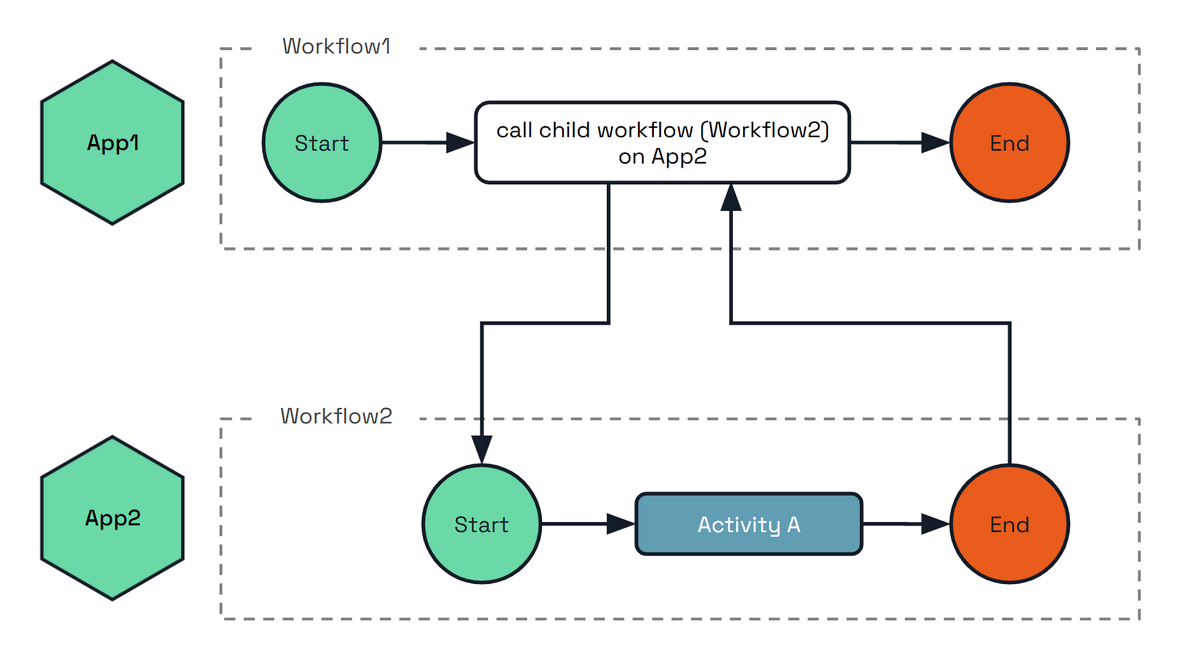
The following example shows how to execute the child workflow Workflow2 on the target app App2.
func BusinessWorkflow(ctx *workflow.WorkflowContext) (any, error) {
var output string
err := ctx.CallChildWorkflow("Workflow2",
workflow.WithChildWorkflowInput("my-input"),
workflow.WithChildWorkflowAppID("App2"), // Here we set the target app ID which will execute this child workflow.
).Await(&output)
if err != nil {
return nil, err
}
return output, nil
}
@wfr.workflow
def workflow1(ctx: wf.DaprWorkflowContext):
output = yield ctx.call_child_workflow(workflow='Workflow2', input='my-input', app_id='App2')
return output
public sealed class BusinessWorkflow : Workflow<string, string>
{
public override async Task<string> RunAsync(WorkflowContext context, string input)
{
var options = new ChildWorkflowTaskOptions { TargetAppId = "App2" };
var output = await context.CallChildWorkflowAsync<string>(nameof(Workflow2), input, options);
return output;
}
}
Managing workflows across applications
The examples above compose work across applications from inside a running workflow. Client-level operations can cross applications too: an application that holds nothing but a workflow client can start, inspect and control an instance owned by another application in the same namespace.
This means the application that owns a workflow does not have to build and maintain its own API for other teams to drive it. An operations tool can terminate a stuck order by its instance ID, a support tool can raise an approval event on it, and a front-end service can start a workflow it does not host, all through the standard workflow API. The owning application stays in control: its workflow access policy decides which callers may perform which operation on which workflow. See the WorkflowAccessPolicy spec for the resource format.
When to use it
- Client-level operations (this section) — the caller is not inside a workflow. An HTTP handler, an operations tool acting on a known instance ID, or a service that starts work it does not host.
- Child workflows and activities — the caller is a workflow, composing another application’s work into its own execution and awaiting the result.
How it works
Take an application app-a that terminates the workflow instance order-1, which is owned by app-b:
app-a hosts no workflow code at all. It names the owning application, and its sidecar does the rest: it stamps app-a as the caller, and app-b’s sidecar checks that identity against its own access policy before the operation reaches the instance. Only app-b ever runs the workflow.
Because the caller’s identity is what the policy is evaluated against, mTLS must be enabled for cross-application enforcement. With a policy loaded and mTLS off, the target cannot verify who is calling and denies the request.
Leaving the app ID unset, or setting it to the calling application’s own ID, is the ordinary local operation. Against a runtime that predates this feature the app ID is ignored and the operation applies to the local application.
Start, get, raise event, pause, resume, terminate, purge and rerun can target another application. Rerun is available through the SDK workflow clients only, not the HTTP or gRPC workflow API. Listing instance IDs and reading instance history always apply to the local application.
HTTP
Add the appID query parameter to any call in the workflow API reference:
# Start a workflow hosted by app2
curl -X POST "http://localhost:3500/v1.0-beta1/workflows/dapr/OrderWF/start?appID=app2&instanceID=order-1"
# Inspect it, raise an event, and terminate it on app2
curl "http://localhost:3500/v1.0-beta1/workflows/dapr/order-1?appID=app2"
curl -X POST "http://localhost:3500/v1.0-beta1/workflows/dapr/order-1/raiseEvent/approval?appID=app2" -d '"approved"'
curl -X POST "http://localhost:3500/v1.0-beta1/workflows/dapr/order-1/terminate?appID=app2"
gRPC
Set the app_id field (JSON name appID) on the workflow request messages: StartWorkflowRequest, GetWorkflowRequest, TerminateWorkflowRequest, RaiseEventWorkflowRequest, PauseWorkflowRequest, ResumeWorkflowRequest and PurgeWorkflowRequest. Each corresponds to an operation in the workflow API reference: start, get, terminate, raise event, pause, resume and purge.
SDKs
app_id is a keyword-only argument on every client operation.
instance_id = client.schedule_new_workflow(workflow=order_wf, app_id='app2')
state = client.get_workflow_state(instance_id, app_id='app2')
client.raise_workflow_event(instance_id, 'approval', data='approved', app_id='app2')
client.pause_workflow(instance_id, app_id='app2')
client.resume_workflow(instance_id, app_id='app2')
client.terminate_workflow(instance_id, app_id='app2')
client.purge_workflow(instance_id, app_id='app2')
The async client in dapr.ext.workflow.aio takes the same argument. See the Python workflow examples.
Scheduling takes the target through StartWorkflowOptions; the other operations take a targetAppId argument.
var options = new StartWorkflowOptionsBuilder().WithTargetAppId("app2").Build();
var instanceId = await client.ScheduleNewWorkflowAsync("OrderWF", input: null, options: options);
var state = await client.GetWorkflowStateAsync(instanceId, "app2");
await client.RaiseEventAsync(instanceId, "approval", "approved", "app2");
await client.SuspendWorkflowAsync(instanceId, null, "app2");
await client.ResumeWorkflowAsync(instanceId, null, "app2");
await client.TerminateWorkflowAsync(instanceId, null, "app2");
await client.PurgeInstanceAsync(instanceId, "app2");
Scheduling takes the target through NewWorkflowOptions; the other operations have an overload with a trailing appId.
NewWorkflowOptions options = new NewWorkflowOptions().setAppId("app2");
String instanceId = client.scheduleNewWorkflow(OrderWorkflow.class, options);
WorkflowState state = client.getWorkflowState(instanceId, true, "app2");
client.raiseEvent(instanceId, "approval", "approved", "app2");
client.suspendWorkflow(instanceId, null, "app2");
client.resumeWorkflow(instanceId, null, "app2");
client.terminateWorkflow(instanceId, null, "app2");
client.purgeWorkflow(instanceId, "app2");
Each operation has its own app ID option.
instanceID, err := client.ScheduleWorkflow(ctx, "OrderWF", workflow.WithAppID("app2"))
meta, err := client.FetchWorkflowMetadata(ctx, instanceID, workflow.WithFetchAppID("app2"))
err = client.RaiseEvent(ctx, instanceID, "approval", workflow.WithRaiseEventAppID("app2"))
err = client.SuspendWorkflow(ctx, instanceID, "", workflow.WithSuspendAppID("app2"))
err = client.ResumeWorkflow(ctx, instanceID, "", workflow.WithResumeAppID("app2"))
err = client.TerminateWorkflow(ctx, instanceID, workflow.WithTerminateAppID("app2"))
err = client.PurgeWorkflowState(ctx, instanceID, workflow.WithPurgeAppID("app2"))
SDK availability
Client-level cross-application operations require Dapr runtime v1.19 or later, and the SDK support shipping alongside it. The arguments and options shown above are not present in earlier SDK releases: check that your SDK version includes them before using these snippets.
The JavaScript SDK does not support cross-application client operations.
The target application’s workflow access policy governs whether each operation is permitted, per operation and per workflow name, using the rules defined in the WorkflowAccessPolicy spec. Cross-namespace targeting is not supported.
Security: Workflow access policies
When using multi-application workflows, you may want to restrict which applications can schedule activities or child workflows on a target application. Dapr provides the WorkflowAccessPolicy resource for this purpose.
Policies are a pure allow-list and self-calls are always permitted, so the target application does not need to list itself in the callers to execute its own activities. The following example of a workflow access policy is applied to the ml-worker application. All policies that target a given appID (in this case ml-worker) are loaded by the sidecar when the application is instantiated.
This policy allows the orchestrator-app application to schedule the TrainModel and ValidateModel activities on the ml-worker application.
apiVersion: dapr.io/v1alpha1
kind: WorkflowAccessPolicy
metadata:
name: ml-worker-policy
namespace: production
scopes:
- ml-worker
spec:
rules:
- callers:
- appID: orchestrator-app
activities:
- name: TrainModel
- name: ValidateModel
Read How-To: Apply workflow access policies for more examples and details on the cross-app enforcement model.
Related links
1.1.13 - History Retention Policy
Dapr workflow state is stored in the actor state store. By default, Dapr Workflows retains the complete history of workflow state changes indefinitely. This means historical workflows can be queried and inspected at any time. Running many workflows or workflows which generate large amounts of state change history can lead to increased storage usage, which can eventually fill up the state store disk space.
To help manage storage usage, Dapr Workflows supports configuring a history retention policy.
The retention policy defines how long to retain workflow state change history before it is deleted.
Workflows will only be eligible for deletion once it has reached a terminal state (Completed, Failed, or Terminated).
Each workflow terminal state can have a custom retention duration, as well as a default retention duration for any terminal states not explicitly configured.
The duration is defined as a Go duration string (for example, 72h for 72 hours, or 30m for 30 minutes).
Note
It can be useful to configure a short retention duration forCompleted workflows, while retaining Failed and Terminated workflows for longer periods to allow for investigation.Important
When adding or changing a retention policy, the policy only applies to workflows that newly reach a configured terminal state after the policy is in effect. It does not retroactively clean up workflows that are already in a terminal state.
To retroactively purge existing terminal workflows, use the Dapr CLI:
# Purge all terminal workflows older than a specific duration
dapr workflow purge --app-id <app-id> --all-older-than <duration>
# Purge only workflows with a specific status older than a duration
dapr workflow purge --app-id <app-id> --all-older-than <duration> --all-filter-status COMPLETED
dapr workflow purge --app-id <app-id> --all-older-than <duration> --all-filter-status FAILED
dapr workflow purge --app-id <app-id> --all-older-than <duration> --all-filter-status TERMINATED
When purging workflows, ensure that a workflow client is running for the same app-id so the workflow state machine can advance correctly. Avoid using the --force option while workflow instances may still be active, as this can corrupt the workflow state machine.
See How to: Manage workflows for more details on the purge command and additional cautions.
The following example configuration sets each of the terminal states.
The anyTerminal property set here would take no effect as all terminal states are explicitly configured, however it is included for reference.
See the Dapr Configuration documentation for more information on how to apply configuration to your Dapr applications.
kind: Configuration
metadata:
name: appconfig
spec:
workflow:
stateRetentionPolicy:
anyTerminal: "360h"
completed: "1m"
failed: "720h"
terminated: "360h"
Related links
- Try out Dapr Workflows using the quickstart
- Workflow overview
- Workflow API reference
- Try out the following examples:
1.1.14 - Workflow Concurrency Limits
Dapr provides concurrency limits for workflows and activities at two levels:
- Global limits control the total across all replicas, enforced by the scheduler.
- Per-sidecar limits control how many workflows or activities a single Dapr instance can execute concurrently.
Both levels can be configured independently and work together. Global limits enforce namespace-wide capacity constraints, for example, to respect rate limits on downstream services. Per-sidecar limits protect individual instances from resource exhaustion.
Prefer global limits when you want to express a true concurrency limit. Because a per-sidecar limit applies to each instance independently, the effective namespace-wide limit is the per-sidecar value multiplied by the number of replicas, so it drifts every time you scale up or down. A global limit holds the same total regardless of how many replicas are running, which is usually what you mean when you say “at most N at a time”.
Global limits
Global limits enforce a maximum across all replicas of your application. The Dapr scheduler divides the limit among its instances and holds back triggers when the limit is reached, dispatching them as capacity becomes available.
Because the total is fixed regardless of how many replicas are running, a global limit is the most accurate way to express a true concurrency limit. This is the recommended starting point for most workloads.
Note
Global and per-name limits are enforced by the Scheduler when it delivers each job. When any of them is configured, theWorkflowsFastPath preview feature disables itself at
sidecar startup (an Info log is emitted) so that the limits remain effective. Per-sidecar limits are compatible with
the fast path.All workflows or all activities
apiVersion: dapr.io/v1alpha1
kind: Configuration
metadata:
name: appconfig
spec:
workflow:
globalMaxConcurrentWorkflowInvocations: 50
globalMaxConcurrentActivityInvocations: 200
| Property | Type | Description |
|---|---|---|
globalMaxConcurrentWorkflowInvocations | int32 | Max concurrent workflow executions across all replicas. Default: unlimited. |
globalMaxConcurrentActivityInvocations | int32 | Max concurrent activity executions across all replicas. Default: unlimited. |
Per-name limits
You can set concurrency limits for specific workflow or activity names. This is useful when certain workflows or activities call rate-limited external services.
apiVersion: dapr.io/v1alpha1
kind: Configuration
metadata:
name: appconfig
spec:
workflow:
globalMaxConcurrentActivityInvocations: 200
activityConcurrencyLimits:
- name: SendEmail
maxConcurrent: 5
- name: CallPaymentAPI
maxConcurrent: 10
workflowConcurrencyLimits:
- name: OrderProcess
maxConcurrent: 20
| Property | Type | Description |
|---|---|---|
activityConcurrencyLimits | array | Per-activity-name concurrency limits. |
workflowConcurrencyLimits | array | Per-workflow-name concurrency limits. |
activityConcurrencyLimits[].name | string | Activity name to limit. |
activityConcurrencyLimits[].maxConcurrent | int32 | Max concurrent executions across all replicas for this activity. |
workflowConcurrencyLimits[].name | string | Workflow name to limit. |
workflowConcurrencyLimits[].maxConcurrent | int32 | Max concurrent executions across all replicas for this workflow. |
A trigger must satisfy all applicable limits. For example, if globalMaxConcurrentActivityInvocations is 200 and SendEmail has a per-name limit of 5, then at most 5 SendEmail activities can run, and all activities combined cannot exceed 200.
Per-sidecar limits
Per-sidecar limits restrict concurrency within a single Dapr sidecar. Because they apply to each instance independently, the effective namespace-wide capacity scales with the number of replicas: if you have 10 replicas with a per-sidecar limit of 100, the effective namespace-wide capacity is up to 1000. For this reason, reach for per-sidecar limits to protect individual instances from resource exhaustion rather than to enforce a true namespace-wide concurrency limit.
apiVersion: dapr.io/v1alpha1
kind: Configuration
metadata:
name: appconfig
spec:
workflow:
maxConcurrentWorkflowInvocations: 100
maxConcurrentActivityInvocations: 1000
| Property | Type | Description |
|---|---|---|
maxConcurrentWorkflowInvocations | int32 | Max concurrent workflow executions per sidecar. Default: unlimited. |
maxConcurrentActivityInvocations | int32 | Max concurrent activity executions per sidecar. Default: unlimited. |
These limits do not distinguish between different workflow or activity names. They apply to all workflows and activities running in the sidecar.
How the levels interact
| Limit type | Scope | Enforcement point | Effect of scaling replicas |
|---|---|---|---|
| Global (type) | All replicas | Scheduler | Fixed total regardless of replicas |
| Global (per-name) | All replicas | Scheduler | Fixed total regardless of replicas |
| Per-sidecar | Single instance | Dapr sidecar | Effective max = limit x replicas |
When both per-sidecar and global limits are configured, both apply. The global limit prevents the namespace-wide total from exceeding the configured value, while the per-sidecar limit prevents any single instance from consuming too much local resources.
How global limits work with multiple scheduler replicas
The scheduler divides global limits evenly among its instances using floor division. With a global limit of 100 and 3 scheduler replicas, each scheduler enforces a local limit of 33, for an effective namespace max of 99. This ensures the configured limit is never exceeded.
Comparison with other rate limiting options
Dapr provides several ways to control concurrency and rate limiting:
| Approach | What it controls | Granularity | Scope |
|---|---|---|---|
| Workflow concurrency limits | Workflow and activity executions | Per-type or per-name | Per-sidecar or global |
app-max-concurrency | All requests and events to an app | All traffic | Per-sidecar |
| Rate limit middleware | HTTP requests per second | Per remote IP | Per-sidecar |
Related links
1.1.15 - Workflow history signing
Dapr workflow history signing provides cryptographic tamper detection for workflow execution histories. Every history event produced during a workflow’s lifetime is signed using the sidecar’s mTLS identity (X.509 SPIFFE Verifiable Identity Document (SVID)), creating an auditable chain of signatures that is verified each time the workflow state is loaded.
Before you enable signing: plan your root CA lifecycle
Workflow history signing trusts your Dapr root CA. The default Dapr-generated
self-signed root is valid for one year. If that root expires, or if you
rotate to a new root with a different private key, every signed workflow
issued under the old root stops verifying and fails to load with error type
SignatureVerificationFailed. There is no re-sign path.
Before turning the feature on, decide which of the following you will commit to:
- Renew the leaf/issuer with the same root key (recommended). Back up the Dapr-generated root private key now and reuse it for every renewal, or
- Bring your own CA with a root key you control and store securely (HSM or secret store), and reuse it for all issuer renewals, or
- Drain before rotating to a new root. Only run workflows short enough to complete (or be purged) inside one root-CA validity window, and complete or purge all signed workflows before rotating the root.
If you cannot guarantee one of these for the full lifetime of your longest workflow, do not enable signing yet. See long-running workflows and root CA expiry for the full guidance.
About SPIFFE Verifiable Identity Documents (SVIDs)
An SVID is the workload’s digital passport. Each Dapr sidecar gets one from Sentry and uses it both for mTLS and for signing workflow history.
- SPIFFE ID: embedded in the X.509 certificate (in the URI Subject
Alternative Name) as
spiffe://<trust-domain>/ns/<namespace>/<app-id>. It identifies the workload that produced the signature. - Cryptographic proof: the sidecar holds the matching private key and uses it to sign each history batch.
- Trust roots: every SVID chains to a Sentry CA. Verifiers accept a signature only if its certificate chains to a CA in the trust bundle.
- Software provenance (Kubernetes, Dapr 1.19+): Sentry stamps the container image references of the workload’s pod into every SVID as a custom X.509 extension. Because signing certificates are persisted with the workflow history, this extends to provenance of the software that executed the workflow.
For background on Sentry, mTLS, and trust domains, see setup & configure mTLS and security concepts.
Overview
Workflows in Dapr execute as a series of deterministic replay steps. Each step appends history events to the actor state store. History signing ensures that those events have not been modified, reordered, or removed after they were written.
When signing is active, Dapr:
- Deterministically marshals each new history event.
- Computes a SHA-256 digest over the batch of events.
- Chains the new digest to the previous signature’s digest.
- Signs the combined input using the sidecar’s SPIFFE X.509 private key (SVID).
- Persists the signature and the signing certificate alongside the history.
On every subsequent load of that workflow’s state, Dapr walks the full signature chain and verifies every link before allowing execution to continue.
Each signature covers a contiguous range of events and references the previous signature’s digest, forming a hash chain. A certificate table stores the DER-encoded X.509 certificate chains used for signing, indexed by position. When the sidecar’s SVID rotates (for example, after a restart), a new certificate entry is appended and subsequent signatures reference the new index.
Prerequisites
History signing requires mTLS to be enabled. mTLS provides the SPIFFE X.509 identity that is used as the signing key. Without mTLS, there is no identity material available and signing is silently disabled.
In a standard Dapr deployment with the Sentry service, mTLS is enabled by default.
Configuration
History signing is controlled by the WorkflowHistorySigning feature flag. It is
disabled by default and must be explicitly enabled.
Enabling signing
To enable signing, set the feature flag to true in your Dapr configuration:
apiVersion: dapr.io/v1alpha1
kind: Configuration
metadata:
name: my-config
spec:
features:
- name: WorkflowHistorySigning
enabled: true
Conditions for signing to be active
Both conditions must be true for signing to occur:
| Condition | How to check |
|---|---|
| mTLS is enabled | Sentry service is running and the sidecar has a valid SVID |
WorkflowHistorySigning is enabled | Feature flag is explicitly set to true |
If mTLS is disabled (no Sentry), the signer is nil regardless of the feature
flag, and signing does not occur.
Important
Signing is a one-way commitment. Once a workflow is created with signing enabled, it must always run on signing-enabled hosts. Disabling signing on a host that loads a previously signed workflow will cause the workflow to fail. Similarly, enabling signing on a host that loads a previously unsigned workflow will cause the workflow to fail. See one-way commitment for details.Scope
Signing is applied at the sidecar level. When the feature flag is enabled on a Dapr configuration, every workflow that runs on a sidecar using that configuration is signed - there is no per-workflow-type or per-instance opt-in. If you need to introduce signing only for a subset of workflows, run those workflows under a separate appID with a configuration that enables the feature.
Activating signing on an existing deployment
Because signing is a one-way commitment, turning the feature on against a cluster that already has running unsigned workflows will cause those in-flight workflows to fail to load. You do not need a brand new deployment, but you do need to drain unsigned work before flipping the flag. A typical rollout looks like:
- Stop scheduling new workflow instances on the appIDs that will get signing.
- Allow in-flight workflows to complete naturally, or purge ones you don’t need to keep.
- Confirm there is no unsigned workflow state remaining for those appIDs.
- Update the Dapr configuration to set
WorkflowHistorySigningtotrue. - Wait for the configuration change to propagate to the sidecars (Dapr hot-reloads configurations by default, so no restart is needed; just allow time for propagation across all sidecars).
- Resume scheduling. New workflow instances are signed from the first event.
If you cannot drain in-flight workflows, run a parallel appID (with signing enabled) for new work and let the original appID complete its workflows without signing. Once the original appID has no remaining instances, retire it.
One-way commitment
Signing is a permanent commitment per workflow. Once a workflow is created with signing enabled, all subsequent operations on that workflow must occur on signing-enabled hosts. There are two invariants:
Signed workflow on non-signing host: If a workflow has signed history but the current host does not have a signer configured (mTLS is off or the feature flag is disabled), loading the workflow fails. The workflow cannot execute and is effectively terminated.
Unsigned workflow on signing host: If a workflow was created without signing (the feature flag was off) and is later loaded by a signing-enabled host, loading fails. The unsigned history has no integrity proof and cannot be retroactively signed.
Migration guidance
Before enabling signing cluster-wide, ensure all existing unsigned workflows have completed or been purged. Once signing is enabled, new workflows are signed and existing unsigned workflows fail to load.Certificate rotation
Dapr handles certificate rotation transparently. When the sidecar’s SVID rotates (for example, after a restart where Sentry issues a new short-lived certificate, or when the SVID naturally expires), the signing system:
- Detects that the current certificate differs from the last entry in the certificate table.
- Appends a new certificate entry to the table.
- New signatures reference the new certificate index.
Previous signatures remain valid because they reference their original certificate, which is still in the table and verifiable against the CA trust anchors.
Both Cert A and Cert B chain to the same Sentry CA, so all signatures remain valid.
In multi-replica deployments, each replica has its own private key and SVID certificate. When the workflow runtime migrates between replicas (for example, due to scaling or rebalancing), the new replica’s certificate is appended to the table. All certificates are validated as belonging to the same app ID via SPIFFE identity binding.
Important
Certificate rotation (new leaf SVID, same CA root) works seamlessly.
A full CA rotation (completely different root CA) will cause verification to fail for workflows signed under the old CA, because the old signing certificates will not chain to the new trust anchors. This is by design: if the trust root changes, previously signed data cannot be verified.
Long-running workflows and root CA expiry
This is the operational consideration that has the biggest practical impact on signed workflows, and is worth calling out separately.
By default Dapr generates a self-signed root CA that is valid for one year.
If that root expires (or is replaced with a CA built from a different private
key), any workflow whose signature chain trusts the old root stops being
verifiable. Signed long-running workflows that outlive a CA rotation will
fail to load and surface as FAILED with SignatureVerificationFailed.
To keep long-running signed workflows healthy across CA renewals, do one of the following:
- Rotate the leaf/issuer cert, keep the same root key. This is the
recommended path. The Dapr CLI supports it with
dapr mtls renew-certificate -k --private-key <existing-root-key>(see renew certificates). Existing signed workflows continue to verify against the same root. - Bring your own CA. Provide a root certificate whose private key you control and store securely (for example, in your own HSM or secret store). Renew the leaf/issuer with the same root key indefinitely. See bringing your own certificates.
- Drain before rotating to a new root. If you must rotate to a brand new root key, complete or purge in-flight signed workflows first. Signing is a one-way commitment, so there is no “re-sign with the new root” operation.
Plan your CA lifecycle before enabling signing
If your workflows can run for weeks or months, back up your root private key and treat root CA rotation as a planned, drain-and-rotate event. Losing the root key or rotating to a freshly generated root will permanently break verification for any signed workflow that was issued under the old root.How signing works
Signing new events
After each workflow execution step, Dapr signs the newly appended history events.
The signing process works as follows:
Deterministic marshaling: Each new
HistoryEventis marshaled using protobuf’s deterministic mode, producing stable bytes for the same message. These exact bytes are both signed and persisted to the state store.Events digest: A SHA-256 hash is computed over the batch of marshaled events, with each event length-prefixed (big-endian uint64) to prevent concatenation ambiguity.
Chain linkage: The SHA-256 digest of the previous
HistorySignatureprotobuf message is computed. The root signature (first in the chain) has no previous digest.Signature input: The final signing input is
SHA-256(previousSignatureDigest || eventsDigest).Cryptographic signing: The input is signed using the sidecar’s SPIFFE X.509 private key. The signing key type is whatever Sentry issues to the sidecar; Dapr supports Ed25519, ECDSA P-256, and RSA. You don’t choose the key type per workflow: it follows from the mTLS setup (Dapr-generated keys default to Ed25519 from 1.18 onwards, custom CAs sign with whatever algorithm the issuer key uses).
Certificate resolution: If the current SVID certificate matches the last entry in the certificate table, the existing index is reused. Otherwise, a new entry is appended. This handles certificate rotation transparently.
Persistence: The signature, any new certificate entry, and the history events are all persisted to the state store in a single transactional write, ensuring atomicity.
Verification on load
Every time workflow state is loaded (whether for execution or a metadata query) the full signature chain is verified.
The verification steps for each signature in the chain are:
| Step | Check | Detects |
|---|---|---|
| Chain linkage | previousSignatureDigest matches SHA-256(previous signature) | Reordered or inserted signatures |
| Contiguity | Event ranges are adjacent with no gaps | Missing signatures |
| Events digest | Recompute SHA-256 from raw stored bytes | Tampered, inserted, or deleted events |
| Cryptographic signature | Verify against public key from the signing certificate | Forged signatures |
| Certificate validity | Certificate was valid at the time of the last signed event | Expired or backdated certificates |
| Chain-of-trust | Certificate chains to a trusted Sentry CA root | Signing by untrusted identity |
| App identity | SPIFFE ID in certificate matches the workflow’s owning app | Cross-app signature forgery |
| Full coverage | Signatures cover every event from index 0 to the end | Partially unsigned history |
Verification uses the raw bytes from the state store, not re-marshaled events. This ensures that any byte-level modification to persisted events is detected.
Inbox event validation
When signing is enabled, the Dapr workflow runtime validates inbox events before
processing them. Result events (TaskCompleted, TaskFailed,
ChildWorkflowInstanceCompleted, ChildWorkflowInstanceFailed) must reference
an operation that was actually scheduled in the signed history. Events that
reference non-existent operations, such as a TaskCompleted for a task ID
that was never scheduled, are considered injected and are purged from the
inbox. This prevents an attacker with state store access from injecting fake
activity or child workflow results that would otherwise be signed into the
history chain.
Child workflow and activity attestation
The same-workflow signature chain only protects history that the workflow itself produced. Cross-identity completion events (a child workflow or activity running under a different SPIFFE identity reporting back to the parent) need their own cryptographic proof. Dapr emits an attestation on every cross-identity completion and verifies it before the event enters the parent’s inbox.
When a child workflow or activity completes, the executor attaches one of:
ChildCompletionAttestation(onChildWorkflowInstanceCompleted/ChildWorkflowInstanceFailed).ActivityCompletionAttestation(onTaskCompleted/TaskFailed).
Each attestation commits to a deterministic, language-independent payload:
| Field | Description |
|---|---|
parentInstanceId + parentTaskScheduledId | Bind the proof to a specific invocation. Prevents cross-instance and cross-task replay. |
ioDigest | SHA-256 over canonicalized, NFC-normalized input and output bytes. Identical across SDKs because the encoding is wire-format-independent and spec-versioned. |
signerCertDigest | SHA-256 of the signer’s DER-encoded X.509 chain. The chain itself travels alongside the attestation as a wire-only companion field. |
terminalStatus | The workflow or activity outcome. For activities, the activity name is also committed. |
On receipt, the parent’s Dapr workflow runtime runs verifyInboxAttestation before the
event is appended to the inbox:
- The attestation must be present (signing on implies sender must attest).
- The companion certificate’s digest must match the committed
signerCertDigest. - The certificate chain must validate against a Sentry trust anchor.
- The signature must verify over the exact attestation payload bytes (no re-marshaling on the receiver side).
parentInstanceIdmust equal the receiving workflow’s actor ID.parentTaskScheduledIdmust resolve to aTaskScheduledorChildWorkflowInstanceCreatedevent already present in the signed history.ioDigestmust equal the canonical digest of the parent’s scheduling input together with the reported output.terminalStatusmust match the enclosing event type.
If any check fails, the inbound completion is rejected and the workflow is
tombstoned into failure. Once verified, the foreign certificate is absorbed
into a content-addressed ext-sigcert-NNNNNN table on the receiver so the same
signer is not re-validated on every subsequent completion. The chain-of-trust
result is also cached per workflow instance for the lifetime of that instance,
so a workflow that calls the same foreign signer repeatedly pays chain
validation cost only once.
Lineage propagation verification
When a workflow’s history is forwarded to another workflow as
IncomingHistory under PropagateLineage (typically multi-hop child
invocations across apps), the receiving workflow needs to verify the forwarded
content. Because the propagated bytes do not become part of the receiver’s own
signed History, an independent per-chunk signature is attached at dispatch
time.
Each PropagatedHistoryChunk carries:
- The original events as produced by the chunk’s authoring app, byte-for-byte.
- A fresh chunk-local signature over those events, produced by the chunk’s app using its current SPIFFE X.509 key.
- The DER-encoded certificate chain for that signing key.
On ingestion, every chunk is verified independently:
| Check | Detects |
|---|---|
| Chain-of-trust to a Sentry trust anchor (reusing the per-instance cache) | Forged or self-signed lineage |
Leaf SPIFFE ID’s app component matches the chunk’s declared appId | Lineage produced by the wrong app |
| Per-chunk signature covers exactly the events in the chunk, contiguously | Splicing, gaps, or partial omission |
| Empty-with-signatures, missing-signatures, missing-certificate variants | Malformed chunks that would otherwise short-circuit verification |
Verified foreign certificates are absorbed into the same ext-sigcert-NNNNNN
table used by completion attestations, so downstream attestation lookups can
content-address them.
Software provenance: which images executed the workflow
On Kubernetes, from Dapr 1.19, every SVID that Sentry issues carries the
container image references of the requesting pod
as a custom X.509 extension (OID 1.3.6.1.4.1.57683.100.1): the daprd sidecar
image, every application container image, and best effort resolved digests.
Sentry reads this data from the Kubernetes API server’s pod object during
certificate issuance; the workload cannot influence it.
Because workflow history signing persists the full certificate chain of every signer alongside the history, each signed workflow automatically accumulates a cryptographically bound record of exactly which software executed it:
- The
sigcert-NNNNNNtable holds the certificates the workflow’s own executor signed with. Every signature references its certificate, and every certificate names the daprd and app images of the pod that held the private key. For any range of history events, you can determine the images of the pod that produced them. - The
ext-sigcert-NNNNNNtable holds the verified certificates of foreign identities: every attested child workflow and activity completion, and every verified lineage chunk, references a certificate in this table. For each cross-identity completion, you can determine the images of the app that executed that child workflow or activity. - Certificate rotation preserves the timeline. Each rotation (restart, SVID expiry, replica migration, or a deployment rollout to a new image) appends a new certificate entry, so a long-running workflow carries a dated record of every software version that touched it over its lifetime.
This enables, without any application changes:
- CVE response: scan the certificate tables of stored workflows for image digests matching a vulnerability advisory, and identify precisely which workflow instances, and which event ranges within them, were executed by the affected software.
- Audit: answer “what software processed this workflow, activity, or child workflow” from the state store alone, for the full retention window of the workflow state.
- Anomaly detection: flag executors whose certificates name images that were never part of an approved deployment.
To inspect, decode any certificate from the sigcert-NNNNNN or
ext-sigcert-NNNNNN entries (protobuf SigningCertificate, DER-encoded X.509
chain) and read the extension from the leaf certificate as described in the
security concepts page.
Scope of the guarantee
The extension records the images Kubernetes scheduled for the pod, as observed by Sentry at certificate issuance. It is supply-chain provenance for lookup and flagging, not runtime integrity attestation or image signature verification. In self-hosted mode certificates carry no extension, and signing and verification behave exactly as before: the extension is informational and is not part of the verification checks.What happens when verification fails
When signature verification fails, Dapr’s response depends on whether the workflow is still in custody of the executor, and on whether the failure is a genuine tamper or a host configuration mismatch. In every case the original history, signatures, and inbox are never modified; the untrusted data is preserved for forensic analysis.
Tamper of an in-flight workflow
When the Dapr workflow runtime loads a running workflow and detects tampering,
Dapr stops the executor from acting on forged input by appending a single
unsigned terminal ExecutionCompleted event marked with the well-known
error type DAPR_WORKFLOW_HISTORY_TAMPERED. This:
- Halts further execution: the workflow is now in a terminal state and the Dapr workflow runtime will not replay or schedule new work on it.
- Provides a stable, machine-matchable signal for clients
(
DAPR_WORKFLOW_HISTORY_TAMPERED). - Preserves the original (untrusted) history and signatures so operators can inspect what was tampered with.
From an application perspective the workflow surfaces as FAILED, and any
client that calls GetWorkflow (or the equivalent SDK method) on the instance
receives the failure with the DAPR_WORKFLOW_HISTORY_TAMPERED error type in
the failure details. SDKs raise this as the same exception type that a normal
workflow failure would raise, so existing error-handling paths can match on
the error type to specifically detect tampering. The Dapr sidecar also emits
an error-level log entry naming the workflow instance ID and the specific
verification check that failed.
LoadWorkflowState recognises the tamper marker and bypasses signature
verification on subsequent loads, so the workflow can be read back and surfaced
as FAILED rather than failing to load entirely. Reminders for the workflow
and its activities are deleted to stop the engine from endlessly retrying a
compromised workflow.
The tamper-recovery path is scoped to workflows still in custody of the executor. Workflows that had already completed before the tamper happened are left untouched: there is nothing for the executor to do, and the verification error is surfaced to readers (metadata queries) who are responsible for detecting the tampering at read time.
Configuration error
A mismatch between signed history and host signing configuration (signed
workflow loaded by a host without a signer, or unsigned workflow loaded by a
signing-enabled host) is reported as a distinct ConfigurationError, not as
tampering. The tamper-recovery path described above does not run against these
intact-but-unloadable workflows: their history is byte-identical to what was
written, so appending a tamper-terminal event would itself be a destructive
edit. Fix the host configuration, or purge the workflow, to recover.
The error is visible in two places: the Dapr sidecar logs an error-level entry
on the failed load (naming the workflow instance ID and whether the host was
expected to have or not have a signer), and callers that issue a workflow
metadata query (GET /v1.0/workflows/<id> or the SDK equivalent) receive the
ConfigurationError directly in the response, allowing programmatic detection.
Metadata queries (API path)
When a workflow metadata query (such as GET /v1.0/workflows/<id> or
FetchWorkflowMetadata) encounters a verification error, the error is returned
directly to the caller. The error message contains the specific reason for
failure (for example, digest mismatch, attestation verification failure, or
certificate trust failure).
Common failure causes
| Cause | What happened | Detection |
|---|---|---|
| Tampered history | A history event was modified directly in the state store | Events digest mismatch |
| Deleted event | A history event was removed from the state store | Event count or coverage mismatch |
| Inserted event | An event was added outside of normal workflow execution | Events digest mismatch |
| Reordered events | Events were rearranged in the state store | Events digest mismatch |
| Injected inbox event | A fake result was written to the inbox in the state store | Inbox validation: no matching scheduled operation |
| CA change | Sentry CA was rotated to a completely new root | Certificate chain-of-trust failure |
| Cross-app forgery | A certificate from a different app was used to sign | SPIFFE app identity mismatch |
| Corrupted signature | A signature entry was modified in the state store | Cryptographic signature verification failure or chain linkage mismatch |
| Forged child or activity completion | A cross-identity completion event was injected without a valid attestation | Inbox attestation verification fails (missing attestation, bad signature, wrong parent ID or task scheduled ID, ioDigest mismatch) |
| Tampered propagated lineage | A PropagatedHistoryChunk was modified, swapped, or signed by the wrong app | Per-chunk signature, chain-of-trust, or SPIFFE app-ID check fails |
| Signing disabled (ConfigurationError) | A signed workflow was loaded by a non-signing host | “signed history but no signer is configured” |
| Signing enabled on unsigned (ConfigurationError) | An unsigned workflow was loaded by a signing host | “unsigned history events but signing is enabled” |
State store layout
Workflow signing data is stored alongside the workflow state using the following key prefixes. All keys are scoped to the workflow instance’s ID.
| Key pattern | Content | Format |
|---|---|---|
history-NNNNNN | History events | Protobuf HistoryEvent |
signature-NNNNNN | Signature entries | Protobuf HistorySignature |
sigcert-NNNNNN | Signing certificates (own SPIFFE identity) | Protobuf SigningCertificate (DER-encoded X.509 chain) |
ext-sigcert-NNNNNN | Foreign signing certificates absorbed from verified completion attestations and lineage chunks (deduped by digest) | Protobuf SigningCertificate (DER-encoded X.509 chain) |
metadata | Counts and generation | Protobuf WorkflowStateMetadata |
The NNNNNN suffix is a zero-padded 6-digit index (for example, signature-000000,
signature-000001).
The metadata entry tracks the count of each entry type so the loader knows
exactly how many keys to fetch. All writes (history events, signatures,
certificates, metadata) are persisted in a single transactional state
operation, ensuring atomicity.
Security properties
| Property | Guarantee |
|---|---|
| Tamper detection | Any modification to persisted history events changes the events digest, breaking verification |
| Chain integrity | The previousSignatureDigest linkage prevents reordering, inserting, or removing signatures |
| Non-repudiation | Each signature is bound to a specific X.509 identity (SPIFFE SVID) |
| App identity binding | The SPIFFE ID in each signing certificate is validated against the workflow’s owning app ID, preventing cross-app forgery |
| Time binding | Certificate validity is checked against the event timestamp, preventing use of expired credentials |
| Trust anchoring | All signing certificates are verified against the Sentry CA trust bundle |
| Inbox validation | Activity and child workflow results are validated against scheduled operations in signed history, preventing injection of fake results |
| Cross-identity attestation | Child workflow and activity completions are cryptographically attested by the executing identity and verified by the parent before they enter the inbox |
| Lineage integrity | Forwarded PropagatedHistoryChunks are individually signed and verified against the producing app’s SPIFFE identity |
| Immutable history | Dapr never modifies the existing workflow history, signatures, or inbox; the only write on tamper detection is an unsigned terminal ExecutionCompleted event with error type DAPR_WORKFLOW_HISTORY_TAMPERED |
| One-way commitment | Signing cannot be disabled for signed workflows or enabled for unsigned workflows |
| Software provenance (Kubernetes, 1.19+) | Every persisted signing certificate names the container images of the pod that executed the signed events, stamped by Sentry from the Kubernetes pod object and unforgeable by the workload |
Frequently asked questions
Does signing add latency to workflow execution?
The signing operation itself (SHA-256 hashing and ECDSA/Ed25519/RSA signing) is fast and adds negligible CPU latency. The measurable cost is on the state store side: each workflow step now persists additional entries (a signature entry, and on certificate rotation a new certificate entry) alongside the history events. These extra entries are written in the same transactional batch as the history events, so they cost one larger transaction rather than additional round-trips, but they do increase the payload size and the storage footprint per workflow. The exact impact depends on your state store’s pricing and write characteristics.
What happens if I disable signing on a workflow that was previously signed?
The workflow fails to load. Signing is a one-way commitment: once a workflow has signed history, it must always run on a signing-enabled host. This prevents an attacker from disabling signing to bypass verification.
Can I enable signing on workflows that were created without it?
No. Enabling signing on a host that loads unsigned workflow history causes a verification error. The unsigned history has no integrity proof and cannot be retroactively signed, because events written without signing could have been tampered with. Ensure all unsigned workflows complete or are purged before enabling signing cluster-wide.
What happens during a Sentry CA rotation?
Certificate rotation (new leaf SVID, same CA root): works seamlessly. Multiple certificates are stored in the certificate table and each signature references its specific certificate. All certificates chain to the same CA.
CA rotation (completely new root CA): verification fails for workflows
whose signing certificates were issued by the old CA. The workflow is
reported as FAILED with SignatureVerificationFailed. This is intentional:
the trust root has changed and previously signed data cannot be verified
against the new trust anchors. See long-running workflows and root CA
expiry for the operational
guidance to avoid this.
What about multi-replica deployments?
Each replica of the same app ID has its own private key and SVID certificate. When the workflow runtime migrates between replicas, each replica’s certificate is stored in the certificate table and the signature chain remains valid. All certificates are verified as belonging to the same app ID via SPIFFE identity binding.
Can I tell which software executed a workflow?
Yes, on Kubernetes with Dapr 1.19+. Every signing certificate persisted
with the workflow (both the workflow’s own in sigcert-NNNNNN and foreign
executors’ in ext-sigcert-NNNNNN) carries the container image references of
the pod that held the signing key, stamped by Sentry from the Kubernetes pod
object. Decode the extension from the stored certificates to see which daprd
and application images executed each part of the workflow. See
software provenance.
What state store backends are supported?
History signing works with any state store that supports the actor state transactional API. The signing data is stored as additional key-value entries alongside the existing workflow state.
Related links
1.1.16 - Workflow payload size
The dispatch between a Dapr sidecar and the workflow SDK is a single bidirectional gRPC stream (GetWorkItems). Each dispatch sends a WorkflowRequest or ActivityRequest over that stream, which carries the workflow’s PastEvents, NewEvents, and (for multi-app workflows) the PropagatedHistory. The maximum size of a single message on this stream is bounded by the sidecar’s --max-body-size flag (and equivalent dapr.io/max-body-size annotation), which defaults to 4 MiB.
Note
With the stateful workflow client, a warm worker is sent only the history events added since its previous turn, so what actually crosses the stream is usually far smaller than the workflow’s full history. This does not raise the limit described on this page. The size check below is applied to the workflow’s full history as held in state, before the work item is reduced to a delta, so a workflow stalls at the same point either way, even when the message that would actually have been sent was a small delta. The check has to be conservative: when it runs, the sidecar does not yet know which worker will receive the turn, and a worker that is cold for that instance is always sent the full history.Graceful stall
The orchestrator pre-checks the size of each dispatch before it is written to the stream. The size budget is 95% of --max-body-size; the remaining 5% is headroom that covers the engine’s WorkflowStarted event injection and gRPC framing overhead.
When a dispatch would exceed the budget:
- The offending workflow is stalled. Its work item is not sent to the SDK and no
ResourceExhaustedis raised on the stream. - The stream stays open. Other workflows continue to be dispatched normally.
- The stall is durable: re-loading or re-dispatching the workflow re-runs the same pre-check, so the workflow remains stalled until the operator takes action.
This is a per-workflow safety mechanism only, not a backpressure or quota feature. The intended response is for the operator to either:
- Raise
--max-body-sizeon the affected sidecar (and restart it). The next dispatch will pass the pre-check and the workflow resumes. Activity dispatches inherit the same headroom rule, so consider the activity input/output size as well. - Force-purge the workflow if the payload has grown unboundedly (for example, a workflow that has been appending to a large list for too long). See How to: Manage workflows.
- Restructure the workflow to avoid carrying large payloads across activities, for example by passing references (object store URLs, state-store keys) instead of inline data.
The .NET SDK’s workflow data references (alpha) provide opt-in binary-store offloading and explicit references for this third approach. Both the binary store and the SDK integration are alpha and subject to change. Cross-app use requires compatible, payload-aware .NET applications with access to the same referenced objects; other Dapr language SDKs do not presently support data references. Offloading does not raise dispatch limits or remove the size of other history events.
The same pre-check applies to activity dispatches; an oversized activity request stalls only that activity, not the parent workflow.
Metrics
Because stalls are silent at the application layer, two histogram metrics expose how close payloads are to the threshold before a workflow trips it. Both metrics record a ratio (payload size / --max-body-size) rather than an absolute byte count. The ratio is portable across sidecars configured with different --max-body-size values, scales beyond the 4 GiB ceiling of a raw byte distribution, and makes proximity-to-stall queries trivial.
| Metric | Tags | Recorded on |
|---|---|---|
runtime/workflow/payload/size_ratio | app_id, namespace, workflow_name | Every workflow dispatch (runWorkflow) |
runtime/workflow/activity/payload/size_ratio | app_id, namespace, workflow_name, activity_name | Every activity dispatch (including the one that trips the stall) |
Both histograms share buckets concentrated around the 0.95 stall threshold:
0.1, 0.25, 0.5, 0.75, 0.9, 0.95, 0.99, 1.0, 1.5, 2.0
Values at or above 1.0 correspond to dispatches that exceeded --max-body-size itself. Values in the (0.95, 1.0] range correspond to dispatches that tripped the safety threshold and were stalled.
Recording is skipped entirely when --max-body-size is set to a non-positive value (0 or negative), which signals “no limit” and matches the convention used by the Dapr HTTP server. The ratio is undefined without a limit. With the default 4Mi (or any explicit positive value) recording is always active.
Suggested alerts
A practical baseline using Prometheus:
# Any workflow whose 99th-percentile dispatch is within 5% of the stall threshold.
histogram_quantile(0.99,
sum by (le, app_id, workflow_name) (
rate(runtime_workflow_payload_size_ratio_bucket[5m])
)
) > 0.9
# Any activity that has already stalled at least once in the last 5 minutes.
sum by (app_id, workflow_name, activity_name) (
increase(runtime_workflow_activity_payload_size_ratio_bucket{le="+Inf"}[5m])
-
increase(runtime_workflow_activity_payload_size_ratio_bucket{le="0.95"}[5m])
) > 0
Both queries are independent of the actual --max-body-size setting, so they continue to work after you raise the limit.
Related links
- How-To: Handle larger body requests (raising
--max-body-size) - Workflow features and concepts
- How to: Manage workflows (force-purge)
- Workflow architecture
1.2 - Service invocation
More about Dapr Service Invocation
Learn more about how to use Dapr Service Invocation:
- Try the Service Invocation quickstart.
- Explore service invocation via any of the supporting Dapr SDKs.
- Review the Service Invocation API reference documentation.
1.2.1 - Service invocation overview
Using service invocation, your application can reliably and securely communicate with other applications using the standard gRPC or HTTP protocols.
In many microservice-based applications, multiple services need the ability to communicate with one another. This inter-service communication requires that application developers handle problems like:
- Service discovery. How do I discover my different services?
- Standardizing API calls between services. How do I invoke methods between services?
- Secure inter-service communication. How do I call other services securely with encryption and apply access control on the methods?
- Mitigating request timeouts or failures. How do I handle retries and transient errors?
- Implementing observability and tracing. How do I use tracing to see a call graph with metrics to diagnose issues in production?
Service invocation API
Dapr addresses these challenges by providing a service invocation API that acts similar to a reverse proxy with built-in service discovery, while leveraging built-in distributed tracing, metrics, error handling, encryption and more.
Dapr uses a sidecar architecture. To invoke an application using Dapr:
- You use the
invokeAPI on the Dapr instance. - Each application communicates with its own instance of Dapr.
- The Dapr instances discover and communicate with each other.
The following overview video and demo demonstrates how Dapr service invocation works.
The diagram below is an overview of how Dapr’s service invocation works between two Dapr-ized applications.
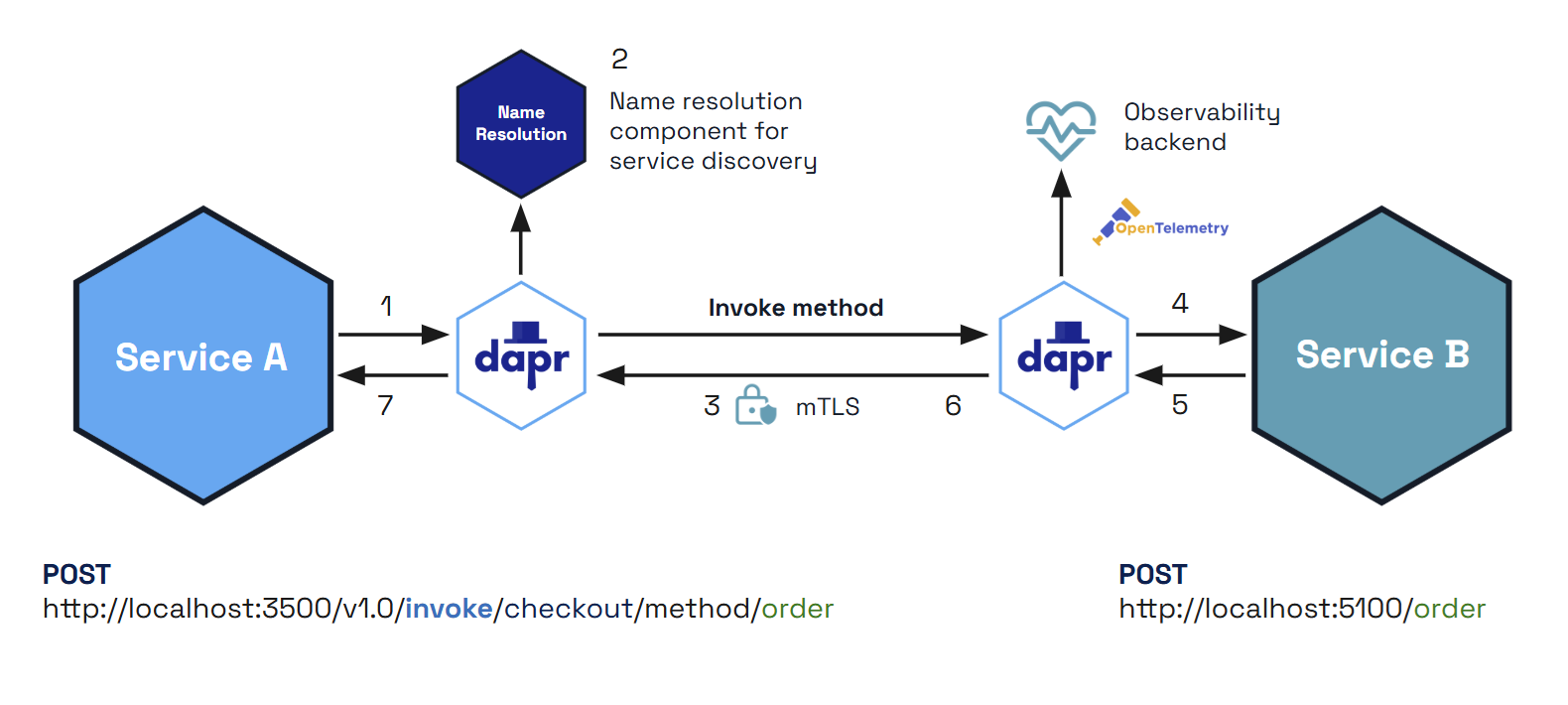
- Service A makes an HTTP or gRPC call targeting Service B. The call goes to the local Dapr sidecar.
- Dapr discovers Service B’s location using the name resolution component which is running on the given hosting platform.
- Dapr forwards the message to Service B’s Dapr sidecar
- Note: All calls between Dapr sidecars go over gRPC for performance. Only calls between services and Dapr sidecars can be either HTTP or gRPC.
- Service B’s Dapr sidecar forwards the request to the specified endpoint (or method) on Service B. Service B then runs its business logic code.
- Service B sends a response to Service A. The response goes to Service B’s sidecar.
- Dapr forwards the response to Service A’s Dapr sidecar.
- Service A receives the response.
You can also call non-Dapr HTTP endpoints using the service invocation API. For example, you may only use Dapr in part of an overall application, may not have access to the code to migrate an existing application to use Dapr, or simply need to call an external HTTP service. Read “How-To: Invoke Non-Dapr Endpoints using HTTP” for more information.
Features
Service invocation provides several features to make it easy for you to call methods between applications or to call external HTTP endpoints.
HTTP and gRPC service invocation
- HTTP: If you’re already using HTTP protocols in your application, using the Dapr HTTP header might be the easiest way to get started. You don’t need to change your existing endpoint URLs; just add the
dapr-app-idheader and you’re ready to go. For more information, see Invoke Services using HTTP. - gRPC: Dapr allows users to keep their own proto services and work natively with gRPC. This means that you can use service invocation to call your existing gRPC apps without having to include any Dapr SDKs or include custom gRPC services. For more information, see the how-to tutorial for Dapr and gRPC.
Service-to-service security
With the Dapr Sentry service, all calls between Dapr applications can be made secure with mutual (mTLS) authentication on hosted platforms, including automatic certificate rollover.
For more information read the service-to-service security article.
Resiliency including retries
In the event of call failures and transient errors, service invocation provides a resiliency feature that performs automatic retries with backoff time periods. To find out more, see the Resiliency article here.
Note
For HTTP service invocation, retry policies (both built-in and user-configured) are automatically bypassed for streaming requests (those using chunked transfer encoding or without a knownContent-Length). Since the request body is consumed as it is read, it cannot be replayed on retry. Non-streaming requests with a known Content-Length continue to support retries as before. See Streaming for HTTP service invocation for more details.Tracing and metrics with observability
By default, all calls between applications are traced and metrics are gathered to provide insights and diagnostics for applications. This is especially important in production scenarios, providing call graphs and metrics on the calls between your services. For more information read about observability.
Access control
With access policies, applications can control:
- Which applications are allowed to call them.
- What applications are authorized to do.
For example, you can restrict sensitive applications with personnel information from being accessed by unauthorized applications. Combined with service-to-service secure communication, you can provide for soft multi-tenancy deployments.
For more information read the access control allow lists for service invocation article.
Namespace scoping
You can scope applications to namespaces for deployment and security and call between services deployed to different namespaces. For more information, read the Service invocation across namespaces article.
Round robin load balancing with mDNS
Dapr provides round robin load balancing of service invocation requests with the mDNS protocol, for example with a single machine or with multiple, networked, physical machines.
The diagram below shows an example of how this works. If you have 1 instance of an application with app ID FrontEnd and 3 instances of application with app ID Cart and you call from FrontEnd app to Cart app, Dapr round robins’ between the 3 instances. These instance can be on the same machine or on different machines. .
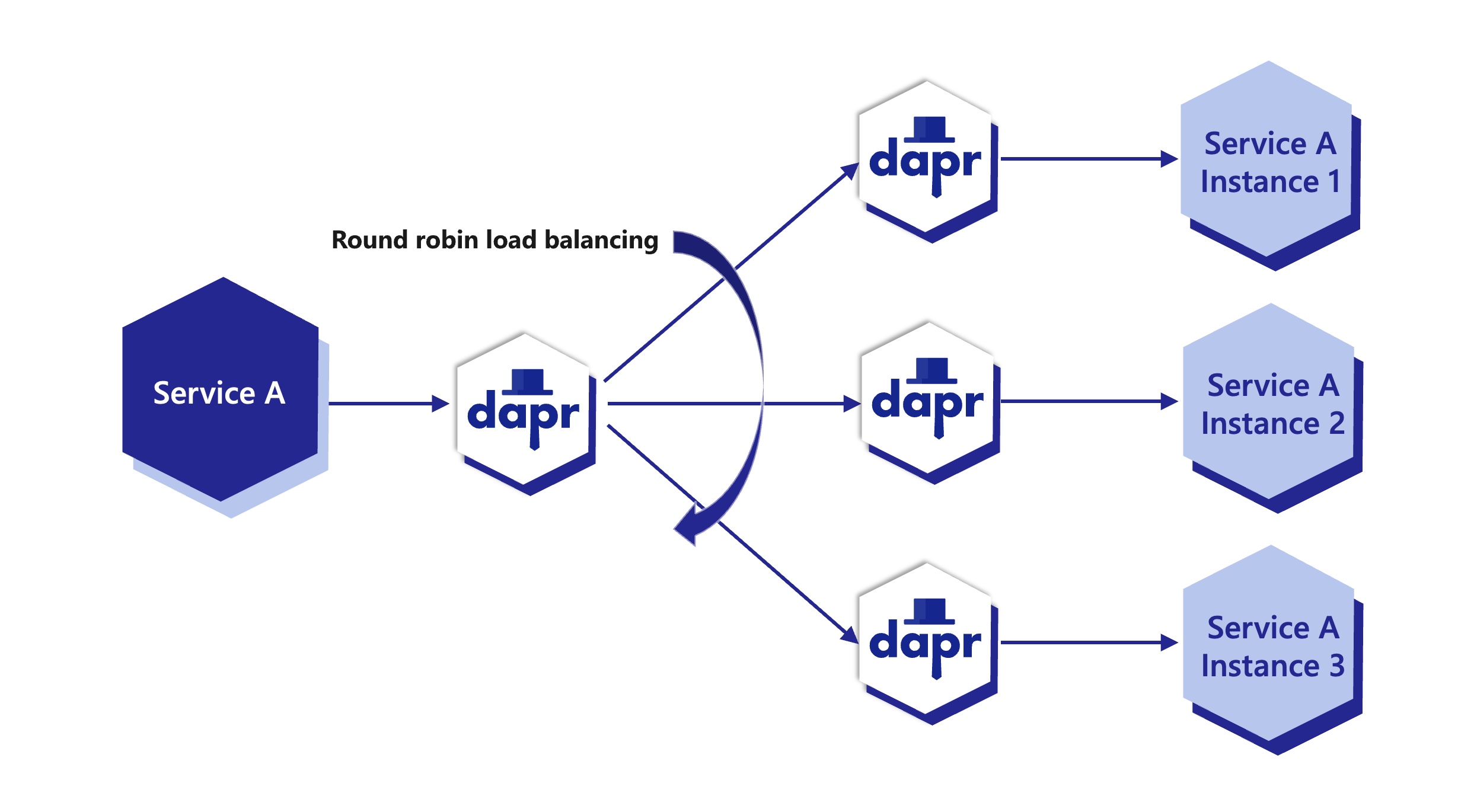
Note: App ID is unique per application, not application instance. Regardless how many instances of that application exist (due to scaling), all of them will share the same app ID.
Swappable service discovery
Dapr can run on a variety of hosting platforms. To enable swappable service discovery with service invocation, Dapr uses name resolution components. For example, the Kubernetes name resolution component uses the Kubernetes DNS service to resolve the location of other applications running in the cluster.
Self-hosted machines can use the mDNS name resolution component. As an alternative, you can use the SQLite name resolution component to run Dapr on single-node environments and for local development scenarios. Dapr sidecars that are part of the cluster store their information in a SQLite database on the local machine.
The Consul name resolution component is particularly suited to multi-machine deployments and can be used in any hosting environment, including Kubernetes, multiple VMs, or self-hosted.
Hop-by-hop header stripping
When proxying HTTP service invocation, Dapr removes the standard hop-by-hop headers defined in RFC 7230 Section 6.1 before forwarding the request to the upstream application or HTTPEndpoint, and again before forwarding the upstream’s response back to the caller. These headers are: Connection, Keep-Alive, Proxy-Connection, Transfer-Encoding, Upgrade, HTTP2-Settings, TE, Trailer, and Proxy-Authorization.
End-to-end headers (Accept, Authorization, Content-Type, custom X-* headers, etc.) are not affected and continue to be forwarded unchanged.
Streaming for HTTP service invocation
You can handle data as a stream in HTTP service invocation. This can offer improvements in performance and memory utilization when using Dapr to invoke another service using HTTP with large request or response bodies.
The diagram below demonstrates the six steps of data flow.
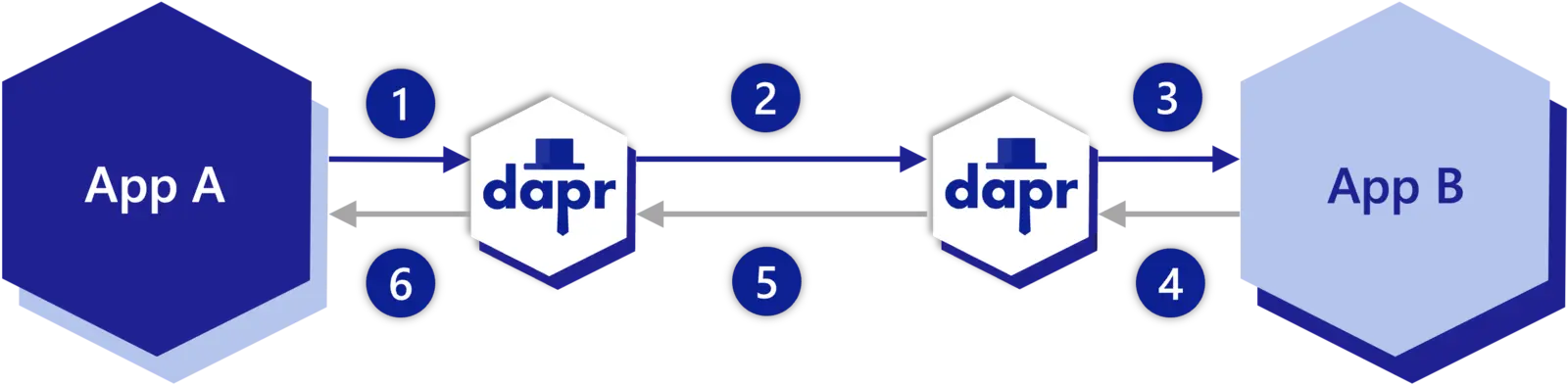
- Request: “App A” to “Dapr sidecar A”
- Request: “Dapr sidecar A” to “Dapr sidecar B”
- Request: “Dapr sidecar B” to “App B”
- Response: “App B” to “Dapr sidecar B”
- Response: “Dapr sidecar B” to “Dapr sidecar A”
- Response: “Dapr sidecar A” to “App A”
Streaming requests and resiliency
Dapr automatically detects streaming HTTP requests — those using chunked transfer encoding or without a known Content-Length header (for example, file uploads, piped bodies, or long-running data streams). For these requests:
- Request bodies are not buffered in memory. The sidecar forwards the request body directly as it is read, avoiding excessive memory usage for large payloads.
- Response bodies are not buffered in memory. Streaming responses (such as server-sent events, file downloads, or long-running data streams) are forwarded directly to the caller.
- Retry policies are bypassed. Both built-in retry logic and any user-configured resiliency retry policies are automatically skipped, since the request body is consumed as it is read and cannot be replayed.
- Other resiliency features still apply. Circuit breakers continue to track failures normally for streaming requests.
- Non-streaming requests are unaffected. Requests with a known
Content-Lengthcontinue to support retries and buffered error handling as before.
Example Architecture
Following the above call sequence, suppose you have the applications as described in the Hello World tutorial, where a python app invokes a node.js app. In such a scenario, the python app would be “Service A” , and a Node.js app would be “Service B”.
The diagram below shows sequence 1-7 again on a local machine showing the API calls:
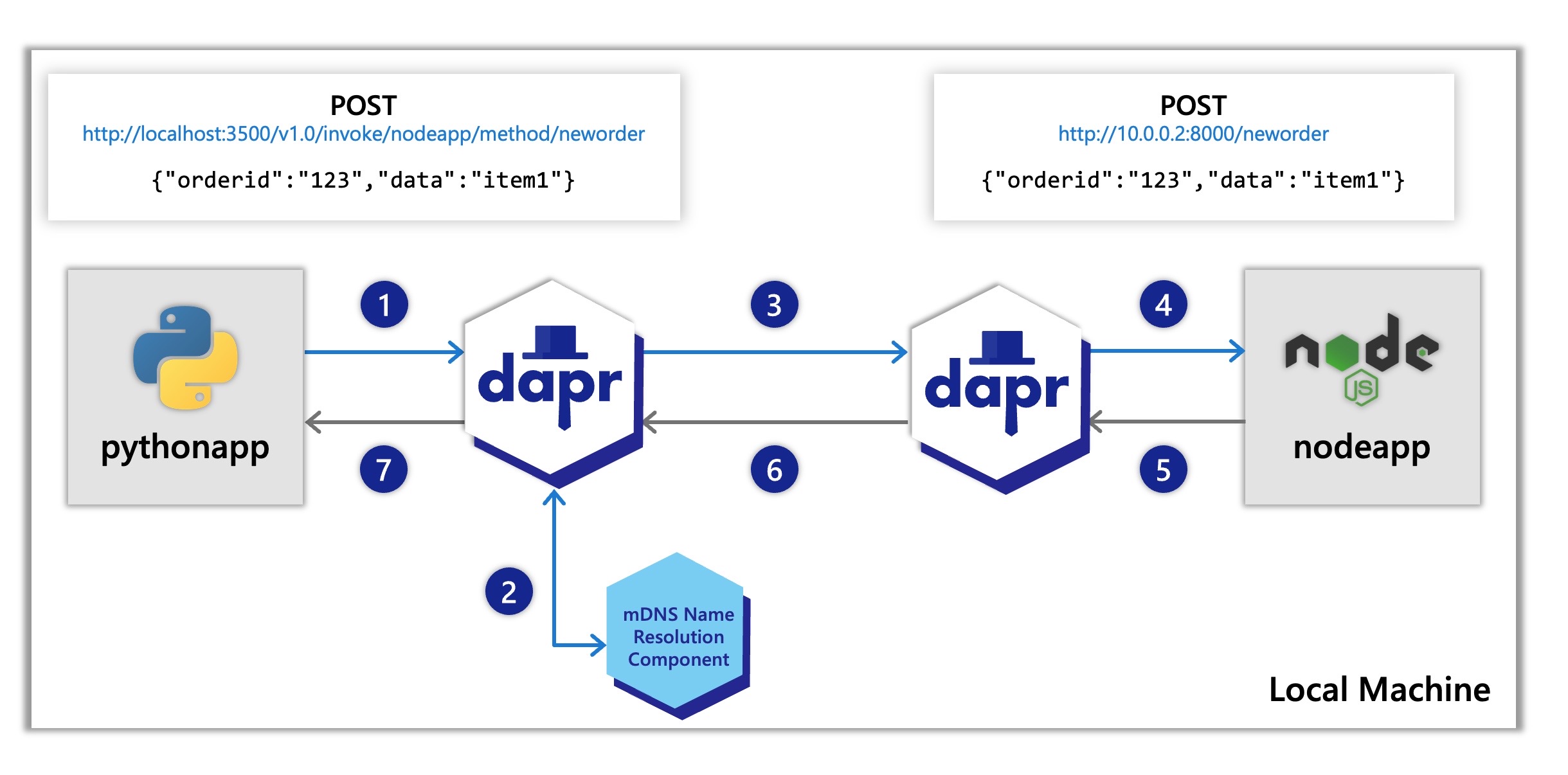
- The Node.js app has a Dapr app ID of
nodeapp. The python app invokes the Node.js app’snewordermethod by POSTinghttp://localhost:3500/v1.0/invoke/nodeapp/method/neworder, which first goes to the python app’s local Dapr sidecar. - Dapr discovers the Node.js app’s location using name resolution component (in this case mDNS while self-hosted) which runs on your local machine.
- Dapr forwards the request to the Node.js app’s sidecar using the location it just received.
- The Node.js app’s sidecar forwards the request to the Node.js app. The Node.js app performs its business logic, logging the incoming message and then persist the order ID into Redis (not shown in the diagram).
- The Node.js app sends a response to the Python app through the Node.js sidecar.
- Dapr forwards the response to the Python Dapr sidecar.
- The Python app receives the response.
Try out service invocation
Quickstarts & tutorials
The Dapr docs contain multiple quickstarts that leverage the service invocation building block in different example architectures. To get a straight-forward understanding of the service invocation api and it’s features we recommend starting with our quickstarts:
| Quickstart/tutorial | Description |
|---|---|
| Service invocation quickstart | This quickstart gets you interacting directly with the service invocation building block. |
| Hello world tutorial | This tutorial shows how to use both the service invocation and state management building blocks all running locally on your machine. |
| Hello world kubernetes tutorial | This tutorial walks through using Dapr in kubernetes and covers both the service invocation and state management building blocks as well. |
Start using service invocation directly in your app
Want to skip the quickstarts? Not a problem. You can try out the service invocation building block directly in your application to securely communicate with other services. After Dapr is installed, you can begin using the service invocation API in the following ways.
Invoke services using:
- HTTP and gRPC service invocation (recommended set up method)
- HTTP - Allows you to just add the
dapr-app-idheader and you’re ready to get started. Read more on this here, Invoke Services using HTTP. - gRPC - For gRPC based applications, the service invocation API is also available. Run the gRPC server, then invoke services using the Dapr CLI. Read more on this in Configuring Dapr to use gRPC and Invoke services using gRPC.
- HTTP - Allows you to just add the
- Direct call to the API - In addition to proxying, there’s also an option to directly call the service invocation API to invoke a GET endpoint. Just update your address URL to
localhost:<dapr-http-port>and you’ll be able to directly call the API. You can also read more on this in the Invoke Services using HTTP docs linked above under HTTP proxying. - SDKs - If you’re using a Dapr SDK, you can directly use service invocation through the SDK. Select the SDK you need and use the Dapr client to invoke a service. Read more on this in Dapr SDKs.
For quick testing, try using the Dapr CLI for service invocation:
- Dapr CLI command - Once the Dapr CLI is set up, use
dapr invoke --method <method-name>command along with the method flag and the method of interest. Read more on this in Dapr CLI.
Next steps
- Read the service invocation API specification. This reference guide for service invocation describes how to invoke methods on other services.
- Understand the service invocation performance numbers.
- Take a look at observability. Here you can dig into Dapr’s monitoring tools like tracing, metrics and logging.
- Read up on our security practices around mTLS encryption, token authentication, and endpoint authorization.
1.2.2 - How-To: Invoke services using HTTP
This article demonstrates how to deploy services each with an unique application ID for other services to discover and call endpoints on them using service invocation over HTTP.
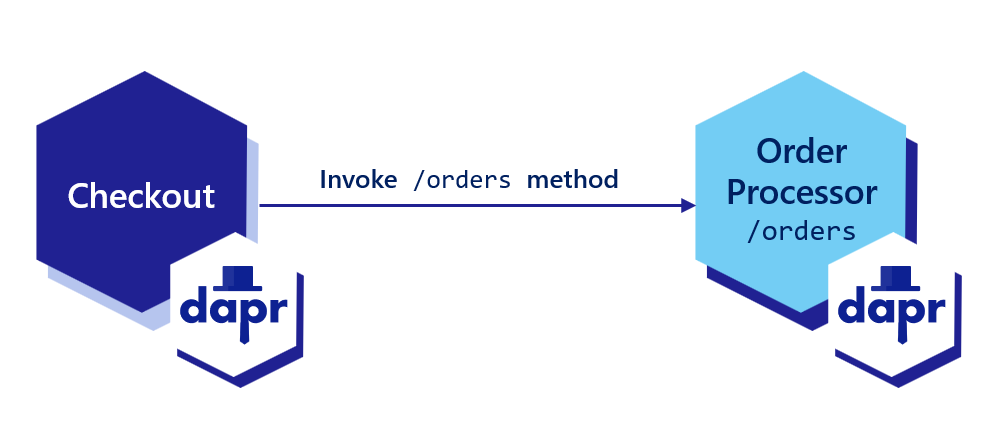
Note
If you haven’t already, try out the service invocation quickstart for a quick walk-through on how to use the service invocation API.Choose an ID for your service
Dapr allows you to assign a global, unique ID for your app. This ID encapsulates the state for your application, regardless of the number of instances it may have.
dapr run --app-id checkout --app-protocol http --dapr-http-port 3500 -- python3 checkout/app.py
dapr run --app-id order-processor --app-port 8001 --app-protocol http --dapr-http-port 3501 -- python3 order-processor/app.py
If your app uses a TLS, you can tell Dapr to invoke your app over a TLS connection by setting --app-protocol https:
dapr run --app-id checkout --app-protocol https --dapr-http-port 3500 -- python3 checkout/app.py
dapr run --app-id order-processor --app-port 8001 --app-protocol https --dapr-http-port 3501 -- python3 order-processor/app.py
dapr run --app-id checkout --app-protocol http --dapr-http-port 3500 -- npm start
dapr run --app-id order-processor --app-port 5001 --app-protocol http --dapr-http-port 3501 -- npm start
If your app uses a TLS, you can tell Dapr to invoke your app over a TLS connection by setting --app-protocol https:
dapr run --app-id checkout --dapr-http-port 3500 --app-protocol https -- npm start
dapr run --app-id order-processor --app-port 5001 --dapr-http-port 3501 --app-protocol https -- npm start
dapr run --app-id checkout --app-protocol http --dapr-http-port 3500 -- dotnet run
dapr run --app-id order-processor --app-port 7001 --app-protocol http --dapr-http-port 3501 -- dotnet run
If your app uses a TLS, you can tell Dapr to invoke your app over a TLS connection by setting --app-protocol https:
dapr run --app-id checkout --dapr-http-port 3500 --app-protocol https -- dotnet run
dapr run --app-id order-processor --app-port 7001 --dapr-http-port 3501 --app-protocol https -- dotnet run
dapr run --app-id checkout --app-protocol http --dapr-http-port 3500 -- java -jar target/CheckoutService-0.0.1-SNAPSHOT.jar
dapr run --app-id order-processor --app-port 9001 --app-protocol http --dapr-http-port 3501 -- java -jar target/OrderProcessingService-0.0.1-SNAPSHOT.jar
If your app uses a TLS, you can tell Dapr to invoke your app over a TLS connection by setting --app-protocol https:
dapr run --app-id checkout --dapr-http-port 3500 --app-protocol https -- java -jar target/CheckoutService-0.0.1-SNAPSHOT.jar
dapr run --app-id order-processor --app-port 9001 --dapr-http-port 3501 --app-protocol https -- java -jar target/OrderProcessingService-0.0.1-SNAPSHOT.jar
dapr run --app-id checkout --dapr-http-port 3500 -- go run .
dapr run --app-id order-processor --app-port 6006 --app-protocol http --dapr-http-port 3501 -- go run .
If your app uses a TLS, you can tell Dapr to invoke your app over a TLS connection by setting --app-protocol https:
dapr run --app-id checkout --dapr-http-port 3500 --app-protocol https -- go run .
dapr run --app-id order-processor --app-port 6006 --dapr-http-port 3501 --app-protocol https -- go run .
Set an app-id when deploying to Kubernetes
In Kubernetes, set the dapr.io/app-id annotation on your pod:
apiVersion: apps/v1
kind: Deployment
metadata:
name: <language>-app
namespace: default
labels:
app: <language>-app
spec:
replicas: 1
selector:
matchLabels:
app: <language>-app
template:
metadata:
labels:
app: <language>-app
annotations:
dapr.io/enabled: "true"
dapr.io/app-id: "order-processor"
dapr.io/app-port: "6001"
...
If your app uses a TLS connection, you can tell Dapr to invoke your app over TLS with the app-protocol: "https" annotation (full list here). Note that Dapr does not validate TLS certificates presented by the app.
Invoke the service
To invoke an application using Dapr, you can use the invoke API on any Dapr instance. The sidecar programming model encourages each application to interact with its own instance of Dapr. The Dapr sidecars discover and communicate with one another.
Below are code examples that leverage Dapr SDKs for service invocation.
#dependencies
import random
from time import sleep
import logging
import requests
#code
logging.basicConfig(level = logging.INFO)
while True:
sleep(random.randrange(50, 5000) / 1000)
orderId = random.randint(1, 1000)
#Invoke a service
result = requests.post(
url='%s/orders' % (base_url),
data=json.dumps(order),
headers=headers
)
logging.basicConfig(level = logging.INFO)
logging.info('Order requested: ' + str(orderId))
logging.info('Result: ' + str(result))
//dependencies
import axios from "axios";
//code
const daprHost = "127.0.0.1";
var main = function() {
for(var i=0;i<10;i++) {
sleep(5000);
var orderId = Math.floor(Math.random() * (1000 - 1) + 1);
start(orderId).catch((e) => {
console.error(e);
process.exit(1);
});
}
}
//Invoke a service
const result = await axios.post('order-processor' , "orders/" + orderId , axiosConfig);
console.log("Order requested: " + orderId);
console.log("Result: " + result.config.data);
function sleep(ms) {
return new Promise(resolve => setTimeout(resolve, ms));
}
main();
//dependencies
using System;
using System.Collections.Generic;
using System.Net.Http;
using System.Net.Http.Headers;
using System.Threading.Tasks;
using Microsoft.AspNetCore.Mvc;
using System.Threading;
//code
namespace EventService
{
class Program
{
static async Task Main(string[] args)
{
while(true) {
await Task.Delay(5000)
var random = new Random();
var orderId = random.Next(1,1000);
//Using Dapr SDK to invoke a method
var order = new Order(orderId.ToString());
var httpClient = DaprClient.CreateInvokeHttpClient();
var response = await httpClient.PostAsJsonAsync("http://order-processor/orders", order);
var result = await response.Content.ReadAsStringAsync();
Console.WriteLine("Order requested: " + orderId);
Console.WriteLine("Result: " + result);
}
}
}
}
//dependencies
import java.io.IOException;
import java.net.URI;
import java.net.http.HttpClient;
import java.net.http.HttpRequest;
import java.net.http.HttpResponse;
import java.time.Duration;
import java.util.HashMap;
import java.util.Map;
import java.util.Random;
import java.util.concurrent.TimeUnit;
//code
@SpringBootApplication
public class CheckoutServiceApplication {
private static final HttpClient httpClient = HttpClient.newBuilder()
.version(HttpClient.Version.HTTP_2)
.connectTimeout(Duration.ofSeconds(10))
.build();
public static void main(String[] args) throws InterruptedException, IOException {
while (true) {
TimeUnit.MILLISECONDS.sleep(5000);
Random random = new Random();
int orderId = random.nextInt(1000 - 1) + 1;
// Create a Map to represent the request body
Map<String, Object> requestBody = new HashMap<>();
requestBody.put("orderId", orderId);
// Add other fields to the requestBody Map as needed
HttpRequest request = HttpRequest.newBuilder()
.POST(HttpRequest.BodyPublishers.ofString(new JSONObject(requestBody).toString()))
.uri(URI.create(dapr_url))
.header("Content-Type", "application/json")
.header("dapr-app-id", "order-processor")
.build();
HttpResponse<String> response = httpClient.send(request, HttpResponse.BodyHandlers.ofString());
System.out.println("Order passed: " + orderId);
TimeUnit.MILLISECONDS.sleep(1000);
log.info("Order requested: " + orderId);
log.info("Result: " + response.body());
}
}
}
package main
import (
"fmt"
"io"
"log"
"math/rand"
"net/http"
"os"
"time"
)
func main() {
daprHttpPort := os.Getenv("DAPR_HTTP_PORT")
if daprHttpPort == "" {
daprHttpPort = "3500"
}
client := &http.Client{
Timeout: 15 * time.Second,
}
for i := 0; i < 10; i++ {
time.Sleep(5000)
orderId := rand.Intn(1000-1) + 1
url := fmt.Sprintf("http://localhost:%s/checkout/%v", daprHttpPort, orderId)
req, err := http.NewRequest(http.MethodGet, url, nil)
if err != nil {
panic(err)
}
// Adding target app id as part of the header
req.Header.Add("dapr-app-id", "order-processor")
// Invoking a service
resp, err := client.Do(req)
if err != nil {
log.Fatal(err.Error())
}
b, err := io.ReadAll(resp.Body)
if err != nil {
panic(err)
}
fmt.Println(string(b))
}
}
Additional URL formats
To invoke a ‘GET’ endpoint:
curl http://localhost:3602/v1.0/invoke/checkout/method/checkout/100
To avoid changing URL paths as much as possible, Dapr provides the following ways to call the service invocation API:
- Change the address in the URL to
localhost:<dapr-http-port>. - Add a
dapr-app-idheader to specify the ID of the target service, or alternatively pass the ID via HTTP Basic Auth:http://dapr-app-id:<service-id>@localhost:3602/path.
For example, the following command:
curl http://localhost:3602/v1.0/invoke/checkout/method/checkout/100
is equivalent to:
curl -H 'dapr-app-id: checkout' 'http://localhost:3602/checkout/100' -X POST
or:
curl 'http://dapr-app-id:checkout@localhost:3602/checkout/100' -X POST
Using CLI:
dapr invoke --app-id checkout --method checkout/100
Including a query string in the URL
You can also append a query string or a fragment to the end of the URL and Dapr will pass it through unchanged. This means that if you need to pass some additional arguments in your service invocation that aren’t part of a payload or the path, you can do so by appending a ? to the end of the URL, followed by the key/value pairs separated by = signs and delimited by &. For example:
curl 'http://dapr-app-id:checkout@localhost:3602/checkout/100?basket=1234&key=abc' -X POST
Namespaces
When running on namespace supported platforms, you include the namespace of the target app in the app ID. For example, following the <app>.<namespace> format, use checkout.production.
Using this example, invoking the service with a namespace would look like:
curl http://localhost:3602/v1.0/invoke/checkout.production/method/checkout/100 -X POST
See the Cross namespace API spec for more information on namespaces.
View traces and logs
Our example above showed you how to directly invoke a different service running locally or in Kubernetes. Dapr:
- Outputs metrics, tracing, and logging information,
- Allows you to visualize a call graph between services and log errors, and
- Optionally, log the payload body.
For more information on tracing and logs, see the observability article.
Related Links
1.2.3 - How-To: Invoke services using gRPC
This article describe how to use Dapr to connect services using gRPC.
By using Dapr’s gRPC proxying capability, you can use your existing proto-based gRPC services and have the traffic go through the Dapr sidecar. Doing so yields the following Dapr service invocation benefits to developers:
- Mutual authentication
- Tracing
- Metrics
- Access lists
- Network level resiliency
- API token based authentication
Dapr allows proxying all kinds of gRPC invocations, including unary and stream-based ones.
Step 1: Run a gRPC server
The following example is taken from the “hello world” grpc-go example. Although this example is in Go, the same concepts apply to all programming languages supported by gRPC.
package main
import (
"context"
"log"
"net"
"google.golang.org/grpc"
pb "google.golang.org/grpc/examples/helloworld/helloworld"
)
const (
port = ":50051"
)
// server is used to implement helloworld.GreeterServer.
type server struct {
pb.UnimplementedGreeterServer
}
// SayHello implements helloworld.GreeterServer
func (s *server) SayHello(ctx context.Context, in *pb.HelloRequest) (*pb.HelloReply, error) {
log.Printf("Received: %v", in.GetName())
return &pb.HelloReply{Message: "Hello " + in.GetName()}, nil
}
func main() {
lis, err := net.Listen("tcp", port)
if err != nil {
log.Fatalf("failed to listen: %v", err)
}
s := grpc.NewServer()
pb.RegisterGreeterServer(s, &server{})
log.Printf("server listening at %v", lis.Addr())
if err := s.Serve(lis); err != nil {
log.Fatalf("failed to serve: %v", err)
}
}
This Go app implements the Greeter proto service and exposes a SayHello method.
Run the gRPC server using the Dapr CLI
dapr run --app-id server --app-port 50051 -- go run main.go
Using the Dapr CLI, we’re assigning a unique id to the app, server, using the --app-id flag.
Step 2: Invoke the service
The following example shows you how to discover the Greeter service using Dapr from a gRPC client.
Notice that instead of invoking the target service directly at port 50051, the client is invoking its local Dapr sidecar over port 50007 which then provides all the capabilities of service invocation including service discovery, tracing, mTLS and retries.
package main
import (
"context"
"log"
"time"
"google.golang.org/grpc"
pb "google.golang.org/grpc/examples/helloworld/helloworld"
"google.golang.org/grpc/metadata"
)
const (
address = "localhost:50007"
)
func main() {
// Set up a connection to the server.
conn, err := grpc.Dial(address, grpc.WithInsecure(), grpc.WithBlock())
if err != nil {
log.Fatalf("did not connect: %v", err)
}
defer conn.Close()
c := pb.NewGreeterClient(conn)
ctx, cancel := context.WithTimeout(context.Background(), time.Second*2)
defer cancel()
ctx = metadata.AppendToOutgoingContext(ctx, "dapr-app-id", "server")
r, err := c.SayHello(ctx, &pb.HelloRequest{Name: "Darth Tyrannus"})
if err != nil {
log.Fatalf("could not greet: %v", err)
}
log.Printf("Greeting: %s", r.GetMessage())
}
The following line tells Dapr to discover and invoke an app named server:
ctx = metadata.AppendToOutgoingContext(ctx, "dapr-app-id", "server")
All languages supported by gRPC allow for adding metadata. Here are a few examples:
Metadata headers = new Metadata();
Metadata.Key<String> jwtKey = Metadata.Key.of("dapr-app-id", "server");
GreeterService.ServiceBlockingStub stub = GreeterService.newBlockingStub(channel);
stub = MetadataUtils.attachHeaders(stub, header);
stub.SayHello(new HelloRequest() { Name = "Darth Malak" });
var metadata = new Metadata
{
{ "dapr-app-id", "server" }
};
var call = client.SayHello(new HelloRequest { Name = "Darth Nihilus" }, metadata);
metadata = (('dapr-app-id', 'server'),)
response = stub.SayHello(request={ name: 'Darth Revan' }, metadata=metadata)
const metadata = new grpc.Metadata();
metadata.add('dapr-app-id', 'server');
client.sayHello({ name: "Darth Malgus" }, metadata)
metadata = { 'dapr-app-id' : 'server' }
response = service.sayHello({ 'name': 'Darth Bane' }, metadata)
grpc::ClientContext context;
context.AddMetadata("dapr-app-id", "server");
Run the client using the Dapr CLI
dapr run --app-id client --dapr-grpc-port 50007 -- go run main.go
View telemetry
If you’re running Dapr locally with Zipkin installed, open the browser at http://localhost:9411 and view the traces between the client and server.
Deploying to Kubernetes
Set the following Dapr annotations on your deployment:
apiVersion: apps/v1
kind: Deployment
metadata:
name: grpc-app
namespace: default
labels:
app: grpc-app
spec:
replicas: 1
selector:
matchLabels:
app: grpc-app
template:
metadata:
labels:
app: grpc-app
annotations:
dapr.io/enabled: "true"
dapr.io/app-id: "server"
dapr.io/app-protocol: "grpc"
dapr.io/app-port: "50051"
...
The dapr.io/app-protocol: "grpc" annotation tells Dapr to invoke the app using gRPC.
If your app uses a TLS connection, you can tell Dapr to invoke your app over TLS with the app-protocol: "grpcs" annotation (full list here). Note that Dapr does not validate TLS certificates presented by the app.
Namespaces
When running on namespace supported platforms, you include the namespace of the target app in the app ID: myApp.production
For example, invoking the gRPC server on a different namespace:
ctx = metadata.AppendToOutgoingContext(ctx, "dapr-app-id", "server.production")
See the Cross namespace API spec for more information on namespaces.
Step 3: View traces and logs
The example above showed you how to directly invoke a different service running locally or in Kubernetes. Dapr outputs metrics, tracing and logging information allowing you to visualize a call graph between services, log errors and optionally log the payload body.
For more information on tracing and logs see the observability article.
Proxying of streaming RPCs
When using Dapr to proxy streaming RPC calls using gRPC, you must set an additional metadata option dapr-stream with value true.
For example:
ctx = metadata.AppendToOutgoingContext(ctx, "dapr-app-id", "server")
ctx = metadata.AppendToOutgoingContext(ctx, "dapr-stream", "true")
Metadata headers = new Metadata();
Metadata.Key<String> jwtKey = Metadata.Key.of("dapr-app-id", "server");
Metadata.Key<String> jwtKey = Metadata.Key.of("dapr-stream", "true");
var metadata = new Metadata
{
{ "dapr-app-id", "server" },
{ "dapr-stream", "true" }
};
metadata = (('dapr-app-id', 'server'), ('dapr-stream', 'true'),)
const metadata = new grpc.Metadata();
metadata.add('dapr-app-id', 'server');
metadata.add('dapr-stream', 'true');
metadata = { 'dapr-app-id' : 'server' }
metadata = { 'dapr-stream' : 'true' }
grpc::ClientContext context;
context.AddMetadata("dapr-app-id", "server");
context.AddMetadata("dapr-stream", "true");
Streaming gRPCs and Resiliency
Currently, resiliency policies are not supported for service invocation via gRPC.
When proxying streaming gRPCs, due to their long-lived nature, resiliency policies are applied on the “initial handshake” only. As a consequence:
- If the stream is interrupted after the initial handshake, it will not be automatically re-established by Dapr. Your application will be notified that the stream has ended, and will need to recreate it.
- Retry policies only impact the initial connection “handshake”. If your resiliency policy includes retries, Dapr will detect failures in establishing the initial connection to the target app and will retry until it succeeds (or until the number of retries defined in the policy is exhausted).
- Likewise, timeouts defined in resiliency policies only apply to the initial “handshake”. After the connection has been established, timeouts do not impact the stream anymore.
Related Links
Community call demo
Watch this video on how to use Dapr’s gRPC proxying capability:
1.2.4 - How-To: Invoke Non-Dapr Endpoints using HTTP
This article demonstrates how to call a non-Dapr endpoint using Dapr over HTTP.
Using Dapr’s service invocation API, you can communicate with endpoints that either use or do not use Dapr. Using Dapr to call endpoints that do not use Dapr not only provides a consistent API, but also the following Dapr service invocation benefits:
- Ability to apply resiliency policies
- Call observability with tracing & metrics
- Security access control through scoping
- Ability to utilize middleware pipeline components
- Service discovery
- Authentication through the use of headers
HTTP service invocation to external services or non-Dapr endpoints
Sometimes you need to call a non-Dapr HTTP endpoint. For example:
- You may choose to only use Dapr in part of your overall application, including brownfield development
- You may not have access to the code to migrate an existing application to use Dapr
- You need to call an external HTTP service.
By defining an HTTPEndpoint resource, you declaratively define a way to interact with a non-Dapr endpoint. You then use the service invocation URL to invoke non-Dapr endpoints. Alternatively, you can place a non-Dapr Fully Qualified Domain Name (FQDN) endpoint URL directly into the service invocation URL.
Order of precedence between HttpEndpoint, FQDN URL, and appId
When using service invocation, the Dapr runtime follows a precedence order:
- Is this a named
HTTPEndpointresource? - Is this an FQDN URL with an
http://orhttps://prefix? - Is this an
appID?
Service invocation and non-Dapr HTTP endpoint
The diagram below is an overview of how Dapr’s service invocation works when invoking non-Dapr endpoints.
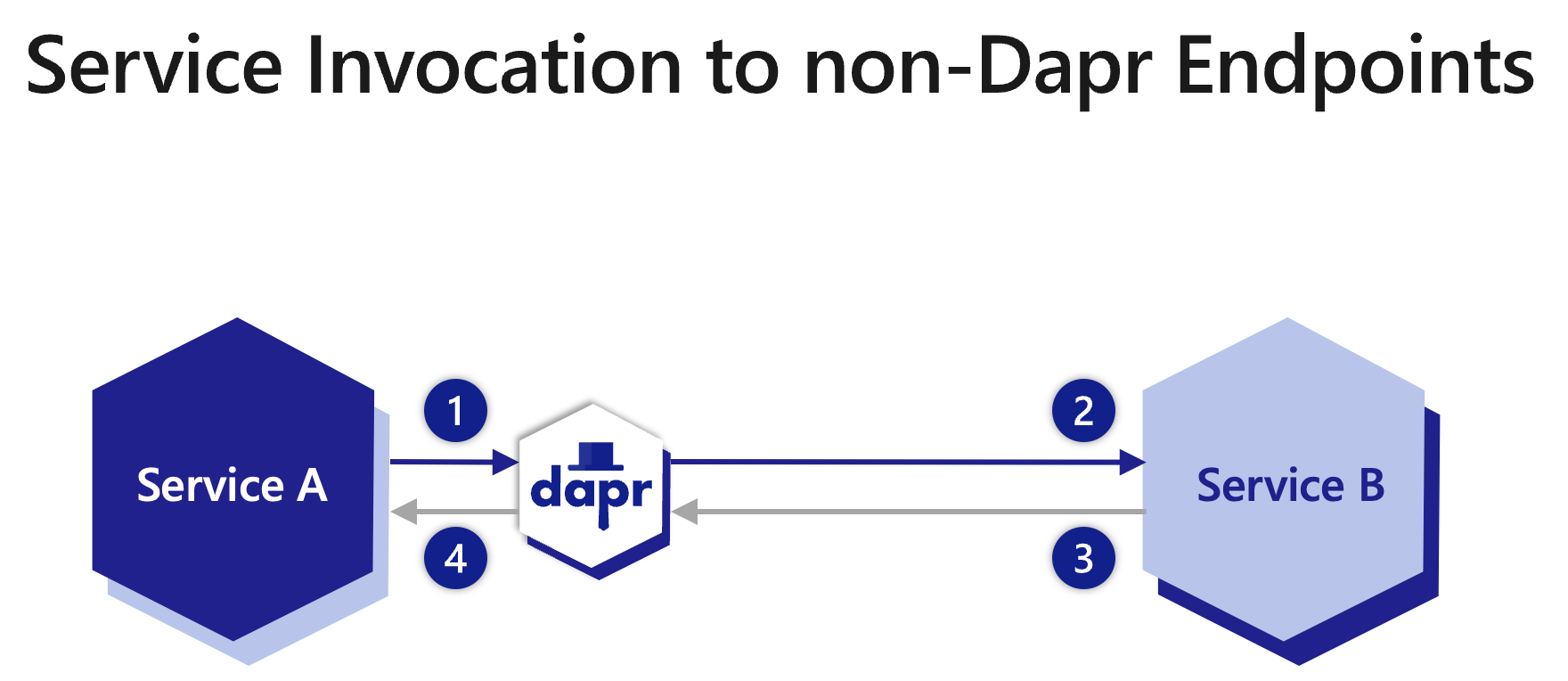
- Service A makes an HTTP call targeting Service B, a non-Dapr endpoint. The call goes to the local Dapr sidecar.
- Dapr discovers Service B’s location using the
HTTPEndpointor FQDN URL then forwards the message to Service B. - Service B sends a response to Service A’s Dapr sidecar.
- Service A receives the response.
Using an HTTPEndpoint resource or FQDN URL for non-Dapr endpoints
There are two ways to invoke a non-Dapr endpoint when communicating either to Dapr applications or non-Dapr applications. A Dapr application can invoke a non-Dapr endpoint by providing one of the following:
A named
HTTPEndpointresource, including defining anHTTPEndpointresource type. See the HTTPEndpoint reference guide for an example.localhost:3500/v1.0/invoke/<HTTPEndpoint-name>/method/<my-method>For example, with an
HTTPEndpointresource called “palpatine” and a method called “Order66”, this would be:curl http://localhost:3500/v1.0/invoke/palpatine/method/order66A FQDN URL to the non-Dapr endpoint.
localhost:3500/v1.0/invoke/<URL>/method/<my-method>For example, with an FQDN resource called
https://darthsidious.starwars, this would be:curl http://localhost:3500/v1.0/invoke/https://darthsidious.starwars/method/order66
Note
HTTPEndpoint resources are “hot reloaded” by default, whereby updates trigger an automatic graceful restart of the Dapr sidecar without needing a manual restart. To opt out, disable the HotReload feature in the Dapr application configuration:
spec:
features:
- name: HotReload
enabled: false
See Updating resources for more information.
Using appId when calling Dapr enabled applications
AppIDs are always used to call Dapr applications with the appID and my-method. Read the How-To: Invoke services using HTTP guide for more information. For example:
localhost:3500/v1.0/invoke/<appID>/method/<my-method>
curl http://localhost:3602/v1.0/invoke/orderprocessor/method/checkout
TLS authentication
Using the HTTPEndpoint resource allows you to use any combination of a root certificate, client certificate and private key according to the authentication requirements of the remote endpoint.
Example using root certificate
apiVersion: dapr.io/v1alpha1
kind: HTTPEndpoint
metadata:
name: "external-http-endpoint-tls"
spec:
baseUrl: https://service-invocation-external:443
headers:
- name: "Accept-Language"
value: "en-US"
clientTLS:
rootCA:
secretKeyRef:
name: dapr-tls-client
key: ca.crt
Example using client certificate and private key
apiVersion: dapr.io/v1alpha1
kind: HTTPEndpoint
metadata:
name: "external-http-endpoint-tls"
spec:
baseUrl: https://service-invocation-external:443
headers:
- name: "Accept-Language"
value: "en-US"
clientTLS:
certificate:
secretKeyRef:
name: dapr-tls-client
key: tls.crt
privateKey:
secretKeyRef:
name: dapr-tls-key
key: tls.key
Server-Sent Events
SSE enables real-time communication with streaming servers and MCP servers.
HTTP endpoints support Server-Sent Events (SSE).
To use SSE, set the Accept header to text/event-stream in the HTTPEndpoint resource or in the service invocation request.
apiVersion: dapr.io/v1alpha1
kind: HTTPEndpoint
metadata:
name: "mcp-server"
spec:
baseUrl: https://my-mcp-server:443
headers:
- name: "Accept"
value: "test/event-stream"
Related Links
Community call demo
Watch this video on how to use service invocation to call non-Dapr endpoints.
1.2.5 - How to: Service invocation across namespaces
In this article, you’ll learn how you can call between services deployed to different namespaces. By default, service invocation supports invoking services within the same namespace by simply referencing the app ID (nodeapp):
localhost:3500/v1.0/invoke/nodeapp/method/neworder
Service invocation also supports calls across namespaces. On all supported hosting platforms, Dapr app IDs conform to a valid FQDN format that includes the target namespace. You can specify both:
- The app ID (
nodeapp), and - The namespace the app runs in (
production).
Example 1
Call the neworder method on the nodeapp in the production namespace:
localhost:3500/v1.0/invoke/nodeapp.production/method/neworder
When calling an application in a namespace using service invocation, you qualify it with the namespace. This proves useful in cross-namespace calls in a Kubernetes cluster.
Example 2
Call the ping method on myapp scoped to the production namespace:
https://localhost:3500/v1.0/invoke/myapp.production/method/ping
Example 3
Call the same ping method as example 2 using a curl command from an external DNS address (in this case, api.demo.dapr.team) and supply the Dapr API token for authentication:
MacOS/Linux:
curl -i -d '{ "message": "hello" }' \
-H "Content-type: application/json" \
-H "dapr-api-token: ${API_TOKEN}" \
https://api.demo.dapr.team/v1.0/invoke/myapp.production/method/ping
1.3 - Publish & subscribe messaging
More about Dapr Pub/sub
Learn more about how to use Dapr Pub/sub:
- Try the Pub/sub quickstart.
- Explore pub/sub via any of the supporting Dapr SDKs.
- Review the Pub/sub API reference documentation.
- Browse the supported pub/sub component specs.
1.3.1 - Publish and subscribe overview
Publish and subscribe (pub/sub) enables microservices to communicate with each other using messages for event-driven architectures.
- The producer, or publisher, writes messages to an input channel and sends them to a topic, unaware which application will receive them.
- The consumer, or subscriber, subscribes to the topic and receives messages from an output channel, unaware which service produced these messages.
An intermediary message broker copies each message from a publisher’s input channel to an output channel for all subscribers interested in that message. This pattern is especially useful when you need to decouple microservices from one another.
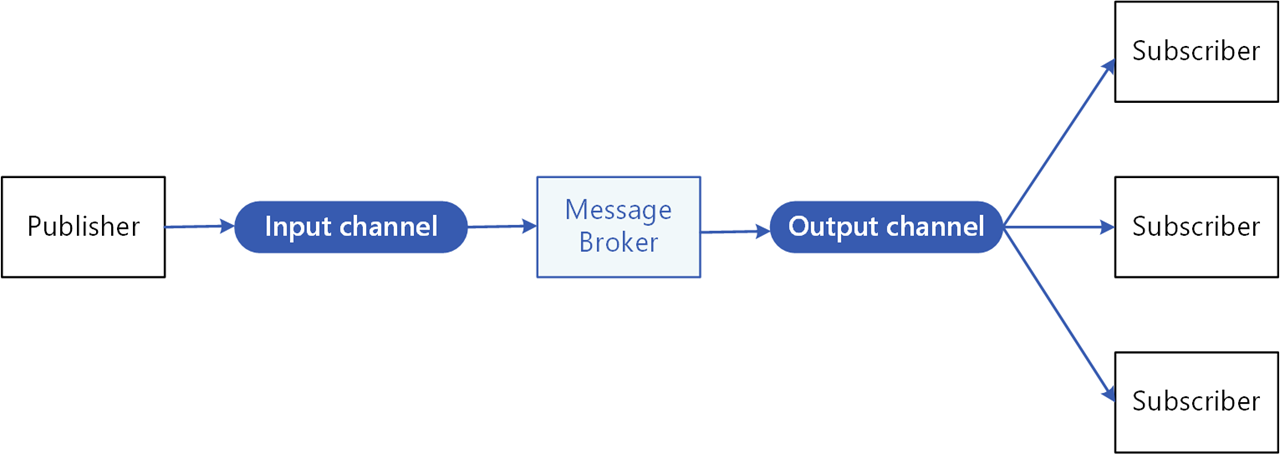
Pub/sub API
The pub/sub API in Dapr:
- Provides a platform-agnostic API to send and receive messages.
- Offers at-least-once message delivery guarantee.
- Integrates with various message brokers and queuing systems.
The specific message broker used by your service is pluggable and configured as a Dapr pub/sub component at runtime. This removes the dependency from your service and makes your service more portable and flexible to changes.
When using pub/sub in Dapr:
- Your service makes a network call to a Dapr pub/sub building block API.
- The pub/sub building block makes calls into a Dapr pub/sub component that encapsulates a specific message broker.
- To receive messages on a topic, Dapr subscribes to the pub/sub component on behalf of your service with a topic and delivers the messages to an endpoint on your service when they arrive.
The following overview video and demo demonstrates how Dapr pub/sub works.
In the diagram below, a “shipping” service and an “email” service have both subscribed to topics published by a “cart” service. Each service loads pub/sub component configuration files that point to the same pub/sub message broker component; for example: Redis Streams, NATS Streaming, Azure Service Bus, or GCP pub/sub.
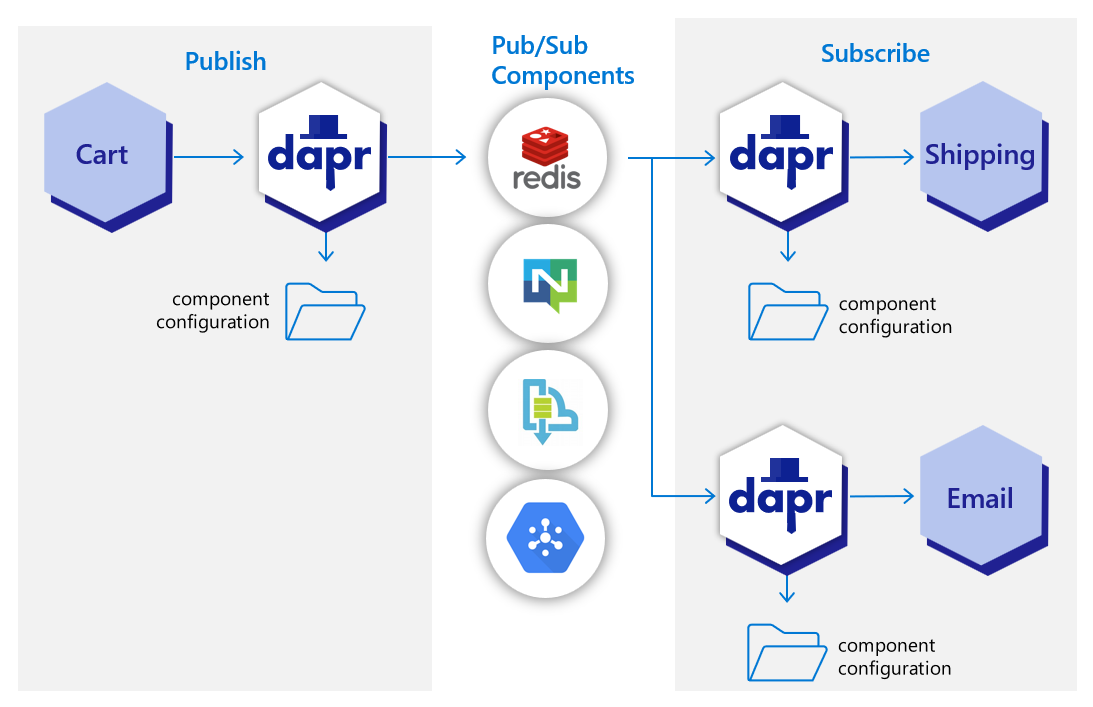
In the diagram below, the Dapr API posts an “order” topic from the publishing “cart” service to “order” endpoints on the “shipping” and “email” subscribing services.
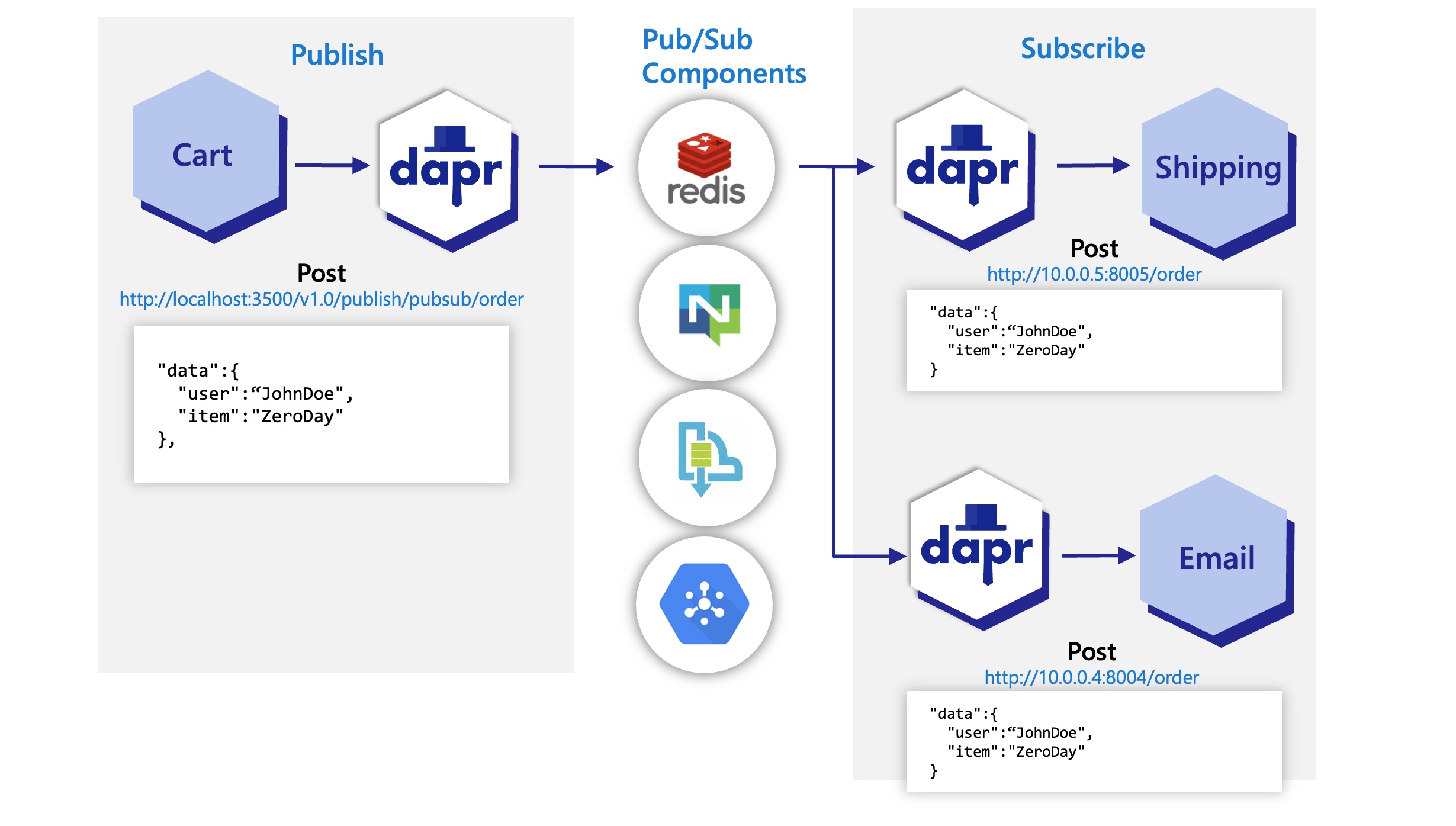
View the complete list of pub/sub components that Dapr supports.
Features
The pub/sub API building block brings several features to your application.
Sending messages using Cloud Events
To enable message routing and provide additional context with each message between services, Dapr uses the CloudEvents 1.0 specification as its message format. Any message sent by an application to a topic using Dapr is automatically wrapped in a Cloud Events envelope, using Content-Type header value for datacontenttype attribute.
For more information, read about messaging with CloudEvents, or sending raw messages without CloudEvents.
Communication with applications not using Dapr and CloudEvents
If one of your applications uses Dapr while another doesn’t, you can disable the CloudEvent wrapping for a publisher or subscriber. This allows partial adoption of Dapr pub/sub in applications that cannot adopt Dapr all at once.
For more information, read how to use pub/sub without CloudEvents.
Setting message content types
When publishing a message, it’s important to specify the content type of the data being sent. Unless specified, Dapr will assume text/plain.
- HTTP client: the content type can be set in a
Content-Typeheader - gRPC client and SDK: have a dedicated content type parameter
Message delivery
In principle, Dapr considers a message successfully delivered once the subscriber processes the message and responds with a non-error response. For more granular control, Dapr’s pub/sub API also provides explicit statuses, defined in the response payload, with which the subscriber indicates specific handling instructions to Dapr (for example, RETRY or DROP).
Receiving messages with topic subscriptions
Dapr applications can subscribe to published topics via three subscription types that support the same features: declarative, streaming and programmatic.
| Subscription type | Description |
|---|---|
| Declarative | The subscription is defined in an external file. The declarative approach removes the Dapr dependency from your code and allows for existing applications to subscribe to topics, without having to change code. |
| Streaming | The subscription is defined in the user code. Streaming subscriptions are dynamic, meaning they allow for adding or removing subscriptions at runtime. They do not require a subscription endpoint in your application (that is required by both programmatic and declarative subscriptions), making them easy to configure in code. Streaming subscriptions also do not require an app to be configured with the sidecar to receive messages. With streaming subscriptions, since messages are sent to a message handler code, there is no concept of routes or bulk subscriptions. |
| Programmatic | Subscription is defined in the user code. The programmatic approach implements the static subscription and requires an endpoint in your code. |
For more information, read about the subscriptions in Subscription Types.
Reloading topic subscriptions
Programmatic topic subscriptions require the Dapr sidecar to be restarted in order to be reloaded.
The Dapr sidecar dynamically reloads changed declarative topic subscriptions without restarting. This is enabled by default; to opt out, disable the HotReload feature in the Dapr application configuration.
In-flight messages are unaffected when reloading a subscription.
Message routing
Dapr provides content-based routing pattern. Pub/sub routing is an implementation of this pattern that allows developers to use expressions to route CloudEvents based on their contents to different URIs/paths and event handlers in your application. If no route matches, an optional default route is used. This is useful as your applications expands to support multiple event versions or special cases.
This feature is available to both the declarative and programmatic subscription approaches.
For more information on message routing, read Dapr pub/sub API reference
Handling failed messages with dead letter topics
Sometimes, messages can’t be processed because of a variety of possible issues, such as erroneous conditions within the producer or consumer application or an unexpected state change that causes an issue with your application code. Dapr allows developers to set dead letter topics to deal with messages that cannot be delivered to an application. This feature is available on all pub/sub components and prevents consumer applications from endlessly retrying a failed message. For more information, read about dead letter topics
Enabling the outbox pattern
Dapr enables developers to use the outbox pattern for achieving a single transaction across a transactional state store and any message broker. For more information, read How to enable transactional outbox messaging
Namespace consumer groups
Dapr solves multi-tenancy at-scale with namespaces for consumer groups. Simply include the "{namespace}" value in your component metadata for consumer groups to allow multiple namespaces with applications of the same app-id to publish and subscribe to the same message broker.
At-least-once guarantee
Dapr guarantees at-least-once semantics for message delivery. When an application publishes a message to a topic using the pub/sub API, Dapr ensures the message is delivered at least once to every subscriber.
Even if the message fails to deliver, or your application crashes, Dapr attempts to redeliver the message until successful delivery.
All Dapr pub/sub components support the at-least-once guarantee.
Subscription startup reliability
Dapr automatically retries failed subscription startups to improve reliability during deployment scenarios. This ensures your pub/sub applications remain resilient even when facing temporary connectivity or permission issues.
When Dapr encounters errors starting subscriptions, it shows an error message in the logs and continues to try to start the subscription.
Consumer groups and competing consumers pattern
Dapr handles the burden of dealing with consumer groups and the competing consumers pattern. In the competing consumers pattern, multiple application instances using a single consumer group compete for the message. Dapr enforces the competing consumer pattern when replicas use the same app-id without explicit consumer group overrides.
When multiple instances of the same application (with same app-id) subscribe to a topic, Dapr delivers each message to only one instance of that application. This concept is illustrated in the diagram below.
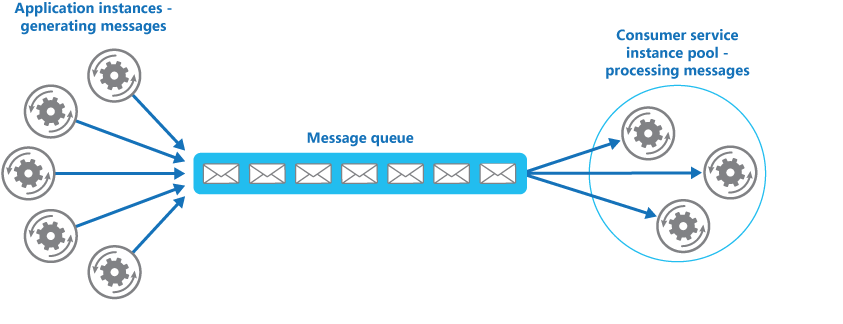
Similarly, if two different applications (with different app-id) subscribe to the same topic, Dapr delivers each message to only one instance of each application.
Not all Dapr pub/sub components support the competing consumer pattern. Currently, the following (non-exhaustive) pub/sub components support this:
Scoping topics for added security
By default, all topic messages associated with an instance of a pub/sub component are available to every application configured with that component. You can limit which application can publish or subscribe to topics with Dapr topic scoping. For more information, read: pub/sub topic scoping.
Message Time-to-Live (TTL)
Dapr can set a timeout message on a per-message basis, meaning that if the message is not read from the pub/sub component, then the message is discarded. This timeout message prevents a build up of unread messages. If a message has been in the queue longer than the configured TTL, it is marked as dead. For more information, read pub/sub message TTL.
Publish and subscribe to bulk messages
Dapr supports sending and receiving multiple messages in a single request. When writing applications that need to send or receive a large number of messages, using bulk operations allows achieving high throughput by reducing the overall number of requests. For more information, read pub/sub bulk messages.
Scaling subscribers with StatefulSets
When running on Kubernetes, subscribers can have a sticky consumerID per instance when using StatefulSets in combination with the {podName} marker. See how to horizontally scale subscribers with StatefulSets.
Try out pub/sub
Quickstarts and tutorials
Want to put the Dapr pub/sub API to the test? Walk through the following quickstart and tutorials to see pub/sub in action:
| Quickstart/tutorial | Description |
|---|---|
| Pub/sub quickstart | Send and receive messages using the publish and subscribe API. |
| Pub/sub tutorial | Demonstrates how to use Dapr to enable pub-sub applications. Uses Redis as a pub-sub component. |
Start using pub/sub directly in your app
Want to skip the quickstarts? Not a problem. You can try out the pub/sub building block directly in your application to publish messages and subscribe to a topic. After Dapr is installed, you can begin using the pub/sub API starting with the pub/sub how-to guide.
Next steps
- Learn about messaging with CloudEvents and when you might want to send messages without CloudEvents.
- Follow How-To: Configure pub/sub components with multiple namespaces.
- Review the list of pub/sub components.
- Read the API reference.
1.3.2 - How to: Publish a message and subscribe to a topic
Now that you’ve learned what the Dapr pub/sub building block provides, learn how it can work in your service. The below code example loosely describes an application that processes orders with two services, each with Dapr sidecars:
- A checkout service using Dapr to subscribe to the topic in the message queue.
- An order processing service using Dapr to publish a message to RabbitMQ.
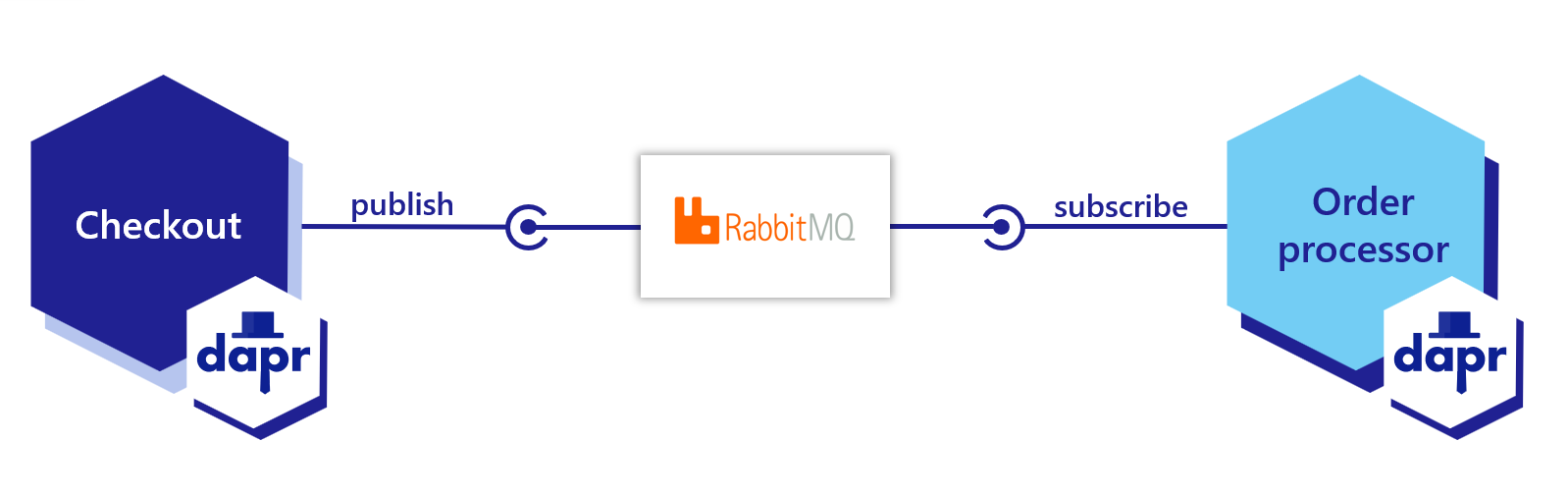
Dapr automatically wraps the user payload in a CloudEvents v1.0 compliant envelope, using Content-Type header value for datacontenttype attribute. Learn more about messages with CloudEvents.
The following example demonstrates how your applications publish and subscribe to a topic called orders.
Note
If you haven’t already, try out the pub/sub quickstart for a quick walk-through on how to use pub/sub.Set up the Pub/Sub component
The first step is to set up the pub/sub component:
When you run dapr init, Dapr creates a default Redis pubsub.yaml and runs a Redis container on your local machine, located:
- On Windows, under
%UserProfile%\.dapr\components\pubsub.yaml - On Linux/MacOS, under
~/.dapr/components/pubsub.yaml
With the pubsub.yaml component, you can easily swap out underlying components without application code changes. In this example, RabbitMQ is used.
apiVersion: dapr.io/v1alpha1
kind: Component
metadata:
name: order-pub-sub
spec:
type: pubsub.rabbitmq
version: v1
metadata:
- name: host
value: "amqp://localhost:5672"
- name: durable
value: "false"
- name: deletedWhenUnused
value: "false"
- name: autoAck
value: "false"
- name: reconnectWait
value: "0"
- name: concurrency
value: parallel
scopes:
- orderprocessing
- checkout
You can override this file with another pubsub component by creating a components directory (in this example, myComponents) containing the file and using the flag --resources-path with the dapr run CLI command.
To deploy this into a Kubernetes cluster, fill in the metadata connection details of the pub/sub component in the YAML below, save as pubsub.yaml, and run kubectl apply -f pubsub.yaml.
apiVersion: dapr.io/v1alpha1
kind: Component
metadata:
name: order-pub-sub
spec:
type: pubsub.rabbitmq
version: v1
metadata:
- name: connectionString
value: "amqp://localhost:5672"
- name: protocol
value: amqp
- name: hostname
value: localhost
- name: username
value: username
- name: password
value: password
- name: durable
value: "false"
- name: deletedWhenUnused
value: "false"
- name: autoAck
value: "false"
- name: reconnectWait
value: "0"
- name: concurrency
value: parallel
scopes:
- orderprocessing
- checkout
dapr run --app-id myapp --resources-path ./myComponents -- dotnet run
dapr run --app-id myapp --resources-path ./myComponents -- mvn spring-boot:run
dapr run --app-id myapp --resources-path ./myComponents -- python3 app.py
dapr run --app-id myapp --resources-path ./myComponents -- go run app.go
dapr run --app-id myapp --resources-path ./myComponents -- npm start
Subscribe to topics
Dapr provides three methods by which you can subscribe to topics:
- Declaratively, where subscriptions are defined in an external file.
- Streaming, where subscriptions are defined in user code.
- Programmatically, where subscriptions are defined in user code.
Learn more in the declarative, streaming, and programmatic subscriptions doc. This example demonstrates a declarative subscription.
Create a file named subscription.yaml and paste the following:
apiVersion: dapr.io/v2alpha1
kind: Subscription
metadata:
name: order-pub-sub
spec:
topic: orders
routes:
default: /checkout
pubsubname: order-pub-sub
scopes:
- orderprocessing
- checkout
The example above shows an event subscription to topic orders, for the pubsub component order-pub-sub.
- The
routefield tells Dapr to send all topic messages to the/checkoutendpoint in the app. - The
scopesfield enables this subscription for apps with IDsorderprocessingandcheckout.
Place subscription.yaml in the same directory as your pubsub.yaml component. When Dapr starts up, it loads subscriptions along with the components.
Note
Declarative subscriptions are “hot reloaded” by default, whereby updates are picked up automatically without needing a restart. To opt out, disable the HotReload feature in the Dapr application configuration:
spec:
features:
- name: HotReload
enabled: false
To prevent reprocessing or loss of unprocessed messages, in-flight messages between Dapr and your application are unaffected during hot reload events.
Below are code examples that leverage Dapr SDKs to subscribe to the topic you defined in subscription.yaml.
using System.Collections.Generic;
using System.Threading.Tasks;
using System;
using Microsoft.AspNetCore.Mvc;
using Dapr;
using Dapr.Client;
namespace CheckoutService.Controllers;
[ApiController]
public sealed class CheckoutServiceController : ControllerBase
{
//Subscribe to a topic called "orders" from the "order-pub-sub" compoennt
[Topic("order-pub-sub", "orders")]
[HttpPost("checkout")]
public void GetCheckout([FromBody] int orderId)
{
Console.WriteLine("Subscriber received : " + orderId);
}
}
Navigate to the directory containing the above code, then run the following command to launch both a Dapr sidecar and the subscriber application:
dapr run --app-id checkout --app-port 6002 --dapr-http-port 3602 --dapr-grpc-port 60002 --app-protocol https dotnet run
//dependencies
import io.dapr.Topic;
import io.dapr.client.domain.CloudEvent;
import org.springframework.web.bind.annotation.*;
import com.fasterxml.jackson.databind.ObjectMapper;
import org.slf4j.Logger;
import org.slf4j.LoggerFactory;
import reactor.core.publisher.Mono;
//code
@RestController
public class CheckoutServiceController {
private static final Logger log = LoggerFactory.getLogger(CheckoutServiceController.class);
//Subscribe to a topic
@Topic(name = "orders", pubsubName = "order-pub-sub")
@PostMapping(path = "/checkout")
public Mono<Void> getCheckout(@RequestBody(required = false) CloudEvent<String> cloudEvent) {
return Mono.fromRunnable(() -> {
try {
log.info("Subscriber received: " + cloudEvent.getData());
} catch (Exception e) {
throw new RuntimeException(e);
}
});
}
}
Navigate to the directory containing the above code, then run the following command to launch both a Dapr sidecar and the subscriber application:
dapr run --app-id checkout --app-port 6002 --dapr-http-port 3602 --dapr-grpc-port 60002 mvn spring-boot:run
#dependencies
from cloudevents.sdk.event import v1
from dapr.ext.grpc import App
import logging
import json
#code
app = App()
logging.basicConfig(level = logging.INFO)
#Subscribe to a topic
@app.subscribe(pubsub_name='order-pub-sub', topic='orders')
def mytopic(event: v1.Event) -> None:
data = json.loads(event.Data())
logging.info('Subscriber received: ' + str(data))
app.run(6002)
Navigate to the directory containing the above code, then run the following command to launch both a Dapr sidecar and the subscriber application:
dapr run --app-id checkout --app-port 6002 --dapr-http-port 3602 --app-protocol grpc -- python3 CheckoutService.py
//dependencies
import (
"log"
"net/http"
"context"
"github.com/dapr/go-sdk/service/common"
daprd "github.com/dapr/go-sdk/service/http"
)
//code
var sub = &common.Subscription{
PubsubName: "order-pub-sub",
Topic: "orders",
Route: "/checkout",
}
func main() {
s := daprd.NewService(":6002")
//Subscribe to a topic
if err := s.AddTopicEventHandler(sub, eventHandler); err != nil {
log.Fatalf("error adding topic subscription: %v", err)
}
if err := s.Start(); err != nil && err != http.ErrServerClosed {
log.Fatalf("error listenning: %v", err)
}
}
func eventHandler(ctx context.Context, e *common.TopicEvent) (retry bool, err error) {
log.Printf("Subscriber received: %s", e.Data)
return false, nil
}
Navigate to the directory containing the above code, then run the following command to launch both a Dapr sidecar and the subscriber application:
dapr run --app-id checkout --app-port 6002 --dapr-http-port 3602 --dapr-grpc-port 60002 go run CheckoutService.go
//dependencies
import { DaprServer, CommunicationProtocolEnum } from '@dapr/dapr';
//code
const daprHost = "127.0.0.1";
const serverHost = "127.0.0.1";
const serverPort = "6002";
start().catch((e) => {
console.error(e);
process.exit(1);
});
async function start(orderId) {
const server = new DaprServer({
serverHost,
serverPort,
communicationProtocol: CommunicationProtocolEnum.HTTP,
clientOptions: {
daprHost,
daprPort: process.env.DAPR_HTTP_PORT,
},
});
//Subscribe to a topic
await server.pubsub.subscribe("order-pub-sub", "orders", async (orderId) => {
console.log(`Subscriber received: ${JSON.stringify(orderId)}`)
});
await server.start();
}
Navigate to the directory containing the above code, then run the following command to launch both a Dapr sidecar and the subscriber application:
dapr run --app-id checkout --app-port 6002 --dapr-http-port 3602 --dapr-grpc-port 60002 npm start
Publish a message
Start an instance of Dapr with an app-id called orderprocessing:
dapr run --app-id orderprocessing --dapr-http-port 3601
Then publish a message to the orders topic:
dapr publish --publish-app-id orderprocessing --pubsub order-pub-sub --topic orders --data '{"orderId": "100"}'
curl -X POST http://localhost:3601/v1.0/publish/order-pub-sub/orders -H "Content-Type: application/json" -d '{"orderId": "100"}'
Invoke-RestMethod -Method Post -ContentType 'application/json' -Body '{"orderId": "100"}' -Uri 'http://localhost:3601/v1.0/publish/order-pub-sub/orders'
Below are code examples that leverage Dapr SDKs to publish a topic.
using System;
using System.Collections.Generic;
using System.Net.Http;
using System.Net.Http.Headers;
using System.Threading.Tasks;
using Dapr.Client;
using System.Threading;
const string PUBSUB_NAME = "order-pub-sub";
const string TOPIC_NAME = "orders";
var builder = WebApplication.CreateBuilder(args);
builder.Services.AddDaprClient();
var app = builder.Build();
var random = new Random();
var client = app.Services.GetRequiredService<DaprClient>();
while(true) {
await Task.Delay(TimeSpan.FromSeconds(5));
var orderId = random.Next(1,1000);
var source = new CancellationTokenSource();
var cancellationToken = source.Token;
//Using Dapr SDK to publish a topic
await client.PublishEventAsync(PUBSUB_NAME, TOPIC_NAME, orderId, cancellationToken);
Console.WriteLine("Published data: " + orderId);
}
Navigate to the directory containing the above code, then run the following command to launch both a Dapr sidecar and the publisher application:
dapr run --app-id orderprocessing --app-port 6001 --dapr-http-port 3601 --dapr-grpc-port 60001 --app-protocol https dotnet run
//dependencies
import io.dapr.client.DaprClient;
import io.dapr.client.DaprClientBuilder;
import io.dapr.client.domain.Metadata;
import static java.util.Collections.singletonMap;
import org.springframework.boot.autoconfigure.SpringBootApplication;
import org.slf4j.Logger;
import org.slf4j.LoggerFactory;
import java.util.Random;
import java.util.concurrent.TimeUnit;
//code
@SpringBootApplication
public class OrderProcessingServiceApplication {
private static final Logger log = LoggerFactory.getLogger(OrderProcessingServiceApplication.class);
public static void main(String[] args) throws InterruptedException{
String MESSAGE_TTL_IN_SECONDS = "1000";
String TOPIC_NAME = "orders";
String PUBSUB_NAME = "order-pub-sub";
while(true) {
TimeUnit.MILLISECONDS.sleep(5000);
Random random = new Random();
int orderId = random.nextInt(1000-1) + 1;
DaprClient client = new DaprClientBuilder().build();
//Using Dapr SDK to publish a topic
client.publishEvent(
PUBSUB_NAME,
TOPIC_NAME,
orderId,
singletonMap(Metadata.TTL_IN_SECONDS, MESSAGE_TTL_IN_SECONDS)).block();
log.info("Published data:" + orderId);
}
}
}
Navigate to the directory containing the above code, then run the following command to launch both a Dapr sidecar and the publisher application:
dapr run --app-id orderprocessing --app-port 6001 --dapr-http-port 3601 --dapr-grpc-port 60001 mvn spring-boot:run
#dependencies
import random
from time import sleep
import requests
import logging
import json
from dapr.clients import DaprClient
#code
logging.basicConfig(level = logging.INFO)
while True:
sleep(random.randrange(50, 5000) / 1000)
orderId = random.randint(1, 1000)
PUBSUB_NAME = 'order-pub-sub'
TOPIC_NAME = 'orders'
with DaprClient() as client:
#Using Dapr SDK to publish a topic
result = client.publish_event(
pubsub_name=PUBSUB_NAME,
topic_name=TOPIC_NAME,
data=json.dumps(orderId),
data_content_type='application/json',
)
logging.info('Published data: ' + str(orderId))
Navigate to the directory containing the above code, then run the following command to launch both a Dapr sidecar and the publisher application:
dapr run --app-id orderprocessing --app-port 6001 --dapr-http-port 3601 --app-protocol grpc python3 OrderProcessingService.py
//dependencies
import (
"context"
"log"
"math/rand"
"time"
"strconv"
dapr "github.com/dapr/go-sdk/client"
)
//code
var (
PUBSUB_NAME = "order-pub-sub"
TOPIC_NAME = "orders"
)
func main() {
for i := 0; i < 10; i++ {
time.Sleep(5000)
orderId := rand.Intn(1000-1) + 1
client, err := dapr.NewClient()
if err != nil {
panic(err)
}
defer client.Close()
ctx := context.Background()
//Using Dapr SDK to publish a topic
if err := client.PublishEvent(ctx, PUBSUB_NAME, TOPIC_NAME, []byte(strconv.Itoa(orderId)));
err != nil {
panic(err)
}
log.Println("Published data: " + strconv.Itoa(orderId))
}
}
Navigate to the directory containing the above code, then run the following command to launch both a Dapr sidecar and the publisher application:
dapr run --app-id orderprocessing --app-port 6001 --dapr-http-port 3601 --dapr-grpc-port 60001 go run OrderProcessingService.go
//dependencies
import { DaprServer, DaprClient, CommunicationProtocolEnum } from '@dapr/dapr';
const daprHost = "127.0.0.1";
var main = function() {
for(var i=0;i<10;i++) {
sleep(5000);
var orderId = Math.floor(Math.random() * (1000 - 1) + 1);
start(orderId).catch((e) => {
console.error(e);
process.exit(1);
});
}
}
async function start(orderId) {
const PUBSUB_NAME = "order-pub-sub"
const TOPIC_NAME = "orders"
const client = new DaprClient({
daprHost,
daprPort: process.env.DAPR_HTTP_PORT,
communicationProtocol: CommunicationProtocolEnum.HTTP
});
console.log("Published data:" + orderId)
//Using Dapr SDK to publish a topic
await client.pubsub.publish(PUBSUB_NAME, TOPIC_NAME, orderId);
}
function sleep(ms) {
return new Promise(resolve => setTimeout(resolve, ms));
}
main();
Navigate to the directory containing the above code, then run the following command to launch both a Dapr sidecar and the publisher application:
dapr run --app-id orderprocessing --app-port 6001 --dapr-http-port 3601 --dapr-grpc-port 60001 npm start
Message acknowledgement and retries
In order to tell Dapr that a message was processed successfully, return a 200 OK response. If Dapr receives any other return status code than 200, or if your app crashes, Dapr will attempt to redeliver the message following at-least-once semantics.
Test subscriptions with the Dapr Dev Dashboard
When developing locally, you can use the Dapr Dev Dashboard to test your subscriber without running a publisher app. The dashboard shows the subscriptions of your running apps and lets you send test messages to them. Combined with the dashboard’s per-app log streaming, this is an easy way to check how your app handles messages and what status codes it returns.
Demo video
Watch this demo video to learn more about pub/sub messaging with Dapr.
Next steps
- Try the pub/sub tutorial.
- Learn about messaging with CloudEvents and when you might want to send messages without CloudEvents.
- Review the list of pub/sub components.
- Read the API reference.
1.3.3 - Publishing & subscribing messages with Cloudevents
To enable message routing and provide additional context with each message, Dapr uses the CloudEvents 1.0 specification as its message format. Any message sent by an application to a topic using Dapr is automatically wrapped in a CloudEvents envelope, using the Content-Type header value for datacontenttype attribute.
Dapr uses CloudEvents to provide additional context to the event payload, enabling features like:
- Tracing
- Content-type for proper deserialization of event data
- Verification of sender application
You can choose any of three methods for publish a CloudEvent via pub/sub:
- Send a pub/sub event, which is then wrapped by Dapr in a CloudEvent envelope.
- Replace specific CloudEvents attributes provided by Dapr by overriding the standard CloudEvent properties.
- Write your own CloudEvent envelope as part of the pub/sub event.
Dapr-generated CloudEvents example
Sending a publish operation to Dapr automatically wraps it in a CloudEvent envelope containing the following fields:
idsourcespecversiontypetraceparenttraceidtracestatetopicpubsubnametimedatacontenttype(optional)
The following example demonstrates a CloudEvent generated by Dapr for a publish operation to the orders topic that includes:
- A W3C
traceidunique to the message - The
dataand the fields for the CloudEvent where the data content is serialized as JSON
{
"topic": "orders",
"pubsubname": "order_pub_sub",
"traceid": "00-113ad9c4e42b27583ae98ba698d54255-e3743e35ff56f219-01",
"tracestate": "",
"data": {
"orderId": 1
},
"id": "5929aaac-a5e2-4ca1-859c-edfe73f11565",
"specversion": "1.0",
"datacontenttype": "application/json; charset=utf-8",
"source": "checkout",
"type": "com.dapr.event.sent",
"time": "2020-09-23T06:23:21Z",
"traceparent": "00-113ad9c4e42b27583ae98ba698d54255-e3743e35ff56f219-01"
}
As another example of a v1.0 CloudEvent, the following shows data as XML content in a CloudEvent message serialized as JSON:
{
"topic": "orders",
"pubsubname": "order_pub_sub",
"traceid": "00-113ad9c4e42b27583ae98ba698d54255-e3743e35ff56f219-01",
"tracestate": "",
"data" : "<note><to></to><from>user2</from><message>Order</message></note>",
"id" : "id-1234-5678-9101",
"specversion" : "1.0",
"datacontenttype" : "text/xml",
"subject" : "Test XML Message",
"source" : "https://example.com/message",
"type" : "xml.message",
"time" : "2020-09-23T06:23:21Z"
}
Replace Dapr generated CloudEvents values
Dapr automatically generates several CloudEvent properties. You can replace these generated CloudEvent properties by providing the following optional metadata key/value:
cloudevent.id: overridesidcloudevent.source: overridessourcecloudevent.type: overridestypecloudevent.traceid: overridestraceidcloudevent.tracestate: overridestracestatecloudevent.traceparent: overridestraceparent
The ability to replace CloudEvents properties using these metadata properties applies to all pub/sub components.
Example
For example, to replace the source and id values from the CloudEvent example above in code:
with DaprClient() as client:
order = {'orderId': i}
# Publish an event/message using Dapr PubSub
result = client.publish_event(
pubsub_name='order_pub_sub',
topic_name='orders',
publish_metadata={'cloudevent.id': 'd99b228f-6c73-4e78-8c4d-3f80a043d317', 'cloudevent.source': 'payment'}
)
# or
cloud_event = {
'specversion': '1.0',
'type': 'com.example.event',
'source': 'payment',
'id': 'd99b228f-6c73-4e78-8c4d-3f80a043d317',
'data': {'orderId': i},
'datacontenttype': 'application/json',
...
}
# Set the data content type to 'application/cloudevents+json'
result = client.publish_event(
pubsub_name='order_pub_sub',
topic_name='orders',
data=json.dumps(cloud_event),
data_content_type='application/cloudevents+json',
)
var order = new Order(i);
using var client = new DaprClientBuilder().Build();
// Override cloudevent metadata
var metadata = new Dictionary<string,string>() {
{ "cloudevent.source", "payment" },
{ "cloudevent.id", "d99b228f-6c73-4e78-8c4d-3f80a043d317" }
}
// Publish an event/message using Dapr PubSub
await client.PublishEventAsync("order_pub_sub", "orders", order, metadata);
Console.WriteLine("Published data: " + order);
await Task.Delay(TimeSpan.FromSeconds(1));
The JSON payload then reflects the new source and id values:
{
"topic": "orders",
"pubsubname": "order_pub_sub",
"traceid": "00-113ad9c4e42b27583ae98ba698d54255-e3743e35ff56f219-01",
"tracestate": "",
"data": {
"orderId": 1
},
"id": "d99b228f-6c73-4e78-8c4d-3f80a043d317",
"specversion": "1.0",
"datacontenttype": "application/json; charset=utf-8",
"source": "payment",
"type": "com.dapr.event.sent",
"time": "2020-09-23T06:23:21Z",
"traceparent": "00-113ad9c4e42b27583ae98ba698d54255-e3743e35ff56f219-01"
}
Important
While you can replacetraceid/traceparent and tracestate, doing this may interfere with tracing events and report inconsistent results in tracing tools. It’s recommended to use Open Telemetry for distributed traces. Learn more about distributed tracing.Publish your own CloudEvent
If you want to use your own CloudEvent, make sure to specify the datacontenttype as application/cloudevents+json.
If the CloudEvent that was authored by the app does not contain the minimum required fields in the CloudEvent specification, the message is rejected. Dapr adds the following fields to the CloudEvent if they are missing:
timetraceidtraceparenttracestatetopicpubsubnamesourcetypespecversion
You can add additional fields to a custom CloudEvent that are not part of the official CloudEvent specification. Dapr will pass these fields as-is.
Example
Publish a CloudEvent to the orders topic:
dapr publish --publish-app-id orderprocessing --pubsub order-pub-sub --topic orders --data '{\"orderId\": \"100\"}'
Publish a CloudEvent to the orders topic:
curl -X POST http://localhost:3601/v1.0/publish/order-pub-sub/orders -H "Content-Type: application/cloudevents+json" -d '{"specversion" : "1.0", "type" : "com.dapr.cloudevent.sent", "source" : "testcloudeventspubsub", "subject" : "Cloud Events Test", "id" : "someCloudEventId", "time" : "2021-08-02T09:00:00Z", "datacontenttype" : "application/cloudevents+json", "data" : {"orderId": "100"}}'
Publish a CloudEvent to the orders topic:
Invoke-RestMethod -Method Post -ContentType 'application/cloudevents+json' -Body '{"specversion" : "1.0", "type" : "com.dapr.cloudevent.sent", "source" : "testcloudeventspubsub", "subject" : "Cloud Events Test", "id" : "someCloudEventId", "time" : "2021-08-02T09:00:00Z", "datacontenttype" : "application/cloudevents+json", "data" : {"orderId": "100"}}' -Uri 'http://localhost:3601/v1.0/publish/order-pub-sub/orders'
Publish binary CloudEvents
In binary mode, the transport payload only contains the event body, while
CloudEvent attributes are supplied via transport metadata that begins with the
ce_ prefix (HTTP headers, Kafka headers, NATS headers, and so on). This is
useful when you already produce binary mode events or you want to send arbitrary
binary data without wrapping it in an additional JSON envelope.
To publish a binary CloudEvent to Dapr (via HTTP/gRPC publish APIs or directly into a broker that Dapr reads from):
Set the transport’s native content-type metadata (for example the HTTP
Content-Typeheader or a Kafkacontent-typemessage header) to the MIME type that represents binary data, which isapplication/octet-stream.Add the required CloudEvent attributes (
ce_specversion,ce_type,ce_source,ce_id) as transport metadata. Optional attributes such asce_subject,ce_time, orce_traceparentare also honored.Send the payload bytes in the message body.
Publish a Binary CloudEvent to orders topic:
curl -X POST http://localhost:3500/v1.0/publish/order-pub-sub/orders \
-H "Content-Type: application/octet-stream" \
-H "ce_specversion: 1.0" \
-H "ce_type: com.example.order.created" \
-H "ce_source: urn:example:/checkout" \
-H "ce_id: 2a8bbf52-1222-4c2c-85f0-8a8875c7bc10" \
-H "ce_subject: orders/100" \
--data-binary $'\x01\x02\x03\x04'
Event deduplication
When using cloud events created by Dapr, the envelope contains an id field which can be used by the app to perform message deduplication. Dapr does not handle deduplication automatically. Dapr supports using message brokers that natively enable message deduplication.
Next steps
- Learn why you might not want to use CloudEvents
- Try out the pub/sub Quickstart
- List of pub/sub components
- Read the API reference
1.3.4 - Publishing & subscribing messages without CloudEvents
When adding Dapr to your application, some services may still need to communicate via pub/sub messages not encapsulated in CloudEvents, due to either compatibility reasons or some apps not using Dapr. These are referred to as “raw” pub/sub messages. Dapr enables apps to publish and subscribe to raw events not wrapped in a CloudEvent for compatibility and to send data that is not JSON serializable.
Publishing raw messages
Dapr apps are able to publish raw events to pub/sub topics without CloudEvent encapsulation, for compatibility with non-Dapr apps.
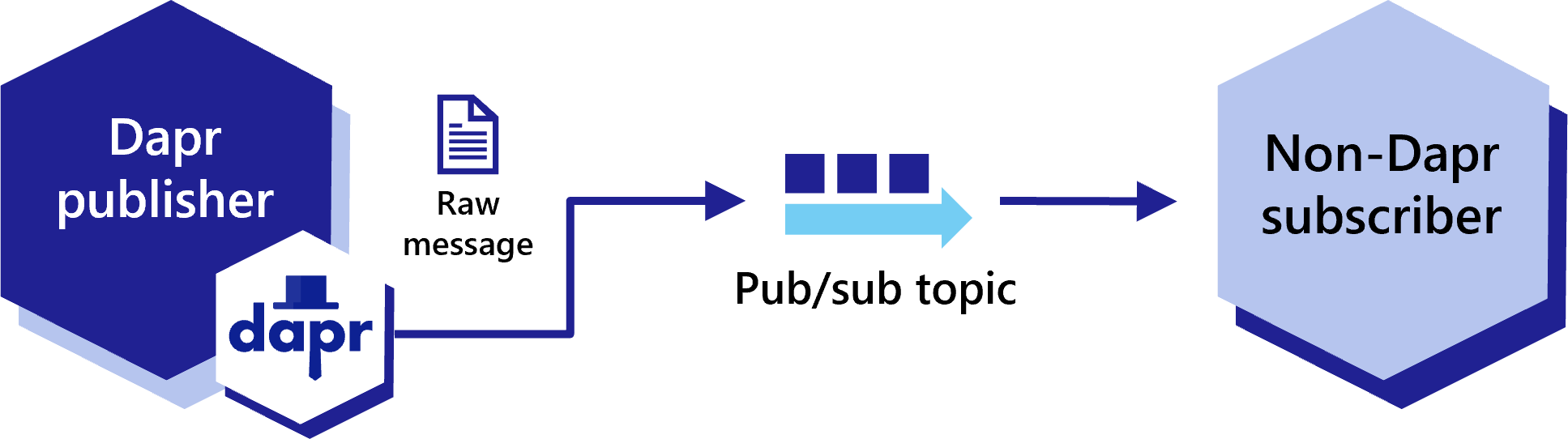
Warning
Not using CloudEvents disables support for tracing, event deduplication per messageId, content-type metadata, and any other features built using the CloudEvent schema.To disable CloudEvent wrapping, set the rawPayload metadata to true as part of the publishing request. This allows subscribers to receive these messages without having to parse the CloudEvent schema.
curl -X "POST" http://localhost:3500/v1.0/publish/pubsub/TOPIC_A?metadata.rawPayload=true -H "Content-Type: application/json" -d '{"order-number": "345"}'
using Dapr.Client;
var builder = WebApplication.CreateBuilder(args);
builder.Services.AddControllers().AddDapr();
var app = builder.Build();
app.MapPost("/publish", async (DaprClient daprClient) =>
{
var message = new Message(
Guid.NewGuid().ToString(),
$"Hello at {DateTime.UtcNow}",
DateTime.UtcNow
);
await daprClient.PublishEventAsync(
"pubsub", // pubsub name
"messages", // topic name
message, // message data
new Dictionary<string, string>
{
{ "rawPayload", "true" },
{ "content-type", "application/json" }
}
);
return Results.Ok(message);
});
app.Run();
from dapr.clients import DaprClient
with DaprClient() as d:
req_data = {
'order-number': '345'
}
# Create a typed message with content type and body
resp = d.publish_event(
pubsub_name='pubsub',
topic_name='TOPIC_A',
data=json.dumps(req_data),
publish_metadata={'rawPayload': 'true'}
)
# Print the request
print(req_data, flush=True)
<?php
require_once __DIR__.'/vendor/autoload.php';
$app = \Dapr\App::create();
$app->run(function(\DI\FactoryInterface $factory) {
$publisher = $factory->make(\Dapr\PubSub\Publish::class, ['pubsub' => 'pubsub']);
$publisher->topic('TOPIC_A')->publish('data', ['rawPayload' => 'true']);
});
@RestController
@PathMapping("/publish")
public class PublishController {
@Inject
DaprClient client;
@PostMapping
public void sendRawMessage() {
Map<String, String> metadata = new HashMap<>();
metatada.put("content-type", "application/json");
metadata.put("rawPayload", "true");
Message message = new Message(UUID.random().toString(), "Hello from Dapr");
client.publishEvent(
"pubsub", // pubsub name
"messages", // topic name
message, // message data
metadata) // metadata
.block(); // wait for completion
}
}
Subscribing to raw messages
Dapr apps can subscribe to raw messages from pub/sub topics, even if they weren’t published as CloudEvents. However, the subscribing Dapr process still wraps these raw messages in a CloudEvent before delivering them to the subscribing application.
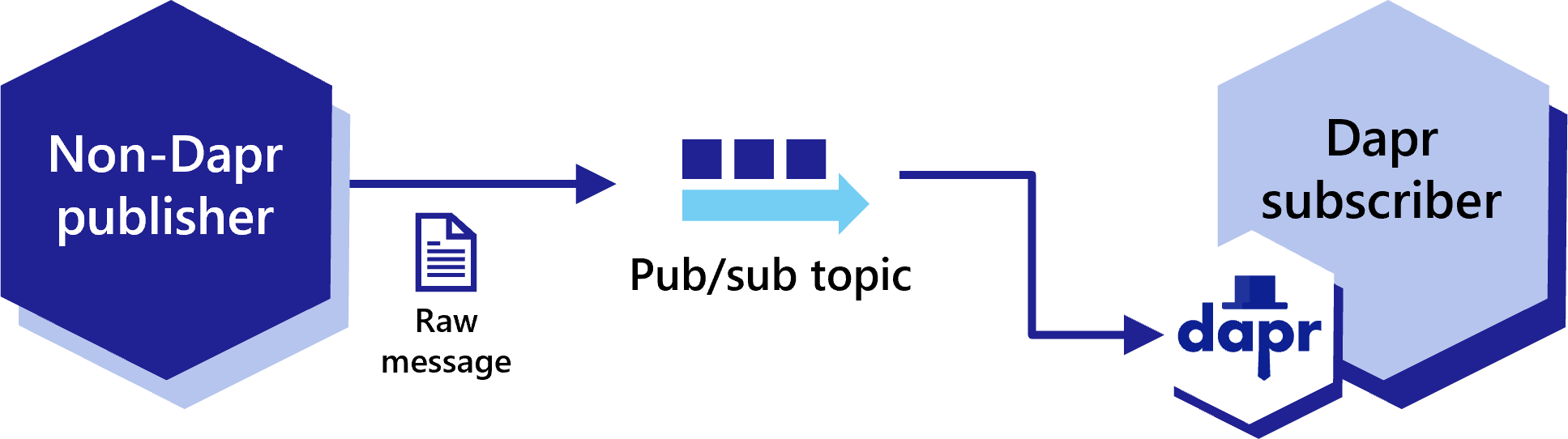
Programmatically subscribe to raw events
When subscribing programmatically, add the additional metadata entry for rawPayload to allow the subscriber to receive a message that is not wrapped by a CloudEvent. For .NET, this metadata entry is called isRawPayload.
When using raw payloads the message is always base64 encoded with content type application/octet-stream.
using System.Text.Json;
using System.Text.Json.Serialization;
var builder = WebApplication.CreateBuilder(args);
var app = builder.Build();
app.MapGet("/dapr/subscribe", () =>
{
var subscriptions = new[]
{
new
{
pubsubname = "pubsub",
topic = "messages",
route = "/messages",
metadata = new Dictionary<string, string>
{
{ "rawPayload", "true" },
{ "content-type", "application/json" }
}
}
};
return Results.Ok(subscriptions);
});
app.MapPost("/messages", async (HttpContext context) =>
{
using var reader = new StreamReader(context.Request.Body);
var json = await reader.ReadToEndAsync();
Console.WriteLine($"Raw message received: {json}");
return Results.Ok();
});
app.Run();
import flask
from flask import request, jsonify
from flask_cors import CORS
import json
import sys
app = flask.Flask(__name__)
CORS(app)
@app.route('/dapr/subscribe', methods=['GET'])
def subscribe():
subscriptions = [{'pubsubname': 'pubsub',
'topic': 'deathStarStatus',
'route': 'dsstatus',
'metadata': {
'rawPayload': 'true',
} }]
return jsonify(subscriptions)
@app.route('/dsstatus', methods=['POST'])
def ds_subscriber():
print(request.json, flush=True)
return json.dumps({'success':True}), 200, {'ContentType':'application/json'}
app.run()
<?php
require_once __DIR__.'/vendor/autoload.php';
$app = \Dapr\App::create(configure: fn(\DI\ContainerBuilder $builder) => $builder->addDefinitions(['dapr.subscriptions' => [
new \Dapr\PubSub\Subscription(pubsubname: 'pubsub', topic: 'deathStarStatus', route: '/dsstatus', metadata: [ 'rawPayload' => 'true'] ),
]]));
$app->post('/dsstatus', function(
#[\Dapr\Attributes\FromBody]
\Dapr\PubSub\CloudEvent $cloudEvent,
\Psr\Log\LoggerInterface $logger
) {
$logger->alert('Received event: {event}', ['event' => $cloudEvent]);
return ['status' => 'SUCCESS'];
}
);
$app->start();
@RequestMapping("/consumer")
@RestController
public class MessageConsumerController {
@PostMapping
@ResponseStatus(HttpStatus.OK)
@Topic(pubsubName = "pubsub", name = "messages", metadata = "{\"rawPayload\":\"true\", \"content-type\": \"application/json\"}")
public void consume(@RequestBody Message message) {
System.out.println("Message received: " + message);
}
@PostMapping
@ResponseStatus(HttpStatus.OK)
@Topic(pubsubName = "pubsub", name = "another-topic", metadata = """
{"rawPayload": "true", "content-type": "application/json"}
""") // Using Java 15 text block
public void consumeAnother(@RequestBody Message message) {
System.out.println("Message received: " + message);
}
}
Declaratively subscribe to raw events
Similarly, you can subscribe to raw events declaratively by adding the rawPayload metadata entry to your subscription specification.
apiVersion: dapr.io/v2alpha1
kind: Subscription
metadata:
name: myevent-subscription
spec:
topic: deathStarStatus
routes:
default: /dsstatus
pubsubname: pubsub
metadata:
isRawPayload: "true"
scopes:
- app1
- app2
Next steps
- Learn more about publishing and subscribing messages
- List of pub/sub components
- Read the API reference
- Read the .NET sample on how to consume Kafka messages without CloudEvents
1.3.5 - How-To: Route messages to different event handlers
Pub/sub routing is an implementation of content-based routing, a messaging pattern that utilizes a DSL instead of imperative application code. With pub/sub routing, you use expressions to route CloudEvents (based on their contents) to different URIs/paths and event handlers in your application. If no route matches, then an optional default route is used. This proves useful as your applications expand to support multiple event versions or special cases.
While routing can be implemented with code, keeping routing rules external from the application can improve portability.
This feature is available to both the declarative and programmatic subscription approaches, however does not apply to streaming subscriptions.
Declarative subscription
For declarative subscriptions, use dapr.io/v2alpha1 as the apiVersion. Here is an example of subscriptions.yaml using routing:
apiVersion: dapr.io/v2alpha1
kind: Subscription
metadata:
name: myevent-subscription
spec:
pubsubname: pubsub
topic: inventory
routes:
rules:
- match: event.type == "widget"
path: /widgets
- match: event.type == "gadget"
path: /gadgets
default: /products
scopes:
- app1
- app2
Programmatic subscription
In the programmatic approach, the routes structure is returned instead of route. The JSON structure matches the declarative YAML:
import flask
from flask import request, jsonify
from flask_cors import CORS
import json
import sys
app = flask.Flask(__name__)
CORS(app)
@app.route('/dapr/subscribe', methods=['GET'])
def subscribe():
subscriptions = [
{
'pubsubname': 'pubsub',
'topic': 'inventory',
'routes': {
'rules': [
{
'match': 'event.type == "widget"',
'path': '/widgets'
},
{
'match': 'event.type == "gadget"',
'path': '/gadgets'
},
],
'default': '/products'
}
}]
return jsonify(subscriptions)
@app.route('/products', methods=['POST'])
def ds_subscriber():
print(request.json, flush=True)
return json.dumps({'success':True}), 200, {'ContentType':'application/json'}
app.run()
const express = require('express')
const bodyParser = require('body-parser')
const app = express()
app.use(bodyParser.json({ type: 'application/*+json' }));
const port = 3000
app.get('/dapr/subscribe', (req, res) => {
res.json([
{
pubsubname: "pubsub",
topic: "inventory",
routes: {
rules: [
{
match: 'event.type == "widget"',
path: '/widgets'
},
{
match: 'event.type == "gadget"',
path: '/gadgets'
},
],
default: '/products'
}
}
]);
})
app.post('/products', (req, res) => {
console.log(req.body);
res.sendStatus(200);
});
app.listen(port, () => console.log(`consumer app listening on port ${port}!`))
[Topic("pubsub", "inventory", "event.type ==\"widget\"", 1)]
[HttpPost("widgets")]
public async Task<ActionResult<Stock>> HandleWidget(Widget widget, [FromServices] DaprClient daprClient)
{
// Logic
return stock;
}
[Topic("pubsub", "inventory", "event.type ==\"gadget\"", 2)]
[HttpPost("gadgets")]
public async Task<ActionResult<Stock>> HandleGadget(Gadget gadget, [FromServices] DaprClient daprClient)
{
// Logic
return stock;
}
[Topic("pubsub", "inventory")]
[HttpPost("products")]
public async Task<ActionResult<Stock>> HandleProduct(Product product, [FromServices] DaprClient daprClient)
{
// Logic
return stock;
}
package main
import (
"encoding/json"
"fmt"
"log"
"net/http"
"github.com/gorilla/mux"
)
const appPort = 3000
type subscription struct {
PubsubName string `json:"pubsubname"`
Topic string `json:"topic"`
Metadata map[string]string `json:"metadata,omitempty"`
Routes routes `json:"routes"`
}
type routes struct {
Rules []rule `json:"rules,omitempty"`
Default string `json:"default,omitempty"`
}
type rule struct {
Match string `json:"match"`
Path string `json:"path"`
}
// This handles /dapr/subscribe
func configureSubscribeHandler(w http.ResponseWriter, _ *http.Request) {
t := []subscription{
{
PubsubName: "pubsub",
Topic: "inventory",
Routes: routes{
Rules: []rule{
{
Match: `event.type == "widget"`,
Path: "/widgets",
},
{
Match: `event.type == "gadget"`,
Path: "/gadgets",
},
},
Default: "/products",
},
},
}
w.WriteHeader(http.StatusOK)
json.NewEncoder(w).Encode(t)
}
func main() {
router := mux.NewRouter().StrictSlash(true)
router.HandleFunc("/dapr/subscribe", configureSubscribeHandler).Methods("GET")
log.Fatal(http.ListenAndServe(fmt.Sprintf(":%d", appPort), router))
}
<?php
require_once __DIR__.'/vendor/autoload.php';
$app = \Dapr\App::create(configure: fn(\DI\ContainerBuilder $builder) => $builder->addDefinitions(['dapr.subscriptions' => [
new \Dapr\PubSub\Subscription(pubsubname: 'pubsub', topic: 'inventory', routes: (
rules: => [
('match': 'event.type == "widget"', path: '/widgets'),
('match': 'event.type == "gadget"', path: '/gadgets'),
]
default: '/products')),
]]));
$app->post('/products', function(
#[\Dapr\Attributes\FromBody]
\Dapr\PubSub\CloudEvent $cloudEvent,
\Psr\Log\LoggerInterface $logger
) {
$logger->alert('Received event: {event}', ['event' => $cloudEvent]);
return ['status' => 'SUCCESS'];
}
);
$app->start();
Common Expression Language (CEL)
In these examples, depending on the event.type, the application will be called on:
/widgets/gadgets/products
The expressions are written as Common Expression Language (CEL) where event represents the cloud event. Any of the attributes from the CloudEvents core specification can be referenced in the expression.
Example expressions
Match “important” messages:
has(event.data.important) && event.data.important == true
Match deposits greater than $10,000:
event.type == "deposit" && int(event.data.amount) > 10000
Note
By default the numeric values are written as double-precision floating-point. There are no automatic arithmetic conversions for numeric values. In this case, ifevent.data.amount is not cast as integer, the match is not performed. For more information, see the CEL documentation.Match multiple versions of a message:
event.type == "mymessage.v1"
event.type == "mymessage.v2"
CloudEvent attributes
For reference, the following attributes are from the CloudEvents specification.
Event Data
data
As defined by the term data, CloudEvents may include domain-specific information about the occurrence. When present, this information will be encapsulated within data.
- Description: The event payload. This specification places no restriction on the information type. It is encoded into a media format, specified by the
datacontenttypeattribute (e.g. application/json), and adheres to thedataschemaformat when those respective attributes are present. - Constraints:
- OPTIONAL
Limitation
Currently, you can only access the attributes inside data if it is nested JSON values and not JSON escaped in a string.REQUIRED Attributes
The following attributes are required in all CloudEvents:
id
- Type:
String - Description: Identifies the event. Producers must ensure that
source+idare unique for each distinct event. If a duplicate event is re-sent (e.g. due to a network error), it may have the sameid. Consumers may assume that events with identicalsourceandidare duplicates. - Constraints:
- REQUIRED
- Must be a non-empty string
- Must be unique within the scope of the producer
- Examples:
- An event counter maintained by the producer
- A UUID
source
Type:
URI-referenceDescription: Identifies the context in which an event happened. Often this includes information such as:
- The type of the event source
- The organization publishing the event
- The process that produced the event
The exact syntax and semantics behind the data encoded in the URI is defined by the event producer.
Producers must ensure that
source+idare unique for each distinct event.An application may:
- Assign a unique
sourceto each distinct producer, making it easier to produce unique IDs and preventing other producers from having the samesource. - Use UUIDs, URNs, DNS authorities, or an application-specific scheme to create unique
sourceidentifiers.
A source may include more than one producer. In this case, the producers must collaborate to ensure that
source+idare unique for each distinct event.Constraints:
- REQUIRED
- Must be a non-empty URI-reference
- An absolute URI is RECOMMENDED
Examples:
- Internet-wide unique URI with a DNS authority:
- https://github.com/cloudevents
- mailto:cncf-wg-serverless@lists.cncf.io
- Universally-unique URN with a UUID:
- urn:uuid:6e8bc430-9c3a-11d9-9669-0800200c9a66
- Application-specific identifiers:
- /cloudevents/spec/pull/123
- /sensors/tn-1234567/alerts
- 1-555-123-4567
- Internet-wide unique URI with a DNS authority:
specversion
Type:
StringDescription: The version of the CloudEvents specification used by the event. This enables the interpretation of the context. Compliant event producers must use a value of
1.0when referring to this version of the specification.Currently, this attribute only includes the ‘major’ and ‘minor’ version numbers. This allows patch changes to the specification to be made without changing this property’s value in the serialization.
Note: for ‘release candidate’ releases, a suffix might be used for testing purposes.
Constraints:
- REQUIRED
- Must be a non-empty string
type
- Type:
String - Description: Contains a value describing the event type related to the originating occurrence. Often, this attribute is used for routing, observability, policy enforcement, etc. The format is producer-defined and might include information like the version of the
type. See Versioning of CloudEvents in the Primer for more information. - Constraints:
- REQUIRED
- Must be a non-empty string
- Should be prefixed with a reverse-DNS name. The prefixed domain dictates the organization, which defines the semantics of this event type.
- Examples:
- com.github.pull_request.opened
- com.example.object.deleted.v2
OPTIONAL Attributes
The following attributes are optional to appear in CloudEvents. See the Notational Conventions section for more information on the definition of OPTIONAL.
datacontenttype
Type:
Stringper RFC 2046Description: Content type of
datavalue. This attribute enablesdatato carry any type of content, whereby format and encoding might differ from that of the chosen event format.For example, an event rendered using the JSON envelope format might carry an XML payload in
data. The consumer is informed by this attribute being set to"application/xml".The rules for how
datacontent is rendered for differentdatacontenttypevalues are defined in the event format specifications. For example, the JSON event format defines the relationship in section 3.1.For some binary mode protocol bindings, this field is directly mapped to the respective protocol’s content-type metadata property. You can find normative rules for the binary mode and the content-type metadata mapping in the respective protocol.
In some event formats, you may omit the
datacontenttypeattribute. For example, if a JSON format event has nodatacontenttypeattribute, it’s implied that thedatais a JSON value conforming to the"application/json"media type. In other words: a JSON-format event with nodatacontenttypeis exactly equivalent to one withdatacontenttype="application/json".When translating an event message with no
datacontenttypeattribute to a different format or protocol binding, the targetdatacontenttypeshould be set explicitly to the implieddatacontenttypeof the source.Constraints:
- OPTIONAL
- If present, must adhere to the format specified in RFC 2046
For Media Type examples, see IANA Media Types
dataschema
- Type:
URI - Description: Identifies the schema that
dataadheres to. Incompatible changes to the schema should be reflected by a different URI. See Versioning of CloudEvents in the Primer for more information. - Constraints:
- OPTIONAL
- If present, must be a non-empty URI
subject
Type:
StringDescription: This describes the event subject in the context of the event producer (identified by
source). In publish-subscribe scenarios, a subscriber will typically subscribe to events emitted by asource. Thesourceidentifier alone might not be sufficient as a qualifier for any specific event if thesourcecontext has internal sub-structure.Identifying the subject of the event in context metadata (opposed to only in the
datapayload) is helpful in generic subscription filtering scenarios, where middleware is unable to interpret thedatacontent. In the above example, the subscriber might only be interested in blobs with names ending with ‘.jpg’ or ‘.jpeg’. With thesubjectattribute, you can construct a simple and efficient string-suffix filter for that subset of events.Constraints:
- OPTIONAL
- If present, must be a non-empty string
Example:
A subscriber might register interest for when new blobs are created inside a blob-storage container. In this case:- The event
sourceidentifies the subscription scope (storage container) - The event
typeidentifies the “blob created” event - The event
iduniquely identifies the event instance to distinguish separately created occurrences of a same-named blob.
The name of the newly created blob is carried in
subject:source: https://example.com/storage/tenant/containersubject: mynewfile.jpg
- The event
time
- Type:
Timestamp - Description: Timestamp of when the occurrence happened. If the time of the occurrence cannot be determined, then this attribute may be set to some other time (such as the current time) by the CloudEvents producer. However, all producers for the same
sourcemust be consistent in this respect. In other words, either they all use the actual time of the occurrence or they all use the same algorithm to determine the value used. - Constraints:
- OPTIONAL
- If present, must adhere to the format specified in RFC 3339
Limitation
Currently, comparisons to time (e.g. before or after “now”) are not supported.Community call demo
Watch this video on how to use message routing with pub/sub:
Next steps
- Try the pub/sub routing sample.
- Learn about topic scoping and message time-to-live.
- Configure pub/sub components with multiple namespaces.
- Review the list of pub/sub components.
- Read the API reference.
1.3.6 - Declarative, streaming, and programmatic subscription types
Pub/sub API subscription types
Dapr applications can subscribe to published topics via three subscription types that support the same features: declarative, streaming and programmatic.
| Subscription type | Description |
|---|---|
| Declarative | Subscription is defined in an external file. The declarative approach removes the Dapr dependency from your code and allows for existing applications to subscribe to topics, without having to change code. |
| Streaming | Subscription is defined in the application code. Streaming subscriptions are dynamic, meaning they allow for adding or removing subscriptions at runtime. They do not require a subscription endpoint in your application (that is required by both programmatic and declarative subscriptions), making them easy to configure in code. Streaming subscriptions also do not require an app to be configured with the sidecar to receive messages. |
| Programmatic | Subscription is defined in the application code. The programmatic approach implements the static subscription and requires an endpoint in your code. |
The examples below demonstrate pub/sub messaging between a checkout app and an orderprocessing app via the orders topic. The examples demonstrate the same Dapr pub/sub component used first declaratively, then programmatically.
Declarative subscriptions
Note
Declarative subscriptions are “hot reloaded” by default, whereby updates are picked up automatically without needing a restart. To opt out, disable the HotReload feature in the Dapr application configuration:
spec:
features:
- name: HotReload
enabled: false
To prevent reprocessing or loss of unprocessed messages, in-flight messages between Dapr and your application are unaffected during hot reload events.
You can subscribe declaratively to a topic using an external component file. This example uses a YAML component file named subscription.yaml:
apiVersion: dapr.io/v2alpha1
kind: Subscription
metadata:
name: order
spec:
topic: orders
routes:
default: /orders
pubsubname: pubsub
scopes:
- orderprocessing
Here the subscription called order:
- Uses the pub/sub component called
pubsubto subscribes to the topic calledorders. - Sets the
routefield to send all topic messages to the/ordersendpoint in the app. - Sets
scopesfield to scope this subscription for access only by apps with IDorderprocessing.
When running Dapr, set the YAML component file path to point Dapr to the component.
dapr run --app-id myapp --resources-path ./myComponents -- dotnet run
dapr run --app-id myapp --resources-path ./myComponents -- mvn spring-boot:run
dapr run --app-id myapp --resources-path ./myComponents -- python3 app.py
dapr run --app-id myapp --resources-path ./myComponents -- npm start
dapr run --app-id myapp --resources-path ./myComponents -- go run app.go
In Kubernetes, apply the component to the cluster:
kubectl apply -f subscription.yaml
In your application code, subscribe to the topic specified in the Dapr pub/sub component.
//Subscribe to a topic
[HttpPost("orders")]
public void getCheckout([FromBody] int orderId)
{
Console.WriteLine("Subscriber received : " + orderId);
}
import io.dapr.client.domain.CloudEvent;
//Subscribe to a topic
@PostMapping(path = "/orders")
public Mono<Void> getCheckout(@RequestBody(required = false) CloudEvent<String> cloudEvent) {
return Mono.fromRunnable(() -> {
try {
log.info("Subscriber received: " + cloudEvent.getData());
}
});
}
from cloudevents.sdk.event import v1
#Subscribe to a topic
@app.route('/orders', methods=['POST'])
def checkout(event: v1.Event) -> None:
data = json.loads(event.Data())
logging.info('Subscriber received: ' + str(data))
const express = require('express')
const bodyParser = require('body-parser')
const app = express()
app.use(bodyParser.json({ type: 'application/*+json' }));
// listen to the declarative route
app.post('/orders', (req, res) => {
console.log(req.body);
res.sendStatus(200);
});
//Subscribe to a topic
var sub = &common.Subscription{
PubsubName: "pubsub",
Topic: "orders",
Route: "/orders",
}
func eventHandler(ctx context.Context, e *common.TopicEvent) (retry bool, err error) {
log.Printf("Subscriber received: %s", e.Data)
return false, nil
}
The /orders endpoint matches the route defined in the subscriptions and this is where Dapr sends all topic messages to.
Streaming subscriptions
Streaming subscriptions are subscriptions defined in application code that can be dynamically stopped and started at runtime. Messages are pulled by the application from Dapr. This means no endpoint is needed to subscribe to a topic, and it’s possible to subscribe without any app configured on the sidecar at all. Any number of pubsubs and topics can be subscribed to at once. As messages are sent to the given message handler code, there is no concept of routes or bulk subscriptions.
The example below shows the different ways to stream subscribe to a topic.
You can use the SubscribeAsync method on the DaprPublishSubscribeClient to configure the message handler to use to pull messages from the stream.
using System.Text;
using Dapr.Messaging;
using Dapr.Messaging.PublishSubscribe;
var builder = WebApplication.CreateBuilder(args);
builder.Services.AddDaprMessaging()
.AddDaprPubSub();
var app = builder.Build();
var messagingClient = app.Services.GetRequiredService<DaprPublishSubscribeClient>();
// Create a dynamic streaming subscription and subscribe with a timeout of 30 seconds and 10 seconds for message handling
var cancellationTokenSource = new CancellationTokenSource(TimeSpan.FromSeconds(30));
var subscription = await messagingClient.SubscribeAsync("pubsub", "myTopic",
new DaprSubscriptionOptions(new MessageHandlingPolicy(TimeSpan.FromSeconds(10), TopicResponseAction.Retry)),
HandleMessageAsync, cancellationTokenSource.Token);
await Task.Delay(TimeSpan.FromMinutes(1));
// When you're done with the subscription, dispose of it to cleanly stop receiving events
await subscription.DisposeAsync();
return;
// Process each message returned from the subscription
Task<TopicResponseAction> HandleMessageAsync(TopicMessage message, CancellationToken cancellationToken = default)
{
try
{
// Do something with the message
Console.WriteLine(Encoding.UTF8.GetString(message.Data.Span));
return Task.FromResult(TopicResponseAction.Success);
}
catch
{
return Task.FromResult(TopicResponseAction.Retry);
}
}
You can use the subscribe method, which returns a Subscription object and allows you to pull messages from the stream by calling the next_message method. This runs in and may block the main thread while waiting for messages.
import time
from dapr.clients import DaprClient
from dapr.clients.grpc.subscription import StreamInactiveError
counter = 0
def process_message(message):
global counter
counter += 1
# Process the message here
print(f'Processing message: {message.data()} from {message.topic()}...')
return 'success'
def main():
with DaprClient() as client:
global counter
subscription = client.subscribe(
pubsub_name='pubsub', topic='orders', dead_letter_topic='orders_dead'
)
try:
while counter < 5:
try:
message = subscription.next_message()
except StreamInactiveError as e:
print('Stream is inactive. Retrying...')
time.sleep(1)
continue
if message is None:
print('No message received within timeout period.')
continue
# Process the message
response_status = process_message(message)
if response_status == 'success':
subscription.respond_success(message)
elif response_status == 'retry':
subscription.respond_retry(message)
elif response_status == 'drop':
subscription.respond_drop(message)
finally:
print("Closing subscription...")
subscription.close()
if __name__ == '__main__':
main()
You can also use the subscribe_with_handler method, which accepts a callback function executed for each message received from the stream. This runs in a separate thread, so it doesn’t block the main thread.
import time
from dapr.clients import DaprClient
from dapr.clients.grpc._response import TopicEventResponse
counter = 0
def process_message(message):
# Process the message here
global counter
counter += 1
print(f'Processing message: {message.data()} from {message.topic()}...')
return TopicEventResponse('success')
def main():
with (DaprClient() as client):
# This will start a new thread that will listen for messages
# and process them in the `process_message` function
close_fn = client.subscribe_with_handler(
pubsub_name='pubsub', topic='orders', handler_fn=process_message,
dead_letter_topic='orders_dead'
)
while counter < 5:
time.sleep(1)
print("Closing subscription...")
close_fn()
if __name__ == '__main__':
main()
Learn more about streaming subscriptions using the Python SDK client.
package main
import (
"context"
"log"
"github.com/dapr/go-sdk/client"
)
func main() {
cl, err := client.NewClient()
if err != nil {
log.Fatal(err)
}
sub, err := cl.Subscribe(context.Background(), client.SubscriptionOptions{
PubsubName: "pubsub",
Topic: "orders",
})
if err != nil {
panic(err)
}
// Close must always be called.
defer sub.Close()
for {
msg, err := sub.Receive()
if err != nil {
panic(err)
}
// Process the event
// We _MUST_ always signal the result of processing the message, else the
// message will not be considered as processed and will be redelivered or
// dead lettered.
// msg.Retry()
// msg.Drop()
if err := msg.Success(); err != nil {
panic(err)
}
}
}
or
package main
import (
"context"
"log"
"github.com/dapr/go-sdk/client"
"github.com/dapr/go-sdk/service/common"
)
func main() {
cl, err := client.NewClient()
if err != nil {
log.Fatal(err)
}
stop, err := cl.SubscribeWithHandler(context.Background(),
client.SubscriptionOptions{
PubsubName: "pubsub",
Topic: "orders",
},
eventHandler,
)
if err != nil {
panic(err)
}
// Stop must always be called.
defer stop()
<-make(chan struct{})
}
func eventHandler(e *common.TopicEvent) common.SubscriptionResponseStatus {
// Process message here
// common.SubscriptionResponseStatusRetry
// common.SubscriptionResponseStatusDrop
common.SubscriptionResponseStatusDrop, status)
}
return common.SubscriptionResponseStatusSuccess
}
Demo
Watch this video for an overview on streaming subscriptions:
Programmatic subscriptions
The dynamic programmatic approach returns the routes JSON structure within the code, unlike the declarative approach’s route YAML structure.
Note: Programmatic subscriptions are only read once during application start-up. You cannot dynamically add new programmatic subscriptions, only at new ones at compile time.
Disabling programmatic subscriptions
If your application does not use programmatic subscriptions, the automatic HTTP call to/dapr/subscribe can be disabled to reduce log noise. Use the --disable-init-endpoints subscribe flag with dapr run, or the dapr.io/disable-init-endpoints: "subscribe" annotation in Kubernetes. Learn more about disabling initialization endpoints.In the example below, you define the values found in the declarative YAML subscription above within the application code.
[Topic("pubsub", "orders")]
[HttpPost("/orders")]
public async Task<ActionResult<Order>>Checkout(Order order, [FromServices] DaprClient daprClient)
{
// Logic
return order;
}
or
// Dapr subscription in [Topic] routes orders topic to this route
app.MapPost("/orders", [Topic("pubsub", "orders")] (Order order) => {
Console.WriteLine("Subscriber received : " + order);
return Results.Ok(order);
});
Both of the handlers defined above also need to be mapped to configure the dapr/subscribe endpoint. This is done in the application startup code while defining endpoints.
app.UseEndpoints(endpoints =>
{
endpoints.MapSubscribeHandler();
});
private static final ObjectMapper OBJECT_MAPPER = new ObjectMapper();
@Topic(name = "orders", pubsubName = "pubsub")
@PostMapping(path = "/orders")
public Mono<Void> handleMessage(@RequestBody(required = false) CloudEvent<String> cloudEvent) {
return Mono.fromRunnable(() -> {
try {
System.out.println("Subscriber received: " + cloudEvent.getData());
System.out.println("Subscriber received: " + OBJECT_MAPPER.writeValueAsString(cloudEvent));
} catch (Exception e) {
throw new RuntimeException(e);
}
});
}
@app.route('/dapr/subscribe', methods=['GET'])
def subscribe():
subscriptions = [
{
'pubsubname': 'pubsub',
'topic': 'orders',
'routes': {
'rules': [
{
'match': 'event.type == "order"',
'path': '/orders'
},
],
'default': '/orders'
}
}]
return jsonify(subscriptions)
@app.route('/orders', methods=['POST'])
def ds_subscriber():
print(request.json, flush=True)
return json.dumps({'success':True}), 200, {'ContentType':'application/json'}
app.run()
const express = require('express')
const bodyParser = require('body-parser')
const app = express()
app.use(bodyParser.json({ type: 'application/*+json' }));
const port = 3000
app.get('/dapr/subscribe', (req, res) => {
res.json([
{
pubsubname: "pubsub",
topic: "orders",
routes: {
rules: [
{
match: 'event.type == "order"',
path: '/orders'
},
],
default: '/products'
}
}
]);
})
app.post('/orders', (req, res) => {
console.log(req.body);
res.sendStatus(200);
});
app.listen(port, () => console.log(`consumer app listening on port ${port}!`))
package main
import (
"encoding/json"
"fmt"
"log"
"net/http"
"github.com/gorilla/mux"
)
const appPort = 3000
type subscription struct {
PubsubName string `json:"pubsubname"`
Topic string `json:"topic"`
Metadata map[string]string `json:"metadata,omitempty"`
Routes routes `json:"routes"`
}
type routes struct {
Rules []rule `json:"rules,omitempty"`
Default string `json:"default,omitempty"`
}
type rule struct {
Match string `json:"match"`
Path string `json:"path"`
}
// This handles /dapr/subscribe
func configureSubscribeHandler(w http.ResponseWriter, _ *http.Request) {
t := []subscription{
{
PubsubName: "pubsub",
Topic: "orders",
Routes: routes{
Rules: []rule{
{
Match: `event.type == "order"`,
Path: "/orders",
},
},
Default: "/orders",
},
},
}
w.WriteHeader(http.StatusOK)
json.NewEncoder(w).Encode(t)
}
func main() {
router := mux.NewRouter().StrictSlash(true)
router.HandleFunc("/dapr/subscribe", configureSubscribeHandler).Methods("GET")
log.Fatal(http.ListenAndServe(fmt.Sprintf(":%d", appPort), router))
}
Inspect subscriptions locally
Regardless of which subscription type you choose, you can use the Dapr Dev Dashboard during local development to see which subscriptions each app has registered, including the pub/sub component, topic, and routes. This is a quick way to confirm that a declarative subscription file was loaded, or that your app returned the expected programmatic subscriptions. You can also send test messages to a subscription from the dashboard.
Next Steps
- Try out the pub/sub Quickstart
- Follow: How-To: Configure pub/sub components with multiple namespaces
- Learn more about declarative and programmatic subscription methods.
- Learn about topic scoping
- Learn about message TTL
- Learn more about pub/sub with and without CloudEvent
- List of pub/sub components
- Read the pub/sub API reference
1.3.7 - Dead Letter Topics
Introduction
There are times when applications might not be able to handle messages for a variety of reasons. For example, there could be transient issues retrieving data needed to process a message or the app business logic fails returning an error. Dead letter topics are used to forward messages that cannot be delivered to a subscribing app. This eases the pressure on app by freeing them from dealing with these failed messages, allowing developers to write code that reads from the dead letter topic and either fixes the message and resends this, or abandons it completely.
Dead letter topics are typically used in along with a retry resiliency policy and a dead letter subscription that handles the required logic for dealing with the messages forwarded from the dead letter topic.
When a dead letter topic is set, any message that failed to be delivered to an app for a configured topic is put on the dead letter topic to be forwarded to a subscription that handles these messages. This could be the same app or a completely different one.
Dapr enables dead letter topics for all of it’s pub/sub components, even if the underlying system does not support this feature natively. For example the AWS SNS Component has a dead letter queue and RabbitMQ has the dead letter topics. You will need to ensure that you configure components like this appropriately.
The diagram below is an example of how dead letter topics work. First a message is sent from a publisher on an orders topic. Dapr receives the message on behalf of a subscriber application, however the orders topic message fails to be delivered to the /checkout endpoint on the application, even after retries. As a result of the failure to deliver, the message is forwarded to the poisonMessages topic which delivers this to the /failedMessages endpoint to be processed, in this case on the same application. The failedMessages processing code could drop the message or resend a new message.
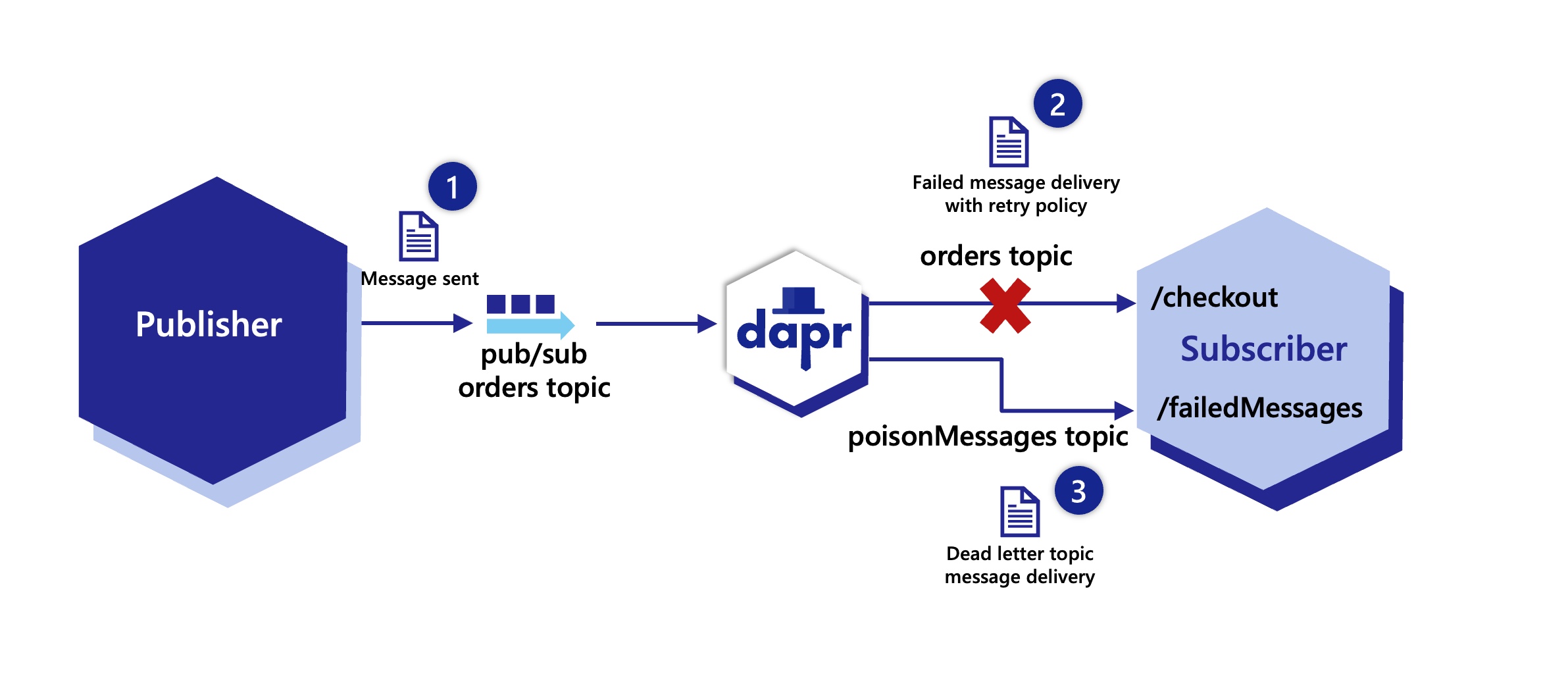
Configuring a dead letter topic with a declarative subscription
The following YAML shows how to configure a subscription with a dead letter topic named poisonMessages for messages consumed from the orders topic. This subscription is scoped to an app with a checkout ID.
apiVersion: dapr.io/v2alpha1
kind: Subscription
metadata:
name: order
spec:
topic: orders
routes:
default: /checkout
pubsubname: pubsub
deadLetterTopic: poisonMessages
scopes:
- checkout
Configuring a dead letter topic with a streaming subscription
var deadLetterTopic = "poisonMessages"
sub, err := cl.Subscribe(context.Background(), client.SubscriptionOptions{
PubsubName: "pubsub",
Topic: "orders",
DeadLetterTopic: &deadLetterTopic,
})
Configuring a dead letter topic with programmatic subscription
The JSON returned from the /subscribe endpoint shows how to configure a dead letter topic named poisonMessages for messages consumed from the orders topic.
app.get('/dapr/subscribe', (_req, res) => {
res.json([
{
pubsubname: "pubsub",
topic: "orders",
route: "/checkout",
deadLetterTopic: "poisonMessages"
}
]);
});
Retries and dead letter topics
By default, when a dead letter topic is set, any failing message immediately goes to the dead letter topic. As a result it is recommend to always have a retry policy set when using dead letter topics in a subscription. To enable the retry of a message before sending it to the dead letter topic, apply a retry resiliency policy to the pub/sub component.
This example shows how to set a constant retry policy named pubsubRetry, with 10 maximum delivery attempts applied every 5 seconds for the pubsub pub/sub component.
apiVersion: dapr.io/v1alpha1
kind: Resiliency
metadata:
name: myresiliency
spec:
policies:
retries:
pubsubRetry:
policy: constant
duration: 5s
maxRetries: 10
targets:
components:
pubsub:
inbound:
retry: pubsubRetry
Configuring a subscription for handling the dead letter topics
Remember to now configure a subscription to handling the dead letter topics. For example you can create another declarative subscription to receive these on the same or a different application. The example below shows the checkout application subscribing to the poisonMessages topic with another subscription and sending these to be handled by the /failedmessages endpoint.
apiVersion: dapr.io/v2alpha1
kind: Subscription
metadata:
name: deadlettertopics
spec:
topic: poisonMessages
routes:
rules:
- match:
path: /failedMessages
pubsubname: pubsub
scopes:
- checkout
Demo
Watch this video for an overview of the dead letter topics:
Next steps
- For more information on resiliency policies, read Resiliency overview.
- For more information on topic subscriptions, read Declarative, streaming, and programmatic subscription methods.
1.3.8 - How to: Set up pub/sub namespace consumer groups
You’ve set up Dapr’s pub/sub API building block, and your applications are publishing and subscribing to topics smoothly, using a centralized message broker. What if you’d like to perform simple A/B testing, blue/green deployments, or even canary deployments for your applications? Even with using Dapr, this can prove difficult.
Dapr solves multi-tenancy at-scale with its pub/sub namespace consumer groups construct.
Without namespace consumer groups
Let’s say you have a Kubernetes cluster, with two applications (App1 and App2) deployed to the same namespace (namespace-a). App2 publishes to a topic called order, while App1 subscribes to the topic called order. This will create two consumer groups, named after your applications (App1 and App2).
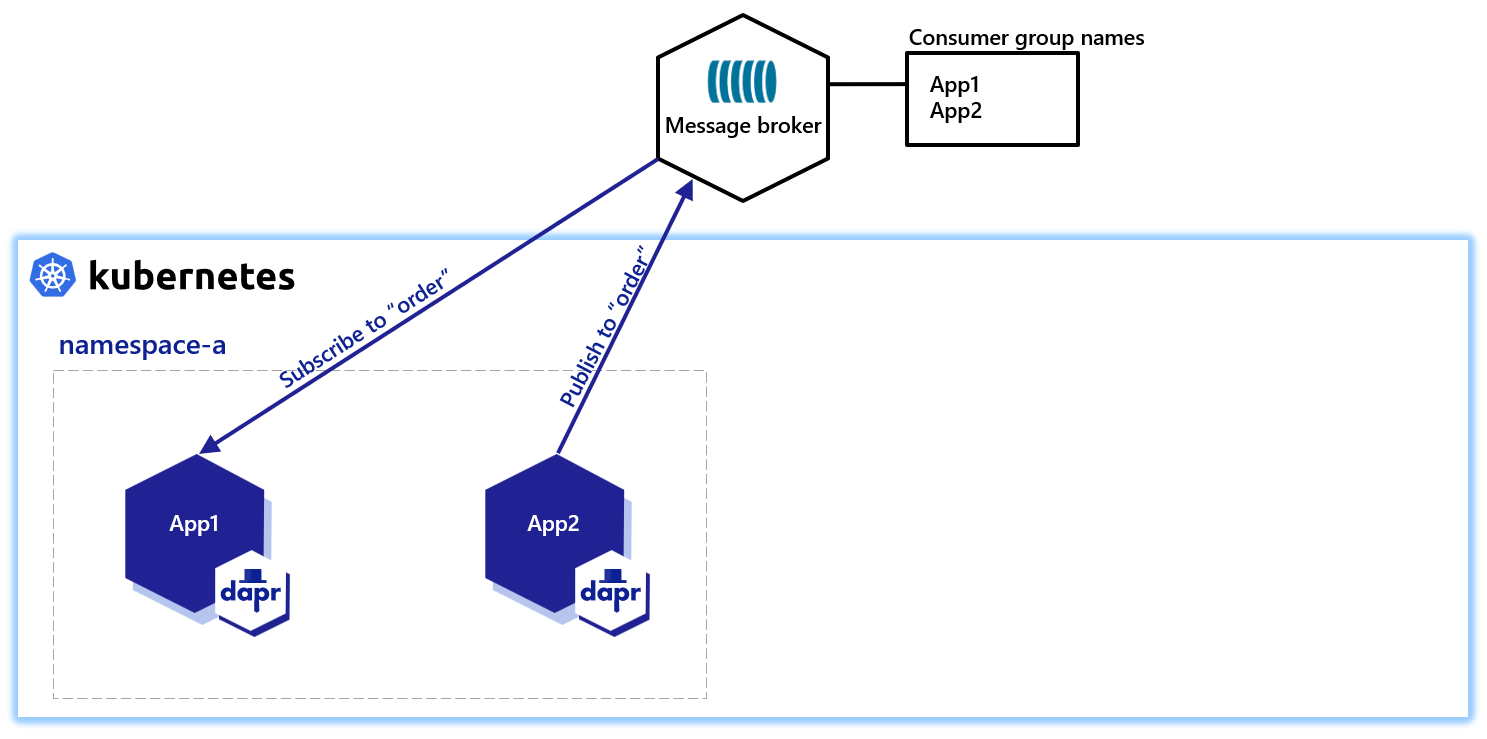
In order to perform simple testing and deployments while using a centralized message broker, you create another namespace with two applications of the same app-id, App1 and App2.
Dapr creates consumer groups using the app-id of individual applications, so the consumer group names will remain App1 and App2.
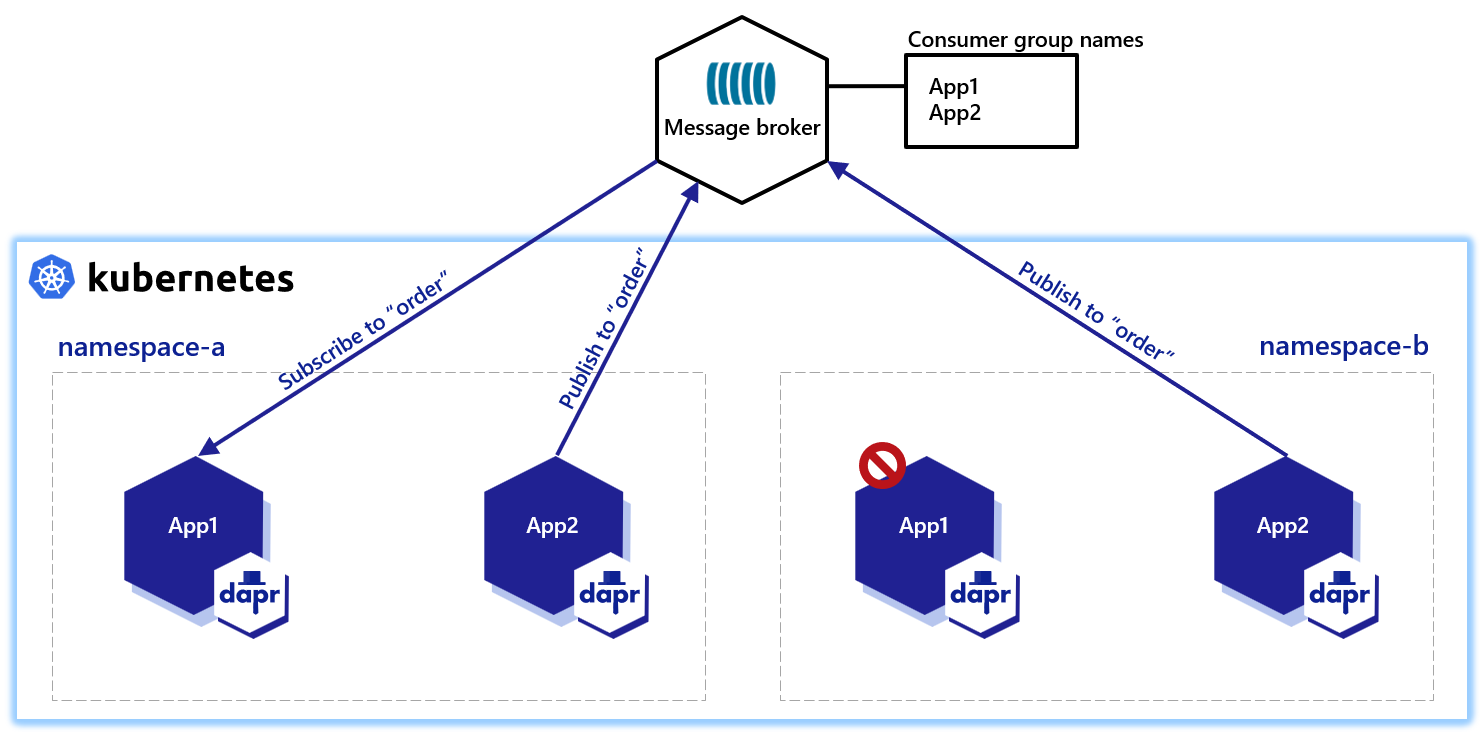
To avoid this, you’d then need to have something “creep” into your code to change the app-id, depending on the namespace on which you’re running. This workaround is cumbersome and a significant painpoint.
With namespace consumer groups
Not only can Dapr allow you to change the behavior of a consumer group with a consumerID for your UUID and pod names, Dapr also provides a namespace construct that lives in the pub/sub component metadata. For example, using Redis as your message broker:
apiVersion: dapr.io/v1alpha1
kind: Component
metadata:
name: pubsub
spec:
type: pubsub.redis
version: v1
metadata:
- name: redisHost
value: localhost:6379
- name: redisPassword
value: ""
- name: consumerID
value: "{namespace}"
By configuring consumerID with the {namespace} value, you’ll be able to use the same app-id with the same topics from different namespaces.
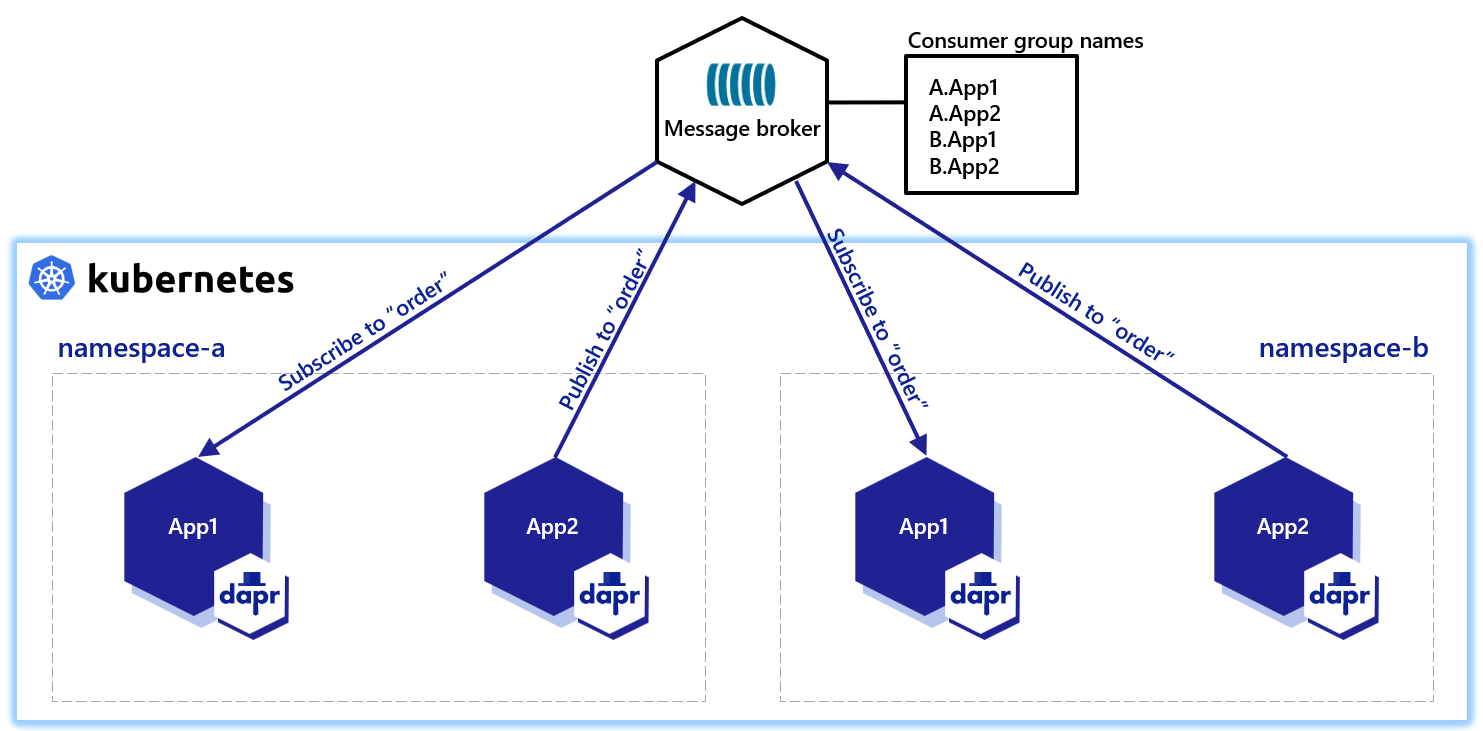
In the diagram above, you have two namespaces, each with applications of the same app-id, publishing and subscribing to the same logical topic orders. Dapr namespaces the underlying broker entities so the two namespaces do not interfere with each other.
Without you needing to change your code/app-id, the namespace consumer group allows you to:
- Add more namespaces
- Use the same topic names in your application code across namespaces
- Keep the same
app-idacross namespaces - Have your entire deployment pipeline remain intact
Simply include the "{namespace}" consumer group construct in your component metadata. You don’t need to encode the namespace in the metadata. Dapr understands the namespace it is running in and completes the namespace value for you, like a dynamic metadata value injected by the runtime.
Important: how namespacing appears on the broker
When {namespace} appears anywhere in a pub/sub component’s metadata, Dapr namespace-scopes the whole component — not just the consumerID field. The Kubernetes namespace is prefixed onto both the topic and the subscription/consumer-group on every publish and subscribe.
For example, with namespace team-a and a logical topic orders, the entities created on the broker are:
- Topic:
team-aorders - Subscription / consumer group:
team-a.<appID>
From your application code’s perspective the topic name is preserved end-to-end — Dapr strips the prefix on the receive path before delivering messages to your app, and the app is subscribed to the following topics: [...] sidecar log line also shows the un-prefixed name. The prefix only exists on the wire and on the broker.
If you want a shared broker topic with unique-per-app subscriptions, drop {namespace} from the component metadata and make the consumerID unique another way (for example, consumerID: "{appID}").
Note
If you add the namespace consumer group to your metadata afterwards, Dapr updates everything for you. This means that you can add namespace metadata value to existing pub/sub deployments.Demo
Watch this video for an overview on pub/sub multi-tenancy:
Next steps
- Learn more about configuring Pub/Sub components with multiple namespaces pub/sub namespaces.
1.3.9 - How to: Horizontally scale subscribers with StatefulSets
Unlike Deployments, where Pods are ephemeral, StatefulSets allows deployment of stateful applications on Kubernetes by keeping a sticky identity for each Pod.
Below is an example of a StatefulSet with Dapr:
apiVersion: apps/v1
kind: StatefulSet
metadata:
name: python-subscriber
spec:
selector:
matchLabels:
app: python-subscriber # has to match .spec.template.metadata.labels
serviceName: "python-subscriber"
replicas: 3
template:
metadata:
labels:
app: python-subscriber # has to match .spec.selector.matchLabels
annotations:
dapr.io/enabled: "true"
dapr.io/app-id: "python-subscriber"
dapr.io/app-port: "5001"
spec:
containers:
- name: python-subscriber
image: ghcr.io/dapr/samples/pubsub-python-subscriber:latest
ports:
- containerPort: 5001
imagePullPolicy: Always
When subscribing to a pub/sub topic via Dapr, the application can define the consumerID, which determines the subscriber’s position in the queue or topic. With the StatefulSets sticky identity of Pods, you can have a unique consumerID per Pod, allowing each horizontal scale of the subscriber application. Dapr keeps track of the name of each Pod, which can be used when declaring components using the {podName} marker.
On scaling the number of subscribers of a given topic, each Dapr component has unique settings that determine the behavior. Usually, there are two options for multiple consumers:
- Broadcast: each message published to the topic will be consumed by all subscribers.
- Shared: a message is consumed by any subscriber (but not all).
Kafka isolates each subscriber by consumerID with its own position in the topic. When an instance restarts, it reuses the same consumerID and continues from its last known position, without skipping messages. The component below demonstrates how a Kafka component can be used by multiple Pods:
apiVersion: dapr.io/v1alpha1
kind: Component
metadata:
name: pubsub
spec:
type: pubsub.kafka
version: v1
metadata:
- name: brokers
value: my-cluster-kafka-bootstrap.kafka.svc.cluster.local:9092
- name: consumerID
value: "{podName}"
- name: authRequired
value: "false"
The MQTT3 protocol has shared topics, allowing multiple subscribers to “compete” for messages from the topic, meaning a message is only processed by one of them. For example:
apiVersion: dapr.io/v1alpha1
kind: Component
metadata:
name: mqtt-pubsub
spec:
type: pubsub.mqtt3
version: v1
metadata:
- name: consumerID
value: "{podName}"
- name: cleanSession
value: "true"
- name: url
value: "tcp://admin:public@localhost:1883"
- name: qos
value: 1
- name: retain
value: "false"
Next steps
- Try the pub/sub tutorial.
- Learn about messaging with CloudEvents and when you might want to send messages without CloudEvents.
- Review the list of pub/sub components.
- Read the API reference.
1.3.10 - Scope Pub/sub topic access
Introduction
Namespaces or component scopes can be used to limit component access to particular applications. These application scopes added to a component limit only the applications with specific IDs to be able to use the component.
In addition to this general component scope, the following can be limited for pub/sub components:
- Which topics can be used (published or subscribed)
- Which applications are allowed to publish to specific topics
- Which applications are allowed to subscribe to specific topics
This is called pub/sub topic scoping.
Pub/sub scopes are defined for each pub/sub component. You may have a pub/sub component named pubsub that has one set of scopes, and another pubsub2 with a different set.
To use this topic scoping three metadata properties can be set for a pub/sub component:
spec.metadata.publishingScopes- A semicolon-separated list of applications & comma-separated topic lists, allowing that app to publish to that list of topics
- If nothing is specified in
publishingScopes(default behavior), all apps can publish to all topics - To deny an app the ability to publish to any topic, leave the topics list blank (
app1=;app2=topic2) - For example,
app1=topic1;app2=topic2,topic3;app3=will allow app1 to publish to topic1 and nothing else, app2 to publish to topic2 and topic3 only, and app3 to publish to nothing.
spec.metadata.subscriptionScopes- A semicolon-separated list of applications & comma-separated topic lists, allowing that app to subscribe to that list of topics
- If nothing is specified in
subscriptionScopes(default behavior), all apps can subscribe to all topics - For example,
app1=topic1;app2=topic2,topic3will allow app1 to subscribe to topic1 only and app2 to subscribe to topic2 and topic3
spec.metadata.allowedTopics- A comma-separated list of allowed topics for all applications.
- If
allowedTopicsis not set (default behavior), all topics are valid.subscriptionScopesandpublishingScopesstill take place if present. publishingScopesorsubscriptionScopescan be used in conjunction withallowedTopicsto add granular limitations
spec.metadata.protectedTopics- A comma-separated list of protected topics for all applications.
- If a topic is marked as protected then an application must be explicitly granted publish or subscribe permissions through
publishingScopesorsubscriptionScopesto publish/subscribe to it.
These metadata properties can be used for all pub/sub components. The following examples use Redis as pub/sub component.
Example 1: Scope topic access
Limiting which applications can publish/subscribe to topics can be useful if you have topics which contain sensitive information and only a subset of your applications are allowed to publish or subscribe to these.
It can also be used for all topics to have always a “ground truth” for which applications are using which topics as publishers/subscribers.
Here is an example of three applications and three topics:
apiVersion: dapr.io/v1alpha1
kind: Component
metadata:
name: pubsub
spec:
type: pubsub.redis
version: v1
metadata:
- name: redisHost
value: "localhost:6379"
- name: redisPassword
value: ""
- name: publishingScopes
value: "app1=topic1;app2=topic2,topic3;app3="
- name: subscriptionScopes
value: "app2=;app3=topic1"
The table below shows which applications are allowed to publish into the topics:
| topic1 | topic2 | topic3 | |
|---|---|---|---|
| app1 | ✅ | ||
| app2 | ✅ | ✅ | |
| app3 |
The table below shows which applications are allowed to subscribe to the topics:
| topic1 | topic2 | topic3 | |
|---|---|---|---|
| app1 | ✅ | ✅ | ✅ |
| app2 | |||
| app3 | ✅ |
Note: If an application is not listed (e.g. app1 in subscriptionScopes) it is allowed to subscribe to all topics. Because
allowedTopicsis not used and app1 does not have any subscription scopes, it can also use additional topics not listed above.
Example 2: Limit allowed topics
A topic is created if a Dapr application sends a message to it. In some scenarios this topic creation should be governed. For example:
- A bug in a Dapr application on generating the topic name can lead to an unlimited amount of topics created
- Streamline the topics names and total count and prevent an unlimited growth of topics
In these situations allowedTopics can be used.
Here is an example of three allowed topics:
apiVersion: dapr.io/v1alpha1
kind: Component
metadata:
name: pubsub
spec:
type: pubsub.redis
version: v1
metadata:
- name: redisHost
value: "localhost:6379"
- name: redisPassword
value: ""
- name: allowedTopics
value: "topic1,topic2,topic3"
All applications can use these topics, but only those topics, no others are allowed.
Example 3: Combine allowedTopics and scopes
Sometimes you want to combine both scopes, thus only having a fixed set of allowed topics and specify scoping to certain applications.
Here is an example of three applications and two topics:
apiVersion: dapr.io/v1alpha1
kind: Component
metadata:
name: pubsub
spec:
type: pubsub.redis
version: v1
metadata:
- name: redisHost
value: "localhost:6379"
- name: redisPassword
value: ""
- name: allowedTopics
value: "A,B"
- name: publishingScopes
value: "app1=A"
- name: subscriptionScopes
value: "app1=;app2=A"
Note: The third application is not listed, because if an app is not specified inside the scopes, it is allowed to use all topics.
The table below shows which application is allowed to publish into the topics:
| A | B | C | |
|---|---|---|---|
| app1 | ✅ | ||
| app2 | ✅ | ✅ | |
| app3 | ✅ | ✅ |
The table below shows which application is allowed to subscribe to the topics:
| A | B | C | |
|---|---|---|---|
| app1 | |||
| app2 | ✅ | ||
| app3 | ✅ | ✅ |
Example 4: Mark topics as protected
If your topic involves sensitive data, each new application must be explicitly listed in the publishingScopes and subscriptionScopes to ensure it cannot read from or write to that topic. Alternatively, you can designate the topic as ‘protected’ (using protectedTopics) and grant access only to specific applications that genuinely require it.
Here is an example of three applications and three topics, two of which are protected:
apiVersion: dapr.io/v1alpha1
kind: Component
metadata:
name: pubsub
spec:
type: pubsub.redis
version: v1
metadata:
- name: redisHost
value: "localhost:6379"
- name: redisPassword
value: ""
- name: protectedTopics
value: "A,B"
- name: publishingScopes
value: "app1=A,B;app2=B"
- name: subscriptionScopes
value: "app1=A,B;app2=B"
In the example above, topics A and B are marked as protected. As a result, even though app3 is not listed under publishingScopes or subscriptionScopes, it cannot interact with these topics.
The table below shows which application is allowed to publish into the topics:
| A | B | C | |
|---|---|---|---|
| app1 | ✅ | ✅ | |
| app2 | ✅ | ||
| app3 | ✅ |
The table below shows which application is allowed to subscribe to the topics:
| A | B | C | |
|---|---|---|---|
| app1 | ✅ | ✅ | |
| app2 | ✅ | ||
| app3 | ✅ |
Demo
Next steps
- Learn how to configure pub/sub components with multiple namespaces
- Learn about message time-to-live
- List of pub/sub components
- Read the API reference
1.3.11 - Message Time-to-Live (TTL)
Introduction
Dapr enables per-message time-to-live (TTL). This means that applications can set time-to-live per message, and subscribers do not receive those messages after expiration.
All Dapr pub/sub components are compatible with message TTL, as Dapr handles the TTL logic within the runtime. Simply set the ttlInSeconds metadata when publishing a message.
In some components, such as Kafka, time-to-live can be configured in the topic via retention.ms as per documentation. With message TTL in Dapr, applications using Kafka can now set time-to-live per message in addition to per topic.
Native message TTL support
When message time-to-live has native support in the pub/sub component, Dapr simply forwards the time-to-live configuration without adding any extra logic, keeping predictable behavior. This is helpful when the expired messages are handled differently by the component. For example, with Azure Service Bus, where expired messages are stored in the dead letter queue and are not simply deleted.
Note
You can also set message TTL for a given message broker at creation. Look at the specific characteristic of the component that you are using to see if this is suitable.Supported components
Azure Service Bus
Azure Service Bus supports entity level time-to-live. This means that messages have a default time-to-live but can also be set with a shorter timespan at publishing time. Dapr propagates the time-to-live metadata for the message and lets Azure Service Bus handle the expiration directly.
Non-Dapr subscribers
If messages are consumed by subscribers not using Dapr, the expired messages are not automatically dropped, as expiration is handled by the Dapr runtime when a Dapr sidecar receives a message. However, subscribers can programmatically drop expired messages by adding logic to handle the expiration attribute in the cloud event, which follows the RFC3339 format.
When non-Dapr subscribers use components such as Azure Service Bus, which natively handle message TTL, they do not receive expired messages. Here, no extra logic is needed.
Example
Message TTL can be set in the metadata as part of the publishing request:
curl -X "POST" http://localhost:3500/v1.0/publish/pubsub/TOPIC_A?metadata.ttlInSeconds=120 -H "Content-Type: application/json" -d '{"order-number": "345"}'
from dapr.clients import DaprClient
with DaprClient() as d:
req_data = {
'order-number': '345'
}
# Create a typed message with content type and body
resp = d.publish_event(
pubsub_name='pubsub',
topic='TOPIC_A',
data=json.dumps(req_data),
publish_metadata={'ttlInSeconds': '120'}
)
# Print the request
print(req_data, flush=True)
<?php
require_once __DIR__.'/vendor/autoload.php';
$app = \Dapr\App::create();
$app->run(function(\DI\FactoryInterface $factory) {
$publisher = $factory->make(\Dapr\PubSub\Publish::class, ['pubsub' => 'pubsub']);
$publisher->topic('TOPIC_A')->publish('data', ['ttlInSeconds' => '120']);
});
See this guide for a reference on the pub/sub API.
Next steps
- Learn about topic scoping
- Learn how to configure pub/sub components with multiple namespaces
- List of pub/sub components
- Read the API reference
1.3.12 - Publish and subscribe to bulk messages
With the bulk publish and subscribe APIs, you can publish and subscribe to multiple messages in a single request. When writing applications that need to send or receive a large number of messages, using bulk operations allows achieving high throughput by reducing the overall number of requests between the Dapr sidecar, the application, and the underlying pub/sub broker.
Publishing messages in bulk
Restrictions when publishing messages in bulk
The bulk publish API allows you to publish multiple messages to a topic in a single request. It is non-transactional, i.e., from a single bulk request, some messages can succeed and some can fail. If any of the messages fail to publish, the bulk publish operation returns a list of failed messages.
The bulk publish operation also does not guarantee any ordering of messages.
Example
import io.dapr.client.DaprClient;
import io.dapr.client.DaprClientBuilder;
import io.dapr.client.domain.BulkPublishResponse;
import io.dapr.client.domain.BulkPublishResponseFailedEntry;
import java.util.ArrayList;
import java.util.List;
class BulkPublisher {
private static final String PUBSUB_NAME = "my-pubsub-name";
private static final String TOPIC_NAME = "topic-a";
public void publishMessages() {
try (DaprClient client = (new DaprClientBuilder()).build()) {
// Create a list of messages to publish
List<String> messages = new ArrayList<>();
for (int i = 0; i < 10; i++) {
String message = String.format("This is message #%d", i);
messages.add(message);
}
// Publish list of messages using the bulk publish API
BulkPublishResponse<String> res = client.publishEvents(PUBSUB_NAME, TOPIC_NAME, "text/plain", messages).block();
}
}
}
import { DaprClient } from "@dapr/dapr";
const pubSubName = "my-pubsub-name";
const topic = "topic-a";
async function start() {
const client = new DaprClient();
// Publish multiple messages to a topic.
await client.pubsub.publishBulk(pubSubName, topic, ["message 1", "message 2", "message 3"]);
// Publish multiple messages to a topic with explicit bulk publish messages.
const bulkPublishMessages = [
{
entryID: "entry-1",
contentType: "application/json",
event: { hello: "foo message 1" },
},
{
entryID: "entry-2",
contentType: "application/cloudevents+json",
event: {
specversion: "1.0",
source: "/some/source",
type: "example",
id: "1234",
data: "foo message 2",
datacontenttype: "text/plain"
},
},
{
entryID: "entry-3",
contentType: "text/plain",
event: "foo message 3",
},
];
await client.pubsub.publishBulk(pubSubName, topic, bulkPublishMessages);
}
start().catch((e) => {
console.error(e);
process.exit(1);
});
using System;
using System.Collections.Generic;
using Dapr.Client;
const string PubsubName = "my-pubsub-name";
const string TopicName = "topic-a";
IReadOnlyList<object> BulkPublishData = new List<object>() {
new { Id = "17", Amount = 10m },
new { Id = "18", Amount = 20m },
new { Id = "19", Amount = 30m }
};
using var client = new DaprClientBuilder().Build();
var res = await client.BulkPublishEventAsync(PubsubName, TopicName, BulkPublishData);
if (res == null) {
throw new Exception("null response from dapr");
}
if (res.FailedEntries.Count > 0)
{
Console.WriteLine("Some events failed to be published!");
foreach (var failedEntry in res.FailedEntries)
{
Console.WriteLine("EntryId: " + failedEntry.Entry.EntryId + " Error message: " +
failedEntry.ErrorMessage);
}
}
else
{
Console.WriteLine("Published all events!");
}
import json
from dapr.clients import BulkPublishEntry, DaprClient
with DaprClient() as client:
response = client.publish_events(
pubsub_name='my-pubsub-name',
topic_name='topic-a',
data=[
'first text message',
BulkPublishEntry(
event=json.dumps({'message': 'second JSON message'}),
content_type='application/json',
metadata={'partitionKey': 'tenant-a'},
entry_id='b1f40bd6-4af2-11ed-b878-0242ac120002',
),
],
data_content_type='text/plain',
publish_metadata={'ttlInSeconds': '60'},
)
for entry in response.failed_entries:
print(f'failed entry {entry.entry_id}: {entry.error}')
Each event can be a str, bytes, or a BulkPublishEntry. Use BulkPublishEntry to set metadata, a content type, or an entry ID on one event. The publish_metadata applies to every event, and individual entry metadata overrides it. The content type is set with each event’s own content_type, then data_content_type, followed by the default based on the event type (text/plain for str and application/octet-stream for bytes).
The SDK generates an entry_id for each event when you do not set one. Set your own entry_id when you need to match the entries in failed_entries back to the events you sent.
Note
<code>BulkPublishEntry</code> requires Python SDK v1.19.0 or later.
package main
import (
"fmt"
"strings"
"net/http"
"io/ioutil"
)
const (
pubsubName = "my-pubsub-name"
topicName = "topic-a"
baseUrl = "http://localhost:3500/v1.0/publish/bulk/%s/%s"
)
func main() {
url := fmt.Sprintf(baseUrl, pubsubName, topicName)
method := "POST"
payload := strings.NewReader(`[
{
"entryId": "ae6bf7c6-4af2-11ed-b878-0242ac120002",
"event": "first text message",
"contentType": "text/plain"
},
{
"entryId": "b1f40bd6-4af2-11ed-b878-0242ac120002",
"event": {
"message": "second JSON message"
},
"contentType": "application/json"
}
]`)
client := &http.Client {}
req, _ := http.NewRequest(method, url, payload)
req.Header.Add("Content-Type", "application/json")
res, err := client.Do(req)
// ...
}
curl -X POST http://localhost:3500/v1.0/publish/bulk/my-pubsub-name/topic-a \
-H 'Content-Type: application/json' \
-d '[
{
"entryId": "ae6bf7c6-4af2-11ed-b878-0242ac120002",
"event": "first text message",
"contentType": "text/plain"
},
{
"entryId": "b1f40bd6-4af2-11ed-b878-0242ac120002",
"event": {
"message": "second JSON message"
},
"contentType": "application/json"
},
]'
Invoke-RestMethod -Method Post -ContentType 'application/json' -Uri 'http://localhost:3500/v1.0/publish/bulk/my-pubsub-name/topic-a' `
-Body '[
{
"entryId": "ae6bf7c6-4af2-11ed-b878-0242ac120002",
"event": "first text message",
"contentType": "text/plain"
},
{
"entryId": "b1f40bd6-4af2-11ed-b878-0242ac120002",
"event": {
"message": "second JSON message"
},
"contentType": "application/json"
},
]'
Subscribing messages in bulk
The bulk subscribe API allows you to subscribe multiple messages from a topic in a single request. As we know from How to: Publish & Subscribe to topics, there are three ways to subscribe to topic(s):
- Declaratively - subscriptions are defined in an external file.
- Programmatically - subscriptions are defined in code.
- Streaming - Not supported for bulk subscribe as messages are sent to handler code.
To Bulk Subscribe to topic(s), we just need to use bulkSubscribe spec attribute, something like following:
apiVersion: dapr.io/v2alpha1
kind: Subscription
metadata:
name: order-pub-sub
spec:
topic: orders
routes:
default: /checkout
pubsubname: order-pub-sub
bulkSubscribe:
enabled: true
maxMessagesCount: 100
maxAwaitDurationMs: 40
scopes:
- orderprocessing
- checkout
In the example above, bulkSubscribe is optional. If you use bulkSubscribe, then:
enabledis mandatory and enables or disables bulk subscriptions on this topic- You can optionally configure the max number of messages (
maxMessagesCount) delivered in a bulk message. Default value ofmaxMessagesCountfor components not supporting bulk subscribe is 100 i.e. for default bulk events between App and Dapr. Please refer How components handle publishing and subscribing to bulk messages. If a component supports bulk subscribe, then default value for this parameter can be found in that component doc. - You can optionally provide the max duration to wait (
maxAwaitDurationMs) before a bulk message is sent to the app. Default value ofmaxAwaitDurationMsfor components not supporting bulk subscribe is 1000 i.e. for default bulk events between App and Dapr. Please refer How components handle publishing and subscribing to bulk messages. If a component supports bulk subscribe, then default value for this parameter can be found in that component doc.
The application receives an EntryId associated with each entry (individual message) in the bulk message. This EntryId must be used by the app to communicate the status of that particular entry. If the app fails to notify on an EntryId status, it’s considered a RETRY.
A JSON-encoded payload body with the processing status against each entry needs to be sent:
{
"statuses":
[
{
"entryId": "<entryId1>",
"status": "<status>"
},
{
"entryId": "<entryId2>",
"status": "<status>"
}
]
}
Possible status values:
| Status | Description |
|---|---|
SUCCESS | Message is processed successfully |
RETRY | Message to be retried by Dapr |
DROP | Warning is logged and message is dropped |
Refer to Expected HTTP Response for Bulk Subscribe for further insights on response.
Example
The following code examples demonstrate how to use Bulk Subscribe.
import io.dapr.Topic;
import io.dapr.client.domain.BulkSubscribeAppResponse;
import io.dapr.client.domain.BulkSubscribeAppResponseEntry;
import io.dapr.client.domain.BulkSubscribeAppResponseStatus;
import io.dapr.client.domain.BulkSubscribeMessage;
import io.dapr.client.domain.BulkSubscribeMessageEntry;
import io.dapr.client.domain.CloudEvent;
import io.dapr.springboot.annotations.BulkSubscribe;
import org.springframework.web.bind.annotation.PostMapping;
import org.springframework.web.bind.annotation.RequestBody;
import reactor.core.publisher.Mono;
class BulkSubscriber {
@BulkSubscribe()
// @BulkSubscribe(maxMessagesCount = 100, maxAwaitDurationMs = 40)
@Topic(name = "topicbulk", pubsubName = "orderPubSub")
@PostMapping(path = "/topicbulk")
public Mono<BulkSubscribeAppResponse> handleBulkMessage(
@RequestBody(required = false) BulkSubscribeMessage<CloudEvent<String>> bulkMessage) {
return Mono.fromCallable(() -> {
List<BulkSubscribeAppResponseEntry> entries = new ArrayList<BulkSubscribeAppResponseEntry>();
for (BulkSubscribeMessageEntry<?> entry : bulkMessage.getEntries()) {
try {
CloudEvent<?> cloudEvent = (CloudEvent<?>) entry.getEvent();
System.out.printf("Bulk Subscriber got: %s\n", cloudEvent.getData());
entries.add(new BulkSubscribeAppResponseEntry(entry.getEntryId(), BulkSubscribeAppResponseStatus.SUCCESS));
} catch (Exception e) {
e.printStackTrace();
entries.add(new BulkSubscribeAppResponseEntry(entry.getEntryId(), BulkSubscribeAppResponseStatus.RETRY));
}
}
return new BulkSubscribeAppResponse(entries);
});
}
}
import { DaprServer } from "@dapr/dapr";
const pubSubName = "orderPubSub";
const topic = "topicbulk";
const daprHost = process.env.DAPR_HOST || "127.0.0.1";
const daprPort = process.env.DAPR_HTTP_PORT || "3502";
const serverHost = process.env.SERVER_HOST || "127.0.0.1";
const serverPort = process.env.APP_PORT || 5001;
async function start() {
const server = new DaprServer({
serverHost,
serverPort,
clientOptions: {
daprHost,
daprPort,
},
});
// Publish multiple messages to a topic with default config.
await client.pubsub.bulkSubscribeWithDefaultConfig(pubSubName, topic, (data) => console.log("Subscriber received: " + JSON.stringify(data)));
// Publish multiple messages to a topic with specific maxMessagesCount and maxAwaitDurationMs.
await client.pubsub.bulkSubscribeWithConfig(pubSubName, topic, (data) => console.log("Subscriber received: " + JSON.stringify(data)), 100, 40);
}
using Microsoft.AspNetCore.Mvc;
using Dapr.AspNetCore;
using Dapr;
namespace DemoApp.Controllers;
[ApiController]
[Route("[controller]")]
public class BulkMessageController : ControllerBase
{
private readonly ILogger<BulkMessageController> logger;
public BulkMessageController(ILogger<BulkMessageController> logger)
{
this.logger = logger;
}
[BulkSubscribe("messages", 10, 10)]
[Topic("pubsub", "messages")]
public ActionResult<BulkSubscribeAppResponse> HandleBulkMessages([FromBody] BulkSubscribeMessage<BulkMessageModel<BulkMessageModel>> bulkMessages)
{
List<BulkSubscribeAppResponseEntry> responseEntries = new List<BulkSubscribeAppResponseEntry>();
logger.LogInformation($"Received {bulkMessages.Entries.Count()} messages");
foreach (var message in bulkMessages.Entries)
{
try
{
logger.LogInformation($"Received a message with data '{message.Event.Data.MessageData}'");
responseEntries.Add(new BulkSubscribeAppResponseEntry(message.EntryId, BulkSubscribeAppResponseStatus.SUCCESS));
}
catch (Exception e)
{
logger.LogError(e.Message);
responseEntries.Add(new BulkSubscribeAppResponseEntry(message.EntryId, BulkSubscribeAppResponseStatus.RETRY));
}
}
return new BulkSubscribeAppResponse(responseEntries);
}
public class BulkMessageModel
{
public string MessageData { get; set; }
}
}
Currently, you can only bulk subscribe in Python using an HTTP client.
import json
from flask import Flask, request, jsonify
app = Flask(__name__)
@app.route('/dapr/subscribe', methods=['GET'])
def subscribe():
# Define the bulk subscribe configuration
subscriptions = [{
"pubsubname": "pubsub",
"topic": "TOPIC_A",
"route": "/checkout",
"bulkSubscribe": {
"enabled": True,
"maxMessagesCount": 3,
"maxAwaitDurationMs": 40
}
}]
print('Dapr pub/sub is subscribed to: ' + json.dumps(subscriptions))
return jsonify(subscriptions)
# Define the endpoint to handle incoming messages
@app.route('/checkout', methods=['POST'])
def checkout():
messages = request.json
print(messages)
for message in messages:
print(f"Received message: {message}")
return json.dumps({'success': True}), 200, {'ContentType': 'application/json'}
if __name__ == '__main__':
app.run(port=5000)
How components handle publishing and subscribing to bulk messages
For event publish/subscribe, two kinds of network transfers are involved.
- From/To App To/From Dapr.
- From/To Dapr To/From Pubsub Broker.
These are the opportunities where optimization is possible. When optimized, Bulk requests are made, which reduce the overall number of calls and thus increases throughput and provides better latency.
On enabling Bulk Publish and/or Bulk Subscribe, the communication between the App and Dapr sidecar (Point 1 above) is optimized for all components.
Optimization from Dapr sidecar to the pub/sub broker depends on a number of factors, for example:
- Broker must inherently support Bulk pub/sub
- The Dapr component must be updated to support the use of bulk APIs provided by the broker
Currently, the following components are updated to support this level of optimization:
| Component | Bulk Publish | Bulk Subscribe |
|---|---|---|
| Kafka | Yes | Yes |
| Azure Servicebus | Yes | Yes |
| Azure Eventhubs | Yes | Yes |
Demos
Watch the following demos and presentations about bulk pub/sub.
KubeCon Europe 2023 presentation
Dapr Community Call #77 presentation
Related links
- List of supported pub/sub components
- Read the API reference
1.4 - State management
More about Dapr State Management
Learn more about how to use Dapr State Management:
- Try the State Management quickstart.
- Explore state management via any of the supporting Dapr SDKs.
- Review the State Management API reference documentation.
- Browse the supported state management component specs.
1.4.1 - State management overview
Your application can use Dapr’s state management API to save, read, and query key/value pairs in the supported state stores. Using a state store component, you can build stateful, long running applications that save and retrieve their state (like a shopping cart or a game’s session state). For example, in the diagram below:
- Use HTTP POST to save or query key/value pairs.
- Use HTTP GET to read a specific key and have its value returned.
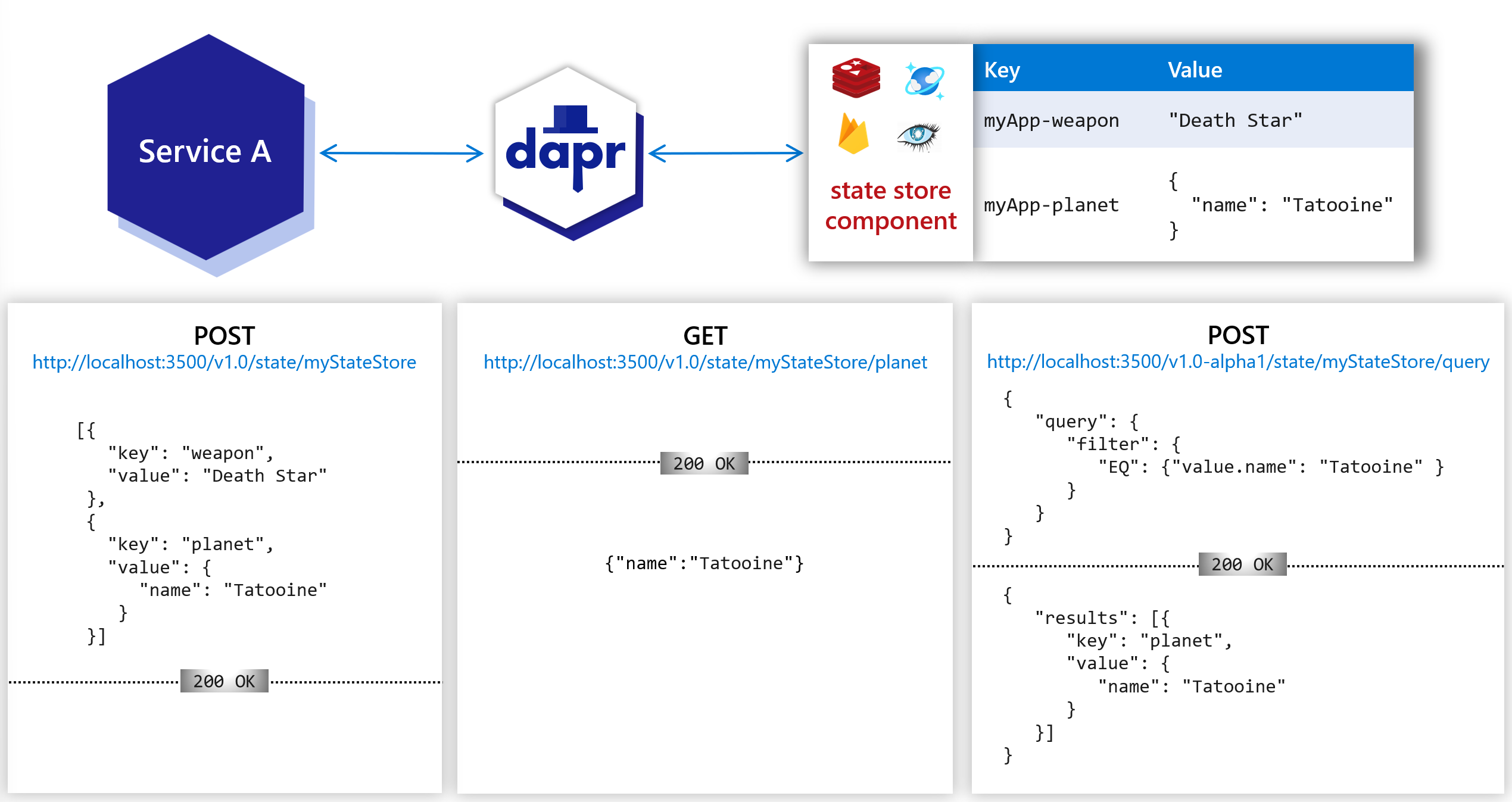
The following overview video and demo demonstrates how Dapr state management works.
Features
With the state management API building block, your application can leverage features that are typically complicated and error-prone to build, including:
- Setting the choices on concurrency control and data consistency.
- Performing bulk update operations CRUD including multiple transactional operations.
- Querying and filtering the key/value data.
These are the features available as part of the state management API:
Pluggable state stores
Dapr data stores are modeled as components, which can be swapped out without any changes to your service code. See supported state stores to see the list.
Configurable state store behaviors
With Dapr, you can include additional metadata in a state operation request that describes how you expect the request to be handled. You can attach:
- Concurrency requirements
- Consistency requirements
By default, your application should assume a data store is eventually consistent and uses a last-write-wins concurrency pattern.
Not all stores are created equal. To ensure your application’s portability, you can query the metadata capabilities of the store and make your code adaptive to different store capabilities.
Concurrency
Dapr supports Optimistic Concurrency Control (OCC) using ETags. When a state value is requested, Dapr always attaches an ETag property to the returned state. When the user code:
- Updates a state, it’s expected to attach the ETag through the request body.
- Deletes a state, it’s expected to attach the ETag through the
If-Matchheader.
The write operation succeeds when the provided ETag matches the ETag in the state store.
Why Dapr chooses optimistic concurrency control (OCC)
Data update conflicts are rare in many applications, since clients are naturally partitioned by business contexts to operate on different data. However, if your application chooses to use ETags, mismatched ETags may cause a request rejection. It’s recommended you use a retry policy in your code to compensate for conflicts when using ETags.
If your application omits ETags in writing requests, Dapr skips ETag checks while handling the requests. This enables the last-write-wins pattern, compared to the first-write-wins pattern with ETags.
Note on ETags
For stores that don’t natively support ETags, the corresponding Dapr state store implementation is expected to simulate ETags and follow the Dapr state management API specification when handling states. Since Dapr state store implementations are technically clients to the underlying data store, simulation should be straightforward, using the concurrency control mechanisms provided by the store.Read the API reference to learn how to set concurrency options.
Consistency
Dapr supports both strong consistency and eventual consistency, with eventual consistency as the default behavior.
- Strong consistency: Dapr waits for all replicas (or designated quorums) to acknowledge before it acknowledges a write request.
- Eventual consistency: Dapr returns as soon as the write request is accepted by the underlying data store, even if this is a single replica.
Read the API reference to learn how to set consistency options.
Setting content type
State store components may maintain and manipulate data differently, depending on the content type. Dapr supports passing content type in state management API as part of request metadata.
Setting the content type is optional, and the component decides whether to make use of it. Dapr only provides the means of passing this information to the component.
- With the HTTP API: Set content type via URL query parameter
metadata.contentType. For example,http://localhost:3500/v1.0/state/store?metadata.contentType=application/json. - With the gRPC API: Set content type by adding key/value pair
"contentType" : <content type>to the request metadata.
Multiple operations
Dapr supports two types of multi-read or multi-write operations: bulk or transactional. Read the API reference to learn how use bulk and multi options.
Bulk read operations
You can group multiple read requests into a bulk (or batch) operation. In the bulk operation, Dapr submits the read requests as individual requests to the underlying data store, and returns them as a single result.
Transactional operations
You can group write, update, and delete operations into a request, which are then handled as an atomic transaction. The request will succeed or fail as a transactional set of operations.
Actor state
Transactional state stores can be used to store actor state. To specify which state store to use for actors, specify value of property actorStateStore as true in the state store component’s metadata section. Actors state is stored with a specific scheme in transactional state stores, allowing for consistent querying. Only a single state store component can be used as the state store for all actors. If your state store is backed by a distributed database, you must make sure that it provides strong consistency. Read the state API reference and the actors API reference to learn more about state stores for actors.
Time to Live (TTL) on actor state
You should always set the TTL metadata field (ttlInSeconds), or the equivalent API call in your chosen SDK when saving actor state to ensure that state eventually removed. Read actors overview for more information.
State encryption
Dapr supports automatic client encryption of application state with support for key rotations. This is supported on all Dapr state stores. For more info, read the How-To: Encrypt application state topic.
Shared state between applications
Different applications’ needs vary when it comes to sharing state. In one scenario, you may want to encapsulate all state within a given application and have Dapr manage the access for you. In another scenario, you may want two applications working on the same state to get and save the same keys.
Dapr enables states to be:
- Isolated to an application.
- Shared in a state store between applications.
- Shared between multiple applications across different state stores.
For more details read How-To: Share state between applications,
Enabling the outbox pattern
Dapr enables developers to use the outbox pattern for achieving a single transaction across a transactional state store and any message broker. For more information, read How to enable transactional outbox messaging
Querying state
There are two ways to query the state:
- Using the state management query API provided in Dapr runtime.
- Querying state store directly with the store’s native SDK.
Query API
Using the optional state management query API, you can query the key/value data saved in state stores, regardless of underlying database or storage technology. With the state management query API, you can filter, sort, and paginate the key/value data. For more details read How-To: Query state.
Querying state store directly
Dapr saves and retrieves state values without any transformation. You can query and aggregate state directly from the underlying state store. For example, to get all state keys associated with an application ID “myApp” in Redis, use:
KEYS "myApp*"
Note on direct queries
Since you aren’t calling through the Dapr runtime, direct queries of the state store are not governed by Dapr concurrency control. What you see are snapshots of committed data acceptable for read-only queries across multiple actors. Writes should be done via the Dapr state management or actors APIs.Querying actor state
If the data store supports SQL queries, you can query an actor’s state using SQL queries. For example:
SELECT * FROM StateTable WHERE Id='<app-id>||<actor-type>||<actor-id>||<key>'
You can also avoid the common turn-based concurrency limitations of actor frameworks by performing aggregate queries across actor instances. For example, to calculate the average temperature of all thermometer actors, use:
SELECT AVG(value) FROM StateTable WHERE Id LIKE '<app-id>||<thermometer>||*||temperature'
State Time-to-Live (TTL)
Dapr enables per state set request time-to-live (TTL). This means that applications can set time-to-live per state stored, and these states cannot be retrieved after expiration.
State management API
The state management API can be found in the state management API reference, which describes how to retrieve, save, delete, and query state values by providing keys.
Try out state management
Quickstarts and tutorials
Want to put the Dapr state management API to the test? Walk through the following quickstart and tutorials to see state management in action:
| Quickstart/tutorial | Description |
|---|---|
| State management quickstart | Create stateful applications using the state management API. |
| Hello World | Recommended Demonstrates how to run Dapr locally. Highlights service invocation and state management. |
| Hello World Kubernetes | Recommended Demonstrates how to run Dapr in Kubernetes. Highlights service invocation and state management. |
Start using state management directly in your app
Want to skip the quickstarts? Not a problem. You can try out the state management building block directly in your application. After Dapr is installed, you can begin using the state management API starting with the state management how-to guide.
Next steps
- Start working through the state management how-to guides, starting with:
- Review the list of state store components
- Read the state management API reference
- Read the actors API reference
1.4.2 - How-To: Save and get state
State management is one of the most common needs of any new, legacy, monolith, or microservice application. Dealing with and testing different database libraries and handling retries and faults can be both difficult and time consuming.
In this guide, you’ll learn the basics of using the key/value state API to allow an application to save, get, and delete state.
The code example below loosely describes an application that processes orders with an order processing service which has a Dapr sidecar. The order processing service uses Dapr to store state in a Redis state store.
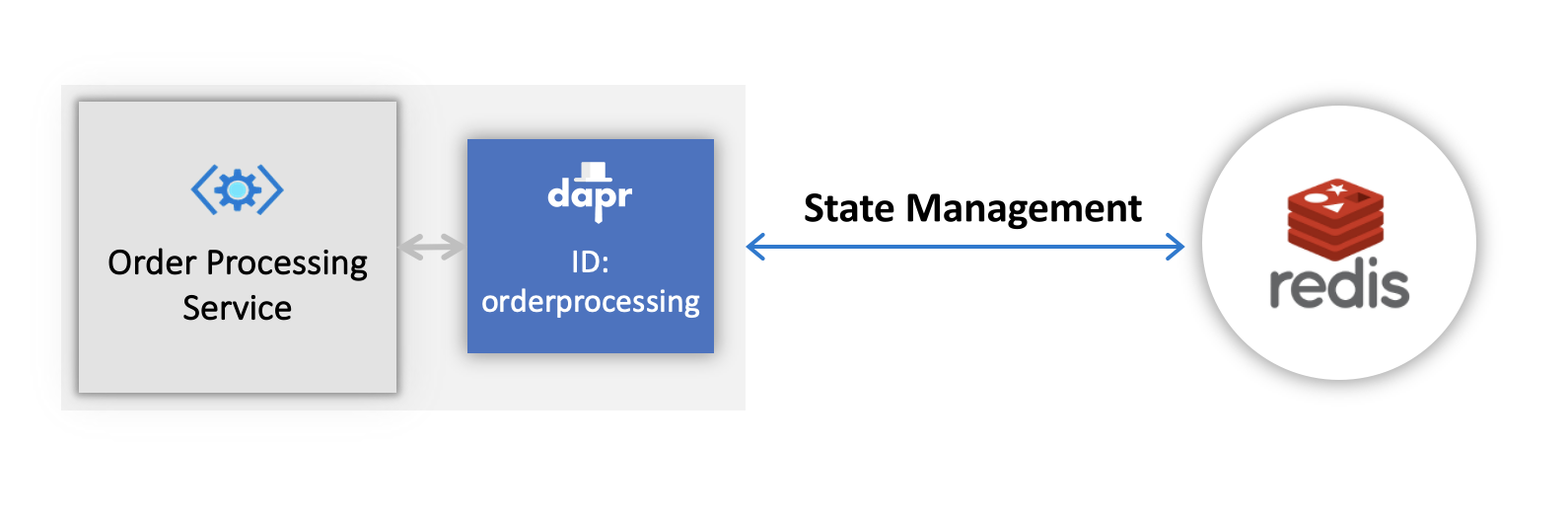
Set up a state store
A state store component represents a resource that Dapr uses to communicate with a database.
For the purpose of this guide we’ll use a Redis state store, but any state store from the supported list will work.
When you run dapr init in self-hosted mode, Dapr creates a default Redis statestore.yaml and runs a Redis state store on your local machine, located:
- On Windows, under
%UserProfile%\.dapr\components\statestore.yaml - On Linux/MacOS, under
~/.dapr/components/statestore.yaml
With the statestore.yaml component, you can easily swap out underlying components without application code changes.
To deploy this into a Kubernetes cluster, fill in the metadata connection details of your state store component in the YAML below, save as statestore.yaml, and run kubectl apply -f statestore.yaml.
apiVersion: dapr.io/v1alpha1
kind: Component
metadata:
name: statestore
spec:
type: state.redis
version: v1
metadata:
- name: redisHost
value: localhost:6379
- name: redisPassword
value: ""
Important
Set anapp-id, as the state keys are prefixed with this value. If you don’t set an app-id, one is generated for you at runtime. The next time you run the command, a new app-id is generated and you will no longer have access to the previously saved state.Tip
When running locally, you can use the Dapr Dev Dashboard to verify the results of the examples on this page. The dashboard lets you browse the records in your state store (including theapp-id key prefixes), decode base64-encoded values, and add or delete records without writing any code.Save and retrieve a single state
The following example shows how to save and retrieve a single key/value pair using the Dapr state management API.
using System.Text;
using System.Threading.Tasks;
using Dapr.Client;
var builder = WebApplication.CreateBuilder(args);
builder.Services.AddDaprClient();
var app = builder.Build();
var random = new Random();
//Resolve the DaprClient from its dependency injection registration
using var client = app.Services.GetRequiredService<DaprClient>();
while(true)
{
await Task.Delay(TimeSpan.FromSeconds(5));
var orderId = random.Next(1,1000);
//Using Dapr SDK to save and get state
await client.SaveStateAsync(DAPR_STORE_NAME, "order_1", orderId.ToString());
await client.SaveStateAsync(DAPR_STORE_NAME, "order_2", orderId.ToString());
var result = await client.GetStateAsync<string>(DAPR_STORE_NAME, "order_1");
Console.WriteLine($"Result after get: {result}");
}
To launch a Dapr sidecar for the above example application, run a command similar to the following:
dapr run --app-id orderprocessing --app-port 6001 --dapr-http-port 3601 --dapr-grpc-port 60001 dotnet run
//dependencies
import io.dapr.client.DaprClient;
import io.dapr.client.DaprClientBuilder;
import io.dapr.client.domain.State;
import io.dapr.client.domain.TransactionalStateOperation;
import org.springframework.boot.autoconfigure.SpringBootApplication;
import org.slf4j.Logger;
import org.slf4j.LoggerFactory;
import reactor.core.publisher.Mono;
import java.util.Random;
import java.util.concurrent.TimeUnit;
//code
@SpringBootApplication
public class OrderProcessingServiceApplication {
private static final Logger log = LoggerFactory.getLogger(OrderProcessingServiceApplication.class);
private static final String STATE_STORE_NAME = "statestore";
public static void main(String[] args) throws InterruptedException{
while(true) {
TimeUnit.MILLISECONDS.sleep(5000);
Random random = new Random();
int orderId = random.nextInt(1000-1) + 1;
DaprClient client = new DaprClientBuilder().build();
//Using Dapr SDK to save and get state
client.saveState(STATE_STORE_NAME, "order_1", Integer.toString(orderId)).block();
client.saveState(STATE_STORE_NAME, "order_2", Integer.toString(orderId)).block();
Mono<State<String>> result = client.getState(STATE_STORE_NAME, "order_1", String.class);
log.info("Result after get" + result);
}
}
}
To launch a Dapr sidecar for the above example application, run a command similar to the following:
dapr run --app-id orderprocessing --app-port 6001 --dapr-http-port 3601 --dapr-grpc-port 60001 mvn spring-boot:run
#dependencies
import random
from time import sleep
import requests
import logging
from dapr.clients import DaprClient
from dapr.clients.grpc._state import StateItem
from dapr.clients.grpc._request import TransactionalStateOperation, TransactionOperationType
#code
logging.basicConfig(level = logging.INFO)
DAPR_STORE_NAME = "statestore"
while True:
sleep(random.randrange(50, 5000) / 1000)
orderId = random.randint(1, 1000)
with DaprClient() as client:
#Using Dapr SDK to save and get state
client.save_state(DAPR_STORE_NAME, "order_1", str(orderId))
result = client.get_state(DAPR_STORE_NAME, "order_1")
logging.info('Result after get: ' + result.data.decode('utf-8'))
To launch a Dapr sidecar for the above example application, run a command similar to the following:
dapr run --app-id orderprocessing --app-port 6001 --dapr-http-port 3601 --dapr-grpc-port 60001 -- python3 OrderProcessingService.py
// dependencies
import (
"context"
"log"
"math/rand"
"strconv"
"time"
dapr "github.com/dapr/go-sdk/client"
)
// code
func main() {
const STATE_STORE_NAME = "statestore"
rand.Seed(time.Now().UnixMicro())
for i := 0; i < 10; i++ {
orderId := rand.Intn(1000-1) + 1
client, err := dapr.NewClient()
if err != nil {
panic(err)
}
defer client.Close()
ctx := context.Background()
err = client.SaveState(ctx, STATE_STORE_NAME, "order_1", []byte(strconv.Itoa(orderId)), nil)
if err != nil {
panic(err)
}
result, err := client.GetState(ctx, STATE_STORE_NAME, "order_1", nil)
if err != nil {
panic(err)
}
log.Println("Result after get:", string(result.Value))
time.Sleep(2 * time.Second)
}
}
To launch a Dapr sidecar for the above example application, run a command similar to the following:
dapr run --app-id orderprocessing --app-port 6001 --dapr-http-port 3601 --dapr-grpc-port 60001 go run OrderProcessingService.go
//dependencies
import { DaprClient, HttpMethod, CommunicationProtocolEnum } from '@dapr/dapr';
//code
const daprHost = "127.0.0.1";
var main = function() {
for(var i=0;i<10;i++) {
sleep(5000);
var orderId = Math.floor(Math.random() * (1000 - 1) + 1);
start(orderId).catch((e) => {
console.error(e);
process.exit(1);
});
}
}
async function start(orderId) {
const client = new DaprClient({
daprHost,
daprPort: process.env.DAPR_HTTP_PORT,
communicationProtocol: CommunicationProtocolEnum.HTTP,
});
const STATE_STORE_NAME = "statestore";
//Using Dapr SDK to save and get state
await client.state.save(STATE_STORE_NAME, [
{
key: "order_1",
value: orderId.toString()
},
{
key: "order_2",
value: orderId.toString()
}
]);
var result = await client.state.get(STATE_STORE_NAME, "order_1");
console.log("Result after get: " + result);
}
function sleep(ms) {
return new Promise(resolve => setTimeout(resolve, ms));
}
main();
To launch a Dapr sidecar for the above example application, run a command similar to the following:
dapr run --app-id orderprocessing --app-port 6001 --dapr-http-port 3601 --dapr-grpc-port 60001 npm start
Launch a Dapr sidecar:
dapr run --app-id orderprocessing --dapr-http-port 3601
In a separate terminal, save a key/value pair into your statestore:
curl -X POST -H "Content-Type: application/json" -d '[{ "key": "order_1", "value": "250"}]' http://localhost:3601/v1.0/state/statestore
Now get the state you just saved:
curl http://localhost:3601/v1.0/state/statestore/order_1
Restart your sidecar and try retrieving state again to observe that state persists separately from the app.
Launch a Dapr sidecar:
dapr --app-id orderprocessing --dapr-http-port 3601 run
In a separate terminal, save a key/value pair into your statestore:
Invoke-RestMethod -Method Post -ContentType 'application/json' -Body '[{"key": "order_1", "value": "250"}]' -Uri 'http://localhost:3601/v1.0/state/statestore'
Now get the state you just saved:
Invoke-RestMethod -Uri 'http://localhost:3601/v1.0/state/statestore/order_1'
Restart your sidecar and try retrieving state again to observe that state persists separately from the app.
Delete state
Below are code examples that leverage Dapr SDKs for deleting the state.
using Dapr.Client;
using System.Threading.Tasks;
const string DAPR_STORE_NAME = "statestore";
var builder = WebApplication.CreateBuilder(args);
builder.Services.AddDaprClient();
var app = builder.Build();
//Resolve the DaprClient from the dependency injection registration
using var client = app.Services.GetRequiredService<DaprClient>();
//Use the DaprClient to delete the state
await client.DeleteStateAsync(DAPR_STORE_NAME, "order_1", cancellationToken: cancellationToken);
To launch a Dapr sidecar for the above example application, run a command similar to the following:
dapr run --app-id orderprocessing --app-port 6001 --dapr-http-port 3601 --dapr-grpc-port 60001 dotnet run
//dependencies
import io.dapr.client.DaprClient;
import io.dapr.client.DaprClientBuilder;
import org.springframework.boot.autoconfigure.SpringBootApplication;
//code
@SpringBootApplication
public class OrderProcessingServiceApplication {
public static void main(String[] args) throws InterruptedException{
String STATE_STORE_NAME = "statestore";
//Using Dapr SDK to delete the state
DaprClient client = new DaprClientBuilder().build();
String storedEtag = client.getState(STATE_STORE_NAME, "order_1", String.class).block().getEtag();
client.deleteState(STATE_STORE_NAME, "order_1", storedEtag, null).block();
}
}
To launch a Dapr sidecar for the above example application, run a command similar to the following:
dapr run --app-id orderprocessing --app-port 6001 --dapr-http-port 3601 --dapr-grpc-port 60001 mvn spring-boot:run
#dependencies
from dapr.clients.grpc._request import TransactionalStateOperation, TransactionOperationType
#code
logging.basicConfig(level = logging.INFO)
DAPR_STORE_NAME = "statestore"
#Using Dapr SDK to delete the state
with DaprClient() as client:
client.delete_state(store_name=DAPR_STORE_NAME, key="order_1")
To launch a Dapr sidecar for the above example application, run a command similar to the following:
dapr run --app-id orderprocessing --app-port 6001 --dapr-http-port 3601 --dapr-grpc-port 60001 -- python3 OrderProcessingService.py
//dependencies
import (
"context"
dapr "github.com/dapr/go-sdk/client"
)
//code
func main() {
STATE_STORE_NAME := "statestore"
//Using Dapr SDK to delete the state
client, err := dapr.NewClient()
if err != nil {
panic(err)
}
defer client.Close()
ctx := context.Background()
if err := client.DeleteState(ctx, STATE_STORE_NAME, "order_1"); err != nil {
panic(err)
}
}
To launch a Dapr sidecar for the above example application, run a command similar to the following:
dapr run --app-id orderprocessing --app-port 6001 --dapr-http-port 3601 --dapr-grpc-port 60001 go run OrderProcessingService.go
//dependencies
import { DaprClient, HttpMethod, CommunicationProtocolEnum } from '@dapr/dapr';
//code
const daprHost = "127.0.0.1";
var main = function() {
const STATE_STORE_NAME = "statestore";
//Using Dapr SDK to save and get state
const client = new DaprClient({
daprHost,
daprPort: process.env.DAPR_HTTP_PORT,
communicationProtocol: CommunicationProtocolEnum.HTTP,
});
await client.state.delete(STATE_STORE_NAME, "order_1");
}
main();
To launch a Dapr sidecar for the above example application, run a command similar to the following:
dapr run --app-id orderprocessing --app-port 6001 --dapr-http-port 3601 --dapr-grpc-port 60001 npm start
With the same Dapr instance running from above, run:
curl -X DELETE 'http://localhost:3601/v1.0/state/statestore/order_1'
Try getting state again. Note that no value is returned.
With the same Dapr instance running from above, run:
Invoke-RestMethod -Method Delete -Uri 'http://localhost:3601/v1.0/state/statestore/order_1'
Try getting state again. Note that no value is returned.
Save and retrieve multiple states
Below are code examples that leverage Dapr SDKs for saving and retrieving multiple states.
using Dapr.Client;
using System.Threading.Tasks;
const string DAPR_STORE_NAME = "statestore";
var builder = WebApplication.CreateBuilder(args);
builder.Services.AddDaprClient();
var app = builder.Build();
//Resolve the DaprClient from the dependency injection registration
using var client = app.Services.GetRequiredService<DaprClient>();
IReadOnlyList<BulkStateItem> multipleStateResult = await client.GetBulkStateAsync(DAPR_STORE_NAME, new List<string> { "order_1", "order_2" }, parallelism: 1);
To launch a Dapr sidecar for the above example application, run a command similar to the following:
dapr run --app-id orderprocessing --app-port 6001 --dapr-http-port 3601 --dapr-grpc-port 60001 dotnet run
The above example returns a BulkStateItem with the serialized format of the value you saved to state. If you prefer that the value be deserialized by the SDK across each of your bulk response items, you can instead use the following:
using Dapr.Client;
using System.Threading.Tasks;
const string DAPR_STORE_NAME = "statestore";
var builder = WebApplication.CreateBuilder(args);
builder.Serivces.AddDaprClient();
var app = builder.Build();
//Resolve the DaprClient from the dependency injection registration
using var client = app.Services.GetRequiredService<DaprClient>();
IReadOnlyList<BulkStateItem<Widget>> mulitpleStateResult = await client.GetBulkStateAsync<Widget>(DAPR_STORE_NAME, new List<string> { "widget_1", "widget_2" }, parallelism: 1);
record Widget(string Size, string Color);
//dependencies
import io.dapr.client.DaprClient;
import io.dapr.client.DaprClientBuilder;
import io.dapr.client.domain.State;
import java.util.Arrays;
//code
@SpringBootApplication
public class OrderProcessingServiceApplication {
private static final Logger log = LoggerFactory.getLogger(OrderProcessingServiceApplication.class);
public static void main(String[] args) throws InterruptedException{
String STATE_STORE_NAME = "statestore";
//Using Dapr SDK to retrieve multiple states
DaprClient client = new DaprClientBuilder().build();
Mono<List<State<String>>> resultBulk = client.getBulkState(STATE_STORE_NAME,
Arrays.asList("order_1", "order_2"), String.class);
}
}
To launch a Dapr sidecar for the above example application, run a command similar to the following:
dapr run --app-id orderprocessing --app-port 6001 --dapr-http-port 3601 --dapr-grpc-port 60001 mvn spring-boot:run
#dependencies
from dapr.clients import DaprClient
from dapr.clients.grpc._state import StateItem
#code
logging.basicConfig(level = logging.INFO)
DAPR_STORE_NAME = "statestore"
orderId = 100
#Using Dapr SDK to save and retrieve multiple states
with DaprClient() as client:
client.save_bulk_state(store_name=DAPR_STORE_NAME, states=[StateItem(key="order_2", value=str(orderId))])
result = client.get_bulk_state(store_name=DAPR_STORE_NAME, keys=["order_1", "order_2"], states_metadata={"metakey": "metavalue"}).items
logging.info('Result after get bulk: ' + str(result))
To launch a Dapr sidecar for the above example application, run a command similar to the following:
dapr run --app-id orderprocessing --app-port 6001 --dapr-http-port 3601 --dapr-grpc-port 60001 -- python3 OrderProcessingService.py
// dependencies
import (
"context"
"log"
"math/rand"
"strconv"
"time"
dapr "github.com/dapr/go-sdk/client"
)
// code
func main() {
const STATE_STORE_NAME = "statestore"
rand.Seed(time.Now().UnixMicro())
for i := 0; i < 10; i++ {
orderId := rand.Intn(1000-1) + 1
client, err := dapr.NewClient()
if err != nil {
panic(err)
}
defer client.Close()
ctx := context.Background()
err = client.SaveState(ctx, STATE_STORE_NAME, "order_1", []byte(strconv.Itoa(orderId)), nil)
if err != nil {
panic(err)
}
keys := []string{"key1", "key2", "key3"}
items, err := client.GetBulkState(ctx, STATE_STORE_NAME, keys, nil, 100)
if err != nil {
panic(err)
}
for _, item := range items {
log.Println("Item from GetBulkState:", string(item.Value))
}
}
}
To launch a Dapr sidecar for the above example application, run a command similar to the following:
dapr run --app-id orderprocessing --app-port 6001 --dapr-http-port 3601 --dapr-grpc-port 60001 go run OrderProcessingService.go
//dependencies
import { DaprClient, HttpMethod, CommunicationProtocolEnum } from '@dapr/dapr';
//code
const daprHost = "127.0.0.1";
var main = function() {
const STATE_STORE_NAME = "statestore";
var orderId = 100;
//Using Dapr SDK to save and retrieve multiple states
const client = new DaprClient({
daprHost,
daprPort: process.env.DAPR_HTTP_PORT,
communicationProtocol: CommunicationProtocolEnum.HTTP,
});
await client.state.save(STATE_STORE_NAME, [
{
key: "order_1",
value: orderId.toString()
},
{
key: "order_2",
value: orderId.toString()
}
]);
result = await client.state.getBulk(STATE_STORE_NAME, ["order_1", "order_2"]);
}
main();
To launch a Dapr sidecar for the above example application, run a command similar to the following:
dapr run --app-id orderprocessing --app-port 6001 --dapr-http-port 3601 --dapr-grpc-port 60001 npm start
With the same Dapr instance running from above, save two key/value pairs into your statestore:
curl -X POST -H "Content-Type: application/json" -d '[{ "key": "order_1", "value": "250"}, { "key": "order_2", "value": "550"}]' http://localhost:3601/v1.0/state/statestore
Now get the states you just saved:
curl -X POST -H "Content-Type: application/json" -d '{"keys":["order_1", "order_2"]}' http://localhost:3601/v1.0/state/statestore/bulk
With the same Dapr instance running from above, save two key/value pairs into your statestore:
Invoke-RestMethod -Method Post -ContentType 'application/json' -Body '[{ "key": "order_1", "value": "250"}, { "key": "order_2", "value": "550"}]' -Uri 'http://localhost:3601/v1.0/state/statestore'
Now get the states you just saved:
Invoke-RestMethod -Method Post -ContentType 'application/json' -Body '{"keys":["order_1", "order_2"]}' -Uri 'http://localhost:3601/v1.0/state/statestore/bulk'
Perform state transactions
Note
State transactions require a state store that supports multi-item transactions. See the supported state stores page for a full list.Below are code examples that leverage Dapr SDKs for performing state transactions.
using Dapr.Client;
using System.Threading.Tasks;
const string DAPR_STORE_NAME = "statestore";
var builder = WebApplication.CreateBuilder(args);
builder.Serivces.AddDaprClient();
var app = builder.Build();
//Resolve the DaprClient from the dependency injection registration
using var client = app.Services.GetRequiredService<DaprClient>();
var random = new Random();
while (true)
{
await Task.Delay(TimeSpan.FromSeconds(5));
var orderId = random.Next(1, 1000);
var requests = new List<StateTransactionRequest>
{
new StateTransactionRequest("order_3", JsonSerializer.SerializeToUtf8Bytes(orderId.ToString()), StateOperationType.Upsert),
new StateTransactionRequest("order_2", null, StateOperationType.Delete)
};
var cancellationTokenSource = new CancellationTokenSource();
var cancellationToken = cancellationTokenSource.Token;
//Use the DaprClient to perform the state transactions
await client.ExecuteStateTransactionAsync(DAPR_STORE_NAME, requests, cancellationToken: cancellationToken);
Console.WriteLine($"Order requested: {orderId}");
Console.WriteLine($"Result: {result}");
}
To launch a Dapr sidecar for the above example application, run a command similar to the following:
dapr run --app-id orderprocessing --app-port 6001 --dapr-http-port 3601 --dapr-grpc-port 60001 dotnet run
//dependencies
import io.dapr.client.DaprClient;
import io.dapr.client.DaprClientBuilder;
import io.dapr.client.domain.State;
import io.dapr.client.domain.TransactionalStateOperation;
import org.springframework.boot.autoconfigure.SpringBootApplication;
import org.slf4j.Logger;
import org.slf4j.LoggerFactory;
import reactor.core.publisher.Mono;
import java.util.ArrayList;
import java.util.List;
import java.util.Random;
import java.util.concurrent.TimeUnit;
//code
@SpringBootApplication
public class OrderProcessingServiceApplication {
private static final Logger log = LoggerFactory.getLogger(OrderProcessingServiceApplication.class);
private static final String STATE_STORE_NAME = "statestore";
public static void main(String[] args) throws InterruptedException{
while(true) {
TimeUnit.MILLISECONDS.sleep(5000);
Random random = new Random();
int orderId = random.nextInt(1000-1) + 1;
DaprClient client = new DaprClientBuilder().build();
List<TransactionalStateOperation<?>> operationList = new ArrayList<>();
operationList.add(new TransactionalStateOperation<>(TransactionalStateOperation.OperationType.UPSERT,
new State<>("order_3", Integer.toString(orderId), "")));
operationList.add(new TransactionalStateOperation<>(TransactionalStateOperation.OperationType.DELETE,
new State<>("order_2")));
//Using Dapr SDK to perform the state transactions
client.executeStateTransaction(STATE_STORE_NAME, operationList).block();
log.info("Order requested: " + orderId);
}
}
}
To launch a Dapr sidecar for the above example application, run a command similar to the following:
dapr run --app-id orderprocessing --app-port 6001 --dapr-http-port 3601 --dapr-grpc-port 60001 mvn spring-boot:run
#dependencies
import random
from time import sleep
import requests
import logging
from dapr.clients import DaprClient
from dapr.clients.grpc._state import StateItem
from dapr.clients.grpc._request import TransactionalStateOperation, TransactionOperationType
#code
logging.basicConfig(level = logging.INFO)
DAPR_STORE_NAME = "statestore"
while True:
sleep(random.randrange(50, 5000) / 1000)
orderId = random.randint(1, 1000)
with DaprClient() as client:
#Using Dapr SDK to perform the state transactions
client.execute_state_transaction(store_name=DAPR_STORE_NAME, operations=[
TransactionalStateOperation(
operation_type=TransactionOperationType.upsert,
key="order_3",
data=str(orderId)),
TransactionalStateOperation(key="order_3", data=str(orderId)),
TransactionalStateOperation(
operation_type=TransactionOperationType.delete,
key="order_2",
data=str(orderId)),
TransactionalStateOperation(key="order_2", data=str(orderId))
])
client.delete_state(store_name=DAPR_STORE_NAME, key="order_1")
logging.basicConfig(level = logging.INFO)
logging.info('Order requested: ' + str(orderId))
logging.info('Result: ' + str(result))
To launch a Dapr sidecar for the above example application, run a command similar to the following:
dapr run --app-id orderprocessing --app-port 6001 --dapr-http-port 3601 --dapr-grpc-port 60001 -- python3 OrderProcessingService.py
// dependencies
package main
import (
"context"
"log"
"math/rand"
"strconv"
"time"
dapr "github.com/dapr/go-sdk/client"
)
// code
func main() {
const STATE_STORE_NAME = "statestore"
rand.Seed(time.Now().UnixMicro())
for i := 0; i < 10; i++ {
orderId := rand.Intn(1000-1) + 1
client, err := dapr.NewClient()
if err != nil {
panic(err)
}
defer client.Close()
ctx := context.Background()
err = client.SaveState(ctx, STATE_STORE_NAME, "order_1", []byte(strconv.Itoa(orderId)), nil)
if err != nil {
panic(err)
}
result, err := client.GetState(ctx, STATE_STORE_NAME, "order_1", nil)
if err != nil {
panic(err)
}
ops := make([]*dapr.StateOperation, 0)
data1 := "data1"
data2 := "data2"
op1 := &dapr.StateOperation{
Type: dapr.StateOperationTypeUpsert,
Item: &dapr.SetStateItem{
Key: "key1",
Value: []byte(data1),
},
}
op2 := &dapr.StateOperation{
Type: dapr.StateOperationTypeDelete,
Item: &dapr.SetStateItem{
Key: "key2",
Value: []byte(data2),
},
}
ops = append(ops, op1, op2)
meta := map[string]string{}
err = client.ExecuteStateTransaction(ctx, STATE_STORE_NAME, meta, ops)
log.Println("Result after get:", string(result.Value))
time.Sleep(2 * time.Second)
}
}
To launch a Dapr sidecar for the above example application, run a command similar to the following:
dapr run --app-id orderprocessing --app-port 6001 --dapr-http-port 3601 --dapr-grpc-port 60001 go run OrderProcessingService.go
//dependencies
import { DaprClient, HttpMethod, CommunicationProtocolEnum } from '@dapr/dapr';
//code
const daprHost = "127.0.0.1";
var main = function() {
for(var i=0;i<10;i++) {
sleep(5000);
var orderId = Math.floor(Math.random() * (1000 - 1) + 1);
start(orderId).catch((e) => {
console.error(e);
process.exit(1);
});
}
}
async function start(orderId) {
const client = new DaprClient({
daprHost,
daprPort: process.env.DAPR_HTTP_PORT,
communicationProtocol: CommunicationProtocolEnum.HTTP,
});
const STATE_STORE_NAME = "statestore";
//Using Dapr SDK to save and retrieve multiple states
await client.state.transaction(STATE_STORE_NAME, [
{
operation: "upsert",
request: {
key: "order_3",
value: orderId.toString()
}
},
{
operation: "delete",
request: {
key: "order_2"
}
}
]);
}
function sleep(ms) {
return new Promise(resolve => setTimeout(resolve, ms));
}
main();
To launch a Dapr sidecar for the above example application, run a command similar to the following:
dapr run --app-id orderprocessing --app-port 6001 --dapr-http-port 3601 --dapr-grpc-port 60001 npm start
With the same Dapr instance running from above, perform two state transactions:
curl -X POST -H "Content-Type: application/json" -d '{"operations": [{"operation":"upsert", "request": {"key": "order_1", "value": "250"}}, {"operation":"delete", "request": {"key": "order_2"}}]}' http://localhost:3601/v1.0/state/statestore/transaction
Now see the results of your state transactions:
curl -X POST -H "Content-Type: application/json" -d '{"keys":["order_1", "order_2"]}' http://localhost:3601/v1.0/state/statestore/bulk
With the same Dapr instance running from above, save two key/value pairs into your statestore:
Invoke-RestMethod -Method Post -ContentType 'application/json' -Body '{"operations": [{"operation":"upsert", "request": {"key": "order_1", "value": "250"}}, {"operation":"delete", "request": {"key": "order_2"}}]}' -Uri 'http://localhost:3601/v1.0/state/statestore/transaction'
Now see the results of your state transactions:
Invoke-RestMethod -Method Post -ContentType 'application/json' -Body '{"keys":["order_1", "order_2"]}' -Uri 'http://localhost:3601/v1.0/state/statestore/bulk'
Next steps
- Read the full State API reference
- Try one of the Dapr SDKs
- Build a stateful service
1.4.3 - How-To: Query state
alpha
The state query API is in alpha stage.With the state query API, you can retrieve, filter, and sort the key/value data stored in state store components. The query API is not a replacement for a complete query language.
Even though the state store is a key/value store, the value might be a JSON document with its own hierarchy, keys, and values. The query API allows you to use those keys/values to retrieve corresponding documents.
Querying the state
Submit query requests via HTTP POST/PUT or gRPC. The body of the request is the JSON map with 3 entries:
filtersortpage
filter
The filter specifies the query conditions in the form of a tree, where each node represents either unary or multi-operand operation.
The following operations are supported:
| Operator | Operands | Description |
|---|---|---|
EQ | key:value | key == value |
NEQ | key:value | key != value |
GT | key:value | key > value |
GTE | key:value | key >= value |
LT | key:value | key < value |
LTE | key:value | key <= value |
IN | key:[]value | key == value[0] OR key == value[1] OR … OR key == value[n] |
AND | []operation | operation[0] AND operation[1] AND … AND operation[n] |
OR | []operation | operation[0] OR operation[1] OR … OR operation[n] |
The key in the operand is similar to the JSONPath notation. Each dot in the key indicates a nested JSON structure. For example, consider this structure:
{
"shape": {
"name": "rectangle",
"dimensions": {
"height": 24,
"width": 10
},
"color": {
"name": "red",
"code": "#FF0000"
}
}
}
To compare the value of the color code, the key will be shape.color.code.
If the filter section is omitted, the query returns all entries.
sort
The sort is an ordered array of key:order pairs, where:
keyis a key in the state storeorderis an optional string indicating sorting order:"ASC"for ascending"DESC"for descending
If omitted, ascending order is the default.
page
The page contains limit and token parameters.
limitsets the page size.tokenis an iteration token returned by the component, used in subsequent queries.
Behind the scenes, this query request is translated into the native query language and executed by the state store component.
Example data and query
Let’s look at some real examples, ranging from simple to complex.
As a dataset, consider a collection of employee records containing employee ID, organization, state, and city. Notice that this dataset is an array of key/value pairs, where:
keyis the unique IDvalueis the JSON object with employee record.
To better illustrate functionality, organization name (org) and employee ID (id) are a nested JSON person object.
Get started by creating an instance of MongoDB, which is your state store.
docker run -d --rm -p 27017:27017 --name mongodb mongo:5
Next, start a Dapr application. Refer to the component configuration file, which instructs Dapr to use MongoDB as its state store.
dapr run --app-id demo --dapr-http-port 3500 --resources-path query-api-examples/components/mongodb
Populate the state store with the employee dataset, so you can query it later.
curl -X POST -H "Content-Type: application/json" -d @query-api-examples/dataset.json http://localhost:3500/v1.0/state/statestore
Once populated, you can examine the data in the state store. In the image below, a section of the MongoDB UI displays employee records.
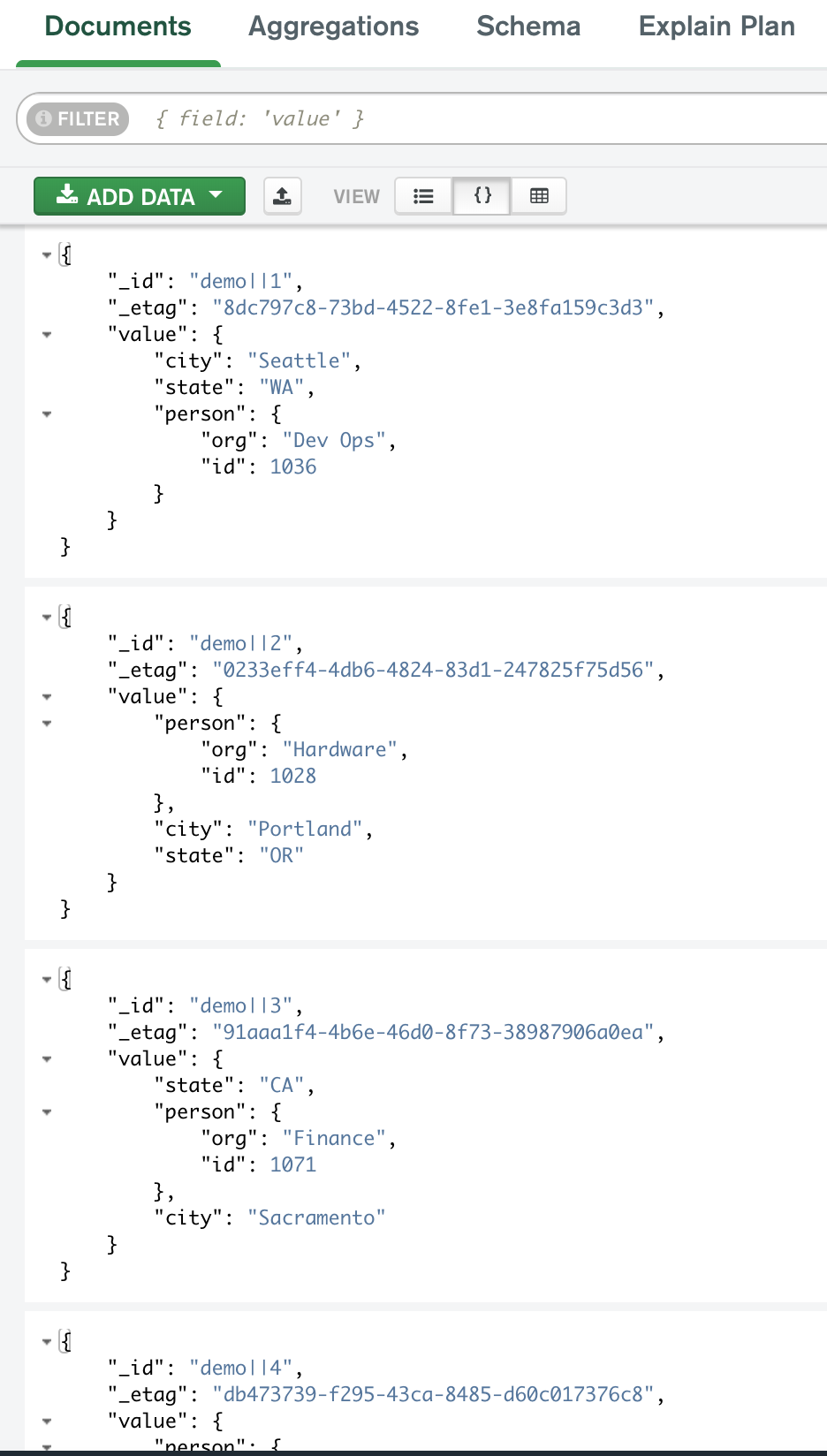
Each entry has the _id member as a concatenated object key, and the value member containing the JSON record.
The query API allows you to select records from this JSON structure.
Now you can run the example queries.
Example 1
First, find all employees in the state of California and sort them by their employee ID in descending order.
This is the query:
{
"filter": {
"EQ": { "state": "CA" }
},
"sort": [
{
"key": "person.id",
"order": "DESC"
}
]
}
An equivalent of this query in SQL is:
SELECT * FROM c WHERE
state = "CA"
ORDER BY
person.id DESC
Execute the query with the following command:
curl -s -X POST -H "Content-Type: application/json" -d @query-api-examples/query1.json http://localhost:3500/v1.0-alpha1/state/statestore/query | jq .
Invoke-RestMethod -Method Post -ContentType 'application/json' -InFile query-api-examples/query1.json -Uri 'http://localhost:3500/v1.0-alpha1/state/statestore/query'
The query result is an array of matching key/value pairs in the requested order:
{
"results": [
{
"key": "3",
"data": {
"person": {
"org": "Finance",
"id": 1071
},
"city": "Sacramento",
"state": "CA"
},
"etag": "44723d41-deb1-4c23-940e-3e6896c3b6f7"
},
{
"key": "7",
"data": {
"city": "San Francisco",
"state": "CA",
"person": {
"id": 1015,
"org": "Dev Ops"
}
},
"etag": "0e69e69f-3dbc-423a-9db8-26767fcd2220"
},
{
"key": "5",
"data": {
"state": "CA",
"person": {
"org": "Hardware",
"id": 1007
},
"city": "Los Angeles"
},
"etag": "f87478fa-e5c5-4be0-afa5-f9f9d75713d8"
},
{
"key": "9",
"data": {
"person": {
"org": "Finance",
"id": 1002
},
"city": "San Diego",
"state": "CA"
},
"etag": "f5cf05cd-fb43-4154-a2ec-445c66d5f2f8"
}
]
}
Example 2
Now, find all employees from the “Dev Ops” and “Hardware” organizations.
This is the query:
{
"filter": {
"IN": { "person.org": [ "Dev Ops", "Hardware" ] }
}
}
An equivalent of this query in SQL is:
SELECT * FROM c WHERE
person.org IN ("Dev Ops", "Hardware")
Execute the query with the following command:
curl -s -X POST -H "Content-Type: application/json" -d @query-api-examples/query2.json http://localhost:3500/v1.0-alpha1/state/statestore/query | jq .
Invoke-RestMethod -Method Post -ContentType 'application/json' -InFile query-api-examples/query2.json -Uri 'http://localhost:3500/v1.0-alpha1/state/statestore/query'
Similar to the previous example, the result is an array of matching key/value pairs.
Example 3
In this example, find:
- All employees from the “Dev Ops” department.
- Employees from the “Finance” departing residing in the states of Washington and California.
In addition, sort the results first by state in descending alphabetical order, then by employee ID in ascending order. Let’s process up to 3 records at a time.
This is the query:
{
"filter": {
"OR": [
{
"EQ": { "person.org": "Dev Ops" }
},
{
"AND": [
{
"EQ": { "person.org": "Finance" }
},
{
"IN": { "state": [ "CA", "WA" ] }
}
]
}
]
},
"sort": [
{
"key": "state",
"order": "DESC"
},
{
"key": "person.id"
}
],
"page": {
"limit": 3
}
}
An equivalent of this query in SQL is:
SELECT * FROM c WHERE
person.org = "Dev Ops" OR
(person.org = "Finance" AND state IN ("CA", "WA"))
ORDER BY
state DESC,
person.id ASC
LIMIT 3
Execute the query with the following command:
curl -s -X POST -H "Content-Type: application/json" -d @query-api-examples/query3.json http://localhost:3500/v1.0-alpha1/state/statestore/query | jq .
Invoke-RestMethod -Method Post -ContentType 'application/json' -InFile query-api-examples/query3.json -Uri 'http://localhost:3500/v1.0-alpha1/state/statestore/query'
Upon successful execution, the state store returns a JSON object with a list of matching records and the pagination token:
{
"results": [
{
"key": "1",
"data": {
"person": {
"org": "Dev Ops",
"id": 1036
},
"city": "Seattle",
"state": "WA"
},
"etag": "6f54ad94-dfb9-46f0-a371-e42d550adb7d"
},
{
"key": "4",
"data": {
"person": {
"org": "Dev Ops",
"id": 1042
},
"city": "Spokane",
"state": "WA"
},
"etag": "7415707b-82ce-44d0-bf15-6dc6305af3b1"
},
{
"key": "10",
"data": {
"person": {
"org": "Dev Ops",
"id": 1054
},
"city": "New York",
"state": "NY"
},
"etag": "26bbba88-9461-48d1-8a35-db07c374e5aa"
}
],
"token": "3"
}
The pagination token is used “as is” in the subsequent query to get the next batch of records:
{
"filter": {
"OR": [
{
"EQ": { "person.org": "Dev Ops" }
},
{
"AND": [
{
"EQ": { "person.org": "Finance" }
},
{
"IN": { "state": [ "CA", "WA" ] }
}
]
}
]
},
"sort": [
{
"key": "state",
"order": "DESC"
},
{
"key": "person.id"
}
],
"page": {
"limit": 3,
"token": "3"
}
}
curl -s -X POST -H "Content-Type: application/json" -d @query-api-examples/query3-token.json http://localhost:3500/v1.0-alpha1/state/statestore/query | jq .
Invoke-RestMethod -Method Post -ContentType 'application/json' -InFile query-api-examples/query3-token.json -Uri 'http://localhost:3500/v1.0-alpha1/state/statestore/query'
And the result of this query is:
{
"results": [
{
"key": "9",
"data": {
"person": {
"org": "Finance",
"id": 1002
},
"city": "San Diego",
"state": "CA"
},
"etag": "f5cf05cd-fb43-4154-a2ec-445c66d5f2f8"
},
{
"key": "7",
"data": {
"city": "San Francisco",
"state": "CA",
"person": {
"id": 1015,
"org": "Dev Ops"
}
},
"etag": "0e69e69f-3dbc-423a-9db8-26767fcd2220"
},
{
"key": "3",
"data": {
"person": {
"org": "Finance",
"id": 1071
},
"city": "Sacramento",
"state": "CA"
},
"etag": "44723d41-deb1-4c23-940e-3e6896c3b6f7"
}
],
"token": "6"
}
That way you can update the pagination token in the query and iterate through the results until no more records are returned.
Limitations
The state query API has the following limitations:
- To query actor states stored in a state store, you need to use the query API for the specific database. See querying actor state.
- The API does not work with Dapr encrypted state stores capability. Since the encryption is done by the Dapr runtime and stored as encrypted data, then this effectively prevents server side querying.
You can find additional information in the related links section.
Related links
- Refer to the query API reference.
- See the state store components that implement query support.
- View the state store query API implementation guide.
- See how to query Redis state store.
1.4.4 - How-To: Build a stateful service
In this article, you’ll learn how to create a stateful service which can be horizontally scaled, using opt-in concurrency and consistency models. Consuming the state management API frees developers from difficult state coordination, conflict resolution, and failure handling.
Set up a state store
A state store component represents a resource that Dapr uses to communicate with a database. For the purpose of this guide, we’ll use the default Redis state store.
Using the Dapr CLI
When you run dapr init in self-hosted mode, Dapr creates a default Redis statestore.yaml and runs a Redis state store on your local machine, located:
- On Windows, under
%UserProfile%\.dapr\components\statestore.yaml - On Linux/MacOS, under
~/.dapr/components/statestore.yaml
With the statestore.yaml component, you can easily swap out underlying components without application code changes.
See a list of supported state stores.
Kubernetes
See how to setup different state stores on Kubernetes.
Strong and eventual consistency
Using strong consistency, Dapr makes sure that the underlying state store:
- Returns the response once the data has been written to all replicas.
- Receives an ACK from a quorum before writing or deleting state.
For get requests, Dapr ensures the store returns the most up-to-date data consistently among replicas. The default is eventual consistency, unless specified otherwise in the request to the state API.
The following examples illustrate how to save, get, and delete state using strong consistency. The example is written in Python, but is applicable to any programming language.
Saving state
import requests
import json
store_name = "redis-store" # name of the state store as specified in state store component yaml file
dapr_state_url = "http://localhost:3500/v1.0/state/{}".format(store_name)
stateReq = '[{ "key": "k1", "value": "Some Data", "options": { "consistency": "strong" }}]'
response = requests.post(dapr_state_url, json=stateReq)
Getting state
import requests
import json
store_name = "redis-store" # name of the state store as specified in state store component yaml file
dapr_state_url = "http://localhost:3500/v1.0/state/{}".format(store_name)
response = requests.get(dapr_state_url + "/key1", headers={"consistency":"strong"})
print(response.headers['ETag'])
Deleting state
import requests
import json
store_name = "redis-store" # name of the state store as specified in state store component yaml file
dapr_state_url = "http://localhost:3500/v1.0/state/{}".format(store_name)
response = requests.delete(dapr_state_url + "/key1", headers={"consistency":"strong"})
If the concurrency option hasn’t been specified, the default is last-write concurrency mode.
First-write-wins and last-write-wins
Dapr allows developers to opt-in for two common concurrency patterns when working with data stores:
- First-write-wins: useful in situations where you have multiple instances of an application, all writing to the same key concurrently.
- Last-write-wins: Default mode for Dapr.
Dapr uses version numbers to determine whether a specific key has been updated. You can:
- Retain the version number when reading the data for a key.
- Use the version number during updates such as writes and deletes.
If the version information has changed since the version number was retrieved, an error is thrown, requiring you to perform another read to get the latest version information and state.
Dapr utilizes ETags to determine the state’s version number. ETags are returned from state requests in an ETag header. Using ETags, your application knows that a resource has been updated since the last time they checked by erroring during an ETag mismatch.
The following example shows how to:
- Get an ETag.
- Use the ETag to save state.
- Delete the state.
The following example is written in Python, but is applicable to any programming language.
import requests
import json
store_name = "redis-store" # name of the state store as specified in state store component yaml file
dapr_state_url = "http://localhost:3500/v1.0/state/{}".format(store_name)
response = requests.get(dapr_state_url + "/key1", headers={"concurrency":"first-write"})
etag = response.headers['ETag']
newState = '[{ "key": "k1", "value": "New Data", "etag": {}, "options": { "concurrency": "first-write" }}]'.format(etag)
requests.post(dapr_state_url, json=newState)
response = requests.delete(dapr_state_url + "/key1", headers={"If-Match": "{}".format(etag)})
Handling version mismatch failures
In the following example, you’ll see how to retry a save state operation when the version has changed:
import requests
import json
# This method saves the state and returns false if failed to save state
def save_state(data):
try:
store_name = "redis-store" # name of the state store as specified in state store component yaml file
dapr_state_url = "http://localhost:3500/v1.0/state/{}".format(store_name)
response = requests.post(dapr_state_url, json=data)
if response.status_code == 200:
return True
except:
return False
return False
# This method gets the state and returns the response, with the ETag in the header -->
def get_state(key):
response = requests.get("http://localhost:3500/v1.0/state/<state_store_name>/{}".format(key), headers={"concurrency":"first-write"})
return response
# Exit when save state is successful. success will be False if there's an ETag mismatch -->
success = False
while success != True:
response = get_state("key1")
etag = response.headers['ETag']
newState = '[{ "key": "key1", "value": "New Data", "etag": {}, "options": { "concurrency": "first-write" }}]'.format(etag)
success = save_state(newState)
1.4.5 - How-To: Enable the transactional outbox pattern
The transactional outbox pattern is a well known design pattern for sending notifications regarding changes in an application’s state. The transactional outbox pattern uses a single transaction that spans across the database and the message broker delivering the notification.
Developers are faced with many difficult technical challenges when trying to implement this pattern on their own, which often involves writing error-prone central coordination managers that, at most, support a combination of one or two databases and message brokers.
For example, you can use the outbox pattern to:
- Write a new user record to an account database.
- Send a notification message that the account was successfully created.
With Dapr’s outbox support, you can notify subscribers when an application’s state is created or updated when calling Dapr’s transactions API.
The diagram below is an overview of how the outbox feature works at a high level:
- Service A saves/updates state to the state store using a transaction.
- A message is written to the broker under the same transaction. When the message is successfully delivered to the message broker, the transaction completes, ensuring the state and message are transacted together.
- The message broker delivers the message topic to any subscribers - in this case, Service B.
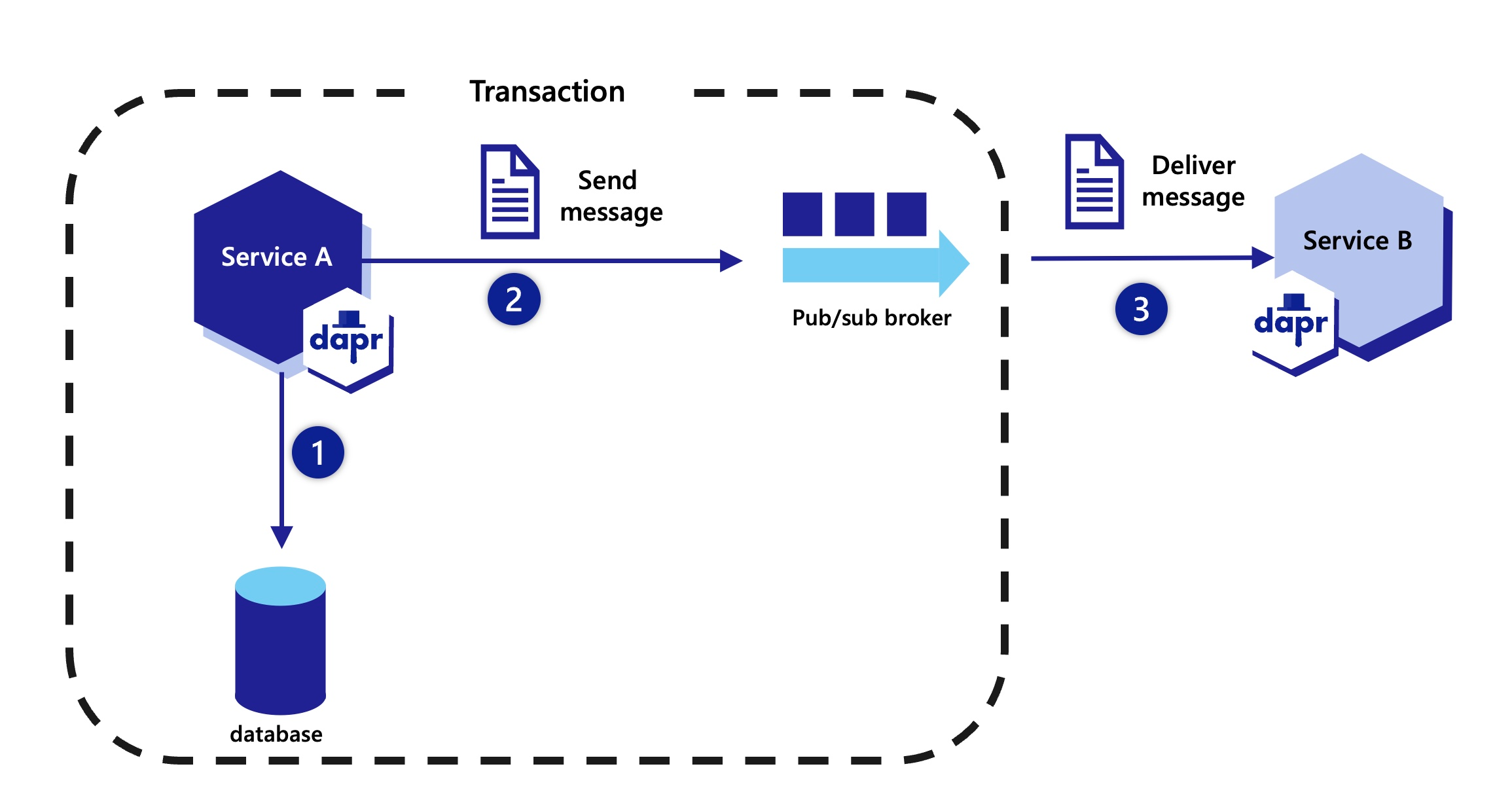
How outbox works under the hood
Dapr outbox processes requests in two flows: the user request flow and the background message flow. Together, they guarantee that state and events stay consistent.
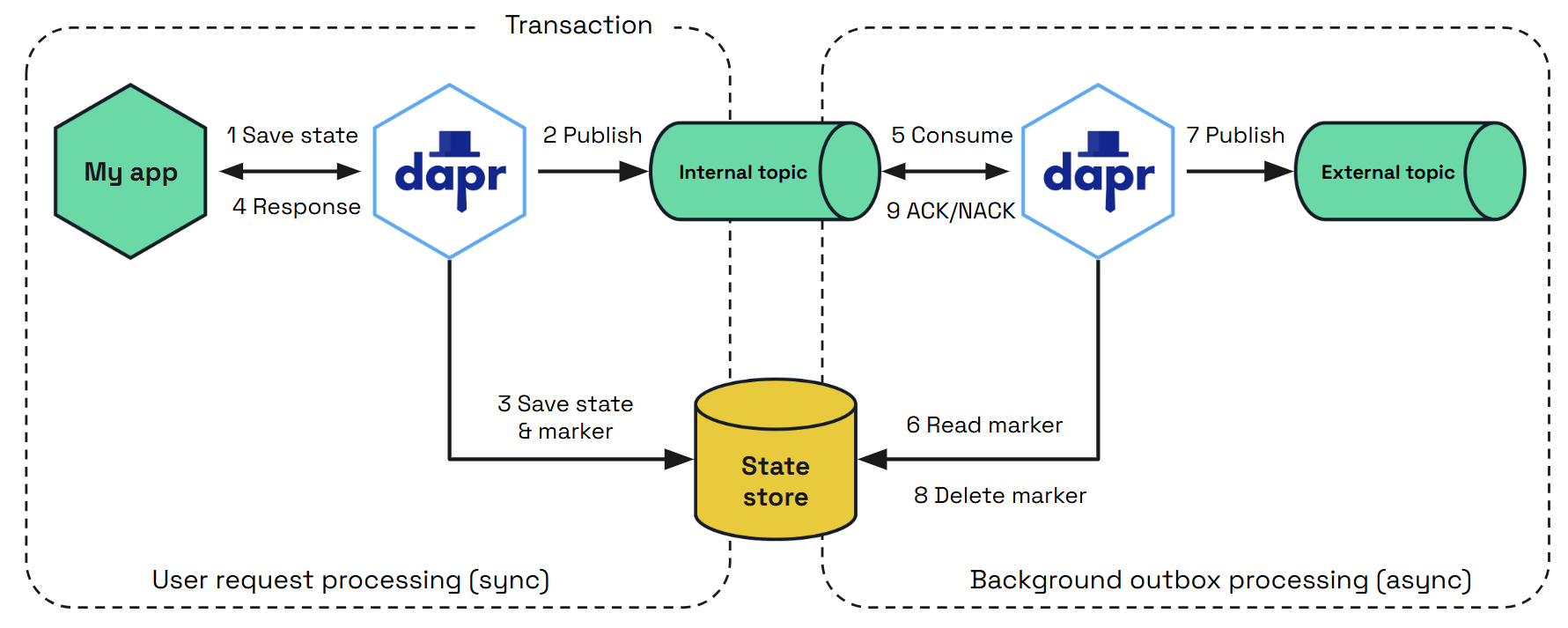
This is the sequence of interactions:
An application calls the Dapr State Management API to write state transactionally using the transactional methods.
This is the entry point where business data, such as an order or profile update, is submitted for persistence.Dapr publishes an intent message with a unique transaction ID to an internal outbox topic.
This durable record ensures the event intent exists before any database commit happens.The state and a transaction marker are written atomically in the same state store.
Both the business data and the marker are committed in the same transaction, preventing partial writes.The application receives a success response after the transaction commits.
At this point, the application can continue, knowing state is saved and the event intent is guaranteed.A background subscriber reads the intent message.
When outbox is enabled, Dapr starts consumers that process the internal outbox topic.The subscriber verifies the transaction marker in the state store.
This check confirms that the database commit was successful before publishing externally.Verified business event is published to the external pub/sub topic.
The event is sent to the configured broker (Kafka, RabbitMQ, etc.) where other services can consume it.The marker is cleaned up (deleted) from the state store.
This prevents unbounded growth in the database once the event has been successfully delivered.Message is acknowledged and removed from internal topic
If publishing or cleanup fails, Dapr retries, ensuring reliable at-least-once delivery.
Requirements
The outbox feature requires a transactional state store supported by Dapr.
Learn more about the transactional methods you can use.Any pub/sub broker supported by Dapr can be used with the outbox feature.
Note
Message brokers that support the competing consumer pattern (for example, Apache Kafka) are recommended to reduce the chance of duplicate events.Internal outbox topic
When outbox is enabled, Dapr creates an internal topic using the following naming convention:{namespace}{appID}{topic}outbox, where:namespace: the Dapr application namespace (if configured)appID: the Dapr application identifiertopic: the value specified in theoutboxPublishTopicmetadata
This way each outbox topic is uniquely identified per application and external topic, preventing routing conflicts in multi-tenant environments.
You can override the auto-generated name by setting the
outboxInternalTopicmetadata field. When set, this value is used as the complete internal topic name with no namespace, appID, or suffix appended.Note
Ensure that the topic is created in advance, or Dapr has sufficient permissions to create the topic at startup time.
Enable the outbox pattern
To enable the outbox feature, add the following required and optional fields on a state store component:
apiVersion: dapr.io/v1alpha1
kind: Component
metadata:
name: mysql-outbox
spec:
type: state.mysql
version: v1
metadata:
- name: connectionString
value: "<CONNECTION STRING>"
- name: outboxPublishPubsub # Required
value: "mypubsub"
- name: outboxPublishTopic # Required
value: "newOrder"
- name: outboxPubsub # Optional
value: "myOutboxPubsub"
- name: outboxInternalTopic # Optional
value: "myapp-neworder-outbox"
- name: outboxDiscardWhenMissingState #Optional. Defaults to false
value: false
Metadata fields
| Name | Required | Default Value | Description |
|---|---|---|---|
| outboxPublishPubsub | Yes | N/A | Sets the name of the pub/sub component to deliver the notifications when publishing state changes |
| outboxPublishTopic | Yes | N/A | Sets the topic that receives the state changes on the pub/sub configured with outboxPublishPubsub. The message body will be a state transaction item for an insert or update operation |
| outboxPubsub | No | outboxPublishPubsub | Sets the pub/sub component used by Dapr to coordinate the state and pub/sub transactions. If not set, the pub/sub component configured with outboxPublishPubsub is used. This is useful if you want to separate the pub/sub component used to send the notification state changes from the one used to coordinate the transaction |
| outboxInternalTopic | No | Auto-generated | Sets the internal outbox topic name. When set, this value is used as the complete topic name with no namespace, appID, or suffix appended. When empty, the default naming convention {namespace}{appID}{topic}outbox is used |
| outboxDiscardWhenMissingState | No | false | By setting outboxDiscardWhenMissingState to true, Dapr discards the transaction if it cannot find the state in the database and does not retry. This setting can be useful if the state store data has been deleted for any reason before Dapr was able to deliver the message and you would like Dapr to drop the items from the pub/sub and stop retrying to fetch the state |
Additional configurations
Combining outbox and non-outbox messages on the same state store
If you want to use the same state store for sending both outbox and non-outbox messages, simply define two state store components that connect to the same state store, where one has the outbox feature and the other does not.
MySQL state store without outbox
apiVersion: dapr.io/v1alpha1
kind: Component
metadata:
name: mysql
spec:
type: state.mysql
version: v1
metadata:
- name: connectionString
value: "<CONNECTION STRING>"
MySQL state store with outbox
apiVersion: dapr.io/v1alpha1
kind: Component
metadata:
name: mysql-outbox
spec:
type: state.mysql
version: v1
metadata:
- name: connectionString
value: "<CONNECTION STRING>"
- name: outboxPublishPubsub # Required
value: "mypubsub"
- name: outboxPublishTopic # Required
value: "newOrder"
Shape the outbox pattern message
You can override the outbox pattern message published to the pub/sub broker by setting another transaction that is not be saved to the database and is explicitly mentioned as a projection. This transaction is added a metadata key named outbox.projection with a value set to true. When added to the state array saved in a transaction, this payload is ignored when the state is written and the data is used as the payload sent to the upstream subscriber.
To use correctly, the key values must match between the operation on the state store and the message projection. If the keys do not match, the whole transaction fails.
If you have two or more outbox.projection enabled state items for the same key, the first one defined is used and the others are ignored.
Learn more about default and custom CloudEvent messages.
In the following Python SDK example of a state transaction, the value of "2" is saved to the database, but the value of "3" is published to the end-user topic.
DAPR_STORE_NAME = "statestore"
async def main():
client = DaprClient()
client.execute_state_transaction(
store_name=DAPR_STORE_NAME,
operations=[
# Define the first state operation to save the value "2"
TransactionalStateOperation(
key='key1', data='2', metadata={'outbox.projection': 'false'}
),
# Define the second state operation to publish the value "3" with metadata
TransactionalStateOperation(
key='key1', data='3', metadata={'outbox.projection': 'true'}
),
],
)
print("State transaction executed.")
By setting the metadata item "outbox.projection" to "true" and making sure the key values match (key1):
- The first operation is written to the state store and no message is written to the message broker.
- The second operation value is published to the configured pub/sub topic.
In the following JavaScript SDK example of a state transaction, the value of "2" is saved to the database, but the value of "3" is published to the end-user topic.
const { DaprClient, StateOperationType } = require('@dapr/dapr');
const DAPR_STORE_NAME = "statestore";
async function main() {
const client = new DaprClient();
// Define the first state operation to save the value "2"
const op1 = {
operation: StateOperationType.UPSERT,
request: {
key: "key1",
value: "2"
}
};
// Define the second state operation to publish the value "3" with metadata
const op2 = {
operation: StateOperationType.UPSERT,
request: {
key: "key1",
value: "3",
metadata: {
"outbox.projection": "true"
}
}
};
// Create the list of state operations
const ops = [op1, op2];
// Execute the state transaction
await client.state.transaction(DAPR_STORE_NAME, ops);
console.log("State transaction executed.");
}
main().catch(err => {
console.error(err);
});
By setting the metadata item "outbox.projection" to "true" and making sure the key values match (key1):
- The first operation is written to the state store and no message is written to the message broker.
- The second operation value is published to the configured pub/sub topic.
In the following .NET SDK example of a state transaction, the value of "2" is saved to the database, but the value of "3" is published to the end-user topic.
public class Program
{
private const string DAPR_STORE_NAME = "statestore";
public static async Task Main(string[] args)
{
var client = new DaprClientBuilder().Build();
// Define the first state operation to save the value "2"
var op1 = new StateTransactionRequest(
key: "key1",
value: Encoding.UTF8.GetBytes("2"),
operationType: StateOperationType.Upsert
);
// Define the second state operation to publish the value "3" with metadata
var metadata = new Dictionary<string, string>
{
{ "outbox.projection", "true" }
};
var op2 = new StateTransactionRequest(
key: "key1",
value: Encoding.UTF8.GetBytes("3"),
operationType: StateOperationType.Upsert,
metadata: metadata
);
// Create the list of state operations
var ops = new List<StateTransactionRequest> { op1, op2 };
// Execute the state transaction
await client.ExecuteStateTransactionAsync(DAPR_STORE_NAME, ops);
Console.WriteLine("State transaction executed.");
}
}
By setting the metadata item "outbox.projection" to "true" and making sure the key values match (key1):
- The first operation is written to the state store and no message is written to the message broker.
- The second operation value is published to the configured pub/sub topic.
In the following Java SDK example of a state transaction, the value of "2" is saved to the database, but the value of "3" is published to the end-user topic.
public class Main {
private static final String DAPR_STORE_NAME = "statestore";
public static void main(String[] args) {
try (DaprClient client = new DaprClientBuilder().build()) {
// Define the first state operation to save the value "2"
State<String> state1 = new State<>(
"key1",
"2",
null, // etag
null // concurrency and consistency options
);
// Define the second state operation to publish the value "3" with metadata
Map<String, String> metadata = new HashMap<>();
metadata.put("outbox.projection", "true");
State<String> state2 = new State<>(
"key1",
"3",
null, // etag
metadata,
null // concurrency and consistency options
);
TransactionalStateOperation<String> op1 = new TransactionalStateOperation<>(
TransactionalStateOperation.OperationType.UPSERT, state1
);
TransactionalStateOperation<String> op2 = new TransactionalStateOperation<>(
TransactionalStateOperation.OperationType.UPSERT, state2
);
// Create the list of transaction state operations
List<TransactionalStateOperation<?>> ops = new ArrayList<>();
ops.add(op1);
ops.add(op2);
// Configure transaction request setting the state store
ExecuteStateTransactionRequest transactionRequest = new ExecuteStateTransactionRequest(DAPR_STORE_NAME);
transactionRequest.setOperations(ops);
// Execute the state transaction
client.executeStateTransaction(transactionRequest).block();
System.out.println("State transaction executed.");
} catch (Exception e) {
e.printStackTrace();
}
}
}
By setting the metadata item "outbox.projection" to "true" and making sure the key values match (key1):
- The first operation is written to the state store and no message is written to the message broker.
- The second operation value is published to the configured pub/sub topic.
In the following Go SDK example of a state transaction, the value of "2" is saved to the database, but the value of "3" is published to the end-user topic.
ops := make([]*dapr.StateOperation, 0)
op1 := &dapr.StateOperation{
Type: dapr.StateOperationTypeUpsert,
Item: &dapr.SetStateItem{
Key: "key1",
Value: []byte("2"),
},
}
op2 := &dapr.StateOperation{
Type: dapr.StateOperationTypeUpsert,
Item: &dapr.SetStateItem{
Key: "key1",
Value: []byte("3"),
// Override the data payload saved to the database
Metadata: map[string]string{
"outbox.projection": "true",
},
},
}
ops = append(ops, op1, op2)
meta := map[string]string{}
err := testClient.ExecuteStateTransaction(ctx, store, meta, ops)
By setting the metadata item "outbox.projection" to "true" and making sure the key values match (key1):
- The first operation is written to the state store and no message is written to the message broker.
- The second operation value is published to the configured pub/sub topic.
You can pass the message override using the following HTTP request:
curl -X POST http://localhost:3500/v1.0/state/starwars/transaction \
-H "Content-Type: application/json" \
-d '{
"operations": [
{
"operation": "upsert",
"request": {
"key": "order1",
"value": {
"orderId": "7hf8374s",
"type": "book",
"name": "The name of the wind"
}
}
},
{
"operation": "upsert",
"request": {
"key": "order1",
"value": {
"orderId": "7hf8374s"
},
"metadata": {
"outbox.projection": "true"
},
"contentType": "application/json"
}
}
]
}'
By setting the metadata item "outbox.projection" to "true" and making sure the key values match (key1):
- The first operation is written to the state store and no message is written to the message broker.
- The second operation value is published to the configured pub/sub topic.
Override Dapr-generated CloudEvent fields
You can override the Dapr-generated CloudEvent fields on the published outbox event with custom CloudEvent metadata.
async def execute_state_transaction():
async with DaprClient() as client:
# Define state operations
ops = []
op1 = {
'operation': 'upsert',
'request': {
'key': 'key1',
'value': b'2', # Convert string to byte array
'metadata': {
'cloudevent.id': 'unique-business-process-id',
'cloudevent.source': 'CustomersApp',
'cloudevent.type': 'CustomerCreated',
'cloudevent.subject': '123',
'my-custom-ce-field': 'abc'
}
}
}
ops.append(op1)
# Execute state transaction
store_name = 'your-state-store-name'
try:
await client.execute_state_transaction(store_name, ops)
print('State transaction executed.')
except Exception as e:
print('Error executing state transaction:', e)
# Run the async function
if __name__ == "__main__":
asyncio.run(execute_state_transaction())
const { DaprClient } = require('dapr-client');
async function executeStateTransaction() {
// Initialize Dapr client
const daprClient = new DaprClient();
// Define state operations
const ops = [];
const op1 = {
operationType: 'upsert',
request: {
key: 'key1',
value: Buffer.from('2'),
metadata: {
'id': 'unique-business-process-id',
'source': 'CustomersApp',
'type': 'CustomerCreated',
'subject': '123',
'my-custom-ce-field': 'abc'
}
}
};
ops.push(op1);
// Execute state transaction
const storeName = 'your-state-store-name';
const metadata = {};
}
executeStateTransaction();
public class StateOperationExample
{
public async Task ExecuteStateTransactionAsync()
{
var daprClient = new DaprClientBuilder().Build();
// Define the value "2" as a string and serialize it to a byte array
var value = "2";
var valueBytes = JsonSerializer.SerializeToUtf8Bytes(value);
// Define the first state operation to save the value "2" with metadata
// Override Cloudevent metadata
var metadata = new Dictionary<string, string>
{
{ "cloudevent.id", "unique-business-process-id" },
{ "cloudevent.source", "CustomersApp" },
{ "cloudevent.type", "CustomerCreated" },
{ "cloudevent.subject", "123" },
{ "my-custom-ce-field", "abc" }
};
var op1 = new StateTransactionRequest(
key: "key1",
value: valueBytes,
operationType: StateOperationType.Upsert,
metadata: metadata
);
// Create the list of state operations
var ops = new List<StateTransactionRequest> { op1 };
// Execute the state transaction
var storeName = "your-state-store-name";
await daprClient.ExecuteStateTransactionAsync(storeName, ops);
Console.WriteLine("State transaction executed.");
}
public static async Task Main(string[] args)
{
var example = new StateOperationExample();
await example.ExecuteStateTransactionAsync();
}
}
public class StateOperationExample {
public static void main(String[] args) {
executeStateTransaction();
}
public static void executeStateTransaction() {
// Build Dapr client
try (DaprClient daprClient = new DaprClientBuilder().build()) {
// Override CloudEvent metadata
Map<String, String> metadata = new HashMap<>();
metadata.put("cloudevent.id", "unique-business-process-id");
metadata.put("cloudevent.source", "CustomersApp");
metadata.put("cloudevent.type", "CustomerCreated");
metadata.put("cloudevent.subject", "123");
metadata.put("my-custom-ce-field", "abc");
State<String> state = new State<>(
"key1", // Define the key "key1"
"value1", // Define the value "value1"
null, // etag
metadata,
null // concurrency and consistency options
);
// Define state operations
List<TransactionalStateOperation<?>> ops = new ArrayList<>();
TransactionalStateOperation<String> op1 = new TransactionalStateOperation<>(
TransactionalStateOperation.OperationType.UPSERT,
state
);
ops.add(op1);
// Execute state transaction
String storeName = "your-state-store-name";
daprClient.executeStateTransaction(storeName, ops).block();
System.out.println("State transaction executed.");
} catch (Exception e) {
e.printStackTrace();
}
}
}
func main() {
// Create a Dapr client
client, err := dapr.NewClient()
if err != nil {
log.Fatalf("failed to create Dapr client: %v", err)
}
defer client.Close()
ctx := context.Background()
store := "your-state-store-name"
// Define state operations
ops := make([]*dapr.StateOperation, 0)
op1 := &dapr.StateOperation{
Type: dapr.StateOperationTypeUpsert,
Item: &dapr.SetStateItem{
Key: "key1",
Value: []byte("2"),
// Override Cloudevent metadata
Metadata: map[string]string{
"cloudevent.id": "unique-business-process-id",
"cloudevent.source": "CustomersApp",
"cloudevent.type": "CustomerCreated",
"cloudevent.subject": "123",
"my-custom-ce-field": "abc",
},
},
}
ops = append(ops, op1)
// Metadata for the transaction (if any)
meta := map[string]string{}
// Execute state transaction
err = client.ExecuteStateTransaction(ctx, store, meta, ops)
if err != nil {
log.Fatalf("failed to execute state transaction: %v", err)
}
log.Println("State transaction executed.")
}
curl -X POST http://localhost:3500/v1.0/state/starwars/transaction \
-H "Content-Type: application/json" \
-d '{
"operations": [
{
"operation": "upsert",
"request": {
"key": "key1",
"value": "2"
}
},
],
"metadata": {
"id": "unique-business-process-id",
"source": "CustomersApp",
"type": "CustomerCreated",
"subject": "123",
"my-custom-ce-field": "abc",
}
}'
Note
Thedata CloudEvent field is reserved for Dapr’s use only, and is non-customizable.Demo
Watch this video for an overview of the outbox pattern:
Next Steps
How Dapr Outbox Eliminates Dual Writes in Distributed Applications
1.4.6 - How-To: Share state between applications
Dapr provides different ways to share state between applications.
Different architectures might have different needs when it comes to sharing state. In one scenario, you may want to:
- Encapsulate all state within a given application
- Have Dapr manage the access for you
In a different scenario, you may need two applications working on the same state to get and save the same keys.
To enable state sharing, Dapr supports the following key prefixes strategies:
| Key prefixes | Description |
|---|---|
appid | The default strategy allowing you to manage state only by the app with the specified appid. All state keys will be prefixed with the appid, and are scoped for the application. |
name | Uses the name of the state store component as the prefix. Multiple applications can share the same state for a given state store. |
namespace | If set, this setting prefixes the appid key with the configured namespace, resulting in a key that is scoped to a given namespace. This allows apps in different namespace with the same appid to reuse the same state store. If a namespace is not configured, the setting fallbacks to the appid strategy. For more information on namespaces in Dapr see How-To: Scope components to one or more applications |
none | Uses no prefixing. Multiple applications share state across different state stores. |
Specifying a state prefix strategy
To specify a prefix strategy, add a metadata key named keyPrefix on a state component:
apiVersion: dapr.io/v1alpha1
kind: Component
metadata:
name: statestore
namespace: production
spec:
type: state.redis
version: v1
metadata:
- name: keyPrefix
value: <key-prefix-strategy>
Examples
The following examples demonstrate what state retrieval looks like with each of the supported prefix strategies.
appid (default)
In the example below, a Dapr application with app id myApp is saving state into a state store named redis:
curl -X POST http://localhost:3500/v1.0/state/redis \
-H "Content-Type: application/json"
-d '[
{
"key": "darth",
"value": "nihilus"
}
]'
The key will be saved as myApp||darth.
namespace
A Dapr application running in namespace production with app id myApp is saving state into a state store named redis:
curl -X POST http://localhost:3500/v1.0/state/redis \
-H "Content-Type: application/json"
-d '[
{
"key": "darth",
"value": "nihilus"
}
]'
The key will be saved as production.myApp||darth.
name
In the example below, a Dapr application with app id myApp is saving state into a state store named redis:
curl -X POST http://localhost:3500/v1.0/state/redis \
-H "Content-Type: application/json"
-d '[
{
"key": "darth",
"value": "nihilus"
}
]'
The key will be saved as redis||darth.
none
In the example below, a Dapr application with app id myApp is saving state into a state store named redis:
curl -X POST http://localhost:3500/v1.0/state/redis \
-H "Content-Type: application/json"
-d '[
{
"key": "darth",
"value": "nihilus"
}
]'
The key will be saved as darth.
1.4.7 - How-To: Encrypt application state
Encrypt application state at rest to provide stronger security in enterprise workloads or regulated environments. Dapr offers automatic client-side encryption based on AES in Galois/Counter Mode (GCM), supporting keys of 128, 192, and 256-bits.
In addition to automatic encryption, Dapr supports primary and secondary encryption keys to make it easier for developers and ops teams to enable a key rotation strategy. This feature is supported by all Dapr state stores.
The encryption keys are always fetched from a secret, and cannot be supplied as plaintext values on the metadata section.
Enabling automatic encryption
Add the following metadata section to any Dapr supported state store:
metadata:
- name: primaryEncryptionKey
secretKeyRef:
name: mysecret
key: mykey # key is optional.
For example, this is the full YAML of a Redis encrypted state store:
apiVersion: dapr.io/v1alpha1
kind: Component
metadata:
name: statestore
spec:
type: state.redis
version: v1
metadata:
- name: redisHost
value: localhost:6379
- name: redisPassword
value: ""
- name: primaryEncryptionKey
secretKeyRef:
name: mysecret
key: mykey
You now have a Dapr state store configured to fetch the encryption key from a secret named mysecret, containing the actual encryption key in a key named mykey.
The actual encryption key must be a valid, hex-encoded encryption key. While 192-bit and 256-bit keys are supported, it’s recommended you use 128-bit encryption keys. Dapr errors and exists if the encryption key is invalid.
For example, you can generate a random, hex-encoded 128-bit (16-byte) key with:
openssl rand 16 | hexdump -v -e '/1 "%02x"'
# Result will be similar to "cb321007ad11a9d23f963bff600d58e0"
Note that the secret store does not have to support keys.
Key rotation
To support key rotation, Dapr provides a way to specify a secondary encryption key:
metadata:
- name: primaryEncryptionKey
secretKeyRef:
name: mysecret
key: mykey
- name: secondaryEncryptionKey
secretKeyRef:
name: mysecret2
key: mykey2
When Dapr starts, it fetches the secrets containing the encryption keys listed in the metadata section. Dapr automatically knows which state item has been encrypted with which key, as it appends the secretKeyRef.name field to the end of the actual state key.
To rotate a key,
- Change the
primaryEncryptionKeyto point to a secret containing your new key. - Move the old primary encryption key to the
secondaryEncryptionKey.
New data will be encrypted using the new key, and any retrieved old data will be decrypted using the secondary key.
Any updates to data items encrypted with the old key will be re-encrypted using the new key.
Note
when you rotate a key, data encrypted with the old key is not automatically re-encrypted unless your application writes it again. If you remove the rotated key (the now-secondary encryption key), you will not be able to access data that was encrypted with that.Related links
1.4.8 - Work with backend state stores
Explore the Operations section to see a list of supported state stores and how to setup state store components.
1.4.8.1 - Azure Cosmos DB
Dapr doesn’t transform state values while saving and retrieving states. Dapr requires all state store implementations to abide by a certain key format scheme (see the state management spec. You can directly interact with the underlying store to manipulate the state data, such as:
- Querying states.
- Creating aggregated views.
- Making backups.
Note
Azure Cosmos DB is a multi-modal database that supports multiple APIs. The default Dapr Cosmos DB state store implementation uses the Azure Cosmos DB SQL API.Connect to Azure Cosmos DB
To connect to your Cosmos DB instance, you can either:
- Use the Data Explorer on Azure Management Portal.
- Use various SDKs and tools.
Note
When you configure an Azure Cosmos DB for Dapr, specify the exact database and collection to use. The following Cosmos DB SQL API samples assume you’ve already connected to the right database and a collection named “states”.List keys by App ID
To get all state keys associated with application “myapp”, use the query:
SELECT * FROM states WHERE CONTAINS(states.id, 'myapp||')
The above query returns all documents with an id containing “myapp-”, which is the prefix of the state keys.
Get specific state data
To get the state data by a key “balance” for the application “myapp”, use the query:
SELECT * FROM states WHERE states.id = 'myapp||balance'
Read the value field of the returned document. To get the state version/ETag, use the command:
SELECT states._etag FROM states WHERE states.id = 'myapp||balance'
Read actor state
To get all the state keys associated with an actor with the instance ID “leroy” of actor type “cat” belonging to the application with ID “mypets”, use the command:
SELECT * FROM states WHERE CONTAINS(states.id, 'mypets||cat||leroy||')
And to get a specific actor state such as “food”, use the command:
SELECT * FROM states WHERE states.id = 'mypets||cat||leroy||food'
Warning
You should not manually update or delete states in the store. All writes and delete operations should be done via the Dapr runtime. The only exception: it is often required to delete actor records in a state store, once you know that these are no longer in use, to prevent a build up of unused actor instances that may never be loaded again.1.4.8.2 - Redis
Dapr doesn’t transform state values while saving and retrieving states. Dapr requires all state store implementations to abide by a certain key format scheme (see the state management spec. You can directly interact with the underlying store to manipulate the state data, such as:
- Querying states.
- Creating aggregated views.
- Making backups.
Note
The following examples uses Redis CLI against a Redis store using the default Dapr state store implementation.Connect to Redis
You can use the official redis-cli or any other Redis compatible tools to connect to the Redis state store to query Dapr states directly. If you are running Redis in a container, the easiest way to use redis-cli is via a container:
docker run --rm -it --link <name of the Redis container> redis redis-cli -h <name of the Redis container>
List keys by App ID
To get all state keys associated with application “myapp”, use the command:
KEYS myapp*
The above command returns a list of existing keys, for example:
1) "myapp||balance"
2) "myapp||amount"
Get specific state data
Dapr saves state values as hash values. Each hash value contains a “data” field, which contains:
- The state data.
- A “version” field, with an ever-incrementing version serving as the ETag.
For example, to get the state data by a key “balance” for the application “myapp”, use the command:
HGET myapp||balance data
To get the state version/ETag, use the command:
HGET myapp||balance version
Read actor state
To get all the state keys associated with an actor with the instance ID “leroy” of actor type “cat” belonging to the application with ID “mypets”, use the command:
KEYS mypets||cat||leroy*
To get a specific actor state such as “food”, use the command:
HGET mypets||cat||leroy||food value
Warning
You should not manually update or delete states in the store. All writes and delete operations should be done via the Dapr runtime. The only exception: it is often required to delete actor records in a state store, once you know that these are no longer in use, to prevent a build up of unused actor instances that may never be loaded again.1.4.8.3 - SQL server
Dapr doesn’t transform state values while saving and retrieving states. Dapr requires all state store implementations to abide by a certain key format scheme (see the state management spec. You can directly interact with the underlying store to manipulate the state data, such as:
- Querying states.
- Creating aggregated views.
- Making backups.
Connect to SQL Server
The easiest way to connect to your SQL Server instance is to use the:
- Azure Data Studio (Windows, macOS, Linux)
- SQL Server Management Studio (Windows)
Note
When you configure an Azure SQL database for Dapr, you need to specify the exact table name to use. The following Azure SQL samples assume you’ve already connected to the right database with a table named “states”.List keys by App ID
To get all state keys associated with application “myapp”, use the query:
SELECT * FROM states WHERE [Key] LIKE 'myapp||%'
The above query returns all rows with id containing “myapp||”, which is the prefix of the state keys.
Get specific state data
To get the state data by a key “balance” for the application “myapp”, use the query:
SELECT * FROM states WHERE [Key] = 'myapp||balance'
Read the Data field of the returned row. To get the state version/ETag, use the command:
SELECT [RowVersion] FROM states WHERE [Key] = 'myapp||balance'
Get filtered state data
To get all state data where the value “color” in json data equals to “blue”, use the query:
SELECT * FROM states WHERE JSON_VALUE([Data], '$.color') = 'blue'
Read actor state
To get all the state keys associated with an actor with the instance ID “leroy” of actor type “cat” belonging to the application with ID “mypets”, use the command:
SELECT * FROM states WHERE [Key] LIKE 'mypets||cat||leroy||%'
To get a specific actor state such as “food”, use the command:
SELECT * FROM states WHERE [Key] = 'mypets||cat||leroy||food'
Warning
You should not manually update or delete states in the store. All writes and delete operations should be done via the Dapr runtime. The only exception: it is often required to delete actor records in a state store, once you know that these are no longer in use, to prevent a build up of unused actor instances that may never be loaded again.1.4.9 - State Time-to-Live (TTL)
Dapr enables per state set request time-to-live (TTL). This means that applications can set time-to-live per state stored, and these states cannot be retrieved after expiration.
For supported state stores, you simply set the ttlInSeconds metadata when publishing a message. Other state stores will ignore this value. For some state stores, you can specify a default expiration on a per-table/container basis.
Native state TTL support
When state TTL has native support in the state store component, Dapr forwards the TTL configuration without adding any extra logic, maintaining predictable behavior. This is helpful when the expired state is handled differently by the component.
When a TTL is not specified, the default behavior of the state store is retained.
Explicit persistence bypassing globally defined TTL
Persisting state applies to all state stores that let you specify a default TTL used for all data, either:
- Setting a global TTL value via a Dapr component, or
- When creating the state store outside of Dapr and setting a global TTL value.
When no specific TTL is specified, the data expires after that global TTL period of time. This is not facilitated by Dapr.
In addition, all state stores also support the option to explicitly persist data. This means you can ignore the default database policy (which may have been set outside of Dapr or via a Dapr Component) to indefinitely retain a given database record. You can do this by setting ttlInSeconds to the value of -1. This value indicates to ignore any TTL value set.
Supported components
Refer to the TTL column in the state store components guide.
Example
You can set state TTL in the metadata as part of the state store set request:
#dependencies
from dapr.clients import DaprClient
#code
DAPR_STORE_NAME = "statestore"
with DaprClient() as client:
client.save_state(DAPR_STORE_NAME, "order_1", str(orderId), state_metadata={
'ttlInSeconds': '120'
})
To launch a Dapr sidecar and run the above example application, you’d then run a command similar to the following:
dapr run --app-id orderprocessing --app-port 6001 --dapr-http-port 3601 --dapr-grpc-port 60001 -- python3 OrderProcessingService.py
// dependencies
using Dapr.Client;
// code
await client.SaveStateAsync(storeName, stateKeyName, state, metadata: new Dictionary<string, string>() {
{
"ttlInSeconds", "120"
}
});
To launch a Dapr sidecar and run the above example application, you’d then run a command similar to the following:
dapr run --app-id orderprocessing --app-port 6001 --dapr-http-port 3601 --dapr-grpc-port 60001 dotnet run
// dependencies
import (
dapr "github.com/dapr/go-sdk/client"
)
// code
md := map[string]string{"ttlInSeconds": "120"}
if err := client.SaveState(ctx, store, "key1", []byte("hello world"), md); err != nil {
panic(err)
}
To launch a Dapr sidecar and run the above example application, you’d then run a command similar to the following:
dapr run --app-id orderprocessing --app-port 6001 --dapr-http-port 3601 --dapr-grpc-port 60001 go run .
curl -X POST -H "Content-Type: application/json" -d '[{ "key": "order_1", "value": "250", "metadata": { "ttlInSeconds": "120" } }]' http://localhost:3601/v1.0/state/statestore
Invoke-RestMethod -Method Post -ContentType 'application/json' -Body '[{"key": "order_1", "value": "250", "metadata": {"ttlInSeconds": "120"}}]' -Uri 'http://localhost:3601/v1.0/state/statestore'
Related links
- See the state API reference guide.
- Learn how to use key value pairs to persist a state.
- List of state store components.
- Read the API reference.
1.5 - Binary Store
More about the Dapr Binary Store
Learn more about using the Dapr Binary Store:
- Read the Binary Store overview.
- Follow the how-to guide to store and retrieve files.
- Review the Binary Store API reference.
- Explore the Dapr Binary Store components.
1.5.1 - Binary Store overview
The Dapr Binary Store building block provides a portable API for storing, retrieving, and deleting binary files through a configured component. Applications address a file by its name and the name of the binary store component. The runtime streams file content between the application and the component instead of wrapping it in a JSON value. This avoids an additional full-file buffer in the runtime, although the selected component may buffer content or enforce its own size limits.
The Binary Store is intended for files and other opaque binary content. For small application values that are naturally represented as key/value data, use State management instead.
Alpha API
The Binary Store API is currently alpha. The HTTP API uses thev1.0-alpha1 version, and the corresponding gRPC methods are also alpha. The API may change in a future release.Features
The Binary Store building block provides:
- Component portability: use a component by its configured name and change the storage backend without changing the API calls in your application.
- Streaming: upload and download file content as a stream rather than wrapping it in a JSON payload.
- Create or replace behavior: create a file only when it does not exist, or explicitly replace an existing file.
- File operations: retrieve and delete a named file using the same component and file name.
File names can contain nested relative paths, such as reports/2026/summary.pdf. Names must not start or end with /, contain empty path segments, . or .. path segments, or include \, *, ?, [, ], or #. The runtime rejects invalid names.
Components
Binary stores are configured as Dapr components. The component’s metadata.name is the store name used in Binary Store API requests, and spec.type selects the implementation. Component-specific connection details and capabilities are configured in the component’s metadata. See the supported Binary Store components for provider configuration details, or browse the Binary Store component implementations.
The Dapr runtime includes an in-memory binary store component for local development and testing. It is not durable: files are held in the sidecar’s memory, are not shared with other sidecar instances, and are lost when the process stops. Its default maximum file size is 4 MiB and its default total store size is 512 MiB. These limits can be configured on that component; limits and durability for other stores depend on the component.
Binary Store API
The HTTP API exposes POST, PUT, GET, and DELETE operations at /v1.0-alpha1/binarystore/{storeName}/{fileName}. The request and response bodies contain raw file bytes. A POST creates a file only if it does not already exist; a PUT creates the file or replaces an existing one. A successful upload or delete returns 204 No Content, while a successful download streams the file with the application/octet-stream content type.
For endpoint parameters, response codes, and gRPC method details, see the Binary Store API reference.
Next steps
- Follow the how-to guide to configure a store and use the HTTP API.
- Review the Binary Store API reference.
1.5.2 - How-To: Use the Binary Store API
This guide shows how to configure a binary store component and use the Dapr HTTP API or .NET SDK to upload, retrieve, and delete a file. The examples use the runtime’s in-memory component for local development.
Prerequisites
- Dapr CLI installed
- An initialized Dapr environment
- A Dapr runtime that supports the Binary Store API (Dapr 1.19 or later)
- For .NET examples, the
Dapr.BinaryStoreNuGet package
Configure a binary store
A binary store component represents the storage backend used by Dapr. Save the following in-memory component definition as components/binary-store.yaml:
apiVersion: dapr.io/v1alpha1
kind: Component
metadata:
name: mystore
spec:
type: binarystore.in-memory
version: v1
metadata:
- name: maxSize
value: "16Mi"
- name: maxTotalSize
value: "64Mi"
The maxSize and maxTotalSize values accept either a byte count or a unit size string, such as 16Mi or 64Mi. Because component metadata values are strings, quote numeric byte counts in YAML (for example, "16777216").
The component name mystore is used in the API URL. This in-memory implementation is useful for trying the API, but it does not persist files across sidecar restarts or share files between sidecar instances. For production, configure an appropriate persistent binary store component and its required metadata.
Start a Dapr sidecar with the component directory available to it. For example, use the following command to expose the HTTP API on port 3500:
dapr run --app-id binary-store-example --resources-path ./components --dapr-http-port 3500
Each .NET tab shows the client registration and resolution needed for that example. In an application, register the singleton once at startup and inject it into your service.
Upload a file
Send the file as raw binary data. Use POST to create a file without replacing an existing one. The .NET client also creates without replacing by default:
curl -X POST \
http://localhost:3500/v1.0-alpha1/binarystore/mystore/report.pdf \
--data-binary @./report.pdf
using Dapr.BinaryStore;
using Dapr.BinaryStore.Extensions;
using System.IO;
var builder = WebApplication.CreateBuilder(args);
builder.Services.AddDaprBinaryStoreClient();
var app = builder.Build();
var binaryStore = app.Services.GetRequiredService<DaprBinaryStoreClient>();
await using var content = File.OpenRead("./report.pdf");
await binaryStore.SetBinaryFileAsync("mystore", "report.pdf", content);
The HTTP request returns 204 No Content when successful. If report.pdf already exists, HTTP POST fails with 409 Conflict; the .NET client reports runtime failures as a DaprException.
To replace a file that already exists, use PUT. In .NET, set overwrite to true:
curl -X PUT \
http://localhost:3500/v1.0-alpha1/binarystore/mystore/report.pdf \
--data-binary @./updated-report.pdf
using Dapr.BinaryStore;
using Dapr.BinaryStore.Extensions;
using System.IO;
var builder = WebApplication.CreateBuilder(args);
builder.Services.AddDaprBinaryStoreClient();
var app = builder.Build();
var binaryStore = app.Services.GetRequiredService<DaprBinaryStoreClient>();
await using var content = File.OpenRead("./updated-report.pdf");
await binaryStore.SetBinaryFileAsync("mystore", "report.pdf", content, overwrite: true);
An HTTP overwrite that succeeds returns 204 No Content.
Neither API requires file data to be encoded as JSON. The runtime streams the content to the component, which may enforce a maximum file size or total store capacity; configure and review the limits of the component you use. HTTP uploads are exempt from the sidecar --max-body-size limit, so a file can be larger than that limit.
Retrieve a file
The GET operation returns the file as raw binary data with the application/octet-stream content type. Use -o to write the response directly to a file. The .NET SDK can stream the content to a destination stream:
curl http://localhost:3500/v1.0-alpha1/binarystore/mystore/report.pdf \
-o downloaded-report.pdf
using Dapr.BinaryStore;
using Dapr.BinaryStore.Extensions;
using System.IO;
var builder = WebApplication.CreateBuilder(args);
builder.Services.AddDaprBinaryStoreClient();
var app = builder.Build();
var binaryStore = app.Services.GetRequiredService<DaprBinaryStoreClient>();
await using var destination = File.Create("downloaded-report.pdf");
await binaryStore.GetBinaryFileAsync("mystore", "report.pdf", destination);
If the file does not exist, the HTTP API returns 404 Not Found; the .NET client reports the runtime error as a DaprException.
Delete a file
curl -X DELETE \
http://localhost:3500/v1.0-alpha1/binarystore/mystore/report.pdf
using Dapr.BinaryStore;
using Dapr.BinaryStore.Extensions;
var builder = WebApplication.CreateBuilder(args);
builder.Services.AddDaprBinaryStoreClient();
var app = builder.Build();
var binaryStore = app.Services.GetRequiredService<DaprBinaryStoreClient>();
await binaryStore.DeleteBinaryFileAsync("mystore", "report.pdf");
An HTTP delete returns 204 No Content when successful. The .NET client completes the operation without returning a response value.
File names and nested paths
File names are relative paths within the selected binary store. Nested paths such as images/profile.png are supported. Encode path characters as required when constructing an HTTP URL. Names with a leading or trailing slash, empty path segments, . or .. segments, or any of \, *, ?, [, ], and # are rejected by the runtime.
Next steps
- Read the Binary Store overview.
- Review the Binary Store API reference.
- See the Dapr .NET Binary Store documentation for SDK-specific usage.
1.6 - Bindings
More about Dapr Bindings
Learn more about how to use Dapr Bindings:
- Try the Bindings quickstart.
- Explore input and output bindings via any of the supporting Dapr SDKs.
- Review the Bindings API reference documentation.
- Browse the supported input and output bindings component specs.
1.6.1 - Bindings overview
Using Dapr’s bindings API, you can trigger your app with events coming in from external systems and interface with external systems. With the bindings API, you can:
- Avoid the complexities of connecting to and polling from messaging systems, such as queues and message buses.
- Focus on business logic, instead of the implementation details of interacting with a system.
- Keep your code free from SDKs or libraries.
- Handle retries and failure recovery.
- Switch between bindings at runtime.
- Build portable applications with environment-specific bindings set-up and no required code changes.
For example, with bindings, your application can respond to incoming Twilio/SMS messages without:
- Adding or configuring a third-party Twilio SDK
- Worrying about polling from Twilio (or using WebSockets, etc.)
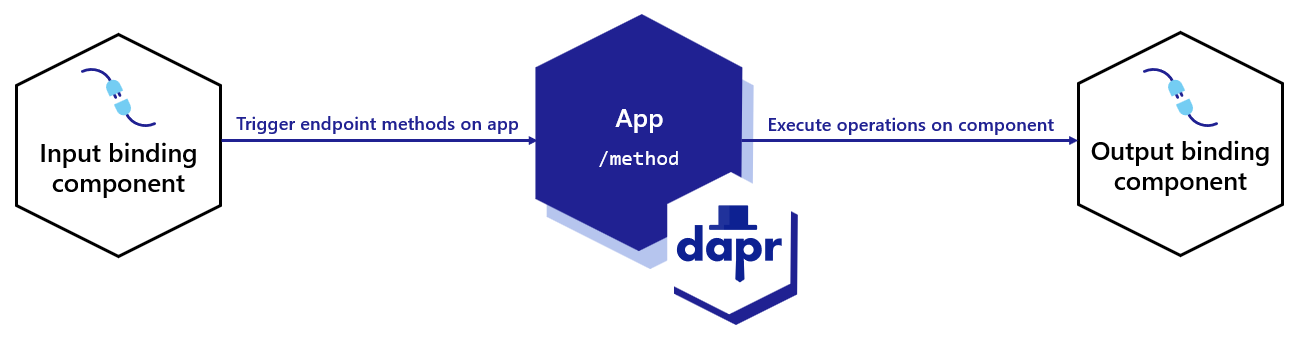
In the above diagram:
- The input binding triggers a method on your application.
- Execute output binding operations on the component, such as
"create".
Bindings are developed independently of Dapr runtime. You can view and contribute to the bindings.
Note
If you are using the HTTP Binding, then it is preferable to use service invocation instead. Read How-To: Invoke Non-Dapr Endpoints using HTTP for more information.Input bindings
With input bindings, you can trigger your application when an event from an external resource occurs. An optional payload and metadata may be sent with the request.
The following overview video and demo demonstrates how Dapr input binding works.
To receive events from an input binding:
- Define the component YAML that describes the binding type and its metadata (connection info, etc.).
- Listen for the incoming event using:
- An HTTP endpoint
- The gRPC proto library to get incoming events.
Note
On startup, Dapr performs input binding subscription discovery by probing the application (HTTP OPTIONS request or gRPC ListInputBindings call). For HTTP apps, if the application wants to subscribe to the binding, Dapr expects a status code of 2xx or 405. For gRPC apps, the application subscribes by including the binding name in its ListInputBindings response.
This discovery probe times out after 3s by default. If your application is slow to respond on startup (for example, JVM/JIT workloads), increase the timeout with the --app-binding-options-timeout daprd flag or the dapr.io/app-binding-options-timeout annotation. See arguments and annotations overview.
Read the Create an event-driven app using input bindings guide to get started with input bindings.
Output bindings
With output bindings, you can invoke external resources. An optional payload and metadata can be sent with the invocation request.
The following overview video and demo demonstrates how Dapr output binding works.
To invoke an output binding:
- Define the component YAML that describes the binding type and its metadata (connection info, etc.).
- Use the HTTP endpoint or gRPC method to invoke the binding with an optional payload.
- Specify an output operation. Output operations depend on the binding component you use, and can include:
"create""update""delete""exec"
Read the Use output bindings to interface with external resources guide to get started with output bindings.
Binding directions (optional)
You can provide the direction metadata field to indicate the direction(s) supported by the binding component. In doing so, the Dapr sidecar avoids the "wait for the app to become ready" state, reducing the lifecycle dependency between the Dapr sidecar and the application:
"input""output""input, output"
Note
It is highly recommended that all input bindings should include thedirection property.See a full example of the bindings direction metadata.
Try out bindings
Quickstarts and tutorials
Want to put the Dapr bindings API to the test? Walk through the following quickstart and tutorials to see bindings in action:
| Quickstart/tutorial | Description |
|---|---|
| Bindings quickstart | Work with external systems using input bindings to respond to events and output bindings to call operations. |
| Bindings tutorial | Demonstrates how to use Dapr to create input and output bindings to other components. Uses bindings to Kafka. |
Start using bindings directly in your app
Want to skip the quickstarts? Not a problem. You can try out the bindings building block directly in your application to invoke output bindings and trigger input bindings. After Dapr is installed, you can begin using the bindings API starting with the input bindings how-to guide.
Next Steps
- Follow these guides on:
- Try out the bindings tutorial to experiment with binding to a Kafka queue.
- Read the bindings API specification
1.6.2 - How-To: Trigger your application with input bindings
With input bindings, you can trigger your application when an event from an external resource occurs. An external resource could be a queue, messaging pipeline, cloud-service, filesystem, etc. An optional payload and metadata may be sent with the request.
Input bindings are ideal for event-driven processing, data pipelines, or generally reacting to events and performing further processing. Dapr input bindings allow you to:
- Receive events without including specific SDKs or libraries
- Replace bindings without changing your code
- Focus on business logic and not the event resource implementation
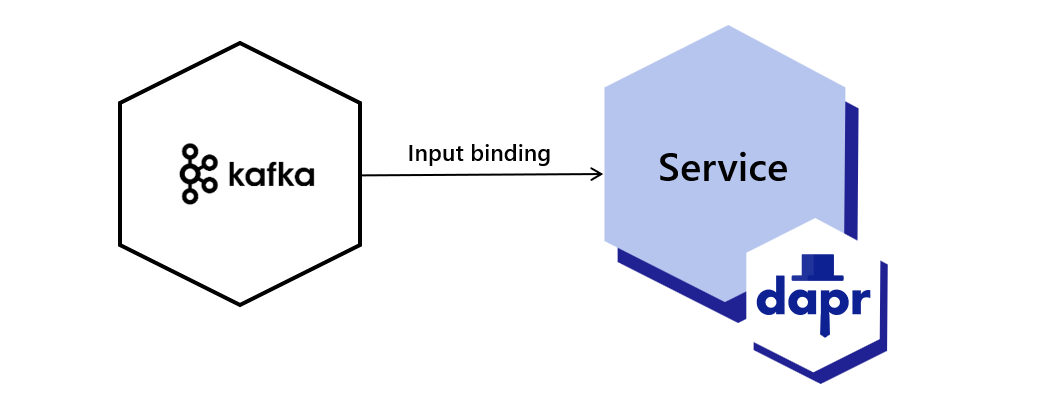
This guide uses a Kafka binding as an example. You can find your preferred binding spec from the list of bindings components. In this guide:
- The example invokes the
/bindingendpoint withcheckout, the name of the binding to invoke. - The payload goes inside the mandatory
datafield, and can be any JSON serializable value. - The
operationfield tells the binding what action it needs to take. For example, the Kafka binding supports thecreateoperation.
Note
If you haven’t already, try out the bindings quickstart for a quick walk-through on how to use the bindings API.Create a binding
Create a binding.yaml file and save to a components sub-folder in your application directory.
Create a new binding component named checkout. Within the metadata section, configure the following Kafka-related properties:
- The topic to which you’ll publish the message
- The broker
When creating the binding component, specify the supported direction of the binding.
Use the --resources-path flag with the dapr run command to point to your custom resources directory.
apiVersion: dapr.io/v1alpha1
kind: Component
metadata:
name: checkout
spec:
type: bindings.kafka
version: v1
metadata:
# Kafka broker connection setting
- name: brokers
value: localhost:9092
# consumer configuration: topic and consumer group
- name: topics
value: sample
- name: consumerGroup
value: group1
# publisher configuration: topic
- name: publishTopic
value: sample
- name: authRequired
value: false
- name: direction
value: input
To deploy into a Kubernetes cluster, run kubectl apply -f binding.yaml.
apiVersion: dapr.io/v1alpha1
kind: Component
metadata:
name: checkout
spec:
type: bindings.kafka
version: v1
metadata:
# Kafka broker connection setting
- name: brokers
value: localhost:9092
# consumer configuration: topic and consumer group
- name: topics
value: sample
- name: consumerGroup
value: group1
# publisher configuration: topic
- name: publishTopic
value: sample
- name: authRequired
value: false
- name: direction
value: input
Listen for incoming events (input binding)
Configure your application to receive incoming events. If you’re using HTTP, you need to:
- Listen on a
POSTendpoint with the name of the binding, as specified inmetadata.namein thebinding.yamlfile. - Verify your application allows Dapr to make an
OPTIONSrequest for this endpoint. This request times out after3sby default. If your application is slow to respond on startup, increase the timeout with the--app-binding-options-timeoutdaprd flag or thedapr.io/app-binding-options-timeoutKubernetes annotation.
Below are code examples that leverage Dapr SDKs to demonstrate an input binding.
The following example demonstrates how to configure an input binding using ASP.NET Core controllers.
using System.Collections.Generic;
using System.Threading.Tasks;
using System;
using Microsoft.AspNetCore.Mvc;
namespace CheckoutService.controller;
[ApiController]
public sealed class CheckoutServiceController : ControllerBase
{
[HttpPost("/checkout")]
public ActionResult<string> getCheckout([FromBody] int orderId)
{
Console.WriteLine($"Received Message: {orderId}");
return $"CID{orderId}";
}
}
The following example demonstrates how to configure the same input binding using a minimal API approach:
app.MapPost("checkout", ([FromBody] int orderId) =>
{
Console.WriteLine($"Received Message: {orderId}");
return $"CID{orderId}"
});
The following example demonstrates how to configure the same input binding using a minimal API approach:
app.MapPost("checkout", ([FromBody] int orderId) =>
{
Console.WriteLine($"Received Message: {orderId}");
return $"CID{orderId}"
});
//dependencies
import org.springframework.web.bind.annotation.*;
import org.slf4j.Logger;
import org.slf4j.LoggerFactory;
import reactor.core.publisher.Mono;
//code
@RestController
@RequestMapping("/")
public class CheckoutServiceController {
private static final Logger log = LoggerFactory.getLogger(CheckoutServiceController.class);
@PostMapping(path = "/checkout")
public Mono<String> getCheckout(@RequestBody(required = false) byte[] body) {
return Mono.fromRunnable(() ->
log.info("Received Message: " + new String(body)));
}
}
#dependencies
import logging
from dapr.ext.grpc import App, BindingRequest
#code
app = App()
@app.binding('checkout')
def getCheckout(request: BindingRequest):
logging.basicConfig(level = logging.INFO)
logging.info('Received Message : ' + request.text())
app.run(6002)
//dependencies
import (
"encoding/json"
"log"
"net/http"
"github.com/gorilla/mux"
)
//code
func getCheckout(w http.ResponseWriter, r *http.Request) {
w.Header().Set("Content-Type", "application/json")
var orderId int
err := json.NewDecoder(r.Body).Decode(&orderId)
log.Println("Received Message: ", orderId)
if err != nil {
log.Printf("error parsing checkout input binding payload: %s", err)
w.WriteHeader(http.StatusOK)
return
}
}
func main() {
r := mux.NewRouter()
r.HandleFunc("/checkout", getCheckout).Methods("POST", "OPTIONS")
http.ListenAndServe(":6002", r)
}
//dependencies
import { DaprServer, CommunicationProtocolEnum } from '@dapr/dapr';
//code
const daprHost = "127.0.0.1";
const serverHost = "127.0.0.1";
const serverPort = "6002";
const daprPort = "3602";
start().catch((e) => {
console.error(e);
process.exit(1);
});
async function start() {
const server = new DaprServer({
serverHost,
serverPort,
communicationProtocol: CommunicationProtocolEnum.HTTP,
clientOptions: {
daprHost,
daprPort,
}
});
await server.binding.receive('checkout', async (orderId) => console.log(`Received Message: ${JSON.stringify(orderId)}`));
await server.start();
}
ACK an event
Tell Dapr you’ve successfully processed an event in your application by returning a 200 OK response from your HTTP handler.
Reject an event
Tell Dapr the event was not processed correctly in your application and schedule it for redelivery by returning any response other than 200 OK. For example, a 500 Error.
Specify a custom route
By default, incoming events will be sent to an HTTP endpoint that corresponds to the name of the input binding. You can override this by setting the following metadata property in binding.yaml:
name: mybinding
spec:
type: binding.rabbitmq
metadata:
- name: route
value: /onevent
Event delivery Guarantees
Event delivery guarantees are controlled by the binding implementation. Depending on the binding implementation, the event delivery can be exactly once or at least once.
References
1.6.3 - How-To: Use output bindings to interface with external resources
With output bindings, you can invoke external resources. An optional payload and metadata can be sent with the invocation request.
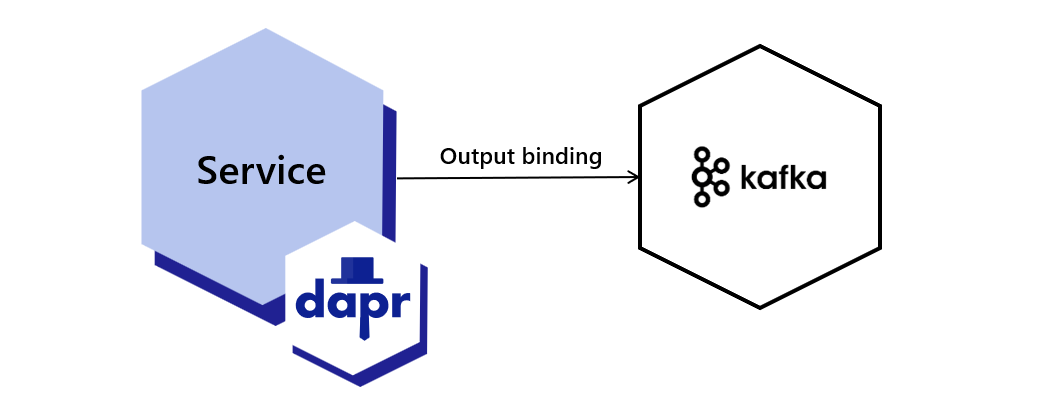
This guide uses a Kafka binding as an example. You can find your preferred binding spec from the list of bindings components. In this guide:
- The example invokes the
/bindingendpoint withcheckout, the name of the binding to invoke. - The payload goes inside the mandatory
datafield, and can be any JSON serializable value. - The
operationfield tells the binding what action it needs to take. For example, the Kafka binding supports thecreateoperation.
Note
If you haven’t already, try out the bindings quickstart for a quick walk-through on how to use the bindings API.Create a binding
Create a binding.yaml file and save to a components sub-folder in your application directory.
Create a new binding component named checkout. Within the metadata section, configure the following Kafka-related properties:
- The topic to which you’ll publish the message
- The broker
When creating the binding component, specify the supported direction of the binding.
Use the --resources-path flag with dapr run to point to your custom resources directory.
apiVersion: dapr.io/v1alpha1
kind: Component
metadata:
name: checkout
spec:
type: bindings.kafka
version: v1
metadata:
# Kafka broker connection setting
- name: brokers
value: localhost:9092
# consumer configuration: topic and consumer group
- name: topics
value: sample
- name: consumerGroup
value: group1
# publisher configuration: topic
- name: publishTopic
value: sample
- name: authRequired
value: false
- name: direction
value: output
To deploy the following binding.yaml file into a Kubernetes cluster, run kubectl apply -f binding.yaml.
apiVersion: dapr.io/v1alpha1
kind: Component
metadata:
name: checkout
spec:
type: bindings.kafka
version: v1
metadata:
# Kafka broker connection setting
- name: brokers
value: localhost:9092
# consumer configuration: topic and consumer group
- name: topics
value: sample
- name: consumerGroup
value: group1
# publisher configuration: topic
- name: publishTopic
value: sample
- name: authRequired
value: false
- name: direction
value: output
Send an event (output binding)
The code examples below leverage Dapr SDKs to invoke the output bindings endpoint on a running Dapr instance.
Here’s an example of using a console app with top-level statements in .NET 6+:
using System.Text;
using System.Threading.Tasks;
using Dapr.Client;
var builder = WebApplication.CreateBuilder(args);
builder.Services.AddDaprClient();
var app = builder.Build();
const string BINDING_NAME = "checkout";
const string BINDING_OPERATION = "create";
var random = new Random();
using var daprClient = app.Services.GetRequiredService<DaprClient>();
while (true)
{
await Task.Delay(TimeSpan.FromSeconds(5));
var orderId = random.Next(1, 1000);
await client.InvokeBindingAsync(BINDING_NAME, BINDING_OPERATION, orderId);
Console.WriteLine($"Sending message: {orderId}");
}
//dependencies
import io.dapr.client.DaprClient;
import io.dapr.client.DaprClientBuilder;
import io.dapr.client.domain.HttpExtension;
import org.springframework.boot.autoconfigure.SpringBootApplication;
import org.slf4j.Logger;
import org.slf4j.LoggerFactory;
import java.util.Random;
import java.util.concurrent.TimeUnit;
//code
@SpringBootApplication
public class OrderProcessingServiceApplication {
private static final Logger log = LoggerFactory.getLogger(OrderProcessingServiceApplication.class);
public static void main(String[] args) throws InterruptedException{
String BINDING_NAME = "checkout";
String BINDING_OPERATION = "create";
while(true) {
TimeUnit.MILLISECONDS.sleep(5000);
Random random = new Random();
int orderId = random.nextInt(1000-1) + 1;
DaprClient client = new DaprClientBuilder().build();
//Using Dapr SDK to invoke output binding
client.invokeBinding(BINDING_NAME, BINDING_OPERATION, orderId).block();
log.info("Sending message: " + orderId);
}
}
}
#dependencies
import random
from time import sleep
import requests
import logging
import json
from dapr.clients import DaprClient
#code
logging.basicConfig(level = logging.INFO)
BINDING_NAME = 'checkout'
BINDING_OPERATION = 'create'
while True:
sleep(random.randrange(50, 5000) / 1000)
orderId = random.randint(1, 1000)
with DaprClient() as client:
#Using Dapr SDK to invoke output binding
resp = client.invoke_binding(BINDING_NAME, BINDING_OPERATION, json.dumps(orderId))
logging.basicConfig(level = logging.INFO)
logging.info('Sending message: ' + str(orderId))
//dependencies
import (
"context"
"log"
"math/rand"
"time"
"strconv"
dapr "github.com/dapr/go-sdk/client"
)
//code
func main() {
BINDING_NAME := "checkout";
BINDING_OPERATION := "create";
for i := 0; i < 10; i++ {
time.Sleep(5000)
orderId := rand.Intn(1000-1) + 1
client, err := dapr.NewClient()
if err != nil {
panic(err)
}
defer client.Close()
ctx := context.Background()
//Using Dapr SDK to invoke output binding
in := &dapr.InvokeBindingRequest{ Name: BINDING_NAME, Operation: BINDING_OPERATION , Data: []byte(strconv.Itoa(orderId))}
err = client.InvokeOutputBinding(ctx, in)
log.Println("Sending message: " + strconv.Itoa(orderId))
}
}
//dependencies
import { DaprClient, CommunicationProtocolEnum } from "@dapr/dapr";
//code
const daprHost = "127.0.0.1";
(async function () {
for (var i = 0; i < 10; i++) {
await sleep(2000);
const orderId = Math.floor(Math.random() * (1000 - 1) + 1);
try {
await sendOrder(orderId)
} catch (err) {
console.error(e);
process.exit(1);
}
}
})();
async function sendOrder(orderId) {
const BINDING_NAME = "checkout";
const BINDING_OPERATION = "create";
const client = new DaprClient({
daprHost,
daprPort: process.env.DAPR_HTTP_PORT,
communicationProtocol: CommunicationProtocolEnum.HTTP,
});
//Using Dapr SDK to invoke output binding
const result = await client.binding.send(BINDING_NAME, BINDING_OPERATION, orderId);
console.log("Sending message: " + orderId);
}
function sleep(ms) {
return new Promise(resolve => setTimeout(resolve, ms));
}
You can also invoke the output bindings endpoint using HTTP:
curl -X POST -H 'Content-Type: application/json' http://localhost:3601/v1.0/bindings/checkout -d '{ "data": 100, "operation": "create" }'
Watch this video on how to use bi-directional output bindings.
References
1.7 - Actors
More about Dapr Actors
Learn more about how to use Dapr Actors:
- Try the Actors quickstart.
- Explore actors via any of the Dapr SDKs.
- Review the Actors API reference documentation.
1.7.1 - Actors overview
The actor pattern describes actors as the lowest-level “unit of computation”. In other words, you write your code in a self-contained unit (called an actor) that receives messages and processes them one at a time, without any kind of concurrency or threading.
While your code processes a message, it can send one or more messages to other actors, or create new actors. An underlying runtime manages how, when and where each actor runs, and also routes messages between actors.
A large number of actors can execute simultaneously, and actors execute independently from each other.
Actors in Dapr
Dapr includes a runtime that specifically implements the Virtual Actor pattern. With Dapr’s implementation, you write your Dapr actors according to the actor model, and Dapr leverages the scalability and reliability guarantees that the underlying platform provides.
Every actor is defined as an instance of an actor type, identical to the way an object is an instance of a class. For example, there may be an actor type that implements the functionality of a calculator and there could be many actors of that type that are distributed on various nodes across a cluster. Each such actor is uniquely identified by an actor ID.
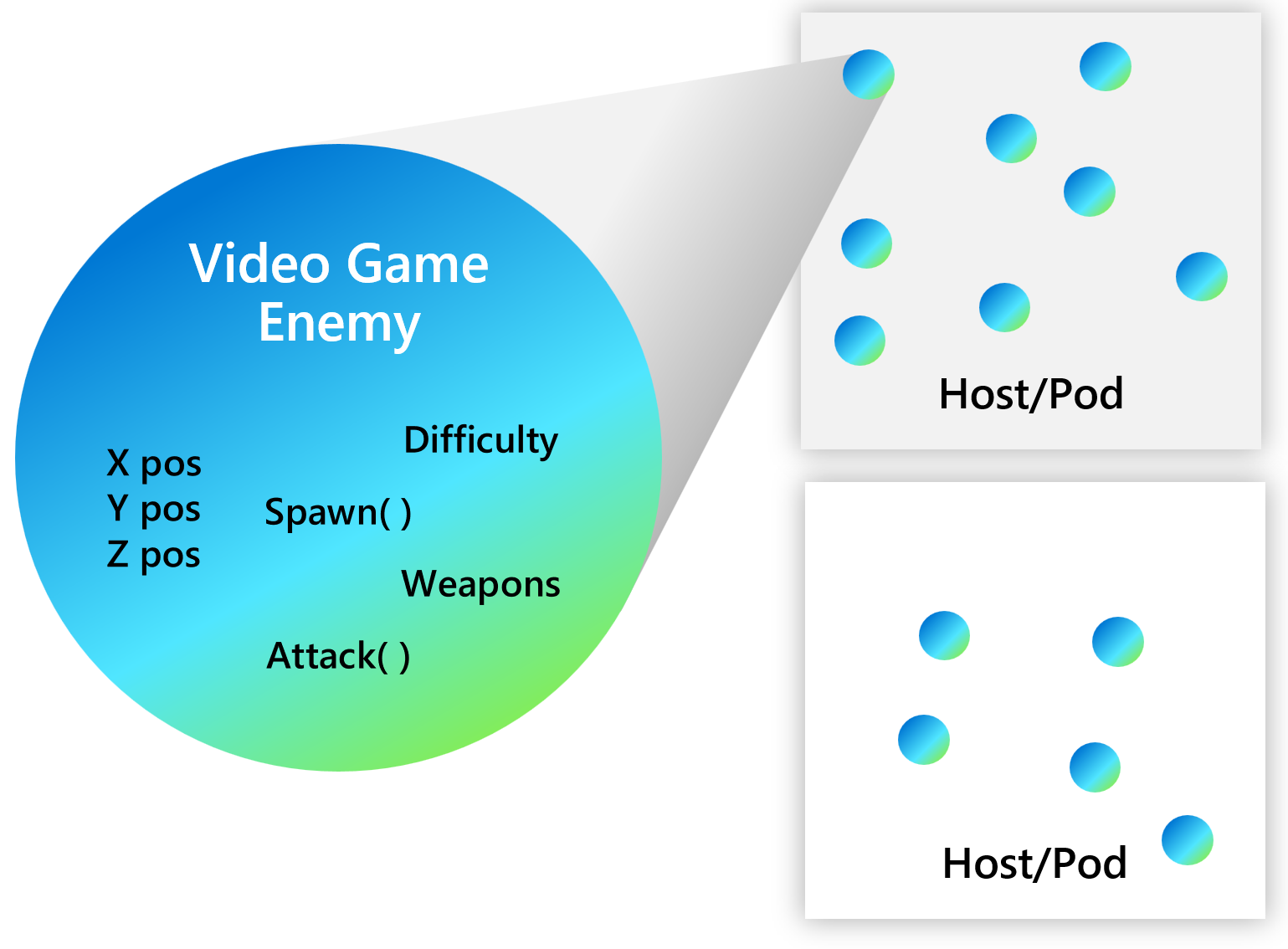
The following overview video and demo demonstrates how actors in Dapr work.
Dapr actors vs. Dapr Workflow
Dapr actors builds on the state management and service invocation APIs to create stateful, long running objects with identity. Dapr Workflow and Dapr Actors are related, with workflows building on actors to provide a higher level of abstraction to orchestrate a set of actors, implementing common workflow patterns and managing the lifecycle of actors on your behalf.
Dapr actors are designed to provide a way to encapsulate state and behavior within a distributed system. An actor can be activated on demand by a client application. When an actor is activated, it is assigned a unique identity, which allows it to maintain its state across multiple invocations. This makes actors useful for building stateful, scalable, and fault-tolerant distributed applications.
On the other hand, Dapr Workflow provides a way to define and orchestrate complex workflows that involve multiple services and components within a distributed system. Workflows allow you to define a sequence of steps or tasks that need to be executed in a specific order, and can be used to implement business processes, event-driven workflows, and other similar scenarios.
As mentioned above, Dapr Workflow builds on Dapr Actors managing their activation and lifecycle.
When to use Dapr actors
As with any other technology decision, you should decide whether to use actors based on the problem you’re trying to solve. For example, if you were building a chat application, you might use Dapr actors to implement the chat rooms and the individual chat sessions between users, as each chat session needs to maintain its own state and be scalable and fault-tolerant.
Generally speaking, consider the actor pattern to model your problem or scenario if:
- Your problem space involves a large number (thousands or more) of small, independent, and isolated units of state and logic.
- You want to work with single-threaded objects that do not require significant interaction from external components, including querying state across a set of actors.
- Your actor instances won’t block callers with unpredictable delays by issuing I/O operations.
When to use Dapr Workflow
You would use Dapr Workflow when you need to define and orchestrate complex workflows that involve multiple services and components. For example, using the chat application example earlier, you might use Dapr Workflows to define the overall workflow of the application, such as how new users are registered, how messages are sent and received, and how the application handles errors and exceptions.
Learn more about Dapr Workflow and how to use workflows in your application.
Actor types and actor IDs
Actors are uniquely defined as an instance of an actor type, similar to how an object is an instance of a class. For example, you might have an actor type that implements the functionality of a calculator. There could be many actors of that type distributed across various nodes in a cluster.
Each actor is uniquely identified by an actor ID. An actor ID can be any string value you choose. If you do not provide an actor ID, Dapr generates a random string for you as an ID.
Features
Namespaced actors
Dapr supports namespaced actors. An actor type can be deployed into different namespaces. You can call instances of these actors in the same namespace.
Learn more about namespaced actors and how they work.
Actor lifetime
Since Dapr actors are virtual, they do not need to be explicitly created or destroyed. The Dapr actor runtime:
- Automatically activates an actor once it receives an initial request for that actor ID.
- Garbage-collects the in-memory object of unused actors.
- Maintains knowledge of the actor’s existence in case it’s reactivated later.
An actor’s state outlives the object’s lifetime, as state is stored in the configured state provider for Dapr runtime.
Learn more about actor lifetimes.
Distribution and failover
To provide scalability and reliability, actors instances are throughout the cluster and Dapr distributes actor instances throughout the cluster and automatically migrates them to healthy nodes.
Learn more about Dapr actor placement.
Actor communication
You can invoke actor methods by calling them over HTTP, as shown in the general example below.
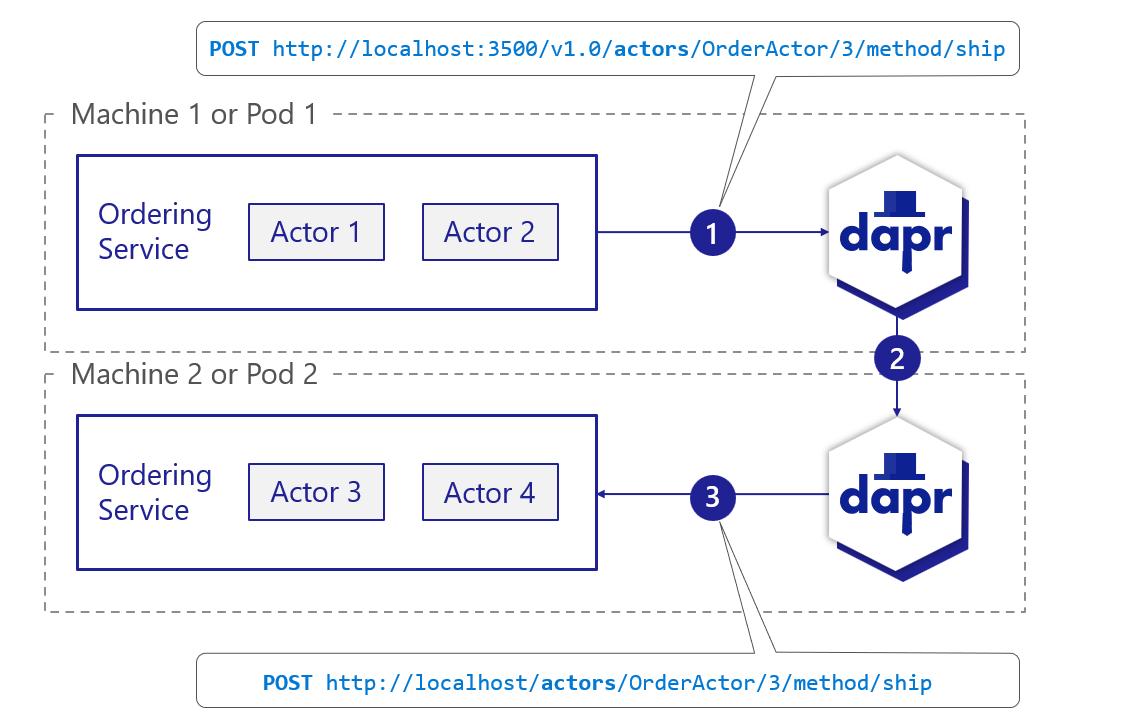
- The service calls the actor API on the sidecar.
- With the cached partitioning information from the placement service, the sidecar determines which actor service instance will host actor ID 3. The call is forwarded to the appropriate sidecar.
- The sidecar instance in pod 2 calls the service instance to invoke the actor and execute the actor method.
Learn more about calling actor methods.
Concurrency
The Dapr actor runtime provides a simple turn-based access model for accessing actor methods. Turn-based access greatly simplifies concurrent systems as there is no need for synchronization mechanisms for data access.
State
Transactional state stores can be used to store actor state. Regardless of whether you intend to store any state in your actor, you must specify a value for property actorStateStore as true in the state store component’s metadata section. Actors state is stored with a specific scheme in transactional state stores, allowing for consistent querying. Only a single state store component can be used as the state store for all actors. Read the state API reference and the actors API reference to learn more about state stores for actors.
Tip
During local development, use the Dapr Dev Dashboard to inspect the actor types and active actors of your running apps, and to browse the actor state in the state store.Actor timers and reminders
Actors can schedule periodic work on themselves by registering either timers or reminders.
The functionality of timers and reminders is very similar. The main difference is that Dapr actor runtime is not retaining any information about timers after deactivation, while persisting the information about reminders using Dapr actor state provider.
This distinction allows users to trade off between light-weight but stateless timers vs. more resource-demanding but stateful reminders.
The following overview video and demo demonstrates how actor timers and reminders work.
- Learn more about actor timers.
- Learn more about actor reminders.
- Learn more about timer and reminder error handling and failover.
Next steps
Actors features and concepts >>Related links
- Actors API reference
- Refer to the Dapr SDK documentation and examples.
1.7.2 - Actor runtime features
Now that you’ve learned about the actor building block at a high level, let’s deep dive into the features and concepts included with actors in Dapr.
Actor lifetime
Dapr actors are virtual, meaning that their lifetime is not tied to their in-memory representation. As a result, they do not need to be explicitly created or destroyed. The Dapr actor runtime automatically activates an actor the first time it receives a request for that actor ID. If an actor is not used for a period of time, the Dapr actor runtime garbage-collects the in-memory object. It will also maintain knowledge of the actor’s existence should it need to be reactivated later.
Invocation of actor methods, timers, and reminders reset the actor idle time. For example, a reminder firing keeps the actor active.
- Actor reminders fire whether an actor is active or inactive. If fired for an inactive actor, it activates the actor first.
- Actor timers firing reset the idle time; however, timers only fire while the actor is active.
The idle timeout and scan interval Dapr runtime uses to see if an actor can be garbage-collected is configurable. This information can be passed when Dapr runtime calls into the actor service to get supported actor types.
This virtual actor lifetime abstraction carries some caveats as a result of the virtual actor model, and in fact the Dapr Actors implementation deviates at times from this model.
An actor is automatically activated (causing an actor object to be constructed) the first time a message is sent to its actor ID. After some period of time, the actor object is garbage collected. In the future, using the actor ID again, causes a new actor object to be constructed. An actor’s state outlives the object’s lifetime as state is stored in configured state provider for Dapr runtime.
Distribution and failover
To provide scalability and reliability, actors instances are distributed throughout the cluster and Dapr automatically migrates them from failed nodes to healthy ones as required.
Actors are distributed across the instances of the actor service, and those instances are distributed across the nodes in a cluster. Each service instance contains a set of actors for a given actor type.
Actor placement service
The Dapr actor runtime manages distribution scheme and key range settings for you via the actor Placement service. When a new instance of a service is created:
- The sidecar makes a call to the actor service to retrieve registered actor types and configuration settings.
- The corresponding Dapr runtime registers the actor types it can create.
- The
Placementservice calculates the partitioning across all the instances for a given actor type.
This partition data table for each actor type is updated and stored in each Dapr instance running in the environment and can change dynamically as new instances of actor services are created and destroyed.
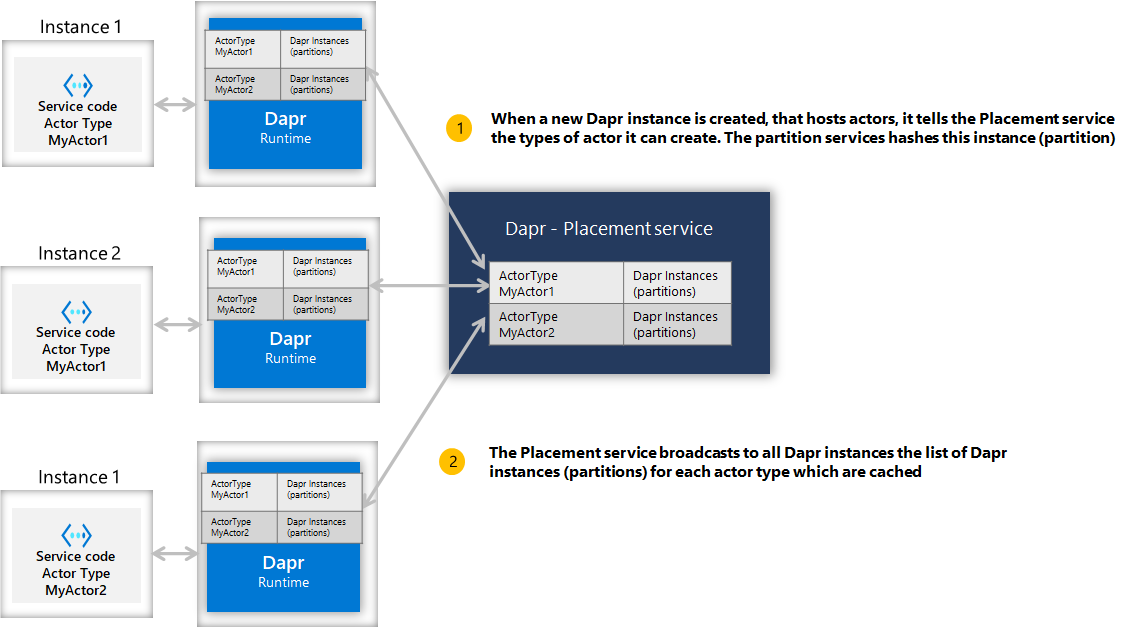
When a client calls an actor with a particular id (for example, actor id 123), the Dapr instance for the client hashes the actor type and id, and uses the information to call onto the corresponding Dapr instance that can serve the requests for that particular actor id. As a result, the same partition (or service instance) is always called for any given actor id. This is shown in the diagram below.
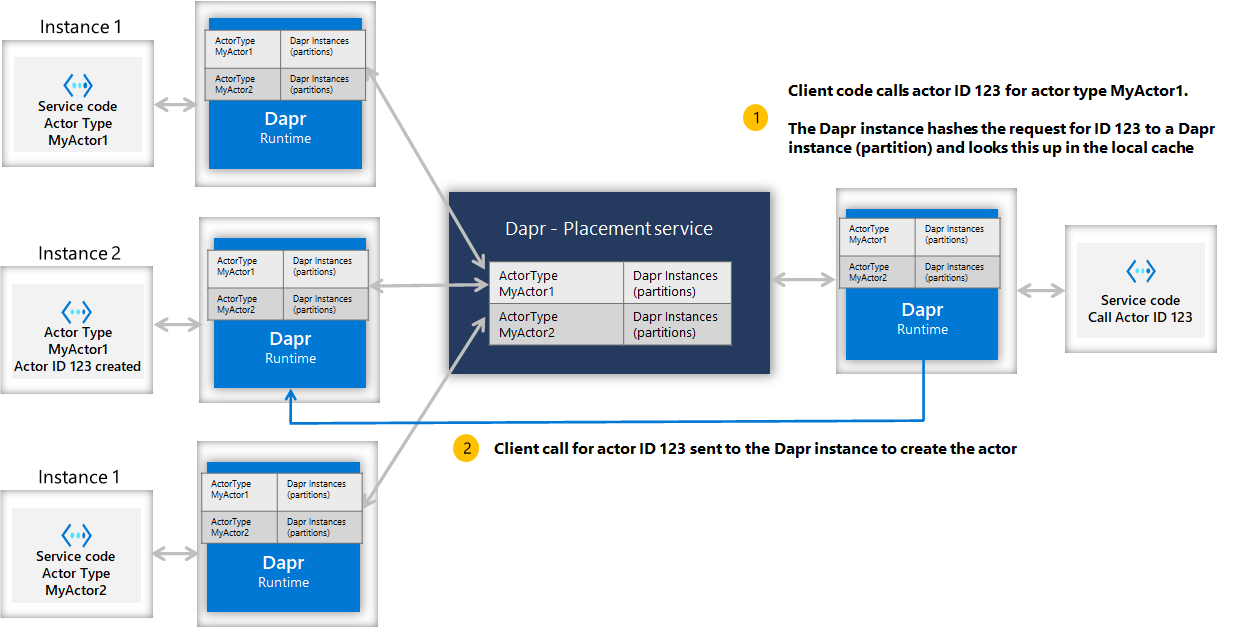
This simplifies some choices, but also carries some consideration:
- By default, actors are randomly placed into pods resulting in uniform distribution.
- Because actors are randomly placed, it should be expected that actor operations always require network communication, including serialization and deserialization of method call data, incurring latency and overhead.
Note
Note: The Dapr actor Placement service is only used for actor placement and therefore is not needed if your services are not using Dapr actors. The Placement service can run in all hosting environments, including self-hosted and Kubernetes. In both self-hosted and Kubernetes modes, actor placement can also be served by the Scheduler service instead of a standalone Placement service. This is transparent to applications and sidecars.Actor communication
You can interact with Dapr to invoke the actor method by calling the HTTP endpoint.
POST/GET/PUT/DELETE http://localhost:3500/v1.0/actors/<actorType>/<actorId>/<method/state/timers/reminders>
You can provide any data for the actor method in the request body, and the response for the request would be in the response body which is the data from actor call.
Another, and perhaps more convenient, way of interacting with actors is via SDKs. Dapr currently supports actors SDKs in .NET, Java, and Python.
Refer to Dapr Actor Features for more details.
Concurrency
The Dapr actor runtime provides a simple turn-based access model for accessing actor methods. This means that no more than one thread can be active inside an actor object’s code at any time. Turn-based access greatly simplifies concurrent systems as there is no need for synchronization mechanisms for data access. It also means systems must be designed with special considerations for the single-threaded access nature of each actor instance.
A single actor instance cannot process more than one request at a time. An actor instance can cause a throughput bottleneck if it is expected to handle concurrent requests.
Actors can deadlock on each other if there is a circular request between two actors while an external request is made to one of the actors simultaneously. The Dapr actor runtime automatically times out on actor calls and throw an exception to the caller to interrupt possible deadlock situations.
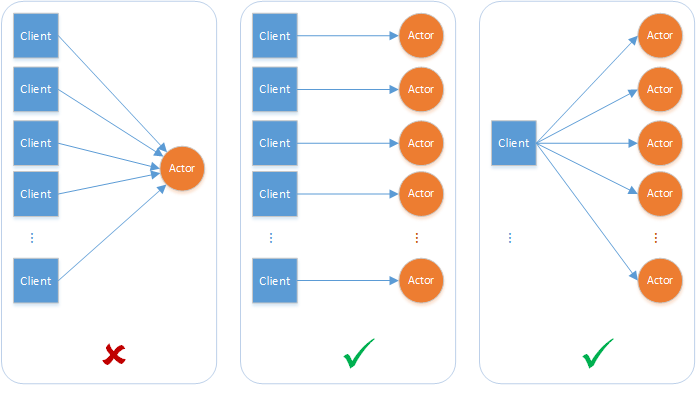
Reentrancy
To allow actors to “re-enter” and invoke methods on themselves, see Actor Reentrancy.
Turn-based access
A turn consists of the complete execution of an actor method in response to a request from other actors or clients, or the complete execution of a timer/reminder callback. Even though these methods and callbacks are asynchronous, the Dapr actor runtime does not interleave them. A turn must be fully finished before a new turn is allowed. In other words, an actor method or timer/reminder callback that is currently executing must be fully finished before a new call to a method or callback is allowed. A method or callback is considered to have finished if the execution has returned from the method or callback and the task returned by the method or callback has finished. It is worth emphasizing that turn-based concurrency is respected even across different methods, timers, and callbacks.
The Dapr actor runtime enforces turn-based concurrency by acquiring a per-actor lock at the beginning of a turn and releasing the lock at the end of the turn. Thus, turn-based concurrency is enforced on a per-actor basis and not across actors. Actor methods and timer/reminder callbacks can execute simultaneously on behalf of different actors.
The following example illustrates the above concepts. Consider an actor type that implements two asynchronous methods (say, Method1 and Method2), a timer, and a reminder. The diagram below shows an example of a timeline for the execution of these methods and callbacks on behalf of two actors (ActorId1 and ActorId2) that belong to this actor type.
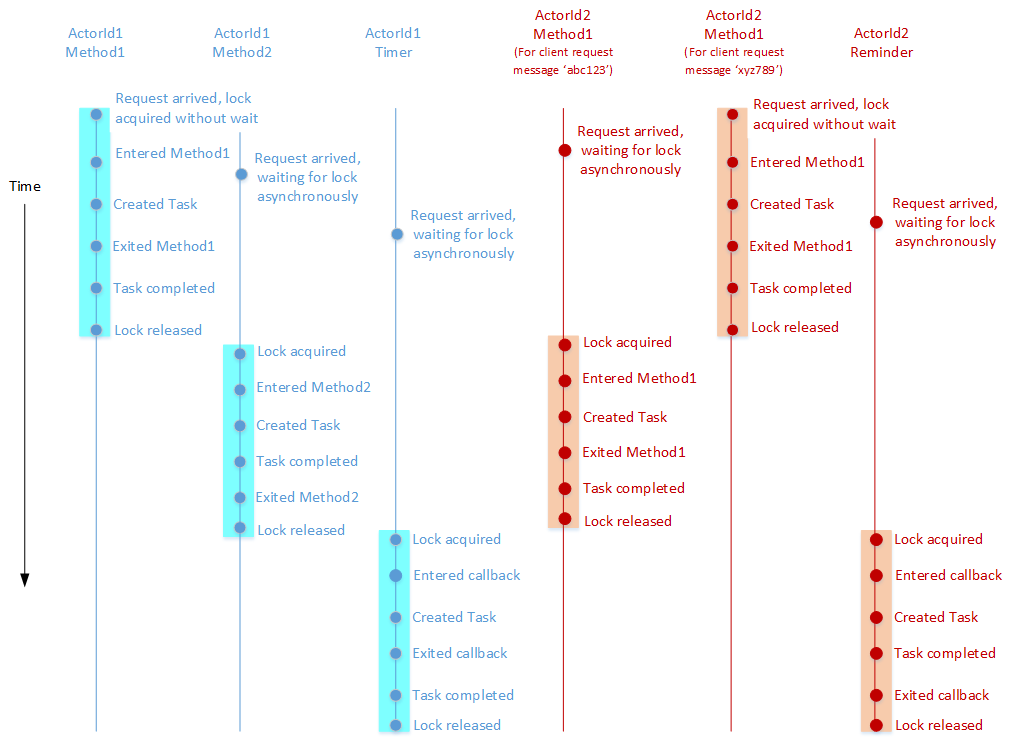
Next steps
Timers and reminders >>Related links
1.7.3 - Actor runtime configuration parameters
You can modify the default Dapr actor runtime behavior using the following configuration parameters.
| Parameter | Description | Default |
|---|---|---|
entities | The actor types supported by this host. | N/A |
actorIdleTimeout | The timeout before deactivating an idle actor. Checks for timeouts occur every actorScanInterval interval. | 60 minutes |
actorScanInterval | The duration which specifies how often to scan for actors to deactivate idle actors. Actors that have been idle longer than actor_idle_timeout will be deactivated. | 30 seconds |
drainOngoingCallTimeout | The timeout duration when in the process of draining rebalanced actors. This specifies the timeout for the current active actor method call to finish. If there is no current actor method call, this is ignored. The effective value is clamped against the placement dissemination budget (see Drain timeout clamping). | 2 seconds |
drainRebalancedActors | If true, Dapr will wait for drainOngoingCallTimeout duration to allow a current actor call to complete before trying to deactivate an actor. | true |
reentrancy (ActorReentrancyConfig) | Configure the reentrancy behavior for an actor. If not provided, reentrancy is disabled. | disabled, false |
entitiesConfig | Configure each actor type individually with an array of configurations. Any entity specified in the individual entity configurations must also be specified in the top level entities field. Per-entity drainOngoingCallTimeout values are honored and subject to the same clamping rule as the top-level value. | N/A |
Drain timeout clamping
During a placement dissemination round where actors get rebalanced to a new host (for example a rolling upgrade), the Dapr sidecar (daprd) drains all in-flight requests for the rebalanced actor types for up to the configured drainOngoingCallTimeout before force-cancelling the remaining actor requests. While draining, daprd delays its acknowledgement of the placement table update, so a long drain timeout can hold up the whole dissemination round.
This drain window is bound by two distinct dissemination timeouts:
- The daprd dissemination timeout, set with the
--actors-disseminate-timeoutargument (dapr.io/actors-disseminate-timeoutannotation) which is by default 30 seconds. If a round exceeds it, daprd resets its own placement gRPC stream and halts its hosted actors. - The placement service dissemination timeout, set with the placement
--disseminate-timeoutargument (dapr_placement.disseminateTimeoutHelm value) which is by default 8 seconds. Dapr sidecars that have not acknowledged the update within this deadline are considered non-responsive and their gRPC stream is reset by Placement.
Note
With default settings the placement service’s 8 second deadline always binds first, since it is far lower than daprd’s 30 seconds. The daprd-side timeout acts as a failsafe: it lets daprd detect that a dissemination round has wedged (for example when the placement service becomes unresponsive mid-round) and recover on its own by resetting the stream and halting its hosted actors.Starting in Dapr v1.17.7, the Dapr sidecar clamps the effective drain timeout against its own dissemination timeout:
- If
drainOngoingCallTimeoutis less thanactors-disseminate-timeout, the configured value is used verbatim. - If
drainOngoingCallTimeoutis greater than or equal toactors-disseminate-timeout, daprd logs a warning and reduces the effective value to 80% of that dissemination timeout, with a floor of 2 seconds. With the default 30-second dissemination timeout, the clamp ceiling is 24 seconds. The default 2-second drain timeout is never clamped, it only applies to explicitly configured values.
The clamp is applied at both registration sites: the global drainOngoingCallTimeout and any per-actor-type drainOngoingCallTimeout set under entitiesConfig via the SDK. The configuration values your app reports to daprd via the actor config endpoint are unchanged and only the effective value used during drain is clamped.
The clamping only protects daprd from resetting its own placement stream. A drain timeout that doesn’t get clamped can still exceed the placement service’s dissemination timeout (8 seconds by default), in which case placement kicks the sidecar from the round and resets its gRPC stream, producing noisy reconnects and reschedules. It is recommended to keep drainOngoingCallTimeout comfortably below the Placement disseminateTimeout (for example, 5 seconds or lower), or raise dapr_placement.disseminateTimeout to accommodate a longer drain period.
Most Dapr SDKs leave drainOngoingCallTimeout unset unless your application configures it, so the 2-second default applies. The .NET Actors.Next SDK is an exception: it sets a 30-second default, which sits exactly at the clamp boundary; configure a lower value explicitly.
Note: The daprd-side placement dissemination timeout discussed here (default 30 seconds) is distinct from the control plane’s dissemination round timeouts:
dapr_placement.disseminateTimeouton the Placement service, and--placement-disseminate-timeouton the Scheduler when it serves placement. Both default to8s.
Draining at pod termination
drainOngoingCallTimeout and drainRebalancedActors only take effect while the sidecar can still reach your application. On Kubernetes, with the default sidecar injection, both containers receive SIGTERM at the same time, so an application that exits promptly is gone before the sidecar drains, leaving these settings nothing to act on. With native sidecars the application is always terminated first. Configure the application container to outlive the sidecar’s shutdown: see Graceful shutdown for actor hosts.
Examples
// In Startup.cs
public void ConfigureServices(IServiceCollection services)
{
// Register actor runtime with DI
services.AddActors(options =>
{
// Register actor types and configure actor settings
options.Actors.RegisterActor<MyActor>();
// Configure default settings
options.ActorIdleTimeout = TimeSpan.FromMinutes(60);
options.ActorScanInterval = TimeSpan.FromSeconds(30);
options.DrainOngoingCallTimeout = TimeSpan.FromSeconds(5);
options.DrainRebalancedActors = true;
options.ReentrancyConfig = new() { Enabled = false };
// Add a configuration for a specific actor type.
// This actor type must have a matching value in the base level 'entities' field. If it does not, the configuration will be ignored.
// If there is a matching entity, the values here will be used to overwrite any values specified in the root configuration.
// In this example, `ReentrantActor` has reentrancy enabled; however, 'MyActor' will not have reentrancy enabled.
options.Actors.RegisterActor<ReentrantActor>(typeOptions: new()
{
ReentrancyConfig = new()
{
Enabled = true,
}
});
});
// Register additional services for use with actors
services.AddSingleton<BankService>();
}
import { CommunicationProtocolEnum, DaprClient, DaprServer } from "@dapr/dapr";
// Configure the actor runtime with the DaprClientOptions.
const clientOptions = {
actor: {
actorIdleTimeout: "1h",
actorScanInterval: "30s",
drainOngoingCallTimeout: "5s",
drainRebalancedActors: true,
reentrancy: {
enabled: true,
maxStackDepth: 32,
},
},
};
// Use the options when creating DaprServer and DaprClient.
// Note, DaprServer creates a DaprClient internally, which needs to be configured with clientOptions.
const server = new DaprServer(serverHost, serverPort, daprHost, daprPort, clientOptions);
const client = new DaprClient(daprHost, daprPort, CommunicationProtocolEnum.HTTP, clientOptions);
See the documentation on writing actors with the JavaScript SDK.
from datetime import timedelta
from dapr.actor.runtime.config import ActorRuntimeConfig, ActorReentrancyConfig
ActorRuntime.set_actor_config(
ActorRuntimeConfig(
actor_idle_timeout=timedelta(hours=1),
actor_scan_interval=timedelta(seconds=30),
drain_ongoing_call_timeout=timedelta(seconds=5),
drain_rebalanced_actors=True,
reentrancy=ActorReentrancyConfig(enabled=False),
)
)
// import io.dapr.actors.runtime.ActorRuntime;
// import java.time.Duration;
ActorRuntime.getInstance().getConfig().setActorIdleTimeout(Duration.ofMinutes(60));
ActorRuntime.getInstance().getConfig().setActorScanInterval(Duration.ofSeconds(30));
ActorRuntime.getInstance().getConfig().setDrainOngoingCallTimeout(Duration.ofSeconds(5));
ActorRuntime.getInstance().getConfig().setDrainBalancedActors(true);
ActorRuntime.getInstance().getConfig().setActorReentrancyConfig(false, null);
const (
defaultActorType = "basicType"
reentrantActorType = "reentrantType"
)
type daprConfig struct {
Entities []string `json:"entities,omitempty"`
ActorIdleTimeout string `json:"actorIdleTimeout,omitempty"`
ActorScanInterval string `json:"actorScanInterval,omitempty"`
DrainOngoingCallTimeout string `json:"drainOngoingCallTimeout,omitempty"`
DrainRebalancedActors bool `json:"drainRebalancedActors,omitempty"`
Reentrancy config.ReentrancyConfig `json:"reentrancy,omitempty"`
EntitiesConfig []config.EntityConfig `json:"entitiesConfig,omitempty"`
}
var daprConfigResponse = daprConfig{
Entities: []string{defaultActorType, reentrantActorType},
ActorIdleTimeout: actorIdleTimeout,
ActorScanInterval: actorScanInterval,
DrainOngoingCallTimeout: drainOngoingCallTimeout,
DrainRebalancedActors: drainRebalancedActors,
Reentrancy: config.ReentrancyConfig{Enabled: false},
EntitiesConfig: []config.EntityConfig{
{
// Add a configuration for a specific actor type.
// This actor type must have a matching value in the base level 'entities' field. If it does not, the configuration will be ignored.
// If there is a matching entity, the values here will be used to overwrite any values specified in the root configuration.
// In this example, `reentrantActorType` has reentrancy enabled; however, 'defaultActorType' will not have reentrancy enabled.
Entities: []string{reentrantActorType},
Reentrancy: config.ReentrancyConfig{
Enabled: true,
MaxStackDepth: &maxStackDepth,
},
},
},
}
func configHandler(w http.ResponseWriter, r *http.Request) {
w.Header().Set("Content-Type", "application/json")
w.WriteHeader(http.StatusOK)
json.NewEncoder(w).Encode(daprConfigResponse)
}
Related links
1.7.4 - Namespaced actors
Namespacing in Dapr provides isolation, and thus multi-tenancy. With actor namespacing, the same actor type can be deployed into different namespaces. You can call instances of these actors in the same namespace.
Note
Each namespaced actor deployment must use its own separate state store, especially if the same actor type is used across namespaces. In other words, no namespace information is written as part of the actor record, and hence separate state stores are required for each namespace. See Configuring actor state stores for namespacing section for examples.Creating and configuring namespaces
You can use namespaces either in self-hosted mode or on Kubernetes.
In self-hosted mode, you can specify the namespace for a Dapr instance by setting the NAMESPACE environment variable.
On Kubernetes, you can create and configure namespaces when deploying actor applications. For example, start with the following kubectl commands:
kubectl create namespace namespace-actorA
kubectl config set-context --current --namespace=namespace-actorA
Then, deploy your actor applications into this namespace (in the example, namespace-actorA).
Configuring actor state stores for namespacing
Each namespaced actor deployment must use its own separate state store. While you could use different physical databases for each actor namespace, some state store components provide a way to logically separate data by table, prefix, collection, and more. This allows you to use the same physical database for multiple namespaces, as long as you provide the logical separation in the Dapr component definition.
Some examples are provided below.
Example 1: By a prefix in etcd
apiVersion: dapr.io/v1alpha1
kind: Component
metadata:
name: statestore
spec:
type: state.etcd
version: v2
metadata:
- name: endpoints
value: localhost:2379
- name: keyPrefixPath
value: namespace-actorA
- name: actorStateStore
value: "true"
Example 2: By table name in SQLite
apiVersion: dapr.io/v1alpha1
kind: Component
metadata:
name: statestore
spec:
type: state.sqlite
version: v1
metadata:
- name: connectionString
value: "data.db"
- name: tableName
value: "namespace-actorA"
- name: actorStateStore
value: "true"
Example 3: By logical database number in Redis
apiVersion: dapr.io/v1alpha1
kind: Component
metadata:
name: statestore
spec:
type: state.redis
version: v1
metadata:
- name: redisHost
value: localhost:6379
- name: redisPassword
value: ""
- name: actorStateStore
value: "true"
- name: redisDB
value: "1"
- name: redisPassword
secretKeyRef:
name: redis-secret
key: redis-password
- name: actorStateStore
value: "true"
- name: redisDB
value: "1"
auth:
secretStore: <SECRET_STORE_NAME>
Check your state store component specs to see what it provides.
Note
Namespaced actors use the multi-tenant Placement service. With this control plane service where each application deployment has its own namespace, sidecars belonging to an application in namespace “ActorA” won’t receive placement information for an application in namespace “ActorB”.Next steps
1.7.5 - Actors timers and reminders
Actors can schedule periodic work on themselves by registering either timers or reminders.
The functionality of timers and reminders is very similar. The main difference is that Dapr actor runtime is not retaining any information about timers after deactivation, while persisting the information about reminders using Dapr Scheduler.
This distinction allows users to trade off between light-weight but stateless timers vs. more resource-demanding but stateful reminders.
The scheduling configuration of timers and reminders is summarized below:
data is an optional parameter that contains the data passed to the reminder callback method when invoked
dueTime is an optional parameter that sets time at which or time interval before the callback is invoked for the first time. If dueTime is omitted, the callback is invoked immediately after timer/reminder registration.
Supported formats:
- RFC3339 date format, e.g.
2020-10-02T15:00:00Z - time.Duration format, e.g.
2h30m - ISO 8601 duration format, e.g.
PT2H30M
period is an optional parameter that sets time interval between two consecutive callback invocations. When specified in ISO 8601-1 duration format, you can also configure the number of repetition in order to limit the total number of callback invocations.
If period is omitted, the callback will be invoked only once.
Supported formats:
- time.Duration format (Sub-second precision is supported when using duration values), e.g.
2h30m,500ms - ISO 8601 duration format, e.g.
PT2H30M,R5/PT1M30S
ttl is an optional parameter that sets time at which or time interval after which the timer/reminder will be expired and deleted. If ttl is omitted, no restrictions are applied.
Supported formats:
- RFC3339 date format, e.g.
2020-10-02T15:00:00Z - time.Duration format, e.g.
2h30m - ISO 8601 duration format. Example:
PT2H30M
Only available on reminders.
overwrite is an optional boolean parameter that indicates whether to overwrite an existing reminder with the same name.
If overwrite is set to true, any existing reminder with the same name will be replaced by the new configuration.
If overwrite is set to false or omitted, and a reminder with the same name already exists, the operation will fail with a already exists error.
Note that overwriting an existing reminder will reset its an error.state, including the number of invocations and the next trigger time, just like creating a new reminder.
Only available on reminders.
failurePolicy is an optional parameter that defines the behavior when a reminder invocation fails.
The supported failure policies are:
drop: The failed invocation is dropped, and the reminder continues with the next scheduled invocation, as if the failure did not occur.constant: The reminder will retry the failed invocation a specified number of times with a fixed interval between each attempt.interval: The time interval between each retry attempt. If not specified, the interval becomes “0s”, meaning retries is attempted immediately.maxRetries: The maximum number of retry attempts. If not specified, the invocation will be retried indefinitely at the specified interval until it succeeds.
If no failure policy is specified, the default failure policy of 3 retries with an interval of 1 second will be applied.
The actor runtime validates correctness of the scheduling configuration and returns error on invalid input.
When you specify both the number of repetitions in period as well as ttl, the timer/reminder will be stopped when either condition is met, whichever occurs first.
Actor timers
You can register a callback on the actor to be executed based on a timer.
The Dapr actor runtime ensures that the callback methods respect the turn-based concurrency guarantees. This means that no other actor methods or timer/reminder callbacks will be in progress until this callback completes execution.
The Dapr actor runtime saves changes made to the actor’s state when the callback finishes. If an error occurs in saving the state, that actor object is deactivated and a new instance will be activated.
All timers are stopped when the actor is deactivated as part of garbage collection. No timer callbacks are invoked after that. Also, the Dapr actor runtime does not retain any information about the timers that were running before deactivation. It is up to the actor to register any timers that it needs when it is reactivated in the future.
You can create a timer for an actor by calling the HTTP/gRPC request to Dapr as shown below, or via Dapr SDK.
POST/PUT http://localhost:3500/v1.0/actors/<actorType>/<actorId>/timers/<name>
Examples
The timer parameters are specified in the request body.
The following request body configures a timer with a dueTime of 9 seconds and a period of 3 seconds. This means it will first fire after 9 seconds, then every 3 seconds after that.
{
"dueTime":"0h0m9s0ms",
"period":"0h0m3s0ms"
}
The following request body configures a timer with a period of 3 seconds (in ISO 8601 duration format). It also limits the number of invocations to 10. This means it will fire 10 times: first, immediately after registration, then every 3 seconds after that.
{
"period":"R10/PT3S",
}
The following request body configures a timer with a period of 3 seconds (in ISO 8601 duration format) and a ttl of 20 seconds. This means it fires immediately after registration, then every 3 seconds after that for the duration of 20 seconds.
{
"period":"PT3S",
"ttl":"20s"
}
The following request body configures a timer with a dueTime of 10 seconds, a period of 3 seconds, and a ttl of 10 seconds. It also limits the number of invocations to 4. This means it will first fire after 10 seconds, then every 3 seconds after that for the duration of 10 seconds, but no more than 4 times in total.
{
"dueTime":"10s",
"period":"R4/PT3S",
"ttl":"10s"
}
Retrieve actor timer
You can retrieve a single timer registered for an actor by calling
GET http://localhost:3500/v1.0/actors/<actorType>/<actorId>/timers/<name>
List actor timers
You can list all the timers registered for an actor by calling
GET http://localhost:3500/v1.0/actors/<actorType>/<actorId>/timers
Timers are kept in memory by the sidecar that hosts the actor and are not persisted. Both requests must therefore be sent to the sidecar that currently owns the actor. A sidecar that hosts the actor type but does not own this actor returns 403 with ERR_ACTOR_TIMER_NOT_OWNED; a sidecar that does not host the actor type returns 403 with ERR_ACTOR_TIMER_NON_HOSTED. Timers whose ttl had already elapsed at registration are never stored and are not returned. The gRPC equivalents are GetActorTimer and ListActorTimers.
Remove the actor timer
You can remove the actor timer by calling
DELETE http://localhost:3500/v1.0/actors/<actorType>/<actorId>/timers/<name>
Refer api spec for more details.
Actor reminders
Reminders are a mechanism to trigger persistent callbacks on an actor at specified times. Their functionality is similar to timers. But unlike timers, reminders are triggered under all circumstances until the actor explicitly unregisters them or the number in invocations is exhausted. Specifically, reminders are triggered across actor deactivations and failovers because the Dapr actor runtime persists the information about the actors’ reminders using the Dapr Scheduler service.
You can create a persistent reminder for an actor by calling the HTTP/gRPC request to Dapr as shown below, or via Dapr SDK.
POST/PUT http://localhost:3500/v1.0/actors/<actorType>/<actorId>/reminders/<name>
Unlike timers, reminders support an overwrite option that allows you to replace an existing reminder with the same name, as well as a failurePolicy option that defines the behavior when a reminder invocation fails.
Note
From Dapr 1.19, reminder names and actor IDs can contain the pipe character (|) and @. A name or actor ID is still rejected if it contains a character that is unsafe in an HTTP path segment (such as /, \, #, ?, a newline, or a NUL byte), is . or .., or exceeds the maximum length.Retrieve actor reminder
You can retrieve the actor reminder by calling
GET http://localhost:3500/v1.0/actors/<actorType>/<actorId>/reminders/<name>
List actor reminders
You can list all the reminders registered for an actor by calling
GET http://localhost:3500/v1.0/actors/<actorType>/<actorId>/reminders
The gRPC equivalent, ListActorReminders, also accepts a request without an actor ID to list the reminders of every actor of a given type.
Remove the actor reminder
You can remove the actor reminder by calling
DELETE http://localhost:3500/v1.0/actors/<actorType>/<actorId>/reminders/<name>
If an actor reminder is triggered and the app does not return a 2** code to the runtime (for example, because of a connection issue), actor reminders will be retried according to its failure policy, which by default is three times with a backoff interval of one second between each attempt. There may be additional retries attempted in accordance with any optionally applied actor resiliency policy.
Refer api spec for more details.
Error handling
When an actor’s method completes successfully, the runtime continues to invoke the method at the specified timer or reminder schedule. To allow actors to recover from failures and retry after a crash or restart, you can persist an actor’s state by configuring a state store, like Redis or Azure Cosmos DB.
If an invocation of the method fails, the timer is not removed. Timers are only removed when:
- The sidecar terminates
- The executions run out
- You delete it explicitly
- The actor moves to another host (from Dapr 1.19)
From Dapr 1.19, when an actor moves to another host, the old host deletes the actor’s timers, so they no longer fire there. Before 1.19, the old host kept firing them, and the actor ran twice once the timer was registered again on the new host. All timer requests, including create and delete, must be sent to the sidecar that owns the actor: a sidecar that hosts the actor type but does not own the actor rejects them with 403 and ERR_ACTOR_TIMER_NOT_OWNED (gRPC PermissionDenied). Timer fires that Dapr drops because the timer was removed or the actor is no longer hosted on that sidecar, for example a fire that was waiting during the move, are counted in the dapr_runtime_actor_timers_dropped_total metric.
Managing reminders with the CLI
Actor reminders are persisted in the Scheduler. You can manage them with the dapr scheduler CLI commands.
List actor reminders
dapr scheduler list --filter actor
NAME BEGIN COUNT LAST TRIGGER
actor/MyActorType/actorid1/test1 -3.89s 1 2025-10-03T16:58:55Z
actor/MyActorType/actorid2/test2 -3.89s 1 2025-10-03T16:58:55Z
Get reminder details
dapr scheduler get actor/MyActorType/actorid1/test1 -o yaml
Delete reminders
Delete a single reminder:
dapr scheduler delete actor/MyActorType/actorid1/test1
Delete all reminders for a given actor type:
dapr scheduler delete-all actor/MyActorType
Managing reminders with the CLI
Actor reminders are persisted in the Scheduler. You can manage them with the dapr scheduler CLI commands.
List actor reminders
dapr scheduler list --filter actor
NAME BEGIN COUNT LAST TRIGGER
actor/MyActorType/actorid1/test1 -3.89s 1 2025-10-03T16:58:55Z
actor/MyActorType/actorid2/test2 -3.89s 1 2025-10-03T16:58:55Z
Get reminder details
dapr scheduler get actor/MyActorType/actorid1/test1 -o yaml
Delete reminders
Delete a single reminder:
dapr scheduler delete actor/MyActorType/actorid1/test1
Delete all reminders for a given actor type:
dapr scheduler delete-all actor/MyActorType
Delete all reminders for a specific actor instance:
dapr scheduler delete-all actor/MyActorType/actorid1
Delete all reminders for a specific actor type:
dapr scheduler delete-all actor/MyActorType
Delete all reminders
dapr scheduler delete-all actor
Backup and restore reminders
Export all reminders:
dapr scheduler export -o reminders-backup.bin
Restore from a backup file:
dapr scheduler import -f reminders-backup.bin
Summary
- Reminders are stored in the Dapr Scheduler, not in the app.
- Create, get, list, and delete reminders via the Actors API.
- Manage existing reminders (list, get, delete, backup/restore) using the
dapr schedulerCLI.
Next steps
Configure actor runtime behavior >>Related links
1.7.6 - Actor app-initiated gRPC event streams (Alpha)
Alpha
SubscribeActorEventsAlpha1 is in alpha. The API shape may change in a future release.By default, Dapr delivers actor callbacks — method invocations, reminders, timers, and deactivations — by calling inbound HTTP or gRPC endpoints on the application. Each actor-hosting pod must expose a server port that the Dapr sidecar can reach.
Starting with Dapr v1.18, actor hosts can instead open a single bidirectional gRPC stream from the app to the sidecar (SubscribeActorEventsAlpha1) and receive all four callback types over that connection. The app is the gRPC client: it dials daprd, opens the stream, and waits for callbacks. No inbound port is required.
This aligns actor callback delivery with how Dapr handles pub/sub streaming subscriptions (SubscribeTopicEventsAlpha1), configuration watch streams, and scheduler job streams.
The Go SDK provides a high-level helper for this API (client.SubscribeActorEvents). Other Dapr SDKs currently expose SubscribeActorEventsAlpha1 only through their generated gRPC client. See SDK support for details.
Why app-initiated streams?
The app-initiated approach is useful when NetworkPolicies restrict inbound traffic to application pods, when actors run in restricted-networking environments, or when you want a single connection-management surface instead of per-callback HTTP/gRPC routes.
| Traditional callbacks | App-initiated stream | |
|---|---|---|
| Connection direction | sidecar → app | app → sidecar |
| App server port required | Yes | No |
| NetworkPolicy / firewall | Must allow sidecar→app inbound | Only app→sidecar outbound needed |
| Callback types | Separate endpoints per type | All four types on one stream |
| SDK support | All SDKs | Go SDK helper; other SDKs via generated gRPC client |
| Stability | Stable | Alpha (v1.18+) |
How it works
The protocol follows a request–response pairing over a bidirectional gRPC stream:
App opens the stream. The app calls
SubscribeActorEventsAlpha1on the Dapr gRPC service and sends an initial registration message (SubscribeActorEventsRequestInitialAlpha1) listing the actor types it hosts, together with optional runtime configuration overrides (idle timeout, drain settings, reentrancy).Dapr acknowledges registration. daprd responds with a
SubscribeActorEventsResponseInitialAlpha1on the stream. An empty message body signals success; errors surface as a gRPC stream error.Dapr sends callbacks. Whenever an actor method is invoked, a reminder or timer fires, or an actor is deactivated, daprd sends a
SubscribeActorEventsResponseAlpha1message down the stream. Each message carries a unique correlationid.App responds. The app processes the callback and sends back a
SubscribeActorEventsRequestAlpha1message containing the matchingid. The response type determines the action:Callback received App sends back invoke_request(method call)invoke_responsewith response payloadreminder_requestreminder_response(optionallycancel: trueto stop the reminder)timer_requesttimer_response(optionallycancel: trueto stop the timer)deactivate_requestdeactivate_response(ack only, no payload)Error signaling. If the app cannot handle a callback (for example, the actor method does not exist), it sends a
request_failedmessage with the originatingid, a gRPC status code, and an optional message. daprd mapscodes.NotFoundto a permanent non-retryable failure.
Reconnection and rolling restarts
Dapr supports multiple concurrent streams from the same app process. This enables zero-downtime rolling restarts:
- When a new pod opens a stream, daprd routes all new callbacks to the newest connection.
- The older connection continues to receive responses for callbacks it already sent; it drains naturally.
- Once all in-flight work on an older connection completes, that connection can be closed safely.
Apps should reconnect with exponential back-off if the stream is interrupted.
NetworkPolicy and firewall considerations
Because the app initiates the connection, the traffic direction is:
app pod → daprd sidecar (gRPC port, default 50001)
In environments with restrictive NetworkPolicies, this means you no longer need a rule that allows the sidecar to initiate inbound connections to the app pod. However, you do need egress from the app pod to the sidecar’s gRPC port.
Operator note
If you previously locked down actor-hosting pods by denying all inbound traffic from the sidecar, you can remove that inbound rule for pods that use SubscribeActorEventsAlpha1. Keep the rule in place if the same pods also use traditional HTTP/gRPC actor callbacks (the two modes can coexist during migration).
The daprd gRPC port is configurable via the dapr.io/grpc-port annotation (default: 50001). Ensure egress from app pods to that port on localhost / the sidecar is permitted.
Example NetworkPolicy (Kubernetes)
The following policy restricts ingress to actor-hosting pods and allows egress to the sidecar gRPC port. Adjust the port if you set dapr.io/grpc-port to a non-default value.
apiVersion: networking.k8s.io/v1
kind: NetworkPolicy
metadata:
name: actor-app-initiated-stream
spec:
podSelector:
matchLabels:
app: my-actor-service
policyTypes:
- Ingress
- Egress
ingress: [] # no inbound rules required for app-initiated streams
egress:
- ports:
- protocol: TCP
port: 50001 # daprd gRPC port (adjust if changed via annotation)
SDK support
The Go SDK provides a high-level helper, client.SubscribeActorEvents, that manages the stream lifecycle, callback dispatch, and reconnection for you. Other Dapr SDKs currently expose SubscribeActorEventsAlpha1 only through their generated gRPC client; call it directly as shown in the how-to guide.
Related links
1.7.7 - How-to: Use actor app-initiated gRPC event streams
Alpha
SubscribeActorEventsAlpha1 is in alpha. The API shape may change in a future release.This guide shows how to implement SubscribeActorEventsAlpha1 in Go using the generated gRPC client. Read the concept doc first for protocol details and when to prefer this approach over traditional callbacks.
Using the Go SDK?
The Dapr Go SDK wraps this protocol in a high-level helper —client.SubscribeActorEvents — that manages the stream, callback dispatch, and reconnection for you. This guide documents the raw gRPC protocol directly, which is useful for understanding the wire format or for SDKs that do not yet provide a helper.Prerequisites
- Dapr v1.18 or later
- A state store configured for actors (see actors overview for requirements)
- The Dapr proto definitions for your language (Go example uses
github.com/dapr/dapr/pkg/proto/runtime/v1)
Protocol summary
sequenceDiagram
participant App
participant daprd as daprd (Dapr sidecar)
App->>daprd: SubscribeActorEventsAlpha1() — open stream
App->>daprd: SubscribeActorEventsRequestInitialAlpha1<br/>(register actor types + config)
daprd-->>App: SubscribeActorEventsResponseInitialAlpha1<br/>(ack — empty = success)
daprd-->>App: invoke_request (id="abc", method="x")
App->>daprd: invoke_response (id="abc", data=...)
daprd-->>App: reminder_request (id="def")
App->>daprd: reminder_response (id="def")
daprd-->>App: deactivate_request (id="ghi")
App->>daprd: deactivate_response (id="ghi")Every callback and response is correlated by a unique id generated by daprd. The app must echo the same id on the response.
Step 1: Open the stream and register actor types
The first message sent on the stream must be an initial_request advertising the actor types the app hosts. All fields other than entities are optional and override Dapr’s defaults.
package main
import (
"context"
"log"
"time"
"google.golang.org/grpc"
"google.golang.org/grpc/credentials/insecure"
runtimev1pb "github.com/dapr/dapr/pkg/proto/runtime/v1"
anypb "google.golang.org/protobuf/types/known/anypb"
durationpb "google.golang.org/protobuf/types/known/durationpb"
)
func main() {
// Connect to the Dapr sidecar gRPC port (default 50001).
conn, err := grpc.NewClient("localhost:50001",
grpc.WithTransportCredentials(insecure.NewCredentials()))
if err != nil {
log.Fatalf("connect: %v", err)
}
defer conn.Close()
client := runtimev1pb.NewDaprClient(conn)
ctx := context.Background()
// Open the bidirectional stream.
stream, err := client.SubscribeActorEventsAlpha1(ctx)
if err != nil {
log.Fatalf("open stream: %v", err)
}
// First message: register the actor types this app hosts.
idleTimeout := durationpb.New(60 * time.Minute)
err = stream.Send(&runtimev1pb.SubscribeActorEventsRequestAlpha1{
RequestType: &runtimev1pb.SubscribeActorEventsRequestAlpha1_InitialRequest{
InitialRequest: &runtimev1pb.SubscribeActorEventsRequestInitialAlpha1{
Entities: []string{"MyActor"},
ActorIdleTimeout: idleTimeout,
DrainRebalancedActors: boolPtr(true),
},
},
})
if err != nil {
log.Fatalf("send initial: %v", err)
}
// Wait for the acknowledgement from daprd.
msg, err := stream.Recv()
if err != nil {
log.Fatalf("recv initial ack: %v", err)
}
if msg.GetInitialResponse() == nil {
log.Fatalf("unexpected first message type")
}
log.Println("registered with Dapr, waiting for callbacks")
// Enter the callback loop.
handleCallbacks(stream)
}
func boolPtr(b bool) *bool { return &b }
Step 2: Handle callbacks
After the initial handshake, the stream delivers callbacks from daprd. Each callback message uses a oneof response_type. The app must send a correlated response for every callback received.
func handleCallbacks(stream runtimev1pb.Dapr_SubscribeActorEventsAlpha1Client) {
for {
msg, err := stream.Recv()
if err != nil {
log.Printf("stream closed: %v", err)
return
}
switch v := msg.ResponseType.(type) {
case *runtimev1pb.SubscribeActorEventsResponseAlpha1_InvokeRequest:
req := v.InvokeRequest
log.Printf("invoke %s/%s.%s (id=%s)", req.ActorType, req.ActorId, req.Method, req.Id)
// Execute the actor method and build the response payload.
result, invokeErr := dispatchMethod(req.ActorType, req.ActorId, req.Method, req.Data)
resp := &runtimev1pb.SubscribeActorEventsRequestAlpha1{}
if invokeErr != nil {
resp.RequestType = &runtimev1pb.SubscribeActorEventsRequestAlpha1_InvokeResponse{
InvokeResponse: &runtimev1pb.SubscribeActorEventsRequestInvokeResponseAlpha1{
Id: req.Id,
Data: []byte(invokeErr.Error()),
Error: true,
},
}
} else {
resp.RequestType = &runtimev1pb.SubscribeActorEventsRequestAlpha1_InvokeResponse{
InvokeResponse: &runtimev1pb.SubscribeActorEventsRequestInvokeResponseAlpha1{
Id: req.Id,
Data: result,
},
}
}
if err := stream.Send(resp); err != nil {
log.Printf("send invoke response: %v", err)
return
}
case *runtimev1pb.SubscribeActorEventsResponseAlpha1_ReminderRequest:
req := v.ReminderRequest
log.Printf("reminder %s/%s name=%s (id=%s)", req.ActorType, req.ActorId, req.Name, req.Id)
// Return cancel=true to cancel the reminder after this firing.
shouldCancel := handleReminder(req.ActorType, req.ActorId, req.Name, req.Data)
if err := stream.Send(&runtimev1pb.SubscribeActorEventsRequestAlpha1{
RequestType: &runtimev1pb.SubscribeActorEventsRequestAlpha1_ReminderResponse{
ReminderResponse: &runtimev1pb.SubscribeActorEventsRequestReminderResponseAlpha1{
Id: req.Id,
Cancel: shouldCancel,
},
},
}); err != nil {
return
}
case *runtimev1pb.SubscribeActorEventsResponseAlpha1_TimerRequest:
req := v.TimerRequest
log.Printf("timer %s/%s name=%s (id=%s)", req.ActorType, req.ActorId, req.Name, req.Id)
shouldCancel := handleTimer(req.ActorType, req.ActorId, req.Name, req.Data)
if err := stream.Send(&runtimev1pb.SubscribeActorEventsRequestAlpha1{
RequestType: &runtimev1pb.SubscribeActorEventsRequestAlpha1_TimerResponse{
TimerResponse: &runtimev1pb.SubscribeActorEventsRequestReminderResponseAlpha1{
Id: req.Id,
Cancel: shouldCancel,
},
},
}); err != nil {
return
}
case *runtimev1pb.SubscribeActorEventsResponseAlpha1_DeactivateRequest:
req := v.DeactivateRequest
log.Printf("deactivate %s/%s (id=%s)", req.ActorType, req.ActorId, req.Id)
releaseActorState(req.ActorType, req.ActorId)
if err := stream.Send(&runtimev1pb.SubscribeActorEventsRequestAlpha1{
RequestType: &runtimev1pb.SubscribeActorEventsRequestAlpha1_DeactivateResponse{
DeactivateResponse: &runtimev1pb.SubscribeActorEventsRequestDeactivateResponseAlpha1{
Id: req.Id,
},
},
}); err != nil {
return
}
}
}
}
// Stubs — replace with your actor logic.
func dispatchMethod(actorType, actorID, method string, data []byte) ([]byte, error) { return nil, nil }
func handleReminder(actorType, actorID, name string, data *anypb.Any) bool { return false }
func handleTimer(actorType, actorID, name string, data *anypb.Any) bool { return false }
func releaseActorState(actorType, actorID string) {}
Step 3: Signal an error
If the app cannot process a callback (for example, the actor method is not registered), send a request_failed message instead of the typed response. Use gRPC status codes from google.golang.org/grpc/codes.
import "google.golang.org/grpc/codes"
stream.Send(&runtimev1pb.SubscribeActorEventsRequestAlpha1{
RequestType: &runtimev1pb.SubscribeActorEventsRequestAlpha1_RequestFailed{
RequestFailed: &runtimev1pb.SubscribeActorEventsRequestFailedAlpha1{
Id: req.Id,
Code: uint32(codes.NotFound), // marks the failure as permanent/non-retryable
Message: "actor method not found: " + req.Method,
},
},
})
Important
daprd treatscodes.NotFound as a permanent, non-retryable failure. Use other status codes (e.g. codes.Internal) for transient errors that Dapr should retry.Step 4: Handle reconnection
The stream is a long-lived connection. If daprd restarts or the network is interrupted, stream.Recv() returns an error. Reconnect with exponential back-off:
import (
"math/rand"
"time"
)
func runWithReconnect(ctx context.Context, client runtimev1pb.DaprClient) {
backoff := 1 * time.Second
for {
if ctx.Err() != nil {
return
}
stream, err := client.SubscribeActorEventsAlpha1(ctx)
if err != nil {
log.Printf("open stream error: %v; retrying in %s", err, backoff)
time.Sleep(backoff + time.Duration(rand.Intn(500))*time.Millisecond)
backoff = min(backoff*2, 30*time.Second)
continue
}
backoff = 1 * time.Second // reset on success
if err := sendInitialRequest(stream); err != nil {
continue
}
if _, err := stream.Recv(); err != nil { // wait for initial ack
continue
}
handleCallbacks(stream) // blocks until stream closes
}
}
Runtime configuration fields
The initial registration message can include the following optional fields to override Dapr’s defaults for all actor types on this stream:
| Field | Type | Description |
|---|---|---|
entities | []string | Required. Actor types this app hosts. |
actor_idle_timeout | Duration | Deactivate an actor after this idle period. Unset = Dapr default (60 minutes). |
drain_ongoing_call_timeout | Duration | How long to wait for in-flight calls during rebalancing. Unset = Dapr default (2 seconds). |
drain_rebalanced_actors | bool | If true, wait for drain before deactivating rebalanced actors. Unset = Dapr default. |
reentrancy | ActorReentrancyConfig | Enable actor reentrancy and set max stack depth. Default: disabled. |
entities_config | []ActorEntityConfig | Per-actor-type overrides for any of the fields above. |
See actor runtime configuration for a description of each parameter.
Coexistence with traditional callbacks
The app-initiated stream and traditional HTTP/gRPC callbacks are not mutually exclusive. Pods that have opened SubscribeActorEventsAlpha1 receive callbacks via the stream; pods that have not opened the stream continue to use traditional inbound endpoints. Migrate all pods before removing inbound ports and NetworkPolicy rules.
Related links
1.7.8 - How-to: Interact with virtual actors using scripting
Learn how to use virtual actors by calling HTTP/gRPC endpoints.
Invoke the actor method
You can interact with Dapr to invoke the actor method by calling HTTP/gRPC endpoint.
POST/GET/PUT/DELETE http://localhost:3500/v1.0/actors/<actorType>/<actorId>/method/<method>
Provide data for the actor method in the request body. The response for the request, which is data from actor method call, is in the response body.
Refer to the Actors API spec for more details.
Note
Alternatively, you can use Dapr SDKs to use actors.Save state with actors
You can interact with Dapr via HTTP/gRPC endpoints to save state reliably using the Dapr actor state management capabaility.
To use actors, your state store must support multi-item transactions. This means your state store component must implement the TransactionalStore interface.
See the list of components that support transactions/actors. Only a single state store component can be used as the state store for all actors.
Inspect actors locally
When developing locally, you can use the Dapr Dev Dashboard to see the actor types your apps register, the active actor instances, and the actor state that is stored in the state store. This helps to verify that your actor methods save state as expected.
Next steps
Actor reentrancy >>Related links
1.7.9 - How-to: Enable and use actor reentrancy in Dapr
A core tenet of the virtual actor pattern is the single-threaded nature of actor execution. Without reentrancy, the Dapr runtime locks on all actor requests. A second request wouldn’t be able to start until the first had completed. This means an actor cannot call itself, or have another actor call into it, even if it’s part of the same call chain.
Reentrancy solves this by allowing requests from the same chain, or context, to re-enter into an already locked actor. This proves useful in scenarios where:
- An actor wants to call a method on itself
- Actors are used in workflows to perform work, then call back onto the coordinating actor.
Examples of chains that reentrancy allows are shown below:
Actor A -> Actor A
ActorA -> Actor B -> Actor A
With reentrancy, you can perform more complex actor calls, without sacrificing the single-threaded behavior of virtual actors.
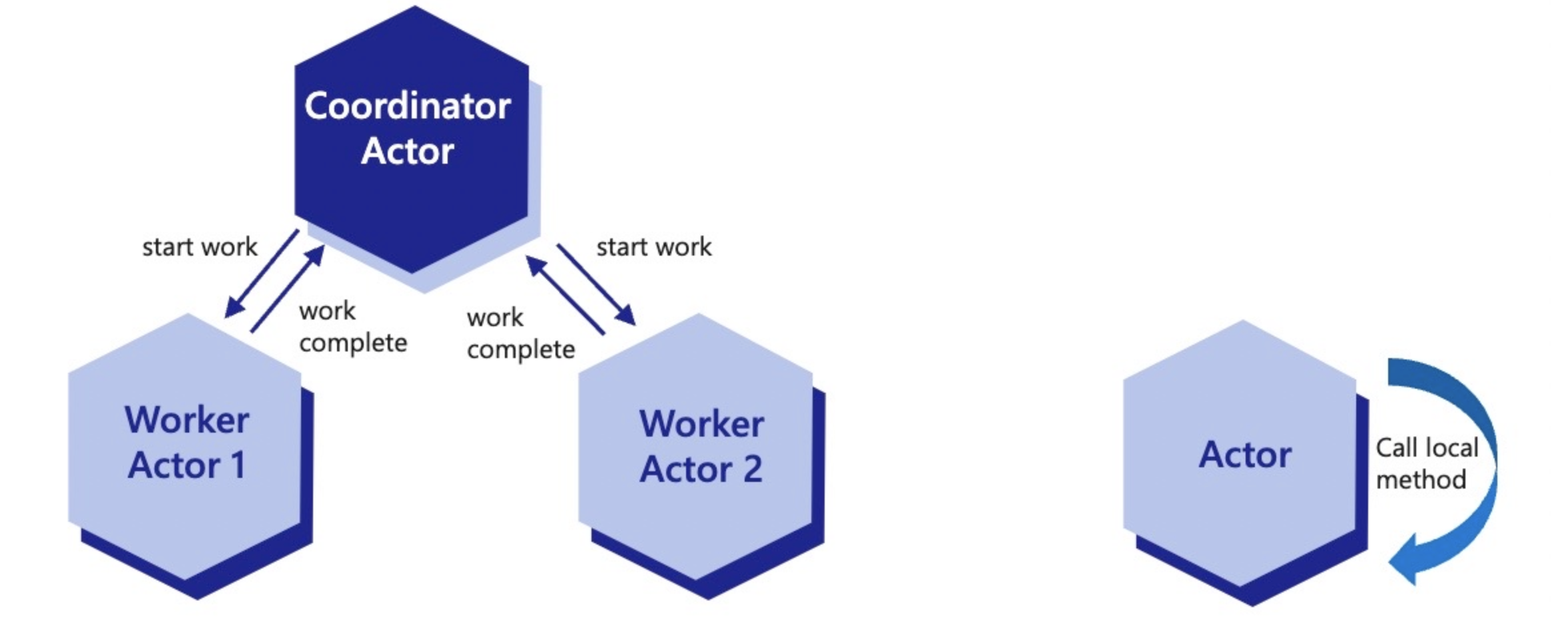
The maxStackDepth parameter sets a value that controls how many reentrant calls can be made to the same actor. By default, this is set to 32, which is more than sufficient in most cases.
Configure the actor runtime to enable reentrancy
The reentrant actor must provide the appropriate configuration. This is done by the actor’s endpoint for GET /dapr/config, similar to other actor configuration elements.
public class Startup
{
public void ConfigureServices(IServiceCollection services)
{
services.AddSingleton<BankService>();
services.AddActors(options =>
{
options.Actors.RegisterActor<DemoActor>();
options.ReentrancyConfig = new Dapr.Actors.ActorReentrancyConfig()
{
Enabled = true,
MaxStackDepth = 32,
};
});
}
}
import { CommunicationProtocolEnum, DaprClient, DaprServer } from "@dapr/dapr";
// Configure the actor runtime with the DaprClientOptions.
const clientOptions = {
actor: {
reentrancy: {
enabled: true,
maxStackDepth: 32,
},
},
};
from fastapi import FastAPI
from dapr.ext.fastapi import DaprActor
from dapr.actor.runtime.config import ActorRuntimeConfig, ActorReentrancyConfig
from dapr.actor.runtime.runtime import ActorRuntime
from demo_actor import DemoActor
reentrancyConfig = ActorReentrancyConfig(enabled=True)
config = ActorRuntimeConfig(reentrancy=reentrancyConfig)
ActorRuntime.set_actor_config(config)
app = FastAPI(title=f'{DemoActor.__name__}Service')
actor = DaprActor(app)
@app.on_event("startup")
async def startup_event():
# Register DemoActor
await actor.register_actor(DemoActor)
@app.get("/MakeExampleReentrantCall")
def do_something_reentrant():
# invoke another actor here, reentrancy will be handled automatically
return
Here is a snippet of an actor written in Golang providing the reentrancy configuration via the HTTP API. Reentrancy has not yet been included into the Go SDK.
type daprConfig struct {
Entities []string `json:"entities,omitempty"`
ActorIdleTimeout string `json:"actorIdleTimeout,omitempty"`
ActorScanInterval string `json:"actorScanInterval,omitempty"`
DrainOngoingCallTimeout string `json:"drainOngoingCallTimeout,omitempty"`
DrainRebalancedActors bool `json:"drainRebalancedActors,omitempty"`
Reentrancy config.ReentrancyConfig `json:"reentrancy,omitempty"`
}
var daprConfigResponse = daprConfig{
[]string{defaultActorType},
actorIdleTimeout,
actorScanInterval,
drainOngoingCallTimeout,
drainRebalancedActors,
config.ReentrancyConfig{Enabled: true, MaxStackDepth: &maxStackDepth},
}
func configHandler(w http.ResponseWriter, r *http.Request) {
w.Header().Set("Content-Type", "application/json")
w.WriteHeader(http.StatusOK)
json.NewEncoder(w).Encode(daprConfigResponse)
}
Handle reentrant requests
The key to a reentrant request is the Dapr-Reentrancy-Id header. The value of this header is used to match requests to their call chain and allow them to bypass the actor’s lock.
The header is generated by the Dapr runtime for any actor request that has a reentrant config specified. Once it is generated, it is used to lock the actor and must be passed to all future requests. Below is an example of an actor handling a reentrant request:
func reentrantCallHandler(w http.ResponseWriter, r *http.Request) {
/*
* Omitted.
*/
req, _ := http.NewRequest("PUT", url, bytes.NewReader(nextBody))
reentrancyID := r.Header.Get("Dapr-Reentrancy-Id")
req.Header.Add("Dapr-Reentrancy-Id", reentrancyID)
client := http.Client{}
resp, err := client.Do(req)
/*
* Omitted.
*/
}
Reentrancy in reminder and timer callbacks
Reminder and timer callbacks are actor requests like any other. They take the actor’s lock, and when reentrancy is enabled for the actor type, Dapr generates a Dapr-Reentrancy-Id for the callback and sends it to your app:
- Over HTTP, as the
Dapr-Reentrancy-Idrequest header onPUT /actors/<actorType>/<actorId>/method/remind/<reminderName>, and on the equivalent timer route. - Over a gRPC actor event stream, in the
metadatamap of the reminder or timer callback message.
Propagate it from a callback exactly as you would from a method invocation. A call that omits it starts a new call chain, so a callback calling back into its own actor waits for a lock the callback itself is holding, until the call times out.
Note
Reminder and timer callbacks carryDapr-Reentrancy-Id from Dapr 1.19. Earlier versions did not send it consistently on these callbacks, so a reentrant call made from inside a reminder or timer callback could block until it timed out. Actor method invocations are unaffected and have always carried the header.Demo
Watch this video on how to use actor reentrancy.
Next steps
Actors in the Dapr SDKsRelated links
1.8 - Secrets management
More about Dapr Secrets
Learn more about how to use Dapr Secrets:
- Try the Secrets quickstart.
- Explore secrets via any of the supporting Dapr SDKs.
- Review the Secrets API reference documentation.
- Browse the supported secrets component specs.
1.8.1 - Secrets management overview
Applications usually store sensitive information in secrets by using a dedicated secret store. For example, you authenticate databases, services, and external systems with connection strings, keys, tokens, and other application-level secrets stored in a secret store, such as AWS Secrets Manager, Azure Key Vault, Hashicorp Vault, etc.
To access these secret stores, the application imports the secret store SDK, often requiring a fair amount of unrelated boilerplate code. This poses an even greater challenge in multi-cloud scenarios, where different vendor-specific secret stores may be used.
Secrets management API
Dapr’s dedicated secrets building block API makes it easier for developers to consume application secrets from a secret store. To use Dapr’s secret store building block, you:
- Set up a component for a specific secret store solution.
- Retrieve secrets using the Dapr secrets API in the application code.
- Optionally, reference secrets in Dapr component files.
The following overview video and demo demonstrates how Dapr secrets management works.
Features
The secrets management API building block brings several features to your application.
Configure secrets without changing application code
You can call the secrets API in your application code to retrieve and use secrets from Dapr supported secret stores. Watch this video for an example of how the secrets management API can be used in your application.
For example, the diagram below shows an application requesting the secret called “mysecret” from a secret store called “vault” from a configured cloud secret store.
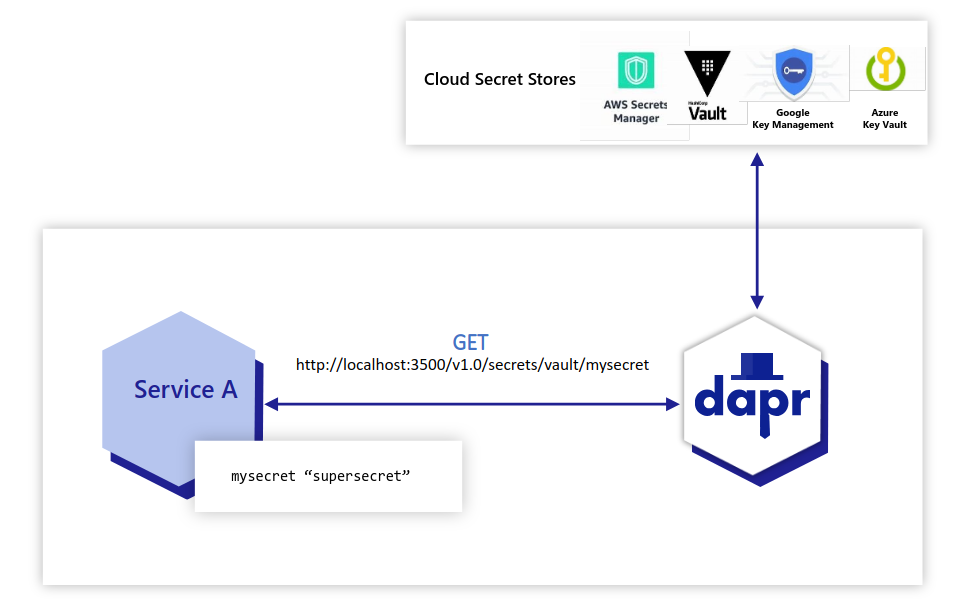
Applications can also use the secrets API to access secrets from a Kubernetes secret store. By default, Dapr enables a built-in Kubernetes secret store in Kubernetes mode, deployed via:
- The Helm defaults, or
dapr init -k
If you are using another secret store, you can disable (not configure) the Dapr Kubernetes secret store by adding the annotation dapr.io/disable-builtin-k8s-secret-store: "true" to the deployment.yaml file. The default is false.
In the example below, the application retrieves the same secret “mysecret” from a Kubernetes secret store.
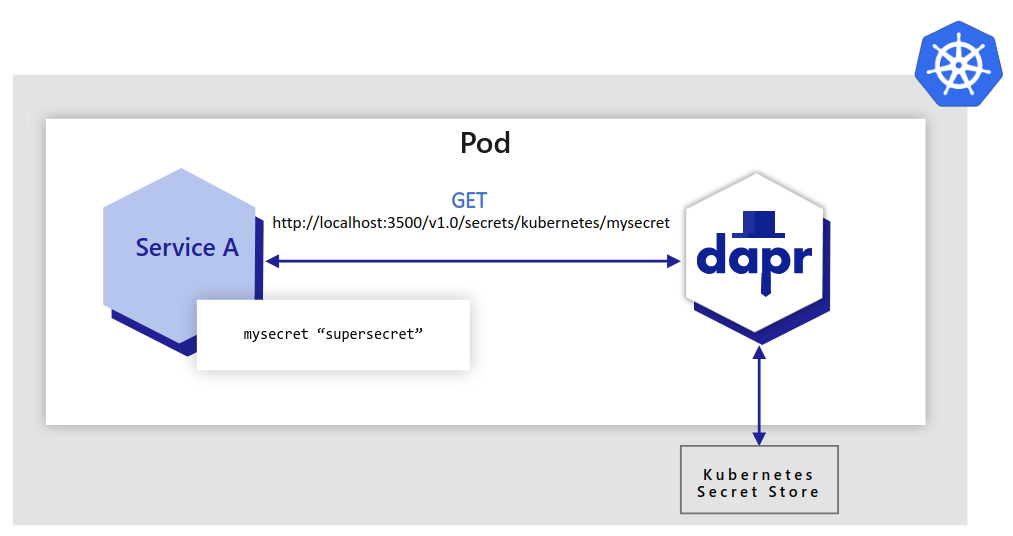
In Azure, you can configure Dapr to retrieve secrets using managed identities to authenticate with Azure Key Vault. In the example below:
- An Azure Kubernetes Service (AKS) cluster is configured to use managed identities.
- Dapr uses pod identities to retrieve secrets from Azure Key Vault on behalf of the application.
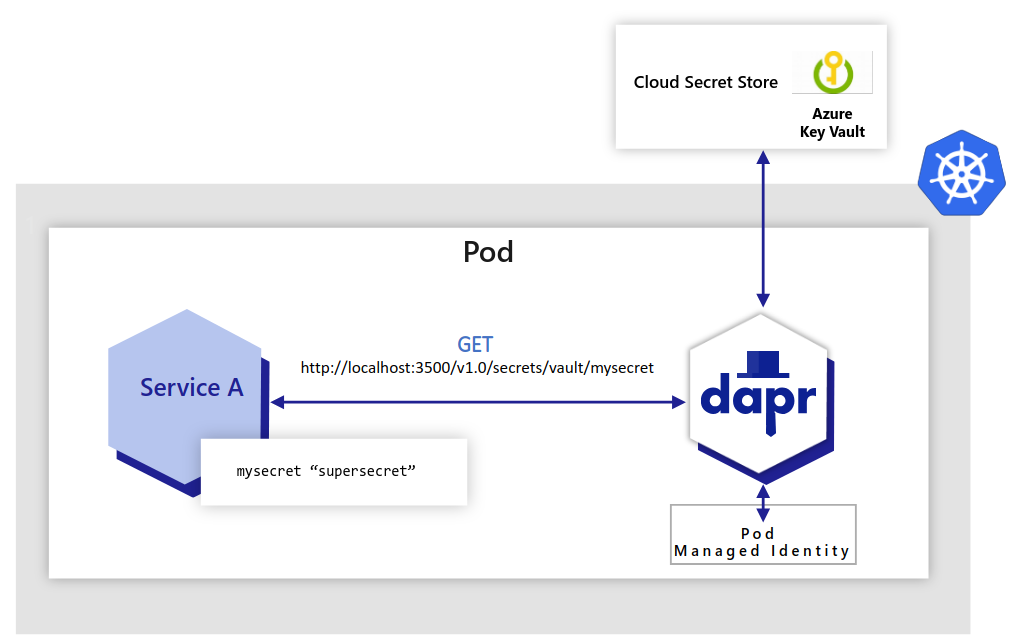
In the examples above, the application code did not have to change to get the same secret. Dapr uses the secret management components via the secrets management building block API.
Try out the secrets API using one of our quickstarts or tutorials.
Reference secret stores in Dapr components
When configuring Dapr components such as state stores, you’re often required to include credentials in components files. Alternatively, you can place the credentials within a Dapr supported secret store and reference the secret within the Dapr component. This is the preferred approach and recommended best practice, especially in production environments.
When running in Kubernetes and referencing secrets from the built-in Kubernetes secret store, Dapr also automatically reloads components when the referenced secret values change, for example when a credential is rotated, without restarting the application. This is enabled by default using the hot reloading feature.
For more information, read referencing secret stores in components and updating referenced secrets.
Limit access to secrets
To provide more granular control on access to secrets, Dapr provides the ability to define scopes and restricting access permissions. Learn more about using secret scoping
Try out secrets management
Quickstarts and tutorials
Want to put the Dapr secrets management API to the test? Walk through the following quickstart and tutorials to see Dapr secrets in action:
| Quickstart/tutorial | Description |
|---|---|
| Secrets management quickstart | Retrieve secrets in the application code from a configured secret store using the secrets management API. |
| Secret Store tutorial | Demonstrates the use of Dapr Secrets API to access secret stores. |
Start managing secrets directly in your app
Want to skip the quickstarts? Not a problem. You can try out the secret management building block directly in your application to retrieve and manage secrets. After Dapr is installed, you can begin using the secrets management API starting with the secrets how-to guide.
Next steps
- Learn how to use secret scoping.
- Read the secrets API reference doc.
1.8.2 - How To: Retrieve a secret
Now that you’ve learned what the Dapr secrets building block provides, learn how it can work in your service. This guide demonstrates how to call the secrets API and retrieve secrets in your application code from a configured secret store.
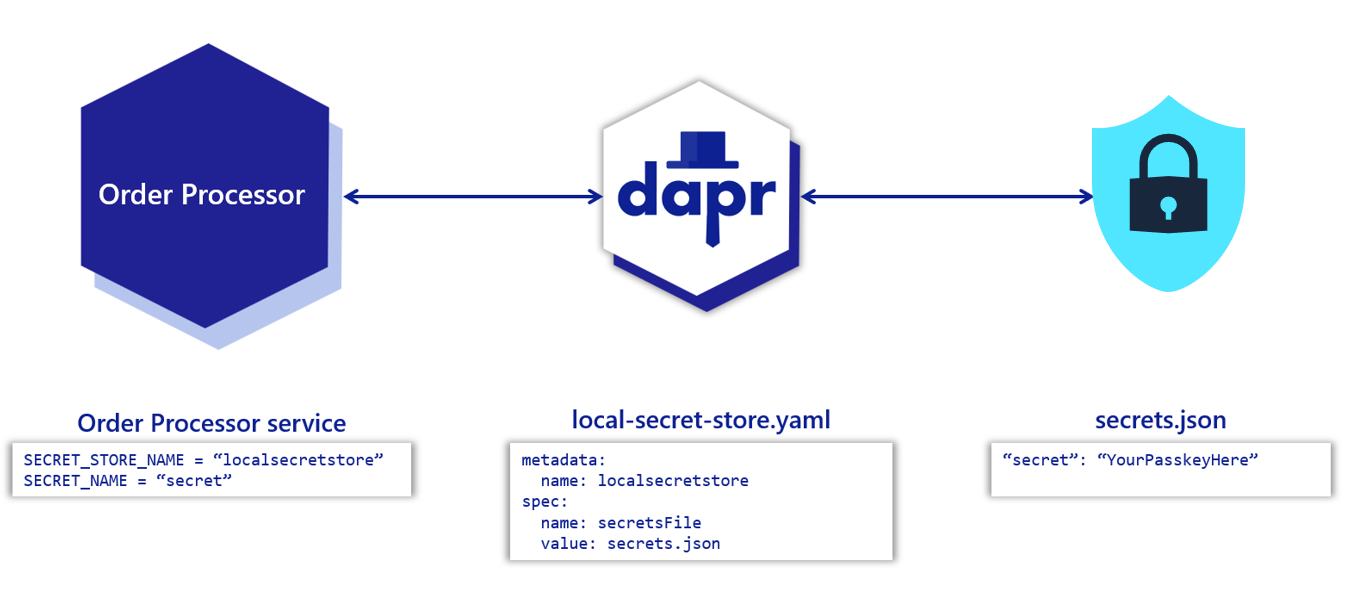
Note
If you haven’t already, try out the secrets management quickstart for a quick walk-through on how to use the secrets API.Set up a secret store
Before retrieving secrets in your application’s code, you must configure a secret store component. This example configures a secret store that uses a local JSON file to store secrets.
Warning
In a production-grade application, local secret stores are not recommended. Find alternatives to securely manage your secrets.In your project directory, create a file named secrets.json with the following contents:
{
"secret": "Order Processing pass key"
}
Create a new directory named components. Navigate into that directory and create a component file named local-secret-store.yaml with the following contents:
apiVersion: dapr.io/v1alpha1
kind: Component
metadata:
name: localsecretstore
spec:
type: secretstores.local.file
version: v1
metadata:
- name: secretsFile
value: secrets.json #path to secrets file
- name: nestedSeparator
value: ":"
Warning
The path to the secret store JSON is relative to where you calldapr run.For more information:
- See how to configure a different kind of secret store.
- Review supported secret stores to see specific details required for different secret store solutions.
Get a secret
Get the secret by calling the Dapr sidecar using the secrets API:
curl http://localhost:3601/v1.0/secrets/localsecretstore/secret
See a full API reference.
Calling the secrets API from your code
Now that you’ve set up the local secret store, call Dapr to get the secrets from your application code. Below are code examples that leverage Dapr SDKs for retrieving a secret.
using System;
using System.Threading.Tasks;
using Dapr.Client;
namespace EventService;
const string SECRET_STORE_NAME = "localsecretstore";
var builder = WebApplication.CreateBuilder(args);
builder.Services.AddDaprClient();
var app = builder.Build();
//Resolve a DaprClient from DI
var daprClient = app.Services.GetRequiredService<DaprClient>();
//Use the Dapr SDK to get a secret
var secret = await daprClient.GetSecretAsync(SECRET_STORE_NAME, "secret");
Console.WriteLine($"Result: {string.Join(", ", secret)}");
//dependencies
import com.fasterxml.jackson.core.JsonProcessingException;
import com.fasterxml.jackson.databind.ObjectMapper;
import io.dapr.client.DaprClient;
import io.dapr.client.DaprClientBuilder;
import org.springframework.boot.autoconfigure.SpringBootApplication;
import org.slf4j.Logger;
import org.slf4j.LoggerFactory;
import java.util.Map;
//code
@SpringBootApplication
public class OrderProcessingServiceApplication {
private static final Logger log = LoggerFactory.getLogger(OrderProcessingServiceApplication.class);
private static final ObjectMapper JSON_SERIALIZER = new ObjectMapper();
private static final String SECRET_STORE_NAME = "localsecretstore";
public static void main(String[] args) throws InterruptedException, JsonProcessingException {
DaprClient client = new DaprClientBuilder().build();
//Using Dapr SDK to get a secret
Map<String, String> secret = client.getSecret(SECRET_STORE_NAME, "secret").block();
log.info("Result: " + JSON_SERIALIZER.writeValueAsString(secret));
}
}
#dependencies
import random
from time import sleep
import requests
import logging
from dapr.clients import DaprClient
from dapr.clients.grpc._state import StateItem
from dapr.clients.grpc._request import TransactionalStateOperation, TransactionOperationType
#code
logging.basicConfig(level = logging.INFO)
DAPR_STORE_NAME = "localsecretstore"
key = 'secret'
with DaprClient() as client:
#Using Dapr SDK to get a secret
secret = client.get_secret(store_name=DAPR_STORE_NAME, key=key)
logging.info('Result: ')
logging.info(secret.secret)
#Using Dapr SDK to get bulk secrets
secret = client.get_bulk_secret(store_name=DAPR_STORE_NAME)
logging.info('Result for bulk secret: ')
logging.info(sorted(secret.secrets.items()))
//dependencies
import (
"context"
"log"
dapr "github.com/dapr/go-sdk/client"
)
//code
func main() {
client, err := dapr.NewClient()
SECRET_STORE_NAME := "localsecretstore"
if err != nil {
panic(err)
}
defer client.Close()
ctx := context.Background()
//Using Dapr SDK to get a secret
secret, err := client.GetSecret(ctx, SECRET_STORE_NAME, "secret", nil)
if secret != nil {
log.Println("Result : ")
log.Println(secret)
}
//Using Dapr SDK to get bulk secrets
secretBulk, err := client.GetBulkSecret(ctx, SECRET_STORE_NAME, nil)
if secret != nil {
log.Println("Result for bulk: ")
log.Println(secretBulk)
}
}
//dependencies
import { DaprClient, HttpMethod, CommunicationProtocolEnum } from '@dapr/dapr';
//code
const daprHost = "127.0.0.1";
async function main() {
const client = new DaprClient({
daprHost,
daprPort: process.env.DAPR_HTTP_PORT,
communicationProtocol: CommunicationProtocolEnum.HTTP,
});
const SECRET_STORE_NAME = "localsecretstore";
//Using Dapr SDK to get a secret
var secret = await client.secret.get(SECRET_STORE_NAME, "secret");
console.log("Result: " + secret);
//Using Dapr SDK to get bulk secrets
secret = await client.secret.getBulk(SECRET_STORE_NAME);
console.log("Result for bulk: " + secret);
}
main();
Related links
- Review the Dapr secrets API features.
- Learn how to use secrets scopes
- Read the secrets API reference and review the supported secrets.
- Learn how to set up different secret store components and how to reference secrets in your component.
1.8.3 - How To: Use secret scoping
Once you configure a secret store for your application, any secret defined within that store is accessible by default from the Dapr application.
You can limit the Dapr application’s access to specific secrets by defining secret scopes. Simply add a secret scope policy to the application configuration with restrictive permissions.
The secret scoping policy applies to any secret store, including:
- A local secret store
- A Kubernetes secret store
- A public cloud secret store
For details on how to set up a secret store, read How To: Retrieve a secret.
Watch this video for a demo on how to use secret scoping with your application.
Scenario 1 : Deny access to all secrets for a secret store
In this example, all secret access is denied to an application running on a Kubernetes cluster, which has a configured Kubernetes secret store named mycustomsecretstore. Aside from the user-defined custom store, the example also configures the Kubernetes default store (named kubernetes) to ensure all secrets are denied access. Learn more about the Kubernetes default secret store.
Define the following appconfig.yaml configuration and apply it to the Kubernetes cluster using the command kubectl apply -f appconfig.yaml.
apiVersion: dapr.io/v1alpha1
kind: Configuration
metadata:
name: appconfig
spec:
secrets:
scopes:
- storeName: kubernetes
defaultAccess: deny
- storeName: mycustomsecreststore
defaultAccess: deny
For applications that need to be denied access to the Kubernetes secret store, follow these instructions, and add the following annotation to the application pod:
dapr.io/config: appconfig
With this defined, the application no longer has access to any secrets in the Kubernetes secret store.
Scenario 2 : Allow access to only certain secrets in a secret store
This example uses a secret store named vault. This could be a Hashicorp secret store component set on your application. To allow a Dapr application to have access to only secret1 and secret2 in the vault secret store, define the following appconfig.yaml:
apiVersion: dapr.io/v1alpha1
kind: Configuration
metadata:
name: appconfig
spec:
secrets:
scopes:
- storeName: vault
defaultAccess: deny
allowedSecrets: ["secret1", "secret2"]
The default access to the vault secret store is deny, while some secrets are accessible by the application, based on the allowedSecrets list. Learn how to apply configuration to the sidecar.
Scenario 3: Deny access to certain sensitive secrets in a secret store
Define the following config.yaml:
apiVersion: dapr.io/v1alpha1
kind: Configuration
metadata:
name: appconfig
spec:
secrets:
scopes:
- storeName: vault
defaultAccess: allow # this is the default value, line can be omitted
deniedSecrets: ["secret1", "secret2"]
This example configuration explicitly denies access to secret1 and secret2 from the secret store named vault while allowing access to all other secrets. Learn how to apply configuration to the sidecar.
Permission priority
The allowedSecrets and deniedSecrets list values take priority over the defaultAccess policy.
| Scenarios | defaultAccess | allowedSecrets | deniedSecrets | permission |
|---|---|---|---|---|
| 1 - Only default access | deny/allow | empty | empty | deny/allow |
| 2 - Default deny with allowed list | deny | [“s1”] | empty | only “s1” can be accessed |
| 3 - Default allow with deneied list | allow | empty | [“s1”] | only “s1” cannot be accessed |
| 4 - Default allow with allowed list | allow | [“s1”] | empty | only “s1” can be accessed |
| 5 - Default deny with denied list | deny | empty | [“s1”] | deny |
| 6 - Default deny/allow with both lists | deny/allow | [“s1”] | [“s2”] | only “s1” can be accessed |
Related links
- List of secret stores
- Overview of secret stores
1.9 - Configuration
More about Dapr Configuration
Learn more about how to use Dapr Configuration:
- Try the Configuration quickstart.
- Explore configuration via any of the supporting Dapr SDKs.
- Review the Configuration API reference documentation.
- Browse the supported configuration component specs.
1.9.1 - Configuration overview
Consuming application configuration is a common task when writing applications. Frequently, configuration stores are used to manage this configuration data. A configuration item is often dynamic in nature and tightly coupled to the needs of the application that consumes it.
For example, application configuration can include:
- Names of secrets
- Different identifiers
- Partition or consumer IDs
- Names of databases to connect to, etc
Usually, configuration items are stored as key/value items in a state store or database. Developers or operators can change application configuration at runtime in the configuration store. Once changes are made, a service is notified to load the new configuration.
Configuration data is read-only from the application API perspective, with updates to the configuration store made through operator tooling. With Dapr’s configuration API, you can:
- Consume configuration items that are returned as read-only key/value pairs
- Subscribe to changes whenever a configuration item changes
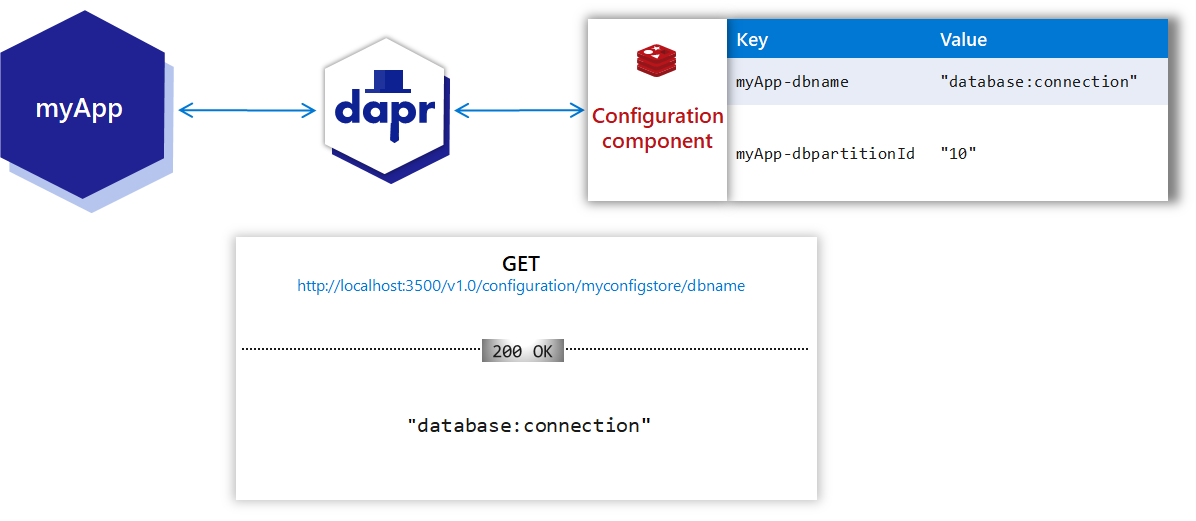
Note
The Configuration API should not be confused with the Dapr sidecar and control plane configuration, which is used to set policies and settings on Dapr sidecar instances or the installed Dapr control plane.Try out configuration
Quickstart
Want to put the Dapr configuration API to the test? Walk through the following quickstart to see the configuration API in action:
| Quickstart | Description |
|---|---|
| Configuration quickstart | Get configuration items or subscribe to configuration changes using the configuration API. |
Start using the configuration API directly in your app
Want to skip the quickstarts? Not a problem. You can try out the configuration building block directly in your application to read and manage configuration data. After Dapr is installed, you can begin using the configuration API starting with the configuration how-to guide.
Watch the demo
Watch this demo of using the Dapr Configuration building block
Next steps
Follow these guides on:
1.9.2 - How-To: Manage configuration from a store
This example uses the Redis configuration store component to demonstrate how to retrieve a configuration item.
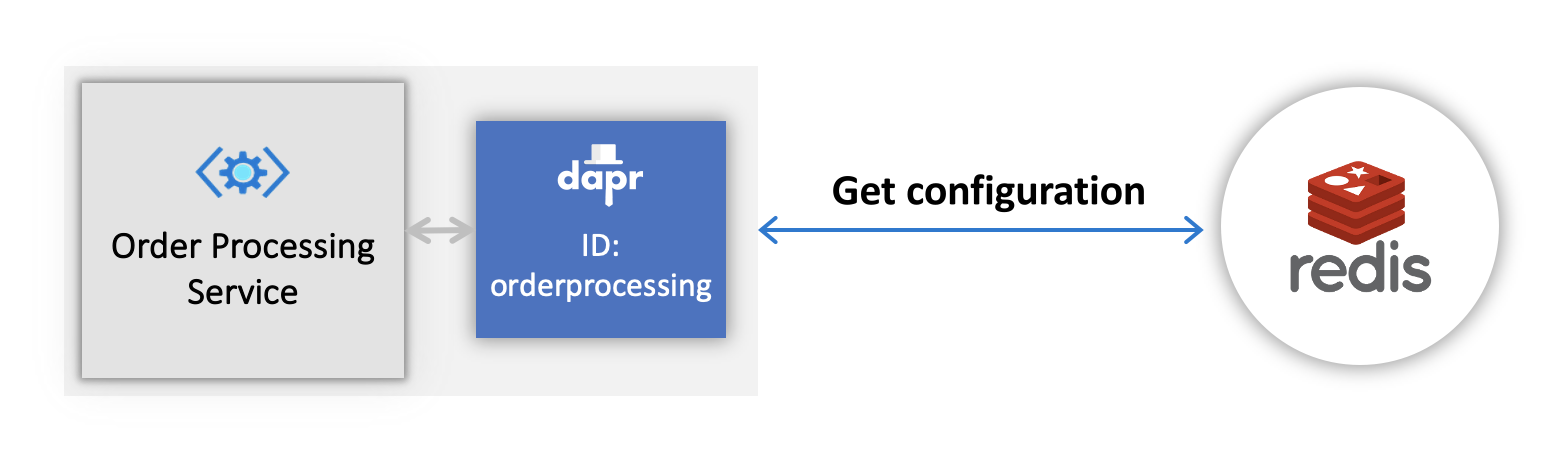
Note
If you haven’t already, try out the configuration quickstart for a quick walk-through on how to use the configuration API.Disabling configuration initialization endpoint
If your application does not use the configuration building block, the automatic HTTP call to the/dapr/config endpoint during initialization can be disabled to reduce log noise. Use the --disable-init-endpoints config flag with dapr run, or the dapr.io/disable-init-endpoints: "config" annotation in Kubernetes. Learn more about disabling initialization endpoints.Create a configuration item in store
Create a configuration item in a supported configuration store. This can be a simple key-value item, with any key of your choice. As mentioned earlier, this example uses the Redis configuration store component.
Run Redis with Docker
docker run --name my-redis -p 6379:6379 -d redis:6
Save an item
Using the Redis CLI, connect to the Redis instance:
redis-cli -p 6379
Save a configuration item:
MSET orderId1 "101||1" orderId2 "102||1"
Configure a Dapr configuration store
Save the following component file to the default components folder on your machine. You can use this as the Dapr component YAML:
- For Kubernetes using
kubectl. - When running with the Dapr CLI.
Note
Since the Redis configuration component has identical metadata to the Redisstatestore.yaml component, you can simply copy/change the Redis state store component type if you already have a Redis statestore.yaml.apiVersion: dapr.io/v1alpha1
kind: Component
metadata:
name: configstore
spec:
type: configuration.redis
metadata:
- name: redisHost
value: localhost:6379
- name: redisPassword
value: <PASSWORD>
Retrieve Configuration Items
Get configuration items
The following example shows how to get a saved configuration item using the Dapr Configuration API.
using System;
using System.Collections.Generic;
using System.Threading.Tasks;
using Dapr.Client;
const string CONFIG_STORE_NAME = "configstore";
var builder = WebApplication.CreateBuilder(args);
builder.Services.AddDaprClient();
var app = builder.Build();
using var client = app.Services.GetRequiredServices<DaprClient>();
var configuration = await client.GetConfiguration(CONFIG_STORE_NAME, [ "orderId1", "orderId2" ]);
Console.WriteLine($"Got key=\n{configuration[0].Key} -> {configuration[0].Value}\n{configuration[1].Key} -> {configuration[1].Value}");
//dependencies
import io.dapr.client.DaprClientBuilder;
import io.dapr.client.DaprClient;
import io.dapr.client.domain.ConfigurationItem;
import io.dapr.client.domain.GetConfigurationRequest;
import io.dapr.client.domain.SubscribeConfigurationRequest;
import reactor.core.publisher.Flux;
import reactor.core.publisher.Mono;
//code
private static final String CONFIG_STORE_NAME = "configstore";
public static void main(String[] args) throws Exception {
try (DaprClient client = (new DaprClientBuilder()).build()) {
List<String> keys = new ArrayList<>();
keys.add("orderId1");
keys.add("orderId2");
GetConfigurationRequest req = new GetConfigurationRequest(CONFIG_STORE_NAME, keys);
try {
Mono<List<ConfigurationItem>> items = client.getConfiguration(req);
items.block().forEach(ConfigurationClient::print);
} catch (Exception ex) {
System.out.println(ex.getMessage());
}
}
}
#dependencies
from dapr.clients import DaprClient
#code
with DaprClient() as d:
CONFIG_STORE_NAME = 'configstore'
keys = ['orderId1', 'orderId2']
#Startup time for dapr
d.wait(20)
configuration = d.get_configuration(store_name=CONFIG_STORE_NAME, keys=[keys], config_metadata={})
print(f"Got key={configuration.items[0].key} value={configuration.items[0].value} version={configuration.items[0].version}")
package main
import (
"context"
"fmt"
dapr "github.com/dapr/go-sdk/client"
)
func main() {
ctx := context.Background()
client, err := dapr.NewClient()
if err != nil {
panic(err)
}
items, err := client.GetConfigurationItems(ctx, "configstore", ["orderId1","orderId2"])
if err != nil {
panic(err)
}
for key, item := range items {
fmt.Printf("get config: key = %s value = %s version = %s",key,(*item).Value, (*item).Version)
}
}
These examples target @dapr/dapr 3.19.0 or later. See the JavaScript configuration guide for installation and a complete runnable example.
import { CommunicationProtocolEnum, DaprClient } from "@dapr/dapr";
// Configuration operations in the JavaScript SDK require gRPC.
const protocol = CommunicationProtocolEnum.GRPC;
const host = process.env.DAPR_HOST ?? "localhost";
const port = process.env.DAPR_GRPC_PORT ?? "50001";
const DAPR_CONFIGURATION_STORE = "configstore";
const CONFIGURATION_ITEMS = ["orderId1", "orderId2"];
async function main() {
const client = new DaprClient({
daprHost: host,
daprPort: port,
communicationProtocol: protocol,
});
// Get config items from the config store
try {
const config = await client.configuration.get(DAPR_CONFIGURATION_STORE, CONFIGURATION_ITEMS);
Object.keys(config.items).forEach((key) => {
console.log("Configuration for " + key + ":", JSON.stringify(config.items[key]));
});
} finally {
await client.stop();
}
}
main().catch((e) => {
console.error(e);
process.exitCode = 1;
});
Launch a dapr sidecar:
dapr run --app-id orderprocessing --dapr-http-port 3601
In a separate terminal, get the configuration item saved earlier:
curl http://localhost:3601/v1.0/configuration/configstore?key=orderId1
Launch a Dapr sidecar:
dapr run --app-id orderprocessing --dapr-http-port 3601
In a separate terminal, get the configuration item saved earlier:
Invoke-RestMethod -Uri 'http://localhost:3601/v1.0/configuration/configstore?key=orderId1'
Subscribe to configuration item updates
Below are code examples that leverage SDKs to subscribe to keys [orderId1, orderId2] using configstore store component.
using System;
using System.Collections.Generic;
using System.Threading.Tasks;
using Dapr.Client;
using System.Text.Json;
const string DAPR_CONFIGURATION_STORE = "configstore";
var CONFIGURATION_ITEMS = new List<string> { "orderId1", "orderId2" };
var builder = WebApplication.CreateBuilder(args);
builder.Services.AddDaprClient();
var app = builder.Build();
var client = app.Services.GetRequiredService<DaprClient>();
// Subscribe for configuration changes
var subscribe = await client.SubscribeConfiguration(DAPR_CONFIGURATION_STORE, CONFIGURATION_ITEMS);
// Print configuration changes
await foreach (var items in subscribe.Source)
{
// First invocation when app subscribes to config changes only returns subscription id
if (items.Keys.Count == 0)
{
Console.WriteLine("App subscribed to config changes with subscription id: " + subscribe.Id);
subscriptionId = subscribe.Id;
continue;
}
var cfg = JsonSerializer.Serialize(items);
Console.WriteLine("Configuration update " + cfg);
}
Navigate to the directory containing the above code, then run the following command to launch both a Dapr sidecar and the subscriber application:
dapr run --app-id orderprocessing -- dotnet run
using System;
using Microsoft.AspNetCore.Hosting;
using Microsoft.Extensions.Hosting;
using Dapr.Client;
using Dapr.Extensions.Configuration;
using System.Collections.Generic;
using System.Threading;
Console.WriteLine("Starting application.");
var builder = WebApplication.CreateBuilder(args);
// Unlike most other situations, we build a `DaprClient` here using its factory because we cannot rely on `IConfiguration`
// or other injected services to configure it because we haven't yet built the DI container.
var client = new DaprClientBuilder().Build();
// In a real-world application, you'd also add the following line to register the `DaprClient` with the DI container so
// it can be injected into other services. In this demonstration, it's not necessary as we're not injecting it anywhere.
// builder.Services.AddDaprClient();
// Get the initial value and continue to watch it for changes
builder.Configuration.AddDaprConfigurationStore("configstore", new List<string>() { "orderId1","orderId2" }, client, TimeSpan.FromSeconds(20));
builder.Configuration.AddStreamingDaprConfigurationStore("configstore", new List<string>() { "orderId1","orderId2" }, client, TimeSpan.FromSeconds(20));
await builder.Build().RunAsync();
Console.WriteLine("Closing application.");
Navigate to the directory containing the above code, then run the following command to launch both a Dapr sidecar and the subscriber application:
dapr run --app-id orderprocessing -- dotnet run
import io.dapr.client.DaprClientBuilder;
import io.dapr.client.DaprClient;
import io.dapr.client.domain.ConfigurationItem;
import io.dapr.client.domain.GetConfigurationRequest;
import io.dapr.client.domain.SubscribeConfigurationRequest;
import reactor.core.publisher.Flux;
import reactor.core.publisher.Mono;
//code
private static final String CONFIG_STORE_NAME = "configstore";
private static String subscriptionId = null;
public static void main(String[] args) throws Exception {
try (DaprClient client = (new DaprClientBuilder()).build()) {
// Subscribe for config changes
List<String> keys = new ArrayList<>();
keys.add("orderId1");
keys.add("orderId2");
Flux<SubscribeConfigurationResponse> subscription = client.subscribeConfiguration(DAPR_CONFIGURATON_STORE,keys);
// Read config changes for 20 seconds
subscription.subscribe((response) -> {
// First ever response contains the subscription id
if (response.getItems() == null || response.getItems().isEmpty()) {
subscriptionId = response.getSubscriptionId();
System.out.println("App subscribed to config changes with subscription id: " + subscriptionId);
} else {
response.getItems().forEach((k, v) -> {
System.out.println("Configuration update for " + k + ": {'value':'" + v.getValue() + "'}");
});
}
});
Thread.sleep(20000);
}
}
Navigate to the directory containing the above code, then run the following command to launch both a Dapr sidecar and the subscriber application:
dapr run --app-id orderprocessing -- -- mvn spring-boot:run
#dependencies
from dapr.clients import DaprClient
#code
def handler(id: str, resp: ConfigurationResponse):
for key in resp.items:
print(f"Subscribed item received key={key} value={resp.items[key].value} "
f"version={resp.items[key].version} "
f"metadata={resp.items[key].metadata}", flush=True)
def executeConfiguration():
with DaprClient() as d:
storeName = 'configurationstore'
keys = ['orderId1', 'orderId2']
id = d.subscribe_configuration(store_name=storeName, keys=keys,
handler=handler, config_metadata={})
print("Subscription ID is", id, flush=True)
sleep(20)
executeConfiguration()
Navigate to the directory containing the above code, then run the following command to launch both a Dapr sidecar and the subscriber application:
dapr run --app-id orderprocessing -- python3 OrderProcessingService.py
package main
import (
"context"
"fmt"
"time"
dapr "github.com/dapr/go-sdk/client"
)
func main() {
ctx := context.Background()
client, err := dapr.NewClient()
if err != nil {
panic(err)
}
subscribeID, err := client.SubscribeConfigurationItems(ctx, "configstore", []string{"orderId1", "orderId2"}, func(id string, items map[string]*dapr.ConfigurationItem) {
for k, v := range items {
fmt.Printf("get updated config key = %s, value = %s version = %s \n", k, v.Value, v.Version)
}
})
if err != nil {
panic(err)
}
time.Sleep(20*time.Second)
}
Navigate to the directory containing the above code, then run the following command to launch both a Dapr sidecar and the subscriber application:
dapr run --app-id orderprocessing -- go run main.go
The JavaScript SDK receives updates on a client-side gRPC stream; no application callback route is needed. See client usage guidance for subscription readiness and error-handling limitations.
import { CommunicationProtocolEnum, DaprClient } from "@dapr/dapr";
// Configuration operations in the JavaScript SDK require gRPC.
const protocol = CommunicationProtocolEnum.GRPC;
const host = process.env.DAPR_HOST ?? "localhost";
const port = process.env.DAPR_GRPC_PORT ?? "50001";
const DAPR_CONFIGURATION_STORE = "configstore";
const CONFIGURATION_ITEMS = ["orderId1", "orderId2"];
async function main() {
const client = new DaprClient({
daprHost: host,
daprPort: port,
communicationProtocol: protocol,
});
// Subscribe to config updates
try {
const stream = await client.configuration.subscribeWithKeys(
DAPR_CONFIGURATION_STORE,
CONFIGURATION_ITEMS,
async (config) => {
console.log("Configuration update", JSON.stringify(config.items));
}
);
try {
await new Promise((resolve) => setTimeout(resolve, 20000));
} finally {
await stream.stop();
}
} finally {
await client.stop();
}
}
main().catch((e) => {
console.error(e);
process.exitCode = 1;
});
Save the code as index.mjs, then run the following command to launch both a Dapr sidecar and the subscriber application:
dapr run --app-id orderprocessing --dapr-grpc-port 50001 -- node index.mjs
Unsubscribe from configuration item updates
After you’ve subscribed to watch configuration items, you will receive updates for all of the subscribed keys. To stop receiving updates, you need to explicitly call the unsubscribe API.
Following are the code examples showing how you can unsubscribe to configuration updates using unsubscribe API.
using System;
using System.Collections.Generic;
using System.Threading.Tasks;
using Dapr.Client;
var builder = WebApplication.CreateBuilder();
builder.Services.AddDaprClient();
var app = builder.Build();
const string DAPR_CONFIGURATION_STORE = "configstore";
const string SubscriptionId = "abc123"; //Replace with the subscription identifier to unsubscribe from
var client = app.Services.GetRequiredService<DaprClient>();
await client.UnsubscribeConfiguration(DAPR_CONFIGURATION_STORE, SubscriptionId);
Console.WriteLine("App unsubscribed from config changes");
import io.dapr.client.DaprClientBuilder;
import io.dapr.client.DaprClient;
import io.dapr.client.domain.ConfigurationItem;
import io.dapr.client.domain.GetConfigurationRequest;
import io.dapr.client.domain.SubscribeConfigurationRequest;
import reactor.core.publisher.Flux;
import reactor.core.publisher.Mono;
//code
private static final String CONFIG_STORE_NAME = "configstore";
private static String subscriptionId = null;
public static void main(String[] args) throws Exception {
try (DaprClient client = (new DaprClientBuilder()).build()) {
// Unsubscribe from config changes
UnsubscribeConfigurationResponse unsubscribe = client
.unsubscribeConfiguration(subscriptionId, DAPR_CONFIGURATON_STORE).block();
if (unsubscribe.getIsUnsubscribed()) {
System.out.println("App unsubscribed to config changes");
} else {
System.out.println("Error unsubscribing to config updates, err:" + unsubscribe.getMessage());
}
} catch (Exception e) {
System.out.println("Error unsubscribing to config updates," + e.getMessage());
System.exit(1);
}
}
import asyncio
import time
import logging
from dapr.clients import DaprClient
subscriptionID = ""
with DaprClient() as d:
isSuccess = d.unsubscribe_configuration(store_name='configstore', id=subscriptionID)
print(f"Unsubscribed successfully? {isSuccess}", flush=True)
package main
import (
"context"
"encoding/json"
"fmt"
"log"
"os"
"time"
dapr "github.com/dapr/go-sdk/client"
)
var DAPR_CONFIGURATION_STORE = "configstore"
var subscriptionID = ""
func main() {
client, err := dapr.NewClient()
if err != nil {
log.Panic(err)
}
ctx, cancel := context.WithTimeout(context.Background(), 10*time.Second)
defer cancel()
if err := client.UnsubscribeConfigurationItems(ctx, DAPR_CONFIGURATION_STORE , subscriptionID); err != nil {
panic(err)
}
}
import { CommunicationProtocolEnum, DaprClient } from "@dapr/dapr";
// Configuration operations in the JavaScript SDK require gRPC.
const protocol = CommunicationProtocolEnum.GRPC;
const host = process.env.DAPR_HOST ?? "localhost";
const port = process.env.DAPR_GRPC_PORT ?? "50001";
const DAPR_CONFIGURATION_STORE = "configstore";
const CONFIGURATION_ITEMS = ["orderId1", "orderId2"];
async function main() {
const client = new DaprClient({
daprHost: host,
daprPort: port,
communicationProtocol: protocol,
});
try {
const stream = await client.configuration.subscribeWithKeys(
DAPR_CONFIGURATION_STORE,
CONFIGURATION_ITEMS,
async (config) => {
console.log("Configuration update", JSON.stringify(config.items));
}
);
try {
await new Promise((resolve) => setTimeout(resolve, 20000));
} finally {
await stream.stop();
}
} finally {
await client.stop();
}
}
main().catch((e) => {
console.error(e);
process.exitCode = 1;
});
The handle’s stop() cancels the local stream and attempts to unsubscribe using the runtime subscription ID if one has arrived. Cleanup is best-effort; see subscription cleanup limitations.
curl 'http://localhost:<DAPR_HTTP_PORT>/v1.0/configuration/configstore/<subscription-id>/unsubscribe'
Invoke-RestMethod -Uri 'http://localhost:<DAPR_HTTP_PORT>/v1.0/configuration/configstore/<subscription-id>/unsubscribe'
Next steps
1.10 - Distributed lock
More about Dapr Distributed Lock
Learn more about how to use Dapr Distributed Lock:
- Explore distributed locks via any of the supporting Dapr SDKs.
- Review the Distributed Lock API reference documentation.
- Browse the supported distributed locks component specs.
1.10.1 - Distributed lock overview
Introduction
Locks are used to provide mutually exclusive access to a resource. For example, you can use a lock to:
- Provide exclusive access to a database row, table, or an entire database
- Lock reading messages from a queue in a sequential manner
Any resource that is shared where updates occur can be the target for a lock. Locks are usually used on operations that mutate state, not on reads.
Each lock has a name. The application determines the resources that the named lock accesses. Typically, multiple instances of the same application use this named lock to exclusively access the resource and perform updates.
For example, in the competing consumer pattern, multiple instances of an application access a queue. You can decide that you want to lock the queue while the application is running its business logic.
In the diagram below, two instances of the same application, App1, use the Redis lock component to take a lock on a shared resource.
- The first app instance acquires the named lock and gets exclusive access.
- The second app instance is unable to acquire the lock and therefore is not allowed to access the resource until the lock is released, either:
- Explicitly by the application through the unlock API, or
- After a period of time, due to a lease timeout.
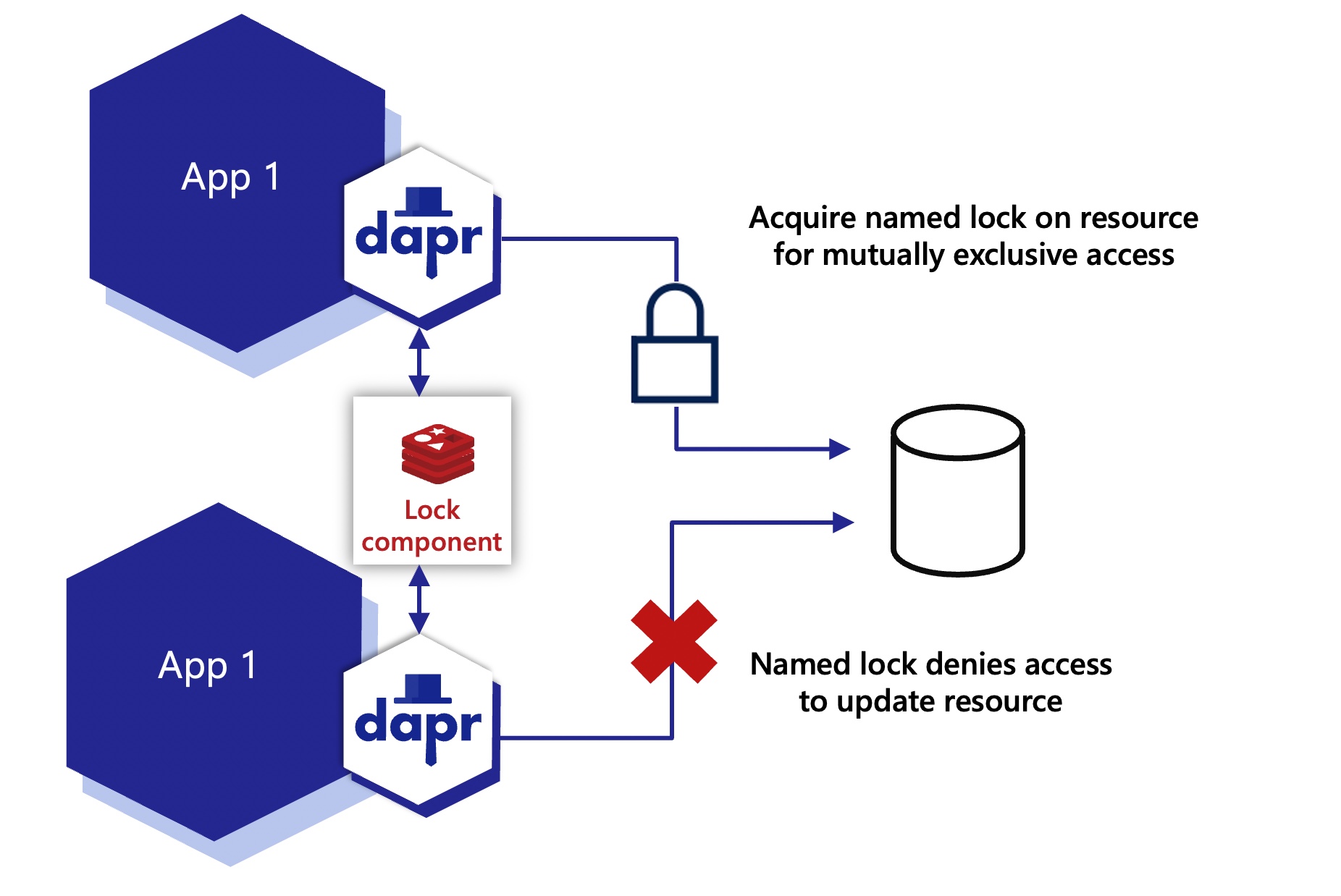
*This API is currently in Alpha state.
Features
Mutually exclusive access to a resource
At any given moment, only one instance of an application can hold a named lock. Locks are scoped to a Dapr app-id.
Deadlock free using leases
Dapr distributed locks use a lease-based locking mechanism. If an application acquires a lock, encounters an exception, and cannot free the lock, the lock is automatically released after a period of time using a lease. This prevents resource deadlocks in the event of application failures.
Demo
Watch this video for an overview of the distributed lock API:
Next steps
Follow these guides on:
1.10.2 - How-To: Use a lock
Now that you’ve learned what the Dapr distributed lock API building block provides, learn how it can work in your service. In this guide, an example application acquires a lock using the Redis lock component to demonstrate how to lock resources. For a list of supported lock stores, see this reference page.
In the diagram below, two instances of the same application acquire a lock, where one instance is successful and the other is denied.
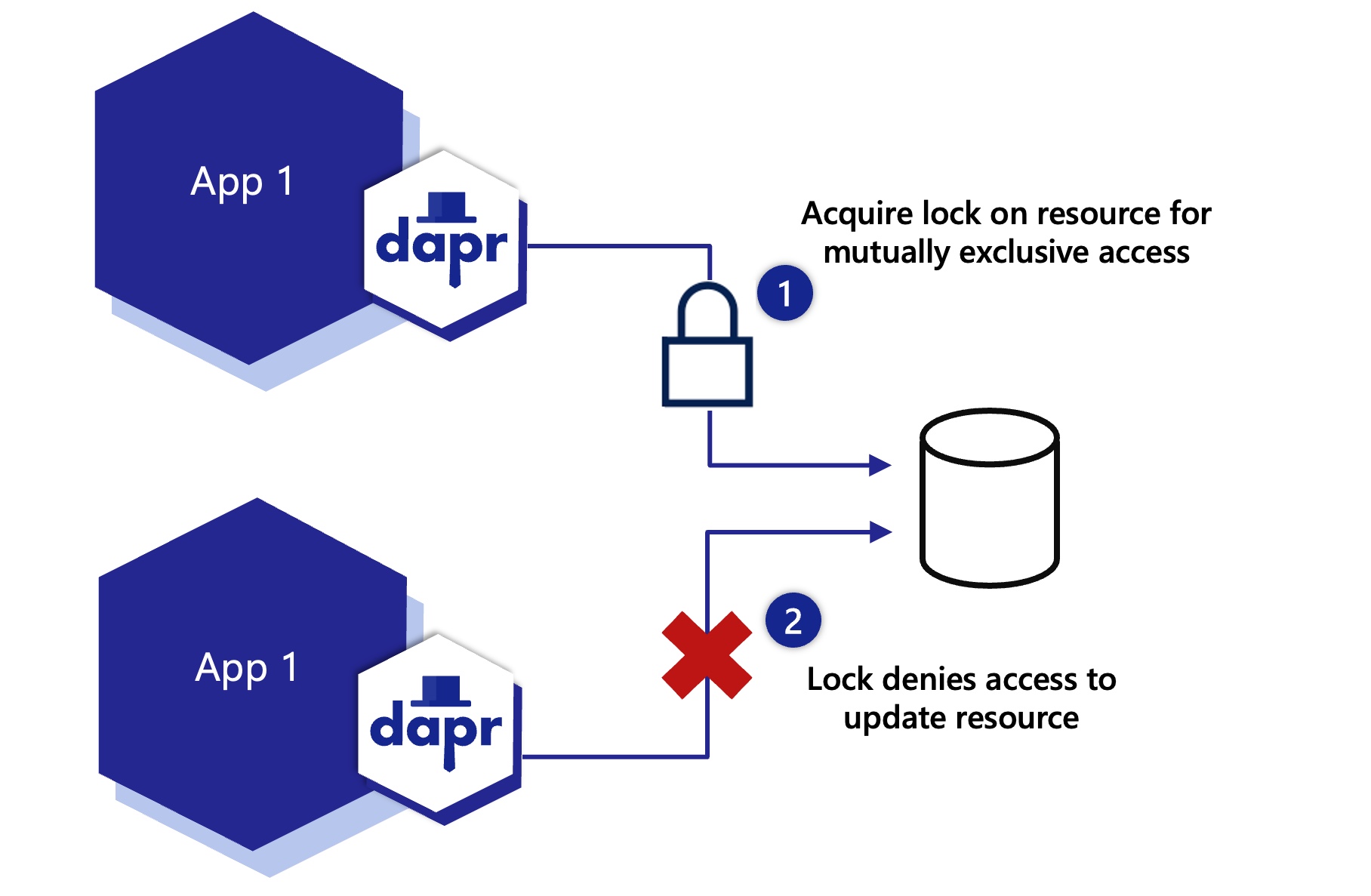
The diagram below shows two instances of the same application, where one instance releases the lock and the other instance is then able to acquire the lock.
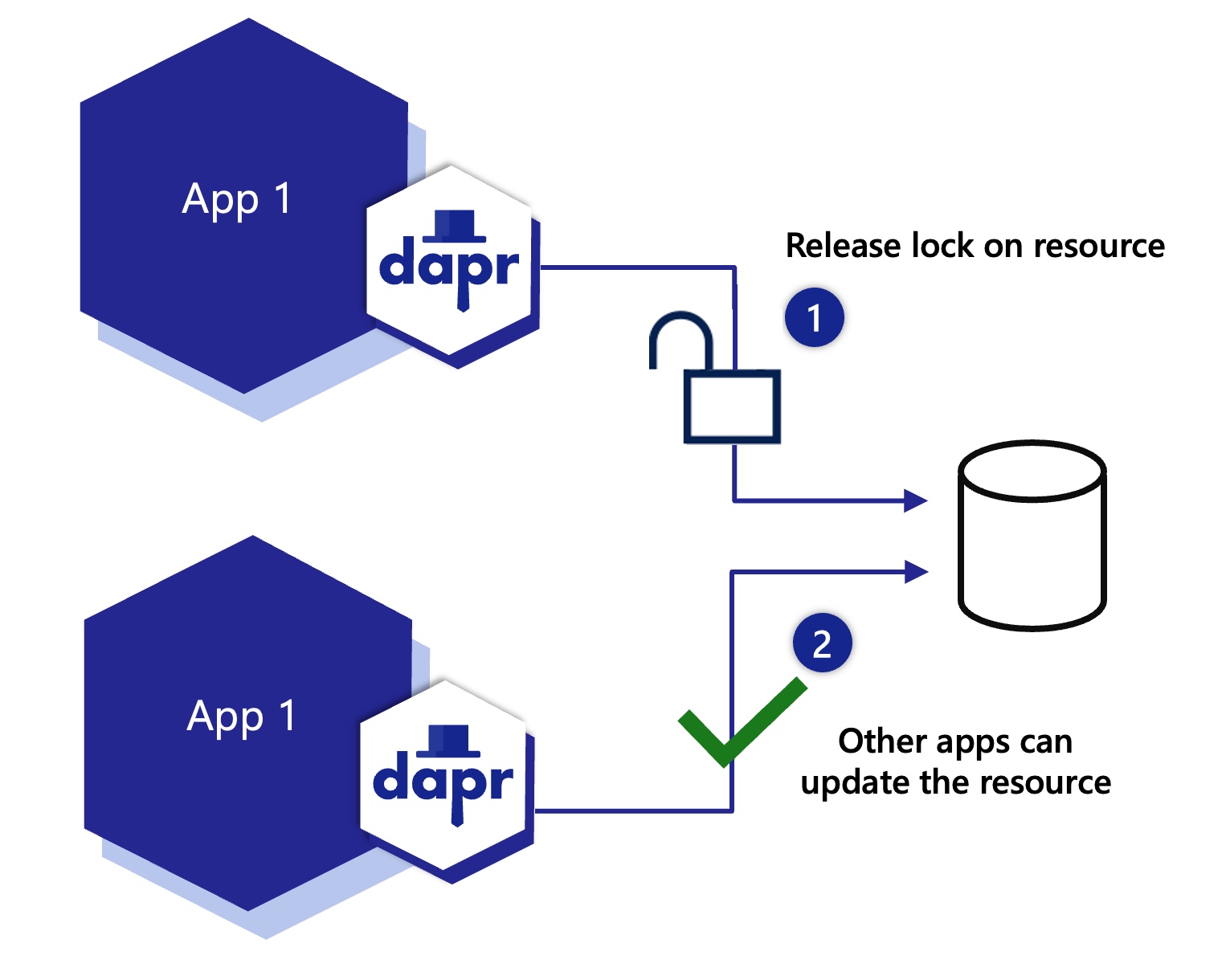
The diagram below shows two instances of different applications, acquiring different locks on the same resource.
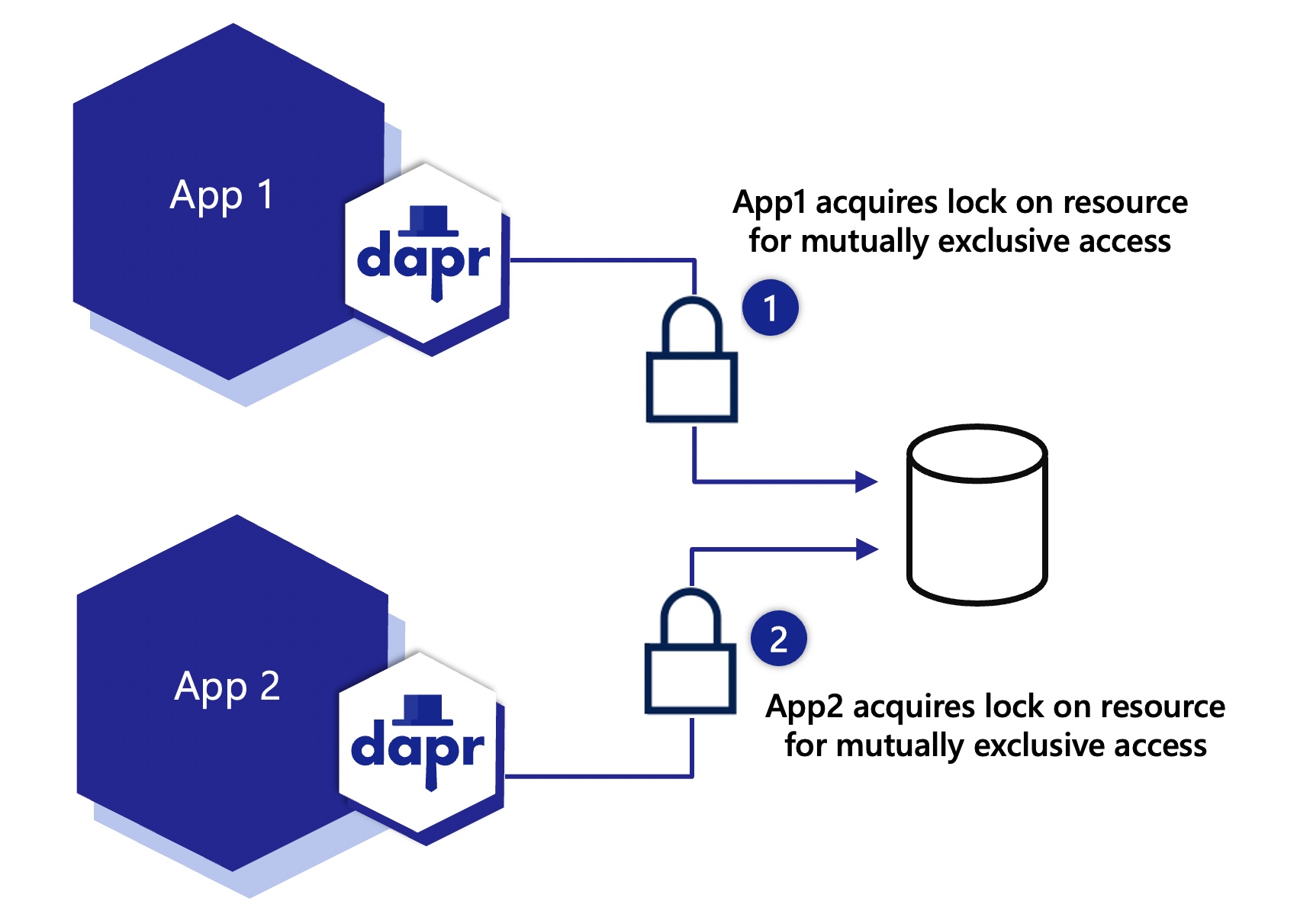
Configure a lock component
Save the following component file to the default components folder on your machine.
apiVersion: dapr.io/v1alpha1
kind: Component
metadata:
name: lockstore
spec:
type: lock.redis
version: v1
metadata:
- name: redisHost
value: localhost:6379
- name: redisPassword
value: <PASSWORD>
Acquire lock
curl -X POST http://localhost:3500/v1.0-alpha1/lock/lockstore
-H 'Content-Type: application/json'
-d '{"resourceId":"my_file_name", "lockOwner":"random_id_abc123", "expiryInSeconds": 60}'
using System;
using Dapr.Client;
namespace LockService
{
class Program
{
[Obsolete("Distributed Lock API is in Alpha, this can be removed once it is stable.")]
static async Task Main(string[] args)
{
string DAPR_LOCK_NAME = "lockstore";
string fileName = "my_file_name";
var client = new DaprClientBuilder().Build();
await using (var fileLock = await client.Lock(DAPR_LOCK_NAME, fileName, "random_id_abc123", 60))
{
if (fileLock.Success)
{
Console.WriteLine("Success");
}
else
{
Console.WriteLine($"Failed to lock {fileName}.");
}
}
}
}
}
package main
import (
"fmt"
dapr "github.com/dapr/go-sdk/client"
)
func main() {
client, err := dapr.NewClient()
if err != nil {
panic(err)
}
defer client.Close()
resp, err := client.TryLockAlpha1(ctx, "lockstore", &dapr.LockRequest{
LockOwner: "random_id_abc123",
ResourceID: "my_file_name",
ExpiryInSeconds: 60,
})
fmt.Println(resp.Success)
}
Unlock existing lock
curl -X POST http://localhost:3500/v1.0-alpha1/unlock/lockstore
-H 'Content-Type: application/json'
-d '{"resourceId":"my_file_name", "lockOwner":"random_id_abc123"}'
using System;
using Dapr.Client;
namespace LockService
{
class Program
{
static async Task Main(string[] args)
{
string DAPR_LOCK_NAME = "lockstore";
var client = new DaprClientBuilder().Build();
var response = await client.Unlock(DAPR_LOCK_NAME, "my_file_name", "random_id_abc123"));
Console.WriteLine(response.status);
}
}
}
package main
import (
"fmt"
dapr "github.com/dapr/go-sdk/client"
)
func main() {
client, err := dapr.NewClient()
if err != nil {
panic(err)
}
defer client.Close()
resp, err := client.UnlockAlpha1(ctx, "lockstore", &UnlockRequest{
LockOwner: "random_id_abc123",
ResourceID: "my_file_name",
})
fmt.Println(resp.Status)
}
Next steps
Read the distributed lock API overview to learn more.
1.11 - Cryptography
More about Dapr Cryptography
Learn more about how to use Dapr Cryptography:
- Try the Cryptography quickstart.
- Explore cryptography via any of the supporting Dapr SDKs.
- Browse the supported cryptography component specs.
1.11.1 - Cryptography overview
With the cryptography building block, you can leverage cryptography in a safe and consistent way. Dapr exposes APIs that allow you to perform operations, such as encrypting and decrypting messages, within key vaults or the Dapr sidecar, without exposing cryptographic keys to your application.
Why Cryptography?
Applications make extensive use of cryptography, which, when implemented correctly, can make solutions safer even when data is compromised. In certain cases, you may be required to use cryptography to comply with industry regulations (for example, in finance) or legal requirements (including privacy regulations such as GDPR).
However, leveraging cryptography correctly can be difficult. You need to:
- Pick the right algorithms and options
- Learn the proper way to manage and protect keys
- Navigate operational complexities when you wants limit access to cryptographic key material
One important requirement for security is limiting access to your cryptographic keys, what is often referred to as “raw key material”. Dapr can integrate with key vaults such as Azure Key Vault (with more components coming in the future) which store keys in secure enclaves and perform cryptographic operations in the vaults, without exposing keys to your application or Dapr.
Alternatively, you can configure Dapr to manage the cryptographic keys for you, performing operations within the sidecar, again without exposing raw key material to your application.
Cryptography in Dapr
With Dapr, you can perform cryptographic operations without exposing cryptographic keys to your application.
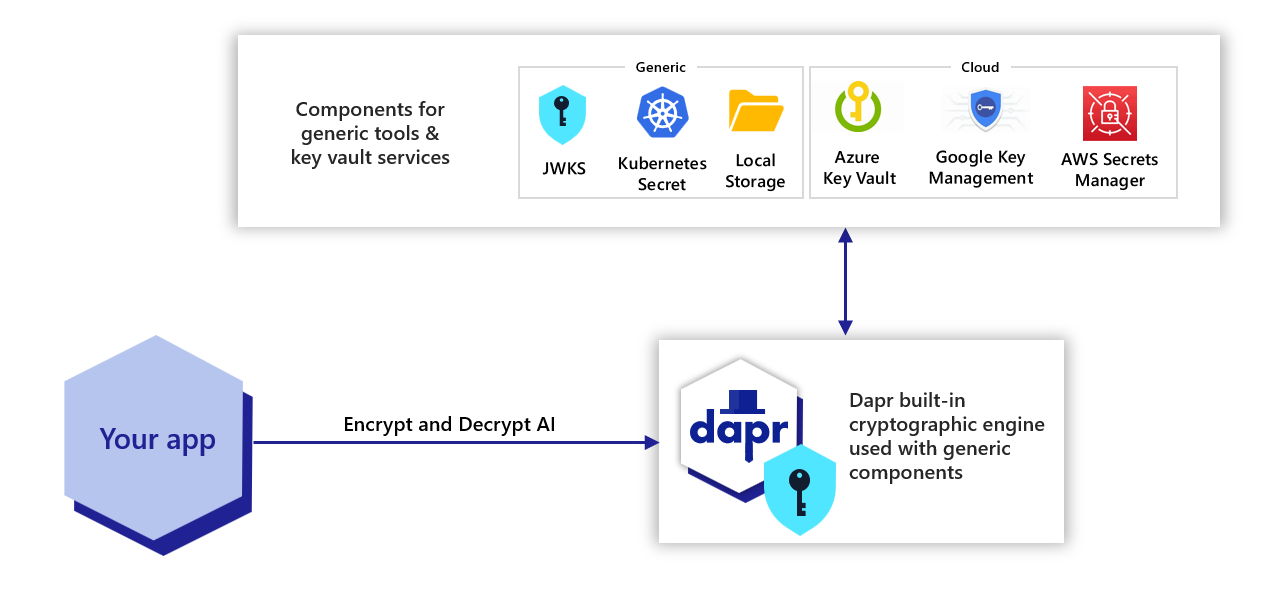
By using the cryptography building block, you can:
- More easily perform cryptographic operations in a safe way. Dapr provides safeguards against using unsafe algorithms, or using algorithms with unsafe options.
- Keep keys outside of applications. Applications never see the “raw key material”, but can request the vault to perform operations with the keys. When using the cryptographic engine of Dapr, operations are performed safely within the Dapr sidecar.
- Experience greater separation of concerns. By using external vaults or cryptographic components, only authorized teams can access private key materials.
- Manage and rotate keys more easily. Keys are managed in the vault and outside of the application, and they can be rotated without needing the developers to be involved (or even without restarting the apps).
- Enables better audit logging to monitor when operations are performed with keys in a vault.
Note
While both HTTP and gRPC are supported in the alpha release, using the gRPC APIs with the supported Dapr SDKs is the recommended approach for cryptography.Features
Cryptographic components
The Dapr cryptography building block includes two kinds of components:
Components that allow interacting with management services or vaults (“key vaults”).
Similar to how Dapr offers an “abstraction layer” on top of various secret stores or state stores, these components allow interacting with various key vaults such as Azure Key Vault (with more coming in future Dapr releases). With these components, cryptographic operations on the private keys are performed within the vaults and Dapr never sees your private keys.Components based on Dapr’s own cryptographic engine.
When key vaults are not available, you can leverage components based on Dapr’s own cryptographic engine. These components, which have.dapr.in the name, perform cryptographic operations within the Dapr sidecar, with keys stored on files, Kubernetes secrets, or other sources. Although the private keys are known by Dapr, they are still not available to your applications.
Both kinds of components, either those leveraging key vaults or using the cryptopgrahic engine in Dapr, offer the same abstraction layer. This allows your solution to switch between various vaults and/or cryptography components as needed. For example, you can use a locally-stored key during development, and a cloud vault in production.
Cryptographic APIs
Cryptographic APIs allow encrypting and decrypting data using the Dapr Crypto Scheme v1. This is an opinionated encryption scheme designed to use modern, safe cryptographic standards, and processes data (even large files) efficiently as a stream.
Try out cryptography
Quickstarts and tutorials
Want to put the Dapr cryptography API to the test? Walk through the following quickstart and tutorials to see cryptography in action:
| Quickstart/tutorial | Description |
|---|---|
| Cryptography quickstart | Encrypt and decrypt messages and large files using RSA and AES keys with the cryptography API. |
Start using cryptography directly in your app
Want to skip the quickstarts? Not a problem. You can try out the cryptography building block directly in your application to encrypt and decrypt your application. After Dapr is installed, you can begin using the cryptography API starting with the cryptography how-to guide.
Demo
Watch this demo video of the Cryptography API from the Dapr Community Call #83:
Next steps
Use the cryptography API >>Related links
1.11.2 - How to: Use the cryptography APIs
Now that you’ve read about Cryptography as a Dapr building block, let’s walk through using the cryptography APIs with the SDKs.
Note
Dapr cryptography is currently in alpha.Encrypt
Using the Dapr SDK in your project, with the gRPC APIs, you can encrypt a stream of data, such as a file or a string:
# When passing data (a buffer or string), `encrypt` returns a Buffer with the encrypted message
def encrypt_decrypt_string(dapr: DaprClient):
message = 'The secret is "passw0rd"'
# Encrypt the message
resp = dapr.encrypt(
data=message.encode(),
options=EncryptOptions(
# Name of the cryptography component (required)
component_name=CRYPTO_COMPONENT_NAME,
# Key stored in the cryptography component (required)
key_name=RSA_KEY_NAME,
# Algorithm used for wrapping the key, which must be supported by the key named above.
# Options include: "RSA", "AES"
key_wrap_algorithm='RSA',
),
)
# The method returns a readable stream, which we read in full in memory
encrypt_bytes = resp.read()
print(f'Encrypted the message, got {len(encrypt_bytes)} bytes')
With @dapr/dapr 3.19.0 or later, client.crypto supports both HTTP and gRPC. You can encrypt data in a buffer or a UTF-8 string. Prefer gRPC for large payloads and production streaming, because Dapr buffers HTTP cryptography output until it has consumed the request.
Follow the JavaScript Cryptography how-to guide for installation, component and key setup, client configuration, and runnable examples.
// When passing data (a buffer or string), `encrypt` returns a Buffer with the encrypted message
const ciphertext = await client.crypto.encrypt(plaintext, {
// Name of the Dapr component (required)
componentName: "mycryptocomponent",
// Name of the key stored in the component (required)
keyName: "mykey",
// Algorithm used for wrapping the key, which must be supported by the key named above.
// Options include: "RSA", "AES"
keyWrapAlgorithm: "RSA",
});
The APIs can also be used with streams, to encrypt data more efficiently when it comes from a stream. The example below encrypts a file, writing to another file, using streams:
// `encrypt` can be used as a Duplex stream
await pipeline(
fs.createReadStream("plaintext.txt"),
await client.crypto.encrypt({
// Name of the Dapr component (required)
componentName: "mycryptocomponent",
// Name of the key stored in the component (required)
keyName: "mykey",
// Algorithm used for wrapping the key, which must be supported by the key named above.
// Options include: "RSA", "AES"
keyWrapAlgorithm: "RSA",
}),
fs.createWriteStream("ciphertext.out"),
);
Using the Dapr SDK in your project, with the gRPC APIs, you can encrypt data in a string or a byte array:
using var client = new DaprClientBuilder().Build();
const string componentName = "azurekeyvault"; //Change this to match your cryptography component
const string keyName = "myKey"; //Change this to match the name of the key in your cryptographic store
const string plainText = "This is the value we're going to encrypt today";
//Encode the string to a UTF-8 byte array and encrypt it
var plainTextBytes = Encoding.UTF8.GetBytes(plainText);
var encryptedBytesResult = await client.EncryptAsync(componentName, plaintextBytes, keyName, new EncryptionOptions(KeyWrapAlgorithm.Rsa));
Using the Dapr SDK in your project, you can encrypt a stream of data, such as a file.
out, err := sdkClient.Encrypt(context.Background(), rf, dapr.EncryptOptions{
// Name of the Dapr component (required)
ComponentName: "mycryptocomponent",
// Name of the key stored in the component (required)
KeyName: "mykey",
// Algorithm used for wrapping the key, which must be supported by the key named above.
// Options include: "RSA", "AES"
Algorithm: "RSA",
})
The following example puts the Encrypt API in context, with code that reads the file, encrypts it, then stores the result in another file.
// Input file, clear-text
rf, err := os.Open("input")
if err != nil {
panic(err)
}
defer rf.Close()
// Output file, encrypted
wf, err := os.Create("output.enc")
if err != nil {
panic(err)
}
defer wf.Close()
// Encrypt the data using Dapr
out, err := sdkClient.Encrypt(context.Background(), rf, dapr.EncryptOptions{
// These are the 3 required parameters
ComponentName: "mycryptocomponent",
KeyName: "mykey",
Algorithm: "RSA",
})
if err != nil {
panic(err)
}
// Read the stream and copy it to the out file
n, err := io.Copy(wf, out)
if err != nil {
panic(err)
}
fmt.Println("Written", n, "bytes")
The following example uses the Encrypt API to encrypt a string.
// Input string
rf := strings.NewReader("Amor, ch’a nullo amato amar perdona, mi prese del costui piacer sì forte, che, come vedi, ancor non m’abbandona")
// Encrypt the data using Dapr
enc, err := sdkClient.Encrypt(context.Background(), rf, dapr.EncryptOptions{
ComponentName: "mycryptocomponent",
KeyName: "mykey",
Algorithm: "RSA",
})
if err != nil {
panic(err)
}
// Read the encrypted data into a byte slice
enc, err := io.ReadAll(enc)
if err != nil {
panic(err)
}
Decrypt
To decrypt a stream of data, use decrypt.
def encrypt_decrypt_string(dapr: DaprClient):
message = 'The secret is "passw0rd"'
# ...
# Decrypt the encrypted data
resp = dapr.decrypt(
data=encrypt_bytes,
options=DecryptOptions(
# Name of the cryptography component (required)
component_name=CRYPTO_COMPONENT_NAME,
# Key stored in the cryptography component (required)
key_name=RSA_KEY_NAME,
),
)
# The method returns a readable stream, which we read in full in memory
decrypt_bytes = resp.read()
print(f'Decrypted the message, got {len(decrypt_bytes)} bytes')
print(decrypt_bytes.decode())
assert message == decrypt_bytes.decode()
Using the Dapr SDK over HTTP or gRPC, you can decrypt binary data in a buffer or using streams. By default, the runtime uses the key reference embedded in the encrypted document. Pass keyName explicitly when the document omits that reference or when you need to override it.
// When passing data as a buffer, `decrypt` returns a Buffer with the decrypted message
const plaintext = await client.crypto.decrypt(ciphertext, {
// keyName is optional when the encrypted document includes a key reference
componentName: "mycryptocomponent",
});
// `decrypt` can also be used as a Duplex stream
await pipeline(
fs.createReadStream("ciphertext.out"),
await client.crypto.decrypt({
// keyName is optional when the encrypted document includes a key reference
componentName: "mycryptocomponent",
}),
fs.createWriteStream("plaintext.out"),
);
Finish encryption before starting decryption. Runtimes affected by dapr/kit#170 can fail when decryption overlaps other cryptography operations. See the JavaScript client usage guidance for all encryption options, stream behavior, and limitations.
To decrypt a string, use the ‘DecryptAsync’ gRPC API in your project.
In the following example, we’ll take a byte array (such as from the example above) and decrypt it to a UTF-8 encoded string.
public async Task<string> DecryptBytesAsync(byte[] encryptedBytes)
{
using var client = new DaprClientBuilder().Build();
const string componentName = "azurekeyvault"; //Change this to match your cryptography component
const string keyName = "myKey"; //Change this to match the name of the key in your cryptographic store
var decryptedBytes = await client.DecryptAsync(componentName, encryptedBytes, keyName);
var decryptedString = Encoding.UTF8.GetString(decryptedBytes.ToArray());
return decryptedString;
}
To decrypt a file, use the Decrypt gRPC API to your project.
In the following example, out is a stream that can be written to file or read in memory, as in the examples above.
out, err := sdkClient.Decrypt(context.Background(), rf, dapr.EncryptOptions{
// Only required option is the component name
ComponentName: "mycryptocomponent",
})
Next steps
1.12 - Jobs
1.12.1 - Jobs overview
Many applications require job scheduling, or the need to take an action in the future. The jobs API is an orchestrator for scheduling these future jobs, either at a specific time or for a specific interval.
Not only does the jobs API help you with scheduling jobs, but internally, Dapr uses the Scheduler service to schedule actor reminders.
Jobs in Dapr consist of:
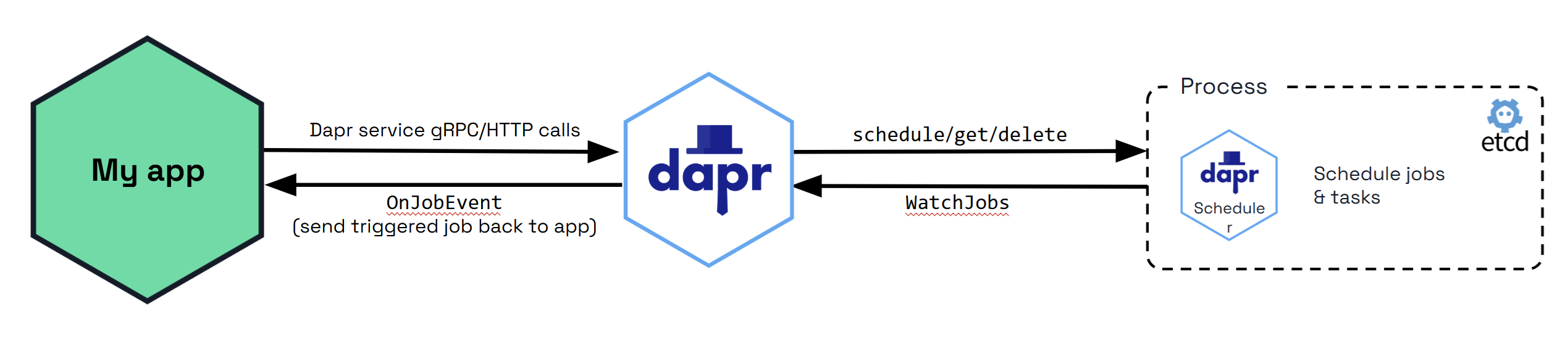
How it works
The jobs API is a job scheduler, not the executor which runs the job. The design guarantees at least once job execution with a bias towards durability and horizontal scaling over precision. This means:
- Guaranteed: A job is never invoked before the schedule time is due.
- Not guaranteed: A ceiling time on when the job is invoked after the due time is reached.
All job details and user-associated data for scheduled jobs are stored in an embedded Etcd database in the Scheduler service. You can use jobs to:
- Delay your pub/sub messaging. You can publish a message in a future specific time (for example: a week from today, or a specific UTC date/time).
- Schedule service invocation method calls between applications.
Scenarios
Job scheduling can prove helpful in the following scenarios:
Automated Database Backups: Ensure a database is backed up daily to prevent data loss. Schedule a backup script to run every night at 2 AM, which will create a backup of the database and store it in a secure location.
Regular Data Processing and ETL (Extract, Transform, Load): Process and transform raw data from various sources and load it into a data warehouse. Schedule ETL jobs to run at specific times (for example: hourly, daily) to fetch new data, process it, and update the data warehouse with the latest information.
Email Notifications and Reports: Receive daily sales reports and weekly performance summaries via email. Schedule a job that generates the required reports and sends them via email at 6 a.m. every day for daily reports and 8 a.m. every Monday for weekly summaries.
Maintenance Tasks and System Updates: Perform regular maintenance tasks such as clearing temporary files, updating software, and checking system health. Schedule various maintenance scripts to run at off-peak hours, such as weekends or late nights, to minimize disruption to users.
Batch Processing for Financial Transactions: Processes a large number of transactions that need to be batched and settled at the end of each business day. Schedule batch processing jobs to run at 5 PM every business day, aggregating the day’s transactions and performing necessary settlements and reconciliations.
Dapr’s jobs API ensures the tasks represented in these scenarios are performed consistently and reliably without manual intervention, improving efficiency and reducing the risk of errors.
Features
The main functionality of the Jobs API allows you to create, retrieve, and delete scheduled jobs. By default, when you create a job with a name that already exists, the operation fails unless you explicitly set the overwrite flag to true. This ensures that existing jobs are not accidentally modified or overwritten.
Schedule jobs across multiple replicas
When you create a job, it does not replace an existing job with the same name, unless you explicitly set the overwrite flag. This means that every time a job is created, it resets the count and only keeps 1 record in the embedded etcd for that job. Therefore, you don’t need to worry about multiple jobs being created and firing off — only the most recent job is recorded and executed, even if all your apps schedule the same job on startup.
The Scheduler service enables the scheduling of jobs to scale across multiple replicas, while guaranteeing that a job is only triggered by 1 Scheduler service instance.
Try out the jobs API
You can try out the jobs API in your application. After Dapr is installed, you can begin using the jobs API, starting with the How-to: Schedule jobs guide.
Next steps
1.12.2 - Features and concepts
Now that you’ve learned about the jobs building block at a high level, let’s deep dive into the features and concepts included with Dapr Jobs and the various SDKs. Dapr Jobs:
- Provides a robust and scalable API for scheduling operations to be triggered in the future.
- Exposes several capabilities which are common across all supported languages.
- Supports sub-second precision when using duration values (for example
500ms). Actual trigger resolution may vary by runtime; Cron-based schedules are at the seconds level only.
Job identity
All jobs are registered with a case-sensitive job name. These names are intended to be unique across all services interfacing with the Dapr runtime. The name is used as an identifier when creating and modifying the job as well as to indicate which job a triggered invocation is associated with.
Only one job can be associated with a name at any given time. By default, any attempt to create a new job using the same name as an existing job results in an error. However, if the overwrite flag is set to true, the new job overwrites the existing job with the same name.
Scheduling Jobs
A job can be scheduled using any of the following mechanisms:
- Intervals using Cron expressions, duration values, or period expressions
- Specific dates and times
For all time-based schedules, if a timestamp is provided with a time zone via the RFC3339 specification, that time zone is used. When not provided, the time zone used by the server running Dapr is used. In other words, do not assume that times run in UTC time zone, unless otherwise specified when scheduling the job.
Schedule using a Cron expression
When scheduling a job to execute on a specific interval using a Cron expression, the expression is written using 6 fields spanning the values specified in the table below:
| seconds | minutes | hours | day of month | month | day of week |
|---|---|---|---|---|---|
| 0-59 | 0-59 | 0-23 | 1-31 | 1-12/jan-dec | 0-6/sun-sat |
Example 1
"0 30 * * * *" triggers every hour on the half-hour mark.
Example 2
"0 15 3 * * *" triggers every day at 03:15.
Schedule using a duration value
You can schedule jobs using a Go duration string, in which
a string consists of a (possibly) signed sequence of decimal numbers, each with an optional fraction and a unit suffix.
Valid time units are "ns", "us", "ms", "s", "m", or "h".
Example 1
"2h45m" triggers every 2 hours and 45 minutes.
Example 2
"37m25s" triggers every 37 minutes and 25 seconds.
Schedule using a period expression
The following period expressions are supported. The “@every” expression also accepts a Go duration string.
| Entry | Description | Equivalent Cron expression |
|---|---|---|
| @every | Run every (e.g. “@every 1h30m”) | N/A |
| @yearly (or @annually) | Run once a year, midnight, January 1st | 0 0 0 1 1 * |
| @monthly | Run once a month, midnight, first of month | 0 0 0 1 * * |
| @weekly | Run once a week, midnight on Sunday | 0 0 0 * * 0 |
| @daily or @midnight | Run once a day at midnight | 0 0 0 * * * |
| @hourly | Run once an hour at the beginning of the hour | 0 0 * * * * |
Schedule using a specific date/time
A job can also be scheduled to run at a particular point in time by providing a date using the RFC3339 specification.
Example 1
"2025-12-09T16:09:53+00:00" Indicates that the job should be run on December 9, 2025 at 4:09:53 PM UTC.
Scheduled triggers
When a scheduled Dapr job is triggered, the runtime sends a message back to the service that scheduled the job using either the HTTP or gRPC approach, depending on which is registered with Dapr when the service starts.
gRPC
When a job reaches its scheduled trigger time, the triggered job is sent back to the application via the following callback function:
Note: The following example is in Go, but applies to any programming language with gRPC support.
import rtv1 "github.com/dapr/dapr/pkg/proto/runtime/v1"
...
func (s *JobService) OnJobEvent(ctx context.Context, in *rtv1.JobEventRequest) (*rtv1.JobEventResponse, error) {
// Handle the triggered job
}
This function processes the triggered jobs within the context of your gRPC server. When you set up the server, ensure that you register the callback server, which invokes this function when a job is triggered:
...
js := &JobService{}
rtv1.RegisterAppCallbackServer(server, js)
In this setup, you have full control over how triggered jobs are received and processed, as they are routed directly through this gRPC method.
HTTP
If a gRPC server isn’t registered with Dapr when the application starts up, Dapr instead triggers jobs by making a
POST request to the endpoint /job/<job-name>. The body includes the following information about the job:
Schedule: When the job triggers occurRepeatCount: An optional value indicating how often the job should repeatDueTime: An optional point in time representing either the one time when the job should execute (if not recurring) or the not-before time from which the schedule should take effectTtl: An optional value indicating when the job should expirePayload: A collection of bytes containing data originally stored when the job was scheduledOverwrite: A flag to allow the requested job to overwrite an existing job with the same name, if it already exists.FailurePolicy: An optional failure policy for the job.
The DueTime and Ttl fields will reflect an RC3339 timestamp value reflective of the time zone provided when the job was
originally scheduled. If no time zone was provided, these values indicate the time zone used by the server running
Dapr.
Managing jobs
While jobs are created via API calls, you can manage (list, inspect, delete, back up, and restore) jobs is by using the dapr scheduler CLI commands.
List jobs
dapr scheduler list --filter app
NAME BEGIN COUNT LAST TRIGGER
app/my-app/my-job -3.89s 1 2025-10-03T16:58:55Z
app/my-app/another-job -3.89s 1 2025-10-03T16:58:55Z
dapr scheduler list -o wide
NAMESPACE NAME BEGIN EXPIRATION SCHEDULE DUE TIME TTL REPEATS COUNT LAST TRIGGER
default app/my-app/my-job 2025-10-03T16:58:55Z @every 5s 2025-10-03T17:58:55+01:00 100 1 2025-10-03T16:58:55Z
dapr scheduler get app/my-app/my-job -o yaml
Delete jobs
Delete a specific job:
dapr scheduler delete app/my-app/my-job
Delete all jobs for an app:
dapr scheduler delete-all app/my-app
Backup and restore jobs
Export all jobs:
dapr scheduler export -o jobs-backup.bin
Import them later:
dapr scheduler import -f jobs-backup.bin
Summary
- Use the Jobs API to create or update jobs from applications.
- Use the dapr scheduler CLI to view, inspect, back up, or delete jobs.
- Jobs are stored in the Dapr Scheduler, ensuring reliability across restarts and deployments.
1.12.3 - How-To: Schedule and handle triggered jobs
Now that you’ve learned what the jobs building block provides, let’s look at an example of how to use the API. The code example below describes an application that schedules jobs for a database backup application and handles them at trigger time, also known as the time the job was sent back to the application because it reached it’s dueTime.
Start the Scheduler service
When you run dapr init in either self-hosted mode or on Kubernetes, the Dapr Scheduler service is started.
Set up the Jobs API
In your code, set up and schedule jobs within your application.
The following .NET SDK code sample schedules the job named prod-db-backup. The job data contains information
about the database that you’ll be seeking to backup regularly. Over the course of this example, you’ll:
- Define types used in the rest of the example
- Register an endpoint during application startup that handles all job trigger invocations on the service
- Register the job with Dapr
In the following example, you’ll create records that you’ll serialize and register alongside the job so the information is available when the job is triggered in the future:
- The name of the backup task (
db-backup) - The backup task’s
Metadata, including:- The database name (
DBName) - The database location (
BackupLocation)
- The database name (
Create an ASP.NET Core project and add the latest version of Dapr.Jobs from NuGet.
Note: While it’s not strictly necessary for your project to use the
Microsoft.NET.Sdk.WebSDK to create jobs, as of the time this documentation is authored, only the service that schedules a job receives trigger invocations for it. As those invocations expect an endpoint that can handle the job trigger and requires theMicrosoft.NET.Sdk.WebSDK, it’s recommended that you use an ASP.NET Core project for this purpose.
Start by defining types to persist our backup job data and apply our own JSON property name attributes to the properties so they’re consistent with other language examples.
//Define the types that we'll represent the job data with
internal sealed record BackupJobData([property: JsonPropertyName("task")] string Task, [property: JsonPropertyName("metadata")] BackupMetadata Metadata);
internal sealed record BackupMetadata([property: JsonPropertyName("DBName")]string DatabaseName, [property: JsonPropertyName("BackupLocation")] string BackupLocation);
Next, set up a handler as part of your application setup that will be called any time a job is triggered on your application. It’s the responsibility of this handler to identify how jobs should be processed based on the job name provided.
This works by registering a handler with ASP.NET Core at /job/<job-name>, where <job-name> is parameterized and
passed into this handler delegate, meeting Dapr’s expectation that an endpoint is available to handle triggered named jobs.
Populate your Program.cs file with the following:
using System.Text;
using System.Text.Json;
using Dapr.Jobs;
using Dapr.Jobs.Extensions;
using Dapr.Jobs.Models;
using Dapr.Jobs.Models.Responses;
var builder = WebApplication.CreateBuilder(args);
builder.Services.AddDaprJobsClient();
var app = builder.Build();
//Registers an endpoint to receive and process triggered jobs
var cancellationTokenSource = new CancellationTokenSource(TimeSpan.FromSeconds(5));
app.MapDaprScheduledJobHandler((string jobName, ReadOnlyMemory<byte> jobPayload, ILogger logger, CancellationToken cancellationToken) => {
logger?.LogInformation("Received trigger invocation for job '{jobName}'", jobName);
switch (jobName)
{
case "prod-db-backup":
// Deserialize the job payload metadata
var jobData = JsonSerializer.Deserialize<BackupJobData>(jobPayload);
// Process the backup operation - we assume this is implemented elsewhere in your code
await BackupDatabaseAsync(jobData, cancellationToken);
break;
}
}, cancellationTokenSource.Token);
await app.RunAsync();
Finally, the job itself needs to be registered with Dapr so it can be triggered at a later point in time. You can do this
by injecting a DaprJobsClient into a class and executing as part of an inbound operation to your application, but for
this example’s purposes, it’ll go at the bottom of the Program.cs file you started above. Because you’ll be using the
DaprJobsClient you registered with dependency injection, start by creating a scope so you can access it.
//Create a scope so we can access the registered DaprJobsClient
await using scope = app.Services.CreateAsyncScope();
var daprJobsClient = scope.ServiceProvider.GetRequiredService<DaprJobsClient>();
//Create the payload we wish to present alongside our future job triggers
var jobData = new BackupJobData("db-backup", new BackupMetadata("my-prod-db", "/backup-dir"));
//Serialize our payload to UTF-8 bytes
var serializedJobData = JsonSerializer.SerializeToUtf8Bytes(jobData);
//Schedule our backup job to run every minute, but only repeat 10 times
await daprJobsClient.ScheduleJobAsync("prod-db-backup", DaprJobSchedule.FromDuration(TimeSpan.FromMinutes(1)),
serializedJobData, repeats: 10);
The following Go SDK code sample schedules the job named prod-db-backup. Job data is housed in a backup database ("my-prod-db") and is scheduled with ScheduleJob. This provides the jobData, which includes:
- The backup
Taskname - The backup task’s
Metadata, including:- The database name (
DBName) - The database location (
BackupLocation)
- The database name (
package main
import (
//...
daprc "github.com/dapr/go-sdk/client"
"github.com/dapr/go-sdk/examples/dist-scheduler/api"
"github.com/dapr/go-sdk/service/common"
daprs "github.com/dapr/go-sdk/service/grpc"
)
func main() {
// Initialize the server
server, err := daprs.NewService(":50070")
// ...
if err = server.AddJobEventHandler("prod-db-backup", prodDBBackupHandler); err != nil {
log.Fatalf("failed to register job event handler: %v", err)
}
log.Println("starting server")
go func() {
if err = server.Start(); err != nil {
log.Fatalf("failed to start server: %v", err)
}
}()
// ...
// Set up backup location
jobData, err := json.Marshal(&api.DBBackup{
Task: "db-backup",
Metadata: api.Metadata{
DBName: "my-prod-db",
BackupLocation: "/backup-dir",
},
},
)
// ...
}
The job is scheduled with a Schedule set and the amount of Repeats desired. These settings determine a max amount of times the job should be triggered and sent back to the app.
In this example, at trigger time, which is @every 1s according to the Schedule, this job is triggered and sent back to the application up to the max Repeats (10).
// ...
// Set up the job
job := daprc.Job{
Name: "prod-db-backup",
Schedule: "@every 1s",
Repeats: 10,
Data: &anypb.Any{
Value: jobData,
},
}
When a job is triggered, Dapr will automatically route the job to the event handler you set up during the server initialization. For example, in Go, you’d register the event handler like this:
...
if err = server.AddJobEventHandler("prod-db-backup", prodDBBackupHandler); err != nil {
log.Fatalf("failed to register job event handler: %v", err)
}
Dapr takes care of the underlying routing. When the job is triggered, your prodDBBackupHandler function is called with
the triggered job data. Here’s an example of handling the triggered job:
// ...
// At job trigger time this function is called
func prodDBBackupHandler(ctx context.Context, job *common.JobEvent) error {
var jobData common.Job
if err := json.Unmarshal(job.Data, &jobData); err != nil {
// ...
}
var jobPayload api.DBBackup
if err := json.Unmarshal(job.Data, &jobPayload); err != nil {
// ...
}
fmt.Printf("job %d received:\n type: %v \n typeurl: %v\n value: %v\n extracted payload: %v\n", jobCount, job.JobType, jobData.TypeURL, jobData.Value, jobPayload)
jobCount++
return nil
}
Run the Dapr sidecar
Once you’ve set up the Jobs API in your application, in a terminal window run the Dapr sidecar with the following command.
dapr run --app-id=distributed-scheduler \
--metrics-port=9091 \
--dapr-grpc-port 50001 \
--app-port 50070 \
--app-protocol grpc \
--log-level debug \
go run ./main.go
Next steps
1.13 - Conversation
1.13.1 - Conversation overview
Alpha
The conversation API is currently in alpha.Dapr’s conversation API reduces the complexity of securely and reliably interacting with Large Language Models (LLM) at scale. Whether you’re a developer who doesn’t have the necessary native SDKs or a polyglot shop who just wants to focus on the prompt aspects of LLM interactions, the conversation API provides one consistent API entry point to talk to underlying LLM providers.
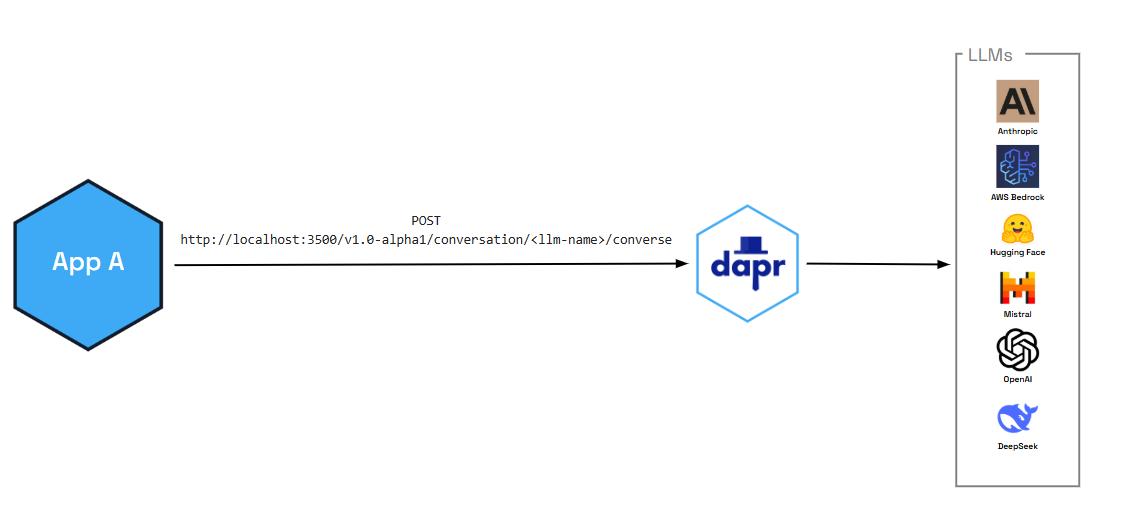
In addition to enabling critical performance and security functionality (like caching and PII scrubbing), the conversation API also provides:
- Tool calling capabilities that allow LLMs to interact with external functions and APIs, enabling more sophisticated AI applications
- OpenAI-compatible interface for seamless integration with existing AI workflows and tools
You can also pair the conversation API with Dapr functionalities, like:
- Resiliency policies including circuit breakers to handle repeated errors, timeouts to safeguards from slow responses, and retries for temporary network failures
- Observability with metrics and distributed tracing using OpenTelemetry and Zipkin
- Middleware to authenticate requests to and from the LLM
Features
The following features are out-of-the-box for all the supported conversation components.
Caching
The Conversation API supports two kinds of caching:
- Prompt caching: Some LLM providers cache prompt prefixes on their side to speed up and reduce cost of repeated prompts. You enable this per request via the API using the
promptCacheRetentionparameter (for example,24hfor OpenAI). See the Conversation API reference for request-level options. Support depends on the provider. - Response caching: Conversation components can cache full LLM responses in the sidecar. When you set the component metadata field
responseCacheTTL(for example,10m), Dapr caches responses keyed by the request (prompt and options). Repeated identical requests are served from the cache without calling the LLM, reducing latency and cost. This cache is in-memory and per sidecar. Configure this in your conversation component spec.
Response formatting
You can request structured output from the model by passing a responseFormat (JSON Schema) in the request. Supported by Deepseek, Google AI, Hugging Face, OpenAI, and Anthropic. See the Conversation API reference.
Usage metrics
Responses can include token usage (promptTokens, completionTokens, totalTokens) for the conversation. See Response content in the API reference.
Personally identifiable information (PII) obfuscation
The PII obfuscation feature identifies and removes any form of sensitive user information from a conversation response. Simply enable PII obfuscation on input and output data to protect your privacy and scrub sensitive details that could be used to identify an individual.
The PII scrubber obfuscates the following user information:
- Phone number
- Email address
- IP address
- Street address
- Credit cards
- Social Security number
- ISBN
- Media Access Control (MAC) address
- Secure Hash Algorithm 1 (SHA-1) hex
- SHA-256 hex
- MD5 hex
Tool calling support
The conversation API supports advanced tool calling capabilities that allow LLMs to interact with external functions and APIs. This enables you to build sophisticated AI applications that can:
- Execute custom functions based on user requests
- Integrate with external services and databases
- Provide dynamic, context-aware responses
- Create multi-step workflows and automation
Tool calling follows OpenAI’s function calling format, making it easy to integrate with existing AI development workflows and tools.
Demo
Watch the demo presented during Diagrid’s Dapr v1.15 celebration to see how the conversation API works using the .NET SDK.
Try out conversation API
Quickstarts and tutorials
Want to put the Dapr conversation API to the test? Walk through the following quickstart and tutorials to see it in action:
| Quickstart/tutorial | Description |
|---|---|
| Conversation quickstart | Learn how to interact with Large Language Models (LLMs) using the conversation API. |
Start using the conversation API directly in your app
Want to skip the quickstarts? Not a problem. You can try out the conversation building block directly in your application. After Dapr is installed, you can begin using the conversation API starting with the how-to guide.
Next steps
1.13.2 - How-To: Converse with an LLM using the conversation API
Alpha
The conversation API is currently in alpha.Let’s get started using the conversation API. In this guide, you’ll learn how to:
- Set up one of the available Dapr components (echo) that work with the conversation API.
- Add the conversation client to your application.
- Run the connection using
dapr run.
Set up the conversation component
Create a new configuration file called conversation.yaml and save to a components or config sub-folder in your application directory.
Select your preferred conversation component spec for your conversation.yaml file.
For this scenario, we use a simple echo component.
apiVersion: dapr.io/v1alpha1
kind: Component
metadata:
name: echo
spec:
type: conversation.echo
version: v1
Use the OpenAI component
To interface with a real LLM, use one of the other supported conversation components, including OpenAI, Hugging Face, Anthropic, DeepSeek, and more.
For example, to swap out the echo mock component with an OpenAI component, replace the conversation.yaml file with the following. You’ll need to copy your API key into the component file.
apiVersion: dapr.io/v1alpha1
kind: Component
metadata:
name: openai
spec:
type: conversation.openai
metadata:
- name: key
value: <REPLACE_WITH_YOUR_KEY>
- name: model
value: gpt-4-turbo
Connect the conversation client
The following examples use the Dapr SDK client to interact with LLMs.
using Dapr.AI.Conversation;
using Dapr.AI.Conversation.Extensions;
var builder = WebApplication.CreateBuilder(args);
builder.Services.AddDaprConversationClient();
var app = builder.Build();
var conversationClient = app.Services.GetRequiredService<DaprConversationClient>();
var response = await conversationClient.ConverseAsync("conversation",
new List<DaprConversationInput>
{
new DaprConversationInput(
"Please write a witty haiku about the Dapr distributed programming framework at dapr.io",
DaprConversationRole.Generic)
});
Console.WriteLine("conversation output: ");
foreach (var resp in response.Outputs)
{
Console.WriteLine($"\t{resp.Result}");
}
//dependencies
import io.dapr.client.DaprClientBuilder;
import io.dapr.client.DaprPreviewClient;
import io.dapr.client.domain.ConversationInput;
import io.dapr.client.domain.ConversationRequest;
import io.dapr.client.domain.ConversationResponse;
import reactor.core.publisher.Mono;
import java.util.List;
public class Conversation {
public static void main(String[] args) {
String prompt = "Please write a witty haiku about the Dapr distributed programming framework at dapr.io";
try (DaprPreviewClient client = new DaprClientBuilder().buildPreviewClient()) {
System.out.println("Input: " + prompt);
ConversationInput daprConversationInput = new ConversationInput(prompt);
// Component name is the name provided in the metadata block of the conversation.yaml file.
Mono<ConversationResponse> responseMono = client.converse(new ConversationRequest("echo",
List.of(daprConversationInput))
.setContextId("contextId")
.setScrubPii(true).setTemperature(1.1d));
ConversationResponse response = responseMono.block();
System.out.printf("conversation output: %s", response.getConversationOutputs().get(0).getResult());
} catch (Exception e) {
throw new RuntimeException(e);
}
}
}
#dependencies
from dapr.clients import DaprClient
from dapr.clients.grpc._request import ConversationInput
#code
with DaprClient() as d:
inputs = [
ConversationInput(content="Please write a witty haiku about the Dapr distributed programming framework at dapr.io", role='user', scrub_pii=True),
]
metadata = {
'model': 'modelname',
'key': 'authKey',
'responseCacheTTL': '10m',
}
response = d.converse_alpha1(
name='echo', inputs=inputs, temperature=0.7, context_id='chat-123', metadata=metadata
)
for output in response.outputs:
print(f'conversation output: {output.result}')
Use @dapr/dapr 3.19.0 or later with Dapr runtime 1.16 or later. Save this example as app.mjs after installing the package:
npm install @dapr/dapr@3.19.0
import { DaprClient } from "@dapr/dapr";
const client = new DaprClient({ daprHost: "127.0.0.1", daprPort: "3500" });
try {
const response = await client.conversation.converse({
name: "echo",
inputs: [
{
messages: [
{
ofUser: {
content: [{ text: "Please write a witty haiku about Dapr." }],
},
},
],
},
],
});
for (const output of response.outputs) {
for (const choice of output.choices) {
if (choice.message) {
console.log("conversation output:", choice.message.content);
}
}
}
} finally {
await client.stop();
}
The JavaScript SDK uses the Alpha2 message and response format. See the JavaScript Conversation guides for tool calling and advanced options.
package main
import (
"context"
"fmt"
dapr "github.com/dapr/go-sdk/client"
"log"
)
func main() {
client, err := dapr.NewClient()
if err != nil {
panic(err)
}
input := dapr.ConversationInput{
Content: "Please write a witty haiku about the Dapr distributed programming framework at dapr.io",
// Role: "", // Optional
// ScrubPII: false, // Optional
}
fmt.Printf("conversation input: %s\n", input.Content)
var conversationComponent = "echo"
request := dapr.NewConversationRequest(conversationComponent, []dapr.ConversationInput{input})
resp, err := client.ConverseAlpha1(context.Background(), request)
if err != nil {
log.Fatalf("err: %v", err)
}
fmt.Printf("conversation output: %s\n", resp.Outputs[0].Result)
}
use dapr::client::{ConversationInputBuilder, ConversationRequestBuilder};
use std::thread;
use std::time::Duration;
type DaprClient = dapr::Client<dapr::client::TonicClient>;
#[tokio::main]
async fn main() -> Result<(), Box<dyn std::error::Error>> {
// Sleep to allow for the server to become available
thread::sleep(Duration::from_secs(5));
// Set the Dapr address
let address = "https://127.0.0.1".to_string();
let mut client = DaprClient::connect(address).await?;
let input = ConversationInputBuilder::new("Please write a witty haiku about the Dapr distributed programming framework at dapr.io").build();
let conversation_component = "echo";
let request =
ConversationRequestBuilder::new(conversation_component, vec![input.clone()]).build();
println!("conversation input: {:?}", input.content);
let response = client.converse_alpha1(request).await?;
println!("conversation output: {:?}", response.outputs[0].result);
Ok(())
}
Run the conversation connection
Start the connection using the dapr run command. For example, for this scenario, we’re running dapr run on an application with the app ID conversation and pointing to our conversation YAML file in the ./config directory.
dapr run --app-id conversation --dapr-http-port 3500 --dapr-grpc-port 50001 --resources-path ./config -- node app.mjs
dapr run --app-id conversation --dapr-grpc-port 50001 --log-level debug --resources-path ./config -- dotnet run
dapr run --app-id conversation --dapr-grpc-port 50001 --log-level debug --resources-path ./config -- mvn spring-boot:run
dapr run --app-id conversation --dapr-grpc-port 50001 --log-level debug --resources-path ./config -- python3 app.py
dapr run --app-id conversation --dapr-grpc-port 50001 --log-level debug --resources-path ./config -- go run ./main.go
dapr run --app-id=conversation --resources-path ./config --dapr-grpc-port 3500 -- cargo run --example conversation
Expected output
- '== APP == conversation output: Please write a witty haiku about the Dapr distributed programming framework at dapr.io'
Advanced features
The conversation API supports the following features:
Prompt caching: Allows developers to cache prompts in Dapr, leading to much faster response times and reducing costs on egress and on inserting the prompt into the LLM provider’s cache.
PII scrubbing: Allows for the obfuscation of data going in and out of the LLM.
Tool calling: Allows LLMs to interact with external functions and APIs.
To learn how to enable these features, see the conversation API reference guide.
Conversation API examples in Dapr SDK repositories
Try out the conversation API using the full examples provided in the supported SDK repos.
Follow the JavaScript conversation setup guide or the complete tool-calling example.
Next steps
1.14 - Search
1.14.1 - Search overview
Alpha
The search API is currently in alpha.Dapr’s search API provides a single, portable way to store, retrieve, and query documents in lexical (full-text) search engines such as Meilisearch, Elasticsearch, and OpenSearch. Instead of learning a different SDK and query language for each search engine, your application indexes JSON documents and queries them through the same API, and you swap the underlying engine by changing the search component.
The search API is scoped to storing and querying documents that are already index-ready. Text extraction, chunking, embedding generation, and ingestion pipeline orchestration are out of scope; your application performs those steps before calling the API. For similarity search over embeddings, use the vector API instead.
You can pair the search API with Dapr functionality, like:
- Resiliency policies including circuit breakers, timeouts, and retries for calls to the search engine
- Observability with metrics (
dapr_component_search_countanddapr_component_search_latencies, tagged byoperation) and distributed tracing using OpenTelemetry and Zipkin - Secret store references for search engine credentials
Concepts
| Concept | Description |
|---|---|
| Search store | A Dapr search component that connects to a search engine. |
| Index | A named container of documents in the search store. Index settings are component specific and are passed as metadata when the index is created. |
| Document | An index-ready item made of a caller-supplied id, a content JSON object that is indexed and searchable, and opaque string metadata that is stored and returned unchanged but never indexed or filterable. |
| Hit | A document returned by a search, with its relevance score and any requested highlights. |
Features
Index management
Create, get, list, and delete indexes. Creating an index that already exists returns ALREADY_EXISTS; Dapr never reconciles the settings of an existing index. Getting an index returns an approximate document count and component-specific properties, such as the configured filterable or sortable attributes.
Keyed upserts
Documents are written with a keyed upsert. Every document carries a non-empty id that must be unique within the request, so retrying the same request is idempotent. Document content must be a UTF-8 encoded JSON object. Documents with any other content are reported individually in failedItems with INVALID_ARGUMENT and are never sent to the search engine, while the rest of the batch is still indexed.
Documents can be read back by ID in request order, and deleted by ID. Deleting an ID that does not exist is not an error.
Write acknowledgements
Many search engines index documents asynchronously. Every write (indexing and deleting documents) accepts the same optional options to control when Dapr returns:
| Mode | Behaviour |
|---|---|
INDEXING_MODE_RETURN_ON_ACCEPTANCE (default) | Return as soon as the search engine durably accepts the write. The response ack is INDEX_ACK_QUEUED when the engine queued the write, which does not mean any document has been indexed yet. |
INDEXING_MODE_WAIT_FOR_COMPLETION | Wait for the final result, up to waitTimeout. The response ack is INDEX_ACK_COMPLETED and failedItems contains every item-specific failure. |
When waiting for completion, you must also set onWaitTimeout to decide what happens if the timeout expires:
INDEXING_WAIT_TIMEOUT_ACTION_CONTINUE_ASYNC: returnINDEX_ACK_QUEUEDand let the queued work continue. Only valid for search engines that provide a queued acknowledgement.INDEXING_WAIT_TIMEOUT_ACTION_FAIL_REQUEST: fail the request withDEADLINE_EXCEEDED. The search engine may still complete the write.
waitTimeout must be shorter than the remaining deadline of the call, when one is set. When the search store has a resiliency timeout policy, waitTimeout must also be shorter than that timeout by at least a tenth of it, and by no less than 100ms. Otherwise the request is rejected with INVALID_ARGUMENT before the search engine is called.
Querying
A search request carries an optional query that selects and shapes the hits. The query sets at most one of:
- A portable full-text query (
text), optionally restricted to specificsearchFields, or - A provider-native query (
native) that is passed to the search engine for features not covered by the portable API.
A query that sets neither, or a request without a query, matches every document in the index, subject to the filter. Queries can be combined with:
- Filters written in the portable filter language
- Sorting on one or more fields in ascending or descending order
- Highlighting of matched fragments for selected fields
- Field projection with
returnFields, orincludeContent: falseto return only document IDs and metadata - Pagination using opaque continuation tokens
Hit scores are unnormalised, provider-specific relevance values where higher is more relevant. Compare scores only within the same result set.
Pagination
Use topK to set the page size. When it is omitted or 0, the component’s default page size applies. When more results are available, the response includes a continuationToken; pass it unchanged in the query of the next request to get the next page. A continuation token is bound to the shape of the query that produced it, so the next request must keep the same query, page size, filter, sort, and field options. If the search engine’s cursor behind a token expires, the request fails with FAILED_PRECONDITION and the SEARCH_CONTINUATION_EXPIRED error reason.
The response includes a best-effort totalHits along with a totalHitsRelation that describes its accuracy: TOTAL_HITS_RELATION_EXACT, TOTAL_HITS_RELATION_LOWER_BOUND, or TOTAL_HITS_RELATION_ESTIMATE.
Filter language
Filters are JSON objects that every search component translates into its native query language. Field paths address keys of the document content and use dotted notation for nested keys, for example customer.region. A field set directly to a value is an equality match, and multiple conditions in the same object are combined with a logical AND.
| Type | Operators |
|---|---|
| Comparison | $eq, $ne, $gt, $gte, $lt, $lte |
| Set | $in, $nin |
| Existence | $exists (boolean) |
| Logical | $and, $or, $not |
For example, the following filter matches guides that cost less than 20, or any document in the reference category:
{
"$or": [
{ "category": "guide", "price": { "$lt": 20 } },
{ "category": { "$in": ["reference"] } }
]
}
Some search engines require fields to be declared as filterable or sortable before they can be used. Check the component reference for details.
Error reporting
Errors that a search engine returns reach your application with their canonical gRPC status code and details, rather than being wrapped in a generic internal error. Over HTTP, the response status matches the gRPC code and the errorCode is the code’s name. For example, creating an existing index returns HTTP 409 with the ALREADY_EXISTS error code.
Errors that Dapr detects before calling the search engine use Dapr error codes instead: ERR_SEARCH_STORE_NOT_FOUND, ERR_SEARCH_STORE_NOT_CONFIGURED, and ERR_SEARCH_INVALID_REQUEST. See the search API reference for details.
Resiliency
Calls to the search engine run under the search store’s resiliency policies:
- Retry policies can match the canonical gRPC code that the search engine returned with
matching.gRPCStatusCodes. - A request that exceeds the policy timeout fails with
DEADLINE_EXCEEDED. - A write that waits for completion with
INDEXING_WAIT_TIMEOUT_ACTION_FAIL_REQUESTis not retried once its wait expires. - When a retried index delete returns
NOT_FOUND, the delete is reported as successful, because an earlier attempt most likely deleted the index. ALREADY_EXISTSon a create is always returned unchanged, including on a retry.
Try out the search API
How-to guide
Now that you’ve learned what the search API building block provides, learn how it can work in your application with the following how-to guide:
Next steps
1.14.2 - How-To: Index and search documents
Alpha
The search API is currently in alpha.Let’s get started using the search API. In this guide, you’ll learn how to:
- Set up a Meilisearch search component.
- Create an index.
- Index documents and wait for the write to complete.
- Run full-text searches with filters, sorting, and pagination.
- Retrieve and delete documents by ID.
The HTTP API uses the JSON mapping of the protobuf messages: field names are camelCase, 64-bit integers are strings, and bytes are base64-encoded. Responses include fields set to their zero value and omit optional fields that aren’t set. The JavaScript SDK hides these details: document content is a plain object, and enumerations are short strings such as "completed" or "asc".
For .NET examples using typed documents, query options, pagination, and generated index clients, see the Search .NET SDK guide, targeting SDK 1.19.0 or later.
Pre-requisites
Start Meilisearch
Run a local Meilisearch instance with Docker:
docker run -d --name meilisearch -p 7700:7700 \
-e MEILI_MASTER_KEY=masterKey \
getmeili/meilisearch:v1.43
Set up the search component
Create a file called search.yaml in your components directory (for example, ./components):
apiVersion: dapr.io/v1alpha1
kind: Component
metadata:
name: mysearch
spec:
type: search.meilisearch
version: v1
metadata:
- name: host
value: "http://localhost:7700"
- name: apiKey
value: "masterKey"
Warning
The above example uses secrets as plain strings. Using a secret store is recommended to store the secrets, as described here.See the search component specs for all supported search components.
Run the Dapr sidecar
Start a Dapr sidecar that loads the component:
Create a Node.js project and install the Dapr SDK (version 3.19.0 or later):
npm init -y
npm install @dapr/dapr@3.19.0
The examples below go in a single app.mjs file. Create the client once and reuse it for every call. The search API is available over both HTTP and gRPC; the gRPC protocol sends document content as raw bytes, while HTTP base64-encodes it for you.
import { DaprClient, CommunicationProtocolEnum } from "@dapr/dapr";
const client = new DaprClient({
daprHost: "127.0.0.1",
daprPort: process.env.DAPR_GRPC_PORT,
communicationProtocol: CommunicationProtocolEnum.GRPC,
});
const storeName = "mysearch";
const indexName = "articles";
Run the application with a sidecar:
dapr run --app-id search-app --resources-path ./components -- node app.mjs
dapr run --app-id search-app --dapr-http-port 3500 --resources-path ./components
Run the curl commands below in a separate terminal.
Create an index
Create an index called articles. Index settings are component specific and are passed as metadata. Meilisearch only filters and sorts on attributes that are declared up front, so declare category and price here:
await client.search.createIndex(storeName, indexName, {
metadata: {
filterableAttributes: "category,price",
sortableAttributes: "price",
},
});
Creating an index that already exists fails with ALREADY_EXISTS (HTTP 409), and Dapr does not change the settings of the existing index.
Confirm the index was created. The Meilisearch component always adds id to the sortable attributes, because it uses the document ID as a tie-breaker for stable pagination:
const info = await client.search.getIndex(storeName, indexName);
console.log(info);
// {
// index: 'articles',
// documentCount: 0,
// properties: {
// filterableAttributes: 'category,price',
// primaryKey: 'id',
// sortableAttributes: 'id,price'
// }
// }
const indexes = await client.search.listIndexes(storeName);
console.log(indexes); // [ 'articles' ]
curl -X POST http://localhost:3500/v1.0-alpha1/search/mysearch/indexes/articles \
-H "Content-Type: application/json" \
-d '{
"metadata": {
"filterableAttributes": "category,price",
"sortableAttributes": "price"
}
}'
Creating an index that already exists returns HTTP 409 (ALREADY_EXISTS), and Dapr does not change the settings of the existing index.
Confirm the index was created. The Meilisearch component always adds id to the sortable attributes, because it uses the document ID as a tie-breaker for stable pagination:
curl http://localhost:3500/v1.0-alpha1/search/mysearch/indexes/articles
{
"index": "articles",
"documentCount": "0",
"properties": {
"filterableAttributes": "category,price",
"primaryKey": "id",
"sortableAttributes": "id,price"
}
}
Index documents
Document content must be a JSON object. The following request indexes three documents and waits up to 10 seconds for Meilisearch to finish indexing them:
Pass the content as a plain object; the SDK serializes it for you. Documents can carry optional metadata, which is stored alongside the content and returned with it.
const waitOptions = {
mode: "waitForCompletion",
waitTimeout: "10s",
onWaitTimeout: "failRequest",
};
const result = await client.search.indexDocuments(
storeName,
indexName,
[
{
id: "doc-1",
content: { title: "Getting started with Dapr", category: "guide", price: 10 },
metadata: { author: "alice" },
},
{
id: "doc-2",
content: { title: "Dapr pub/sub deep dive", category: "guide", price: 25 },
},
{
id: "doc-3",
content: { title: "Search API reference", category: "reference", price: 30 },
},
],
waitOptions,
);
console.log(result.ack); // "completed"
if (result.failedItems.length > 0) {
for (const item of result.failedItems) {
console.error(`Failed to index ${item.id}: ${item.errorCode} ${item.errorMessage}`);
}
}
If some documents could not be indexed, they are listed in failedItems with their error, while the rest of the batch is still indexed. For example, a document whose content isn’t a JSON object, or uses an attribute that the Meilisearch component reserves, is reported with error code 3 (INVALID_ARGUMENT).
Note
If you omit the options, Dapr returns as soon as Meilisearch queues the write (<code>ack</code> is <code>"queued"</code>). The documents become searchable shortly afterwards, once Meilisearch has processed the task.
Because the content field is defined as bytes, the HTTP API expects it base64-encoded. For example, the content of the first document below is the base64 encoding of {"title":"Getting started with Dapr","category":"guide","price":10}.
curl -X POST http://localhost:3500/v1.0-alpha1/search/mysearch/indexes/articles/documents \
-H "Content-Type: application/json" \
-d '{
"documents": [
{
"id": "doc-1",
"content": "eyJ0aXRsZSI6IkdldHRpbmcgc3RhcnRlZCB3aXRoIERhcHIiLCJjYXRlZ29yeSI6Imd1aWRlIiwicHJpY2UiOjEwfQ==",
"metadata": { "author": "alice" }
},
{
"id": "doc-2",
"content": "eyJ0aXRsZSI6IkRhcHIgcHViL3N1YiBkZWVwIGRpdmUiLCJjYXRlZ29yeSI6Imd1aWRlIiwicHJpY2UiOjI1fQ=="
},
{
"id": "doc-3",
"content": "eyJ0aXRsZSI6IlNlYXJjaCBBUEkgcmVmZXJlbmNlIiwiY2F0ZWdvcnkiOiJyZWZlcmVuY2UiLCJwcmljZSI6MzB9"
}
],
"options": {
"mode": "INDEXING_MODE_WAIT_FOR_COMPLETION",
"waitTimeout": "10s",
"onWaitTimeout": "INDEXING_WAIT_TIMEOUT_ACTION_FAIL_REQUEST"
}
}'
{
"failedItems": [],
"ack": "INDEX_ACK_COMPLETED"
}
If some documents could not be indexed, they are listed in failedItems with their error, while the rest of the batch is still indexed. For example, a document whose content isn’t a JSON object, or uses an attribute that the Meilisearch component reserves, is reported with INVALID_ARGUMENT.
Note
If you omit <code>options</code>, Dapr returns as soon as Meilisearch queues the write (<code>INDEX_ACK_QUEUED</code>). The documents become searchable shortly afterwards, once Meilisearch has processed the task.
Search the index
Run a full-text search for dapr, restricted to guides, sorted by price, and highlighting matches in the title field. Because topK is 1 and there are more results, the response includes a continuationToken that you send back to fetch the next page.
The loop below pages through all matching documents by passing the continuationToken from each response into the next query:
let continuationToken;
do {
const page = await client.search.search(storeName, indexName, {
text: "dapr",
filter: { category: { $eq: "guide" } },
sort: [{ field: "price", order: "asc" }],
highlightFields: ["title"],
includeContent: true,
topK: 1,
continuationToken,
});
for (const hit of page.hits) {
console.log(hit.document.id, hit.score, hit.document.content?.title);
console.log(hit.highlights?.title); // "Getting started with <em>Dapr</em>"
}
console.log(`${page.totalHits} total hits (${page.totalHitsRelation})`);
continuationToken = page.continuationToken;
} while (continuationToken);
A continuation token is only valid for the query that produced it. Changing the query, topK, filter, sort, or field options between pages fails with INVALID_ARGUMENT.
To list every document in the index, call search without a query, or with a query that has neither text nor native. A filter still applies:
const all = await client.search.search(storeName, indexName);
const guides = await client.search.search(storeName, indexName, {
filter: { category: { $eq: "guide" } },
topK: 50,
});
The query is set in the query field of the request:
curl -X POST http://localhost:3500/v1.0-alpha1/search/mysearch/indexes/articles/query \
-H "Content-Type: application/json" \
-d '{
"query": {
"text": "dapr",
"filter": { "category": "guide" },
"sort": [ { "field": "price", "order": "SORT_ORDER_ASC" } ],
"highlightFields": [ "title" ],
"includeContent": true,
"topK": 1
}
}'
{
"hits": [
{
"document": {
"id": "doc-1",
"content": "eyJjYXRlZ29yeSI6Imd1aWRlIiwicHJpY2UiOjEwLCJ0aXRsZSI6IkdldHRpbmcgc3RhcnRlZCB3aXRoIERhcHIifQ==",
"metadata": { "author": "alice" }
},
"score": 0.9,
"highlights": {
"title": "Getting started with <em>Dapr</em>"
}
}
],
"totalHits": "2",
"continuationToken": "eyJ...",
"totalHitsRelation": "TOTAL_HITS_RELATION_ESTIMATE"
}
To get the next page, send the same request again with the token:
curl -X POST http://localhost:3500/v1.0-alpha1/search/mysearch/indexes/articles/query \
-H "Content-Type: application/json" \
-d '{
"query": {
"text": "dapr",
"filter": { "category": "guide" },
"sort": [ { "field": "price", "order": "SORT_ORDER_ASC" } ],
"highlightFields": [ "title" ],
"includeContent": true,
"topK": 1,
"continuationToken": "<token from the previous response>"
}
}'
A continuation token is only valid for the query that produced it. Changing the query, topK, filter, sort, or field options between pages returns an INVALID_ARGUMENT error.
To list every document in the index, omit query, or send a query without text or native. A filter still applies.
Use a provider-native query
When you need a feature the portable request does not cover, send a provider-native query in native instead of text. For Meilisearch, native accepts the fields of the Meilisearch search request, except for pagination and sort fields, which must use the portable topK, continuationToken, and sort fields:
const strict = await client.search.search(storeName, indexName, {
native: { q: "dapr", matchingStrategy: "all" },
topK: 10,
});
Setting both text and native on the same query throws a TypeError before the request is sent.
curl -X POST http://localhost:3500/v1.0-alpha1/search/mysearch/indexes/articles/query \
-H "Content-Type: application/json" \
-d '{
"query": {
"native": { "q": "dapr", "matchingStrategy": "all" },
"topK": 10
}
}'
Get documents by ID
Fetch documents by ID. Found documents are returned in request order; IDs that don’t exist are omitted:
const docs = await client.search.getDocuments(storeName, indexName, ["doc-1", "doc-42"], {
includeContent: true,
});
for (const doc of docs) {
console.log(doc.id, doc.content, doc.metadata);
}
// doc-1 { title: 'Getting started with Dapr', category: 'guide', price: 10 } { author: 'alice' }
Without includeContent, each returned document has content set to undefined.
curl -X POST http://localhost:3500/v1.0-alpha1/search/mysearch/indexes/articles/documents/get \
-H "Content-Type: application/json" \
-d '{
"ids": [ "doc-1", "doc-42" ],
"includeContent": true
}'
Delete documents
Deleting documents is a write and takes the same options as indexing. IDs that don’t exist are not an error:
const ack = await client.search.deleteDocuments(storeName, indexName, ["doc-2"], {
mode: "waitForCompletion",
waitTimeout: "10s",
onWaitTimeout: "continueAsync",
});
console.log(ack); // "completed", or "queued" if the wait timed out
curl -X POST http://localhost:3500/v1.0-alpha1/search/mysearch/indexes/articles/documents/delete \
-H "Content-Type: application/json" \
-d '{
"ids": [ "doc-2" ],
"options": {
"mode": "INDEXING_MODE_WAIT_FOR_COMPLETION",
"waitTimeout": "10s",
"onWaitTimeout": "INDEXING_WAIT_TIMEOUT_ACTION_CONTINUE_ASYNC"
}
}'
Delete the index
await client.search.deleteIndex(storeName, indexName);
curl -X DELETE http://localhost:3500/v1.0-alpha1/search/mysearch/indexes/articles
Requests without a body (get, list, and delete index) take request metadata as metadata.<key>=<value> query parameters.
Next steps
1.15 - Vector
1.15.1 - Vector overview
Alpha
The vector API is currently in alpha.Dapr’s vector API provides a single, portable way to store, retrieve, and run similarity queries over dense vectors (embeddings) in vector databases such as Meilisearch, Pinecone, Qdrant, Milvus, and pgvector. It is the storage and retrieval layer for AI patterns like retrieval-augmented generation (RAG), semantic search, and recommendations: your application writes embeddings with some metadata, then asks for the records closest to a query vector. You swap the underlying vector database by changing the vector component.
The vector API stores vectors that are already embedded. Generating embeddings is out of scope; your application generates them, for example with an embedding model, before calling the API. For keyword and full-text search over JSON documents, use the search API instead.
You can pair the vector API with Dapr functionality, like:
- The conversation API to send the retrieved context to a large language model (LLM)
- Resiliency policies including circuit breakers, timeouts, and retries for calls to the vector database
- Observability with metrics (
dapr_component_vector_countanddapr_component_vector_latencies, tagged byoperation) and distributed tracing using OpenTelemetry and Zipkin - Secret store references for vector database credentials
Concepts
| Concept | Description |
|---|---|
| Vector store | A Dapr vector component that connects to a vector database. |
| Collection | A named container of records. Every collection has fixed dimensions and a distance metric. |
| Record | A caller-supplied id, a dense vector of float values, structured metadata that can be filtered on, and an opaque payload that is stored and returned unchanged but never filterable. |
| Match | A record returned by a query, with its similarity score. |
Features
Collection management
Create, get, list, and delete collections. When you create a collection, you set:
dimensions(required): the length of every vector stored in the collection. A request withoutdimensionsis rejected withINVALID_ARGUMENT.metric(optional): the distance metric used to compare vectors. When unspecified, the component’s default metric is used. Requesting a metric the vector database can’t provide returnsINVALID_ARGUMENT.
Creating a collection that already exists returns ALREADY_EXISTS. Getting a collection returns its effective dimensions and metric, an approximate record count, and component-specific properties.
Distance metrics and scores
| Metric | Score |
|---|---|
DISTANCE_METRIC_COSINE | Cosine similarity in [-1, 1]. Higher is closer. |
DISTANCE_METRIC_DOT_PRODUCT | Dot product. Higher is closer. |
DISTANCE_METRIC_EUCLIDEAN | Euclidean distance. Lower is closer. |
Scores are the unnormalised value of the metric, so you can reason about them the same way across vector databases. A query can set a scoreThreshold to drop weak matches. The threshold is inclusive and uses the metric’s own scale: matches with a score greater than or equal to the threshold are kept for cosine and dot product, and matches with a score less than or equal to it are kept for Euclidean.
Keyed upserts
Records are written with a keyed upsert. Every record carries a non-empty id that must be unique within the request, so retrying the same request is idempotent. Record values must have the collection’s dimensions. Records that fail individually are reported in failedItems, while the rest of the batch is still written.
Records can be read back by ID in request order, optionally with their vector values, and deleted by ID. Deleting an ID that does not exist is not an error.
Write acknowledgements
Vector writes share the acknowledgement model of the search API. Upserts and deletes accept the same options to either return as soon as the vector database accepts the write (INDEXING_MODE_RETURN_ON_ACCEPTANCE, the default), or wait for the final result (INDEXING_MODE_WAIT_FOR_COMPLETION) with a timeout and a timeout action. The wait timeout follows the same rules, including the headroom it needs below the vector store’s resiliency timeout. See write acknowledgements in the search overview.
Querying
A query request carries a required query that finds the topK records closest to exactly one of:
- A query vector (
vector.values), which must not be empty. Only thevaluesofvectorare read; its other fields are ignored. - The stored vector of an existing record (
byId).
When topK is omitted or 0, the component’s default applies. A query can also set a metric that determines how scores and the score threshold are interpreted; when unspecified, the collection’s metric is used. Queries can be combined with:
- Metadata filters written in the portable filter language
- Score thresholds to keep only sufficiently close matches
- Projection with
includeValuesandincludePayloadto control whether vector values and payloads are returned
Batch queries
A batch query runs several queries against the same collection in one call. The store, collection, and request metadata are set once on the batch request, and each entry of queries has the same shape as the query of a single query request. Each query succeeds or fails on its own, and the response contains one result per query in request order: either the query’s matches or its error. Only request-wide failures, such as a missing collection or invalid credentials, fail the whole call.
Filter language
Filters address the structured metadata of a record, using dotted notation for nested fields, for example dealer.city. The filter language is the same as the search API’s:
| Type | Operators |
|---|---|
| Comparison | $eq, $ne, $gt, $gte, $lt, $lte |
| Set | $in, $nin |
| Existence | $exists (boolean) |
| Logical | $and, $or, $not |
For example, the following filter matches records for Tesla cars sold by a dealer in Seattle or Portland:
{
"make": "tesla",
"dealer.city": { "$in": ["Seattle", "Portland"] }
}
Error reporting and resiliency
Vector errors are reported like search errors: errors that the vector database returns keep their canonical gRPC status code and details, also over HTTP, while errors that Dapr detects before calling the vector database use ERR_VECTOR_STORE_NOT_FOUND, ERR_VECTOR_STORE_NOT_CONFIGURED, or ERR_VECTOR_INVALID_REQUEST. Calls run under the vector store’s resiliency policies with the same retry and timeout behaviour as the search API, where a retried collection delete that returns NOT_FOUND is reported as successful.
Try out the vector API
How-to guide
Now that you’ve learned what the vector API building block provides, learn how it can work in your application with the following how-to guide:
Next steps
1.15.2 - How-To: Store and query vectors
Alpha
The vector API is currently in alpha.Let’s get started using the vector API. In this guide, you’ll learn how to:
- Set up a Meilisearch vector component.
- Create a collection.
- Upsert records with vectors, metadata, and payloads.
- Run similarity queries with metadata filters and score thresholds.
- Run several queries in one batch.
- Retrieve and delete records by ID.
The examples in this guide call the Dapr HTTP API with curl and use 4-dimensional vectors to keep them readable. In a real application, vectors come from an embedding model and typically have hundreds or thousands of dimensions. The HTTP API uses the JSON mapping of the protobuf messages: field names are camelCase, 64-bit integers are strings, and bytes are base64-encoded. Responses include fields set to their zero value and omit optional fields that aren’t set. For .NET examples using typed payloads, metadata filters, and batch queries, see the Vector .NET SDK guide, targeting SDK 1.19.0 or later.
Pre-requisites
Start Meilisearch
Run a local Meilisearch instance with Docker:
docker run -d --name meilisearch -p 7700:7700 \
-e MEILI_MASTER_KEY=masterKey \
getmeili/meilisearch:v1.43
Set up the vector component
Create a file called vector.yaml in your components directory (for example, ./components):
apiVersion: dapr.io/v1alpha1
kind: Component
metadata:
name: myvectors
spec:
type: vector.meilisearch
version: v1
metadata:
- name: host
value: "http://localhost:7700"
- name: apiKey
value: "masterKey"
Warning
The above example uses secrets as plain strings. Using a secret store is recommended to store the secrets, as described here.See the vector component specs for all supported vector components.
Run the Dapr sidecar
Start a Dapr sidecar that loads the component:
dapr run --app-id vector-app --dapr-http-port 3500 --resources-path ./components
Create a collection
Create a collection called cars for 4-dimensional vectors compared with cosine similarity:
curl -X POST http://localhost:3500/v1.0-alpha1/vector/myvectors/collections/cars \
-H "Content-Type: application/json" \
-d '{
"dimensions": 4,
"metric": "DISTANCE_METRIC_COSINE"
}'
Confirm the collection was created:
curl http://localhost:3500/v1.0-alpha1/vector/myvectors/collections/cars
{
"collection": "cars",
"recordCount": "0",
"properties": {
"filterableAttributes": "daprMetadata",
"primaryKey": "id"
},
"dimensions": 4,
"metric": "DISTANCE_METRIC_COSINE"
}
Upsert records
Each record has an id, the vector values, structured metadata that you can filter on, and an optional opaque payload. Because payload is defined as bytes, the HTTP API expects it base64-encoded. In this example, the payload of car-1 is the base64 encoding of {"name":"Model 3"}.
The following request upserts three records and waits up to 10 seconds for them to be written:
curl -X POST http://localhost:3500/v1.0-alpha1/vector/myvectors/collections/cars/vectors \
-H "Content-Type: application/json" \
-d '{
"records": [
{
"id": "car-1",
"values": [1, 0, 0, 0],
"metadata": { "make": "tesla", "year": 2023, "dealer": { "city": "Seattle" } },
"payload": "eyJuYW1lIjoiTW9kZWwgMyJ9"
},
{
"id": "car-2",
"values": [0.9, 0.1, 0, 0],
"metadata": { "make": "tesla", "year": 2025, "dealer": { "city": "Portland" } },
"payload": "eyJuYW1lIjoiTW9kZWwgWSJ9"
},
{
"id": "car-3",
"values": [0, 1, 0, 0],
"metadata": { "make": "ford", "year": 2024, "dealer": { "city": "Seattle" } }
}
],
"options": {
"mode": "INDEXING_MODE_WAIT_FOR_COMPLETION",
"waitTimeout": "10s",
"onWaitTimeout": "INDEXING_WAIT_TIMEOUT_ACTION_FAIL_REQUEST"
}
}'
{
"failedItems": [],
"ack": "INDEX_ACK_COMPLETED"
}
Records that can’t be written are listed in failedItems with their error, while the rest of the batch is still written. For example, with Meilisearch a record whose values don’t have the collection’s dimensions is reported with INVALID_ARGUMENT.
Note
If you omitoptions, Dapr returns as soon as Meilisearch queues the write (INDEX_ACK_QUEUED). The records become queryable shortly afterwards, once Meilisearch has processed the task.Query the collection
Find the two records closest to a query vector, only for Teslas sold in Seattle or Portland, and return their payloads. The query is set in the required query field of the request:
curl -X POST http://localhost:3500/v1.0-alpha1/vector/myvectors/collections/cars/query \
-H "Content-Type: application/json" \
-d '{
"query": {
"vector": { "values": [1, 0, 0, 0] },
"topK": 2,
"filter": {
"make": "tesla",
"dealer.city": { "$in": ["Seattle", "Portland"] }
},
"includePayload": true
}
}'
{
"matches": [
{
"record": {
"id": "car-1",
"values": [],
"payload": "eyJuYW1lIjoiTW9kZWwgMyJ9",
"metadata": { "dealer": { "city": "Seattle" }, "make": "tesla", "year": 2023 }
},
"score": 1
},
{
"record": {
"id": "car-2",
"values": [],
"payload": "eyJuYW1lIjoiTW9kZWwgWSJ9",
"metadata": { "dealer": { "city": "Portland" }, "make": "tesla", "year": 2025 }
},
"score": 0.9938837
}
],
"metric": "DISTANCE_METRIC_COSINE"
}
Scores are the cosine similarity between the query vector and each record, where 1 is identical. values is empty because the query didn’t set includeValues.
Filter by score
Use scoreThreshold to keep only matches that are close enough. For cosine similarity, matches with a score greater than or equal to the threshold are kept:
curl -X POST http://localhost:3500/v1.0-alpha1/vector/myvectors/collections/cars/query \
-H "Content-Type: application/json" \
-d '{
"query": {
"vector": { "values": [1, 0, 0, 0] },
"topK": 10,
"scoreThreshold": 0.5
}
}'
Query by record ID
To find records similar to one you’ve already stored, use byId instead of a query vector:
curl -X POST http://localhost:3500/v1.0-alpha1/vector/myvectors/collections/cars/query \
-H "Content-Type: application/json" \
-d '{
"query": {
"byId": "car-3",
"topK": 3
}
}'
Run a batch of queries
Send several queries to the same collection in one call. Each entry of queries has the same shape as the query of a single query request, and runs against the collection in the URL. Each query succeeds or fails independently, and results are returned in request order. In this example, the second query is invalid because it sets neither a vector nor a record ID, so its slot contains an error while the first query still returns matches (error details are omitted from the response below for brevity):
curl -X POST http://localhost:3500/v1.0-alpha1/vector/myvectors/collections/cars/batch-query \
-H "Content-Type: application/json" \
-d '{
"queries": [
{ "vector": { "values": [0, 1, 0, 0] }, "topK": 1 },
{ "topK": 1 }
]
}'
{
"results": [
{
"response": {
"matches": [
{ "record": { "id": "car-3", "values": [], "metadata": { "dealer": { "city": "Seattle" }, "make": "ford", "year": 2024 } }, "score": 1 }
],
"metric": "DISTANCE_METRIC_COSINE"
}
},
{
"error": {
"code": 3,
"message": "exactly one of vector or by_id must be set"
}
}
]
}
Get records by ID
Fetch records by ID, including their vector values. Found records are returned in request order; IDs that don’t exist are omitted:
curl -X POST http://localhost:3500/v1.0-alpha1/vector/myvectors/collections/cars/vectors/get \
-H "Content-Type: application/json" \
-d '{
"ids": [ "car-1", "car-42" ],
"includeValues": true
}'
Delete records
Deleting records is a write and takes the same options as upserting. IDs that don’t exist are not an error:
curl -X POST http://localhost:3500/v1.0-alpha1/vector/myvectors/collections/cars/vectors/delete \
-H "Content-Type: application/json" \
-d '{
"ids": [ "car-2" ]
}'
Delete the collection
curl -X DELETE http://localhost:3500/v1.0-alpha1/vector/myvectors/collections/cars
Requests without a body (get, list, and delete collection) take request metadata as metadata.<key>=<value> query parameters.
Next steps
2 - Dapr Software Development Kits (SDKs)
The Dapr SDKs are the easiest way for you to get Dapr into your application. Choose your favorite language and get up and running with Dapr in minutes.
SDK packages
Select your preferred language below to learn more about client, server, actor, and workflow packages.
- Client: The Dapr client allows you to invoke Dapr building block APIs and perform each building block’s actions
- Server extensions: The Dapr service extensions allow you to create services that can be invoked by other services and subscribe to topics
- Actor: The Dapr Actor SDK allows you to build virtual actors with methods, state, timers, and persistent reminders
- Workflow: Dapr Workflow makes it easy for you to write long running business logic and integrations in a reliable way
SDK languages
| Language | Status | Client | Server extensions | Actor | Workflow |
|---|---|---|---|---|---|
| .NET | Stable | ✔ | ASP.NET Core | ✔ | ✔ |
| Python | Stable | ✔ | gRPC FastAPI Flask | ✔ | ✔ |
| Java | Stable | ✔ | Spring Boot Quarkus | ✔ | ✔ |
| Go | Stable | ✔ | ✔ | ✔ | ✔ |
| PHP | Stable | ✔ | ✔ | ✔ | |
| JavaScript | Stable | ✔ | ✔ | ✔ | |
| C++ | In development | ✔ | |||
| Rust | In development | ✔ | ✔ |
Frameworks
| Framework | Language | Status | Description |
|---|---|---|---|
| Dapr Agents | Python | In development | A framework for building LLM-powered autonomous agents that leverages Dapr’s distributed systems capabilities for durable execution, with built-in security, observability, and state management. |
Further reading
2.1 - Dapr .NET SDK
Dapr offers a variety of packages to help with the development of .NET applications. Using them you can create .NET clients, servers, and virtual actors with Dapr.
Prerequisites
.NET framework support
The Dapr .NET SDK supports .NET 8, .NET 9, .NET 10, and .NET 11. Be advised that .NET 8 and .NET 9 reach end of support in November 2026. Support for both will be dropped in Dapr v1.20; only .NET 10 and .NET 11 will be supported through the end of 2027.Installation
For the package/API coverage in SDK 1.19.0, see
.NET building block support. Use that release or a later compatible
release for the 1.19 features in these guides.
To get started with the Client .NET SDK, install the Dapr .NET SDK package:
dotnet add package Dapr.Client
Try it out
Put the Dapr .NET SDK to the test. Walk through the .NET quickstarts and tutorials to see Dapr in action:
| SDK samples | Description |
|---|---|
| Quickstarts | Experience Dapr’s API building blocks in just a few minutes using the .NET SDK. |
| SDK samples | Clone the SDK repo to try out some examples and get started. |
| Pub/sub tutorial | See how Dapr .NET SDK works alongside other Dapr SDKs to enable pub/sub applications. |
| Dapr.Messaging tutorial | Walk through modern .NET messaging examples, including publishing, delivery modes, routing, and testing. |
Available packages
| Package Name | Documentation Link | Description |
|---|---|---|
| Dapr.Client | Documentation | Create .NET clients that interact with a Dapr sidecar and other Dapr applications. |
| Dapr.AI | Documentation | Create and manage AI operations in .NET. |
| Dapr.AI.A2a | Dapr SDK for implementing agent-to-agent operations using the A2A framework. | |
| Dapr.AI.Microsoft.Extensions | Documentation | Easily interact with LLMs conversationally and using tooling via the Dapr Conversation building block. |
| Dapr.AspNetCore | Documentation | Write servers and services in .NET using the Dapr SDK. Includes support and utilities providing richer integration with ASP.NET Core. |
| Dapr.Actors | Documentation | Create virtual actors with state, reminders/timers, and methods. |
| Dapr.Actors.AspNetCore | Documentation | Create virtual actors with state, reminders/timers, and methods with rich integration with ASP.NET Core. |
| Dapr.Actors.Analyzers | Documentation | A collection of Roslyn source generators and analyzers for enabling better practices and preventing common errors when using Dapr Actors in .NET. |
| Dapr.Actors.Next | Documentation | Create virtual actors with state, timers/reminders, state machines, integrated Pub/Sub and more! |
| Dapr.Cryptography | Documentation | Encrypt and decrypt streaming state of any size using Dapr’s cryptography building block. |
| Dapr.Jobs | Documentation | Create and manage the scheduling and orchestration of jobs. |
| Dapr.Jobs.Analyzers | Documentation | A collection of Roslyn source generators and analyzers for enabling better practices and preventing common errors when using Dapr Jobs in .NET. |
| Dapr.DistributedLock | Documentation | Create and manage distributed locks for managing exclusive resource access. |
| Dapr.BinaryStore | Documentation | Store, retrieve, stream, and delete binary files using Dapr. |
| Dapr.Search | Documentation | Manage indexes and typed documents, run full-text and native queries, and generate typed index clients. |
| Dapr.Vector | Documentation | Store embeddings and typed payloads, run similarity and batch queries, and generate typed collection clients. |
| Dapr.Extensions.Configuration | Dapr secret store configuration provider implementation for Microsoft.Extensions.Configuration. | |
| Dapr.PluggableComponents | Used to implement pluggable components with Dapr using .NET. | |
| Dapr.PluggableComponents.AspNetCore | Implement pluggable components with Dapr using .NET with rich ASP.NET Core support. | |
| Dapr.PluggableComponents.Protos | Note: Developers needn’t install this package directly in their applications. | |
| Dapr.Messaging | Documentation | Unified Pub/Sub messaging SDK for .NET: event publishing, streaming pull, programmatic gRPC push, and HTTP subscriptions with reflection-free source generators. |
| Dapr.Metadata | Documentation | Retrieve typed Dapr runtime metadata in .NET through the options pattern. |
| Dapr.StateManagement | Documentation | Create and manage state in Dapr applications. |
| Dapr.SecretsManagement | Documentation | Retrieve secrets in Dapr applications. |
| Dapr.Testcontainers | Documentation | Run Dapr integration tests using Testcontainers-based harnesses. |
| Dapr.Workflow | Documentation | Create and manage workflows that work with other Dapr APIs. |
More information
Learn more about local development options, best practices, or browse NuGet packages to add to your existing .NET applications.
2.1.1 - .NET building block support
This guide describes the .NET SDK surface in
v1.19.0.
Use that release or a later compatible release when following these guides. Runtime and component support are
separate from SDK support: installing a package does not enable a runtime API or add capabilities to a component.
Use a Dapr 1.19 runtime for the complete 1.19 API surface, including binary store and newer management operations.
Install the package for the building block you need, for example:
dotnet add package Dapr.Client
Keep Dapr package versions aligned. Experimental APIs can produce compiler diagnostics such as
DAPR_CONVERSATION, DAPR_CRYPTOGRAPHY, and DAPR_DISTRIBUTEDLOCK; see
experimental attributes before opting in.
Choose an API
| Building block | Package and entry point | Implemented functionality |
|---|---|---|
| Service invocation | Dapr.Client: CreateInvokeHttpClient, InvocationHandler, CreateInvocationInvoker, DaprClient | HTTP verbs, JSON or arbitrary content, headers and query parameters, response/status inspection, generated gRPC clients through the Dapr proxy, and legacy InvokeMethodGrpcAsync protobuf calls. Prefer native HTTP/gRPC clients for new applications. |
| Publish and subscribe | Dapr.Messaging: IDaprPublishSubscribeClient, DaprPublishSubscribeClient, [DaprTopic] | Typed JSON, CloudEvents, raw bytes, empty events, bulk publishing with per-entry failures; generated streaming, gRPC push, and HTTP subscriptions; dynamic streaming, routing, metadata, dead-letter configuration, and explicit acknowledgments. Dapr.Client publishing and Dapr.AspNetCore topic endpoints remain available. |
| State management | Dapr.StateManagement: DaprStateManagementClient, generated IDaprStateStoreClient interfaces | Single and bulk reads/writes/deletes, ETags, consistency/concurrency options, transactions, metadata/TTL, and component-dependent queries. Dapr.Client additionally exposes byte-state methods and StateEntry<T>. |
| Binary store | Dapr.BinaryStore: DaprBinaryStoreClient, generated IDaprBinaryStoreClient interfaces | Stream or memory uploads, overwrite control, chunked or stream downloads, buffered byte downloads, and deletion. No public list, range-read, or file-metadata API is exposed by this SDK release. |
| Search | Dapr.Search: DaprSearchClient, generated IDaprSearchIndex<T> interfaces with [SearchIndex] | Alpha index management, typed document upserts/reads/deletes, full-text and provider-native queries, filters, sorting, projection, highlighting, continuation-token pagination, write acknowledgments, and per-document failures. Component capabilities vary. |
| Vector | Dapr.Vector: DaprVectorClient, generated IDaprVectorCollection<T> interfaces with [VectorCollection] | Alpha collection management, vector upserts/reads/deletes, typed JSON or opaque byte payloads, metadata filters, query-by-vector or stored ID, distance metrics and score thresholds, ordered batch query responses/errors, write acknowledgments, and per-record failures. Embedding generation and pagination are not exposed. |
| Bindings | Dapr.Client: InvokeBindingAsync; ASP.NET Core or gRPC callbacks for input | Output operations with typed JSON requests/responses or raw bytes and metadata; input events through app callbacks. Operations and payload formats are component-specific. |
| Actors | Dapr.Actors.Next and the original Dapr.Actors package family | Generated proxies/dispatch, dynamic invocation, state/cache management, lifecycle and turn hooks, reentrancy, timers/reminders and their management APIs, pub/sub streams, state migration, state machines, and in-memory testing. The original SDK retains its distinct remoting/JSON proxy and HTTP hosting APIs; it is not API-compatible with Actors Next. |
| Secrets | Dapr.SecretsManagement: DaprSecretsManagementClient, [SecretStore]; Dapr.Extensions.Configuration | Single and bulk reads with metadata, generated startup-loaded secret properties, and secret-backed IConfiguration. There are no create, update, delete, or secret-watch methods. |
| Configuration | Dapr.Client and Dapr.Extensions.Configuration | Fetch selected/all keys, subscribe to updates, unsubscribe by ID, and snapshot or streaming IConfiguration providers with optional non-blocking startup. These APIs read/watch configuration; they do not write it. |
| Distributed lock | Dapr.DistributedLock: DaprDistributedLockClient | Attempt acquisition with an owner and expiry, automatic unlock through IAsyncDisposable, and explicit unlock with status reporting. No wait-until-acquired or lease-renewal API. Legacy DaprClient.Lock/Unlock have different response shapes. |
| Cryptography | Dapr.Cryptography: DaprEncryptionClient | Buffered and streaming encryption/decryption, key-wrap and data-cipher selection, decryption-key override, and configurable streaming block size. The SDK does not expose the runtime’s subtle key/sign/verify APIs. |
| Jobs | Dapr.Jobs: DaprJobsClient, MapDaprScheduledJobHandler | One-time, interval, Cron/time-zone and predefined schedules; raw/JSON/string payloads; start time, repeat limit, expiry, overwrite and failure policies; get/list/delete/prefix-delete/purge; HTTP and gRPC trigger callbacks. |
| Conversation | Dapr.AI: DaprConversationClient; Dapr.AI.Microsoft.Extensions: DaprChatClient | Role-based text messages, tools/tool choices and returned tool calls, context IDs, metadata/parameters, PII scrubbing, temperature, response schema, prompt cache retention, and model/token usage results. IChatClient maps a subset of these features. Neither client provides token streaming in this release. |
| Workflow | Dapr.Workflow: Workflow<TInput, TOutput>, WorkflowActivity<TInput, TOutput>, DaprWorkflowClient | Durable orchestration, activities/children/detached workflows, timers/events, retries, bounded parallelism, continuation, custom status, multi-app routing, patch/name versioning, custom serialization, history propagation/caching, alpha binary payload references, and instance management including waits, listing, history, and rerun. |
Shared client behavior
Reuse long-lived clients, preferably through their dependency injection registration extensions. Most dedicated clients default to singleton registration and inherit common endpoint, API token, JSON and gRPC channel settings. Pass cancellation tokens to network operations and asynchronous stream enumeration; an HTTP timeout setting is not a deadline for every gRPC operation.
Do not assume all clients have identical failure behavior. In particular, see the state client’s release-specific cancellation behavior, inspect bulk publishing failures, observe dynamic subscription completion, and check explicit unlock status.
The SDK source at the version linked above is the reference for public signatures. The task-focused guides linked
in the table distinguish SDK functionality from runtime/component requirements and identify APIs that remain
available only on the older DaprClient surface.
2.1.2 - Getting started with the Dapr client .NET SDK
The Dapr client package allows you to interact with other Dapr applications from a .NET application.
Note
If you haven’t already, try out one of the quickstarts for a quick walk-through on how to use the Dapr .NET SDK with an API building block.Building blocks
The .NET SDK allows you to interface with all of the Dapr building blocks.
Note
We will only include the dependency injection registration for theDaprClient in the first example
(service invocation). In nearly all other examples, it’s assumed you’ve already registered the DaprClient in your
application in the latter examples and have injected an instance of DaprClient into your code as an instance named
client.Invoke a service
HTTP
You can either use the DaprClient or System.Net.Http.HttpClient to invoke your services.
Note
You can also invoke a non-Dapr endpoint using either a namedHTTPEndpoint or an FQDN URL to the non-Dapr environment.var builder = WebApplication.CreateBuilder(args);
builder.Services.AddDaprClient();
var app = builder.Build();
using var scope = app.Services.CreateScope();
var client = scope.ServiceProvider.GetRequiredService<DaprClient>();
// Invokes a POST method named "deposit" that takes input of type "Transaction"
var data = new { id = "17", amount = 99m };
var account = await client.InvokeMethodAsync<Account>("routing", "deposit", data, cancellationToken);
Console.WriteLine("Returned: id:{0} | Balance:{1}", account.Id, account.Balance);
using Microsoft.Extensins.Hosting;
using Microsoft.Extensions.DependencyInjection;
var builder = Host.CreateApplicationBuilder(args);
builder.Services.AddDaprClient();
var app = builder.Build();
using var scope = app.Services.CreateScope();
var client = scope.ServiceProvider.GetRequiredService<DaprClient>();
// Invokes a POST method named "deposit" that takes input of type "Transaction"
var data = new { id = "17", amount = 99m };
var account = await client.InvokeMethodAsync<Account>("routing", "deposit", data, cancellationToken);
Console.WriteLine("Returned: id:{0} | Balance:{1}", account.Id, account.Balance);
var client = DaprClient.CreateInvokeHttpClient(appId: "routing");
// To set a timeout on the HTTP client:
client.Timeout = TimeSpan.FromSeconds(2);
var deposit = new Transaction { Id = "17", Amount = 99m };
var response = await client.PostAsJsonAsync("/deposit", deposit, cancellationToken);
var account = await response.Content.ReadFromJsonAsync<Account>(cancellationToken: cancellationToken);
Console.WriteLine("Returned: id:{0} | Balance:{1}", account.Id, account.Balance);
gRPC
You can use the DaprClient to invoke your services over gRPC.
using var cts = new CancellationTokenSource(TimeSpan.FromSeconds(20));
var invoker = DaprClient.CreateInvocationInvoker(appId: myAppId, daprEndpoint: serviceEndpoint);
var client = new MyService.MyServiceClient(invoker);
var options = new CallOptions(cancellationToken: cts.Token, deadline: DateTime.UtcNow.AddSeconds(1));
await client.MyMethodAsync(new Empty(), options);
Assert.Equal(StatusCode.DeadlineExceeded, ex.StatusCode);
- For a full guide on service invocation visit How-To: Invoke a service.
Save & get application state
var state = new Widget() { Size = "small", Color = "yellow", };
await client.SaveStateAsync(storeName, stateKeyName, state, cancellationToken: cancellationToken);
Console.WriteLine("Saved State!");
state = await client.GetStateAsync<Widget>(storeName, stateKeyName, cancellationToken: cancellationToken);
Console.WriteLine($"Got State: {state.Size} {state.Color}");
await client.DeleteStateAsync(storeName, stateKeyName, cancellationToken: cancellationToken);
Console.WriteLine("Deleted State!");
Query State (Alpha)
var query = "{" +
"\"filter\": {" +
"\"EQ\": { \"value.Id\": \"1\" }" +
"}," +
"\"sort\": [" +
"{" +
"\"key\": \"value.Balance\"," +
"\"order\": \"DESC\"" +
"}" +
"]" +
"}";
var queryResponse = await client.QueryStateAsync<Account>("querystore", query, cancellationToken: cancellationToken);
Console.WriteLine($"Got {queryResponse.Results.Count}");
foreach (var account in queryResponse.Results)
{
Console.WriteLine($"Account: {account.Data.Id} has {account.Data.Balance}");
}
- For a full list of state operations visit How-To: Get & save state.
Publish messages
var eventData = new { Id = "17", Amount = 10m, };
await client.PublishEventAsync(pubsubName, "deposit", eventData, cancellationToken);
Console.WriteLine("Published deposit event!");
- For a full list of state operations visit How-To: Publish & subscribe.
- Visit .NET SDK examples for code samples and instructions to try out pub/sub
Interact with output bindings
When calling InvokeBindingAsync, you have the option to handle serialization and encoding yourself,
or to have the SDK serialize it to JSON and then encode it to bytes for you.
Important
Bindings differ in the shape of data they expect, take special note and ensure that the data you are sending is handled accordingly. If you are authoring both an output and an input, make sure that they both follow the same conventions for serialization.Manual serialization
For most scenarios, you’re advised to use this overload of InvokeBindingAsync as it gives you clarity and control over
how the data is being handled.
In this example, the data is sent as the UTF-8 byte representation of the string.
using var client = new DaprClientBuilder().Build();
var request = new BindingRequest("send-email", "create")
{
// note: This is an example payload for the Twilio SendGrid binding
Data = Encoding.UTF8.GetBytes("<h1>Testing Dapr Bindings</h1>This is a test.<br>Bye!"),
Metadata =
{
{ "emailTo", "customer@example.com" },
{ "subject", "An email from Dapr SendGrid binding" },
},
}
await client.InvokeBindingAsync(request);
Automatic serialzation and encoding
In this example, the data is sent as a UTF-8 encoded byte representation of the value serialized to JSON.
using var client = new DaprClientBuilder().Build();
var email = new
{
// note: This is an example payload for the Twilio SendGrid binding
data = "<h1>Testing Dapr Bindings</h1>This is a test.<br>Bye!",
metadata = new
{
emailTo = "customer@example.com",
subject = "An email from Dapr SendGrid binding",
},
};
await client.InvokeBindingAsync("send-email", "create", email);
- For a full guide on output bindings visit How-To: Use bindings.
Retrieve secrets
Prior to retrieving secrets, it’s important that the outbound channel be registered and ready or the SDK will be unable
to communicate bidirectionally with the Dapr sidecar. The SDK provides a helper method intended to be used for this
purpose called CheckOutboundHealthAsync. This isn’t referring to outbound from the SDK to the runtime, so much as
outbound from the Dapr runtime back into the client application using the SDK.
This method is simply opening a connection to the https://v1-19.docs.dapr.io/reference/api/health_api/#wait-for-specific-health-check-against-outbound-path endpoint in the Dapr Health API and evaluating the HTTP status code returned to determine the health of the endpoint as reported by the runtime.
It’s important to note that this and the WaitForSidecarAsync methods perform nearly identical operations; WaitForSidecarAsync
polls the CheckOutboundHealthAsync endpoint indefinitely until it returns a healthy status value. They are intended
exclusively for situations like secrets or configuration retrieval. Using them in other scenarios will result in
unintended behavior (e.g., the endpoint never being ready because there are no registered components that use an
“outbound” channel).
This behavior will be changed in a future release and should only be relied on sparingly.
// Get an instance of the DaprClient from DI
var client = scope.GetRequiredService<DaprClient>();
// Wait for the outbound channel to be established - only use for this scenario and not generally
await client.WaitForOutboundHealthAsync();
// Retrieve a key-value-pair-based secret - returns a Dictionary<string, string>
var secrets = await client.GetSecretAsync("mysecretstore", "key-value-pair-secret");
Console.WriteLine($"Got secret keys: {string.Join(", ", secrets.Keys)}");
// Get an instance of the DaprClient from DI
var client = scope.GetRequiredService<DaprClient>();
// Wait for the outbound channel to be established - only use for this scenario and not generally
await client.WaitForOutboundHealthAsync();
// Retrieve a key-value-pair-based secret - returns a Dictionary<string, string>
var secrets = await client.GetSecretAsync("mysecretstore", "key-value-pair-secret");
Console.WriteLine($"Got secret keys: {string.Join(", ", secrets.Keys)}");
// Retrieve a single-valued secret - returns a Dictionary<string, string>
// containing a single value with the secret name as the key
var data = await client.GetSecretAsync("mysecretstore", "single-value-secret");
var value = data["single-value-secret"]
Console.WriteLine("Got a secret value, I'm not going to be print it, it's a secret!");
- For a full guide on secrets visit How-To: Retrieve secrets.
Get Configuration Keys
// Retrieve a specific set of keys.
var specificItems = await client.GetConfiguration("configstore", new List<string>() { "key1", "key2" });
Console.WriteLine($"Here are my values:\n{specificItems[0].Key} -> {specificItems[0].Value}\n{specificItems[1].Key} -> {specificItems[1].Value}");
// Retrieve all configuration items by providing an empty list.
var specificItems = await client.GetConfiguration("configstore", new List<string>());
Console.WriteLine($"I got {configItems.Count} entires!");
foreach (var item in configItems)
{
Console.WriteLine($"{item.Key} -> {item.Value}")
}
Subscribe to Configuration Keys
// The Subscribe Configuration API returns a wrapper around an IAsyncEnumerable<IEnumerable<ConfigurationItem>>.
// Iterate through it by accessing its Source in a foreach loop. The loop will end when the stream is severed
// or if the cancellation token is cancelled.
var subscribeConfigurationResponse = await daprClient.SubscribeConfiguration(store, keys, metadata, cts.Token);
await foreach (var items in subscribeConfigurationResponse.Source.WithCancellation(cts.Token))
{
foreach (var item in items)
{
Console.WriteLine($"{item.Key} -> {item.Value}")
}
}
Distributed lock (Alpha)
Acquire a lock
using System;
using Dapr.Client;
using Microsoft.Extensions.Hosting;
using Microsoft.Extensions.DependencyInjection;
namespace LockService
{
class Program
{
[Obsolete("Distributed Lock API is in Alpha, this can be removed once it is stable.")]
static async Task Main(string[] args)
{
const string daprLockName = "lockstore";
const string fileName = "my_file_name";
var builder = Host.CreateDefaultBuilder();
builder.ConfigureServices(services =>
{
services.AddDaprClient();
});
var app = builder.Build();
using var scope = app.Services.CreateScope();
var client = scope.ServiceProvider.GetRequiredService<DaprClient>();
// Locking with this approach will also unlock it automatically, as this is a disposable object
await using (var fileLock = await client.Lock(DAPR_LOCK_NAME, fileName, "random_id_abc123", 60))
{
if (fileLock.Success)
{
Console.WriteLine("Success");
}
else
{
Console.WriteLine($"Failed to lock {fileName}.");
}
}
}
}
}
Unlock an existing lock
using System;
using Dapr.Client;
namespace LockService
{
class Program
{
static async Task Main(string[] args)
{
var daprLockName = "lockstore";
var builder = Host.CreateDefaultBuilder();
builder.ConfigureServices(services =>
{
services.AddDaprClient();
});
var app = builder.Build();
using var scope = app.Services.CreateScope();
var client = scope.ServiceProvider.GetRequiredService<DaprClient>();
var response = await client.Unlock(DAPR_LOCK_NAME, "my_file_name", "random_id_abc123"));
Console.WriteLine(response.status);
}
}
}
Sidecar APIs
Sidecar Health
While the .NET SDK provides a way to poll for the sidecar health, it is not generally recommended that developer utilize this functionality unless they are explicitly using Dapr to also retrieve secrets or configuration values.
There are two methods available:
CheckOutboundHealthAsyncwhich queries an outbound readiness endpoint in the Dapr Health API https://v1-19.docs.dapr.io/reference/api/health_api/#wait-for-specific-health-check-against-outbound-path for a successful HTTP status code and reports readiness based on this value.WaitForSidecarAsynccontinuously pollsCheckOutboundHealthAsyncuntil it returns a successful status code.
The “outbound” direction refers to the communication outbound from the Dapr runtime to your application. If your
application doesn’t use actors, secret management, configuration retrieval or workflows, the runtime will not attempt
to create an outbound connection. This means that if your application takes a dependency on WaitForSidecarAsync
without using any of these Dapr components, it will indefinitely lock up during startup as the endpoint will never be established.
A future release will remove these methods altogether and perform this as an internal SDK operation, so neither method should be relied on in general. Reach out in the Discord #dotnet-sdk channel for more clarification as to whether your scenario may necessitate using this, but in most situations, these methods should not be required.
Shutdown the sidecar
var client = new DaprClientBuilder().Build();
await client.ShutdownSidecarAsync();
Related links
2.1.2.1 - DaprClient usage
Lifetime management
A DaprClient holds access to networking resources in the form of TCP sockets used to communicate with the Dapr sidecar. DaprClient implements IDisposable to support eager cleanup of resources.
Dependency Injection
To get started with ASP.NET Core dependency injection, install the Dapr.AspNetCore package from NuGet:
dotnet add package Dapr.AspNetCore
The AddDaprClient() method will register the Dapr client with ASP.NET Core dependency injection. This method accepts an optional
options delegate for configuring the DaprClient and an ServiceLifetime argument, allowing you to specify a different lifetime
for the registered resources instead of the default Singleton value.
The following example assumes all default values are acceptable and is sufficient to register the DaprClient.
services.AddDaprClient();
The optional configuration delegates are used to configure DaprClient by specifying options on the provided DaprClientBuilder
as in the following example:
services.AddDaprClient(daprBuilder => {
daprBuilder.UseJsonSerializationOptions(new JsonSerializerOptions {
WriteIndented = true,
MaxDepth = 8
});
daprBuilder.UseTimeout(TimeSpan.FromSeconds(30));
});
The another optional configuration delegate overload provides access to both the DaprClientBuilder as well as an IServiceProvider
allowing for more advanced configurations that may require injecting services from the dependency injection container.
services.AddSingleton<SampleService>();
services.AddDaprClient((serviceProvider, daprBuilder) => {
var sampleService = serviceProvider.GetRequiredService<SampleService>();
var timeoutValue = sampleService.TimeoutOptions;
daprBuilder.UseTimeout(timeoutValue);
});
Manual Instantiation
Rather than using dependency injection, a DaprClient can also be built using the static client builder.
For best performance, create a single long-lived instance of DaprClient and provide access to that shared instance throughout your application. DaprClient instances are thread-safe and intended to be shared.
Avoid creating a DaprClient per-operation and disposing it when the operation is complete.
Configuring DaprClient
A DaprClient can be configured by invoking methods on DaprClientBuilder class before calling .Build() to create the client. The settings for each DaprClient object are separate and cannot be changed after calling .Build().
var daprClient = new DaprClientBuilder()
.UseJsonSerializationOptions(new JsonSerializerOptions(JsonSerializerDefaults.Web))
.Build();
By default, the DaprClientBuilder will prioritize the following locations, in the following order, to source the configuration
values:
- The value provided to a method on the
DaprClientBuilder(e.g.UseTimeout(TimeSpan.FromSeconds(30))) - The value pulled from an optionally injected
IConfigurationmatching the name expected in the associated environment variable - The value pulled from the associated environment variable
- Default values
Configuring on DaprClientBuilder
The DaprClientBuilder contains the following methods to set configuration options:
UseHttpEndpoint(string): The HTTP endpoint of the Dapr sidecarUseGrpcEndpoint(string): Sets the gRPC endpoint of the Dapr sidecarUseGrpcChannelOptions(GrpcChannelOptions): Sets the gRPC channel options used to connect to the Dapr sidecarUseHttpClientFactory(IHttpClientFactory): Configures the DaprClient to use a registeredIHttpClientFactorywhen buildingHttpClientinstancesUseJsonSerializationOptions(JsonSerializerOptions): Used to configure JSON serializationUseDaprApiToken(string): Adds the provided token to every request to authenticate to the Dapr sidecarUseTimeout(TimeSpan): Specifies a timeout value used by theHttpClientwhen communicating with the Dapr sidecar
Configuring From IConfiguration
Rather than rely on sourcing configuration values directly from environment variables or because the values are sourced
from dependency injected services, another options is to make these values available on IConfiguration.
For example, you might be registering your application in a multi-tenant environment and need to prefix the environment
variables used. The following example shows how these values can be sourced from the environment variables to your
IConfiguration when their keys are prefixed with test_;
var builder = WebApplication.CreateBuilder(args);
builder.Configuration.AddEnvironmentVariables("test_"); //Retrieves all environment variables that start with "test_" and removes the prefix when sourced from IConfiguration
builder.Services.AddDaprClient();
Configuring From Environment Variables
The SDK will read the following environment variables to configure the default values:
DAPR_HTTP_ENDPOINT: used to find the HTTP endpoint of the Dapr sidecar, example:https://dapr-api.mycompany.comDAPR_GRPC_ENDPOINT: used to find the gRPC endpoint of the Dapr sidecar, example:https://dapr-grpc-api.mycompany.comDAPR_HTTP_PORT: ifDAPR_HTTP_ENDPOINTis not set, this is used to find the HTTP local endpoint of the Dapr sidecar assuming ‘127.0.0.1’DAPR_GRPC_PORT: ifDAPR_GRPC_ENDPOINTis not set, this is used to find the gRPC local endpoint of the Dapr sidecar assuming ‘127.0.0.1’DAPR_API_TOKEN: used to set the API Token
Note
If bothDAPR_HTTP_ENDPOINT and DAPR_HTTP_PORT are specified, the port value from DAPR_HTTP_PORT will be ignored in favor of the port
implicitly or explicitly defined on DAPR_HTTP_ENDPOINT. The same is true of both DAPR_GRPC_ENDPOINT and DAPR_GRPC_PORT.As a general rule, either both the HTTP and gRPC ports or both the HTTP and gRPC endpoints should be specified. Practically speaking, whether HTTP or gRPC is used depends on the specific Dapr services you’re using and whether the .NET SDK supports an HTTP or gRPC protocol. Over time, the vast majority of the .NET SDK will support gRPC exclusively, but this will never be the case for all services, so it’s a better practice to future-proof your application and always specify both values.
Configuring gRPC channel options
Dapr’s use of CancellationToken for cancellation relies on the configuration of the gRPC channel options and this is enabled by default. If you need to configure these options yourself, make sure to enable the ThrowOperationCanceledOnCancellation setting.
var daprClient = new DaprClientBuilder()
.UseGrpcChannelOptions(new GrpcChannelOptions { ThrowOperationCanceledOnCancellation = true })
.Build();
Using cancellation with DaprClient
The APIs on DaprClient that perform asynchronous operations accept an optional CancellationToken parameter. This follows a standard .NET idiom for cancellable operations. Note that when cancellation occurs, there is no guarantee that the remote endpoint stops processing the request, only that the client has stopped waiting for completion.
When an operation is canceled, it can throw an OperationCanceledException. A canceled request does not imply
that a remote write or external side effect was rolled back.
Understanding DaprClient JSON serialization
Many methods on DaprClient perform JSON serialization using the System.Text.Json serializer. Methods that accept an application data type as an argument will JSON serialize it, unless the documentation clearly states otherwise.
It is worth reading the System.Text.Json documentation if you have advanced requirements. The Dapr .NET SDK provides no unique serialization behavior or customizations - it relies on the underlying serializer to convert data to and from the application’s .NET types.
DaprClient is configured to use a serializer options object configured from JsonSerializerDefaults.Web. This means that DaprClient will use camelCase for property names, allow reading quoted numbers ("10.99"), and will bind properties case-insensitively. These are the same settings used with ASP.NET Core and the System.Text.Json.Http APIs, and are designed to follow interoperable web conventions.
System.Text.Json does not have built-in support for all F# language features. If you are using F# you may want to use one of the converter packages that add support for F#’s features such as FSharp.SystemTextJson.
Simple guidance for JSON serialization
Your experience using JSON serialization and DaprClient will be smooth if you use a feature set that maps to JSON’s type system. These are general guidelines that will simplify your code where they can be applied.
- Avoid inheritance and polymorphism
- Do not attempt to serialize data with cyclic references
- Do not put complex or expensive logic in constructors or property accessors
- Use .NET types that map cleanly to JSON types (numeric types, strings,
DateTime) - Create your own classes for top-level messages, events, or state values so you can add properties in the future
- Design types with
get/setproperties OR use the supported pattern for immutable types with JSON
Polymorphism and serialization
The System.Text.Json serializer used by DaprClient uses the declared type of values when performing serialization.
This section will use DaprClient.SaveStateAsync<TValue>(...) in examples, but the advice is applicable to any Dapr building block exposed by the SDK.
public class Widget
{
public string Color { get; set; }
}
...
// Storing a Widget value as JSON in the state store
widget widget = new Widget() { Color = "Green", };
await client.SaveStateAsync("mystatestore", "mykey", widget);
In the example above, the type parameter TValue has its type argument inferred from the type of the widget variable. This is important because the System.Text.Json serializer will perform serialization based on the declared type of the value. The result is that the JSON value { "color": "Green" } will be stored.
Consider what happens when you try to use derived type of Widget:
public class Widget
{
public string Color { get; set; }
}
public class SuperWidget : Widget
{
public bool HasSelfCleaningFeature { get; set; }
}
...
// Storing a SuperWidget value as JSON in the state store
Widget widget = new SuperWidget() { Color = "Green", HasSelfCleaningFeature = true, };
await client.SaveStateAsync("mystatestore", "mykey", widget);
In this example we’re using a SuperWidget but the variable’s declared type is Widget. Since the JSON serializer’s behavior is determined by the declared type, it only sees a simple Widget and will save the value { "color": "Green" } instead of { "color": "Green", "hasSelfCleaningFeature": true }.
If you want the properties of SuperWidget to be serialized, then the best option is to override the type argument with object. This will cause the serializer to include all data as it knows nothing about the type.
Widget widget = new SuperWidget() { Color = "Green", HasSelfCleaningFeature = true, };
await client.SaveStateAsync<object>("mystatestore", "mykey", widget);
Error handling
Methods on DaprClient will throw DaprException or a subclass when a failure is encountered.
try
{
var widget = new Widget() { Color = "Green", };
await client.SaveStateAsync("mystatestore", "mykey", widget);
}
catch (DaprException ex)
{
// handle the exception, log, retry, etc.
}
The most common cases of failure will be related to:
- Incorrect configuration of Dapr component
- Transient failures such as a networking problem
- Invalid data, such as a failure to deserialize JSON
In any of these cases you can examine more exception details through the .InnerException property.
2.1.3 - Dapr Workflow .NET SDK
The Dapr.Workflow package provides typed workflows and activities, a hosted worker, and DaprWorkflowClient
for managing durable instances. These guides describe SDK 1.19.0 or later; use Dapr runtime 1.19 for the full
feature set. Installing the package does not configure a workflow state store or start the required runtime services.
dotnet add package Dapr.Workflow
| Task | Guide |
|---|---|
| Register the worker/client, discover types, and configure transport or history caching | Client registration |
| Write deterministic orchestration, activities, retries, timers/events, fan-out, children, and continuation | Author workflows |
| Schedule, wait, signal, suspend/resume, terminate, purge, list, inspect history, or rerun | Management operations |
| Customize JSON or use another serializer | Serialization |
| Route activities, children, and detached workflows to another app | Multi-app workflows |
| Share ancestor history with child workflows | History propagation |
| Evolve deployed workflows using patches or versioned names | Versioning |
| Offload large payloads or pass explicit binary references (alpha) | Data references |
| Explore end-to-end examples | Examples |
Workflow code must remain deterministic during replay. Keep I/O and other nondeterministic work in activities, make external side effects idempotent, and preserve compatible code and payloads for retained workflow histories.
2.1.3.1 - DaprWorkflowClient lifetime management and registration
Install and register
Use Dapr.Workflow 1.19.0 or a later compatible release:
dotnet add package Dapr.Workflow
AddDaprWorkflow registers the workflow worker as a hosted service, its dependencies, and a
DaprWorkflowClient. It works with ASP.NET Core and the .NET Generic Host. Start the host to process work items;
building a service provider alone does not start the worker.
using Dapr.Workflow;
var builder = WebApplication.CreateBuilder(args);
builder.Services.AddDaprWorkflow();
var app = builder.Build();
await app.RunAsync();
Configure a workflow-compatible state store and the Dapr runtime services described in Author workflows. Use Dapr runtime 1.19 for the full SDK 1.19 surface.
Automatic discovery and explicit registration
The included source generator discovers accessible, concrete classes deriving from Workflow<TInput, TOutput>
and WorkflowActivity<TInput, TOutput> in the project being compiled. An options delegate is not required.
Abstract classes and open generic types are not registered.
Explicit registration is supported for custom names, delegate implementations, or types not discovered by the generator. Explicit registrations take precedence over generated registrations:
builder.Services.AddDaprWorkflow(options =>
{
options.RegisterWorkflow<OrderProcessingWorkflow>();
options.RegisterActivity<SquareNumberActivity>();
options.RegisterActivity<int, int>("Double", (_, input) => Task.FromResult(input * 2));
});
To scan accessible workflow and activity types in referenced assemblies, add both the property value and
compiler-visible property to the host project’s .csproj. Reference scanning is disabled by default to limit
build overhead:
<PropertyGroup>
<DaprWorkflowVersioningScanReferences>true</DaprWorkflowVersioningScanReferences>
</PropertyGroup>
<ItemGroup>
<CompilerVisibleProperty Include="DaprWorkflowVersioningScanReferences" />
</ItemGroup>
Discovery does not require opting into name-based workflow versioning. Avoid colliding simple type names, or register distinct explicit names.
Client lifetime and dependency injection
The client defaults to a singleton. Reuse it instead of constructing a client for every operation, and let the
container manage disposal of injected instances. DaprWorkflowClient implements both IDisposable and
IAsyncDisposable; the DI-registered gRPC transport is managed by the client factory.
The overload with an options delegate accepts lifetime to change the client lifetime:
builder.Services.AddDaprWorkflow(
options => { },
lifetime: ServiceLifetime.Scoped);
Use ServiceLifetime.Transient for a new client on each resolution. This does not change the singleton runtime
options/factory or turn the hosted worker into a scoped service.
Inject the concrete DaprWorkflowClient into an ASP.NET Core endpoint:
app.MapPost("/start", async (DaprWorkflowClient client, Order order) =>
{
var instanceId = await client.ScheduleNewWorkflowAsync(
nameof(OrderProcessingWorkflow), input: order);
return Results.Accepted(value: new { instanceId });
});
In a Generic Host application, resolve it from the host’s services. Use asynchronous disposal for an async scope:
await using var scope = host.Services.CreateAsyncScope();
var client = scope.ServiceProvider.GetRequiredService<DaprWorkflowClient>();
The public DaprWorkflowClientBuilder in Dapr.Workflow.Registration can also construct a management client
without hosting a worker. Dispose clients you construct yourself. AddDaprWorkflowClient is not a public
registration extension in this release; use AddDaprWorkflow when hosting workflows.
Transport configuration
The hosted worker and DI client resolve their sidecar gRPC address through Dapr configuration, including
DAPR_GRPC_ENDPOINT / DAPR_GRPC_PORT. Configure DAPR_API_TOKEN when the sidecar requires authentication.
Workflow operations use gRPC; changing an HTTP timeout is not a workflow execution deadline.
Change gRPC message size limits
Use the builder returned by AddDaprWorkflow:
builder.Services.AddDaprWorkflow()
.WithGrpcMessageSizeLimits(
maxReceiveMessageSize: 16 * 1024 * 1024,
maxSendMessageSize: 16 * 1024 * 1024);
The DI transport defaults to no SDK send/receive size limit. Explicit limits must be positive byte counts.
Sidecar, scheduler, and state-store limits still apply independently. Consider
data references rather than increasing limits for large payloads.
WorkflowRuntimeOptions.UseGrpcChannelOptions also supports setting the send/receive limits; the registration
does not copy every property of that GrpcChannelOptions object.
Worker history caching
The worker enables stateful history by default: the sidecar can send new events rather than the complete history on every turn. A cache miss is recovered through the history RPC; the cache is not durable application state.
builder.Services.AddDaprWorkflow(options =>
{
options.HistoryCacheTtl = TimeSpan.FromMinutes(30);
options.HistoryCacheMaxInstances = 10_000;
options.HistoryCacheMaxBytes = 256L * 1024 * 1024;
});
| Option | Default and behavior |
|---|---|
DisableStatefulHistory | false; set true to always receive full history and ignore cache settings. |
HistoryCacheTtl | null uses a one-hour sliding TTL. Explicit values must be positive. |
HistoryCacheMaxInstances | 0 uses the built-in limit of 100,000 instances per work-item stream. |
HistoryCacheMaxBytes | 0 means no byte budget; instance count and TTL still apply. |
Capacity values cannot be negative. Entries are evicted using least-recently-used ordering when a capacity limit is exceeded. This cache does not eliminate workflow replay or automatically cache resolved binary payloads.
MaxConcurrentWorkflows and MaxConcurrentActivities on WorkflowRuntimeOptions are obsolete and have no
effect. Configure dispatch concurrency in the Dapr runtime instead. For concurrency within one workflow, see
bounded parallel processing.
Inject services into activities
Activities are activated through dependency injection in a scope for each activity invocation. Register their dependencies normally:
using Dapr.Workflow;
using Microsoft.Extensions.Logging;
public sealed class SquareNumberActivity(ILogger<SquareNumberActivity> logger) : WorkflowActivity<int, int>
{
public override Task<int> RunAsync(WorkflowActivityContext context, int input)
{
logger.LogInformation("Squaring {Number}; task key {TaskKey}", input, context.TaskExecutionKey);
return Task.FromResult(input * input);
}
}
Activity task execution identifiers
WorkflowActivityContext exposes Identifier, InstanceId, TaskExecutionKey (not TaskExecutionId), and
ScheduledEventId, the ID of the TaskScheduled history event for the activity attempt.
The worker uses the runtime’s task execution ID when available, falling back to the numeric task ID otherwise.
SDK activity retries preserve the task execution ID. Combine the key with the workflow instance/app identity when
designing an idempotency key, and persist deduplication atomically with the side effect. The identifier alone does
not make an activity exactly-once. ScheduledEventId can be recorded alongside the instance ID and later passed
to RerunWorkflowFromEventAsync to rerun the workflow from that activity (see
Rerun from a history event).
Replay-safe logging
Use context.CreateReplaySafeLogger<T>() inside workflows. It suppresses log writes during replay. Although
the current factory can activate workflow constructors through DI, the included DAPR1305 analyzer warns against
workflow constructor injection. Keep injected I/O dependencies in activities; they do not make nondeterministic
operations safe during workflow replay.
Next steps
2.1.3.2 - Author workflows and activities in .NET
This guide covers the authoring APIs in Dapr.Workflow 1.19.0. For runtime prerequisites and the underlying
execution model, see Author workflows. Register the host as described in
client registration.
Define a workflow and activity
Derive from Workflow<TInput, TOutput> and WorkflowActivity<TInput, TOutput>. Workflow input, activity input and
output, custom status, and workflow output are serialized and retained in durable state.
using Dapr.Workflow;
public sealed class GreetingWorkflow : Workflow<string, string>
{
public override async Task<string> RunAsync(WorkflowContext context, string name)
{
context.SetCustomStatus(new { Stage = "Greeting" });
var greeting = await context.CallActivityAsync<string>(nameof(GreetActivity), name);
context.SetCustomStatus(new { Stage = "Done" });
return greeting;
}
}
public sealed class GreetActivity : WorkflowActivity<string, string>
{
public override Task<string> RunAsync(WorkflowActivityContext context, string name)
=> Task.FromResult($"Hello, {name}!");
}
The source generator discovers these classes. You can also explicitly register class or delegate implementations. Changing a name or payload contract can break replay: keep compatible implementations available or use workflow versioning.
Keep orchestration deterministic
The worker replays workflow code against recorded history after durable operations complete. Use only durable workflow tasks inside orchestration:
| Need | Workflow API |
|---|---|
| Current time | context.CurrentUtcDateTime, not DateTime.UtcNow or DateTime.Now. |
| Unique identifier | context.NewGuid(), not Guid.NewGuid() or random values. |
| Delay | context.CreateTimer(...), not Task.Delay or thread sleeps. |
| I/O, remote APIs, mutable configuration, or nondeterministic computation | Put it in an activity and call CallActivityAsync. |
| Logging | context.CreateReplaySafeLogger<T>() to suppress replay duplicates. |
| Progress visible to clients | context.SetCustomStatus(value) and state.ReadCustomStatusAs<T>(). |
Do not use Task.Run, perform network/file access directly, or escape the workflow synchronization context with
ConfigureAwait(false). Task.WhenAll and Task.WhenAny are appropriate for tasks created by workflow APIs.
Use context.IsReplaying for diagnostic suppression, not to change the sequence of durable operations.
Activities may perform I/O and use injected services. They have at-least-once execution semantics, so implement idempotent side effects even when no explicit retry policy is configured.
Retry activities and child workflows
Attach WorkflowRetryPolicy through WorkflowTaskOptions or ChildWorkflowTaskOptions:
var retry = new WorkflowRetryPolicy(
maxNumberOfAttempts: 3,
firstRetryInterval: TimeSpan.FromSeconds(2),
backoffCoefficient: 2,
maxRetryInterval: TimeSpan.FromSeconds(30),
retryTimeout: TimeSpan.FromMinutes(2));
var greeting = await context.CallActivityAsync<string>(
nameof(GreetActivity), name, new WorkflowTaskOptions(RetryPolicy: retry));
The attempt count includes the first invocation. Retry delays use durable timers. A retry timeout limits further retry attempts; it is not a hard cancellation deadline for a running activity. With no policy, no SDK retry chain is configured, but runtime redelivery can still repeat execution.
After retries are exhausted, activity/child failures surface as WorkflowTaskFailedException. Its FailureDetails
contains ErrorType, ErrorMessage, and optional StackTrace; IsCausedBy<TException>() can match resolvable
exception types. Catch this exception to implement explicit compensation, or let the workflow fail. Compensation
is application code, not an automatic rollback of external effects.
Durable timers and external events
Use CreateTimer(TimeSpan, CancellationToken) or CreateTimer(DateTime, CancellationToken) for durable delays.
Derive absolute deadlines from CurrentUtcDateTime. Cancel timers that lose a race with another durable task.
For an event with a durable timeout:
try
{
bool approved = await context.WaitForExternalEventAsync<bool>("Approval", TimeSpan.FromHours(24));
context.SetCustomStatus(new { Approved = approved });
}
catch (TaskCanceledException)
{
context.SetCustomStatus(new { Stage = "Approval expired" });
}
The timeout overload uses a durable timer and cancels the losing wait. Events arriving before a matching wait are buffered; each event completes one waiter. The .NET worker matches event names case-insensitively, but use consistent casing across senders and SDKs. A cancellation token on a wait cancels that wait, not the workflow or event producer.
External applications send events using client.RaiseEventAsync. A workflow can send an event to another instance
in its own app without calling a client or performing direct I/O:
context.SendEvent(targetInstanceId, "Approval", true);
SendEvent records a durable action, not a confirmation that the recipient processed the event, and has no
TargetAppId option. Do not assume that signaling a missing or completed instance succeeded at the application level.
Fan-out and bounded parallel processing
For a small, bounded batch, create activity or child-workflow tasks and await Task.WhenAll. For a sliding window,
use the SDK’s ProcessInParallelAsync:
string[] greetings = await context.ProcessInParallelAsync(
names,
name => context.CallActivityAsync<string>(nameof(GreetActivity), name),
maxConcurrency: 3);
The default concurrency is five and must be positive. Results preserve input order. Failures are collected into
an AggregateException after processing; this is not fail-fast cancellation of other activities.
This bounds outstanding tasks in one workflow, not total worker/runtime concurrency. The helper materializes the input collection and allocates a result array, so it is not constant-memory processing of an unbounded stream. Use bounded batches, child workflows, or continuation to limit history growth.
Child and detached workflows
CallChildWorkflowAsync<T> waits for the child’s output and propagates failures. Use ChildWorkflowTaskOptions
to set InstanceId, RetryPolicy, or TargetAppId. Child execution has its own history; recursively terminating a
parent also terminates its children.
Use ScheduleNewDetachedWorkflowAsync for independent work instead:
var detachedId = await context.ScheduleNewDetachedWorkflowAsync(
workflowName: "GreetingWorkflow",
input: "background",
startTime: new DateTimeOffset(context.CurrentUtcDateTime).AddMinutes(5));
The returned ID is available when the action is recorded, not when the new workflow completes. The generated ID is replay-safe if omitted. Detached failures do not fail the originating workflow, and terminating that workflow does not recursively terminate detached instances. The options overload supports app routing and payload-reference permission, but rejects retry policies and history propagation.
See multi-app workflows for routing and history propagation for child history sharing.
Continue long-running workflows
Use ContinueAsNew to restart the same instance with new input and truncate its accumulated history:
public sealed class CounterWorkflow : Workflow<int, int>
{
public override async Task<int> RunAsync(WorkflowContext context, int count)
{
await context.CreateTimer(TimeSpan.FromMinutes(1));
context.ContinueAsNew(newInput: count + 1, preserveUnprocessedEvents: true);
return count;
}
}
Return immediately after requesting continuation; the next execution uses the new input rather than completing
the instance with the returned value. Do not schedule more work after the call. Incomplete task results are
discarded; buffered unprocessed external events are preserved by default. Set preserveUnprocessedEvents: false
to discard those events too.
Testing boundaries
The package includes compiler analyzers: DAPR1303 and DAPR1304 warn about input/output mismatches when an
activity or workflow type can be resolved from nameof(...); DAPR1305 warns about workflow constructor
injection. Prefer nameof for local concrete types, but use the registered/canonical string when routing requires
it. Analyzers cannot validate every dynamic name or remote contract, and a warning-free build does not prove
determinism.
Unit-test activity logic and its injected dependencies normally. Workflow unit tests can supply a test double for
the abstract WorkflowContext to check decisions, scheduled calls, and outputs, but do not prove replay or runtime
durability. Exercise replay, failures/redelivery, durable event timeouts, cross-app routing, version upgrades, and
history/payload limits with a running sidecar and representative durable stores.
Next steps
2.1.3.3 - Workflow serialization in the .NET SDK
Overview
Starting with Dapr .NET SDK v1.17.0, Dapr.Workflow supports pluggable serialization. The SDK continues to use
System.Text.Json by default, but you can now:
- Override the default
System.Text.Jsonsettings. - Register a custom serializer (for example, MessagePack or BSON).
Serialization configuration is entirely client-side and does not require a specific Dapr runtime version.
For large payloads, workflow data references (alpha) can store
serialized data in a binary store instead of inline in history. Offloading is separate from serializer selection
and happens after serialization. Unlike serializer configuration alone, it requires a runtime with binary-store
support. Registration alone preserves ordinary inline values; select PayloadWritePreference.PreferReference to
enable automatic offloading. Cross-app call inputs remain inline unless the call explicitly allows references.
Forwarding references requires compatible, payload-aware destinations with access to the same referenced
objects. The JavaScript SDK also supports the version-1
reference envelope from @dapr/dapr 3.19.0, provided serialization and storage access are compatible
and payload stages do not require reversal. Do not assume other language SDKs support data references.
Note
This feature requires Dapr .NET SDK v1.17.0 or later.Compatibility and breaking changes
Warning
Changing serialization can be a breaking change for existing workflows. There is no supported migration path between serialization implementations.
All Dapr SDKs use a standard JSON convention by default. If you change the serialization settings or switch to a custom serializer in your .NET workflows and activities, cross-SDK workflows may fail because other SDKs might not support your custom serialization format.
Default JSON serialization
By default, the .NET SDK uses System.Text.Json with JsonSerializerDefaults.Web (see the
JsonSerializerDefaults.Web reference).
This means:
- Property names are case-insensitive.
- “camelCase” formatting is used for property names.
- Quoted numbers (JSON strings for number properties) are allowed when reading.
This default convention is designed to be compatible with other Dapr language SDKs for multi-app workflows.
Override System.Text.Json defaults
To override the default JSON settings, register the workflow client using the workflow builder so you can provide custom JsonSerializerOptions:
builder.Services
.AddDaprWorkflowBuilder(options =>
{
// Explicit registration is optional.
options.RegisterWorkflow<MyWorkflow>();
options.RegisterActivity<MyActivity>();
})
.WithJsonSerializer(new JsonSerializerOptions { PropertyNamingPolicy = null });
The DI-registered client and worker use these settings for payloads. Independently constructed clients must use compatible settings too. Serializer instances are shared, so custom implementations must be safe for concurrent use.
Custom serialization providers
In SDK 1.19.0, serializers implement IDaprSerializer from Dapr.Common.Serialization.
IWorkflowSerializer from Dapr.Workflow.Serialization extends that shared interface and remains supported,
including by the factory-based registration overload. Registering an IWorkflowSerializer directly in DI is
marked [Obsolete] and will be removed in the SDK release coinciding with Dapr v1.20; prefer implementing
IDaprSerializer for new code. Implement all four methods, including Serialize<T>.
The following example shows a MessagePack-based implementation that encodes data as Base64 strings for transport.
It also requires the MessagePack NuGet package; choose serialization options compatible with your DTO contracts:
using Dapr.Workflow.Serialization;
using MessagePack;
public sealed class MessagePackWorkflowSerializer : IWorkflowSerializer
{
private readonly MessagePackSerializerOptions _options;
public MessagePackWorkflowSerializer(MessagePackSerializerOptions options)
{
_options = options;
}
public string Serialize<T>(T value) => Serialize(value, typeof(T));
/// <inheritdoc/>
public string Serialize(object? value, Type? inputType = null)
{
if (value == null)
{
return string.Empty;
}
var targetType = inputType ?? value.GetType();
var bytes = MessagePackSerializer.Serialize(targetType, value, _options);
return Convert.ToBase64String(bytes);
}
/// <inheritdoc/>
public T? Deserialize<T>(string? data)
{
return (T?)Deserialize(data, typeof(T));
}
/// <inheritdoc/>
public object? Deserialize(string? data, Type returnType)
{
if (returnType == null)
{
throw new ArgumentNullException(nameof(returnType));
}
if (string.IsNullOrEmpty(data))
{
return default;
}
try
{
var bytes = Convert.FromBase64String(data);
return MessagePackSerializer.Deserialize(returnType, bytes, _options);
}
catch (FormatException ex)
{
throw new InvalidOperationException(
"Failed to decode Base64 data. The input may not be valid MessagePack-serialized data.",
ex);
}
catch (MessagePackSerializationException ex)
{
throw new InvalidOperationException(
$"Failed to deserialize data to type {returnType.FullName}.",
ex);
}
}
}
Register a custom serializer
Register the serializer with the workflow builder:
builder.Services
.AddDaprWorkflowBuilder(options =>
{
// Explicit registration is optional.
options.RegisterWorkflow<MyWorkflow>();
options.RegisterActivity<MyActivity>();
})
.WithSerializer(new MessagePackWorkflowSerializer(MessagePackSerializerOptions.Standard));
If you need DI-provided configuration, use the overload that receives an IServiceProvider:
builder.Services
.AddDaprWorkflowBuilder(options =>
{
// Explicit registration is optional.
options.RegisterWorkflow<MyWorkflow>();
options.RegisterActivity<MyActivity>();
})
.WithSerializer(serviceProvider =>
{
var options = serviceProvider
.GetRequiredService<IOptions<MessagePackSerializerOptions>>()
.Value;
return new MessagePackWorkflowSerializer(options);
});
Next steps
2.1.3.4 - Workflow data references in the .NET SDK
Workflow data references let you keep large payloads out of workflow history. The .NET SDK stores the serialized
payload in a Dapr binary store and records a small reference instead. You can either keep your existing workflow
and activity types and let the SDK retrieve the data automatically, or pass PayloadReference<T> values and read
the data only where it is needed.
Alpha feature
The binary store is an alpha building block and is subject to change. The .NET SDK’s workflow data-reference implementation is also alpha; its APIs and behavior are subject to change.
These APIs are available from Dapr.Workflow 1.19.0. Earlier packages do not include them.
Cross-app SDK compatibility
Cross-app activity and workflow call inputs are inline by default. When using cross-app workflows with other .NET applications, registerWithBinaryStorePayloads(...) on every participating .NET application (with access to the
same binary store) to preserve compatibility across return values, propagated history, and forwarded references—and
never unregister it once enabled. The JavaScript SDK also
supports the version-1 reference envelope from @dapr/dapr 3.19.0, with compatible serialization and
storage access, but does not implement payload-stage reversal. Do not assume other SDKs support this scheme. See
Cross-app input handling for requirements and limits.Use this guide in the order that fits your application:
- Get started: choose an approach, set up payload support, and use automatic offloading, explicit references, or streaming.
- Configure policies: review options, write preferences, and inbound handling.
- Handle app boundaries: configure cross-app calls and events.
- Migrate and operate: adopt references in existing workflows, switch back to inline payloads, and manage stored payloads.
- Evaluate the tradeoffs: see the benchmark comparison.
Choose how to handle payloads
| Approach | Application types | Behavior | Best for |
|---|---|---|---|
| Inline (default) | DocumentPayload | Full serialized values stay in history. No binary-store registration or access. | Small payloads that fit comfortably in workflow history. |
Automatic offloading (PreferReference) | DocumentPayload | Eligible large values are stored externally. The SDK downloads and deserializes them wherever an ordinary value is required, including each workflow execution that receives the document. Cross-app inputs remain inline unless explicitly allowed. | Stepping-stone migrations toward explicit references, or ensuring compatibility with other .NET apps that already use data references without immediately changing local signatures. |
| Explicit references | PayloadReference<DocumentPayload> | The workflow can forward a reference without downloading the document. An activity or client explicitly resolves it to an object or opens a stream. | Workflows that coordinate steps without inspecting the payload themselves (deferring data access to the specific activities that need it), especially in single-app workflows or multi-app topologies where all participating applications use .NET and can be updated to support binary-store payloads. |
Performance and memory tradeoffs
- Both offloading modes shrink workflow history traffic: in the SDK benchmark (a 2 MB document across nine activities), both modes reduced workflow protobuf traffic by ~99.9%.
- Automatic offloading does not eliminate repeated materialization: because the workflow signature still takes
DocumentPayload, the SDK downloads and deserializes the payload on every replay. Automatic offloading allocated 1.39x as many managed bytes as inline processing in this benchmark. Enable automatic offloading primarily when you are migrating toward explicit data references or when you need cross-app compatibility with another .NET application that already uses data references, even if this application only uses automatic offloading for now. - Explicit references defer materialization: passing
PayloadReference<T>avoids downloading or deserializing the payload until an activity explicitly resolves or streams it, reducing both execution time and managed allocations. This is the best fit when you do not use multi-app workflows, or when all participating applications use .NET and can be updated to support binary-store payloads.
How references work
Offloading happens after serialization, based on the UTF-8 byte count of the serialized value. The reference
envelope contains the store name, key, size, SHA-256 hash, and format version. Stored keys are content-addressed and
scoped to a workflow instance. Existing references pass through under Preserve and PreferReference, except
when a cross-app input requires inlining. PreferInline resolves outgoing references instead.
Set up payload support
Prerequisites
Dapr.Workflow1.19.0 or later. Payload support is included inDapr.Workflow.- Dapr runtime 1.19.0 or later.
- A configured binary-store component, in addition to the workflow’s usual actor state store, placement, and scheduler.
- Payload support registered on every client and worker that writes or reads these workflows, with access to the referenced component and compatible serialization settings.
The SDK manages the references; the workflow runtime protocol does not need native data-reference support. Adding a component alone does not enable offloading.
Configure a binary-store component
For a disposable local experiment, add this component to the sidecar’s resources directory:
apiVersion: dapr.io/v1alpha1
kind: Component
metadata:
name: workflow-payloads
spec:
type: binarystore.in-memory
version: v1
metadata: []
In-memory storage is for experiments only
This component loses all payloads when the sidecar stops, even if workflow history remains in a durable state store, and is strictly intended for ephemeral testing. Those histories can no longer resolve their references. Use durable binary storage for workflows that must survive restarts, and retain payloads for as long as any history or consumer needs them.Register payload support
Chain WithBinaryStorePayloads from AddDaprWorkflow or AddDaprWorkflowBuilder. For example, in an application’s
startup code, register the workflow and activity types used below:
using Dapr.Workflow;
using Dapr.Workflow.Payloads;
using Microsoft.Extensions.DependencyInjection;
builder.Services.AddDaprWorkflow().WithBinaryStorePayloads(options =>
{
options.StoreName = "workflow-payloads";
options.WritePreference = PayloadWritePreference.PreferReference;
options.OffloadThreshold = 64 * 1024;
});
StoreNameand endpoints:StoreNamemust match the component name. If you use a non-default sidecar gRPC endpoint, configureDAPR_GRPC_ENDPOINTconsistently for the workflow and binary-store clients.- Builder chaining:
WithBinaryStorePayloadsextends the workflow builder, notIServiceCollection. For subsequent service registrations, usebuilder.Servicesor the returned workflow builder’sServicesproperty. - Host-wide scope: Offloading is configured for the host, not per workflow. Do not mix payload-aware and payload-unaware workers for the same app ID while offloaded workflows are running.
Keep payload support registered indefinitely
Once you opt intoWithBinaryStorePayloads(...) in any .NET application—including any application that participates
in multi-app workflows with it—never unregister it, even if you later opt out of creating references. Retained
workflow histories, results, and events can still contain data references that require the registered services to
read. Instead, opt out of future offloading by setting WritePreference = PayloadWritePreference.PreferInline while
keeping WithBinaryStorePayloads(...) registered; see Switch back to inline payloads.Use payloads
The examples below use the registration above, which selects PreferReference. For other write behaviors and limits,
see Configuration and policy reference.
Use automatic offloading
Keep ordinary input and output types. The SDK stores values that meet OffloadThreshold and resolves them before
passing them to your application code. These types work with or without WithBinaryStorePayloads:
using Dapr.Workflow;
public sealed record DocumentPayload(string Content);
public sealed class DocumentWorkflow : Workflow<DocumentPayload, int>
{
public override Task<int> RunAsync(WorkflowContext context, DocumentPayload input)
=> context.CallActivityAsync<int>(nameof(MeasureDocumentActivity), input);
}
public sealed class MeasureDocumentActivity : WorkflowActivity<DocumentPayload, int>
{
public override Task<int> RunAsync(WorkflowActivityContext context, DocumentPayload input)
=> Task.FromResult(input.Content.Length);
}
From client code, resolve DaprWorkflowClient from the application’s service provider and schedule as usual:
var client = services.GetRequiredService<DaprWorkflowClient>();
var document = new DocumentPayload(new string('a', 128 * 1024));
var instanceId = await client.ScheduleNewWorkflowAsync(
nameof(DocumentWorkflow), input: document);
With the registration above, the document exceeds 64 KiB and is offloaded at the workflow and activity input
boundaries, while the small integer result stays inline. Without payload registration—or with the default Preserve
preference and an ordinary input—the same document stays inline. You can safely change OffloadThreshold between
builds or deployments: it only affects whether newly written workflow history items are inlined or offloaded, and has
no impact on automatic resolution for existing workflows. (By contrast, changing MaxInMemoryRehydrationSize is not
safe without planning because it applies to all existing references; see
Size and change MaxInMemoryRehydrationSize safely.)
Because DocumentWorkflow accepts DocumentPayload, the SDK still downloads and deserializes the payload each time
the workflow replays; previously downloaded documents are not cached across executions.
Pass explicit references
To avoid materializing the document in the workflow itself, change the workflow and activity inputs to
PayloadReference<DocumentPayload> and inject IWorkflowPayloadResolver into the activity that consumes it.
(For existing workflows, introduce contract changes in a new version; see
Adopt data references in existing workflows.)
using Dapr.Workflow;
using Dapr.Workflow.Payloads;
public sealed class ReferenceWorkflow : Workflow<PayloadReference<DocumentPayload>, int>
{
public override Task<int> RunAsync(
WorkflowContext context, PayloadReference<DocumentPayload> input)
=> context.CallActivityAsync<int>(nameof(MeasureReferenceActivity), input);
}
public sealed class MeasureReferenceActivity(IWorkflowPayloadResolver resolver)
: WorkflowActivity<PayloadReference<DocumentPayload>, int>
{
public override async Task<int> RunAsync(
WorkflowActivityContext context, PayloadReference<DocumentPayload> input)
{
var document = await resolver.ResolveAsync<DocumentPayload>(input);
return document.Content.Length;
}
}
In client code, store the document before scheduling using the same instance ID for both calls:
var client = services.GetRequiredService<DaprWorkflowClient>();
var resolver = services.GetRequiredService<IWorkflowPayloadResolver>();
var instanceId = $"document-{Guid.NewGuid():N}";
var document = new DocumentPayload(new string('a', 128 * 1024));
var reference = await resolver.StoreAsync(document, instanceId);
await client.ScheduleNewWorkflowAsync(
nameof(ReferenceWorkflow), instanceId, reference);
Key rules for explicit references:
- Creating references: Call
StoreAsyncin client or activity code, never in replayed workflow code.StoreAsyncwrites the value regardless ofWritePreferenceorOffloadThreshold. - Write preference: Use
PreserveorPreferReferencefor reference-typed workflows;PreferInlinewould convert the outgoing reference back into inline document content and fail the receiving contract. - Retries: Activity retries can download the payload again; explicit references do not guarantee an exactly-once download.
- In-workflow resolution: If the workflow itself must read the value, call
await context.ResolvePayloadAsync(reference)rather than calling the binary-store client directly.context.HasPayloadResolver()reports whether support is registered. Resolved values are cached only for the current workflow execution (up toResolutionCacheSize), not across replays.
Stream large payloads
ResolveAsync<T> buffers the serialized payload before deserialization and is subject to
MaxInMemoryRehydrationSize. A typed reference alone does not remove that limit. For larger data, use
IWorkflowPayloadResolver.OpenAsync(reference) in an activity or client (or context.OpenPayloadAsync(reference) in
a workflow, though activity processing is preferred to avoid replay overhead) and consume the stream
incrementally with asynchronous reads and await using:
- Serialized content: The stream contains the full serialized bytes, not just a document’s inner property.
- Write buffering: Streaming avoids buffering the whole payload on read, but
StoreAsyncstill serializes the value in memory on write. - Manual integrity check: Streaming does not automatically verify the content hash. Consumers must check the
bytes against
reference.ContentHashand, where appropriate,reference.Size. See the streaming activity example for bounded-buffer reads and SHA-256 verification.
Configuration and policy reference
Configure offloading and read limits
Configure BinaryStorePayloadOptions in WithBinaryStorePayloads(...):
| Option | Default | Purpose |
|---|---|---|
StoreName | Required | Binary-store component name. |
KeyPrefix | "workflow-payloads" | Prefix for instance-scoped, content-addressed keys. |
WritePreference | PayloadWritePreference.Preserve | Choose Preserve, PreferReference, or PreferInline for future writes, including events. Cross-app activity and workflow call inputs require inline data unless explicitly allowed per call. |
OffloadThreshold | 64 * 1024 bytes | Under PreferReference, offload serialized values at or above this size. null offloads every non-empty payload at enabled boundaries; numeric values must be positive. |
OffloadSites | PayloadKind.All | Select which boundaries can automatically create references under PreferReference. Does not restrict inlining or reads. |
MaxInMemoryRehydrationSize | 16 * 1024 * 1024 bytes | Maximum serialized payload size for buffered resolution, including ResolveAsync<T> and outbound inlining. This is not a transport limit or a limit on total process memory. |
VerifyIntegrityOnRead | true | Verify SHA-256 for buffered reads. Does not verify streams returned by OpenAsync. |
ResolutionCacheSize | 128 | Maximum resolved entries cached by the workflow context resolver per execution. 0 disables this cache. |
SkipWriteIfExists | true | Treat an already-existing content-addressed object as a successful write. Does not guarantee that a duplicate upload attempt transfers no bytes. |
PayloadKind flags cover workflow and activity inputs/outputs, external events, continue-as-new input, custom
status, and child workflow inputs/outputs (detached workflow inputs and rerun overrides use PayloadKind.WorkflowInput;
termination outputs use PayloadKind.WorkflowOutput). Combine flags to restrict automatic offloading:
options.OffloadSites = PayloadKind.WorkflowInput | PayloadKind.ActivityInput;
Buffered reads throw PayloadRehydrationLimitException when exceeding MaxInMemoryRehydrationSize,
PayloadNotFoundException when the object is missing, or PayloadIntegrityException when hash verification fails.
Retain compatible payload readers and serialization settings for existing histories; changing the serializer does
not migrate stored data.
Size and change MaxInMemoryRehydrationSize safely
Unlike OffloadThreshold (which only affects future writes), MaxInMemoryRehydrationSize is not safe to change
casually. It is enforced on every buffered read and inlining operation—including references already recorded in
workflow history. Lowering it below an existing payload’s declared or actual size can cause:
- Ordinary
Tinputs and outputs to throwPayloadRehydrationLimitExceptionduring materialization. - Cross-app boundary inlining to fail before the call is sent.
PreferInlineconversion of existing references to fail.- Running workflows to fail when replay or a later turn encounters an older reference.
Sizing best practices
- Keep the 16 MiB default unless measured requirements justify changing it.
- Allow modest headroom: Set the limit above your expected serialized payload size with room for natural growth.
- Account for concurrent memory pressure: Keep the limit below a size that would cause excessive memory usage when multiplied by concurrent resolutions. For example, a 32 MiB limit with 20 concurrent materializations can require roughly 640 MiB for payload buffers alone, plus additional allocations during UTF-8 conversion and deserialization.
- Prefer streaming for larger documents: Use
PayloadReference<T>and stream viaOpenAsyncrather than raising the in-memory limit indefinitely. - Align with transport limits: If cross-app inlining is expected, ensure materialized payloads also fit the
configured Dapr runtime and gRPC transport limits, including message overhead. Raising
MaxInMemoryRehydrationSizedoes not raise transport limits. - Test boundary behavior: Exercise payloads near and just above the configured limit in load and integration tests.
Changing MaxInMemoryRehydrationSize later
Treat MaxInMemoryRehydrationSize as a host compatibility and memory-safety boundary: keep it consistent across all
workers that can process the same workflow versions, and change it only through a reviewed deployment rather than
runtime mutation.
- Increasing the limit is generally backward-compatible, but requires reassessing memory concurrency and transport limits.
- Lowering the limit can break existing workflows whose histories contain references larger than the new value
(failing during replay, typed state reads, automatic deserialization,
PreferInlineconversion, or cross-app inlining). Before lowering it:- Identify the largest referenced payloads used by active workflow instances.
- Change large-payload consumers to accept
PayloadReference<T>and stream content viaOpenAsync. - Version workflow and activity contracts when changing ordinary
Tinputs toPayloadReference<T>inputs. - Keep old workflow versions and their previous limit available until existing instances complete or are retired.
- Roll out the lower limit gradually and monitor for
PayloadRehydrationLimitException.
Choose a write preference
BinaryStorePayloadOptions.WritePreference controls conversion of future outgoing top-level payloads.
It defaults to PayloadWritePreference.Preserve; registration alone does not enable automatic payload offloading.
| Preference | Ordinary outgoing value | Outgoing reference |
|---|---|---|
Preserve (default) | Serialize inline; no automatic upload. | Keep the reference. |
PreferReference | Upload if the serialized value meets OffloadThreshold at an enabled OffloadSites boundary. Otherwise keep inline. | Keep the reference; do not upload it again. |
PreferInline | Serialize inline; no automatic upload. | Resolve to its original serialized content and write that content inline. Fail if resolution cannot complete safely. |
Important policy rules:
- Future writes only: Write preferences affect future writes from both new and running workflows. They do not rewrite retained history, persist an instance-level setting, infer policy from a workflow’s input, or automatically version workflows or activities.
- No object provenance under
Preserve:Preservemeans no automatic outbound conversion. If the SDK resolves a reference to an ordinaryTand your code later returns thatT, the output is serialized inline as a new value. Histories can legitimately contain both inline values and references. - Stopping automatic offloading: Set
WritePreference = PayloadWritePreference.Preserve(orOffloadSites = PayloadKind.NoneunderPreferReference) to stop automatic reference creation while keeping reference reads and explicitStoreAsyncwrites active. To convert outgoing references back to inline data, see Switch back to inline payloads.
Inbound handling preserves the recorded representation
Inbound handling is independent of WritePreference and works the same for local, cross-app, and event inputs:
| Received payload | Receiving contract | Behavior |
|---|---|---|
| Inline data | Ordinary T | Deserialize normally. |
| Reference envelope | Ordinary T | Resolve and deserialize using registered payload support. |
| Reference envelope | PayloadReference<T> | Pass the reference through without automatically materializing it. |
| Inline data | PayloadReference<T> | Report a contract mismatch; do not upload data to manufacture a reference. |
Resolving a reference for application code does not rewrite workflow history or mutate retained wire metadata. Received data also does not establish an outbound preference or prove the sender can consume reference-valued responses. Unsupported envelope versions, missing data, integrity failures, and buffering-limit violations surface as errors rather than falling back to ordinary application data.
Cross-app and external boundaries
Cross-app input handling
An automatic boundary switch makes binary-store payloads compatible with multi-app workflow calls by default for
top-level inputs. When an activity, child workflow, or detached workflow targets another app (TargetAppId differs
from the current app), the SDK marks the boundary as requiring inline data, overriding a host’s PreferReference
setting:
- An ordinary input is kept inline.
- Any top-level
PayloadReference<T>is resolved by the source app (after replay filters out already-recorded calls, so storage I/O does not run directly inside the deterministic workflow body) and its original serialized payload is sent inline before Dapr routes the call, without another deserialize/serialize cycle.
Key scope of the cross-app boundary switch:
- Top-level cross-app inputs only: Nested references inside DTO properties, return values/outputs, and propagated
history are not automatically converted. Because those paths can still carry references, every .NET application
participating in a multi-app workflow should register
WithBinaryStorePayloads(...)(and never unregister it once enabled) to preserve compatibility. - Source app read access required: The source app must have payload support registered and access to the referenced object in the binary store.
- Transport limits still apply: Normal Dapr, gRPC, scheduler, and state-store message-size limits apply after the payload is materialized inline.
- Per-call opt-out: Set
AllowPayloadReferences: truewhen both apps support references and share access to the underlying binary store.
Configure the source app ID correctly: if it is unavailable, any non-empty TargetAppId is treated as cross-app and
inlined by default. Explicit same-app targets follow the normal host preference.
Use the inline default
For a top-level cross-app input, the sender resolves reference and sends ordinary T data inline (the sender still
needs WithBinaryStorePayloads(...) and storage access to resolve reference; if the destination is another .NET
application, register WithBinaryStorePayloads(...) there as well to preserve compatibility across return values and
propagated history):
var length = await context.CallActivityAsync<int>(
"MeasureDocumentActivity",
reference,
new WorkflowTaskOptions(TargetAppId: "document-service"));
Explicitly allow references for a known destination
Opt out per call with AllowPayloadReferences: true only when all of the following hold:
- The destination supports the version-1 envelope with compatible payload contracts and serialization settings.
The JavaScript SDK supports unstaged references from
@dapr/dapr3.19.0; it does not implement payload-stage reversal. Do not assume other language SDKs support this scheme. - The destination registers
WithBinaryStorePayloads(...)in .NET, or a payload resolver in JavaScript (upgrading the SDK alone is not enough). - Both apps can access the same underlying storage objects via the named binary-store component in their respective sidecars (matching component names pointing to separate in-memory stores do not share data).
- The sending host uses
PreserveorPreferReference(PreferInlinestill forces inline content).
// Activity call
var length = await context.CallActivityAsync<int>(
"MeasureReferenceActivity",
reference,
new WorkflowTaskOptions(
TargetAppId: "document-service",
AllowPayloadReferences: true));
// Child workflow call
var childLength = await context.CallChildWorkflowAsync<int>(
"ReferenceWorkflow",
reference,
new ChildWorkflowTaskOptions(
TargetAppId: "document-service",
AllowPayloadReferences: true));
// Detached workflow call (uses inline default unless AllowPayloadReferences: true is set)
var detachedId = await context.ScheduleNewDetachedWorkflowAsync(
workflowName: "DocumentWorkflow",
instanceId: null,
input: reference,
startTime: null,
options: new WorkflowTaskOptions(TargetAppId: "document-service"));
AllowPayloadReferences applies only to that call’s input and is retained across SDK retries. Detached workflow
options support routing and payload permission only; retry policies and history propagation are rejected.
Limits and scope
Cross-app inlining and PreferInline are inline-or-error, not best-effort fallbacks:
- Strict validation: Resolution checks
MaxInMemoryRehydrationSize(against both declared size and bytes read) and verifies the SHA-256 hash whenVerifyIntegrityOnReadis enabled. Missing storage, unsupported envelopes, or limit/integrity failures prevent the call from being submitted; the SDK never silently falls back to sending a reference. - No recursive or return-path rewriting: Because only top-level call inputs are converted, plan compatible
contracts, write preferences, and storage access independently for nested
PayloadReference<T>properties, return values, and propagated history.
Event payload handling
Event APIs do not expose TargetAppId or AllowPayloadReferences and instead follow the sender’s WritePreference:
| Event path | Outgoing policy |
|---|---|
context.SendEvent | Uses the workflow host’s WritePreference. The target instance is in the current app; local events are not forced inline. |
Client RaiseEventAsync | Uses the publishing client’s configured WritePreference. The destination is determined by the sidecar endpoint configured for that client. |
Under PreferReference, automatic event offloading is controlled by PayloadKind.ExternalEvent in OffloadSites
and OffloadThreshold. Inbound events follow the standard
inbound handling rules.
Because an external application can point a client at a destination’s sidecar and call RaiseEventAsync, same-app
routing does not guarantee compatible SDK support. When publishing from an external client to an app with unknown
reference support, configure WritePreference = PayloadWritePreference.PreferInline on that client (noting that
this applies to all payload writes from that client and follows the same inline-or-error limits).
Migration, rollback, and lifecycle
Adopt data references in existing workflows
Automatic offloading is a storage-format change; explicit references are an application-contract change.
| Approach | Compatibility with existing workflows |
|---|---|
| Inline | Unchanged by default. AddDaprWorkflow(...) alone does not enable payload offloading. |
| Automatic offloading | Safe to enable for in-flight workflows without versioning. Existing T contracts stay unchanged; the SDK reads both historical inline values and new reference envelopes. |
| Explicit references | Changing T to PayloadReference<T> is a breaking contract change for histories containing inline T. Preserve the old contract and introduce PayloadReference<T> in a new workflow version. |
Enable automatic offloading safely
Enable WritePreference = PayloadWritePreference.PreferReference in WithBinaryStorePayloads(...). Historical
inline values remain untouched, and outbound offloading applies only to newly emitted payloads after replay has
consumed recorded actions. Adjusting OffloadThreshold between builds is also safe—it only governs newly written
history items and does not affect how existing inline or referenced payloads are resolved. By contrast, do not lower
MaxInMemoryRehydrationSize below existing referenced payload sizes; see
Size and change MaxInMemoryRehydrationSize safely.
Introduce explicit references with file-based versioning
Use name-based workflow versioning by copying the
workflow to a new file and giving the class a versioned name (such as DocumentWorkflowV2; renaming the file alone
does not create a version):
- Add new activities and the V2 workflow. Create distinctly named activities for any changed
PayloadReference<T>input or output contracts while keeping the original activities registered. - Route new instances to V2. Configure name-based versioning and keep both workflow versions registered (manual
registration is no longer needed for workflows as of SDK v1.17.0 or activities as of v1.18.0). V2 can keep the
original workflow input type
Tand obtain references from its new activities, unless V2 also changes its entry-point input toPayloadReference<T>(in which case clients must callStoreAsyncbefore scheduling V2).
Note that automatic offloading remains host-wide: enabling PreferReference on a shared host affects eligible
payloads emitted by both V1 and V2.
When patch-based versioning is appropriate
context.IsPatched(...) can guard a new branch that calls reference-producing activities while keeping the
workflow’s original entry-point input type T. It cannot guard a change to the workflow’s entry-point input
type because the worker deserializes the input before invoking the workflow body.
Switch back to inline payloads
Never unregister WithBinaryStorePayloads(...), either in the primary application or in any .NET application that
participates with it in multi-app workflows. Instead, keep WithBinaryStorePayloads(...) and your binary-store
configuration in place so historical workflows that used data references remain readable, and opt out of future
offloading by preferring inline payloads:
- From automatic offloading (ordinary
Tcontracts): SetWritePreference = PayloadWritePreference.PreferInline:builder.Services.AddDaprWorkflow().WithBinaryStorePayloads(options => { options.StoreName = "workflow-payloads"; options.WritePreference = PayloadWritePreference.PreferInline; });PreferInlinekeeps future ordinary values inline and resolves any outgoing references before writing, without rewriting existing history or disabling reference reads. - From explicit references (
PayloadReference<T>contracts): Introduce a new workflow version and separately named activities that accept ordinaryTcontracts, and stop callingStoreAsyncin the new path. While old and new versions share a host, usePreserve(notPreferInline, which would inline references still expected by the old version’sPayloadReference<T>receivers) and keepAllowPayloadReferences: trueon any old cross-app calls that still expect references.
Operate workflows with stored payloads
Reading workflow metadata can download payloads
Client methods that fetch inputs and outputs attempt to resolve references before returning, while ReadInputAs<T>,
ReadOutputAs<T>, and ReadCustomStatusAs<T> remain synchronous:
state.ReadOutputAs<DocumentPayload>()returns the deserialized document.state.ReadOutputAs<PayloadReference<DocumentPayload>>()exposes the retained reference (if the recorded value was offloaded), though requesting the reference after fetching metadata does not undo the download already performed by the fetch.- If a payload exceeds
MaxInMemoryRehydrationSizeduring metadata fetch, the state retains the reference so you can still readPayloadReference<T>and stream it viaOpenAsync, whereas callingReadOutputAs<T>()throwsPayloadRehydrationLimitException. Other read errors (missing objects, integrity failures) fail the metadata fetch immediately.
When you only need completion status, avoid downloading inputs and outputs (and keep custom status small, as it is resolved unconditionally):
var state = await client.WaitForWorkflowCompletionAsync(
instanceId, getInputsAndOutputs: false);
if (state.RuntimeStatus != WorkflowRuntimeStatus.Completed)
{
throw new InvalidOperationException($"Workflow {instanceId} ended with {state.RuntimeStatus}.");
}
Retain and clean up payloads
Workflow completion and history purging do not automatically delete binary objects, and deleting objects still referenced by any history, result, child workflow, or rerun will break replay or inspection:
- Register a durable manifest: The default
IWorkflowPayloadManifestis a no-op. To track objects for cleanup across restarts, implement a durableIWorkflowPayloadManifestand register it afterWithBinaryStorePayloadsviabuilder.Services.WithPayloadManifest<YourDurableManifest>(). - Purge after history deletion: Only after the owning workflow history is purged and no other workflow shares
its references (forwarding a reference does not transfer ownership or reference-count it), resolve
WorkflowPayloadCleanerand callPurgeAsync(instanceId). Also account for orphaned payloads uploaded viaStoreAsyncwhen a subsequent scheduling call fails.
Benchmark comparison
The SDK benchmark compares three ways to process the same 2,000,000-byte serialized document through nine sequential activities. The first eight activities coordinate work using small values. Only activity nine needs the document, and all three modes compute the same checksum.
| Case | Workflow input | Storage and materialization |
|---|---|---|
Inline | BenchmarkDocument | No payload registration. Full document in workflow history; deserialize at each workflow execution. |
Automatic | BenchmarkDocument | Data in the binary store, references in history. Automatically retrieve and deserialize for each execution and the processing activity. |
References | PayloadReference<BenchmarkDocument> | Replay only the reference. Retrieve and deserialize once, in activity nine. |
The current benchmark explicitly selects PreferReference for Automatic and Preserve for References.
The following sample results are not a latency or throughput guarantee:
| Mode | Median total ms | Median execution ms | Min..max total ms | Workflow protobuf bytes | Binary download bytes | Document deserializations | Allocated bytes | Total speedup |
|---|---|---|---|---|---|---|---|---|
| Inline | 302.9 | 302.9 | 269.0..370.2 | 12,010,505 | 0 | 11 | 74,661,448 | 1.00x |
| Automatic | 224.9 | 202.9 | 175.2..769.2 | 12,254 | 22,000,000 | 11 | 103,614,880 | 1.35x |
| References | 122.7 | 113.4 | 109.6..204.6 | 12,288 | 2,000,000 | 1 | 14,869,544 | 2.47x |
Except for the min/max range, the measurements shown are medians. Total time includes preparation and execution. Both offloaded cases explicitly store the initial document before scheduling so that preparation (serialization/upload) can be measured separately. Execution time covers scheduling through completion, including any subsequent offloading. Total speedup is the inline median total time divided by the mode’s median total time.
What the results justify
- Smaller workflow traffic with either offloading approach: measured workflow protobuf bytes fell by about 99.9%, from 12.01 MB to about 12.3 KB. This is workflow message traffic, not the persisted history size or total network traffic.
- Automatic offloading allocates more than inline: it was 1.35x faster in this run (25.8% less total time), but deserialized the document 11 times, downloaded 22 MB, and allocated 1.39x as many managed bytes as inline processing.
- Deferring materialization matters: explicit references were 2.47x faster than inline processing (59.5% less total time) and allocated 80.1% fewer managed bytes. Compared with automatic offloading, document deserializations dropped from 11 to 1 and binary downloads dropped by 90.9%, from 22 MB to 2 MB.
- Median speedups do not eliminate timing variability: the total-time ranges for automatic offloading (175.2..769.2 ms) overlap those for both inline (269.0..370.2 ms) and explicit references (109.6..204.6 ms). Median speedups do not imply that every run is faster than another mode.
These results support using explicit references when most workflow steps do not need the document. Automatic offloading can reduce history pressure with less application change, but moves repeated reads to the binary store rather than eliminating them.
Measurement scope and limitations
Workflow protobuf bytes count serialized message bodies sent and received for scheduling, work items, completions, and history fetches. They exclude status queries, health pings, transport framing, headers, TLS, and backend traffic. Binary download bytes count file content returned to the SDK; the table does not include binary upload bytes. Do not interpret the 99.9% reduction as an equivalent reduction in total network traffic.
“Document deserializations” is the benchmark’s Doc reads count, not a count of storage calls: inline mode also has
11 deserializations despite making no binary-store reads. Allocated bytes are process-wide managed allocations
in the measurement window, not peak memory or sidecar allocations.
Connection warmup, dataset generation, host startup/shutdown, result inspection, and cleanup are outside the timed window. Completion waits do not request inputs or outputs, avoiding an extra metadata download. Instrumentation, including protobuf sizing and UTF-8 byte counting, adds work and contributes to the measured timings and allocations.
The benchmark’s supplied component is an in-memory binary store, which minimizes backend latency. The summary above does not specify hardware, runtime version, iteration count, or history-cache setting; those details should accompany results used for capacity planning. The benchmark can run with history caching enabled or disabled. Cached history can reduce repeated inline transfers without eliminating document deserialization; do not generalize full-history results to cached-history deployments.
Before choosing a mode for production, repeat the benchmark with representative payloads, replay patterns, and durable storage. Follow the benchmark README to capture both history-cache configurations and the JSON report of individual samples. Small payloads or workflows that need the document on every execution may not benefit from external storage.
Related links
2.1.3.5 - Multi-application workflows in the .NET SDK
Overview
Dapr workflows can call activities or child workflows that are hosted in a different Dapr application. In .NET, multi-application workflows are supported starting with:
- Dapr runtime v1.16.0+
- Dapr .NET SDK v1.17.0+
Conceptual guidance and constraints are covered in Multi Application Workflows.
Requirements
Multi-application workflow calls require:
- The target app ID must exist and must register the activity or workflow you invoke.
- All participating app IDs must be in the same namespace.
- All participating app IDs must use the same workflow (actor) state store.
Data-reference compatibility
With the workflow data-reference implementation (alpha),
cross-app activity, child workflow, and detached workflow inputs are inline by default, even when the sending
host uses PayloadWritePreference.PreferReference. The sender resolves a top-level PayloadReference<T> before
submitting the call, so the destination should accept ordinary T and need not enable payload support for that input.
The sender needs registered payload support and storage access to inline a reference; resolution errors prevent
submission rather than falling back to sending the reference.
Set AllowPayloadReferences: true on the call’s WorkflowTaskOptions or ChildWorkflowTaskOptions only for a
compatible, payload-aware destination. This permits the host’s write preference; it does not force offloading
or override PreferInline. Each reader must resolve the reference’s store name and key to the same binary object
through its own sidecar, with compatible serialization and contracts. Separate in-memory stores do not share objects.
The JavaScript SDK also supports the version-1 envelope from
@dapr/dapr 3.19.0 with compatible serialization and storage access, but does not implement payload-stage
reversal. Do not assume other language SDKs support data references. The inline default covers only top-level call
inputs, not nested references, results, or propagated history. See
Cross-app input handling for examples and limits.
Call an activity in another application
Set TargetAppId on WorkflowTaskOptions when calling an activity to execute it in another app:
public sealed class BusinessWorkflow : Workflow<string, string>
{
public override async Task<string> RunAsync(WorkflowContext context, string input)
{
var options = new WorkflowTaskOptions { TargetAppId = "App2" };
var output = await context.CallActivityAsync<string>(nameof(ActivityA), input, options);
return output;
}
}
The parent workflow continues to orchestrate locally and receives the activity result.
Call a child workflow in another application
Set TargetAppId on ChildWorkflowTaskOptions when calling a child workflow to execute it in another app:
public sealed class BusinessWorkflow : Workflow<string, string>
{
public override async Task<string> RunAsync(WorkflowContext context, string input)
{
var options = new ChildWorkflowTaskOptions { TargetAppId = "App2" };
var output = await context.CallChildWorkflowAsync<string>(nameof(Workflow2), input, options);
return output;
}
}
Note
When calling a workflow in another application, you are responsible for using the workflow name expected by that app. If the target application is a .NET app that uses named workflow versioning, you can call it by its canonical (unversioned) workflow name and the target app will route it to the latest version. Named workflow versioning requires Dapr runtime v1.17.0 or later (multi-app workflows only require v1.16.0+).Schedule a detached workflow in another application
SDK/runtime 1.19 also support independent, replay-safe detached workflow scheduling from the workflow context:
var detachedId = await context.ScheduleNewDetachedWorkflowAsync(
workflowName: "DocumentWorkflow",
instanceId: null,
input: document,
startTime: null,
options: new WorkflowTaskOptions(TargetAppId: "document-service"));
Unlike CallChildWorkflowAsync, this returns the scheduled ID without waiting for output. The detached instance
has independent failure and termination semantics: terminating the source workflow does not terminate it.
The options overload allows TargetAppId and AllowPayloadReferences, but rejects RetryPolicy and any
PropagationScope other than None.
Events and client targeting
WorkflowContext.SendEvent does not accept TargetAppId; it signals an instance in the current application.
For external event submission, DaprWorkflowClient.RaiseEventAsync targets the application associated with the
client’s sidecar, not an arbitrary app ID argument. Do not call a management client directly from deterministic
workflow code to bypass that restriction; put external I/O in an activity.
Next steps
2.1.3.6 - Workflow history propagation in the .NET SDK
Overview
Workflow history propagation allows a parent workflow to share its execution history — and optionally its full ancestor chain —
with child workflows. Call options also expose propagation scopes for activities, but the public .NET reader is
WorkflowContext.GetPropagatedHistory() on a workflow, not a method on WorkflowActivityContext.
Common use cases include:
- Audit trails: Verifying a chain of custody across a multi-step workflow
- Fraud detection: Inspecting upstream decisions before committing a transaction
- AI agent orchestration: Passing context through hierarchical agent workflows
Conceptual guidance is covered in Workflow history propagation.
Note
This feature requires Dapr .NET SDK v1.18.0 or later and Dapr runtime v1.18.0 or later.Propagation scopes
Propagation is opt-in and per-call. Each call to CallActivityAsync or CallChildWorkflowAsync can independently specify a HistoryPropagationScope:
| Scope | Description |
|---|---|
None | Default. No history is propagated to the callee. |
OwnHistory | Propagates the calling workflow’s own events only. Ancestor history is dropped, acting as a trust boundary. |
Lineage | Propagates the calling workflow’s events plus the full ancestor chain it inherited from its own parent. |
Propagate history to a child workflow
Use WithHistoryPropagation on ChildWorkflowTaskOptions to opt a child workflow into receiving the parent’s history:
public sealed class MerchantCheckoutWorkflow : Workflow<Order, CheckoutResult>
{
public override async Task<CheckoutResult> RunAsync(WorkflowContext context, Order order)
{
// Activity without propagation — default behavior, no opt-in
await context.CallActivityAsync(nameof(ValidateMerchantActivity), order.MerchantId);
// Child workflow with full lineage propagation
var options = new ChildWorkflowTaskOptions()
.WithHistoryPropagation(HistoryPropagationScope.Lineage);
var result = await context.CallChildWorkflowAsync<PaymentResult>(
nameof(ProcessPaymentWorkflow), order, options);
return new CheckoutResult(result);
}
}
Calls that do not specify a propagation scope receive no history — other calls in the same workflow are unaffected by opt-ins.
Propagate history to an activity
The same WithHistoryPropagation extension is available on WorkflowTaskOptions for activity calls:
var options = new WorkflowTaskOptions()
.WithHistoryPropagation(HistoryPropagationScope.OwnHistory);
var auditResult = await context.CallActivityAsync<AuditResult>(
nameof(WriteAuditTrailActivity), payload, options);
Activity reader limitation
In SDK 1.19.0, the activity scheduling action carries this scope, butWorkflowActivityContext exposes only
Identifier, InstanceId, TaskExecutionKey, and ScheduledEventId. It has no public history reader, and the worker does not
populate an activity history property. Use a child workflow when application code needs to inspect propagated
history; do not assume the activity above can call GetPropagatedHistory().Read propagated history
Inside a child workflow, call GetPropagatedHistory() on WorkflowContext to retrieve the history passed by the parent. The method returns null if propagation was not requested for this invocation.
public sealed class ProcessPaymentWorkflow : Workflow<Order, PaymentResult>
{
public override async Task<PaymentResult> RunAsync(WorkflowContext context, Order order)
{
var history = context.GetPropagatedHistory();
if (history != null)
{
foreach (var evt in history.Events)
{
// evt.Name, evt.InstanceId, evt.AppId
// evt.Activities — activity results for this ancestor
// evt.Workflows — child workflow results for this ancestor
}
}
return await context.CallActivityAsync<PaymentResult>(
nameof(ChargeCardActivity), order);
}
}
PropagatedHistory type
GetPropagatedHistory() returns a PropagatedHistory object (or null). Its Events property is an ordered list of PropagatedHistoryEvent values — one per ancestor workflow, in execution order (oldest ancestor first, immediate parent last).
Each PropagatedHistoryEvent represents a single ancestor workflow’s contribution to the propagated history:
| Member | Type | Description |
|---|---|---|
AppId | string | Dapr app ID that ran this workflow |
InstanceId | string | Workflow instance ID |
Name | string | The name of the workflow |
Activities | IReadOnlyList<PropagatedHistoryActivityResult> | Activity results for this workflow, in execution order |
Workflows | IReadOnlyList<PropagatedHistoryWorkflowResult> | Child workflow results for this workflow, in execution order |
PropagatedHistoryActivityResult type
Each PropagatedHistoryActivityResult is a sealed record describing a single activity invocation:
| Member | Type | Description |
|---|---|---|
Name | string | The scheduled name of the activity |
Status | PropagatedHistoryStatus | Lifecycle status — Pending, Completed, or Failed |
Input | string? | Serialized input payload, or null when unset |
Output | string? | Serialized output payload, or null when the activity has not completed |
FailureDetails | WorkflowTaskFailureDetails? | Failure details when Status is Failed, otherwise null |
PropagatedHistoryWorkflowResult type
Each PropagatedHistoryWorkflowResult is a sealed record describing a single child workflow invocation:
| Member | Type | Description |
|---|---|---|
Name | string | The scheduled name of the child workflow |
Status | PropagatedHistoryStatus | Lifecycle status — Pending, Completed, or Failed |
Output | string? | Serialized output payload, or null when the workflow has not completed |
FailureDetails | WorkflowTaskFailureDetails? | Failure details when Status is Failed, otherwise null |
Input/output strings retain the configured serialization format; they are JSON only with a JSON serializer. With binary payload support they can also contain reference envelopes. Propagation does not automatically materialize all ancestor payloads; apply compatible serialization and data-reference handling.
PropagatedHistoryStatus enum
PropagatedHistoryStatus reflects how far a task progressed past scheduling:
| Value | Description |
|---|---|
Pending | The task was scheduled but has not yet completed or failed |
Completed | The task completed successfully |
Failed | The task failed |
Query propagated history
PropagatedHistory query methods
PropagatedHistory provides Get methods that return lists and TryGet methods that return a single match (the most recent) via an out parameter. All Get methods return an empty list when no match is found.
| Method | Return type | Description |
|---|---|---|
GetByAppId(string) | IReadOnlyList<PropagatedHistoryEvent> | All events from the given Dapr app ID |
GetByInstanceId(string) | IReadOnlyList<PropagatedHistoryEvent> | All events from the given workflow instance ID |
GetEventsByWorkflowName(string) | IReadOnlyList<PropagatedHistoryEvent> | All events with the given workflow name |
TryGetLastWorkflowEventByName(string, out PropagatedHistoryEvent?) | bool | Gets the most recent event matching the workflow name |
GetAppIds() | IReadOnlyList<string> | Ordered, deduplicated list of app IDs in the history |
PropagatedHistoryEvent query methods
Each PropagatedHistoryEvent also provides query methods to inspect the activities and child workflows within that ancestor:
| Method | Return type | Description |
|---|---|---|
GetActivitiesByName(string) | IReadOnlyList<PropagatedHistoryActivityResult> | All activities matching the given name |
TryGetLastActivityByName(string, out PropagatedHistoryActivityResult?) | bool | Gets the most recent activity matching the name |
GetWorkflowsByName(string) | IReadOnlyList<PropagatedHistoryWorkflowResult> | All child workflows matching the given name |
TryGetLastWorkflowByName(string, out PropagatedHistoryWorkflowResult?) | bool | Gets the most recent child workflow matching the name |
Example
var history = context.GetPropagatedHistory();
if (history != null)
{
// By app ID — useful in multi-app workflows
var fromOrderApp = history.GetByAppId("order-app");
// By workflow instance ID
var fromSpecificRun = history.GetByInstanceId("checkout-abc123");
// By workflow name — returns all matches (e.g. recursion or ContinueAsNew)
var checkoutEvents = history.GetEventsByWorkflowName(nameof(MerchantCheckoutWorkflow));
// TryGet for a single match — avoids null ambiguity
if (history.TryGetLastWorkflowEventByName(nameof(MerchantCheckoutWorkflow), out var parentEvent))
{
// Inspect the parent's activities
var failedActivities = parentEvent.Activities
.Where(a => a.Status == PropagatedHistoryStatus.Failed)
.ToList();
// Or look up a specific activity by name
if (parentEvent.TryGetLastActivityByName(nameof(ValidateMerchantActivity), out var validation))
{
// validation.Status, validation.Output, validation.FailureDetails
}
}
}
Security considerations
By default, Dapr uses mutual TLS (mTLS) between sidecars for all cross-app communication, providing transport-layer protection for propagated history in multi-app workflow scenarios.
For stronger guarantees in production, enable WorkflowHistorySigning. This feature uses SPIFFE identity to cryptographically sign each history chunk, so the receiving workflow can verify the integrity and origin of the propagated history. Without signing enabled, Dapr emits a warning that propagated chunks lack cryptographic verification.
See Workflow history propagation for details on configuring WorkflowHistorySigning.
Next steps
2.1.3.7 - Workflow management operations with DaprWorkflowClient
DaprWorkflowClient provides the following operations in SDK 1.19.0. Use a Dapr 1.19 runtime for the complete
surface, particularly listing, history inspection, and rerunning from an event. Register or construct a client as
described in client registration.
Schedule a new workflow instance
ScheduleNewWorkflowAsync returns an instance ID, not the workflow result. Provide a registered workflow name and
optional input. Omitting instanceId generates a GUID. A scheduled start in the future delays execution; a past
or omitted start time starts it immediately.
var instanceId = await client.ScheduleNewWorkflowAsync(
name: "OrderProcessingWorkflow",
instanceId: null,
input: new { Product = "Paperclips", Quantity = 1000 },
startTime: DateTimeOffset.UtcNow.AddMinutes(5),
cancellation: cancellationToken);
The cancellation-capable overload takes name, instanceId, input, DateTimeOffset? startTime, and
cancellation. The three-argument convenience overload and legacy DateTime? overload do not take a token.
Cancellation stops the client request; it does not terminate an instance that was already scheduled.
When name-based versioning is enabled, prefer the canonical name for new instances so the target app can choose its latest registered version.
Retrieve the status of a workflow instance
GetWorkflowStateAsync returns a WorkflowState snapshot:
var state = await client.GetWorkflowStateAsync(
instanceId, getInputsAndOutputs: true, cancellation: cancellationToken);
if (!state.Exists)
{
throw new InvalidOperationException($"Workflow {instanceId} does not exist.");
}
var status = state.RuntimeStatus;
| Member | Meaning |
|---|---|
Exists, WorkflowName | Whether an instance was found and its workflow name. |
RuntimeStatus | Current WorkflowRuntimeStatus, including pending, running, suspended, terminal, or unknown state. |
IsWorkflowRunning | True only for Running, not for pending or suspended instances. |
IsWorkflowCompleted | True for any terminal state: completed, failed, or terminated. It does not imply success. |
CreatedAt, LastUpdatedAt | UTC timestamps exposed as DateTimeOffset. |
FailureDetails | Failure type, message, and optional stack trace when available. |
ReadInputAs<T>(), ReadOutputAs<T>(), ReadCustomStatusAs<T>() | Deserialize captured values using the configured workflow serializer. |
Set getInputsAndOutputs: false to avoid fetching input/output data when polling status. Keep custom status small;
the SDK processes custom status returned by the runtime even when this flag is false. Typed readers do not fetch
missing data later. With data references, metadata reads can also
download binary objects.
A missing instance, including gRPC NotFound, produces Exists == false. Other gRPC failures propagate as
RpcException; do not treat transport failures as missing workflows. Access to failure details depends on the
data included in the runtime response.
Wait for start or completion
WaitForWorkflowStartAsync waits until the instance leaves pending state. WaitForWorkflowCompletionAsync waits
for completed, failed, or terminated state. Both return WorkflowState, can return immediately when the target
state was already reached, and throw InvalidOperationException when the runtime reports no instance.
using var timeout = CancellationTokenSource.CreateLinkedTokenSource(cancellationToken);
timeout.CancelAfter(TimeSpan.FromMinutes(10));
var finalState = await client.WaitForWorkflowCompletionAsync(
instanceId, getInputsAndOutputs: true, cancellation: timeout.Token);
if (finalState.RuntimeStatus != WorkflowRuntimeStatus.Completed)
{
throw new InvalidOperationException(
$"Workflow ended with {finalState.RuntimeStatus}: {finalState.FailureDetails?.ErrorMessage}");
}
var result = finalState.ReadOutputAs<string>();
Waits retry gRPC Unavailable and DeadlineExceeded with backoff until they succeed or the caller cancels.
Always set a cancellation/deadline appropriate to the application: an eternal workflow might never finish.
Canceling a wait does not cancel the workflow.
Raise an event to a running workflow instance
await client.RaiseEventAsync(instanceId, "Approval", true, cancellation: cancellationToken);
The workflow receives the value through WaitForExternalEventAsync<T>("Approval"). Events can be buffered before
the workflow starts waiting. Submission does not acknowledge application processing; do not rely on this call to
confirm that a missing or already-completed target consumed an event.
Suspend a running workflow instance
await client.SuspendWorkflowAsync(instanceId, reason: "Manual review", cancellation: cancellationToken);
Suspension pauses workflow progression until resumed; it is not cancellation of an activity’s external side effects.
Resume a suspended workflow instance
await client.ResumeWorkflowAsync(instanceId, reason: "Review complete", cancellation: cancellationToken);
Terminate a workflow instance
await client.TerminateWorkflowAsync(
instanceId, output: new { Reason = "Canceled by operator" }, cancellation: cancellationToken);
output is an optional serializable object, not just a string. The request recursively terminates child
workflows, but does not stop in-flight activity executions or independent detached workflows. Request completion
does not mean every affected workflow has already transitioned; query or wait for the resulting state.
Purge a workflow instance
The public method is PurgeInstanceAsync, not PurgeWorkflowAsync:
bool purged = await client.PurgeInstanceAsync(instanceId, cancellation: cancellationToken);
Only terminal instances can be purged. The SDK requests recursive deletion of child instances and their histories; the Boolean result reports whether the runtime deleted any instances. Runtime errors still propagate. Purging is irreversible and does not delete binary payload objects. Follow the payload retention and cleanup guidance.
List instance IDs with pagination
ListInstanceIdsAsync returns a WorkflowInstancePage containing InstanceIds and an optional
ContinuationToken. Pass the token back unchanged to obtain the next page:
string? continuationToken = null;
do
{
var page = await client.ListInstanceIdsAsync(
continuationToken, pageSize: 100, cancellation: cancellationToken);
foreach (var id in page.InstanceIds)
{
Console.WriteLine(id);
}
continuationToken = page.ContinuationToken;
}
while (!string.IsNullOrEmpty(continuationToken));
pageSize, when supplied, must be greater than zero. This API lists IDs, not full states; it does not expose
status/date/name filters. Fetch individual states as needed and bound request concurrency for large listings.
Inspect execution history
var events = await client.GetInstanceHistoryAsync(instanceId, cancellation: cancellationToken);
foreach (var historyEvent in events)
{
Console.WriteLine($"{historyEvent.EventId}: {historyEvent.EventType} at {historyEvent.Timestamp:O}");
}
The returned IReadOnlyList<WorkflowHistoryEvent> contains event ID, event type, and timestamp. It does not
expose raw serialized inputs, outputs, or the full protobuf history. Event types distinguish activity scheduling,
completion/failure, child workflows, timers, events, suspension/resumption, continuation, and detached creation.
Rerun from a history event
RerunWorkflowFromEventAsync creates a new workflow instance from a source history and event ID. It does not
reset the source instance. Select a runtime-supported rerun point from history; an event ID is not a list index,
and not every event is a valid rerun boundary.
using Dapr.Workflow.Client;
// Pick a rerun point: the first scheduled activity in the source history.
var history = await client.GetInstanceHistoryAsync(instanceId, cancellationToken);
var scheduledEvent = history.First(e => e.EventType == WorkflowHistoryEventType.TaskScheduled);
var rerunId = await client.RerunWorkflowFromEventAsync(
sourceInstanceId: instanceId,
eventId: (uint)scheduledEvent.EventId,
options: new RerunWorkflowFromEventOptions
{
NewInstanceId = null,
OverwriteInput = true,
Input = new { Quantity = 3 }
},
cancellation: cancellationToken);
The eventId argument is uint, while WorkflowHistoryEvent.EventId is int, so cast when passing an ID from
history. An activity can also capture its own rerun point via WorkflowActivityContext.ScheduledEventId.
Omit options to retain recorded input and let the runtime allocate an ID.
NewInstanceId optionally chooses the new ID. Set OverwriteInput = true when supplying Input; otherwise a
non-null input is rejected. The override is applied at the next activity event at the rerun point, not as a
general replacement for all earlier history.
Keep the workflow/activity implementations and any referenced payload objects needed by the copied history. Rerunning is not compensation: earlier external side effects remain, and executing work again still requires idempotent activities.
Next steps
2.1.3.8 - Workflow versioning in the .NET SDK
Overview
Dapr Workflow versioning lets you evolve workflows without breaking deterministic execution for in-flight instances. The .NET SDK supports two approaches:
- Patch-based versioning: introduce conditional branches guarded by
context.IsPatched("patch-name"). - Name-based versioning: create a new workflow type name and let a versioning strategy select the newest version.
Use patch-based versioning for small, in-place changes. Use name-based versioning for larger refactors where you want a clean new workflow type.
Note
Workflow versioning requires Dapr .NET SDK v1.17.0 or later and Dapr runtime v1.17.0 or later.When to use each approach
Patch-based versioning is a good fit when:
- You need small, incremental changes in an existing workflow.
- You want existing instances to keep deterministic behavior after deployment.
- You want to avoid introducing a new workflow type yet.
Name-based versioning is a good fit when:
- You want a clean, new workflow type without accumulated patches.
- You are ready to remove old patch blocks and refactor more freely.
- You want version selection to be automatic based on naming conventions.
Patch-based versioning
Patch-based versioning relies on a deterministic switch inside the workflow. Use WorkflowContext.IsPatched to guard
new behavior:
public override async Task<bool> RunAsync(WorkflowContext context, OrderPayload input)
{
await context.CallActivityAsync(nameof(ReserveInventoryActivity), input);
if (context.IsPatched("v2"))
{
await context.CallActivityAsync(nameof(ChargePaymentActivityV2), input);
}
else
{
await context.CallActivityAsync(nameof(ChargePaymentActivity), input);
}
return true;
}
Patch rules
- Patch names can appear multiple times in the same workflow and can be nested.
- Keep an existing patch identifier for the same change across deployments. Do not reuse that identifier for a different change; introduce a new identifier instead. Names are case-sensitive and must not be blank.
- On replay, a patch recorded in history returns
true; an unrecorded patch returnsfalsewhile replaying. When execution advances beyond recorded history, a new patch can returntrue. Do not assume every existing instance stays on the old branch forever. - Retain the old branch and patch checks while retained histories still need them. Removing or reordering durable calls without a compatible versioning transition can stall replay.
IsPatchedis available onWorkflowContext; no additional setup is required.
Tip
Keep patch names simple and monotonic (for example,"v2", "v3") so it is clear which deployment introduced each change.Name-based versioning
Name-based versioning lets you create a new workflow version by changing the workflow type name. The recommended pattern is to copy the existing workflow to a new file, rename the class, refactor as needed, and then start patching again if necessary.
For example, if you had OrderWorkflow, create OrderWorkflowV2 and refactor it. Older versions can remain for in-flight instances while new instances use the latest version.
Default naming behavior
By default, name-based versioning uses NumericVersionStrategy with the case-sensitive prefix V:
MyWorkflow(treated as version0)MyWorkflowV2MyWorkflowV10
Higher numeric values are newer (MyWorkflowV10 is newer than MyWorkflowV2). A raw suffix such as MyWorkflow2
requires NumericVersionStrategyOptions.SuffixPrefix = ""; it is not accepted by the default configuration.
The SDK also includes Date and SemVer strategies and supports custom strategies/selectors.
Built-in strategies and options
The .NET SDK ships with several built-in name-based strategies. Each strategy supports options that let you tune how the suffix is parsed and what to do when no suffix is present.
- DateVersionStrategy: Derives a date-based version from a trailing suffix (for example,
MyWorkflow20220611). Options include:- Date format: Uses standard C# date formatting rules; defaults to
yyyyMMdd. - Default version: Used when no suffix is provided; defaults to
0. - Prefix: Optional prefix to match before the date suffix, with optional case-sensitivity.
- Date format: Uses standard C# date formatting rules; defaults to
- SemVerVersionStrategy: Parses SemVer versions, including explicit
[WorkflowVersion(Version = "1.2.3")]metadata. Use the attribute for dotted versions, prerelease identifiers, and build metadata that cannot appear in a C# class name. Options include:- Prefix: Optional prefix to match before the SemVer suffix, with optional case-sensitivity.
- Prerelease/build support: Can parse prerelease annotations and build metadata.
- Default version: Optional default when no suffix is provided, if configured to allow missing suffixes.
- NumericVersionStrategy: Derives a numeric version from a trailing suffix (for example,
MyWorkflow42orMyWorkflowV42). Options include:- Prefix: Optional prefix to match before the numeric suffix, with optional case-sensitivity.
- Zero-padding width: Optional width to allow fixed-width numbers with leading zeroes.
- Default version: Used when no suffix is provided.
Configure name-based versioning
1. Install the versioning package
If you haven’t already added it, you need to add the Dapr.Workflow package to your project. No additional packages are required.
2. Register workflow versioning
Add versioning to DI during startup:
using Dapr.Workflow.Versioning;
builder.Services.AddDaprWorkflowVersioning();
3. Choose a strategy (optional)
You can select a strategy by registering it in DI after calling AddDaprWorkflowVersioning:
builder.Services.UseDefaultWorkflowStrategy<NumericVersionStrategy>("workflow-versioning-options");
The optional string key is used to locate strategy options.
4. Configure strategy options (optional)
Register strategy options using the same key:
builder.Services.ConfigureStrategyOptions<NumericVersionStrategyOptions>("workflow-versioning-options", o =>
{
o.SuffixPrefix = "V";
});
Note
The option key strings must match exactly or the options will not be applied.5. Register workflows and activities
With the source generator included in Dapr.Workflow, both workflows and activities are discovered and registered automatically at build time. You do not need to opt into named workflow versioning to benefit from this automatic registration.
The AddDaprWorkflow() call is still required to wire up Dapr workflow services, but the options delegate is now optional:
builder.Services.AddDaprWorkflow();
Explicit registrations remain supported if you prefer them:
builder.Services.AddDaprWorkflow(w =>
{
w.RegisterActivity<SendEmailActivity>();
});
Once configured, named workflow versioning is applied automatically at runtime.
Cross-assembly workflow discovery
By default, the workflow versioning source generator only scans the executing assembly. If you keep workflows in a separate referenced assembly, those implementations are not discovered unless you opt in to reference scanning.
Reference scanning is disabled by default because it can increase build times (the generator must inspect all referenced assemblies for workflow and activity implementations). To enable it, add the following to the executing application’s .csproj file:
<PropertyGroup>
<DaprWorkflowVersioningScanReferences>true</DaprWorkflowVersioningScanReferences>
</PropertyGroup>
<ItemGroup>
<CompilerVisibleProperty Include="DaprWorkflowVersioningScanReferences" />
</ItemGroup>
When enabled, the source generator adds any discovered workflow and activity types from all referenced assemblies and registers them automatically. This applies regardless of whether you used named workflow versioning - it is a general-purpose discovery mechanism.
Override name and version
If you need to override the canonical name or version detected from the workflow type, apply the [WorkflowVersion]
attribute to the class implementing your workflow and specify values explicitly:
using Dapr.Workflow;
using Dapr.Workflow.Versioning;
[WorkflowVersion(
CanonicalName = "OrderWorkflow",
Version = "2",
StrategyType = typeof(NumericVersionStrategy))]
public sealed class RevisedOrderWorkflow : Workflow<string, string>
{
public override Task<string> RunAsync(WorkflowContext context, string input)
=> context.CallActivityAsync<string>("ProcessOrder", input);
}
StrategyType overrides the default per type; OptionsName selects named strategy options for that override.
Different workflow families can use different strategies. All overrides in one canonical family must agree on
strategy and options, and its versions must be comparable by that strategy. Ambiguous latest versions or
conflicting configuration fail registration rather than silently picking a candidate.
The default selector is MaxVersionSelector. Advanced registrations can supply DefaultStrategy and
DefaultSelector factories in AddDaprWorkflowVersioning, or use UseDefaultWorkflowSelector<TSelector>().
Generated contributions from loaded assemblies are combined before version selection. Explicit workflow
registrations take precedence, so an explicit canonical alias can intentionally override automatic routing.
Best practices
- Schedule by canonical name: When scheduling a new workflow instance, use the canonical workflow name (the unversioned name). The SDK discovers versioned types and maps the canonical name to the latest version automatically. Use a concrete versioned name only when intentionally pinning a caller to that version; concrete registrations remain available for replay. Fully qualified concrete names disambiguate colliding simple names.
- Keep old versions: Preserve older workflow types indefinitely. You can remove them only after you are certain no in-flight instances reference them. Removing old versions too early can stall long-running workflows.
- Version in one direction: Always move versions forward. Avoid renaming or reusing older version identifiers.
Current limitations
- There is no automatic migration from one versioning strategy to another.
- Version selection is configured by the destination application, not negotiated across apps. Multi-app callers can use the destination’s canonical name when it enables name-based routing; otherwise use its registered name.
- Name-based routing does not migrate running histories or incompatible activity contracts. Keep the concrete versions and activity names required by retained histories.
Example project
An end-to-end example is available in the Dapr .NET SDK repository at examples/Workflow/WorkflowVersioning.
Next steps
2.1.3.9 - .NET Workflow Examples
Workflow tutorials in the Dapr Quickstarts repository
The Dapr Quickstarts repository on GitHub includes many workflow tutorials that showcase the various workflow patterns and how to use the workflow management operations. You can find these tutorials in the quickstarts/tutorials/workflow/csharp folder.
Workflow examples in the .NET SDK repository
The Dapr .NET SDK repository on GitHub contains several examples demonstrating how to use Dapr Workflows with .NET. You can find these examples in the examples/Workflow folder.
For large payloads, see Workflow data references (alpha) for
automatic offloading, explicit references, a streaming example, and a benchmark comparison. The binary store and
this SDK integration are alpha. Cross-app call inputs are inline by default; explicitly allowing references requires
compatible, payload-aware destinations with access to the same referenced objects. The
JavaScript SDK also supports the version-1 envelope from
@dapr/dapr 3.19.0 with compatible serialization and no payload-stage reversal.
Do not assume other language SDKs support data references.
Next steps
2.1.4 - Dapr actors .NET SDK
The Dapr.Actors package enables you to interact with Dapr virtual actors from a .NET application. Actors are virtual, addressed by type and id, with support for state management, reminders, timers, and both strongly-typed and weakly-typed proxy clients. The actor pattern is suited to scenarios where you need single-threaded, instance-based concurrency for stateful objects.
Status of Dapr.Actors
Active development on Dapr.Actors has stopped; this package now receives security fixes only, and all new actor development happens in Dapr.Actors.Next. There is no deprecation date for Dapr.Actors but it’s considered to be in a maintenance-only mode.
Dapr.Actors.Next is expected to be released as a stable package alongside the v1.19 Dapr runtime and SDK release.
Core concepts
- How to: Run and use virtual actors in the .NET SDK: a complete tutorial building a three-project solution — actor interfaces, an actor service with state, reminders, and timers, and a proxy client.
- Author & run actors: authoring actors with
ActorHost, dependency injection, disposal, logging, and custom type names; hosting actors in ASP.NET Core withAddActors, JSON options, endpoint routing viaMapActorsHandlers, and middleware pitfalls. - Actor serialization: the two serialization models — the weakly-typed client (System.Text.Json, JSON output) and the strongly-typed client (Data Contract Serializer, XML output) — and the rules for configuring types in each.
- The IActorProxyFactory interface: creating actor clients with the strongly-typed (
CreateActorProxy<>) and weakly-typed (Create) proxy styles, and reading exception details from method invocations.
Next steps
2.1.4.1 - Unit Testing Dapr Actors
Dapr actors encapsulate business logic, state transitions, and inter-actor communication. Unit testing catches bugs early before deploying to a Dapr-enabled cluster.
This guide covers practical patterns for testing actors without a running Dapr sidecar, using standard .NET test frameworks.
Prerequisites
- .NET 8, .NET 9, .NET 10, or .NET 11 project with Dapr.Actors package
- A test framework: xUnit, NUnit, or MSTest
- (Optional) A mocking library: Moq, NSubstitute, or FakeItEasy
Testable API surface
.NET framework support
Be advised that .NET 8 and .NET 9 reach end of support in November 2026. Support for both will be dropped in Dapr v1.20; only .NET 10 and .NET 11 will be supported through the end of 2027.An actor class inherits from Actor (namespace Dapr.Actors.Runtime). Key members available for testing:
| Member | Role |
|---|---|
StateManager | Typed key-value state store (IActorStateManager) |
Id | The actor unique identifier (ActorId) |
Host | The ActorHost with registered type info |
RegisterTimerAsync() | Register a periodic callback |
RegisterReminderAsync() | Register a persistent reminder |
Unit testing with ActorHost
The simplest unit test creates an actor with a lightweight ActorHost:
using Dapr.Actors.Runtime;
using Xunit;
public class BankActorTests
{
private readonly ActorHost _host = new(ActorTypeName: "BankActor");
[Fact]
public async Task NewActor_HasZeroBalance()
{
var actor = new BankActor(_host);
Assert.Equal(0m, await actor.GetBalanceAsync());
}
[Fact]
public async Task Deposit_IncreasesBalance()
{
var actor = new BankActor(_host);
await actor.DepositAsync(100m);
Assert.Equal(100m, await actor.GetBalanceAsync());
}
[Fact]
public async Task Withdraw_DecreasesBalance()
{
var actor = new BankActor(_host);
await actor.DepositAsync(100m);
await actor.WithdrawAsync(30m);
Assert.Equal(70m, await actor.GetBalanceAsync());
}
[Fact]
public async Task Withdraw_ThrowsWhenInsufficientFunds()
{
var actor = new BankActor(_host);
await Assert.ThrowsAsync<InvalidOperationException>(
() => actor.WithdrawAsync(10m));
}
}
Tip: Each test creates a fresh actor instance, so state does not leak between tests.
Mocking StateManager
When your actor’s constructor accepts IActorStateManager via dependency injection, use a mock framework:
using Moq;
[Fact]
public async Task Deposit_SavesState()
{
var mockState = new Mock<IActorStateManager>();
var host = new ActorHost(ActorTypeName: "Test");
var actor = new BankActor(host, mockState.Object);
await actor.DepositAsync(100m);
mockState.Verify(
s => s.SetStateAsync("balance", 100m, It.IsAny<CancellationToken>()),
Times.Once);
}
If your actor uses the base class StateManager property directly, test state persistence via TrySaveStateAsync() or verify behavior through public methods.
Mocking cross-actor calls
Actors call other actors through IActorProxyFactory. Inject the factory via constructor for testability:
public class OrderActor : Actor, IOrderActor
{
private readonly IActorProxyFactory _proxyFactory;
public OrderActor(ActorHost host, IActorProxyFactory proxyFactory)
: base(host)
{
_proxyFactory = proxyFactory;
}
public async Task<OrderResult> PlaceOrderAsync(Order order)
{
var bankProxy = _proxyFactory.CreateActorProxy<IBankActor>(
new ActorId(order.CustomerId), "BankActor");
await bankProxy.WithdrawAsync(order.Amount);
// ... additional logic
}
}
Now mock the proxy factory in tests:
[Fact]
public async Task PlaceOrder_WithdrawsFromBank()
{
var mockBank = new Mock<IBankActor>();
var mockFactory = new Mock<IActorProxyFactory>();
mockFactory
.Setup(f => f.CreateActorProxy<IBankActor>(
It.IsAny<ActorId>(), "BankActor"))
.Returns(mockBank.Object);
var host = new ActorHost(ActorTypeName: "Test");
var actor = new OrderActor(host, mockFactory.Object);
await actor.PlaceOrderAsync(new Order { Amount = 50m });
mockBank.Verify(b => b.WithdrawAsync(50m, default), Times.Once);
}
Testing timers and reminders
Test that your actor registers timers and reminders correctly on activation:
[Fact]
public async Task OnActivate_RegistersReminder()
{
var host = new ActorHost(ActorTypeName: "Test");
var actor = new MyActor(host);
await actor.OnActivateAsync();
// Assert reminder registration behavior
// (verify via mock IActorReminderManager if injected)
}
Note: Timer callbacks execute asynchronously. Test the registration in unit tests; test execution in integration tests with a Dapr sidecar.
Integration testing with Dapr
For full integration with the actor runtime, use the Dapr sidecar:
[Collection("Dapr")]
public class ActorIntegrationTests
{
private readonly DaprContainer _dapr;
public ActorIntegrationTests()
{
_dapr = new DaprBuilder()
.WithAppPort(5001)
.Build();
_dapr.StartAsync().GetAwaiter().GetResult();
}
[Fact]
public async Task Actor_RetainsStateAcrossCalls()
{
var proxy = ActorProxy.Create<IBankActor>(
new ActorId("test-123"), "BankActor");
await proxy.DepositAsync(50m);
decimal balance = await proxy.GetBalanceAsync();
Assert.Equal(50m, balance);
}
}
Best practices
| Principle | Why |
|---|---|
| Inject dependencies | Makes mocks trivial: IActorStateManager, IActorProxyFactory, etc. |
| Avoid timer execution in unit tests | Timers run callbacks asynchronously; test registration only |
Use lightweight ActorHost | Fast creation; no Dapr sidecar needed for unit tests |
| Test state isolation | Each test creates a fresh actor instance |
| Separate unit and integration tests | Unit tests stay fast; integration tests use Dapr |
See also
2.1.4.2 - The IActorProxyFactory interface
Inside of an Actor class or an ASP.NET Core project, the IActorProxyFactory interface is recommended to create actor clients.
The AddActors(...) method will register actor services with ASP.NET Core dependency injection.
- Outside of an actor instance: The
IActorProxyFactoryinstance is available through dependency injection as a singleton service. - Inside an actor instance: The
IActorProxyFactoryinstance is available as a property (this.ProxyFactory).
The following is an example of creating a proxy inside an actor:
public Task<MyData> GetDataAsync()
{
var proxy = this.ProxyFactory.CreateActorProxy<IOtherActor>(ActorId.CreateRandom(), "OtherActor");
await proxy.DoSomethingGreat();
return this.StateManager.GetStateAsync<MyData>("my_data");
}
In this guide, you will learn how to use IActorProxyFactory.
Tip
For a non-dependency-injected application, you can use the static methods onActorProxy. Since the ActorProxy methods are error prone, try to avoid using them when configuring custom settings.Identifying an actor
All of the APIs on IActorProxyFactory will require an actor type and actor id to communicate with an actor. For strongly-typed clients, you also need one of its interfaces.
- Actor type uniquely identifies the actor implementation across the whole application.
- Actor id uniquely identifies an instance of that type.
If you don’t have an actor id and want to communicate with a new instance, create a random id with ActorId.CreateRandom(). Since the random id is a cryptographically strong identifier, the runtime will create a new actor instance when you interact with it.
You can use the type ActorReference to exchange an actor type and actor id with other actors as part of messages.
Two styles of actor client
The actor client supports two different styles of invocation:
| Actor client style | Description |
|---|---|
| Strongly-typed | Strongly-typed clients are based on .NET interfaces and provide the typical benefits of strong-typing. They don’t work with non-.NET actors. |
| Weakly-typed | Weakly-typed clients use the ActorProxy class. It is recommended to use these only when required for interop or other advanced reasons. |
Using a strongly-typed client
The following example uses the CreateActorProxy<> method to create a strongly-typed client. CreateActorProxy<> requires an actor interface type, and will return an instance of that interface.
// Create a proxy for IOtherActor to type OtherActor with a random id
var proxy = this.ProxyFactory.CreateActorProxy<IOtherActor>(ActorId.CreateRandom(), "OtherActor");
// Invoke a method defined by the interface to invoke the actor
//
// proxy is an implementation of IOtherActor so we can invoke its methods directly
await proxy.DoSomethingGreat();
Using a weakly-typed client
The following example uses the Create method to create a weakly-typed client. Create returns an instance of ActorProxy.
// Create a proxy for type OtherActor with a random id
var proxy = this.ProxyFactory.Create(ActorId.CreateRandom(), "OtherActor");
// Invoke a method by name to invoke the actor
//
// proxy is an instance of ActorProxy.
await proxy.InvokeMethodAsync("DoSomethingGreat");
Since ActorProxy is a weakly-typed proxy, you need to pass in the actor method name as a string.
You can also use ActorProxy to invoke methods with both a request and a response message. Request and response messages will be serialized using the System.Text.Json serializer.
// Create a proxy for type OtherActor with a random id
var proxy = this.ProxyFactory.Create(ActorId.CreateRandom(), "OtherActor");
// Invoke a method on the proxy to invoke the actor
//
// proxy is an instance of ActorProxy.
var request = new MyRequest() { Message = "Hi, it's me.", };
var response = await proxy.InvokeMethodAsync<MyRequest, MyResponse>("DoSomethingGreat", request);
When using a weakly-typed proxy, you must proactively define the correct actor method names and message types. When using a strongly-typed proxy, these names and types are defined for you as part of the interface definition.
Actor method invocation exception details
The actor method invocation exception details are surfaced to the caller and the callee, providing an entry point to track down the issue. Exception details include:
- Method name
- Line number
- Exception type
- UUID
You use the UUID to match the exception on the caller and callee side. Below is an example of exception details:
Dapr.Actors.ActorMethodInvocationException: Remote Actor Method Exception, DETAILS: Exception: NotImplementedException, Method Name: ExceptionExample, Line Number: 14, Exception uuid: d291a006-84d5-42c4-b39e-d6300e9ac38b
Next steps
2.1.4.3 - Author & run actors
Author actors
ActorHost
The ActorHost:
- Is a required constructor parameter of all actors
- Is provided by the runtime
- Must be passed to the base class constructor
- Contains all of the state that allows that actor instance to communicate with the runtime
internal class MyActor : Actor, IMyActor, IRemindable
{
public MyActor(ActorHost host) // Accept ActorHost in the constructor
: base(host) // Pass ActorHost to the base class constructor
{
}
}
Since the ActorHost contains state unique to the actor, you don’t need to pass the instance into other parts of your code. It’s recommended only create your own instances of ActorHost in tests.
Dependency injection
Actors support dependency injection of additional parameters into the constructor. Any other parameters you define will have their values satisfied from the dependency injection container.
internal class MyActor : Actor, IMyActor, IRemindable
{
public MyActor(ActorHost host, BankService bank) // Accept BankService in the constructor
: base(host)
{
...
}
}
An actor type should have a single public constructor. The actor infrastructure uses the ActivatorUtilities pattern for constructing actor instances.
You can register types with dependency injection in Startup.cs to make them available. Read more about the different ways of registering your types.
// In Startup.cs
public void ConfigureServices(IServiceCollection services)
{
...
// Register additional types with dependency injection.
services.AddSingleton<BankService>();
}
Each actor instance has its own dependency injection scope and remains in memory for some time after performing an operation. During that time, the dependency injection scope associated with the actor is also considered live. The scope will be released when the actor is deactivated.
If an actor injects an IServiceProvider in the constructor, the actor will receive a reference to the IServiceProvider associated with its scope. The IServiceProvider can be used to resolve services dynamically in the future.
internal class MyActor : Actor, IMyActor, IRemindable
{
public MyActor(ActorHost host, IServiceProvider services) // Accept IServiceProvider in the constructor
: base(host)
{
...
}
}
When using this pattern, avoid creating many instances of transient services which implement IDisposable. Since the scope associated with an actor could be considered valid for a long time, you can accumulate many services in memory. See the dependency injection guidelines for more information.
IDisposable and actors
Actors can implement IDisposable or IAsyncDisposable. It’s recommended that you rely on dependency injection for resource management rather than implementing dispose functionality in application code. Dispose support is provided in the rare case where it is truly necessary.
Logging
Inside an actor class, you have access to an ILogger instance through a property on the base Actor class. This instance is connected to the ASP.NET Core logging system and should be used for all logging inside an actor. Read more about logging. You can configure a variety of different logging formats and output sinks.
Use structured logging with named placeholders like the example below:
public Task<MyData> GetDataAsync()
{
this.Logger.LogInformation("Getting state at {CurrentTime}", DateTime.UtcNow);
return this.StateManager.GetStateAsync<MyData>("my_data");
}
When logging, avoid using format strings like: $"Getting state at {DateTime.UtcNow}"
Logging should use the named placeholder syntax which offers better performance and integration with logging systems.
Using an explicit actor type name
By default, the type of the actor, as seen by clients, is derived from the name of the actor implementation class. The default name will be the class name (without namespace).
If desired, you can specify an explicit type name by attaching an ActorAttribute attribute to the actor implementation class.
[Actor(TypeName = "MyCustomActorTypeName")]
internal class MyActor : Actor, IMyActor
{
// ...
}
In the example above, the name will be MyCustomActorTypeName.
No change is needed to the code that registers the actor type with the runtime, providing the value via the attribute is all that is required.
Host actors on the server
Registering actors
Actor registration is part of ConfigureServices in Startup.cs. You can register services with dependency injection via the ConfigureServices method. Registering the set of actor types is part of the registration of actor services.
Inside ConfigureServices you can:
- Register the actor runtime (
AddActors) - Register actor types (
options.Actors.RegisterActor<>) - Configure actor runtime settings
options - Register additional service types for dependency injection into actors (
services)
// In Startup.cs
public void ConfigureServices(IServiceCollection services)
{
// Register actor runtime with DI
services.AddActors(options =>
{
// Register actor types and configure actor settings
options.Actors.RegisterActor<MyActor>();
// Configure default settings
options.ActorIdleTimeout = TimeSpan.FromMinutes(10);
options.ActorScanInterval = TimeSpan.FromSeconds(35);
options.DrainOngoingCallTimeout = TimeSpan.FromSeconds(5);
options.DrainRebalancedActors = true;
});
// Register additional services for use with actors
services.AddSingleton<BankService>();
}
Configuring JSON options
The actor runtime uses System.Text.Json for:
- Serializing data to the state store
- Handling requests from the weakly-typed client
By default, the actor runtime uses settings based on JsonSerializerDefaults.Web.
You can configure the JsonSerializerOptions as part of ConfigureServices:
// In Startup.cs
public void ConfigureServices(IServiceCollection services)
{
services.AddActors(options =>
{
...
// Customize JSON options
options.JsonSerializerOptions = ...
});
}
Actors and routing
The ASP.NET Core hosting support for actors uses the endpoint routing system. The .NET SDK provides no support hosting actors with the legacy routing system from early ASP.NET Core releases.
Since actors uses endpoint routing, the actors HTTP handler is part of the middleware pipeline. The following is a minimal example of a Configure method setting up the middleware pipeline with actors.
// in Startup.cs
public void Configure(IApplicationBuilder app, IWebHostEnvironment env)
{
if (env.IsDevelopment())
{
app.UseDeveloperExceptionPage();
}
app.UseRouting();
app.UseEndpoints(endpoints =>
{
// Register actors handlers that interface with the Dapr runtime.
endpoints.MapActorsHandlers();
});
}
The UseRouting and UseEndpoints calls are necessary to configure routing. Configure actors as part of the pipeline by adding MapActorsHandlers inside the endpoint middleware.
This is a minimal example, it’s valid for Actors functionality to existing alongside:
- Controllers
- Razor Pages
- Blazor
- gRPC Services
- Dapr pub/sub handler
- other endpoints such as health checks
Problematic middleware
Certain middleware may interfere with the routing of Dapr requests to the actors handlers. In particular, the UseHttpsRedirection is problematic for Dapr’s default configuration. Dapr sends requests over unencrypted HTTP by default, which the UseHttpsRedirection middleware will block. This middleware cannot be used with Dapr at this time.
// in Startup.cs
public void Configure(IApplicationBuilder app, IWebHostEnvironment env)
{
if (env.IsDevelopment())
{
app.UseDeveloperExceptionPage();
}
// INVALID - this will block non-HTTPS requests
app.UseHttpsRedirection();
// INVALID - this will block non-HTTPS requests
app.UseRouting();
app.UseEndpoints(endpoints =>
{
// Register actors handlers that interface with the Dapr runtime.
endpoints.MapActorsHandlers();
});
}
Next steps
2.1.4.4 - Actor serialization in the .NET SDK
The Dapr actor package enables you to use Dapr virtual actors within a .NET application with either a weakly- or strongly-typed client. Each utilizes a different serialization approach. This document will review the differences and convey a few key ground rules to understand in either scenario.
Please be advised that it is not a supported scenario to use the weakly- or strongly typed actor clients interchangeably because of these different serialization approaches. The data persisted using one Actor client will not be accessible using the other Actor client, so it is important to pick one and use it consistently throughout your application.
Weakly-typed Dapr Actor client
In this section, you will learn how to configure your C# types so they are properly serialized and deserialized at runtime when using a weakly-typed actor client. These clients use string-based names of methods with request and response payloads that are serialized using the System.Text.Json serializer. Please note that this serialization framework is not specific to Dapr and is separately maintained by the .NET team within the .NET GitHub repository.
When using the weakly-typed Dapr Actor client to invoke methods from your various actors, it’s not necessary to independently serialize or deserialize the method payloads as this will happen transparently on your behalf by the SDK.
The client will use the latest version of System.Text.Json available for the version of .NET you’re building against and serialization is subject to all the inherent capabilities provided in the associated .NET documentation.
The serializer will be configured to use the JsonSerializerOptions.Web default options unless overridden with a custom options configuration which means the following are applied:
- Deserialization of the property name is performed in a case-insensitive manner
- Serialization of the property name is performed using camel casing unless the property is overridden with a
[JsonPropertyName]attribute - Deserialization will read numeric values from number and/or string values
Basic Serialization
In the following example, we present a simple class named Doodad though it could just as well be a record as well.
public class Doodad
{
public Guid Id { get; set; }
public string Name { get; set; }
public int Count { get; set; }
}
By default, this will serialize using the names of the members as used in the type and whatever values it was instantiated with:
{"id": "a06ced64-4f42-48ad-84dd-46ae6a7e333d", "name": "DoodadName", "count": 5}
Override Serialized Property Name
The default property names can be overridden by applying the [JsonPropertyName] attribute to desired properties.
Generally, this isn’t going to be necessary for types you’re persisting to the actor state as you’re not intended to read or write them independent of Dapr-associated functionality, but the following is provided just to clearly illustrate that it’s possible.
Override Property Names on Classes
Here’s an example demonstrating the use of JsonPropertyName to change the name for the first property following serialization. Note that the last usage of JsonPropertyName on the Count property
matches what it would be expected to serialize to. This is largely just to demonstrate that applying this attribute won’t negatively impact anything - in fact, it might be preferable if you later
decide to change the default serialization options but still need to consistently access the properties previously serialized before that change as JsonPropertyName will override those options.
public class Doodad
{
[JsonPropertyName("identifier")]
public Guid Id { get; set; }
public string Name { get; set; }
[JsonPropertyName("count")]
public int Count { get; set; }
}
This would serialize to the following:
{"identifier": "a06ced64-4f42-48ad-84dd-46ae6a7e333d", "name": "DoodadName", "count": 5}
Override Property Names on Records
Let’s try doing the same thing with a record from C# 12 or later:
public record Thingy(string Name, [JsonPropertyName("count")] int Count);
Because the argument passed in a primary constructor (introduced in C# 12) can be applied to either a property or field within a record, using the [JsonPropertyName] attribute may
require specifying that you intend the attribute to apply to a property and not a field in some ambiguous cases. Should this be necessary, you’d indicate as much in the primary constructor with:
public record Thingy(string Name, [property: JsonPropertyName("count")] int Count);
If [property: ] is applied to the [JsonPropertyName] attribute where it’s not necessary, it will not negatively impact serialization or deserialization as the operation will
proceed normally as though it were a property (as it typically would if not marked as such).
Enumeration types
Enumerations, including flat enumerations are serializable to JSON, but the value persisted may surprise you. Again, it’s not expected that the developer should ever engage with the serialized data independently of Dapr, but the following information may at least help in diagnosing why a seemingly mild version migration isn’t working as expected.
Take the following enum type providing the various seasons in the year:
public enum Season
{
Spring,
Summer,
Fall,
Winter
}
We’ll go ahead and use a separate demonstration type that references our Season and simultaneously illustrate how this works with records:
public record Engagement(string Name, Season TimeOfYear);
Given the following initialized instance:
var myEngagement = new Engagement("Ski Trip", Season.Winter);
This would serialize to the following JSON:
{"name": "Ski Trip", "season": 3}
That might be unexpected that our Season.Winter value was represented as a 3, but this is because the serializer is going to automatically use numeric representations
of the enum values starting with zero for the first value and incrementing the numeric value for each additional value available. Again, if a migration were taking place and
a developer had flipped the order of the enums, this would affect a breaking change in your solution as the serialized numeric values would point to different values when deserialized.
Rather, there is a JsonConverter available with System.Text.Json that will instead opt to use a string-based value instead of the numeric value. The [JsonConverter] attribute needs
to be applied to be enum type itself to enable this, but will then be realized in any downstream serialization or deserialization operation that references the enum.
[JsonConverter(typeof(JsonStringEnumConverter<Season>))]
public enum Season
{
Spring,
Summer,
Fall,
Winter
}
Using the same values from our myEngagement instance above, this would produce the following JSON instead:
{"name": "Ski Trip", "season": "Winter"}
As a result, the enum members can be shifted around without fear of introducing errors during deserialization.
Custom Enumeration Values
The System.Text.Json serialization platform doesn’t, out of the box, support the use of [EnumMember] to allow you to change the value of enum that’s used during serialization or deserialization, but
there are scenarios where this could be useful. Again, assume that you’re tasking with refactoring the solution to apply some better names to your various
enums. You’re using the JsonStringEnumConverter<TType> detailed above so you’re saving the name of the enum to value instead of a numeric value, but if you change
the enum name, that will introduce a breaking change as the name will no longer match what’s in state.
Do note that if you opt into using this approach, you should decorate all your enum members with the [EnumMember] attribute so that the values are consistently applied for each enum value instead
of haphazardly. Nothing will validate this at build or runtime, but it is considered a best practice operation.
How can you specify the precise value persisted while still changing the name of the enum member in this scenario? Use a custom JsonConverter with an extension method that can pull the value
out of the attached [EnumMember] attributes where provided. Add the following to your solution:
public sealed class EnumMemberJsonConverter<T> : JsonConverter<T> where T : struct, Enum
{
/// <summary>Reads and converts the JSON to type <typeparamref name="T" />.</summary>
/// <param name="reader">The reader.</param>
/// <param name="typeToConvert">The type to convert.</param>
/// <param name="options">An object that specifies serialization options to use.</param>
/// <returns>The converted value.</returns>
public override T Read(ref Utf8JsonReader reader, Type typeToConvert, JsonSerializerOptions options)
{
// Get the string value from the JSON reader
var value = reader.GetString();
// Loop through all the enum values
foreach (var enumValue in Enum.GetValues<T>())
{
// Get the value from the EnumMember attribute, if any
var enumMemberValue = GetValueFromEnumMember(enumValue);
// If the values match, return the enum value
if (value == enumMemberValue)
{
return enumValue;
}
}
// If no match found, throw an exception
throw new JsonException($"Invalid value for {typeToConvert.Name}: {value}");
}
/// <summary>Writes a specified value as JSON.</summary>
/// <param name="writer">The writer to write to.</param>
/// <param name="value">The value to convert to JSON.</param>
/// <param name="options">An object that specifies serialization options to use.</param>
public override void Write(Utf8JsonWriter writer, T value, JsonSerializerOptions options)
{
// Get the value from the EnumMember attribute, if any
var enumMemberValue = GetValueFromEnumMember(value);
// Write the value to the JSON writer
writer.WriteStringValue(enumMemberValue);
}
private static string GetValueFromEnumMember(T value)
{
MemberInfo[] member = typeof(T).GetMember(value.ToString(), BindingFlags.DeclaredOnly | BindingFlags.Static | BindingFlags.Public);
if (member.Length == 0)
return value.ToString();
object[] customAttributes = member.GetCustomAttributes(typeof(EnumMemberAttribute), false);
if (customAttributes.Length != 0)
{
EnumMemberAttribute enumMemberAttribute = (EnumMemberAttribute)customAttributes;
if (enumMemberAttribute != null && enumMemberAttribute.Value != null)
return enumMemberAttribute.Value;
}
return value.ToString();
}
}
Now let’s add a sample enumerator. We’ll set a value that uses the lower-case version of each enum member to demonstrate this. Don’t forget to decorate the enum with the JsonConverter
attribute and reference our custom converter in place of the numeral-to-string converter used in the last section.
[JsonConverter(typeof(EnumMemberJsonConverter<Season>))]
public enum Season
{
[EnumMember(Value="spring")]
Spring,
[EnumMember(Value="summer")]
Summer,
[EnumMember(Value="fall")]
Fall,
[EnumMember(Value="winter")]
Winter
}
Let’s use our sample record from before. We’ll also add a [JsonPropertyName] attribute just to augment the demonstration:
public record Engagement([property: JsonPropertyName("event")] string Name, Season TimeOfYear);
And finally, let’s initialize a new instance of this:
var myEngagement = new Engagement("Conference", Season.Fall);
This time, serialization will take into account the values from the attached [EnumMember] attribute providing us a mechanism to refactor our application without necessitating
a complex versioning scheme for our existing enum values in the state.
{"event": "Conference", "season": "fall"}
Polymorphic Serialization
When working with polymorphic types in Dapr Actor clients, it is essential to handle serialization and deserialization correctly to ensure that the appropriate derived types are instantiated. Polymorphic serialization allows you to serialize objects of a base type while preserving the specific derived type information.
To enable polymorphic deserialization, you must use the [JsonPolymorphic] attribute on your base type. Additionally,
it is crucial to include the [AllowOutOfOrderMetadataProperties] attribute to ensure that metadata properties, such as $type
can be processed correctly by System.Text.Json even if they are not the first properties in the JSON object.
Example
[JsonPolymorphic]
[AllowOutOfOrderMetadataProperties]
public abstract class SampleValueBase
{
public string CommonProperty { get; set; }
}
public class DerivedSampleValue : SampleValueBase
{
public string SpecificProperty { get; set; }
}
In this example, the SampleValueBase class is marked with both [JsonPolymorphic] and [AllowOutOfOrderMetadataProperties]
attributes. This setup ensures that the $type metadata property can be correctly identified and processed during
deserialization, regardless of its position in the JSON object.
By following this approach, you can effectively manage polymorphic serialization and deserialization in your Dapr Actor clients, ensuring that the correct derived types are instantiated and used.
Strongly-typed Dapr Actor client
In this section, you will learn how to configure your classes and records so they are properly serialized and deserialized at runtime when using a strongly-typed actor client. These clients are implemented using .NET interfaces and are not compatible with Dapr Actors written using other languages.
This actor client serializes data using an engine called the Data Contract Serializer which converts your C# types to and from XML documents. This serialization framework is not specific to Dapr and is separately maintained by the .NET team within the .NET GitHub repository.
When sending or receiving primitives (like strings or ints), this serialization happens transparently and there’s no requisite preparation needed on your part. However, when working with complex types such as those you create, there are some important rules to take into consideration so this process works smoothly.
Serializable Types
There are several important considerations to keep in mind when using the Data Contract Serializer:
- By default, all types, read/write properties (after construction) and fields marked as publicly visible are serialized
- All types must either expose a public parameterless constructor or be decorated with the DataContractAttribute attribute
- Init-only setters are only supported with the use of the DataContractAttribute attribute
- Read-only fields, properties without a Get and Set method and internal or properties with private Get and Set methods are ignored during serialization
- Serialization is supported for types that use other complex types that are not themselves marked with the DataContractAttribute attribute through the use of the KnownTypesAttribute attribute
- If a type is marked with the DataContractAttribute attribute, all members you wish to serialize and deserialize must be decorated with the DataMemberAttribute attribute as well or they’ll be set to their default values
How does deserialization work?
The approach used for deserialization depends on whether or not the type is decorated with the DataContractAttribute attribute. If this attribute isn’t present, an instance of the type is created using the parameterless constructor. Each of the properties and fields are then mapped into the type using their respective setters and the instance is returned to the caller.
If the type is marked with [DataContract], the serializer instead uses reflection to read the metadata of the type and determine which properties or fields should be included based on whether or not they’re marked with the DataMemberAttribute attribute as it’s performed on an opt-in basis. It then allocates an uninitialized object in memory (avoiding the use of any constructors, parameterless or not) and then sets the value directly on each mapped property or field, even if private or uses init-only setters. Serialization callbacks are invoked as applicable throughout this process and then the object is returned to the caller.
Use of the serialization attributes is highly recommended as they grant more flexibility to override names and namespaces and generally use more of the modern C# functionality. While the default serializer can be relied on for primitive types, it’s not recommended for any of your own types, whether they be classes, structs or records. It’s recommended that if you decorate a type with the DataContractAttribute attribute, you also explicitly decorate each of the members you want to serialize or deserialize with the DataMemberAttribute attribute as well.
.NET Classes
Classes are fully supported in the Data Contract Serializer provided that that other rules detailed on this page and the Data Contract Serializer documentation are also followed.
The most important thing to remember here is that you must either have a public parameterless constructor or you must decorate it with the appropriate attributes. Let’s review some examples to really clarify what will and won’t work.
In the following example, we present a simple class named Doodad. We don’t provide an explicit constructor here, so the compiler will provide an default parameterless constructor. Because we’re using supported primitive types (Guid, string and int32) and all our members have a public getter and setter, no attributes are required and we’ll be able to use this class without issue when sending and receiving it from a Dapr actor method.
public class Doodad
{
public Guid Id { get; set; }
public string Name { get; set; }
public int Count { get; set; }
}
By default, this will serialize using the names of the members as used in the type and whatever values it was instantiated with:
<Doodad>
<Id>a06ced64-4f42-48ad-84dd-46ae6a7e333d</Id>
<Name>DoodadName</Name>
<Count>5</Count>
</Doodad>
So let’s tweak it - let’s add our own constructor and only use init-only setters on the members. This will fail to serialize and deserialize not because of the use of the init-only setters, but because there’s no parameterless constructors.
// WILL NOT SERIALIZE PROPERLY!
public class Doodad
{
public Doodad(string name, int count)
{
Id = Guid.NewGuid();
Name = name;
Count = count;
}
public Guid Id { get; set; }
public string Name { get; init; }
public int Count { get; init; }
}
If we add a public parameterless constructor to the type, we’re good to go and this will work without further annotations.
public class Doodad
{
public Doodad()
{
}
public Doodad(string name, int count)
{
Id = Guid.NewGuid();
Name = name;
Count = count;
}
public Guid Id { get; set; }
public string Name { get; set; }
public int Count { get; set; }
}
But what if we don’t want to add this constructor? Perhaps you don’t want your developers to accidentally create an instance of this Doodad using an unintended constructor. That’s where the more flexible attributes are useful. If you decorate your type with a DataContractAttribute attribute, you can drop your parameterless constructor and it will work once again.
[DataContract]
public class Doodad
{
public Doodad(string name, int count)
{
Id = Guid.NewGuid();
Name = name;
Count = count;
}
public Guid Id { get; set; }
public string Name { get; set; }
public int Count { get; set; }
}
In the above example, we don’t need to also use the DataMemberAttribute attributes because again, we’re using built-in primitives that the serializer supports. But, we do get more flexibility if we use the attributes. From the DataContractAttribute attribute, we can specify our own XML namespace with the Namespace argument and, via the Name argument, change the name of the type as used when serialized into the XML document.
It’s a recommended practice to append the DataContractAttribute attribute to the type and the DataMemberAttribute attributes to all the members you want to serialize anyway - if they’re not necessary and you’re not changing the default values, they’ll just be ignored, but they give you a mechanism to opt into serializing members that wouldn’t otherwise have been included such as those marked as private or that are themselves complex types or collections.
Note that if you do opt into serializing your private members, their values will be serialized into plain text - they can very well be viewed, intercepted and potentially manipulated based on how you’re handing the data once serialized, so it’s an important consideration whether you want to mark these members or not in your use case.
In the following example, we’ll look at using the attributes to change the serialized names of some of the members as well as introduce the IgnoreDataMemberAttribute attribute. As the name indicates, this tells the serializer to skip this property even though it’d be otherwise eligible to serialize. Further, because I’m decorating the type with the DataContractAttribute attribute, it means that I can use init-only setters on the properties.
[DataContract(Name="Doodad")]
public class Doodad
{
public Doodad(string name = "MyDoodad", int count = 5)
{
Id = Guid.NewGuid();
Name = name;
Count = count;
}
[DataMember(Name = "id")]
public Guid Id { get; init; }
[IgnoreDataMember]
public string Name { get; init; }
[DataMember]
public int Count { get; init; }
}
When this is serialized, because we’re changing the names of the serialized members, we can expect a new instance of Doodad using the default values this to be serialized as:
<Doodad>
<id>a06ced64-4f42-48ad-84dd-46ae6a7e333d</id>
<Count>5</Count>
</Doodad>
Classes in C# 12 - Primary Constructors
C# 12 brought us primary constructors on classes. Use of a primary constructor means the compiler will be prevented from creating the default implicit parameterless constructor. While a primary constructor on a class doesn’t generate any public properties, it does mean that if you pass this primary constructor any arguments or have non-primitive types in your class, you’ll either need to specify your own parameterless constructor or use the serialization attributes.
Here’s an example where we’re using the primary constructor to inject an ILogger to a field and add our own parameterless constructor without the need for any attributes.
public class Doodad(ILogger<Doodad> _logger)
{
public Doodad() {} //Our parameterless constructor
public Doodad(string name, int count)
{
Id = Guid.NewGuid();
Name = name;
Count = count;
}
public Guid Id { get; set; }
public string Name { get; set; }
public int Count { get; set; }
}
And using our serialization attributes (again, opting for init-only setters since we’re using the serialization attributes):
[DataContract]
public class Doodad(ILogger<Doodad> _logger)
{
public Doodad(string name, int count)
{
Id = Guid.NewGuid();
Name = name;
Count = count;
}
[DataMember]
public Guid Id { get; init; }
[DataMember]
public string Name { get; init; }
[DataMember]
public int Count { get; init; }
}
.NET Structs
Structs are supported by the Data Contract serializer provided that they are marked with the DataContractAttribute attribute and the members you wish to serialize are marked with the DataMemberAttribute attribute. Further, to support deserialization, the struct will also need to have a parameterless constructor. This works even if you define your own parameterless constructor as enabled in C# 10.
[DataContract]
public struct Doodad
{
[DataMember]
public int Count { get; set; }
}
.NET Records
Records were introduced in C# 9 and follow precisely the same rules as classes when it comes to serialization. We recommend that you should decorate all your records with the DataContractAttribute attribute and members you wish to serialize with DataMemberAttribute attributes so you don’t experience any deserialization issues using this or other newer C# functionalities. Because record classes use init-only setters for properties by default and encourage the use of the primary constructor, applying these attributes to your types ensures that the serializer can properly otherwise accommodate your types as-is.
Typically records are presented as a simple one-line statement using the new primary constructor concept:
public record Doodad(Guid Id, string Name, int Count);
This will throw an error encouraging the use of the serialization attributes as soon as you use it in a Dapr actor method invocation because there’s no parameterless constructor available nor is it decorated with the aforementioned attributes.
Here we add an explicit parameterless constructor and it won’t throw an error, but none of the values will be set during deserialization since they’re created with init-only setters. Because this doesn’t use the DataContractAttribute attribute or the DataMemberAttribute attribute on any members, the serializer will be unable to map the target members correctly during deserialization.
public record Doodad(Guid Id, string Name, int Count)
{
public Doodad() {}
}
This approach does without the additional constructor and instead relies on the serialization attributes. Because we mark the type with the DataContractAttribute attribute and decorate each member with its own DataMemberAttribute attribute, the serialization engine will be able to map from the XML document to our type without issue.
[DataContract]
public record Doodad(
[property: DataMember] Guid Id,
[property: DataMember] string Name,
[property: DataMember] int Count)
Supported Primitive Types
There are several types built into .NET that are considered primitive and eligible for serialization without additional effort on the part of the developer:
There are additional types that aren’t actually primitives but have similar built-in support:
Again, if you want to pass these types around via your actor methods, no additional consideration is necessary as they’ll be serialized and deserialized without issue. Further, types that are themselves marked with the SerializableAttribute attribute will be serialized.
Enumeration Types
Enumerations, including flag enumerations are serializable if appropriately marked. The enum members you wish to be serialized must be marked with the EnumMemberAttribute attribute in order to be serialized. Passing a custom value into the optional Value argument on this attribute will allow you to specify the value used for the member in the serialized document instead of having the serializer derive it from the name of the member.
The enum type does not require that the type be decorated with the DataContractAttribute attribute - only that the members you wish to serialize be decorated with the EnumMemberAttribute attributes.
public enum Colors
{
[EnumMember]
Red,
[EnumMember(Value="g")]
Green,
Blue, //Even if used by a type, this value will not be serialized as it's not decorated with the EnumMember attribute
}
Collection Types
With regards to the data contact serializer, all collection types that implement the IEnumerable interface including arays and generic collections are considered collections. Those types that implement IDictionary or the generic IDictionary<TKey, TValue> are considered dictionary collections; all others are list collections.
Not unlike other complex types, collection types must have a parameterless constructor available. Further, they must also have a method called Add so they can be properly serialized and deserialized. The types used by these collection types must themselves be marked with the DataContractAttribute attribute or otherwise be serializable as described throughout this document.
Data Contract Versioning
As the data contract serializer is only used in Dapr with respect to serializing the values in the .NET SDK to and from the Dapr actor instances via the proxy methods, there’s little need to consider versioning of data contracts as the data isn’t being persisted between application versions using the same serializer. For those interested in learning more about data contract versioning visit here.
Known Types
Nesting your own complex types is easily accommodated by marking each of the types with the DataContractAttribute attribute. This informs the serializer as to how deserialization should be performed. But what if you’re working with polymorphic types and one of your members is a base class or interface with derived classes or other implementations? Here, you’ll use the KnownTypeAttribute attribute to give a hint to the serializer about how to proceed.
When you apply the KnownTypeAttribute attribute to a type, you are informing the data contract serializer about what subtypes it might encounter allowing it to properly handle the serialization and deserialization of these types, even when the actual type at runtime is different from the declared type.
[DataContract]
[KnownType(typeof(DerivedClass))]
public class BaseClass
{
//Members of the base class
}
[DataContract]
public class DerivedClass : BaseClass
{
//Additional members of the derived class
}
In this example, the BaseClass is marked with [KnownType(typeof(DerivedClass))] which tells the data contract serializer that DerivedClass is a possible implementation of BaseClass that it may need to serialize or deserialize. Without this attribute, the serialize would not be aware of the DerivedClass when it encounters an instance of BaseClass that is actually of type DerivedClass and this could lead to a serialization exception because the serializer would not know how to handle the derived type. By specifying all possible derived types as known types, you ensure that the serializer can process the type and its members correctly.
For more information and examples about using [KnownType], please refer to the official documentation.
2.1.4.5 - How to: Run and use virtual actors in the .NET SDK
The Dapr actor package allows you to interact with Dapr virtual actors from a .NET application. In this guide, you learn how to:
- Create an Actor (
MyActor). - Invoke its methods on the client application.
MyActor --- MyActor.Interfaces
|
+- MyActorService
|
+- MyActorClient
The interface project (\MyActor\MyActor.Interfaces)
This project contains the interface definition for the actor. Actor interfaces can be defined in any project with any name. The interface defines the actor contract shared by:
- The actor implementation
- The clients calling the actor
Because client projects may depend on it, it’s better to define it in an assembly separate from the actor implementation.
The actor service project (\MyActor\MyActorService)
This project implements the ASP.Net Core web service that hosts the actor. It contains the implementation of the actor, MyActor.cs. An actor implementation is a class that:
- Derives from the base type Actor
- Implements the interfaces defined in the
MyActor.Interfacesproject.
An actor class must also implement a constructor that accepts an ActorService instance and an ActorId, and passes them to the base Actor class.
The actor client project (\MyActor\MyActorClient)
This project contains the implementation of the actor client which calls MyActor’s method defined in Actor Interfaces.
Prerequisites
.NET framework support
Be advised that .NET 8 and .NET 9 reach end of support in November 2026. Support for both will be dropped in Dapr v1.20; only .NET 10 and .NET 11 will be supported through the end of 2027.Step 0: Prepare
Since we’ll be creating 3 projects, choose an empty directory to start from, and open it in your terminal of choice.
Step 1: Create actor interfaces
Actor interface defines the actor contract that is shared by the actor implementation and the clients calling the actor.
Actor interface is defined with the below requirements:
- Actor interface must inherit
Dapr.Actors.IActorinterface - The return type of Actor method must be
TaskorTask<object> - Actor method can have one argument at a maximum
Create interface project and add dependencies
# Create Actor Interfaces
dotnet new classlib -o MyActor.Interfaces
cd MyActor.Interfaces
# Add Dapr.Actors nuget package. Please use the latest package version from nuget.org
dotnet add package Dapr.Actors
cd ..
Implement IMyActor interface
Define IMyActor interface and MyData data object. Paste the following code into MyActor.cs in the MyActor.Interfaces project.
using Dapr.Actors;
using Dapr.Actors.Runtime;
using System.Threading.Tasks;
namespace MyActor.Interfaces
{
public interface IMyActor : IActor
{
Task<string> SetDataAsync(MyData data);
Task<MyData> GetDataAsync();
Task RegisterReminder();
Task UnregisterReminder();
Task<IActorReminder> GetReminder();
Task RegisterTimer();
Task UnregisterTimer();
}
public class MyData
{
public string PropertyA { get; set; }
public string PropertyB { get; set; }
public override string ToString()
{
var propAValue = this.PropertyA == null ? "null" : this.PropertyA;
var propBValue = this.PropertyB == null ? "null" : this.PropertyB;
return $"PropertyA: {propAValue}, PropertyB: {propBValue}";
}
}
}
Step 2: Create actor service
Dapr uses ASP.NET web service to host Actor service. This section will implement IMyActor actor interface and register Actor to Dapr Runtime.
Create actor service project and add dependencies
# Create ASP.Net Web service to host Dapr actor
dotnet new web -o MyActorService
cd MyActorService
# Add Dapr.Actors.AspNetCore nuget package. Please use the latest package version from nuget.org
dotnet add package Dapr.Actors.AspNetCore
# Add Actor Interface reference
dotnet add reference ../MyActor.Interfaces/MyActor.Interfaces.csproj
cd ..
Add actor implementation
Implement IMyActor interface and derive from Dapr.Actors.Actor class. Following example shows how to use Actor Reminders as well. For Actors to use Reminders, it must derive from IRemindable. If you don’t intend to use Reminder feature, you can skip implementing IRemindable and reminder specific methods which are shown in the code below.
Paste the following code into MyActor.cs in the MyActorService project:
using Dapr.Actors;
using Dapr.Actors.Runtime;
using MyActor.Interfaces;
using System;
using System.Threading.Tasks;
namespace MyActorService
{
internal class MyActor : Actor, IMyActor, IRemindable
{
// The constructor must accept ActorHost as a parameter, and can also accept additional
// parameters that will be retrieved from the dependency injection container
//
/// <summary>
/// Initializes a new instance of MyActor
/// </summary>
/// <param name="host">The Dapr.Actors.Runtime.ActorHost that will host this actor instance.</param>
public MyActor(ActorHost host)
: base(host)
{
}
/// <summary>
/// This method is called whenever an actor is activated.
/// An actor is activated the first time any of its methods are invoked.
/// </summary>
protected override Task OnActivateAsync()
{
// Provides opportunity to perform some optional setup.
Console.WriteLine($"Activating actor id: {this.Id}");
return Task.CompletedTask;
}
/// <summary>
/// This method is called whenever an actor is deactivated after a period of inactivity.
/// </summary>
protected override Task OnDeactivateAsync()
{
// Provides Opporunity to perform optional cleanup.
Console.WriteLine($"Deactivating actor id: {this.Id}");
return Task.CompletedTask;
}
/// <summary>
/// Set MyData into actor's private state store
/// </summary>
/// <param name="data">the user-defined MyData which will be stored into state store as "my_data" state</param>
public async Task<string> SetDataAsync(MyData data)
{
// Data is saved to configured state store implicitly after each method execution by Actor's runtime.
// Data can also be saved explicitly by calling this.StateManager.SaveStateAsync();
// State to be saved must be DataContract serializable.
await this.StateManager.SetStateAsync<MyData>(
"my_data", // state name
data); // data saved for the named state "my_data"
return "Success";
}
/// <summary>
/// Get MyData from actor's private state store
/// </summary>
/// <return>the user-defined MyData which is stored into state store as "my_data" state</return>
public Task<MyData> GetDataAsync()
{
// Gets state from the state store.
return this.StateManager.GetStateAsync<MyData>("my_data");
}
/// <summary>
/// Register MyReminder reminder with the actor
/// </summary>
public async Task RegisterReminder()
{
await this.RegisterReminderAsync(
"MyReminder", // The name of the reminder
null, // User state passed to IRemindable.ReceiveReminderAsync()
TimeSpan.FromSeconds(5), // Time to delay before invoking the reminder for the first time
TimeSpan.FromSeconds(5)); // Time interval between reminder invocations after the first invocation
}
/// <summary>
/// Get MyReminder reminder details with the actor
/// </summary>
public async Task<IActorReminder> GetReminder()
{
await this.GetReminderAsync("MyReminder");
}
/// <summary>
/// Unregister MyReminder reminder with the actor
/// </summary>
public Task UnregisterReminder()
{
Console.WriteLine("Unregistering MyReminder...");
return this.UnregisterReminderAsync("MyReminder");
}
// <summary>
// Implement IRemindeable.ReceiveReminderAsync() which is call back invoked when an actor reminder is triggered.
// </summary>
public Task ReceiveReminderAsync(string reminderName, byte[] state, TimeSpan dueTime, TimeSpan period)
{
Console.WriteLine("ReceiveReminderAsync is called!");
return Task.CompletedTask;
}
/// <summary>
/// Register MyTimer timer with the actor
/// </summary>
public Task RegisterTimer()
{
return this.RegisterTimerAsync(
"MyTimer", // The name of the timer
nameof(this.OnTimerCallBack), // Timer callback
null, // User state passed to OnTimerCallback()
TimeSpan.FromSeconds(5), // Time to delay before the async callback is first invoked
TimeSpan.FromSeconds(5)); // Time interval between invocations of the async callback
}
/// <summary>
/// Unregister MyTimer timer with the actor
/// </summary>
public Task UnregisterTimer()
{
Console.WriteLine("Unregistering MyTimer...");
return this.UnregisterTimerAsync("MyTimer");
}
/// <summary>
/// Timer callback once timer is expired
/// </summary>
private Task OnTimerCallBack(byte[] data)
{
Console.WriteLine("OnTimerCallBack is called!");
return Task.CompletedTask;
}
}
}
Register actor runtime with ASP.NET Core startup
The Actor runtime is configured through ASP.NET Core Startup.cs.
The runtime uses the ASP.NET Core dependency injection system to register actor types and essential services. This integration is provided through the AddActors(...) method call in ConfigureServices(...). Use the delegate passed to AddActors(...) to register actor types and configure actor runtime settings. You can register additional types for dependency injection inside ConfigureServices(...). These will be available to be injected into the constructors of your Actor types.
Actors are implemented via HTTP calls with the Dapr runtime. This functionality is part of the application’s HTTP processing pipeline and is registered inside UseEndpoints(...) inside Configure(...).
Paste the following code into Startup.cs in the MyActorService project:
using Microsoft.AspNetCore.Builder;
using Microsoft.AspNetCore.Hosting;
using Microsoft.Extensions.DependencyInjection;
using Microsoft.Extensions.Hosting;
namespace MyActorService
{
public class Startup
{
public void ConfigureServices(IServiceCollection services)
{
services.AddActors(options =>
{
// Register actor types and configure actor settings
options.Actors.RegisterActor<MyActor>();
});
}
public void Configure(IApplicationBuilder app, IWebHostEnvironment env)
{
if (env.IsDevelopment())
{
app.UseDeveloperExceptionPage();
}
app.UseRouting();
// Register actors handlers that interface with the Dapr runtime.
app.MapActorsHandlers();
}
}
}
Step 3: Add a client
Create a simple console app to call the actor service. Dapr SDK provides Actor Proxy client to invoke actor methods defined in Actor Interface.
Create actor client project and add dependencies
# Create Actor's Client
dotnet new console -o MyActorClient
cd MyActorClient
# Add Dapr.Actors nuget package. Please use the latest package version from nuget.org
dotnet add package Dapr.Actors
# Add Actor Interface reference
dotnet add reference ../MyActor.Interfaces/MyActor.Interfaces.csproj
cd ..
Invoke actor methods with strongly-typed client
You can use ActorProxy.Create<IMyActor>(..) to create a strongly-typed client and invoke methods on the actor.
Paste the following code into Program.cs in the MyActorClient project:
using System;
using System.Threading.Tasks;
using Dapr.Actors;
using Dapr.Actors.Client;
using MyActor.Interfaces;
namespace MyActorClient
{
class Program
{
static async Task MainAsync(string[] args)
{
Console.WriteLine("Startup up...");
// Registered Actor Type in Actor Service
var actorType = "MyActor";
// An ActorId uniquely identifies an actor instance
// If the actor matching this id does not exist, it will be created
var actorId = new ActorId("1");
// Create the local proxy by using the same interface that the service implements.
//
// You need to provide the type and id so the actor can be located.
var proxy = ActorProxy.Create<IMyActor>(actorId, actorType);
// Now you can use the actor interface to call the actor's methods.
Console.WriteLine($"Calling SetDataAsync on {actorType}:{actorId}...");
var response = await proxy.SetDataAsync(new MyData()
{
PropertyA = "ValueA",
PropertyB = "ValueB",
});
Console.WriteLine($"Got response: {response}");
Console.WriteLine($"Calling GetDataAsync on {actorType}:{actorId}...");
var savedData = await proxy.GetDataAsync();
Console.WriteLine($"Got response: {savedData}");
}
}
}
Running the code
The projects that you’ve created can now to test the sample.
Run MyActorService
Since
MyActorServiceis hosting actors, it needs to be run with the Dapr CLI.cd MyActorService dapr run --app-id myapp --app-port 5000 --dapr-http-port 3500 -- dotnet runYou will see commandline output from both
daprdandMyActorServicein this terminal. You should see something like the following, which indicates that the application started successfully.... ℹ️ Updating metadata for app command: dotnet run ✅ You're up and running! Both Dapr and your app logs will appear here. == APP == info: Microsoft.Hosting.Lifetime[0] == APP == Now listening on: https://localhost:5001 == APP == info: Microsoft.Hosting.Lifetime[0] == APP == Now listening on: http://localhost:5000 == APP == info: Microsoft.Hosting.Lifetime[0] == APP == Application started. Press Ctrl+C to shut down. == APP == info: Microsoft.Hosting.Lifetime[0] == APP == Hosting environment: Development == APP == info: Microsoft.Hosting.Lifetime[0] == APP == Content root path: /Users/ryan/actortest/MyActorServiceRun MyActorClient
MyActorClientis acting as the client, and it can be run normally withdotnet run.Open a new terminal an navigate to the
MyActorClientdirectory. Then run the project with:dotnet runYou should see commandline output like:
Startup up... Calling SetDataAsync on MyActor:1... Got response: Success Calling GetDataAsync on MyActor:1... Got response: PropertyA: ValueA, PropertyB: ValueB
💡 This sample relies on a few assumptions. The default listening port for an ASP.NET Core web project is 5000, which is being passed to
dapr runas--app-port 5000. The default HTTP port for the Dapr sidecar is 3500. We’re telling the sidecar forMyActorServiceto use 3500 so thatMyActorClientcan rely on the default value.
Now you have successfully created an actor service and client. See the related links section to learn more.
Related links
2.1.5 - Dapr Actors (Next) in the .NET SDK
Dapr.Actors.Next is a reimplementation of the Dapr Actors building block for .NET. The original Dapr.Actors package has been in service for a long time and predates much of what the modern Dapr .NET SDK now relies on, so this package updates the actor experience to match: it talks to the runtime over the bidirectional gRPC streaming introduced in Dapr 1.18, removes reflection from the actor path, and brings actors in line with the dependency injection, options, serialization, and source generator patterns used elsewhere in the SDK.
The actor model itself is unchanged. Actors are still virtual, addressed by type and id, with reentrancy, timers, reminders, and proxying. Dapr.Actors.Next is a separate package family and is not API-compatible with Dapr.Actors, but it is fully wire-compatible with the Dapr runtime, so adopting it requires no runtime changes except that this will only work with the Dapr runtime v1.18 or later.
Runtime requirement and connectivity
Dapr.Actors.Next requires Dapr runtime v1.18.0 or later. It hosts actors over persistent, app-initiated SubscribeActorEvents gRPC streams, so actor callbacks arrive over that stream rather than as inbound HTTP requests to mapped actor-handler endpoints, which is what Dapr.Actors required. The application still exposes its gRPC server port, which the runtime uses for its precondition checks; what changes is how actor callbacks are delivered, not whether the app runs a gRPC server.Status of Dapr.Actors
Active development onDapr.Actors has stopped; this package now receives security fixes only, and all new actor development happens in Dapr.Actors.Next. There is no deprecation date for Dapr.Actors but it’s considered to be in a maintenance-only mode.Moving from Dapr.Actors is incremental, not necessarily all at once
Dapr.Actors.Next is a new package family with a different API, so adopting it is a rewrite of your actor layer rather than an in-place upgrade. It is wire-compatible with the runtime and addresses actors by the same type name, so you can migrate one actor type at a time rather than in a single big-bang cutover. We recommend performing that migration across separate projects or services rather than hosting both SDKs in the same one: Dapr.Actors and Dapr.Actors.Next have meaningfully different behaviors — around hosting, dispatch, and serialization — and mixing them in a single project invites confusion about which SDK owns a given actor. We also have no testing that conclusively demonstrates the two packages running side-by-side in the same project, so while it is technically possible, we don’t recommend it. Cross-SDK calling works where the payload serialization matches: the new SDK uses System.Text.Json by default, which lines up with the old non-remoting (JSON) proxy but not with the old DataContract remoting path. The highest-stakes thing to verify before moving a type is that its existing persisted state remains readable under the new serializer. See the migration guide for more information.What changed
This rewrite was born out of the two core ideas:
- The first is how the SDK interfaces with the runtime. Actor callbacks (invoke, reminder, timer, and deactivate) now arrive over a long-lived bidirectional gRPC stream rather than per-call requests into a hosted actor endpoint, which lowers per-call overhead and removes the need to map inbound actor handlers. This is the same streaming pattern Dapr already uses for pub/sub subscriptions and workflow dispatch.
- The second is the amount of work the SDK now does locally, on your side of that connection (both at build and runtime), to make actor code easier and safer to write. Source generators replace the reflection-based proxy and dispatch machinery, which both removes a runtime cost and enables Native AOT. Serialization moves to the same pluggable
IDaprSerializerused by State management and Workflows. State migration, a state machine programming model, pub/sub-driven actors, and a deterministic in-memory test runtime are all provided in the box. The result is meant to make it straightforward to build high-performance actor applications using the rest of the modern Dapr .NET SDK rather than a separate set of actor-specific conventions.
Source generators and compile-time checks
Source generators do most of the wiring that you used to write or that the old SDK did with reflection. From your actor interface and implementation, the generator produces the client proxy, the server-side dispatcher, the activation factory, the registration, and an actor registry describing every actor and its method signatures. None of this is hand-written, and none of it runs through reflection at call time, which is what keeps the path AOT-friendly.
Alongside the generators, the package ships analyzers and code fixes that catch actor-specific mistakes while you type: methods that aren’t serializable or don’t return a task type, blocking calls or thread escapes inside a turn, time read from the clock instead of an injected TimeProvider, a state change that would break deserialization of existing data, or a gap in a state migration chain. Where a fix is mechanical, the analyzer offers one. The full set is listed in the diagnostics reference.
How it differs from Dapr.Actors
| Concern | Dapr.Actors (original) | Dapr.Actors.Next |
|---|---|---|
| Runtime connectivity | Inbound actor-handler endpoints the runtime calls into per invocation | Actor callbacks over an outbound persistent SubscribeActorEvents stream; no actor endpoints to map (the app’s gRPC server port remains) |
| Proxies and dispatch | Reflection (DispatchProxy, runtime IL) | Source-generated; no reflection on the hot path |
| Native AOT and trimming | Not supported | Supported; runtime packages are trim/AOT clean |
| Nullable reference types | Partial | Enabled across the public surface |
| Registration | Manual RegisterActor<T>() per type | Source-generated discovery; actors are not registered by hand |
| Hosting setup | app.MapActorsHandlers() endpoint mapping | AddDaprActors() only; the host dials the runtime |
| Dependency injection | Bespoke | Per-activation DI scope; constructor injection of registered services |
| Proxy flavors | Remoting proxy (.NET-to-.NET) and non-remoting proxy (cross-app) | One proxy; no remoting/non-remoting distinction |
| Serialization | DataContract via the remoting proxy, or System.Text.Json via the non-remoting proxy | Pluggable IDaprSerializer (default System.Text.Json) for every call; no DataContract built in |
| Configuration | Bespoke | Options pattern (IOptions<DaprActorsOptions>) |
| Testing | Integration tests against a sidecar | In-memory deterministic runtime plus optional Coyote deep testing |
| State versioning | Manual | State-envelope schema versioning with upcaster chains |
| State machines | Not provided | First-class StateMachineActor<TState, TData> model |
| Pub/sub integration | Not provided | Built-in [Subscribe] subscription streams |
| Per-actor state cache | Yes | Yes (retained) |
Serialization is a clean break from Dapr.Actors
InDapr.Actors the serialization format was tied to the proxy you chose. The remoting proxy used DataContract and worked only between .NET actors, while the non-remoting proxy used System.Text.Json and supported cross-app calls. Dapr.Actors.Next removes that split. There is a single serialization path, IDaprSerializer (System.Text.Json by default), used for every call regardless of how you invoke the actor, and DataContract is not supported out of the box. If you need DataContract, supply it through a custom IDaprSerializer implementation. The strongly-typed proxy resembles the former remoting client in calling syntax only; that resemblance does not imply DataContract, and the way you invoke an actor has nothing to do with how its payloads are serialized.Nullability and modernization
The public surface is annotated for nullable reference types, so the compiler distinguishes an actor method that may return no value from one that always returns a result, and flags the difference at build time rather than at call time. Combined with source-generated proxies and serialization, this removes a category of error the reflection-based SDK could only surface at runtime.
The modernization is functional rather than cosmetic. Removing reflection is what makes Native AOT possible and lowers startup and memory cost. The options pattern replaces bespoke configuration. A real per-activation DI scope means an actor’s dependencies are resolved and disposed on the same lifecycle as the actor. A single pluggable serializer means actors, state management, and workflows serialize the same way.
Core concepts
Each concept has its own page:
- Author, register, and call actors: attributes, what the source generator produces, the minimum you must register, and cross-assembly and cross-app scenarios.
- Serialization: the pluggable serializer, and the per-actor cache.
- State migration: The state envelope and versioning state with upcasters.
- State machine actors: the
StateMachineActormodel, when to choose it over a workflow, and how to test it. - Subscription streams: driving actors from pub/sub topics with
[Subscribe]metadata and explicit stream registration. - Dynamic invocation: calling actors by type, id, and method with no compile-time contract, for gateways, tooling, and cross-language callers.
- Testing: the in-memory test runtime, remote-call simulation, paused state writes and deactivation races, virtual timers/reminders, callback-stream fault injection, and optional Coyote integration.
- Per-type runtime options are supported through
options.Actors.RegisterActor<TActor>(...), including idle timeout, reentrancy, draining, and state-migration overrides.
Learn by example
If you would rather see the improvements one at a time with runnable code, the tutorial walks through six worked examples, each paired with its test. The solution also includes a seventh per-type options example under /examples/Actor.Next/. It is the fastest way to understand what changed and why.
Next steps
2.1.5.1 - Migrating from Dapr.Actors to Dapr.Actors.Next
This guide is for developers who already run actors on Dapr.Actors (typically hosted with Dapr.Actors.AspNetCore) and want to move to Dapr.Actors.Next. It walks each concept you use today, shows the equivalent in the new SDK, explains how the concept itself changed, calls out those opportunities to make impactful mistakes, and gives before/after code. This document assumes you know how Dapr.Actors works; it does not re-teach the actor model, and it deliberately skips features that have no analog in the old SDK (state machines, subscription streams, the in-memory test runtime, and state migration each have their own page).
Dapr.Actors.Next is a new package family with a different API. Adopting it is a rewrite of your actor layer, not an in-place package bump. The good news is that it is wire-compatible with the Dapr runtime and addresses actors by the same type name, so the old and new SDKs can coexist and you can move one actor type at a time rather than all at once.
Runtime requirement
Dapr.Actors.Next requires Dapr runtime v1.18.0 or later. It hosts actors over persistent, app-initiated SubscribeActorEvents gRPC streams rather than inbound HTTP actor-handler endpoints. Confirm your clusters are on 1.18+ before you begin; there is no supported way to run the new SDK against an older sidecar. While the Dapr.Actors and Dapr.Actors.AspNetCore packages will work against all supported versions of the Dapr runtime, they will not use any of the gRPC functionality and an app using both the old and new Actors SDKs will need a second port opened for both the HTTP and gRPC callbacks from the runtime.Before you start: the two things most likely to bite
Read these first. Everything else in the migration is mechanical by comparison.
Persisted state must remain readable. This is the highest-stakes item, because existing actors already have state in your store. The good news is that
Dapr.Actorsalready serializes actor state with System.Text.Json by default, and so doesDapr.Actors.Next, so state is broadly compatible. What can still break you is a difference inJsonSerializerOptions(property naming policy, enum-as-string versus number, how nulls and defaults are emitted) or a custom state serializer you configured on the old side. Treat the serializer configuration as part of your at-rest contract, verify it lines up, and where a shape genuinely changes, use the built-in state migration rather than hoping the bytes match.Live cross-SDK calls only line up on the JSON path. During coexistence, a call from a
Dapr.Actors.Nextproxy is serialized with System.Text.Json. That matches the old non-remoting proxy (also JSON) but not the old remoting proxy (DataContract). If you have a mixed fleet mid-migration where one app calls another over the actor protocol, the two ends must agree on the wire format. A clean way to avoid this class of problem is to move an actor type and its callers together, so you are never straddling two serialization formats for the same type.
Move one actor type at a time
Because both SDKs address actors by the same type name and are wire-compatible with the runtime, you do not need a full-scale cutover. Stand up the new host (or a new mode in an existing app), migrate a single actor type and the code that calls it, verify state reads and behavior, then move the next. KeepDapr.Actors installed for the types you have not moved yet. You might also keep the full namespaces attached to types to help distinguish which is used for which to avoid mid-migration conflicts.Quick mapping
| Concern | Dapr.Actors (+ Dapr.Actors.AspNetCore) | Dapr.Actors.Next |
|---|---|---|
| Packages | Dapr.Actors + Dapr.Actors.AspNetCore | Dapr.Actors.Next (meta-package) |
| Runtime connectivity | Inbound HTTP actor-handler endpoints | Outbound persistent SubscribeActorEvents gRPC stream |
| Hosting wire-up | AddActors(...) + app.MapActorsHandlers() | AddDaprActors(...) only |
| Registration | options.Actors.RegisterActor<T>() per type | Source-generated discovery; no per-type call needed |
| Contract interface | interface I : IActor (no attribute) | [GenerateActorClient] interface I : IActor |
| Implementation | [Actor(TypeName="…")] class : Actor with Actor(ActorHost) ctor | [DaprActor("…")] class : Actor with injected ActorActivationContext |
| Identity inside actor | this.Id (from Host) | protected override ActorId Id => context.ActorId |
| State access | this.StateManager (IActorStateManager) | this.State (IActorStateAccessor) |
| Evict per-actor instance state cache | this.StateManager.UnloadStateAsync(string stateName, UnloadStateOptions options) | IActorStateAccessor.EvictCacheAsync(DaprEvictStateOptions options); evicts cache entries without persisting them |
| Explicit save | SaveStateAsync() (or auto at end of turn) | State.SaveStateAsync() when needed; otherwise automatic end-of-turn save |
| Proxy flavors | Remoting (Create<T>) and non-remoting (Create + InvokeMethodAsync) | One proxy: IActorProxyFactory.Create<T>(id, type) |
| Payload serialization | DataContract (remoting) or System.Text.Json (non-remoting) | Pluggable IDaprSerializer path (System.Text.Json default) |
| Timers | RegisterTimerAsync(name, callbackMethodName, byte[] state, …) | IActorTimerScheduler.ScheduleAsync(…, operationName, arguments, …) |
| Reminders | RegisterReminderAsync(…) + implement IRemindable | IActorReminderScheduler.ScheduleAsync(…) routed to a named actor method |
| Options | ActorRuntimeOptions / ActorReentrancyConfig | DaprActorsOptions (options pattern) |
| DI | Scope-per-activation via the AspNetCore DI activator; ctor takes ActorHost | Per-activation scope; plain constructor injection |
| Testing | Integration tests against a sidecar | In-memory deterministic runtime (own page) |
| One interface, many actor types | Not practical | Supported |
| One actor type, many interfaces | Not supported | Supported |
| Multi-parameter non-remoting methods | Not possible (single payload arg) | Supported |
Packages and hosting
In the old world you referenced Dapr.Actors for the client and runtime types and Dapr.Actors.AspNetCore for hosting, then mapped actor endpoints on an HTTP port so the sidecar could call into your app over HTTP. In the new world you reference a single Dapr.Actors.Next package and map a gRPC endpoint; at application startup, the host opens a persistent stream with the runtime through which all callbacks are received instead.
<!-- Before -->
<ItemGroup>
<PackageReference Include="Dapr.Actors" Version="…" />
<PackageReference Include="Dapr.Actors.AspNetCore" Version="…" />
</ItemGroup>
<!-- After: one reference brings the runtime, source generators, and analyzers -->
<ItemGroup>
<PackageReference Include="Dapr.Actors.Next" Version="…" />
</ItemGroup>
// Before (Program.cs): register, then map the actor HTTP endpoints.
var builder = WebApplication.CreateBuilder(args);
builder.Services.AddActors(options =>
{
options.Actors.RegisterActor<CartActor>();
options.ActorIdleTimeout = TimeSpan.FromMinutes(30);
});
var app = builder.Build();
app.MapActorsHandlers(); // maps dapr/config, deactivation, method, remind, timer, healthz
app.Run();
// After: no endpoint mapping. AddDaprActors starts the host that streams from the runtime.
var builder = WebApplication.CreateBuilder(args);
builder.Services.AddDaprActors(options =>
{
options.ActorIdleTimeout = TimeSpan.FromMinutes(30);
});
var app = builder.Build();
app.Run();
How this changed: callbacks (invoke, reminder, timer, deactivate) used to arrive as inbound HTTP requests to endpoints you mapped with MapActorsHandlers(). Now they arrive over a long-lived bidirectional gRPC stream the app opens to the runtime. There is nothing equivalent to MapActorsHandlers().
Your app still runs a gRPC server
Removing the actor HTTP handlers does not mean your app stops listening. The application still exposes its gRPC server port, which the runtime uses for its precondition checks (e.g. in case you’re using other Dapr functionality that requires a gRPC endpoint on your app). What changed is only how actor callbacks are delivered. See Author, register, and call actors for the host setup in full.Registration and discovery
Dapr.Actors required you to enumerate every actor type by hand inside the options delegate. Dapr.Actors.Next discovers them at build time with a source generator, so the per-type call disappears for the common case.
// Before: register each actor explicitly.
builder.Services.AddActors(options =>
{
options.Actors.RegisterActor<CartActor>();
options.Actors.RegisterActor<OrderActor>();
});
// After: discovery is automatic; AddDaprActors wires up every [DaprActor] in scope.
builder.Services.AddDaprActors();
You can still register a type under an explicit name (for example, sourced from configuration) with options.Actors.RegisterActor<T>(name), and you can turn automatic hosting off with EnableAutoActorRegistration = false in the registration options to build a gateway that calls actors without hosting any. Those are covered under Controlling automatic registration.
If actors live in a referenced project, opt in to reference scanning
By default, the generator scans only the executing assembly. If your[DaprActor] types (or state upcasters) live in a class library the host references, add <CompilerVisibleProperty Include="DaprActorsScanReferences" /> to the host .csproj so they are discovered. This better facilitates those that want to colocate actor types in a shared project and then reference them specifically in their apps. Especially if your app doesn’t intend to host all possible discoverable actor types, you should set EnableAutoActorRegistration to false and manually register them yourself. See Cross-assembly discovery.Defining an actor
The two-part shape (a contract interface plus an implementation) is unchanged, but both parts now carry an attribute, and the implementation gets its identity and state from an injected context object instead of an ActorHost passed to the base constructor.
// Before
public interface ICartActor : IActor // derives from Dapr.Actors.IActor, no attribute
{
Task AddItem(CartItem item);
Task<CartSummary> GetSummary();
}
[Actor(TypeName = "CartActor")]
public class CartActor : Actor, ICartActor
{
public CartActor(ActorHost host) : base(host) { } // required base ctor
public async Task AddItem(CartItem item)
{
var cart = await StateManager.GetOrAddStateAsync("cart", new CartState());
cart.Items.Add(item);
await StateManager.SetStateAsync("cart", cart); // and/or rely on end-of-turn save
}
public async Task<CartSummary> GetSummary()
{
var cart = await StateManager.GetOrAddStateAsync("cart", new CartState());
return new CartSummary(cart.Items.Count);
}
}
// After
using Dapr.Actors.Next;
[GenerateActorClient] // required marker on the contract
public interface ICartActor : IActor
{
Task AddItem(CartItem item, CancellationToken ct = default);
Task<CartSummary> GetSummary(CancellationToken ct = default);
}
[DaprActor] // required marker on the implementation, optional name argument, supports more than one IActor interface
public sealed class CartActor(ActorActivationContext context) : Actor, ICartActor
{
protected override ActorId Id => context.ActorId;
protected override IActorStateAccessor State => context.State;
public async Task AddItem(CartItem item, CancellationToken ct = default)
{
var cart = await State.GetOrCreateAsync("cart", () => new CartState(), ct);
cart.Value.Items.Add(item); // mutate through .Value; saved at end of turn
}
public async Task<CartSummary> GetSummary(CancellationToken ct = default)
{
var cart = await State.GetOrCreateAsync("cart", () => new CartState(), ct);
return new CartSummary(cart.Value.Items.Count);
}
}
What changed and why:
[Actor(TypeName = "…")]becomes[DaprActor("…")]. The name argument is optional in both; if you omit it, the type name is used. The actor type name is still the durable address the runtime routes on, so keep it identical to what your existing instances were created under.- The interface now needs
[GenerateActorClient]. Without it, the generator does not see the contract, and an implementation that references no decorated interface generates nothing at all (no proxy, no dispatcher, no registration) with no error to point at. This is the single most common “my actor silently does nothing” cause. Actor(ActorHost host)is gone. Inject anActorActivationContextand overrideIdandStatefrom it. There is noHost, noProxyFactoryproperty on the base, and noLoggerproperty; injectIActorProxyFactoryandILogger<T>if you need them.
Both attributes are required, and they are a pair
[GenerateActorClient] on the interface and [DaprActor] on the class are not interchangeable and neither is optional. The generator builds actors only from [DaprActor] classes that implement a [GenerateActorClient] interface. If an actor “compiles but is never called,” the first thing to check is that its interface derives from IActor and carries [GenerateActorClient] (the DAPR1421 analyzer flags a [DaprActor] with no decorated contract).Lifecycle hooks
The hooks map almost one-to-one, with two differences: they return ValueTask and take a CancellationToken, and the separate OnActorMethodFailedAsync is folded into OnPostActorMethodAsync, which now receives a nullable Exception.
// Before
protected override Task OnActivateAsync() { … }
protected override Task OnDeactivateAsync() { … }
protected override Task OnPreActorMethodAsync(ActorMethodContext context) { … }
protected override Task OnPostActorMethodAsync(ActorMethodContext context) { … }
protected override Task OnActorMethodFailedAsync(ActorMethodContext context, Exception e) { … }
// After
protected override ValueTask OnActivateAsync(CancellationToken ct = default) { … }
protected override ValueTask OnDeactivateAsync(CancellationToken ct = default) { … }
protected override ValueTask OnPreActorMethodAsync(ActorMethodContext context, CancellationToken ct = default) { … }
protected override ValueTask OnPostActorMethodAsync(ActorMethodContext context, Exception? exception, CancellationToken ct = default) { … }
// no separate OnActorMethodFailedAsync — inspect the exception parameter above
State management
State is the part that most deserves your attention, both because it is where your durable data lives and because the shape of the API changed. IActorStateManager becomes IActorStateAccessor, exposed as State rather than StateManager. A read now returns an IActorState<T> wrapper whose value you reach and mutate through .Value; pending changes are saved automatically at the end of each turn, and State.SaveStateAsync() is available when you need to persist them earlier.
// Before
var cart = await StateManager.GetOrAddStateAsync("cart", new CartState());
cart.Items.Add(item);
await StateManager.SetStateAsync("cart", cart); // explicit set; save happens at end of turn
// After
var cart = await State.GetOrCreateAsync("cart", () => new CartState(), ct);
cart.Value.Items.Add(item); // mutate .Value; no set needed
Method mapping:
IActorStateManager (old) | IActorStateAccessor (new) | Notes |
|---|---|---|
GetStateAsync<T>(name) (throws if missing) | TryGetAsync<T>(name) then check, or GetOrCreateAsync<T>(name, factory) | New read is null-returning or create-on-miss; there is no throw-on-missing read |
TryGetStateAsync<T>(name) → ConditionalValue<T> | TryGetAsync<T>(name) → IActorState<T>? (null if absent) | .Value on the wrapper holds the value |
GetOrAddStateAsync<T>(name, value) | GetOrCreateAsync<T>(name, () => value) | Factory is a delegate, evaluated only on miss |
SetStateAsync<T>(name, value) | SetAsync<T>(name, value), or mutate .Value | Prefer mutating .Value inside a turn |
AddStateAsync / TryAddStateAsync | GetOrCreateAsync / SetAsync | No dedicated add-only method |
AddOrUpdateStateAsync<T>(…) | Mutate .Value (or SetAsync) | The add/update dance is unnecessary with the wrapper |
RemoveStateAsync / TryRemoveStateAsync | RemoveAsync(name) | — |
ContainsStateAsync(name) | TryGetAsync<T>(name) is not null | — |
SaveStateAsync() | SaveStateAsync() | Optional; use only when you need a mid-turn write. End-of-turn save is still automatic |
ClearCacheAsync() | EvictCacheAsync() | Drops cached entries without persisting them so the next read hits the store |
How this changed: the old cache was also saved at the end of a turn, so auto-save is not new. What is new is the ergonomics (mutate .Value instead of get-mutate-set). You usually do not call save explicitly; call State.SaveStateAsync() only when later work in the same method depends on the state already being durable. A successful explicit save marks the cache clean, so the end-of-turn save does not write the same data again unless the actor changes it afterward. Multiple mutations before a save still collapse into a single write.
Do not use EvictCacheAsync as a save operation. It removes entries from the current activation’s cache and causes later reads to re-read durable state. By default it refuses to evict dirty entries; with EvictOnDirtyState = true, dirty entries are discarded rather than persisted.
State serialization is System.Text.Json on both sides — but verify the options
Dapr.Actors serialized actor state with System.Text.Json by default (Web defaults), and Dapr.Actors.Next serializes through IDaprSerializer, whose default is also System.Text.Json. So existing state is generally readable. The risk is a mismatch in JsonSerializerOptions (naming policy, enum handling, null/default emission) or a custom IActorStateSerializer you registered on the old side. If you changed a state type’s shape, do not try to make the bytes line up by hand — use the built-in state migration, which reads legacy plain values and folds them forward on read. See also Serialization.Records and primary-constructor types just work as payloads now
UnderDapr.Actors, the remoting proxy used the Data Contract Serializer for method payloads, which required a public parameterless constructor or [DataContract]/[DataMember] annotations — so records and primary-constructor classes needed a redundant constructor or attributes to travel as arguments. Dapr.Actors.Next uses System.Text.Json for every call, so those types work as written with no serialization attributes. (Actor state was already JSON in the old SDK, so this specifically removes the friction the remoting proxy imposed on argument and return types.)Calling actors: one proxy, no remoting split
Dapr.Actors gave you two ways to call an actor: a strongly-typed remoting proxy (ActorProxy.Create<T>), which used DataContract and only worked .NET-to-.NET, and a non-remoting proxy (ActorProxy.Create returning ActorProxy, then InvokeMethodAsync<TRequest, TResponse>(method, data)), which used JSON and could cross app boundaries. Dapr.Actors.Next collapses this into a single proxy obtained from IActorProxyFactory, serialized through IDaprSerializer for every call.
// Before — remoting (DataContract, .NET-to-.NET only)
var cart = ActorProxy.Create<ICartActor>(ActorId.Create(userId), "CartActor");
await cart.AddItem(item);
// Before — non-remoting (JSON, cross-app; single payload argument)
var cart = ActorProxy.Create(ActorId.Create(userId), "CartActor");
await cart.InvokeMethodAsync<CartItem>("AddItem", item);
var summary = await cart.InvokeMethodAsync<CartSummary>("GetSummary");
// After — one proxy, injected factory, strongly typed, works cross-app too
public sealed class CheckoutService(IActorProxyFactory proxies)
{
public async Task Add(string userId, CartItem item)
{
var cart = proxies.Create<ICartActor>(ActorId.Create(userId), "CartActor");
await cart.AddItem(item);
}
}
How this changed:
- The strongly-typed proxy here resembles the old remoting client in calling syntax only. It does not use DataContract. Every call, typed or dynamic, serializes with System.Text.Json.
- Prefer the injected
IActorProxyFactoryover the staticActorProxy.Create<T>(…)facade. The static facade still exists (and keeps the familiar shape for people coming fromDapr.Actors.Client.ActorProxy.Create), but it relies on process-wide mutable state; see Avoid the static ActorProxy facade. - Both the generic interface and the actor type name are required on
Create<T>(id, type), because one interface can back several actor types (see below). The interface names the contract; the type name selects which registered actor you mean.
For calls without a compile-time contract, there is a dynamic client
The old non-remotingInvokeMethodAsync("MethodName", …) by string maps to IDynamicActorClient.InvokeAsync(type, id, method, argsJson), paired with IActorRegistry for discovery. If you used the non-remoting proxy specifically because you did not have the contract at compile time (a gateway, tooling, a cross-language caller), that is now a first-class, documented path rather than an overload of the proxy. See Dynamic invocation.Timers
Timers move from a method on the actor base (RegisterTimerAsync) to an injected IActorTimerScheduler. The old API took the name of a callback method as a string plus a byte[] state blob; the new API takes the target operation name and either a typed argument serialized by the configured actor wire serializer or a caller-provided byte[], and routes the callback to that operation.
// Before — callback is a method name string; state is a byte[]; validated by reflection
protected override async Task OnActivateAsync()
{
await RegisterTimerAsync(
timerName: "refresh-prices",
callback: nameof(RefreshPrices),
callbackParams: Encoding.UTF8.GetBytes(sku),
dueTime: TimeSpan.FromMinutes(1),
period: TimeSpan.FromMinutes(5));
}
public Task RefreshPrices(byte[] data) { … } // 0 or 1 param, must return Task
// After — inject the scheduler; route to a named operation with a typed argument
[DaprActor("Cart")]
public sealed class CartActor(ActorActivationContext context, IActorTimerScheduler timers)
: Actor, ICartActor
{
protected override ActorId Id => context.ActorId;
protected override IActorStateAccessor State => context.State;
public async Task AddItem(CartItem item, CancellationToken ct = default)
{
await timers.RescheduleAsync(
actorType: "Cart",
actorId: Id,
name: "refresh-prices",
dueTime: TimeSpan.FromMinutes(1),
operationName: nameof(RefreshPrices),
arguments: item.Sku,
period: TimeSpan.FromMinutes(5),
cancellationToken: ct);
}
public Task RefreshPrices(string sku, CancellationToken ct = default) => Task.CompletedTask;
}
Notes: dueTime still controls the first firing. Omitting period (or setting it to TimeSpan.Zero / Timeout.InfiniteTimeSpan) makes it one-shot; a positive period makes it periodic. ttl is optional and, when supplied, must be at least dueTime. Cancel with timers.CancelAsync(actorType, id, name, ct). The durability caveat is unchanged: a timer is in-memory and tied to the activation, so it does not survive deactivation or restart.
Reminders
Reminders are the callback shape that changed the most. In Dapr.Actors you implemented IRemindable.ReceiveReminderAsync — a single method that received every reminder and had to branch on reminderName to decide what to do, with the payload as a byte[]. In Dapr.Actors.Next a reminder is scheduled through IActorReminderScheduler and routes directly to a named actor method; there is no IRemindable and no central dispatch switch.
// Before — implement IRemindable and branch on the name
[Actor(TypeName = "Cart")]
public class CartActor : Actor, ICartActor, IRemindable
{
public CartActor(ActorHost host) : base(host) { }
public async Task StartAbandonWatch()
{
await RegisterReminderAsync(
reminderName: "abandon-cart",
state: Array.Empty<byte>(),
dueTime: TimeSpan.FromMinutes(30),
period: TimeSpan.Zero);
}
public async Task ReceiveReminderAsync(string reminderName, byte[] state, TimeSpan dueTime, TimeSpan period)
{
switch (reminderName) // one method fans out to many reminders
{
case "abandon-cart":
var cart = await StateManager.GetOrAddStateAsync("cart", new CartState());
cart.Abandoned = true;
await StateManager.SetStateAsync("cart", cart);
break;
}
}
}
// After — schedule through the injected scheduler; the reminder name IS the operation
[DaprActor("Cart")]
public sealed class CartActor(ActorActivationContext context, IActorReminderScheduler reminders)
: Actor, ICartActor
{
protected override ActorId Id => context.ActorId;
protected override IActorStateAccessor State => context.State;
public async Task StartAbandonWatch(CancellationToken ct = default)
{
await reminders.ScheduleAsync(
actorType: "Cart",
actorId: Id,
name: nameof(AbandonCart), // the reminder name routes to this method
dueTime: TimeSpan.FromMinutes(30),
period: TimeSpan.Zero,
arguments: Array.Empty<byte>(),
ttl: TimeSpan.FromDays(1),
overwrite: true,
cancellationToken: ct);
}
public async Task AbandonCart(CancellationToken ct = default)
{
var cart = await State.GetOrCreateAsync("cart", () => new CartState(), ct);
cart.Value.Abandoned = true; // no IRemindable, no switch, no explicit save
}
}
How this changed and what to watch for:
- There is no
IRemindable. Delete the interface and the centralReceiveReminderAsyncswitch; each reminder targets its own method. - The reminder
nameis both the durable reminder identity and the operation routed on callback. Choose a stable name and do not rename it casually. If you rename the method, already-registered reminders keep calling the old operation name until they are re-registered or cancelled. - Reminder payloads use the same overload pattern as timers: pass a typed value to serialize through the actor wire serializer, or pass
byte[]when you have already serialized the payload yourself. overwritecontrols whether re-registering an existing name replaces the prior registration; Dapr defaults to overwrite, andoverwrite: falselets a duplicate registration fail instead.- Durability is unchanged: reminders survive deactivation and restart and are delivered by the Dapr scheduler.
Options and reentrancy
ActorRuntimeOptions becomes DaprActorsOptions, configured through the standard options pattern in the AddDaprActors delegate. Most knobs carry over by name; reentrancy is the notable reshape.
// Before
builder.Services.AddActors(options =>
{
options.ActorIdleTimeout = TimeSpan.FromMinutes(30);
options.DrainOngoingCallTimeout = TimeSpan.FromSeconds(5);
options.DrainRebalancedActors = true;
options.ReentrancyConfig = new ActorReentrancyConfig
{
Enabled = true,
MaxStackDepth = 32,
};
});
// After
builder.Services.AddDaprActors(options =>
{
options.ActorIdleTimeout = TimeSpan.FromMinutes(30);
options.DrainRebalancedActorsTimeout = TimeSpan.FromSeconds(5);
options.DrainRebalancedActors = true;
options.EnableReentrancy = true; // was ReentrancyConfig.Enabled
options.MaxReentrantDepth = 32; // was ReentrancyConfig.MaxStackDepth
});
Two things to know about reentrancy beyond the renamed properties. First, Dapr.Actors.Next propagates the call-chain metadata for you — actor authors no longer touch reentrancy headers (ActorReentrancyContextAccessor has no equivalent you call). Second, enabling reentrancy is deliberate: with it off, a call that loops back into an actor already in the chain blocks on the lock the first turn still holds. See Reentrancy is automatic, but must be enabled.
Options that no longer exist as such: UseJsonSerialization and JsonSerializerOptions on the runtime options are gone, because serialization is now the injected IDaprSerializer — configure it there instead (Serialization). DaprApiToken and HttpEndpoint are not actor-options concerns in the new model, which talks to the runtime over the gRPC stream.
Delivery semantics are the same contract — now stated plainly
Dapr.Actors actor calls were already at-least-once, and reminders already re-fired until acknowledged; many teams simply did not design for it. Dapr.Actors.Next does not change the contract, but it makes failure paths testable: an invoke can be redelivered, and a reminder can re-fire if its acknowledgment is lost, even after the handling turn commits. Every actor method, reminder, and subscription handler must be safe to run more than once. Both state mutations and external side effects (publishing, calling another actor, charging a card) require idempotency or deduplication; using actor state alone does not make an increment or append safe to repeat. Use a decorated callback transport to inject response loss after commit, then explicitly exercise redelivery. See Delivery guarantees you must design for.
Testing
This is less a migration step than an opportunity. On Dapr.Actors, exercising an actor meant an integration test against a running sidecar, which made reentrancy, timer-versus-call races, redelivery, and mid-save failures effectively untestable. Dapr.Actors.Next ships an in-memory, deterministic ActorTestRuntime that drives your real actors through the same generated dispatchers used in production, with virtual time and fault injection, no sidecar required. When you move an actor type, this is the moment to add the unit tests you could not write before. See Testing.
Limits that are lifted
Three constraints you may have designed around in Dapr.Actors are gone. You do not have to use these, but knowing they exist can simplify a migration and remove old workarounds.
Multiple parameters on a JSON-invoked method. The old non-remoting path took a single payload argument (InvokeMethodAsync<TRequest, TResponse>(method, data)), so multi-argument operations had to be packed into a wrapper type to be callable that way. In Dapr.Actors.Next there is no non-remoting/remoting distinction, and a strongly-typed method may take multiple parameters directly.
// Previously often forced into a single wrapper payload; now a natural signature.
Task<Quote> PriceItem(string sku, int quantity, string currency, CancellationToken ct = default);
One interface backing several actor types. The actor type name, not the interface, is the identity of a registered actor, so more than one [DaprActor] class may implement the same [GenerateActorClient] interface, each its own actor type with its own state and placement. This makes a shared contract across specialized actors practical.
[GenerateActorClient]
public interface IQueueActor : IActor { Task Enqueue(WorkItem item, CancellationToken ct = default); }
[DaprActor] // actor type "OrdersQueueActor"
public sealed class OrdersQueueActor : Actor, IQueueActor { /* … */ }
[DaprActor] // actor type "EmailsQueueActor", same contract
public sealed class EmailsQueueActor : Actor, IQueueActor { /* … */ }
One actor type implementing several interfaces. The relationship also runs the other way: a single implementation may implement several [GenerateActorClient] interfaces — a read side and a write side, or a public contract and an admin one — all served by one actor type with one identity and one set of state. The only rule is that method names must be unique across the contracts, since the runtime routes by method name.
[DaprActor("Document")]
public sealed class DocumentActor(ActorActivationContext context)
: Actor, IDocumentReader, IDocumentWriter
{
protected override ActorId Id => context.ActorId;
protected override IActorStateAccessor State => context.State;
// Read() and Write() on the two contracts share one activation and one state.
}
See One interface can back several actor types and One actor can implement several contracts.
A suggested migration sequence
- Confirm the runtime is on 1.18+ everywhere the actor will run.
- Pick one actor type to move first — ideally one with modest state and few callers.
- Create the contract with
[GenerateActorClient]. If callers live in other apps, put the interface in a shared assembly both reference. - Rewrite the implementation:
[DaprActor], injectActorActivationContext, overrideId/State, translateStateManagercalls toState, convert timers toIActorTimerScheduler, convert reminders toIActorReminderScheduler+ named methods, dropIRemindable, and keepSaveStateAsynconly where you need a mid-turn durable write. - Verify state readability with a test that seeds an old-shaped value and reads it under the new code; introduce an upcaster if the shape changed.
- Move the callers of that type to
IActorProxyFactoryso the call and the actor share one serialization format, avoiding a remoting/JSON straddle. - Add unit tests with
ActorTestRuntimefor the paths you could not test before. - Repeat for the next type. Keep
Dapr.Actorsreferenced for types not yet moved.
Red-flag checklist
- Missing attributes. A
[DaprActor]with no[GenerateActorClient]interface generates nothing, silently. (DAPR1421) - Changed actor type name. The type name is part of the durable address; changing it strands existing instances. Keep it identical.
- Serializer option drift. State is JSON on both sides, but a different naming policy, enum handling, or a custom old-side serializer can make existing state unreadable. Verify, and use state migration for real shape changes.
- Remoting/JSON straddle during coexistence. A Next proxy (JSON) does not line up with an old remoting caller (DataContract). Move an actor type and its callers together.
- Reminder method renames. The reminder name is the routed operation; renaming a method leaves registered reminders pointing at the old name.
- Assuming exactly-once. Handlers must be safe to run more than once; make state updates and external side effects idempotent or deduplicate requests.
- Static
ActorProxyfacade. It works, but its process-wide mutable state is a footgun; injectIActorProxyFactoryinstead. - Actors in a referenced project. Discovery scans only the executing assembly unless you set
DaprActorsScanReferences.
Next steps
2.1.5.2 - How to: Author, register, and call actors with the .NET SDK
This article shows how to define an actor, what attributes drive the source generator, the minimum you must register, and how to call actors, including cross-assembly and cross-app scenarios.
Prerequisites
Dapr runtime v1.18.0 or later, a port on your application for gRPC inbound connections, and the Dapr.Actors.Next package. Dapr.Actors.Next is a meta-package that brings the runtime, source generators, and analyzers in one reference.
<ItemGroup>
<PackageReference Include="Dapr.Actors.Next" Version="..." />
</ItemGroup>
No actor endpoints to map
UnlikeDapr.Actors, you do not map actor handler endpoints for the runtime to call into per invocation. The host opens a persistent gRPC connection to the runtime and receives actor callbacks over that stream, so there is nothing like MapActorsHandlers() to wire up. The application still exposes its gRPC server port as usual; the runtime continues to use it for its gRPC precondition checks. What changes is how actor callbacks are delivered, not whether the app runs a gRPC server.Package references
All projects within the Dapr .NET SDK repository are referenced using relative paths. As meta-packages likeDapr.Workflows or Dapr.Actors.Next are only an artifact of the build pipeline, the individual projects in the source code refernce each of the individual projects within the repository (e.g. Dapr.Actors.Next.SourceGenerators or Dapr.Actors.Next.Abstractions). These packages are not intended to be published to NuGet and only for local SDK experimentation and development. When using this package in your own projects, whether host or test projects, it is intended that you install Dapr.Actors.Next from NuGet.Define an actor
An actor has two parts: a contract interface that derives from IActor and is decorated with [GenerateActorClient], and an implementation that derives from Actor and is decorated with [DaprActor].
using Dapr.Actors.Next;
[GenerateActorClient]
public interface ICartActor : IActor
{
Task AddItem(CartItem item, CancellationToken ct = default);
Task<CartSummary> GetSummary(CancellationToken ct = default);
}
[DaprActor]
public sealed class CartActor(ActorActivationContext context, IPricingClient pricing) : Actor, ICartActor
{
protected override ActorId Id => context.ActorId;
protected override IActorStateAccessor State => context.State;
public async Task AddItem(CartItem item, CancellationToken ct = default)
{
var cart = await State.GetOrCreateAsync("cart", () => new CartState(), ct);
cart.Value.Items.Add(item); // mutate through .Value; saved at end of turn
}
public async Task<CartSummary> GetSummary(CancellationToken ct = default)
{
var cart = await State.GetOrCreateAsync("cart", () => new CartState(), ct);
return new(cart.Value.Items.Count, await pricing.Total(cart.Value, ct));
}
}
On the Actor base, Id and State are abstract, so each actor supplies them. The established pattern is to inject an ActorActivationContext and override the two from it, as shown above. State is accessed by name through IActorStateAccessor: a read returns an IActorState<T> wrapper whose value you reach through .Value, and mutations to .Value are saved once at the end of the turn unless you explicitly call State.SaveStateAsync() earlier.
Both attributes are required, and they work together
The two attributes are not interchangeable, and neither is optional.
[GenerateActorClient] on the interface is what selects it for the generator. The generator builds its set of actor contracts only from interfaces that both derive from IActor and carry [GenerateActorClient]; an interface that derives from IActor alone is invisible to it. The attribute takes no arguments; it is purely the marker that says “generate a client for this contract.”
[DaprActor] on the implementation is discovered separately, but a [DaprActor] class only becomes a generated actor if it implements one of those [GenerateActorClient] interfaces. This is the part that may come as a surprise:
A [DaprActor] with no decorated interface produces nothing
If a[DaprActor] class does not implement an interface marked with [GenerateActorClient], the generator emits nothing for it: no client proxy, no dispatcher, no activation factory, and no registration. The class compiles and looks like an actor, but it is never hosted and cannot be called, with no error to point at. If an actor you defined is simply not working, the first thing to check is that its interface derives from IActor and carries [GenerateActorClient]. The two attributes are a pair; [DaprActor] alone is not enough.What the source generator produces
You write the decorated interface and the decorated implementation; the source generator produces everything needed to host and call the actor, with no reflection at call time.
| You write | The source generator produces |
|---|---|
[GenerateActorClient] on interface ICartActor : IActor | A strongly-typed client proxy for calling the actor, and the contract’s entry in the interface manifest |
[DaprActor] on an implementation of a decorated interface | A dispatcher that routes incoming invocations to your methods |
[DaprActor] on an implementation of a decorated interface | A typed activation factory that constructs the actor from DI |
[DaprActor] on an implementation of a decorated interface | An entry in the generated registration and the actor registry (its type, methods, and signatures) |
You do not implement proxies, dispatchers, or factories, and you do not write registration code per actor.
One interface can back several actor types
The actor type name, not the interface, is the identity of a registered actor. More than one [DaprActor] class may implement the same [GenerateActorClient] interface, and each becomes its own distinct actor type with its own name, its own state, its own placement, and its own registration. The shared interface is only the callable shape they have in common.
[GenerateActorClient]
public interface IQueueActor : IActor { Task Enqueue(WorkItem item, CancellationToken ct = default); }
[DaprActor] // actor type "OrdersQueue"
public sealed class OrdersQueueActor : Actor, IQueueActor { /* ... */ }
[DaprActor] // actor type "EmailsQueue", same contract, different actor
public sealed class EmailsQueueActor : Actor, IQueueActor { /* ... */ }
This is why creating a proxy takes the actor type name as well as the interface (see Call an actor): the interface names the contract, and the type name selects which registered actor you mean. When several actor types implement one interface, the type name is what chooses among them; a lookup by interface returns all the actor types that implement it, and you pick the one you intend by its type name.
Because the type name is the identity, the implementations that share an interface must each resolve to a distinct name. An analyzer (DAPR1420) flags the collision when two actors implementing the same contract would register under the same actor type name, and points you to fix it by giving them distinct [DaprActor] names or explicit registration aliases.
One actor can implement several contracts
The relationship also runs the other way: a single [DaprActor] implementation may implement more than one [GenerateActorClient] interface, and all of them are served by that one actor type. This is useful when a single entity has distinct facets you would rather express as separate contracts — a read side and a write side, or a public contract and an administrative one — without splitting the entity into separate actors.
[GenerateActorClient]
public interface IDocumentReader : IActor
{
Task<DocumentSummary> Read(CancellationToken ct = default);
}
[GenerateActorClient]
public interface IDocumentWriter : IActor
{
Task Write(DocumentPatch patch, CancellationToken ct = default);
}
[DaprActor("Document")]
public sealed class DocumentActor(ActorActivationContext context) : Actor, IDocumentReader, IDocumentWriter
{
protected override ActorId Id => context.ActorId;
protected override IActorStateAccessor State => context.State;
public Task<DocumentSummary> Read(CancellationToken ct = default) => /* ... */;
public Task Write(DocumentPatch patch, CancellationToken ct = default) => /* ... */;
}
The generator produces one strongly-typed proxy per interface (IDocumentReader and IDocumentWriter each get their own), but the actor is hosted as a single actor type with one registration and one dispatcher that covers the union of every implemented contract’s methods. Because there is one actor type, there is one identity, one activation, and one set of state; the interfaces are just different callable shapes over the same actor.
Call it by creating whichever proxy you need, each addressed with the same actor type name:
var reader = proxies.Create<IDocumentReader>(ActorId.Create(docId), "Document");
var summary = await reader.Read();
var writer = proxies.Create<IDocumentWriter>(ActorId.Create(docId), "Document");
await writer.Write(patch);
Both proxies route to the same activation, so a write through IDocumentWriter is visible to a subsequent read through IDocumentReader on the same id.
Method names must be unique across the contracts
The runtime routes an incoming call to an actor by its method name, so the methods across the interfaces a single actor implements must have distinct names. Two contracts on the same actor that both declare a method with the same name collide on the wire, and only one is dispatched. Keep the method names distinct, or, when the two contracts genuinely share an operation, declare it on a common base interface both derive from so it is one method rather than two.Method signatures
Actor interface methods must returnTask, Task<T>, ValueTask, ValueTask<T>, or IAsyncEnumerable<T>, and their parameters and return types must be serializable by the configured serializer. An analyzer (DAPR1417) flags methods that don’t comply.Register at startup, the minimum
The only required call is AddDaprActors. The options delegate is optional.
var builder = WebApplication.CreateBuilder(args);
builder.Services.AddDaprActors(); // discovers and wires every [DaprActor] in this assembly
var app = builder.Build();
app.Run();
That single call starts the actor host (the persistent SubscribeActorEvents streams to the runtime) as a hosted service, registers every discovered actor’s proxy, dispatcher, and factory, registers any state upcasters (see State migration), and populates the actor registry.
Actors are no longer registered by hand
There is noRegisterActor<T>() call and no app.MapActorsHandlers(). Actors are discovered by the source generator at build time, and the host connects to the runtime over the stream rather than exposing an endpoint. Calling AddDaprActors() is enough.Configuring options
builder.Services.AddDaprActors(options =>
{
options.ActorIdleTimeout = TimeSpan.FromMinutes(30);
// ...
});
Per-type runtime options
Use options.Actors.RegisterActor<TActor>(...) when one actor type needs a different runtime profile from the app-wide defaults. Only values set in the per-type delegate override the app-wide options; unset values inherit them.
builder.Services.AddDaprActors(options =>
{
options.ActorIdleTimeout = TimeSpan.FromMinutes(30);
options.DrainRebalancedActorsTimeout = TimeSpan.FromSeconds(10);
options.Actors.RegisterActor<CheckoutSessionActor>(typeOptions =>
{
typeOptions.IdleTimeout = TimeSpan.FromMinutes(5);
typeOptions.DisableStateMigration = true;
});
options.Actors.RegisterActor<InventoryActor>(typeOptions =>
{
typeOptions.IdleTimeout = TimeSpan.FromHours(2);
typeOptions.EnableReentrancy = true;
typeOptions.MaxReentrantDepth = 4;
typeOptions.DrainRebalancedActorsTimeout = TimeSpan.FromSeconds(5);
});
});
The idle timeout, draining settings, and reentrancy settings are advertised to the Dapr sidecar for the registered actor type. DisableStateMigration is applied locally by the SDK when that actor’s state is persisted and is not advertised to the sidecar. The complete runnable version is in examples/Actor.Next/07-PerTypeOptions.
The SDK also enforces EnableReentrancy and MaxReentrantDepth when admitting a matching call chain locally, using per-type values before application-wide values. Configure these explicitly to match your application’s call graph.
There is no lifetime parameter
AddDaprActors does not accept a ServiceLifetime. An actor’s lifetime is its activation, which the runtime owns: it is keyed by id, spans many turns, and ends on deactivation. That is not a DI lifetime, so it is not configurable. The actor instance is constructed per activation in a dedicated DI scope, cached across turns, and disposed together with its scope on deactivation. Your actor’s dependencies keep whatever lifetimes you registered them with.Deactivation is serialized with actor work: an external request waits behind active work, while one requested by the active call chain is deferred until the turn and its admitted reentrant children finish. The activation and its scope are not disposed underneath an in-flight turn.
Controlling automatic registration
By default, AddDaprActors() discovers every [DaprActor] in scope and registers it for hosting: it wires the dispatcher and activation factory and advertises the type to the runtime so the runtime delivers callbacks for it. It also discovers and registers every state upcaster. Two options let you turn those automatic behaviors off independently:
builder.Services.AddDaprActors(options =>
{
options.EnableAutoActorRegistration = true; // default; auto-host discovered [DaprActor] types
options.EnableAutoStateMigrationRegistration = true; // default; auto-register discovered upcasters
});
The distinction that matters is hosting versus calling. Calling an actor uses a source-generated proxy, obtained from IActorProxyFactory (or the static ActorProxy.Create<T>() facade), and does not depend on registration; it and IDynamicActorClient work as long as the contract is referenced. Registration is what makes this app host a type: advertise it, receive its callbacks, and construct instances. Turning EnableAutoActorRegistration off gives you an app that can still call actors but hosts none automatically, which is the gateway half of a dual-mode app.
A single app that runs as a gateway in one mode and hosts actors in another installs Dapr.Actors.Next once (both modes need the proxy hardware) and chooses per mode:
// Gateway mode: forward calls to actors hosted elsewhere; host nothing here.
builder.Services.AddDaprActors(options =>
{
options.EnableAutoActorRegistration = false;
options.EnableAutoStateMigrationRegistration = false; // hosting nothing, so no state migrations run
});
// Hosted mode: host the discovered actors and receive their callbacks from the runtime.
builder.Services.AddDaprActors(); // defaults: both on
In gateway mode no streams are opened to the runtime for hosting, because no type is advertised; the app holds only the calling infrastructure.
Registering an actor under a custom name
The actor type name is the address the runtime routes on. To choose it explicitly, for example from configuration, register the actor by name in the options:
[DaprActor] // attribute required; the name argument is optional
public sealed class QueueActor : Actor, IQueueActor { /* ... */ }
// ...
var queueActorTypeName = builder.Configuration.GetValue("QUEUE_ACTOR_TYPE_NAME", "QueueActor");
builder.Services.AddDaprActors(options =>
{
options.Actors.RegisterActor<QueueActor>(queueActorTypeName); // this is what the type is hosted under
});
The hosted name resolves by precedence: an explicit alias from RegisterActor<T>(name) if you give one, otherwise the name on the [DaprActor] attribute if you set one, otherwise the actor implementation’s type name. An explicit alias always wins over the other two, and it wins whether or not EnableAutoActorRegistration is enabled. With auto-registration off, only the types you register explicitly are hosted; RegisterActor<T>() with no name registers the type under its resolved default, which is the attribute name or, failing that, the type-name fallback.
Keep the [DaprActor] attribute; its name is optional
Aliasing changes the name a type is hosted under; it does not replace the[DaprActor] attribute. The attribute is what the source generator uses to produce the proxy, dispatcher, and activation factory, so the type must still carry [DaprActor] even when you supply the name elsewhere. The name argument on the attribute is optional, though: if you omit it or leave it blank, the generator falls back to the actor implementation’s type name. So when you intend to alias from configuration you can leave the attribute bare, as [DaprActor], and let the alias supply the name. What you must not do is remove the attribute, which would stop the generator from producing anything for that type.A custom name is still a durable address
Choosing the actor type name from configuration is supported, but the name is part of the durable address: state and placement are keyed by it. Changing the name that a set of existing instances was created under makes those instances unreachable under the new name. Treat a configuration-driven name as fixed for the lifetime of the data behind it, and change it only with the same care you would give a data migration.Cross-assembly discovery
By default the generator scans only the executing assembly. If your actors or their state upcasters live in a referenced project, opt in to reference scanning by adding the following to the host application’s .csproj:
<ItemGroup>
<CompilerVisibleProperty Include="DaprActorsScanReferences" />
</ItemGroup>
When enabled, the generator discovers and registers [DaprActor] types and IActorStateUpcaster<,> implementations from referenced assemblies as well, not just from the executing assembly. It is off by default because scanning references increases build time. Note that upcaster discovery is also subject to EnableAutoStateMigrationRegistration: if you have turned automatic migration registration off, the scan will not auto-register upcasters, whether they are local or in a referenced project.
Inject dependencies
Registering the actor infrastructure requires only AddDaprActors(), optionally with the options overload. Nothing else is needed to host and run actors:
builder.Services.AddDaprActors();
Constructor injection into an actor is supported, and any injected service resolves from the actor’s per-activation scope and is disposed with it. Injection does require that you register the service yourself: AddDaprActors() wires up the actor infrastructure only, and does not register any Dapr building-block clients on your behalf.
For example, to use the state management client inside an actor for application state stores (which are separate from the actor’s own State), add the Dapr.StateManagement package, register DaprStateManagementClient, and inject it:
builder.Services.AddDaprActors();
builder.Services.AddDaprStateManagementClient(); // from the Dapr.StateManagement package
[DaprActor]
public sealed class CartActor(ActorActivationContext context, IPricingClient pricing, DaprStateManagementClient stateStores)
: Actor, ICartActor
{
protected override ActorId Id => context.ActorId;
protected override IActorStateAccessor State => context.State;
// pricing and stateStores resolve per activation, provided you registered them, and are disposed on deactivation
}
Avoid mutable shared state in fields
Because an actor instance is cached across turns, anything captured in a field lives for the whole activation. Holding mutable shared state in a field, especially a captured singleton, breaks turn isolation. Keep per-actor state inState, and keep injected services stateless. An analyzer (DAPR1419) flags non-readonly fields whose type is not turn-safe.Lifecycle hooks
Override the per-actor lifecycle hooks for setup and teardown. These run on the actor’s own turns and are separate from the cross-cutting filter pipeline.
[DaprActor]
public sealed class CartActor(ActorActivationContext context) : Actor, ICartActor
{
protected override ActorId Id => context.ActorId;
protected override IActorStateAccessor State => context.State;
protected override ValueTask OnActivateAsync(CancellationToken ct = default) => /* runs when the instance is activated */;
protected override ValueTask OnDeactivateAsync(CancellationToken ct = default) => /* runs before deactivation */;
protected override ValueTask OnPreActorMethodAsync(ActorMethodContext context, CancellationToken ct = default) => /* before each method */;
protected override ValueTask OnPostActorMethodAsync(ActorMethodContext context, Exception? exception, CancellationToken ct = default) => /* after each method */;
}
For cross-cutting concerns that span many actor types, you can implement an IActorTurnFilter, but it is rarely the right tool; see the next section.
Cross-cutting turn filters
An IActorTurnFilter wraps every actor turn, across every actor type, as a middleware pipeline around invocation. It applies to a narrow category of work, and most applications never need one.
Reserve a turn filter for concerns that are infrastructural rather than behavioral, and that must apply uniformly across many actor types: enforcing that a tenant or auth header is present before any turn runs, or enriching every turn’s trace and metrics. These are things you would otherwise copy into every actor, and that genuinely belong outside any single actor.
Avoid a turn filter for anything else, for several reasons:
- It runs on every turn of every actor type, so it sits on the hot path globally; logic placed there is paid for everywhere, whether or not it is relevant.
- It moves behavior away from the actor. You can no longer read a single actor and understand what a turn does, because part of the behavior lives in a filter the actor never mentions.
- Ordering across multiple filters becomes a subtle, global concern that is easy to get wrong and hard to see.
- Business logic in a filter is harder to discover and harder to test than the same logic in the actor, which you can drive directly with the test runtime.
- The turn pipeline also performs framework work such as context restore and the end-of-turn state save. Heavy or failure-prone logic in a filter shares a lifecycle with that work and can put the integrity of the turn at risk.
For concerns specific to one actor, use that actor’s lifecycle hooks (OnPreActorMethodAsync, OnPostActorMethodAsync, OnActivateAsync, OnDeactivateAsync) instead; they are discoverable on the actor and testable in isolation. For behavior shared by several actors, prefer composing it into the actors through injected services rather than intercepting their turns.
An analyzer (DAPR1416, informational) flags when an IActorTurnFilter appears to contain business logic, to keep filters thin and infrastructural.
Timers and reminders
Register timers and reminders from inside the actor by injecting the scheduler you need. Timers use IActorTimerScheduler; durable reminders use IActorReminderScheduler.
using Dapr.Actors.Next;
using Dapr.Actors.Next.Core.Timers;
[DaprActor("Cart")]
public sealed class CartActor(
ActorActivationContext context,
IActorTimerScheduler timers,
IActorReminderScheduler reminders) : Actor, ICartActor
{
protected override ActorId Id => context.ActorId;
protected override IActorStateAccessor State => context.State;
public async Task AddItem(CartItem item, CancellationToken ct = default)
{
var cart = await State.GetOrCreateAsync("cart", () => new CartState(), ct);
cart.Value.Items.Add(item);
// One-shot activation-local timer. If the activation goes away before
// this fires, the callback is lost.
await timers.RescheduleAsync(
actorType: "Cart",
actorId: Id,
name: "refresh-prices-once",
dueTime: TimeSpan.FromMinutes(1),
operationName: nameof(RefreshPrices),
arguments: item.Sku,
cancellationToken: ct);
// Periodic activation-local timer, limited by TTL.
await timers.RescheduleAsync(
actorType: "Cart",
actorId: Id,
name: "refresh-prices-periodic",
dueTime: TimeSpan.FromMinutes(1),
operationName: nameof(RefreshPrices),
arguments: item.Sku,
period: TimeSpan.FromMinutes(5),
ttl: TimeSpan.FromMinutes(30),
cancellationToken: ct);
await reminders.ScheduleAsync(
actorType: "Cart",
actorId: Id,
name: nameof(AbandonCart),
dueTime: TimeSpan.FromMinutes(30),
period: TimeSpan.Zero,
arguments: Array.Empty<byte>(),
ttl: TimeSpan.FromDays(1),
overwrite: true,
cancellationToken: ct);
}
public Task RefreshPrices(string sku, CancellationToken ct = default)
{
return Task.CompletedTask;
}
public async Task AbandonCart(CancellationToken ct = default)
{
var cart = await State.GetOrCreateAsync("cart", () => new CartState(), ct);
cart.Value.Abandoned = true;
}
}
The durability difference is the thing to design around. A timer is in-memory and tied to the activation: it does not survive deactivation or a process restart, so treat it as a best-effort convenience within a live activation, not a durable schedule. A reminder is durable and delivered by the Dapr scheduler, so it fires even if the actor was idle and had to be reactivated. Use a reminder whenever the wake-up must happen regardless of activation state, and a timer only for work that is fine to lose when the actor deactivates.
A timer registration has both a timer name and an operationName; the runtime routes the callback to operationName. A reminder registration has no separate callback field. The reminder name is both the durable reminder identity and the actor operation routed on callback, so choose a stable operation name and do not rename it casually. If the actor method is renamed, any already-registered durable reminders using the old name will continue to call the old operation name until they are updated or canceled. It’s recommended to keep the original callback method and have it replace the reminder to directly register the new method.
Callback names are validated at build time
Because a callback is a string, a typo or a stale name after a rename would otherwise only surface when the timer or reminder fires. Analyzers catch this while you type. A callback must resolve to a method the runtime can dispatch, which means a method on an interface that both derives fromIActor and carries [GenerateActorClient] (a method that exists only on the class, or on an actor interface without [GenerateActorClient], is never dispatched). When the target actor type is defined in this application (or a referenced project), DAPR1429 flags a callback that matches no dispatchable method (with a code fix that suggests the closest match), and DAPR1431 flags one that names a method which exists but is not exposed through a [GenerateActorClient] contract. When the actor type string cannot be found in this application, DAPR1430 warns that it may be hosted by another Dapr app and cannot be verified here. All three apply to the timer operationName and the reminder name.Timer and reminder payloads can be scheduled as typed values or as raw byte[]. Passing a typed value uses the configured actor wire serializer, so the callback method can declare the matching typed argument. Use the byte[] overload when you have already serialized the payload yourself or when the callback takes no payload and you want to pass Array.Empty<byte>().
For timers, dueTime controls the first firing. If you omit period, or set it to Timeout.InfiniteTimeSpan or TimeSpan.Zero, the SDK treats the timer as one-shot and cancels it after the callback turn commits. Set a positive period to create a periodic timer. ttl is optional and limits how long the timer can live; when supplied, it must be greater than or equal to dueTime. Cancel a timer with the same actor type, actor id, and timer name:
await timers.CancelAsync("Cart", Id, "refresh-prices-periodic", ct);
For reminders, dueTime controls the first firing and period controls repeat firing; use TimeSpan.Zero for a one-shot reminder. ttl is optional and limits how long the reminder can live. overwrite controls whether registering an existing reminder name replaces the previous registration; Dapr defaults this to overwrite, and setting overwrite: false lets duplicate registration fail instead. Cancel a durable reminder with the same actor type, actor id, and name:
await reminders.CancelAsync("Cart", Id, nameof(AbandonCart), ct);
Timer and reminder callbacks arrive over the same actor event stream as normal invokes. The SDK acks the callback only after the actor turn commits and pending state has been saved. For one-shot timers, a successful ack includes cancel: true so the runtime does not fire the timer again. Periodic timers and reminders continue according to their registration until canceled, expired by TTL, or replaced. If the handler throws or the stream drops before the ack reaches the runtime, the runtime can redeliver the callback. Keep handlers idempotent, especially when they perform external side effects.
Timer and reminder callbacks are independent actor turns, not reentrant continuations of the registering turn. They wait for an in-flight turn on the same actor to finish. Canceling a registration does not undo a callback that has already been admitted for execution, so a callback already in progress may still finish.
Inspect and manage registrations
SDK 1.19.0 or later also exposes timer/reminder inspection and reminder bulk cancellation:
var timer = await timers.GetAsync("Cart", Id, "refresh-prices-periodic", ct);
var actorTimers = await timers.ListAsync("Cart", Id, ct);
var reminder = await reminders.GetAsync("Cart", Id, nameof(AbandonCart), ct);
var actorReminders = await reminders.ListAsync("Cart", Id, ct);
var remindersForType = await reminders.ListAsync("Cart", cancellationToken: ct);
GetAsync returns null when the registration does not exist. List operations return named registration
records. Timers are host-local: inspect them through the sidecar hosting that actor, not an arbitrary
sidecar in the cluster. Reminder listing can be scoped to an actor ID or to the whole actor type.
To cancel all reminders for one actor:
await reminders.CancelAllAsync("Cart", Id, ct);
Omitting actorId cancels reminders for every actor of the given type. Use that broader operation only
when intentionally managing the whole type.
Reminder failure policy
Supply failurePolicy when registering a reminder to override the runtime default for failed ticks:
await reminders.ScheduleAsync(
"Cart", Id, nameof(AbandonCart),
dueTime: TimeSpan.FromMinutes(30),
period: TimeSpan.Zero,
arguments: Array.Empty<byte>(),
overwrite: true,
failurePolicy: new ActorReminderFailurePolicy.Constant(TimeSpan.FromSeconds(10))
{
MaxRetries = 5
},
cancellationToken: ct);
ActorReminderFailurePolicy.Drop drops a failed tick. Constant retries at the specified interval; an
unset MaxRetries permits indefinite retries. This affects failed reminder delivery, not timer durability,
the recurring period, or the actor’s own application retry logic.
Saving actor state
Actor state uses an activation-scoped write-behind cache. In the common case, mutate state through .Value or SetAsync, return from the actor method, and let the runtime save pending changes at the end of the turn:
public async Task AddItem(CartItem item, CancellationToken ct = default)
{
var cart = await State.GetOrCreateAsync("cart", () => new CartState(), ct);
cart.Value.Items.Add(item);
}
Call State.SaveStateAsync(ct) only when you need the current changes to reach the underlying state store before the method continues, for example before making an external call that must observe durable actor state:
public async Task AddItemAndNotify(CartItem item, CancellationToken ct = default)
{
var cart = await State.GetOrCreateAsync("cart", () => new CartState(), ct);
cart.Value.Items.Add(item);
await State.SaveStateAsync(ct);
await notifications.CartUpdated(Id.Value, ct);
}
After SaveStateAsync succeeds, the saved cache entries are marked clean. The end-of-turn save does not write them again unless the actor changes them after the explicit save. Multiple changes before a save still collapse into one write.
EvictCacheAsync is different: it evicts cached entries from the current actor activation so the next read goes back to durable state. It does not persist dirty values. By default it rejects dirty cache entries; if you pass new DaprEvictStateOptions { EvictOnDirtyState = true }, those dirty in-memory values are discarded.
Delivery guarantees you must design for
Actor callbacks are at-least-once, and this shapes how you write actor methods. It is worth understanding before you build anything non-trivial, because it is the assumption most likely to be wrong if you carry a mental model of a method that runs exactly once.
An invoke can be redelivered. If the runtime delivered a call but did not receive the response (for example the stream dropped after commit), the caller can observe a failure even though the state change succeeded. Depending on the configured retry policy, the invocation may run again. Pending actor state is saved before the response is sent, and those steps are not atomic.
Your actor methods must therefore be safe to run more than once, including their state mutations. Incrementing a counter or appending an item is not automatically idempotent merely because it uses actor State; a retry against committed state can apply the mutation again. Use naturally idempotent updates or persist a stable request identity and its result with the state change so duplicates can be recognized. External side effects (publishing an event, calling another actor, charging a card) also require an idempotency strategy. A lost response does not imply rollback.
A reminder can be redelivered until it is acknowledged, subject to its runtime failure policy. A configured constant policy changes the retry interval/limit, while a drop policy can stop retries for that tick. Reminder handlers must therefore be idempotent, and repeated failures must be surfaced rather than swallowed.
The practical rule
Design every actor method, reminder, and subscription handler to be safe to run more than once. Both state changes and external side effects need idempotency. Treat a missing response as an uncertain outcome, not evidence that the operation never ran or that its state changes were rolled back.Call an actor
Calling an actor has two independent questions: what you know at compile time (which decides between the strongly-typed proxy and the dynamic client), and where you are calling from (a client, or another actor). The actor type name is the addressing key the runtime uses for placement in every case, and serialization is the same IDaprSerializer path regardless.
Use the strongly-typed proxy when you have the actor’s contract interface available at compile time, which is the common case in application code. It gives you compile-time signature checking and editor completion. Use the dynamic client when the actor type or method exists in another app or not known until run time, for example in a gateway or a tool that calls actors it doesn’t reference.
No remoting/non-remoting proxies, and no DataContract
If you are coming fromDapr.Actors, note that the strongly-typed proxy here is not the old remoting client. There is no remoting versus non-remoting distinction, and the form of invocation you choose does not change serialization. Every call, strongly-typed or dynamic, serializes through IDaprSerializer (System.Text.Json by default). DataContract is not supported unless you provide a custom IDaprSerializer. Pick the proxy or the dynamic client based only on whether you have the contract at compile time; the two are interchangeable from the runtime’s point of view.Get a proxy from IActorProxyFactory
The DI-friendly way to obtain a proxy is to inject IActorProxyFactory and call Create<TActor>(id, actorType):
public sealed class CheckoutService(IActorProxyFactory proxies)
{
public async Task Add(string userId, CartItem item)
{
var cart = proxies.Create<ICartActor>(ActorId.Create(userId), "CartActor");
await cart.AddItem(item);
}
}
The generic argument is the contract interface; the string is the actor type name you are addressing. Both are needed because a single interface can back more than one actor type (see One interface can back several actor types), so the interface alone does not identify which registered actor you mean. Pass the type name of the specific actor you intend to call.
There is also a static ActorProxy.Create<TActor>(...), backed by ActorProxy.Configure(...) and ActorProxy.Reset(), but prefer the injected IActorProxyFactory in essentially all application and test code.
Avoid the static ActorProxy facade
The static ActorProxy.Create, Configure, and Reset are a convenience over process-wide mutable state: Create<T>() uses whichever factory was last passed to Configure(...), and Reset() clears it. That global state is a footgun. It can leak between tests, bind proxies to the wrong service provider, silently paper over a missing DI registration, and behave unpredictably in a process that runs more than one host or test runtime. Because it is shared and mutable, its behavior depends on call order across your whole process, which is exactly what you do not want from something on the call path.
Inject IActorProxyFactory instead. It is scoped to the container that created it, so there is no ambient state to leak or misconfigure, and a missing registration fails loudly rather than resolving to a stale global. The static facade exists for two narrow reasons: an easy entry point when you are genuinely outside DI (a tiny sample, or a spot with no container), and preserving the familiar shape for users coming from Dapr.Actors.Client.ActorProxy.Create. The test runtime’s ActorTestRuntime.CreateActor<T>() is a legitimate controlled use, because it configures the generated factory itself before using it. Outside of cases like those, reach for the injected factory.
Call an actor from inside an actor
An actor calls another actor the same way, by injecting IActorProxyFactory into its constructor. An actor reads its own identity from the protected ActorId Id supplied by activation, which is useful for deriving a target id or passing a correlation:
[DaprActor]
public sealed class CartActor(ActorActivationContext context, IActorProxyFactory proxies, IPricingClient pricing)
: Actor, ICartActor
{
protected override ActorId Id => context.ActorId;
protected override IActorStateAccessor State => context.State;
public async Task Checkout(CancellationToken ct = default)
{
var orders = proxies.Create<IOrderActor>(ActorId.Create($"order-{Id}"), "OrderActor");
await orders.Place(Id, ct); // Id is this cart's own actor id
}
}
Three things are true of a call made from inside a turn, and two are easy to miss:
- Awaiting the call does not release your turn. The runtime holds this actor’s lock for the whole turn, including while you await a call to another actor. The other actor runs its own turn; yours stays open until your method returns.
- The call is at-least-once, like any invoke. If your turn is redelivered (see delivery guarantees), the outbound call runs again, so the target must be idempotent or the call must be safe to repeat.
- Reentrancy is handled for you when it is enabled. Actor authors do not manually supply reentrancy headers. When reentrancy is enabled for the actor runtime,
Dapr.Actors.Nextautomatically propagates the call-chain metadata across actor calls made during an actor turn, so a chain that re-enters an actor already in the chain (A calls B, B calls back into A) is recognized as reentrant rather than blocking on the lock the first turn still holds.
Configure reentrancy explicitly
Set DaprActorsOptions.EnableReentrancy and bound the depth with DaprActorsOptions.MaxReentrantDepth. Per-type settings override application settings. The SDK admits a reentrant invocation only when it matches the occupied actor’s active call chain; it rejects such admission with ActorInvocationException when reentrancy is explicitly disabled or the depth limit would be exceeded. Dapr separately controls reentrant delivery according to the advertised actor configuration, so do not rely on a cyclic call graph progressing when it is disabled.
The canonical propagated header is Dapr-Reentrancy-Id. The SDK accepts it case-insensitively, also recognizes dapr-reentrant-id and x-dapr-reentrant-id, and prefers the canonical name if multiple aliases are present. For custom invocation infrastructure, ActorHeaders.WithCurrentReentrancy(headers) captures the active chain without mutating the supplied collection; explicit call-chain headers take precedence over ambient context. Normal actor proxy calls handle this for you.
Await nested actor calls rather than launching parallel or fire-and-forget branches over mutable actor state. Reentrant admission is not a general thread-safety guarantee.
Call an actor in another Dapr app
From the caller’s side, calling an actor hosted by a different app looks identical to calling one in your own app. You create the same proxy with the same type name and await it; placement routes the call to whichever app hosts that type, and there is no special cross-app client, no endpoint, and no app id to manage in the common case.
// Same call, whether "CartActor" is hosted here or in another app:
var cart = proxies.Create<ICartActor>(ActorId.Create(userId), "CartActor");
await cart.AddItem(item); // placement routes it to wherever "CartActor" lives
What makes this work across app boundaries is only how you share the contract:
- Put the actor contract interface, with its
[GenerateActorClient]attribute, in a shared assembly that both apps reference. Because the attribute travels with the interface, the calling app’s own build generates the client proxy from it, even though that app has no implementation. - The hosting app references the implementation and calls
AddDaprActors(). - The calling app references only the contract; it does not host the actor and does not need
EnableAutoActorRegistration.
Because serialization is the same IDaprSerializer path on both sides and not tied to the proxy, the strongly-typed proxy works for cross-app calls too, which the old remoting proxy did not.
Keep the type name stable
The actor type name is part of the durable address; state and placement are both keyed by it. Choose it deliberately and do not change it, or existing instances become unreachable. To evolve behavior or state, version the state rather than the type name. See State migration.Dynamic invocation
The less common case is calling without a compile-time contract at all. When the actor type or method is not known until run time, such as in a gateway, in admin tooling, in a cross-language caller, or in an agent, call through IDynamicActorClient and discover what is callable at runtime through IActorRegistry, instead of the strongly-typed proxy. This is a distinct, language-agnostic capability with its own page: see Dynamic invocation.
Analyzers and diagnostics
The package ships analyzers that catch actor-specific mistakes at build time, several with code fixes. They use the DAPR14xx range.
| ID | Flags | Category | Severity |
|---|---|---|---|
DAPR1410 | A state shape change that breaks deserialization of shipped state | Compatibility | Warning |
DAPR1411 | Work that escapes the actor scheduler, such as Task.Run | Concurrency | Warning |
DAPR1412 | A blocking call inside an actor turn | Concurrency | Warning |
DAPR1413 | Reading wall-clock time instead of an injected TimeProvider | Determinism | Warning |
DAPR1414 | An unseeded nondeterministic source, such as Guid.NewGuid() or Random | Determinism | Warning |
DAPR1415 | A state migration target that is unreachable because no upcaster migrates to it | Compatibility | Warning |
DAPR1416 | Business logic inside an IActorTurnFilter | Design | Info |
DAPR1417 | An actor interface method with an unsupported return type | Usage | Warning |
DAPR1418 | An in-place change to a shipped actor interface wire contract | Compatibility | Warning |
DAPR1419 | Mutable shared state held in an actor instance field | Concurrency | Warning |
DAPR1420 | Multiple actors that share a contract register the same actor type name | Usage | Warning |
DAPR1421 | A [DaprActor] implementation that does not expose a [GenerateActorClient] contract | Usage | Warning |
DAPR1423 | A state type that looks like part of a migration family but is not connected to it | Compatibility | Warning |
DAPR1424 | A gap between ordered fragments in an actor state migration chain | Compatibility | Warning |
DAPR1425 | A non-additive state migration step that requires a hand-authored upcaster | Compatibility | Warning |
DAPR1426 | An actor state migration family with more than one fold path to a target | Compatibility | Warning |
DAPR1427 | One persisted actor state name used with multiple migration families | Usage | Warning |
DAPR1428 | Actor code that targets an older state type while a later reachable version exists | Usage | Info |
DAPR1429 | A scheduled reminder/timer callback that matches no dispatchable actor method | Usage | Error |
DAPR1430 | A scheduled reminder/timer that targets an actor type not found in this application | Usage | Warning |
DAPR1431 | A scheduled reminder/timer callback method that is not exposed through a generated actor client | Usage | Error |
Best practices
- Add only
AddDaprActors()and let the generator do the rest; register building-block clients such asDaprStateManagementClientseparately if you use them. - Keep actor state in
State, keep fields immutable, and keep injected services stateless. - Use the strongly-typed proxy when you have the contract at compile time via
IActorProxyFactory, and reserveIDynamicActorClientfor gateways and tools that genuinely need late binding. - Pick the actor type name once and never change it.
- Put
[DaprActor]on the implementation and derive the contract fromIActor; do not hand-write proxies or registration.
Next steps
2.1.5.3 - Serialization in the .NET SDK
Dapr.Actors.Next uses the same pluggable serializer as Dapr State management and Workflows, works with modern C# types out of the box, and retains the per-actor state cache. This page covers those. Evolving state shapes across releases is a separate, deeper topic with its own page: see State migration.
Pluggable serialization
Actor payloads and state are serialized through IDaprSerializer, resolved from dependency injection. The default implementation is JsonDaprSerializer (System.Text.Json), and you can replace it without changing any actor code.
// Default: System.Text.Json, no configuration required.
builder.Services.AddDaprActors();
To plug in a custom serializer, register your own IDaprSerializer before AddDaprActors(). The actor infrastructure registers the default with TryAdd, so an implementation you register first is the one that is used:
builder.Services.AddSingleton<IDaprSerializer, MyProtobufSerializer>();
builder.Services.AddDaprActors();
To keep the actor path trim- and AOT-safe, register an IDaprSerializer backed by a source-generated JsonSerializerContext rather than relying on the reflection-based default. Configuring JsonSerializerOptions with Configure<JsonSerializerOptions>(...) does not reach the actor serializer, because the default JsonDaprSerializer is constructed with its own options; register the serializer yourself instead:
[JsonSerializable(typeof(CartState))]
[JsonSerializable(typeof(CartItem))]
internal sealed partial class MyActorJsonContext : JsonSerializerContext;
builder.Services.AddSingleton<IDaprSerializer>(new JsonDaprSerializer(
new JsonSerializerOptions(JsonSerializerDefaults.Web) { TypeInfoResolver = MyActorJsonContext.Default }));
builder.Services.AddDaprActors();
For a fully ahead-of-time-compiled host, also register a matching IActorWireSerializer, which serializes at the invocation wire boundary, so no reflection-based path remains.
Why System.Text.Json by default
The generated proxies and dispatchers serialize using only the strongly-typed generic paths with concrete compile-time types, which keeps the whole actor path trim- and AOT-safe. This is the same serializer abstraction used by Dapr State and Workflows, so an application serializes consistently across building blocks.Modern C# types work as written
With the default System.Text.Json serializer, the C# shapes you most likely reach for as payload and state types work with no serialization-specific attributes: records, and classes with a primary constructor, are both fine as-is.
This is a real change from Dapr.Actors, whose strongly-typed client uses the Data Contract Serializer. That serializer requires every type to have a public parameterless constructor or be explicitly decorated with [DataContract] and [DataMember], and init-only setters need the contract attributes too. A record or a primary-constructor class has no parameterless constructor, so under Dapr.Actors you had to add a redundant one or annotate the type. Here you do not:
// Works as-is as an actor method payload or state type under the default serializer:
public record CartItem(string Sku, int Quantity);
public sealed class CartState(string ownerId)
{
public string OwnerId { get; } = ownerId;
public List<CartItem> Items { get; } = [];
}
You still reach for a serializer-specific attribute when you want a specific serializer feature, for example [JsonPolymorphic] and [JsonDerivedType] for a polymorphic hierarchy, or [JsonConverter] for a custom conversion. The point is that you add those to opt into a feature, not to satisfy a constructor requirement the language no longer wants you to meet.
This guarantee is the default serializer's, not the abstraction's
The compatibility above is a property of System.Text.Json, which is the defaultIDaprSerializer. If you replace the serializer with your own IDaprSerializer implementation, these guarantees no longer apply and depend entirely on what your implementation supports: a custom serializer may impose its own constructor, attribute, or type-shape requirements. What holds for everyone is the abstraction; what holds for records and primary constructors specifically is the behavior of the System.Text.Json default. If you swap the serializer, validate your payload and state types against the rules of the serializer you chose.The per-actor state cache
State reads are served from an in-memory, write-behind cache scoped to the activation. Mutations are not written through on every change; instead pending state is saved once at the end of each turn, which minimizes calls to the state store.
public async Task AddItem(CartItem item, CancellationToken ct = default)
{
var cart = await State.GetOrCreateAsync("cart", () => new CartState(), ct); // cache hit after first load
cart.Value.Items.Add(item); // mutate through .Value within the turn
// no Save() needed; the turn saves once when it completes
}
You rarely call save explicitly, and multiple mutations in a single method (or across a reentrant call chain within the same turn) collapse into a single write.
The end-of-turn save interacts with retries
The save is what makes a turn’s state changes durable, and the response the SDK sends afterward signals completion. Those two steps are not a single atomic operation, so a turn can be retried after its state was already committed (see delivery guarantees). State-only changes are not automatically safe under a re-run: incrementing a counter or appending an item can apply twice. Make both state updates and external side effects idempotent, or deduplicate using a stable request identity persisted with the change. Callback-stream fault injection can test response loss after commit; it does not roll state back.The serializer is part of your at-rest contract
State is stored using whatever serializer and settings are configured, so those settings are part of the durability contract, not just a runtime detail. Changing the serializer, or a setting that changes the output shape (enum-as-string versus number, a property naming policy, how nullability or defaults are emitted), can make existing state unreadable even though the CLR type did not change. Treat serializer configuration for state types as a versioned decision: change it deliberately, and if a change would alter the persisted shape, handle it the same way you would a state-shape change, with an upcaster (noting that upcasters do not migrate between serialization configurations) or a compatibility setting. Actor state also lives in a state store with its own value-size limits, so keep per-actor state reasonably sized; the whole state saves as one value per turn.Evolving state shapes: see State migration
When a state type’s shape changes between releases, older persisted data must still load under the new code. That is a first-class, opt-in feature with its own page rather than a subsection here, because it carries real depth: upcaster chains, additive auto-generation, a graduation off-ramp, and build-time and run-time integrity guarantees. The short version is that you write one small upcaster per shape change (or none, for additive changes), and the runtime folds stored data up to the shape your code asks for on read, re-persisting lazily. For the full model and best practices, see State migration.
Best practices
- Register a
JsonSerializerContextfor your actor payloads to stay on the AOT-safe path. - Keep serializer configuration for state types stable, and treat a change that alters the persisted shape as a versioning decision (see State migration).
- Keep per-actor state reasonably sized, since the whole state saves as one value per turn.
- Make state mutations and external side effects idempotent, or deduplicate requests, so a re-run turn stays safe under at-least-once delivery.
Next steps
2.1.5.4 - State migration in the .NET SDK
Actors have no replay, so they have no code-versioning problem: a new deployment simply is the new behavior. The only thing that must survive a deploy is the actor’s persisted state, so migration here means one specific thing, keeping state written under an older shape loadable and usable under newer code. It is deserialization compatibility on read, not a workflow-style code-version system.
The feature is opt-in by default. If a state type’s shape does not change, there is nothing to migrate and no machinery to configure; the type behaves exactly as it does today. You enroll a type in migration only by authoring an upcaster that touches it, or by letting the generator synthesize a trivial additive upcaster.
The mental model
Five ideas carry the whole feature.
- Nodes: each versioned shape of a state type is a node, such as
CartState,CartStateV2,CartStateV3. - Hops: an
IActorStateUpcaster<TFrom, TTo>is a directed edge from one node to the next. Hops are the only migration code you write, and additive hops can be generated for you. - Families: a family is the connected set of nodes reachable from each other through hops (the
CartStatefamily is{CartState, CartStateV2, CartStateV3}). An actor can persist several independent named entries, each its own family; families never collide. - Current is the type your code asks for: when you read
GetOrCreateAsync<CartStateV3>("cart", ...), the runtime discovers whatever is stored, folds it up toCartStateV3, and hands you that. - Lazy re-persist: folding happens on read, in memory. The migrated value is written back only on the next save, the actor’s normal end-of-turn state save. Over time the store heals to the current shape with no bulk migration job.
Authoring: write the hops, nothing else
You write one upcaster per shape change. Upcasters are resolved from dependency injection, so a hop may take an injected service as a constructor parameter, and they are async (UpcastAsync returns a ValueTask).
// The shapes.
public sealed class CartStateV1 { public List<string> Skus { get; init; } = []; }
public sealed class CartStateV2 { public List<CartLine> Lines { get; init; } = []; }
public sealed class CartStateV3 { public List<CartLine> Lines { get; init; } = []; public int TotalQuantity { get; init; } }
public sealed record CartLine(string Sku, int Quantity);
// The hops: the only migration code you write.
public sealed class CartStateV1ToV2 : IActorStateUpcaster<CartStateV1, CartStateV2>
{
public ValueTask<CartStateV2> UpcastAsync(CartStateV1 s, CancellationToken ct = default) =>
ValueTask.FromResult(new CartStateV2
{
Lines = s.Skus.GroupBy(x => x, StringComparer.Ordinal)
.Select(g => new CartLine(g.Key, g.Count())).ToList(),
});
}
public sealed class CartStateV2ToV3 : IActorStateUpcaster<CartStateV2, CartStateV3>
{
public ValueTask<CartStateV3> UpcastAsync(CartStateV2 s, CancellationToken ct = default) =>
ValueTask.FromResult(new CartStateV3 { Lines = s.Lines.ToList(), TotalQuantity = s.Lines.Sum(l => l.Quantity) });
}
The actor contains no migration logic. It reads and writes the current shape, and the folding happens underneath:
[DaprActor("MigratingCart")]
public sealed class MigratingCartActor(ActorActivationContext context) : Actor, IMigratingCartActor
{
protected override ActorId Id => context.ActorId;
protected override IActorStateAccessor State => context.State;
// Whatever version is stored (V1/V2/V3) folds up to CartStateV3 transparently,
// and re-persists at the current shape on the next save.
public async Task<CartStateV3> GetState(CancellationToken ct = default) =>
(await State.GetOrCreateAsync("cart", () => new CartStateV3(), ct)).Value;
public Task Clear(CancellationToken ct = default) => State.RemoveAsync("cart", ct).AsTask();
}
Upcasters are discovered and registered for you by the source generator (subject to EnableAutoStateMigrationRegistration, see Author, register, and call actors); you do not register them by hand.
Keep upcasters pure and deterministic
An upcaster may take injected dependencies, but its body must be pure and deterministic: no wall-clock time, no randomness, no external side effects. This is not stylistic. Invokes are at-least-once, so a turn that folds-and-saves can be re-run after a mid-flight failure, and only a deterministic upcaster produces the identical result on a re-run, which is what makes re-migration idempotent. The determinism analyzers (DAPR1413 for wall-clock time, DAPR1414 for unseeded randomness) apply to upcaster bodies for exactly this reason. Ensuring that non-deterministic functionality is not injected and used in the upcaster is ultimately the responsibility of the developer; by making injection available, the SDK cannot detect all non-deterministic usage.Additive changes need no upcaster
If a new version only adds members, and those new members are all defaultable, the generator synthesizes the hop for you: it copies the shared members and defaults the new ones. You write the new shape and nothing else.
public sealed class MyState { public string Name { get; init; } = ""; }
public sealed class MyStateV2 { public string Name { get; init; } = ""; public int Age { get; init; } }
public sealed class MyStateV3 { public string Name { get; init; } = ""; public int Age { get; init; } public bool Active { get; init; } }
// No upcasters authored. The generator slots MyState as the origin, orders the chain, and emits
// MyState -> MyStateV2 and MyStateV2 -> MyStateV3 automatically.
Non-additive changes (renames, removals, restructures, or a cross-name shift like CartStateV3 to ShoppingCartV4) cannot be synthesized. You author those hops, and an analyzer offers a scaffold when one is missing.
Reading and writing state
The state accessor migrates by default; the ordinary read and write methods do the folding and enrollment for you.
| Method | Behavior |
|---|---|
TryGetAsync<T>(name, ct) | Reads and folds stored data up to T. Legacy or plain bytes are returned as T. Returns null when nothing is stored. |
GetOrCreateAsync<T>(name, factory, ct) | As above, or creates a new value from factory when nothing is stored. |
SetAsync<T>(name, value, ct) | Writes value and auto-enrolls it at T’s node. There is no schema-version parameter; the discriminator is derived from the graph. |
GraduateAsync<T>(name, ct) | The offramp: folds to T, writes it plain, and stops enrolling this entry. Works even when migration is disabled. |
RemoveAsync(name, ct) | Deletes the entry. |
Actor code never sees the stored version
Reads surface only the migrated value. There is deliberately noSchemaVersion on the returned state, because version-conditional branching in actor code is the anti-pattern migration exists to remove; that logic belongs in an upcaster. If you need to confirm that a fold happened, assert it in a test with the state snapshot API (see Testing) rather than reading a discriminator at run time. Writing branchy if (version == 2) code against your state is a sign a hop is missing.Importing external legacy data
To seed a legacy-shaped value that arrived from outside the store (an HTTP body, a bulk import, another system), write it with SetAsync, which accepts any node type in a family, not only the latest:
await State.SetAsync("cart", legacyV1Value, ct); // enrolls at V1's node
// the next read folds it forward to the current shape, lazily.
Naming and ordering: the versioning strategy
How a type name maps to a family and an order is a compile-time concern, used by the generator and the analyzer. It is pluggable and configured application-wide, and follows the same version-naming conventions used elsewhere in Dapr for consistency.
// Program.cs: pick how version names are parsed and ordered, app-wide.
builder.Services.UseActorStateVersioning<NumericVersionStrategy>(); // "V{N}" suffix, the default
The strategy parses a type name into a canonical family name plus a version and orders versions; the built-in NumericVersionStrategy maps CartStateV3 to family CartState at version 3, and treats an unnumbered origin like CartState as version 0 that sorts first. SemVerVersionStrategy and DateVersionStrategy are also provided, and you can write your own.
Edges win. An explicit upcaster edge is authoritative for family membership; the strategy is only the convention used to derive families, order, and additive hops when edges are absent. So names that follow the convention need nothing, and if two types should be one family but their names would split them, authoring a hop between them connects them regardless of naming. You almost never need an explicit override; the rare case is supplying a version for a name the strategy cannot parse, or selecting a different strategy for one family.
Opt-outs and the off-ramp
There are three levels of control, from letting the SDK do everything to leaving the feature entirely.
Full auto is opting out of authoring: for additive-only families, write no upcasters and let the generator synthesize them. You are still using migration.
Full disable is opting out of migration: a switch on DaprActorsOptions turns the feature off, so values are stored plain with no envelope enrichment and no auto-generation. Reads stay tolerant, so they can still read anything already written, which makes the switch safe to flip.
Graduation is the per-entry offramp. GraduateAsync<T>(name, ct) folds the entry to T, writes it plain (no discriminator), and stops enrolling that entry. It is per state name, not all-or-nothing, and it always works, even when migration is globally disabled, because it is the reliable way to leave the feature. Once every instance of an entry has graduated, you can delete its upcasters.
Graduation is reversible
The plain form is pinned to the CLR type you graduated to, so re-enrolling later is just adding a new version and an upcaster from that type (CartStateV3 to CartStateV4): reads deserialize the plain bytes as the graduated type and resume the chain, with that type as the new origin. A store holding a mix of plain and re-enveloped instances is read correctly with no extra work, so graduating is not a one-way door.Safety: what the SDK guarantees, and what you must not do
The single rule you must follow is append-only: you add new nodes and hops to a chain and never re-edit one that has already shipped. A hop may do anything internally (add, rename, remove, retype, restructure); what must not change is a node or hop that already shipped, because persisted instances may already have been written under it.
The SDK backs that rule with two lines of defense.
At build time, the generator fingerprints every node shape and every upcaster into the project baseline (the committed DaprActorsNext.Shipped.txt and DaprActorsNext.Unshipped.txt files that the DAPR1410 shape guard reads). If a superseded node or an already-used upcaster diverges from the committed baseline, you get a warning that you modified something already participating in migration, which risks corrupting persisted state. Updating the committed baseline is your deliberate acknowledgment that you meant to. The check is intentionally conservative, since the generator cannot see the dev/production boundary, so it treats any change to a node as risky.
At run time, each stored value carries a structural fingerprint of its node’s shape. If the stored fingerprint no longer matches the current build’s shape for that node, the value was written under a different shape of that node, and the runtime throws rather than silently deserializing stale data into a mismatched shape. Failing loud is the correct outcome here: silent partial deserialization is precisely the production incident this feature exists to prevent.
Renames are caught from the other direction. Renaming an older type does not change its shape, so it does not trip the fingerprint guard; instead it breaks graph connectivity, the renamed type is no longer reachable to the target, which the analyzer surfaces as a missing hop or an unconnected type.
Rollback is safe-fail, not first-class
Rolling an older build back onto newer state it cannot interpret is safe but not supported as a working path: the read fails loud and the turn does not persist, so you get a safe, non-corrupting failure rather than a silent downgrade. If you need to support running an older build against newer data, plan for it explicitly (for example by keeping changes additive) rather than assuming a rollback will transparently read forward-written state.Analyzers
Migration correctness is enforced primarily at build time, and the diagnostics live in the actors DAPR14xx range alongside the shape-baseline (DAPR1410), broken-chain (DAPR1415), and determinism (DAPR1413, DAPR1414) analyzers. See the diagnostics reference for the assigned IDs.
Build-time guidance covers the situations you will actually hit: a missing hop to a target you use in state (with a code fix that scaffolds the upcaster, pre-filling shared and additive members), a type that looks like it belongs to a family but is not fully connected, a gap in the middle of a chain, a non-additive step that cannot be auto-generated, an ambiguous fold path where several origins or a diamond make the path non-unique, and the corruption guard described above. Because the analyzer and the generator share the same version-parsing and fingerprinting helpers, build-time guidance and generated output never disagree, and IDE hints show which family a type participates in so the (now implicit) migration behavior stays discoverable.
Testing
Migration is deterministically testable in-memory with ActorTestRuntime, with no sidecar and no state store.
[Fact]
public async Task V1_cart_folds_to_current_on_read()
{
await using var rt = new ActorTestRuntime();
await rt.SeedStateAsync("MigratingCart", ActorId.Create("u1"), "cart",
new CartStateV1 { Skus = ["sku-1", "sku-1", "sku-2"] });
var cart = rt.CreateActor<IMigratingCartActor>(ActorId.Create("u1"), "MigratingCart");
var state = await cart.GetState();
Assert.Equal(3, state.TotalQuantity); // folded V1 -> V2 -> V3
}
SeedStateAsync plants either enveloped or plain forms directly in the in-memory store, so you can seed a “V1” instance and assert the actor reads it back at the current shape. The fault injector adds hooks during a migrating read and between hops (FailNextMigration<T>(), FailNextUpcastHop<TFrom, TTo>()) so the failure paths through the fold are unit-testable, and the state snapshot API handles both enveloped and graduated forms so a test can assert the store healed to the current node after a migrating read and save. A useful test matrix is fold-by-default, an auto-generated additive chain, the corruption guard, multi-family isolation within one actor, exactly-one re-persist at the target, a SetAsync import that then folds, graduation followed by re-import, a fault during migration, and the full-disable opt-out. See Testing for the runtime surface.
Interpreted actors
Interpreted (runtime-defined) actors carry a dynamic state bag rather than typed CLR shapes, so typed upcasters do not apply to them. Their state travels the plain path and is versioned, if at all, as the version of the machine-definition document. The migration system never assumes all state is typed, so this composes without special handling; see the tutorial’s runtime-defined state machines part.
Best practices
- Prefer additive changes (new defaultable members), which need no upcaster at all.
- When a change is not additive, add one hop per shape change and let the chain compose; keep each hop small.
- Keep upcasters pure and deterministic, and let them take injected dependencies rather than reaching for ambient state.
- Never re-edit a node or hop that has shipped; add a new node and a new hop instead, and commit the updated baseline deliberately when the analyzer flags a change.
- Keep version-conditional logic out of actor code; a branch on version is a missing hop.
- Retire an old version only after its instances have been read forward (and so re-persisted) or drained; keep older shapes and their hops as long as instances written under them may still exist.
- Use graduation to take an entry off the feature cleanly, and remember it is reversible if you need to re-enroll later.
- Remember that upcasting exclusively happens lazily - state is only migrated when it is retrieved by an actor; migration never runs against the entirely of state written by the actor in its state store.
Next steps
2.1.5.5 - State machine actors in the .NET SDK
Some actors are genuinely state machines: a connection, a device, an auction, a subscription, a lease. Each is a long-lived, addressable entity that reacts to events and moves through explicit states over an indefinite lifetime. Dapr.Actors.Next provides a first-class model for these, StateMachineActor<TState, TData>, that stays an ordinary strongly-typed Dapr actor on the outside while letting you author the behavior as an explicit state machine on the inside.
When to use a state machine actor
Reach for this model when an actor has a small number of distinct states and the rules for what it may do depend on which state it is in. Encoding those states and transitions explicitly makes the rules visible, keeps illegal transitions from happening by accident, and (because the machine is a table rather than scattered if statements) lets the test runtime check the structure for you.
If an actor is a simple data holder, or its methods do not depend on an explicit lifecycle state, a plain [DaprActor] actor is the better choice; the state machine model adds structure you would not be using.
How it relates to Dapr Workflows
State machine actors and Dapr Workflows solve different problems, and confusing the two is the most common modeling mistake, because a stateful, multi-step thing can look like either at first glance. The distinction is what the unit of work actually is.
A workflow instance is an orchestration: code whose progress is durably tracked by replaying its recorded history. Workflows are strong at orchestrating multiple steps and services, with retries, timeouts, fan-out and fan-in, and potentially compensation when something fails partway. An orchestration can be short- or long-lived; it may loop indefinitely and continue as a new execution to keep its history bounded, so it is not required to run to a single completion.
A state machine actor is an entity: a single addressable thing that lives indefinitely and that many short executions act on. It is strong at holding current state, answering synchronous reads of that state immediately, and reacting to a stream of events over its lifetime.
| Aspect | State machine actor | Dapr Workflow |
|---|---|---|
| Unit of work | A long-lived, addressable entity | An orchestration of steps across services |
| Lifetime | Indefinite; transitions and persists across activations | Long-lived; can loop indefinitely and continue as new executions, so it is not required to terminate |
| Execution | Turn-based, single-threaded turns over persisted state | Code replayed against recorded history, compacted by continuing as new |
| Reading current state | Synchronous, from memory in one turn | Queryable orchestration status |
| Event rate | Handles high-frequency events as cheap turns | Frequent external events grow replay history, mitigated by compaction |
| Orientation | Is the thing others interact with | Orchestrates other work |
The auction is the canonical example of something that looks like a process but is really an entity. It receives a high rate of bids, every bidder needs an instant read of the current high bid, and a last-second bid that extends the deadline races the close timer. A workflow would grow a large replay history under that bid rate, could not answer the synchronous reads cleanly, and would model the timer-versus-bid race awkwardly. A state machine actor handles all of it as ordinary turns.
How they complement one another
The two compose, and a well-designed system often uses both together, each doing what it is good at.
An entity hands off to a workflow when it enters a state that begins a finite process. When the auction transitions to Sold, its entry action starts a fulfillment workflow to charge the winner, notify the losers, and arrange shipping, with compensation if a payment fails. The actor remains the live, addressable entity; the workflow runs the bounded, multi-step orchestration and then ends.
A workflow drives entities as part of its orchestration. A provisioning or order workflow can call actor methods to reserve inventory or update a device, and signal an actor when it completes. The workflow coordinates the steps; the actors are the addressable things those steps act on.
A useful rule of thumb: the reactive, addressable, indefinitely-living thing is a state machine actor, and the finite multi-step process that it launches, or that coordinates it, is a workflow. Named states make the boundary between them clear, because the transition into a state is the natural place to start the workflow that state implies.
The model
A state-machine actor has a discrete state (TState, an enum) and extended state (TData, your typed data), both persisted together. You describe the machine in Configure, which builds a transition table; that is, a data structure rather than control flow, which the runtime executes.
public enum AuctionState { Open, Sold, Expired }
public sealed record AuctionData
{
public decimal HighBid { get; init; }
public string? HighBidder { get; init; }
}
[DaprActor("Auction")]
public sealed class AuctionActor(ActorActivationContext context, IActorTimerScheduler timers)
: StateMachineActor<AuctionState, AuctionData>(context, timers, "Auction", new AuctionData()), IAuctionActor
{
protected override void Configure(IStateMachine<AuctionState, AuctionData> sm)
{
sm.InitialState(AuctionState.Open);
sm.In(AuctionState.Open)
.OnEntry(ScheduleSoftClose) // fires only on a live transition into Open
.On<Bid>()
.When((d, e) => e.Amount > d.HighBid).Do(AcceptBid) // internal: stays Open
.Otherwise().Reply(BidResult.TooLow) // guard fallthrough, no transition
.On<StateMachineTimerFired>()
.When(ctx => ctx.Event.Name == "soft-close").GoTo(AuctionState.Sold) // timer fired: OnExit(Open) then OnEntry(Sold)
.OnExit(CancelSoftClose);
sm.In(AuctionState.Sold)
.OnEntry(StartFulfillment) // begins fulfillment (see below)
.Ignore<Bid>(); // late bids dropped, not errored
sm.OnUnhandled(ctx => throw new InvalidActorEventException(ctx.State, ctx.Event));
}
// A command method reifies its payload as an event; the return comes from the matched handler's Reply.
public Task<BidResult> PlaceBid(Bid bid, CancellationToken ct = default) => Raise<BidResult>(bid, ct);
private void ScheduleSoftClose(IEffectContext<AuctionState, AuctionData, object> ctx) =>
ctx.Timers.Schedule("soft-close", TimeSpan.FromSeconds(30));
private void CancelSoftClose(IEffectContext<AuctionState, AuctionData, object> ctx) =>
ctx.Timers.Cancel("soft-close");
private void AcceptBid(IEffectContext<AuctionState, AuctionData, Bid> ctx)
{
ctx.Update(d => d with { HighBid = ctx.Event.Amount, HighBidder = ctx.Event.Bidder });
ctx.Timers.Reschedule("soft-close", TimeSpan.FromSeconds(30)); // resets the soft-close on each bid
ctx.Reply(BidResult.Accepted);
}
private void StartFulfillment(IEffectContext<AuctionState, AuctionData, object> ctx)
{
// Where a real deployment starts the fulfillment workflow (charge, notify, ship).
}
}
Method invocations are events
A command method on the actor interface reifies its payload as an event into the machine; the method’s return value is whatever the matched handler replies. Query methods that only read CurrentState or Data bypass the machine. This is what lets a state-machine actor remain a normal Dapr actor: proxies, the registry, dynamic invocation, and subscription streams all work unchanged.
Driving timed transitions
A state-machine actor has two ways to fire a transition on a timer, and both are durable across deactivation.
In-machine timers (used above). Schedule from inside an effect with ctx.Timers.Schedule, Reschedule, or Cancel (each takes a name and a due time). When the timer comes due it re-enters the machine as a StateMachineTimerFired event carrying that name, which you handle like any other event:
sm.In(AuctionState.Open)
.On<Bid>().When((d, e) => e.Amount > d.HighBid)
.Do(ctx => ctx.Timers.Reschedule("soft-close", TimeSpan.FromSeconds(30)))
.On<StateMachineTimerFired>()
.When(ctx => ctx.Event.Name == "soft-close").GoTo(AuctionState.Sold);
For a plain state timeout, .After(timeout) arms one declaratively; it arrives as StateTimeout<TState>, and you re-arm it from an effect with ctx.Timers.Reschedule(StateMachineConstants.StateTimeoutTimerName, timeout):
sm.In(AuctionState.Open)
.After(TimeSpan.FromSeconds(30))
.On<StateTimeout<AuctionState>>().GoTo(AuctionState.Sold);
Injected schedulers. Inject IActorTimerScheduler (or, for a durable retry-until-ack reminder, IActorReminderScheduler) and schedule a callback that targets one of the actor’s own methods, which raises a domain event:
// inside an effect, using the injected scheduler instead of ctx.Timers:
await timers.RescheduleAsync("Auction", Id, "soft-close", TimeSpan.FromSeconds(30), nameof(Close), arguments: Array.Empty<byte>());
public Task Close(CancellationToken ct = default) => Raise<object?>(new CloseAuction(), ct);
// handled by: sm.In(AuctionState.Open).On<CloseAuction>().GoTo(AuctionState.Sold);
Reach for the injected scheduler when you want the timer to raise a specific domain event of your own (rather than the framework’s StateMachineTimerFired/StateTimeout), when you need a durable reminder, or when you share a scheduling path with non-state-machine code. The auction tutorial uses this second style. Either way, the actor injects an IActorTimerScheduler and passes it to the base constructor, because ctx.Timers is backed by it.
DSL reference
| Verb | Meaning |
|---|---|
InitialState(s) | The state a freshly created instance starts in. |
In(state) | Begin configuring a state. |
OnEntry(a) / OnExit(a) | Actions run on a live transition into or out of the state. |
On<TEvent>() | Handle an event in this state. |
.When(pred) / .Otherwise() | Guard chain; first match wins; Otherwise is the fallthrough. |
.GoTo(state) | External transition: OnExit(current), then effect, then OnEntry(target). |
.Do(effect) | Run an effect; with no GoTo it is an internal transition (stay, no entry/exit). |
.Reply(value) | Supply the invoking method’s return value. |
.Raise<TEvent>(e) | Queue an internal event, processed within the same turn. |
.Ignore<TEvent>() | Drop the event with no error and no transition. |
.Defer<TEvent>() | Durable deferral (see below). |
.After(timeout) | Declarative state timeout, delivered as StateTimeout<TState> (a named ctx.Timers timer instead fires as StateMachineTimerFired). |
SubstateOf(parent) | Hierarchy: events unhandled by the child bubble to the parent. |
OnUnhandled(h) | Global fallback for an event no state handles. |
OnEntry, OnExit, Do, and OnUnhandled each accept an inline lambda or a method-group delegate over IEffectContext<…>. They also accept a string effect name, but that form resolves through an ICapabilityRegistry and applies to interpreted (data-defined) machines; a compiled StateMachineActor throws if it reaches a named effect or guard with no registry.
Semantics you must know
These three rules are the difference between a correct state-machine actor and a subtly broken one.
Run-to-completion: an event, plus any internally raised events, is processed to a stable state before the next event is accepted. This maps directly onto Dapr’s turn-based guarantee.
Silent rehydration: when an idle actor is reactivated, CurrentState and Data are restored without running OnEntry or OnExit. Entry and exit actions fire only on live transitions. Anything that must run on every activation belongs in OnActivateAsync, not in OnEntry; otherwise side effects such as re-arming timers or re-emitting events would fire every time the actor wakes.
Durable deferral: because an incoming event is a method call that must return, Defer cannot hold a turn open waiting for a future message, which would deadlock. Defer<TEvent>() instead persists the event into the actor’s state, returns an accepted or deferred acknowledgment, and re-raises it on the next transition that no longer defers it.
Effects run inside an at-least-once turn
A method invocation is an event, and like any actor invoke it can be redelivered after its state commits if the response is lost (see delivery guarantees). A transition is safe to repeat only if the machine is designed to handle that event idempotently from the committed state. A self-transition, a repeated effect that mutatesData, or another transition accepting the same event can apply changes again. Test duplicate events explicitly and deduplicate where needed. Effects and entry actions that publish events or start workflows also need idempotency, for example by keying a started workflow on a deterministic instance id derived from the actor and the transition rather than a fresh one each time.Hierarchical states
Declare a parent state to share handlers across several states. An event unhandled by the child bubbles to the parent.
sm.In(AuctionState.Open).SubstateOf(AuctionState.Live);
sm.In(AuctionState.Paused).SubstateOf(AuctionState.Live);
sm.In(AuctionState.Live).On<Cancel>().GoTo(AuctionState.Expired); // applies to Open and Paused
Versioning a state machine
CurrentState and Data persist together. Data evolves through the same upcaster chains described in Serialization and state migration. If a deploy removes or renames an enum value that a persisted instance currently occupies, map the stranded state to a legal one in an upcaster on activation; the state-version hook does double duty for the machine’s logical position.
Testing state machine actors
Because the machine is a table, the test runtime can both exercise its behavior deterministically and validate its structure without running it.
Behavioral testing
Drive events and advance virtual time to test transitions and the order in which turns run, with no sidecar. The soft-close race, where a last-second bid extends the deadline, becomes a plain, repeatable test. The bid and the close-timer firing are two separate turns whose arrival order is not fixed; the runtime never overlaps them, it runs one then the other, and the test asserts the outcome is correct whichever order they run in.
[Fact]
public async Task Last_second_bid_extends_close_and_is_not_lost()
{
await using var rt = new ActorTestRuntime();
var auction = rt.CreateActor<IAuctionActor>(ActorId.Create("a1"), "AuctionActor");
await auction.PlaceBid(new Bid(100m, "alice"));
rt.Time.Advance(TimeSpan.FromSeconds(29)); // just before soft-close
var late = auction.PlaceBid(new Bid(110m, "bob")); // a bid turn and a close-timer turn are now both pending
rt.Time.Advance(TimeSpan.FromSeconds(2));
await rt.RunToIdle(); // scheduler explores the order of the two turns
Assert.Equal(BidResult.Accepted, await late);
Assert.Equal(AuctionState.Open, rt.StateOf(auction).CurrentState<AuctionState>()); // not prematurely Sold
}
Structural validation
The transition table can be analyzed directly, so you can catch defects in the machine’s shape before it ever runs. ActorStateMachine.Analyze<TActor>() inspects the table and reports states no transition can reach, states with no way out, guard branches that can never be selected, and entry/exit ordering problems across hierarchy. AssertNoStructuralDefects() turns any finding into a test failure, so a refactor that strands a state breaks the build rather than surfacing in production.
[Fact]
public void Auction_machine_is_structurally_sound()
=> ActorStateMachine.Analyze<AuctionActor>().AssertNoStructuralDefects();
Analyze also returns the full report if you would rather inspect or assert on specific findings than fail on any. Structural analysis is part of the in-memory test runtime; see Testing for how it sits alongside the behavioral, concurrency, and fault-injection tools.
Best practices
- Use a state machine actor when state-dependent rules are the point; use a plain actor otherwise.
- Put reactivation logic in
OnActivateAsync, never inOnEntry. - Keep effects small and deterministic; use
IEffectContext.Updateto evolveDataandctx.Timersfor time. - Use
Ignorefor events that are legitimately irrelevant in a state, andOnUnhandledto make true protocol violations loud. - Start a workflow from a state’s entry action when that state begins a finite, multi-step process; keep the entity itself in the actor.
- Run
ActorStateMachine.Analyze<T>().AssertNoStructuralDefects()as a unit test so structural regressions fail the build.
Next steps
- Tutorial Part 4: The auction
- Tutorial Part 6: Composing interpreted actors with workflows — the worked example of starting a workflow from a state’s entry action
- Subscription streams
- Testing actors
2.1.5.6 - Subscription streams in the .NET SDK
Subscription streams let an actor react to messages from an existing Dapr pub/sub component. You annotate an actor method with [Subscribe], and a delivered topic event wakes the actor and invokes that method, much like a timer or reminder firing.
Package
Subscription streams ship in theDapr.Actors.Next.Streams namespace, included in the Dapr.Actors.Next meta-package. It uses Dapr pub/sub and actor invocation as they exist today, so it works against the current runtime with no runtime changes.How it works
The subscription lives at the host, not in the actor body. The package opens a streaming subscription to the topic, receives filtered events, and forwards each one to the target actor as a normal, placement-routed proxy invocation. That invocation is what wakes the actor, wherever placement has put it, and runs it turn-based with all the usual guarantees.
Because the forward is an ordinary invocation, the instance that receives the topic event does not need to host the target actor. An event delivered to one replica can drive an actor placed on another.
Usage
Annotate an actor method with [Subscribe], naming the pub/sub component, the topic, and how to extract the routing key, which is the actor id that should receive the event.
[DaprActor]
public sealed class CartActor(ActorActivationContext context) : Actor, ICartActor
{
protected override ActorId Id => context.ActorId;
protected override IActorStateAccessor State => context.State;
[Subscribe("orders-pubsub", "inventory-restocked", RouteBy = nameof(RestockEvent.CartId))]
public async Task OnRestock(RestockEvent e, CancellationToken ct)
{
var cart = await State.GetOrCreateAsync("cart", () => new CartState(), ct);
cart.Value.MarkAvailable(e.Sku);
}
}
The routing key determines the actor id that gets the event. The streaming service opens the subscription, deserializes the event, and forwards the invocation; the application supplies the subscription metadata through the registry. The routing key can be a property of the event, a CloudEvents attribute such as subject, or a content path.
[Subscribe] documents the actor method’s subscription target, but the current implementation does not discover that attribute automatically. The application must add the corresponding ActorStreamSubscription to the stream registry. The streaming host that opens the subscriptions is a separate service you opt into:
builder.Services.AddDaprActors();
builder.Services.AddDaprActorStreams();
app.Services.GetRequiredService<ActorStreamSubscriptionRegistry>().Add(
new ActorStreamSubscription(
"orders-pubsub",
"inventory-restocked",
"CartActor",
nameof(ICartActor.OnRestock),
nameof(RestockEvent.CartId)));
The registry entry supplies the pub/sub component, topic, actor type, dispatch method, and routing key. The attribute and registry entry should describe the same subscription; the registry is the configuration that the hosted subscriber uses.
Delivery semantics
The subscription’s acknowledgment is gated on the outcome of the forward invocation, so a message is not acknowledged before the actor has processed it.
- Actor turn succeeds: ack.
- Transient failure: retry.
- Poison message: drop or dead-letter, per the component’s configuration.
Single delivery across replicas is provided by the pub/sub component’s own consumer and queue semantics; the package does not reinvent fan-out. Each event is delivered to one application instance, which performs one placement-routed invocation to the one target actor.
Order and hosting are the component's, not the actor's
Two things follow from the subscription living at the host and delivery coming from the pub/sub component. First, ordering is whatever the component provides, which is generally not a total order across events, and the forward-invoke plus placement adds no ordering of its own, so do not assume a handler sees events in publish order. Where order matters, carry a sequence or timestamp in the event and let the actor reconcile, rather than relying on arrival order. Second, an event is only consumed if an instance of the hosting app is running to receive it; the subscription is not durable in the actor. If no host is up, delivery follows the component’s retention and redelivery behavior, not the actor’s. Combined with at-least-once delivery, this is why[Subscribe] handlers must be idempotent and order-tolerant.Tracing
The CloudEvents traceparent is extracted from the event and attached to the forward invocation, so the inbound delivery and the actor wake-up appear as a single trace rather than two disjoint ones. The host hop is abstracted away in a trace view as well as in code.
Testing subscription streams
There is no fake broker to stand up. You drive the subscription runner directly against the in-memory runtime, which exercises the same forward-invoke and Ack/Retry/Drop path the streaming host uses. Describe the subscription, build a runner over the runtime’s invocation client, and feed it ActorStreamEvents:
private static readonly ActorStreamSubscription Subscription = new(
"orders-pubsub", "inventory-restocked", "CartActor",
nameof(ICartActor.OnRestock), nameof(RestockEvent.CartId));
private static readonly JsonSerializerOptions WebJson = new(JsonSerializerDefaults.Web);
// The runner forwards a delivered event to the placement-routed actor. It needs the
// runtime's invocation client, which the in-memory runtime exposes internally.
private static ActorStreamSubscriptionRunner Runner(ActorTestRuntime rt)
{
var invocationClient = (IActorInvocationClient)rt.GetType()
.GetProperty("Runtime", BindingFlags.Instance | BindingFlags.NonPublic)!
.GetValue(rt)!;
return new ActorStreamSubscriptionRunner(
new ActorStreamForwarder(invocationClient, new ActorStreamRoutingKeyExtractor()),
new DefaultActorStreamFailureClassifier());
}
private static ActorStreamEvent Event(RestockEvent evt) => new(
"event-1", "orders-pubsub", "inventory-restocked",
Encoding.UTF8.GetBytes(JsonSerializer.Serialize(evt, WebJson)),
new Dictionary<string, string>());
[Fact]
public async Task Restock_event_routes_to_the_cart_in_its_route_key()
{
await using var rt = new ActorTestRuntime(services => services.AddDaprActors(_ => { }));
var cart = rt.CreateActor<ICartActor>(ActorId.Create("u1"), "CartActor");
var delivery = Runner(rt).ProcessEventAsync(Subscription,
Event(new RestockEvent { CartId = "u1", Sku = "sku-1" }));
await rt.RunToIdle();
Assert.Equal(ActorStreamDeliveryAction.Ack, await delivery);
Assert.Contains("sku-1", (await cart.GetSummary()).Available);
}
[Fact]
public async Task Transient_failure_is_retried_not_acked()
{
await using var rt = new ActorTestRuntime(services => services.AddDaprActors(_ => { }));
_ = rt.CreateActor<ICartActor>(ActorId.Create("u1"), "CartActor");
rt.Faults.FailNextStateWrite<CartState>(); // first delivery fails mid-turn
var delivery = Runner(rt).ProcessEventAsync(Subscription,
Event(new RestockEvent { CartId = "u1", Sku = "sku-1" }));
await rt.RunToIdle();
Assert.Equal(ActorStreamDeliveryAction.Retry, await delivery); // retried, not acked
}
The types used here (ActorStreamSubscription, ActorStreamSubscriptionRunner, ActorStreamForwarder, ActorStreamRoutingKeyExtractor, DefaultActorStreamFailureClassifier, ActorStreamEvent, and the ActorStreamDeliveryAction result) live in the Dapr.Actors.Next.Streams namespace.
End-to-end behavior against a real component is validated with the Testcontainers integration suite; see Testing.
Best practices
- Choose a routing key that is stable and present on every event for the topic; an event with no resolvable key cannot be routed.
- Keep
[Subscribe]handlers idempotent. Delivery is at-least-once, and a retried message may be reprocessed. - Treat a subscription handler like any other turn: keep it short and let it transition state. For state-machine actors the event flows into the machine exactly like any other event.
- Rely on the component’s delivery and ordering guarantees rather than building your own fan-out.
Next steps
2.1.5.7 - Dynamic actor invocation in the .NET SDK
Most application code calls actors through the strongly-typed proxy, which needs the actor’s contract interface at compile time. Dynamic invocation is the other path: call an actor by its type name, id, and method with a serialized payload, without a compile-time contract. This is the actor protocol itself rather than a .NET authoring feature, which is what makes it the language-agnostic way to call actors and a distinctly different capability from the rest of the SDK.
Calling is not hosting
The most important thing to understand first: calling an actor does not require hosting, registering, or referencing it. A caller supplies a type name, an id, a method name, and a payload, and the runtime routes the call to whichever app in the cluster hosts that type. The caller does not implement the actor, does not call AddDaprActors() to call, and does not need the actor’s assembly.
This is the inverse of the advertisement requirement on the hosting side. An app that hosts actors advertises the types it hosts so the runtime can route inbound calls to it. A caller advertises nothing; it just calls. The strongly-typed proxy and the dynamic client are both callers, and neither hosts anything by virtue of calling.
The .NET surface
Two pieces, discovery and invocation.
IActorRegistry is discovery. The source generator emits it from the actors this app hosts, carrying each type, its methods, and their parameter and return types. This is genuinely new: the Dapr runtime metadata lists only actor type names, while the generated registry carries full signatures, so code in this app can enumerate what it exposes and how to call it.
public interface IActorRegistry
{
IReadOnlyList<ActorTypeDescriptor> Actors { get; }
bool TryGet(string actorType, out ActorTypeDescriptor descriptor);
}
IDynamicActorClient is invocation. It calls by string, with the arguments as JSON and the result as JSON.
public interface IDynamicActorClient
{
Task<string?> InvokeAsync(string actorType, string actorId, string method,
string argsJson, CancellationToken cancellationToken = default);
}
A small gateway that lists what it hosts and forwards a call:
public sealed class ActorGateway(IActorRegistry registry, IDynamicActorClient client)
{
public IReadOnlyList<ActorTypeDescriptor> Catalog() => registry.Actors; // types + signatures
public Task<string?> Forward(string type, string id, string method, string argsJson)
=> client.InvokeAsync(type, id, method, argsJson);
}
Note the scope of each: IActorRegistry reflects the types this app hosts, so it is discovery of what this app exposes. IDynamicActorClient can call any type the cluster hosts, whether or not this app hosts it and whether or not it appears in this app’s registry. When you call a type hosted by another app, you supply its type and method from a contract you already know, not from local discovery.
Cross-language calling
Because a call is a type name, an id, a method name, and a serialized payload with a content type, a .NET app can dynamically invoke an actor implemented in another language, and be invoked from one, over the same protocol. This is the strongest reason dynamic invocation exists as its own capability.
The .NET SDK controls only the .NET side of that exchange. It serializes and deserializes the .NET payloads it sends and receives through IDaprSerializer and sets and reads the content type. It has no control over how another language serializes its payloads, names its methods, or marshals its errors. Cross-language interop is therefore a payload-schema coordination problem that you own: agree on a wire format (JSON is the natural default for the dynamic path), agree on the content type, and validate what arrives. Treat the other side’s conventions as an external contract, not something the SDK settles.
Everything below this point is about what the .NET SDK does on its own side of the call.
Serialization is the same wire, without a proxy in between
The payload on the wire is identical to the strongly-typed path: serialized bytes plus a content type, with no remoting-versus-non-remoting distinction. The difference is only where serialization happens on the calling side. The strongly-typed proxy serializes your typed arguments for you through IDaprSerializer; the dynamic client takes arguments you have already serialized to JSON and sends them as-is. On the receiving side there is no difference at all: the hosting actor’s dispatcher deserializes the payload into the method’s parameter type through IDaprSerializer exactly as it would for a strongly-typed call.
The result model still applies
A dynamically invoked method that raises an application error returns that error the same way a strongly-typed call does, as an error payload the runtime passes back to the caller verbatim. The difference is reconstruction. The strongly-typed proxy rebuilds and rethrows the error as its CLR exception type, because it knows the contract. The dynamic client has no contract to rebuild against, so it surfaces the raw error payload and its content type and leaves interpretation to you. Plan to inspect the returned error rather than to catch a typed exception.
The delivery contract still applies
Dynamic invocation does not change delivery semantics, because those are a property of the invoke path, not of how you called it. A dynamically invoked method is at-least-once: a call the runtime pulled but could not confirm is retried, so the actor method must be safe to run more than once. This is the same contract that governs the strongly-typed path, reminders, and subscription deliveries. If you expose dynamic invocation through a gateway, the actors behind it still need idempotent handlers.
When to use it
- A gateway or API layer that forwards calls to actors it does not reference at compile time.
- Admin or operational tooling that invokes actors generically by type and method.
- A cross-language caller, where a compile-time .NET contract does not exist by definition.
- An agent that discovers callable actors from the registry and invokes them, one consumer of this surface among the others.
For actors whose behavior is defined at runtime rather than compiled, dynamic invocation is how you call them, but hosting them is a separate feature; see the agentic material in the overview and the interpreted state machine model. This page is about calling, not about runtime-defined hosting.
Testing
A dynamic call is drivable in the in-memory test runtime the same way a strongly-typed call is, so you can test a gateway or a generic router without a sidecar.
// IDynamicActorClient and IActorRegistry are resolved from the runtime's service
// provider, which the in-memory runtime holds in a private field.
private static IServiceProvider Provider(ActorTestRuntime rt) =>
(IServiceProvider)rt.GetType()
.GetField("provider", BindingFlags.Instance | BindingFlags.NonPublic)!
.GetValue(rt)!;
[Fact]
public async Task Gateway_forwards_a_dynamic_call_to_the_actor()
{
await using var rt = new ActorTestRuntime(services => services.AddDaprActors(_ => { }));
rt.CreateActor<ICartActor>(ActorId.Create("u1"), "CartActor"); // host the target in the runtime
var client = Provider(rt).GetRequiredService<IDynamicActorClient>();
var json = await client.InvokeAsync("CartActor", "u1", "GetSummary", "{}");
Assert.NotNull(json);
}
[Fact]
public async Task Registry_exposes_hosted_types_and_their_signatures()
{
await using var rt = new ActorTestRuntime(services => services.AddDaprActors(_ => { }));
var registry = Provider(rt).GetRequiredService<IActorRegistry>();
Assert.True(registry.TryGet("CartActor", out var cart));
Assert.Contains(cart.Methods, m => m.Name == nameof(ICartActor.GetSummary));
}
The first test proves the forward path end to end without infrastructure; the second proves discovery returns the signatures a gateway or agent would route on. See Testing for the full runtime.
Boundaries to keep in mind
- There is no compile-time signature checking. A wrong method name or a malformed
argsJsonfails at runtime, not at build time, which is the cost of not having a contract. - Contract drift is not caught for you. Because the caller holds no compile-time reference to the target, a change to the target actor’s method signature will not break the caller’s build; it will surface as a runtime failure or, worse, a silently mismatched payload. Coordinate contract changes out of band, and use the
ContractVersionon the registry descriptor (where the target is one you host) to detect drift deliberately rather than relying on the compiler to. - The delivery contract still applies. A dynamically invoked method is at-least-once like any invoke, so the target handler must be re-run-safe; calling dynamically does not opt out of that (see delivery guarantees).
- The payload is only as safe as your validation. A gateway or agent that accepts a type, method, and JSON from outside must validate and authorize before invoking; dynamic invocation is a general capability with no built-in allow-list.
- Application errors come back as raw payloads, not reconstructed CLR exceptions (see the result model above).
- Discovery is local.
IActorRegistrylists the types this app hosts; calling a type hosted elsewhere is by a contract you already know, not by discovery.
Next steps
- Author, register, and call actors for the strongly-typed path and the calling-versus-hosting distinction.
- Serialization and state migration for the serializer the receiving side uses.
- Testing
2.1.5.8 - Testing actors in the .NET SDK
Testing is the headline capability of Dapr.Actors.Next. The hard parts of actors, including reentrancy, a timer that comes due while a call is in progress, duplicate or out-of-order delivery, and a failure in the middle of a state write, are normally only reachable with a running sidecar and wall-clock timing, which makes them effectively untestable. This SDK makes them deterministic, fast, and reproducible by isolating the three sources of nondeterminism (transport, scheduling, and time) behind abstractions, so the same actor code runs against either the real runtime or an in-memory test runtime.
This page covers what is available at development time, how to write tests with xUnit v3, how to add Coyote for deeper exploration, and how to run integration tests against a real sidecar.
.NET framework support
Be advised that .NET 8 and .NET 9 reach end of support in November 2026. Support for both will be dropped in Dapr v1.20; only .NET 10 and .NET 11 will be supported through the end of 2027.Package
The in-memory runtime is in theDapr.Actors.Next.Testing namespace. It is one of the packages that make up the Dapr.Actors.Next meta-package, and it is also published to NuGet on its own, so you install it directly into your test project rather than pulling the full meta-package there. It drives your real actors through the same generated dispatchers used in production, so there are no test-only actor implementations.What is available at development time
ActorTestRuntime gives you a controlled scheduler that explores the ordering of whole turns across actor ids, and reentrancy within a single call chain, from a seed, with strategies that include a seeded random walk and a priority-based strategy. Independent turns for a single actor id never overlap; the runtime holds the actor lock and delivers at most one non-reentrant callback per id at a time. StepAsync starts one runnable turn; RunToIdle drives scheduled work until no runnable or in-flight turns remain.
The runtime also provides virtual time through TimeProvider, production in-process timer/reminder adapters, and introspection of persisted state and the scheduling transcript. Remote-call simulation checks call chains without ambient execution-context propagation. State-write pauses let you hold a turn at a known persistence boundary while testing competing work. Fault injection covers state writes, migration, and invocation; callback-stream faults additionally require a decorated transport and a running stream manager. For state-machine actors, structural analysis detects defects in the transition table.
None of this requires a sidecar, a state store, or Docker.
A set of analyzers keeps actors inside the model the controlled scheduler can explore exhaustively. They flag work that escapes the scheduler such as Task.Run (DAPR1411), blocking calls (DAPR1412), wall-clock time used instead of TimeProvider (DAPR1413), and unseeded nondeterministic sources such as Guid.NewGuid() or Random (DAPR1414). Staying clean against these is what makes the in-memory exploration complete rather than best-effort; see the diagnostics reference.
Testing with xUnit v3
The Dapr .NET SDK tests with xUnit v3, and these examples assume it. Add the Dapr .NET Actors SDK and xUnit v3 packages to your test project:
<ItemGroup>
<PackageReference Include="Dapr.Actors.Next" Version="..." />
<PackageReference Include="xunit.v3" Version="..." />
<PackageReference Include="xunit.runner.visualstudio" Version="..." />
<PackageReference Include="Microsoft.NET.Test.Sdk" Version="..." />
</ItemGroup>
Create a runtime with your application’s actor and dependency registrations, create an actor proxy, drive the scheduler, and assert. The examples assume the illustrated actor contracts and implementations are discoverable by AddDaprActors; include any dependencies they require in the service configuration. The [Fact] and Assert surface is the same as earlier xUnit versions.
A basic test
public class CartActorTests
{
[Fact]
public async Task Adding_an_item_updates_the_summary()
{
await using var rt = new ActorTestRuntime(services => services.AddDaprActors());
var cart = rt.CreateActor<ICartActor>(ActorId.Create("u1"), "CartActor");
var add = cart.AddItem(new CartItem("sku-1", 2));
await rt.RunToIdle();
await add;
var summary = cart.GetSummary();
await rt.RunToIdle();
Assert.Equal(1, (await summary).ItemCount);
}
}
Start each call before advancing the scheduler, and await its result afterward. Awaiting a queued call before RunToIdle can leave the test waiting indefinitely. Use StepAsync instead when a test intentionally pauses a turn: RunToIdle cannot finish while that turn remains paused.
CreateActor always takes the actor type name
CreateActor<TActor>(actorId, actorType) requires the actor type name; there is no overload that infers it from TActor. Pass the name the actor is hosted under: its [DaprActor] name (or the type-name fallback), or the alias you registered it with (see registering an actor under a custom name). Requiring the name also removes any ambiguity when one interface backs several actor types.
var queue = rt.CreateActor<IQueueActor>(ActorId.Create("q1"), actorType: "OrdersQueue");
Because an alias is often sourced from configuration, and it is common to keep separate Debug and Release (or other environment) configuration profiles, resolve the alias in the test from the same source the host uses, or from a single shared constant, rather than hard-coding a literal. If the host reads QUEUE_ACTOR_TYPE_NAME from configuration, a test that hard-codes "OrdersQueue" may match the profile where that value happens to line up and then silently address the default or a different name under another profile. Reading the name the same way the host does keeps the test consistent with whatever profile it runs under.
// Resolve the alias the same way the host does, so the test tracks the active profile.
var actorType = configuration.GetValue("QUEUE_ACTOR_TYPE_NAME", "QueueActor");
var queue = rt.CreateActor<IQueueActor>(ActorId.Create("q1"), actorType);
Injecting dependencies
Configure services on the runtime the same way you would in your host. Test doubles are injected into the actor’s per-activation scope.
await using var rt = new ActorTestRuntime(services =>
{
services.AddSingleton<IPricingClient>(new FakePricingClient(total: 42m));
services.AddDaprActors();
});
var cart = rt.CreateActor<ICartActor>(ActorId.Create("u1"), "CartActor");
var summary = cart.GetSummary();
await rt.RunToIdle();
Assert.Equal(42m, (await summary).Total);
Timers and reminders with virtual time
The runtime injects CoreActorTimerScheduler and CoreActorReminderScheduler, the production in-process adapters, backed by rt.Time. Run the turn that registers a timer or reminder, advance the clock to admit due callbacks, and then drive their mailbox turns:
[Fact]
public async Task Abandoned_cart_reminder_fires_after_thirty_minutes()
{
await using var rt = new ActorTestRuntime(services => services.AddDaprActors());
var cart = rt.CreateActor<ICartActor>(ActorId.Create("u1"), "CartActor");
var add = cart.AddItem(new CartItem("sku-1", 1));
await rt.RunToIdle();
await add;
rt.Time.Advance(TimeSpan.FromMinutes(30)); // admits the registered abandon-cart reminder
await rt.RunToIdle();
var summary = cart.GetSummary();
await rt.RunToIdle();
Assert.True((await summary).IsAbandoned);
}
The example assumes AddItem registers the reminder. Callbacks are independent turns, not reentrant continuations of the turn that registered them. The adapters suppress execution-context capture, so a timer or reminder does not inherit that turn’s call chain.
Test replacement and cancellation by registering the same timer or reminder name again, canceling it, and advancing time. Cancellation prevents future callback admission; a callback already admitted may still complete. VirtualActorTimeProvider implements TimeProvider.CreateTimer, including change, disposal, and execution-context capture; its direct ScheduleTimer and ScheduleReminder helpers remain available. Calls to Time.Advance must not overlap or recurse.
The provider visits each due time in order, breaking ties by registration order, and invokes timer callbacks synchronously outside its registration lock. Those callbacks can change or cancel timers. If a timer callback throws, advancement stops at that due time. Actor callback admission is separate from executing the queued actor turn, which still requires the controlled scheduler.
Virtual time does not advance a real sidecar’s clock or reproduce durable scheduler delivery. Keep those checks in integration tests.
State-write failure
A state-write fault fails the matching persistence attempt; it does not automatically retry the invocation. Inspect persisted state with StateOf rather than issuing a read turn that could flush dirty cached state:
[Fact]
public async Task State_write_failure_is_reported_before_persistence()
{
await using var rt = new ActorTestRuntime(services => services.AddDaprActors());
var cart = rt.CreateActor<ICartActor>(ActorId.Create("u1"), "CartActor");
rt.Faults.FailNextStateWrite<CartState>(stateName: "cart");
var add = cart.AddItem(new CartItem("sku-1", 1));
await rt.RunToIdle();
await Assert.ThrowsAsync<ActorInjectedTransientException>(() => add);
Assert.Null(rt.StateOf(cart).Get<CartState>("cart"));
}
This checks a previously unpersisted "cart" entry. It does not assert rollback of actor fields or cached mutations, or of writes that already succeeded. Test recovery explicitly according to your application’s retry and idempotency policy.
Turn ordering: a reminder runs after the in-flight turn, not during it
Independent turns for a single actor id never overlap. A method call is one turn and a reminder is another; if a reminder becomes due while a method turn is in progress, it waits for that turn to finish and then runs as its own turn. Use a state-write pause to ensure the method is actually in flight before advancing time, rather than relying on how quickly an asynchronous call starts. This example assumes AddItem registers the abandon-cart reminder:
[Fact]
public async Task Reminder_due_during_a_turn_runs_after_it_and_sees_committed_state()
{
await using var rt = new ActorTestRuntime(services => services.AddDaprActors());
var cart = rt.CreateActor<ICartActor>(ActorId.Create("u1"), "CartActor");
using var timeout = new CancellationTokenSource(TimeSpan.FromSeconds(10));
using var pause = rt.Faults.PauseNextStateWrite<CartState>(stateName: "cart");
var add = cart.AddItem(new CartItem("sku-1", 1));
await rt.StepAsync(timeout.Token);
await pause.Reached.WaitAsync(timeout.Token);
try
{
rt.Time.Advance(TimeSpan.FromMinutes(30));
Assert.False(await rt.StepAsync(timeout.Token)); // this actor is still occupied
Assert.Null(rt.StateOf(cart).Get<CartState>("cart"));
}
finally
{
pause.Release();
}
await rt.RunToIdle(timeout.Token);
await add;
var summary = cart.GetSummary();
await rt.RunToIdle(timeout.Token);
var result = await summary;
Assert.Equal(1, result.ItemCount);
Assert.True(result.IsAbandoned);
}
Only an invocation in the active, matching call chain can be admitted as reentrant, subject to EnableReentrancy and MaxReentrantDepth. The canonical header is Dapr-Reentrancy-Id. The SDK also accepts the legacy dapr-reentrant-id and x-dapr-reentrant-id aliases case-insensitively, preferring the canonical name.
A legitimate race does exist, but it is a race over the order of two whole turns, not two turns overlapping. In the auction (see State machine actors), a late bid and the close-timer firing are two separate turns whose arrival order is not fixed, so the scheduler explores which turn runs first. Each still runs to completion on its own; the test asserts the outcome is correct whichever order they run in.
Testing reentrancy across a remote boundary
Set ActorTestRuntimeOptions.SimulateRemoteCalls to remove the caller’s ambient ExecutionContext from invocations through the test invocation client while preserving propagated headers. This exercises self-calls and A-to-B-to-A callbacks without relying on AsyncLocal state surviving a transport boundary:
await using var rt = new ActorTestRuntime(
services => services.AddDaprActors(options =>
{
options.EnableReentrancy = true;
options.MaxReentrantDepth = 4;
}),
new ActorTestRuntimeOptions { SimulateRemoteCalls = true });
var call = rt.InvokeAsync("CartActor", ActorId.Create("u1"), "Checkout");
using var timeout = new CancellationTokenSource(TimeSpan.FromSeconds(10));
await rt.RunToIdle(timeout.Token);
await call;
Here Checkout is your actor operation that awaits nested actor calls. Alternatively, select only the next matching invocation through that client:
rt.Faults.SimulateNextRemoteInvocation(actorType: "Inventory", methodName: "Reserve");
Unmatched invocations do not consume this one-shot control. Simulation still uses in-memory serialization and dispatch; it does not test network routing, placement, authentication, or the real wire protocol.
Set reentrancy options explicitly when comparing in-memory and sidecar behavior. The SDK enforces an explicit EnableReentrancy = false and the maximum depth; per-type settings override application settings. When unset, the in-process runtime retains its historical local-reentrancy behavior, while Dapr separately enforces the advertised configuration.
Await nested calls. Reentrant admission does not make actor fields or cached state safe for arbitrary parallel branches or fire-and-forget work. A scheduler seed reproduces its ordering decisions, not every thread-pool interleaving introduced by remote-call simulation; use explicit pauses to pin boundaries and Coyote where deeper exploration is needed.
Reproducing a failure from a seed
When a scheduled exploration finds a failing ordering, it reports the seed. Pin the seed to replay it exactly.
await using var rt = new ActorTestRuntime(services => services.AddDaprActors(), options: new ActorTestRuntimeOptions
{
// Replay the exact ordering by re-seeding the scheduler the failing run reported.
Scheduler = new PriorityActorScheduler(seed: 1234567),
});
Running many orderings
Run a scenario across many seeds to surface order-dependent bugs. Rebuild the runtime with a fresh SeededRandomActorScheduler(seed) each iteration; the two bids below are issued concurrently by their callers, but they run as two serialized turns on the auction, and each seed explores a different order for those turns. When an assertion fails, the seed that produced it is the reproduction.
[Fact]
public async Task Concurrent_bids_never_lose_the_high_bid()
{
for (var seed = 0; seed < 1000; seed++)
{
await using var rt = new ActorTestRuntime(
services => services.AddDaprActors(_ => { }),
new ActorTestRuntimeOptions { Scheduler = new SeededRandomActorScheduler(seed) });
var auction = rt.CreateActor<IAuctionActor>(ActorId.Create("a1"), "Auction");
var a = auction.PlaceBid(new Bid(100m, "alice"));
var b = auction.PlaceBid(new Bid(110m, "bob"));
await rt.RunToIdle();
await Task.WhenAll(a, b);
Assert.Equal(110m, rt.StateOf(auction).Data<AuctionData>()!.HighBid); // the seed pins the failing order
}
}
Fault injection
rt.Faults queues controls for the next matching operation. Every FailNext... control is one-shot, including when transient: false is passed. transient: true (the default) selects ActorInjectedTransientException; false selects ActorInjectedPermanentException. It changes the exception classification, not how many operations fail. Queue another fault for each additional failure you want to exercise. Nonmatching operations do not consume a fault.
| Control | Boundary and filters |
|---|---|
FailNextStateWrite<TState>() | Before persisting a value of that type, including an explicit save or end-of-turn save. Optional stateName: limits it to one entry. |
FailNextMigration<TState>() | Before a migrating read targeting that type. Optional stateName:. |
FailNextUpcastHop<TFrom, TTo>() | Before a specific migration hop. Optional stateName:. |
FailNextInvocation() | Before dispatch at the test invocation boundary. Optional actorType: and methodName:. |
PauseNextStateWrite<TState>() | Pauses before persistence and returns an ActorFaultPause. Optional stateName:. |
SimulateNextRemoteInvocation() | Removes ambient execution context from the next matching invocation through the test invocation client, preserving headers. Optional actorType: and methodName:. |
FailNextStreamRead() | After receiving an inbound frame but before delivering it to the runtime. Optional frame kind:; requires a decorated callback transport. |
FailNextStreamWrite() | Before forwarding an outbound frame. Optional frame kind:; requires a decorated callback transport. |
Fault injection does not install an automatic invocation retry policy. Assert the failed attempt, then explicitly exercise recovery or redelivery. A state-write failure and a response lost after a successful commit are different scenarios: neither provides a general rollback or exactly-once guarantee. See delivery guarantees and state migration.
Pause a state write and race deactivation
PauseNextStateWrite<TState> stops the next matching write immediately before persistence. Start the call, use StepAsync to let it reach the boundary, and await ActorFaultPause.Reached before introducing competing work:
await using var rt = new ActorTestRuntime(services => services.AddDaprActors());
var id = ActorId.Create("u1");
var cart = rt.CreateActor<ICartActor>(id, "CartActor");
using var timeout = new CancellationTokenSource(TimeSpan.FromSeconds(10));
using var pause = rt.Faults.PauseNextStateWrite<CartState>(stateName: "cart");
var add = cart.AddItem(new CartItem("sku-1", 1));
await rt.StepAsync(timeout.Token);
await pause.Reached.WaitAsync(timeout.Token);
var deactivate = rt.DeactivateAsync("CartActor", id);
try
{
Assert.False(deactivate.IsCompleted);
Assert.False(await rt.StepAsync(timeout.Token));
}
finally
{
pause.Release();
}
await rt.RunToIdle(timeout.Token);
await Task.WhenAll(add, deactivate);
Assert.Single(rt.StateOf(cart).Get<CartState>("cart")!.Items);
External deactivation is queued behind active work, so drive the scheduler before awaiting it. A deactivation requested by the active call chain is deferred until the turn and its admitted children finish. The activation is not disposed while that work is still using it.
Release() allows the write to continue; calling it before the boundary is reached is safe. Disposing the pause also releases it. A paused write honors its own cancellation token. Canceling RunToIdle cancels the scheduler wait, not an already-running turn; always release the pause during cleanup. You can also advance virtual time while paused to test callback ordering, or run a call to another actor to verify independent progress.
Inject callback-stream failures
These controls target the actor-hosting SubscribeActorEvents stream, not a pub/sub subscription stream. ActorTestRuntime does not open that transport. Run a SubscribeActorEventsStreamManager over a fake transport for a protocol-level unit test, or use a real actor host for an integration test, and decorate its transport with FaultInjectingActorEventsTransport.
Register the decorator after actor services in the test host:
using Dapr.Actors.Next.Core.State;
using Dapr.Actors.Next.Core.Transport;
using Dapr.Actors.Next.Testing;
using Microsoft.Extensions.DependencyInjection;
services.AddSingleton<ActorFaults>();
services.AddSingleton<IActorStateFaultInjector>(
sp => sp.GetRequiredService<ActorFaults>());
services.AddSingleton<ISubscribeActorEventsTransport>(sp =>
new FaultInjectingActorEventsTransport(
createTransport(sp),
sp.GetRequiredService<ActorFaults>()));
createTransport is your existing factory for the underlying fake transport or DaprActorEventsTransport; preserve its endpoint and API-token configuration. Do not resolve ISubscribeActorEventsTransport inside that factory, which would recursively resolve the decorator. The IActorStateFaultInjector registration is needed only if this host also uses state-write or migration faults.
Resolve the same ActorFaults instance from the test host and arm a fault before sending the request under test:
var faults = host.Services.GetRequiredService<ActorFaults>();
faults.FailNextStreamRead(kind: SubscribeActorEventsFrameKind.Invoke);
In a separate scenario, fail the response instead:
faults.FailNextStreamWrite(kind: SubscribeActorEventsFrameKind.Invoke);
A read fault consumes the selected inbound frame without dispatching it. A write fault prevents the selected response from being forwarded; for a successful invoke response, actor state has already committed. Omitting kind selects the next frame in that direction, which may be the initial registration frame rather than an invoke. Both controls leave nonmatching frames untouched and throw the selected injected exception once.
Assert reconnection, re-advertisement of the actor type, and subsequent progress. Allow for the stream manager’s five-second reconnect delay; a fake-transport test can drive its injected TimeProvider, while rt.Time does not control a real host automatically. The decorator does not redeliver a request for you. Explicitly resend it in a fake-transport test or exercise your configured retry path with a real sidecar, and assert that an idempotent operation does not duplicate state changes or external effects after response loss.
The stream reader continues admitting callbacks while earlier calls are suspended, so nested callbacks are not blocked behind a fixed worker limit. Outstanding calls still consume memory proportional to admitted load. Disconnects cancel accepted work; actor code must honor cancellation, and code that ignores it may outlive the failed stream.
The SDK’s testing guide describes regression coverage in RuntimeConcurrencyTests, TimerConcurrencyTests, StreamConcurrencyTests, ActorStreamFaultTests, VirtualTimerConcurrencyTests, and RealSidecarConcurrencyTests.
Structural analysis for state machines
State machine actors built on StateMachineActor<TState, TData> carry their transitions as a table, so the test runtime can check the machine’s structure without executing it. ActorStateMachine.Analyze<TActor>() inspects the table and reports defects: states no transition can reach, states with no way out, guard branches that can never be selected, and entry/exit ordering problems across hierarchy. AssertNoStructuralDefects() turns any finding into a test failure.
[Fact]
public void Order_machine_is_structurally_sound()
=> ActorStateMachine.Analyze<OrderActor>().AssertNoStructuralDefects();
Run it as a unit test so a refactor that strands a state fails the build instead of surfacing in production. See State machine actors for authoring detail.
Deep testing with Coyote
The built-in scheduler explores the structured nondeterminism of the actor model: message order, reentrancy, and timer-versus-message races. That covers the large majority of actor bugs with no extra tooling. For the remainder, such as handlers that perform complex in-process async or whole-program data-race detection, you can run the same tests under Microsoft Coyote, which takes systematic control of Task, await, and locks across the entire call graph.
Install Coyote
Add the Coyote packages to your test project and install the CLI tool:
<ItemGroup>
<PackageReference Include="Microsoft.Coyote" Version="..." />
<PackageReference Include="Microsoft.Coyote.Test" Version="..." />
</ItemGroup>
dotnet tool install --global Microsoft.Coyote.CLI
Enable the Coyote bridge
The testing apparatus in Dapr.Actors.Next includes an opt-in Coyote bridge that routes the runtime’s scheduling decisions through Coyote’s systematic engine. It is compiled in through the DAPR_ACTORS_NEXT_COYOTE build constant rather than toggled per test, so a dedicated test configuration turns it on for the whole assembly:
<PropertyGroup Condition="'$(Configuration)' == 'Coyote'">
<DefineConstants>$(DefineConstants);DAPR_ACTORS_NEXT_COYOTE</DefineConstants>
</PropertyGroup>
When the constant is set, CoyoteBridge.IsEnabled is true and the runtime’s scheduling flows through Coyote; otherwise the built-in scheduler is used. A test can assert which mode it is running under with CoyoteBridge.IsEnabled.
Run the suite under systematic exploration
For the deepest mode, where Coyote also controls in-handler async and locks, rewrite the compiled test assembly and run it under the Coyote tester. Tests run on the JIT, so this never conflicts with your AOT production build.
# Rewrite the test assembly so Coyote controls all concurrency
coyote rewrite ./bin/Debug/net10.0/MyActors.Tests.dll
# Systematically explore a test entry point for N iterations
coyote test ./bin/Debug/net10.0/MyActors.Tests.dll \
--method CartActorTests.Concurrent_bids_never_lose_the_high_bid \
--iterations 10000
You can also drive Coyote in-process from a test with Microsoft.Coyote.SystematicTesting.TestingEngine if you prefer to keep everything inside dotnet test.
When to reach for Coyote
Start with the built-in runtime; it requires no rewriting and covers the actor model’s nondeterminism out of the box. Add Coyote when an actor’s handlers legitimately do complex in-process asynchrony you want explored, or when you want data-race detection across code the SDK does not own.Integration testing with Testcontainers
The in-memory runtime proves your actor logic. Integration tests prove the real protocol: the SubscribeActorEvents streams, serialization against a real sidecar, reminders through the real scheduler, and placement. Use the Dapr.Testcontainers package to stand these up.
What unit tests prove, and what they do not
The in-memory runtime is a faithful model of the SDK’s own scheduler, time, and delivery behavior, so it proves your logic, your ordering assumptions, your fault handling, and your migrations. It is not the real runtime. It does not prove that your serialized payloads deserialize against a livedaprd, that placement and reminders behave as configured, that a real stream reconnect re-advertises correctly, or that wall-clock timing holds under load. Keep the bulk of your coverage in the fast in-memory tests, and use a small number of integration tests to prove the parts only a real sidecar can. A green unit suite is necessary but not sufficient for the protocol edges.An actor integration fixture is multi-container by necessity. Actors require the placement service, reminders require the scheduler service, and you need a state store in addition to the sidecar and the app under test.
public sealed class DaprActorFixture : IAsyncLifetime
{
// Inspect the Dapr.Testcontainers API in your solution to compose:
// redis (state store) + placement + scheduler + daprd + the actor-hosting app,
// on a shared network, with readiness gating.
public async ValueTask InitializeAsync() { /* start containers */ }
public async ValueTask DisposeAsync() { /* stop containers */ }
}
public class CartActorIntegrationTests(DaprActorFixture fixture) : IClassFixture<DaprActorFixture>
{
[Fact]
public async Task Reminder_fires_through_the_real_scheduler()
{
var cart = ActorProxy.Create<ICartActor>(ActorId.Create("u1"), "CartActor");
await cart.AddItem(new CartItem("sku-1", 1));
// ... wait for the real scheduler to deliver the reminder, then assert
}
}
Reserve integration tests for what only a real sidecar can prove, such as stream round-trip, real serialization, reminder and placement behavior, and end-to-end subscription delivery. Keep the bulk of your coverage in the fast in-memory tests.
Coverage
Because the hard paths are reachable in-memory, high coverage is practical. Keep the bulk of coverage in fast unit tests against ActorTestRuntime, with integration tests on top for the protocol. Exclude generated files and the source-generator and analyzer assemblies from the coverage denominator; generators are covered by snapshot and run tests, and analyzers by analyzer tests.
Best practices
- Default to the in-memory runtime, and add Coyote only for the remaining deep cases.
- Drive timers and reminders with
rt.Time.Advance(...); never use real delays in tests. - When a scheduled exploration fails, capture the reported seed and add a pinned-seed regression test.
- Test failure paths explicitly with
rt.Faults, not just the happy path. - For state-machine actors, assert
Analyze<T>().AssertNoStructuralDefects()as a test so structural regressions fail the build. - Keep integration tests few and focused on real-protocol behavior, and keep unit tests many and fast.
Next steps
2.1.5.9 - Tutorial: Dapr.Actors.Next by example
This tutorial walks through six worked examples, one improvement at a time, and treats the test for each as a first-class part rather than an afterthought. The cleaner authoring is worth seeing, but for several of these the headline is that you can now write the test at all.
The runnable code lives in the solution under /examples/Actor.Next/, one folder per part, each with its actor code and its xUnit v3 tests. You can clone and run them, then come back here for the what and the why. Each part below links to its example folder. It’s recommended that you install your local Dapr instance using dapr init so you get the sample state store and PubSub components created and to make sure you’re on the latest v1.18 runtime version.
Package references
All projects within the Dapr .NET SDK repository are referenced using relative paths. Meta-packages likeDapr.Actors.Next are comprised of all their individual projects (e.g. Dapr.Actors.Next.Streams, Dapr.Actors.Next.Testing, etc.) and are combined only an artifact of the build pipeline. As such, the individual projects in the examples below refernce each of these individual projects within the repository. These packages are not intended to be published to NuGet and only for local SDK experimentation and development. When using this package in your own projects, whether host or test projects, it is intended that you install Dapr.Actors.Next from NuGet. When cloning this repository, they’ll build and run using these local references, but there are no corresponding packages for each in NuGet - only Dapr.Actors.Next.Temporarily placed in `feature-actors-next` branch
TheDapr.Actors.Next package has been released as a preview and is subject to change. It has not yet been merged into the master branch of the Dapr .NET SDK repository, but if you’d like to clone the branch to contribute or experiment with the examples, you can find it here. This is expected to be released as stable alongside the v1.19 release of the Dapr runtime at this point it will be merged into master and easily accessible.Tutorial content
The first three parts build on one shopping-cart scenario so the story is continuous; the last three stand on their own. Read top to bottom and the authoring gets a little more ambitious each time, while the testing is the consistent payoff: it needs less infrastructure and reaches further at every step.
- Part 1: The cart, the modern baseline. The actor you already know, with the ceremony removed. The reminder test that used to need a sidecar now needs nothing.
- Part 2: Evolving the cart’s state. A breaking state change becomes a build error and a unit-testable migration, with no database.
- Part 3: The cart that reacts. Dynamic pub/sub in one attribute. An event-driven flow proven without a broker.
- Part 4: The auction. A state machine, and the previously untestable timer-versus-message race written as a deterministic unit test.
- Part 5: Runtime-defined state machines. State machines supplied as data at runtime, verified before they go live, and driven dynamically.
- Part 6: Composing interpreted actors with workflows. Runtime-defined approval machines that hand off to a settlement workflow, with retry and compensation, tested without a sidecar.
The single idea underneath the whole set: the old SDK could run actors, and the new one lets you prove they are correct. The tests are where that stops being a slogan.
Prerequisites
- The .NET 8, 9, 10, or 11 SDK (the examples target .NET 10).
- The
Dapr.Actors.Nextpackage (or the solution’s project references) and, for the test projects,Dapr.Actors.Next.Testing.- If you’re building against this solution directly, you can use the referenced packages the examples use, but otherwise use the combined package on NuGet.
- At least v1.18 of the Dapr runtime as it’s required for the
Dapr.Actors.Nextimplementation. Every unit test in this tutorial runs with no sidecar, no state store, and no Docker (testing using the built-in test functionality), but in a real-world environment you’d be expected to supplement with your own integration and E2E testing against the Dapr runtime and components.
.NET framework support
Be advised that .NET 8 and .NET 9 reach end of support in November 2026. Support for both will be dropped in Dapr v1.20; only .NET 10 and .NET 11 will be supported through the end of 2027.If you are new to the SDK, skim the overview first; each part links to the relevant concept page for reference detail.
Next steps
2.1.5.9.1 - Part 1: The cart, the modern baseline
The first example is the smallest real actor: a cart that adds items, returns a summary, and abandons itself after twenty minutes idle via a timer. It does nothing exotic, and that is the point. It is the side-by-side against Dapr.Actors that makes the modernization legible.
Code for this part: /examples/Actor.Next/01-Cart/.
What you build
[GenerateActorClient]
public interface ICartActor : IActor
{
Task AddItem(CartItem item, CancellationToken ct = default);
Task<CartSummary> GetSummary(CancellationToken ct = default);
Task AbandonCart(CancellationToken ct = default);
}
public sealed record CartItem(string Sku, int Quantity);
public sealed record CartSummary(int ItemCount, decimal Total, bool Abandoned);
public interface IPricingClient
{
ValueTask<decimal> GetPriceAsync(string sku, CancellationToken cancellationToken = default);
}
public sealed class CartState
{
public Dictionary<string, int> Items { get; set; } = [];
public Dictionary<string, decimal> Prices { get; set; } = [];
public bool Abandoned { get; set; }
}
[DaprActor("Cart")]
public sealed class CartActor(
ActorActivationContext context,
IPricingClient pricing,
IActorTimerScheduler timers) : Actor, ICartActor
{
private static readonly TimeSpan AbandonAfter = TimeSpan.FromMinutes(20);
protected override ActorId Id => context.ActorId;
protected override IActorStateAccessor State => context.State;
public async Task AddItem(CartItem item, CancellationToken ct = default)
{
var cart = await State.GetOrCreateAsync("cart", () => new CartState(), ct);
cart.Value.Items[item.Sku] = cart.Value.Items.GetValueOrDefault(item.Sku) + item.Quantity; // mutate through .Value
cart.Value.Prices[item.Sku] = await pricing.GetPriceAsync(item.Sku, ct); // injected per activation
cart.Value.Abandoned = false;
// Re-arm the idle timer on every add; its callback is the AbandonCart method.
await timers.RescheduleAsync("Cart", Id, "abandon-cart", AbandonAfter, nameof(AbandonCart), string.Empty, cancellationToken: ct);
}
public async Task<CartSummary> GetSummary(CancellationToken ct = default)
{
var cart = await State.GetOrCreateAsync("cart", () => new CartState(), ct);
var itemCount = cart.Value.Items.Values.Sum();
var total = cart.Value.Items.Sum(entry => entry.Value * cart.Value.Prices.GetValueOrDefault(entry.Key));
return new CartSummary(itemCount, total, cart.Value.Abandoned);
}
public async Task AbandonCart(CancellationToken ct = default)
{
var cart = await State.GetOrCreateAsync("cart", () => new CartState(), ct);
cart.Value.Abandoned = true; // saved once at end of turn
}
}
Startup is one line, with no endpoint mapping and no per-actor registration:
builder.Services.AddDaprActors();
Why this is the baseline
This carries the whole spine at once. The contract derives from IActor and carries [GenerateActorClient], which is what marks it for the generator; [DaprActor] on the implementation then produces the proxy and dispatcher with no reflection; the dependency is constructor-injected into a per-activation scope; state is read through the per-actor cache and saved once at end of turn; and actor callbacks arrive over a persistent stream to the runtime rather than through mapped actor-handler endpoints. Nullable annotations are doing real work in the signatures. None of this is new behavior for the actor model; it is the same actor you would write against Dapr.Actors with the registration boilerplate, the endpoint mapping, and the reflection-based proxy removed, which is also what makes Native AOT targeting possible.
For the reference detail behind each of these, see Author, register, and call actors.
The test
[Fact]
public async Task Advancing_virtual_time_fires_the_abandon_timer()
{
await using var runtime = CreateRuntime();
var cart = runtime.CreateActor<ICartActor>(ActorId.Create("idle-cart"), "Cart");
var add = cart.AddItem(new CartItem("sku-1", 1));
await runtime.RunToIdle();
await add;
runtime.Time.Advance(TimeSpan.FromMinutes(20)); // fires the abandon timer; no real wait
await runtime.RunToIdle();
var summaryTask = cart.GetSummary();
await runtime.RunToIdle();
Assert.True((await summaryTask).Abandoned);
}
private static ActorTestRuntime CreateRuntime()
{
_ = typeof(CartActor);
return new ActorTestRuntime(services =>
{
services.AddSingleton<IPricingClient, FakePricingClient>();
services.AddDaprActors(_ => { });
});
}
private sealed class FakePricingClient : IPricingClient
{
public ValueTask<decimal> GetPriceAsync(string sku, CancellationToken cancellationToken = default) =>
ValueTask.FromResult(sku == "sku-1" ? 12.50m : 1.00m);
}
Why the test is the headline
The Dapr.Actors version of this test is an integration test: it stands up a sidecar and a state store, registers the actor over HTTP, and then either sleeps twenty minutes or, far more commonly, gives up and never tests the timer at all. The timer path is exactly the kind of thing teams leave untested because the wall clock makes it impractical.
The new version is a sub-second unit test with no infrastructure. The fake IPricingClient is injected through the same dependency injection you use in production, and the clock is yours to advance, so the timer fires on demand. A path most teams never test is now trivial to test, and the test has nothing to stand up or tear down so it runs much faster and with lower resource consumption.
For the full testing surface, see Testing.
See also
2.1.5.9.2 - Part 2: Evolving the cart's state
The second example continues the same cart across a breaking state change. CartStateV1 stored a flat list of SKUs; CartStateV2 groups them into line items with quantities, and CartStateV3 adds a cached total. You ship each new shape with one small upcaster, and old carts fold forward on read with no data backfill.
Code for this part: /examples/Actor.Next/02-Migration/.
What you build
public sealed class CartStateV1ToV2 : IActorStateUpcaster<CartStateV1, CartStateV2>
{
public ValueTask<CartStateV2> UpcastAsync(CartStateV1 state, CancellationToken cancellationToken = default)
{
var lines = state.Skus
.GroupBy(sku => sku, StringComparer.Ordinal)
.Select(group => new CartLine(group.Key, group.Count()))
.ToList();
return ValueTask.FromResult(new CartStateV2 { Lines = lines });
}
}
public sealed class CartStateV2ToV3 : IActorStateUpcaster<CartStateV2, CartStateV3>
{
public ValueTask<CartStateV3> UpcastAsync(CartStateV2 state, CancellationToken cancellationToken = default) =>
ValueTask.FromResult(new CartStateV3
{
Lines = state.Lines.ToList(), TotalQuantity = state.Lines.Sum(line => line.Quantity),
});
}
That is the entire migration: one small upcaster per shape change, and the chain composes. The source generator discovers and registers the upcasters; on read the runtime discovers whatever version is stored, folds it up to the shape your code asks for, and re-persists at the current shape lazily on the next save. Nothing in the actor branches on a version.
Why this is a good example
Two things Dapr.Actors had no clean answer for show up here. First, serialization is a single pluggable IDaprSerializer path (System.Text.Json by default) rather than the remoting-versus-non-remoting DataContract split, so there is one way data is written regardless of how the actor is called. Second, and more important, the breaking change is caught at build time. The DAPR1410 analyzer reports a state-type change that would break deserialization of already-persisted data, with a code fix that scaffolds the upcaster or suggests making the change additive, and a missing hop in a longer chain is flagged too (DAPR1415).
Migration is opt-in by silence: if you never change a state shape, there is no version to bump and no upcaster to write. You author one only when you actually make a breaking change, and the compiler tells you exactly when that is. Additive changes (new defaultable members) need no upcaster at all, since the generator synthesizes the hop.
For the full model, including the graduation offramp and the integrity guarantees, see State migration.
The test
[Fact]
public async Task GetOrCreateAsync_folds_seeded_v1_to_current_cart()
{
await using var runtime = CreateRuntime();
var id = ActorId.Create("cart-v1");
await runtime.SeedStateAsync("MigratingCart", id, "cart", new CartStateV1 { Skus = ["sku-1", "sku-1", "sku-2"] });
var cart = CreateCart(runtime, id);
var read = cart.GetState();
await runtime.RunToIdle();
var current = await read;
Assert.Equal(2, current.Lines.Single(line => line.Sku == "sku-1").Quantity);
Assert.Equal(3, current.TotalQuantity);
Assert.Equal(3, runtime.StateOf(cart).Get<CartStateV3>("cart")!.TotalQuantity);
}
private static ActorTestRuntime CreateRuntime()
{
_ = typeof(MigratingCartActor);
return new ActorTestRuntime(services => services.AddDaprActors(_ => { }));
}
private static IMigratingCartActor CreateCart(ActorTestRuntime runtime, ActorId id) =>
runtime.CreateActor<IMigratingCartActor>(id, "MigratingCart");
Why the test matters
The migration test is the proof that the thing you are most afraid of, old data not loading after a deploy, actually loads. You seed the old shape directly into the runtime’s store, read it under the current build, and assert the migrated result, all without a real state store and without any production data to be nervous about. The test above already folds the full V1 -> V2 -> V3 chain in a single read; add cases for an additive change or a graduated entry and the rest of the surface is covered too.
In the old SDK, proving a production data migration was correct meant a staging environment with representative data. Here it is a unit test that runs before any production data is touched. The build-time guard itself is verified as well: the DAPR1410 analyzer is tested with the analyzer testing harness, so the squiggle you rely on is covered.
See also
2.1.5.9.3 - Part 3: The cart that reacts
The third example continues the cart. An inventory service publishes inventory-restocked events, and a cart waiting on an out-of-stock item should wake and mark it available. The subscription is declared on the actor method, and the event names which cart gets it.
Code for this part: /examples/Actor.Next/03-PubSub/.
What you build
[DaprActor("RestockingCart")]
public sealed class RestockingCartActor(ActorActivationContext context) : Actor, IRestockingCartActor
{
protected override ActorId Id => context.ActorId;
protected override IActorStateAccessor State => context.State;
[Subscribe("orders-pubsub", "inventory-restocked", RouteBy = nameof(RestockEvent.CartId))]
public async Task OnRestock(RestockEvent evt, CancellationToken ct = default)
{
var cart = await State.GetOrCreateAsync("cart", () => new RestockingCartState(), ct);
// Delivery is at-least-once, so this must be safe to run more than once:
// removing first makes a duplicate delivery a no-op after the first success.
if (cart.Value.WaitingForStock.Remove(evt.Sku))
{
cart.Value.Available.Add(evt.Sku);
}
}
}
The host wires these subscriptions from [Subscribe] when you register the streams host alongside actors:
builder.Services.AddDaprActors();
builder.Services.AddDaprActorStreams(); // Available in `Dapr.Actors.Next` NuGet package
Why the dynamism matters
There is one declarative subscription, but it fans out to whichever cart instance the event’s CartId names, across the whole cluster, with no per-instance wiring. The host owns the subscription; the routing key picks the actor id at delivery time; and placement routes the wake-up to wherever that cart lives, so an event received on one replica can drive a cart on another. The delivery edges come along for free: the acknowledgment is gated on the turn outcome, so a successful turn acks, a transient failure retries, and a poison message deadletters, and the CloudEvents traceparent is joined onto the wake-up invoke so the inbound event and the actor turn appear as one trace.
In Dapr.Actors there was no answer for this at all. You stood up a separate subscriber service, received the event there, looked up the right actor id by hand, called the proxy yourself, and owned retry and idempotency on your own. Here it is one attribute and the field that names the target.
The one caveat to state plainly: delivery is at-least-once, so the handler must be idempotent, which is why OnRestock is written to be safe to apply twice. That is the same contract that governs reminders and retried invokes, surfaced again here.
For the reference detail, see Subscription streams.
The tests
private static readonly ActorStreamSubscription Subscription =
new("orders-pubsub", "inventory-restocked", "RestockingCart", nameof(IRestockingCartActor.OnRestock), nameof(RestockEvent.CartId));
private static readonly JsonSerializerOptions WebJsonOptions = new(JsonSerializerDefaults.Web);
[Fact]
public async Task Publishing_one_event_wakes_only_the_named_cart()
{
await using var runtime = CreateRuntime();
var named = runtime.CreateActor<IRestockingCartActor>(ActorId.Create("cart-1"), "RestockingCart");
var other = runtime.CreateActor<IRestockingCartActor>(ActorId.Create("cart-2"), "RestockingCart");
await AddSku(runtime, named, "sku-1");
await AddSku(runtime, other, "sku-1");
var delivery = Runner(runtime).ProcessEventAsync(Subscription, Event(new RestockEvent("cart-1", "sku-1")));
await runtime.RunToIdle();
var action = await delivery;
Assert.Equal(ActorStreamDeliveryAction.Ack, action);
Assert.True(await IsAvailable(runtime, named, "sku-1"));
Assert.False(await IsAvailable(runtime, other, "sku-1"));
}
[Fact]
public async Task Transient_state_write_fault_retries_delivery_instead_of_acknowledging()
{
await using var runtime = CreateRuntime();
var cart = runtime.CreateActor<IRestockingCartActor>(ActorId.Create("cart-retry"), "RestockingCart");
await AddSku(runtime, cart, "sku-1");
runtime.Faults.FailNextStateWrite<RestockingCartState>();
var firstDelivery = Runner(runtime).ProcessEventAsync(Subscription, Event(new RestockEvent("cart-retry", "sku-1")));
await runtime.RunToIdle();
var first = await firstDelivery;
var secondDelivery = Runner(runtime).ProcessEventAsync(Subscription, Event(new RestockEvent("cart-retry", "sku-1")));
await runtime.RunToIdle();
var second = await secondDelivery;
Assert.Equal(ActorStreamDeliveryAction.Retry, first);
Assert.Equal(ActorStreamDeliveryAction.Ack, second);
Assert.True(await IsAvailable(runtime, cart, "sku-1"));
}
private static ActorTestRuntime CreateRuntime()
{
_ = typeof(RestockingCartActor);
return new ActorTestRuntime(services => services.AddDaprActors(_ => { }));
}
private static ActorStreamSubscriptionRunner Runner(ActorTestRuntime runtime)
{
var invocationClient = (IActorInvocationClient)runtime.GetType().GetProperty("Runtime", BindingFlags.Instance | BindingFlags.NonPublic)!.GetValue(runtime)!;
return new ActorStreamSubscriptionRunner(
new ActorStreamForwarder(invocationClient, new ActorStreamRoutingKeyExtractor()),
new DefaultActorStreamFailureClassifier());
}
private static ActorStreamEvent Event(RestockEvent evt) =>
new("event-1", "orders-pubsub", "inventory-restocked", Encoding.UTF8.GetBytes(JsonSerializer.Serialize(evt, WebJsonOptions)), new Dictionary<string, string>());
private static async Task AddSku(ActorTestRuntime runtime, IRestockingCartActor cart, string sku)
{
var add = cart.AddUnavailableSku(sku);
await runtime.RunToIdle();
await add;
}
private static async Task<bool> IsAvailable(ActorTestRuntime runtime, IRestockingCartActor cart, string sku)
{
var read = cart.IsAvailable(sku);
await runtime.RunToIdle();
return await read;
}
There is no fake broker to stand up: Runner drives the same forward-invoke and Ack/Retry/Drop path the streaming host uses, built over the runtime’s internal invocation client. AddUnavailableSku and IsAvailable are ordinary actor methods; the helpers just call them and drain the turn with RunToIdle. The stream types (ActorStreamSubscription, ActorStreamSubscriptionRunner, ActorStreamForwarder, ActorStreamRoutingKeyExtractor, DefaultActorStreamFailureClassifier, ActorStreamEvent, and the ActorStreamDeliveryAction result) live in Dapr.Actors.Next.Streams.
Why the tests matter
Pub/sub-driven behavior is exactly the kind of thing that, in the old SDK, you could only exercise with a real broker in an integration test, slow enough that most teams test the handler in isolation and never test that the wiring routes and retries correctly. The glue between an event arriving and the right actor reacting once is the part most likely to be wrong, and it was the part hardest to test.
Here both halves are plain unit tests. The first proves the dynamic routing is precise: one event wakes only the cart it names. The second proves the delivery edge teams almost never test: a failed turn retries the delivery instead of acking it, and the redelivery then acks once the write succeeds. The runtime stands in for the broker, so you feed an event through the subscription runner and inspect the delivery action it returns, with no Redis, no Kafka, and no Docker.
See also
2.1.5.9.4 - Part 4: The auction
The fourth example is the live auction: open and accepting bids, with a soft-close timer that each accepted bid resets; when it fires the auction transitions to sold and marks fulfillment as started. It looks like a workflow and is not, which is exactly what we’re seeking to illustrate. This is the example where the test is unambiguously the headline.
Code for this part: /examples/Actor.Next/04-Auction/.
What you build
[GenerateActorClient]
public interface IAuctionActor : IActor
{
Task<BidResult> PlaceBid(Bid bid, CancellationToken cancellationToken = default);
Task Close(CancellationToken cancellationToken = default);
Task Expire(CancellationToken cancellationToken = default);
Task<AuctionState> GetState(CancellationToken cancellationToken = default);
Task<AuctionData> GetData(CancellationToken cancellationToken = default);
}
public enum AuctionState { Open, Sold, Expired }
public sealed record AuctionData(decimal HighBid, string? HighBidder, bool FulfillmentStarted)
{
public static AuctionData Empty { get; } = new(0, null, false);
}
public sealed record Bid(decimal Amount, string Bidder);
public sealed record CloseAuction;
public sealed record ExpireAuction;
public enum BidResult { Accepted, TooLow, Closed }
[DaprActor("Auction")]
public sealed class AuctionActor(ActorActivationContext context, IActorTimerScheduler timers) : StateMachineActor<AuctionState, AuctionData>, IAuctionActor(context, timers, "Auction", AuctionData.Empty)
{
private static readonly TimeSpan SoftClose = TimeSpan.FromSeconds(30);
protected override void Configure(IStateMachine<AuctionState, AuctionData> sm)
{
sm.InitialState(AuctionState.Open);
sm.In(AuctionState.Open)
.On<Bid>()
.When((data, bid) => bid.Amount > data.HighBid)
.Do(async ctx =>
{
ctx.Update(data => data with { HighBid = ctx.Event.Amount, HighBidder = ctx.Event.Bidder });
await timers.RescheduleAsync("Auction", Id, "soft-close", SoftClose, nameof(Close), string.Empty);
ctx.Reply(BidResult.Accepted);
})
.Otherwise()
.Reply(BidResult.TooLow);
sm.In(AuctionState.Open)
.On<CloseAuction>().GoTo(AuctionState.Sold);
sm.In(AuctionState.Open)
.On<ExpireAuction>().GoTo(AuctionState.Expired);
sm.In(AuctionState.Sold)
.OnEntry(ctx => ctx.Update(data => data with { FulfillmentStarted = true }))
.Ignore<Bid>()
.Ignore<CloseAuction>()
.Ignore<ExpireAuction>();
sm.In(AuctionState.Expired)
.Ignore<Bid>()
.Ignore<CloseAuction>()
.Ignore<ExpireAuction>();
}
public Task<BidResult> PlaceBid(Bid bid, CancellationToken cancellationToken = default)
{
if (CurrentState != AuctionState.Open)
{
return Task.FromResult(BidResult.Closed);
}
return Raise<BidResult>(bid, cancellationToken);
}
public Task Close(CancellationToken cancellationToken = default) =>
Raise<object?>(new CloseAuction(), cancellationToken);
public Task Expire(CancellationToken cancellationToken = default) =>
Raise<object?>(new ExpireAuction(), cancellationToken);
public Task<AuctionState> GetState(CancellationToken cancellationToken = default) =>
Task.FromResult(CurrentState);
public Task<AuctionData> GetData(CancellationToken cancellationToken = default) =>
Task.FromResult(Data);
}
Why a state machine, and where it ends
An auction is a long-lived, addressable entity with explicit states, not a finite process, so it belongs in a state-machine actor rather than a workflow. A high rate of bids would grow a workflow’s replay history without bound, every bidder needs an instant synchronous read of the current high bid, and the soft-close behavior is a race. The transition to Sold is where it hands off: its entry action marks fulfillment started, which is the point where a real deployment kicks off a fulfillment workflow for the finite, multi-step process (charge the winner, notify losers, arrange shipping), so the entity stays in the actor and the bounded orchestration goes to a workflow. That boundary is the thing to take away; the two compose rather than compete.
For the authoring detail and the full when-to-use comparison, see State machine actors.
The tests
[Fact]
public async Task Last_second_bid_wins_race_with_close_timer()
{
await using var runtime = CreateRuntime(new PriorityActorScheduler(7));
var auction = runtime.CreateActor<IAuctionActor>(ActorId.Create("auction-1"), "Auction");
await PlaceBid(runtime, auction, new Bid(100, "alice"));
runtime.Time.Advance(TimeSpan.FromSeconds(29));
var lateBid = auction.PlaceBid(new Bid(110, "bob"));
await runtime.RunToIdle();
Assert.Equal(BidResult.Accepted, await lateBid);
runtime.Time.Advance(TimeSpan.FromSeconds(2));
await runtime.RunToIdle();
Assert.Equal(AuctionState.Open, await ReadState(runtime, auction));
Assert.Equal("bob", (await ReadData(runtime, auction)).HighBidder);
}
[Fact]
public void State_machine_has_no_structural_defects()
{
ActorStateMachine.Analyze<AuctionActor>().AssertNoStructuralDefects();
Assert.Contains(ActorStateMachine.Analyze<BadAuctionActor>().StructuralDefects, defect => defect.Contains("unreachable", StringComparison.Ordinal));
// For deeper exploration, run the same test body under the optional Coyote bridge when enabled.
Assert.False(CoyoteBridge.IsEnabled);
}
private static ActorTestRuntime CreateRuntime(ControlledActorScheduler? scheduler = null)
{
_ = typeof(AuctionActor);
return new ActorTestRuntime(services => services.AddDaprActors(_ => { }), new ActorTestRuntimeOptions { Scheduler = scheduler });
}
private static async Task<BidResult> PlaceBid(ActorTestRuntime runtime, IAuctionActor auction, Bid bid)
{
var placed = auction.PlaceBid(bid);
await runtime.RunToIdle();
return await placed;
}
private static async Task<AuctionState> ReadState(ActorTestRuntime runtime, IAuctionActor auction)
{
var read = auction.GetState();
await runtime.RunToIdle();
return await read;
}
private static async Task<AuctionData> ReadData(ActorTestRuntime runtime, IAuctionActor auction)
{
var read = auction.GetData();
await runtime.RunToIdle();
return await read;
}
BadAuctionActor is a deliberately-broken variant in the example project (it leaves a state unreachable); the second assertion proves the analyzer catches it. The soft-close is scheduled inside the accepted-bid effect, so each accepted bid reschedules the soft-close timer, whose callback invokes Close and raises CloseAuction to move the auction to Sold.
Why the tests matter
The first test is a genuine race condition, the kind that ships, survives code review, and reproduces once a week in production. In the old SDK this is not merely a hard test to write; it is a test you cannot write reliably at all, because you cannot make a timer and a message race on demand against a real sidecar. Here the bid and the close-timer firing are two separate turns whose order is not fixed, and the scheduler explores that order rather than depending on timing, so the test passes or fails deterministically every run. The two turns never overlap; whichever runs first runs to completion before the other starts. If you want to go further, the same test runs under the Coyote bridge for exhaustive exploration.
The second test analyzes the machine’s structure directly: AuctionActor must have no defects, while the deliberately-broken BadAuctionActor surfaces an unreachable state. Because the machine is a transition table, the runtime can turn “did my refactor strand a state” from a production surprise into a build failure. This example alone justifies the rewrite.
For the test runtime and the structural analysis, see Testing.
See also
2.1.5.9.5 - Part 5: Runtime-defined state machines
The fifth example is the destination the first four were building toward: state machines that are not compiled into your app at all, but supplied as data at runtime, verified before they go live, and driven without a compile-time contract.
The scenario is a device-management platform. You manage many kinds of devices, a smart lock, a thermostat, a valve, and each device type has its own state machine: a lock moves from Locked to Unlocking to Unlocked to Locking and back, driven by commands and sensor events. New device types are onboarded through configuration, not a code deploy, and each physical device is a long-lived, addressable entity, exactly the kind of thing Part 4 argued belongs in a state-machine actor. The difference here is that the machine is data, so one compiled actor runs every device type.
Code for this part: /examples/Actor.Next/05-Interpreted/.
What you build
Three capabilities, each reusing machinery built for an earlier, compile-time purpose.
Runtime-defined behavior. Because a state machine’s configuration is a transition table (data, not code), a single compiled InterpretedStateMachineActor runs a machine supplied as data. A device type’s states, transitions, guards, and effects are a definition document; each physical device is an instance of the interpreter running its type’s definition. Guards and effects (actuate the motor, check the battery, publish a telemetry event) resolve by name from a capability registry of vetted, compiled actions rather than arbitrary code, so a new device type composes only from safe building blocks.
// A device-type definition, authored as data rather than compiled. The optional
// includeUnlockingCompletion flag lets a test build a deliberately-stranded machine.
public static class DeviceManagementDemo
{
public static InterpretedMachineDefinition SmartLockDefinition(bool includeUnlockingCompletion = true, string motorEffect = "ActuateMotor") =>
new()
{
DocumentVersion = 1,
InitialState = "Locked",
States =
[
new InterpretedStateDefinition { Name = "Locked" },
new InterpretedStateDefinition { Name = "Unlocking" },
new InterpretedStateDefinition { Name = "Unlocked" },
new InterpretedStateDefinition { Name = "Locking" },
],
Transitions = Transitions(includeUnlockingCompletion, motorEffect),
};
public static InterpretedMachineVerificationResult Verify(IInterpretedMachineVerifier verifier, InterpretedMachineDefinition definition) =>
verifier.Verify(definition);
private static IReadOnlyList<InterpretedTransitionDefinition> Transitions(bool includeUnlockingCompletion, string motorEffect)
{
var transitions = new List<InterpretedTransitionDefinition>
{
new()
{
Source = "Locked",
Event = "Unlock",
Branches = [new InterpretedBranchDefinition { Guards = ["CheckBattery"], Target = "Unlocking", Effects = [motorEffect] }],
},
new()
{
Source = "Unlocked",
Event = "Lock",
Branches = [new InterpretedBranchDefinition { Otherwise = true, Target = "Locking", Effects = [motorEffect] }],
},
new()
{
Source = "Locking",
Event = "MotorStopped",
Branches = [new InterpretedBranchDefinition { Otherwise = true, Target = "Locked" }],
},
};
if (includeUnlockingCompletion)
{
transitions.Add(new InterpretedTransitionDefinition
{
Source = "Unlocking",
Event = "MotorStopped",
Branches = [new InterpretedBranchDefinition { Otherwise = true, Target = "Unlocked" }],
});
}
return transitions;
}
}
Verification before rollout. Before a device type reaches real hardware, run its definition through the interpreted machine verifier. A machine with an unreachable state or a dead end is a device that can get stuck in a state it can never leave, a field failure you want caught at onboarding, not after firmware ships. The loop is author the definition, verify it deterministically, then deploy it.
Dynamic invocation. A single control plane drives every device regardless of type. Because device types are onboarded at runtime and their command sets are not known at compile time, the control plane uses IActorRegistry to discover what a device accepts and IDynamicActorClient to send a command, with no per-type compiled contract. This calling half is a general capability; see Dynamic invocation.
Why this was impossible before
Every earlier decision compounds here. The manifest built for state versioning becomes the description of what a device accepts; the declarative state machine built for the auction becomes the format a device type is authored in; the test runtime built for deterministic testing becomes the gate that keeps a broken device type off real hardware; and one stream per type is what lets a device type onboarded at runtime be hosted at all.
It’s important to be candid about the boundary: interpreted actors carry a dynamic state bag, so the typed migration story from Part 2 deliberately does not apply. Versioning a device type means versioning its definition document as data, not writing an IActorStateUpcaster.
The test
The gate is testable: a bad definition is rejected before it can be activated, and a good one passes.
[Fact]
public void Verification_rejects_device_type_that_can_strand_a_lock()
{
var verifier = new InterpretedMachineVerifier(new DeviceCapabilityRegistry());
var stranded = DeviceManagementDemo.SmartLockDefinition(includeUnlockingCompletion: false);
var result = DeviceManagementDemo.Verify(verifier, stranded);
Assert.False(result.IsValid);
Assert.Contains(result.Defects, defect => defect.Contains("State 'Unlocking' is a dead end", StringComparison.Ordinal));
}
[Fact]
public async Task Definition_with_unregistered_effect_is_rejected_before_rollout()
{
var registry = new DeviceCapabilityRegistry();
var verifier = new InterpretedMachineVerifier(registry);
var store = new InMemoryInterpretedMachineStore();
var deployer = new InterpretedMachineDeployer(verifier, store);
var definition = DeviceManagementDemo.SmartLockDefinition(motorEffect: "UnknownMotor");
Assert.False(registry.TryGetEffect("UnknownMotor", out _));
var ex = await Assert.ThrowsAsync<InvalidOperationException>(() => deployer.DeployAsync("SmartLock", FrontDoor, definition).AsTask());
Assert.Contains("Effect 'UnknownMotor'", ex.Message, StringComparison.Ordinal);
Assert.Null(await store.GetAsync("SmartLock", FrontDoor));
}
FrontDoor is ActorId.Create("front-door"), and DeviceCapabilityRegistry is the example’s ICapabilityRegistry that registers the vetted CheckBattery guard and ActuateMotor effect by name; an effect that isn’t registered (like UnknownMotor) fails verification, so the deploy is rejected before anything is stored.
Why the test is the gate
Verification is not a nice-to-have; it is what makes running a definition you did not compile safe, and you can test the gate itself. The same kind of structural checking that validates a compiled state machine in Part 4, here run through the interpreted machine verifier, validates a device-type definition expressed as data, so you can refuse to roll out a device type that can strand a device before any hardware runs it. The capability registry test proves the other half of the safety story: a definition can reference only actions you have vetted and registered, so a typo or an unsupported effect fails at validation, not on a device in the field.
It should be noted that behavioral testing of a fully dynamic machine is shallower than for a typed one, since there is no compile-time contract to assert against. Structural verification plus the vetted capability registry carry the safety weight here, rather than rich behavioral assertions.
See also
2.1.5.9.6 - Part 6: Composing interpreted actors with workflows
The sixth example puts the interpreted runtime from Part 5 next to a Dapr Workflow and shows the two composing. An approval document is a long-lived, addressable entity, so it is an interpreted state-machine actor whose behavior is authored as data. Settling an approved document is a finite, failure-prone process, so it is a workflow. The entity starts the workflow, and the workflow drives the entity back; each does what it is good at.
The scenario is a document-routing platform. Each document type, an expense report or a contract, is a state machine supplied at runtime, and one compiled InterpretedStateMachineActor runs every one of them, so a new document type is configuration rather than a code deploy. When a document reaches Approved, a vetted effect starts a settlement workflow that notifies parties, charges under a retry policy, and compensates if the charge cannot be made good.
Code for this part: /examples/Actor.Next/06-Approvals/.
Two layers: one compiled runtime, many dynamic behaviors
This example is built from two layers that never mix, and keeping them apart is the whole point.
The compiled layer ships in the assembly and is registered once at startup: the single InterpretedStateMachineActor type, the ICapabilityRegistry of vetted guards and effects (WithinApprovalLimit, StartSettlement, and the rest), the InterpretedMachineVerifier, the InterpretedMachineDeployer, the definition store, and the SettlementWorkflow. None of it knows an expense report from a contract; it is generic machinery that never has to be re-registered when a new document type appears.
The dynamic layer is the InterpretedMachineDefinition itself (its states, transitions, branches, and the guard and effect names it composes from) authored as data and deployed per document type at onboarding time. The ExpenseReport() and Contract() builders look like logic, but they are data factories: their output is the dynamic part, and in a real system that same definition could arrive as JSON from a database or an HTTP body with no recompile. Two genuinely different machines — one with a LegalReview stage, one without — run on the one compiled actor precisely because the difference lives in data, not in code.
The two layers meet by name, never by reference. Exactly as invoking an actor requires its name, a definition never holds a compiled guard or effect; it holds a string like "StartSettlement" that binds to the compiled IActorEffect at runtime through the capability registry. Verification is the single checkpoint that guarantees the binding will succeed: InterpretedMachineVerifier runs inside InterpretedMachineDeployer.DeployAsync, right before a definition is stored, and rejects any definition whose shape is unsound (a dead-end or unreachable state) or that names a guard or effect the registry does not vet. A broken document type is caught at onboarding, not on a live document.
Because behavior is data and the runtime is compiled, adding a new document type is configuration rather than a code deploy. The sections that follow are just this split in motion: a document type authored as data, a compiled effect that is the seam to the workflow, and a compiled workflow that drives the data-defined document back — none of the compiled pieces naming a single document type.
What you build
A document type, authored as data
The expense-report machine is an InterpretedMachineDefinition document. Its Approved state carries an entry effect, StartSettlement, that is the seam to the workflow. The optional flag builds a deliberately-stranded machine for a test, and the effect name is a parameter so a test can reference an unregistered effect.
public static InterpretedMachineDefinition ExpenseReport(
bool includeSettlementCompletion = true,
string settlementEffect = StartSettlementEffect) =>
new()
{
DocumentVersion = 1,
InitialState = "Draft",
InitialData = InitialData("ExpenseReport"),
States =
[
new InterpretedStateDefinition { Name = "Draft" },
new InterpretedStateDefinition { Name = "Submitted" },
new InterpretedStateDefinition { Name = "InReview" },
new InterpretedStateDefinition { Name = "Escalated" },
new InterpretedStateDefinition { Name = "Approved", EntryEffects = [settlementEffect] },
new InterpretedStateDefinition { Name = "Rejected", Terminal = true },
new InterpretedStateDefinition { Name = "Archived", Terminal = true },
new InterpretedStateDefinition { Name = "SettlementFailed", Terminal = true },
],
Transitions = [ /* Submit, BeginReview, and the shared review/approve/settle tail */ ],
};
The InReview transition uses a named guard: amounts at or below the auto-approval limit go straight to Approved, everything else escalates to a manager. The contract type reuses the same tail but inserts a LegalReview stage, so the two document types are genuinely different machines running on the same compiled actor.
new()
{
Source = "InReview",
Event = "Approve",
Branches =
[
new InterpretedBranchDefinition { Guards = ["WithinApprovalLimit"], Target = "Approved", Effects = ["RecordDecision"] },
new InterpretedBranchDefinition { Otherwise = true, Target = "Escalated", Effects = ["NotifyManager"] },
],
}
The composition seam: actor to workflow
StartSettlement is a compiled IActorEffect in the capability registry, constructed with an injected IDaprWorkflowClient. On entry into Approved it schedules the workflow with a deterministic instance id derived from the actor type and document id. A method invocation is an event, and like any actor invocation it is at-least-once, so a re-run of the approving turn re-schedules the same instance rather than starting a second workflow. That deterministic id is the re-run-safety rule from State machine actors applied to a real external side effect.
public async ValueTask ExecuteAsync(ActorCapabilityContext context, CancellationToken cancellationToken = default)
{
var bag = ApprovalCapabilityRegistry.State(context);
var input = new SettlementInput(
DocumentId: context.ActorId.Value,
DocumentType: bag.Get<string>("documentType") ?? context.ActorType,
Requester: bag.Get<string>("requester") ?? string.Empty,
Amount: bag.Get<decimal>("amount"),
Parties: bag.Get<string[]>("parties") ?? [],
SimulateChargeFailure: bag.Get<bool>("simulateChargeFailure"));
var instanceId = InstanceIdFor(context.ActorType, context.ActorId.Value); // "settlement-{type}-{id}"
await workflowClient.ScheduleNewWorkflowAsync(WorkflowName, instanceId, input);
}
The settlement workflow: retry, compensate, and drive the entity back
The workflow fans out notifications, charges under a retry policy, and if the charge exhausts its retries it compensates and drives the document to SettlementFailed; on success it drives it to Archived. Driving the document back uses IDynamicActorClient, the workflow-to-actor half of the composition, with no compiled document contract.
public override async Task<SettlementResult> RunAsync(WorkflowContext context, SettlementInput input)
{
// 1. Fan out: notify every party in parallel.
await Task.WhenAll(input.Parties.Select(party =>
context.CallActivityAsync(nameof(NotifyPartiesActivity), new PartyNotification(input.DocumentId, party))));
// 2. Retry: charge under a backoff policy.
try
{
await context.CallActivityAsync(
nameof(ChargeOrProvisionActivity),
new ChargeRequest(input.DocumentId, input.Amount, input.SimulateChargeFailure),
ChargeRetry);
}
catch (WorkflowTaskFailedException)
{
// 3. Compensate, then report the failure back to the document entity.
await context.CallActivityAsync(nameof(ReleaseReservationActivity), new ReleaseRequest(input.DocumentId, input.Amount));
await context.CallActivityAsync(nameof(SignalDocumentActivity), new DocumentSignal(input.DocumentId, "SettlementFailed"));
return new SettlementResult(Settled: false, FinalState: "SettlementFailed");
}
// 4. Success: drive the document to its archived outcome.
await context.CallActivityAsync(nameof(SignalDocumentActivity), new DocumentSignal(input.DocumentId, "SettlementCompleted"));
return new SettlementResult(Settled: true, FinalState: "Archived");
}
SignalDocumentActivity calls back into the interpreted actor over the dynamic path, client.InvokeAsync("ApprovalDocument", documentId, "Raise", ...), raising SettlementCompleted or SettlementFailed. The document’s turn runs after the approving turn has already committed, so this is a well-ordered follow-up rather than a re-entrant call.
The tests
The composition is testable with no sidecar and no workflow engine, from both sides of the seam.
The actor starts the workflow, re-run safely
Driving a document to Approved through the interpreted machine (with a fake workflow client) proves the entry effect schedules the workflow, and running the entry effect twice proves it does not start a second one, because the instance id is deterministic.
[Fact]
public async Task Approving_schedules_settlement_with_a_deterministic_id_and_does_not_double_schedule()
{
var scheduled = new List<string>();
var workflowClient = new Mock<IDaprWorkflowClient>();
workflowClient
.Setup(client => client.ScheduleNewWorkflowAsync(It.IsAny<string>(), It.IsAny<string?>(), It.IsAny<object?>()))
.Returns((string _, string? instanceId, object? _) => { scheduled.Add(instanceId!); return Task.FromResult(instanceId!); });
var effect = new StartSettlementEffect(workflowClient.Object, NullLogger.Instance);
var context = ApprovedContext("exp-9", amount: 250m, parties: ["finance", "alice"]);
await effect.ExecuteAsync(context);
await effect.ExecuteAsync(context); // simulate an at-least-once re-run of the approving turn
var expected = StartSettlementEffect.InstanceIdFor("ApprovalDocument", "exp-9");
Assert.All(scheduled, id => Assert.Equal(expected, id));
Assert.Single(scheduled.Distinct()); // Dapr dedups by instance id, so a single workflow runs
}
The workflow retries and compensates
The workflow runs directly against a mocked WorkflowContext, the same technique the testing tools use for actors. One test makes the charge succeed and asserts the document is archived; the other makes the charge exhaust its retries (a WorkflowTaskFailedException) and asserts compensation runs and the document is driven to SettlementFailed.
[Fact]
public async Task Charge_that_exhausts_its_retries_compensates_and_fails_the_document()
{
var input = new SettlementInput("exp-2", "ExpenseReport", "carol", 8500m, ["finance", "carol", "vendor"], SimulateChargeFailure: true);
var context = MockContext();
context.Setup(ctx => ctx.CallActivityAsync(nameof(ChargeOrProvisionActivity), It.IsAny<ChargeRequest>(), It.IsAny<WorkflowTaskOptions>()))
.Returns(Task.FromException(new WorkflowTaskFailedException("charge failed", new WorkflowTaskFailureDetails("Declined", "Charge was declined"))));
var result = await new SettlementWorkflow().RunAsync(context.Object, input);
Assert.False(result.Settled);
Assert.Equal("SettlementFailed", result.FinalState);
context.Verify(ctx => ctx.CallActivityAsync(nameof(ReleaseReservationActivity), It.IsAny<ReleaseRequest>(), It.IsAny<WorkflowTaskOptions>()), Times.Once());
context.Verify(ctx => ctx.CallActivityAsync(nameof(SignalDocumentActivity), It.Is<DocumentSignal>(s => s.EventName == "SettlementFailed"), It.IsAny<WorkflowTaskOptions>()), Times.Once());
}
A verification test rounds it out: a stranded definition (an Approved state with no way out) and a definition referencing an unregistered effect are both rejected before rollout, exactly as in Part 5, so a broken document type cannot be onboarded.
Why this composition is the point
A state machine actor and a workflow are easy to confuse, and this example demonstrates a more concrete boundary. The document is reactive, addressable, and long-lived: it answers where a document is right now and reacts to submit, review, and decision events over an indefinite life, which is what a state-machine actor is good at. Settlement is a bounded sequence with retries, a compensating undo, and a definite end, which is what a workflow is good at and what would bloat an actor turn. Named states make the seam obvious, because the transition into Approved is the natural place to start the workflow that state implies, and the workflow’s terminal outcome is the natural event to raise back.
Authoring and testing arc
Each tutorial grew a little more ambitious than the last, but the testing is the throughline: Minimal testing was necessary in part 1, then the testing proved a state migration without a database. Then we validated an event flow without a PubSub broker, made a race condition repeatable, and finally saw the state machine verifier implemented as a deployment gate. The takeaway: The old SDK could run actors; the new one lets you prove they are correct, including behavior that does not exist until runtime.
See also
2.1.6 - Dapr AI .NET SDK
Dapr.AI provides a dedicated client for interacting with Dapr’s AI workloads from a .NET application. Today, Dapr provides the Conversational API to engage with large language models, and the DaprConversationClient is the entry point for sending prompts, configuring response formats, managing prompt cache retention, and reading token usage statistics.
For developers already working with the Microsoft.Extensions.AI ecosystem, the Dapr.AI.Microsoft.Extensions package implements IChatClient on top of the Dapr Conversation building block, so you can use Dapr as a backend for any IChatClient-compatible code, including tool and function calling.
Runtime requirements
The Dapr Conversation building block requires Dapr runtime v1.16.0 or later. Response format, prompt cache retention, and token usage statistics require Dapr runtime v1.17.0 or later.Core concepts
- How to: Create and use Dapr AI Conversations in the .NET SDK: install the package, register the
DaprConversationClientwith dependency injection or build it manually, and try the samples. - DaprConversationClient usage: lifetime management, builder configuration, environment variables, gRPC channel options, dependency injection overloads, sending conversation requests, JSON-schema response format, prompt cache retention, and token usage statistics.
- How to: Using Microsoft’s AI extensions with Dapr’s .NET Conversation SDK: register
DaprChatClientas anIChatClient, send chat messages, use tool and function calling, and handle errors.
Next steps
2.1.6.1 - Dapr AI Client
The Dapr AI client package allows you to interact with the AI capabilities provided by the Dapr sidecar.
Note
The Dapr Conversation building block requires Dapr runtime v1.16.0 or later. Response format, prompt cache retention, and token usage statistics require Dapr runtime v1.17.0 or later.Lifetime management
A DaprConversationClient is a version of the Dapr client that is dedicated to interacting with the Dapr Conversation
API. It can be registered alongside a DaprClient and other Dapr clients without issue.
It maintains access to networking resources in the form of TCP sockets used to communicate with the Dapr sidecar.
For best performance, create a single long-lived instance of DaprConversationClient and provide access to that shared
instance throughout your application. DaprConversationClient instances are thread-safe and intended to be shared.
This can be aided by utilizing the dependency injection functionality. The registration method supports registration
as a singleton, a scoped instance or as transient (meaning it’s recreated every time it’s injected), but also enables
registration to utilize values from an IConfiguration or other injected services in a way that’s impractical when
creating the client from scratch in each of your classes.
Avoid creating a DaprConversationClient for each operation.
Configuring DaprConversationClient via DaprConversationClientBuilder
A DaprConversationClient can be configured by invoking methods on the DaprConversationClientBuilder class before
calling .Build() to create the client itself. The settings for each DaprConversationClient are separate
and cannot be changed after calling .Build().
var daprConversationClient = new DaprConversationClientBuilder()
.UseDaprApiToken("abc123") // Specify the API token used to authenticate to other Dapr sidecars
.Build();
The DaprConversationClientBuilder contains settings for:
- The HTTP endpoint of the Dapr sidecar
- The gRPC endpoint of the Dapr sidecar
- The
JsonSerializerOptionsobject used to configure JSON serialization - The
GrpcChannelOptionsobject used to configure gRPC - The API token used to authenticate requests to the sidecar
- The factory method used to create the
HttpClientinstance used by the SDK - The timeout used for the
HttpClientinstance when making requests to the sidecar
The SDK will read the following environment variables to configure the default values:
DAPR_HTTP_ENDPOINT: used to find the HTTP endpoint of the Dapr sidecar, example:https://dapr-api.mycompany.comDAPR_GRPC_ENDPOINT: used to find the gRPC endpoint of the Dapr sidecar, example:https://dapr-grpc-api.mycompany.comDAPR_HTTP_PORT: ifDAPR_HTTP_ENDPOINTis not set, this is used to find the HTTP local endpoint of the Dapr sidecarDAPR_GRPC_PORT: ifDAPR_GRPC_ENDPOINTis not set, this is used to find the gRPC local endpoint of the Dapr sidecarDAPR_API_TOKEN: used to set the API token
Configuring gRPC channel options
Dapr’s use of CancellationToken for cancellation relies on the configuration of the gRPC channel options. If you need
to configure these options yourself, make sure to enable the ThrowOperationCanceledOnCancellation setting.
var daprConversationClient = new DaprConversationClientBuilder()
.UseGrpcChannelOptions(new GrpcChannelOptions { ThrowOperationCanceledOnCancellation = true })
.Build();
Using cancellation with DaprConversationClient
The APIs on DaprConversationClient perform asynchronous operations and accept an optional CancellationToken parameter. This
follows a standard .NET practice for cancellable operations. Note that when cancellation occurs, there is no guarantee that
the remote endpoint stops processing the request, only that the client has stopped waiting for completion.
When an operation is canceled, it can throw an OperationCanceledException.
Configuring DaprConversationClient via dependency injection
Using the built-in extension methods for registering the DaprConversationClient in a dependency injection container can
provide the benefit of registering the long-lived service a single time, centralize complex configuration and improve
performance by ensuring similarly long-lived resources are re-purposed when possible (e.g. HttpClient instances).
There are three overloads available to give the developer the greatest flexibility in configuring the client for their
scenario. Each of these will register the IHttpClientFactory on your behalf if not already registered, and configure
the DaprConversationClientBuilder to use it when creating the HttpClient instance in order to re-use the same instance as
much as possible and avoid socket exhaustion and other issues.
In the first approach, there’s no configuration done by the developer and the DaprConversationClient is configured with the
default settings.
var builder = WebApplication.CreateBuilder(args);
builder.Services.AddDaprConversationClient(); //Registers the `DaprConversationClient` to be injected as needed
var app = builder.Build();
Sometimes the developer will need to configure the created client using the various configuration options detailed
above. This is done through an overload that passes in the DaprConversationClientBuilder and exposes methods for configuring
the necessary options.
var builder = WebApplication.CreateBuilder(args);
builder.Services.AddDaprConversationClient((_, daprConversationClientBuilder) => {
//Set the API token
daprConversationClientBuilder.UseDaprApiToken("abc123");
//Specify a non-standard HTTP endpoint
daprConversationClientBuilder.UseHttpEndpoint("http://dapr.my-company.com");
});
var app = builder.Build();
Finally, it’s possible that the developer may need to retrieve information from another service in order to populate
these configuration values. That value may be provided from a DaprClient instance, a vendor-specific SDK or some
local service, but as long as it’s also registered in DI, it can be injected into this configuration operation via the
last overload:
var builder = WebApplication.CreateBuilder(args);
//Register a fictional service that retrieves secrets from somewhere
builder.Services.AddSingleton<SecretService>();
builder.Services.AddDaprConversationClient((serviceProvider, daprConversationClientBuilder) => {
//Retrieve an instance of the `SecretService` from the service provider
var secretService = serviceProvider.GetRequiredService<SecretService>();
var daprApiToken = secretService.GetSecret("DaprApiToken").Value;
//Configure the `DaprConversationClientBuilder`
daprConversationClientBuilder.UseDaprApiToken(daprApiToken);
});
var app = builder.Build();
Sending a conversation request
Use ConversationInput and ConversationOptions to send prompts to your conversation component:
using Dapr.AI.Conversation;
using Dapr.AI.Conversation.ConversationRoles;
var inputs = new[]
{
new ConversationInput(new IConversationMessage[]
{
new SystemMessage { Content = [new MessageContent("You are a helpful assistant.")] },
new UserMessage { Content = [new MessageContent("Explain Dapr service invocation briefly.")] }
})
};
var options = new ConversationOptions("my-conversation-component")
{
Temperature = 0.2
};
var response = await daprConversationClient.ConverseAsync(inputs, options);
foreach (var output in response.Outputs)
{
foreach (var choice in output.Choices)
{
Console.WriteLine($"{choice.Index}: {choice.Message.Content} ({choice.FinishReason})");
}
}
Each ConversationInput contains a list of role-specific messages. The SDK supports SystemMessage,
DeveloperMessage, UserMessage, AssistantMessage, and ToolMessage. Content consists of text
MessageContent entries; this API does not expose image/audio message parts.
Each response output contains Choices, optional Model, and optional Usage. Each choice has an
Index, nullable FinishReason, and a Message with text and a list of tool calls. Do not assume the
response always contains a single text choice.
Request options and conversation context
| Option | Behavior |
|---|---|
ConversationComponentId | Required component name supplied to the ConversationOptions constructor. |
ContextId | Optional existing conversation context. A returned context is available as ConversationResponse.ConversationId; retention depends on the runtime/component. |
Temperature | Provider-supported creativity/predictability setting. |
ScrubPII | Requests scrubbing of response data. ConversationInput.ScrubPII separately requests scrubbing of input data. |
Metadata | Component-specific string key/value metadata. |
Parameters | Custom parameters represented as Google.Protobuf.WellKnownTypes.Any values. |
Tools, ToolChoice | Per-request tool declarations and selection policy; see tool calling. |
ResponseFormat | Optional protobuf Struct describing the requested response schema. |
PromptCacheRetention | Optional cache-retention duration where supported. |
The client sends these options to the runtime; provider support varies. A context ID is not a client-side
message history store. Keep/send any history your provider requires. ConverseAsync returns a complete
response; this client has no token-streaming API in this release.
Response format (JSON schema)
You can provide a JSON schema to coerce responses into a specific format using ConversationOptions.ResponseFormat.
This feature requires Dapr runtime v1.17.0 or later.
using Google.Protobuf.WellKnownTypes;
var responseFormat = new Struct
{
Fields =
{
["type"] = new Value { StringValue = "object" },
["properties"] = new Value
{
StructValue = new Struct
{
Fields =
{
["answer"] = new Value
{
StructValue = new Struct
{
Fields =
{
["type"] = new Value { StringValue = "string" }
}
}
}
}
}
},
["required"] = new Value
{
ListValue = new ListValue { Values = { new Value { StringValue = "answer" } } }
}
}
};
var options = new ConversationOptions("my-conversation-component")
{
ResponseFormat = responseFormat
};
Prompt cache retention
If your conversation component supports prompt caching, you can request a cache retention window using
ConversationOptions.PromptCacheRetention. This feature requires Dapr runtime v1.17.0 or later.
var options = new ConversationOptions("my-conversation-component")
{
PromptCacheRetention = TimeSpan.FromMinutes(30)
};
Token usage statistics
The response includes optional token usage statistics when supported by the component and runtime. Usage data is
available on ConversationResponseResult.Usage and includes both totals and detailed breakdowns:
var response = await daprConversationClient.ConverseAsync(inputs, options);
var result = response.Outputs[0];
if (result.Usage is not null)
{
var totalTokens = result.Usage.TotalTokens;
var promptCachedTokens = result.Usage.PromptTokensDetails?.CachedTokens;
var reasoningTokens = result.Usage.CompletionTokensDetails?.ReasoningTokens;
}
2.1.6.2 - How to: Create and use Dapr AI Conversations in the .NET SDK
Prerequisites
Installation
.NET framework support
Be advised that .NET 8 and .NET 9 reach end of support in November 2026. Support for both will be dropped in Dapr v1.20; only .NET 10 and .NET 11 will be supported through the end of 2027.To get started with the Dapr AI .NET SDK client, install the Dapr.AI package from NuGet:
dotnet add package Dapr.AI
These guides target SDK 1.19.0 or later. Configure a conversation component and credentials for its
model provider. Import Dapr.AI.Conversation and Dapr.AI.Conversation.Extensions.
The API is experimental (DAPR_CONVERSATION).
A DaprConversationClient maintains access to networking resources in the form of TCP sockets used to communicate with the Dapr sidecar.
Dependency Injection
The AddDaprConversationClient() method registers the client with dependency injection and is the recommended approach
for using this package. This method accepts an optional options delegate for configuring the DaprConversationClient and a
ServiceLifetime argument, allowing you to specify a different lifetime for the registered services instead of the default Singleton
value.
The following example assumes all default values are acceptable and is sufficient to register the DaprConversationClient:
services.AddDaprConversationClient();
The optional configuration delegate is used to configure the DaprConversationClient by specifying options on the
DaprConversationClientBuilder as in the following example:
services.AddSingleton<DefaultOptionsProvider>();
services.AddDaprConversationClient((serviceProvider, clientBuilder) => {
//Inject a service to source a value from
var optionsProvider = serviceProvider.GetRequiredService<DefaultOptionsProvider>();
var standardTimeout = optionsProvider.GetStandardTimeout();
//Configure the value on the client builder
clientBuilder.UseTimeout(standardTimeout);
});
Manual Instantiation
Rather than using dependency injection, a DaprConversationClient can also be built using the static client builder.
For best performance, create a single long-lived instance of DaprConversationClient and provide access to that shared instance throughout
your application. DaprConversationClient instances are thread-safe and intended to be shared.
Avoid creating a DaprConversationClient per-operation.
A DaprConversationClient can be configured by invoking methods on the DaprConversationClientBuilder class before calling .Build()
to create the client. The settings for each DaprConversationClient are separate and cannot be changed after calling .Build().
var daprConversationClient = new DaprConversationClientBuilder()
.UseGrpcEndpoint("http://localhost:50001")
.Build();
See the .NET documentation here for more information about the options available when configuring the Dapr client via the builder.
Try it out
Put the Dapr AI .NET SDK to the test. Walk through the samples to see Dapr in action:
| SDK Samples | Description |
|---|---|
| SDK samples | Clone the SDK repo to try out some examples and get started. |
Building Blocks
This part of the .NET SDK allows you to interface with the Conversations API to send and receive messages from large language models.
See conversation requests and responses for message roles, options, response schemas, caching, and token usage, and tool calling for the application-managed tool-call cycle.
2.1.6.3 - How to: Handle conversation tool calls in .NET
The conversation client in SDK 1.19.0 or later can declare function tools and return model-requested
tool calls. Declaring a tool does not execute it. Your application validates the request, invokes an allowed
operation, and sends the result back.
Declare a function
using Dapr.AI.Conversation;
using Dapr.AI.Conversation.ConversationRoles;
using Dapr.AI.Conversation.Tools;
var messages = new List<IConversationMessage>
{
new UserMessage { Content = [new MessageContent("What time is it in UTC?")] }
};
var options = new ConversationOptions("conversation")
{
Tools =
[
new ToolFunction("get_utc_time")
{
Description = "Returns the current UTC time.",
Parameters = new Dictionary<string, object?>
{
["type"] = "object",
["properties"] = new Dictionary<string, object?>()
}
}
],
ToolChoice = ToolChoice.Auto
};
var response = await conversationClient.ConverseAsync(
[new ConversationInput(messages)], options, cancellationToken);
ToolFunction.Parameters describes a JSON schema, not a dictionary of argument values to execute.
ToolChoice.None, Auto, and Required select a policy, or new ToolChoice("get_utc_time") requests a
particular function by its case-sensitive name. Runtime/provider support for these policies can vary.
Return tool results
Select a response choice according to your application policy. Preserve its assistant tool calls in the next request, and correlate each result with the returned tool-call ID:
if (response.Outputs.Count == 0 || response.Outputs[0].Choices.Count == 0)
{
throw new InvalidOperationException("The model returned no conversation choices.");
}
var choice = response.Outputs[0].Choices[0];
if (choice.Message.ToolCalls.Count == 0)
{
Console.WriteLine(choice.Message.Content);
return;
}
messages.Add(new AssistantMessage
{
Content = [new MessageContent(choice.Message.Content)],
ToolCalls = choice.Message.ToolCalls
});
foreach (var toolCall in choice.Message.ToolCalls)
{
if (toolCall is not CalledToolFunction call || call.Name != "get_utc_time")
{
throw new InvalidOperationException("The model requested an unsupported tool.");
}
messages.Add(new ToolMessage
{
Name = call.Name,
Id = call.Id,
Content = [new MessageContent(DateTimeOffset.UtcNow.ToString("O"))]
});
}
var followUp = await conversationClient.ConverseAsync(
[new ConversationInput(messages)],
options with { ContextId = response.ConversationId, ToolChoice = ToolChoice.None },
cancellationToken);
For tools with arguments, CalledToolFunction.JsonArguments contains the model’s JSON. Parse it into a
known schema and validate values and authorization before executing anything. Never dispatch arbitrary
method names or commands directly from model output. Put a limit on tool-call rounds and make side-effecting
tools idempotent. The example disables further tool calls in the follow-up request.
For the Microsoft abstraction and its mapping limitations, see Microsoft.Extensions.AI integration.
2.1.6.4 - How to: Using Microsoft's AI extensions with Dapr's .NET Conversation SDK
Prerequisites
Installation
.NET framework support
Be advised that .NET 8 and .NET 9 reach end of support in November 2026. Support for both will be dropped in Dapr v1.20; only .NET 10 and .NET 11 will be supported through the end of 2027.To get started with this SDK, install both the Dapr.AI and Dapr.AI.Microsoft.Extensions packages from NuGet:
dotnet add package Dapr.AI
dotnet add package Dapr.AI.Microsoft.Extensions
The DaprChatClient is a Dapr-based implementation of the IChatClient interface provided in the
Microsoft.Extensions.AI.Abstractions package using Dapr’s conversation building block. It allows
developers to build against the types provided by Microsoft’s abstraction while providing the greatest conformity to the
Dapr conversation building block available. As both approaches adopt OpenAI’s API approach, these are expected to increasingly
converge over time.
Dapr Conversation Building Block
Do note that Dapr’s conversation building block is still in an alpha state, meaning that the shape of the API is likely to change future releases. It’s the intent of this SDK package to provide an API that’s aligned with Microsoft’s AI extensions that also maps to and conforms with the Dapr API, but the names of types and properties may change from one release to the next, so please be aware of this possibility when using this SDK.About Microsoft.Extensions.AI
The Dapr.AI.Microsoft.Extensions package implements the Microsoft.Extensions.AI abstractions, providing a unified API for
AI services in .NET applications. Microsoft.Extensions.AI is designed to offer a consistent programming model across
different AI providers and scenarios. For detailed information about Microsoft.Extensions.AI, refer to the
official documentation.
Limited Support
Note that Microsoft’s AI extension provide many more properties and methods than Dapr’s conversation building block currently supports. This package will only map those properties that have Dapr support and will ignore the others, so just because it’s available in the Microsoft.Extensions.AI package doesn’t mean it’s supported by Dapr. Rely on this documentation and the exposed XML documentation in the package to understand what is and isn’t supported.Service Registration
The DaprChatClient can be registered with the dependency injection container using several extension methods. First,
import Dapr.AI.Conversation.Extensions, Dapr.AI.Microsoft.Extensions, and Microsoft.Extensions.AI.
Register the DaprConversationClient that’s part of the Dapr.AI package from NuGet:
services.AddDaprConversationClient();
Then register the DaprChatClient with your conversation component name:
services.AddDaprChatClient("my-conversation-component", configure: null);
Pass configure: null explicitly in 1.19.0 to disambiguate overloads with optional parameters.
Configuration Options
You can confiugre the DaprChatClient using the DaprChatClientOptions though the current implementation only
provides configuration for the component name itself. This is expected to change in future releases.
services.AddDaprChatClient("my-conversation-component", options =>
{
// Configure additional options here
});
You can also configure the service lifetime (this defaults to ServiceLifetime.Scoped):
services.AddDaprChatClient("my-conversation-component", ServiceLifetime.Singleton);
For multiple components, register keyed clients:
services.AddDaprChatClient(
serviceKey: "support", conversationComponentName: "support-conversation");
services.AddDaprChatClient(
serviceKey: "catalog", conversationComponentName: "catalog-conversation");
Resolve them with [FromKeyedServices("support")] IChatClient or
GetRequiredKeyedService<IChatClient>("support"). The component-name-only overload also registers a keyed
client using the component name as its key.
Usage
Once registered, you can inject and use IChatClient in your services:
public class ChatService(IChatClient chatClient)
{
public async Task<IReadOnlyList<string>> GetResponseAsync(string message)
{
var response = await chatClient.GetResponseAsync([
new ChatMessage(ChatRole.User,
"Please write me a poem in iambic pentameter about the joys of using Dapr to develop distributed applications with .NET")
]);
return response.Messages.Select(msg => msg.Text).ToList();
}
}
Streaming Conversations
The DaprChatClient does not support streaming responses in SDK 1.19.0.
GetStreamingResponseAsync throws NotImplementedException.
Tool Integration
The client maps tool declarations to the model and returns requested calls as FunctionCallContent.
Calling GetResponseAsync does not automatically execute a function. An application-owned tool loop or
function-invocation middleware must execute allowed functions and return results.
string GetCurrentWeather() => Random.Shared.NextDouble() > 0.5 ? "It's sunny today!" : "It's raining today!";
var toolChatOptions = new ChatOptions { Tools = [AIFunctionFactory.Create(GetCurrentWeather, "weather")] };
var toolResponse = await chatClient.GetResponseAsync("What's the weather like today?", toolChatOptions);
foreach (var toolResp in toolResponse.Messages)
{
Console.WriteLine(toolResp);
}
Error Handling
The DaprChatClient integrates with Dapr’s error handling and will throw appropriate exceptions when issues occur.
Configuration and Metadata
The underlying Dapr conversation component can be configured with metadata and parameters through the Dapr conversation
building block configuration. The DaprChatClient will respect these settings when making calls to the conversation component.
Mapping in SDK 1.19.0
The adapter implements a subset of IChatClient, not the complete ConversationOptions surface:
| Microsoft.Extensions.AI surface | Dapr mapping |
|---|---|
| User, assistant, system, and tool roles | Text-only conversation messages. Other roles throw ArgumentOutOfRangeException; non-text parts and structured tool-result/call history are not preserved by the input mapping. |
ChatOptions.Temperature | ConversationOptions.Temperature |
ChatOptions.ConversationId | ConversationOptions.ContextId |
ChatOptions.ToolMode | None, auto, required, or a named required function |
ChatOptions.Tools | Tool name, description, and AdditionalProperties mapped to function parameters; validate the schema actually sent for your tool. |
ChatOptions.AdditionalProperties | Stringified component metadata, not protobuf Parameters. |
| Response | Conversation ID, finish reason, text, returned function calls, and each raw choice in RawRepresentation. Token usage and model are not mapped to ChatResponse in this release. |
Options such as response format, prompt cache retention, and PII scrubbing are not mapped by this adapter.
Use DaprConversationClient directly when you need those capabilities or full control over the
tool-call conversation history.
Best Practices
Service Lifetime: Use
ServiceLifetime.ScopedorServiceLifetime.Singletonfor theDaprChatClientregistration to avoid creating multiple instances unnecessarily.Error Handling: Always wrap calls in appropriate try-catch blocks to handle both Dapr-specific and general exceptions.
Resource Management:
DaprChatClient.Disposeis a no-op in this release. DI manages the separately registeredDaprConversationClient; manually constructed applications must keep that client alive and dispose it themselves.Configuration: Configure your Dapr conversation component properly to ensure optimal performance and reliability.
Related Links
2.1.7 - Dapr Jobs .NET SDK
Dapr.Jobs provides a dedicated client for interacting with the Dapr Job APIs from a .NET application. With DaprJobsClient you can schedule future operations to run according to a predefined schedule with an optional payload. Three scheduling modes are supported: one-time jobs that fire at a specific point in time, interval-based jobs that recur on a fixed TimeSpan, and Cron-based jobs that use a Cron expression for calendar-aware scheduling. The SDK also provides minimal-API endpoint mapping so your application receives trigger invocations when a job fires.
The client is registered with dependency injection via AddDaprJobsClient() and can be configured from IConfiguration, environment variables, or a DaprJobsClientBuilder for advanced scenarios.
Core concepts
- How to: Author and manage Dapr Jobs in the .NET SDK: client registration with dependency injection,
IConfiguration, and manual instantiation; mapping job trigger endpoints in minimal APIs; scheduling one-time, interval-based, and Cron-based jobs; retrieving and deleting jobs. - DaprJobsClient usage: lifetime management, builder configuration, environment variables, gRPC channel options, cancellation, the three dependency injection overloads, payload serialization with JSON helper extensions, and error handling.
Next steps
2.1.7.1 - How to: Author and manage Dapr Jobs in the .NET SDK
Use Dapr.Jobs version 1.19.0 or later with a running Dapr sidecar and Scheduler. The complete
management surface described here requires a runtime that supports the corresponding operations; use
Dapr 1.19 for the 1.19 features. All client operations use version-aware stable/alpha API fallback, but that
does not make newer management operations available on an older runtime.
dotnet add package Dapr.Jobs
Jobs are scoped to the scheduling application’s Dapr app ID. The client does not accept a different target app ID when scheduling a trigger. See the Jobs sample.
Register the client and callback handler
Register the client before building the host, and map one handler for dynamically named jobs:
using Dapr.Jobs;
using Dapr.Jobs.Extensions;
using Dapr.Jobs.Models;
using System.Text;
var builder = WebApplication.CreateBuilder(args);
builder.Services.AddDaprJobsClient();
await using var app = builder.Build();
app.MapDaprScheduledJobHandler(
async (string jobName, ReadOnlyMemory<byte> payload, CancellationToken cancellationToken) =>
{
app.Logger.LogInformation("Received job {JobName}", jobName);
var text = Encoding.UTF8.GetString(payload.Span);
await HandleJobAsync(jobName, text, cancellationToken);
},
timeout: TimeSpan.FromSeconds(30));
await app.RunAsync();
HandleJobAsync represents your application logic. The callback receives the job name and original payload
bytes; additional services can be resolved from request DI. Its cancellation token includes the configured
handler timeout. Handlers must observe that token themselves; a timeout does not forcibly stop arbitrary code.
Return a Task for asynchronous work so the callback waits for it before acknowledging the trigger.
For HTTP callbacks, the mapper registers POST /job/{jobName}. Start the application with a matching app port:
dapr run --app-id jobsapp --app-port 5000 -- dotnet run --urls http://localhost:5000
gRPC callbacks
AddDaprJobsClient and MapDaprScheduledJobHandler also register the gRPC callback path. Choose it with
--app-protocol grpc. For plaintext gRPC, configure a dedicated HTTP/2 listener before builder.Build():
using Microsoft.AspNetCore.Server.Kestrel.Core;
builder.WebHost.ConfigureKestrel(options =>
{
options.ListenLocalhost(5000, listen => listen.Protocols = HttpProtocols.Http2);
});
An HTTP/1-only listener, or plaintext Http1AndHttp2 without protocol negotiation, cannot serve this gRPC
callback. Use separate listeners if the same app must also accept HTTP/1 traffic.
Register the job
Resolve DaprJobsClient and use ScheduleJobAsync for every schedule type:
var jobsClient = app.Services.GetRequiredService<DaprJobsClient>();
var schedule = DaprJobSchedule.FromDateTime(DateTimeOffset.UtcNow.AddMinutes(5));
await jobsClient.ScheduleJobAsync(
"send-receipt", schedule,
payload: Encoding.UTF8.GetBytes("order-42"),
overwrite: false,
cancellationToken: cancellationToken);
Schedule only after the callback is ready, or use a future due time. Registering a job does not by itself start an application listener.
| Argument | Meaning |
|---|---|
jobName, schedule | Required name and DaprJobSchedule. |
payload | Optional ReadOnlyMemory<byte> delivered unchanged to the callback. |
startingFrom | Optional DateTimeOffset controlling the first due time. |
repeats | Optional repeat count. |
ttl | Optional absolute DateTimeOffset expiry, later than startingFrom when both are supplied. |
overwrite | Defaults to false; opt in to replacing an existing same-name registration. |
failurePolicyOptions | Drop or constant-interval retry policy for failed triggers. |
cancellationToken | Cancels waiting for the client operation; it is not the callback token. |
One-time, interval, and predefined schedules
var oneTime = DaprJobSchedule.FromDateTime(DateTimeOffset.UtcNow.AddHours(1));
var interval = DaprJobSchedule.FromDuration(TimeSpan.FromMinutes(15));
var daily = DaprJobSchedule.Daily;
await jobsClient.ScheduleJobAsync("refresh-cache", interval, repeats: 5,
cancellationToken: cancellationToken);
Predefined schedules also include Hourly, Midnight, Weekly, Monthly, and Yearly.
Cron-based job and time zone
Use FromExpression for a string expression, or FromCronExpression for a CronExpressionBuilder:
var schedule = DaprJobSchedule.FromExpression("CRON_TZ=America/New_York 0 9 * * *");
await jobsClient.ScheduleJobAsync("morning-report", schedule,
cancellationToken: cancellationToken);
The builder also supports WithTimeZone(string) and WithTimeZone(TimeZoneInfo). DaprJobSchedule.TimeZone exposes an embedded CRON_TZ
identifier. Use valid IANA time-zone IDs and account for daylight-saving changes when choosing calendar schedules.
JSON and string payload helpers
ScheduleJobWithPayloadAsync from Dapr.Jobs.Extensions accepts the same schedule:
await jobsClient.ScheduleJobWithPayloadAsync(
"create-report", DaprJobSchedule.Daily,
new { AccountId = "42", Format = "pdf" },
cancellationToken: cancellationToken);
The object overload JSON-serializes with web defaults unless you pass jsonSerializerOptions. The string
overload encodes UTF-8 text without JSON quoting. Deserialize callback bytes with the matching convention.
There are no separate ScheduleCronJobAsync or ScheduleOneTimeJobWithPayloadAsync helpers in this release.
Configure trigger failure policy
await jobsClient.ScheduleJobAsync(
"refresh-catalog", DaprJobSchedule.Hourly,
failurePolicyOptions: new JobFailurePolicyConstantOptions(TimeSpan.FromSeconds(10))
{
MaxRetries = 5
},
cancellationToken: cancellationToken);
JobFailurePolicyConstantOptions retries at the specified interval; an unset MaxRetries allows indefinite
retries. JobFailurePolicyDropOptions drops a failed trigger. An omitted policy leaves runtime defaults in
effect. This policy is separate from the job’s recurring schedule and repeat count. Make callback side effects
idempotent because triggers can be delivered more than once.
Get details of already-scheduled job
var details = await jobsClient.GetJobAsync("refresh-catalog", cancellationToken);
DaprJobDetails exposes Name, Schedule, DueTime, Ttl, RepeatCount, Payload, FailurePolicy, and Overwrite.
Name can be null for manually constructed or older-runtime results. Inspect
details.Schedule.ExpressionValue and schedule classification properties such as IsCronExpression and
IsPointInTimeExpression. The response does not expose top-level Interval or CronExpression properties.
List all registered jobs
var registered = await jobsClient.ListJobsAsync(cancellationToken);
foreach (var job in registered)
{
Console.WriteLine($"{job.Name}: {job.Schedule.ExpressionValue}");
}
The result is an IReadOnlyList<DaprJobDetails> scoped to the current app ID. An empty list normally means
there are no jobs; also consider the release-specific cancellation behavior described below.
Delete a scheduled job
await jobsClient.DeleteJobAsync("refresh-catalog", cancellationToken);
Delete multiple jobs by name prefix
await jobsClient.DeleteJobsByPrefixAsync("report-", cancellationToken);
The prefix match is case-sensitive. A null, empty, or whitespace prefix deletes all jobs for this app ID. Validate a user-supplied prefix before calling this operation.
Purge all jobs
await jobsClient.PurgeAllJobsAsync(cancellationToken);
This explicitly requests deletion of every job associated with the current app ID, not every job in the cluster.
Errors and cancellation
Runtime failures are wrapped in DaprException; inspect InnerException. Invalid arguments can throw standard
argument exceptions. In 1.19.0, several Jobs methods catch caller cancellation instead of throwing
OperationCanceledException: writes/deletes can return without confirmation and listing can return empty.
GetJobAsync reports a missing expected result as DaprException after cancellation. See
DaprJobsClient usage for client configuration and payload conventions.
Analyzer
The Dapr.Jobs.Analyzers package ships diagnostic DAPR1501 (warning, category Usage). It fires when
ScheduleJobAsync is called with a literal job name and no MapDaprScheduledJobHandler call exists in the same
source file, with the message “Job invocations require the MapDaprScheduledJobHandler be set and configured for
job name ‘{name}’ on IEndpointRouteBuilder”. Add the handler mapping, or suppress the diagnostic with
#pragma warning disable DAPR1501 or an .editorconfig rule if the handler is intentionally mapped elsewhere.
2.1.7.2 - DaprJobsClient usage
Lifetime management
A DaprJobsClient is a version of the Dapr client that is dedicated to interacting with the Dapr Jobs API. It can be
registered alongside a DaprClient and other Dapr clients without issue.
It maintains access to networking resources in the form of TCP sockets used to communicate with the Dapr sidecar and
implements IDisposable to support the eager cleanup of resources.
For best performance, create a single long-lived instance of DaprJobsClient and provide access to that shared instance
throughout your application. DaprJobsClient instances are thread-safe and intended to be shared.
This can be aided by utilizing the dependency injection functionality. The registration method supports registration using
as a singleton, a scoped instance or as transient (meaning it’s recreated every time it’s injected), but also enables
registration to utilize values from an IConfiguration or other injected service in a way that’s impractical when
creating the client from scratch in each of your classes.
Avoid creating a DaprJobsClient for each operation and disposing it when the operation is complete.
Configuring DaprJobsClient via the DaprJobsClientBuilder
A DaprJobsClient can be configured by invoking methods on the DaprJobsClientBuilder class before calling .Build()
to create the client itself. The settings for each DaprJobsClient are separate
and cannot be changed after calling .Build().
var daprJobsClient = new DaprJobsClientBuilder()
.UseDaprApiToken("abc123") // Specify the API token used to authenticate to other Dapr sidecars
.Build();
The DaprJobsClientBuilder contains settings for:
- The HTTP endpoint of the Dapr sidecar
- The gRPC endpoint of the Dapr sidecar
- The
JsonSerializerOptionsobject used to configure JSON serialization - The
GrpcChannelOptionsobject used to configure gRPC - The API token used to authenticate requests to the sidecar
- The factory method used to create the
HttpClientinstance used by the SDK - The timeout used for the
HttpClientinstance when making requests to the sidecar
The SDK will read the following environment variables to configure the default values:
DAPR_HTTP_ENDPOINT: used to find the HTTP endpoint of the Dapr sidecar, example:https://dapr-api.mycompany.comDAPR_GRPC_ENDPOINT: used to find the gRPC endpoint of the Dapr sidecar, example:https://dapr-grpc-api.mycompany.comDAPR_HTTP_PORT: ifDAPR_HTTP_ENDPOINTis not set, this is used to find the HTTP local endpoint of the Dapr sidecarDAPR_GRPC_PORT: ifDAPR_GRPC_ENDPOINTis not set, this is used to find the gRPC local endpoint of the Dapr sidecarDAPR_API_TOKEN: used to set the API token
Configuring gRPC channel options
Dapr’s use of CancellationToken for cancellation relies on the configuration of the gRPC channel options. If you need
to configure these options yourself, make sure to enable the ThrowOperationCanceledOnCancellation setting.
var daprJobsClient = new DaprJobsClientBuilder()
.UseGrpcChannelOptions(new GrpcChannelOptions { ThrowOperationCanceledOnCancellation = true })
.Build();
Using cancellation with DaprJobsClient
The APIs on DaprJobsClient perform asynchronous operations and accept an optional CancellationToken parameter. This
follows a standard .NET practice for cancellable operations. Note that when cancellation occurs, there is no guarantee that
the remote endpoint stops processing the request, only that the client has stopped waiting for completion.
Pass cancellation tokens to bound calls. In SDK 1.19.0, scheduling, deletion, and listing catch
caller-initiated cancellation: write methods can complete without confirming a change and listing can return
an empty list. GetJobAsync can surface a DaprException after cancellation. Do not rely on an
OperationCanceledException being thrown by every Jobs operation, or interpret a canceled call as confirmation
that a job was created/deleted. Check the token and reconcile with the runtime when the outcome matters.
Configuring DaprJobsClient via dependency injection
Using the built-in extension methods for registering the DaprJobsClient in a dependency injection container can
provide the benefit of registering the long-lived service a single time, centralize complex configuration and improve
performance by ensuring similarly long-lived resources are re-purposed when possible (e.g. HttpClient instances).
There are three overloads available to give the developer the greatest flexibility in configuring the client for their
scenario. Each of these will register the IHttpClientFactory on your behalf if not already registered, and configure
the DaprJobsClientBuilder to use it when creating the HttpClient instance in order to re-use the same instance as
much as possible and avoid socket exhaustion and other issues.
In the first approach, there’s no configuration done by the developer and the DaprJobsClient is configured with the
default settings.
var builder = WebApplication.CreateBuilder(args);
builder.Services.AddDaprJobsClient(); //Registers the `DaprJobsClient` to be injected as needed
var app = builder.Build();
AddDaprJobsClient()also registers the gRPCAppCallbackAlphacallback service and configures Kestrel for HTTP/1 + HTTP/2, enabling the sidecar to deliver job triggers over either HTTP or gRPC without any additional setup.
Sometimes the developer will need to configure the created client using the various configuration options detailed
above. This is done through an overload that passes in the DaprJobsClientBuilder and exposes methods for configuring
the necessary options.
var builder = WebApplication.CreateBuilder(args);
builder.Services.AddDaprJobsClient((_, daprJobsClientBuilder) => {
//Set the API token
daprJobsClientBuilder.UseDaprApiToken("abc123");
//Specify a non-standard HTTP endpoint
daprJobsClientBuilder.UseHttpEndpoint("http://dapr.my-company.com");
});
var app = builder.Build();
Finally, it’s possible that the developer may need to retrieve information from another service in order to populate
these configuration values. That value may be provided from a DaprClient instance, a vendor-specific SDK or some
local service, but as long as it’s also registered in DI, it can be injected into this configuration operation via the
last overload:
var builder = WebApplication.CreateBuilder(args);
//Register a fictional service that retrieves secrets from somewhere
builder.Services.AddSingleton<SecretService>();
builder.Services.AddDaprJobsClient((serviceProvider, daprJobsClientBuilder) => {
//Retrieve an instance of the `SecretService` from the service provider
var secretService = serviceProvider.GetRequiredService<SecretService>();
var daprApiToken = secretService.GetSecret("DaprApiToken").Value;
//Configure the `DaprJobsClientBuilder`
daprJobsClientBuilder.UseDaprApiToken(daprApiToken);
});
var app = builder.Build();
Understanding payload serialization on DaprJobsClient
While there are many methods on the DaprClient that automatically serialize and deserialize data using the
System.Text.Json serializer, this SDK takes a different philosophy. Instead, the relevant methods accept an optional
payload of ReadOnlyMemory<byte> meaning that serialization is an exercise left to the developer and is not
generally handled by the SDK.
For JSON-serializable values, use ScheduleJobWithPayloadAsync from Dapr.Jobs.Extensions. It accepts a
DaprJobSchedule, an object payload, and optional JsonSerializerOptions.
This will convert the value to UTF-8 encoded bytes for you as a convenience. Here’s an example of what this might
look like when scheduling a Cron expression:
public sealed record Doodad (string Name, int Value);
//...
var doodad = new Doodad("Thing", 100);
await daprJobsClient.ScheduleJobWithPayloadAsync(
"myJob", DaprJobSchedule.FromExpression("5 * * * *"), doodad);
In the same vein, if you have a plain string value, you can use an overload of the same method to serialize a string-typed payload and the JSON serialization step will be skipped and it’ll only be encoded to an array of UTF-8 encoded bytes. Here’s an example of what this might look like when scheduling a one-time job:
var now = DateTimeOffset.UtcNow;
var oneWeekFromNow = now.AddDays(7);
await daprJobsClient.ScheduleJobWithPayloadAsync(
"myOtherJob", DaprJobSchedule.FromDateTime(oneWeekFromNow), "This is a test!");
The delegate handling the job invocation expects at least two arguments to be present:
- A
stringthat is populated with thejobName, providing the name of the invoked job - A
ReadOnlyMemory<byte>that is populated with the bytes originally provided during the job registration.
Deserialize with the same format used when scheduling. For JSON, use
JsonSerializer.Deserialize<T>(jobPayload.Span, options) with matching serializer options; for UTF-8 text,
use Encoding.UTF8.GetString. The client does not infer the payload’s type or encoding.
To deserialize the bytes to a string, the following helper method can be used:
var payloadAsString = Encoding.UTF8.GetString(jobPayload.Span); //If successful, returns a string with the value
Error handling
DaprJobsClient wraps runtime/gRPC failures in DaprException. Invalid argument values raise standard
exceptions such as ArgumentOutOfRangeException or ArgumentNullException.
The most common cases of failure will be related to:
- Incorrect argument formatting while engaging with the Jobs API
- Transient failures such as a networking problem
- Invalid data, such as a failure to deserialize a value into a type it wasn’t originally serialized from
In any of these cases, you can examine more exception details through the .InnerException property.
2.1.8 - Dapr Cryptography .NET SDK
Dapr.Cryptography provides a dedicated client for performing high-performance encryption and decryption operations with Dapr. The DaprEncryptionClient supports streaming operations that can handle data of any size, offloading the cryptographic work to the Dapr runtime and its configured cryptography components.
The client is registered with dependency injection via AddDaprEncryptionClient() and can be configured from IConfiguration, environment variables, or a DaprEncryptionClientBuilder for advanced scenarios.
Core concepts
- How to: Create and use Dapr Cryptography in the .NET SDK: install the package, register the client with dependency injection or build it manually, and try the samples.
- DaprEncryptionClient usage: lifetime management, builder configuration, environment variables, gRPC channel options, cancellation, and the three dependency injection overloads.
Next steps
2.1.8.1 - Dapr Cryptography Client
The Dapr Cryptography package allows you to perform encryption and decryption operations provided by the Dapr sidecar.
Lifetime management
A DaprEncryptionClient is a version of the Dapr client that is dedicated to interacting with the Dapr Cryptography API.
It can be registered alongside a DaprClient and other Dapr clients without issue.
It maintains access to networking resources in the form of TCP sockets used to communicate with the Dapr sidecar.
For best performance, create a single long-lived instance of DaprEncryptionClient and provide access to that shared
instance throughout your application. DaprEncryptionClient instances are thread-safe and intended to be shared.
This can be aided by utilizing the dependency injection functionality. The registration method supports registration
as a singleton, a scoped instance, or as a transient (meaning it’s recreated every time it’s injected), but also enables
registration to utilize values from an IConfiguration or other injected service in a way that’s impractical when creating
the client from scratch in each of your classes.
Avoid creating a DaprEncryptionClient for each operation.
Configuring DaprEncryptionClient via DaprEncryptionClientBuilder
A DaprEncryptionClient can be configured by invoking methods on the DaprEncryptionClientBuilder class before calling
.Build() to create the client itself. The settings for each DaprEncryptionClientBuilder are separate can cannot be
changed after calling .Build().
var daprEncryptionClient = new DaprEncryptionClientBuilder()
.UseDaprApiToken("abc123") //Specify the API token used to authenticate to the Dapr sidecar
.Build();
The DaprEncryptionClientBuilder contains settings for:
- The HTTP endpoint of the Dapr sidecar
- The gRPC endpoint of the Dapr sidecar
- The
JsonSerializerOptionsobject used to configure JSON serialization - The
GrpcChannelOptionsobject used to configure gRPC - The API token used to authenticate requests to the sidecar
- The factory method used to create the
HttpClientinstance used by the SDK - The timeout used for the
HttpClientinstance when making requests to the sidecar
The SDK will read the following environment variables to configure the default values:
DAPR_HTTP_ENDPOINT: used to find the HTTP endpoint of the Dapr sidecar, example:https://dapr-api.mycompany.comDAPR_GRPC_ENDPOINT: used to find the gRPC endpoint of the Dapr sidecar, example:https://dapr-grpc-api.mycompany.comDAPR_HTTP_PORT: ifDAPR_HTTP_ENDPOINTis not set, this is used to find the HTTP local endpoint of the Dapr sidecarDAPR_GRPC_PORT: ifDAPR_GRPC_ENDPOINTis not set, this is used to find the gRPC local endpoint of the Dapr sidecarDAPR_API_TOKEN: used to set the API token
Configuring gRPC channel options
Dapr’s use of CancellationToken for cancellation relies on the configuration of the gRPC channel options. If you need
to configure these options yourself, make sure to enable the ThrowOperationCanceledOnCancellation setting.
var daprEncryptionClient = new DaprEncryptionClientBuilder()
.UseGrpcChannelOptions(new GrpcChannelOptions { ThrowOperationCanceledOnCancellation = true })
.Build();
Using cancellation with DaprEncryptionClient
The APIs on DaprEncryptionClient perform asynchronous operations and accept an optional CancellationToken parameter. This
follows a standard .NET practice for cancellable operations. Note that when cancellation occurs, there is no guarantee that
the remote endpoint stops processing the request, only that the client has stopped waiting for completion.
When an operation is canceled, it can throw an OperationCanceledException. Stream failures are surfaced while
enumerating results; see streaming and operation options.
Configuring DaprEncryptionClient via dependency injection
Using the built-in extension methods for registering the DaprEncryptionClient in a dependency injection container can
provide the benefit of registering the long-lived service a single time, centralize complex configuration and improve
performance by ensuring similarly long-lived resources are re-purposed when possible (e.g. HttpClient instances).
There are three overloads available to give the developer the greatest flexibility in configuring the client for their
scenario. Each of these will register the IHttpClientFactory on your behalf if not already registered, and configure
the DaprEncryptionClientBuilder to use it when creating the HttpClient instance in order to re-use the same instance as
much as possible and avoid socket exhaustion and other issues.
In the first approach, there’s no configuration done by the developer and the DaprEncryptionClient is configured with the
default settings.
var builder = WebApplication.CreateBuilder(args);
builder.Services.AddDaprEncryptionClient();
var app = builder.Build();
Sometimes the developer will need to configure the created client using the various configuration options detailed
above. This is done through an overload that passes in the DaprEncryptionClientBuiler and exposes methods for configuring
the necessary options.
var builder = WebApplication.CreateBuilder(args);
builder.Services.AddDaprEncryptionClient((_, daprEncryptionClientBuilder) => {
//Set the API token
daprEncryptionClientBuilder.UseDaprApiToken("abc123");
//Specify a non-standard HTTP endpoint
daprEncryptionClientBuilder.UseHttpEndpoint("http://dapr.my-company.com");
});
var app = builder.Build();
Finally, it’s possible that the developer may need to retrieve information from another service in order to populate
these configuration values. That value may be provided from a DaprClient instance, a vendor-specific SDK or some
local service, but as long as it’s also registered in DI, it can be injected into this configuration operation via the
last overload:
var builder = WebApplication.CreateBuilder(args);
//Register a fictional service that retrieves secrets from somewhere
builder.Services.AddSingleton<SecretService>();
builder.Services.AddDaprEncryptionClient((serviceProvider, daprEncryptionClientBuilder) => {
//Retrieve an instance of the `SecretService` from the service provider
var secretService = serviceProvider.GetRequiredService<SecretService>();
var daprApiToken = secretService.GetSecret("DaprApiToken").Value;
//Configure the `DaprEncryptionClientBuilder`
daprEncryptionClientBuilder.UseDaprApiToken(daprApiToken);
});
var app = builder.Build();
2.1.8.2 - How to: Create and use Dapr Cryptography in the .NET SDK
Prerequisites
Installation
.NET framework support
Be advised that .NET 8 and .NET 9 reach end of support in November 2026. Support for both will be dropped in Dapr v1.20; only .NET 10 and .NET 11 will be supported through the end of 2027.dotnet add package Dapr.Cryptography
These examples target SDK 1.19.0 or later. Configure a cryptography component and a key supported by
that component before running them. Import Dapr.Cryptography.Encryption,
Dapr.Cryptography.Encryption.Models, and Dapr.Cryptography.Encryption.Extensions.
The client is experimental (DAPR_CRYPTOGRAPHY).
A DaprEncryptionClient maintains access to networking resources in the form of TCP sockets used to communicate with
the Dapr sidecar.
Dependency Injection
The AddDaprEncryptionClient() method will register the Dapr client with dependency injection and is the recommended approach
for using this package. This method accepts an optional options delegate for configuring the DaprEncryptionClient and a
ServiceLifetime argument, allowing you to specify a different lifetime for the registered services instead of the default Singleton
value.
The following example assumes all default values are acceptable and is sufficient to register the DaprEncryptionClient:
services.AddDaprEncryptionClient();
The optional configuration delegate is used to configure the DaprEncryptionClient by specifying options on the
DaprEncryptionClientBuilder as in the following example:
services.AddSingleton<DefaultOptionsProvider>();
services.AddDaprEncryptionClient((serviceProvider, clientBuilder) => {
//Inject a service to source a value from
var optionsProvider = serviceProvider.GetRequiredService<DefaultOptionsProvider>();
var standardTimeout = optionsProvider.GetStandardTimeout();
//Configure the value on the client builder
clientBuilder.UseTimeout(standardTimeout);
});
Manual Instantiation
Rather than using dependency injection, a DaprEncryptionClient can also be built using the static client builder.
For best performance, create a single long-lived instance of DaprEncryptionClient and provide access to that shared instance throughout
your application. DaprEncryptionClient instances are thread-safe and intended to be shared.
Avoid creating a DaprEncryptionClient per-operation.
A DaprEncryptionClient can be configured by invoking methods on the DaprEncryptionClientBuilder class before calling .Build()
to create the client. The settings for each DaprEncryptionClient are separate and cannot be changed after calling .Build().
var daprEncryptionClient = new DaprEncryptionClientBuilder()
.UseGrpcEndpoint("http://localhost:50001")
.Build();
See the .NET documentation here for more information about the options available when configuring the Dapr client via the builder.
Try it out
Put the Dapr Cryptography .NET SDK to the test. Walk through the samples to see Dapr in action:
| SDK Samples | Description |
|---|---|
| SDK samples | Clone the SDK repo to try out some examples and get started. |
Encrypt and decrypt buffered content
The byte overloads accept and return ReadOnlyMemory<byte>. They buffer the complete output, so use them
for content that fits in memory:
using System.Text;
using Dapr.Cryptography.Encryption.Models;
var options = new EncryptionOptions(KeyWrapAlgorithm.RsaOaep256)
{
EncryptionCipher = DataEncryptionCipher.AesGcm
};
var ciphertext = await daprEncryptionClient.EncryptAsync(
"cryptostore", Encoding.UTF8.GetBytes("Sensitive content"), "encryption-key",
options, cancellationToken);
var plaintext = await daprEncryptionClient.DecryptAsync(
"cryptostore", ciphertext, "encryption-key", cancellationToken: cancellationToken);
Choose a key-wrap algorithm supported by your configured key and component. The SDK exposes AES key-wrap
(Aes, A256kw), AES-CBC (A128cbc, A192cbc, A256cbc), and RSA (Rsa, RsaOaep256) choices;
exposing an enum value does not guarantee that every cryptography component supports it.
Encrypt and decrypt streams
The stream overloads return IAsyncEnumerable<ReadOnlyMemory<byte>>. Consume all output chunks and write
them to your destination instead of buffering the file:
await using (var source = File.OpenRead("report.pdf"))
await using (var encrypted = File.Create("report.pdf.enc"))
{
await foreach (var chunk in daprEncryptionClient.EncryptAsync(
"cryptostore", source, "encryption-key", options, cancellationToken))
{
await encrypted.WriteAsync(chunk, cancellationToken);
}
}
await using (var encrypted = File.OpenRead("report.pdf.enc"))
await using (var destination = File.Create("report-restored.pdf"))
{
await foreach (var chunk in daprEncryptionClient.DecryptAsync(
"cryptostore", encrypted, "encryption-key", cancellationToken: cancellationToken))
{
await destination.WriteAsync(chunk, cancellationToken);
}
}
The caller owns the input and destination streams. Enumeration completes after both request and response processing finish. Errors can occur while enumerating, not just when obtaining the enumerable. Disposing the enumerator early cancels processing and waits for it to stop; do not treat a partial output file as a complete encrypted or decrypted document.
Encryption and decryption options
| Setting | Behavior |
|---|---|
EncryptionOptions.KeyWrapAlgorithm | Required constructor argument; selects the key-wrap algorithm. |
EncryptionOptions.EncryptionCipher | AesGcm by default, or ChaCha20Poly1305. |
EncryptionOptions.DecryptionKeyName | Optional key name/version to record for decryption. If omitted, the SDK asks the runtime to omit the decryption key name from the encrypted header. Supply the key when decrypting. |
EncryptionOptions.StreamingBlockSizeInBytes | Upload block size, 4 KiB by default; must be positive and generally should not exceed 64 KiB. |
DecryptionOptions.StreamingBlockSizeInBytes | Decryption upload block size, also 4 KiB by default and required to be positive. |
DecryptAsync accepts optional DecryptionOptions. Cryptography operates on bytes, not JSON, regardless
of the shared builder’s JSON serialization options. The dedicated client implements streaming encryption
and decryption; it does not expose key retrieval, signing, verification, or the runtime’s other subtle APIs.
Errors and cancellation
Pass a cancellation token through both client calls and destination writes. gRPC and stream-processing failures must be observed while awaiting or enumerating the result; they are not successful empty outputs. Cancellation or a failed stream does not remove any partial destination file your application has already written.
2.1.9 - Dapr Secrets Management .NET SDK
Dapr.SecretsManagement provides a dedicated client for retrieving secrets from the Dapr Secrets API in a .NET application. With DaprSecretsManagementClient you can retrieve individual or bulk secrets from configured secret store components, pass metadata to requests, and take advantage of a source generator that provides strongly-typed access to your secrets through dependency injection using [SecretStore] and [Secret] attributes.
The client is registered with dependency injection via AddDaprSecretsManagement() and can be configured from IConfiguration, environment variables, or a DaprSecretsManagementClientBuilder for advanced scenarios.
Core concepts
- How to: Manage secrets with the Dapr Secrets Management .NET SDK: client registration, retrieving single and bulk secrets with metadata, the source generator for strongly-typed secrets, and testing approaches.
- DaprSecretsManagementClient usage: lifetime management, builder configuration, environment variables, gRPC channel options, cancellation, the three dependency injection overloads, chaining source-generator registrations, API response shapes, and error handling.
Next steps
2.1.9.1 - How to: Manage secrets with the Dapr Secrets Management .NET SDK
Let’s walk through how to retrieve secrets from a Dapr secret store using the Dapr.SecretsManagement package. We’ll
use the sample project provided here for
the following demonstration, covering direct secret retrieval, bulk secret retrieval, and strongly-typed access via the
included source generator. In this guide, you will:
- Deploy a .NET Web API application (SecretManagementSample)
- Utilize the Dapr .NET Secrets Management SDK to retrieve individual and bulk secrets
- Use the source generator to create a strongly-typed interface for your secret store
In the .NET example project:
- The main
Program.cscontains all three usage patterns. - The
IMyVaultSecrets.csfile demonstrates the typed secret store interface.
Prerequisites
These examples target SDK 1.19.0 or later. This is a read API: there are no SDK operations to create,
rotate, update, delete, or watch secrets in a Dapr secret store.
- Dapr CLI
- Initialized Dapr environment
- .NET 8, .NET 9, .NET 10, or .NET 11 installed
- Dapr.SecretsManagement NuGet package installed to your project
Set up the environment
.NET framework support
Be advised that .NET 8 and .NET 9 reach end of support in November 2026. Support for both will be dropped in Dapr v1.20; only .NET 10 and .NET 11 will be supported through the end of 2027.Clone the .NET SDK repo.
git clone https://github.com/dapr/dotnet-sdk.git
From the .NET SDK root directory, navigate to the Dapr Secrets Management example.
cd examples/SecretManagement
Run the application locally
To run the Dapr application, you need to start the .NET program and a Dapr sidecar. Navigate to the SecretManagementSample directory.
cd SecretManagementSample
We’ll run a command that starts both the Dapr sidecar and the .NET program at the same time.
dapr run --app-id secretsapp --app-port 6543 --dapr-grpc-port 4001 --dapr-http-port 3500 -- dotnet run
Dapr listens for HTTP requests at
http://localhost:3500and internal gRPC requests athttp://localhost:4001.
Register the Dapr Secrets Management client with dependency injection
The Dapr Secrets Management SDK provides an extension method to simplify the registration of the client. Before completing the dependency injection registration in Program.cs, add the following line:
var builder = WebApplication.CreateBuilder(args);
//Add anywhere between these two lines
builder.Services.AddDaprSecretsManagementClient();
var app = builder.Build();
Import Dapr.SecretsManagement for the client and Dapr.SecretsManagement.Extensions for registration.
It’s possible that you may want to provide some configuration options to the client that should be present with each call to the sidecar, such as a Dapr API token or a non-standard HTTP or gRPC endpoint. This is possible through use of an overload of the registration method that allows configuration of a DaprSecretsManagementClientBuilder instance:
var builder = WebApplication.CreateBuilder(args);
builder.Services.AddDaprSecretsManagementClient((_, daprSecretsClientBuilder) =>
{
daprSecretsClientBuilder.UseDaprApiToken("abc123");
daprSecretsClientBuilder.UseHttpEndpoint("http://localhost:8512"); //Non-standard sidecar HTTP endpoint
});
var app = builder.Build();
Still, it’s possible that whatever values you wish to inject need to be retrieved from some other source, itself registered as a dependency. There’s one more overload you can use to inject an IServiceProvider into the configuration action method. In the following example, we register a fictional singleton that can retrieve configuration values from somewhere and pass it into the configuration method for AddDaprSecretsManagementClient so we can retrieve our Dapr API token from somewhere else for registration here:
var builder = WebApplication.CreateBuilder(args);
builder.Services.AddSingleton<SecretRetriever>();
builder.Services.AddDaprSecretsManagementClient((serviceProvider, daprSecretsClientBuilder) =>
{
var secretRetriever = serviceProvider.GetRequiredService<SecretRetriever>();
var daprApiToken = secretRetriever.GetSecret("DaprApiToken").Value;
daprSecretsClientBuilder.UseDaprApiToken(daprApiToken);
daprSecretsClientBuilder.UseHttpEndpoint("http://localhost:8512");
});
var app = builder.Build();
Use the Dapr Secrets Management client using IConfiguration
It’s possible to configure the Dapr Secrets Management client using the values in your registered IConfiguration as well without explicitly specifying each of the value overrides using the DaprSecretsManagementClientBuilder as demonstrated in the previous section. Rather, by populating an IConfiguration made available through dependency
injection the AddDaprSecretsManagementClient() registration will automatically use these values over their respective defaults.
Start by populating the values in your configuration. This can be done in several different ways as demonstrated below.
Configuration via ConfigurationBuilder
Application settings can be configured without using a configuration source and by instead populating the value in-memory using a ConfigurationBuilder instance:
var builder = WebApplication.CreateBuilder();
//Create the configuration
var configuration = new ConfigurationBuilder()
.AddInMemoryCollection(new Dictionary<string, string> {
{ "DAPR_HTTP_ENDPOINT", "http://localhost:54321" },
{ "DAPR_API_TOKEN", "abc123" }
})
.Build();
builder.Configuration.AddConfiguration(configuration);
builder.Services.AddDaprSecretsManagementClient(); //This will automatically populate the HTTP and gRPC endpoints and API token values from the IConfiguration
Configuration via Environment Variables
Application settings can be accessed from environment variables available to your application.
The following environment variables will be used to populate both the HTTP endpoint and API token used to register the Dapr Secrets Management client.
| Key | Value |
|---|---|
| DAPR_HTTP_ENDPOINT | http://localhost:54321 |
| DAPR_API_TOKEN | abc123 |
var builder = WebApplication.CreateBuilder();
builder.Configuration.AddEnvironmentVariables();
builder.Services.AddDaprSecretsManagementClient();
The Dapr Secrets Management client will be configured to use both the HTTP endpoint http://localhost:54321 and populate
all outbound requests with the API token header abc123.
Retrieve a single secret
To retrieve a single secret from a Dapr secret store, use the GetSecretAsync method on the
DaprSecretsManagementClient. The method accepts the name of the secret store component, the secret key, and an
optional metadata dictionary.
app.MapGet("/secrets/{storeName}/{key}", async (
string storeName,
string key,
DaprSecretsManagementClient secretsClient,
CancellationToken cancellationToken) =>
{
var secret = await secretsClient.GetSecretAsync(storeName, key, cancellationToken: cancellationToken);
return Results.Ok(secret);
});
The result is a IReadOnlyDictionary<string, string>. Some secret stores (such as Kubernetes) can store multiple values
per key — each entry in the dictionary represents one such value.
Retrieve bulk secrets
To retrieve all secrets that the application is allowed to access from a secret store, use the GetBulkSecretAsync
method:
app.MapGet("/secrets/{storeName}", async (
string storeName,
DaprSecretsManagementClient secretsClient,
CancellationToken cancellationToken) =>
{
var secrets = await secretsClient.GetBulkSecretAsync(storeName, cancellationToken: cancellationToken);
return Results.Ok(secrets);
});
The result is a nested IReadOnlyDictionary<string, IReadOnlyDictionary<string, string>>. The outer key is the secret
name; the inner dictionary contains one or more key-value pairs representing the secret data.
Passing metadata
Both GetSecretAsync and GetBulkSecretAsync accept an optional metadata parameter. This allows you to pass
additional context to the secret store component. The valid metadata keys and values are determined by the type of
secret store in use.
var metadata = new Dictionary<string, string>
{
{ "version", "2" }
};
var secret = await secretsClient.GetSecretAsync("my-vault", "db-password", metadata: metadata);
Use the source generator for strongly-typed secrets
The Dapr.SecretsManagement package includes an incremental source generator that produces strongly-typed access to
your secret store via a simple interface definition. This eliminates the need to pass store names and key strings
throughout your codebase.
Define a typed secret store interface
Create a partial interface decorated with the [SecretStore] attribute, specifying the Dapr secret store component
name. Each property maps to a single secret key.
using Dapr.SecretsManagement.Abstractions;
[SecretStore("my-vault")]
public partial interface IMyVaultSecrets
{
[Secret("db-connection-string")]
string DatabaseConnection { get; }
string ApiKey { get; } // Uses the property name "ApiKey" as the secret key
}
The [Secret] attribute is optional. When applied, it overrides the secret key to the specified value. When omitted,
the property name is used as the secret key.
Register the typed secret store
The source generator produces a DI registration extension method named after your interface (e.g., AddMyVaultSecrets()).
Chain it after AddDaprSecretsManagementClient():
var builder = WebApplication.CreateBuilder(args);
builder.Services.AddDaprSecretsManagementClient()
.AddMyVaultSecrets();
var app = builder.Build();
How it works
The source generator emits:
- A concrete implementation of your interface that is backed by
DaprSecretsManagementClient.GetBulkSecretAsync. - An
IHostedServicethat pre-loads all mapped secrets at application startup. - A typed DI registration extension method on
IDaprSecretsManagementBuilder.
Because secrets are loaded in bulk at startup, properties are synchronous and available immediately after host startup without requiring callers to manage async flows.
Consume the typed secrets
Once registered, inject your interface anywhere via standard dependency injection:
app.MapGet("/do-something", (IMyVaultSecrets secrets, IOtherSvc svc) =>
{
var svcInstance = svc.Build(secrets.ApiKey);
return svcInstance.DoSomething();
});
Testing your application
Unit testing with the direct API
DaprSecretsManagementClient is abstract, but has no parameterless constructor. Supply its gRPC client and HTTP
client constructor dependencies when creating a test double. Alternatively, isolate direct access behind an
application-owned interface. The generated property interface below is a simpler seam for most consumer tests.
Unit testing with the source generator
The generated implementation wraps a plain interface with get-only properties, so you can mock it directly:
var mockSecrets = new Mock<IMyVaultSecrets>();
mockSecrets.Setup(s => s.DatabaseConnection).Returns("Server=localhost;...");
mockSecrets.Setup(s => s.ApiKey).Returns("my-api-key");
Integration testing
For integration tests, register via AddDaprSecretsManagementClient() and configure the builder to point at a
real or test sidecar. The generated IHostedService will pre-load secrets at startup using the real client, testing
the full end-to-end flow.
2.1.9.2 - DaprSecretsManagementClient usage
Lifetime management
A DaprSecretsManagementClient is a subset of the Dapr client that is dedicated to interacting with the Dapr Secrets
API. It can be registered alongside a DaprClient and other Dapr clients without issue.
It maintains access to networking resources in the form of TCP sockets used to communicate with the Dapr sidecar and
implements IDisposable to support the eager cleanup of resources.
For best performance, create a single long-lived instance of DaprSecretsManagementClient and provide access to that
shared instance throughout your application. DaprSecretsManagementClient instances are thread-safe and intended to be
shared.
This can be aided by utilizing the dependency injection functionality. The registration method supports registration
as a singleton, a scoped instance or as transient (meaning it’s recreated every time it’s injected), but also enables
registration to utilize values from an IConfiguration or other injected service in a way that’s impractical when
creating the client from scratch in each of your classes.
Avoid creating a DaprSecretsManagementClient for each operation and disposing it when the operation is complete.
Configuring DaprSecretsManagementClient via the DaprSecretsManagementClientBuilder
A DaprSecretsManagementClient can be configured by invoking methods on the DaprSecretsManagementClientBuilder class
before calling .Build() to create the client itself. The settings for each DaprSecretsManagementClient are separate
and cannot be changed after calling .Build().
var daprSecretsClient = new DaprSecretsManagementClientBuilder()
.UseDaprApiToken("abc123") // Specify the API token used to authenticate to other Dapr sidecars
.Build();
The DaprSecretsManagementClientBuilder contains settings for:
- The HTTP endpoint of the Dapr sidecar
- The gRPC endpoint of the Dapr sidecar
- The
JsonSerializerOptionsobject used to configure JSON serialization - The
GrpcChannelOptionsobject used to configure gRPC - The API token used to authenticate requests to the sidecar
- The factory method used to create the
HttpClientinstance used by the SDK - The timeout used for the
HttpClientinstance when making requests to the sidecar
The SDK will read the following environment variables to configure the default values:
DAPR_HTTP_ENDPOINT: used to find the HTTP endpoint of the Dapr sidecar, example:https://dapr-api.mycompany.comDAPR_GRPC_ENDPOINT: used to find the gRPC endpoint of the Dapr sidecar, example:https://dapr-grpc-api.mycompany.comDAPR_HTTP_PORT: ifDAPR_HTTP_ENDPOINTis not set, this is used to find the HTTP local endpoint of the Dapr sidecarDAPR_GRPC_PORT: ifDAPR_GRPC_ENDPOINTis not set, this is used to find the gRPC local endpoint of the Dapr sidecarDAPR_API_TOKEN: used to set the API token
Configuring gRPC channel options
Dapr’s use of CancellationToken for cancellation relies on the configuration of the gRPC channel options. If you need
to configure these options yourself, make sure to enable the ThrowOperationCanceledOnCancellation setting.
var daprSecretsClient = new DaprSecretsManagementClientBuilder()
.UseGrpcChannelOptions(new GrpcChannelOptions { ThrowOperationCanceledOnCancellation = true })
.Build();
Using cancellation with DaprSecretsManagementClient
The APIs on DaprSecretsManagementClient perform asynchronous operations and accept an optional CancellationToken
parameter. This follows a standard .NET practice for cancellable operations. Note that when cancellation occurs, there
is no guarantee that the remote endpoint stops processing the request, only that the client has stopped waiting for
completion.
When an operation is canceled, it throws an OperationCanceledException.
Configuring DaprSecretsManagementClient via dependency injection
Using the built-in extension methods for registering the DaprSecretsManagementClient in a dependency injection
container can provide the benefit of registering the long-lived service a single time, centralize complex configuration
and improve performance by ensuring similarly long-lived resources are re-purposed when possible (e.g. HttpClient
instances).
There are three overloads available to give the developer the greatest flexibility in configuring the client for their
scenario. Each of these will register the IHttpClientFactory on your behalf if not already registered, and configure
the DaprSecretsManagementClientBuilder to use it when creating the HttpClient instance in order to re-use the same
instance as much as possible and avoid socket exhaustion and other issues.
In the first approach, there’s no configuration done by the developer and the DaprSecretsManagementClient is
configured with the default settings.
var builder = WebApplication.CreateBuilder(args);
builder.Services.AddDaprSecretsManagementClient(); //Registers the `DaprSecretsManagementClient` to be injected as needed
var app = builder.Build();
Sometimes you need to configure the created client using the various configuration options detailed
above. This is done through an overload that passes in the DaprSecretsManagementClientBuilder and exposes methods
for configuring the necessary options.
var builder = WebApplication.CreateBuilder(args);
builder.Services.AddDaprSecretsManagementClient((_, daprSecretsClientBuilder) => {
//Set the API token
daprSecretsClientBuilder.UseDaprApiToken("abc123");
//Specify a non-standard HTTP endpoint
daprSecretsClientBuilder.UseHttpEndpoint("http://dapr.my-company.com");
});
var app = builder.Build();
Finally, it’s possible that the developer may need to retrieve information from another service in order to populate
these configuration values. That value may be provided from a DaprClient instance, a vendor-specific SDK or some
local service, but as long as it’s also registered in DI, it can be injected into this configuration operation via the
last overload:
var builder = WebApplication.CreateBuilder(args);
//Register a fictional service that retrieves secrets from somewhere
builder.Services.AddSingleton<SecretService>();
builder.Services.AddDaprSecretsManagementClient((serviceProvider, daprSecretsClientBuilder) => {
//Retrieve an instance of the `SecretService` from the service provider
var secretService = serviceProvider.GetRequiredService<SecretService>();
var daprApiToken = secretService.GetSecret("DaprApiToken").Value;
//Configure the `DaprSecretsManagementClientBuilder`
daprSecretsClientBuilder.UseDaprApiToken(daprApiToken);
});
var app = builder.Build();
Chaining the source generator registration
The AddDaprSecretsManagementClient() method returns an IDaprSecretsManagementBuilder that enables chaining of
source-generator-produced registration methods. First, you need to create an appropriately decorated interface:
[SecretStore("my-vault")]
public partial interface IMyVaultSecrets
{
/// <summary>
/// The database connection string, retrieved from the "db-connection-string" secret key.
/// </summary>
[Secret("db-connection-string")]
string DatabaseConnection { get; }
/// <summary>
/// The API key. Uses the property name "ApiKey" as the secret name.
/// </summary>
string ApiKey { get; }
}
Because this interface is decorated with the [SecretStore] attribute specifying the name of the secret store component it should use, the source generator emits an extension method you can chain directly (replacing the conventional “I” prefix with “Add” from your interface type name):
builder.Services.AddDaprSecretsManagementClient()
.AddMyVaultSecrets() // Generated from [SecretStore("my-vault")] on IMyVaultSecrets
.AddPaymentSecrets(); // Generated from another typed interface
Each call registers the typed interface, its concrete implementation, and an IHostedService that pre-loads the secrets at startup.
This is a startup snapshot, not a secret rotation subscription. Do not resolve the generated interface before
the host has started: its loader rejects access before loading. A missing mapped key throws
KeyNotFoundException when the property is read.
The generator flattens inner dictionary keys returned by bulk retrieval into its property lookup.
For multi-value secrets, [Secret("...")] must therefore name the desired inner value key, not necessarily the
outer secret name. Duplicate inner keys across secrets collide in the flattened snapshot; use the direct API
when the outer/inner hierarchy matters.
From there, simply inject your IMyVaultSecrets into a type and the properties will be populated with the values from your secret store via Dapr.
Understanding the API response shapes
GetSecretAsync
GetSecretAsync returns an IReadOnlyDictionary<string, string>. Most secret stores return a single key-value pair,
but some (like Kubernetes) can store multiple values per secret key. Each entry in the dictionary represents one such
value.
GetBulkSecretAsync
GetBulkSecretAsync returns an IReadOnlyDictionary<string, IReadOnlyDictionary<string, string>>. The outer key is
the secret name; the inner dictionary contains one or more key-value pairs representing the secret data for that key.
Error handling
Methods on DaprSecretsManagementClient will throw a DaprException if an issue is encountered when communicating
with the Dapr sidecar. In case of illegal argument values, the appropriate standard exception will be thrown
(e.g. ArgumentNullException or ArgumentException) with the name of the offending argument. When an operation is
canceled via a CancellationToken, an OperationCanceledException will be thrown.
The most common cases of failure will be related to:
- Incorrect argument formatting (e.g. an empty store name or key)
- Transient failures such as a networking problem
- The specified secret store component not being configured or available
In any of these cases, you can examine more exception details through the .InnerException property.
2.1.10 - Dapr State Management .NET SDK
Dapr.StateManagement provides a dedicated client for interacting with the Dapr State Management API from a .NET application. With DaprStateManagementClient you can save, retrieve, delete, and query key/value state entries in configured state store components. The package supports single-key and bulk operations, optimistic concurrency control via ETags, state transactions, and state queries. It also includes a source generator that provides strongly-typed, store-scoped access through dependency injection using [StateStore] and [State] attributes.
The client is registered with dependency injection via AddDaprStateManagement() and can be configured from IConfiguration, environment variables, or a DaprStateManagementClientBuilder for advanced scenarios.
Core concepts
- How to: Manage state with the Dapr State Management .NET SDK: end-to-end walkthrough covering save, retrieve, delete, and query operations, ETags, bulk operations, state transactions, the source generator for typed state store access, and testing.
- DaprStateManagementClient usage: lifetime management, builder configuration, environment variables, gRPC channel options, dependency injection overloads, JSON serialization defaults, API response shapes,
StateOptionsfor consistency and concurrency, error handling, and migration fromDaprClient.
Next steps
2.1.10.1 - How to: Manage state with the Dapr State Management .NET SDK
Let’s walk through how to manage state using the Dapr.StateManagement package. We’ll use the
sample project provided here for the following demonstration, covering typed state store clients via the source generator, direct client usage for bulk operations and transactions, and optimistic concurrency control with ETags. In this guide, you will:
- Deploy a .NET application (StateManagementExample)
- Utilize the Dapr .NET State Management SDK to save, retrieve, and delete state entries
- Use ETags for optimistic concurrency control
- Perform bulk operations and state transactions
- Use the source generator to create a strongly-typed, store-scoped interface
In the .NET example project:
- The main
Program.cscontains both usage patterns (typed store and direct client). - The
IWidgetStore.csfile demonstrates the typed state store interface.
Prerequisites
- Dapr CLI
- Initialized Dapr environment
- .NET 8, .NET 9, .NET 10, or .NET 11 installed
- Dapr.StateManagement NuGet package installed to your project
Set up the environment
.NET framework support
Be advised that .NET 8 and .NET 9 reach end of support in November 2026. Support for both will be dropped in Dapr v1.20; only .NET 10 and .NET 11 will be supported through the end of 2027.Clone the .NET SDK repo.
git clone https://github.com/dapr/dotnet-sdk.git
From the .NET SDK root directory, navigate to the Dapr State Management example.
cd examples/StateManagement
Run the application locally
To run the Dapr application, you need to start the .NET program and a Dapr sidecar. Navigate to the StateManagementExample directory.
cd StateManagementExample
We’ll run a command that starts both the Dapr sidecar and the .NET program at the same time.
dapr run --app-id statemanagement-example --dapr-grpc-port 50001 -- dotnet run
Dapr listens for gRPC requests at
http://localhost:50001.
Register the client
These examples target Dapr.StateManagement 1.19.0 or later. Import Dapr.StateManagement,
Dapr.StateManagement.Extensions, and System.Text.Json for the client, registration, and serialization.
State option and operation models are in Dapr.StateManagement.
The DaprStateManagementClient is registered through the AddDaprStateManagementClient() extension method on IServiceCollection. This returns an IDaprStateManagementBuilder that can be used to further register source-generated typed state store clients.
Default registration
Register the client with default settings. The Dapr endpoint and API token will be read from environment variables or IConfiguration automatically.
var builder = WebApplication.CreateBuilder(args);
builder.Services.AddDaprStateManagementClient();
Registration with custom configuration
If you need to configure the client (for example, to override the gRPC endpoint or JSON serializer options), pass a callback:
builder.Services.AddDaprStateManagementClient((sp, clientBuilder) =>
{
clientBuilder.UseGrpcEndpoint("http://localhost:50001");
});
Registration with IServiceProvider
The configuration callback receives the IServiceProvider, allowing you to resolve other services:
builder.Services.AddDaprStateManagementClient((sp, clientBuilder) =>
{
var config = sp.GetRequiredService<IConfiguration>();
var endpoint = config["DaprGrpcEndpoint"];
if (!string.IsNullOrEmpty(endpoint))
{
clientBuilder.UseGrpcEndpoint(endpoint);
}
});
Configure the client from IConfiguration
The client builder inherits from DaprGenericClientBuilder<T>, which supports reading configuration values from IConfiguration. The following configuration keys are recognized:
| Key | Description |
|---|---|
DAPR_GRPC_ENDPOINT | The gRPC endpoint for the Dapr sidecar |
DAPR_HTTP_ENDPOINT | The HTTP endpoint for the Dapr sidecar |
DAPR_API_TOKEN | The API token for authenticating with the Dapr sidecar |
These values can be provided via environment variables, appsettings.json, or any other IConfiguration source.
Using in-memory configuration:
builder.Configuration.AddInMemoryCollection(new Dictionary<string, string?>
{
["DAPR_GRPC_ENDPOINT"] = "http://localhost:50001",
});
builder.Services.AddDaprStateManagementClient();
Using prefixed environment variables:
builder.Configuration.AddEnvironmentVariables(prefix: "MYAPP_");
// MYAPP_DAPR_GRPC_ENDPOINT will be read automatically
builder.Services.AddDaprStateManagementClient();
Save and retrieve state
Use GetStateAsync<TValue> to retrieve a single value and SaveStateAsync<TValue> to save one:
var client = app.Services.GetRequiredService<DaprStateManagementClient>();
// Save a widget
var widget = new Widget("medium", "blue");
await client.SaveStateAsync("statestore", "my-widget", widget);
// Retrieve it
var loaded = await client.GetStateAsync<Widget>("statestore", "my-widget");
Console.WriteLine($"Widget: {loaded?.Size} / {loaded?.Color}");
Delete state
await client.DeleteStateAsync("statestore", "my-widget");
Optimistic concurrency with ETags
Use GetStateAndETagAsync to retrieve a value along with its ETag, then use TrySaveStateAsync or TryDeleteStateAsync to conditionally write only if the value hasn’t changed:
// Read the value and its ETag
var (existingValue, etag) = await client.GetStateAndETagAsync<Widget>("statestore", "my-widget");
if (etag is not null)
{
// Modify the value
var updated = existingValue! with { Color = "green" };
// Save only if nobody else has modified it since our read
bool saved = await client.TrySaveStateAsync("statestore", "my-widget", updated, etag);
Console.WriteLine(saved ? "ETag save succeeded." : "ETag mismatch — concurrent modification.");
}
And similar for deletes:
var (_, etag) = await client.GetStateAndETagAsync<Widget>("statestore", "my-widget");
if (etag is not null)
{
bool deleted = await client.TryDeleteStateAsync("statestore", "my-widget", etag);
Console.WriteLine(deleted ? "Deleted." : "ETag mismatch.");
}
Bulk operations
Save multiple entries
await client.SaveBulkStateAsync("statestore", new List<SaveStateItem<Widget>>
{
new("widget-a", new Widget("small", "red")),
new("widget-b", new Widget("large", "white")),
});
Retrieve multiple entries
var bulk = await client.GetBulkStateAsync<Widget>("statestore", new[] { "widget-a", "widget-b" });
foreach (var item in bulk)
{
Console.WriteLine($"Key={item.Key}, Size={item.Value?.Size}, Color={item.Value?.Color}");
}
Delete multiple entries
await client.DeleteBulkStateAsync("statestore", new List<BulkDeleteStateItem>
{
new("widget-a"),
new("widget-b"),
});
State transactions
Execute multiple upsert and delete operations atomically within a single transaction. Not all state stores support transactions — check the Dapr documentation for your specific store.
await client.ExecuteStateTransactionAsync("statestore", new List<StateTransactionRequest>
{
new("widget-a", null, StateOperationType.Delete),
new("widget-b", null, StateOperationType.Delete),
});
Upserts use serialized bytes in StateTransactionRequest, rather than the generic save method’s automatic
object serialization. Use matching serializer settings:
var data = JsonSerializer.SerializeToUtf8Bytes(
new Widget("small", "blue"), new JsonSerializerOptions(JsonSerializerDefaults.Web));
await client.ExecuteStateTransactionAsync("statestore", new List<StateTransactionRequest>
{
new("widget-c", data, StateOperationType.Upsert),
new("widget-d", null, StateOperationType.Delete)
});
StateTransactionRequest can carry per-operation ETags, options, and metadata. Request-level metadata is
passed separately to ExecuteStateTransactionAsync. A bulk save is not a substitute for an atomic transaction.
Query state
If the underlying state store supports queries, you can use QueryStateAsync with a JSON query expression:
var query = """
{
"filter": {
"EQ": { "color": "blue" }
},
"sort": [
{ "key": "size", "order": "ASC" }
]
}
""";
var response = await client.QueryStateAsync<Widget>("statestore", query);
foreach (var item in response.Results)
{
Console.WriteLine($"Key={item.Key}, Size={item.Data?.Size}, Color={item.Data?.Color}");
}
Query support depends on the state store component. Refer to the Dapr state store query API documentation for query syntax and limitations. Follow
response.Tokenin the next query’s pagination fields when paging; do not assume all results fit in one response.
Query fields refer to the stored JSON document. The example uses the client’s default web JSON settings,
which serialize Widget.Color and Widget.Size as color and size; adapt the query to your serializer and
component’s indexing requirements.
Pass metadata to requests
Most state management operations accept an optional metadata parameter. Metadata is a dictionary of string key-value pairs whose valid keys and values depend on the state store component being used:
var metadata = new Dictionary<string, string>
{
["partitionKey"] = "widgets",
};
await client.SaveStateAsync("statestore", "my-widget", widget, metadata: metadata);
var loaded = await client.GetStateAsync<Widget>("statestore", "my-widget", metadata: metadata);
Use the source generator for typed state store access
For a cleaner, more maintainable, and testable approach, use the source generator to create a strongly-typed interface bound to a specific state store. This eliminates repeated store name strings throughout your code.
Step 1: Define the interface
Create a partial interface that extends IDaprStateStoreClient and annotate it with [StateStore("storeName")]:
using Dapr.StateManagement;
[StateStore("statestore")]
public partial interface IWidgetStore : IDaprStateStoreClient;
At compile time, a source generator produces:
- A sealed internal implementation class that forwards all
IDaprStateStoreClientcalls toDaprStateManagementClientwith the store name"statestore"pre-filled. - A DI registration extension method on
IDaprStateManagementBuildernamedWithWidgetStore()(the leadingIis stripped from the interface name).
Step 2: Register the typed store
Chain the generated extension method onto AddDaprStateManagementClient():
builder.Services
.AddDaprStateManagementClient()
.WithWidgetStore();
Step 3: Inject and use
Inject IWidgetStore into your service. All methods mirror IDaprStateStoreClient but omit the storeName parameter:
public class WidgetService(IWidgetStore store)
{
public async Task<Widget?> GetWidgetAsync(string id)
{
return await store.GetStateAsync<Widget>(id);
}
public async Task SaveWidgetAsync(string id, Widget widget)
{
await store.SaveStateAsync(id, widget);
}
public async Task<bool> UpdateWidgetAsync(string id, Widget widget)
{
var (_, etag) = await store.GetStateAndETagAsync<Widget>(id);
if (etag is null)
return false;
return await store.TrySaveStateAsync(id, widget, etag);
}
}
Registering multiple typed stores
You can define multiple interfaces for different Dapr state store components and register them all:
[StateStore("statestore")]
public partial interface IWidgetStore : IDaprStateStoreClient;
[StateStore("cachestore")]
public partial interface ICacheStore : IDaprStateStoreClient;
builder.Services
.AddDaprStateManagementClient()
.WithWidgetStore()
.WithCacheStore();
Testing
Testing with the direct client
Because DaprStateManagementClient is an abstract class, you can mock it using any mocking framework:
var mockClient = new Mock<DaprStateManagementClient>();
mockClient
.Setup(c => c.GetStateAsync<Widget>(
"statestore", "my-widget", null, null, default))
.ReturnsAsync(new Widget("medium", "blue"));
var service = new WidgetService(mockClient.Object);
Testing with typed store clients
Since typed stores implement IDaprStateStoreClient, mock the interface directly:
var mockStore = new Mock<IWidgetStore>();
mockStore
.Setup(s => s.GetStateAsync<Widget>("my-widget", null, null, default))
.ReturnsAsync(new Widget("medium", "blue"));
var service = new WidgetService(mockStore.Object);
2.1.10.2 - DaprStateManagementClient usage
Lifetime management
A DaprStateManagementClient holds long-lived network resources (gRPC channels, HTTP connections). For best performance:
- Register a single shared instance and reuse it for the lifetime of the application.
- Avoid creating and disposing a client per operation — this can lead to socket exhaustion.
- The DI registration via
AddDaprStateManagementClient()defaults toServiceLifetime.Singleton, which is the recommended approach for most applications.
The client is thread-safe and can be shared across concurrent requests.
Client builder configuration
DaprStateManagementClientBuilder inherits from DaprGenericClientBuilder<DaprStateManagementClient> and supports the same configuration surface as the other Dapr .NET client builders.
Builder methods
| Method | Description |
|---|---|
UseGrpcEndpoint(string) | Sets the gRPC endpoint for the Dapr sidecar. |
UseHttpEndpoint(string) | Sets the HTTP endpoint for the Dapr sidecar. |
UseJsonSerializationOptions(JsonSerializerOptions) | Configures custom JSON serializer options. |
UseDaprApiToken(string) | Sets the API token for authenticating with the Dapr sidecar. |
UseGrpcChannelOptions(GrpcChannelOptions) | Provides custom gRPC channel options. |
UseTimeout(TimeSpan) | Configures an HTTP request timeout. |
Environment variables
The builder reads the following environment variables automatically:
| Variable | Description |
|---|---|
DAPR_GRPC_ENDPOINT | gRPC endpoint address for the Dapr sidecar |
DAPR_HTTP_ENDPOINT | HTTP endpoint address for the Dapr sidecar |
DAPR_API_TOKEN | API token for authenticating with the Dapr sidecar |
DAPR_GRPC_PORT | gRPC port (used as fallback if DAPR_GRPC_ENDPOINT is not set) |
DAPR_HTTP_PORT | HTTP port (used as fallback if DAPR_HTTP_ENDPOINT is not set) |
Values explicitly set on the builder take precedence over environment variables.
gRPC channel options
For fine-grained control over gRPC behavior:
builder.Services.AddDaprStateManagementClient((sp, clientBuilder) =>
{
clientBuilder.UseGrpcChannelOptions(new GrpcChannelOptions
{
MaxReceiveMessageSize = 16 * 1024 * 1024, // 16 MB
});
});
Cancellation tokens
All asynchronous methods on DaprStateManagementClient and IDaprStateStoreClient accept a CancellationToken parameter. Passing a token allows you to cancel long-running operations in response to timeouts or user cancellation:
using var cts = new CancellationTokenSource(TimeSpan.FromSeconds(5));
var widget = await client.GetStateAsync<Widget>("statestore", "my-widget",
cancellationToken: cts.Token);
Cancellation behavior in SDK 1.19.0
This release catches caller-initiated cancellation in the state gRPC client. Single reads can return default values, bulk/query reads can return empty results, conditional writes/deletes can returnfalse, and other
writes can complete without confirming a remote change. These outcomes are not sufficient evidence that a
key is absent, an ETag conflicted, or a write succeeded. Check the caller’s token after an operation if you need
to distinguish cancellation, and reconcile uncertain writes with the store. Cancellation never guarantees
rollback of a request already accepted by the runtime.Dependency injection registration
Registration overloads
The AddDaprStateManagementClient method has the following signature:
public static IDaprStateManagementBuilder AddDaprStateManagementClient(
this IServiceCollection services,
Action<IServiceProvider, DaprStateManagementClientBuilder>? configure = null,
ServiceLifetime lifetime = ServiceLifetime.Singleton)
The returned IDaprStateManagementBuilder enables chaining typed state store registrations:
builder.Services
.AddDaprStateManagementClient()
.WithWidgetStore()
.WithCacheStore();
Chaining source generator registrations
Each [StateStore]-annotated interface generates an extension method on IDaprStateManagementBuilder. The methods return IDaprStateManagementBuilder, so they chain naturally:
builder.Services
.AddDaprStateManagementClient((sp, clientBuilder) =>
{
clientBuilder.UseGrpcEndpoint("http://localhost:50001");
})
.WithWidgetStore()
.WithCacheStore()
.WithUserPreferencesStore();
JSON serialization
By default, the client uses System.Text.Json with JsonSerializerDefaults.Web, which provides:
camelCaseproperty naming (PropertyNamingPolicy = JsonNamingPolicy.CamelCase)- Case-insensitive property name matching (
PropertyNameCaseInsensitive = true) - Strings read as numbers allowed (
NumberHandling = JsonNumberHandling.AllowReadingFromString)
These defaults match the DaprClient package, ensuring serialization compatibility — data written by one client can be read correctly by the other.
To customize:
builder.Services.AddDaprStateManagementClient((sp, clientBuilder) =>
{
clientBuilder.UseJsonSerializationOptions(new JsonSerializerOptions
{
PropertyNamingPolicy = JsonNamingPolicy.CamelCase,
DefaultIgnoreCondition = JsonIgnoreCondition.WhenWritingNull,
});
});
Note: Changing serializer settings can break compatibility with data previously written using default settings. Test thoroughly when customizing.
API response shapes
GetStateAsync
GetStateAsync<TValue> returns TValue?. If the key does not exist in the store, default(T) is returned (i.e., null for reference types).
GetStateAndETagAsync
GetStateAndETagAsync<TValue> returns (TValue? Value, string? ETag). The ETag can be passed to TrySaveStateAsync or TryDeleteStateAsync for optimistic concurrency control.
GetBulkStateAsync
GetBulkStateAsync<TValue> returns IReadOnlyList<BulkStateItem<TValue>>. Each BulkStateItem<TValue> contains:
| Property | Type | Description |
|---|---|---|
Key | string | The state key |
Value | TValue? | The deserialized value, or null if the key was not found |
ETag | string | The ETag for optimistic concurrency control |
TrySaveStateAsync / TryDeleteStateAsync
Both return bool — true if the operation succeeded, false on an ETag conflict. In 1.19.0,
caller cancellation can also return false; check cancellation before treating it as a concurrency conflict.
QueryStateAsync
QueryStateAsync<TValue> returns StateQueryResponse<TValue>, which contains:
| Property | Type | Description |
|---|---|---|
Results | IReadOnlyList<StateQueryItem<TValue>> | The list of matching items |
Token | string? | Pagination token for continuing the query, or null if no more results |
Metadata | IReadOnlyDictionary<string, string> | Additional metadata returned by the state store |
Each StateQueryItem<TValue> contains:
| Property | Type | Description |
|---|---|---|
Key | string | The state key |
Data | TValue? | The deserialized value |
ETag | string? | The ETag for the item |
Error | string? | An error message if the item could not be retrieved, or null on success |
Although StateQueryItem<TValue> has an Error property, the 1.19.0 client throws DaprException
when the runtime returns per-item query errors, rather than returning a successful response containing those
failed items. Do not rely on partial results being returned in that case.
StateOptions
The StateOptions class controls consistency and concurrency behavior for individual operations:
var options = new StateOptions
{
Consistency = ConsistencyMode.Strong,
Concurrency = ConcurrencyMode.FirstWrite,
};
await client.SaveStateAsync("statestore", "my-widget", widget, stateOptions: options);
| Property | Values | Description |
|---|---|---|
Consistency | Eventual, Strong | Controls whether reads reflect the latest write. null uses the store default. |
Concurrency | FirstWrite, LastWrite | Controls conflict resolution. FirstWrite fails on ETag mismatch; LastWrite always overwrites. null uses the store default. |
Error handling
Methods on DaprStateManagementClient throw DaprException for runtime failures. Invalid argument values
raise standard exceptions such as ArgumentNullException or ArgumentException. Caller cancellation has
the release-specific behavior described above.
The most common cases of failure will be related to:
- Incorrect argument formatting (e.g. an empty store name or key)
- Transient failures such as a networking problem
- The specified state store component not being configured or available
- ETag mismatches when using optimistic concurrency (for
TrySaveStateAsyncandTryDeleteStateAsync, these returnfalserather than throwing)
In any of these cases, you can examine more exception details through the .InnerException property.
Migration from DaprClient
If you are migrating from the DaprClient state management methods to the new Dapr.StateManagement package, note
the following:
- The API surface is very similar. Methods like
GetStateAsync,SaveStateAsync,DeleteStateAsync,GetBulkStateAsync, andExecuteStateTransactionAsyncare all present with the same semantics. - The default JSON serialization settings (
JsonSerializerDefaults.Web) are identical, so data written byDaprClientis fully compatible withDaprStateManagementClientand vice versa. - The new package additionally provides
IDaprStateStoreClientand the[StateStore]source generator for strongly-typed, store-scoped access. This reduces boilerplate and eliminating store name strings at call sites. DaprStateManagementClientis registered independently fromDaprClient. Both can coexist in the same application during a gradual migration.
APIs that remain on DaprClient
The dedicated client’s public surface is typed state access. It does not expose these DaprClient helpers:
| Legacy method | Purpose |
|---|---|
SaveByteStateAsync, TrySaveByteStateAsync | Save already-encoded bytes, optionally conditional on an ETag. |
GetByteStateAsync, GetByteStateAndETagAsync | Retrieve raw state bytes, optionally with an ETag. |
Non-generic GetBulkStateAsync | Retrieve bulk entries without deserializing values to an application type. |
GetStateEntryAsync<T> | Return a StateEntry<T> tracking value, key/store, and ETag for save/delete helper operations. |
Use DaprClient where these APIs are needed; do not assume substituting byte[] into a JSON generic
method preserves raw bytes. JSON serialization encodes a byte array rather than bypassing serialization.
For large files and chunked streaming, use the separate binary store building
block instead of buffering file content in state.
await legacyClient.SaveByteStateAsync("statestore", "encoded-record", encodedBytes,
cancellationToken: cancellationToken);
var (bytes, etag) = await legacyClient.GetByteStateAndETagAsync(
"statestore", "encoded-record", cancellationToken: cancellationToken);
The two client families also use types in different namespaces. Dedicated state operations use
Dapr.StateManagement option/operation models; older APIs use their Dapr.Client counterparts.
Check types as well as method names when migrating, and qualify overlapping names when using both.
2.1.11 - Dapr Binary Store .NET SDK
The Dapr Binary Store package lets .NET applications store, retrieve, stream, and delete binary files in a configured Dapr binary store component. It supports stream-based uploads and downloads for large files, as well as byte-array access for files that fit in memory. A source generator can also create a strongly typed client bound to a specific store.
To get started, follow the Dapr Binary Store how-to guide and refer to the client usage guidance for configuration, streaming, and error handling.
2.1.11.1 - How to: Manage binary files with the Dapr Binary Store .NET SDK
Use the Dapr.BinaryStore package to store and retrieve files using a Dapr binary store component. The client streams file content in chunks, so you can work with large files without loading the entire file into memory. In this guide, you will:
- Register and configure
DaprBinaryStoreClient - Upload and download files using streams
- Choose between streaming and in-memory operations
- Bind a typed client to a store with the source generator
Prerequisites
- Dapr CLI
- An initialized Dapr environment
- .NET 8, .NET 9, .NET 10, or .NET 11
- Dapr runtime 1.19 or later
- The Dapr.BinaryStore NuGet package
- A binary store component configured in Dapr
.NET framework support
Be advised that .NET 8 and .NET 9 reach end of support in November 2026. Support for both will be dropped in Dapr v1.20; only .NET 10 and .NET 11 will be supported through the end of 2027.Install the package in your project:
dotnet add package Dapr.BinaryStore
Configure an in-memory binary store
For local development, create a components directory in your application directory and save the following component as components\filestore.yaml:
apiVersion: dapr.io/v1alpha1
kind: Component
metadata:
name: filestore
spec:
type: binarystore.in-memory
version: v1
metadata:
- name: maxSize
value: "4Mi"
- name: maxTotalSize
value: "512Mi"
This component stores files in the Dapr sidecar’s memory without requiring an external storage service. It allows files up to 4 MiB and a combined total of 512 MiB. Data is lost when the sidecar stops and is not shared across sidecars, so use it for local development and testing rather than durable storage.
The component’s metadata.name, filestore, is the store name supplied to the client methods or the [BinaryStore] attribute in the examples below.
Register the client
Register the client in dependency injection. By default, it reads the Dapr endpoint and API token from the environment or IConfiguration.
using Dapr.BinaryStore.Extensions;
var builder = WebApplication.CreateBuilder(args);
builder.Services.AddDaprBinaryStoreClient();
var app = builder.Build();
Start the application from its project directory with its Dapr sidecar, loading the in-memory component from components:
dapr run --app-id binary-store-example --resources-path .\components -- dotnet run
If you need to override the endpoint, configure the client builder:
builder.Services.AddDaprBinaryStoreClient((sp, clientBuilder) =>
{
clientBuilder.UseGrpcEndpoint("http://localhost:50001");
});
Upload and download a file
Resolve the registered client and pass the binary store component name, a file name, and a stream. The example uses the filestore component configured above. Place a report.pdf file no larger than 4 MiB in your application’s working directory before running the example. Add the following code after var app = builder.Build(); in Program.cs, with the using directives at the top of the file.
using Dapr.BinaryStore;
using Microsoft.Extensions.DependencyInjection;
var client = app.Services.GetRequiredService<DaprBinaryStoreClient>();
const string storeName = "filestore";
const string fileName = "uploads/report.pdf";
await using (var source = File.OpenRead("report.pdf"))
{
await client.SetBinaryFileAsync(storeName, fileName, source);
}
await using (var destination = File.Create("downloaded-report.pdf"))
{
await client.GetBinaryFileAsync(storeName, fileName, destination);
}
The example uploads report.pdf to the in-memory store as uploads/report.pdf and downloads it to downloaded-report.pdf. Run the remaining examples against the same sidecar to use the uploaded file before deleting it.
The Stream overload of SetBinaryFileAsync reads the input stream from its current position and sends it to the runtime in chunks. The default upload chunk size is 32 KiB; pass chunkSize to choose another positive size. Set overwrite: true to replace an existing file. By default, an upload fails if the file already exists.
File names can include nested paths such as uploads/report.pdf. Avoid a leading or trailing slash, empty path segments, . or .. segments, and the characters \, *, ?, [, ], and #; the Dapr runtime rejects these names.
Work with in-memory content
For content that already fits in memory, pass ReadOnlyMemory<byte> to upload or use GetBinaryFileBytesAsync to retrieve the complete file:
byte[] content = [0x01, 0x02, 0x03];
await client.SetBinaryFileAsync(storeName, "data.bin", content);
byte[] downloaded = await client.GetBinaryFileBytesAsync(storeName, "data.bin");
GetBinaryFileBytesAsync buffers the whole file in memory. Prefer GetBinaryFileAsync or GetBinaryFileChunksAsync for large files:
await using var chunkDestination = File.Create("downloaded-report-from-chunks.pdf");
await foreach (var chunk in client.GetBinaryFileChunksAsync(storeName, fileName))
{
await chunkDestination.WriteAsync(chunk);
}
Delete a file
await client.DeleteBinaryFileAsync(storeName, fileName);
Use a store-bound typed client
The package includes a source generator for a typed client that is bound to one component. Define a partial interface that extends IDaprBinaryStoreClient and use [BinaryStore] to specify the component name:
using Dapr.BinaryStore;
[BinaryStore("filestore")]
public partial interface IFileStore : IDaprBinaryStoreClient
{
}
Register the generated client after registering DaprBinaryStoreClient:
builder.Services
.AddDaprBinaryStoreClient()
.WithFileStore();
The generated WithFileStore method registers an implementation of IFileStore. Inject that interface where it is needed; its methods are the same as IDaprBinaryStoreClient but do not take a store name:
public sealed class ReportService(IFileStore fileStore)
{
public Task SaveAsync(string name, Stream content, CancellationToken cancellationToken) =>
fileStore.SetBinaryFileAsync(name, content, cancellationToken: cancellationToken);
}
2.1.11.2 - DaprBinaryStoreClient usage
The operations on this page target SDK 1.19.0. Use that release or later with
Dapr runtime 1.19 or later.
Operation surface
| Operation | API |
|---|---|
| Upload | SetBinaryFileAsync with a Stream or ReadOnlyMemory<byte>, optionally overwriting an existing file. |
| Download | GetBinaryFileChunksAsync, GetBinaryFileAsync into a destination stream, or GetBinaryFileBytesAsync to buffer the complete file. |
| Delete | DeleteBinaryFileAsync. |
| Store-bound access | [BinaryStore] on a partial IDaprBinaryStoreClient interface and the generated With... DI registration. |
This SDK release does not expose list-files, file metadata, conditional/ETag writes, or range-read methods. Binary store files are not state entries; state transactions and state query APIs do not apply to them.
Client lifetime
DaprBinaryStoreClient uses network resources and implements IDisposable. Reuse a long-lived client rather than creating one for each operation. The dependency injection registration uses ServiceLifetime.Singleton by default; use the optional lifetime argument to select another lifetime when needed.
using Dapr.BinaryStore.Extensions;
using Microsoft.Extensions.DependencyInjection;
builder.Services.AddDaprBinaryStoreClient(lifetime: ServiceLifetime.Singleton);
Client configuration
DaprBinaryStoreClientBuilder inherits the common Dapr client builder configuration. The client reads these values from environment variables or IConfiguration:
| Setting | Description |
|---|---|
DAPR_GRPC_ENDPOINT | gRPC endpoint address for the Dapr sidecar |
DAPR_HTTP_ENDPOINT | HTTP endpoint address for the Dapr sidecar |
DAPR_API_TOKEN | API token used to authenticate with the Dapr sidecar |
DAPR_GRPC_PORT | gRPC port used if DAPR_GRPC_ENDPOINT is not set |
DAPR_HTTP_PORT | HTTP port used if DAPR_HTTP_ENDPOINT is not set |
Values explicitly set on the builder take precedence over values from configuration:
using Dapr.BinaryStore.Extensions;
using Microsoft.Extensions.Configuration;
using Microsoft.Extensions.DependencyInjection;
builder.Services.AddDaprBinaryStoreClient((sp, clientBuilder) =>
{
var configuration = sp.GetRequiredService<IConfiguration>();
var endpoint = configuration["DaprGrpcEndpoint"];
if (!string.IsNullOrEmpty(endpoint))
{
clientBuilder.UseGrpcEndpoint(endpoint);
}
});
The builder also supports UseHttpEndpoint, UseDaprApiToken, UseGrpcChannelOptions, and UseTimeout for applications that need to customize the common Dapr client settings.
Streaming and memory use
Use the Stream overload of SetBinaryFileAsync and GetBinaryFileAsync for large files. Uploads use a 32 KiB chunk size by default; specify chunkSize on upload to tune this, and ensure it is greater than zero. GetBinaryFileChunksAsync returns an asynchronous sequence of chunks chosen by the runtime.
The ReadOnlyMemory<byte> overload of SetBinaryFileAsync and GetBinaryFileBytesAsync are convenient for small files already held in memory. GetBinaryFileBytesAsync buffers the complete download in a byte array.
The caller owns the streams. Downloads write at the destination’s current position and do not rewind or truncate it; uploads read at the source’s current position. Chunk enumeration is lazy, and runtime errors can be thrown during enumeration. A failed download can leave partial bytes in the destination, which your application must not treat as a complete file.
Cancellation
All asynchronous operations accept a CancellationToken. Pass the token through uploads, downloads, chunk enumeration, and deletes so the operation can be canceled when the caller no longer needs it:
await client.SetBinaryFileAsync(
storeName,
fileName,
source,
cancellationToken: cancellationToken);
When canceled, an OperationCanceledException is thrown. For chunk enumeration, pass the token to GetBinaryFileChunksAsync:
await foreach (var chunk in client.GetBinaryFileChunksAsync(
storeName,
fileName,
cancellationToken))
{
await ProcessChunkAsync(chunk);
}
Errors
The client throws DaprException when the Dapr runtime reports a failure. For example, a file that does not exist cannot be retrieved or deleted, and an upload without overwrite: true fails if a file with the same name already exists. Inspect InnerException for details from the runtime. Invalid client arguments, such as an empty store or file name or a non-positive upload chunk size, result in standard argument exceptions.
2.1.12 - Dapr Search .NET SDK
The Dapr.Search package provides a dedicated .NET client for Dapr’s Search building block. It supports index management, typed document upserts and retrieval, full-text and provider-native queries, filters, sorting, projection, highlighting, and continuation-token pagination. A bundled source generator can create a typed client bound to a component, index, and document type.
These guides target Dapr .NET SDK 1.19.0 or later and Dapr runtime 1.19 or later.
Alpha API
The Search API is in alpha.Start with How to: Index and search documents. For query options, serialization, generated clients, and error handling, see the Search client guidance.
Search accepts index-ready JSON objects; it does not extract text, chunk documents, or generate embeddings. For similarity search over embeddings, use the Vector .NET SDK.
Related links
2.1.12.1 - How to: Index and search documents with the Dapr .NET SDK
Use DaprSearchClient to index JSON documents and run full-text queries through a Dapr search component. In this guide, you will configure a local store, create an index, write and search typed documents, and delete them.
Prerequisites
- Dapr CLI and an initialized Dapr environment
- .NET 8, .NET 9, .NET 10, or .NET 11
- Dapr runtime 1.19 or later with Search support
- The Dapr.Search NuGet package, version 1.19.0 or later
.NET framework support
Be advised that .NET 8 and .NET 9 reach end of support in November 2026. Support for both will be dropped in Dapr v1.20; only .NET 10 and .NET 11 will be supported through the end of 2027.Install the package in an ASP.NET Core project:
dotnet add package Dapr.Search
The Search SDK overview describes the alpha API and release requirements.
Configure a search component
Create components\searchstore.yaml in your application directory:
apiVersion: dapr.io/v1alpha1
kind: Component
metadata:
name: searchstore
spec:
type: search.in-memory
version: v1
metadata:
- name: indexingDelay
value: "0s"
The in-memory component needs no external service. Data is lost when the sidecar stops and is not shared between sidecars. Use it for local development and testing, not durable storage.
For production, configure a supported search component. Component capabilities differ: for example, the in-memory component does not support highlighting or native queries.
Register and resolve the client
Add the following to Program.cs. The client reads the sidecar endpoint and API token from configuration or the environment.
using Dapr.Search;
using Dapr.Search.Extensions;
var builder = WebApplication.CreateBuilder(args);
builder.Services.AddDaprSearchClient();
var app = builder.Build();
var client = app.Services.GetRequiredService<DaprSearchClient>();
Place the remaining operation snippets after this code, then call app.Run(); at the end of Program.cs. Create the document type in Article.cs:
public sealed record Article(string Title, string Category, decimal Price);
Run the application with a sidecar that loads the component:
dapr run --app-id search-example --resources-path .\components -- dotnet run
The .NET Search client uses gRPC; it is separate from DaprClient and does not require AddDaprClient().
Create and inspect an index
const string storeName = "searchstore";
const string indexName = "articles";
await client.CreateIndexAsync(storeName, indexName);
var info = await client.GetIndexAsync(storeName, indexName);
Console.WriteLine($"{info.Index}: approximately {info.DocumentCount} documents");
var indexes = await client.ListIndexesAsync(storeName);
Console.WriteLine(string.Join(", ", indexes));
Creating an existing index fails with AlreadyExists; it does not update the index settings. If you keep the sidecar running between executions, delete the example index before creating it again.
CreateIndexAsync accepts component-specific settings in its metadata argument. For example, the Meilisearch component requires filterableAttributes and sortableAttributes to declare fields used for filtering and sorting. These settings are not needed for the in-memory example.
Index typed documents
var writeOptions = new IndexingOptions
{
Mode = IndexingMode.WaitForCompletion,
WaitTimeout = TimeSpan.FromSeconds(10),
OnWaitTimeout = IndexingWaitTimeoutAction.FailRequest
};
var write = await client.IndexDocumentsAsync<Article>(
storeName,
indexName,
[
new("doc-1", new Article("Getting started with Dapr", "guide", 10),
new Dictionary<string, string> { ["author"] = "alice" }),
new("doc-2", new Article("Dapr pub/sub deep dive", "guide", 25)),
new("doc-3", new Article("Search API reference", "reference", 30))
],
writeOptions);
foreach (var failure in write.FailedItems)
{
Console.Error.WriteLine($"{failure.Id}: {failure.ErrorCode} {failure.ErrorMessage}");
}
if (write.FailedItems.Count != 0 || write.Ack != IndexAck.Completed)
{
throw new InvalidOperationException("Not all documents were confirmed indexed.");
}
SearchDocument<T> contains an ID, typed content, and optional string metadata. The SDK serializes content to UTF-8 JSON using the client’s JSON options. Content must serialize to a JSON object; invalid content is reported as an item failure by the runtime. IDs must be non-empty and unique within a write request. Writing an existing ID upserts that document.
Document metadata is stored and returned unchanged, but is not indexed or filterable. Filters address fields of Content, not SearchDocument<T>.Metadata.
Without writeOptions, a write returns on acceptance and can return IndexAck.Queued. An empty FailedItems list at that boundary does not guarantee eventual indexing success. The explicit wait above lets the following reads observe completed writes. See write acknowledgement guidance.
Search and paginate
Add using System.Text.Json; at the top of Program.cs, then search for guides sorted by price:
var query = new SearchQuery
{
Text = "dapr",
SearchFields = ["title"],
Filter = JsonSerializer.Deserialize<JsonElement>("""{"category":{"$eq":"guide"}}"""),
Sort = [new SortClause("price", SortOrder.Ascending)],
IncludeContent = true,
TopK = 1
};
SearchResult<Article> page;
do
{
page = await client.SearchAsync<Article>(storeName, indexName, query);
foreach (var hit in page.Hits)
{
Console.WriteLine($"{hit.Document.Id}: {hit.Document.Content?.Title} ({hit.Score})");
}
Console.WriteLine($"Total: {page.TotalHits}, accuracy: {page.TotalHitsRelation}");
query = query with { ContinuationToken = page.ContinuationToken };
}
while (!string.IsNullOrEmpty(page.ContinuationToken));
The default JSON naming policy is camelCase, so field names use title, category, and price, not the .NET property names. A continuation token belongs to the query that produced it: keep the text, filter, sort, page size, and field options unchanged between pages.
SearchAsync<T> returns one page, not an automatically enumerated stream. Content is omitted unless IncludeContent is true. Omit the query, or omit both Text and Native, to match all documents, subject to any filter.
Retrieve documents by ID
var documents = await client.GetDocumentsAsync<Article>(
storeName, indexName, ["doc-1", "missing"], includeContent: true);
foreach (var document in documents)
{
Console.WriteLine($"{document.Id}: {document.Content?.Title}");
}
Found documents are returned in request order; missing IDs are omitted. Without includeContent: true, Content is default(T).
Delete documents and the index
var ack = await client.DeleteDocumentsAsync(
storeName, indexName, ["doc-2"], writeOptions);
if (ack != IndexAck.Completed)
{
throw new InvalidOperationException("Document deletion was not confirmed complete.");
}
await client.DeleteIndexAsync(storeName, indexName);
Deleting a missing document ID is not an error. Deleting an index removes its documents as well.
Next steps
2.1.12.2 - Dapr Search client
DaprSearchClient in Dapr.Search implements the alpha Search API through gRPC. Use .NET SDK 1.19.0 or later with a Dapr runtime and component that support Search. See the overview for release requirements and the how-to for a complete document lifecycle.
Client lifetime and configuration
Reuse a long-lived client rather than creating one per operation. Dependency injection registers a singleton by default and owns its disposal:
using Dapr.Search.Extensions;
builder.Services.AddDaprSearchClient((serviceProvider, clientBuilder) =>
{
clientBuilder.UseGrpcEndpoint("http://localhost:50001");
});
The callback can resolve configuration or other services through serviceProvider. Use the optional lifetime argument to choose another ServiceLifetime when required.
For applications without dependency injection, create and dispose a client yourself:
using Dapr.Search;
using var client = new DaprSearchClientBuilder()
.UseGrpcEndpoint("http://localhost:50001")
.Build();
The builder accepts an optional IConfiguration. Defaults resolve DAPR_GRPC_ENDPOINT, or fall back to the local endpoint using DAPR_GRPC_PORT (50001 by default); DAPR_API_TOKEN supplies sidecar authentication. Explicit builder settings override defaults; use UseDaprApiToken to override the token.
Use UseJsonSerializationOptions for document serialization and UseGrpcChannelOptions for gRPC settings. When supplying channel options, retain ThrowOperationCanceledOnCancellation = true. Although the shared builder also exposes HTTP endpoint, HTTP client factory, and HTTP timeout settings, Search operations use gRPC; changing the HTTP endpoint does not switch their transport, and UseTimeout is not a per-RPC deadline. Pass a time-limited CancellationToken to bound how long the caller waits.
API coverage
All operations accept optional component-specific request metadata (IReadOnlyDictionary<string, string>) and a CancellationToken.
| Operation | Result |
|---|---|
CreateIndexAsync, DeleteIndexAsync | Create or remove an index. Creation metadata supplies provider-specific settings. |
GetIndexAsync | SearchIndex with Index, approximate DocumentCount, and component Properties. |
ListIndexesAsync | Index names in the component. |
IndexDocumentsAsync<T> | IndexDocumentsResult with Ack and FailedItems. |
GetDocumentsAsync<T> | Found SearchDocument<T> entries in request order. |
DeleteDocumentsAsync | IndexAck for the deletion. |
SearchAsync<T> | One SearchResult<T> page. |
Request metadata configures an operation; it is separate from each document’s stored, opaque Metadata.
Query options and results
SearchQuery is a record, so use with expressions when changing only the continuation token.
| Property | Behavior |
|---|---|
Text | Portable full-text query. Mutually exclusive with Native; neither means match all. |
Native | Provider-native query represented by a JSON object (JsonElement). |
Filter | Portable JSON-object filter addressing content fields, including dotted nested paths. |
TopK | Nullable uint page size; null or zero selects the component default. |
ContinuationToken | Opaque token from the previous response. Keep the rest of the query unchanged. |
SearchFields | Content fields to search. |
Sort | Ordered SortClause entries with Ascending, Descending, or provider-default Unspecified order. |
IncludeContent | Null or false omits content; returned Content is default(T). |
ReturnFields | Fields projected into returned content. Use with IncludeContent = true. |
HighlightFields | Fields for which highlighted fragments are requested, if the component supports them. |
Filters support $eq, $ne, $gt, $gte, $lt, $lte, $in, $nin, $exists, $and, $or, and $not. Multiple conditions in an object are ANDed, and a direct field value is an equality test. Use serialized JSON field names, which are camelCase by default. See the portable filter language and your component’s requirements for filterable and sortable fields.
SearchResult<T>.Hits contains SearchHit<T> entries with a Document, unnormalized provider-specific Score, and a Highlights dictionary keyed by field. Higher scores indicate greater relevance within that result set; do not compare them across providers. TotalHits is nullable, and TotalHitsRelation is Unspecified, Exact, LowerBound, or Estimate. Stop paging when ContinuationToken is null or empty.
Projection and highlighting
Using the Article type and client from the how-to, the following query requires a component that supports highlighting, such as Meilisearch:
var page = await client.SearchAsync<Article>("searchstore", "articles", new SearchQuery
{
Text = "dapr",
IncludeContent = true,
ReturnFields = ["title", "category"],
HighlightFields = ["title"]
});
foreach (var hit in page.Hits)
{
if (hit.Highlights.TryGetValue("title", out var title))
{
Console.WriteLine(title);
}
}
Projection can omit members expected by your model. Choose a compatible result type or JsonElement for partial documents. Highlight fragments can contain provider-generated markup; treat them as untrusted content when rendering a UI.
Provider-native queries
Pass a JSON object in Native rather than Text for provider-specific features:
using System.Text.Json;
var page = await client.SearchAsync<JsonElement>("searchstore", "articles", new SearchQuery
{
Native = JsonSerializer.Deserialize<JsonElement>(
"""{"q":"dapr","matchingStrategy":"all"}"""),
IncludeContent = true,
TopK = 10
});
This example uses Meilisearch syntax and will not work with the in-memory component. Meilisearch pagination and sorting must still use the portable TopK, ContinuationToken, and Sort properties. Setting both Text and Native, or supplying a non-object Native or Filter, throws ArgumentException before sending an RPC.
Write acknowledgements
IndexDocumentsAsync<T> and DeleteDocumentsAsync accept Dapr.Search.IndexingOptions.
| Setting | Behavior |
|---|---|
Omitted options, ReturnOnAcceptance, or Unspecified mode | Return after acceptance. IndexAck.Queued means background work was accepted, not that indexing succeeded. Synchronous components can return Completed. |
WaitForCompletion | Requires a positive WaitTimeout and explicit OnWaitTimeout. Completed means the final write result is available, including any item failures. |
OnWaitTimeout = ContinueAsync | Return Queued if the wait expires; requires component support for queued acknowledgement. |
OnWaitTimeout = FailRequest | Fail with DeadlineExceeded if the wait expires. Provider-side work may still complete. |
Do not supply WaitTimeout or OnWaitTimeout with acceptance mode. WaitTimeout must be shorter than any remaining RPC deadline and must leave headroom below the store resiliency timeout of at least 10% of that timeout and at least 100 ms. See the runtime acknowledgement rules.
Always inspect both IndexDocumentsResult.Ack and FailedItems. A completed batch can contain failed documents without throwing for the whole request. Each SearchFailedItem includes Id, canonical numeric ErrorCode, ErrorMessage, and Details preserving protobuf TypeUrl and raw Value bytes. At a queued boundary, only failures already known can be reported; there is no client API to poll for a final indexing result.
Serialization
Content uses System.Text.Json with JsonSerializerDefaults.Web by default. Pass .NET objects to SearchDocument<T>; do not manually base64-encode them or pass an already serialized JSON string, which would serialize as a string rather than an object. Use JsonElement for document shapes without a fixed .NET model.
For source-generated JSON serialization, configure the client with a context covering the content type:
using System.Text.Json.Serialization;
using Dapr.Search.Extensions;
builder.Services.AddDaprSearchClient((_, clientBuilder) =>
clientBuilder.UseJsonSerializationOptions(SearchJsonContext.Default.Options));
[JsonSourceGenerationOptions(PropertyNamingPolicy = JsonKnownNamingPolicy.CamelCase)]
[JsonSerializable(typeof(Article))]
internal partial class SearchJsonContext : JsonSerializerContext
{
}
The generated index client below does not generate JSON serialization metadata. Configure JSON options separately when reflection-free serialization is required.
Generate a typed index client
The Dapr.Search package bundles a source generator. Declare a top-level, non-generic, non-file-local partial interface, extending exactly one IDaprSearchIndex<T>, without additional abstract members:
using Dapr.Search;
[SearchIndex("searchstore", "articles")]
public partial interface IArticleSearch : IDaprSearchIndex<Article>
{
}
The component and index names must be non-empty. The generator supplies AddArticleSearch, named after the interface with its leading I removed:
builder.Services.AddDaprSearchClient().AddArticleSearch();
Inject the interface instead of repeatedly specifying the component, index, and generic type:
public sealed class ArticleService(IArticleSearch articles)
{
public Task<SearchResult<Article>> FindAsync(string text, CancellationToken cancellationToken) =>
articles.SearchAsync(
new SearchQuery { Text = text, IncludeContent = true },
cancellationToken: cancellationToken);
}
The generated wrapper exposes the index-scoped operations in the API table, but not store-wide ListIndexesAsync. It forwards options, request metadata, and cancellation unchanged, inherits the registered client’s lifetime, and does not own or dispose that client. Registration does not create the index; call CreateIndexAsync explicitly.
Invalid declarations, bindings, or contracts produce build errors DAPR1801, DAPR1802, or DAPR1803, respectively.
Cancellation and errors
Invalid client arguments throw argument exceptions before an RPC. RPC failures throw DaprException with the original Grpc.Core.RpcException as InnerException, preserving its status and trailers:
using Dapr;
using Grpc.Core;
try
{
await client.CreateIndexAsync("searchstore", "articles");
}
catch (DaprException ex) when (
ex.InnerException is RpcException { StatusCode: StatusCode.AlreadyExists })
{
Console.Error.WriteLine("The index already exists; its settings were not changed.");
}
This is distinct from item failures returned by a successful indexing call. Caller cancellation can throw OperationCanceledException and does not guarantee that the provider stopped processing a write. Retry and timeout policies are configured through Dapr resiliency, not by this client.
2.1.13 - Dapr Vector .NET SDK
The Dapr.Vector package provides a dedicated .NET client for Dapr’s Vector building block. It supports collection management, vector upserts and retrieval, typed or opaque payloads, metadata filters, query-by-vector or query-by-ID, score thresholds, and ordered batch query results. A bundled source generator can create a typed client bound to a component, collection, and payload type.
These guides target Dapr .NET SDK 1.19.0 or later and Dapr runtime 1.19 or later.
Alpha API
The Vector API is in alpha.Start with How to: Store and query vectors. For configuration, distance metrics, batch errors, serialization, and generated clients, see the Vector client guidance.
Your application must supply precomputed embeddings; this client does not generate them. For lexical/full-text search over JSON documents, use the Search .NET SDK.
Related links
2.1.13.1 - How to: Store and query vectors with the Dapr .NET SDK
Use DaprVectorClient to store precomputed embeddings and retrieve similar records through a Dapr vector component. This guide uses three-dimensional vectors for readability; real embeddings must match your model’s dimensions.
Prerequisites
- Dapr CLI and an initialized Dapr environment
- .NET 8, .NET 9, .NET 10, or .NET 11
- Dapr runtime 1.19 or later with Vector support
- The Dapr.Vector NuGet package, version 1.19.0 or later
.NET framework support
Be advised that .NET 8 and .NET 9 reach end of support in November 2026. Support for both will be dropped in Dapr v1.20; only .NET 10 and .NET 11 will be supported through the end of 2027.Install the package in an ASP.NET Core project:
dotnet add package Dapr.Vector
The Vector SDK overview describes the alpha API and release requirements.
Configure a vector component
Create components\vectorstore.yaml in your application directory:
apiVersion: dapr.io/v1alpha1
kind: Component
metadata:
name: vectorstore
spec:
type: vector.in-memory
version: v1
metadata:
- name: indexingDelay
value: "0s"
The in-memory component needs no external database. Data is lost when the sidecar stops and is not shared between sidecars. Use a supported durable vector component for production.
Register and resolve the client
Add the following to Program.cs:
using Dapr.Vector;
using Dapr.Vector.Extensions;
using System.Text.Json;
var builder = WebApplication.CreateBuilder(args);
builder.Services.AddDaprVectorClient();
var app = builder.Build();
var client = app.Services.GetRequiredService<DaprVectorClient>();
Place the remaining operation snippets after this code, then call app.Run(); at the end of Program.cs. Create the payload type in Product.cs:
public sealed record Product(string Title);
Run the application with a sidecar:
dapr run --app-id vector-example --resources-path .\components -- dotnet run
The client reads its endpoint and API token from configuration or the environment and uses gRPC. It is separate from DaprClient and does not require AddDaprClient().
Create and inspect a collection
const string storeName = "vectorstore";
const string collectionName = "products";
await client.CreateCollectionAsync(
storeName, collectionName, dimensions: 3, metric: DistanceMetric.Cosine);
var info = await client.GetCollectionAsync(storeName, collectionName);
Console.WriteLine($"{info.Collection}: {info.Dimensions} dimensions, {info.Metric}");
Console.WriteLine($"Approximately {info.RecordCount} records");
var collections = await client.ListCollectionsAsync(storeName);
Console.WriteLine(string.Join(", ", collections));
Dimensions must be positive and match every stored embedding. Creating an existing collection fails with AlreadyExists; it does not reconfigure the collection. Delete the example collection before rerunning against a sidecar that still holds it.
Upsert records with typed payloads
var writeOptions = new IndexingOptions
{
Mode = IndexingMode.WaitForCompletion,
WaitTimeout = TimeSpan.FromSeconds(10),
OnWaitTimeout = IndexingWaitTimeoutAction.FailRequest
};
var attributes = JsonSerializer.Deserialize<JsonElement>("""{"category":"books"}""");
var write = await client.UpsertVectorsAsync<Product>(
storeName,
collectionName,
[
new("dapr", [1, 0, 0], new Product("Dapr guide"), attributes),
new("distributed", [0.8f, 0.6f, 0], new Product("Distributed systems"), attributes),
new("other", [0, 1, 0], new Product("Other topics"), attributes)
],
writeOptions);
foreach (var failure in write.FailedItems)
{
Console.Error.WriteLine($"{failure.Id}: {failure.ErrorCode} {failure.ErrorMessage}");
}
if (write.FailedItems.Count != 0 || write.Ack != IndexAck.Completed)
{
throw new InvalidOperationException("Not all vector records were confirmed written.");
}
VectorRecord<T> has an Id, IReadOnlyList<float> embedding Values, optional typed Payload, and optional JSON-object Metadata. IDs must be non-empty and unique within the request. Upserting an existing ID replaces the stored record.
Metadata is structured and filterable; payloads are opaque to the vector component and are not filterable. This differs from Search document metadata, which is not indexed. Other than byte[], payload types are serialized with the client’s JSON options.
Without explicit options, writes can return IndexAck.Queued before records are queryable. Waiting for completion makes the following queries see completed writes, but you must still check FailedItems. Invalid vector dimensions or values can fail individual records while the rest succeed.
Query by embedding
var query = new VectorQuery
{
Vector = [1, 0, 0],
TopK = 2,
Filter = JsonSerializer.Deserialize<JsonElement>("""{"category":{"$eq":"books"}}"""),
ScoreThreshold = 0.75,
IncludePayload = true,
IncludeValues = true
};
var result = await client.QueryVectorsAsync<Product>(storeName, collectionName, query);
foreach (var match in result.Matches)
{
Console.WriteLine($"{match.Record.Id}: {match.Record.Payload?.Title}, " +
$"{result.Metric} score {match.Score}");
}
VectorQuery.Vector is directly a list of floats, not a VectorRecord<T>. For cosine similarity, higher scores are closer, and the inclusive threshold keeps scores at least 0.75. See the metric guidance for dot product and Euclidean semantics.
Values and payloads are omitted by default on queries. Set IncludeValues and IncludePayload separately as needed.
Query by stored ID and in batches
Use ById instead of Vector to reuse an existing record’s embedding:
var similar = await client.QueryVectorsAsync<Product>(
storeName, collectionName,
new VectorQuery { ById = "dapr", TopK = 2, IncludePayload = true });
Exactly one of Vector and ById is required. Batch queries target the same collection and return one outcome per query in request order:
var batch = await client.BatchQueryVectorsAsync<Product>(
storeName, collectionName,
[
query,
new() { ById = "dapr", TopK = 1, IncludePayload = true },
new() { ById = "missing", TopK = 1 }
]);
for (var i = 0; i < batch.Count; i++)
{
if (batch[i].Error is { } error)
{
Console.Error.WriteLine($"Query {i}: {error.Code} {error.Message}");
}
else if (batch[i].Response is { } response)
{
Console.WriteLine($"Query {i}: {response.Matches.Count} matches ({response.Metric})");
}
}
With the in-memory component, the missing ID produces an error in that query’s slot without discarding the successful results. Invalid client-side query arguments, such as setting neither Vector nor ById, throw before any query in the batch is sent. Request-wide RPC failures also throw instead of producing per-query errors.
Retrieve and delete records
var records = await client.GetVectorsAsync<Product>(
storeName, collectionName, ["dapr", "missing"], includeValues: true);
foreach (var record in records)
{
Console.WriteLine($"{record.Id}: {record.Payload?.Title}, {record.Values.Count} values");
}
var ack = await client.DeleteVectorsAsync(
storeName, collectionName, ["distributed"], writeOptions);
if (ack != IndexAck.Completed)
{
throw new InvalidOperationException("Vector deletion was not confirmed complete.");
}
await client.DeleteCollectionAsync(storeName, collectionName);
Get returns found records in request order and omits missing IDs. Payloads are returned when present; values are omitted unless includeValues is true. There is no includePayload argument on GetVectorsAsync<T>. Deleting a missing record ID is not an error. Deleting a collection removes all its records.
Next steps
2.1.13.2 - Dapr Vector client
DaprVectorClient in Dapr.Vector implements the alpha Vector API through gRPC. Use .NET SDK 1.19.0 or later with a Dapr runtime and component that support Vector. See the overview for release requirements and the how-to for a complete collection lifecycle.
Client lifetime and configuration
Reuse a long-lived client. Dependency injection registers a singleton by default and disposes it when the container is disposed:
using Dapr.Vector.Extensions;
builder.Services.AddDaprVectorClient((serviceProvider, clientBuilder) =>
{
clientBuilder.UseGrpcEndpoint("http://localhost:50001");
});
The callback can resolve configuration or other services through serviceProvider. The optional lifetime argument supports other ServiceLifetime values.
Without dependency injection, create and dispose your own instance:
using Dapr.Vector;
using var client = new DaprVectorClientBuilder()
.UseGrpcEndpoint("http://localhost:50001")
.Build();
The builder accepts an optional IConfiguration. Defaults use DAPR_GRPC_ENDPOINT, or the local endpoint with DAPR_GRPC_PORT (50001 by default), and DAPR_API_TOKEN for sidecar authentication. Explicit builder settings override defaults; use UseDaprApiToken to override the token.
Use UseJsonSerializationOptions for payload serialization and UseGrpcChannelOptions for gRPC settings. Retain ThrowOperationCanceledOnCancellation = true when replacing channel options. Shared HTTP endpoint, HTTP client factory, and HTTP timeout settings do not switch Vector operations to HTTP or establish a per-RPC deadline. Bound caller wait time with a time-limited CancellationToken, not UseTimeout.
API coverage
Every operation accepts optional component-specific request metadata (IReadOnlyDictionary<string, string>) and a CancellationToken.
| Operation | Result |
|---|---|
CreateCollectionAsync | Create a collection with positive uint dimensions and an optional distance metric. |
GetCollectionAsync | VectorCollection with Collection, approximate RecordCount, Properties, Dimensions, and effective Metric. |
ListCollectionsAsync | Collection names in the component. |
DeleteCollectionAsync | Delete the collection and its records. |
UpsertVectorsAsync<T> | UpsertVectorsResult with Ack and FailedItems. |
GetVectorsAsync<T> | Found VectorRecord<T> entries in request order; includeValues defaults to false. |
DeleteVectorsAsync | IndexAck for the deletion. |
QueryVectorsAsync<T> | VectorQueryResult<T> with Matches (a list of VectorMatch<T>, each exposing the Record and its Score) and the effective Metric. |
BatchQueryVectorsAsync<T> | Ordered VectorBatchQueryResult<T> entries, each containing a response or error. |
Request metadata configures an operation and is separate from each record’s structured, filterable Metadata. There is no embedding-generation API, hybrid lexical/vector query, or continuation-token pagination in this alpha client. Generate embeddings in your application and use Search separately for lexical queries.
Distance metrics and query options
DistanceMetric | Interpretation |
|---|---|
Unspecified | Component default at collection creation; collection metric when querying. |
Cosine | Cosine similarity in [-1, 1]; higher is closer. |
DotProduct | Unnormalized dot product; higher is closer. |
Euclidean | Euclidean distance; lower is closer. |
ScoreThreshold is inclusive: cosine and dot-product matches must score at least the threshold; Euclidean matches must score at most it. Scores are not converted to a normalized relevance percentage. Interpret each response using its effective Metric. A query can request a metric override where the component supports it; unsupported metrics are rejected rather than silently substituted.
VectorQuery property | Behavior |
|---|---|
Vector | Non-empty IReadOnlyList<float> query embedding. Mutually exclusive with ById. |
ById | Non-empty stored record ID whose embedding is used as the query. Exactly one query source is required. |
TopK | Nullable uint maximum match count; null or zero uses the component default. |
Filter | Portable JSON-object filter addressing record metadata, including dotted paths. |
IncludeValues | Null or false omits embedding values; returned Values is empty. |
IncludePayload | Null or false omits payloads; returned Payload is default(T). |
Metric | Requested metric, defaulting to Unspecified. |
ScoreThreshold | Optional inclusive cutoff in the metric’s own scale. |
Filters support $eq, $ne, $gt, $gte, $lt, $lte, $in, $nin, $exists, $and, $or, and $not. Multiple conditions in the same object are ANDed. For example:
using System.Text.Json;
using Dapr.Vector;
var query = new VectorQuery
{
Vector = [1, 0, 0],
Filter = JsonSerializer.Deserialize<JsonElement>(
"""{"category":"books","dealer.city":{"$in":["Seattle","Portland"]}}"""),
TopK = 10,
Metric = DistanceMetric.Cosine,
IncludePayload = true
};
The filter addresses record metadata, not payload properties. Metadata and filters must be JSON objects. See the component specifications for restrictions and the filter language.
Payload serialization
VectorRecord<T> stores an optional payload separately from its embedding and metadata. Most payload types use System.Text.Json with JsonSerializerDefaults.Web by default; the client deserializes returned payloads to the T selected by your read or query call. Use a compatible type, or JsonElement for variable JSON shapes.
For opaque binary payloads, use byte[] as the generic type. The SDK transfers these bytes unchanged instead of JSON/base64-serializing them:
var write = await client.UpsertVectorsAsync<byte[]>(
"vectorstore", "products",
[new("binary", [1, 0, 0], new byte[] { 0, 255, 128 })],
new IndexingOptions
{
Mode = IndexingMode.WaitForCompletion,
WaitTimeout = TimeSpan.FromSeconds(10),
OnWaitTimeout = IndexingWaitTimeoutAction.FailRequest
});
foreach (var failure in write.FailedItems)
{
Console.Error.WriteLine($"{failure.Id}: {failure.ErrorMessage}");
}
if (write.FailedItems.Count != 0 || write.Ack != IndexAck.Completed)
{
throw new InvalidOperationException("The binary record was not confirmed written.");
}
var records = await client.GetVectorsAsync<byte[]>(
"vectorstore", "products", ["binary"], includeValues: true);
Read the bytes back with GetVectorsAsync<byte[]> or QueryVectorsAsync<byte[]> (with IncludePayload = true). An absent binary payload is null, while a present empty payload remains an empty byte array. This raw-byte behavior applies specifically to T = byte[], not arbitrary memory types or a byte[] passed as object.
For source-generated JSON serialization, configure a context covering your payload type, such as the Product record from the how-to:
using System.Text.Json.Serialization;
using Dapr.Vector.Extensions;
builder.Services.AddDaprVectorClient((_, clientBuilder) =>
clientBuilder.UseJsonSerializationOptions(ProductJsonContext.Default.Options));
[JsonSourceGenerationOptions(PropertyNamingPolicy = JsonKnownNamingPolicy.CamelCase)]
[JsonSerializable(typeof(Product))]
internal partial class ProductJsonContext : JsonSerializerContext
{
}
The typed collection generator does not generate JSON serialization metadata. Configure it separately for reflection-free payload serialization; opaque byte[] payloads bypass the JSON serializer.
Write acknowledgements and partial failures
Vector upserts and record deletions accept Dapr.Vector.IndexingOptions. These have the same behavior as the Search write options, but are distinct types in the Dapr.Vector namespace.
Omitted options use ReturnOnAcceptance. IndexAck.Queued means work was accepted, not that it succeeded or is queryable. WaitForCompletion requires a positive WaitTimeout and explicit OnWaitTimeout. ContinueAsync returns Queued if the wait expires and requires queued-ack support; FailRequest raises DeadlineExceeded, but provider work may still complete. Wait fields are invalid with acceptance mode.
The wait timeout must fit below any remaining RPC deadline and leave at least 10% and at least 100 ms of headroom below the store resiliency timeout. It is a provider wait limit, not a cancellation deadline for your application.
Inspect both UpsertVectorsResult.Ack and FailedItems. Each VectorFailedItem includes Id, canonical numeric ErrorCode, ErrorMessage, and raw protobuf error Details (TypeUrl and Value). A completed batch can have individual failures. The SDK leaves dimension and value validation to the runtime/component so invalid records can fail individually without discarding valid records. At a queued boundary only known failures are returned, and this client has no final-result polling API.
If you use Search and Vector together, qualify or alias IndexingOptions, IndexingMode, IndexingWaitTimeoutAction, and IndexAck to avoid ambiguous names.
Batch query errors
BatchQueryVectorsAsync<T> submits queries against one component and collection with shared request metadata. Results preserve query order and have exactly one populated property:
Response: aVectorQueryResult<T>with matches and effective metric.Error: aVectorQueryErrorwith canonical numericCode,Message, and preserved protobufDetails.
Check each outcome, even if other queries succeeded. The batch example demonstrates both outcomes.
Local argument validation occurs for the entire batch before sending the RPC. A query with neither source, both sources, an empty vector, a blank ID, a non-object filter, or an invalid metric throws instead of becoming a per-query result. A valid query that fails during runtime evaluation, such as a missing stored ID, can return an error in its own slot. Request-wide RPC failures throw DaprException.
Generate a typed collection client
The Dapr.Vector package bundles a source generator. Define a top-level, non-generic, non-file-local partial interface extending exactly one IDaprVectorCollection<T> with no additional abstract members:
using Dapr.Vector;
[VectorCollection("vectorstore", "products")]
public partial interface IProductVectors : IDaprVectorCollection<Product>
{
}
The component and collection names must be non-empty. Register the generated wrapper after the underlying client:
builder.Services.AddDaprVectorClient().AddProductVectors();
AddProductVectors is named after the interface with the leading I removed. Inject the interface to query without repeating the component, collection, or payload type:
public sealed class RecommendationService(IProductVectors products)
{
public Task<VectorQueryResult<Product>> FindAsync(
IReadOnlyList<float> embedding, CancellationToken cancellationToken) =>
products.QueryVectorsAsync(
new VectorQuery { Vector = embedding, TopK = 5, IncludePayload = true },
cancellationToken: cancellationToken);
}
The wrapper exposes all collection-scoped operations, including creation (which still requires dimensions and accepts an optional metric), writes, reads, single/batch queries, and deletion. Store-wide ListCollectionsAsync remains on DaprVectorClient. The wrapper forwards metadata, options, and cancellation, inherits the client’s registered lifetime, and does not dispose that client. Registration alone does not create a collection.
Invalid declarations, bindings, or contracts produce build errors DAPR1901, DAPR1902, or DAPR1903, respectively.
Cancellation and errors
RPC failures throw DaprException whose InnerException is the original Grpc.Core.RpcException; inspect its StatusCode and trailers for provider/runtime errors. Argument validation and JSON serialization errors are distinct from RPC failures. Batch query errors and upsert item failures are returned in their result models, not thrown as request-wide errors.
Every operation accepts a CancellationToken. Caller cancellation can throw OperationCanceledException, but does not guarantee the database stopped processing a write. Configure retries and timeout policies through Dapr resiliency.
2.1.14 - Dapr Metadata .NET SDK
Dapr.Metadata provides typed access to Dapr runtime metadata from a .NET application. The package registers a hosted service that fetches sidecar metadata at startup and exposes it through the .NET options pattern as DaprMetadata. You can inject it via IOptions<DaprMetadata>, IOptionsSnapshot<DaprMetadata>, or IOptionsMonitor<DaprMetadata>, giving you access to the components, subscriptions, app connection properties, and other metadata the runtime reports about itself.
The client is registered with dependency injection via AddDaprMetadata() and can be configured from IConfiguration or environment variables.
Core concepts
- How to: Retrieve Dapr runtime metadata with the .NET SDK: install the package, register with dependency injection, inject metadata through the options pattern, read metadata values, and configure the Dapr endpoint.
Next steps
2.1.14.1 - How to: Retrieve Dapr runtime metadata with the .NET SDK
Let’s walk through how to retrieve Dapr runtime metadata using the Dapr.Metadata package. The package registers a
hosted service that retrieves metadata from the Dapr sidecar during application startup, then exposes the typed
DaprMetadata value through the .NET options pattern. In this guide, you will:
- Install and register the Dapr Metadata .NET SDK
- Inject metadata through
IOptions<DaprMetadata>,IOptionsSnapshot<DaprMetadata>, orIOptionsMonitor<DaprMetadata> - Read runtime metadata, component metadata, subscriptions, actors, workflow, scheduler, and app connection details
- Configure the Dapr HTTP endpoint and API token used to retrieve metadata
Prerequisites
- Dapr CLI
- Initialized Dapr environment
- .NET 8, .NET 9, .NET 10, or .NET 11 installed
- Dapr.Metadata NuGet package installed to your project
Install the package
.NET framework support
Be advised that .NET 8 and .NET 9 reach end of support in November 2026. Support for both will be dropped in Dapr v1.20; only .NET 10 and .NET 11 will be supported through the end of 2027.Install the Dapr Metadata package:
dotnet add package Dapr.Metadata
Register Dapr Metadata with dependency injection
Register the metadata service during application startup with AddDaprMetadata():
using Dapr.Metadata.Extensions;
var builder = WebApplication.CreateBuilder(args);
builder.Services.AddDaprMetadata();
var app = builder.Build();
The registration adds the metadata options type and an internal hosted service that retrieves metadata from the Dapr runtime when the application starts.
Inject metadata with the options pattern
The Dapr.Metadata package exposes runtime metadata as DaprMetadata through the .NET options pattern. Choose the
options interface that matches the lifetime of the service consuming the metadata.
Use IOptions<DaprMetadata>
Use IOptions<DaprMetadata> when a singleton-style view of the metadata is sufficient:
using Dapr.Metadata.Abstractions;
using Microsoft.Extensions.Options;
public sealed class MetadataReporter(IOptions<DaprMetadata> metadata)
{
public void PrintRuntimeDetails()
{
var value = metadata.Value;
Console.WriteLine($"App ID: {value.AppId}");
Console.WriteLine($"Runtime version: {value.RuntimeVersion}");
}
}
Use IOptionsSnapshot<DaprMetadata>
Use IOptionsSnapshot<DaprMetadata> in scoped services, such as request handlers or MVC controllers:
using Dapr.Metadata.Abstractions;
using Microsoft.AspNetCore.Mvc;
using Microsoft.Extensions.Options;
[ApiController]
[Route("metadata")]
public sealed class MetadataController(IOptionsSnapshot<DaprMetadata> metadata) : ControllerBase
{
[HttpGet("components")]
public IActionResult GetComponents()
{
var components = metadata.Value.Components.Select(component => new
{
component.Name,
component.Type,
component.Version,
component.Capabilities
});
return Ok(components);
}
}
Use IOptionsMonitor<DaprMetadata>
Use IOptionsMonitor<DaprMetadata> when your application uses configuration hot reload, or when you want to ensure
the consumer reads the latest metadata values in case they have changed since application startup. This is the preferred
approach when freshness matters, with the tradeoff that retrieving the current value can introduce a brief delay while
the metadata value is loaded:
using Dapr.Metadata.Abstractions;
using Microsoft.Extensions.Options;
public sealed class ComponentHealthReporter(IOptionsMonitor<DaprMetadata> metadata)
{
public IReadOnlyCollection<string> GetLoadedComponentNames()
{
return metadata.CurrentValue.Components
.Select(component => component.Name)
.OfType<string>()
.Where(name => !string.IsNullOrWhiteSpace(name))
.ToArray();
}
}
Read metadata values
The DaprMetadata type represents the response from the Dapr runtime metadata endpoint.
| Property | Description |
|---|---|
AppId | The application ID registered with Dapr. |
RuntimeVersion | The Dapr runtime version. |
EnabledFeatures | Named features enabled by Dapr configuration. |
Actors | Registered actor types and counts. |
CustomAttributes | Custom metadata attributes exposed by the runtime. |
Components | Loaded component names, types, versions, and capabilities. |
HttpEndpoints | Registered HTTP endpoint metadata. |
Subscriptions | Pub/sub subscription metadata, including rules and dead letter topics. |
AppConnectionProperties | App port, protocol, channel address, max concurrency, and health probe settings. |
SchedulerMetadata | Connected scheduler host addresses. |
Workflows | Workflow runtime metadata, including connected worker count. |
For example, you can inspect subscriptions and app connection properties:
using Dapr.Metadata.Abstractions;
using Microsoft.Extensions.Options;
public sealed class RuntimeMetadataService(IOptions<DaprMetadata> metadata)
{
public void PrintSubscriptions()
{
foreach (var subscription in metadata.Value.Subscriptions)
{
Console.WriteLine($"{subscription.PubSubName}: {subscription.Topic} ({subscription.Type})");
foreach (var rule in subscription.Rules)
{
Console.WriteLine($" {rule.Match} -> {rule.Path}");
}
}
}
public void PrintAppConnection()
{
var appConnection = metadata.Value.AppConnectionProperties;
Console.WriteLine($"Protocol: {appConnection.Protocol}");
Console.WriteLine($"Address: {appConnection.ChannelAddress}:{appConnection.Port}");
Console.WriteLine($"Max concurrency: {appConnection.MaxConcurrency}");
Console.WriteLine($"Health path: {appConnection.Health?.HealthCheckPath}");
}
}
Configure the Dapr endpoint
The metadata service retrieves metadata from the Dapr HTTP endpoint. By default, it uses the same Dapr configuration values used by other .NET SDK clients:
| Key | Description |
|---|---|
DAPR_HTTP_ENDPOINT | The HTTP endpoint for the Dapr sidecar. |
DAPR_HTTP_PORT | The HTTP port for the local Dapr sidecar when DAPR_HTTP_ENDPOINT is not set. |
DAPR_API_TOKEN | The API token for authenticating with the Dapr sidecar. |
These values can come from environment variables or any registered IConfiguration source.
Configuration via ConfigurationBuilder
using Dapr.Metadata.Extensions;
var builder = WebApplication.CreateBuilder(args);
builder.Configuration.AddInMemoryCollection(new Dictionary<string, string?>
{
["DAPR_HTTP_ENDPOINT"] = "http://localhost:3500",
["DAPR_API_TOKEN"] = "abc123"
});
builder.Services.AddDaprMetadata();
Configuration via environment variables
Application settings can be accessed from environment variables available to your application.
| Key | Value |
|---|---|
DAPR_HTTP_ENDPOINT | http://localhost:3500 |
DAPR_API_TOKEN | abc123 |
using Dapr.Metadata.Extensions;
var builder = WebApplication.CreateBuilder(args);
builder.Configuration.AddEnvironmentVariables();
builder.Services.AddDaprMetadata();
Configuration via prefixed environment variables
In shared-host scenarios, you can source prefixed environment variables into IConfiguration and register metadata
normally:
| Key | Value |
|---|---|
myapp_DAPR_HTTP_ENDPOINT | http://localhost:3500 |
myapp_DAPR_API_TOKEN | abc123 |
using Dapr.Metadata.Extensions;
var builder = WebApplication.CreateBuilder(args);
builder.Configuration.AddEnvironmentVariables(prefix: "myapp_");
builder.Services.AddDaprMetadata();
Run locally
Start the application with a Dapr sidecar. The sidecar HTTP port must match your configured endpoint or port:
dapr run --app-id metadata-example --dapr-http-port 3500 -- dotnet run
Dapr listens for HTTP requests at
http://localhost:3500.
When the application starts, the metadata service retrieves metadata from the sidecar and makes the typed value available through the registered options interfaces.
2.1.15 - Dapr Messaging in the .NET SDK
Dapr.Messaging is the unified Dapr Publish/Subscribe messaging SDK for .NET. It brings all Dapr pub/sub functional modes—event publishing, streaming pull subscriptions, programmatic gRPC push subscriptions, and HTTP subscriptions—together into a single, modern package family.
Rather than fragmenting pub/sub across Dapr.Client and Dapr.AspNetCore, Dapr.Messaging provides a clean, cohesive programming model built on top of modern .NET fundamentals: Roslyn source generators for reflection-free dispatch, compile-time Roslyn analyzers, and the standard Microsoft.Extensions.Options pattern.
Unified package architecture
Dapr.Messaging is a meta-package that brings the runtime client (Dapr.Messaging.Runtime), core abstractions (Dapr.Messaging.Abstractions), source generators (Dapr.Messaging.Generators), and Roslyn analyzers (Dapr.Messaging.Analyzers) in a single package reference:
<ItemGroup>
<PackageReference Include="Dapr.Messaging" Version="..." />
</ItemGroup>
What changed
The Dapr .NET SDK originally distributed messaging capabilities across multiple packages: Dapr.Client provided basic publish and dynamic streaming pull methods, while Dapr.AspNetCore handled controller-based and minimal API push subscriptions via HTTP endpoints.
Dapr.Messaging unifies and modernizes this architecture:
- Unified publishing and subscribing: Publish events with
IDaprPublishSubscribeClient(including single events, raw byte streams, and bulk publishing) and author subscribers using a singleITopicHandler<TMessage>interface. - Three unified delivery modes: Subscriptions support
DeliveryMode.Streaming(streaming subscriptions via gRPC),DeliveryMode.Programmatic(programmatic subscriptions via gRPC push), andDeliveryMode.Http(declarative subscriptions via/dapr/subscribe), all configured through the same[DaprTopic]attribute. - Source generators eliminate reflection: The
Dapr.Messaging.Generatorssource generator inspects[DaprTopic]handlers at compile time and emits typed dispatchers, subscriber registries, and dependency injection wiring. No runtime reflection or runtime code generation is performed on the invocation path. - AOT and trimming considerations: Handler discovery and dispatch registration are generated at compile time, but the current generated subscriber dispatchers use runtime
System.Text.Jsonmetadata. Native AOT and trimming scenarios require explicit validation with the target SDK version. - Roslyn analyzers and diagnostics: The SDK includes compile-time analyzers (
DAPR1610–DAPR1617) that catch misconfigurations directly in your IDE as you write code:DAPR1610(Warning): Conflicting delivery modes on the same topic.DAPR1611(Error):[DaprTopic]class not implementingITopicHandler<TMessage>.DAPR1612(Warning): Unregistered message type in Native AOT compilation.DAPR1613(Warning): Missingapp.MapDaprMessaging()for programmatic subscriptions (with CodeFix).DAPR1614(Warning): Direct invocation of internalDaprMessagingRegistration.DAPR1615(Warning): Endpoint mapping present without matching topic subscribers.DAPR1616(Warning):[DaprTopic]feature enabled without companion properties.DAPR1617(Warning): Ignored[DaprTopic]properties for the selected delivery mode or feature.
- Standard options and simplified DI: Uses
IOptions<DaprMessagingOptions>and a singleservices.AddDaprMessaging()method that registers options, the publishing client, source-generated subscriber dispatchers, and required hosting services in a single atomic operation.
Comparison with legacy pub/sub approaches
| Capability | Legacy (Dapr.Client / Dapr.AspNetCore) | Modern (Dapr.Messaging) |
|---|---|---|
| Package structure | Split across Dapr.Client and Dapr.AspNetCore | Single unified meta-package Dapr.Messaging |
| Publishing client | DaprClient.PublishEventAsync | Dedicated IDaprPublishSubscribeClient / DaprPublishSubscribeClient |
| Bulk publishing | DaprClient.BulkPublishEventAsync | IDaprPublishSubscribeClient.BulkPublishEventAsync with typed BulkPublishEntry<T> |
| Subscriptions model | Controller attributes ([Topic]) or minimal API endpoints | Unified ITopicHandler<TMessage> handlers decorated with [DaprTopic] |
| Delivery modes | Separate implementations for streaming gRPC vs HTTP | Configurable via DeliveryMode (Streaming, Programmatic, Http) |
| Streaming pull subscriptions | Imperative client calls only | Both declarative [DaprTopic(Delivery = DeliveryMode.Streaming)] and imperative SubscribeAsync |
| Dispatch mechanism | Runtime reflection / MVC action invokers | Source-generated typed dispatchers (AddDaprMessaging) |
| Native AOT & Trimming | Not supported | Requires explicit validation |
| Compile-time analyzers | None | Built-in Roslyn analyzers and code fixes (DAPR16xx) |
| Configuration | Custom builder methods | Standard Microsoft.Extensions.Options pattern (DaprMessagingOptions) |
| CloudEvents support | Manual deserialization or controller bindings | Strongly-typed CloudEvent, CloudEvent<TData>, and TopicContext.CloudEvent |
Core concepts
- Tutorial: Dapr.Messaging by example: Seven runnable examples covering publishing, streaming, routing, bulk subscriptions, gRPC push, HTTP push, dynamic streaming, and their unit and integration testing patterns.
- Publish events how-to: Step-by-step guide to publishing JSON events, CloudEvents, raw payloads, and bulk message batches using
IDaprPublishSubscribeClient. - Subscribe to topics how-to: Step-by-step guide to authoring
ITopicHandler<TMessage>subscribers, choosing delivery modes with[DaprTopic], compile-time source generation, dynamic streaming subscriptions, and compiler diagnostics. - Configuration and usage guide: Lifetime management, DI options configuration, advanced features (bulk pub/sub, dead-letter topics, CEL routing), and AOT/trimming considerations.
Next steps
2.1.15.1 - How to: Publish events with the Dapr Messaging .NET SDK
This guide demonstrates how to publish events to Dapr pub/sub topics using the modern Dapr.Messaging SDK for .NET.
Prerequisites
- Dapr CLI installed
- Initialized Dapr environment
- .NET 8, .NET 9, .NET 10, or .NET 11 installed
Dapr.Messagingpackage installed:
<ItemGroup>
<PackageReference Include="Dapr.Messaging" Version="1.19.0" />
</ItemGroup>
Register the publishing client in Program.cs
.NET framework support
Be advised that .NET 8 and .NET 9 reach end of support in November 2026. Support for both will be dropped in Dapr v1.20; only .NET 10 and .NET 11 will be supported through the end of 2027.Register Dapr messaging services and the pub/sub client using dependency injection:
var builder = WebApplication.CreateBuilder(args);
// Register Dapr Messaging services and the publish/subscribe client
builder.Services.AddDaprMessaging(options =>
{
// Optional: configure sidecar connection endpoints or serializer
options.DaprGrpcEndpoint = "http://localhost:50001";
});
var app = builder.Build();
Singleton client lifetime
IDaprPublishSubscribeClient is thread-safe and registered as a Singleton. It maintains persistent gRPC/HTTP channel resources to the Dapr sidecar and should be reused across your application rather than instantiated per operation.Publish events
Inject IDaprPublishSubscribeClient (or DaprPublishSubscribeClient) into your controllers, minimal API route handlers, or background services.
1. Publish standard JSON events
To publish a serialized object to a topic, call PublishEventAsync<TData>:
public record Order(string Id, decimal Total, string CustomerEmail);
public sealed class OrderService(IDaprPublishSubscribeClient pubsub, ILogger<OrderService> logger)
{
public async Task PlaceOrderAsync(Order order, CancellationToken cancellationToken = default)
{
logger.LogInformation("Publishing order {OrderId} to 'orders' topic", order.Id);
// Publishes the order object serialized as JSON with Content-Type: application/json
await pubsub.PublishEventAsync(
pubsubName: "pubsub",
topicName: "orders",
data: order,
cancellationToken: cancellationToken);
}
}
2. Publish with custom CloudEvent metadata and PublishOptions
You can attach custom CloudEvent properties (such as event type, subject, traceparent, or component TTL metadata) using PublishOptions:
var options = new PublishOptions
{
Id = Guid.NewGuid().ToString(),
Type = "com.myapp.order.created",
Subject = $"orders/{order.Id}",
Metadata =
{
["ttlInSeconds"] = "120", // Dapr message TTL
["cloudevent.source"] = "urn:service:checkout"
}
};
await pubsub.PublishEventAsync("pubsub", "orders", order, options, cancellationToken);
PublishOptions also exposes Source (Uri), ContentType, TraceParent, and TraceState. Component
metadata and CloudEvent overrides are different concepts: use metadata such as ttlInSeconds only with
components that support it. Byte publishing and bulk publishing also accept PublishOptions.
Setting a content type does not change how a typed object is serialized. Use PublishByteEventAsync when
you already have encoded bytes. A successful publish confirms acceptance by the runtime/component, not
successful processing by every subscriber.
3. Publish strongly-typed CloudEvents
When you want complete control over the CloudEvent envelope, wrap your payload in CloudEvent<TData>:
var cloudEvent = new CloudEvent<Order>(order)
{
Id = Guid.NewGuid().ToString(),
Source = new Uri("urn:service:checkout"),
Type = "com.myapp.order.created",
Subject = $"orders/{order.Id}",
Time = DateTimeOffset.UtcNow,
TraceId = Activity.Current?.TraceId.ToString()
};
// Publishes with Content-Type: application/cloudevents+json
await pubsub.PublishEventAsync("pubsub", "orders", cloudEvent, cancellationToken);
4. Publish raw byte payloads
If you are transmitting binary data, pre-serialized payloads, or proprietary encodings, use PublishByteEventAsync:
byte[] binaryPayload = GetCompressedPayload();
await pubsub.PublishByteEventAsync(
pubsubName: "pubsub",
topicName: "raw-telemetry",
data: binaryPayload,
dataContentType: "application/octet-stream",
cancellationToken: cancellationToken);
5. Publish empty notification events
To publish a notification event with no payload body:
await pubsub.PublishEventAsync("pubsub", "cache-invalidated", cancellationToken);
Bulk publish multiple events
Bulk publishing lets you publish a batch of events to a topic in a single request, significantly reducing round-trip overhead:
var orders = new List<Order>
{
new("101", 49.99m, "user1@example.com"),
new("102", 99.50m, "user2@example.com"),
new("103", 14.25m, "user3@example.com")
};
var response = await pubsub.BulkPublishEventAsync(
pubsubName: "pubsub",
topicName: "orders",
events: orders,
cancellationToken: cancellationToken);
if (response.FailedEntries.Count > 0)
{
foreach (var failed in response.FailedEntries)
{
logger.LogError(
"Failed to publish entry {EntryId} (Order {OrderId}): {Error}",
failed.Entry.EntryId,
failed.Entry.EventData.Id,
failed.ErrorMessage);
}
}
else
{
logger.LogInformation("All {Count} orders published successfully", orders.Count);
}
Using the publisher without dependency injection
While dependency injection is recommended, you can construct a DaprPublishSubscribeClient instance directly using DaprPublishSubscribeClientBuilder:
var client = new DaprPublishSubscribeClientBuilder()
.UseGrpcEndpoint("http://localhost:50001")
.UseDaprApiToken("my-token")
.Build();
await client.PublishEventAsync("pubsub", "orders", new Order("101", 19.99m, "a@b.com"));
Best practices
- Reuse the client: Register
IDaprPublishSubscribeClientonce as a singleton; do not instantiate and dispose clients per message. - Pass cancellation tokens: Always pass a
CancellationTokento handle application cancellation and HTTP request aborts gracefully. - Inspect bulk publish responses: Bulk publishing returns partial success when only some entries fail. Always inspect
response.FailedEntries. - Propagate distributed tracing: The SDK automatically propagates active OpenTelemetry/W3C trace contexts (
Activity.Current) in CloudEvent headers.
Next steps
2.1.15.2 - How to: Author subscriptions and handle topic messages with the Dapr Messaging .NET SDK
This guide demonstrates how to author and manage Dapr topic subscriptions using the modern Dapr.Messaging SDK for .NET. You will learn how to author strongly-typed topic handlers with ITopicHandler<TMessage>, configure delivery modes and routing rules with [DaprTopic], leverage compile-time source generation, and manage dynamic streaming subscriptions.
Prerequisites
- Dapr CLI installed
- Initialized Dapr environment
- .NET 8, .NET 9, .NET 10, or .NET 11 installed
Dapr.Messagingpackage installed:
<ItemGroup>
<PackageReference Include="Dapr.Messaging" Version="1.19.0" />
</ItemGroup>
Package references
Dapr.Messaging is a meta-package that bundles the abstractions, runtime client, source generators, and Roslyn analyzers in a single package reference. Installing Dapr.Messaging automatically enables compile-time source generation and diagnostic analysis for your project.Define a topic handler
.NET framework support
Be advised that .NET 8 and .NET 9 reach end of support in November 2026. Support for both will be dropped in Dapr v1.20; only .NET 10 and .NET 11 will be supported through the end of 2027.Topic subscribers implement the strongly-typed ITopicHandler<TMessage> interface (or its generic variant ITopicHandler<TMessage, TResult>) and are decorated with the [DaprTopic] attribute.
Why use ITopicHandler?
- Strongly-typed payloads: Automatically deserializes incoming JSON or CloudEvent payloads into strongly-typed .NET models (
TMessage) without manual boilerplate. - Explicit message disposition: The
HandleAsyncmethod returns aTopicResponseAction(Success,Retry, orDrop), giving you precise control over acknowledgment, retries, and dead-letter queue routing. - Scoped dependency injection: Handlers are resolved from an isolated
IServiceScopefor each message delivery, enabling clean constructor injection for scoped dependencies like Entity FrameworkDbContext, repositories, or loggers. - Compile-time source generation: Annotated handlers are discovered at build time for reflection-free registration and dispatch. Validate Native AOT separately because generated message deserialization still uses runtime JSON metadata.
Analyzer Validation
DAPR1611(Error): If a class decorated with[DaprTopic]does not implementITopicHandler<TMessage>orITopicHandler<TMessage, TResult>,DAPR1611triggers a build error.DAPR1612(Warning): If a handler’s message type is not registered in a source-generatedJsonSerializerContextduring Native AOT compilation,DAPR1612warns that AOT deserialization may fail.
Dapr pub/sub delivery protocol
In accordance with the Dapr runtime specification (gRPCAppCallback.OnTopicEvent and HTTP topic endpoints), topic delivery handlers return message acknowledgment status (TopicResponseAction.Success, Retry, or Drop). The Dapr pub/sub runtime does not accept arbitrary business data payloads in response to event delivery.Example: Topic handler with ITopicHandler<TMessage>
using Dapr.Messaging;
using Dapr.Messaging.PublishSubscribe;
public record Order(string Id, decimal Total, string CustomerEmail);
[DaprTopic("pubsub", "orders")]
public sealed class OrderHandler(ILogger<OrderHandler> logger, IInventoryService inventory)
: ITopicHandler<Order>
{
public async Task<TopicResponseAction> HandleAsync(
Order message,
TopicContext context,
CancellationToken cancellationToken)
{
logger.LogInformation("Processing order {OrderId} from pubsub {PubSub}", message.Id, context.PubsubName);
try
{
await inventory.ReserveStockAsync(message.Id, cancellationToken);
return TopicResponseAction.Success;
}
catch (InventoryUnavailableException ex)
{
logger.LogWarning(ex, "Insufficient inventory for order {OrderId}; dropping message", message.Id);
return TopicResponseAction.Drop;
}
catch (Exception ex)
{
logger.LogError(ex, "Transient error processing order {OrderId}; retrying", message.Id);
return TopicResponseAction.Retry;
}
}
}
Response actions
The HandleAsync method returns a TopicResponseAction that tells the Dapr runtime how to acknowledge the message:
| Response Action | Description |
|---|---|
TopicResponseAction.Success | The message was processed successfully and should be acknowledged (deleted) from the pub/sub component. |
TopicResponseAction.Retry | Processing failed due to a transient error; Dapr will redeliver the message according to the component’s retry policy. |
TopicResponseAction.Drop | Processing failed permanently; Dapr will delete the message or route it to a configured dead-letter topic without further retries. |
Accessing delivery context with TopicContext
The TopicContext passed to HandleAsync provides rich metadata about the delivery:
public async Task<TopicResponseAction> HandleAsync(Order message, TopicContext context, CancellationToken cancellationToken)
{
var pubsubName = context.PubsubName; // Name of the Dapr pub/sub component
var topicName = context.TopicName; // Name of the topic
var messageId = context.MessageId; // Unique message identifier
var metadata = context.Metadata; // Additional component-specific metadata
var headers = context.Headers; // CloudEvent headers forwarded with the delivery
var rawBytes = context.RawPayload; // Raw payload bytes (when EnableRawPayload is true)
var cloudEvent = context.CloudEvent; // Strongly-typed CloudEvent envelope
return TopicResponseAction.Success;
}
Configure subscriptions with [DaprTopic]
The [DaprTopic] attribute specifies which topic to subscribe to and how messages are delivered.
Positional constructor arguments
The [DaprTopic] constructor requires two positional string arguments:
pubsubName(1st argument): The name of the Dapr pub/sub component (as defined in your component YAML’smetadata.name, e.g.,"pubsub"or"messagebus").topicName(2nd argument): The name of the topic or queue to subscribe to (e.g.,"orders"or"orders.us").
// Subscribes to the "orders" topic on the "pubsub" component
[DaprTopic("pubsub", "orders")]
public class OrderHandler : ITopicHandler<Order> { /* ... */ }
Attribute definition and properties
[AttributeUsage(AttributeTargets.Class, AllowMultiple = true, Inherited = false)]
public sealed class DaprTopicAttribute(string pubsubName, string topicName) : Attribute
{
public string PubsubName { get; }
public string TopicName { get; }
public DeliveryMode Delivery { get; set; } = DeliveryMode.Streaming;
public string? Route { get; set; }
public string? Match { get; set; }
public int Priority { get; set; }
public string? DeadLetterTopic { get; set; }
public bool EnableRawPayload { get; set; }
public bool BulkSubscribe { get; set; }
public int MaxMessagesCount { get; set; } = 100;
public int MaxAwaitDurationMs { get; set; } = 1000;
public string[]? MetadataKeys { get; set; }
}
Property applicability by delivery mode
Not all properties on [DaprTopic] are relevant to every delivery mode. The table below outlines which properties apply to each mode:
| Property | Description | DeliveryMode.Streaming | DeliveryMode.Programmatic | DeliveryMode.Http |
|---|---|---|---|---|
PubsubName | Name of the Dapr pub/sub component | Required | Required | Required |
TopicName | Name of the topic | Required | Required | Required |
Delivery | Delivery mode (Streaming, Programmatic, Http) | Optional (Default) | Optional | Optional |
Route | Target HTTP path for event dispatching | Ignored | Ignored | Applicable |
Match | CEL expression for content-based routing | Ignored | Applicable | Applicable |
Priority | Priority order for matching CEL rules | Ignored | Applicable | Applicable |
DeadLetterTopic | Fallback topic for dropped/failed messages | Applicable | Applicable | Applicable |
EnableRawPayload | Forward raw bytes without CloudEvent parsing | Applicable | Applicable | Applicable |
BulkSubscribe | Enable batch message delivery | Ignored | Applicable | Applicable |
MaxMessagesCount | Maximum batch size for bulk subscriptions | Ignored | Applicable | Applicable |
MaxAwaitDurationMs | Maximum wait duration (ms) for batch assembly | Ignored | Applicable | Applicable |
MetadataKeys | Keys linking [DaprTopicMetadata] to this topic | Applicable | Applicable | Applicable |
Property scope rules & analyzer validation
Route: Only used whenDelivery = DeliveryMode.Http. InStreamingandProgrammaticmodes, events are delivered directly over gRPC streams or gRPC services rather than HTTP routes, so settingRoutehas no effect.- Routing Rules (
Match/Priority): CEL rule evaluation is handled by the Dapr runtime when pushing events viaProgrammatic(gRPC) orHttp. InStreamingmode, the client initiates the stream directly for the topic without server-side HTTP/gRPC routing rules. - Bulk Subscriptions (
BulkSubscribe,MaxMessagesCount,MaxAwaitDurationMs): Configures server-side batch aggregation when Dapr pushes events viaProgrammaticorHttp. - Compile-time property validation (
DAPR1616&DAPR1617): Roslyn analyzers inspect[DaprTopic]configurations at build time.DAPR1616warns if you opt into a feature (likeBulkSubscribe = true) without setting required companion properties (MaxMessagesCount,MaxAwaitDurationMs).DAPR1617warns if you populate properties that are ignored for the selected delivery mode or feature set (such as settingRouteorMatchon non-HTTP topics).
The three delivery modes
DeliveryMode controls the communication protocol between the Dapr sidecar and your application:
DeliveryMode.Streaming(Default):- The application initiates a persistent bidirectional gRPC stream (
SubscribeTopicEventsAlpha1) to the Dapr sidecar. - Messages are pulled by the application with client-side backpressure buffering.
- No inbound HTTP or gRPC endpoints need to be mapped for streaming subscriptions.
- Ignores HTTP routing properties like
Route.
[DaprTopic("pubsub", "orders", Delivery = DeliveryMode.Streaming)] public class StreamingOrderHandler : ITopicHandler<Order> { /* ... */ }- The application initiates a persistent bidirectional gRPC stream (
DeliveryMode.Programmatic:- The Dapr sidecar pushes messages to your application’s
AppCallbackgRPC service. - Subscriptions are discovered automatically at startup via
ListTopicSubscriptionsand invoked viaOnTopicEvent. - Requires calling
app.MapDaprMessaging()on the endpoint pipeline. - Supports CEL routing rules (
Match,Priority) andBulkSubscribe. IgnoresRoute.
[DaprTopic("pubsub", "orders", Delivery = DeliveryMode.Programmatic)] public class ProgrammaticOrderHandler : ITopicHandler<Order> { /* ... */ }- The Dapr sidecar pushes messages to your application’s
DeliveryMode.Http:- The Dapr sidecar discovers subscriptions by calling
GET /dapr/subscribeand pushes events viaPOST <route>. - Requires calling
app.MapDaprMessaging()on the endpoint pipeline. Routedefines the HTTP path where events are posted (defaults to the topic name if omitted).
[DaprTopic("pubsub", "orders", Delivery = DeliveryMode.Http, Route = "/api/orders")] public class HttpOrderHandler : ITopicHandler<Order> { /* ... */ }- The Dapr sidecar discovers subscriptions by calling
Delivery mode & endpoint analyzer validation
DAPR1610(Warning): Ensures the same pub/sub component and topic are not registered with conflicting delivery modes across different handlers.DAPR1613(Warning): Warns when programmatic subscriptions are declared but endpoint mapping (app.MapDaprMessaging()) is omitted from the application pipeline. Includes an automated IDE Code Fix.DAPR1615(Warning): Warns when endpoint mapping or subscriber registration methods are called without matching topic subscribers in the application.
Content-based routing with CEL
You can filter and route messages based on Common Expression Language (CEL) expressions using the Match and Priority properties:
[DaprTopic("pubsub", "orders", Delivery = DeliveryMode.Http,
Match = "event.type == \"priority\"", Priority = 1)]
public sealed class PriorityOrderHandler : ITopicHandler<Order> { /* ... */ }
[DaprTopic("pubsub", "orders", Delivery = DeliveryMode.Http, Priority = 2)]
public sealed class StandardOrderHandler : ITopicHandler<Order> { /* ... */ }
Dead-letter topics and bulk subscription
- Dead-letter topic: Set
DeadLetterTopic = "orders-dlq"to route dropped messages to a dead-letter queue. - Bulk subscription: Select HTTP or programmatic delivery and set
BulkSubscribe = true,MaxMessagesCount, andMaxAwaitDurationMsto receive batches of messages. - Raw payloads: Set
EnableRawPayload = trueto receive the unparsed event payload without CloudEvent envelope parsing.
Topic metadata with [DaprTopicMetadata]
You can attach key-value metadata to your topic subscription using the [DaprTopicMetadata] attribute:
[DaprTopic("pubsub", "orders", MetadataKeys = ["rawPayload"])]
[DaprTopicMetadata("rawPayload", "true")]
public sealed class RawOrderHandler : ITopicHandler<byte[]> { /* ... */ }
Handling multiple topics on a single handler
[DaprTopic] allows multiple attributes on a single handler class. The handler processes messages from each configured topic:
[DaprTopic("pubsub", "orders.us")]
[DaprTopic("pubsub", "orders.eu")]
[DaprTopic("pubsub", "orders.asia")]
public sealed class MultiRegionOrderHandler : ITopicHandler<Order>
{
public Task<TopicResponseAction> HandleAsync(Order message, TopicContext context, CancellationToken cancellationToken)
{
Console.WriteLine($"Received order from topic: {context.TopicName}");
return Task.FromResult(TopicResponseAction.Success);
}
}
What the source generator produces
When you build your project, the Dapr.Messaging.Generators Roslyn source generator discovers all [DaprTopic] classes implementing ITopicHandler<TMessage> and emits:
| Generated Artifact | Purpose |
|---|---|
| Typed Dispatchers | Direct, strongly-typed invokers that deserialize message payloads with System.Text.Json and invoke HandleAsync without reflection-based handler discovery. |
IDaprMessagingSubscriberRegistry | A centralized registry containing TopicSubscriptionDescriptor definitions for all discovered topics. |
AddDaprMessaging() | An IServiceCollection extension method generated into your assembly that automatically registers options, the publishing client, handlers, dispatchers, subscriber registries, and required hosting services into your DI container. |
Handler discovery and dispatch registration are generated at compile time. Message
deserialization currently uses runtime System.Text.Json metadata, so Native AOT and
trimming scenarios require additional validation and an application-owned
JsonSerializerContext.
Register at startup
Register Dapr messaging services in Program.cs using builder.Services.AddDaprMessaging():
var builder = WebApplication.CreateBuilder(args);
// Register the complete Dapr messaging stack (options, publisher client, and source-generated subscribers)
builder.Services.AddDaprMessaging(options =>
{
// Optional: configure Dapr sidecar connection options
options.DaprGrpcEndpoint = "http://localhost:50001";
});
var app = builder.Build();
// Automatically map the endpoints required by the discovered delivery modes
app.MapDaprMessaging();
app.Run();
Registration & endpoint analyzer validation
DAPR1614(Warning): Emitted if application code attempts to invoke the internalDaprMessagingRegistrationclass directly instead of using the source-generatedbuilder.Services.AddDaprMessaging()extension.DAPR1613(Warning): Triggers if programmatic topic subscriptions are registered butapp.MapDaprMessaging()(orapp.MapDaprAppCallback()) is missing fromProgram.cs.DAPR1615(Warning): Triggers ifapp.MapDaprMessaging()or subscriber registration endpoints are present when no corresponding HTTP or programmatic topic handlers exist.
Dynamic streaming subscriptions
In addition to declarative [DaprTopic] handlers, DaprPublishSubscribeClient allows creating imperative, dynamic streaming subscriptions at runtime:
var messagingClient = app.Services.GetRequiredService<DaprPublishSubscribeClient>();
// Configure subscription options
var options = new DaprSubscriptionOptions(
new MessageHandlingPolicy(
TimeoutDuration: TimeSpan.FromSeconds(10),
DefaultResponseAction: TopicResponseAction.Retry))
{
DeadLetterTopic = "orders-dlq",
MaximumQueuedMessages = 500,
MaximumCleanupTimeout = TimeSpan.FromSeconds(15),
ErrorHandler = async (DaprException ex) =>
{
Console.WriteLine($"Subscription error: {ex.Message}");
}
};
// Start the dynamic subscription
await using var subscription = await messagingClient.SubscribeAsync(
"pubsub",
"dynamic-orders",
options,
async (TopicMessage message, CancellationToken ct) =>
{
var payload = Encoding.UTF8.GetString(message.Data.Span);
Console.WriteLine($"Received dynamic message: {payload}");
return TopicResponseAction.Success;
});
// SubscribeAsync is typed as IAsyncDisposable; the runtime handle also exposes completion.
await ((IDaprSubscription)subscription).Completion;
Analyzers and diagnostics
Dapr.Messaging ships with Roslyn analyzers that enforce correct messaging practices at build time:
| ID | Title | Severity | Description |
|---|---|---|---|
DAPR1610 | Duplicate topic with conflicting delivery modes | Warning | Triggered when the same (pubsubName, topicName) is configured with different DeliveryMode values across [DaprTopic] attributes. |
DAPR1611 | Handler must implement ITopicHandler<T> | Error | Triggered when [DaprTopic] is placed on a class that does not implement ITopicHandler<TMessage> or ITopicHandler<TMessage, TResult>. |
DAPR1612 | Message type not registered in JsonSerializerContext | Warning | Warns when a message type is not covered by [JsonSerializable] in a Native AOT compilation. |
DAPR1613 | Map endpoints for programmatic subscriptions | Warning | Warns when programmatic subscriptions are configured without app.MapDaprAppCallback() or app.MapDaprMessaging(). Includes an automated Code Fix. |
DAPR1614 | Do not call DaprMessagingRegistration directly | Warning | Warns when DaprMessagingRegistration is called directly from application code instead of calling services.AddDaprMessaging(). |
DAPR1615 | Remove unused subscriber registration | Warning | Warns when subscriber registration or endpoint mapping is present without matching HTTP or programmatic topic subscribers. |
DAPR1616 | Incomplete [DaprTopic] configuration | Warning | Warns when [DaprTopic] opts into a feature (like BulkSubscribe = true) without setting its required companion properties (MaxMessagesCount, MaxAwaitDurationMs). |
DAPR1617 | Ignored [DaprTopic] configuration | Warning | Warns when [DaprTopic] sets a property that is ignored for the selected delivery mode or feature set (e.g., Route or Match on non-HTTP topics). |
For a complete reference of all Roslyn analyzers, diagnostic severities, and available automated code fixes across the Dapr .NET SDK, see Dapr source code analyzers and generators.
Best practices
- Prefer
DeliveryMode.Streamingfor background workers, console apps, and services where you want bidirectional streaming and client-side backpressure without hosting an inbound HTTP or gRPC server. - Prefer
DeliveryMode.Programmaticfor high-throughput gRPC services where the Dapr sidecar pushes events directly into ASP.NET Core gRPC endpoints. - Always handle transient vs permanent errors: Return
TopicResponseAction.Retryfor transient errors (network timeouts, database locks) andTopicResponseAction.Dropfor unrecoverable errors (poison messages, schema violations) to route them to a dead-letter topic. - Inject scoped services:
ITopicHandler<TMessage>instances are resolved per message within an isolatedIServiceScope, ensuring safe resolution of scoped dependencies like Entity FrameworkDbContext. - Validate Native AOT explicitly: Generated dispatchers currently use runtime
System.Text.Jsonmetadata; test Native AOT and trimming with your target SDK version and message types.
Next steps
2.1.15.3 - Dapr Messaging configuration and usage
This guide covers advanced configuration, service lifetimes, delivery mode trade-offs, serialization, Native AOT support, and resilience patterns when working with the Dapr.Messaging SDK.
The API coverage on this page targets SDK 1.19.0 or later.
Lifetime management and thread safety
Understanding the lifetime of messaging services ensures optimal performance and prevents socket exhaustion or memory leaks.
Client lifetime (IDaprPublishSubscribeClient)
IDaprPublishSubscribeClient (and its underlying implementation DaprPublishSubscribeClient) manages persistent TCP and gRPC channel resources to communicate with the Dapr sidecar.
- Singleton registration: The client is thread-safe and designed to be registered as a Singleton in your dependency injection container.
- Connection pooling: Reuses underlying
HttpClientandGrpcChannelinstances across requests. - Do not create per operation: Avoid instantiating or disposing
DaprPublishSubscribeClientper operation. A single shared client should serve your entire application.
// Registers the Dapr Messaging stack, including IDaprPublishSubscribeClient and DaprPublishSubscribeClient as a Singleton
builder.Services.AddDaprMessaging();
Handler lifetime (ITopicHandler<TMessage>)
When messages are delivered to an ITopicHandler<TMessage>:
- Scoped execution: The source-generated dispatcher resolves the topic handler from an isolated
IServiceScopeon every message delivery. - Constructor injection: Handlers can safely inject transient or scoped dependencies (such as Entity Framework Core
DbContextinstances, repositories, or tenant context providers). - Automatic disposal: Any disposable dependencies resolved by the handler are automatically disposed when the message handling turn completes.
public sealed class OrderHandler(ApplicationDbContext dbContext, ILogger<OrderHandler> logger)
: ITopicHandler<Order>
{
public async Task<TopicResponseAction> HandleAsync(Order message, TopicContext context, CancellationToken ct)
{
dbContext.Orders.Add(message);
await dbContext.SaveChangesAsync(ct);
return TopicResponseAction.Success;
}
}
Configuring options via DaprMessagingOptions
The SDK uses the standard Microsoft.Extensions.Options pattern. You can configure DaprMessagingOptions in code or bind it directly from IConfiguration.
builder.Services.AddDaprMessaging(options =>
{
options.DaprGrpcEndpoint = "http://localhost:50001";
options.DaprApiToken = "my-secret-token";
options.StreamingReconnectDelay = TimeSpan.FromSeconds(5);
options.JsonSerializerOptions = new JsonSerializerOptions(JsonSerializerDefaults.Web)
{
PropertyNamingPolicy = JsonNamingPolicy.CamelCase
};
});
Supported configuration options
| Option | Default | Description |
|---|---|---|
DaprGrpcEndpoint | http://localhost:50001 | The gRPC endpoint URL of the Dapr sidecar. |
DaprApiToken | null | The API token forwarded in outbound Dapr requests for sidecar authentication. |
StreamingReconnectDelay | 5 seconds | The delay interval applied before attempting to reconnect a dropped streaming subscription. |
JsonSerializerOptions | JsonSerializerDefaults.Web | Options used by the messaging publishing client. Generated subscriber dispatchers currently use their generated default options. |
Endpoint and environment precedence
The underlying builder understands the standard Dapr endpoint/port and API-token environment variables.
However, in SDK 1.19.0, AddDaprMessaging applies the nonempty
DaprMessagingOptions.DaprGrpcEndpoint after creating the builder. Its default
http://localhost:50001 therefore overrides the environment-derived gRPC address even when you did not
explicitly configure it.
Bind the correct endpoint when the sidecar uses another port:
builder.Services.AddDaprMessaging(options =>
{
options.DaprGrpcEndpoint =
builder.Configuration["DAPR_GRPC_ENDPOINT"] ??
$"http://127.0.0.1:{builder.Configuration["DAPR_GRPC_PORT"] ?? "50001"}";
});
An explicitly configured DaprApiToken overrides the builder’s environment-derived token. Do not hard-code
production tokens in source; obtain them from your deployment’s configuration or secret mechanism.
Choosing the right delivery mode
Dapr.Messaging unifies three delivery modes under a single [DaprTopic] attribute. Choose the mode that fits your architectural requirements:
| Dimension | Streaming (DeliveryMode.Streaming) | Programmatic (DeliveryMode.Programmatic) | HTTP (DeliveryMode.Http) |
|---|---|---|---|
| Direction | Outbound from App (App dials sidecar via gRPC stream) | Inbound to App (Sidecar dials app’s gRPC server) | Inbound to App (Sidecar dials app’s HTTP port) |
| Endpoint Required | None | gRPC AppCallback service | HTTP endpoint (/dapr/subscribe) |
| App Configuration | Works with sidecar alone (no app-port required) | Requires app gRPC port configured on sidecar | Requires app HTTP port configured on sidecar |
| Backpressure | Client-side buffered queue | Runtime-managed concurrency | Web server / ASP.NET pipeline |
| Best Used For | Workers, console apps, microservices without inbound listeners | High-throughput gRPC services, low latency | Traditional web APIs, existing HTTP routing setups |
| Endpoint Registration | None | app.MapDaprMessaging() | app.MapDaprMessaging() |
Advanced messaging patterns
Bulk publish and subscribe
Bulk operations allow publishing and consuming multiple events in batches, reducing network round-trips to the sidecar:
Bulk publishing
var orders = new List<Order>
{
new("101", 49.99m, "user1@example.com"),
new("102", 99.50m, "user2@example.com")
};
var response = await pubsubClient.BulkPublishEventAsync("pubsub", "orders", orders);
foreach (var failed in response.FailedEntries)
{
logger.LogError("Failed to publish order {OrderId}: {Error}", failed.Entry.EventData.Id, failed.ErrorMessage);
}
Bulk subscribing
Configure bulk consumption by enabling BulkSubscribe = true on the [DaprTopic] attribute:
[DaprTopic("pubsub", "orders", Delivery = DeliveryMode.Http,
BulkSubscribe = true, MaxMessagesCount = 50, MaxAwaitDurationMs = 500)]
public sealed class BulkOrderHandler : ITopicHandler<Order>
{
public async Task<TopicResponseAction> HandleAsync(
Order message,
TopicContext context,
CancellationToken cancellationToken)
{
logger.LogInformation("Processing order {OrderId}", message.Id);
// Process one message from the runtime-delivered batch.
return TopicResponseAction.Success;
}
}
Bulk delivery batches messages at the Dapr protocol level, but the current SDK dispatches
each entry to the handler separately. The handler therefore implements ITopicHandler<Order>,
not ITopicHandler<IReadOnlyList<Order>>.
Bulk subscription requires HTTP or programmatic push delivery and app.MapDaprMessaging().
Leaving the default streaming delivery mode would ignore the bulk settings.
Dead-letter topics
Configure a dead-letter topic to capture unprocessable or poison messages:
[DaprTopic("pubsub", "orders", DeadLetterTopic = "orders-poison")]
public sealed class ResilientOrderHandler : ITopicHandler<Order>
{
public Task<TopicResponseAction> HandleAsync(Order message, TopicContext context, CancellationToken cancellationToken)
{
if (string.IsNullOrEmpty(message.CustomerEmail))
{
// Dropping routes the message to 'orders-poison' because DeadLetterTopic is configured
return Task.FromResult(TopicResponseAction.Drop);
}
return Task.FromResult(TopicResponseAction.Success);
}
}
Working with CloudEvents
You can publish typed CloudEvents and inspect the exposed CloudEvent headers on delivery:
Publishing typed CloudEvents
var cloudEvent = new CloudEvent<Order>(order)
{
Source = new Uri("urn:service:checkout"),
Type = "com.myapp.order.created",
Subject = $"orders/{order.Id}",
Time = DateTimeOffset.UtcNow
};
await pubsubClient.PublishEventAsync("pubsub", "orders", cloudEvent);
Consuming CloudEvent headers in handlers
public Task<TopicResponseAction> HandleAsync(Order message, TopicContext context, CancellationToken cancellationToken)
{
if (context.CloudEvent is not null)
{
var correlationId = context.CloudEvent.TraceId;
var eventSource = context.CloudEvent.Source;
logger.LogInformation("Processing CloudEvent {Id} from {Source}", context.CloudEvent.Id, eventSource);
}
return Task.FromResult(TopicResponseAction.Success);
}
Native AOT and trimming considerations
The Dapr.Messaging.Generators source generator produces dispatch logic and subscriber
registries at build time, avoiding reflection for handler discovery and registration.
Generated subscriber dispatchers currently deserialize messages with runtime
System.Text.Json metadata. Native AOT and trimming scenarios therefore require
explicit validation with the target SDK version; configuring DaprMessagingOptions.JsonSerializerOptions
does not currently replace the generated subscriber deserializer.
AOT Analyzer warning DAPR1612
If a message type used withITopicHandler<TMessage> is not included in a source-generated
JsonSerializerContext, analyzer DAPR1612 emits a build warning. The analyzer warning
does not by itself make the generated subscriber deserialization trim-safe.Resiliency and error handling
Backpressure management in streaming mode
When using DeliveryMode.Streaming or dynamic streaming subscriptions, the SDK queues incoming messages in
application memory. MaximumQueuedMessages is nullable and defaults to an unbounded queue; set a positive
limit to bound client buffering and apply backpressure.
You can tune the queue size and cleanup timeout in DaprSubscriptionOptions:
var options = new DaprSubscriptionOptions(
new MessageHandlingPolicy(
TimeoutDuration: TimeSpan.FromSeconds(15),
DefaultResponseAction: TopicResponseAction.Retry))
{
MaximumQueuedMessages = 1000, // Max backlog held in-memory
MaximumCleanupTimeout = TimeSpan.FromSeconds(30), // Max wait to flush ACKs on shutdown
ErrorHandler = async (exception) =>
{
// Invoked on sidecar streaming or connection faults
logger.LogError(exception, "Streaming subscription encountered an error");
}
};
Graceful shutdown
Streaming subscriptions attempt to flush pending acknowledgments within MaximumCleanupTimeout (30 seconds
by default). This is a bounded, best-effort shutdown, not a zero-loss or exactly-once guarantee. Delivery can be
repeated when an acknowledgment is not received, including after processing succeeded. Make handlers idempotent.
Observe background subscription failures
SubscribeAsync returns IAsyncDisposable, but its runtime handle implements IDaprSubscription.
Observe IDaprSubscription.Completion to detect a stream or acknowledgment-loop failure after startup.
ErrorHandler is a notification callback, not a recovery mechanism: the original fault still completes the
subscription exceptionally. If that callback also throws, the completion task reports both failures through
an AggregateException. Recreate a failed dynamic subscription according to an application-owned retry policy.
Generated streaming subscribers use the configured reconnect delay. Do not assume that an arbitrary dynamic subscription automatically reconnects because generated hosting does.
Existing DaprClient and ASP.NET integrations
DaprClient.PublishEventAsync and BulkPublishEventAsync, as well as Dapr.AspNetCore [Topic],
CloudEvents middleware, and subscription endpoint mapping, remain separate supported API surfaces.
The generated [DaprTopic]/ITopicHandler<T> model does not require a wholesale migration of existing
subscribers. The dedicated publisher uses PublishOptions; the older client uses metadata dictionaries.
Avoid registering duplicate subscriptions while migrating a topic.
Next steps
2.1.15.4 - Tutorial: Dapr.Messaging by example
This tutorial uses the runnable examples in the .NET SDK repository to demonstrate the main capabilities of Dapr.Messaging. Each part includes the implementation pattern and the corresponding unit and integration testing approach.
The examples support .NET 8, .NET 9, .NET 10, or .NET 11 and require Dapr runtime 1.18 or later. The unit tests run without Dapr, Docker, or a message broker. The integration tests use Dapr.Testcontainers to run a real Dapr sidecar and Redis pub/sub component, which is the recommended way to verify delivery behavior in an application.
.NET framework support
Be advised that .NET 8 and .NET 9 reach end of support in November 2026. Support for both will be dropped in Dapr v1.20; only .NET 10 and .NET 11 will be supported through the end of 2027.Tutorial content
- Part 1: Publish events: Typed events, CloudEvent metadata, bulk publishing, and raw payloads.
- Part 2: Declarative streaming subscriptions: Source-generated handlers with explicit success, retry, and drop acknowledgements.
- Part 3: Content-based routing and dead-letter topics: CEL matching rules, priorities, metadata, and dead-letter handling.
- Part 4: Bulk subscriptions: High-throughput delivery with bounded batch size and wait duration.
- Part 5: gRPC AppCallback push: Sidecar-initiated gRPC delivery for applications that expose a gRPC port.
- Part 6: HTTP push subscriptions: Generated
/dapr/subscribediscovery and custom HTTP routes. - Part 7: Dynamic streaming subscriptions: Imperative runtime subscriptions with supervision, cancellation, and reconnect behavior.
Testing pattern
Keep message-handling decisions in ordinary C# handlers so they can be tested directly. The example unit tests construct a TopicContext, invoke HandleAsync, and assert the returned TopicResponseAction for valid, invalid, and transient inputs.
Add integration tests for the infrastructure boundary. The examples create a PubSubHarness, configure the application with the harness’s dynamically assigned Dapr endpoints, publish real events, and wait for observable processing results. Use bounded timeouts, IAsyncLifetime cleanup, and a test log sink rather than sleeps alone when validating asynchronous delivery.
Prerequisites
- .NET SDK 8, 9, 10, or 11
- Dapr CLI and a Dapr environment
- Dapr runtime 1.18 or later for streaming subscriptions
- Docker or another container runtime for integration tests
- The
Dapr.Messagingpackage
When using the SDK repository directly, the examples reference the local SDK projects. In an application, install the published Dapr.Messaging package instead.
2.1.15.4.1 - Part 1: Publish events with Dapr.Messaging
The publishing example introduces IDaprPublishSubscribeClient, the publishing API in Dapr.Messaging.
Register the client
AddDaprMessaging() registers the client with dependency injection:
var builder = WebApplication.CreateBuilder(args);
builder.Services.AddDaprMessaging();
var app = builder.Build();
Inject IDaprPublishSubscribeClient into an endpoint, service, or background worker. The client is intended to be reused rather than created for every message.
Publish typed events
app.MapPost("/orders", async (
OrderPlaced order,
IDaprPublishSubscribeClient client,
CancellationToken cancellationToken) =>
{
await client.PublishEventAsync(
"pubsub",
"orders",
order,
cancellationToken);
return Results.Accepted($"/orders/{order.OrderId}");
});
Typed payloads are serialized as JSON and published as Dapr CloudEvents. Pass the request cancellation token through the SDK call.
Add metadata and publish in bulk
Use PublishOptions for CloudEvent attributes and component metadata such as a message TTL:
var options = new PublishOptions
{
Metadata =
{
["cloudevent.type"] = "priority.order",
["ttlInSeconds"] = "60"
}
};
await client.PublishEventAsync("pubsub", "orders", priorityOrder, options, cancellationToken);
For batches, inspect the response because publishing can partially succeed:
var response = await client.BulkPublishEventAsync(
"pubsub",
"orders",
orders,
cancellationToken: cancellationToken);
foreach (var failed in response.FailedEntries)
{
logger.LogError("Failed entry {EntryId}: {Error}",
failed.Entry.EntryId, failed.ErrorMessage);
}
Publish raw bytes
Use PublishByteEventAsync when the payload is already serialized or uses a non-JSON format:
var payload = Encoding.UTF8.GetBytes("RAW_PAYLOAD_DATA_SAMPLE");
await client.PublishByteEventAsync(
"pubsub",
"raw-orders",
payload,
dataContentType: "text/plain",
cancellationToken: cancellationToken);
Test the publisher
The unit tests use Moq to verify that the client receives the expected topic, payload, options, and content type. They do not start Dapr. The integration tests use DaprHarnessBuilder.BuildPubSub(), connect a real client to the harness’s dynamic gRPC and HTTP ports, and verify typed, bulk, and raw publishing against the sidecar and Redis.
Run the example from the SDK repository:
dotnet test examples\Messaging\01-Publishing\Publishing.Example01.Tests\Publishing.Example01.Tests.csproj
Next
2.1.15.4.2 - Part 2: Declarative streaming subscriptions
The streaming example shows the recommended declarative subscription model for fixed topics.
Define a handler
Implement ITopicHandler<TMessage> and decorate the handler with DaprTopic:
[DaprTopic("pubsub", "orders", Delivery = DeliveryMode.Streaming)]
public sealed class OrderProcessingHandler : ITopicHandler<OrderPlaced>
{
public Task<TopicResponseAction> HandleAsync(
OrderPlaced order,
TopicContext context,
CancellationToken cancellationToken)
{
if (order.Quantity <= 0 || string.IsNullOrWhiteSpace(order.ItemSku))
{
return Task.FromResult(TopicResponseAction.Drop);
}
if (order.ItemSku.StartsWith("RETRY-", StringComparison.OrdinalIgnoreCase))
{
return Task.FromResult(TopicResponseAction.Retry);
}
return Task.FromResult(TopicResponseAction.Success);
}
}
Success acknowledges the message, Retry requests redelivery for a transient failure, and Drop rejects an invalid or poison message. The handler also receives TopicContext, which contains the pub/sub name, topic, message ID, headers, and metadata.
Configure the application
builder.Services.AddDaprMessaging();
The source generator discovers the attributed handlers, registers them in DI, and starts the streaming subscriber hosted service. Streaming is application-initiated, so the application does not need an inbound HTTP or gRPC endpoint for delivery. The SDK manages the stream and reconnects when the connection drops.
Test the handler and the stream
Unit tests construct handlers with mocked loggers and a small TopicContext, then assert Success, Retry, and Drop for representative inputs. This keeps validation and acknowledgement logic fast and independent of infrastructure.
The integration test uses DaprTestApplicationBuilder and configures AddDaprMessaging with the harness’s gRPC endpoint. It publishes through the sidecar and waits on a test log sink for successful processing, inventory handling, and dropping an invalid order. This verifies the hosted service and real streaming delivery without requiring an application ingress port.
dotnet test examples\Messaging\02-Streaming\Streaming.Example02.Tests\Streaming.Example02.Tests.csproj
Next
2.1.15.4.3 - Part 3: Content-based routing and dead-letter topics
The routing example uses multiple generated subscriptions to route shipments and handle rejected messages.
Add CEL matching rules
Match is evaluated against the CloudEvent. Priority controls rule ordering, with lower values evaluated first:
[DaprTopic(
"pubsub",
"express-shipments",
Match = "event.data.priorityTier == 'express'",
Priority = 1,
DeadLetterTopic = "deadletter-shipments")]
[DaprTopicMetadata("routingType", "express-tier")]
public sealed class ExpressShippingHandler : ITopicHandler<ShipmentPackage>
{
public Task<TopicResponseAction> HandleAsync(
ShipmentPackage shipment,
TopicContext context,
CancellationToken cancellationToken)
{
return Task.FromResult(
shipment.WeightKg <= 0
? TopicResponseAction.Drop
: TopicResponseAction.Success);
}
}
The example adds an international rule using event.data.destinationCountry != 'US' and a priority-10 catch-all handler for standard domestic shipments. DaprTopicMetadata adds custom key-value data to the generated subscription manifest.
Handle the dead-letter topic
Subscribe to the configured dead-letter topic like any other topic:
[DaprTopic("pubsub", "deadletter-shipments")]
public sealed class DeadLetterShipmentHandler : ITopicHandler<ShipmentPackage>
{
public Task<TopicResponseAction> HandleAsync(
ShipmentPackage shipment,
TopicContext context,
CancellationToken cancellationToken)
{
// Record or alert on the rejected message.
return Task.FromResult(TopicResponseAction.Success);
}
}
Messages can reach the dead-letter topic after a handler returns Drop or after retry delivery is exhausted according to the component configuration.
Test routing decisions
The unit tests invoke each handler directly and cover an express shipment, an invalid weight, an international destination, a standard fallback, and a dead-letter message. These tests prove business decisions without pretending to validate CEL evaluation.
The integration tests are the place to validate the generated subscription manifest, CEL evaluation, priority ordering, and dead-letter forwarding against a real Dapr sidecar and broker.
dotnet test examples\Messaging\03-RoutingAndDeadLetter\Routing.Example03.Tests\Routing.Example03.Tests.csproj
Next
2.1.15.4.4 - Part 4: Bulk subscriptions
The bulk subscription example combines bulk publishing with a subscription configured for high-throughput ingestion.
Configure batching
Set BulkSubscribe and its limits on the topic attribute:
[DaprTopic(
"pubsub",
"telemetry",
BulkSubscribe = true,
MaxMessagesCount = 50,
MaxAwaitDurationMs = 500)]
public sealed class TelemetryBulkHandler : ITopicHandler<DeviceTelemetry>
{
public Task<TopicResponseAction> HandleAsync(
DeviceTelemetry reading,
TopicContext context,
CancellationToken cancellationToken)
{
if (reading.TemperatureCelsius < -273.15 ||
reading.HumidityPercent is < 0 or > 100)
{
return Task.FromResult(TopicResponseAction.Drop);
}
return Task.FromResult(TopicResponseAction.Success);
}
}
MaxMessagesCount bounds the batch size and MaxAwaitDurationMs bounds how long Dapr waits before delivering a partial batch. Choose values based on throughput, latency, and broker behavior. The handler remains responsible for the individual message decision.
Publish single events or batches
await client.PublishEventAsync("pubsub", "telemetry", reading, cancellationToken);
var response = await client.BulkPublishEventAsync(
"pubsub",
"telemetry",
readings,
options: null,
cancellationToken: cancellationToken);
Inspect response.FailedEntries when bulk publishing because a batch can contain partial failures.
Test batching-related behavior
The unit tests cover valid telemetry and invalid temperature and humidity values. The integration tests publish readings and batches through a real Dapr pub/sub harness to validate the generated bulk subscription configuration and delivery semantics.
dotnet test examples\Messaging\04-BulkSubscribe\BulkSubscribe.Example04.Tests\BulkSubscribe.Example04.Tests.csproj
Next
2.1.15.4.5 - Part 5: gRPC AppCallback push subscriptions
The AppCallback example uses DeliveryMode.Programmatic for sidecar-to-application gRPC push.
Define a programmatic subscriber
[DaprTopic("pubsub", "payments", Delivery = DeliveryMode.Programmatic)]
public sealed class PaymentProcessingHandler : ITopicHandler<PaymentReceived>
{
public Task<TopicResponseAction> HandleAsync(
PaymentReceived payment,
TopicContext context,
CancellationToken cancellationToken)
{
return Task.FromResult(
payment.Amount <= 0
? TopicResponseAction.Drop
: TopicResponseAction.Success);
}
}
In this mode Dapr initiates the gRPC call to the application’s AppCallback service. Unlike streaming subscriptions, the app must expose a reachable gRPC port.
Map the generated endpoint
var builder = WebApplication.CreateBuilder(args);
builder.Services.AddDaprMessaging();
var app = builder.Build();
app.MapDaprMessaging();
app.Run();
MapDaprMessaging() exposes the generated AppCallback gRPC service used by the sidecar
to list subscriptions and deliver events. Run the application with an app port and gRPC
protocol, for example:
dapr run --app-id appcallback-example --app-port 5000 --app-protocol grpc `
--dapr-grpc-port 50001 -- dotnet run
Test both layers
The unit tests verify that valid payments succeed and zero or negative amounts are dropped. The integration tests configure the test application with a gRPC server, start the harness, publish real payments, and observe the handler result. This distinction is important: unit tests validate business rules; integration tests validate AppCallback registration, reachability, and delivery.
dotnet test examples\Messaging\05-AppCallbackPush\AppCallback.Example05.Tests\AppCallback.Example05.Tests.csproj
Next
2.1.15.4.6 - Part 6: HTTP push subscriptions
The HTTP subscription example shows DeliveryMode.Http for applications that use normal HTTP ingress or reverse proxies.
Define a routed handler
[DaprTopic(
"pubsub",
"invoices",
Delivery = DeliveryMode.Http,
Route = "api/events/invoices")]
public sealed class InvoiceProcessingHandler : ITopicHandler<InvoiceGenerated>
{
public Task<TopicResponseAction> HandleAsync(
InvoiceGenerated invoice,
TopicContext context,
CancellationToken cancellationToken)
{
return Task.FromResult(
invoice.TotalAmount <= 0
? TopicResponseAction.Drop
: TopicResponseAction.Success);
}
}
Map the generated routes
var builder = WebApplication.CreateBuilder(args);
builder.Services.AddDaprMessaging();
var app = builder.Build();
app.MapDaprMessaging();
app.Run();
The generated mapping exposes GET /dapr/subscribe for Dapr to discover subscriptions and maps POST /api/events/invoices for the topic’s CloudEvents. The route is generated from the Route property; it does not need a separate controller or action.
Run with the application’s HTTP port:
dapr run --app-id http-subscriber-example --app-port 5000 `
--dapr-grpc-port 50001 -- dotnet run
Inspect the generated manifest with curl http://localhost:5000/dapr/subscribe.
Test HTTP delivery
The unit tests invoke the invoice handler directly for valid, zero, and negative amounts. The integration tests use the test application and a real Dapr sidecar to verify subscription discovery and HTTP push delivery. This lets the test cover route mapping and CloudEvent dispatch without coupling business-rule tests to ASP.NET hosting.
dotnet test examples\Messaging\06-HttpSubscription\HttpSubscription.Example06.Tests\HttpSubscription.Example06.Tests.csproj
Next
2.1.15.4.7 - Part 7: Dynamic streaming subscriptions
The dynamic streaming example uses SubscribeAsync when topics or subscription lifetime cannot be fixed at compile time.
Register the client and worker
builder.Services.AddDaprPubSubClient();
builder.Services.AddHostedService<DynamicSubscriberWorker>();
The worker opens a subscription to a runtime-selected topic:
var options = new DaprSubscriptionOptions(
new MessageHandlingPolicy(
TimeoutDuration: TimeSpan.FromSeconds(10),
DefaultResponseAction: TopicResponseAction.Retry))
{
DeadLetterTopic = "tenant-events-dlq",
ErrorHandler = exception =>
{
logger.LogWarning("Subscription error: {Message}", exception.Message);
return Task.CompletedTask;
}
};
await using var subscription = await client.SubscribeAsync(
"pubsub",
"tenant-events",
options,
HandleDynamicMessageAsync,
stoppingToken);
await ((IDaprSubscription)subscription).Completion.WaitAsync(stoppingToken);
SubscribeAsync returns an async-disposable subscription and an IDaprSubscription.Completion task. A supervisor can await completion, log faults, delay, and open a new subscription. Always dispose the subscription and honor the host cancellation token.
Handle untyped messages safely
Dynamic subscriptions receive TopicMessage, so the handler is responsible for decoding and validating the payload:
try
{
var tenantEvent = JsonSerializer.Deserialize<TenantEvent>(message.Data.Span);
if (tenantEvent is null || string.IsNullOrWhiteSpace(tenantEvent.TenantId))
{
return Task.FromResult(TopicResponseAction.Drop);
}
return Task.FromResult(
tenantEvent.EventType.StartsWith("RETRY-", StringComparison.OrdinalIgnoreCase)
? TopicResponseAction.Retry
: TopicResponseAction.Success);
}
catch (JsonException)
{
return Task.FromResult(TopicResponseAction.Drop);
}
Malformed JSON is a permanent input problem and is dropped; transient processing errors should request retry.
Test the supervisor and handler
The unit tests create TopicMessage instances with serialized valid, retry, invalid, and malformed payloads and assert the response action. The integration test registers the worker with DaprTestApplicationBuilder, publishes real tenant events, and waits on a concurrent log sink for processing and drop results. This pattern tests asynchronous background work without relying on arbitrary sleeps.
dotnet test examples\Messaging\07-DynamicStreaming\DynamicStreaming.Example07.Tests\DynamicStreaming.Example07.Tests.csproj
Next steps
2.1.16 - Dapr Distributed Lock .NET SDK
With the Dapr Distributed Lock package, you can create and remove locks on resources to manage exclusivity across
your distributed applications. The DaprDistributedLockClient provides a dedicated client for interacting with Dapr’s
distributed lock API, supporting lock acquisition with automatic release on disposal, configurable timeouts, and
cancellation.
Package guidance
While this capability is implemented in both theDapr.Client and Dapr.DistributedLock packages, the approach differs
slightly between them. It’s recommended that new
implementations use the Dapr.DistributedLock package.Core concepts
- How to: Use the Distributed Lock client: install the package, register the client with dependency injection or build it manually, and try the samples.
- DaprDistributedLockClient usage: lifetime management, builder configuration, environment variables, gRPC channel options, cancellation, and the three dependency injection overloads.
Next steps
2.1.16.1 - How to: Create and use Dapr Distributed Lock in the .NET SDK
Prerequisites
Installation
.NET framework support
Be advised that .NET 8 and .NET 9 reach end of support in November 2026. Support for both will be dropped in Dapr v1.20; only .NET 10 and .NET 11 will be supported through the end of 2027.To get started with the Dapr Distributed lock .NET SDK client, install the Dapr.Distributed Lock package from NuGet:
dotnet add package Dapr.DistributedLock
The examples below target SDK 1.19.0 or later and require a configured distributed lock component,
such as a Redis lock store named lockstore. Import Dapr.DistributedLock and
Dapr.DistributedLock.Extensions. This API is experimental (DAPR_DISTRIBUTEDLOCK).
A DaprDistributedLockClient maintains access to networking resources in the form of TCP sockets used to communicate with the Dapr sidecar.
Dependency Injection
The AddDaprDistributedLock() method will register the Dapr client ASP.NET Core dependency injection and is the recommended approach
for using this package. This method accepts an optional options delegate for configuring the DaprDistributedLockClient and a
ServiceLifetime argument, allowing you to specify a different lifetime for the registered services instead of the default Scoped
value.
The following example assumes all default values are acceptable and is sufficient to register the DaprDistributedLockClient:
services.AddDaprDistributedLock();
The optional configuration delegate is used to configure the DaprDistributedLockClient by specifying options on the
DaprDistributedLockBuilder as in the following example:
services.AddSingleton<DefaultOptionsProvider>();
services.AddDaprDistributedLock((serviceProvider, clientBuilder) => {
//Inject a service to source a value from
var optionsProvider = serviceProvider.GetRequiredService<DefaultOptionsProvider>();
var standardTimeout = optionsProvider.GetStandardTimeout();
//Configure the value on the client builder
clientBuilder.UseTimeout(standardTimeout);
});
Manual Instantiation
Rather than using dependency injection, a DaprDistributedLockClient can also be built using the static client builder.
For best performance, create a single long-lived instance of DaprDistributedLockClient and provide access to that shared instance throughout
your application. DaprDistributedLockClient instances are thread-safe and intended to be shared.
Avoid creating a DaprDistributedLockClient per-operation.
A DaprDistributedLockClient can be configured by invoking methods on the DaprDistributedLockBuilder class before calling .Build()
to create the client. The settings for each DaprDistributedLockClient are separate and cannot be changed after calling .Build().
var daprDistributedLockClient = new DaprDistributedLockBuilder()
.UseGrpcEndpoint("http://localhost:50001")
.Build();
See the .NET documentation here for more information about the options available when configuring the Dapr Distributed Lock client via the builder.
Try it out
Put the Dapr Distributed Lock .NET SDK to the test. Walk through the samples to see Dapr in action:
| SDK Samples | Description |
|---|---|
| SDK samples | Clone the SDK repo to try out some examples and get started. |
Building Blocks
This part of the .NET SDK allows you to interface with the Distributed Lock API to place and remove locks for managing resource exclusivity across your distributed applications.
Acquire and automatically release a lock
TryLockAsync makes one acquisition attempt. It returns a LockResponse when acquired and null when
the resource could not be locked. It does not wait until another owner releases the lock.
var owner = Guid.NewGuid().ToString("N");
await using var resourceLock = await daprDistributedLockClient.TryLockAsync(
"lockstore", "orders/42", owner, expiryInSeconds: 60,
cancellationToken: cancellationToken);
if (resourceLock is null)
{
Console.WriteLine("The resource is already locked; work was not started.");
}
else
{
await ProcessOrderAsync(cancellationToken);
}
LockResponse contains StoreName, ResourceId, and LockOwner and implements IAsyncDisposable.
At the end of the scope, disposal attempts to unlock with that identity. It does not expose the unlock
status to the caller. Use explicit unlock when you need to inspect the result, rather than assuming
disposal confirms successful release.
Choose an owner unique to the acquisition attempt, not just a shared app ID. The expiry must be a positive number of seconds. Ensure protected work finishes before expiry; this client does not renew leases or provide fencing tokens. Cancellation of the caller does not extend a lease or undo completed work.
Explicit unlock and status
Pass the same component, resource, and owner values to TryUnlockAsync:
using Dapr.DistributedLock.Models;
var result = await daprDistributedLockClient.TryUnlockAsync(
"lockstore", "orders/42", owner, cancellationToken);
if (result.Status != LockStatus.Success)
{
throw new InvalidOperationException($"Unlock did not succeed: {result.Status}");
}
LockStatus | Meaning |
|---|---|
Success | The lock was released. |
LockDoesNotExist | The lock no longer exists, for example because it expired. |
LockBelongsToOthers | The supplied owner does not own this lock. |
InternalError | The runtime/component reported an unlock error. |
Invalid arguments raise standard argument exceptions. gRPC failures are wrapped in DaprException;
inspect InnerException. A normal acquisition conflict is null, not a transport exception.
Migration from DaprClient
The older DaprClient.Lock returns TryLockResponse with a Success property, whereas
DaprDistributedLockClient.TryLockAsync returns a nullable disposable handle. Likewise, use
TryUnlockAsync rather than DaprClient.Unlock and inspect the dedicated client’s LockStatus.
The two response models are not interchangeable.
2.1.16.2 - DaprDistributedLockClient usage
Lifetime management
A DaprDistributedLockClient is a version of the Dapr client that is dedicated to interacting with Dapr’s distributed
lock API. It can be registered alongside a DaprClient and other Dapr clients without issue.
It maintains access to networking resources in the form of TCP sockets used to communicate with the Dapr sidecar runtime.
For best performance, it is recommended that you utilize the dependency injection container mechanisms provided with the
Dapr.DistributedLock package to provide easy access to an injected instance throughout your application. These injected
instances are thread-safe and intended to be used across different types within your application. Registration via
dependency injection can utilize values from an IConfiguration or other injected services in a way that’s impractical
when creating the client from scratch in each of your classes.
If you manually create a DaprDistributedLockClient, use DaprDistributedLockBuilder.
Avoid creating a DaprDistributedLockClient for each operation. See
acquisition, release, and status handling for the supported operations.
Configuring a DaprDistributedLockClient via DaprDistributedLockBuilder
A DaprDistributedLockClient can be configured by invoking methods on the DaprDistributedLockBuilder class before calling
.Build() to create the client itself. The settings for each DaprDistributedLockClient are separate and cannot be changed
after calling .Build().
var daprDistributedLockClient = new DaprDistributedLockBuilder()
.UseDaprApiToken("abc123") // Optionally specify the API token used to authenticate to other Dapr sidecars
.Build();
The DaprDistributedLockBuilder contains settings for:
- The HTTP endpoint of the Dapr sidecar
- The gRPC endpoint of the Dapr sidecar
- The
JsonSerializerOptionsobject used to configure JSON serialization - The
GrpcChannelOptionsobject used to configure gRPC - The API token used to authenticate requests to the sidecar
- The factory method used to create the
HttpClientinstance used by the SDK - The timeout used for the
HttpClientinstance when making requests to the sidecar
The SDK will read the following environment variables to configure the default values:
DAPR_HTTP_ENDPOINT: used to find the HTTP endpoint of the Dapr sidecar, example:https://dapr-api.mycompany.comDAPR_GRPC_ENDPOINT: used to find the gRPC endpoint of the Dapr sidecar, example:https://dapr-grpc-api.mycompany.comDAPR_HTTP_PORT: ifDAPR_HTTP_ENDPOINTis not set, this is used to find the HTTP local endpoint of the Dapr sidecarDAPR_GRPC_PORT: ifDAPR_GRPC_ENDPOINTis not set, this is used to find the gRPC local endpoint of the Dapr sidecarDAPR_API_TOKEN: used to set the API token
Configuring gRPC channel options
Dapr’s use of CancellationToken for cancellation relies on the configuration of the gRPC channel options. If you need
to configure these options yourself, make sure to enable the ThrowOperationCanceledOnCancellation setting.
var daprDistributedLockClient = new DaprDistributedLockBuilder()
.UseGrpcChannelOptions(new GrpcChannelOptions { ThrowOperationCanceledOnCancellation = true })
.Build();
Using cancellation with DaprDistributedLockClient
The APIs on DaprDistributedLockClient perform asynchronous operations and accept an optional CancellationToken parameter. This
follows a standard .NET practice for cancellable operations. Note that when cancellation occurs, there is no guarantee that
the remote endpoint stops processing the request, only that the client has stopped waiting for completion.
Cancellation can surface as OperationCanceledException or a DaprException wrapping a gRPC cancellation,
depending on the channel configuration. Inspect the inner exception rather than treating cancellation as a lock conflict.
Configuring DaprDistributedLockClient via dependency injection
Using the built-in extension methods for registering the DaprDistributedLockClient in a dependency injection container can
provide the benefit of registering the long-lived service a single time, centralize complex configuration and improve
performance by ensuring similarly long-lived resources are re-purposed when possible (e.g. HttpClient instances).
There are three overloads available to give the developer the greatest flexibility in configuring the client for their
scenario. Each of these will register the IHttpClientFactory on your behalf if not already registered, and configure
the DaprDistributedLockBuilder to use it when creating the HttpClient instance in order to re-use the same instance as
much as possible and avoid socket exhaustion and other issues.
In the first approach, there’s no configuration done by the developer and the DaprDistributedLockClient is configured with the
default settings.
var builder = WebApplication.CreateBuilder(args);
builder.Services.AddDaprDistributedLock(); //Registers the `DaprDistributedLockClient` to be injected as needed
var app = builder.Build();
Sometimes the developer will need to configure the created client using the various configuration options detailed
above. This is done through an overload that passes in the DaprDistributedLockBuilder and exposes methods for configuring
the necessary options.
var builder = WebApplication.CreateBuilder(args);
builder.Services.AddDaprDistributedLock((_, daprDistributedLockBuilder) => {
//Set the API token
daprDistributedLockBuilder.UseDaprApiToken("abc123");
//Specify a non-standard HTTP endpoint
daprDistributedLockBuilder.UseHttpEndpoint("http://dapr.my-company.com");
});
var app = builder.Build();
Finally, it’s possible that the developer may need to retrieve information from another service in order to populate
these configuration values. That value may be provided from a DaprClient instance, a vendor-specific SDK or some
local service, but as long as it’s also registered in DI, it can be injected into this configuration operation via the
last overload:
var builder = WebApplication.CreateBuilder(args);
//Register a fictional service that retrieves secrets from somewhere
builder.Services.AddSingleton<SecretService>();
builder.Services.AddDaprDistributedLock((serviceProvider, daprDistributedLockBuilder) => {
//Retrieve an instance of the `SecretService` from the service provider
var secretService = serviceProvider.GetRequiredService<SecretService>();
var daprApiToken = secretService.GetSecret("DaprApiToken").Value;
//Configure the `DaprDistributedLockBuilder`
daprDistributedLockBuilder.UseDaprApiToken(daprApiToken);
});
var app = builder.Build();
2.1.17 - Developing applications with the Dapr .NET SDK
Thinking more than one at a time
Using your favorite IDE or editor to launch an application typically assumes that you only need to run one thing: the application you’re debugging. However, developing microservices challenges you to think about your local development process for more than one at a time. A microservices application has multiple services that you might need running simultaneously, and dependencies (like state stores) to manage.
Adding Dapr to your development process means you need to manage the following concerns:
- Each service you want to run
- A Dapr sidecar for each service
- Dapr component and configuration manifests
- Additional dependencies such as state stores
- optional: the Dapr placement service for actors
This document assumes that you’re building a production application and want to create a repeatable and robust set of development practices. The guidance here is generalized, and applies to any .NET server application using Dapr (including actors).
Managing components
You have two primary methods of storing component definitions for local development with Dapr:
- Use the default location (
~/.dapr/components) - Use your own location
Creating a folder within your source code repository to store components and configuration will give you a way to version and share these definitions. The guidance provided here will assume you created a folder next to the application source code to store these files.
Development options
Choose one of these approaches to learn about tools you can use in local development scenarios. It’s suggested that you familiarize yourself with each of them to get a sense of the options provided by the .NET SDK.
- Developing with the Dapr CLI: run each service and its sidecar with
dapr run, the lightest-weight approach for getting started. - Developing with .NET Aspire: integrate Dapr sidecars into an Aspire AppHost using the
CommunityToolkit.Aspire.Hosting.Daprpackage andWithDaprSidecar(). - Developing with Docker Compose: orchestrate services, sidecars, and dependencies together using
docker-compose.
Next steps
2.1.17.1 - Dapr .NET SDK Development with Dapr CLI
Dapr CLI
Consider this to be a .NET companion to the Dapr Self-Hosted with Docker Guide.
The Dapr CLI provides you with a good base to work from by initializing a local redis container, zipkin container, the placement service, and component manifests for redis. This will enable you to work with the following building blocks on a fresh install with no additional setup:
You can run .NET services with dapr run as your strategy for developing locally. Plan on running one of these commands per-service in order to launch your application.
- Pro: this is easy to set up since its part of the default Dapr installation
- Con: this uses long-running docker containers on your machine, which might not be desirable
- Con: the scalability of this approach is poor since it requires running a separate command per-service
Using the Dapr CLI
For each service you need to choose:
- A unique app-id for addressing (
app-id) - A unique listening port for HTTP (
port)
You also should have decided on where you are storing components (components-path).
The following command can be run from multiple terminals to launch each service, with the respective values substituted.
dapr run --app-id <app-id> --app-port <port> --components-path <components-path> -- dotnet run -p <project> --urls http://localhost:<port>
Explanation: this command will use dapr run to launch each service and its sidecar. The first half of the command (before --) passes required configuration to the Dapr CLI. The second half of the command (after --) passes required configuration to the dotnet run command.
💡 Ports
Since you need to configure a unique port for each service, you can use this command to pass that port value to both Dapr and the service.--urls http://localhost:<port> will configure ASP.NET Core to listen for traffic on the provided port. Using configuration at the commandline is a more flexible approach than hardcoding a listening port elsewhere.If any of your services do not accept HTTP traffic, then modify the command above by removing the --app-port and --urls arguments.
Next steps
If you need to debug, then use the attach feature of your debugger to attach to one of the running processes.
If you want to scale up this approach, then consider building a script which automates this process for your whole application.
2.1.17.2 - Dapr .NET SDK Development with Docker-Compose
Docker-Compose
Consider this to be a .NET companion to the Dapr Self-Hosted with Docker Guide.
docker-compose is a CLI tool included with Docker Desktop that you can use to run multiple containers at a time. It is a way to automate the lifecycle of multiple containers together, and offers a development experience similar to a production environment for applications targeting Kubernetes.
- Pro: Since
docker-composemanages containers for you, you can make dependencies part of the application definition and stop the long-running containers on your machine. - Con: most investment required, services need to be containerized to get started.
- Con: can be difficult to debug and troubleshoot if you are unfamilar with Docker.
Using docker-compose
From the .NET perspective, there is no specialized guidance needed for docker-compose with Dapr. docker-compose runs containers, and once your service is in a container, configuring it similar to any other programming technology.
💡 App Port
In a container, an ASP.NET Core app will listen on port 80 by default. Remember this for when you need to configure the--app-port later.To summarize the approach:
- Create a
Dockerfilefor each service - Create a
docker-compose.yamland place check it in to the source code repository
To understand the authoring the docker-compose.yaml you should start with the Hello, docker-compose sample.
Similar to running locally with dapr run for each service you need to choose a unique app-id. Choosing the container name as the app-id will make this simple to remember.
The compose file will contain at a minimum:
- A network that the containers use to communicate
- Each service’s container
- A
<service>-daprdsidecar container with the service’s port and app-id specified - Additional dependencies that run in containers (redis for example)
- optional: Dapr placement container (for actors)
You can also view a larger example from the eShopOnContainers sample application.
2.1.17.3 - Dapr .NET SDK Development with .NET Aspire
.NET Aspire
.NET Aspire is a development tool designed to make it easier to include external software into .NET applications by providing a framework that allows third-party services to be readily integrated, observed and provisioned alongside your own software.
Aspire simplifies local development by providing rich integration with popular IDEs including Microsoft Visual Studio, Visual Studio Code, JetBrains Rider and others to launch your application with the debugger while automatically launching and provisioning access to other integrations as well, including Dapr.
While Aspire also assists with deployment of your application to various cloud hosts like Microsoft Azure and Amazon AWS, deployment is currently outside the scope of this guide. More information can be found in Aspire’s documentation here.
An end-to-end demonstration featuring the following and demonstrating service invocation between multiple Dapr-enabled services can be found here.
Prerequisites
- The Dapr .NET SDK supports .NET 8, .NET 9, .NET 10, and .NET 11. Use a .NET Aspire version that supports the runtime you choose.
- An OCI compliant container runtime such as Docker Desktop or Podman
- Install and initialize Dapr v1.16 or later
Using .NET Aspire via CLI
.NET framework support
Be advised that .NET 8 and .NET 9 reach end of support in November 2026. Support for both will be dropped in Dapr v1.20; only .NET 10 and .NET 11 will be supported through the end of 2027.We’ll start by creating a brand new .NET application. Open your preferred CLI and navigate to the directory you wish to create your new .NET solution within. Start by using the following command to install a template that will create an empty Aspire application:
dotnet new install Aspire.ProjectTemplates
Once that’s installed, proceed to create an empty .NET Aspire application in your current directory. The -n argument
allows you to specify the name of the output solution. If it’s excluded, the .NET CLI will instead use the name
of the output directory, e.g. C:\source\aspiredemo will result in the solution being named aspiredemo. The rest
of this tutorial will assume a solution named aspiredemo.
dotnet new aspire -n aspiredemo
This will create two Aspire-specific directories and one file in your directory:
aspiredemo.AppHost/contains the Aspire orchestration project that is used to configure each of the integrations used in your application(s).aspiredemo.ServiceDefaults/contains a collection of extensions meant to be shared across your solution to aid in resilience, service discovery and telemetry capabilities offered by Aspire (these are distinct from the capabilities offered in Dapr itself).aspiredemo.slnis the file that maintains the layout of your current solution
We’ll next create twp projects that’ll serve as our Dapr application and demonstrate Dapr functionality. From the same
directory, use the following to create an empty ASP.NET Core project called FrontEndApp and another called
‘BackEndApp’. Either one will be created relative to your current directory in
FrontEndApp\FrontEndApp.csproj and BackEndApp\BackEndApp.csproj, respectively.
dotnet new web --name FrontEndApp
Next we’ll configure the AppHost project to add the necessary package to support local Dapr development. Navigate
into the AppHost directory with the following and install the CommunityToolkit.Aspire.Hosting.Dapr package from NuGet into the project.
We’ll also add a reference to our FrontEndApp project so we can reference it during the registration process.
Aspire.Hosting.Dapr, which has been marked as deprecated.cd aspiredemo.AppHost
dotnet add package CommunityToolkit.Aspire.Hosting.Dapr
dotnet add reference ../FrontEndApp/
dotnet add reference ../BackEndApp/
Next, we need to configure Dapr as a resource to be loaded alongside your project. Open the Program.cs file in that
project within your preferred IDE. It should look similar to the following:
var builder = DistributedApplication.CreateBuilder(args);
builder.Build().Run();
If you’re familiar with the dependency injection approach used in ASP.NET Core projects or others utilizing the
Microsoft.Extensions.DependencyInjection functionality, you’ll find that this will be a familiar experience.
Because we’ve already added a project reference to MyApp, we need to start by adding a reference in this configuration
as well. Add the following before the builder.Build().Run() line:
var backEndApp = builder
.AddProject<Projects.BackEndApp>("be")
.WithDaprSidecar();
var frontEndApp = builder
.AddProject<Projects.FrontEndApp>("fe")
.WithDaprSidecar();
Because the project reference has been added to this solution, your project shows up as a type within the Projects.
namespace for our purposes here. The name of the variable you assign the project to doesn’t much matter in this tutorial
but would be used if you wanted to create a reference between this project and another using Aspire’s service discovery
functionality.
Adding .WithDaprSidecar() configures Dapr as a .NET Aspire resource so that when the project runs, the sidecar will be
deployed alongside your application. This accepts a number of different options and could optionally be configured as in
the following example:
DaprSidecarOptions sidecarOptions = new()
{
AppId = "how-dapr-identifies-your-app",
AppPort = 8080, //Note that this argument is required if you intend to configure pubsub, actors or workflows as of Aspire v9.0
DaprGrpcPort = 50001,
DaprHttpPort = 3500,
MetricsPort = 9090
};
builder
.AddProject<Projects.BackEndApp>("be")
.WithReference(myApp)
.WithDaprSidecar(sidecarOptions);
Finally, let’s add an endpoint to the back-end app that we can invoke using Dapr’s service invocation to display to a page to demonstrate that Dapr is working as expected.
When you open the solution in your IDE, ensure that the aspiredemo.AppHost is configured as your startup project, but
when you launch it in a debug configuration, you’ll note that your integrated console should reflect your expected Dapr
logs and it will be available to your application.
2.1.18 - Best Practices for the Dapr .NET SDK
Building with confidence
The Dapr .NET SDK offers a rich set of capabilities for building distributed applications. This section provides practical guidance for using the SDK effectively in production scenarios—focusing on reliability, maintainability, and developer experience.
Topics covered include:
- Error handling strategies across Dapr building blocks
- Managing experimental features and suppressing related warnings
- Leveraging source analyzers and generators to reduce boilerplate and catch issues early
- Running integration tests with Dapr.Testcontainers
- General .NET development practices in Dapr-based applications
Error model guidance
Dapr operations can fail for many reasons—network issues, misconfigured components, or transient faults. The SDK provides structured error types to help you distinguish between retryable and fatal errors.
Learn how to use DaprException and its derived types effectively here.
Experimental attributes
Some SDK features are marked as experimental and may change in future releases. These are annotated with
[Experimental] and generate build-time warnings by default. You can:
- Suppress warnings selectively using
#pragma warning disable - Use
SuppressMessageattributes for finer control - Track experimental usage across your codebase
Learn more about our use of the [Experimenta] attribute here.
Source tooling
The SDK includes Roslyn-based analyzers and source generators to help you write better code with less effort. These tools:
- Warn about common misuses of the SDK
- Generate boilerplate for actor registration and invocation
- Support IDE integration for faster feedback
Read more about how to install and use these analyzers here.
Additional guidance
This section is designed to support a wide range of development scenarios. As your applications grow in complexity, you’ll find increasingly relevant practices and patterns for working with Dapr in .NET—from actor lifecycle management to configuration strategies and performance tuning.
Learn how to run integration tests with Dapr.Testcontainers here.
2.1.18.1 - Error Model in the Dapr .NET SDK
The Dapr .NET SDK supports the richer error model, implemented by the Dapr runtime. This model provides a way for applications to enrich their errors with added context, allowing consumers of the application to better understand the issue and resolve it faster. You can read more about the richer error model here, and you can find the Dapr proto file implementing these errors here.
The Dapr .NET SDK implements all details supported by the Dapr runtime, implemented in the Dapr.Common.Exceptions namespace, and is accessible through
the DaprException extension method TryGetExtendedErrorInfo. Currently, this detail extraction is only supported for
RpcExceptions where the details are present.
// Example usage of ExtendedErrorInfo
try
{
// Perform some action with the Dapr client that throws a DaprException.
}
catch (DaprException daprEx)
{
if (daprEx.TryGetExtendedErrorInfo(out DaprExtendedErrorInfo errorInfo))
{
Console.WriteLine(errorInfo.Code);
Console.WriteLine(errorInfo.Message);
foreach (DaprExtendedErrorDetail detail in errorInfo.Details)
{
Console.WriteLine(detail.ErrorType);
switch (detail.ErrorType)
{
case ExtendedErrorType.ErrorInfo:
Console.WriteLine(detail.Reason);
Console.WriteLine(detail.Domain);
break;
default:
Console.WriteLine(detail.TypeUrl);
break;
}
}
}
}
DaprExtendedErrorInfo
Contains Code (the status code) and Message (the error message) associated with the error, parsed from an inner RpcException.
Also contains a collection of DaprExtendedErrorDetails parsed from the details in the exception.
DaprExtendedErrorDetail
All details implement the abstract DaprExtendedErrorDetail and have an associated DaprExtendedErrorType.
RetryInfo
Information notifying the client how long to wait before they should retry. Provides a DaprRetryDelay with the properties
Second (offset in seconds) and Nano (offset in nanoseconds).
DebugInfo
Debugging information offered by the server. Contains StackEntries (a collection of strings containing the stack trace), and
Detail (further debugging information).
QuotaFailure
Information relating to some quota that may have been reached, such as a daily usage limit on an API. It has one property Violations,
a collection of DaprQuotaFailureViolation, which each contain a Subject (the subject of the request) and Description (further information regarding the failure).
PreconditionFailure
Information informing the client that some required precondition was not met. Has one property Violations, a collection of
DaprPreconditionFailureViolation, which each has Subject (subject where the precondition failure occured, e.g. “Azure”),
Type (representation of the precondition type, e.g. “TermsOfService”), and Description (further description e.g. “ToS must be accepted.”).
RequestInfo
Information returned by the server that can be used by the server to identify the client’s request. Contains
RequestId and ServingData properties, RequestId being some string (such as a UID) the server can interpret,
and ServingData being some arbitrary data that made up part of the request.
LocalizedMessage
Contains a localized message, along with the locale of the message. Contains Locale (the locale e.g. “en-US”) and Message (the localized message).
BadRequest
Describes a bad request field. Contains collection of DaprBadRequestDetailFieldViolation, which each has Field (the offending field in request, e.g. ‘first_name’) and
Description (further information detailing the reason, e.g. “first_name cannot contain special characters”).
ErrorInfo
Details the cause of an error. Contains three properties, Reason (the reason for the error, which should take the form of UPPER_SNAKE_CASE, e.g. DAPR_INVALID_KEY),
Domain (domain the error belongs to, e.g. ‘dapr.io’), and Metadata, a key/value-based collection with further information.
Help
Provides resources for the client to perform further research into the issue. Contains a collection of DaprHelpDetailLink,
which provides Url (a url to help or documentation), and Description (a description of what the link provides).
ResourceInfo
Provides information relating to an accessed resource. Provides three properties ResourceType (type of the resource being access e.g. “Azure service bus”),
ResourceName (the name of the resource e.g. “my-configured-service-bus”), Owner (the owner of the resource e.g. “subscriptionowner@dapr.io”),
and Description (further information on the resource relating to the error, e.g. “missing permissions to use this resource”).
Unknown
Returned when the detail type url cannot be mapped to the correct DaprExtendedErrorDetail implementation.
Provides one property TypeUrl (the type url that could not be parsed, e.g. “type.googleapis.com/Google.rpc.UnrecognizedType”).
2.1.18.2 - Experimental Attributes
[Experimental] attributeExperimental Attributes
Introduction to Experimental Attributes
With the release of .NET 8, C# 12 introduced the [Experimental] attribute, which provides a standardized way to mark
APIs that are still in development or experimental. This attribute is defined in the System.Diagnostics.CodeAnalysis
namespace and requires a diagnostic ID parameter used to generate compiler warnings when the experimental API
is used.
.NET framework support
Be advised that .NET 8 and .NET 9 reach end of support in November 2026. Support for both will be dropped in Dapr v1.20; only .NET 10 and .NET 11 will be supported through the end of 2027.In the Dapr .NET SDK, we now use the [Experimental] attribute instead of [Obsolete] to mark building blocks and
components that have not yet passed the stable lifecycle certification. This approach provides a clearer distinction
between:
Experimental APIs - Features that are available but still evolving and have not yet been certified as stable according to the Dapr Component Certification Lifecycle.
Obsolete APIs - Features that are truly deprecated and will be removed in a future release.
Usage in the Dapr .NET SDK
In the Dapr .NET SDK, we apply the [Experimental] attribute at the class level for building blocks that are still in
the Alpha or Beta stages of the Component Certification Lifecycle.
The attribute includes:
- A diagnostic ID that identifies the experimental building block
- A URL that points to the relevant documentation for that block
For example:
using System.Diagnostics.CodeAnalysis;
namespace Dapr.Cryptography.Encryption
{
[Experimental("DAPR_CRYPTOGRAPHY", UrlFormat = "https://docs.dapr.io/developing-applications/building-blocks/cryptography/cryptography-overview/")]
public class DaprEncryptionClient
{
// Implementation
}
}
The diagnostic IDs follow a naming convention of DAPR_[BUILDING_BLOCK_NAME], such as:
DAPR_CONVERSATION- For the Conversation building blockDAPR_CRYPTOGRAPHY- For the Cryptography building blockDAPR_DISTRIBUTEDLOCK- For the Distributed Lock building block
Suppressing Experimental Warnings
When you use APIs marked with the [Experimental] attribute, the compiler will generate errors.
To build your solution without marking your own code as experimental, you will need to suppress these errors. Here are
several approaches to do this:
Option 1: Using #pragma directive
You can use the #pragma warning directive to suppress the warning for specific sections of code:
// Disable experimental warning
#pragma warning disable DAPR_CRYPTOGRAPHY
// Your code using the experimental API
var client = new DaprEncryptionClient();
// Re-enable the warning
#pragma warning restore DAPR_CRYPTOGRAPHY
This approach is useful when you want to suppress warnings only for specific sections of your code.
Option 2: Project-level suppression
To suppress warnings for an entire project, add the following to your .csproj file.
file.
<PropertyGroup>
<NoWarn>$(NoWarn);DAPR_CRYPTOGRAPHY</NoWarn>
</PropertyGroup>
You can include multiple diagnostic IDs separated by semicolons:
<PropertyGroup>
<NoWarn>$(NoWarn);DAPR_CONVERSATION;DAPR_DISTRIBUTEDLOCK;DAPR_CRYPTOGRAPHY</NoWarn>
</PropertyGroup>
This approach is particularly useful for test projects that need to use experimental APIs.
Option 3: Directory-level suppression
For suppressing warnings across multiple projects in a directory, add a Directory.Build.props file:
<PropertyGroup>
<NoWarn>$(NoWarn);DAPR_CONVERSATION;DAPR_DISTRIBUTEDLOCK;DAPR_CRYPTOGRAPHY</NoWarn>
</PropertyGroup>
This file should be placed in the root directory of your test projects. You can learn more about using
Directory.Build.props files in the
MSBuild documentation.
Lifecycle of Experimental APIs
As building blocks move through the certification lifecycle and reach the “Stable” stage, the [Experimental] attribute will be removed. No migration or code changes will be required from users when this happens, except for the removal of any warning suppressions if they were added.
Conversely, the [Obsolete] attribute will now be reserved exclusively for APIs that are truly deprecated and scheduled for removal. When you see a method or class marked with [Obsolete], you should plan to migrate away from it according to the migration guidance provided in the attribute message.
Best Practices
In application code:
- Be cautious when using experimental APIs, as they may change in future releases
- Consider isolating usage of experimental APIs to make future updates easier
- Document your use of experimental APIs for team awareness
In test code:
- Use project-level suppression to avoid cluttering test code with warning suppressions
- Regularly review which experimental APIs you’re using and check if they’ve been stabilized
When contributing to the SDK:
- Use
[Experimental]for new building blocks that haven’t completed certification - Use
[Obsolete]only for truly deprecated APIs - Provide clear documentation links in the
UrlFormatparameter
- Use
Additional Resources
2.1.18.3 - Integration testing with Dapr.Testcontainers
Overview
Dapr.Testcontainers is a helper package for writing integration tests against real Dapr runtime components using
containers. It wraps the Testcontainers library to spin up Dapr sidecars, control plane services (placement and
scheduler), and the infrastructure needed by specific Dapr building blocks.
Important
Dapr.Testcontainers is an initial release. The API is still evolving and may change in future versions. We aim to
keep changes minimal, but you should expect potential breaking changes while the package matures.Packages
Dapr.Testcontainers(core harnesses and infrastructure)Dapr.Testcontainers.Xunit(optional xUnit helpers)
Prerequisites
- A container runtime (Docker Desktop, Podman, or equivalent).
- Network access to pull Dapr and dependency images.
Core concepts
Dapr.Testcontainers models tests around environments and harnesses:
DaprTestEnvironment: Shared infrastructure (network, placement, scheduler, optional Redis). Use this when you need multiple apps to share a Dapr control plane or when running multi-app tests.DaprHarnessBuilder: Creates a harness for a specific building block (workflow, jobs, distributed locks, or conversation).DaprTestApplicationBuilder: Starts your test app with the harness and wires Dapr endpoints into configuration.
Basic workflow test example
The example below mirrors the workflow integration tests in the .NET SDK test suite and shows a typical setup:
var componentsDir = TestDirectoryManager.CreateTestDirectory("workflow-components");
await using var environment = await DaprTestEnvironment.CreateWithPooledNetworkAsync(needsActorState: true);
await environment.StartAsync();
var harness = new DaprHarnessBuilder(componentsDir)
.WithEnvironment(environment)
.BuildWorkflow();
await using var testApp = await DaprHarnessBuilder.ForHarness(harness)
.ConfigureServices(builder =>
{
builder.Services.AddDaprWorkflowBuilder(opt =>
{
opt.RegisterWorkflow<TestWorkflow>();
});
})
.BuildAndStartAsync();
using var scope = testApp.CreateScope();
var workflowClient = scope.ServiceProvider.GetRequiredService<DaprWorkflowClient>();
await workflowClient.ScheduleNewWorkflowAsync(nameof(TestWorkflow), input: 42);
Configuring the Dapr runtime
DaprRuntimeOptions lets you control the Dapr image version, App ID, log level, and container logs:
var options = new DaprRuntimeOptions("1.17.0")
.WithAppId("test-app")
.WithLogLevel(DaprLogLevel.Debug)
.WithContainerLogs();
var harness = new DaprHarnessBuilder(componentsDir)
.WithOptions(options)
.BuildWorkflow();
You can also set the runtime version globally using the DAPR_RUNTIME_VERSION environment variable.
xUnit helpers
If you use xUnit, the Dapr.Testcontainers.Xunit package includes a helper attribute to skip tests when the runtime
version is too low:
[MinimumDaprRuntimeFact("1.17.0")]
public async Task RequiresLatestRuntime()
{
// ...
}
Next steps
- Review the integration test projects in the Dapr .NET SDK repo (for example,
test/Dapr.IntegrationTest.Workflow). - Use the harness that matches the building block you are testing (workflow, jobs, distributed locks, conversation).
2.1.18.4 - Dapr source code analyzers and generators
Dapr supports a growing collection of optional Roslyn analyzers and code fix providers that inspect your code for code quality issues. Starting with the release of v1.16, developers have the opportunity to install additional projects from NuGet alongside each of the standard capability packages to enable these analyzers in their solutions.
Note
A future release of the Dapr .NET SDK will include these analyzers by default without requiring a separate package install.Rule violations will typically be marked as Info or Warning so that if the analyzer identifies an issue, it won’t
necessarily break builds. All code analysis violations appear with the prefix “DAPR” and are uniquely distinguished
by a number following this prefix.
Note
At this time, the first two digits of the diagnostic identifier map one-to-one to distinct Dapr packages, but this is subject to change in the future as more analyzers are developed.Install and configure analyzers
The following packages provide Roslyn analyzers:
- Dapr.Actors.Analyzers
- Dapr.Jobs.Analyzers
- Dapr.Messaging.Analyzers (bundled automatically in
Dapr.Messaging) - Dapr.Workflow.Analyzers
Install each NuGet package on every project where you want the analyzers to run. For meta-packages like Dapr.Messaging or Dapr.Actors.Next, the analyzers and source generators are included automatically with the package. The package will be installed as a
project dependency and analyzers will run as you write your code or as part of a CI/CD build. The analyzers will flag
issues in your existing code and warn you about new issues as you build your project.
Many of our analyzers have associated code fixes that can be applied to automatically correct the problem. If your IDE supports this capability, any available code fixes will show up as an inline menu option in your code.
Further, most of our analyzers should also report a specific line and column number in your code of the syntax that’s been identified as a key aspect of the rule. If your IDE supports it, double clicking any of the analyzer warnings should jump directly to the part of your code responsible for the violating the analyzer’s rule.
Suppress specific analyzers
If you wish to keep an analyzer from firing against some particular piece of your project, their outputs can be individually targeted for suppression through a number of ways. Read more about suppressing analyzers in projects or files in the associated .NET documentation.
Disable all analyzers
If you wish to disable all analyzers in your project without removing any packages providing them, set
the EnableNETAnalyzers property to false in your csproj file.
Available Analyzers
| Diagnostic ID | Dapr Package | Category | Severity | Version Added | Description | Code Fix Available |
|---|---|---|---|---|---|---|
| DAPR1001 | Dapr.Common | Compatibility | Warning | 1.18 | API requires a newer Dapr runtime than the configured target. | No |
| DAPR1002 | Dapr.Common | Compatibility | Warning | 1.18 | Unable to parse the Configured Dapr runtime target version | No |
| DAPR1003 | Dapr.Common | Compatibility | Warning | 1.18 | Unable to parse the minimum Dapr runtime version declared on an API | No |
| DAPR1301 | Dapr.Workflow | Usage | Warning | 1.16 | The workflow type is not registered with the dependency injection provider. Note: Not applied when Dapr.Workflow.Versioning installed. | Yes |
| DAPR1302 | Dapr.Workflow | Usage | Warning | 1.16 | The workflow activity type is not registered with the dependency injection provider | Yes |
| DAPR1401 | Dapr.Actors | Usage | Warning | 1.16 | Actor timer method invocations require the named callback method to exist on type | No |
| DAPR1402 | Dapr.Actors | Usage | Warning | 1.16 | The actor type is not registered with dependency injection | Yes |
| DAPR1403 | Dapr.Actors | Interoperability | Info | 1.16 | Set options.UseJsonSerialization to true to support interoperability with non-.NET actors | Yes |
| DAPR1404 | Dapr.Actors | Usage | Warning | 1.16 | Call app.MapActorsHandlers to map endpoints for Dapr actors | Yes |
| DAPR1410 | Dapr.Actors.Next | Compatibility | Warning | 1.18 | Actor state shape change breaks shipped serialization | Yes |
| DAPR1411 | Dapr.Actors.Next | Concurrency | Warning | 1.18 | Actor turn must not escape the scheduler | Yes |
| DAPR1412 | Dapr.Actors.Next | Concurrency | Warning | 1.18 | Actor turn must not block | Yes |
| DAPR1413 | Dapr.Actors.Next | Determinism | Warning | 1.18 | Actor turn must use TimeProvider | Yes |
| DAPR1414 | Dapr.Actors.Next | Determinism | Warning | 1.18 | Actor turn must use a scheduler-aware seeded source | Yes |
| DAPR1415 | Dapr.Actors.Next | Compatibility | Warning | 1.18 | Actor state migration target is unreachable | Yes |
| DAPR1416 | Dapr.Actors.Next | Design | Info | 1.18 | Actor turn filter should stay cross-cutting | Yes |
| DAPR1417 | Dapr.Actors.Next | Usage | Warning | 1.18 | Actor interface method must return an asynchronous type | No |
| DAPR1418 | Dapr.Actors.Next | Compatibility | Warning | 1.18 | Actor interface change breaks shipped wire contract | Yes |
| DAPR1419 | Dapr.Actors.Next | Concurrency | Warning | 1.18 | Actor field should not hold mutable shared state | No |
| DAPR1420 | Dapr.Actors.Next | Usage | Warning | 1.18 | Actor type name must disambiguate shared actor contracts | No |
| DAPR1421 | Dapr.Actors.Next | Usage | Warning | 1.18 | Actor implementation must expose a generated client contract | Yes |
| DAPR1423 | Dapr.Actors.Next | Compatibility | Warning | 1.18 | Actor state type is not connected to its migration family | Yes |
| DAPR1424 | Dapr.Actors.Next | Compatibility | Warning | 1.18 | Actor state migration chain has a gap | No |
| DAPR1425 | Dapr.Actors.Next | Compatibility | Warning | 1.18 | Actor state migration step requires an upcaster | Yes |
| DAPR1426 | Dapr.Actors.Next | Compatibility | Warning | 1.18 | Actor state migration fold path is ambiguous | No |
| DAPR1427 | Dapr.Actors.Next | Usage | Warning | 1.18 | Actor state name maps to multiple migration families | No |
| DAPR1428 | Dapr.Actors.Next | Usage | Info | 1.18 | Actor state usage should target the latest state version | No |
| DAPR1429 | Dapr.Actors.Next | Usage | Error | 1.18 | Scheduled actor reminder/timer callback does not match a dispatchable actor method | Yes |
| DAPR1430 | Dapr.Actors.Next | Usage | Warning | 1.18 | Scheduled actor reminder/timer targets an actor type not found in this application | No |
| DAPR1431 | Dapr.Actors.Next | Usage | Error | 1.18 | Scheduled actor reminder/timer callback method is not exposed through a generated actor client | No |
| DAPR1501 | Dapr.Jobs | Usage | Warning | 1.16 | Job invocations require the MapDaprScheduledJobHandler to be set and configured for each anticipated job on IEndpointRouteBuilder | No |
| DAPR1610 | Dapr.Messaging | Usage | Warning | 1.18 | Topic registered for both Streaming and Programmatic delivery modes | No |
| DAPR1611 | Dapr.Messaging | Usage | Error | 1.18 | [DaprTopic] applied to a class that does not implement ITopicHandler | No |
| DAPR1612 | Dapr.Messaging | Compatibility | Warning | 1.18 | Message type is not registered in a source-generated JsonSerializerContext for Native AOT compatibility | No |
| DAPR1613 | Dapr.Messaging | Usage | Warning | 1.18 | Programmatic topic subscriptions require app.MapDaprAppCallback() or the unified app.MapDaprMessaging() endpoint mapping | Yes |
| DAPR1614 | Dapr.Messaging | Usage | Warning | 1.18 | DaprMessagingRegistration is called directly instead of using generated services.AddDaprMessaging() | No |
| DAPR1615 | Dapr.Messaging | Usage | Warning | 1.18 | Subscriber registration or endpoint mapping is present without matching topic subscribers | No |
| DAPR1616 | Dapr.Messaging | Usage | Warning | 1.18 | [DaprTopic] opts into a feature without populating required companion properties | No |
| DAPR1617 | Dapr.Messaging | Usage | Warning | 1.18 | [DaprTopic] sets a property that is ignored for the selected feature or delivery mode | No |
Analyzer Categories
The following are each of the eligible categories that an analyzer can be assigned to and are modeled after the standard categories used by the .NET analyzers:
- Design
- Documentation
- Globalization
- Interoperability
- Maintainability
- Naming
- Performance
- Reliability
- Security
- Usage
- Compatibility
2.1.19 - How to troubleshoot and debug with the Dapr .NET SDK
2.1.19.1 - Troubleshoot Pub/Sub with the .NET SDK
The most common problem with pub/sub is that the pub/sub endpoint in your application is not being called.
There are a few layers to this problem with different solutions:
- The application is not receiving any traffic from Dapr
- The application is not registering pub/sub endpoints with Dapr
- The pub/sub endpoints are registered with Dapr, but the request is not reaching the desired endpoint
Step 1: Turn up the logs
This is important. Future steps will depend on your ability to see logging output. ASP.NET Core logs almost nothing with the default log settings, so you will need to change it.
Adjust the logging verbosity to include Information logging for ASP.NET Core as described here. Set the Microsoft key to Information.
Step 2: Verify you can receive traffic from Dapr
Start the application as you would normally (
dapr run ...). Make sure that you’re including an--app-portargument in the commandline. Dapr needs to know that your application is listening for traffic. By default an ASP.NET Core application will listen for HTTP on port 5000 in local development.Wait for Dapr to finish starting
Examine the logs
You should see a log entry like:
info: Microsoft.AspNetCore.Hosting.Diagnostics[1]
Request starting HTTP/1.1 GET http://localhost:5000/.....
During initialization Dapr will make some requests to your application for configuration. If you can’t find these then it means that something has gone wrong. Please ask for help either via an issue or in Discord (include the logs). If you see requests made to your application, then continue to step 3.
Step 3: Verify endpoint registration
Start the application as you would normally (
dapr run ...).Use
curlat the command line (or another HTTP testing tool) to access the/dapr/subscribeendpoint.
Here’s an example command assuming your application’s listening port is 5000:
curl http://localhost:5000/dapr/subscribe -v
For a correctly configured application the output should look like the following:
* Trying ::1...
* TCP_NODELAY set
* Connected to localhost (::1) port 5000 (#0)
> GET /dapr/subscribe HTTP/1.1
> Host: localhost:5000
> User-Agent: curl/7.64.1
> Accept: */*
>
< HTTP/1.1 200 OK
< Date: Fri, 15 Jan 2021 22:31:40 GMT
< Content-Type: application/json
< Server: Kestrel
< Transfer-Encoding: chunked
<
* Connection #0 to host localhost left intact
[{"topic":"deposit","route":"deposit","pubsubName":"pubsub"},{"topic":"withdraw","route":"withdraw","pubsubName":"pubsub"}]* Closing connection 0
Pay particular attention to the HTTP status code, and the JSON output.
< HTTP/1.1 200 OK
A 200 status code indicates success.
The JSON blob that’s included near the end is the output of /dapr/subscribe that’s processed by the Dapr runtime. In this case it’s using the ControllerSample in this repo - so this is an example of correct output.
[
{"topic":"deposit","route":"deposit","pubsubName":"pubsub"},
{"topic":"withdraw","route":"withdraw","pubsubName":"pubsub"}
]
With the output of this command in hand, you are ready to diagnose a problem or move on to the next step.
Option 0: The response was a 200 included some pub/sub entries
If you have entries in the JSON output from this test then the problem lies elsewhere, move on to step 4.
Option 1: The response was not a 200, or didn’t contain JSON
If the response was not a 200 or did not contain JSON, then the MapSubscribeHandler() endpoint was not reached.
Make sure you have some code like the following in Startup.cs and repeat the test.
app.UseRouting();
app.UseCloudEvents();
app.UseEndpoints(endpoints =>
{
endpoints.MapSubscribeHandler(); // This is the Dapr subscribe handler
endpoints.MapControllers();
});
If adding the subscribe handler did not resolve the problem, please open an issue on this repo and include the contents of your Startup.cs file.
Option 2: The response contained JSON but it was empty (like [])
If the JSON output was an empty array (like []) then the subscribe handler is registered, but no topic endpoints were registered.
If you’re using a controller for pub/sub you should have a method like:
[Topic("pubsub", "deposit")]
[HttpPost("deposit")]
public async Task<ActionResult> Deposit(...)
// Using Pub/Sub routing
[Topic("pubsub", "transactions", "event.type == \"withdraw.v2\"", 1)]
[HttpPost("withdraw")]
public async Task<ActionResult> Withdraw(...)
In this example the Topic and HttpPost attributes are required, but other details might be different.
If you’re using routing for pub/sub you should have an endpoint like:
endpoints.MapPost("deposit", ...).WithTopic("pubsub", "deposit");
In this example the call to WithTopic(...) is required but other details might be different.
After correcting this code and re-testing if the JSON output is still the empty array (like []) then please open an issue on this repository and include the contents of Startup.cs and your pub/sub endpoint.
Step 4: Verify endpoint reachability
In this step we’ll verify that the entries registered with pub/sub are reachable. The last step should have left you with some JSON output like the following:
[
{
"pubsubName": "pubsub",
"topic": "deposit",
"route": "deposit"
},
{
"pubsubName": "pubsub",
"topic": "deposit",
"routes": {
"rules": [
{
"match": "event.type == \"withdraw.v2\"",
"path": "withdraw"
}
]
}
}
]
Keep this output, as we’ll use the route information to test the application.
Start the application as you would normally (
dapr run ...).Use
curlat the command line (or another HTTP testing tool) to access one of the routes registered with a pub/sub endpoint.
Here’s an example command assuming your application’s listening port is 5000, and one of your pub/sub routes is withdraw:
curl http://localhost:5000/withdraw -H 'Content-Type: application/json' -d '{}' -v
Here’s the output from running the above command against the sample:
* Trying ::1...
* TCP_NODELAY set
* Connected to localhost (::1) port 5000 (#0)
> POST /withdraw HTTP/1.1
> Host: localhost:5000
> User-Agent: curl/7.64.1
> Accept: */*
> Content-Type: application/json
> Content-Length: 2
>
* upload completely sent off: 2 out of 2 bytes
< HTTP/1.1 400 Bad Request
< Date: Fri, 15 Jan 2021 22:53:27 GMT
< Content-Type: application/problem+json; charset=utf-8
< Server: Kestrel
< Transfer-Encoding: chunked
<
* Connection #0 to host localhost left intact
{"type":"https://tools.ietf.org/html/rfc7231#section-6.5.1","title":"One or more validation errors occurred.","status":400,"traceId":"|5e9d7eee-4ea66b1e144ce9bb.","errors":{"Id":["The Id field is required."]}}* Closing connection 0
Based on the HTTP 400 and JSON payload, this response indicates that the endpoint was reached but the request was rejected due to a validation error.
You should also look at the console output of the running application. This is example output with the Dapr logging headers stripped away for clarity.
info: Microsoft.AspNetCore.Hosting.Diagnostics[1]
Request starting HTTP/1.1 POST http://localhost:5000/withdraw application/json 2
info: Microsoft.AspNetCore.Routing.EndpointMiddleware[0]
Executing endpoint 'ControllerSample.Controllers.SampleController.Withdraw (ControllerSample)'
info: Microsoft.AspNetCore.Mvc.Infrastructure.ControllerActionInvoker[3]
Route matched with {action = "Withdraw", controller = "Sample"}. Executing controller action with signature System.Threading.Tasks.Task`1[Microsoft.AspNetCore.Mvc.ActionResult`1[ControllerSample.Account]] Withdraw(ControllerSample.Transaction, Dapr.Client.DaprClient) on controller ControllerSample.Controllers.SampleController (ControllerSample).
info: Microsoft.AspNetCore.Mvc.Infrastructure.ObjectResultExecutor[1]
Executing ObjectResult, writing value of type 'Microsoft.AspNetCore.Mvc.ValidationProblemDetails'.
info: Microsoft.AspNetCore.Mvc.Infrastructure.ControllerActionInvoker[2]
Executed action ControllerSample.Controllers.SampleController.Withdraw (ControllerSample) in 52.1211ms
info: Microsoft.AspNetCore.Routing.EndpointMiddleware[1]
Executed endpoint 'ControllerSample.Controllers.SampleController.Withdraw (ControllerSample)'
info: Microsoft.AspNetCore.Hosting.Diagnostics[2]
Request finished in 157.056ms 400 application/problem+json; charset=utf-8
The log entry of primary interest is the one coming from routing:
info: Microsoft.AspNetCore.Routing.EndpointMiddleware[0]
Executing endpoint 'ControllerSample.Controllers.SampleController.Withdraw (ControllerSample)'
This entry shows that:
- Routing executed
- Routing chose the
ControllerSample.Controllers.SampleController.Withdraw (ControllerSample)'endpoint
Now you have the information needed to troubleshoot this step.
Option 0: Routing chose the correct endpoint
If the information in the routing log entry is correct, then it means that in isolation your application is behaving correctly.
Example:
info: Microsoft.AspNetCore.Routing.EndpointMiddleware[0]
Executing endpoint 'ControllerSample.Controllers.SampleController.Withdraw (ControllerSample)'
You might want to try using the Dapr cli to execute send a pub/sub message directly and compare the logging output.
Example command:
dapr publish --pubsub pubsub --topic withdraw --data '{}'
If after doing this you still don’t understand the problem please open an issue on this repo and include the contents of your Startup.cs.
Option 1: Routing did not execute
If you don’t see an entry for Microsoft.AspNetCore.Routing.EndpointMiddleware in the logs, then it means that the request was handled by something other than routing. Usually the problem in this case is a misbehaving middleware. Other logs from the request might give you a clue to what’s happening.
If you need help understanding the problem please open an issue on this repo and include the contents of your Startup.cs.
Option 2: Routing chose the wrong endpoint
If you see an entry for Microsoft.AspNetCore.Routing.EndpointMiddleware in the logs, but it contains the wrong endpoint then it means that you’ve got a routing conflict. The endpoint that was chosen will appear in the logs so that should give you an idea of what’s causing the conflict.
If you need help understanding the problem please open an issue on this repo and include the contents of your Startup.cs.
2.2 - Dapr Go SDK
A client library to help build Dapr applications in Go. This client supports all public Dapr APIs while focusing on idiomatic Go experiences and developer productivity.
Service
Use the Dapr Service (Callback) SDK for Go to create services that will be invoked by Dapr.
2.2.1 - Getting started with the Dapr client Go SDK
The Dapr client package allows you to interact with other Dapr applications from a Go application.
Prerequisites
- Dapr CLI installed
- Initialized Dapr environment
- Go installed
Import the client package
import "github.com/dapr/go-sdk/client"
Error handling
Dapr errors are based on gRPC’s richer error model. The following code shows an example of how you can parse and handle the error details:
if err != nil {
st := status.Convert(err)
fmt.Printf("Code: %s\n", st.Code().String())
fmt.Printf("Message: %s\n", st.Message())
for _, detail := range st.Details() {
switch t := detail.(type) {
case *errdetails.ErrorInfo:
// Handle ErrorInfo details
fmt.Printf("ErrorInfo:\n- Domain: %s\n- Reason: %s\n- Metadata: %v\n", t.GetDomain(), t.GetReason(), t.GetMetadata())
case *errdetails.BadRequest:
// Handle BadRequest details
fmt.Println("BadRequest:")
for _, violation := range t.GetFieldViolations() {
fmt.Printf("- Key: %s\n", violation.GetField())
fmt.Printf("- The %q field was wrong: %s\n", violation.GetField(), violation.GetDescription())
}
case *errdetails.ResourceInfo:
// Handle ResourceInfo details
fmt.Printf("ResourceInfo:\n- Resource type: %s\n- Resource name: %s\n- Owner: %s\n- Description: %s\n",
t.GetResourceType(), t.GetResourceName(), t.GetOwner(), t.GetDescription())
case *errdetails.Help:
// Handle ResourceInfo details
fmt.Println("HelpInfo:")
for _, link := range t.GetLinks() {
fmt.Printf("- Url: %s\n", link.Url)
fmt.Printf("- Description: %s\n", link.Description)
}
default:
// Add cases for other types of details you expect
fmt.Printf("Unhandled error detail type: %v\n", t)
}
}
}
Building blocks
The Go SDK allows you to interface with all of the Dapr building blocks.
Service Invocation
To invoke a specific method on another service running with Dapr sidecar, the Dapr client Go SDK provides two options:
Invoke a service without data:
resp, err := client.InvokeMethod(ctx, "app-id", "method-name", "post")
Invoke a service with data:
content := &dapr.DataContent{
ContentType: "application/json",
Data: []byte(`{ "id": "a123", "value": "demo", "valid": true }`),
}
resp, err = client.InvokeMethodWithContent(ctx, "app-id", "method-name", "post", content)
For a full guide on service invocation, visit How-To: Invoke a service.
Workflows
Workflows and their activities can be authored and managed using the Dapr Go SDK like so:
import (
"context"
"fmt"
"log"
"github.com/dapr/durabletask-go/workflow"
dapr "github.com/dapr/go-sdk/client"
)
func ExampleWorkflow(ctx *workflow.WorkflowContext) (any, error) {
var output string
input := "world"
if err := ctx.CallActivity(ExampleActivity, workflow.WithActivityInput(input)).Await(&output); err != nil {
return nil, err
}
// Print output - "hello world"
fmt.Println(output)
return nil, nil
}
func ExampleActivity(ctx workflow.ActivityContext) (any, error) {
var input int
if err := ctx.GetInput(&input); err != nil {
return "", err
}
return fmt.Sprintf("hello %s", input), nil
}
func main() {
r := workflow.NewRegistry()
// Register the workflow
r.AddWorkflow(ExampleWorkflow)
// Register the activity
r.AddActivity(ExampleActivity)
client, err := dapr.NewWorkflowClient()
if err != nil {
log.Fatal(err)
}
ctx, cancel := context.WithCancel(context.Background())
defer cancel()
if err := client.StartWorker(ctx, r); err != nil {
log.Fatal(err)
}
// Start a new workflow
id, err := client.ScheduleWorkflow(ctx, "ExampleWorkflow")
if err != nil {
log.Fatal(err)
}
// Wait for the workflow to complete
metadata, err := client.WaitForWorkflowCompletion(ctx, id)
if err != nil {
log.Fatal(err)
}
// Print workflow status post-completion
fmt.Println(metadata.String())
}
Managing workflows
The workflow client returned by dapr.NewWorkflowClient() also exposes the
management operations: SuspendWorkflow, ResumeWorkflow, TerminateWorkflow,
PurgeWorkflowState, RaiseEvent and FetchWorkflowMetadata, plus the advanced
operations below.
Listing workflow instances
ListInstanceIDs returns the workflow instance IDs belonging to the app. Results
are paginated: the page size is an upper bound on how many IDs a page carries, and
you keep calling with the continuation token from the previous response until it
comes back nil.
var token string
for {
opts := []workflow.ListInstanceIDsOptions{
workflow.WithListInstanceIDsPageSize(100),
}
if token != "" {
opts = append(opts, workflow.WithListInstanceIDsContinuationToken(token))
}
resp, err := client.ListInstanceIDs(ctx, opts...)
if err != nil {
log.Fatal(err)
}
for _, id := range resp.InstanceIds {
fmt.Println(id)
}
if resp.ContinuationToken == nil {
break
}
token = *resp.ContinuationToken
}
This requires a state store with actor support that can list keys.
Reading a workflow’s history
GetInstanceHistory returns the full execution history of an instance, which is
useful for auditing a run or for finding an event to rerun from.
hist, err := client.GetInstanceHistory(ctx, id)
if err != nil {
log.Fatal(err)
}
var rerunFrom uint32
for _, event := range hist.Events {
if ts := event.GetTaskScheduled(); ts != nil {
fmt.Printf("event %d scheduled activity %s\n", event.GetEventId(), ts.GetName())
// History event IDs are int32 and some event types carry -1, while
// RerunWorkflowFromEvent takes a uint32, so narrow before reusing it.
if id := event.GetEventId(); id >= 0 {
rerunFrom = uint32(id)
}
}
}
The call returns NotFound if the instance does not exist or its state has been
purged.
Rerunning a workflow from an event
RerunWorkflowFromEvent reruns (“rewinds”) a completed workflow from one of its
history events into a new instance. The source instance is left untouched.
Work that had already completed and been recorded before the target event is replayed from history rather than executed again. Everything else from before the target event is re-executed in the new instance: activities that were still in flight, timers that had not fired, and child workflows that had not finished. Note that in a parallel workflow this includes an activity that succeeded but whose completion was recorded after the target event — so a fan-out reruns more than you might expect. Plan for re-execution if your activities are not idempotent.
newID, err := client.RerunWorkflowFromEvent(ctx, id, eventID,
workflow.WithRerunNewInstanceID("my-rerun"),
workflow.WithRerunInput(newInput),
)
if err != nil {
log.Fatal(err)
}
metadata, err := client.WaitForWorkflowCompletion(ctx, newID)
if err != nil {
log.Fatal(err)
}
fmt.Println(metadata.String())
Things to know:
The source instance must be in a terminal state. Rerunning a running instance fails with
InvalidArgument.The source cannot itself be a child workflow — that also fails with
InvalidArgument.Only three event types can be rerun:
TaskScheduled(a scheduled activity),TimerCreatedandChildWorkflowInstanceCreated. Any other event is rejected withNotFound.eventIDis the event’s own ID, not its index in the history slice.WithRerunInputreplaces the input of the target event only. It is invalid on a timer event.WithRerunNewChildInstanceIDis only valid on a child-workflow event.If
WithRerunNewInstanceIDis omitted, the runtime generates a new instance ID. If it is given, it must differ from the source ID and must not already have state, otherwise the call fails withInvalidArgumentorAlreadyExists.For a more comprehensive guide on workflows visit these How-To guides:
Visit the Go SDK Examples to jump into complete examples:
State Management
For simple use-cases, Dapr client provides easy to use Save, Get, Delete methods:
ctx := context.Background()
data := []byte("hello")
store := "my-store" // defined in the component YAML
// save state with the key key1, default options: strong, last-write
if err := client.SaveState(ctx, store, "key1", data, nil); err != nil {
panic(err)
}
// get state for key key1
item, err := client.GetState(ctx, store, "key1", nil)
if err != nil {
panic(err)
}
fmt.Printf("data [key:%s etag:%s]: %s", item.Key, item.Etag, string(item.Value))
// delete state for key key1
if err := client.DeleteState(ctx, store, "key1", nil); err != nil {
panic(err)
}
For more granular control, the Dapr Go client exposes SetStateItem type, which can be use to gain more control over the state operations and allow for multiple items to be saved at once:
item1 := &dapr.SetStateItem{
Key: "key1",
Etag: &ETag{
Value: "1",
},
Metadata: map[string]string{
"created-on": time.Now().UTC().String(),
},
Value: []byte("hello"),
Options: &dapr.StateOptions{
Concurrency: dapr.StateConcurrencyLastWrite,
Consistency: dapr.StateConsistencyStrong,
},
}
item2 := &dapr.SetStateItem{
Key: "key2",
Metadata: map[string]string{
"created-on": time.Now().UTC().String(),
},
Value: []byte("hello again"),
}
item3 := &dapr.SetStateItem{
Key: "key3",
Etag: &dapr.ETag{
Value: "1",
},
Value: []byte("hello again"),
}
if err := client.SaveBulkState(ctx, store, item1, item2, item3); err != nil {
panic(err)
}
Similarly, GetBulkState method provides a way to retrieve multiple state items in a single operation:
keys := []string{"key1", "key2", "key3"}
items, err := client.GetBulkState(ctx, store, keys, nil,100)
And the ExecuteStateTransaction method to execute multiple upsert or delete operations transactionally.
ops := make([]*dapr.StateOperation, 0)
op1 := &dapr.StateOperation{
Type: dapr.StateOperationTypeUpsert,
Item: &dapr.SetStateItem{
Key: "key1",
Value: []byte(data),
},
}
op2 := &dapr.StateOperation{
Type: dapr.StateOperationTypeDelete,
Item: &dapr.SetStateItem{
Key: "key2",
},
}
ops = append(ops, op1, op2)
meta := map[string]string{}
err := testClient.ExecuteStateTransaction(ctx, store, meta, ops)
Retrieve, filter, and sort key/value data stored in your statestore using QueryState.
// Define the query string
query := `{
"filter": {
"EQ": { "value.Id": "1" }
},
"sort": [
{
"key": "value.Balance",
"order": "DESC"
}
]
}`
// Use the client to query the state
queryResponse, err := c.QueryState(ctx, "querystore", query)
if err != nil {
log.Fatal(err)
}
fmt.Printf("Got %d\n", len(queryResponse))
for _, account := range queryResponse {
var data Account
err := account.Unmarshal(&data)
if err != nil {
log.Fatal(err)
}
fmt.Printf("Account: %s has %f\n", data.ID, data.Balance)
}
Note: Query state API is currently in alpha
For a full guide on state management, visit How-To: Save & get state.
Publish Messages
To publish data onto a topic, the Dapr Go client provides a simple method:
data := []byte(`{ "id": "a123", "value": "abcdefg", "valid": true }`)
if err := client.PublishEvent(ctx, "component-name", "topic-name", data); err != nil {
panic(err)
}
To publish multiple messages at once, the PublishEvents method can be used:
events := []string{"event1", "event2", "event3"}
res := client.PublishEvents(ctx, "component-name", "topic-name", events)
if res.Error != nil {
panic(res.Error)
}
For a full guide on pub/sub, visit How-To: Publish & subscribe.
Workflow
You can create workflows using the Go SDK. For example, start with a simple workflow activity:
func TestActivity(ctx workflow.ActivityContext) (any, error) {
var input int
if err := ctx.GetInput(&input); err != nil {
return "", err
}
// Do something here
return "result", nil
}
Write a simple workflow function:
func TestWorkflow(ctx *workflow.WorkflowContext) (any, error) {
var input int
if err := ctx.GetInput(&input); err != nil {
return nil, err
}
var output string
if err := ctx.CallActivity(TestActivity, workflow.ActivityInput(input)).Await(&output); err != nil {
return nil, err
}
if err := ctx.WaitForExternalEvent("testEvent", time.Second*60).Await(&output); err != nil {
return nil, err
}
if err := ctx.CreateTimer(time.Second).Await(nil); err != nil {
return nil, nil
}
return output, nil
}
To wait for the first of several tasks to complete, use ctx.Select. It returns the index of the task that completed first. For example, an approval gate waits for an Approve event, a Reject event or a timeout, whichever comes first:
func ApprovalWorkflow(ctx *workflow.WorkflowContext) (any, error) {
// A negative timeout waits for the event without a time limit
approve := ctx.WaitForExternalEvent("Approve", -1)
reject := ctx.WaitForExternalEvent("Reject", -1)
timeout := ctx.CreateTimer(24 * time.Hour)
winner, err := ctx.Select(approve, reject, timeout)
if err != nil {
return nil, err
}
switch winner {
case 0:
var approver string
if err := approve.Await(&approver); err != nil {
return nil, err
}
return "approved by " + approver, nil
case 1:
return "rejected", nil
default:
return "timed out", nil
}
}
Without Select, a workflow has to poll each event with short WaitForExternalEvent timeouts, and every poll adds a timer and a history entry. Select itself adds no timers or history entries, so a workflow that waits at a gate does not grow its history. The tasks that lose stay pending, and you can await them or pass them to a later Select. When you select on the same event name in a loop, pass the pending task to the next Select instead of calling WaitForExternalEvent again for that name. Select needs Go SDK v1.16.0 or later, which uses durabletask-go v0.15.0 or later.
Then compose your application that will use the workflow you’ve created. Refer to the How-To: Author workflows guide for a full walk-through.
Try out the Go SDK workflow example.
Jobs
The Dapr client Go SDK allows you to schedule, get, and delete jobs. Jobs enable you to schedule work to be executed at specific times or intervals.
Scheduling a Job
To schedule a new job, use the ScheduleJob method:
import (
"google.golang.org/protobuf/types/known/anypb"
)
// Create job data
data, err := anypb.New(&YourDataStruct{Message: "Hello, Job!"})
if err != nil {
panic(err)
}
// Create a simple job using the builder pattern
job := client.NewJob("my-scheduled-job",
client.WithJobData(data),
client.WithJobDueTime("10s"), // Execute in 10 seconds
)
// Schedule the job
err = client.ScheduleJob(ctx, job)
if err != nil {
panic(err)
}
Job with Schedule and Repeats
You can create recurring jobs using the Schedule field with cron expressions:
job := client.NewJob("recurring-job",
client.WithJobData(data),
client.WithJobSchedule("0 9 * * *"), // Run at 9 AM every day
client.WithJobRepeats(10), // Repeat 10 times
client.WithJobTTL("1h"), // Job expires after 1 hour
)
err = client.ScheduleJob(ctx, job)
Job with Failure Policy
Configure how jobs should handle failures using failure policies:
// Constant retry policy with max retries and interval
job := client.NewJob("resilient-job",
client.WithJobData(data),
client.WithJobDueTime("2024-01-01T10:00:00Z"),
client.WithJobConstantFailurePolicy(),
client.WithJobConstantFailurePolicyMaxRetries(3),
client.WithJobConstantFailurePolicyInterval(30*time.Second),
)
err = client.ScheduleJob(ctx, job)
For jobs that should not be retried on failure, use the drop policy:
job := client.NewJob("one-shot-job",
client.WithJobData(data),
client.WithJobDueTime("2024-01-01T10:00:00Z"),
client.WithJobDropFailurePolicy(),
)
err = client.ScheduleJob(ctx, job)
Getting a Job
To get information about a scheduled job:
job, err := client.GetJob(ctx, "my-scheduled-job")
if err != nil {
panic(err)
}
fmt.Printf("Job: %s, Schedule: %s, Repeats: %d\n",
job.Name, job.Schedule, job.Repeats)
Deleting a Job
To cancel a scheduled job:
err = client.DeleteJob(ctx, "my-scheduled-job")
if err != nil {
panic(err)
}
For a full guide on jobs, visit How-To: Schedule and manage jobs.
Output Bindings
The Dapr Go client SDK provides two methods to invoke an operation on a Dapr-defined binding. Dapr supports input, output, and bidirectional bindings.
For simple, output-only binding:
in := &dapr.InvokeBindingRequest{ Name: "binding-name", Operation: "operation-name" }
err = client.InvokeOutputBinding(ctx, in)
To invoke method with content and metadata:
in := &dapr.InvokeBindingRequest{
Name: "binding-name",
Operation: "operation-name",
Data: []byte("hello"),
Metadata: map[string]string{"k1": "v1", "k2": "v2"},
}
out, err := client.InvokeBinding(ctx, in)
For a full guide on output bindings, visit How-To: Use bindings.
Actors
Use the Dapr Go client SDK to write actors.
// MyActor represents an example actor type.
type MyActor struct {
actors.Actor
}
// MyActorMethod is a method that can be invoked on MyActor.
func (a *MyActor) MyActorMethod(ctx context.Context, req *actors.Message) (string, error) {
log.Printf("Received message: %s", req.Data)
return "Hello from MyActor!", nil
}
func main() {
// Create a Dapr client
daprClient, err := client.NewClient()
if err != nil {
log.Fatal("Error creating Dapr client: ", err)
}
// Register the actor type with Dapr
actors.RegisterActor(&MyActor{})
// Create an actor client
actorClient := actors.NewClient(daprClient)
// Create an actor ID
actorID := actors.NewActorID("myactor")
// Get or create the actor
err = actorClient.SaveActorState(context.Background(), "myactorstore", actorID, map[string]interface{}{"data": "initial state"})
if err != nil {
log.Fatal("Error saving actor state: ", err)
}
// Invoke a method on the actor
resp, err := actorClient.InvokeActorMethod(context.Background(), "myactorstore", actorID, "MyActorMethod", &actors.Message{Data: []byte("Hello from client!")})
if err != nil {
log.Fatal("Error invoking actor method: ", err)
}
log.Printf("Response from actor: %s", resp.Data)
// Wait for a few seconds before terminating
time.Sleep(5 * time.Second)
// Delete the actor
err = actorClient.DeleteActor(context.Background(), "myactorstore", actorID)
if err != nil {
log.Fatal("Error deleting actor: ", err)
}
// Close the Dapr client
daprClient.Close()
}
For a full guide on actors, visit the Actors building block documentation.
Host actors over gRPC (Alpha)
From Go SDK v1.16.0, the app can host actors over gRPC instead of an HTTP callback server. SubscribeActorEvents registers the actor types of the actor runtime with the Dapr sidecar and receives actor method invocations, reminders, timers and deactivations on one bidirectional stream (SubscribeActorEventsAlpha1). It reconnects and registers the actor types again when the stream fails. Use it when the app should not expose HTTP endpoints for actor callbacks. If the sidecar has an app port, run it with --app-protocol grpc: the sidecar rejects the stream when the app channel is HTTP.
// MyActor embeds actor.ServerImplBaseCtx and implements Type().
// Register the actor types on the actor runtime, as for HTTP hosting.
rt := runtime.GetActorRuntimeInstanceContext()
rt.RegisterActorFactory(func() actor.ServerContext { return &MyActor{} })
// Receive the actor callbacks over the actor event stream.
stop, err := daprClient.SubscribeActorEvents(ctx, rt, client.ActorEventSubscriptionOptions{
ActorIdleTimeout: time.Hour,
})
if err != nil {
log.Fatal("Error subscribing to actor events: ", err)
}
defer stop()
Learn more in Actor app-initiated gRPC event streams, and try the Go SDK gRPC actor example.
Secret Management
The Dapr client also provides access to the runtime secrets that can be backed by any number of secrete stores (e.g. Kubernetes Secrets, HashiCorp Vault, or Azure KeyVault):
opt := map[string]string{
"version": "2",
}
secret, err := client.GetSecret(ctx, "store-name", "secret-name", opt)
Authentication
By default, Dapr relies on the network boundary to limit access to its API. If however the target Dapr API is configured with token-based authentication, users can configure the Go Dapr client with that token in two ways:
Environment Variable
If the DAPR_API_TOKEN environment variable is defined, Dapr will automatically use it to augment its Dapr API invocations to ensure authentication.
Explicit Method
In addition, users can also set the API token explicitly on any Dapr client instance. This approach is helpful in cases when the user code needs to create multiple clients for different Dapr API endpoints.
func main() {
client, err := dapr.NewClient()
if err != nil {
panic(err)
}
defer client.Close()
client.WithAuthToken("your-Dapr-API-token-here")
}
For a full guide on secrets, visit How-To: Retrieve secrets.
Distributed Lock
The Dapr client provides mutually exclusive access to a resource using a lock. With a lock, you can:
- Provide access to a database row, table, or an entire database
- Lock reading messages from a queue in a sequential manner
package main
import (
"fmt"
dapr "github.com/dapr/go-sdk/client"
)
func main() {
client, err := dapr.NewClient()
if err != nil {
panic(err)
}
defer client.Close()
resp, err := client.TryLockAlpha1(ctx, "lockstore", &dapr.LockRequest{
LockOwner: "random_id_abc123",
ResourceID: "my_file_name",
ExpiryInSeconds: 60,
})
fmt.Println(resp.Success)
}
For a full guide on distributed lock, visit How-To: Use a lock.
Configuration
With the Dapr client Go SDK, you can consume configuration items that are returned as read-only key/value pairs, and subscribe to configuration item changes.
Config Get
items, err := client.GetConfigurationItem(ctx, "example-config", "mykey")
if err != nil {
panic(err)
}
fmt.Printf("get config = %s\n", (*items).Value)
Config Subscribe
go func() {
if err := client.SubscribeConfigurationItems(ctx, "example-config", []string{"mySubscribeKey1", "mySubscribeKey2", "mySubscribeKey3"}, func(id string, items map[string]*dapr.ConfigurationItem) {
for k, v := range items {
fmt.Printf("get updated config key = %s, value = %s \n", k, v.Value)
}
subscribeID = id
}); err != nil {
panic(err)
}
}()
For a full guide on configuration, visit How-To: Manage configuration from a store.
Cryptography
With the Dapr client Go SDK, you can use the high-level Encrypt and Decrypt cryptography APIs to encrypt and decrypt files while working on a stream of data.
To encrypt:
// Encrypt the data using Dapr
out, err := client.Encrypt(context.Background(), rf, dapr.EncryptOptions{
// These are the 3 required parameters
ComponentName: "mycryptocomponent",
KeyName: "mykey",
Algorithm: "RSA",
})
if err != nil {
panic(err)
}
To decrypt:
// Decrypt the data using Dapr
out, err := client.Decrypt(context.Background(), rf, dapr.EncryptOptions{
// Only required option is the component name
ComponentName: "mycryptocomponent",
})
For a full guide on cryptography, visit How-To: Use the cryptography APIs.
Related links
2.2.2 - Getting started with the Dapr Service (Callback) SDK for Go
In addition to this Dapr API client, Dapr Go SDK also provides service package to bootstrap your Dapr callback services. These services can be developed in either gRPC or HTTP:
2.2.2.1 - Getting started with the Dapr HTTP Service SDK for Go
Prerequisite
Start by importing Dapr Go service/http package:
daprd "github.com/dapr/go-sdk/service/http"
Creating and Starting Service
To create an HTTP Dapr service, first, create a Dapr callback instance with a specific address:
s := daprd.NewService(":8080")
Or with address and an existing http.ServeMux in case you want to combine existing server implementations:
mux := http.NewServeMux()
mux.HandleFunc("/", myOtherHandler)
s := daprd.NewServiceWithMux(":8080", mux)
Once you create a service instance, you can “attach” to that service any number of event, binding, and service invocation logic handlers as shown below. Onces the logic is defined, you are ready to start the service:
if err := s.Start(); err != nil && err != http.ErrServerClosed {
log.Fatalf("error: %v", err)
}
Event Handling
To handle events from specific topic you need to add at least one topic event handler before starting the service:
sub := &common.Subscription{
PubsubName: "messages",
Topic: "topic1",
Route: "/events",
}
err := s.AddTopicEventHandler(sub, eventHandler)
if err != nil {
log.Fatalf("error adding topic subscription: %v", err)
}
The handler method itself can be any method with the expected signature:
func eventHandler(ctx context.Context, e *common.TopicEvent) (retry bool, err error) {
log.Printf("event - PubsubName:%s, Topic:%s, ID:%s, Data: %v", e.PubsubName, e.Topic, e.ID, e.Data)
// do something with the event
return true, nil
}
Optionally, you can use routing rules to send messages to different handlers based on the contents of the CloudEvent.
sub := &common.Subscription{
PubsubName: "messages",
Topic: "topic1",
Route: "/important",
Match: `event.type == "important"`,
Priority: 1,
}
err := s.AddTopicEventHandler(sub, importantHandler)
if err != nil {
log.Fatalf("error adding topic subscription: %v", err)
}
You can also create a custom type that implements the TopicEventSubscriber interface to handle your events:
type EventHandler struct {
// any data or references that your event handler needs.
}
func (h *EventHandler) Handle(ctx context.Context, e *common.TopicEvent) (retry bool, err error) {
log.Printf("event - PubsubName:%s, Topic:%s, ID:%s, Data: %v", e.PubsubName, e.Topic, e.ID, e.Data)
// do something with the event
return true, nil
}
The EventHandler can then be added using the AddTopicEventSubscriber method:
sub := &common.Subscription{
PubsubName: "messages",
Topic: "topic1",
}
eventHandler := &EventHandler{
// initialize any fields
}
if err := s.AddTopicEventSubscriber(sub, eventHandler); err != nil {
log.Fatalf("error adding topic subscription: %v", err)
}
Service Invocation Handler
To handle service invocations you will need to add at least one service invocation handler before starting the service:
if err := s.AddServiceInvocationHandler("/echo", echoHandler); err != nil {
log.Fatalf("error adding invocation handler: %v", err)
}
The handler method itself can be any method with the expected signature:
func echoHandler(ctx context.Context, in *common.InvocationEvent) (out *common.Content, err error) {
log.Printf("echo - ContentType:%s, Verb:%s, QueryString:%s, %+v", in.ContentType, in.Verb, in.QueryString, string(in.Data))
// do something with the invocation here
out = &common.Content{
Data: in.Data,
ContentType: in.ContentType,
DataTypeURL: in.DataTypeURL,
}
return
}
Binding Invocation Handler
if err := s.AddBindingInvocationHandler("/run", runHandler); err != nil {
log.Fatalf("error adding binding handler: %v", err)
}
The handler method itself can be any method with the expected signature:
func runHandler(ctx context.Context, in *common.BindingEvent) (out []byte, err error) {
log.Printf("binding - Data:%v, Meta:%v", in.Data, in.Metadata)
// do something with the invocation here
return nil, nil
}
Related links
2.2.2.2 - Getting started with the Dapr Service (Callback) SDK for Go
Dapr gRPC Service SDK for Go
Prerequisite
Start by importing Dapr Go service/grpc package:
daprd "github.com/dapr/go-sdk/service/grpc"
Creating and Starting Service
To create a gRPC Dapr service, first, create a Dapr callback instance with a specific address:
s, err := daprd.NewService(":50001")
if err != nil {
log.Fatalf("failed to start the server: %v", err)
}
Or with address and an existing net.Listener in case you want to combine existing server listener:
list, err := net.Listen("tcp", "localhost:0")
if err != nil {
log.Fatalf("gRPC listener creation failed: %s", err)
}
s := daprd.NewServiceWithListener(list)
Once you create a service instance, you can “attach” to that service any number of event, binding, and service invocation logic handlers as shown below. Onces the logic is defined, you are ready to start the service:
if err := s.Start(); err != nil {
log.Fatalf("server error: %v", err)
}
Event Handling
To handle events from specific topic you need to add at least one topic event handler before starting the service:
sub := &common.Subscription{
PubsubName: "messages",
Topic: "topic1",
}
if err := s.AddTopicEventHandler(sub, eventHandler); err != nil {
log.Fatalf("error adding topic subscription: %v", err)
}
The handler method itself can be any method with the expected signature:
func eventHandler(ctx context.Context, e *common.TopicEvent) (retry bool, err error) {
log.Printf("event - PubsubName:%s, Topic:%s, ID:%s, Data: %v", e.PubsubName, e.Topic, e.ID, e.Data)
// do something with the event
return true, nil
}
Optionally, you can use routing rules to send messages to different handlers based on the contents of the CloudEvent.
sub := &common.Subscription{
PubsubName: "messages",
Topic: "topic1",
Route: "/important",
Match: `event.type == "important"`,
Priority: 1,
}
err := s.AddTopicEventHandler(sub, importantHandler)
if err != nil {
log.Fatalf("error adding topic subscription: %v", err)
}
You can also create a custom type that implements the TopicEventSubscriber interface to handle your events:
type EventHandler struct {
// any data or references that your event handler needs.
}
func (h *EventHandler) Handle(ctx context.Context, e *common.TopicEvent) (retry bool, err error) {
log.Printf("event - PubsubName:%s, Topic:%s, ID:%s, Data: %v", e.PubsubName, e.Topic, e.ID, e.Data)
// do something with the event
return true, nil
}
The EventHandler can then be added using the AddTopicEventSubscriber method:
sub := &common.Subscription{
PubsubName: "messages",
Topic: "topic1",
}
eventHandler := &EventHandler{
// initialize any fields
}
if err := s.AddTopicEventSubscriber(sub, eventHandler); err != nil {
log.Fatalf("error adding topic subscription: %v", err)
}
Service Invocation Handler
To handle service invocations you will need to add at least one service invocation handler before starting the service:
if err := s.AddServiceInvocationHandler("echo", echoHandler); err != nil {
log.Fatalf("error adding invocation handler: %v", err)
}
The handler method itself can be any method with the expected signature:
func echoHandler(ctx context.Context, in *common.InvocationEvent) (out *common.Content, err error) {
log.Printf("echo - ContentType:%s, Verb:%s, QueryString:%s, %+v", in.ContentType, in.Verb, in.QueryString, string(in.Data))
// do something with the invocation here
out = &common.Content{
Data: in.Data,
ContentType: in.ContentType,
DataTypeURL: in.DataTypeURL,
}
return
}
Binding Invocation Handler
To handle binding invocations you will need to add at least one binding invocation handler before starting the service:
if err := s.AddBindingInvocationHandler("run", runHandler); err != nil {
log.Fatalf("error adding binding handler: %v", err)
}
The handler method itself can be any method with the expected signature:
func runHandler(ctx context.Context, in *common.BindingEvent) (out []byte, err error) {
log.Printf("binding - Data:%v, Meta:%v", in.Data, in.Metadata)
// do something with the invocation here
return nil, nil
}
Related links
2.3 - Dapr Java SDK
Dapr offers a variety of packages to help with the development of Java applications. Using them you can create Java clients, servers, and virtual actors with Dapr.
Prerequisites
- Dapr CLI installed
- Initialized Dapr environment
- JDK 17 or above:
- Install one of the following build tools for Java:
Import Dapr’s Java SDK
Next, import the Java SDK packages to get started. Select your preferred build tool to learn how to import.
For a Maven project, add the following to your pom.xml file:
<project>
...
<dependencies>
...
<!-- Dapr's core SDK with all features, except Actors. -->
<dependency>
<groupId>io.dapr</groupId>
<artifactId>dapr-sdk</artifactId>
<version>1.19.0</version>
</dependency>
<!-- Dapr's SDK for Actors (optional). -->
<dependency>
<groupId>io.dapr</groupId>
<artifactId>dapr-sdk-actors</artifactId>
<version>1.19.0</version>
</dependency>
<!-- Dapr's SDK integration with SpringBoot (optional). -->
<dependency>
<groupId>io.dapr</groupId>
<artifactId>dapr-sdk-springboot</artifactId>
<version>1.19.0</version>
</dependency>
...
</dependencies>
...
</project>
For a Gradle project, add the following to your build.gradle file:
dependencies {
...
// Dapr's core SDK with all features, except Actors.
compile('io.dapr:dapr-sdk:1.19.0')
// Dapr's SDK for Actors (optional).
compile('io.dapr:dapr-sdk-actors:1.19.0')
// Dapr's SDK integration with SpringBoot (optional).
compile('io.dapr:dapr-sdk-springboot:1.19.0')
}
Spring Boot compatibility
The Spring Boot integration modules (dapr-sdk-springboot and the dapr-spring-* modules) require Spring Boot 4.0 from SDK 1.19. To use Spring Boot 3.5, stay on SDK 1.18.x. Learn more in Spring Boot integration.
Netty version
The Dapr Java SDK uses gRPC with Netty. From SDK 1.19, the SDK pulls Netty 4.2.x transitively. A project that pins Netty 4.1.x directly, or that uses a dependency management file that manages Netty 4.1.x, can get a dependency conflict.
You can fix this by removing the Netty 4.1.x pin. You can also import the dapr-sdk-bom, which manages the Netty version that matches the gRPC version the SDK uses:
<dependencyManagement>
<dependencies>
<dependency>
<groupId>io.dapr</groupId>
<artifactId>dapr-sdk-bom</artifactId>
<version>1.19.0</version>
<type>pom</type>
<scope>import</scope>
</dependency>
</dependencies>
</dependencyManagement>
For Spring Boot projects, import io.dapr.spring:dapr-spring-bom instead, which imports dapr-sdk-bom.
Try it out
Put the Dapr Java SDK to the test. Walk through the Java quickstarts and tutorials to see Dapr in action:
| SDK samples | Description |
|---|---|
| Quickstarts | Experience Dapr’s API building blocks in just a few minutes using the Java SDK. |
| SDK samples | Clone the SDK repo to try out some examples and get started. |
import io.dapr.client.DaprClient;
import io.dapr.client.DaprClientBuilder;
try (DaprClient client = (new DaprClientBuilder()).build()) {
// sending a class with message; BINDING_OPERATION="create"
client.invokeBinding(BINDING_NAME, BINDING_OPERATION, myClass).block();
// sending a plain string
client.invokeBinding(BINDING_NAME, BINDING_OPERATION, message).block();
}
- For a full guide on output bindings visit How-To: Output bindings.
- Visit Java SDK examples for code samples and instructions to try out output bindings.
Available packages
2.3.1 - AI
2.3.1.1 - How to: Author and manage Dapr Conversation AI in the Java SDK
As part of this demonstration, we will look at how to use the Conversation API to converse with a Large Language Model (LLM). The API will return the response from the LLM for the given prompt. With the provided conversation ai example, you will:
- You will provide a prompt using the Conversation AI example
- Filter out Personally identifiable information (PII).
This example uses the default configuration from dapr init in self-hosted mode.
Prerequisites
- Dapr CLI and initialized environment.
- Java JDK 17 (or greater):
- Oracle JDK, or
- OpenJDK
- Apache Maven, version 3.x.
- Docker Desktop
Set up the environment
Clone the Java SDK repo and navigate into it.
git clone https://github.com/dapr/java-sdk.git
cd java-sdk
Run the following command to install the requirements for running the Conversation AI example with the Dapr Java SDK.
mvn clean install -DskipTests
From the Java SDK root directory, navigate to the examples’ directory.
cd examples
Run the Dapr sidecar.
dapr run --app-id conversationapp --dapr-grpc-port 51439 --dapr-http-port 3500 --app-port 8080
Now, Dapr is listening for HTTP requests at
http://localhost:3500and gRPC requests athttp://localhost:51439.
Send a prompt with Personally identifiable information (PII) to the Conversation AI API
In the DemoConversationAI there are steps to send a prompt using the converse method under the DaprPreviewClient.
public class DemoConversationAI {
/**
* The main method to start the client.
*
* @param args Input arguments (unused).
*/
public static void main(String[] args) {
try (DaprPreviewClient client = new DaprClientBuilder().buildPreviewClient()) {
System.out.println("Sending the following input to LLM: Hello How are you? This is the my number 672-123-4567");
ConversationInput daprConversationInput = new ConversationInput("Hello How are you? "
+ "This is the my number 672-123-4567");
// Component name is the name provided in the metadata block of the conversation.yaml file.
Mono<ConversationResponse> responseMono = client.converse(new ConversationRequest("echo",
List.of(daprConversationInput))
.setContextId("contextId")
.setScrubPii(true).setTemperature(1.1d));
ConversationResponse response = responseMono.block();
System.out.printf("Conversation output: %s", response.getConversationOutputs().get(0).getResult());
} catch (Exception e) {
throw new RuntimeException(e);
}
}
}
Run the DemoConversationAI with the following command.
java -jar target/dapr-java-sdk-examples-exec.jar io.dapr.examples.conversation.DemoConversationAI
Sample output
== APP == Conversation output: Hello How are you? This is the my number <ISBN>
As shown in the output, the number sent to the API is obfuscated and returned in the form of
Next steps
2.3.2 - Getting started with the Dapr client Java SDK
The Dapr client package allows you to interact with other Dapr applications from a Java application.
Note
If you haven’t already, try out one of the quickstarts for a quick walk-through on how to use the Dapr Java SDK with an API building block.Prerequisites
Complete initial setup and import the Java SDK into your project
Initializing the client
You can initialize a Dapr client as so:
DaprClient client = new DaprClientBuilder().build()
This will connect to the default Dapr gRPC endpoint localhost:50001. For information about configuring the client using environment variables and system properties, see Properties.
Error Handling
Initially, errors in Dapr followed the Standard gRPC error model. However, to provide more detailed and informative error messages, in version 1.13 an enhanced error model has been introduced which aligns with the gRPC Richer error model. In response, the Java SDK extended the DaprException to include the error details that were added in Dapr.
Example of handling the DaprException and consuming the error details when using the Dapr Java SDK:
...
try {
client.publishEvent("unknown_pubsub", "mytopic", "mydata").block();
} catch (DaprException exception) {
System.out.println("Dapr exception's error code: " + exception.getErrorCode());
System.out.println("Dapr exception's message: " + exception.getMessage());
// DaprException now contains `getStatusDetails()` to include more details about the error from Dapr runtime.
System.out.println("Dapr exception's reason: " + exception.getStatusDetails().get(
DaprErrorDetails.ErrorDetailType.ERROR_INFO,
"reason",
TypeRef.STRING));
}
...
Building blocks
The Java SDK allows you to interface with all of the Dapr building blocks.
Invoke a service
Deprecated
TheDaprClient.invokeMethod wrappers for service invocation are deprecated. Use the SDK’s DaprClient.invokeHttpClient(appId) helper described below, or any native HTTP (or gRPC) client against the Dapr sidecar.The SDK provides a pre-configured HTTP client wrapper bound to the target app’s invoke prefix. Relative paths resolve against {daprHttpEndpoint}/v1.0/invoke/{appId}/method/, and the dapr-api-token header is attached automatically when one is configured:
import io.dapr.client.DaprBodyPublishers;
import io.dapr.client.DaprClient;
import io.dapr.client.DaprClientBuilder;
import io.dapr.client.DaprInvokeHttpClient;
import java.net.http.HttpRequest;
import java.net.http.HttpResponse;
try (DaprClient client = new DaprClientBuilder().build()) {
DaprInvokeHttpClient invoker = client.invokeHttpClient("order-processor");
HttpRequest request = invoker.newRequestBuilder("orders")
.header("Content-Type", "application/json")
.POST(DaprBodyPublishers.json(order))
.build();
HttpResponse<String> response = invoker.send(request, HttpResponse.BodyHandlers.ofString());
}
DaprBodyPublishers.json(...) serializes the payload using the SDK’s default Jackson serializer, matching the JSON encoding the deprecated invokeMethod APIs applied internally. For raw payloads use any HttpRequest.BodyPublisher (for example HttpRequest.BodyPublishers.ofString(...)).
newRequestBuilder(relativePath) resolves the path as-is without encoding it for you. If a path segment may contain characters that are illegal in a URI (for example spaces), encode it first with io.dapr.utils.UriUtils.encodePath(...) method. Without this encoding, passing such characters directly throws an IllegalArgumentException. The encodePath method percent-encodes each forward-slash delimited segment (/), preserving the separators and any leading slashes, and appends the query string unchanged. This behavior mirrors the per-segment encoding that the deprecated invokeMethod APIs applied automatically:
import io.dapr.utils.UriUtils;
// "Name With Spaces" -> "Name%20With%20Spaces"
HttpRequest request = invoker.newRequestBuilder(
UriUtils.encodePath("orders/Name With Spaces"))
.GET()
.build();
The table below summarizes which concerns DaprInvokeHttpClient handles for you (when configured with DaprClientBuilder) and which belong to the user:
| Concern | Handled by the SDK | User’s responsibility |
|---|---|---|
Invoke URL (/v1.0/invoke/{appId}/method/...) | ✓ — resolved against the sidecar endpoint, which defaults to http://localhost:3500 (override via DAPR_HTTP_ENDPOINT, or DAPR_SIDECAR_IP + DAPR_HTTP_PORT) | |
dapr-api-token header | ✓ — attached only when configured via the dapr.api.token system property or DAPR_API_TOKEN environment variable | |
| HTTP read timeout | ✓ — defaults to 60 seconds; override via the dapr.http.client.readTimeoutSeconds system property or DAPR_HTTP_CLIENT_READ_TIMEOUT_SECONDS environment variable | |
User-Agent: dapr-sdk-java/<version> header | ✓ — value tracks the SDK version automatically | |
| URL path encoding | Encode path segments that may contain characters illegal in a URI (e.g. spaces) with UriUtils.encodePath(...). The newRequestBuilder method resolves the path unchanged and throws IllegalArgumentException on illegal characters. | |
Content-Type header | Set via .header("Content-Type", "...") | |
| Request body serialization | Use DaprBodyPublishers.json(...) for default JSON, or any HttpRequest.BodyPublisher | |
| Response body deserialization | Pick an HttpResponse.BodyHandler (ofString, ofByteArray, custom) | |
| Response status / error handling | Inspect HttpResponse.statusCode() and react to non-2xx responses | |
Trace context propagation (traceparent, tracestate, baggage) | Attach custom headers from your own OpenTelemetry context unless you want to use the Dapr defaults | |
Request body framing (Content-Length vs Transfer-Encoding: chunked) | Use a known-length BodyPublisher. See warning below. |
Prefer length-known body publishers
The JDKHttpClient emits Transfer-Encoding: chunked header whenever a BodyPublisher reports an unknown content length (for example when using BodyPublishers.fromInputStream). Chunked requests can interact poorly with downstream HTTP servers under high concurrency, so its recommended to use known-length publishers such as DaprBodyPublishers.json(...), BodyPublishers.ofByteArray(...), BodyPublishers.ofString(...), or BodyPublishers.ofFile(...). These produce Content-Length framing and match the wire format the deprecated invokeMethod APIs used.Alternatively, you can use a raw java.net.http.HttpClient against the sidecar with the dapr-app-id header — no SDK dependency required for the call itself:
import java.net.URI;
import java.net.http.HttpClient;
import java.net.http.HttpRequest;
import java.net.http.HttpResponse;
HttpClient httpClient = HttpClient.newHttpClient();
HttpRequest request = HttpRequest.newBuilder()
.POST(HttpRequest.BodyPublishers.ofString("{\"orderId\":100}"))
.uri(URI.create("http://localhost:" + DAPR_HTTP_PORT + "/orders"))
.header("Content-Type", "application/json")
.header("dapr-app-id", "order-processor")
.build();
HttpResponse<String> response = httpClient.send(request, HttpResponse.BodyHandlers.ofString());
- For a full guide on service invocation visit How-To: Invoke a service.
Save & get application state
import io.dapr.client.DaprClient;
import io.dapr.client.DaprClientBuilder;
import io.dapr.client.domain.State;
import reactor.core.publisher.Mono;
try (DaprClient client = (new DaprClientBuilder()).build()) {
// Save state
client.saveState(STATE_STORE_NAME, FIRST_KEY_NAME, myClass).block();
// Get state
State<MyClass> retrievedMessage = client.getState(STATE_STORE_NAME, FIRST_KEY_NAME, MyClass.class).block();
// Delete state
client.deleteState(STATE_STORE_NAME, FIRST_KEY_NAME).block();
}
- For a full list of state operations visit How-To: Get & save state.
- Visit Java SDK examples for code samples and instructions to try out state management
Publish & subscribe to messages
Publish messages
import io.dapr.client.DaprClient;
import io.dapr.client.DaprClientBuilder;
import io.dapr.client.domain.Metadata;
import static java.util.Collections.singletonMap;
try (DaprClient client = (new DaprClientBuilder()).build()) {
client.publishEvent(PUBSUB_NAME, TOPIC_NAME, message, singletonMap(Metadata.TTL_IN_SECONDS, MESSAGE_TTL_IN_SECONDS)).block();
}
Subscribe to messages
import com.fasterxml.jackson.databind.ObjectMapper;
import io.dapr.Topic;
import io.dapr.client.domain.BulkSubscribeAppResponse;
import io.dapr.client.domain.BulkSubscribeAppResponseEntry;
import io.dapr.client.domain.BulkSubscribeAppResponseStatus;
import io.dapr.client.domain.BulkSubscribeMessage;
import io.dapr.client.domain.BulkSubscribeMessageEntry;
import io.dapr.client.domain.CloudEvent;
import io.dapr.springboot.annotations.BulkSubscribe;
import org.springframework.web.bind.annotation.PostMapping;
import org.springframework.web.bind.annotation.RequestBody;
import org.springframework.web.bind.annotation.RestController;
import reactor.core.publisher.Mono;
@RestController
public class SubscriberController {
private static final ObjectMapper OBJECT_MAPPER = new ObjectMapper();
@Topic(name = "testingtopic", pubsubName = "${myAppProperty:messagebus}")
@PostMapping(path = "/testingtopic")
public Mono<Void> handleMessage(@RequestBody(required = false) CloudEvent<?> cloudEvent) {
return Mono.fromRunnable(() -> {
try {
System.out.println("Subscriber got: " + cloudEvent.getData());
System.out.println("Subscriber got: " + OBJECT_MAPPER.writeValueAsString(cloudEvent));
} catch (Exception e) {
throw new RuntimeException(e);
}
});
}
@Topic(name = "testingtopic", pubsubName = "${myAppProperty:messagebus}",
rule = @Rule(match = "event.type == 'myevent.v2'", priority = 1))
@PostMapping(path = "/testingtopicV2")
public Mono<Void> handleMessageV2(@RequestBody(required = false) CloudEvent envelope) {
return Mono.fromRunnable(() -> {
try {
System.out.println("Subscriber got: " + cloudEvent.getData());
System.out.println("Subscriber got: " + OBJECT_MAPPER.writeValueAsString(cloudEvent));
} catch (Exception e) {
throw new RuntimeException(e);
}
});
}
@BulkSubscribe()
@Topic(name = "testingtopicbulk", pubsubName = "${myAppProperty:messagebus}")
@PostMapping(path = "/testingtopicbulk")
public Mono<BulkSubscribeAppResponse> handleBulkMessage(
@RequestBody(required = false) BulkSubscribeMessage<CloudEvent<String>> bulkMessage) {
return Mono.fromCallable(() -> {
if (bulkMessage.getEntries().size() == 0) {
return new BulkSubscribeAppResponse(new ArrayList<BulkSubscribeAppResponseEntry>());
}
System.out.println("Bulk Subscriber received " + bulkMessage.getEntries().size() + " messages.");
List<BulkSubscribeAppResponseEntry> entries = new ArrayList<BulkSubscribeAppResponseEntry>();
for (BulkSubscribeMessageEntry<?> entry : bulkMessage.getEntries()) {
try {
System.out.printf("Bulk Subscriber message has entry ID: %s\n", entry.getEntryId());
CloudEvent<?> cloudEvent = (CloudEvent<?>) entry.getEvent();
System.out.printf("Bulk Subscriber got: %s\n", cloudEvent.getData());
entries.add(new BulkSubscribeAppResponseEntry(entry.getEntryId(), BulkSubscribeAppResponseStatus.SUCCESS));
} catch (Exception e) {
e.printStackTrace();
entries.add(new BulkSubscribeAppResponseEntry(entry.getEntryId(), BulkSubscribeAppResponseStatus.RETRY));
}
}
return new BulkSubscribeAppResponse(entries);
});
}
}
Bulk Publish Messages
import io.dapr.client.DaprClient;
import io.dapr.client.DaprClientBuilder;
import io.dapr.client.domain.BulkPublishResponse;
import io.dapr.client.domain.BulkPublishResponseFailedEntry;
import java.util.ArrayList;
import java.util.List;
class Solution {
public void publishMessages() {
try (DaprClient client = (new DaprClientBuilder()).build()) {
// Create a list of messages to publish
List<String> messages = new ArrayList<>();
for (int i = 0; i < NUM_MESSAGES; i++) {
String message = String.format("This is message #%d", i);
messages.add(message);
System.out.println("Going to publish message : " + message);
}
// Publish list of messages using the bulk publish API
BulkPublishResponse<String> res = client.publishEvents(PUBSUB_NAME, TOPIC_NAME, "text/plain", messages).block()
}
}
}
- For a full guide on publishing messages and subscribing to a topic How-To: Publish & subscribe.
- Visit Java SDK examples for code samples and instructions to try out pub/sub
Interact with output bindings
import io.dapr.client.DaprClient;
import io.dapr.client.DaprClientBuilder;
try (DaprClient client = (new DaprClientBuilder()).build()) {
// sending a class with message; BINDING_OPERATION="create"
client.invokeBinding(BINDING_NAME, BINDING_OPERATION, myClass).block();
// sending a plain string
client.invokeBinding(BINDING_NAME, BINDING_OPERATION, message).block();
}
- For a full guide on output bindings visit How-To: Output bindings.
- Visit Java SDK examples for code samples and instructions to try out output bindings.
Interact with input bindings
import org.springframework.web.bind.annotation.*;
import org.slf4j.Logger;
import org.slf4j.LoggerFactory;
@RestController
@RequestMapping("/")
public class myClass {
private static final Logger log = LoggerFactory.getLogger(myClass);
@PostMapping(path = "/checkout")
public Mono<String> getCheckout(@RequestBody(required = false) byte[] body) {
return Mono.fromRunnable(() ->
log.info("Received Message: " + new String(body)));
}
}
- For a full guide on input bindings, visit How-To: Input bindings.
- Visit Java SDK examples for code samples and instructions to try out input bindings.
Retrieve secrets
import com.fasterxml.jackson.databind.ObjectMapper;
import io.dapr.client.DaprClient;
import io.dapr.client.DaprClientBuilder;
import java.util.Map;
try (DaprClient client = (new DaprClientBuilder()).build()) {
Map<String, String> secret = client.getSecret(SECRET_STORE_NAME, secretKey).block();
System.out.println(JSON_SERIALIZER.writeValueAsString(secret));
}
- For a full guide on secrets visit How-To: Retrieve secrets.
- Visit Java SDK examples for code samples and instructions to try out retrieving secrets
Actors
An actor is an isolated, independent unit of compute and state with single-threaded execution. Dapr provides an actor implementation based on the Virtual Actor pattern, which provides a single-threaded programming model and where actors are garbage collected when not in use. With Dapr’s implementaiton, you write your Dapr actors according to the Actor model, and Dapr leverages the scalability and reliability that the underlying platform provides.
import io.dapr.actors.ActorMethod;
import io.dapr.actors.ActorType;
import reactor.core.publisher.Mono;
@ActorType(name = "DemoActor")
public interface DemoActor {
void registerReminder();
@ActorMethod(name = "echo_message")
String say(String something);
void clock(String message);
@ActorMethod(returns = Integer.class)
Mono<Integer> incrementAndGet(int delta);
}
From Dapr 1.19, an actor that extends AbstractActor can limit a timer or reminder to a number of repetitions, a time to live (TTL), or both, so it stops by itself and you do not need to unregister it. Pass ActorTimerOptions to registerActorTimer or ActorReminderOptions to registerReminder. Repetitions need a period in whole seconds, and a TTL needs a positive period.
// Inside the actor implementation: fire 5 times, every 10 seconds
registerReminder(
"myreminder",
"reminder state",
ActorReminderOptions.builder()
.setDueTime(Duration.ofSeconds(5))
.setPeriod(Duration.ofSeconds(10))
.setRepetitions(5)
.build()).block();
// Fire every second, and expire after 1 minute
registerActorTimer(
null,
"clock",
"ping!",
ActorTimerOptions.builder()
.setPeriod(Duration.ofSeconds(1))
.setTtl(Duration.ofMinutes(1))
.build()).block();
- For a full guide on actors visit How-To: Use virtual actors in Dapr.
- Visit Java SDK examples for code samples and instructions to try actors
Get & Subscribe to application configurations
Note this is a preview API and thus will only be accessible via the DaprPreviewClient interface and not the normal DaprClient interface
import io.dapr.client.DaprClientBuilder;
import io.dapr.client.DaprPreviewClient;
import io.dapr.client.domain.ConfigurationItem;
import io.dapr.client.domain.GetConfigurationRequest;
import io.dapr.client.domain.SubscribeConfigurationRequest;
import reactor.core.publisher.Flux;
import reactor.core.publisher.Mono;
try (DaprPreviewClient client = (new DaprClientBuilder()).buildPreviewClient()) {
// Get configuration for a single key
Mono<ConfigurationItem> item = client.getConfiguration(CONFIG_STORE_NAME, CONFIG_KEY).block();
// Get configurations for multiple keys
Mono<Map<String, ConfigurationItem>> items =
client.getConfiguration(CONFIG_STORE_NAME, CONFIG_KEY_1, CONFIG_KEY_2);
// Subscribe to configuration changes
Flux<SubscribeConfigurationResponse> outFlux = client.subscribeConfiguration(CONFIG_STORE_NAME, CONFIG_KEY_1, CONFIG_KEY_2);
outFlux.subscribe(configItems -> configItems.forEach(...));
// Unsubscribe from configuration changes
Mono<UnsubscribeConfigurationResponse> unsubscribe = client.unsubscribeConfiguration(SUBSCRIPTION_ID, CONFIG_STORE_NAME)
}
- For a full list of configuration operations visit How-To: Manage configuration from a store.
- Visit Java SDK examples for code samples and instructions to try out different configuration operations.
Query saved state
Note this is a preview API and thus will only be accessible via the DaprPreviewClient interface and not the normal DaprClient interface
import io.dapr.client.DaprClient;
import io.dapr.client.DaprClientBuilder;
import io.dapr.client.DaprPreviewClient;
import io.dapr.client.domain.QueryStateItem;
import io.dapr.client.domain.QueryStateRequest;
import io.dapr.client.domain.QueryStateResponse;
import io.dapr.client.domain.query.Query;
import io.dapr.client.domain.query.Sorting;
import io.dapr.client.domain.query.filters.EqFilter;
try (DaprClient client = builder.build(); DaprPreviewClient previewClient = builder.buildPreviewClient()) {
String searchVal = args.length == 0 ? "searchValue" : args[0];
// Create JSON data
Listing first = new Listing();
first.setPropertyType("apartment");
first.setId("1000");
...
Listing second = new Listing();
second.setPropertyType("row-house");
second.setId("1002");
...
Listing third = new Listing();
third.setPropertyType("apartment");
third.setId("1003");
...
Listing fourth = new Listing();
fourth.setPropertyType("apartment");
fourth.setId("1001");
...
Map<String, String> meta = new HashMap<>();
meta.put("contentType", "application/json");
// Save state
SaveStateRequest request = new SaveStateRequest(STATE_STORE_NAME).setStates(
new State<>("1", first, null, meta, null),
new State<>("2", second, null, meta, null),
new State<>("3", third, null, meta, null),
new State<>("4", fourth, null, meta, null)
);
client.saveBulkState(request).block();
// Create query and query state request
Query query = new Query()
.setFilter(new EqFilter<>("propertyType", "apartment"))
.setSort(Arrays.asList(new Sorting("id", Sorting.Order.DESC)));
QueryStateRequest request = new QueryStateRequest(STATE_STORE_NAME)
.setQuery(query);
// Use preview client to call query state API
QueryStateResponse<MyData> result = previewClient.queryState(request, MyData.class).block();
// View Query state response
System.out.println("Found " + result.getResults().size() + " items.");
for (QueryStateItem<Listing> item : result.getResults()) {
System.out.println("Key: " + item.getKey());
System.out.println("Data: " + item.getValue());
}
}
- For a full how-to on query state, visit How-To: Query state.
- Visit Java SDK examples for complete code sample.
Distributed lock
package io.dapr.examples.lock.grpc;
import io.dapr.client.DaprClientBuilder;
import io.dapr.client.DaprPreviewClient;
import io.dapr.client.domain.LockRequest;
import io.dapr.client.domain.UnlockRequest;
import io.dapr.client.domain.UnlockResponseStatus;
import reactor.core.publisher.Mono;
public class DistributedLockGrpcClient {
private static final String LOCK_STORE_NAME = "lockstore";
/**
* Executes various methods to check the different apis.
*
* @param args arguments
* @throws Exception throws Exception
*/
public static void main(String[] args) throws Exception {
try (DaprPreviewClient client = (new DaprClientBuilder()).buildPreviewClient()) {
System.out.println("Using preview client...");
tryLock(client);
unlock(client);
}
}
/**
* Trying to get lock.
*
* @param client DaprPreviewClient object
*/
public static void tryLock(DaprPreviewClient client) {
System.out.println("*******trying to get a free distributed lock********");
try {
LockRequest lockRequest = new LockRequest(LOCK_STORE_NAME, "resouce1", "owner1", 5);
Mono<Boolean> result = client.tryLock(lockRequest);
System.out.println("Lock result -> " + (Boolean.TRUE.equals(result.block()) ? "SUCCESS" : "FAIL"));
} catch (Exception ex) {
System.out.println(ex.getMessage());
}
}
/**
* Unlock a lock.
*
* @param client DaprPreviewClient object
*/
public static void unlock(DaprPreviewClient client) {
System.out.println("*******unlock a distributed lock********");
try {
UnlockRequest unlockRequest = new UnlockRequest(LOCK_STORE_NAME, "resouce1", "owner1");
Mono<UnlockResponseStatus> result = client.unlock(unlockRequest);
System.out.println("Unlock result ->" + result.block().name());
} catch (Exception ex) {
System.out.println(ex.getMessage());
}
}
}
- For a full how-to on distributed lock, visit How-To: Use a Lock
- Visit Java SDK examples for complete code sample.
Workflow
package io.dapr.examples.workflows;
import io.dapr.workflows.client.DaprWorkflowClient;
import io.dapr.workflows.client.WorkflowState;
import java.time.Duration;
import java.util.concurrent.TimeUnit;
import java.util.concurrent.TimeoutException;
/**
* For setup instructions, see the README.
*/
public class DemoWorkflowClient {
/**
* The main method.
*
* @param args Input arguments (unused).
* @throws InterruptedException If program has been interrupted.
*/
public static void main(String[] args) throws InterruptedException {
DaprWorkflowClient client = new DaprWorkflowClient();
try (client) {
String separatorStr = "*******";
System.out.println(separatorStr);
String instanceId = client.scheduleNewWorkflow(DemoWorkflow.class, "input data");
System.out.printf("Started new workflow instance with random ID: %s%n", instanceId);
System.out.println(separatorStr);
System.out.println("**GetWorkflowMetadata:Running Workflow**");
WorkflowState workflowMetadata = client.getWorkflowState(instanceId, true);
System.out.printf("Result: %s%n", workflowMetadata);
System.out.println(separatorStr);
System.out.println("**WaitForWorkflowStart**");
try {
WorkflowState waitForWorkflowStartResult =
client.waitForWorkflowStart(instanceId, Duration.ofSeconds(60), true);
System.out.printf("Result: %s%n", waitForWorkflowStartResult);
} catch (TimeoutException ex) {
System.out.printf("waitForWorkflowStart has an exception:%s%n", ex);
}
System.out.println(separatorStr);
System.out.println("**SendExternalMessage**");
client.raiseEvent(instanceId, "TestEvent", "TestEventPayload");
System.out.println(separatorStr);
System.out.println("** Registering parallel Events to be captured by allOf(t1,t2,t3) **");
client.raiseEvent(instanceId, "event1", "TestEvent 1 Payload");
client.raiseEvent(instanceId, "event2", "TestEvent 2 Payload");
client.raiseEvent(instanceId, "event3", "TestEvent 3 Payload");
System.out.printf("Events raised for workflow with instanceId: %s\n", instanceId);
System.out.println(separatorStr);
System.out.println("** Registering Event to be captured by anyOf(t1,t2,t3) **");
client.raiseEvent(instanceId, "e2", "event 2 Payload");
System.out.printf("Event raised for workflow with instanceId: %s\n", instanceId);
System.out.println(separatorStr);
System.out.println("**waitForWorkflowCompletion**");
try {
WorkflowState waitForWorkflowCompletionResult =
client.waitForWorkflowCompletion(instanceId, Duration.ofSeconds(60), true);
System.out.printf("Result: %s%n", waitForWorkflowCompletionResult);
} catch (TimeoutException ex) {
System.out.printf("waitForWorkflowCompletion has an exception:%s%n", ex);
}
System.out.println(separatorStr);
System.out.println("**purgeWorkflow**");
boolean purgeResult = client.purgeWorkflow(instanceId);
System.out.printf("purgeResult: %s%n", purgeResult);
System.out.println(separatorStr);
System.out.println("**raiseEvent**");
String eventInstanceId = client.scheduleNewWorkflow(DemoWorkflow.class);
System.out.printf("Started new workflow instance with random ID: %s%n", eventInstanceId);
client.raiseEvent(eventInstanceId, "TestException", null);
System.out.printf("Event raised for workflow with instanceId: %s\n", eventInstanceId);
System.out.println(separatorStr);
String instanceToTerminateId = "terminateMe";
client.scheduleNewWorkflow(DemoWorkflow.class, null, instanceToTerminateId);
System.out.printf("Started new workflow instance with specified ID: %s%n", instanceToTerminateId);
TimeUnit.SECONDS.sleep(5);
System.out.println("Terminate this workflow instance manually before the timeout is reached");
client.terminateWorkflow(instanceToTerminateId, null);
System.out.println(separatorStr);
String restartingInstanceId = "restarting";
client.scheduleNewWorkflow(DemoWorkflow.class, null, restartingInstanceId);
System.out.printf("Started new workflow instance with ID: %s%n", restartingInstanceId);
System.out.println("Sleeping 30 seconds to restart the workflow");
TimeUnit.SECONDS.sleep(30);
System.out.println("**SendExternalMessage: RestartEvent**");
client.raiseEvent(restartingInstanceId, "RestartEvent", "RestartEventPayload");
System.out.println("Sleeping 30 seconds to terminate the eternal workflow");
TimeUnit.SECONDS.sleep(30);
client.terminateWorkflow(restartingInstanceId, null);
}
System.out.println("Exiting DemoWorkflowClient.");
System.exit(0);
}
}
- For a full guide on workflows, visit:
- Learn more about how to use workflows with the Java SDK.
Sidecar APIs
Wait for sidecar
The DaprClient also provides a helper method to wait for the sidecar to become healthy (components only). When using
this method, be sure to specify a timeout in milliseconds and block() to wait for the result of a reactive operation.
// Wait for the Dapr sidecar to report healthy before attempting to use Dapr components.
try (DaprClient client = new DaprClientBuilder().build()) {
System.out.println("Waiting for Dapr sidecar ...");
client.waitForSidecar(10000).block(); // Specify the timeout in milliseconds
System.out.println("Dapr sidecar is ready.");
...
}
// Perform Dapr component operations here i.e. fetching secrets or saving state.
Shutdown the sidecar
try (DaprClient client = new DaprClientBuilder().build()) {
logger.info("Sending shutdown request.");
client.shutdown().block();
logger.info("Ensuring dapr has stopped.");
...
}
Learn more about the Dapr Java SDK packages available to add to your Java applications.
Security
App API Token Authentication
The building blocks like pubsub, input bindings, or jobs require Dapr to make incoming calls to your application, you can secure these requests using Dapr App API Token Authentication. This ensures that only Dapr can invoke your application’s endpoints.
Understanding the two tokens
Dapr uses two different tokens for securing communication. See Properties for detailed information about both tokens:
DAPR_API_TOKEN(Your app → Dapr sidecar): Automatically handled by the Java SDK when usingDaprClientAPP_API_TOKEN(Dapr → Your app): Requires server-side validation in your application
The examples below show how to implement server-side validation for APP_API_TOKEN.
Implementing server-side token validation
When using gRPC protocol, implement a server interceptor to capture the metadata.
import io.grpc.Context;
import io.grpc.Contexts;
import io.grpc.Metadata;
import io.grpc.ServerCall;
import io.grpc.ServerCallHandler;
import io.grpc.ServerInterceptor;
public class SubscriberGrpcService extends AppCallbackGrpc.AppCallbackImplBase {
public static final Context.Key<Metadata> METADATA_KEY = Context.key("grpc-metadata");
// gRPC interceptor to capture metadata
public static class MetadataInterceptor implements ServerInterceptor {
@Override
public <ReqT, RespT> ServerCall.Listener<ReqT> interceptCall(
ServerCall<ReqT, RespT> call,
Metadata headers,
ServerCallHandler<ReqT, RespT> next) {
Context contextWithMetadata = Context.current().withValue(METADATA_KEY, headers);
return Contexts.interceptCall(contextWithMetadata, call, headers, next);
}
}
// Your service methods go here...
}
Register the interceptor when building your gRPC server:
Server server = ServerBuilder.forPort(port)
.intercept(new SubscriberGrpcService.MetadataInterceptor())
.addService(new SubscriberGrpcService())
.build();
server.start();
Then, in your service methods, extract the token from metadata:
@Override
public void onTopicEvent(DaprAppCallbackProtos.TopicEventRequest request,
StreamObserver<DaprAppCallbackProtos.TopicEventResponse> responseObserver) {
try {
// Extract metadata from context
Context context = Context.current();
Metadata metadata = METADATA_KEY.get(context);
if (metadata != null) {
String apiToken = metadata.get(
Metadata.Key.of("dapr-api-token", Metadata.ASCII_STRING_MARSHALLER));
// Validate token accordingly
}
// Process the request
// ...
} catch (Throwable e) {
responseObserver.onError(e);
}
}
Using with HTTP endpoints
For HTTP-based endpoints, extract the token from the headers:
@RestController
public class SubscriberController {
@PostMapping(path = "/endpoint")
public Mono<Void> handleRequest(
@RequestBody(required = false) byte[] body,
@RequestHeader Map<String, String> headers) {
return Mono.fromRunnable(() -> {
try {
// Extract the token from headers
String apiToken = headers.get("dapr-api-token");
// Validate token accordingly
// Process the request
} catch (Exception e) {
throw new RuntimeException(e);
}
});
}
}
Examples
For working examples with pubsub, bindings, and jobs:
- PubSub with App API Token Authentication
- Bindings with App API Token Authentication
- Jobs with App API Token Authentication
Related links
For a full list of SDK properties and how to configure them, visit Properties.
2.3.2.1 - Properties
Properties
The Dapr Java SDK provides a set of global properties that control the behavior of the SDK. These properties can be configured using environment variables or system properties. System properties can be set using the -D flag when running your Java application.
These properties affect the entire SDK, including clients and runtime. They control aspects such as:
- Sidecar connectivity (endpoints, ports)
- Security settings (TLS, API tokens)
- Performance tuning (timeouts, connection pools)
- Protocol settings (gRPC, HTTP)
- String encoding
Environment Variables
The following environment variables are available for configuring the Dapr Java SDK:
Sidecar Endpoints
When these variables are set, the client will automatically use them to connect to the Dapr sidecar.
| Environment Variable | Description | Default |
|---|---|---|
DAPR_GRPC_ENDPOINT | The gRPC endpoint for the Dapr sidecar | localhost:50001 |
DAPR_HTTP_ENDPOINT | The HTTP endpoint for the Dapr sidecar | localhost:3500 |
DAPR_GRPC_PORT | The gRPC port for the Dapr sidecar (legacy, DAPR_GRPC_ENDPOINT takes precedence) | 50001 |
DAPR_HTTP_PORT | The HTTP port for the Dapr sidecar (legacy, DAPR_HTTP_ENDPOINT takes precedence) | 3500 |
API Tokens
Dapr supports two types of API tokens for securing communication:
| Environment Variable | Description | Default |
|---|---|---|
DAPR_API_TOKEN | API token for authenticating requests from your app to the Dapr sidecar. The Java SDK automatically includes this token in requests when using DaprClient. | null |
APP_API_TOKEN | API token for authenticating requests from Dapr to your app. When set, Dapr includes this token in the dapr-api-token header/metadata when calling your application (for pubsub subscribers, input bindings, or job triggers). Your application must validate this token. | null |
For implementation examples, see App API Token Authentication. For more details, see Dapr API token authentication.
gRPC Configuration
TLS Settings
For secure gRPC communication, you can configure TLS settings using the following environment variables:
| Environment Variable | Description | Default |
|---|---|---|
DAPR_GRPC_TLS_INSECURE | When set to “true”, enables insecure TLS mode which still uses TLS but doesn’t verify certificates. This uses InsecureTrustManagerFactory to trust all certificates. This should only be used for testing or in secure environments. | false |
DAPR_GRPC_TLS_CA_PATH | Path to the CA certificate file. This is used for TLS connections to servers with self-signed certificates. | null |
DAPR_GRPC_TLS_CERT_PATH | Path to the TLS certificate file for client authentication. | null |
DAPR_GRPC_TLS_KEY_PATH | Path to the TLS private key file for client authentication. | null |
Keepalive Settings
Configure gRPC keepalive behavior using these environment variables:
| Environment Variable | Description | Default |
|---|---|---|
DAPR_GRPC_ENABLE_KEEP_ALIVE | Whether to enable gRPC keepalive | false |
DAPR_GRPC_KEEP_ALIVE_TIME_SECONDS | gRPC keepalive time in seconds | 10 |
DAPR_GRPC_KEEP_ALIVE_TIMEOUT_SECONDS | gRPC keepalive timeout in seconds | 5 |
DAPR_GRPC_KEEP_ALIVE_WITHOUT_CALLS | Whether to keep gRPC connection alive without calls | true |
Workflow Keepalive Settings
While the workflow runtime runs, the SDK calls the sidecar’s Hello RPC at a fixed interval, so that load balancers that do not count HTTP/2 PING frames as activity, such as AWS Application Load Balancers, do not close the idle work-item stream:
| Environment Variable | Description | Default |
|---|---|---|
DAPR_WORKFLOWS_RUNTIME_APP_KEEP_ALIVE_ENABLED | Whether the workflow runtime sends the keepalive Hello calls | true |
DAPR_WORKFLOWS_APP_KEEP_ALIVE_INTERVAL_SECONDS | Interval between the keepalive Hello calls, in seconds | 30 |
Inbound Message Settings
Configure gRPC inbound message settings using these environment variables:
| Environment Variable | Description | Default |
|---|---|---|
DAPR_GRPC_MAX_INBOUND_MESSAGE_SIZE_BYTES | Dapr’s maximum inbound message size for gRPC in bytes. This value sets the maximum size of a gRPC message that can be received by the application | 4194304 |
DAPR_GRPC_MAX_INBOUND_METADATA_SIZE_BYTES | Dapr’s maximum inbound metadata size for gRPC in bytes | 8192 |
HTTP Client Configuration
These properties control the behavior of the HTTP client used for communication with the Dapr sidecar:
| Environment Variable | Description | Default |
|---|---|---|
DAPR_HTTP_CLIENT_READ_TIMEOUT_SECONDS | Timeout in seconds for HTTP client read operations. This is the maximum time to wait for a response from the Dapr sidecar. | 60 |
DAPR_HTTP_CLIENT_MAX_REQUESTS | Maximum number of concurrent HTTP requests that can be executed. Above this limit, requests will queue in memory waiting for running calls to complete. | 1024 |
DAPR_HTTP_CLIENT_MAX_IDLE_CONNECTIONS | Maximum number of idle connections in the HTTP connection pool. This is the maximum number of connections that can remain idle in the pool. | 128 |
API Configuration
These properties control the behavior of API calls made through the SDK:
| Environment Variable | Description | Default |
|---|---|---|
DAPR_API_MAX_RETRIES | Maximum number of retries for retriable exceptions when making API calls to the Dapr sidecar | 0 |
DAPR_API_TIMEOUT_MILLISECONDS | Timeout in milliseconds for API calls to the Dapr sidecar. A value of 0 means no timeout. | 0 |
String Encoding
| Environment Variable | Description | Default |
|---|---|---|
DAPR_STRING_CHARSET | Character set used for string encoding/decoding in the SDK. Must be a valid Java charset name. | UTF-8 |
System Properties
All environment variables can be set as system properties using the -D flag. Here is the complete list of available system properties:
| System Property | Description | Default |
|---|---|---|
dapr.sidecar.ip | IP address for the Dapr sidecar | localhost |
dapr.http.port | HTTP port for the Dapr sidecar | 3500 |
dapr.grpc.port | gRPC port for the Dapr sidecar | 50001 |
dapr.grpc.tls.cert.path | Path to the gRPC TLS certificate | null |
dapr.grpc.tls.key.path | Path to the gRPC TLS key | null |
dapr.grpc.tls.ca.path | Path to the gRPC TLS CA certificate | null |
dapr.grpc.tls.insecure | Whether to use insecure TLS mode | false |
dapr.grpc.endpoint | gRPC endpoint for remote sidecar | null |
dapr.grpc.enable.keep.alive | Whether to enable gRPC keepalive | false |
dapr.grpc.keep.alive.time.seconds | gRPC keepalive time in seconds | 10 |
dapr.grpc.keep.alive.timeout.seconds | gRPC keepalive timeout in seconds | 5 |
dapr.grpc.keep.alive.without.calls | Whether to keep gRPC connection alive without calls | true |
dapr.workflows.runtime.app.keep.alive.enabled | Whether the workflow runtime sends keepalive Hello calls to the sidecar | true |
dapr.workflows.app.keep.alive.interval.seconds | Interval between the workflow keepalive Hello calls, in seconds | 30 |
dapr.http.endpoint | HTTP endpoint for remote sidecar | null |
dapr.api.maxRetries | Maximum number of retries for API calls | 0 |
dapr.api.timeoutMilliseconds | Timeout for API calls in milliseconds | 0 |
dapr.api.token | API token for authentication | null |
dapr.string.charset | String encoding used in the SDK | UTF-8 |
dapr.http.client.readTimeoutSeconds | Timeout in seconds for HTTP client reads | 60 |
dapr.http.client.maxRequests | Maximum number of concurrent HTTP requests | 1024 |
dapr.http.client.maxIdleConnections | Maximum number of idle HTTP connections | 128 |
Property Resolution Order
Properties are resolved in the following order:
- Override values (if provided when creating a Properties instance)
- System properties (set via
-D) - Environment variables
- Default values
The SDK checks each source in order. If a value is invalid for the property type (e.g., non-numeric for a numeric property), the SDK will log a warning and try the next source. For example:
# Invalid boolean value - will be ignored
java -Ddapr.grpc.enable.keep.alive=not-a-boolean -jar myapp.jar
# Valid boolean value - will be used
export DAPR_GRPC_ENABLE_KEEP_ALIVE=false
In this case, the environment variable is used because the system property value is invalid. However, if both values are valid, the system property takes precedence:
# Valid boolean value - will be used
java -Ddapr.grpc.enable.keep.alive=true -jar myapp.jar
# Valid boolean value - will be ignored
export DAPR_GRPC_ENABLE_KEEP_ALIVE=false
Override values can be set using the DaprClientBuilder in two ways:
- Using individual property overrides (recommended for most cases):
import io.dapr.config.Properties;
// Set a single property override
DaprClient client = new DaprClientBuilder()
.withPropertyOverride(Properties.GRPC_ENABLE_KEEP_ALIVE, "true")
.build();
// Or set multiple property overrides
DaprClient client = new DaprClientBuilder()
.withPropertyOverride(Properties.GRPC_ENABLE_KEEP_ALIVE, "true")
.withPropertyOverride(Properties.HTTP_CLIENT_READ_TIMEOUT_SECONDS, "120")
.build();
- Using a Properties instance (useful when you have many properties to set at once):
// Create a map of property overrides
Map<String, String> overrides = new HashMap<>();
overrides.put("dapr.grpc.enable.keep.alive", "true");
overrides.put("dapr.http.client.readTimeoutSeconds", "120");
// Create a Properties instance with overrides
Properties properties = new Properties(overrides);
// Use these properties when creating a client
DaprClient client = new DaprClientBuilder()
.withProperties(properties)
.build();
For most use cases, you’ll use system properties or environment variables. Override values are primarily used when you need different property values for different instances of the SDK in the same application.
Proxy Configuration
You can configure proxy settings for your Java application using system properties. These are standard Java system properties that are part of Java’s networking layer (java.net package), not specific to Dapr. They are used by Java’s networking stack, including the HTTP client that Dapr’s SDK uses.
For detailed information about Java’s proxy configuration, including all available properties and their usage, see the Java Networking Properties documentation.
For example, here’s how to configure a proxy:
# Configure HTTP proxy - replace with your actual proxy server details
java -Dhttp.proxyHost=your-proxy-server.com -Dhttp.proxyPort=8080 -jar myapp.jar
# Configure HTTPS proxy - replace with your actual proxy server details
java -Dhttps.proxyHost=your-proxy-server.com -Dhttps.proxyPort=8443 -jar myapp.jar
Replace your-proxy-server.com with your actual proxy server hostname or IP address, and adjust the port numbers to match your proxy server configuration.
These proxy settings will affect all HTTP/HTTPS connections made by your Java application, including connections to the Dapr sidecar.
2.3.3 - Jobs
2.3.3.1 - How to: Author and manage Dapr Jobs in the Java SDK
As part of this demonstration we will schedule a Dapr Job. The scheduled job will trigger an endpoint registered in the same app. With the provided jobs example, you will:
- Schedule a Job Job scheduling example
- Register an endpoint for the dapr sidecar to invoke at trigger time Endpoint Registration
This example uses the default configuration from dapr init in self-hosted mode.
Prerequisites
- Dapr CLI and initialized environment.
- Java JDK 17 (or greater):
- Oracle JDK, or
- OpenJDK
- Apache Maven, version 3.x.
- Docker Desktop
Set up the environment
Clone the Java SDK repo and navigate into it.
git clone https://github.com/dapr/java-sdk.git
cd java-sdk
Run the following command to install the requirements for running the jobs example with the Dapr Java SDK.
mvn clean install -DskipTests
From the Java SDK root directory, navigate to the examples’ directory.
cd examples
Run the Dapr sidecar.
dapr run --app-id jobsapp --dapr-grpc-port 51439 --dapr-http-port 3500 --app-port 8080
Now, Dapr is listening for HTTP requests at
http://localhost:3500and internal Jobs gRPC requests athttp://localhost:51439.
Schedule and Get a job
In the DemoJobsClient there are steps to schedule a job. Calling scheduleJob using the DaprPreviewClient
will schedule a job with the Dapr Runtime.
public class DemoJobsClient {
/**
* The main method of this app to schedule and get jobs.
*/
public static void main(String[] args) throws Exception {
try (DaprPreviewClient client = new DaprClientBuilder().withPropertyOverrides(overrides).buildPreviewClient()) {
// Schedule a job.
System.out.println("**** Scheduling a Job with name dapr-jobs-1 *****");
ScheduleJobRequest scheduleJobRequest = new ScheduleJobRequest("dapr-job-1",
JobSchedule.fromString("* * * * * *")).setData("Hello World!".getBytes());
client.scheduleJob(scheduleJobRequest).block();
System.out.println("**** Scheduling job dapr-jobs-1 completed *****");
}
}
}
Call getJob to retrieve the job details that were previously created and scheduled.
client.getJob(new GetJobRequest("dapr-job-1")).block()
Run the DemoJobsClient with the following command.
java -jar target/dapr-java-sdk-examples-exec.jar io.dapr.examples.jobs.DemoJobsClient
Sample output
**** Scheduling a Job with name dapr-jobs-1 *****
**** Scheduling job dapr-jobs-1 completed *****
**** Retrieving a Job with name dapr-jobs-1 *****
Set up an endpoint to be invoked when the job is triggered
The DemoJobsSpringApplication class starts a Spring Boot application that registers the endpoints specified in the JobsController
This endpoint acts like a callback for the scheduled job requests.
@RestController
public class JobsController {
/**
* Handles jobs callback from Dapr.
*
* @param jobName name of the job.
* @param payload data from the job if payload exists.
* @return Empty Mono.
*/
@PostMapping("/job/{jobName}")
public Mono<Void> handleJob(@PathVariable("jobName") String jobName,
@RequestBody(required = false) byte[] payload) {
System.out.println("Job Name: " + jobName);
System.out.println("Job Payload: " + new String(payload));
return Mono.empty();
}
}
Parameters:
jobName: The name of the triggered job.payload: Optional payload data associated with the job (as a byte array).
Run the Spring Boot application with the following command.
java -jar target/dapr-java-sdk-examples-exec.jar io.dapr.examples.jobs.DemoJobsSpringApplication
Sample output
Job Name: dapr-job-1
Job Payload: Hello World!
Delete a scheduled job
public class DemoJobsClient {
/**
* The main method of this app deletes a job that was previously scheduled.
*/
public static void main(String[] args) throws Exception {
try (DaprPreviewClient client = new DaprClientBuilder().buildPreviewClient()) {
// Delete a job.
System.out.println("**** Delete a Job with name dapr-jobs-1 *****");
client.deleteJob(new DeleteJobRequest("dapr-job-1")).block();
}
}
}
Next steps
2.3.4 - Workflow
2.3.4.1 - How to: Author and manage Dapr Workflow in the Java SDK
Let’s create a Dapr workflow and invoke it using the console. With the provided workflow example, you will:
- Execute the workflow instance using the Java workflow worker
- Utilize the Java workflow client and API calls to start and terminate workflow instances
This example uses the default configuration from dapr init in self-hosted mode.
Prerequisites
- Dapr CLI and initialized environment.
- Java JDK 17 (or greater):
- Oracle JDK, or
- OpenJDK
- Apache Maven, version 3.x.
- Verify you’re using the latest proto bindings
Set up the environment
Clone the Java SDK repo and navigate into it.
git clone https://github.com/dapr/java-sdk.git
cd java-sdk
Run the following command to install the requirements for running this workflow sample with the Dapr Java SDK.
mvn clean install
From the Java SDK root directory, navigate to the Dapr Workflow example.
cd examples
Run the DemoWorkflowWorker
The DemoWorkflowWorker class registers an implementation of DemoWorkflow in Dapr’s workflow runtime engine. In the DemoWorkflowWorker.java file, you can find the DemoWorkflowWorker class and the main method:
public class DemoWorkflowWorker {
public static void main(String[] args) throws Exception {
// Register the Workflow with the runtime.
WorkflowRuntime.getInstance().registerWorkflow(DemoWorkflow.class);
System.out.println("Start workflow runtime");
WorkflowRuntime.getInstance().startAndBlock();
System.exit(0);
}
}
In the code above:
WorkflowRuntime.getInstance().registerWorkflow()registersDemoWorkflowas a workflow in the Dapr Workflow runtime.WorkflowRuntime.getInstance().start()builds and starts the engine within the Dapr Workflow runtime.
In the terminal, execute the following command to kick off the DemoWorkflowWorker:
dapr run --app-id demoworkflowworker --resources-path ./components/workflows --dapr-grpc-port 50001 -- java -jar target/dapr-java-sdk-examples-exec.jar io.dapr.examples.workflows.DemoWorkflowWorker
Expected output
You're up and running! Both Dapr and your app logs will appear here.
...
== APP == Start workflow runtime
== APP == Sep 13, 2023 9:02:03 AM com.microsoft.durabletask.DurableTaskGrpcWorker startAndBlock
== APP == INFO: Durable Task worker is connecting to sidecar at 127.0.0.1:50001.
Run the DemoWorkflowClient
The DemoWorkflowClient starts instances of workflows that have been registered with Dapr.
public class DemoWorkflowClient {
// ...
public static void main(String[] args) throws InterruptedException {
DaprWorkflowClient client = new DaprWorkflowClient();
try (client) {
String separatorStr = "*******";
System.out.println(separatorStr);
String instanceId = client.scheduleNewWorkflow(DemoWorkflow.class, "input data");
System.out.printf("Started new workflow instance with random ID: %s%n", instanceId);
System.out.println(separatorStr);
System.out.println("**GetInstanceMetadata:Running Workflow**");
WorkflowState workflowMetadata = client.getWorkflowState(instanceId, true);
System.out.printf("Result: %s%n", workflowMetadata);
System.out.println(separatorStr);
System.out.println("**WaitForWorkflowStart**");
try {
WorkflowState waitForWorkflowStartResult =
client.waitForWorkflowStart(instanceId, Duration.ofSeconds(60), true);
System.out.printf("Result: %s%n", waitForWorkflowStartResult);
} catch (TimeoutException ex) {
System.out.printf("waitForWorkflowStart has an exception:%s%n", ex);
}
System.out.println(separatorStr);
System.out.println("**SendExternalMessage**");
client.raiseEvent(instanceId, "TestEvent", "TestEventPayload");
System.out.println(separatorStr);
System.out.println("** Registering parallel Events to be captured by allOf(t1,t2,t3) **");
client.raiseEvent(instanceId, "event1", "TestEvent 1 Payload");
client.raiseEvent(instanceId, "event2", "TestEvent 2 Payload");
client.raiseEvent(instanceId, "event3", "TestEvent 3 Payload");
System.out.printf("Events raised for workflow with instanceId: %s\n", instanceId);
System.out.println(separatorStr);
System.out.println("** Registering Event to be captured by anyOf(t1,t2,t3) **");
client.raiseEvent(instanceId, "e2", "event 2 Payload");
System.out.printf("Event raised for workflow with instanceId: %s\n", instanceId);
System.out.println(separatorStr);
System.out.println("**waitForWorkflowCompletion**");
try {
WorkflowState waitForWorkflowCompletionResult =
client.waitForWorkflowCompletion(instanceId, Duration.ofSeconds(60), true);
System.out.printf("Result: %s%n", waitForWorkflowCompletionResult);
} catch (TimeoutException ex) {
System.out.printf("waitForWorkflowCompletion has an exception:%s%n", ex);
}
System.out.println(separatorStr);
System.out.println("**purgeWorkflow**");
boolean purgeResult = client.purgeWorkflow(instanceId);
System.out.printf("purgeResult: %s%n", purgeResult);
System.out.println(separatorStr);
System.out.println("**raiseEvent**");
String eventInstanceId = client.scheduleNewWorkflow(DemoWorkflow.class);
System.out.printf("Started new workflow instance with random ID: %s%n", eventInstanceId);
client.raiseEvent(eventInstanceId, "TestException", null);
System.out.printf("Event raised for workflow with instanceId: %s\n", eventInstanceId);
System.out.println(separatorStr);
String instanceToTerminateId = "terminateMe";
client.scheduleNewWorkflow(DemoWorkflow.class, null, instanceToTerminateId);
System.out.printf("Started new workflow instance with specified ID: %s%n", instanceToTerminateId);
TimeUnit.SECONDS.sleep(5);
System.out.println("Terminate this workflow instance manually before the timeout is reached");
client.terminateWorkflow(instanceToTerminateId, null);
System.out.println(separatorStr);
String restartingInstanceId = "restarting";
client.scheduleNewWorkflow(DemoWorkflow.class, null, restartingInstanceId);
System.out.printf("Started new workflow instance with ID: %s%n", restartingInstanceId);
System.out.println("Sleeping 30 seconds to restart the workflow");
TimeUnit.SECONDS.sleep(30);
System.out.println("**SendExternalMessage: RestartEvent**");
client.raiseEvent(restartingInstanceId, "RestartEvent", "RestartEventPayload");
System.out.println("Sleeping 30 seconds to terminate the eternal workflow");
TimeUnit.SECONDS.sleep(30);
client.terminateWorkflow(restartingInstanceId, null);
}
System.out.println("Exiting DemoWorkflowClient.");
System.exit(0);
}
}
In a second terminal window, start the workflow by running the following command:
java -jar target/dapr-java-sdk-examples-exec.jar io.dapr.examples.workflows.DemoWorkflowClient
Expected output
*******
Started new workflow instance with random ID: 0b4cc0d5-413a-4c1c-816a-a71fa24740d4
*******
**GetInstanceMetadata:Running Workflow**
Result: [Name: 'io.dapr.examples.workflows.DemoWorkflow', ID: '0b4cc0d5-413a-4c1c-816a-a71fa24740d4', RuntimeStatus: RUNNING, CreatedAt: 2023-09-13T13:02:30.547Z, LastUpdatedAt: 2023-09-13T13:02:30.699Z, Input: '"input data"', Output: '']
*******
**WaitForWorkflowStart**
Result: [Name: 'io.dapr.examples.workflows.DemoWorkflow', ID: '0b4cc0d5-413a-4c1c-816a-a71fa24740d4', RuntimeStatus: RUNNING, CreatedAt: 2023-09-13T13:02:30.547Z, LastUpdatedAt: 2023-09-13T13:02:30.699Z, Input: '"input data"', Output: '']
*******
**SendExternalMessage**
*******
** Registering parallel Events to be captured by allOf(t1,t2,t3) **
Events raised for workflow with instanceId: 0b4cc0d5-413a-4c1c-816a-a71fa24740d4
*******
** Registering Event to be captured by anyOf(t1,t2,t3) **
Event raised for workflow with instanceId: 0b4cc0d5-413a-4c1c-816a-a71fa24740d4
*******
**WaitForWorkflowCompletion**
Result: [Name: 'io.dapr.examples.workflows.DemoWorkflow', ID: '0b4cc0d5-413a-4c1c-816a-a71fa24740d4', RuntimeStatus: FAILED, CreatedAt: 2023-09-13T13:02:30.547Z, LastUpdatedAt: 2023-09-13T13:02:55.054Z, Input: '"input data"', Output: '']
*******
**purgeWorkflow**
purgeResult: true
*******
**raiseEvent**
Started new workflow instance with random ID: 7707d141-ebd0-4e54-816e-703cb7a52747
Event raised for workflow with instanceId: 7707d141-ebd0-4e54-816e-703cb7a52747
*******
Started new workflow instance with specified ID: terminateMe
Terminate this workflow instance manually before the timeout is reached
*******
Started new workflow instance with ID: restarting
Sleeping 30 seconds to restart the workflow
**SendExternalMessage: RestartEvent**
Sleeping 30 seconds to terminate the eternal workflow
Exiting DemoWorkflowClient.
What happened?
- When you ran
dapr run, the workflow worker registered the workflow (DemoWorkflow) and its actvities to the Dapr Workflow engine. - When you ran
java, the workflow client started the workflow instance with the following activities. You can follow along with the output in the terminal where you randapr run.- The workflow is started, raises three parallel tasks, and waits for them to complete.
- The workflow client calls the activity and sends the “Hello Activity” message to the console.
- The workflow times out and is purged.
- The workflow client starts a new workflow instance with a random ID, uses another workflow instance called
terminateMeto terminate it, and restarts it with the workflow calledrestarting. - The worfklow client is then exited.
Next steps
Advanced features
Task Execution Keys
Task execution keys are unique identifiers generated by the durabletask-java library. They are stored in the WorkflowActivityContext and can be used to track and manage the execution of workflow activities. They are particularly useful for:
- Idempotency: Ensuring activities are not executed multiple times for the same task
- State Management: Tracking the state of activity execution
- Error Handling: Managing retries and failures in a controlled manner
Here’s an example of how to use task execution keys in your workflow activities:
public class TaskExecutionKeyActivity implements WorkflowActivity {
@Override
public Object run(WorkflowActivityContext ctx) {
// Get the task execution key for this activity
String taskExecutionKey = ctx.getTaskExecutionKey();
// Use the key to implement idempotency or state management
// For example, check if this task has already been executed
if (isTaskAlreadyExecuted(taskExecutionKey)) {
return getPreviousResult(taskExecutionKey);
}
// Execute the activity logic
Object result = executeActivityLogic();
// Store the result with the task execution key
storeResult(taskExecutionKey, result);
return result;
}
}
Stateful workflow history
From Dapr 1.19, the workflow worker keeps the history of each workflow instance in memory, so the Dapr sidecar sends only the new events on each turn. This is on by default. To turn it off, for example when worker memory is limited, call withStatefulHistoryDisabled(true) on the WorkflowRuntimeBuilder:
WorkflowRuntime runtime = new WorkflowRuntimeBuilder()
.registerWorkflow(DemoWorkflow.class)
.withStatefulHistoryDisabled(true)
.build();
The builder also has withHistoryCacheTtl, withHistoryCacheMaxInstances and withHistoryCacheMaxBytes methods to tune the history cache. Learn more in Stateful workflow client.
Handling duplicate workflow instance IDs
From Dapr 1.19, DaprWorkflowClient.scheduleNewWorkflow throws WorkflowInstanceAlreadyExistsException when the runtime rejects an instance ID because a workflow instance with that ID already exists.
Which existing instances cause the rejection depends on NewWorkflowOptions.setEnforceUniqueInstanceId(boolean):
- By default (the option disabled), the runtime only rejects an instance ID that belongs to an active instance. Scheduling with the instance ID of a workflow that already reached a terminal state (completed, failed, or terminated) succeeds and re-runs the workflow with fresh state.
- When the option is enabled, the runtime rejects the instance ID if an instance with that ID exists in any status, including terminal ones. The existing instance is left untouched.
NewWorkflowOptions options = new NewWorkflowOptions()
.setInstanceId("order-123")
.setInput("input data")
.setEnforceUniqueInstanceId(true);
try {
client.scheduleNewWorkflow(DemoWorkflow.class, options);
} catch (WorkflowInstanceAlreadyExistsException e) {
System.out.printf("Workflow instance already exists: %s%n", e.getInstanceId());
}
List, inspect and rerun workflow instances
From Dapr 1.19, DaprWorkflowClient can list the workflow instance IDs of the app, read the history of an instance, and rerun a finished instance from one of its history events. Use them to find instances without storing their IDs yourself, to see where a failed instance stopped, and to retry it from that step with a new input instead of from the start.
// List the first page of instance IDs, up to 100 per page.
// Pass page.getContinuationToken() to listInstanceIds to read the next page.
WorkflowInstancePage page = client.listInstanceIds(null, 100);
for (String id : page.getInstanceIds()) {
System.out.println(id);
}
// Read the full history of an instance
List<WorkflowHistoryEvent> history = client.getInstanceHistory(instanceId);
for (WorkflowHistoryEvent event : history) {
System.out.printf("eventId=%d type=%s%n", event.getEventId(), event.getEventType());
}
// Rerun from the first scheduled activity, with a new input
int eventId = history.stream()
.filter(event -> event.getEventType() == WorkflowHistoryEventType.TASK_SCHEDULED)
.mapToInt(WorkflowHistoryEvent::getEventId)
.findFirst()
.orElseThrow();
String newInstanceId = client.rerunWorkflowFromEvent(instanceId, eventId,
new RerunWorkflowFromEventOptions().setInput("new input").setOverwriteInput(true));
rerunWorkflowFromEvent creates a new workflow instance, returns its ID, and leaves the source instance unchanged. The source instance must be in a terminal state and must not be a child workflow. The event must be the scheduling of an activity, the creation of a timer or the creation of a child workflow. To replace the input, call setOverwriteInput(true) together with setInput. To choose the ID of the new instance, call setNewInstanceId.
For a runnable version, see the workflow management example.
2.3.5 - Getting started with the Dapr and Spring Boot
By combining Dapr and Spring Boot, we can create infrastructure independent Java applications that can be deployed across different environments, supporting a wide range of on-premises and cloud provider services.
First, we will start with a simple integration covering the DaprClient and the Testcontainers integration, to then use Spring and Spring Boot mechanisms and programming model to leverage the Dapr APIs under the hood. This helps teams to remove dependencies such as clients and drivers required to connect to environment-specific infrastructure (databases, key-value stores, message brokers, configuration/secret stores, etc)
Note
From Dapr Java SDK 1.19, the Spring Boot integration requires Spring Boot 4.0. It does not work with Spring Boot 3.x or 2.x. If you use Spring Boot 3.5, stay on Dapr Java SDK 1.18.x. The two combinations are not binary compatible and fail at runtime, for example with aNoClassDefFoundError or a NoSuchMethodError.
The Spring Boot integration remains in alpha. We need your help and feedback to graduate it.
Please join the #java-sdk discord channel discussion or open issues in the dapr/java-sdk.Adding the Dapr and Spring Boot integration to your project
If you already have a Spring Boot application, you can directly add the following dependencies to your project:
<dependency>
<groupId>io.dapr.spring</groupId>
<artifactId>dapr-spring-boot-starter</artifactId>
<version>1.19.0</version>
</dependency>
<dependency>
<groupId>io.dapr.spring</groupId>
<artifactId>dapr-spring-boot-starter-test</artifactId>
<version>1.19.0</version>
<scope>test</scope>
</dependency>
You can find the latest released version here.
Upgrading from the Spring Boot 4 artifacts
SDK 1.19 removes the separate Spring Boot 4 artifacts, because the main artifacts now target Spring Boot 4.0. If you used these artifacts, change your dependencies and imports:
| Before | From SDK 1.19 |
|---|---|
dapr-spring-boot-4-starter | dapr-spring-boot-starter |
dapr-spring-boot-4-starter-test | dapr-spring-boot-starter-test |
dapr-spring-boot-4-autoconfigure | dapr-spring-boot-autoconfigure |
dapr-spring-6-data | dapr-spring-data |
io.dapr.spring6.data (imports) | io.dapr.spring.data |
By adding these dependencies, you can:
- Autowire a
DaprClientto use inside your applications - Use the Spring Data and Messaging abstractions and programming model that uses the Dapr APIs under the hood
- Improve your inner-development loop by relying on Testcontainers to bootstrap Dapr Control plane services and default components
Once these dependencies are in your application, you can rely on Spring Boot autoconfiguration to autowire a DaprClient instance:
@Autowired
private DaprClient daprClient;
This will connect to the default Dapr gRPC endpoint localhost:50001, requiring you to start Dapr outside of your application.
Note
By default, the following properties are preconfigured for DaprClient and DaprWorkflowClient:
dapr.client.httpEndpoint=http://localhost
dapr.client.httpPort=3500
dapr.client.grpcEndpoint=localhost
dapr.client.grpcPort=50001
dapr.client.apiToken=<your remote api token>
These values are used by default, but you can override them in your application.properties file to suit your environment. Please note that both kebab case and camel case are supported.
You can use the DaprClient to interact with the Dapr APIs anywhere in your application, for example from inside a REST endpoint:
@RestController
public class DemoRestController {
@Autowired
private DaprClient daprClient;
@PostMapping("/store")
public void storeOrder(@RequestBody Order order){
daprClient.saveState("kvstore", order.orderId(), order).block();
}
}
record Order(String orderId, Integer amount){}
If you want to avoid managing Dapr outside of your Spring Boot application, you can rely on Testcontainers to bootstrap Dapr beside your application for development purposes.
To do this we can create a test configuration that uses Testcontainers to bootstrap all we need to develop our applications using the Dapr APIs.
Using Testcontainers and Dapr integrations, we let the @TestConfiguration bootstrap Dapr for our applications.
Notice that for this example, we are configuring Dapr with a Statestore component called kvstore that connects to an instance of PostgreSQL also bootstrapped by Testcontainers.
@TestConfiguration(proxyBeanMethods = false)
public class DaprTestContainersConfig {
@Bean
@ServiceConnection
public DaprContainer daprContainer(Network daprNetwork, PostgreSQLContainer<?> postgreSQLContainer){
return new DaprContainer("daprio/daprd:1.19.0")
.withAppName("producer-app")
.withNetwork(daprNetwork)
.withComponent(new Component("kvstore", "state.postgresql", "v1", STATE_STORE_PROPERTIES))
.withComponent(new Component("kvbinding", "bindings.postgresql", "v1", BINDING_PROPERTIES))
.dependsOn(postgreSQLContainer);
}
}
Inside the test classpath you can add a new Spring Boot Application that uses this configuration for tests:
@SpringBootApplication
public class TestProducerApplication {
public static void main(String[] args) {
SpringApplication
.from(ProducerApplication::main)
.with(DaprTestContainersConfig.class)
.run(args);
}
}
Now you can start your application with:
mvn spring-boot:test-run
Running this command will start the application, using the provided test configuration that includes the Testcontainers and Dapr integration. In the logs you should be able to see that the daprd and the placement service containers were started for your application.
Besides the previous configuration (DaprTestContainersConfig) your tests shouldn’t be testing Dapr itself, just the REST endpoints that your application is exposing.
Leveraging Spring & Spring Boot programming model with Dapr
The Java SDK allows you to interface with all of the Dapr building blocks.
But if you want to leverage the Spring and Spring Boot programming model you can use the dapr-spring-boot-starter integration.
This includes implementations of Spring Data (KeyValueTemplate and CrudRepository) as well as a DaprMessagingTemplate for producing and consuming messages
(similar to Spring Kafka, Spring Pulsar and Spring AMQP for RabbitMQ) and Dapr workflows.
Using Spring Data CrudRepository and KeyValueTemplate
You can use well known Spring Data constructs relying on a Dapr-based implementation. With Dapr, you don’t need to add any infrastructure-related driver or client, making your Spring application lighter and decoupled from the environment where it is running.
Under the hood these implementations use the Dapr Statestore and Binding APIs.
Configuration parameters
With Spring Data abstractions you can configure which statestore and bindings will be used by Dapr to connect to the available infrastructure. This can be done by setting the following properties:
dapr.statestore.name=kvstore
dapr.statestore.binding=kvbinding
Then you can @Autowire a KeyValueTemplate or a CrudRepository like this:
@RestController
@EnableDaprRepositories
public class OrdersRestController {
@Autowired
private OrderRepository repository;
@PostMapping("/orders")
public void storeOrder(@RequestBody Order order){
repository.save(order);
}
@GetMapping("/orders")
public Iterable<Order> getAll(){
return repository.findAll();
}
}
Where OrderRepository is defined in an interface that extends the Spring Data CrudRepository interface:
public interface OrderRepository extends CrudRepository<Order, String> {}
Notice that the @EnableDaprRepositories annotation does all the magic of wiring the Dapr APIs under the CrudRespository interface.
Because Dapr allow users to interact with different StateStores from the same application, as a user you need to provide the following beans as a Spring Boot @Configuration:
@Configuration
@EnableConfigurationProperties({DaprStateStoreProperties.class})
public class ProducerAppConfiguration {
@Bean
public KeyValueAdapterResolver keyValueAdapterResolver(DaprClient daprClient, ObjectMapper mapper, DaprStateStoreProperties daprStatestoreProperties) {
String storeName = daprStatestoreProperties.getName();
String bindingName = daprStatestoreProperties.getBinding();
return new DaprKeyValueAdapterResolver(daprClient, mapper, storeName, bindingName);
}
@Bean
public DaprKeyValueTemplate daprKeyValueTemplate(KeyValueAdapterResolver keyValueAdapterResolver) {
return new DaprKeyValueTemplate(keyValueAdapterResolver);
}
}
Using Spring Messaging for producing and consuming events
Similar to Spring Kafka, Spring Pulsar and Spring AMQP you can use the DaprMessagingTemplate to publish messages to the configured infrastructure. To consume messages you can use the @Topic annotation (soon to be renamed to @DaprListener).
To publish events/messages you can @Autowired the DaprMessagingTemplate in your Spring application.
For this example we will be publishing Order events and we are sending messages to the topic named topic.
@Autowired
private DaprMessagingTemplate<Order> messagingTemplate;
@PostMapping("/orders")
public void storeOrder(@RequestBody Order order){
repository.save(order);
messagingTemplate.send("topic", order);
}
Similarly to the CrudRepository we need to specify which PubSub broker do we want to use to publish and consume our messages.
dapr.pubsub.name=pubsub
Because with Dapr you can connect to multiple PubSub brokers you need to provide the following bean to let Dapr know which PubSub broker your DaprMessagingTemplate will use:
@Bean
public DaprMessagingTemplate<Order> messagingTemplate(DaprClient daprClient,
DaprPubSubProperties daprPubSubProperties) {
return new DaprMessagingTemplate<>(daprClient, daprPubSubProperties.getName());
}
Finally, because Dapr PubSub requires a bidirectional connection between your application and Dapr you need to expand your Testcontainers configuration with a few parameters:
@Bean
@ServiceConnection
public DaprContainer daprContainer(Network daprNetwork, PostgreSQLContainer<?> postgreSQLContainer, RabbitMQContainer rabbitMQContainer){
return new DaprContainer("daprio/daprd:1.19.0")
.withAppName("producer-app")
.withNetwork(daprNetwork)
.withComponent(new Component("kvstore", "state.postgresql", "v1", STATE_STORE_PROPERTIES))
.withComponent(new Component("kvbinding", "bindings.postgresql", "v1", BINDING_PROPERTIES))
.withComponent(new Component("pubsub", "pubsub.rabbitmq", "v1", rabbitMqProperties))
.withAppPort(8080)
.withAppChannelAddress("host.testcontainers.internal")
.dependsOn(rabbitMQContainer)
.dependsOn(postgreSQLContainer);
}
Now, in the Dapr configuration we have included a pubsub component that will connect to an instance of RabbitMQ started by Testcontainers.
We have also set two important parameters .withAppPort(8080) and .withAppChannelAddress("host.testcontainers.internal") which allows Dapr to
contact back to the application when a message is published in the broker.
To listen to events/messages you need to expose an endpoint in the application that will be responsible to receive the messages.
If you expose a REST endpoint you can use the @Topic annotation to let Dapr know where it needs to forward the events/messages too:
@PostMapping("subscribe")
@Topic(pubsubName = "pubsub", name = "topic")
public void subscribe(@RequestBody CloudEvent<Order> cloudEvent){
events.add(cloudEvent);
}
Upon bootstrapping your application, Dapr will register the subscription to messages to be forwarded to the subscribe endpoint exposed by your application.
If you are writing tests for these subscribers you need to ensure that Testcontainers knows that your application will be running on port 8080, so containers started with Testcontainers know where your application is:
@BeforeAll
public static void setup(){
org.testcontainers.Testcontainers.exposeHostPorts(8080);
}
You can check and run the full example source code here.
Additional Testcontainers configuration
From Dapr 1.19, the testcontainers-dapr module’s Configuration class accepts additional settings objects, so you can build a Dapr Configuration resource in Java instead of YAML and attach it to the container with daprContainer.withConfiguration(configuration):
MtlsConfigurationSettings— themtlsblock.LoggingConfigurationSettings— theloggingblock.MetricsConfigurationSettings— themetricsblock.NameResolutionConfigurationSettings— thenameResolutionblock.ComponentsConfigurationSettings— thecomponentsblock (for example, denying component types).SecretsConfigurationSettings— thesecretsblock (secret store access scoping).HttpPipeline— thehttpPipelineblock (middleware handlers for incoming HTTP requests to the Dapr sidecar). TheConfigurationclass already accepted anAppHttpPipelinefor theappHttpPipelineblock.
Each settings class mirrors the matching field on the Configuration resource; see Configuration overview for what each field does.
For example, this configuration adds a uppercase and a ratelimit middleware handler to the httpPipeline. The httpPipeline is the last argument of the Configuration constructor, so pass null for the settings that you don’t use:
HttpPipeline httpPipeline = new HttpPipeline(List.of(
new ListEntry("uppercase", "middleware.http.uppercase"),
new ListEntry("ratelimit", "middleware.http.ratelimit")));
Configuration configuration =
new Configuration("my-config", null, null, null, null, null, null, null, null, httpPipeline);
DaprContainer daprContainer = new DaprContainer("daprio/daprd:1.19.0")
.withAppName("my-app")
.withConfiguration(configuration);
The handler name must match the name of a middleware component that you add to the container.
Separately, Subscription now accepts a scopes list (the app IDs allowed to use the subscription), matching the scopes field on a declarative subscription.
Note
These are new in Dapr 1.19 — check the Testcontainers Dapr module Javadoc for the full constructor signatures of each settings class.Next steps
Learn more about the Dapr Java SDK packages available to add to your Java applications.
Check the How To guide for Dapr Workflows using Spring Boot and Testcontainers for a local workflow development experience.
Related links
2.3.5.1 - How to: Author and manage Dapr Workflow with Spring Boot
Following the same approach that we used for Spring Data and Spring Messaging, the dapr-spring-boot-starter brings Dapr Workflow integration for Spring Boot users.
With Dapr Workflows you define complex orchestrations (workflows) in Java code. The Dapr Spring Boot Starter makes your development easier by managing Workflows and WorkflowActivitys as Spring Beans.
In order to enable the automatic bean discovery you annotate your @SpringBootApplication with the @EnableDaprWorkflows annotation:
@SpringBootApplication
@EnableDaprWorkflows
public class MySpringBootApplication {
...
}
By adding this annotation, all the Workflows and WorkflowActivitys beans are automatically discovered by Spring and registered to the workflow engine.
Creating Workflows and Activities
Inside your Spring Boot application you can define as many workflows as you want. You do that by creating new implementations of the Workflow interface.
@Component
public class MyWorkflow implements Workflow {
@Override
public WorkflowStub create() {
return ctx -> {
<WORKFLOW LOGIC>
};
}
}
From inside your workflow definitions, you can perform service to service interactions, schedule timers or receive external events.
By having all WorkflowActivitys as managed beans you can use the Spring @Autowired mechanism to inject any bean that the workflow activity might need to implement its functionality. For example the @RestTemplate:
@Component
public class MyWorkflowActivity implements WorkflowActivity {
@Autowired
private RestTemplate restTemplate;
Creating and interacting with Workflows
To create and interact with Workflow instances you use the DaprWorkflowClient that you can also @Autowired.
@Autowired
private DaprWorkflowClient daprWorkflowClient;
Applications can now schedule new workflow instances and raise events.
String instanceId = daprWorkflowClient.scheduleNewWorkflow(MyWorkflow.class, payload);
and
daprWorkflowClient.raiseEvent(instanceId, "MyEvenet", event);
Next Steps & Resources
Check the blog post from Baeldung covering Dapr Workflows and Dapr Pubsub with a full working example.
Check the Dapr Workflow documentation for more information about how to work with Dapr Workflows.
2.4 - JavaScript SDK
A client library for building Dapr apps in JavaScript and TypeScript. This client abstracts the public Dapr APIs like service to service invocation, state management, pub/sub, secrets, and much more, and provides a simple, intuitive API for building applications.
Installation
To get started with the JavaScript SDK, install the Dapr JavaScript SDK package from NPM:
npm install --save @dapr/dapr
Conversation
Converse with LLMs using DaprClient.conversation over HTTP or gRPC, including tool calling, structured output, PII scrubbing, prompt cache retention, and token usage statistics. These guides target JavaScript SDK 3.19.0 or later.
Follow the Conversation how-to guide to get started. See client usage for runtime requirements and request options, and tool calling for a complete function-call round trip.
Jobs
Schedule one-time, interval-based, or cron-based jobs and receive their callbacks using DaprClient.jobs and DaprServer.jobs. Jobs requires JavaScript SDK 3.19.0 or later, Dapr runtime 1.16 or later, and a running Scheduler service.
Follow the Jobs how-to guide, read the client and callback usage guidance, or build calendar-based schedules with the cron builder.
Configuration
Read application settings and subscribe to changes with DaprClient.configuration. The configuration how-to guide and client usage guidance cover selected or all keys, store-specific metadata, response handling, and subscription cleanup using @dapr/dapr 3.19.0 or later. Configuration operations require gRPC in the JavaScript SDK.
State Management
Save, retrieve, and delete application state with DaprClient.state. The SDK supports bulk operations, ETags, consistency options, transactions, TTL metadata, custom serialization, and state queries over HTTP or gRPC.
Follow the state management how-to guide, read the client usage guidance for protocol-specific behavior, or learn how to query state. These guides target JavaScript SDK 3.19.0 or later.
Publish and subscribe
Publish single events or batches over HTTP or gRPC, receive programmatic server callbacks, or subscribe through a client-initiated gRPC stream without an application server.
The publish and subscribe guide covers JavaScript SDK 3.19.0 or later, including routing, acknowledgements, dead-letter topics, serialization, error handling, and subscription cleanup.
Service invocation
Call services over HTTP or gRPC and receive invocations through DaprServer or an existing HTTP application.
The service invocation guide covers JavaScript SDK 3.19.0 or later, including headers, query parameters, callback responses, serialization, error handling, and transport limitations.
Secrets
Retrieve individual and bulk secrets with DaprClient.secret. Follow the Secrets how-to guide for setup, or read the client usage guidance for metadata, response shapes, and HTTP/gRPC differences. The guides target JavaScript SDK 3.19.0 or later.
Binary Store
Store, retrieve, stream, and delete binary files with DaprClient.binaryStore over HTTP or gRPC. Binary Store requires Dapr runtime 1.19 or later and JavaScript SDK 3.19.0 or later.
Follow the Binary Store how-to guide to get started, or read the client usage guidance for configuration, streaming, cancellation, and error handling.
Cryptography
Encrypt and decrypt messages and files with DaprClient.crypto over HTTP or gRPC in @dapr/dapr 3.19.0 or later. Prefer gRPC for large payloads and production streaming.
Follow the Cryptography how-to guide to configure a component and encrypt data. Read the client usage guidance for supported inputs, ciphers, key references, streaming, and limitations.
Search
Manage indexes and index, retrieve, delete, and query JSON documents with DaprClient.search over HTTP or gRPC. Search requires Dapr runtime 1.19 or later and JavaScript SDK 3.19.0 or later.
Follow the Search how-to guide to get started, or read the client usage guidance for query options, pagination, write acknowledgements, cancellation, and errors.
Vector
Store precomputed embeddings and run similarity searches with DaprClient.vector over HTTP or gRPC. Vector requires a Vector-capable Dapr runtime from the 1.19 release line or later and JavaScript SDK 3.19.0 or later.
Follow the Vector how-to guide to get started, or read the client usage guidance for configuration, indexing acknowledgements, cancellation, and error handling.
Structure
The Dapr JavaScript SDK contains two major components:
- DaprServer: to manage all Dapr sidecar to application communication.
- DaprClient: to manage all application to Dapr sidecar communication.
The above communication can be configured to use either of the gRPC or HTTP protocols.
 |  |
Getting Started
To help you get started, check out the resources below:
2.4.1 - JavaScript Client SDK
Introduction
The Dapr Client allows you to communicate with the Dapr Sidecar and get access to its client facing features such as Publishing Events, Invoking Output Bindings, State Management, Secret Management, and much more.
For LLM interactions, use client.conversation.converse(request). The Conversation guides cover setup, message history, structured output, caching, token usage, and tool calling with JavaScript SDK 3.19.0 or later.
Pre-requisites
- Dapr CLI installed
- Initialized Dapr environment
- Latest LTS version of Node.js or greater
Installing and importing Dapr’s JS SDK
- Install the SDK with
npm:
npm i @dapr/dapr --save
- Import the libraries:
import { DaprClient, DaprServer, HttpMethod, CommunicationProtocolEnum } from "@dapr/dapr";
const daprHost = "127.0.0.1"; // Dapr Sidecar Host
const daprPort = "3500"; // Dapr Sidecar Port of this Example Server
const serverHost = "127.0.0.1"; // App Host of this Example Server
const serverPort = "50051"; // App Port of this Example Server
// HTTP Example
const client = new DaprClient({ daprHost, daprPort });
// GRPC Example
const client = new DaprClient({ daprHost, daprPort, communicationProtocol: CommunicationProtocolEnum.GRPC });
Running
To run the examples, you can use two different protocols to interact with the Dapr sidecar: HTTP (default) or gRPC.
Using HTTP (default)
import { DaprClient } from "@dapr/dapr";
const client = new DaprClient({ daprHost, daprPort });
# Using dapr run
dapr run --app-id example-sdk --app-protocol http -- npm run start
# or, using npm script
npm run start:dapr-http
Using gRPC
Since HTTP is the default, you will have to adapt the communication protocol to use gRPC. You can do this by passing an extra argument to the client or server constructor.
import { DaprClient, CommunicationProtocolEnum } from "@dapr/dapr";
const client = new DaprClient({ daprHost, daprPort, communicationProtocol: CommunicationProtocolEnum.GRPC });
# Using dapr run
dapr run --app-id example-sdk --app-protocol grpc -- npm run start
# or, using npm script
npm run start:dapr-grpc
Environment Variables
Dapr Sidecar Endpoints
You can use the DAPR_HTTP_ENDPOINT and DAPR_GRPC_ENDPOINT environment variables to set the Dapr
Sidecar’s HTTP and gRPC endpoints respectively. When these variables are set, the daprHost
and daprPort don’t have to be set in the options argument of the constructor, the client will parse them automatically
out of the provided endpoints.
import { DaprClient, CommunicationProtocolEnum } from "@dapr/dapr";
// Using HTTP, when DAPR_HTTP_ENDPOINT is set
const client = new DaprClient();
// Using gRPC, when DAPR_GRPC_ENDPOINT is set
const client = new DaprClient({ communicationProtocol: CommunicationProtocolEnum.GRPC });
If the environment variables are set, but daprHost and daprPort values are passed to the
constructor, the latter will take precedence over the environment variables.
Dapr API Token
You can use the DAPR_API_TOKEN environment variable to set the Dapr API token. When this variable
is set, the daprApiToken doesn’t have to be set in the options argument of the constructor,
the client will get it automatically.
General
Increasing Body Size
You can increase the body size that is used by the application to communicate with the sidecar by using aDaprClient’s option.
import { DaprClient, CommunicationProtocolEnum } from "@dapr/dapr";
// Allow a body size of 10Mb to be used
// The default is 4Mb
const client = new DaprClient({
daprHost,
daprPort,
communicationProtocol: CommunicationProtocolEnum.HTTP,
maxBodySizeMb: 10,
});
Proxying Requests
In JavaScript SDK 3.19.0, client.proxy.create() is unsupported for both HTTP and the gRPC ConnectRPC transport and rejects when called. Use client.invoker.invoke() for Dapr service invocation.
For native protobuf services, use your generated gRPC client connected to the Dapr sidecar with dapr-app-id metadata. See native gRPC services and streaming and the runtime gRPC proxying guide.
Building blocks
The JavaScript Client SDK allows you to interface with all of the Dapr building blocks focusing on Client to Sidecar features.
Search API
Use client.search to manage indexes and index, retrieve, delete, and query JSON documents over HTTP or gRPC. Requires Dapr runtime 1.19 or later and JavaScript SDK 3.19.0 or later.
See the Search how-to guide for a complete example, and Search client usage for method signatures, query options, write acknowledgements, cancellation, and errors.
Jobs API
Use client.jobs to schedule, retrieve, and delete jobs with JavaScript SDK 3.19.0 or later. See the Jobs how-to guide and client usage guidance for scheduling options, payloads, runtime compatibility, and error handling.
Invocation API
For JavaScript SDK 3.19.0 or later, see the service invocation overview for HTTP and gRPC capabilities.
Invoke a Service
import { DaprClient, HttpMethod } from "@dapr/dapr";
const daprHost = "127.0.0.1";
const daprPort = "3500";
async function start() {
const client = new DaprClient({ daprHost, daprPort });
const serviceAppId = "my-app-id";
const serviceMethod = "say-hello";
try {
const response = await client.invoker.invoke(
serviceAppId,
serviceMethod,
HttpMethod.POST,
{ hello: "world" },
{ headers: { "X-User-ID": "123" } },
);
console.log(response);
} finally {
await client.stop();
}
}
start().catch((e) => {
console.error(e);
process.exit(1);
});
Follow calling services for a runnable client and server setup, other verbs, query parameters, namespaces, and non-Dapr endpoints. See configuration and usage for serialization and errors. Custom request headers are forwarded by the HTTP invoker, not the gRPC invoker.
State Management API
Use client.state to access configured state stores over HTTP or gRPC. The state management guides cover JavaScript SDK 3.19.0 or later, including bulk deletion, ETags, state options, TTL, transactions, serialization, and protocol-specific errors.
Save, Get and Delete application state
Follow How to: Manage state for a runnable example with component configuration, save/get/delete, bulk reads and deletes, conditional updates, and transactions.
HTTP save, delete, and deleteBulk can return { error } instead of rejecting. Check that field and also handle promise rejections; gRPC RPC failures reject. See state client usage for the complete method and response reference.
Query State API
The alpha query API supports filtering, sorting, and pagination on query-capable stores over HTTP and gRPC. Follow How to: Query state for query expressions, continuation tokens, and result decoding.
PubSub API
For JavaScript SDK 3.19.0 or later, see the publish and subscribe overview to choose a delivery mode.
Publish messages
import { DaprClient } from "@dapr/dapr";
const daprHost = "127.0.0.1";
const daprPort = "3500";
async function start() {
const client = new DaprClient({ daprHost, daprPort });
try {
const response = await client.pubsub.publish("pubsub", "orders", { orderId: "101" });
if (response.error) {
throw response.error;
}
} finally {
await client.stop();
}
}
start().catch((e) => {
console.error(e);
process.exit(1);
});
See publishing events for bulk operations, metadata, CloudEvents, raw payloads, and transport-specific error handling. See configuration and usage for client lifetime and serialization.
Streaming message subscriptions
With a gRPC client, client.pubsub.subscribeStream() receives messages without DaprServer or an application callback port. Follow the streaming subscription guide for a complete worker, runtime requirements, acknowledgements, cancellation, and failure supervision.
Bindings API
Invoke Output Binding
Output Bindings
import { DaprClient } from "@dapr/dapr";
const daprHost = "127.0.0.1";
const daprPort = "3500";
async function start() {
const client = new DaprClient({ daprHost, daprPort });
const bindingName = "my-binding-name";
const bindingOperation = "create";
const message = { hello: "world" };
const response = await client.binding.send(bindingName, bindingOperation, message);
}
start().catch((e) => {
console.error(e);
process.exit(1);
});
For a full guide on output bindings visit How-To: Use bindings.
Secret API
Retrieve secrets
import { DaprClient } from "@dapr/dapr";
const daprHost = "127.0.0.1";
const daprPort = "3500";
async function start() {
const client = new DaprClient({ daprHost, daprPort });
const secretStoreName = "my-secret-store";
const secretKey = "secret-key";
// Retrieve a single secret; the result is the secret's key-value data
const secret = await client.secret.get(secretStoreName, secretKey);
// Retrieve all accessible secrets, nested by secret name
const secrets = await client.secret.getBulk(secretStoreName);
}
start().catch((e) => {
console.error(e);
process.exit(1);
});
For JavaScript SDK 3.19.0 or later, follow the Secrets how-to guide for a runnable example, or read the Secrets client usage guidance for configuration, TypeScript response validation, and error handling.
In 3.19.0, HTTP get accepts metadata as a query-string string and preserves all values in a multi-valued secret. gRPC get ignores metadata and returns only the first key-value pair. Bulk retrieval preserves nested values with either protocol, but neither exposes bulk metadata.
For the underlying building block, see How to: Retrieve a secret.
Configuration API
Use client.configuration to read application settings and subscribe to changes. The JavaScript SDK requires gRPC for every configuration method; the HTTP client is not supported.
The configuration how-to guide provides runnable examples for @dapr/dapr 3.19.0 or later. The client usage guidance covers all methods, metadata, response shapes, and subscription error limitations.
Get Configuration Keys
import { CommunicationProtocolEnum, DaprClient } from "@dapr/dapr";
const daprHost = "127.0.0.1";
async function start() {
const client = new DaprClient({
daprHost,
daprPort: process.env.DAPR_GRPC_PORT ?? "50001",
communicationProtocol: CommunicationProtocolEnum.GRPC,
});
try {
const config = await client.configuration.get("config-store", ["key1", "key2"]);
console.log(config);
} finally {
await client.stop();
}
}
start().catch((e) => {
console.error(e);
process.exit(1);
});
Sample output:
{
items: {
key1: { key: 'key1', value: 'foo', version: '', metadata: {} },
key2: { key: 'key2', value: 'bar2', version: '', metadata: {} }
}
}
Subscribe to Configuration Updates
import { CommunicationProtocolEnum, DaprClient } from "@dapr/dapr";
const daprHost = "127.0.0.1";
async function start() {
const client = new DaprClient({
daprHost,
daprPort: process.env.DAPR_GRPC_PORT ?? "50001",
communicationProtocol: CommunicationProtocolEnum.GRPC,
});
try {
const stream = await client.configuration.subscribeWithKeys("config-store", ["key1", "key2"], async (data) => {
console.log("Subscribe received updates from config store: ", data);
});
try {
await new Promise((resolve) => setTimeout(resolve, 60000));
} finally {
await stream.stop();
}
} finally {
await client.stop();
}
}
start().catch((e) => {
console.error(e);
process.exit(1);
});
Sample output:
Subscribe received updates from config store: {
items: { key2: { key: 'key2', value: 'bar', version: '', metadata: {} } }
}
Subscribe received updates from config store: {
items: { key1: { key: 'key1', value: 'foobar', version: '', metadata: {} } }
}
To watch all keys, use subscribe(storeName, callback). To include store-specific metadata, use subscribeWithMetadata(storeName, keys, metadata, callback). All-key behavior depends on the component. See subscription lifetime and callbacks before relying on a subscription for configuration freshness.
Cryptography API
In @dapr/dapr 3.19.0 or later, client.crypto supports encryption and decryption over both HTTP and gRPC. Pass data and options to receive a Buffer, or pass only options to receive a Node.js Duplex stream.
Prefer gRPC for large payloads and production streaming. Dapr buffers HTTP cryptography output until the request is fully consumed.
import { DaprClient, CommunicationProtocolEnum } from "@dapr/dapr";
async function start() {
const client = new DaprClient({
daprHost: "127.0.0.1",
daprPort: "50001",
communicationProtocol: CommunicationProtocolEnum.GRPC,
});
try {
const ciphertext = await client.crypto.encrypt("A message to encrypt", {
componentName: "crypto-local",
keyName: "symmetric256",
keyWrapAlgorithm: "A256KW",
});
const plaintext = await client.crypto.decrypt(ciphertext, {
componentName: "crypto-local",
});
console.log("Decrypted bytes:", plaintext.length);
} finally {
await client.stop();
}
}
start().catch((e) => {
console.error(e);
process.exit(1);
});
This example requires a configured crypto-local component and a compatible symmetric256 key. Follow the JavaScript Cryptography how-to guide for complete setup and file-stream examples. See the client usage guidance for ciphers, key references, errors, and runtime limitations.
Distributed Lock API
Try Lock and Unlock APIs
import { CommunicationProtocolEnum, DaprClient } from "@dapr/dapr";
import { LockStatus } from "@dapr/dapr/types/lock/UnlockResponse";
const daprHost = "127.0.0.1";
const daprPortDefault = "3500";
async function start() {
const client = new DaprClient({ daprHost, daprPort });
const storeName = "redislock";
const resourceId = "resourceId";
const lockOwner = "owner1";
let expiryInSeconds = 1000;
console.log(`Acquiring lock on ${storeName}, ${resourceId} as owner: ${lockOwner}`);
const lockResponse = await client.lock.lock(storeName, resourceId, lockOwner, expiryInSeconds);
console.log(lockResponse);
console.log(`Unlocking on ${storeName}, ${resourceId} as owner: ${lockOwner}`);
const unlockResponse = await client.lock.unlock(storeName, resourceId, lockOwner);
console.log("Unlock API response: " + getResponseStatus(unlockResponse.status));
}
function getResponseStatus(status: LockStatus) {
switch (status) {
case LockStatus.Success:
return "Success";
case LockStatus.LockDoesNotExist:
return "LockDoesNotExist";
case LockStatus.LockBelongsToOthers:
return "LockBelongsToOthers";
default:
return "InternalError";
}
}
start().catch((e) => {
console.error(e);
process.exit(1);
});
For a full guide on distributed locks visit How-To: Use Distributed Locks.
Workflow API
DaprClient.workflow exposes the basic workflow management API over HTTP or gRPC. For
@dapr/dapr 3.19.0 or later, use scheduleNewWorkflow, getWorkflowState, and raiseEvent;
the older start, get, and raise names are deprecated aliases.
For authoring workers, durable waits, listing, history retrieval, reruns, and binary-store payload references,
use the separate workflow SDK guides. DaprWorkflowClient uses
gRPC and returns WorkflowState, not the basic API’s response object shown below.
Workflow management
import { DaprClient } from "@dapr/dapr";
async function start() {
const client = new DaprClient();
// Start a new workflow instance
const instanceId = await client.workflow.scheduleNewWorkflow("OrderProcessingWorkflow", {
Name: "Paperclips",
TotalCost: 99.95,
Quantity: 4,
});
console.log(`Started workflow instance ${instanceId}`);
// Get a workflow instance
const workflow = await client.workflow.getWorkflowState(instanceId);
console.log(
`Workflow ${workflow.workflowName}, created at ${workflow.createdAt.toUTCString()}, has status ${
workflow.runtimeStatus
}`,
);
console.log(`Additional properties: ${JSON.stringify(workflow.properties)}`);
// Pause a workflow instance
await client.workflow.pause(instanceId);
console.log(`Paused workflow instance ${instanceId}`);
// Resume a workflow instance
await client.workflow.resume(instanceId);
console.log(`Resumed workflow instance ${instanceId}`);
// Terminate a workflow instance
await client.workflow.terminate(instanceId);
console.log(`Terminated workflow instance ${instanceId}`);
// Purge a workflow instance
await client.workflow.purge(instanceId);
console.log(`Purged workflow instance ${instanceId}`);
}
start().catch((e) => {
console.error(e);
process.exit(1);
});
Related links
2.4.2 - State management with the Dapr JavaScript SDK
Use DaprClient.state to access configured Dapr state store components from JavaScript or TypeScript. The client supports single-key reads and deletes, bulk saves, bulk reads and deletes, optimistic concurrency with ETags, multi-key transactions, and state queries over HTTP or gRPC.
These guides target @dapr/dapr 3.19.0 or later. State management is part of this package; there is no separate state management package or client registration.
| Guide | What you will learn |
|---|---|
| How to: Manage state | Configure a store, save and read values, use ETags, perform bulk operations, and execute transactions. |
| State client usage | Configure the client, understand response shapes, metadata, serialization, error handling, and protocol differences. |
| How to: Query state | Filter, sort, and paginate state using the alpha query API. |
Not every state store supports ETags, transactions, TTL, or queries. Check the supported state stores and your component’s reference before depending on these features. Bulk save and bulk delete are not substitutes for an atomic transaction.
This section covers application state, not the actor state manager. The JavaScript SDK does not provide the .NET SDK’s source-generated, store-scoped state interfaces; pass the component name to each client.state operation.
Related links
2.4.2.1 - How to: Manage state with the Dapr JavaScript SDK
Use DaprClient.state to manage key/value application state without depending on a particular database client. This guide uses Redis and covers basic operations, optimistic concurrency, bulk operations, TTL, and transactions.
Prerequisites
- Dapr CLI
- An initialized Dapr environment
- Node.js 18 or later
- The
@dapr/daprpackage, version 3.19.0 or later - A Redis instance, such as the local Redis container created by
dapr init
In your application directory, initialize an npm project if needed and install the SDK:
npm init -y
npm install @dapr/dapr@3.19.0
The examples use JavaScript ES modules in an .mjs file. The same APIs are available in TypeScript.
Configure a state store
Create a components directory and save this component as components\statestore.yaml:
apiVersion: dapr.io/v1alpha1
kind: Component
metadata:
name: statestore
spec:
type: state.redis
version: v1
metadata:
- name: redisHost
value: "localhost:6379"
- name: redisPassword
value: ""
Adjust the connection settings for your Redis instance. See the Redis component reference for authentication and production configuration.
The component’s metadata.name, statestore, is the store name used in client calls. It is not the component type or the file name. Keep the same Dapr application ID between runs to read previously saved state; Dapr prefixes keys with the application ID by default.
Save, retrieve, and delete state
Save the following as app.mjs:
import { CommunicationProtocolEnum, DaprClient, JsonSerializer } from "@dapr/dapr";
const client = new DaprClient({
daprHost: "127.0.0.1",
daprPort: "3500",
communicationProtocol: CommunicationProtocolEnum.HTTP,
serializer: new JsonSerializer(),
});
const storeName = "statestore";
try {
const saved = await client.state.save(storeName, [
{ key: "widget-a", value: { size: "small", color: "blue" } },
{ key: "widget-b", value: { size: "large", color: "white" } },
]);
if (saved.error) {
throw saved.error;
}
const widget = await client.state.get(storeName, "widget-a");
console.log("Loaded widget:", widget);
const deleted = await client.state.delete(storeName, "widget-b");
if (deleted.error) {
throw deleted.error;
}
} catch (error) {
console.error("State operation failed:", error);
process.exitCode = 1;
} finally {
await client.stop();
}
Start the application with a Dapr sidecar:
dapr run --app-id state-example --dapr-http-port 3500 --dapr-grpc-port 50001 --resources-path .\components -- node app.mjs
To use gRPC, change communicationProtocol to CommunicationProtocolEnum.GRPC and daprPort to "50001". The explicit JsonSerializer makes value serialization consistent across the examples, including object-valued transactions and query results. It is optional, but opting in can change how existing values are interpreted. Read the serialization guidance before changing an existing application’s configuration.
The remaining examples reuse client and storeName. Place them inside the try block before the client is stopped. They assume the initial save has completed.
Read multiple entries
save already accepts an array for bulk writes. Use getBulk to read multiple keys:
const items = await client.state.getBulk(
storeName,
["widget-a", "widget-b"],
{ parallelism: 4 },
);
for (const item of items) {
if (item.error) {
throw new Error(`Unable to read ${item.key}: ${item.error}`);
}
console.log(item.key, item.data, item.etag);
}
Each result is an item with key, data, and an optional etag, not just the saved value. Match results by key rather than relying on array order. In this example, widget-b has already been deleted; missing values differ between protocols. See response shapes for details.
Optimistic concurrency with ETags
get returns only the value, not the response ETag. To read a value and its ETag, use getBulk with one key. Pass the returned ETag to a subsequent save or delete to detect concurrent changes.
import { StateConcurrencyEnum, StateConsistencyEnum } from "@dapr/dapr";
Keep this import at module scope. Inside the try block:
const itemsWithEtags = await client.state.getBulk(storeName, ["widget-a"]);
const current = itemsWithEtags.find((item) => item.key === "widget-a");
if (!current || current.error || !current.etag) {
throw new Error("Could not read widget-a with an ETag");
}
const updated = await client.state.save(storeName, [
{
key: "widget-a",
value: { ...current.data, color: "green" },
etag: current.etag,
options: {
concurrency: StateConcurrencyEnum.CONCURRENCY_FIRST_WRITE,
consistency: StateConsistencyEnum.CONSISTENCY_STRONG,
},
},
]);
if (updated.error) {
throw updated.error;
}
The state store must support ETags. With first-write concurrency, an ETag mismatch indicates that another writer changed the value. Handle the conflict according to your application’s rules, for example by reading the latest value and recomputing the update. Do not blindly retry a stale ETag.
For a conditional delete, read a fresh ETag after any successful update:
const latestItems = await client.state.getBulk(storeName, ["widget-a"]);
const latest = latestItems.find((item) => item.key === "widget-a");
if (!latest || latest.error || !latest.etag) {
throw new Error("Could not read widget-a with an ETag");
}
const removed = await client.state.delete(storeName, "widget-a", {
etag: latest.etag,
concurrency: StateConcurrencyEnum.CONCURRENCY_FIRST_WRITE,
consistency: StateConsistencyEnum.CONSISTENCY_STRONG,
});
if (removed.error) {
throw removed.error;
}
HTTP write failures can be returned in result.error, while gRPC failures reject the promise. The examples check the result and also have an outer error handler so neither path is ignored.
Delete multiple entries
deleteBulk accepts key-only items, with optional ETags, per-item metadata, and state options. It does not require or serialize values:
const bulkDeleted = await client.state.deleteBulk(storeName, [
{ key: "widget-a" },
{ key: "widget-b" },
]);
if (bulkDeleted.error) {
throw bulkDeleted.error;
}
An empty array succeeds without contacting the sidecar. Over HTTP, the SDK issues individual deletes and waits for all of them; over gRPC, it sends one bulk-delete RPC. Neither is atomic, and a failure can leave some entries deleted. Use a transaction when all-or-nothing behavior is required.
Execute a state transaction
Use transaction to perform multiple upsert and delete operations atomically in a store that supports transactions:
await client.state.transaction(storeName, [
{
operation: "upsert",
request: {
key: "widget-a",
value: { size: "medium", color: "green" },
},
},
{
operation: "delete",
request: { key: "widget-b" },
},
]);
This example uses the JsonSerializer configured above. Without an explicit serializer, the gRPC transaction implementation expects an already encoded string or bytes rather than serializing object values as save does.
The optional third argument is transaction-wide metadata:
await client.state.transaction(
storeName,
[
{
operation: "upsert",
request: { key: "widget-c", value: { size: "small", color: "red" } },
},
],
{ partitionKey: "widgets" },
);
Metadata and transaction constraints depend on the component. For example, a store may require all operations to use the same partition. See the client usage limitations before using per-operation metadata or ETags in a transaction.
Set a time to live
For a store that supports TTL, pass ttlInSeconds as metadata. This saves an entry that expires after 60 seconds:
const expiring = await client.state.save(
storeName,
[{ key: "temporary-widget", value: { color: "blue" } }],
{ metadata: { ttlInSeconds: "60" } },
);
if (expiring.error) {
throw expiring.error;
}
Metadata can also be supplied on individual save items. Shared save metadata overrides matching per-item metadata keys. See state store TTL for component support and expiration semantics.
Next steps
- State client usage: options, serialization, metadata, response shapes, and errors.
- Query state: filtering, sorting, and pagination with a query-capable store.
2.4.2.2 - State client usage
State management is available through DaprClient.state. This page describes the implementation in 3.19.0 and the behavior to account for when using that package or a later compatible release.
Client lifetime and configuration
Reuse a long-lived DaprClient instead of constructing one per operation. Await outstanding requests before calling await client.stop() during shutdown.
HTTP is the default protocol. To use gRPC:
import { CommunicationProtocolEnum, DaprClient } from "@dapr/dapr";
const client = new DaprClient({
daprHost: "127.0.0.1",
daprPort: "50001",
communicationProtocol: CommunicationProtocolEnum.GRPC,
daprApiToken: process.env.DAPR_API_TOKEN,
});
For HTTP, use CommunicationProtocolEnum.HTTP and the sidecar’s HTTP port, normally "3500". Port options are strings.
When explicit host and port options are omitted, the client can read DAPR_HTTP_ENDPOINT or DAPR_GRPC_ENDPOINT for the selected protocol. Otherwise it uses host/port options with defaults of 127.0.0.1 and DAPR_HTTP_PORT or DAPR_GRPC_PORT (normally 3500 and 50001). The API token defaults to DAPR_API_TOKEN.
Choose an operation
Every method takes a state store component name as its first argument.
| Method | Purpose | Successful result |
|---|---|---|
save(storeName, items, options?) | Save one or more key/value items. | {} |
get(storeName, key, options?) | Read a single value. | The value, not an item containing an ETag. |
getBulk(storeName, keys, options?) | Read values and ETags for multiple keys. | Array of result items. |
delete(storeName, key, options?) | Delete one key, optionally checking an ETag. | {} |
deleteBulk(storeName, items, options?) | Delete multiple keys without supplying values. | {} |
transaction(storeName, operations?, metadata?) | Atomically execute upserts and deletes in a supporting store. | undefined (Promise<void>). |
query(storeName, query) | Filter, sort, and paginate a supporting store. | { results, token? } |
The SDK does not expose a separate single-item save, a getWithETag method, a boolean-returning conditional write, or a generic get<T> method. Use a one-element array for single saves and bulk reads that need an ETag. The broadly typed read results do not perform runtime schema validation.
State options
Import StateConsistencyEnum and StateConcurrencyEnum from @dapr/dapr rather than passing the HTTP wire-format strings:
| Option | Values | Meaning |
|---|---|---|
consistency | CONSISTENCY_UNSPECIFIED, CONSISTENCY_EVENTUAL, CONSISTENCY_STRONG | Select the store default, eventual consistency, or strong consistency. |
concurrency | CONCURRENCY_UNSPECIFIED, CONCURRENCY_FIRST_WRITE, CONCURRENCY_LAST_WRITE | Select the store default, detect conflicting writes with ETags, or use last-write-wins behavior. |
These are members of the corresponding enum. Support depends on the state store. ETags are opaque version strings; do not invent or increment them.
Options have different locations depending on the operation:
| Operation | Where to put options |
|---|---|
save | Each item’s options: { concurrency, consistency } and optional string etag. The final argument accepts shared metadata only. |
get | Final argument: { consistency, metadata }, with either field optional. |
getBulk | Final argument: { parallelism, metadata }. There is no consistency option. |
delete | Final argument: { concurrency, consistency, etag, metadata }, with fields optional. |
deleteBulk | Each item’s options, etag, and metadata; final argument accepts shared metadata only. |
transaction | Each operation’s request.options; transaction-wide metadata is the third argument. See the limitations below. |
When supplying an item’s options from TypeScript, its IStateOptions type requires both concurrency and consistency. Use the respective UNSPECIFIED enum member when you want the store default for one of them.
Metadata and TTL
Use string key/value metadata supported by the component, such as ttlInSeconds, partitionKey, or contentType. State metadata is not an arbitrary HTTP header collection.
| Operation | HTTP behavior | gRPC behavior |
|---|---|---|
save | Sends item metadata in the body and shared metadata as query parameters. | Merges shared metadata into each item, overriding duplicate keys. |
get | Forwards options.metadata. | Does not forward options.metadata in this implementation. |
getBulk | Forwards options.metadata. | Forwards options.metadata. |
delete | Forwards options.metadata. | Does not forward options.metadata in this implementation. |
deleteBulk | Merges shared metadata over item metadata, then forwards it in individual deletes. | Merges shared metadata over item metadata in one bulk-delete RPC. |
transaction | Forwards transaction-wide metadata and each request’s metadata. | Forwards transaction-wide metadata, but not each request’s metadata. |
query | No separate metadata argument. | No separate metadata argument. |
For saves, shared metadata takes precedence over matching item metadata keys. TTL values belong in metadata, not in state options. See state store TTL.
If a component requires per-request metadata to locate an entry, do not assume single-key reads and deletes behave identically across protocols. Use HTTP for those calls, or use getBulk and deleteBulk with metadata where appropriate.
Response shapes
Single read
get returns the deserialized value, or text if the default JSON parse fails. It does not return the HTTP headers or the gRPC response envelope. A missing key returns an empty string in the standard no-data response, not a guaranteed undefined or null.
Do not use a truthiness check to distinguish a missing key from a legitimate stored value such as false, 0, or "". If your application needs an unambiguous presence check, store a document envelope and use a bulk read to examine the item and ETag, taking the component’s capabilities into account.
Bulk read
Items contain key, data, and an optional etag. HTTP returns the runtime’s item objects, which may also include error and metadata. A missing HTTP item’s data can be absent or null; gRPC maps empty data to "".
Without a configured serializer, gRPC bulk reads return only key, data, and etag; per-item error and metadata are not preserved by that mapping. With a serializer configured, gRPC preserves those fields as well. Where available, inspect each item’s error even when the overall request succeeded. Match items by key, not array position.
Set parallelism explicitly if your application needs a particular concurrency limit for bulk reads. When it is omitted, the protocols differ in this implementation: gRPC sends the SDK default of 10, while HTTP omits the field and the runtime default applies.
Writes and deletes
save, delete, and deleteBulk return a StateSaveResponseType: an empty object on success, with an optional error on HTTP failure. They do not return a new ETag. Read it again before the next conditional update.
Query
query returns results and an optional pagination token. Each result has key, data, and optional etag and error. Data decoding depends on protocol and serializer configuration; see query guidance.
Bulk deletion
deleteBulk accepts a readonly array of items shaped like save items without the required value. Existing key/value arrays are also accepted; their values are ignored and the serializer is not invoked.
HTTP sends individual deletes concurrently and waits for all requests to finish. It returns the first error in input order, not necessarily the first request to fail. gRPC sends one DeleteBulkState RPC and rejects on RPC failure. An empty batch returns {} without initializing the sidecar connection.
Bulk deletion is not atomic on either protocol. A reported failure does not mean no keys were deleted, and the response does not provide a complete per-key outcome list. Reconcile partial completion if your application needs to retry safely.
Transactions
Use upsert and delete operation names. The underlying component must support transactions; save and deleteBulk do not provide equivalent atomicity.
There are important differences in this implementation:
- Without an explicit serializer, gRPC transaction upserts pass the supplied value to
Buffer.fromrather than applyingsave’s object serialization. ConfigureJsonSerializerfor object-valued transactions, or supply appropriately encoded data for that protocol. - gRPC does not forward individual
request.metadatafields. Use transaction-wide metadata where the component supports it. - The transaction request type declares
etagas{ value: string }, but the gRPC implementation callstoString()on that object rather than reading itsvalue. Do not rely on transaction ETags for portable conditional writes in this release. Use the documented single-item save/delete pattern when atomic multi-key conditions are not required, or verify a later SDK fix before relying on conditional transactions.
Serialization
With no serializer configured, the SDK retains its legacy behavior:
| Operation | HTTP | gRPC |
|---|---|---|
| Save | Values are part of a JSON request body. | Objects are JSON-stringified; primitives are converted to strings. |
| Get | Parses JSON when possible, otherwise returns text. | Parses JSON when possible, otherwise returns text. |
| Bulk get | Returns the runtime’s JSON item data. | Parses each item’s bytes as JSON when possible, otherwise returns text. |
| Query | Returns the runtime’s JSON item data. | Returns raw Uint8Array item data. |
For consistent JSON value encoding, explicitly configure the exported JsonSerializer:
import { DaprClient, JsonSerializer } from "@dapr/dapr";
const client = new DaprClient({
serializer: new JsonSerializer(),
});
The serializer is a client-wide setting, not a per-state-call option. For state, it serializes saved values and transaction upsert values, and deserializes values returned by single reads, bulk reads, and queries. It does not serialize keys, ETags, metadata, delete values, or query filter expressions.
TypeScript applications can implement the exported IDaprSerializer interface, with synchronous serialize<T>(value): string and deserialize<T>(data: string): T methods and an optional contentType. A JSON media type (the default, application/json, or a +json media type) must produce valid JSON. A non-JSON serializer’s output is stored as a JSON string inside the Dapr envelope; encode binary formats as text, for example using base64. This does not turn state management into a streaming file API.
The serializer’s contentType controls SDK encoding; it does not automatically add state component contentType metadata. Supply that metadata explicitly when required by the store, such as when storing queryable JSON documents.
All readers and writers must agree on the stored representation. Opting in to JsonSerializer can change existing string behavior, especially gRPC values previously stored as unquoted text. Test old data and cross-protocol readers before migrating. Custom serializers can also change which document fields are available to state queries. Type parameters do not supply runtime schema validation or automatically restore class instances.
Error handling
Await operations and handle both returned write errors and promise rejections:
try {
const result = await client.state.save("statestore", [
{ key: "widget-a", value: { color: "blue" } },
]);
if (result.error) {
throw result.error;
}
} catch (error) {
console.error("Could not save widget-a:", error);
throw error;
}
This snippet assumes an existing client and an async function or ES module.
| Failure path | Behavior |
|---|---|
HTTP save and delete request failures | Logged by the SDK and returned as { error }. |
HTTP deleteBulk request failures | Individual deletes log failures; the bulk call returns the first error in input order after all deletes finish. |
HTTP get, getBulk, transaction, and query request failures | Reject the promise. |
| gRPC state RPC failures | Reject the promise, preserving the transport error, normally a ConnectError. |
| Serialization or local request construction failures | Can reject before a request is sent, including on write operations. |
HTTP runtime errors normally have a JSON-encoded Error.message with status, error, and error_msg. Transport errors can have other shapes; do not unconditionally parse every error message as JSON. Do not interpret gRPC error codes as HTTP status codes.
An ETag conflict is an error, not a false result. Read or query calls can also succeed at the request level while containing item-level errors. Avoid retrying a whole non-atomic batch without considering partial completion.
Cancellation
The state methods in this release do not accept an AbortSignal, cancellation token, or per-operation deadline. Do not copy the Binary Store client’s signal option into state calls. Racing a promise against a timer does not cancel the underlying state request. Use runtime resiliency policies where appropriate for component timeouts and retries, accounting for the semantics of the operation.
2.4.2.3 - How to: Query state with the Dapr JavaScript SDK
Use client.state.query to query JSON documents in a state store that supports the state query API. Both HTTP and gRPC are implemented in 3.19.0. This is the alpha state query API, not a general-purpose SQL or native database query interface.
Prerequisites
Follow the state management how-to to install the SDK and run an application with a sidecar. For this guide, configure a query-capable component named state-mongodb, following the MongoDB state store reference. The basic Redis component in the how-to does not by itself configure query support.
Use a JSON-compatible stored document representation. Some components require additional query configuration or metadata; check the component reference.
Configure the client
Use the following client configuration inside an ES module, and wrap application operations in an error boundary with await client.stop() in finally, as shown in the state management how-to:
import { CommunicationProtocolEnum, DaprClient, JsonSerializer } from "@dapr/dapr";
const client = new DaprClient({
daprHost: "127.0.0.1",
daprPort: "3500",
communicationProtocol: CommunicationProtocolEnum.HTTP,
serializer: new JsonSerializer(),
});
For gRPC, change the protocol to CommunicationProtocolEnum.GRPC and the port to "50001". The explicit serializer deserializes query result values on either protocol. Without a serializer, gRPC query results contain raw Uint8Array data rather than parsed documents.
Save queryable documents
Supply contentType metadata when the store requires it to retain JSON documents:
const saved = await client.state.save(
"state-mongodb",
[
{
key: "widget-a",
value: { size: "small", color: "blue", warehouse: { region: "west" } },
},
{
key: "widget-b",
value: { size: "large", color: "blue", warehouse: { region: "east" } },
},
],
{ metadata: { contentType: "application/json" } },
);
if (saved.error) {
throw saved.error;
}
Filter and sort
The SDK accepts an object with filter, sort, and page fields. The TypeScript StateQueryType requires all three. The following query finds blue widgets in either region and sorts by size:
const query = {
filter: {
AND: [
{ EQ: { color: "blue" } },
{ IN: { "warehouse.region": ["west", "east"] } },
],
},
sort: [{ key: "size", order: "ASC" }],
page: { limit: 10 },
};
const response = await client.state.query("state-mongodb", query);
for (const item of response.results) {
if (item.error) {
throw new Error(`Unable to read query result ${item.key}: ${item.error}`);
}
console.log(item.key, item.data, item.etag);
}
Use field paths into the stored document. The SDK does not translate filter paths through a custom serializer. For example, a serializer that wraps each value in a payload property requires filter paths matching that representation.
The SDK’s declared filter surface includes EQ, IN, AND, and OR. Sort entries accept ASC or DESC, with ascending order as the runtime default when omitted. The runtime query API documents additional operators, but do not assume they are represented in this SDK version’s top-level filter type.
For an unfiltered, unsorted page, use filter: {}, sort: [], and page: { limit: 10 }. A SQL string or an object containing language and query is not the StateQueryType accepted by this API.
In TypeScript, preserve literal sort orders when extracting a query into a variable, for example with order: "ASC" as const, or pass the query object directly to client.state.query.
Retrieve another page
The response contains results and an optional token. Treat the token as opaque and pass it back in page.token, retaining the original filter, sort, and page size:
if (response.token) {
const nextPage = await client.state.query("state-mongodb", {
...query,
page: { ...query.page, token: response.token },
});
for (const item of nextPage.results) {
if (item.error) {
throw new Error(`Unable to read query result ${item.key}: ${item.error}`);
}
console.log(item.key, item.data);
}
}
Continue until no continuation token is returned. There is no automatic paginator; an empty results array should not replace the token check.
Response and protocol considerations
Each query result has key, data, and optional etag and error. Check item errors as well as catching promise rejections.
With a configured serializer, the SDK deserializes successful, non-empty result values. Without one, HTTP returns the runtime’s JSON result data, while gRPC returns bytes. For known JSON data on gRPC without a serializer, explicitly decode a successful item’s data with JSON.parse(Buffer.from(item.data).toString("utf8")); do not apply that conversion to HTTP results that are already objects.
The declared response exposes results and token, not a portable response metadata map. query has no separate request metadata parameter. Store support, indexes, filter behavior, and pagination semantics remain component-dependent.
See state client usage for configuration, serialization compatibility, and error handling.
2.4.3 - JavaScript Server SDK
Introduction
The Dapr Server will allow you to receive communication from the Dapr Sidecar and get access to its server facing features such as: Subscribing to Events, Receiving Input Bindings, and much more.
With JavaScript SDK 3.19.0 or later, register scheduled job callbacks through server.jobs.listen(name, callback). See the Jobs how-to guide for a runnable example and the callback usage guidance for acknowledgments, retries, and protocol requirements.
Pre-requisites
- Dapr CLI installed
- Initialized Dapr environment
- Latest LTS version of Node or greater
Installing and importing Dapr’s JS SDK
- Install the SDK with
npm:
npm i @dapr/dapr --save
- Import the libraries:
import { DaprServer, CommunicationProtocolEnum } from "@dapr/dapr";
const daprHost = "127.0.0.1"; // Dapr Sidecar Host
const daprPort = "3500"; // Dapr Sidecar Port of this Example Server
const serverHost = "127.0.0.1"; // App Host of this Example Server
const serverPort = "50051"; // App Port of this Example Server
// HTTP Example
const server = new DaprServer({
serverHost,
serverPort,
communicationProtocol: CommunicationProtocolEnum.HTTP, // DaprClient to use same communication protocol as DaprServer, in case DaprClient protocol not mentioned explicitly
clientOptions: {
daprHost,
daprPort,
},
});
// GRPC Example
const server = new DaprServer({
serverHost,
serverPort,
communicationProtocol: CommunicationProtocolEnum.GRPC,
clientOptions: {
daprHost,
daprPort,
},
});
Running
To run the examples, you can use two different protocols to interact with the Dapr sidecar: HTTP (default) or gRPC.
Using HTTP (built-in express webserver)
import { DaprServer } from "@dapr/dapr";
const server = new DaprServer({
serverHost: appHost,
serverPort: appPort,
clientOptions: {
daprHost,
daprPort,
},
});
// initialize subscribtions, ... before server start
// the dapr sidecar relies on these
await server.start();
# Using dapr run
dapr run --app-id example-sdk --app-port 50051 --app-protocol http -- npm run start
# or, using npm script
npm run start:dapr-http
ℹ️ Note: The
app-portis required here, as this is where our server will need to bind to. Dapr will check for the application to bind to this port, before finishing start-up.
Using HTTP (bring your own express webserver)
Instead of using the built-in web server for Dapr sidecar to application communication, you can also bring your own instance. This is helpful in scenarios like when you are building a REST API back-end and want to integrate Dapr directly in it.
Note, this is currently available for express only.
💡 Note: when using a custom web-server, the SDK will configure server properties like max body size, and add new routes to it. The routes are unique on their own to avoid any collisions with your application, but it’s not guaranteed to not collide.
import { DaprServer, CommunicationProtocolEnum } from "@dapr/dapr";
import express from "express";
const myApp = express();
myApp.get("/my-custom-endpoint", (req, res) => {
res.send({ msg: "My own express app!" });
});
const daprServer = new DaprServer({
serverHost: "127.0.0.1", // App Host
serverPort: "50002", // App Port
serverHttp: myApp,
clientOptions: {
daprHost
daprPort
}
});
// Initialize subscriptions before the server starts, the Dapr sidecar uses it.
// This will also initialize the app server itself (removing the need for `app.listen` to be called).
await daprServer.start();
After configuring the above, you can call your custom endpoint as you normally would:
const res = await fetch(`http://127.0.0.1:50002/my-custom-endpoint`);
const json = await res.json();
Using gRPC
Since HTTP is the default, you will have to adapt the communication protocol to use gRPC. You can do this by passing an extra argument to the client or server constructor.
import { DaprServer, CommunicationProtocolEnum } from "@dapr/dapr";
const server = new DaprServer({
serverHost: appHost,
serverPort: appPort,
communicationProtocol: CommunicationProtocolEnum.GRPC,
clientOptions: {
daprHost,
daprPort,
},
});
// initialize subscribtions, ... before server start
// the dapr sidecar relies on these
await server.start();
# Using dapr run
dapr run --app-id example-sdk --app-port 50051 --app-protocol grpc -- npm run start
# or, using npm script
npm run start:dapr-grpc
ℹ️ Note: The
app-portis required here, as this is where our server will need to bind to. Dapr will check for the application to bind to this port, before finishing start-up.
Building blocks
The JavaScript Server SDK allows you to interface with all of the Dapr building blocks focusing on Sidecar to App features.
Invocation API
For JavaScript SDK 3.19.0 or later, see the service invocation overview for HTTP and gRPC capabilities.
Listen to an Invocation
import { DaprServer, HttpMethod } from "@dapr/dapr";
import type { DaprInvokerCallbackContent } from "@dapr/dapr";
const daprHost = "127.0.0.1"; // Dapr Sidecar Host
const daprPort = "3500"; // Dapr Sidecar Port of this Example Server
const serverHost = "127.0.0.1"; // App Host of this Example Server
const serverPort = "50051"; // App Port of this Example Server "
async function start() {
const server = new DaprServer({
serverHost,
serverPort,
clientOptions: {
daprHost,
daprPort,
},
});
const callbackFunction = async (data: DaprInvokerCallbackContent) => {
console.log("Received body: ", data.body);
console.log("Received metadata: ", data.metadata);
console.log("Received query: ", data.query);
console.log("Received headers: ", data.headers); // only available in HTTP
return { received: true };
};
await server.invoker.listen("hello-world", callbackFunction, { method: HttpMethod.GET });
// You can now invoke the service with your app id and method "hello-world"
await server.start();
}
start().catch((e) => {
console.error(e);
process.exit(1);
});
Follow receiving invocations for matching startup commands, callback field shapes, response behavior, and existing Express applications. See configuration and usage for custom serialization and failure handling.
PubSub API
For JavaScript SDK 3.19.0 or later, see the publish and subscribe overview to choose a delivery mode. Client-initiated streaming subscriptions do not require a DaprServer.
Subscribe to messages
Register each component/topic pair once before server.start(). This example uses an HTTP listener on port 50002:
import { DaprPubSubStatusEnum, DaprServer } from "@dapr/dapr";
async function start() {
const server = new DaprServer({
serverHost: "127.0.0.1",
serverPort: "50002",
clientOptions: { daprHost: "127.0.0.1", daprPort: "3500" },
});
await server.pubsub.subscribe("pubsub", "orders", async (data) => {
console.log("Order received:", data);
return DaprPubSubStatusEnum.SUCCESS;
});
await server.start();
}
start().catch((e) => {
console.error(e);
process.exit(1);
});
Follow the server subscription guide for the matching dapr run command, gRPC configuration, registration methods, and callback data and headers. See configuration and usage for serialization and shutdown.
Subscribe with SUCCESS/RETRY/DROP status
Return DaprPubSubStatusEnum values rather than response objects. See acknowledgements and retries for status precedence, thrown errors, and an inbound resiliency policy.
Subscribe to messages rule based
Use subscribeWithOptions() to declare routes and subscribeToRoute() to attach handlers. See the content-based routing example.
Subscribe with Wildcards
See wildcard topics for MQTT-style # and + examples and component requirements.
Bulk Subscribe to messages
subscribeBulk() delivers one entry at a time to your callback and builds per-entry acknowledgements. See bulk subscriptions for batching options and HTTP payload limitations.
Dead Letter Topics
Set deadLetterTopic on the source subscription and register a separate consumer for failed messages. See dead-letter topics for the complete example and the limitations of deadLetterCallback.
Bindings API
Receive an Input Binding
import { DaprServer } from "@dapr/dapr";
const daprHost = "127.0.0.1";
const daprPort = "3500";
const serverHost = "127.0.0.1";
const serverPort = "5051";
async function start() {
const server = new DaprServer({
serverHost,
serverPort,
clientOptions: {
daprHost,
daprPort,
},
});
const bindingName = "my-binding-name";
const response = await server.binding.receive(bindingName, async (data: any) =>
console.log(`Got Data: ${JSON.stringify(data)}`),
);
await server.start();
}
start().catch((e) => {
console.error(e);
process.exit(1);
});
For a full guide on output bindings visit How-To: Use bindings.
Configuration API
Configuration is a client-side building block, including in applications that also run a DaprServer. Use a gRPC DaprClient to read settings or subscribe to updates. A configuration subscription receives updates over the client’s gRPC stream; it does not require a server callback route.
Getting a configuration value
Use client.configuration.get(storeName, keys?, metadata?). Follow the configuration how-to guide for client setup and examples using @dapr/dapr 3.19.0 or later.
Subscribing to Key Changes
Use subscribe, subscribeWithKeys, or subscribeWithMetadata on client.configuration. Retain each returned handle and call await subscription.stop() during shutdown, not close(). See the subscription example and client usage guidance for callback behavior, cleanup, and stream failure limitations.
Related links
2.4.4 - Service invocation with the JavaScript SDK
Use DaprClient.invoker.invoke() to call another application through your local Dapr sidecar, and DaprServer.invoker.listen() to receive invocations. The target can also be an existing HTTP application without the JavaScript SDK.
These guides describe @dapr/dapr 3.19.0 or later, including API and transport limitations.
Prerequisites
- Dapr CLI and an initialized Dapr environment.
- A supported Node.js LTS release. The package requires Node.js 18 or later.
- A target application running with a Dapr app ID and application port. No state store or pub/sub component is required.
Install the 3.19.0 release:
npm install @dapr/dapr@3.19.0
For a later release, substitute its version. Examples use ES module imports; run snippets containing await inside an async function or an ES module.
Choose the protocol
The client’s communicationProtocol selects application-to-sidecar communication. The receiving application’s --app-protocol selects sidecar-to-application communication. These are independent: a gRPC client can invoke an HTTP application and an HTTP client can invoke a DaprServer configured for gRPC.
| Capability | HTTP client or server | gRPC client or server |
|---|---|---|
client.invoker.invoke() | Calls the HTTP invocation API | Calls Dapr’s unary InvokeService API |
server.invoker.listen() | Registers an HTTP route | Registers an AppCallback.OnInvoke handler |
| Request verbs | GET, POST, PUT, PATCH, DELETE | Same verbs, carried in the HTTP extension |
| Custom request headers | options.headers is forwarded | Not forwarded as invocation metadata |
| Query parameters from the SDK client | Append an encoded query string to methodName | No separate query-string option |
| Default response decoding | JSON when parseable; otherwise text | JSON required; text or empty responses cause a parse error |
| Custom application serializer | Supported | Supported |
Response status and headers through invoke() | Not exposed | Not exposed |
Streaming through invoke() | Not supported; responses are buffered | Not supported; unary request/response |
client.proxy.create() | Not supported | Not supported with the SDK’s ConnectRPC transport |
Selecting gRPC does not turn invoke() into a client for arbitrary protobuf services. For native gRPC services, use your generated client with Dapr’s gRPC proxying protocol.
Guides
| Guide | Contents |
|---|---|
| Calling services | HTTP and gRPC clients, verbs, headers, paths, query strings, namespaces, and non-Dapr endpoints. |
| Receiving invocations | A complete server, HTTP and gRPC startup commands, callback data, return values, and existing Express applications. |
| Configuration and usage | Client lifetime, endpoints, authentication, serialization, errors, resiliency, and API limitations. |
Implementation references
2.4.4.1 - How to: Call services with the JavaScript SDK
DaprClient.invoker.invoke() sends a request through the caller’s sidecar to a target application. These examples use @dapr/dapr 3.19.0 or later. Follow the receiving invocations guide to start the invocation-service target used below.
Invoke an application over HTTP
Save this complete example as client.mjs:
import { DaprClient, HttpMethod } from "@dapr/dapr";
async function main() {
const client = new DaprClient({
daprHost: "127.0.0.1",
daprPort: "3501",
});
try {
const response = await client.invoker.invoke(
"invocation-service",
"orders",
HttpMethod.POST,
{ orderId: "101", quantity: 2 },
{ headers: { "X-Correlation-ID": "order-101" } },
);
console.log(response);
} finally {
await client.stop();
}
}
main().catch((error) => {
console.error(error);
process.exitCode = 1;
});
In another terminal, run the caller with its own sidecar:
dapr run --app-id invocation-caller --dapr-http-port 3501 --dapr-grpc-port 50002 -- node client.mjs
The caller does not need --app-port because it does not receive callbacks. Its sidecar ports differ from those of the target service.
Invocation arguments
The public signature is:
invoke(
appId: string,
methodName: string,
method: HttpMethod,
data?: object,
options?: InvokerOptions,
): Promise<object>;
| Argument | Meaning |
|---|---|
appId | Target Dapr app ID, not the caller’s app ID or host address. |
methodName | Target method or relative HTTP path, for example orders or orders/101. Use no leading slash. |
method | HttpMethod.GET, POST, PUT, PATCH, or DELETE. Supply it explicitly; the implementations default to GET, but the public TypeScript interface requires it. |
data | Optional payload. Objects and arrays use JSON by default. |
options | An InvokerOptions object containing optional headers. It has no per-call timeout, cancellation, or retry fields. |
The result is the decoded response body, not a response envelope. Although the public return type is object, HTTP may return text and a serializer may return other JavaScript values. There is no invoke<T>() overload and TypeScript types do not validate the response at runtime.
Select a verb
These snippets assume an existing client and matching routes on the target:
const order = await client.invoker.invoke("invocation-service", "orders/101", HttpMethod.GET);
const replaced = await client.invoker.invoke(
"invocation-service", "orders/101", HttpMethod.PUT, { quantity: 4 },
);
const updated = await client.invoker.invoke(
"invocation-service", "orders/101", HttpMethod.PATCH, { quantity: 3 },
);
await client.invoker.invoke("invocation-service", "orders/101", HttpMethod.DELETE);
Do not provide a body with an HTTP GET request. A gRPC invocation with omitted data sends the default payload {}, rather than an absent body.
Pass headers and query parameters over HTTP
Use the fifth argument for headers. To omit the body, pass undefined as the fourth argument:
const query = new URLSearchParams({ status: "pending", customer: "Ada Lovelace" });
const response = await client.invoker.invoke(
"invocation-service",
`orders?${query.toString()}`,
HttpMethod.GET,
undefined,
{ headers: { "X-Correlation-ID": "query-101" } },
);
Encode individual dynamic path segments with encodeURIComponent() and query values with URLSearchParams. The SDK interpolates methodName into the HTTP invocation URL; it does not encode it for you.
Custom headers are supported by the HTTP implementation. The gRPC implementation does not forward options.headers as request metadata. With a configured serializer, it only uses headers["Content-Type"] to override the payload content type. It also does not populate the request’s separate gRPC HTTP-extension query-string field, so do not use the HTTP query-string example with a gRPC client.
Invoke through a gRPC sidecar endpoint
Replace the client construction in client.mjs with:
import { CommunicationProtocolEnum, DaprClient } from "@dapr/dapr";
const client = new DaprClient({
daprHost: "127.0.0.1",
daprPort: "50002",
communicationProtocol: CommunicationProtocolEnum.GRPC,
});
Keep the HttpMethod import and invoke() call from the original example, but omit the HTTP headers option. Use the same caller startup command: it exposes both sidecar endpoints. The receiving application can remain HTTP.
By default, the gRPC client decodes the response bytes as UTF-8 and parses them as JSON. An empty body or plain-text response rejects with COULD_NOT_PARSE_RESULT, even if the remote operation succeeded. Return a JSON value from the target, or configure a compatible serializer.
Call across namespaces
Where supported by Dapr’s name-resolution configuration, qualify the target app ID with its namespace:
const response = await client.invoker.invoke(
"invocation-service.production", "orders", HttpMethod.POST, { orderId: "101" },
);
Namespace routing is a runtime capability, not a separate SDK option. See service invocation across namespaces.
Call a non-Dapr HTTP endpoint
With an HTTP client, the same API can target an HTTPEndpoint resource by name or a fully qualified URL, when supported by the runtime:
const configuredEndpoint = await client.invoker.invoke(
"external-orders", "orders/101", HttpMethod.GET,
);
const urlEndpoint = await client.invoker.invoke(
"https://api.example.com", "orders/101", HttpMethod.GET,
);
These are alternative examples: configure external-orders or replace the illustrative URL before running them. The target does not need a Dapr sidecar. See invoking non-Dapr endpoints for resource configuration, authentication, and runtime requirements.
2.4.4.2 - How to: Receive service invocations with the JavaScript SDK
Use DaprServer.invoker.listen(methodName, callback, options?) to register an invocation handler. These examples use @dapr/dapr 3.19.0 or later.
Start an HTTP service
Save this complete example as server.mjs:
import { DaprServer, HttpMethod } from "@dapr/dapr";
async function main() {
const server = new DaprServer({
serverHost: "127.0.0.1",
serverPort: "3000",
clientOptions: {
daprHost: "127.0.0.1",
daprPort: "3500",
},
});
await server.invoker.listen(
"orders",
async (request) => {
if (!request.body) {
throw new Error("An order request body is required");
}
const order = JSON.parse(request.body);
console.log("Received order:", order);
console.log("Correlation ID:", request.headers?.["x-correlation-id"]);
return { orderId: order.orderId, status: "accepted" };
},
{ method: HttpMethod.POST },
);
await server.invoker.listen("health", async () => ({ healthy: true }));
await server.start();
async function stop() {
await server.stop();
await server.client.stop();
}
process.once("SIGINT", () => {
stop().catch((error) => {
console.error(error);
process.exitCode = 1;
});
});
}
main().catch((error) => {
console.error(error);
process.exitCode = 1;
});
Run the service and its sidecar:
dapr run --app-id invocation-service --app-port 3000 --app-protocol http --dapr-http-port 3500 --dapr-grpc-port 50001 -- node server.mjs
Register handlers before server.start(). The listen() method defaults to GET; explicitly set { method: HttpMethod.POST } for the orders handler. The caller must use the same method name and verb. The health route is a regular example invocation route, not a configuration of Dapr’s application health checks.
Use the client example to call the service, or invoke it through the CLI:
dapr invoke --app-id invocation-service --method health --verb GET
Receive over gRPC
To use Dapr’s gRPC application callback API, add CommunicationProtocolEnum to the imports and replace the server construction with:
const server = new DaprServer({
serverHost: "127.0.0.1",
serverPort: "3000",
communicationProtocol: CommunicationProtocolEnum.GRPC,
clientOptions: {
daprHost: "127.0.0.1",
daprPort: "50001",
},
});
Keep the same handler registrations and startup code. Restart the target using:
dapr run --app-id invocation-service --app-port 3000 --app-protocol grpc --dapr-http-port 3500 --dapr-grpc-port 50001 -- node server.mjs
Unless overridden in clientOptions, the embedded client’s protocol follows the server protocol. serverPort is the application listener, while clientOptions.daprPort is the sidecar endpoint; do not interchange them. An HTTP caller can still invoke this gRPC callback service.
Understand the callback request
TypeScript handlers receive DaprInvokerCallbackContent, exported from @dapr/dapr. The callback is asynchronous and returns a promise for the response value.
| Field | HTTP callback | gRPC callback |
|---|---|---|
body | Normally JSON.stringify(req.body) after the HTTP body parser; undefined when no body was parsed | UTF-8 decoding of the request data bytes; "" when no data was sent |
metadata.contentType | Incoming content-type header | Invocation request’s content type |
query | The original URL, including path and query string | The HTTP extension’s query-string field |
headers | Incoming HTTP headers; names are normally lowercase | Not populated |
For a JSON request, explicitly parse request.body as in the example. Invocation handlers do not receive an automatically deserialized domain object, even when a custom serializer is configured.
For an HTTP callback, parse query parameters as a URL, not as a query string alone:
await server.invoker.listen("orders", async (request) => {
const url = new URL(request.query ?? "/orders", "http://localhost");
const status = url.searchParams.get("status");
return { status };
}, { method: HttpMethod.GET });
For gRPC callbacks, query contains only the extension’s query string and can be read with URLSearchParams. The JavaScript gRPC invoker does not itself populate that field.
Return a response
Return the application response value directly:
await server.invoker.listen("version", async () => ({ version: "1.0" }));
By default, the SDK JSON-encodes truthy return values. There is no special { status, headers, body } response envelope: returning such an object sends those properties as application data. The callback API does not expose an HTTP response object or gRPC response metadata.
Without a custom serializer, undefined, null, false, 0, and "" do not produce their corresponding JSON values. An HTTP handler instead responds with {"closed":true}; a gRPC handler returns no data. A default gRPC client cannot parse that empty response. Prefer an object response such as { accepted: false }.
With a custom serializer, every return value except undefined is serialized, including falsy values. For undefined, HTTP still returns the closure object and gRPC still returns no data. See serialization guidance.
Thrown handler errors propagate to the underlying HTTP error middleware or gRPC transport; they are not successful application response objects. If callers need specific HTTP status codes, headers, or streaming responses, use a regular HTTP framework route instead.
Use an existing HTTP application
Dapr can invoke existing HTTP routes without DaprServer. Run that application with --app-port and --app-protocol http, and use its route path as methodName from a Dapr client.
To share an Express application with SDK callbacks, pass the Express instance as serverHttp:
import express from "express";
import { DaprServer } from "@dapr/dapr";
const app = express();
app.get("/orders/:id", (request, response) => {
response.status(200).json({ orderId: request.params.id });
});
const server = new DaprServer({
serverHost: "127.0.0.1",
serverPort: "3000",
serverHttp: app,
clientOptions: { daprHost: "127.0.0.1", daprPort: "3500" },
});
await server.start();
Install express as an application dependency for this alternative example. Use the HTTP startup command above. server.start() starts the listener, so do not also call app.listen(). The SDK adds middleware and routes to the supplied app; avoid conflicting route names. Use your application’s shutdown handling to call server.stop() and then server.client.stop().
2.4.4.3 - Service invocation configuration and usage
This guidance applies to @dapr/dapr 3.19.0 or later. See calling services and receiving invocations for complete application examples.
Client lifetime
Reuse a long-lived DaprClient instead of creating one per invocation. Await outstanding work before calling await client.stop() during application shutdown. If using DaprServer, call await server.stop() to stop its listener, then await server.client.stop() to close its embedded client’s resources. Stopping the server alone does not stop that client.
The client initializes its connection and waits for the sidecar when first used. You can call await client.start() to check readiness before accepting application traffic. This connects to an existing sidecar; it does not launch the Dapr runtime process.
Endpoints and authentication
HTTP is the default protocol. Use the sidecar’s HTTP port for HTTP clients and its gRPC port for gRPC clients. Port options are strings:
import { CommunicationProtocolEnum, DaprClient } from "@dapr/dapr";
const client = new DaprClient({
daprHost: "127.0.0.1",
daprPort: "50001",
communicationProtocol: CommunicationProtocolEnum.GRPC,
daprApiToken: process.env.DAPR_API_TOKEN,
});
When neither host nor port is supplied, the SDK uses DAPR_HTTP_ENDPOINT or DAPR_GRPC_ENDPOINT for the selected protocol if set. Otherwise it uses the configured host and port, falling back to 127.0.0.1 and DAPR_HTTP_PORT or DAPR_GRPC_PORT (defaults: 3500 and 50001). Supplying either host or port bypasses the endpoint environment variable.
daprApiToken defaults to DAPR_API_TOKEN. This authenticates the caller to its sidecar; it is not an application authorization header for the destination service. For HTTP destination authorization, supply the appropriate application header through InvokerOptions.headers. See Dapr API token authentication and service invocation access control.
Both transports propagate baggage from an active OpenTelemetry context to the sidecar. This built-in propagation does not mean the gRPC invoker supports arbitrary options.headers metadata.
Payload limits
The gRPC client uses maxBodySizeMb for its transport’s send and receive limits (default: 4 MiB). The HTTP client accepts the same option but does not currently enforce it; HTTP requests are limited by the sidecar and the target application. DaprServer.maxBodySizeMb controls the HTTP listener’s body-parser limit (4 MiB by default). These are separate settings; the client’s option is not an HTTP upload-size limit.
Configure the Dapr sidecar’s request body limit and the target application’s own limits as needed. Increasing a limit does not enable streaming or remove the invoker’s response buffering.
Serialization
Default behavior
Objects and arrays use JSON. The underlying serialization helpers also support text and binary request data, including Buffer, with inferred content types. The public invoke() TypeScript signature accepts data?: object, so primitive payloads are not part of that typed contract.
For HTTP, options.headers["Content-Type"] overrides the inferred request content type. Use that exact casing for the SDK’s serializer selection. Successful HTTP responses are read completely as text and parsed as JSON when possible, regardless of response content type; otherwise the text is returned.
For gRPC, the default request serializer infers the content type and does not use the headers option. Responses are decoded as UTF-8 and must contain JSON. Sending binary data does not make this a binary response API: neither invoker exposes response bytes or a response stream.
Configure an application serializer
Set serializer on DaprClient and clientOptions.serializer on DaprServer. IDaprSerializer is exported as a type from @dapr/dapr and defines:
interface IDaprSerializer {
readonly contentType?: string;
serialize<T>(value: T): string;
deserialize<T = unknown>(data: string): T;
}
The SDK also exports JsonSerializer. For example, this opt-in JSON configuration ensures that falsy server return values other than undefined are serialized:
import { DaprClient, DaprServer, JsonSerializer } from "@dapr/dapr";
const serializer = new JsonSerializer();
const client = new DaprClient({ daprPort: "3501", serializer });
const server = new DaprServer({
serverPort: "3000",
clientOptions: { daprPort: "3500", serializer },
});
This configuration snippet does not start the server. For a custom encoding, implement IDaprSerializer and configure compatible serializers on both ends. Its wire representation is a string; binary formats must use a string-safe representation such as base64. Serialization errors reject the operation.
On invocation, the client serializes the request and deserializes the response. HTTP skips custom response deserialization for an empty response; gRPC passes even an empty response string to the deserializer.
Server invocation callbacks still receive a string body. Deserialize it explicitly:
import { HttpMethod } from "@dapr/dapr";
await server.invoker.listen("echo", async (request) => {
// HTTP passes undefined for a missing body; gRPC passes an empty string.
if (!request.body) {
throw new Error("An invocation body is required");
}
return serializer.deserialize(request.body);
}, { method: HttpMethod.POST });
With a custom serializer, HTTP preserves non-JSON text or buffer request bodies as strings before invoking the handler. JSON bodies still pass through the HTTP JSON parser and are re-stringified. The server serializes the callback’s returned value using its configured serializer.
The serializer’s contentType defaults to application/json. Both clients can override it with headers["Content-Type"] when using a custom serializer, but the gRPC client still does not forward other custom headers. Changing the content type does not change the serializer implementation.
Errors and response information
Await invocations and handle failures at your application’s error boundary. Do not treat a rejected promise as proof that the target did not execute the operation.
| Failure | Behavior |
|---|---|
| HTTP sidecar or application error response | Rejects with an Error whose message is a JSON string containing status, error (status text), and error_msg (response body). The HTTP helper accepts statuses 200 through 399; redirect handling follows its underlying HTTP client. |
| HTTP connection or serialization error | Rejects with the underlying error, which need not have a JSON message. |
| gRPC transport or runtime failure | Rejects with the transport error; ConnectRPC failures use ConnectError codes, not HTTP status numbers. |
| gRPC non-JSON or empty response without a custom serializer | Rejects with an Error whose JSON message contains error: "COULD_NOT_PARSE_RESULT" and error_msg. |
| Custom response deserialization failure | Rejects with the serializer error. |
invoke() returns only the decoded response body. It does not expose successful status codes, response headers, trailers, or structured per-call response metadata.
A missing gRPC callback registration currently logs a warning and returns an empty invocation response rather than a not-found application payload. The default gRPC client then fails to parse it. Check both the target’s logs and the caller’s error when diagnosing method or verb mismatches.
Timeouts, cancellation, and resiliency
InvokerOptions only contains headers. invoke() does not expose an AbortSignal, timeout, deadline, retry policy, or arbitrary gRPC call options. Do not copy timeout options from other SDKs or rely on illustrative API comments that show unsupported options.
Configure runtime timeouts, retries, and circuit breakers through Dapr resiliency policies. Policies apply in the runtime and do not add client-side cancellation to the JavaScript method. A local Promise.race() timeout only stops the caller waiting; it does not cancel the request or remote processing.
Design state-changing handlers to tolerate retries, for example by using an application request ID and deduplication. A timeout or response decoding failure can occur after the target has committed its work.
Native gRPC services and streaming
client.proxy.create() is not a working alternative in this version. HTTP rejects with HTTPNotSupportedError, and gRPC rejects because GRPCClientProxy is not supported with the ConnectRPC transport.
For a native protobuf service, create a generated gRPC client connected to the caller’s sidecar and attach dapr-app-id metadata as described in invoking services using gRPC. That is runtime gRPC proxying, separate from the SDK’s unary invoke() and DaprServer callback APIs.
For large HTTP requests or responses requiring streaming, use the runtime’s HTTP streaming support with an HTTP client and server that expose streams. The JavaScript invoker buffers the complete response and has no streaming overload.
2.4.5 - JavaScript SDK for Actors
The Dapr JavaScript SDK lets Node.js applications host virtual actors, call actors through proxies or by method name, manage actor state, and schedule timers and durable reminders.
These guides target @dapr/dapr 3.19.0 or later. Use a supported Node.js LTS release and a Dapr runtime that supports the APIs you use. The how-to guide uses HTTP actor hosting and a local Dapr environment.
Choose a guide
| Guide | Learn how to |
|---|---|
| Run and use virtual actors | Create a contract, implement an actor, configure a state store, and run a host and client |
| Author and host actors | Register types, use lifecycle hooks, and configure the actor runtime |
| Call actors | Choose actor identities, build proxies, invoke methods dynamically, and understand serialization |
| Manage actor state | Read, update, remove, cache, and explicitly save actor state |
| Use timers and reminders | Schedule callbacks, retrieve and list reminders, and perform scoped or type-wide cleanup |
Protocol and runtime support
The application protocol and the protocol used to call the sidecar are separate choices.
| Capability | HTTP | gRPC |
|---|---|---|
Host JavaScript actors with DaprServer | Supported | Not implemented |
| Invoke actor methods through a proxy or the lower-level actor client | Supported | Supported |
| Read and transact actor state; register and unregister timers and individual reminders | Supported | Supported |
Retrieve an individual reminder with getActorReminder | Supported | Supported |
List reminders for one actor with listActorReminders | Dapr 1.19+ | Dapr 1.17+ |
| List reminders for every instance of an actor type | Not supported | Dapr 1.17+ |
Delete reminders in bulk with unregisterActorRemindersByType | Not supported | Dapr 1.17+ |
A gRPC client can call actors hosted by an HTTP application. It does not require a gRPC actor host. JavaScript actor hosting does not implement the runtime’s app-initiated actor streams.
The SDK does not expose every feature of the runtime’s Actors API. For example, this SDK version has no high-level timer retrieval/listing methods or reminder overwrite and failurePolicy options. See the individual guides for serialization and reentrancy limitations.
Registering actors
Call await server.actor.init() and await server.actor.registerActor(YourActor) before await server.start(). Registration advertises an actor type; it does not create every actor instance. Dapr activates instances on demand.
See author and host actors for registration and configuration, or follow the complete example.
Related links
2.4.5.1 - How to: Run and use virtual actors with the JavaScript SDK
This guide creates a counter actor whose state survives deactivation. The host and client share a TypeScript contract and use @dapr/dapr 3.19.0 or later.
Prerequisites
- A supported Node.js LTS release.
- The Dapr CLI and an initialized local Dapr environment, including Redis and the Placement service. Scheduler-backed reminders also require the Scheduler service.
Step 1: Prepare the project
In an empty directory, initialize a Node.js project and install the SDK and TypeScript tooling:
npm init -y
npm install @dapr/dapr@3.19.0
npm install --save-dev typescript tsx @types/node
The command pins the 3.19.0 release used by this guide. You can instead select a later published package version explicitly.
Create tsconfig.json:
{
"compilerOptions": {
"target": "ES2022",
"module": "NodeNext",
"moduleResolution": "NodeNext",
"strict": true,
"esModuleInterop": true,
"skipLibCheck": true
}
}
Step 2: Define the contract
Create CounterActorContract.ts:
export interface CounterState {
value: number;
}
export interface CounterActorContract {
add(amount: number): Promise<CounterState>;
get(): Promise<CounterState>;
}
An interface supplies compile-time checking; it is not a runtime registration or access-control boundary. JavaScript applications can omit TypeScript interfaces.
Step 3: Implement the actor
Create CounterActor.ts:
import { AbstractActor } from "@dapr/dapr";
import type { CounterActorContract, CounterState } from "./CounterActorContract";
export class CounterActor extends AbstractActor implements CounterActorContract {
async add(amount: number): Promise<CounterState> {
if (!Number.isFinite(amount)) {
throw new TypeError("amount must be a finite number");
}
const manager = this.getStateManager<CounterState>();
const current = await manager.getOrAddState("counter", { value: 0 });
const next = { value: (current?.value ?? 0) + amount };
await manager.setState("counter", next);
return next;
}
async get(): Promise<CounterState> {
const state = await this.getStateManager<CounterState>().getOrAddState(
"counter",
{ value: 0 },
);
return state ?? { value: 0 };
}
}
The runtime saves tracked state changes after a successful method and post-method hook. You do not need to call saveState() in every method. See manage actor state for explicit saves and failure handling.
Step 4: Configure the state store
Create a components directory and save the following as components\statestore.yaml:
apiVersion: dapr.io/v1alpha1
kind: Component
metadata:
name: statestore
spec:
type: state.redis
version: v1
metadata:
- name: redisHost
value: localhost:6379
- name: redisPassword
value: ""
- name: actorStateStore
value: "true"
This uses Redis from the local Dapr initialization. In production, configure an actor-compatible state store with the required transactional support. Only one component per application can be marked as the actor state store.
Step 5: Register and start the host
Create server.ts:
import { CommunicationProtocolEnum, DaprServer } from "@dapr/dapr";
import { CounterActor } from "./CounterActor";
async function main(): Promise<void> {
const server = new DaprServer({
serverHost: "127.0.0.1",
serverPort: "3001",
communicationProtocol: CommunicationProtocolEnum.HTTP,
clientOptions: {
daprHost: "127.0.0.1",
daprPort: "3500",
communicationProtocol: CommunicationProtocolEnum.HTTP,
},
});
await server.actor.init();
await server.actor.registerActor(CounterActor);
await server.start();
console.log("Registered actor types:", await server.actor.getRegisteredActors());
}
main().catch((error: unknown) => {
console.error(error);
process.exitCode = 1;
});
Start the application and its sidecar:
dapr run --app-id counter-service --app-port 3001 --app-protocol http --dapr-http-port 3500 --resources-path components -- npx tsx server.ts
The application listens on port 3001. The sidecar’s HTTP API listens on port 3500. Wait for the host to report that CounterActor is registered.
Step 6: Call the actor
Create client.ts:
import { ActorId, ActorProxyBuilder, DaprClient } from "@dapr/dapr";
import { CounterActor } from "./CounterActor";
import type { CounterActorContract } from "./CounterActorContract";
async function main(): Promise<void> {
const client = new DaprClient({ daprHost: "127.0.0.1", daprPort: "3500" });
try {
const builder = new ActorProxyBuilder<CounterActorContract>(CounterActor, client);
const counter = builder.build(new ActorId("counter-1"));
console.log(await counter.add(2));
console.log(await counter.get());
} finally {
await client.stop();
}
}
main().catch((error: unknown) => {
console.error(error);
process.exitCode = 1;
});
In a second terminal, run:
npx tsx client.ts
For a new actor, both calls print { value: 2 }. Run the client again to increment the same actor to 4. The client uses the host’s sidecar for this local example; a separate application can use its own sidecar.
The actor’s identity is the pair CounterActor and counter-1. Creating a proxy does not activate the actor; invoking a method does.
Related links
2.4.5.2 - Author and host actors with the JavaScript SDK
JavaScript actors derive from AbstractActor. The SDK constructs an instance with a DaprClient and an ActorId when Dapr activates it. See the how-to guide for a complete application using @dapr/dapr 3.19.0 or later.
Actor construction and identity
If you define a constructor, accept the two runtime arguments and pass them to the base constructor:
import { AbstractActor, ActorId, DaprClient } from "@dapr/dapr";
export class DeviceActor extends AbstractActor {
constructor(client: DaprClient, id: ActorId) {
super(client, id);
}
async identify(): Promise<{ type: string; id: string }> {
return {
type: this.getActorType(),
id: this.getActorId().getId(),
};
}
}
You can omit the constructor when no additional initialization is needed. The built-in registration API accepts a class, not a dependency-injection factory, and supplies only those two arguments. It does not provide the .NET SDK’s constructor dependency injection or actor-scoped service container.
The registered actor type is the implementation class’s name, such as DeviceActor. There is no separate type-name option on registerActor. Keep class names stable across deployments and configure bundlers/minifiers to preserve them. Renaming a class changes the actor type and therefore its identity and state namespace.
Lifecycle and method hooks
Override these async methods as needed:
| Hook | When it runs |
|---|---|
onActivate() | Once per activation, before dispatching the first method or callback |
onDeactivate() | When Dapr requests deactivation, for example after an idle timeout |
onActorMethodPre() | Before each dispatched actor method, timer callback, or reminder callback |
onActorMethodPost() | After a dispatched call completes successfully, before saving tracked state |
For a successful call, the order is activation if needed, pre-method hook, method, post-method hook, and state save. Activation and deactivation hooks also have their tracked changes saved. The SDK clears the state cache before the activation and deactivation hooks.
import { AbstractActor } from "@dapr/dapr";
export class LifecycleActor extends AbstractActor {
async onActivate(): Promise<void> {
console.log("Activating", this.getActorId().getId());
}
async onDeactivate(): Promise<void> {
console.log("Deactivating", this.getActorId().getId());
}
async onActorMethodPre(): Promise<void> {
console.log("Starting a call");
}
async onActorMethodPost(): Promise<void> {
console.log("Completed a call");
}
}
Do not depend on deactivation for guaranteed cleanup after a process crash. A thrown method skips the post-method hook and automatic state save; see state failure handling.
Use getDaprClient() inside an actor to access other Dapr building blocks. Await the resulting operations. External side effects, such as publishing messages, are not part of the actor state transaction.
Register actors and configure the runtime
The actor host must use HTTP. Initialize the callback routes and await all actor registrations before starting the server:
import { CommunicationProtocolEnum, DaprServer } from "@dapr/dapr";
import { CounterActor } from "./CounterActor";
const server = new DaprServer({
serverHost: "127.0.0.1",
serverPort: "3001",
communicationProtocol: CommunicationProtocolEnum.HTTP,
clientOptions: {
daprHost: "127.0.0.1",
daprPort: "3500",
communicationProtocol: CommunicationProtocolEnum.HTTP,
actor: {
actorIdleTimeout: "1h",
actorScanInterval: "30s",
drainOngoingCallTimeout: "5s",
drainRebalancedActors: true,
remindersStoragePartitions: 0,
},
},
});
await server.actor.init();
await server.actor.registerActor(CounterActor);
await server.start();
console.log(await server.actor.getRegisteredActors());
This fragment uses the CounterActor from the how-to guide and runs inside an async function. Set options on DaprServer.clientOptions.actor, because its embedded client supplies the actor runtime configuration. Setting actor options on an unrelated client does not configure the host.
The host exposes /healthz, /dapr/config, and the actor invocation, deactivation, timer, and reminder routes. getRegisteredActors() returns registered type names, not active instance counts. Actor runtime registration is process-wide in this SDK; do not treat multiple DaprServer instances in one process as independent actor runtimes.
Timeouts and scan intervals use Go duration strings, such as "30s" and "1h", rather than Temporal.Duration. Omitted settings are left to the runtime. See actor runtime configuration for defaults and runtime-version-specific behavior. remindersStoragePartitions concerns legacy state-store reminder storage, not Scheduler partitioning.
Reentrancy limitation
The configuration type acceptsreentrancy: { enabled: true, maxStackDepth: 32 } and advertises it to Dapr. However, the JavaScript actor dispatcher and proxy do not implement reentrancy-context propagation. Do not assume that enabling the option makes actor call cycles, including an actor calling itself, safe. Prefer acyclic actor-to-actor calls and leave reentrancy disabled unless you provide and verify the required integration.Application boundaries and shutdown
Keep the HTTP callback routes reachable by the sidecar. In container deployments, configure the sidecar’s application-channel address and container networking so that callbacks reach the application. Loopback addresses refer to the sidecar’s own network namespace unless it shares one with the application.
The TypeScript contract does not restrict method dispatch: the dispatcher looks up a callable property on the actor instance by name. Do not rely on omitted interface members or TypeScript private modifiers to protect sensitive operations. Keep internal operations outside remotely callable actor methods and use appropriate application and sidecar access controls.
On orderly shutdown, stop accepting new work and await in-flight operations. await server.stop() closes the application listener; it does not stop its embedded client. Stop separately owned clients with await client.stop() and the embedded client with await server.client.stop() when they are no longer needed. Do not assume shutdown invokes every actor’s deactivation hook.
2.4.5.3 - Call actors with the JavaScript SDK
Use a long-lived DaprClient and reuse an ActorProxyBuilder to call actors. These examples target @dapr/dapr 3.19.0 or later and use the counter contract and implementation from the how-to guide.
Build a proxy for a known identity
import {
ActorId,
ActorProxyBuilder,
CommunicationProtocolEnum,
DaprClient,
} from "@dapr/dapr";
import { CounterActor } from "./CounterActor";
import type { CounterActorContract } from "./CounterActorContract";
const client = new DaprClient({
daprHost: "127.0.0.1",
daprPort: "3500",
communicationProtocol: CommunicationProtocolEnum.HTTP,
});
const builder = new ActorProxyBuilder<CounterActorContract>(CounterActor, client);
const counter = builder.build(new ActorId("counter-1"));
console.log(await counter.add(5));
console.log(await counter.get());
Run the statements inside an async function. Await every remote call and handle failures at your application’s error boundary.
ActorId requires a non-empty string. Use a stable ID, such as an order or device ID, to return to the same actor. ActorId.createRandomId() generates a new identity. getId() and toString() return the raw ID; getURLSafeId() returns its URI-encoded form. Pass ActorId objects to the SDK rather than pre-encoding their contents. Runtime APIs can impose additional identifier restrictions.
The builder uses the class’s runtime name as the actor type. It does not instantiate that class locally. A separate client does not have to import the host implementation: it can use a client-side contract class with the same runtime name and method shape. Alternatively, use a dynamic invocation with the exact registered type name.
The generic interface checks calls at compile time only. The SDK creates a JavaScript Proxy that forwards property calls to the sidecar; it does not validate the remote contract or hydrate a local actor instance. Do not await the proxy itself or treat it as a local data object; await its method calls.
Create a proxy with a random identity
For cases where you do not need a predetermined ID:
const counter = client.actor.create<CounterActorContract>(CounterActor);
console.log(await counter.add(1));
Each create() call selects a new random actor ID. Use builder.build(actorId) when callers must reconnect to the same actor.
Choose HTTP or gRPC
The caller can use either sidecar API, regardless of the actor host’s HTTP application protocol. For gRPC, create the client using the sidecar’s gRPC port:
const grpcClient = new DaprClient({
daprHost: "127.0.0.1",
daprPort: "50001",
communicationProtocol: CommunicationProtocolEnum.GRPC,
});
const grpcBuilder = new ActorProxyBuilder<CounterActorContract>(CounterActor, grpcClient);
const counter = grpcBuilder.build(new ActorId("counter-1"));
console.log(await counter.get());
Use string port values. Configure daprApiToken or DAPR_API_TOKEN when the sidecar requires API-token authentication. Proxy builders inherit the client’s resolved options.
Access the lower-level actor API
DaprClient.actor exposes create(), not the individual invocation, state, and reminder methods. Those methods are available through the builder’s actor client:
const actors = builder.actorClient.actor;
const result = await actors.invoke(
"CounterActor",
new ActorId("counter-1"),
"add",
[3],
);
console.log(result);
This is the same lower-level API used by the proxy. It exposes:
| Methods | Purpose |
|---|---|
invoke(type, id, method, body?) | Invoke a named method |
stateGet(type, id, key), stateTransaction(type, id, operations) | Read actor state and execute state transactions |
registerActorTimer(type, id, name, timer), unregisterActorTimer(type, id, name) | Manage timers |
registerActorReminder(type, id, name, reminder), unregisterActorReminder(type, id, name) | Manage individual reminders |
getActorReminder(type, id, name) | Retrieve normalized reminder configuration |
listActorReminders(type, id?) | List reminders, subject to protocol and runtime support |
unregisterActorRemindersByType(type, id?) | Delete matching reminders in bulk over gRPC |
See manage actor state and use timers and reminders for details.
The lower-level interface also declares getActors(), but it is not a portable discovery API: gRPC returns active actor counts from sidecar metadata, while the HTTP implementation does not target a valid discovery endpoint in this release. Use server.actor.getRegisteredActors() for local registration information and client.metadata.get() for sidecar metadata instead.
Arguments and serialization
Proxies send supplied method arguments as a JSON array; a call without arguments sends null. The host spreads a top-level array into positional arguments, so JavaScript actor methods can accept multiple arguments:
// A proxy call:
await counter.add(3);
// The equivalent lower-level invocation body:
await actors.invoke("CounterActor", new ActorId("counter-1"), "add", [3]);
For a method accepting one array argument, send an outer argument array: [[1, 2, 3]]. A non-array object body is passed as one argument. For cross-SDK calls, agree on the actor type, method name, JSON shape, and argument convention explicitly; the JavaScript positional-array convention is not a universal actor contract.
Use argument arrays for scalar values as well: pass [false], [0], or [""], rather than the scalar itself. The lower-level invocation paths can omit falsy scalar bodies.
Use JSON-compatible data-transfer objects. TypeScript types do not restore class prototypes or Date instances after deserialization. Avoid BigInt, circular references, functions, and relying on undefined surviving a JSON round trip.
The actor host uses its built-in BufferSerializer and HTTP response handling. gRPC invocations encode arguments with JSON.stringify and parse response bytes as JSON when possible, otherwise returning text. HTTP responses depend on the response content type. In particular, primitive and void responses need not have identical JavaScript types over both transports. Prefer object-shaped responses, such as { value: 3 }, when callers need a predictable contract.
Setting DaprClientOptions.serializer does not replace the actor host serializer or supply a custom actor serialization pipeline. Actor paths do not wire this option through as the general-purpose application payload APIs do.
Errors and client lifetime
Transport failures, missing actor types or methods, and actor exceptions reject the awaited call. Do not assume a rejected call means no side effect occurred; design commands and retries to be idempotent where needed.
HTTP runtime failures are Error instances whose messages include a JSON envelope with status, error, and error_msg; network failures can have other shapes. gRPC failures preserve Connect RPC error codes. Do not parse every error message as JSON or compare gRPC codes to HTTP status numbers.
After outstanding calls finish, call await client.stop() for clients your application owns. Do not stop a shared client after each actor method.
2.4.5.4 - Manage actor state with the JavaScript SDK
Actors access named state through this.getStateManager<T>(). State is scoped to an actor’s type and ID, and is persisted through the configured actor state store. Ordinary fields on the actor instance are not durable. These examples target @dapr/dapr 3.19.0 or later.
Read and update state
Call setState to mark a value as changed, even when you have modified an object returned from the cache:
import { AbstractActor } from "@dapr/dapr";
interface DeviceState {
reading: number;
}
export class DeviceStateActor extends AbstractActor {
async update(reading: number): Promise<DeviceState> {
const manager = this.getStateManager<DeviceState>();
const next = { reading };
await manager.setState("device", next);
return next;
}
async read(): Promise<DeviceState | null> {
const [found, state] = await this.getStateManager<DeviceState>().tryGetState("device");
return found ? state : null;
}
async remove(): Promise<void> {
const manager = this.getStateManager<DeviceState>();
const [found] = await manager.tryGetState("device");
if (found) {
await manager.removeState("device");
}
}
}
The generic parameter describes the values managed through that reference; it is not a runtime schema or serializer. Use separate typed references for differently shaped state values and validate data at application boundaries. The removal example loads the value into the cache first to avoid the uncached object-existence limitation described below.
Choose a state operation
| Method | Behavior |
|---|---|
setState(name, value) | Track an upsert |
getState(name) | Read cached or persisted state; throws when the state is not found |
tryGetState(name) | Return [found, value]; check the flag before using the value |
getOrAddState(name, initialValue) | Return existing state or track the supplied initial value |
addOrUpdateState(name, initialValue, updateValueFactory) | Add an initial value or compute a replacement from (name, currentValue) |
containsState(name) | Check the cache or state provider for existence, subject to the limitations below |
removeState(name) | Track a deletion; throws if no state is found |
tryRemoveState(name) | Track a deletion and report whether state was found |
saveState() | Submit tracked changes to the actor state provider |
clearCache() | Discard cached values and pending changes without deleting persisted state |
Although getState() is typed as Promise<T | null>, absence throws rather than returning null. With tryGetState(), check the found flag rather than treating the value as a presence indicator. The provider can return undefined for an absent value even though the declared tuple uses T | null.
State-manager limitations in this release
The state provider uses truthiness and a value’s length to infer existence. Persisted falsy values, empty strings/arrays, and object values do not behave consistently across existence checks. Prefer object-shaped state with getOrAddState or tryGetState for reads, and verify absence/deletion behavior for your data shape.
addState and tryAddState are present, but the uncached existence check in tryAddState is inverted; do not rely on them as create-only operations. getStateNames() only examines selected entries in the local change tracker, including pending deletions; it does not enumerate persisted keys. Use known state keys rather than treating it as a state-store query.
Automatic and explicit persistence
After a dispatched actor method succeeds, the SDK runs onActorMethodPost() and then saves tracked changes. The same path is used for timer and reminder callbacks. Activation and deactivation hooks also save their tracked changes on successful completion.
saveState() batches tracked additions, updates, and removals into an actor state transaction. Configure a store with the required actor and transaction support. This transaction does not include external side effects.
Save explicitly when an intermediate persistence point is required:
const manager = this.getStateManager<{ status: string }>();
await manager.setState("operation", { status: "accepted" });
await manager.saveState();
This fragment belongs inside an actor method. A later exception does not undo an explicit save.
The state manager caches values across calls on an active actor. Calling clearCache() forces subsequent reads to consult persisted state, but also discards unsaved changes. It is not a deletion API.
Failures and cache consistency
A thrown method or pre/post hook prevents the normal end-of-call save. The current dispatcher does not automatically roll back or clear cached changes after a failed call, so a later successful call can save changes left by the failed one. The state manager also marks changes as unmodified before awaiting the provider’s transaction; do not assume calling saveState() again will replay a failed write.
Treat state-save errors as operation failures and reconcile with persisted state before continuing. Where appropriate, use clearCache() to discard uncommitted local changes and reload, accounting for the fact that a timed-out transaction might already have committed. Avoid promising application-level rollback or exactly-once effects.
Lower-level state operations
The lower-level actor client supports stateGet(type, id, key) and stateTransaction(type, id, operations). They address the actor state store, not an arbitrary named state component.
For example, with the HTTP actors client from that guide:
await actors.stateTransaction("CounterActor", new ActorId("counter-1"), [
{ operation: "upsert", request: { key: "maintenance-note", value: "reviewed" } },
{ operation: "delete", request: { key: "obsolete-note" } },
]);
Keep writes inside actor methods whenever possible. Direct transactions do not update an active instance’s state-manager cache or provide an actor method’s serialized turn. They can race with actor calls or be overwritten by later cached writes. The gRPC transaction implementation stringifies values rather than applying the HTTP JSON encoding; do not assume structured state has transport parity.
2.4.5.5 - Use actor timers and reminders with the JavaScript SDK
Timers schedule work during an actor’s activation. Reminders are durable and can reactivate an actor after deactivation or failover. Dapr runs the scheduling; the SDK registers callbacks and dispatches them to your actor. These examples target @dapr/dapr 3.19.0 or later.
See actor timers and reminders for runtime scheduling and retry semantics. Modern Dapr runtimes persist reminders in the Scheduler service, not in the actor’s in-memory fields.
Register callbacks inside an actor
Use the AbstractActor helpers from an application method. Import Temporal from @dapr/dapr:
import { AbstractActor, Temporal } from "@dapr/dapr";
export interface ScheduledActorContract {
start(): Promise<void>;
cancel(): Promise<void>;
}
export class ScheduledActor extends AbstractActor implements ScheduledActorContract {
async start(): Promise<void> {
await this.registerActorTimer(
"heartbeat",
"onHeartbeat",
Temporal.Duration.from({ seconds: 2 }),
Temporal.Duration.from({ seconds: 30 }),
Temporal.Duration.from({ minutes: 5 }),
"heartbeat",
);
await this.registerActorReminder(
"follow-up",
Temporal.Duration.from({ minutes: 1 }),
Temporal.Duration.from({ minutes: 5 }),
Temporal.Duration.from({ hours: 1 }),
"follow-up",
);
}
async onHeartbeat(data: unknown): Promise<void> {
console.log("Timer:", data);
}
async receiveReminder(data: unknown): Promise<void> {
console.log("Reminder:", data);
}
async cancel(): Promise<void> {
await this.unregisterActorTimer("heartbeat");
await this.unregisterActorReminder("follow-up");
}
}
Register ScheduledActor on the HTTP host just like the actor in the how-to guide, then call start() through a proxy. Both callbacks participate in the usual pre/post method hooks and successful state-save path.
The helper signatures are:
registerActorTimer(name, callback, dueTime, period?, ttl?, state?)
registerActorReminder(name, dueTime, period?, ttl?, state?)
unregisterActorTimer(name)
unregisterActorReminder(name)
The required helper dueTime is a Temporal.Duration. period and ttl are optional durations. Omit period for a one-shot callback; use undefined placeholders when supplying later optional arguments. For example:
await this.registerActorReminder(
"once",
Temporal.Duration.from({ seconds: 10 }),
undefined,
undefined,
"one-shot",
);
Keep the TTL long enough for the first due time and any desired repetitions. The runtime validates scheduling values. Prefer time-based durations such as seconds, minutes, and hours: the HTTP registration implementation converts the Temporal string to a Go-style duration and does not correctly encode calendar/day duration strings. These helpers do not accept absolute timestamps, cron expressions, or repetition-count strings.
Timer callbacks use the method name supplied as callback. Every reminder calls receiveReminder(data). The JavaScript callback does not receive the reminder name, due time, or period as separate arguments. Include a discriminator in the data when sharing one callback between several reminders. The inherited receiveReminder only logs a warning; override it to perform work.
The callback data is decoded by the built-in buffer serializer. Prefer simple string payloads or explicitly serialized JSON that you validate in the callback. Do not assume arbitrary objects and arrays round-trip unchanged through every timer/reminder registration path; arrays are also spread into positional arguments by the dispatcher. Make durable callback processing idempotent because retries can cause repeated delivery.
Manage schedules from a client
Use the lower-level actor API. The following setup uses a name-only class: it selects the registered actor type without importing its server implementation.
import { ActorId, ActorProxyBuilder, DaprClient, Temporal } from "@dapr/dapr";
class ScheduledActor {}
const client = new DaprClient({ daprHost: "127.0.0.1", daprPort: "3500" });
const actors = new ActorProxyBuilder(ScheduledActor, client).actorClient.actor;
const actorId = new ActorId("device-1");
Run this and subsequent client fragments inside an async function. This example assumes ScheduledActor is registered on the host. DaprClient.actor itself only exposes create(); calls such as client.actor.getActorReminder() are not supported.
To register a reminder over HTTP:
await actors.registerActorReminder("ScheduledActor", actorId, "follow-up", {
dueTime: Temporal.Duration.from({ minutes: 1 }),
period: Temporal.Duration.from({ minutes: 5 }),
ttl: Temporal.Duration.from({ hours: 1 }),
data: "follow-up",
});
Timer registration has the same options plus a required callback:
await actors.registerActorTimer("ScheduledActor", actorId, "heartbeat", {
callback: "onHeartbeat",
dueTime: Temporal.Duration.from({ seconds: 2 }),
period: Temporal.Duration.from({ seconds: 30 }),
data: "heartbeat",
});
Ensure the actor is active before registering a timer externally, and send timer operations to the sidecar that owns that actor. Registering timers inside an actor method avoids selecting the wrong host. Timers disappear on deactivation; re-register them during a later activation if the application requires them.
The HTTP registration path sends data as JSON. gRPC reminder registration uses data.toString(), while gRPC timer registration expects data accepted by Buffer.from; neither JSON-serializes arbitrary objects. Do not rely on falsy gRPC payloads being transmitted.
Registration and retrieval are not symmetric across protocols. A runtime can store the bytes sent by gRPC registration as a base64-encoded JSON string, and the SDK’s reminder queries preserve that string without automatically decoding it. For example, a gRPC registration with data: "hello" can be retrieved as "aGVsbG8=". Calling JSON.stringify before gRPC registration does not by itself restore a JSON round trip. Prefer HTTP registration for JSON payloads, even when querying over gRPC. If you must register over gRPC, define and verify an explicit encoding contract with your runtime and consumers; do not guess whether arbitrary returned strings are base64.
Retrieve a reminder
getActorReminder is available over HTTP and gRPC:
const reminder = await actors.getActorReminder("ScheduledActor", actorId, "follow-up");
console.log({
data: reminder.data,
dueTime: reminder.dueTime?.toString(),
period: reminder.period?.toString(),
remainingTtl: reminder.ttl?.toString(),
});
The returned configuration has optional dueTime, period, ttl, and data fields. Timing fields are normalized to Temporal.Duration, not raw runtime strings.
- ISO 8601 and Go-style durations, including subsecond units, are normalized. A period beginning with
@everyis also accepted. - Absolute due-time and expiration timestamps become durations relative to retrieval time.
ttlis the remaining lifetime, not necessarily the originally registered TTL. - Missing or empty timing fields remain
undefined. Some Scheduler-backed runtimes omitttleven for expiring reminders. Do not interpret an absent field as proof that no expiration was configured. - A cron expression or repetition-count period such as
R3/PT1Mcannot be represented byTemporal.Duration; retrieval rejects rather than returning a lossy schedule.
HTTP retrieval preserves the runtime’s JSON data. gRPC retrieval unwraps a protobuf BytesValue and parses its bytes as JSON; unsupported envelopes or invalid JSON reject the operation. A missing reminder rejects rather than returning an empty configuration.
List reminders
For a single actor:
import type { NamedActorReminderType } from "@dapr/dapr";
const reminders: NamedActorReminderType[] =
await actors.listActorReminders("ScheduledActor", actorId);
for (const reminder of reminders) {
console.log(reminder.actorType, reminder.actorId, reminder.name, reminder.data);
}
Keep the type import at module scope. NamedActorReminderType contains name, actorType, and the raw string actorId, together with the normalized fields returned by getActorReminder. It does not expose HTTP’s actorID spelling or a nested protobuf reminder.
| Operation | Runtime requirement |
|---|---|
| HTTP listing with an exact actor ID | Dapr 1.19+ |
| gRPC listing with an exact actor ID | Dapr 1.17+ |
| gRPC listing without an actor ID, across the actor type | Dapr 1.17+ |
The actor ID is an exact filter, not a prefix. HTTP requires it and rejects an omitted ID before sending a request. With a gRPC-configured lower-level client, omit it to list every instance of that type:
const allReminders = await grpcActors.listActorReminders("ScheduledActor");
Here grpcActors is configured as shown in the next section. Ordering is not guaranteed; an empty successful result is []. Malformed entries, unrepresentable timing values, unsupported runtime APIs, and transport errors reject the list operation rather than returning a partial or empty success.
Unregister reminders and timers
Individual removals work over HTTP and gRPC:
await actors.unregisterActorReminder("ScheduledActor", actorId, "follow-up");
await actors.unregisterActorTimer("ScheduledActor", actorId, "heartbeat");
Bulk reminder deletion requires gRPC and Dapr 1.17 or later. For example, configure a separate administrative client:
import { CommunicationProtocolEnum } from "@dapr/dapr";
const grpcClient = new DaprClient({
daprHost: "127.0.0.1",
daprPort: "50001",
communicationProtocol: CommunicationProtocolEnum.GRPC,
});
const grpcActors = new ActorProxyBuilder(ScheduledActor, grpcClient).actorClient.actor;
await grpcActors.unregisterActorRemindersByType("ScheduledActor", actorId);
Keep the import at module scope. Passing an actor ID deletes reminders only for that exact instance and leaves other instances and actor types unaffected.
Type-wide deletion is destructive
Omitting the second argument tounregisterActorRemindersByType("ScheduledActor") deletes all reminders for all instances of that actor type in the sidecar’s application scope. Deleted reminders cannot be recovered by this operation. Do not turn a missing user-supplied actor ID into undefined unless type-wide deletion is explicitly intended.The HTTP implementation throws HTTPNotSupportedError for bulk deletion without sending a request. There is no automatic per-reminder HTTP fallback. Both instance-scoped and type-wide gRPC deletion return Promise<void>; RPC errors propagate.
This release does not expose timer get/list operations or reminder overwrite and failurePolicy registration options, even when the runtime supports them. Use the Actors API reference for those runtime capabilities rather than adding unsupported properties to SDK calls.
Do not assume registering an existing reminder name replaces its configuration. Runtimes with create-only reminder registration reject duplicates unless overwrite is requested, which these SDK helpers cannot express. The start() example therefore is not an idempotent scheduling operation. Use the runtime API when replacement is required, or explicitly unregister before recreating the reminder, accounting for the gap and reset schedule.
After administrative work completes, stop clients your application owns with await client.stop() and await grpcClient.stop().
2.4.6 - Publish and subscribe with the JavaScript SDK
The JavaScript SDK supports publishing events over HTTP or gRPC, programmatic subscriptions through DaprServer, and client-initiated streaming subscriptions through DaprClient. These guides describe @dapr/dapr 3.19.0 or later.
Prerequisites
- Dapr CLI and an initialized Dapr environment.
- A supported Node.js LTS release. The package requires Node.js 18 or later.
- A configured pub/sub component. The examples use the component name
pubsuband topicorders.
Installation
Install the 3.19.0 release:
npm install @dapr/dapr@3.19.0
For a later release, substitute its version.
Code snippets use ES module imports. Run statements containing await in an async function or an ES module. Each guide identifies the client or server configuration used by its examples.
Choose a delivery mode
| Capability | HTTP | gRPC |
|---|---|---|
client.pubsub.publish() | Supported | Supported |
client.pubsub.publishBulk() | Supported | Supported |
server.pubsub.subscribe() and subscribeWithOptions() | Inbound HTTP callbacks | Inbound gRPC callbacks |
Content-based routing and subscribeToRoute() | Supported | Supported |
server.pubsub.subscribeBulk() | Per-message callback from each batch | Per-message callback from each batch |
client.pubsub.subscribeStream() | Not supported | Client-initiated stream; no application server |
Choose server subscriptions when Dapr should deliver events to your application’s HTTP or gRPC listener. Subscriptions are discovered at application startup. Choose streaming subscriptions for workers that initiate the connection to Dapr and do not need an application callback listener. Streams can be created and closed at runtime, but do not support routing rules or bulk subscription options.
Runtime compatibility
Bulk publishing uses the stable API on Dapr 1.17 or later, with automatic fallback to the deprecated alpha1 API on older runtimes.
Streaming subscriptions use SubscribeTopicEventsAlpha1, an alpha gRPC API. Use a runtime that implements this API; installing the JavaScript package alone does not enable it. API availability and broker-specific features depend on the Dapr runtime and component.
Guides
| Guide | Contents |
|---|---|
| Publishing events | Single and bulk publishing, metadata, CloudEvents, raw payloads, and publication failures. |
| Server subscriptions | Registration, callback data, acknowledgements, routing, wildcards, bulk delivery, and dead-letter topics. |
| Streaming subscriptions | A complete worker, streaming options, cancellation, failure supervision, and cleanup. |
| Configuration and usage | Client lifetime, endpoint and authentication settings, serialization, and reliable processing. |
Implementation references
For implementation details, see the published 3.19.0 package and the upstream SDK implementation:
2.4.6.1 - Publish events with the JavaScript SDK
Use DaprClient.pubsub to publish events over HTTP or gRPC with @dapr/dapr 3.19.0 or later. Complete the pub/sub prerequisites before following this guide.
Configure a publisher
The examples use this HTTP client, component pubsub, and topic orders:
import { CommunicationProtocolEnum, DaprClient } from "@dapr/dapr";
const client = new DaprClient({
daprHost: "127.0.0.1",
daprPort: "3500",
communicationProtocol: CommunicationProtocolEnum.HTTP,
});
For gRPC, select CommunicationProtocolEnum.GRPC and port "50001". Run statements containing await in an async function or an ES module. Reuse the client and stop it during application shutdown; see configuration and usage.
Single messages and metadata
const response = await client.pubsub.publish(
"pubsub",
"orders",
{ orderId: "101", total: 49.99 },
{
contentType: "application/json",
metadata: { ttlInSeconds: "60" },
},
);
if (response.error) {
throw response.error;
}
Without a custom serializer or explicit contentType, the SDK infers application/json for objects and arrays, text/plain for strings, and application/cloudevents+json for recognized CloudEvents.
metadata carries Dapr publish options and component-specific settings, such as message TTL or partition keys. It is not a general-purpose mechanism for adding CloudEvent attributes or arbitrary subscriber headers. Supported keys depend on the component.
Publish CloudEvents
Dapr normally wraps published data in a CloudEvent. To supply your own event attributes, publish a CloudEvent explicitly:
const response = await client.pubsub.publish("pubsub", "orders", {
specversion: "1.0",
id: "order-101-created",
source: "/checkout",
type: "com.example.order.created",
datacontenttype: "application/json",
data: { orderId: "101", total: 49.99 },
});
if (response.error) {
throw response.error;
}
See CloudEvents for envelope attributes and extensions.
Raw payloads
To publish without a CloudEvent envelope:
const response = await client.pubsub.publish("pubsub", "orders-raw", "order-101", {
contentType: "text/plain",
metadata: { rawPayload: "true" },
});
if (response.error) {
throw response.error;
}
Configure the receiving subscription with metadata: { rawPayload: true } for server subscriptions, or metadata: { rawPayload: "true" } for streaming subscriptions. Server subscription metadata values are JSON-stringified before discovery; streaming metadata is sent directly as a string map. This distinction matters for boolean options such as rawPayload.
Raw payloads do not provide the same CloudEvent attributes as enveloped events. See raw payloads.
Bulk publishing
publishBulk(pubSubName, topic, messages, metadata?) accepts strings, objects, or explicit entries with event, optional entryID, and optional contentType. Missing entry IDs are generated as UUIDs:
const response = await client.pubsub.publishBulk(
"pubsub",
"orders",
[
{ entryID: "order-101", event: { orderId: "101" }, contentType: "application/json" },
{ entryID: "order-102", event: { orderId: "102" }, contentType: "application/json" },
],
{ ttlInSeconds: "60" },
);
for (const failure of response.failedMessages) {
console.error("Publish failed:", failure.message.entryID, failure.error);
}
if (response.failedMessages.length > 0) {
throw new Error(`Failed to publish ${response.failedMessages.length} orders`);
}
Bulk publishing is not transactional. A resolved promise can contain failures; always inspect failedMessages. Each failure contains the original normalized message and an error. Request-level failures are generally represented as failures for every entry, while argument processing, serialization, or client initialization can still reject.
Bulk publishing uses the stable API on Dapr 1.17 or later, with automatic fallback to the deprecated alpha1 API on older runtimes. HTTP selects the API using sidecar metadata; gRPC falls back when the stable RPC is unsupported.
Use the fourth argument for request metadata on either transport. Although the explicit entry type exposes metadata, this SDK version does not forward per-entry metadata in the gRPC bulk request. Also, without a custom serializer, the gRPC bulk path infers content types from each event rather than honoring explicit entry content types. Avoid relying on those fields for cross-protocol behavior.
See bulk publish and subscribe.
Publish error handling
Single-message publishing has different failure behavior by transport in this version:
| Operation | Failure behavior |
|---|---|
HTTP publish() | Normally resolves with { error } for request failures. |
gRPC publish() | Rejects with an object containing error for RPC failures. |
publishBulk() | Normally resolves with failedMessages; preprocessing/setup failures can reject. |
Await calls inside your application’s error boundary and inspect their response fields. Do not assume that resolution means publication succeeded, or that every rejection is an Error instance. Publisher success means Dapr accepted the publish request, not that all subscribers processed the event.
2.4.6.2 - Receive events with a JavaScript application server
Use DaprServer.pubsub to receive events through HTTP or gRPC callbacks with @dapr/dapr 3.19.0 or later. Complete the pub/sub prerequisites before following this guide. For workers without an application callback listener, use streaming subscriptions instead.
Register subscriptions before startup
Save the following as subscriber.js in an ES module application:
import { CommunicationProtocolEnum, DaprPubSubStatusEnum, DaprServer } from "@dapr/dapr";
const server = new DaprServer({
serverHost: "127.0.0.1",
serverPort: "50002",
communicationProtocol: CommunicationProtocolEnum.HTTP,
clientOptions: { daprHost: "127.0.0.1", daprPort: "3500" },
});
await server.pubsub.subscribe("pubsub", "orders", async (data, headers) => {
console.log("Order received:", data, headers);
return DaprPubSubStatusEnum.SUCCESS;
});
await server.start();
Run the subscriber with an application port matching serverPort:
dapr run --app-id orders-subscriber --app-port 50002 --app-protocol http --dapr-http-port 3500 --resources-path ./components -- node subscriber.js
For a gRPC server, select CommunicationProtocolEnum.GRPC, set the client port to "50001", and run Dapr with --app-protocol grpc --dapr-grpc-port 50001.
The remaining examples assume this server and enum import. Add their subscription registrations before server.start().
HTTP subscriptions are exposed through /dapr/subscribe; gRPC subscriptions use ListTopicSubscriptions. Configure each component/topic pair once. Repeating subscribe() or subscribeWithOptions() for an already registered pair throws. Use subscribeToRoute() to add another handler to an existing route instead.
| Method | Purpose |
|---|---|
subscribe(pubSubName, topic, callback, route?, metadata?) | Register a subscription and a handler. |
subscribeWithOptions(pubSubName, topic, options) | Configure callbacks, metadata, routes, dead-letter topic, and bulk delivery. |
subscribeToRoute(pubSubName, topic, route, callback) | Add a handler to an already registered route; does not create a runtime subscription. |
subscribeBulk(pubSubName, topic, callback, options?) | Register bulk delivery with a callback invoked once per entry. |
getSubscriptions() | Inspect local registrations grouped by component and topic, including routes and Dapr discovery configuration. |
Handlers can be attached to existing routes after startup, but adding a handler does not cause Dapr to rediscover new topics or routes. There is no server-side unsubscribe method in this interface. Stop the application listener with await server.stop() during shutdown. See configuration and usage for client lifetime and serialization.
Callback data and headers
Callbacks receive (data, headers) and should be async. data is normally the deserialized event payload, not the full CloudEvent envelope.
| Delivery | Callback headers |
|---|---|
| HTTP server, single message | Incoming HTTP request headers. |
| HTTP server, bulk | Per-entry metadata. |
| gRPC server, single or bulk | Incoming gRPC request metadata converted to an object. |
Do not assume that server callbacks expose CloudEvent attributes in headers. If your application requires these attributes, the streaming callback explicitly provides them.
To consume raw payloads, use subscribeWithOptions() with metadata: { rawPayload: true }. Server subscription metadata values are JSON-stringified before discovery. See publishing raw payloads for publisher settings and the different streaming metadata representation.
Acknowledge, retry, or drop
| Handler outcome | Acknowledgement |
|---|---|
Return DaprPubSubStatusEnum.SUCCESS, or complete without a value | Successfully processed. |
Return DaprPubSubStatusEnum.RETRY | Request redelivery. |
Return DaprPubSubStatusEnum.DROP | Discard the message. |
| Throw or reject | Log the error and request redelivery. |
Return the enum value, not an object such as { status: "RETRY" }. When multiple server handlers share a route, all run sequentially and their combined status has priority RETRY > DROP > SUCCESS.
Retries and dead-letter forwarding are controlled by Dapr resiliency policies and the pub/sub component, not by an SDK retry loop. Configure an inbound retry policy appropriate to your broker. For example, save the following in components/resiliency.yaml, targeting the component name pubsub:
apiVersion: dapr.io/v1alpha1
kind: Resiliency
metadata:
name: pubsub-retries
spec:
policies:
retries:
processing:
policy: constant
duration: 500ms
maxRetries: 10
targets:
components:
pubsub:
inbound:
retry: processing
Make handlers idempotent: Dapr pub/sub is at-least-once, and a message can be delivered again after processing.
Content-based routing
Use subscribeWithOptions() to declare the routes, then attach handlers with subscribeToRoute(). Dapr evaluates the CEL expressions against the CloudEvent:
await server.pubsub.subscribeWithOptions("pubsub", "routed-orders", {
route: {
default: "standard",
rules: [{ match: 'event.type == "com.example.order.priority"', path: "priority" }],
},
});
server.pubsub.subscribeToRoute("pubsub", "routed-orders", "standard", async (data) => {
console.log("Standard order:", data);
});
server.pubsub.subscribeToRoute("pubsub", "routed-orders", "priority", async (data) => {
console.log("Priority order:", data);
});
Route names are logical identifiers: the SDK generates unique callback paths from the component, topic, and route. A callback supplied alongside a route object is attached to all its declared routes, not just its default route.
See message routing.
Wildcard topics
Wildcard support depends on the broker and component. For MQTT-style subscriptions, the SDK recognizes # for multiple levels and + for one level when dispatching gRPC callbacks:
await server.pubsub.subscribe("pubsub", "sensors/#", async (data) => {
console.log("Sensor event:", data);
});
await server.pubsub.subscribe("pubsub", "devices/+/temperature", async (data) => {
console.log("Temperature:", data);
});
Use a component that supports these topic patterns; they are not a general wildcard facility for every pub/sub broker.
Bulk subscriptions
Bulk delivery batches messages between Dapr and the application. The SDK still invokes your callback for one entry at a time, not for an array. It constructs the per-entry acknowledgement response:
await server.pubsub.subscribeBulk(
"pubsub",
"bulk-orders",
async (data) => {
console.log("Order from batch:", data);
return DaprPubSubStatusEnum.SUCCESS;
},
{ maxMessagesCount: 100, maxAwaitDurationMs: 40 },
);
The options also accept route and metadata. Omitted batching limits use runtime/component defaults. For routing or dead-letter configuration combined with bulk delivery, use subscribeWithOptions() with bulkSubscribe: { enabled: true, maxMessagesCount: 100, maxAwaitDurationMs: 40 }.
In this version, the HTTP bulk handler without a custom serializer extracts CloudEvent data and decodes application/octet-stream entries, but does not populate callback data for direct application/json or text/plain entries. Prefer the normal Dapr CloudEvent envelope for HTTP bulk delivery, or use a custom serializer or gRPC when consuming those direct entry formats.
See bulk publish and subscribe.
Dead-letter topics
Set deadLetterTopic (case-sensitive) on the source subscription and register a separate subscription to consume that topic:
await server.pubsub.subscribeWithOptions("pubsub", "validated-orders", {
deadLetterTopic: "orders-deadletter",
callback: async (data) => {
if (!data.orderId) {
return DaprPubSubStatusEnum.RETRY;
}
console.log("Validated order:", data);
return DaprPubSubStatusEnum.SUCCESS;
},
});
await server.pubsub.subscribe("pubsub", "orders-deadletter", async (data) => {
console.error("Order requires investigation:", data);
return DaprPubSubStatusEnum.SUCCESS;
});
Dapr controls forwarding after processing fails and the configured retry policy is exhausted.
Although the SDK exposes deadLetterCallback, it only registers an additional local route on the source subscription. It does not create a subscription to the dead-letter topic, and specifying the callback alone does not configure runtime dead-letter forwarding. Do not use it as a substitute for the separate subscription above.
See dead-letter topics.
2.4.6.3 - Receive events with JavaScript streaming subscriptions
Use DaprClient.pubsub.subscribeStream() to open a bidirectional gRPC stream from your application to the sidecar with @dapr/dapr 3.19.0 or later. It does not require DaprServer, an application callback port, or subscription discovery.
Complete the pub/sub prerequisites first. Streaming uses SubscribeTopicEventsAlpha1, an alpha gRPC API; your Dapr runtime must implement it. HTTP clients reject this operation with HTTPNotSupportedError. Streaming subscriptions do not support routing rules or bulk subscription options.
Run a streaming worker
Save the following as worker.js in an ES module application. The worker runs until SIGINT or SIGTERM, or until the stream fails:
import { CommunicationProtocolEnum, DaprClient, DaprPubSubStatusEnum } from "@dapr/dapr";
const client = new DaprClient({
daprHost: "127.0.0.1",
daprPort: "50001",
communicationProtocol: CommunicationProtocolEnum.GRPC,
});
const controller = new AbortController();
const stop = () => controller.abort();
process.once("SIGINT", stop);
process.once("SIGTERM", stop);
try {
const subscription = await client.pubsub.subscribeStream(
"pubsub",
"orders",
async (data, headers) => {
console.log("Order received:", data, "CloudEvent:", headers);
return DaprPubSubStatusEnum.SUCCESS;
},
{ signal: controller.signal, deadLetterTopic: "orders-deadletter" },
);
try {
await subscription.closed;
} finally {
await subscription.close();
}
} finally {
process.removeListener("SIGINT", stop);
process.removeListener("SIGTERM", stop);
await client.stop();
}
Run it without --app-port:
dapr run --app-id orders-worker --dapr-grpc-port 50001 --resources-path ./components -- node worker.js
The subscription promise resolves only after Dapr confirms setup. Setup failures reject. See configuration and usage for connection settings, authentication, and custom serialization.
Callback data and acknowledgements
Callbacks receive deserialized payload data and CloudEvent attributes in headers. Attributes include id, source, type, specversion, datacontenttype, topic, pubsubname, and path, together with flattened extensions. Unlike server callback headers, these explicitly expose CloudEvent attributes.
Callbacks run sequentially within a stream and use the client’s serializer. Return DaprPubSubStatusEnum.SUCCESS, RETRY, DROP, or no value; completing without a value means success. Callback exceptions, deserialization errors, and invalid return values are logged and acknowledged as RETRY.
Retry and dead-letter behavior depends on the runtime resiliency policy and component. Make handlers idempotent because a message can be delivered more than once.
Streaming options and lifecycle
| Member | Behavior |
|---|---|
options.metadata | Subscription metadata sent as a string map. |
options.deadLetterTopic | Topic for runtime dead-letter forwarding; consume it separately. |
options.signal | Cancels setup or an active stream. |
subscription.close() | Idempotently cancels the stream; safe to call from its callback. Does not wait for an in-flight callback. |
subscription.closed | Resolves after cancellation and completion of any in-flight callback. Rejects on transport/protocol failure or unexpected stream termination. |
For raw payloads, pass metadata: { rawPayload: "true" } in the subscription options. See publishing raw payloads. To consume failed messages, create a separate subscription to deadLetterTopic; setting the option does not register a consumer for that topic.
TypeScript applications can import PubSubStreamingSubscription and PubSubStreamingSubscriptionOptions as types from @dapr/dapr.
Supervise failures and shut down
Observe closed throughout the subscription lifetime. The SDK logs stream failures but does not reconnect automatically. If reconnecting is appropriate, implement a supervised retry policy that creates a new subscription and respects application shutdown.
client.stop() does not close these subscriptions. Explicitly close every subscription and await its closed promise before stopping the client. Cancellation during a callback leaves that event unacknowledged, so it may be redelivered. The API does not expose .NET-style queue capacity, per-message timeout, or automatic reconnect options.
2.4.6.4 - JavaScript pub/sub configuration and usage
This guide covers shared configuration and operational guidance for pub/sub with @dapr/dapr 3.19.0 or later. See the overview to choose between server callbacks and streaming subscriptions.
Client lifetime
Reuse a long-lived DaprClient rather than creating one per message. Await outstanding operations before calling await client.stop() at shutdown.
For server subscriptions, stop the application listener with await server.stop(). For streaming subscriptions, close each subscription and await its closed promise before stopping the client; client.stop() does not close streams. See streaming lifecycle guidance.
Endpoints and authentication
The default protocol is HTTP. To explicitly configure a gRPC connection:
import { CommunicationProtocolEnum, DaprClient } from "@dapr/dapr";
const client = new DaprClient({
daprHost: "127.0.0.1",
daprPort: "50001",
communicationProtocol: CommunicationProtocolEnum.GRPC,
daprApiToken: process.env.DAPR_API_TOKEN,
});
For HTTP, select CommunicationProtocolEnum.HTTP and port "3500". Port options are strings. The application callback protocol and port are configured separately on DaprServer; see server subscriptions.
When explicit connection settings are omitted, the SDK uses the environment settings for the selected protocol:
| Setting | Behavior |
|---|---|
DAPR_HTTP_ENDPOINT / DAPR_GRPC_ENDPOINT | Supply the sidecar endpoint for the selected protocol when explicit host and port settings are omitted. |
DAPR_HTTP_PORT / DAPR_GRPC_PORT | Supply the sidecar port when not otherwise configured; defaults are 3500 and 50001. |
DAPR_API_TOKEN | Supplies the authentication token when daprApiToken is omitted. |
Custom serialization
Configure an IDaprSerializer using DaprClient’s serializer option. It converts application payloads to and from strings and can supply a contentType. It applies to single and bulk publishing and streaming callbacks. For server callbacks, configure it through DaprServer’s clientOptions.serializer.
import { DaprClient, DaprServer } from "@dapr/dapr";
const serializer = {
contentType: "application/json",
serialize(value) {
return JSON.stringify({ payload: value });
},
deserialize(data) {
return JSON.parse(data).payload;
},
};
const customClient = new DaprClient({ serializer });
const customServer = new DaprServer({
serverHost: "127.0.0.1",
serverPort: "50003",
clientOptions: { serializer },
});
Use compatible serializers on both ends. A custom serializer replaces the default payload encoding; it does not automatically preserve a supplied CloudEvent envelope. TypeScript type parameters do not provide runtime validation or recreate class instances. TypeScript applications can import IDaprSerializer as a type from @dapr/dapr.
Transport-specific serialization limitations are documented beside bulk publishing and bulk subscriptions.
Reliable message processing
Await SDK operations inside your application’s error boundary. Publication failure behavior differs by transport, and bulk publishing can partially fail even when its promise resolves; see publish error handling.
Make subscribers idempotent and await all processing before returning an acknowledgement. Dapr pub/sub is at-least-once, so successfully processed messages can still be redelivered. Configure retries through Dapr resiliency policies and component settings, not by assuming that the SDK retries every failure.
See server acknowledgements and retry configuration and streaming failure supervision for delivery-mode-specific behavior.
2.4.7 - Logging in JavaScript SDK
Introduction
The JavaScript SDK comes with a out-of-box Console based logger. The SDK emits various internal logs to help users understand the chain of events and troubleshoot problems. A consumer of this SDK can customize the verbosity of the log, as well as provide their own implementation for the logger.
Configure log level
There are five levels of logging in descending order of importance - error, warn, info, verbose, and debug. Setting the log to a level means that the logger will emit all the logs that are at least as important as the mentioned level. For example, setting to verbose log means that the SDK will not emit debug level logs. The default log level is info.
Dapr Client
import { CommunicationProtocolEnum, DaprClient, LogLevel } from "@dapr/dapr";
// create a client instance with log level set to verbose.
const client = new DaprClient({
daprHost,
daprPort,
communicationProtocol: CommunicationProtocolEnum.HTTP,
logger: { level: LogLevel.Verbose },
});
For more details on how to use the Client, see JavaScript Client.
DaprServer
import { CommunicationProtocolEnum, DaprServer, LogLevel } from "@dapr/dapr";
// create a server instance with log level set to error.
const server = new DaprServer({
serverHost,
serverPort,
clientOptions: {
daprHost,
daprPort,
logger: { level: LogLevel.Error },
},
});
For more details on how to use the Server, see JavaScript Server.
Custom LoggerService
The JavaScript SDK uses the in-built Console for logging. To use a custom logger like Winston or Pino, you can implement the LoggerService interface.
Winston based logging:
Create a new implementation of LoggerService.
import { LoggerService } from "@dapr/dapr";
import * as winston from "winston";
export class WinstonLoggerService implements LoggerService {
private logger;
constructor() {
this.logger = winston.createLogger({
transports: [new winston.transports.Console(), new winston.transports.File({ filename: "combined.log" })],
});
}
error(message: any, ...optionalParams: any[]): void {
this.logger.error(message, ...optionalParams);
}
warn(message: any, ...optionalParams: any[]): void {
this.logger.warn(message, ...optionalParams);
}
info(message: any, ...optionalParams: any[]): void {
this.logger.info(message, ...optionalParams);
}
verbose(message: any, ...optionalParams: any[]): void {
this.logger.verbose(message, ...optionalParams);
}
debug(message: any, ...optionalParams: any[]): void {
this.logger.debug(message, ...optionalParams);
}
}
Pass the new implementation to the SDK.
import { CommunicationProtocolEnum, DaprClient, LogLevel } from "@dapr/dapr";
import { WinstonLoggerService } from "./WinstonLoggerService";
const winstonLoggerService = new WinstonLoggerService();
// create a client instance with log level set to verbose and logger service as winston.
const client = new DaprClient({
daprHost,
daprPort,
communicationProtocol: CommunicationProtocolEnum.HTTP,
logger: { level: LogLevel.Verbose, service: winstonLoggerService },
});
2.4.8 - JavaScript Examples
Quickstarts
- State Management: Learn the concept of state management with Dapr
- Pub Sub: Create your own Publish / Subscribe system
- Secrets Management
- Service Invocation
Articles
Want your article added? Let us know! so we can add it below
xaviergeerinck.com - Create an Azure IoT Hub Stream Processor with Dapr
xaviergeerinck.com - Integrate Dapr with Nest.JS and the Dapr JS SDK
xaviergeerinck.com - Parking Garage Sensor implementation using Dapr Actors
xaviergeerinck.com - Tutorial - Creating an Email Microservice with Typescript and Dapr
xaviergeerinck.com - Dapr - Creating a User Login/Register Microservice
2.4.9 - Dapr Workflow JavaScript SDK
Use the Dapr JavaScript SDK to coordinate activities, durable timers, external events, and other workflows.
WorkflowRuntime registers and executes your application code; DaprWorkflowClient schedules instances and
manages their lifecycle. Both use the Dapr sidecar’s gRPC endpoint, independently of the protocol you select
for a DaprClient.
These guides target @dapr/dapr 3.19.0 or later. The examples use Dapr runtime 1.19 or later so
that all documented capabilities are available, including detached workflows, management operations, and
the alpha binary-store building block. Use Node.js 18 or later.
npm install @dapr/dapr@3.19.0
Choose a guide
| Guide | What you learn |
|---|---|
| Author and run workflows | Register a worker, chain and parallelize activities, use timers and events, retry failures, and continue as new. |
| Manage workflow instances | Schedule, inspect, wait, suspend, resume, terminate, purge, list, retrieve history, and rerun from an event. |
| Multi-app workflows and history | Call remote activities and child workflows, schedule detached workflows, and inspect propagated ancestor history. |
| Workflow versioning | Use replay-safe patch decisions to evolve running workflows. |
| Workflow serialization | Share a serializer between clients and workers and preserve compatibility with persisted history. |
| Workflow data references (alpha) | Offload large payloads to a binary store, forward explicit references, and stream data only where needed. |
Runtime configuration
WorkflowRuntime and DaprWorkflowClient accept an options object:
| Option | Behavior |
|---|---|
daprHost, daprPort | Sidecar host and gRPC port. Defaults come from SDK settings, normally 127.0.0.1:50001. Without explicit host or port options, DAPR_GRPC_ENDPOINT is honored. |
daprApiToken | Dapr API token; otherwise uses DAPR_API_TOKEN. |
logger | SDK logging options. Use ctx.logger inside workflow code to suppress replayed messages. |
serializer | Payload serializer. Defaults to JSON; if omitted with payloads configured, uses the resolver’s serializer. |
payloads | Optional BinaryStoreWorkflowPayloadResolver. Register on every client and worker that reads or writes references. |
grpcOptions | Supports grpc.max_receive_message_length and grpc.max_send_message_length, each defaulting to 128 MiB, and Connect-compatible interceptors. Other legacy grpc-js channel settings, such as keepalive, credentials, or compression, are not applied. |
maxConcurrentActivities | Worker-only positive integer limiting simultaneous activity executions. Additional activities queue locally; workflow work items are not limited. Omit to leave concurrency to the Dapr runtime’s workflow.maxConcurrentActivityInvocations. |
Await runtime.start() before scheduling work. It resolves when the worker connects and is ready, and rejects
if the initial connection fails. runtime.isReady reports current connection readiness; the worker reconnects
after a lost connection. Call runtime.stop() and client.stop() during application shutdown.
The SDK propagates W3C trace context when scheduling workflows and creates WorkflowActivity <name> spans
under the Dapr.Workflow tracer when an activity has a parent trace context. Configure an OpenTelemetry
provider and exporter in your application to collect these spans.
Upgrade considerations
This SDK uses its own workflow engine rather than the shared DurableTask client library. Re-test existing
workflows when upgrading, including replay, status comparisons, serializers, and transport options.
Compare statuses with WorkflowRuntimeStatus members instead of hard-coded strings or numeric values.
The engine does not support the stateful workflow client;
propagated ancestor history and
getWorkflowHistory are separate capabilities.
Next steps
2.4.9.1 - How to: Author and run workflows with the JavaScript SDK
Workflows are generator functions that yield SDK tasks. The runtime records task results in history and replays the generator to reconstruct its state. Activities are ordinary functions, optionally asynchronous, that perform I/O or other work outside the deterministic workflow.
Prerequisites
- Node.js 18 or later and
@dapr/dapr3.19.0 or later. - An initialized self-hosted Dapr environment with runtime 1.19 or later.
- Workflow infrastructure: an actor state store, placement, and scheduler. The default
dapr initenvironment provides these for local development.
Register and run a workflow
Install the package in your application directory:
npm init -y
npm install @dapr/dapr@3.19.0
Save this complete example as app.mjs. It uses JavaScript ES modules; the same APIs are available in TypeScript.
import {
DaprWorkflowClient,
WorkflowRuntime,
WorkflowRuntimeStatus,
} from "@dapr/dapr";
async function hello(_ctx, name) {
return `Hello ${name}!`;
}
function* sequence(ctx) {
const cities = [];
for (const city of ["Tokyo", "Seattle", "London"]) {
cities.push(yield ctx.callActivity(hello, city));
}
ctx.logger.info("Greeting sequence completed");
return cities;
}
const options = { daprHost: "127.0.0.1", daprPort: "50001" };
const runtime = new WorkflowRuntime(options);
const client = new DaprWorkflowClient(options);
runtime.registerWorkflow(sequence).registerActivity(hello);
try {
await runtime.start();
const id = await client.scheduleNewWorkflow(sequence);
const state = await client.waitForWorkflowCompletion(id, true, 30);
if (!state || state.runtimeStatus !== WorkflowRuntimeStatus.COMPLETED) {
throw new Error(
state?.workflowFailureDetails?.getErrorMessage() ?? "Workflow did not complete successfully",
);
}
console.log(state.getOutput());
} finally {
await runtime.stop();
await client.stop();
}
Run it with a sidecar:
dapr run --app-id sequence-workflow --dapr-grpc-port 50001 -- node app.mjs
The output includes ["Hello Tokyo!", "Hello Seattle!", "Hello London!"].
Registration names
registerWorkflow(fn) and registerActivity(fn) use the function name as the durable registration name.
For explicit, stable names, use:
runtime.registerWorkflowByName("greeting-v1", sequence);
runtime.registerActivityWithName("hello-v1", hello);
Call these registrations by string, for example ctx.callActivity("hello-v1", city) or
client.scheduleNewWorkflow("greeting-v1"). Keep names stable across deployments and minification.
registerWorkflowWithName is a deprecated alias of registerWorkflowByName.
Keep workflow execution deterministic
Put network calls, database operations, filesystem access, and nondeterministic computation in activities.
Use yield with ctx.callActivity, timers, event waits, and task-composition helpers; do not substitute
await or Promise.all for durable tasks. Both synchronous and async generators are supported, but an
async generator does not make arbitrary I/O replay-safe.
| Need | Workflow API |
|---|---|
| Current time | ctx.getCurrentUtcDateTime(), not new Date() or Date.now() |
| Generated identifier | ctx.newGuid(), not a random UUID |
| Instance or registration name | ctx.getWorkflowInstanceId(), ctx.getWorkflowName() |
| Logging without duplicate replay messages | ctx.logger.info(...), .warn(...), .error(...), or .debug(...) |
| Conditional replay handling | ctx.isReplaying() |
| Externally visible progress | ctx.setCustomStatus({ step: "processing" }) |
Activities can be delivered more than once. Make external side effects idempotent. An activity receives
WorkflowActivityContext with getWorkflowInstanceId(), getWorkflowActivityId(), and
getTaskExecutionId(). The execution ID is a persisted activity key, also exposed as task.executionId
on the workflow’s activity task, and is reused across SDK retry attempts. It can be undefined for legacy
history or runtimes that do not supply it; do not assume it is always present or that it guarantees exactly-once delivery.
Run activities in parallel
Create all tasks before yielding whenAll:
function* parallelGreetings(ctx, cities) {
const tasks = cities.map((city) => ctx.callActivity("hello", city));
return yield ctx.whenAll(tasks);
}
whenAll returns results in input order and fails if a task fails. whenAny returns the first completed
task, not its result, and does not cancel the other tasks. Yield the winning task or call its getResult()
to observe its result or error.
Retry activities and child workflows
Pass retryPolicy in activity or child-workflow options:
function* resilientGreeting(ctx, name) {
return yield ctx.callActivity("hello", name, {
retryPolicy: {
firstRetryInterval: 1,
maxNumberOfAttempts: 4,
backoffCoefficient: 2,
maxRetryInterval: 30,
retryTimeout: 120,
},
});
}
All intervals are in seconds. maxNumberOfAttempts includes the initial call; backoffCoefficient
defaults to 1. The first interval and optional limits must be positive and finite; attempts must be a
positive integer and the coefficient must be at least 1. A non-retriable failure stops retries.
retryTimeout limits scheduling further attempts; it is not a timeout that interrupts a running activity.
Failures are thrown into the generator at yield, where you can catch them and schedule compensating activities.
Wait for external events
An external event lets another process signal an instance. The SDK matches event names case-insensitively and buffers events that arrive before their wait is created.
import { TaskTimeoutError } from "@dapr/dapr";
function* approval(ctx) {
ctx.setCustomStatus({ step: "awaiting-approval" });
try {
const decision = yield ctx.waitForExternalEvent("approval", {
timeoutInSeconds: 3600,
});
return decision;
} catch (error) {
if (!(error instanceof TaskTimeoutError)) throw error;
return { approved: false, reason: "Approval deadline expired" };
}
}
From a client, call await client.raiseEvent(instanceId, "approval", { approved: true }).
From another workflow in the same app, use ctx.sendEvent(instanceId, "approval", { approved: true });
sendEvent does not return a task and is not yielded. Do not expose the client or make client RPCs inside
workflow code.
Use durable timers and cancellation
ctx.createTimer(60) waits 60 seconds of workflow time. You can also supply an absolute Date computed
from ctx.getCurrentUtcDateTime(). Do not use setTimeout for a durable delay.
For a race between an event and a timer:
function* approvalRace(ctx) {
const event = ctx.waitForExternalEvent("approval");
const timer = ctx.createTimer(3600);
const winner = yield ctx.whenAny([event, timer]);
if (winner === event) {
timer.cancel();
return event.getResult();
}
event.cancel();
timer.getResult();
return { approved: false, reason: "Approval deadline expired" };
}
Timers and event waits implement CancellableTask, exposing cancel() and isCanceled. Canceling stops
the SDK’s local wait and rejects it with TaskCanceledError; it does not cancel runtime-side work,
an activity, or an entire workflow. Cancel unused waits explicitly after a race.
Continue as new
For long-running loops, start a fresh history generation under the same instance ID:
function* batchLoop(ctx, input) {
const next = yield ctx.callActivity("processBatch", input);
ctx.continueAsNew(next, true);
return;
}
Return immediately after continueAsNew. The second argument, saveEvents, defaults to true and retains
unconsumed external events; set it to false to discard them. Do not schedule more work after requesting
continuation. Register the activity used by this example before starting the worker.
Next steps
2.4.9.2 - Manage workflow instances with the JavaScript SDK
Use DaprWorkflowClient from application or administrative code, not inside a workflow generator.
This guide targets @dapr/dapr 3.19.0 or later and runtime 1.19 or later.
import { DaprWorkflowClient, WorkflowRuntimeStatus } from "@dapr/dapr";
const client = new DaprWorkflowClient({
daprHost: "127.0.0.1",
daprPort: "50001",
});
The following snippets reuse client. The workflow name must be registered on the destination worker.
Call await client.stop() when the application shuts down.
Choose the management client
DaprWorkflowClient is separate from DaprClient.workflow, the
basic workflow API.
The basic API supports HTTP or gRPC with scheduleNewWorkflow, getWorkflowState, raiseEvent, pause,
resume, terminate, and purge. Its old start, get, and raise names are deprecated aliases.
It returns a plain WorkflowGetResponseType with properties, rather than the WorkflowState described here.
Use DaprWorkflowClient for durable start/completion waits, listing, history retrieval, reruns, and integrated
payload-reference handling. Its methods and options are not interchangeable with the basic API:
for example, it uses suspendWorkflow rather than pause, and getWorkflowState requires the
getInputsAndOutputs argument.
Schedule and wait
const instanceId = await client.scheduleNewWorkflow(
"orderWorkflow",
{ orderId: "order-123" },
"order-123",
new Date(Date.now() + 60_000),
);
await client.waitForWorkflowStart(instanceId, false, 120);
const state = await client.waitForWorkflowCompletion(instanceId, true, 300);
if (!state) throw new Error(`Workflow ${instanceId} was not found`);
if (state.runtimeStatus === WorkflowRuntimeStatus.COMPLETED) {
console.log(state.getOutput());
} else {
console.error(state.runtimeStatus, state.workflowFailureDetails);
}
The positional scheduling arguments are (workflow, input?, instanceId?, startAt?, signal?).
workflow can be a registered name or a function; omitted instance IDs are generated. startAt is an optional
absolute Date. Using wall-clock time here is safe because this is client code, not replayed workflow code.
Both wait methods accept (instanceId, fetchPayloads = true, timeoutInSeconds = 60, signal?).
A wait deadline or RPC failure rejects the promise. A workflow that reaches a failed or terminated state
can return a state rather than throw: check runtimeStatus, not just whether the wait resolved.
Inspect state and failure details
await client.getWorkflowState(instanceId, true) returns a WorkflowState snapshot, or undefined for a
missing instance. Pass false to omit inputs and outputs when only metadata is needed.
| Member | Meaning |
|---|---|
name, instanceId, exists | Registration name, instance ID, and existence (true for a returned state). |
runtimeStatus | Compare with WorkflowRuntimeStatus.RUNNING, COMPLETED, CONTINUED_AS_NEW, FAILED, CANCELED, TERMINATED, PENDING, SUSPENDED, or STALLED. |
createdAt, lastUpdatedAt | JavaScript Date values. |
getInput(), getOutput(), getCustomStatus() | Deserialize with the client’s configured serializer; TypeScript callers can provide a generic result type. |
serializedInput, serializedOutput, customStatus | Serialized strings, not already-parsed objects. With payload support, resolved strings are prepared where possible. |
workflowFailureDetails | getErrorType(), getErrorMessage(), getStackTrace(), isNonRetriable, and getInnerFailure() for nested details. innerFailure exposes the raw nested protobuf value. |
getInputReference(), getOutputReference(), getCustomStatusReference() | Original top-level binary-store reference, if present. See data references. |
Typed getters do not validate application schemas or reconstruct class instances automatically. Missing payload
fields return undefined. Missing binary-store objects or integrity failures are errors, not “workflow not found.”
Send events and control execution
| Method | Behavior |
|---|---|
raiseEvent(id, eventName, payload?, signal?) | Deliver an event to a workflow’s durable event wait. |
suspendWorkflow(id, reason?, signal?) | Suspend instance execution. |
resumeWorkflow(id, reason?, signal?) | Resume a suspended instance. |
terminateWorkflow(id, output?, signal?) | Request termination with optional output; does not execute application compensation logic. |
purgeWorkflow(id, signal?) | Purge retained instance state/history; returns whether an instance was deleted. Subject to runtime eligibility checks. |
For example:
await client.suspendWorkflow(instanceId, "Investigating an order");
await client.resumeWorkflow(instanceId, "Investigation complete");
await client.raiseEvent(instanceId, "approval", { approved: true });
Do not use suspension or termination as a way to undo activity side effects. A canceled client request also does not terminate the instance. Purging history does not delete binary-store payloads.
Cancel client requests
Scheduling, state reads, waits, event delivery, suspend/resume, termination, and purge accept an optional
AbortSignal in their final argument:
const controller = new AbortController();
const timeout = setTimeout(() => controller.abort(), 10_000);
try {
await client.waitForWorkflowCompletion(instanceId, true, 60, controller.signal);
} finally {
clearTimeout(timeout);
}
Aborting stops the request and associated payload I/O where supported, not the durable workflow. A request
may already have been accepted by the runtime before cancellation. Listing, history retrieval, and rerun
do not expose an AbortSignal parameter in this release.
List instances
listWorkflowInstanceIds(continuationToken?, pageSize?) returns { instanceIds, continuationToken }.
Continue until no token remains:
let token;
do {
const page = await client.listWorkflowInstanceIds(token, 100);
for (const id of page.instanceIds) {
console.log(id);
}
token = page.continuationToken;
} while (token);
The SDK validates pageSize as an integer from 1 to 4294967295; the runtime may impose additional limits.
The response contains IDs, not state snapshots or filtered query results.
Retrieve execution history
const history = await client.getWorkflowHistory(instanceId);
for (const event of history) {
console.log(event.eventId, event.eventType.case);
}
This returns the complete HistoryEvent[] using the SDK’s protobuf types. Payload fields remain serialized
wire data, including any reference envelopes; retrieving history is not automatic payload hydration.
Missing-instance and other runtime errors are propagated.
Rerun from an event
Inspect the source history to choose the event ID accepted by the runtime, then create a new instance:
const rerunId = await client.rerunWorkflowFromEvent(instanceId, eventId, {
newInstanceId: "order-123-rerun",
input: { correctedAmount: 125 },
});
eventId is a history event ID, not the array index, and must be an unsigned 32-bit integer. This operation
creates a new instance; it does not modify the source instance. Replacement input applies to the
activity targeted by the event, not the original workflow input.
newInstanceId is optional but must not be empty. overwriteInput defaults to true when input is supplied;
set it to false to preserve the original activity input. The runtime decides which histories and events are
eligible and propagates errors for missing instances or invalid events. Reruns can repeat side effects:
review idempotency and retain any binary objects still referenced by the copied history.
Next steps
2.4.9.3 - Multi-app workflows and history propagation in the JavaScript SDK
Use targetAppId to route activity and workflow calls to another Dapr application. This guide uses
@dapr/dapr 3.19.0 or later and Dapr runtime 1.19 or later.
See Multi Application Workflows for runtime architecture and constraints.
Requirements
Participating apps must run in the same namespace and use the same workflow actor state store. Each destination
must register the name being called and run a workflow worker. Omit targetAppId for a local call.
For cross-language calls, agree on names, input/output schemas, and serialization.
Call an activity or child workflow
import { HistoryPropagationScope } from "@dapr/dapr";
function* orderWorkflow(ctx, order) {
const payment = yield ctx.callActivity("chargePayment", order, {
targetAppId: "payments",
retryPolicy: { firstRetryInterval: 2, maxNumberOfAttempts: 3 },
propagationScope: HistoryPropagationScope.OWN_HISTORY,
});
return yield ctx.callChildWorkflow(
"fulfillmentWorkflow",
{ order, payment },
undefined,
{
targetAppId: "fulfillment",
propagationScope: HistoryPropagationScope.LINEAGE,
},
);
}
An activity call returns the activity result; a child call waits for the child and returns its output.
Failures are thrown at the corresponding yield. callSubWorkflow is an alias of callChildWorkflow.
The positional child arguments are (workflow, input?, instanceId?, options?); omit the child ID to let the
SDK derive it. A retry policy can retry a child workflow as well as an activity. A custom child ID applies
to the first attempt; later retry attempts receive generated child IDs.
Schedule an independent, detached workflow
Detached workflows require Dapr runtime 1.19 or later:
function* dispatchWorkflow(ctx, input) {
const startAt = new Date(ctx.getCurrentUtcDateTime().getTime() + 60_000);
const detachedId = yield ctx.scheduleNewDetachedWorkflow(
"notificationWorkflow",
input,
undefined,
startAt,
{ targetAppId: "notifications" },
);
return { detachedId };
}
The task returns the detached workflow’s instance ID, not its output. The workflow runs independently:
its completion or failure does not flow back to the caller. Use a client to inspect the returned ID through
the destination app’s sidecar. The arguments are (workflow, input?, instanceId?, startAt?, options?).
Detached options support targetAppId and allowPayloadReferences, but not retries or history propagation.
Always yield the scheduling task so the workflow can record the scheduling action.
Inspect propagated history
Activity and child-workflow options accept:
HistoryPropagationScope | History shared with the callee |
|---|---|
NONE | No history propagation; the default. |
OWN_HISTORY | The calling workflow’s own history. |
LINEAGE | The caller’s history together with its inherited ancestor history. |
From a workflow or activity, call ctx.getPropagatedHistory(). It returns undefined when no history was
supplied, otherwise a read-only PropagatedHistoryView:
async function auditActivity(ctx, input) {
const history = ctx.getPropagatedHistory();
if (history) {
console.log(history.appIDs);
for (const ancestor of history.workflows) {
console.log(ancestor.workflowName, ancestor.instanceId, ancestor.eventCount);
}
}
return input;
}
| Member | Meaning |
|---|---|
scope, chunks | Requested scope and ancestor chunks, oldest ancestor first and immediate parent last. |
events, appIDs | Flattened events and distinct app IDs across chunks. |
workflows | Chunks with startEventIndex and eventCount in the flattened view. |
getWorkflowByName(name) | Oldest matching ancestor, or null. |
getEventsByAppID(id), getEventsByInstanceID(id) | Events matching an app or instance. |
getEventsByWorkflowName(name) | Events from every matching workflow instance, not just the first match. |
Each chunk contains appId, instanceId, workflowName, decoded events, and original rawEvents,
rawSignatures, and signingCertChains. The SDK preserves these bytes but does not verify signatures.
Do not treat this view as SDK-verified evidence. Payloads in history remain serialized; reference envelopes
are not automatically resolved in this view.
History propagation increases data transferred to callees and can expose ancestor inputs, outputs, and events. Select the narrowest scope needed. This is distinct from the unsupported stateful workflow client.
Cross-app data references
With binary-store payload support, cross-app activity, child,
and detached workflow inputs are inline by default. Set allowPayloadReferences: true only when the
destination understands the reference contract and can access the same stored objects.
The JavaScript SDK shares the version-1 reference envelope with the .NET SDK. Interoperation requires compatible serializers, contracts, and storage access; JavaScript does not implement .NET payload-stage reversal. Inlining only applies to the top-level call input: results, events, nested references, and propagated history are not made compatible by that default. See cross-app reference handling before enabling offloading in a multi-app topology.
2.4.9.4 - Workflow versioning in the JavaScript SDK
Workflow code must reproduce the task sequence recorded in history when replaying an existing instance. Changing activity order, adding durable tasks, or changing branches without a migration strategy can cause nondeterministic replay failures.
With @dapr/dapr 3.19.0 or later, use ctx.isPatched(patchName) for named code changes.
Patch evaluation is validated by the Dapr runtime; the examples in this documentation use runtime 1.19 or later.
See Workflow versioning for the runtime-level concepts.
Introduce a patch
Suppose an existing workflow calls chargePayment directly, and a new deployment must validate the order first:
function* orderWorkflow(ctx, order) {
if (ctx.isPatched("validate-order-before-charge")) {
yield ctx.callActivity("validateOrder", order);
}
return yield ctx.callActivity("chargePayment", order);
}
When an unrecorded patch is first encountered during replay, isPatched returns false so the old execution
path remains intact. Outside replay, or when the patch is already recorded, it returns true. The SDK
records evaluated patches for runtime version validation.
Names are case-sensitive and must not be empty or whitespace. Use a distinct name for each logical change; never reuse a name for an unrelated change or compute it from nondeterministic values.
Keep old execution paths available
Keep the original branch and patch check until every instance that needs that history has finished and is no longer eligible for replay or rerun. Do not reorder patch checks or remove them merely because a new deployment has started. Account for retained histories, suspended instances, child workflows, and administrative reruns when planning retirement.
For a larger contract change, register a new workflow name and send new instances to it while keeping the old implementation available for existing instances. Patching does not convert persisted serialized data or turn an incompatible payload schema into a compatible one.
Next steps
2.4.9.5 - Workflow serialization in the JavaScript SDK
The JavaScript SDK uses JSON by default. With @dapr/dapr 3.19.0 or later, clients and workers can
share a custom IDaprSerializer through their serializer option. Serializer selection is client-side;
it does not by itself require binary-store support.
Default JSON behavior
Workflow payloads use JSON.stringify and JSON.parse. Use JSON-compatible application contracts:
dates deserialize as strings, prototypes are not reconstructed, BigInt requires explicit handling,
and cyclic values cannot be serialized. TypeScript generics describe the expected result but do not
validate or instantiate that type at runtime.
WorkflowState.getInput<T>(), getOutput<T>(), and getCustomStatus<T>() use the client’s serializer.
Their serialized counterparts are strings, not parsed application values.
Configure a serializer
The serializer contract converts values to and from strings:
import {
DaprWorkflowClient,
JsonSerializer,
WorkflowRuntime,
type IDaprSerializer,
} from "@dapr/dapr";
const serializer: IDaprSerializer = new JsonSerializer();
const options = { daprHost: "127.0.0.1", daprPort: "50001", serializer };
const client = new DaprWorkflowClient(options);
const runtime = new WorkflowRuntime(options);
For a custom format, implement serialize<T>(value: T): string and
deserialize<T = unknown>(data: string): T. An optional contentType identifies the media type for
SDK APIs that use it; it is not a workflow wire-format negotiation mechanism. Binary formats can use
Base64 to satisfy the string contract, at the cost of added size. Serialize deterministically and throw
on invalid input rather than silently returning defaults.
Persisted-history compatibility
Deploy compatible serializers to every client, activity worker, and workflow worker that participates in the workflow. Changing the encoding or schema can break existing histories, results, events, and reruns. The SDK does not automatically migrate persisted data or negotiate formats across apps. Keep the old decoder available or introduce a separate workflow contract and registration name.For cross-language workflows, agree on the wire format and property names. The default JavaScript JSON behavior is not a replacement for the .NET SDK’s case-insensitive deserialization or other language-specific conversion rules.
Combine serialization with data references
Workflow data references offload the serialized UTF-8 string to a binary store. Offloading is separate from choosing a serializer and is evaluated after serialization. The reference envelope itself is versioned JSON, independent of the application serializer.
Supply the same serializer to the BinaryStoreWorkflowPayloadResolver and all clients and workers.
When a workflow client or runtime has payloads but no explicit serializer, it uses payloads.serializer.
An explicit serializer overrides that choice; do not configure incompatible serializers in those two places.
Only top-level PayloadReference objects receive special envelope handling, not references nested within
an application object.
2.4.9.6 - Workflow data references in the JavaScript SDK
Workflow data references keep large payloads out of inline workflow history. The JavaScript SDK stores the
serialized value in a Dapr binary store and records a small, versioned reference envelope instead. You can
keep ordinary workflow inputs and let the SDK retrieve data automatically, or forward explicit
PayloadReference values without downloading the document in the workflow.
Alpha feature
The binary-store building block and this SDK integration are alpha and subject to change. These APIs require@dapr/dapr 3.19.0 or later, Dapr runtime 1.19 or later, and a binary-store
component in addition to the normal workflow infrastructure.Choose how to handle payloads
| Approach | Behavior | Best for |
|---|---|---|
| Inline (default) | Serialized values travel in workflow history. No binary-store access is required. | Small payloads. |
| Automatic offloading | PreferReference stores eligible large values. Ordinary input/result contracts trigger automatic download and deserialization. | Reducing history size while preserving existing application contracts. |
| Explicit references | Register reference inputs and request reference results; forward envelopes without downloading the data. Resolve or stream only where needed. | Workflows that coordinate large documents but do not inspect their contents. |
Performance and memory tradeoffs
Offloading replaces repeated large history values with small references, reducing history storage and workflow protocol traffic. It does not make storage I/O free:
- Automatic offloading still materializes values. An ordinary workflow input, activity result, or event must be downloaded and deserialized when consumed. Replays repeat those reads; the cache is scoped to a single orchestrator execution, not shared across replays.
- Explicit references avoid unnecessary reads. A workflow can pass the same reference through several activities without loading the document itself. Only consumers that need the content resolve or stream it.
- Streaming avoids full buffering. It trades the convenience of a deserialized object for incremental access to the raw serialized bytes.
For a document of size S forwarded through multiple steps, inline history repeatedly carries data on the
order of S; reference-based history repeatedly carries the much smaller envelope. This is a traffic model,
not a JavaScript latency or allocation benchmark. Actual performance depends on document size, replay
frequency, store latency, and how many consumers materialize the data. Small values may be faster inline.
Do not apply the .NET benchmark results
to JavaScript; measure your own workload.
Set up payload support
Configure a binary-store component
For a disposable local experiment, save this as components\workflow-payloads.yaml:
apiVersion: dapr.io/v1alpha1
kind: Component
metadata:
name: workflow-payloads
spec:
type: binarystore.in-memory
version: v1
metadata:
- name: maxSize
value: "4Mi"
- name: maxTotalSize
value: "512Mi"
In-memory storage is for experiments only
In-memory payloads disappear when the sidecar stops and are not shared between sidecars. Durable workflow history can outlive those objects and become unreadable. Use durable binary storage for workflows that must survive restarts, and retain objects for as long as histories or downstream consumers reference them.See the binary-store guide for component and transport details. Adding a component alone does not enable workflow offloading.
Register a resolver on clients and workers
import {
BinaryStoreWorkflowPayloadResolver,
CommunicationProtocolEnum,
DaprClient,
DaprWorkflowClient,
PayloadWritePreference,
WorkflowRuntime,
} from "@dapr/dapr";
const connection = { daprHost: "127.0.0.1", daprPort: "50001" };
const dapr = new DaprClient({
...connection,
communicationProtocol: CommunicationProtocolEnum.GRPC,
});
const payloads = new BinaryStoreWorkflowPayloadResolver(dapr.binaryStore, {
storeName: "workflow-payloads",
writePreference: PayloadWritePreference.PreferReference,
offloadThreshold: 64 * 1024,
});
const client = new DaprWorkflowClient({ ...connection, payloads });
const runtime = new WorkflowRuntime({ ...connection, payloads });
The resolver uses DaprClient.binaryStore, which supports HTTP or gRPC; the workflow transport itself
still uses gRPC. Configure endpoints and API tokens consistently if the clients connect to different endpoints.
storeName must match the component name. All readers need access to the referenced store/key and compatible
serialization. Merely constructing a resolver uses Preserve, not automatic offloading; the example
explicitly selects PreferReference.
Use automatic offloading
With the registration above, keep ordinary inputs:
function* documentWorkflow(ctx, document) {
return yield ctx.callActivity("measureDocument", document);
}
async function measureDocument(_ctx, document) {
return document.content.length;
}
runtime.registerWorkflow(documentWorkflow).registerActivity(measureDocument);
try {
await runtime.start();
const id = await client.scheduleNewWorkflow(documentWorkflow, {
content: "a".repeat(128 * 1024),
});
const state = await client.waitForWorkflowCompletion(id, true, 60);
console.log(state?.getOutput());
} finally {
await runtime.stop();
await client.stop();
await dapr.stop();
}
Combine this snippet with the imports and resolver setup above in app.mjs, then run:
dapr run --app-id document-workflow --dapr-grpc-port 50001 --resources-path .\components -- node app.mjs
The document exceeds the threshold and is offloaded at eligible boundaries. The workflow still receives an ordinary object and downloads it on replay; the small numeric result stays inline.
Pass explicit references
JavaScript types are erased at runtime. A TypeScript annotation such as PayloadReference<DocumentPayload>
alone does not change how inputs are read. Register each workflow and activity that accepts an envelope
with { inputAsReference: true }.
Use this alternative to the automatic example, with the same resolver setup:
function* referenceWorkflow(ctx, documentReference) {
return yield ctx.callActivity("measureReference", documentReference);
}
async function measureReference(ctx, documentReference) {
const document = await ctx.payloads.resolve(documentReference);
return document.content.length;
}
runtime
.registerWorkflow(referenceWorkflow, { inputAsReference: true })
.registerActivity(measureReference, { inputAsReference: true });
try {
await runtime.start();
const instanceId = "document-reference-1";
const reference = await payloads.store(
{ content: "a".repeat(128 * 1024) },
instanceId,
);
await client.scheduleNewWorkflow(referenceWorkflow, reference, instanceId);
const state = await client.waitForWorkflowCompletion(instanceId, true, 60);
console.log(state?.getOutput());
} finally {
await runtime.stop();
await client.stop();
await dapr.stop();
}
store(value, instanceId, signal?) explicitly stores the serialized value, independently of the automatic
threshold or write preference. The workflow only forwards its reference; the activity downloads the document.
A reference-input contract rejects an inline value instead of silently storing or converting it.
Keep activity and child results as references
Activities can return a reference created by ctx.payloads.store(value, ctx.getWorkflowInstanceId()).
Request resultAsReference: true on ctx.callActivity or ctx.callChildWorkflow to receive that reference
without automatically resolving it:
function* documentPipeline(ctx, input) {
const reference = yield ctx.callActivity("createDocument", input, {
resultAsReference: true,
});
return yield ctx.callActivity("measureReference", reference);
}
The producing activity must actually return a reference, or its result must be offloaded by policy.
An inline result fails a reference-result contract, including a small result below the offload threshold.
resultAsReference does not force a write. Forward PayloadReference objects directly, not a plain object
containing one: nested references are not recursively converted or resolved.
Resolve inside a workflow only when necessary
ctx.hasPayloadResolver() reports whether payload support is configured.
yield ctx.resolvePayload(reference) downloads and deserializes the data through an SDK task.
yield ctx.openPayload(reference) obtains a raw Node.js readable stream; consuming it asynchronously requires
an async generator. These read-only APIs are supported, but repeat during replay and sacrifice the principal
benefit of keeping the document out of the orchestrator. Prefer resolving or streaming in activities.
Do not perform arbitrary storage writes from workflow code.
Stream payloads in activities
ctx.payloads.open(reference, signal?) returns a Node.js Readable over the raw stored UTF-8 serialized bytes.
It does not deserialize the document:
async function countStoredBytes(ctx, reference) {
const stream = ctx.payloads.open(reference);
let bytes = 0;
try {
for await (const chunk of stream) {
bytes += chunk.length;
}
} finally {
stream.destroy();
}
return bytes;
}
runtime.registerActivity(countStoredBytes, { inputAsReference: true });
Streaming bypasses maxInMemoryRehydrationSize, but also bypasses buffered SHA-256 verification and
payload-stage reversal. If needed, compute and verify a hash while consuming the stream.
Destroy streams on early exit and handle stream errors. Creating the stream alone does not download all data.
The byte count includes JSON syntax and encoding, not just the length of an application string.
Configuration and policy reference
Offloading uses the serialized value’s UTF-8 byte count, not JavaScript string length. Keys have the form
<keyPrefix>/<instanceId>/<sha256>. References contain the store, key, size, SHA-256 hash, format version,
and optional stage metadata. The version-1 wire envelope uses the reserved $daprRef property.
| Resolver option | Default and behavior |
|---|---|
storeName | Required binary-store component name. Reads use the store recorded in each reference. |
keyPrefix | "workflow-payloads"; prefix for new content-addressed keys. |
writePreference | PayloadWritePreference.Preserve. See the policy table below. |
offloadSites | PayloadKind.All; bitwise combination of eligible boundary kinds. |
offloadThreshold | 64 * 1024 bytes, inclusive. Positive integer; null offloads every nonempty serialized snapshot eligible under PreferReference. |
skipWriteIfExists | true; tolerates an already-existing content-addressed object rather than overwriting it. Does not mean the SDK skips every upload attempt. |
maxInMemoryRehydrationSize | 16 * 1024 * 1024 bytes. Enforced against both the envelope size and actual buffered bytes. |
verifyIntegrityOnRead | true; buffered reads verify the SHA-256 hash. |
resolutionCacheSize | 128 entries per orchestrator execution. 0 disables caching. |
resolutionCacheBytes | 64 * 1024 * 1024 summed envelope bytes per execution. 0 disables caching; values exceeding the budget are read without being cached. |
manifest | Optional durable, idempotent IWorkflowPayloadManifest implementation for explicit cleanup. |
The cache retains serialized reads, not a durable cross-replay object cache. Both the entry and byte bounds apply.
| Write preference | Ordinary values | Existing top-level references |
|---|---|---|
Preserve | Stay inline. | Pass through, except where a cross-app input requires inlining. |
PreferReference | Offload if the site and threshold allow it. | Pass through, except where a cross-app input requires inlining. |
PreferInline | Stay inline. | Resolve before writing the outgoing value. |
offloadSites combines PayloadKind.WorkflowInput, WorkflowOutput, ActivityInput, ActivityOutput,
ExternalEvent, ContinueAsNewInput, CustomStatus, ChildWorkflowInput, and ChildWorkflowOutput.
For example, PayloadKind.ActivityInput | PayloadKind.ActivityOutput limits automatic offloading to activity
boundaries. PayloadKind.None disables new automatic offloading without disabling reads or forwarding.
Detached inputs use WorkflowInput, termination output uses WorkflowOutput, and rerun replacement input
uses WorkflowInput.
Read limits and errors
Buffered resolution rejects staged references because JavaScript does not implement stage reversal.
It also throws PayloadRehydrationLimitError above the configured limit, PayloadNotFoundError for a
missing object, and PayloadIntegrityError for a hash mismatch when verification is enabled.
PayloadNotResolvableError indicates missing resolver support. Invalid or unsupported reserved reference
envelopes throw rather than being treated as ordinary application data.
Changing the write threshold affects new writes only. Lowering the rehydration limit can break existing
ordinary-value consumers and PreferInline conversions. Plan that change against all retained payloads;
use explicit references and streaming for values that must not be fully buffered.
Read client results
getWorkflowState and the wait methods prepare referenced input, output, and custom status before returning.
With a compatible resolver, the ordinary getters use the resolved serialized data. This means fetching
payloads can trigger downloads even when you intend to inspect a reference.
state.getInputReference(), getOutputReference(), and getCustomStatusReference() expose the original
reference. If buffered resolution was refused because the resolver is absent or the size exceeds its limit,
the reference remains accessible, while the corresponding typed getter throws the preparation error:
const state = await client.getWorkflowState(instanceId, true);
const reference = state?.getOutputReference();
if (reference) {
const stream = payloads.open(reference);
try {
for await (const chunk of stream) {
process.stdout.write(chunk);
}
} finally {
stream.destroy();
}
}
Use an appropriate rehydration limit on clients intended to stream large results. Missing objects and integrity failures reject the state request instead of being deferred. Serialized getters can still contain the raw envelope when preparation could not resolve it; do not treat that envelope as an application object. Metadata-only state reads omit input/output fields. History retrieval and propagated-history views preserve their wire payloads and do not hydrate them.
Cross-app and cross-language calls
Cross-app activity, child, and detached workflow inputs are inline by default, even under
PreferReference. The sender resolves an existing top-level reference before submission; a failed read
prevents submission. The destination should accept an ordinary value for that input.
To forward references, explicitly allow them on the call:
const result = yield ctx.callActivity("remoteDocumentConsumer", reference, {
targetAppId: "document-service",
allowPayloadReferences: true,
});
This permits the resolver’s write policy; it does not force offloading or override PreferInline.
Every reader must resolve the recorded store and key to the same binary object through its own sidecar.
Separate in-memory components do not meet that requirement.
The JavaScript and .NET SDKs share a version-1 envelope, but cross-language use also requires compatible serialization and contracts. JavaScript buffered reads do not reverse .NET payload stages. Use unstaged, compatible payloads for such calls; other SDKs must not be assumed to support this scheme.
The inline default protects only top-level call inputs. It does not inline nested references, return values, external events, or references in propagated ancestor history. Coordinate payload support across the entire topology before enabling it; do not mix payload-aware and payload-unaware workers for one app ID.
Events and continuation
client.raiseEvent and workflow ctx.sendEvent apply the ExternalEvent write policy.
ctx.waitForExternalEvent(name) resolves an offloaded event as an ordinary value; use
ctx.waitForExternalEvent(name, { asReference: true }) to receive an envelope without downloading.
The sender must actually supply a reference or produce an offloaded event for that contract.
continueAsNew applies the ContinueAsNewInput policy. Unconsumed reference events preserved with
saveEvents: true are carried forward without being materialized. Ensure the next generation’s input
contract is compatible with the new input.
Adopt references in existing applications
First deploy resolver support with Preserve everywhere that may read the histories. This keeps ordinary
new values inline while allowing existing references to be read. Next, enable PreferReference at selected
sites after assessing storage durability, read limits, and every downstream consumer.
Moving from ordinary input to inputAsReference: true is a contract change: old inline histories cannot
satisfy it. Introduce a new registration name/version and route new instances to that contract, keeping the
old implementation for existing instances. Likewise, resultAsReference and asReference must not be
introduced into histories that still contain inline results or events.
To stop creating new automatic references, use Preserve; to inline outgoing references as well, use
PreferInline. Keep the resolver registered while any history, result, event, or consumer can still
contain a reference. Switching write policy does not rewrite retained history.
Retention and cleanup
Neither workflow completion nor purgeWorkflow deletes binary-store objects. A failed scheduling request can
also leave an uploaded object behind. Retain objects for suspended workflows, replay, reruns, descendants,
and forwarded references; deleting a source instance’s objects can break another instance that still uses them.
For explicit cleanup, supply a durable IWorkflowPayloadManifest with asynchronous
record(instanceId, reference, signal?), list(instanceId, signal?), and clear(instanceId, signal?)
methods, then call await payloads.deletePayloads(instanceId) only when no consumer needs those objects.
The resolver records writes in the manifest; it does not discover every forwarded-reference consumer.
Cleanup without a manifest throws. Missing objects are tolerated during deletion; other errors propagate,
and the manifest is cleared only after deletions succeed.
Use application-level retention and access control appropriate to the data. A reference is a locator, not authorization or a substitute for protecting the binary-store component.
2.4.10 - Dapr Configuration JavaScript SDK
Use DaprClient.configuration to retrieve application configuration from a configured store and subscribe to changes. You can read selected keys or all keys, watch selected keys or the whole store, and pass store-specific request metadata.
These guides target @dapr/dapr 3.19.0 or later. Configuration operations in the JavaScript SDK require gRPC; the HTTP client throws HTTPNotSupportedError for both reads and subscriptions, even though the Dapr runtime exposes an HTTP Configuration API.
The client reads and watches configuration; it does not create, update, or delete configuration items. Make those changes directly in the backing store using its own tools or API. This building block manages application settings, not the Dapr runtime’s Configuration resource.
Start with the configuration how-to guide for a runnable example. Refer to the client usage guidance for the complete method surface, metadata, response shapes, subscription lifetime, and error handling.
Related links
2.4.10.1 - How to: Manage configuration with the Dapr JavaScript SDK
Use DaprClient.configuration to read application settings and react to changes without calling the configuration store directly. This guide uses Redis for local development.
Prerequisites
- Dapr CLI and an initialized Dapr environment
- Node.js 18 or later
- The
@dapr/daprpackage, version 3.19.0 or later - Docker, for the Redis example below
In your application directory, initialize an npm project if needed and install the SDK:
npm init -y
npm install @dapr/dapr@3.19.0
The examples use JavaScript ES modules saved as .mjs files and do not require a TypeScript compiler. The same APIs are available in TypeScript.
Configure a store
Start a dedicated local Redis instance on port 6380 to avoid conflicting with Redis started by dapr init:
docker run --name js-config-redis -p 127.0.0.1:6380:6379 -d redis:7
The Redis configuration component enables the keyspace notifications it needs when a subscription starts, so no extra Redis flags are required. This example has no authentication and binds Redis to loopback for local development only. For production, configure authentication and TLS as described in the Redis configuration store reference.
Create a components directory in your application directory and save the following as components\configstore.yaml:
apiVersion: dapr.io/v1alpha1
kind: Component
metadata:
name: configstore
spec:
type: configuration.redis
version: v1
metadata:
- name: redisHost
value: "localhost:6380"
- name: redisPassword
value: ""
The component’s metadata.name, configstore, is the store name supplied to each SDK method. A Redis state store component is not a configuration store; the component type must be configuration.redis.
Populate the store:
docker exec js-config-redis redis-cli MSET orderId1 "101||1" orderId2 "102||1"
This example uses Redis configuration values in value||version format. The SDK returns the value and version as separate strings.
Retrieve configuration items
Save the following as get-configuration.mjs:
import { CommunicationProtocolEnum, DaprClient } from "@dapr/dapr";
const client = new DaprClient({
daprHost: "127.0.0.1",
daprPort: process.env.DAPR_GRPC_PORT ?? "50001",
communicationProtocol: CommunicationProtocolEnum.GRPC,
});
try {
const config = await client.configuration.get(
"configstore",
["orderId1", "orderId2"],
);
for (const [key, item] of Object.entries(config.items)) {
console.log(`${key}: ${item.value} (version ${item.version})`);
}
const order = config.items["orderId1"];
if (order === undefined) {
throw new Error("Required configuration key orderId1 was not returned");
}
} finally {
await client.stop();
}
Run it with a Dapr sidecar:
dapr run --app-id js-config-reader --dapr-grpc-port 50001 --resources-path .\components -- node get-configuration.mjs
For the seeded values, the application prints:
orderId1: 101 (version 1)
orderId2: 102 (version 1)
To request all items instead, omit the keys argument or pass an empty array:
const config = await client.configuration.get("configstore");
An empty key list is sent to the component. Whether it can return all keys, and which keys are included, depends on the store. Check required keys explicitly rather than assuming every requested key is present.
Subscribe to configuration changes
Save the following as watch-configuration.mjs:
import { setTimeout } from "node:timers/promises";
import { CommunicationProtocolEnum, DaprClient } from "@dapr/dapr";
const client = new DaprClient({
daprHost: "127.0.0.1",
daprPort: process.env.DAPR_GRPC_PORT ?? "50001",
communicationProtocol: CommunicationProtocolEnum.GRPC,
});
let subscription;
try {
subscription = await client.configuration.subscribeWithKeys(
"configstore",
["orderId1", "orderId2"],
async (changes) => {
for (const [key, item] of Object.entries(changes.items)) {
console.log(`${key}: ${item.value} (version ${item.version})`);
}
},
);
console.log("Subscription requested; watching for 60 seconds");
await setTimeout(60_000);
} finally {
try {
if (subscription) {
await subscription.stop();
}
} finally {
await client.stop();
}
}
Run the subscriber after the reader has exited:
dapr run --app-id js-config-watcher --dapr-grpc-port 50001 --resources-path .\components -- node watch-configuration.mjs
In a separate terminal, change a watched key while the subscriber is running:
docker exec js-config-redis redis-cli SET orderId1 "103||2"
Once the subscription is established, the callback prints orderId1: 103 (version 2). The subscribe promise returns a local handle, not a server-readiness acknowledgment. If you update the store immediately after starting the application, the subscription might not yet be active.
To watch the whole store, replace the subscribeWithKeys call with:
subscription = await client.configuration.subscribe(
"configstore",
async (changes) => {
console.log("Configuration changes:", changes.items);
},
);
All-key subscription behavior, including whether keys added later are watched, depends on the component. Each subscription has its own handle; stop every subscription during shutdown. No DaprServer, application callback route, or --app-port is required: updates arrive on the client’s gRPC stream.
Next steps
Read the client usage guidance for request metadata, response handling, and important subscription failure and cleanup limitations.
2.4.10.2 - Configuration client usage
Configuration is available through DaprClient.configuration. This guide targets @dapr/dapr 3.19.0 or later and describes the implementation details and limitations to account for when using this release.
Client lifetime and configuration
Reuse a long-lived DaprClient for configuration operations rather than creating one for each read or subscription. Configuration requires gRPC; the SDK’s default protocol is HTTP and is not supported for these methods.
import { CommunicationProtocolEnum, DaprClient } from "@dapr/dapr";
const client = new DaprClient({
daprHost: "127.0.0.1",
daprPort: process.env.DAPR_GRPC_PORT ?? "50001",
communicationProtocol: CommunicationProtocolEnum.GRPC,
});
Port values are strings. When you omit explicit host and port options, the SDK can resolve the sidecar address from DAPR_GRPC_ENDPOINT. Otherwise, it falls back to the configured host and port, with defaults of 127.0.0.1 and DAPR_GRPC_PORT (or 50001). Explicit host and port options take precedence over endpoint settings.
The API token defaults to DAPR_API_TOKEN; you can also supply daprApiToken in the client options. Request metadata described below is passed to the configuration component and is not a substitute for sidecar authentication.
Stop all subscriptions before calling await client.stop() at application shutdown. Do not rely on client shutdown to explicitly unsubscribe each handle.
Choose an operation
All methods take the configuration component’s name, not its type or YAML file name.
| Method | Purpose | Result |
|---|---|---|
get(storeName, keys?, metadata?) | Read selected keys, or request all keys when keys are omitted or empty | Promise resolving to { items } |
subscribe(storeName, callback) | Watch the store with an empty key list | Promise resolving to a subscription handle |
subscribeWithKeys(storeName, keys, callback) | Watch selected keys | Promise resolving to a subscription handle |
subscribeWithMetadata(storeName, keys, metadata, callback) | Watch keys with store-specific request metadata | Promise resolving to a subscription handle |
The gRPC implementation removes empty strings ("") from key arrays. If the resulting array is empty, it sends an all-key request; it does not mean “read or watch nothing.” Use explicit nonempty keys when you need a bounded selection. Support for all-key requests is component-specific.
There are no configuration write or delete methods and no public client.configuration.unsubscribe(...) method. Update the backing store directly and use the returned handle’s stop() to stop a subscription.
Understand response shapes
Both get and subscription callbacks expose an items object indexed by configuration key:
{
"items": {
"orderId1": {
"key": "orderId1",
"value": "101",
"version": "1",
"metadata": {}
}
}
}
Each item’s key repeats its map key. value and version are strings; versions are store-specific and may be empty. metadata contains the response metadata supplied by the component.
The SDK does not deserialize values into numbers, booleans, or application objects. Parse and validate them in application code. For example, a JSON setting requires JSON.parse(item.value), with appropriate error handling.
Handle missing keys explicitly. A successful response can have an empty items object; do not assume a missing key causes the read to reject.
Subscription callbacks receive the items in each update, not a guaranteed full-store snapshot. Empty-item stream messages are skipped. The SDK keeps the runtime subscription ID internally and does not expose it in the handle or callback response.
Pass request metadata
get accepts metadata as its third argument. subscribeWithMetadata accepts metadata before the callback. Use the component’s documented metadata keys and string values, without an HTTP metadata. prefix.
For example, after configuring an Azure App Configuration component named appconfig, select a label:
const config = await client.configuration.get(
"appconfig",
["application:theme"],
{ label: "production" },
);
console.log(config.items);
const subscription = await client.configuration.subscribeWithMetadata(
"appconfig",
["application:theme"],
{ label: "production" },
async (changes) => {
console.log("Updated settings:", changes.items);
},
);
// Later, during shutdown:
await subscription.stop();
This snippet assumes an existing gRPC client. Pass [] as the keys argument to request an all-key subscription with metadata, subject to component support.
Metadata is passed through to the store. It is not automatically copied into each returned item’s metadata. Supported fields, filtering, polling intervals, and change-notification behavior depend on the component; Redis, for example, does not implement the Azure label selector.
Subscription lifetime and callbacks
Each subscribe call starts an independent background stream and returns a handle with stop(). Multiple subscriptions can share one client, including subscriptions for the same keys. Retain and stop each handle separately.
Provide an async callback, or a function returning Promise<void>. The SDK awaits each callback before consuming the next message on that subscription. Keep callbacks short; a slow callback delays subsequent updates. Handle processing failures explicitly inside the callback and report them through your application’s logging or monitoring.
Do not assume that subscribing immediately provides current values. Initial-value delivery depends on the runtime and component, and the SDK does not perform an initial get for you. Read required values with get and reconcile subsequent updates according to your application’s consistency needs. Separate reads and subscriptions are not an atomic snapshot-and-watch operation.
Awaiting a subscribe method only returns the local handle; it does not wait for a server acknowledgment or first update. There is no readiness promise, completion promise, or error callback on the handle.
Stop a subscription
Use the handle returned by the subscribe method:
await subscription.stop();
In the reviewed versions, stop() aborts the local stream and, if a runtime subscription ID has arrived, attempts an explicit unsubscribe request. The implementation is asynchronous even though the published SubscribeConfigurationStream type declares stop: () => void; using await waits for that implementation’s cleanup.
Cleanup is best-effort: unsubscribe failures are suppressed, and stopping before an ID arrives cannot issue an ID-based unsubscribe. A resolved stop() is not confirmation of server-side removal. Stopping also does not wait for an already-running callback to finish or cancel application work started by that callback.
The configuration methods do not accept an AbortSignal or a per-call timeout option. Use stop() to cancel a subscription; do not pass binary-store-style cancellation options to configuration methods.
Error handling and recovery
Await reads and subscription creation at your application’s error boundary. A failed get rejects, for example when the component is missing, the store cannot be reached, or the sidecar returns an error. gRPC runtime errors use the Connect transport’s error codes rather than HTTP status codes. Calling configuration methods on an HTTP client rejects with HTTPNotSupportedError.
Subscription error limitations
In3.19.0, unexpected errors while consuming the background subscription stream are caught without being logged or propagated. This includes a callback rejection, which exits the consumption loop. A try/catch around await subscribe... cannot observe those later failures. The implementation does not automatically reconnect or resubscribe when the stream ends.Report callback errors within the callback itself. For applications that require fresh settings, add independent freshness checks or periodic reads and an application-level recovery policy; do not treat possession of a subscription handle, or a lack of updates, as proof that the watch is healthy. If you recreate subscriptions, stop the previous handles and reconcile current values.
See the configuration how-to guide for a complete read-and-watch example and the Configuration API reference for runtime semantics.
2.4.11 - Dapr Conversation JavaScript SDK
Use DaprClient.conversation to send messages to a large language model through a Dapr conversation component. The JavaScript SDK supports the Conversation Alpha2 API over HTTP and gRPC, including message history, function tool calls, structured output, PII scrubbing, prompt cache retention, and token usage statistics.
These guides target @dapr/dapr 3.19.0 or later. The underlying Conversation API is alpha. Basic Alpha2 requests require Dapr runtime 1.16 or later; some options require newer runtimes and support from the selected component and model.
| Guide | Description |
|---|---|
| How to: Converse with an LLM | Install the package, configure a component, and send your first request. |
| Conversation client usage | Configure the client, work with messages and responses, and use advanced request options. |
| How to: Call tools | Define functions, validate model-generated arguments, and return tool results to the model. |
2.4.11.1 - How to: Converse with an LLM using the Dapr JavaScript SDK
Use client.conversation.converse(request) to send role-based messages to a configured conversation component. You do not need a DaprServer or a provider-specific JavaScript SDK.
Prerequisites
- Dapr CLI
- An initialized Dapr environment with Dapr runtime 1.16 or later
- Node.js 18 or later
- The
@dapr/daprpackage, version 3.19.0 or later
Installation
In your application directory, initialize an npm project if you do not already have one, then install the SDK:
npm init -y
npm install @dapr/dapr@3.19.0
The examples use JavaScript ES modules and run as .mjs files without a TypeScript compiler. The same APIs are available in TypeScript, with request and response types exported from @dapr/dapr.
Configure a conversation component
Create a components directory and save the following as components\conversation.yaml:
apiVersion: dapr.io/v1alpha1
kind: Component
metadata:
name: echo
spec:
type: conversation.echo
version: v1
The echo component returns the input text without calling an LLM. Use it to check local connectivity, not to test model reasoning, structured output, or tool calling.
The component’s metadata.name, echo, is the name passed in a conversation request. It is not the component type or the YAML file name.
Send a message
Save the following as app.mjs:
import { CommunicationProtocolEnum, DaprClient } from "@dapr/dapr";
const client = new DaprClient({
daprHost: "127.0.0.1",
daprPort: "3500",
communicationProtocol: CommunicationProtocolEnum.HTTP,
});
try {
const response = await client.conversation.converse({
name: "echo",
inputs: [
{
messages: [
{ ofUser: { content: [{ text: "What is Dapr?" }] } },
],
},
],
});
for (const output of response.outputs) {
for (const choice of output.choices) {
console.log("Finish reason:", choice.finishReason);
if (choice.message) {
console.log("Conversation output:", choice.message.content);
}
}
}
} finally {
await client.stop();
}
Start the application with a Dapr sidecar:
dapr run --app-id conversation-example --dapr-http-port 3500 --dapr-grpc-port 50001 --resources-path ./components -- node app.mjs
The echoed message is available at response.outputs[0].choices[0].message.content. Unlike Alpha1 examples in other SDKs, the JavaScript Alpha2 response does not have an output.result property.
To use gRPC, change communicationProtocol to CommunicationProtocolEnum.GRPC and daprPort to "50001". The request and response objects are the same for both protocols.
Use an LLM provider
Replace the echo component with a supported conversation component. For example, use this OpenAI component with a local environment variable secret store:
apiVersion: dapr.io/v1alpha1
kind: Component
metadata:
name: conversation-secrets
spec:
type: secretstores.local.env
version: v1
---
apiVersion: dapr.io/v1alpha1
kind: Component
metadata:
name: llm
spec:
type: conversation.openai
version: v1
metadata:
- name: key
secretKeyRef:
name: OPENAI_API_KEY
key: OPENAI_API_KEY
- name: model
value: gpt-4o-mini
auth:
secretStore: conversation-secrets
Set OPENAI_API_KEY in the environment inherited by dapr run, restart the sidecar, and change the request’s name to "llm". Do not put provider credentials in request metadata or commit them to a component file. See the OpenAI component reference for provider settings and model support.
Next steps
Read the client usage guidance for message history, structured output, caching, token limits, and errors. Follow the tool-calling guide to let a model request application-defined functions.
2.4.11.2 - Dapr Conversation JavaScript client usage
DaprClient.conversation exposes one asynchronous method:
converse(request: ConversationRequestAlpha2): Promise<ConversationResponseAlpha2>;
Import these types, and the other Conversation* types used below, from @dapr/dapr. This guidance targets 3.19.0 or later.
Runtime and provider support
| Capability | Minimum Dapr runtime |
|---|---|
| Alpha2 messages, tool calling, temperature, and PII scrubbing | 1.16 |
responseFormat, promptCacheRetention, and token usage statistics | 1.17 |
| Model name in the response | 1.18 |
maxTokens | 1.19 |
Availability also depends on the conversation component and model. An SDK option does not make an unsupported provider feature available. See the Conversation API reference and your component reference.
Client configuration and lifetime
Create a long-lived DaprClient and reuse it across requests. Call await client.stop() when the application shuts down, not after each operation on a shared client.
import { CommunicationProtocolEnum, DaprClient } from "@dapr/dapr";
const client = new DaprClient({
daprHost: "127.0.0.1",
daprPort: "50001",
communicationProtocol: CommunicationProtocolEnum.GRPC,
daprApiToken: process.env.DAPR_API_TOKEN,
});
Use CommunicationProtocolEnum.HTTP with the sidecar’s HTTP port for HTTP requests. The SDK calls /v1.0-alpha2/conversation/{name}/converse over HTTP and ConverseAlpha2 over gRPC. You pass plain JavaScript objects, not protobuf messages or provider-native request objects.
The client also supports DAPR_HTTP_ENDPOINT and DAPR_GRPC_ENDPOINT for endpoint configuration. DAPR_API_TOKEN authenticates to the sidecar; it is separate from the provider API key configured on the component. See JavaScript client configuration for shared client options.
Messages and conversation history
A request contains one or more inputs, each with a nonempty messages array. Each message must contain exactly one role property:
| Role property | Content |
|---|---|
ofDeveloper | Developer instructions, with optional participant name. |
ofSystem | System instructions, with optional participant name. |
ofUser | User input, with optional participant name. |
ofAssistant | Previous assistant text and/or toolCalls, with optional participant name. Content can be omitted for a tool-only message. |
ofTool | Function result with required nonempty name, text content, and toolId to correlate with the assistant’s tool call. |
Message content is an array of { text: string } objects, not a single string. The SDK’s conversation message types support text, not image or audio content parts.
The following example reuses a configured client and an LLM component named llm:
const messages = [
{ ofSystem: { content: [{ text: "Give concise, factual answers." }] } },
{ ofUser: { name: "reader", content: [{ text: "What is Dapr?" }] } },
];
const response = await client.conversation.converse({
name: "llm",
contextId: "chat-123",
inputs: [{ messages }],
});
const choice = response.outputs[0]?.choices[0];
if (!choice?.message || choice.finishReason !== "stop") {
throw new Error("Expected a completed text response before continuing the chat");
}
messages.push(
{ ofAssistant: { content: [{ text: choice.message.content }] } },
{ ofUser: { content: [{ text: "How does it help with pub/sub?" }] } },
);
const followup = await client.conversation.converse({
name: "llm",
contextId: response.contextId || "chat-123",
inputs: [{ messages }],
});
contextId is a correlation value, not server-side chat memory. Retain the history in your application and resend the messages needed for every turn. Choose one assistant choice when continuing a conversation; do not merge alternative choices into the same history.
Request options
| Property | Description |
|---|---|
name | Required, nonempty component name. |
inputs | Required, nonempty array of conversation inputs. |
contextId | Optional correlation value. |
temperature | Optional finite number controlling randomness. The component and model determine the accepted range. Explicit 0 is preserved. |
scrubPii | Optional boolean enabling PII obfuscation in response text. Set inputs[].scrubPii independently for input text. |
metadata | Optional string-to-string conversation tags, not provider configuration or credentials. |
tools, toolChoice | Optional function definitions and tool selection policy. See tool calling. |
responseFormat | Optional JSON Schema object for structured output. |
promptCacheRetention | Optional nonnegative Temporal.Duration for prompt cache retention. |
maxTokens | Optional integer from 1 through 2147483647 limiting generated completion tokens. |
parameters | Optional JSON object reserved by Dapr. It is not a general-purpose provider options bag. The SDK encodes its values internally. |
PII scrubbing and metadata
Input and output scrubbing are separate settings:
const response = await client.conversation.converse({
name: "llm",
inputs: [
{
scrubPii: true,
messages: [
{ ofUser: { content: [{ text: "Contact me at reader@example.com." }] } },
],
},
],
scrubPii: true,
temperature: 0,
metadata: { user_id: "user-123", session_id: "chat-123" },
});
Metadata supports up to 16 pairs, with keys up to 64 characters and values up to 512 characters. Keep API keys and component connection settings in component configuration or referenced secrets.
Structured output
Pass the JSON Schema directly as responseFormat, not an OpenAI response_format wrapper or a JSON-encoded string:
const response = await client.conversation.converse({
name: "llm",
inputs: [
{
messages: [
{ ofUser: { content: [{ text: "Answer with the name of Dapr's pub/sub building block." }] } },
],
},
],
responseFormat: {
type: "object",
properties: { answer: { type: "string" } },
required: ["answer"],
additionalProperties: false,
},
});
const choice = response.outputs[0]?.choices[0];
if (!choice?.message || choice.finishReason !== "stop") {
throw new Error("Expected a completed structured response");
}
const value = JSON.parse(choice.message.content);
if (
value === null ||
typeof value !== "object" ||
Array.isArray(value) ||
typeof value.answer !== "string" ||
Object.keys(value).length !== 1
) {
throw new Error("Response does not match the expected answer schema");
}
console.log(value.answer);
The SDK returns content as a string; it does not parse or validate the generated JSON against your schema. Handle JSON parsing failures and validate the result before using it. A truncated or filtered response might not contain complete JSON.
Prompt cache retention and token limits
Import Temporal from the SDK to construct the retention duration:
import { Temporal } from "@dapr/dapr";
const response = await client.conversation.converse({
name: "llm",
inputs: [
{
messages: [
{ ofUser: { content: [{ text: "Explain Dapr in one paragraph." }] } },
],
},
],
promptCacheRetention: Temporal.Duration.from({ minutes: 30 }),
maxTokens: 200,
});
promptCacheRetention must be a fixed, nonnegative duration. Days, hours, minutes, seconds, and subsecond fields are supported; calendar years, months, and weeks are not. Fields must be safe integers and the total must fit the protobuf duration range. Do not pass milliseconds as a number or a duration string instead of a Temporal.Duration.
Retention is a request to the component/provider, not a guarantee of a cache hit or stored conversation history. Provider-specific caching limits still apply.
Some components also expose responseCacheTTL in their YAML metadata to cache complete responses. This is component configuration, separate from promptCacheRetention; do not try to configure it through request metadata.
maxTokens requires Dapr 1.19 or later and overrides the component’s token cap where supported. Check finishReason for "length" rather than treating a capped answer as complete.
Responses and token usage
The SDK returns ConversationResponseAlpha2 with an optional contextId and an outputs array. Each output contains choices, an optional model, and optional usage. Each choice contains index, finishReason, and an optional message. A message has string content and a toolCalls array.
Do not assume there is only one output or choice, or that every choice has text. Common finish reasons are "stop", "length", "tool_calls", and "content_filter"; handle other provider values too.
for (const output of response.outputs) {
console.log("Model:", output.model);
if (output.usage) {
console.log("Total tokens:", output.usage.totalTokens);
console.log("Prompt tokens:", output.usage.promptTokens);
console.log("Completion tokens:", output.usage.completionTokens);
console.log("Cached tokens:", output.usage.promptTokensDetails?.cachedTokens);
console.log("Reasoning tokens:", output.usage.completionTokensDetails?.reasoningTokens);
}
}
Prompt token details also include audioTokens. Completion token details include acceptedPredictionTokens, rejectedPredictionTokens, audioTokens, and reasoningTokens. These are provider-reported statistics, not evidence that the SDK accepts audio input. Usage and detail objects can be absent; some components return zero counts when the provider omits usage.
Token counts and choice indexes are JavaScript numbers. The SDK rejects values outside the safe-integer range instead of silently losing precision.
Errors and API limits
converse rejects its promise for invalid local input, sidecar errors, provider failures, or response conversion failures. Invalid message roles or content and invalid JSON objects produce TypeError; invalid numeric limits and durations can produce RangeError. Schema and parameter objects must contain only finite JSON values, without cycles, undefined, BigInt, or class instances.
Catch errors at your application’s error boundary and report or propagate them. Do not turn a failed request into a successful empty answer. Provider errors can include rate limits, invalid tool histories, unsupported options, and authentication failures; their representation can differ between HTTP and gRPC.
The exposed method returns a complete response. It does not expose streaming completions, automatic tool execution, or a per-request AbortSignal, timeout, or cancellation parameter. Configure Dapr resiliency policies for sidecar-to-provider timeouts and retries. A JavaScript Promise.race timeout alone does not cancel the underlying request.
2.4.11.3 - How to: Call tools with the Dapr Conversation JavaScript SDK
Tool calling lets a model request an application-defined function. Dapr and the JavaScript SDK transport tool definitions and calls; your application validates arguments, authorizes and executes the function, and sends the result back.
Prerequisites
Complete the conversation setup guide using @dapr/dapr 3.19.0 or later, Dapr runtime 1.16 or later, and a component/model that supports tool calling. The echo component is not sufficient.
Define a tool and handle its result
The following example uses the llm component configured in the setup guide. Save it as tools.mjs and run it with the same dapr run command, replacing app.mjs with tools.mjs.
import { DaprClient } from "@dapr/dapr";
const client = new DaprClient({ daprHost: "127.0.0.1", daprPort: "3500" });
const messages = [
{ ofUser: { content: [{ text: "Look up the description of Dapr." }] } },
];
const tools = [
{
function: {
name: "lookupProject",
description: "Look up a project description by its exact name.",
parameters: {
type: "object",
properties: { name: { type: "string", enum: ["Dapr"] } },
required: ["name"],
additionalProperties: false,
},
},
},
];
try {
const first = await client.conversation.converse({
name: "llm",
inputs: [{ messages }],
tools,
toolChoice: "lookupProject",
});
const choice = first.outputs[0]?.choices[0];
const calls = choice?.message?.toolCalls;
if (choice?.finishReason !== "tool_calls" || !calls?.length) {
throw new Error("Expected the model to request a tool");
}
messages.push({
ofAssistant: {
content: [{ text: choice.message.content }],
toolCalls: calls,
},
});
const seenIds = new Set();
for (const call of calls) {
if (!call.id || seenIds.has(call.id)) {
throw new Error("Missing or duplicate tool call ID");
}
seenIds.add(call.id);
if (call.function.name !== "lookupProject") {
throw new Error("Unexpected tool function");
}
const args = JSON.parse(call.function.arguments);
if (
args === null ||
typeof args !== "object" ||
Array.isArray(args) ||
args.name !== "Dapr" ||
Object.keys(args).length !== 1
) {
throw new Error("Invalid lookupProject arguments");
}
const result = {
name: args.name,
description: "Dapr provides APIs for building distributed applications.",
};
messages.push({
ofTool: {
toolId: call.id,
name: call.function.name,
content: [{ text: JSON.stringify(result) }],
},
});
}
const final = await client.conversation.converse({
name: "llm",
contextId: first.contextId,
inputs: [{ messages }],
tools,
toolChoice: "none",
});
const answer = final.outputs[0]?.choices[0];
if (!answer?.message || answer.finishReason !== "stop") {
throw new Error("Expected a completed answer after the tool results");
}
console.log(answer.message.content);
} finally {
await client.stop();
}
Tool definitions use { function: { name, description, parameters } }. Do not add a provider-native type: "function" wrapper. parameters is a JSON Schema object; the function’s name must be nonempty.
Returned call.function.arguments is model-generated string data, not a parsed object or trusted instruction. The example allowlists one read-only function and validates its exact arguments. For real tools, also enforce authorization, input limits, and any required confirmation before side effects. Never use eval or dispatch arbitrary function names supplied by the model.
Preserve the tool-call history
For each selected assistant choice, append the assistant message containing the original tool calls, followed by a tool result for every call. Preserve each call’s id, function name, and arguments. Set the tool result’s toolId to that call’s ID, not its function name.
Tool-only assistant messages can omit content. Tool result messages require a nonempty name and a content array. An assistant can request multiple calls in one turn, so do not process only toolCalls[0]. Alternative response choices are separate conversation branches.
Resend the original messages, assistant tool calls, and tool results in order on the next request. Passing only contextId does not preserve that history.
Choose a tool policy
toolChoice | Behavior |
|---|---|
"auto" | The model can answer directly or request tools. |
"none" | The model must answer without calling tools. |
"required" | The model must request one or more tools. |
An exact function name, such as "lookupProject" | Request that specific function. |
The chosen component and model must support the policy. A named choice must match a declared tool; requiring tools without providing definitions is invalid.
The example forces a named tool on the first request and disables tools on the second, bounding the interaction to two requests. If you use "auto" for a repeated tool loop, handle direct text responses, limit the number of turns and calls, and surface failures rather than retrying indefinitely.
2.4.12 - Dapr Jobs JavaScript SDK
Use the Dapr JavaScript SDK to schedule future operations in Node.js applications. Jobs can run once, at a fixed interval, or on a calendar-based schedule, with an optional payload and failure policy.
This documentation targets @dapr/dapr 3.19.0 or later and Dapr runtime 1.16 or later, with a running Scheduler service.
The SDK exposes Jobs through the existing client and server:
| API | Purpose |
|---|---|
DaprClient.jobs.schedule(name, options) | Create a job or explicitly overwrite an existing job. |
DaprClient.jobs.get(name) | Retrieve a job’s schedule, payload, and other settings. |
DaprClient.jobs.delete(name) | Delete a job by name. |
DaprServer.jobs.listen(name, callback) | Register an asynchronous handler for a named job. |
CronExpressionBuilder | Build a six-field cron expression with optional time zone. |
Both HTTP and gRPC support job management and JSON callbacks. Opaque binary payloads require gRPC for scheduling, retrieval, and callbacks. The SDK automatically selects the stable or Alpha1 Jobs API for the connected runtime.
These are the JavaScript SDK’s Jobs APIs in this package version. It does not expose job listing, bulk deletion, deletion by prefix, or per-operation cancellation options. Do not assume that all management methods in another language SDK are available in JavaScript.
To get started, follow the Jobs how-to guide. Read the client and callback usage guidance for options, serialization, compatibility, and errors, or the cron builder guide for calendar-based scheduling.
See the Jobs overview and Jobs API reference for the underlying building block.
2.4.12.1 - How to: Author and manage Dapr Jobs using the JavaScript SDK
Let’s register an endpoint to receive a job notification, then schedule the job from the same application. This guide uses DaprServer.jobs for callbacks and its embedded DaprClient.jobs for job management. There is no separate Jobs client package to install.
Prerequisites
- Dapr CLI
- An initialized Dapr environment with Dapr runtime 1.16 or later and the Scheduler service running
- Node.js 18 or later
- The
@dapr/daprpackage, version 3.19.0 or later
In your application directory, initialize an npm project if needed and install the SDK:
npm init -y
npm install @dapr/dapr@3.19.0
The examples use JavaScript ES modules in a .mjs file, so no TypeScript compiler is required. The same APIs are available in TypeScript.
Register a handler and schedule a recurring job
Save the following as app.mjs:
import { CommunicationProtocolEnum, DaprServer } from "@dapr/dapr";
const server = new DaprServer({
serverHost: "127.0.0.1",
serverPort: "50002",
communicationProtocol: CommunicationProtocolEnum.GRPC,
clientOptions: {
daprHost: "127.0.0.1",
daprPort: "50001",
communicationProtocol: CommunicationProtocolEnum.GRPC,
},
});
const jobName = "daily-report";
try {
await server.jobs.listen(jobName, async (data) => {
console.log(`Received ${jobName}:`, data);
});
await server.start();
await server.client.jobs.schedule(jobName, {
schedule: "@every 10s",
repeats: 3,
data: { report: "daily", format: "csv" },
failurePolicy: { type: "constant", interval: "1s", maxRetries: 3 },
overwrite: true,
});
const job = await server.client.jobs.get(jobName);
console.log("Scheduled:", job.name, job.schedule, job.data);
console.log("Waiting for callbacks. Press Ctrl+C to stop.");
await new Promise((resolve) => {
process.once("SIGINT", resolve);
process.once("SIGTERM", resolve);
});
} finally {
try {
await server.stop();
} finally {
await server.client.stop();
}
}
Start the application and sidecar:
dapr run --app-id jobs-example --app-port 50002 --app-protocol grpc --dapr-grpc-port 50001 --dapr-http-port 3500 -- node app.mjs
The application listens on port 50002; its client sends management requests to the sidecar on port 50001. The job triggers three times at ten-second intervals. The callback receives the payload itself, not a job envelope or the job name. Capture the name in the handler’s closure if needed.
Register handlers before calling server.start(). Await all work in the handler; throw an error or reject its promise when processing fails so Dapr can apply the job’s failure policy. Delivery is at least once, so make handlers idempotent.
The example deliberately uses overwrite: true so it can be rerun while a job with the same name still exists. Without this option, scheduling an existing name fails. Overwriting replaces the existing job, including its timing and repeat settings; do not blindly reset a production schedule whenever a replica starts.
Jobs belong to the scheduling sidecar’s application ID and namespace. Callbacks go to that application, not to an arbitrary target application. Register the handler on every replica that can receive a callback. A handler can use other Dapr APIs to invoke another service or publish an event.
Stopping the Node.js server does not delete jobs stored in the Scheduler. The example also stops the embedded client explicitly because server.stop() only stops the callback server.
Use HTTP instead
For JSON payloads, you can use HTTP for both management requests and callbacks. Change the server’s communicationProtocol to CommunicationProtocolEnum.HTTP, and change its clientOptions to:
clientOptions: {
daprHost: "127.0.0.1",
daprPort: "3500",
communicationProtocol: CommunicationProtocolEnum.HTTP,
},
Run it with the matching app protocol:
dapr run --app-id jobs-example --app-port 50002 --app-protocol http --dapr-grpc-port 50001 --dapr-http-port 3500 -- node app.mjs
The SDK registers the HTTP callback route POST /job/:name; you do not need to implement this route yourself. Client and callback protocols can also differ. See the protocol guidance.
Schedule a one-time job
For a one-time job, supply dueTime without schedule:
await server.client.jobs.schedule("send-notification", {
dueTime: "30s",
data: { recipientId: "customer-123" },
});
To use an absolute time, pass an RFC3339 timestamp:
const tomorrow = new Date(Date.now() + 24 * 60 * 60 * 1000);
await server.client.jobs.schedule("send-notification-tomorrow", {
dueTime: tomorrow.toISOString(),
data: { recipientId: "customer-123" },
});
These snippets reuse the running server from the example. To receive these additional jobs, register a matching server.jobs.listen(...) handler for each name before starting the server. The remaining scheduling examples follow the same pattern.
Limit a recurring job’s lifetime
Combine schedule with dueTime to delay when a recurring job becomes active. Use repeats to limit the number of scheduled triggers, ttl to set expiration, or both:
await server.client.jobs.schedule("hourly-cleanup", {
schedule: "@every 1h",
dueTime: "10m",
repeats: 5,
ttl: "6h",
});
Omitting repeats leaves a recurring job running until it expires or is deleted. Relative dueTime and ttl values are calculated from job creation, not from the previous callback. See the option reference for accepted time formats.
For calendar-based scheduling, use a six-field cron string or a CronExpressionBuilder:
await server.client.jobs.schedule("morning-report", {
schedule: "CRON_TZ=America/New_York 0 30 9 * * 1-5",
data: { report: "daily" },
});
Retrieve or delete a job
Retrieve the stored configuration by name:
const job = await server.client.jobs.get("hourly-cleanup");
console.log(job.name, job.schedule, job.dueTime, job.ttl, job.repeats);
console.log(job.data, job.failurePolicy);
To stop future triggers, delete the job:
await server.client.jobs.delete("hourly-cleanup");
Deletion does not cancel callback work that is already running. It also does not unregister the application’s in-memory handler. To change a stored job instead, call schedule with its name, the replacement options, and overwrite: true.
Next steps
Read the client and callback usage guidance for payloads, retries, validation, and runtime compatibility, or the cron builder guide for fluent scheduling.
2.4.12.2 - Build cron schedules using the JavaScript SDK
Use a cron schedule for calendar-based jobs, such as a report at 09:30 every weekday. The JavaScript SDK accepts a raw schedule string or a CronExpressionBuilder directly in JobOptions.schedule. These examples target @dapr/dapr 3.19.0 or later.
Provide a schedule string
Dapr cron expressions use six fields, including seconds, not the five fields used by many Unix cron tools:
second minute hour dayOfMonth month dayOfWeek
For example, "0 30 9 * * 1-5" runs at 09:30 on weekdays. Sunday is 0 and Saturday is 6.
await client.jobs.schedule("weekday-report", {
schedule: "0 30 9 * * 1-5",
data: { report: "daily" },
});
The snippet assumes a configured DaprClient. Register a matching handler in the receiving application as shown in the how-to guide.
You can also pass runtime-supported descriptors directly:
| Descriptor | Schedule |
|---|---|
@every 5m | A fixed five-minute interval. |
@hourly | The beginning of every hour. |
@daily or @midnight | Midnight each day. |
@weekly | Midnight on Sunday. |
@monthly | Midnight on the first day of each month. |
@yearly or @annually | Midnight on January 1. |
Use dueTime without schedule for a one-time job. The runtime validates raw schedule strings; the SDK does not parse them locally.
Use CronExpressionBuilder
The fluent builder follows the .NET SDK’s on, through, each, and every model, but uses string period names instead of .NET enums:
import { CronExpressionBuilder } from "@dapr/dapr";
const schedule = new CronExpressionBuilder()
.on("second", 0)
.on("minute", 30)
.on("hour", 9)
.through("dayOfWeek", 1, 5)
.withTimeZone("America/New_York");
console.log(schedule.toString());
// CRON_TZ=America/New_York 0 30 9 * * 1-5
await client.jobs.schedule("weekday-report", {
schedule,
data: { report: "daily" },
});
All fields initially contain *. An untouched builder produces "* * * * * *", which matches every second, not once per minute. Set the seconds field explicitly when you want minute-level or less frequent execution.
Periods and bounds
The exported TypeScript CronPeriod type accepts these names:
| Period | Integer values |
|---|---|
second | 0-59 |
minute | 0-59 |
hour | 0-23 |
dayOfMonth | 1-31 |
month | 1-12 |
dayOfWeek | 0-6, starting with Sunday |
Builder operations
| Method | Result |
|---|---|
on(period, ...values) | Select values, such as on("hour", 9, 17). Values are sorted and deduplicated. At least one is required. |
through(period, from, to) | Select an inclusive range, such as through("dayOfWeek", 1, 5). from must be less than to. |
each(period) | Reset a field to *. |
every(period, interval) | Set a step expression, such as every("minute", 15) producing */15. |
withTimeZone(timeZone) | Prefix the expression with CRON_TZ= using a validated IANA time zone. |
toString() | Return the six-field expression as a string, including its time zone if set. |
Each fluent method mutates and returns the same builder. A later call for a period replaces that field; it does not append another constraint. For example, on("hour", 9).on("hour", 17) selects only 17, while on("hour", 9, 17) selects both.
Values and range endpoints must be integers within the period’s bounds. A step must be a positive integer no larger than the number of values in that field: up to 60 for seconds or minutes, 24 for hours, 31 for days of the month, 12 for months, and 7 for days of the week. Invalid fields or values throw RangeError.
Steps are cron field steps, not elapsed-time intervals. For example, every("hour", 2) selects every second hour of the day; it does not mean two hours after registration. Use "@every 2h" for an elapsed interval.
toString() can be used independently of the Jobs client. Passing the builder to schedule takes its current string value; mutating the builder afterward does not update an already stored job. Reschedule with overwrite: true to change the stored schedule.
Specify a time zone
By default, Dapr evaluates a cron schedule in the Scheduler service’s local time zone, not necessarily the Node.js process’s time zone. Use an explicit IANA zone for a predictable wall-clock schedule:
const schedule = new CronExpressionBuilder()
.on("second", 0)
.on("minute", 0)
.on("hour", 9)
.withTimeZone("Europe/Rome");
The builder validates the time zone using Node.js Intl.DateTimeFormat. Empty, whitespace-containing, or unrecognized names are rejected. A subsequent withTimeZone call replaces the previous zone.
You can also pass the runtime’s time zone prefix in a raw string, for example "CRON_TZ=Europe/Rome 0 0 9 * * *" or "CRON_TZ=Europe/Rome @daily". Use "UTC" when daylight saving changes are not desired. With a regional zone, Dapr evaluates the local wall-clock schedule across daylight saving transitions.
Do not combine a time zone prefix with @every: fixed-duration intervals do not have a wall-clock time zone and the runtime rejects that combination. See the Jobs API reference for runtime schedule syntax.
2.4.12.3 - JavaScript Jobs client and callback usage
Jobs is part of DaprClient and DaprServer in @dapr/dapr 3.19.0 or later. Use client.jobs to manage scheduled jobs and server.jobs to register callbacks. The how-to guide contains a complete runnable application.
Client configuration and lifetime
Create a long-lived DaprClient rather than a new client for every operation. Jobs uses the client’s existing sidecar connection and API token:
import { CommunicationProtocolEnum, DaprClient } from "@dapr/dapr";
const client = new DaprClient({
daprHost: "127.0.0.1",
daprPort: "50001",
communicationProtocol: CommunicationProtocolEnum.GRPC,
daprApiToken: process.env.DAPR_API_TOKEN,
});
try {
await client.start();
await client.jobs.schedule("cleanup", { dueTime: "1h" });
const job = await client.jobs.get("cleanup");
console.log(job);
await client.jobs.delete("cleanup");
} finally {
await client.stop();
}
For HTTP, use CommunicationProtocolEnum.HTTP and the sidecar’s HTTP port, normally "3500". Client-only management does not require an app listener, but the target application must expose its callback server when the job fires.
When using DaprServer, configure its embedded client through clientOptions and reuse server.client.jobs. server.start() starts both the callback server and the embedded client. server.stop() stops only the server; also call server.client.stop() during application shutdown. Neither operation deletes stored jobs.
Client protocol and callback protocol
The two connections are configured independently:
| Connection | SDK setting | Dapr CLI setting |
|---|---|---|
| Application to sidecar | DaprClient.communicationProtocol, or DaprServer.clientOptions.communicationProtocol, with the corresponding daprPort | --dapr-http-port or --dapr-grpc-port |
| Sidecar to application | DaprServer.communicationProtocol and serverPort | Matching --app-protocol and --app-port |
JSON payloads support any combination of HTTP and gRPC. For arbitrary bytes, use gRPC on both connections. Selecting gRPC for the client alone does not change the sidecar’s callback protocol.
Runtime compatibility and API selection
Jobs requires Dapr runtime 1.16 or later and a running Scheduler service. Before making a Jobs request, the SDK reads the sidecar’s metadata to select the API:
| Runtime version | HTTP API prefix | gRPC management methods |
|---|---|---|
| 1.16 and 1.17 | v1.0-alpha1 | ScheduleJobAlpha1, GetJobAlpha1, DeleteJobAlpha1 |
| 1.18 prereleases | v1.0-alpha1 | Alpha1 methods |
| 1.18 stable and later releases | v1.0 | ScheduleJob, GetJob, DeleteJob |
Prereleases after 1.18 and the edge runtime identifier select the stable API. Both stable and Alpha1 gRPC callback services are registered by DaprServer.
The SDK caches successful API selection per client. Metadata lookup failures, missing or unrecognized versions, and unsupported runtime versions reject the operation rather than guessing an API. A subsequent call can retry a failed metadata lookup. A Jobs request that fails is not automatically replayed against a different API version.
The SDK package version and runtime version are separate requirements: using SDK 3.19.0 does not require runtime 1.19 merely to use Jobs.
Scheduling options
schedule(name, options) returns Promise<void>. Supply at least one of schedule or dueTime; both may be supplied together.
| Option | Type | Behavior |
|---|---|---|
schedule | string or CronExpressionBuilder | A six-field cron expression, a descriptor such as @daily, or an interval such as @every 5m. The builder is converted to a string. |
dueTime | string | When the job becomes active, or the trigger time for a one-time job without schedule. |
ttl | string | Job expiration. Relative values are calculated from job creation. |
repeats | number | Limits scheduled triggers. Omit for unlimited recurrence; zero is passed to the runtime, not converted to an omitted value. |
data | JSON value or Uint8Array | Optional callback payload. Node.js Buffer is also accepted by gRPC. |
overwrite | boolean | Defaults to false. Set to true to replace an existing job with the same name. |
failurePolicy | JobFailurePolicy | Controls retries when callback processing fails. Omit to use the runtime default. |
dueTime and ttl accept RFC3339 timestamps, Go duration strings such as "30s" or "1h30m", and non-repeating ISO8601 durations such as "PT30M". Pass strings, not JavaScript Date objects. For an absolute time, use date.toISOString() or an RFC3339 timestamp with an explicit offset.
The runtime validates raw cron expressions, time strings, and scheduling combinations. Jobs is a durable scheduler, not a precision timer: a trigger will not arrive before its due time, but may arrive later.
Job names and input validation
Names are case-sensitive. Pass a plain name, not a URL-encoded value; the HTTP client encodes the path segment.
The SDK rejects empty names, surrounding whitespace, . and .., control characters, and the characters /, \, ?, #, %, and |. Internal spaces are supported. These SDK restrictions also apply with a newer runtime that allows additional characters, such as |.
The SDK also validates:
schedule,dueTime, andttl, when present, must be nonempty strings after converting a builder.repeatsandfailurePolicy.maxRetriesmust be integers between0and4294967295.overwrite, when present, must be a boolean.- Payloads and failure policies must have supported values.
Invalid options reject the asynchronous operation before a Jobs request is sent. The cron builder performs additional local validation of its fields.
Retrieving and deleting jobs
get(name) returns Promise<Job> containing name and the optional schedule, dueTime, ttl, repeats, data, and failurePolicy properties. The SDK exports the related types for TypeScript callers:
import type { Job, JobFailurePolicy, JobOptions } from "@dapr/dapr";
const failurePolicy: JobFailurePolicy = {
type: "constant",
interval: "1s",
maxRetries: 3,
};
const options: JobOptions = { dueTime: "1h", failurePolicy };
await client.jobs.schedule("cleanup", options);
const job: Job = await client.jobs.get("cleanup");
console.log(job.name, job.failurePolicy);
JobOptions describes scheduling input, and Job describes retrieved configuration. overwrite is a scheduling option, not a returned job property. Returned timing strings use the runtime’s representation, which may differ from the input, and a builder’s schedule is returned as a string.
Retrieval returns configuration, not execution history, a next-run calculation, or a count of completed callbacks. A missing job causes get to reject, rather than returning undefined. delete(name) returns Promise<void>; deleting an already absent job is accepted by supported runtimes, while transport and service errors still propagate.
Payload serialization
JSON payloads
Both client transports and both callback protocols support JSON values: plain objects, arrays, strings, finite numbers, booleans, and null. Pass the value directly rather than manually JSON-stringifying it:
await client.jobs.schedule("create-report", {
dueTime: "30s",
data: { reportId: "report-123", includeArchived: false },
});
get(name).data and the callback argument expose the decoded value. Values such as false, 0, "", and null are preserved rather than treated as missing payloads.
The SDK rejects non-JSON data such as Date instances, BigInt, non-finite numbers, nested undefined values, and circular references. Convert such values to a JSON-compatible representation first.
Jobs uses its own payload encoding, not the client’s custom serializer. JSON payloads are packed as google.protobuf.Value for gRPC; the decoder also understands google.protobuf.Struct payloads from other clients. You do not need to construct protobuf envelopes yourself.
Omitting data is not identical across transports. HTTP scheduling sends JSON null for compatibility with older runtimes; gRPC leaves the payload absent. Do not rely on distinguishing an omitted payload from null across protocols.
Opaque binary payloads
Use gRPC to schedule and retrieve raw Uint8Array or Node.js Buffer payloads, including empty buffers:
const data = Buffer.from([0x00, 0x80, 0xff]);
await client.jobs.schedule("process-bytes", {
dueTime: "1h",
data,
});
const job = await client.jobs.get("process-bytes");
console.log(Buffer.isBuffer(job.data)); // true
For this example, configure client with gRPC. Use a gRPC DaprServer and --app-protocol grpc to receive the same bytes in a callback. Dapr’s HTTP app channel treats job callback bodies as JSON and is not suitable for arbitrary bytes.
HTTP scheduling rejects byte payloads rather than converting them to JSON. Opaque gRPC payloads are returned as Node.js buffers. The SDK uses the dapr.io/schedule/jobpayload type URL also used by the .NET Jobs SDK; it does not JSON-serialize or text-encode these bytes. For cross-language interoperability, agree on whether the payload is protobuf-wrapped JSON or raw bytes and decode accordingly.
Failure policies
The SDK accepts the following policies:
| Policy | Behavior |
|---|---|
| Omitted | Leave Dapr’s default policy in control. The runtime default retries up to three times with a one-second delay. |
{ type: "drop" } | Do not retry a failed delivery. |
{ type: "constant", interval: "1s", maxRetries: 3 } | Retry with a constant delay, up to the specified number of retries after the initial attempt. |
For a constant policy, omitting maxRetries allows unlimited retries. Setting maxRetries: 0 disables retries. Omitting interval, or setting it to "0s", requests immediate retries.
Unlike dueTime and ttl, the retry interval uses protobuf duration JSON syntax: seconds with an s suffix and up to nine fractional digits. Use "0.2s" for 200 milliseconds, "60s" for a minute, or "0.000000001s" for a nanosecond. Go-style strings such as "200ms" and "1m" are rejected here, as are negative durations.
await client.jobs.schedule("retryable-task", {
dueTime: "30s",
failurePolicy: {
type: "constant",
interval: "0.5s",
maxRetries: 2,
},
});
This policy permits the initial attempt plus two retries. repeats controls scheduled triggers; it is not a retry limit.
Callback behavior
server.jobs.listen(name, callback) returns Promise<void> and registers an asynchronous (data) => Promise<void> handler. Registration does not schedule a job. Register before starting the server, using exactly the same name as the scheduled job.
The SDK waits for the handler’s promise before acknowledging delivery. A resolved handler means success; its return value is not a response payload or retry instruction. Throw or reject to signal failure. Do not start unawaited background work and return early, or catch processing errors without propagating them if you want Dapr to retry.
Duplicate registration for a name rejects instead of replacing the existing handler. The SDK does not provide a handler removal API.
| Situation | HTTP callback response | gRPC callback response |
|---|---|---|
| Handler completes | 200 | Successful JobEventResponse |
| No matching handler | 404 | NotFound |
| Handler throws or rejects | 500 | Internal |
Missing handlers and failed handlers are logged and reported as errors, not acknowledged as successful deliveries. Design handlers for at-least-once delivery and use application-level deduplication when processing has non-idempotent side effects.
Error handling
All Jobs methods return promises. Await them so validation errors, metadata failures, sidecar errors, and Scheduler errors reach your application’s error handling.
Input validation can produce TypeError or RangeError; malformed runtime responses also reject. Remote failures propagate through the selected transport. HTTP failures include status and response details in the error message; gRPC failures use the gRPC transport’s error information. There is no Jobs-specific exception class shared across transports.
Do not assume an unsuccessful scheduling request proves that nothing was stored: a response can be lost after the server accepts a request. Reconcile by name before retrying, and choose overwrite deliberately. Failure policies govern callback delivery, not retries of client management requests.
These Jobs methods do not accept an AbortSignal, timeout argument, or cancellation token. Rejecting a local wait does not cancel a job; use delete(name) to remove its future schedule.
2.4.13 - Dapr Cryptography JavaScript SDK
The Dapr JavaScript SDK lets Node.js applications encrypt and decrypt messages and files through a configured cryptography component. Use DaprClient.crypto with either HTTP or gRPC, passing data directly or working with Node.js streams.
These guides target @dapr/dapr version 3.19.0 or later. The underlying Cryptography API is alpha. Prefer gRPC for large payloads and production streaming: Dapr buffers HTTP cryptography output until the request is fully consumed.
To get started, follow the Cryptography how-to guide. See the client usage guidance for configuration, supported inputs, encryption options, stream handling, and limitations.
The client implements encryption and decryption using the Dapr Crypto Scheme v1. It does not expose general-purpose signing, signature verification, hashing, or key-management methods. Provision keys through your component’s backing store; the application passes key references, not key material, to client.crypto.
2.4.13.1 - How to: Encrypt and decrypt data with the Dapr JavaScript SDK
Use DaprClient.crypto to encrypt and decrypt data without passing cryptographic keys to your application. This guide uses a local key for development, then shows how to work with buffers and files.
Prerequisites
- Dapr CLI
- An initialized Dapr environment with a runtime that supports the alpha Cryptography API
- Node.js 18 or later; a supported LTS release is recommended
- The
@dapr/daprpackage, version 3.19.0 or later - A configured cryptography component and a key compatible with the selected key-wrapping algorithm
In your application directory, initialize an npm project if you do not already have one, then install the SDK:
npm init -y
npm install @dapr/dapr@3.19.0
The examples use JavaScript ES modules and run as .mjs files without a TypeScript compiler. The same APIs are available in TypeScript.
Configure a local cryptography component
Create a keys directory and generate a random 256-bit symmetric key:
node -e "const fs = require('node:fs'); fs.mkdirSync('keys', { recursive: true }); fs.writeFileSync(require('node:path').join('keys', 'symmetric256'), require('node:crypto').randomBytes(32));"
Run this command only for initial setup. Rerunning it replaces the key, preventing you from decrypting data encrypted with the previous key unless you retained a copy.
Create a separate components directory and save the following as components\crypto.yaml:
apiVersion: dapr.io/v1alpha1
kind: Component
metadata:
name: crypto-local
spec:
type: crypto.dapr.localstorage
version: v1
metadata:
- name: path
value: '.\keys'
The path is resolved from the sidecar’s working directory. Run the commands below from your application directory; for other deployments, set the path to a directory accessible to the sidecar.
The component name, crypto-local, is the componentName used by the client. The key name, symmetric256, is the file name in the key directory. This example pairs a 256-bit symmetric key with A256KW key wrapping.
Local development only
The local storage component gives the sidecar access to raw key material. Restrict access to the key directory and never commit keys to source control. For production, consider a supported key vault component and provision keys using that provider’s tools. See the local storage component reference for supported key formats.Encrypt and decrypt a message
Save the following as app.mjs:
import { CommunicationProtocolEnum, DaprClient } from "@dapr/dapr";
const client = new DaprClient({
daprHost: "127.0.0.1",
daprPort: "3500",
communicationProtocol: CommunicationProtocolEnum.HTTP,
});
try {
const plaintext = Buffer.from("A message to encrypt", "utf8");
const ciphertext = await client.crypto.encrypt(plaintext, {
componentName: "crypto-local",
keyName: "symmetric256",
keyWrapAlgorithm: "A256KW",
});
const decrypted = await client.crypto.decrypt(ciphertext, {
componentName: "crypto-local",
});
if (!decrypted.equals(plaintext)) {
throw new Error("Decrypted bytes do not match the original message");
}
console.log("Message round-trip succeeded");
} finally {
await client.stop();
}
Start the application with a sidecar that loads the component:
dapr run --app-id crypto-example --dapr-http-port 3500 --dapr-grpc-port 50001 --resources-path .\components -- node app.mjs
Passing data and options returns a Promise<Buffer> for both encryption and decryption. Encryption also accepts a string, encoded as UTF-8. Decryption uses the key reference embedded in the encrypted document by default, so this example does not need to supply keyName again.
To run the same example over gRPC, change communicationProtocol to CommunicationProtocolEnum.GRPC and daprPort to "50001".
Encrypt and decrypt files with streams
For files, pass only the options object to obtain a Node.js Duplex. Write plaintext into an encryption stream and read ciphertext from it; a decryption stream accepts ciphertext and emits plaintext.
Create a nonempty plaintext.txt in your application directory and save this example as files.mjs. It uses gRPC, the recommended protocol for large payloads and production streaming:
import { createReadStream, createWriteStream } from "node:fs";
import { pipeline } from "node:stream/promises";
import { CommunicationProtocolEnum, DaprClient } from "@dapr/dapr";
const client = new DaprClient({
daprHost: "127.0.0.1",
daprPort: "50001",
communicationProtocol: CommunicationProtocolEnum.GRPC,
});
try {
await pipeline(
createReadStream("plaintext.txt"),
await client.crypto.encrypt({
componentName: "crypto-local",
keyName: "symmetric256",
keyWrapAlgorithm: "A256KW",
}),
createWriteStream("ciphertext.out"),
);
await pipeline(
createReadStream("ciphertext.out"),
await client.crypto.decrypt({ componentName: "crypto-local" }),
createWriteStream("plaintext.out"),
);
console.log("Encrypted ciphertext.out and decrypted plaintext.out");
} finally {
await client.stop();
}
Run it with the same component and ports:
dapr run --app-id crypto-files-example --dapr-http-port 3500 --dapr-grpc-port 50001 --resources-path .\components -- node files.mjs
Await each pipeline so failures propagate and encryption finishes before decryption starts. Use new streams for each operation. Do not combine encryption and decryption in one pipeline on runtimes affected by the concurrent cryptography limitation.
The stream overloads also work over HTTP, but the runtime buffers HTTP output until the entire input has arrived. A stream-shaped API does not remove that runtime memory cost.
Next steps
Read the client usage guidance for choosing ciphers, controlling embedded key references, preserving binary ciphertext, and handling errors. See the cryptography quickstart for additional examples.
2.4.13.2 - Cryptography client usage
Cryptography is available through DaprClient.crypto. This page describes @dapr/dapr version 3.19.0 or later, which supports both HTTP and gRPC. Both transports use the alpha Cryptography API.
Client lifetime and configuration
Reuse a long-lived DaprClient rather than creating one for each operation. Await outstanding operations and stream pipelines before calling await client.stop() during application shutdown.
HTTP is the default protocol and uses sidecar port "3500" by default. For gRPC, configure the protocol and its port explicitly:
import { CommunicationProtocolEnum, DaprClient } from "@dapr/dapr";
const client = new DaprClient({
daprHost: "127.0.0.1",
daprPort: "50001",
communicationProtocol: CommunicationProtocolEnum.GRPC,
daprApiToken: process.env.DAPR_API_TOKEN,
});
Use CommunicationProtocolEnum.HTTP and the sidecar’s HTTP port for HTTP. Port options are strings. If you omit explicit host and port options, the SDK can resolve the selected protocol’s endpoint from DAPR_HTTP_ENDPOINT or DAPR_GRPC_ENDPOINT. The API token defaults to DAPR_API_TOKEN when it is not supplied explicitly. See the JavaScript client configuration for more information.
Choose an overload
The argument count selects whether an operation returns a stream or buffers its output:
| Method | Input | Result |
|---|---|---|
encrypt(data, options) | Buffer, ArrayBuffer, ArrayBufferView, or string | Promise<Buffer> containing ciphertext |
decrypt(data, options) | Buffer, ArrayBuffer, or ArrayBufferView | Promise<Buffer> containing plaintext |
encrypt(options) | Write plaintext to the returned stream | Promise<Duplex> emitting ciphertext |
decrypt(options) | Write ciphertext to the returned stream | Promise<Duplex> emitting plaintext |
An ArrayBufferView includes typed arrays such as Uint8Array and DataView. The SDK uses the view’s byte offset and byte length, not the entire backing buffer.
Encryption converts strings to UTF-8. Decryption expects binary input, not a string. To decrypt ciphertext stored as base64, decode it first:
const decrypted = await client.crypto.decrypt(Buffer.from(savedBase64, "base64"), {
componentName: "crypto-local",
});
This snippet assumes an existing client and a savedBase64 string previously produced with ciphertext.toString("base64"). Keep ciphertext as bytes unless you deliberately encode it; converting arbitrary ciphertext with .toString("utf8") corrupts it. Convert decrypted bytes to UTF-8 only if the original plaintext was UTF-8 text.
Encryption options
Pass the same encryption options with either overload:
| Option | Required | Behavior |
|---|---|---|
componentName | Yes | Name of the configured Dapr cryptography component, not its component type. |
keyName | Yes | Key reference in the component’s backing store, optionally including a version where the provider supports it. |
keyWrapAlgorithm | Yes | Algorithm used to wrap the data-encryption key. Must be compatible with the referenced key and component. |
dataEncryptionCipher | No | "aes-gcm" (default) or "chacha20-poly1305" for encrypting the payload. |
omitDecryptionKeyName | No | Defaults to false. Set to true to omit the key reference from the encrypted document; decryption must then supply keyName. |
decryptionKeyName | No | Alternate key reference to embed in the document. Defaults to the encryption key reference and is ignored when omitDecryptionKeyName is true. |
The SDK’s keyWrapAlgorithm type accepts "A256KW", "A128CBC", "A192CBC", "A256CBC", "RSA-OAEP-256", "AES", and "RSA". This list describes the SDK type, not a guarantee that every component, key, or runtime accepts every value. Choose a value supported by your provider; for example, the setup guide uses A256KW with a 256-bit symmetric key. The wrapping algorithm and payload cipher are separate settings.
TypeScript applications can import the request types from the package’s type module:
import type { DecryptRequest, EncryptRequest } from "@dapr/dapr/types/crypto/Requests";
const encryptOptions: EncryptRequest = {
componentName: "crypto-local",
keyName: "symmetric256",
keyWrapAlgorithm: "A256KW",
dataEncryptionCipher: "chacha20-poly1305",
};
const decryptOptions: DecryptRequest = {
componentName: "crypto-local",
};
These request types are not exported from the package root in 3.19.0.
Decryption and key references
Decryption takes a required componentName and an optional keyName. The runtime reads the cipher and wrapped key information from the encrypted document; do not pass encryption options such as keyWrapAlgorithm to decrypt.
By default, the document contains the encryption key reference. An explicit decryption keyName overrides that embedded reference. The component must have access to the corresponding decryption key; overriding the name does not make an unrelated key valid.
To keep the key reference out of the document:
const ciphertext = await client.crypto.encrypt("A message to encrypt", {
componentName: "crypto-local",
keyName: "symmetric256",
keyWrapAlgorithm: "A256KW",
omitDecryptionKeyName: true,
});
const plaintext = await client.crypto.decrypt(ciphertext, {
componentName: "crypto-local",
keyName: "symmetric256",
});
Run this snippet with an existing client inside an async function or an ES module. Without an explicit decryption keyName, this document cannot be decrypted.
Use decryptionKeyName instead when the recipient knows the same key under a different reference, such as an alias or a key in another configured component:
const ciphertext = await client.crypto.encrypt("A message for a recipient", {
componentName: "sender-crypto",
keyName: "sender-key",
keyWrapAlgorithm: "RSA",
decryptionKeyName: "recipient-key",
});
const plaintext = await client.crypto.decrypt(ciphertext, {
componentName: "recipient-crypto",
});
This example requires separately configured components and a matching RSA key pair: the sender must be able to wrap with the public key, and the recipient must be able to unwrap with the corresponding private key. decryptionKeyName only changes the embedded reference; it does not create, copy, or rotate keys.
Streams and memory use
Calling encrypt(options) or decrypt(options) resolves to a Duplex, not the completed operation. Its writable side receives input; its readable side emits output. Consume the output while supplying input and end the writable side when input is complete. Prefer await pipeline(source, cryptoStream, destination) from node:stream/promises to propagate errors and close participating streams.
The file example demonstrates this pattern. Stream in binary mode when handling ciphertext. Do not set a text encoding on a ciphertext source or treat encrypted output as text.
The data overloads accumulate the complete result in memory, even when gRPC streams internally. Use them only when input and output fit comfortably in memory.
- HTTP: The SDK supports both overloads and sends raw bytes, but Dapr buffers cryptography output until it has consumed the request. Do not wait for output before finishing input. Prefer gRPC for large payloads and production streaming.
- gRPC: Uses bidirectional streaming and splits writes into 2 KiB request chunks. The crypto API has no configurable
chunkSize. The current stream implementation can queue input and output internally; do not assume that using streams guarantees bounded memory at arbitrary producer or consumer speeds. - Empty input: HTTP supports empty plaintext with either overload. In the
3.19.0gRPC implementation, options are sent with the first nonempty input chunk, so an empty input does not send an initial options frame. Use HTTP for empty plaintext rather than relying on gRPC empty-input behavior.
Ciphertext produced over HTTP can be decrypted over gRPC and vice versa, provided the component can access the correct key. The document uses Dapr’s encryption format, not a bare AES or RSA ciphertext.
Cancellation and errors
EncryptRequest and DecryptRequest have no AbortSignal, timeout, or cancellation-token option. Do not assume cancellation support from other building blocks applies to cryptography. Destroying an HTTP crypto Duplex aborts its underlying request; the gRPC crypto overloads do not expose an equivalent request-cancellation option. A timeout implemented by racing promises alone does not cancel the operation.
Await buffer operations and handle their rejected promises. For streams, errors can occur after the promise has returned the Duplex, so awaiting client.crypto.encrypt(options) alone is not sufficient. Await the pipeline and handle its rejection.
Missing components, missing or incompatible keys, unsupported algorithms, malformed ciphertext, and authentication failures during decryption cause operations to fail rather than returning an empty successful result. HTTP runtime errors are Error instances whose message contains JSON with status, error, and error_msg; network and stream errors can have different shapes. gRPC errors come from the Connect transport and should not be interpreted as HTTP status codes.
A failed or cancelled file pipeline may leave a partial output file. Remove or otherwise handle that file, and do not treat decrypted output as complete until the whole operation succeeds.
Concurrent operations
Runtimes affected by dapr/kit#170 can fail when decryption overlaps other cryptography operations. On affected sidecars, serialize decryption with all other cryptography work, including encryption, across callers sharing that sidecar. Serializing only within one function or one client does not protect against other callers.
In particular, finish encryption before starting decryption rather than chaining them in one pipeline or using Promise.all for round-trips. Check the issue and your runtime version before enabling overlapping operations.
Related links
2.4.14 - Dapr Binary Store JavaScript SDK
The Dapr JavaScript SDK lets Node.js applications store, retrieve, stream, and delete binary files in a configured Dapr binary store component. Use DaprClient.binaryStore with either HTTP or gRPC to stream large files or work with bytes already held in memory.
Binary Store requires Dapr runtime 1.19 or later and JavaScript SDK 3.19.0 or later. The underlying Binary Store API is alpha.
To get started, follow the Binary Store how-to guide. See the client usage guidance for configuration, memory use, cancellation, and errors.
2.4.14.1 - How to: Manage binary files with the Dapr JavaScript SDK
Use DaprClient.binaryStore to store and retrieve files through a Dapr binary store component. The client supports binary streams so you can transfer large files without loading the entire file into your application’s memory. This guide covers component configuration, uploads, downloads, overwrites, and deletes.
Prerequisites
- Dapr CLI
- An initialized Dapr environment with Dapr runtime 1.19 or later
- Node.js 18 or later
- The
@dapr/daprpackage, version 3.19.0 or later - A configured binary store component, such as the in-memory component below
In your application directory, initialize an npm project if you do not already have one, then install the SDK:
npm init -y
npm install @dapr/dapr@3.19.0
The examples use JavaScript ES modules and run as a .mjs file without a TypeScript compiler. The same APIs are available in TypeScript.
Configure an in-memory binary store
Create a components directory in your application directory and save the following as components\filestore.yaml:
apiVersion: dapr.io/v1alpha1
kind: Component
metadata:
name: filestore
spec:
type: binarystore.in-memory
version: v1
metadata:
- name: maxSize
value: "4Mi"
- name: maxTotalSize
value: "512Mi"
This component stores files in the sidecar’s memory, with a per-file limit of 4 MiB and a combined capacity of 512 MiB. Files are lost when the sidecar stops and are not shared across sidecars. Use it for local development and testing, not durable storage. See the in-memory component reference for capacity settings.
The component’s metadata.name, filestore, is the store name passed to every client operation. It is not the component’s type or the YAML file name.
Upload and download a file
Place a report.pdf file no larger than 4 MiB in your application’s working directory. Save the following as app.mjs:
import { createReadStream, createWriteStream } from "node:fs";
import { CommunicationProtocolEnum, DaprClient } from "@dapr/dapr";
const client = new DaprClient({
daprHost: "127.0.0.1",
daprPort: "3500",
communicationProtocol: CommunicationProtocolEnum.HTTP,
});
const storeName = "filestore";
const fileName = "uploads/report.pdf";
try {
await client.binaryStore.setBinaryFile(
storeName,
fileName,
createReadStream("report.pdf"),
);
await client.binaryStore.getBinaryFile(
storeName,
fileName,
createWriteStream("downloaded-report.pdf"),
);
console.log("Downloaded report.pdf to downloaded-report.pdf");
} finally {
await client.stop();
}
Start the application with a Dapr sidecar, loading the component from components:
dapr run --app-id binary-store-example --dapr-http-port 3500 --dapr-grpc-port 50001 --resources-path .\components -- node app.mjs
The example uploads report.pdf under the store-relative name uploads/report.pdf and downloads it to downloaded-report.pdf. getBinaryFile waits for the destination stream to finish and ends it on success.
To use gRPC instead, change communicationProtocol to CommunicationProtocolEnum.GRPC and daprPort to "50001". All binary store methods work with either protocol.
The examples below reuse client, storeName, and fileName. Add them inside the try block, after the download and before the client is stopped. Run the delete example last. If you rerun the application against a sidecar that still holds the file, delete it first or explicitly enable overwriting.
Replace an existing file
Uploads do not overwrite existing files by default. To replace a file, pass overwrite: true in the options object:
await client.binaryStore.setBinaryFile(
storeName,
fileName,
createReadStream("report.pdf"),
{ overwrite: true, chunkSize: 64 * 1024 },
);
Uploads use a maximum chunk size of 32 KiB by default. Set chunkSize to another positive safe integer, in bytes, to tune upload chunking. This does not change the component’s per-file or total-capacity limits.
File names can include nested paths such as uploads/report.pdf. Do not use a leading or trailing slash, empty path segments, . or .. segments, or the characters \, *, ?, [, ], and #. Pass the name as plain text, not a URL or a pre-encoded value; the HTTP client URL-encodes it.
Work with in-memory content
For small files already held in memory, upload a Uint8Array or Node.js Buffer. Use getBinaryFileBytes to retrieve the complete file as a Buffer:
const content = Buffer.from([0x00, 0x80, 0xff]);
await client.binaryStore.setBinaryFile(storeName, "data.bin", content);
const downloaded = await client.binaryStore.getBinaryFileBytes(
storeName,
"data.bin",
);
console.log("Bytes match:", downloaded.equals(content));
The SDK transfers raw bytes without JSON serialization or text encoding. Empty files are supported; for example, upload Buffer.alloc(0) to create an empty file.
getBinaryFileBytes buffers the entire download in memory. Prefer getBinaryFile or getBinaryFileChunks for large files.
Read a file in chunks
getBinaryFileChunks returns an AsyncIterable<Buffer>. Consume it with for await...of to process the bytes in order without buffering the entire file:
let totalBytes = 0;
for await (const chunk of client.binaryStore.getBinaryFileChunks(
storeName,
fileName,
)) {
totalBytes += chunk.length;
}
console.log("Downloaded bytes:", totalBytes);
Chunk boundaries can differ between protocols and do not necessarily match the upload chunks. Breaking out of the loop closes the download stream.
Delete a file
await client.binaryStore.deleteBinaryFile(storeName, fileName);
await client.binaryStore.deleteBinaryFile(storeName, "data.bin");
A missing file causes downloads and deletes to fail rather than returning empty content or silently succeeding.
Next steps
Read the client usage guidance for cancellation, stream ownership, client configuration, and error handling.
2.4.14.2 - Binary Store client usage
Binary Store is available through DaprClient.binaryStore in JavaScript SDK 3.19.0 or later and requires Dapr runtime 1.19 or later. Both HTTP and gRPC use the alpha Binary Store API.
Client lifetime and configuration
Reuse a long-lived DaprClient rather than creating a client for each operation. Await outstanding operations before calling await client.stop() during application shutdown.
The default protocol is HTTP. To explicitly configure a gRPC connection:
import { CommunicationProtocolEnum, DaprClient } from "@dapr/dapr";
const client = new DaprClient({
daprHost: "127.0.0.1",
daprPort: "50001",
communicationProtocol: CommunicationProtocolEnum.GRPC,
daprApiToken: process.env.DAPR_API_TOKEN,
});
Use CommunicationProtocolEnum.HTTP and the sidecar’s HTTP port (by default "3500") for HTTP. Supply port values as strings.
When you omit explicit host and port options, the SDK can use DAPR_HTTP_ENDPOINT or DAPR_GRPC_ENDPOINT for the selected protocol. Otherwise, it uses the configured host and port, falling back to 127.0.0.1 and DAPR_HTTP_PORT or DAPR_GRPC_PORT (defaults: 3500 and 50001). The API token defaults to DAPR_API_TOKEN if daprApiToken is not supplied. Binary store requests use the same authentication settings as other client operations.
Choose an operation
All methods take a component name and a store-relative file name. The optional options object is the last argument.
| Method | Content or destination | Result |
|---|---|---|
setBinaryFile(storeName, fileName, content, options?) | Uint8Array, Buffer, or binary Node.js Readable | Promise<void> |
getBinaryFile(storeName, fileName, destination, options?) | Node.js Writable | Promise<void> |
getBinaryFileBytes(storeName, fileName, options?) | No destination; buffers the complete file | Promise<Buffer> |
getBinaryFileChunks(storeName, fileName, options?) | No destination; yields ordered chunks | AsyncIterable<Buffer> |
deleteBinaryFile(storeName, fileName, options?) | No content or destination | Promise<void> |
TypeScript applications can import IClientBinaryStore, BinaryStoreOptions, and BinaryStoreSetOptions as types from @dapr/dapr. BinaryStoreOptions contains signal?: AbortSignal. Uploads accept BinaryStoreSetOptions, which also provides overwrite?: boolean and chunkSize?: number.
Streaming and memory use
Use a binary Readable, such as createReadStream, for large uploads. The stream must emit Uint8Array or Buffer chunks, not strings. Do not set a text encoding on the source stream. Once initial validation succeeds, the client consumes the source from its current position and destroys it when the upload finishes or fails. If validation fails or the signal is already aborted before the transfer starts, the caller remains responsible for closing the source. Create a new source stream for each attempt.
The upload chunk size defaults to 32 KiB. A custom chunkSize must be a positive safe integer. Smaller chunks do not bypass the component’s file-size or total-capacity limits.
getBinaryFile uses a stream pipeline that respects destination backpressure. It ends the destination on success and destroys it on failure. Do not reuse that destination for another download. A failed download may leave a partial local file; your application should remove or otherwise handle it.
getBinaryFileChunks lets you process each Buffer as it arrives. Consume it with for await...of; breaking out of the loop closes the response stream. Download chunk sizes are determined by the runtime and transport, not by the upload’s chunkSize.
Use getBinaryFileBytes only when the entire file fits comfortably in memory. It accumulates all chunks and concatenates them into a Buffer, so peak memory use can exceed the size of the file.
Cancellation
Every binary store operation accepts signal in its options object. Pass an AbortSignal to cancel work when the caller disconnects or an application deadline expires. For example, add a 30-second deadline to a download:
import { createWriteStream } from "node:fs";
const controller = new AbortController();
const timeout = setTimeout(() => controller.abort(), 30_000);
try {
await client.binaryStore.getBinaryFile(
"filestore",
"uploads/report.pdf",
createWriteStream("downloaded-report.pdf"),
{ signal: controller.signal },
);
} finally {
clearTimeout(timeout);
}
This snippet assumes an existing client. Keep the import at module scope and run the remaining code inside an async function or an ES module. Cancellation rejects the operation and can destroy the associated streams. Do not assume every protocol reports cancellation using the same error class.
For chunk enumeration, pass the signal to getBinaryFileChunks itself. This example creates a fresh 30-second timeout signal:
for await (const chunk of client.binaryStore.getBinaryFileChunks(
"filestore",
"uploads/report.pdf",
{ signal: AbortSignal.timeout(30_000) },
)) {
console.log("Received bytes:", chunk.length);
}
Errors
Await each operation and handle failures at your application’s error boundary. For getBinaryFileChunks, errors surface while iterating, so error handling must surround the for await...of loop.
Runtime failures reject rather than returning success-shaped defaults. Examples include an upload to an existing file without overwrite: true, downloading or deleting a missing file, a missing component, and exceeding component capacity.
- HTTP: Runtime errors are JavaScript
Errorinstances whosemessageis a JSON string containingstatus(HTTP status code),error(status text), anderror_msg(runtime response body). Transport and stream errors can have different shapes; do not assume every error message is JSON. - gRPC: Runtime errors preserve the
ConnectErrorcodes from@connectrpc/connect. Do not handle them as HTTP status codes. - Invalid arguments: Empty store or file names, invalid file path segments or characters, unsupported content types, or a destination that is not a
Writableresult in aTypeError. Invalid upload chunk sizes result in aRangeError. Non-binary source chunks are rejected during the transfer; the transport may wrap the underlyingTypeError.
See the Binary Store API reference for runtime error semantics and the how-to guide for file-name restrictions and complete setup.
2.4.15 - Dapr Search JavaScript SDK
The Dapr JavaScript SDK lets Node.js applications manage indexes and index, retrieve, delete, and query JSON documents in a configured Dapr search component. Use DaprClient.search with either HTTP or gRPC for full-text search, filters, sorting, highlighting, and pagination.
Search requires Dapr runtime 1.19 or later and JavaScript SDK 3.19.0 or later. The underlying Search API is alpha. Available query features depend on the search component.
To get started, follow the Search how-to guide. See the client usage guidance for method signatures, types, write acknowledgements, cancellation, and errors.
2.4.15.1 - How to: Index and search documents with the Dapr JavaScript SDK
Use DaprClient.search to manage indexes and search JSON documents through a Dapr search component. This guide uses Meilisearch and covers index creation, document writes, full-text search, filtering, sorting, pagination, retrieval, and deletion. All examples work over HTTP or gRPC.
Prerequisites
- Dapr CLI
- An initialized Dapr environment with Dapr runtime 1.19 or later
- Node.js 18 or later
- Docker to run Meilisearch locally
- The
@dapr/daprpackage, version 3.19.0 or later
In your application directory, initialize an npm project if you do not already have one, then install the SDK:
npm init -y
npm install @dapr/dapr@3.19.0
The examples use JavaScript ES modules and run as a .mjs file without a TypeScript compiler. The same APIs are available in TypeScript.
Configure Meilisearch
Start a local Meilisearch instance:
docker run -d --name meilisearch -p 7700:7700 -e MEILI_MASTER_KEY=masterKey getmeili/meilisearch:v1.43
Create a components directory in your application directory and save the following as components\search.yaml:
apiVersion: dapr.io/v1alpha1
kind: Component
metadata:
name: mysearch
spec:
type: search.meilisearch
version: v1
metadata:
- name: host
value: "http://localhost:7700"
- name: apiKey
value: "masterKey"
Warning
This configuration uses a plain-text key for local development. Use a secret store reference for production credentials.The component’s metadata.name, mysearch, is the store name passed to every client operation. It is not the component type or the YAML file name. See the Meilisearch component reference for settings and provider restrictions.
Create an index and search documents
Save the following as app.mjs:
import { CommunicationProtocolEnum, DaprClient } from "@dapr/dapr";
const client = new DaprClient({
daprHost: "127.0.0.1",
daprPort: "3500",
communicationProtocol: CommunicationProtocolEnum.HTTP,
});
const storeName = "mysearch";
const indexName = "articles";
const waitOptions = {
mode: "waitForCompletion",
waitTimeout: "10s",
onWaitTimeout: "failRequest",
};
try {
await client.search.createIndex(storeName, indexName, {
metadata: {
filterableAttributes: "category,price",
sortableAttributes: "price",
searchableAttributes: "title",
},
});
const indexed = await client.search.indexDocuments(
storeName,
indexName,
[
{
id: "doc-1",
content: { title: "Getting started with Dapr", category: "guide", price: 10 },
metadata: { author: "alice" },
},
{
id: "doc-2",
content: { title: "Dapr pub/sub deep dive", category: "guide", price: 25 },
},
{
id: "doc-3",
content: { title: "Search API reference", category: "reference", price: 30 },
},
],
waitOptions,
);
if (indexed.failedItems.length > 0) {
console.error("Documents not indexed:", indexed.failedItems);
throw new Error("Document indexing had item failures");
}
console.log("Write acknowledgement:", indexed.ack);
const query = {
text: "dapr",
filter: { category: { $eq: "guide" } },
sort: [{ field: "price", order: "asc" }],
highlightFields: ["title"],
includeContent: true,
topK: 1,
};
let continuationToken;
do {
const page = await client.search.search(storeName, indexName, {
...query,
continuationToken,
});
for (const hit of page.hits) {
console.log(hit.document.id, hit.document.content, hit.score, hit.highlights);
}
continuationToken = page.continuationToken;
} while (continuationToken);
} finally {
await client.stop();
}
Start the application with a Dapr sidecar, loading the component from components:
dapr run --app-id search-example --dapr-http-port 3500 --dapr-grpc-port 50001 --resources-path .\components -- node app.mjs
To use gRPC instead, change communicationProtocol to CommunicationProtocolEnum.GRPC and daprPort to "50001". No other search code changes are required.
The example waits for indexing to complete before searching, then returns doc-1 and doc-2 in ascending price order across two pages. Meilisearch highlights matches with <em> tags. Scores and total-hit estimates are provider dependent; do not depend on a particular score value.
Creating an existing index fails with ALREADY_EXISTS and does not update its settings. Before rerunning this application against the same Meilisearch instance, delete the example index using deleteIndex below, or choose a new index name. Unlike an in-memory store, Meilisearch can retain documents across sidecar restarts.
The following snippets reuse client, storeName, indexName, and waitOptions. Add them inside the try block after the search loop and before the client is stopped. Run the deletion examples last.
Inspect indexes
const indexes = await client.search.listIndexes(storeName);
console.log("Indexes:", indexes);
const index = await client.search.getIndex(storeName, indexName);
console.log(index.index, index.documentCount, index.properties);
documentCount is an approximate count, or 0 if the provider cannot supply one efficiently. For Meilisearch, properties includes primaryKey and the configured attribute settings. Meilisearch requires filter and sort attributes to be declared at index creation; the component adds id as a sortable tie-breaker for pagination.
Retrieve and update documents
const documents = await client.search.getDocuments(
storeName,
indexName,
["doc-2", "missing", "doc-1"],
{ includeContent: true },
);
console.log(documents);
const updated = await client.search.indexDocuments(
storeName,
indexName,
[
{
id: "doc-1",
content: { title: "Updated Dapr guide", category: "guide", price: 12 },
metadata: { author: "alice", revision: "2" },
},
],
waitOptions,
);
if (updated.failedItems.length > 0) {
console.error("Documents not updated:", updated.failedItems);
throw new Error("Document update had item failures");
}
Retrieval returns found documents in request order and omits missing IDs. Without includeContent: true, it returns IDs and stored metadata, with content undefined. Indexing uses keyed upserts: submit an existing ID to update that document. Supply the complete intended content and metadata rather than assuming a partial-patch operation.
Pass ordinary JSON objects as content; the SDK serializes them and handles transport encoding, including base64 for HTTP. Do not base64-encode or stringify content yourself. Stored document metadata is opaque and is not searchable or filterable. Fields to search, filter, or sort must be in content.
For Meilisearch, document IDs must be 1 to 511 bytes of ASCII letters, digits, hyphens, and underscores. Content must not contain the reserved top-level keys id, daprMetadata, daprPayload, or keys beginning with _. Invalid content is reported in failedItems, while valid documents in the batch can still be indexed.
Shape search results
Restrict full-text search to selected fields and return only the content fields you need:
const projected = await client.search.search(storeName, indexName, {
text: "dapr",
searchFields: ["title"],
filter: {
$and: [
{ category: { $eq: "guide" } },
{ price: { $lt: 20 } },
],
},
includeContent: true,
returnFields: ["title", "price"],
topK: 10,
});
console.log(projected.hits.map((hit) => hit.document.content));
returnFields alone does not request content; set includeContent: true as well. Omit the query to match all documents, or specify only a filter to browse a subset:
const all = await client.search.search(storeName, indexName);
const guides = await client.search.search(storeName, indexName, {
filter: { category: "guide" },
includeContent: true,
});
console.log(all.hits, guides.hits);
Each call returns one page, not necessarily every match. Follow continuationToken as in the complete example. Keep all query fields, including topK, unchanged between pages; only change the token. Tokens are opaque: do not decode, edit, or URL-encode them.
Use a provider-native query
Use native instead of text for provider-specific search features:
const native = await client.search.search(storeName, indexName, {
native: { q: "dapr", matchingStrategy: "all" },
topK: 10,
includeContent: true,
});
console.log(native.hits);
text and native are mutually exclusive. For Meilisearch, native queries must not set offset, limit, page, hitsPerPage, or sort; use the portable topK, continuationToken, and sort fields instead. A native filter is ANDed with the portable filter.
Delete documents and the index
const ack = await client.search.deleteDocuments(
storeName,
indexName,
["doc-2", "missing"],
waitOptions,
);
console.log("Delete acknowledgement:", ack);
await client.search.deleteIndex(storeName, indexName);
Deleting missing document IDs is not an error. Document deletion uses the same write acknowledgement options as indexing, but returns the acknowledgement string directly. Deleting an index removes the index and all of its documents.
Next steps
Read the client usage guidance for the full query and result shapes, write acknowledgement modes, cancellation, and error handling. See the Search API overview and Search API reference for runtime semantics.
2.4.15.2 - Search client usage
Search is available through DaprClient.search in JavaScript SDK 3.19.0 or later and requires Dapr runtime 1.19 or later. HTTP and gRPC use the alpha Search API and expose the same methods and JavaScript result shapes.
Client lifetime and configuration
Reuse a long-lived DaprClient. Await outstanding operations before calling await client.stop() during application shutdown.
HTTP is the default protocol. To explicitly configure gRPC:
import { CommunicationProtocolEnum, DaprClient } from "@dapr/dapr";
const client = new DaprClient({
daprHost: "127.0.0.1",
daprPort: "50001",
communicationProtocol: CommunicationProtocolEnum.GRPC,
daprApiToken: process.env.DAPR_API_TOKEN,
});
For HTTP, use CommunicationProtocolEnum.HTTP and the sidecar’s HTTP port (default "3500"). Port values are strings. When host and port are not explicitly supplied, the SDK can use DAPR_HTTP_ENDPOINT or DAPR_GRPC_ENDPOINT for the selected protocol, or fall back to the host and port defaults and DAPR_HTTP_PORT or DAPR_GRPC_PORT. The API token defaults to DAPR_API_TOKEN. See client configuration.
Choose an operation
storeName is the search component’s metadata.name. All methods except listIndexes also take an index name. The optional options object is the last argument.
| Method | Result |
|---|---|
createIndex(storeName, index, options?) | Promise<void> |
getIndex(storeName, index, options?) | Promise<SearchIndex> |
listIndexes(storeName, options?) | Promise<string[]> |
deleteIndex(storeName, index, options?) | Promise<void> |
indexDocuments<T>(storeName, index, documents, options?) | Promise<IndexDocumentsResult> |
getDocuments<T>(storeName, index, ids, options?) | Promise<SearchDocument<T>[]> |
deleteDocuments(storeName, index, ids, options?) | Promise<IndexAck> |
search<T>(storeName, index, query?, options?) | Promise<SearchResult<T>> |
TypeScript applications can import IClientSearch, SearchOptions, IndexingOptions, SearchDocument, SearchIndex, SearchQuery, SearchResult, IndexAck, and IndexDocumentsResult as types from @dapr/dapr.
Every operation accepts SearchOptions: metadata?: Readonly<Record<string, string>> and signal?: AbortSignal. This metadata is component-specific request metadata, separate from stored document metadata. For example, createIndex uses it for provider-specific index settings. The SDK handles HTTP body or query-string placement and gRPC request fields.
indexDocuments and deleteDocuments accept IndexingOptions, which extends those options with write acknowledgement controls. getDocuments also accepts includeContent?: boolean.
Document content and TypeScript types
SearchDocument<T> contains id: string, optional content: T, and optional string-map metadata. Content must serialize to a JSON object for indexing. The SDK uses JSON serialization independently of the application’s custom DaprClient serializer, converts content to UTF-8 bytes, and decodes returned content automatically. Do not pass pre-encoded base64 or JSON text as content.
Returned content is undefined unless requested with includeContent: true on getDocuments or on the search query. Stored metadata defaults to an empty object when absent. It is returned unchanged and is never indexed, searched, or filtered.
Generics describe the returned content at compile time; they do not validate documents at runtime. Content defaults to unknown when a type is not supplied. In TypeScript, annotate reusable option objects to retain their string-literal types:
import type { IndexingOptions, SearchDocument, SearchQuery } from "@dapr/dapr";
type Article = { title: string; category: string; price: number };
const documents: SearchDocument<Article>[] = [
{ id: "doc-1", content: { title: "Dapr guide", category: "guide", price: 10 } },
];
const waitOptions: IndexingOptions = {
mode: "waitForCompletion",
waitTimeout: "10s",
onWaitTimeout: "failRequest",
};
const query: SearchQuery = {
text: "dapr",
includeContent: true,
returnFields: ["title", "price"],
};
const indexed = await client.search.indexDocuments(storeName, indexName, documents, waitOptions);
if (indexed.failedItems.length > 0) {
console.error("Documents not indexed:", indexed.failedItems);
throw new Error("Document indexing had item failures");
}
const result = await client.search.search<Pick<Article, "title" | "price">>(
storeName,
indexName,
query,
);
for (const hit of result.hits) {
console.log(hit.document.content?.title);
}
This snippet assumes an existing client, storeName, and indexName. Use a content type that reflects the selected returnFields, not the complete stored document type, when projecting fields.
Write acknowledgements and partial failures
Indexing documents and deleting documents can be asynchronous. IndexAck is "queued" or "completed"; these are SDK strings, not the protobuf enum names used by raw HTTP requests.
| Options | Behavior |
|---|---|
Omitted, or mode: "returnOnAcceptance" | Return when the provider accepts the write. "queued" does not mean the documents are searchable or deleted yet. A provider can return "completed" if work is already finished. |
mode: "waitForCompletion" | Wait for completion up to waitTimeout. Requires both a positive protobuf duration, such as "10s" or "0.250s", and an explicit onWaitTimeout. |
onWaitTimeout: "continueAsync" | On wait timeout, return "queued" and let provider-side work continue. Requires a provider that supports queued acknowledgement. |
onWaitTimeout: "failRequest" | On wait timeout, reject with DEADLINE_EXCEEDED. Provider-side work may still complete. |
Do not supply waitTimeout or onWaitTimeout without mode: "waitForCompletion". Keep waitTimeout shorter than the request deadline. If a component resiliency timeout is configured, leave a margin of at least 10% of that timeout and at least 100 ms, as described in the Search API overview.
indexDocuments resolves to { ack, failedItems }. Always inspect failedItems, even when the promise resolves and ack is "completed". Each failure contains id, numeric errorCode (a canonical non-OK google.rpc.Code), errorMessage, and details. For example, non-object content can produce an item failure with code 3 (INVALID_ARGUMENT) while valid documents in the same batch are indexed.
Only failures known at the acknowledgement boundary are returned. Queued work can fail later, and this API does not provide an operation handle or a method to retrieve its eventual outcome. Use completion mode when subsequent operations depend on write visibility. deleteDocuments returns the acknowledgement string directly, not { ack }.
Document IDs must be non-empty and unique within a write request. Duplicate IDs reject the request rather than producing partial item failures. Upserting the same IDs allows idempotent retries, but do not assume a timeout, cancellation, or failed wait means the provider rolled back the write.
Query options
Pass SearchQuery directly as the third argument of client.search.search, not inside a { query: ... } wrapper.
| Field | Behavior |
|---|---|
text | Portable full-text search string. Mutually exclusive with native. |
native | Provider-native JSON query object. Mutually exclusive with text. |
filter | Portable JSON filter over content fields. Supports $eq, $ne, $gt, $gte, $lt, $lte, $in, $nin, $exists, $and, $or, and $not. Dotted paths address nested fields. |
topK | Page size. Omitted or 0 uses the provider default. Must be an integer from 0 to 4294967295; providers can impose smaller limits. |
continuationToken | Opaque token from the previous page. Pass it unchanged with the same query shape. |
includeContent | Defaults to false. Set to true to return document content. |
returnFields | Content fields to project. Does not implicitly enable includeContent. |
searchFields | Fields to search with the portable text query. |
sort | Ordered { field, order?: "asc" | "desc" } clauses. Omitted order means ascending. |
highlightFields | Fields for which to return highlighted fragments. |
Omitting both text and native, or omitting the query entirely, matches all documents subject to filter. A field assigned directly to a value in a filter is an equality test; conditions in the same object are ANDed. See the portable filter language.
Provider capabilities determine supported query options and field restrictions. Meilisearch requires filterable and sortable attributes to be declared at index creation. Native query syntax is provider specific and is not portable between components.
Results and pagination
SearchResult<T> has the following fields:
| Field | Meaning |
|---|---|
hits | Array of { document: SearchDocument<T>, score: number, highlights: Record<string, string> }. Empty when there are no matches. |
totalHits | Optional best-effort count. Undefined when unavailable, not necessarily 0. |
totalHitsRelation | "exact", "lowerBound", "estimate", or "unspecified". Describes the accuracy of totalHits. |
continuationToken | Optional token for the next page. Stop paginating when no token is returned. |
Scores are provider-specific, unnormalized values. Compare them only within the same result set. Highlight fragments are provider-generated strings, not a substitute for content; handle them appropriately before rendering in an application.
For each subsequent page, copy the original query and change only continuationToken. Changing text or native queries, page size, filters, sort, or field options invalidates the token. If a provider cursor expires, the runtime reports FAILED_PRECONDITION with reason SEARCH_CONTINUATION_EXPIRED; start a new query rather than editing the token.
Unlike raw HTTP responses, the SDK returns documentCount and totalHits as JavaScript numbers. Values beyond Number.MAX_SAFE_INTEGER reject with RangeError rather than silently losing precision. SearchIndex contains index, documentCount, and provider-specific string-map properties.
Cancellation
Every search method accepts an AbortSignal in its final options argument. For example, cancel a search after 30 seconds:
const result = await client.search.search(
storeName,
indexName,
{ text: "dapr", includeContent: true },
{ signal: AbortSignal.timeout(30_000) },
);
console.log(result.hits);
This snippet assumes an existing client and index. For writes, include signal alongside mode, waitTimeout, and onWaitTimeout in the same options object. An already-aborted signal rejects without sending the search operation. Cancellation is distinct from the provider’s waitTimeout and does not guarantee cancellation of provider-side writes. Error shapes can differ by protocol.
Errors
Await each operation and handle rejected promises at your application’s error boundary, in addition to checking resolved indexing results for failedItems.
- HTTP: Runtime failures are JavaScript
Errorinstances whosemessageis a JSON string containingstatus(HTTP status),error(status text), anderror_msg(runtime response body). Transport, cancellation, and local validation failures can have different shapes; do not assume every error message is JSON. - gRPC: Runtime failures preserve
ConnectErrorcodes from@connectrpc/connect, not HTTP status codes. - Invalid arguments: Empty store, index, or document IDs, store or index names equal to
.or.., non-string metadata values, conflictingtextandnative, or invalid option types reject locally. InvalidtopKvalues and non-positive wait durations are rejected; invalid protobuf duration syntax also rejects. Provider-specific validation still happens at the runtime or component.
Creating an existing index fails with ALREADY_EXISTS; missing stores or indexes and unsupported queries also reject. Missing IDs in getDocuments are omitted, and deleting missing document IDs is not an error.
Per-item details are protobuf JSON objects over HTTP. Over gRPC, each detail is represented as { "@type": typeUrl, value: base64ProtobufBytes }, because provider-specific schemas might not be available to decode it. Do not assume identical detail payloads across protocols.
See the Search API reference for runtime error semantics and the how-to guide for a complete setup and runnable example.
2.4.16 - Dapr Vector JavaScript SDK
The Dapr JavaScript SDK lets Node.js applications manage collections, store precomputed dense vectors, and run similarity searches through a configured Dapr vector store component. Use DaprClient.vector with either HTTP or gRPC.
Vector requires JavaScript SDK 3.19.0 or later and a Vector-capable Dapr runtime from the 1.19 release line or later.
The SDK accepts embeddings you generate elsewhere; it does not generate embeddings from text, images, or payloads. Records can also carry opaque payload bytes and structured, filterable metadata.
To get started, follow the Vector how-to guide. See the client usage guidance for method signatures, indexing behavior, query semantics, cancellation, and errors.
2.4.16.1 - How to: Store and query vectors with the Dapr JavaScript SDK
Use DaprClient.vector to store precomputed embeddings and find similar records through a Dapr vector store component. This guide covers collection configuration, upserts, retrieval, similarity queries, batch queries, and deletes.
Prerequisites
- Dapr CLI
- An initialized Dapr environment with a Vector-capable runtime from the 1.19 release line or later
- Node.js 18 or later
- The
@dapr/daprpackage, version 3.19.0 or later - A configured vector store component, such as the in-memory component below
Runtime support
Use a Dapr runtime that includes the Vector API. Installing JavaScript SDK 3.19.0 alone does not enable runtime support for Vector.In your application directory, initialize an npm project if you do not already have one, then install the SDK:
npm init -y
npm install @dapr/dapr@3.19.0
The examples use JavaScript ES modules and run as a .mjs file without a TypeScript compiler. The same APIs are available in TypeScript.
Configure an in-memory vector store
Create a components directory in your application directory and save the following as vectorstore.yaml inside it:
apiVersion: dapr.io/v1alpha1
kind: Component
metadata:
name: vectorstore
spec:
type: vector.in-memory
version: v1
This component stores collections and records in the sidecar’s memory. Data is lost when the sidecar stops and is not shared across sidecars. Use it for local development and testing, not durable storage.
The component’s metadata.name, vectorstore, is the store name passed to every client operation. It is not the component’s type or the YAML file name. A collection is a separate, named group of records within that store.
Create a collection and query vectors
Save the following as app.mjs:
import { CommunicationProtocolEnum, DaprClient } from "@dapr/dapr";
const client = new DaprClient({
daprHost: "127.0.0.1",
daprPort: "3500",
communicationProtocol: CommunicationProtocolEnum.HTTP,
});
const storeName = "vectorstore";
const collection = "documents";
const writeOptions = {
mode: "waitForCompletion",
waitTimeout: "10s",
onWaitTimeout: "failRequest",
};
try {
await client.vector.createCollection(storeName, collection, {
dimensions: 3,
metric: "cosine",
});
const write = await client.vector.upsertVectors(
storeName,
collection,
[
{
id: "doc-1",
values: [1, 0, 0],
payload: Buffer.from("Introduction to Dapr"),
metadata: { category: "guide", details: { language: "en" } },
},
{
id: "doc-2",
values: [0.8, 0.6, 0],
payload: Buffer.from("Building applications with Dapr"),
metadata: { category: "guide", details: { language: "en" } },
},
{
id: "doc-3",
values: [0, 1, 0],
metadata: { category: "reference", details: { language: "en" } },
},
],
writeOptions,
);
if (write.failedItems.length > 0) {
console.error("Vector upsert failures:", write.failedItems);
throw new Error("Not all vector records were stored");
}
if (write.ack !== "completed") {
throw new Error("Vector indexing has not completed");
}
const result = await client.vector.queryVectors(storeName, collection, {
vector: [1, 0, 0],
topK: 2,
includePayload: true,
filter: { category: { $eq: "guide" } },
});
console.log("Metric:", result.metric);
for (const match of result.matches) {
console.log(
match.record.id,
match.score,
match.record.payload === undefined
? "(no payload)"
: Buffer.from(match.record.payload).toString("utf8"),
);
}
} finally {
await client.stop();
}
Start the application with a Dapr sidecar, loading the component from components:
dapr run --app-id vector-example --dapr-http-port 3500 --dapr-grpc-port 50001 --resources-path ./components -- node app.mjs
dapr run --app-id vector-example --dapr-http-port 3500 --dapr-grpc-port 50001 --resources-path .\components -- node app.mjs
The example creates a three-dimensional cosine collection, waits for indexing, and finds the two closest guide records. With the in-memory component, doc-1 has a score of approximately 1 and doc-2 approximately 0.8. These illustrative vectors are supplied directly; the SDK does not generate embeddings.
To use gRPC instead, change communicationProtocol to CommunicationProtocolEnum.GRPC and daprPort to "50001". All vector methods work with either protocol.
The examples below reuse client, storeName, collection, and writeOptions. Add them inside the try block, after the query and before the client is stopped. Run the delete examples last. Creating a collection that already exists fails; if you rerun against the same sidecar, reuse the existing collection or explicitly delete it first.
Inspect collections and retrieve records
console.log(await client.vector.listCollections(storeName));
const info = await client.vector.getCollection(storeName, collection);
console.log(info.collection, info.dimensions, info.metric, info.recordCount);
const records = await client.vector.getVectors(
storeName,
collection,
["doc-2", "missing", "doc-1"],
{ includeValues: true },
);
console.log(records);
getCollection returns the collection name, dimensions, effective metric, approximate record count, and component-specific properties. The count is 0 when unavailable.
getVectors omits missing IDs and retains request order for records it finds. It always retrieves payloads and record metadata, but returns values: [] unless includeValues is true. Payloads are returned as Uint8Array, not automatically decoded text or JSON.
Query by an existing record and filter metadata
Instead of supplying a vector, use byId to search using a stored record’s vector:
const similar = await client.vector.queryVectors(storeName, collection, {
byId: "doc-1",
topK: 5,
includeValues: true,
includePayload: true,
scoreThreshold: 0.5,
filter: {
$and: [
{ category: { $eq: "guide" } },
{ "details.language": { $eq: "en" } },
],
},
});
console.log(similar.matches);
Supply exactly one of vector or byId. A missing source record causes a single query to fail. Whether a byId query includes the source record among its matches depends on the component.
Filters apply to record metadata, not payload bytes. The portable filter DSL supports $eq, $ne, $gt, $gte, $lt, $lte, $in, $nin, $exists, and the boolean operators $and, $or, and $not. Use dotted paths for nested metadata fields.
For cosine and dot product, higher scores are better; for Euclidean distance, lower scores are better. scoreThreshold is inclusive on the metric’s raw scale: a minimum score for cosine or dot product, or a maximum distance for Euclidean. It is not a normalized probability.
Run multiple queries
batchQueryVectors runs queries against the same store and collection and returns one result per query in request order:
const results = await client.vector.batchQueryVectors(storeName, collection, [
{ vector: [1, 0, 0], topK: 1 },
{ byId: "missing", topK: 1 },
]);
for (const [index, result] of results.entries()) {
if (result.error !== undefined) {
console.error("Query failed:", index, result.error.code, result.error.message);
} else {
console.log("Query matches:", index, result.response.matches);
}
}
An individual runtime or provider failure stays in that query’s result slot. Request-wide failures reject the whole call. Do not treat a resolved batch promise as proof that every query succeeded.
Delete records and collections
const ack = await client.vector.deleteVectors(
storeName,
collection,
["doc-1", "missing"],
writeOptions,
);
console.log("Delete acknowledgement:", ack);
await client.vector.deleteCollection(storeName, collection);
Deleting missing record IDs is not an error. Deleting a collection removes the collection and its records; operations against a missing collection fail.
Next steps
Read the client usage guidance for indexing acknowledgements, record replacement, query defaults, cancellation, and error handling.
2.4.16.2 - Vector client usage
Vector is available through DaprClient.vector in JavaScript SDK 3.19.0 or later. Both HTTP and gRPC use the alpha Vector API and require a Vector-capable Dapr runtime from the 1.19 release line or later. Installing the JavaScript SDK alone does not enable the Vector API.
Client lifetime and configuration
Reuse a long-lived DaprClient rather than creating a client for each operation. Await outstanding operations before calling await client.stop() during application shutdown.
The default protocol is HTTP. To explicitly configure a gRPC connection:
import { CommunicationProtocolEnum, DaprClient } from "@dapr/dapr";
const client = new DaprClient({
daprHost: "127.0.0.1",
daprPort: "50001",
communicationProtocol: CommunicationProtocolEnum.GRPC,
daprApiToken: process.env.DAPR_API_TOKEN,
});
Use CommunicationProtocolEnum.HTTP and the sidecar’s HTTP port (by default "3500") for HTTP. Supply port values as strings.
When you omit explicit host and port options, the SDK can use DAPR_HTTP_ENDPOINT or DAPR_GRPC_ENDPOINT for the selected protocol. Otherwise, it uses the configured host and port, falling back to 127.0.0.1 and DAPR_HTTP_PORT or DAPR_GRPC_PORT (defaults: 3500 and 50001). The API token defaults to DAPR_API_TOKEN if daprApiToken is not supplied. Vector requests use the same authentication settings as other client operations.
Choose an operation
Every method takes a component name. Collection-bound operations also take a collection name. The options object is the last argument.
| Method | Result |
|---|---|
createCollection(storeName, collection, options) | Promise<void> |
getCollection(storeName, collection, options?) | Promise<VectorCollection> |
listCollections(storeName, options?) | Promise<string[]> |
deleteCollection(storeName, collection, options?) | Promise<void> |
upsertVectors(storeName, collection, records, options?) | Promise<VectorUpsertResult> |
getVectors(storeName, collection, ids, options?) | Promise<VectorRecord[]> |
deleteVectors(storeName, collection, ids, options?) | Promise<VectorIndexAck> |
queryVectors(storeName, collection, query, options?) | Promise<VectorQueryResult> |
batchQueryVectors(storeName, collection, queries, options?) | Promise<VectorBatchQueryResult[]> |
TypeScript applications can import these result types, IClientVector, VectorRecord, VectorQuery, VectorDistanceMetric, VectorOptions, VectorCreateCollectionOptions, VectorIndexingOptions, VectorError, and VectorErrorDetail as types from @dapr/dapr.
VectorOptions provides metadata?: Readonly<Record<string, string>> and signal?: AbortSignal. Request metadata is component-specific and string-valued; it is separate from the structured, filterable metadata attached to each record.
Collections and records
Creating a collection requires dimensions, a positive integer no greater than 4294967295. Supported metric names are "cosine", "dotProduct", and "euclidean". Omitting metric selects the component’s documented default; a metric the component does not support is rejected by the runtime as an invalid argument. The metadata passed to createCollection carries component-specific collection settings, such as index parameters. getCollection returns the collection’s dimensions, its effective metric, an approximate recordCount (which some components report as 0), and component-specific properties. Component capabilities and limits can be narrower than the SDK’s accepted inputs.
The alpha API covers dense vectors only. Sparse or named vectors, hybrid fusion, and result pagination are not available.
A VectorRecord contains a nonempty string id, a values array of numbers, optional payload bytes, and optional structured JSON metadata. IDs are scoped to a collection. Upserting an existing ID replaces its record rather than merging individual fields; supply all values, payload, and metadata you want to retain.
Provide dense embeddings as ordinary number arrays, not Float32Array. Coordinates must be finite and within the finite float32 range; float32 serialization can round them. Vector lengths must match the collection’s dimensions, and components typically reject zero-magnitude vectors for cosine similarity. Dimension mismatches and other runtime record validation failures can appear in failedItems rather than rejecting the upsert.
Payloads accept Uint8Array or Node.js Buffer and are returned as Uint8Array. The SDK does not apply a custom serializer or generate embeddings from payloads. Encode and decode application content explicitly. Record metadata and query filters must be JSON objects.
getVectors always retrieves payloads and metadata. Set { includeValues: true } to retrieve embeddings; otherwise values is an empty array. Missing IDs are omitted, and found records retain request order. Deleting missing IDs succeeds.
Indexing acknowledgements and partial failures
upsertVectors and deleteVectors accept VectorIndexingOptions. The default mode, "returnOnAcceptance", allows a write to return before indexing completes. An acknowledgement of "queued" means work was accepted, not that it succeeded or is queryable. Queued work can still fail later; this API does not expose its eventual result.
For a read-after-write flow, explicitly wait for completion:
const write = await client.vector.upsertVectors(
"vectorstore",
"documents",
[{ id: "doc-1", values: [1, 0, 0], metadata: { category: "guide" } }],
{
mode: "waitForCompletion",
waitTimeout: "10s",
onWaitTimeout: "failRequest",
},
);
if (write.failedItems.length > 0) {
console.error("Failed records:", write.failedItems);
throw new Error("Vector upsert had partial failures");
}
if (write.ack !== "completed") {
throw new Error("Vector indexing has not completed");
}
This snippet assumes an existing client and collection. Run it inside an async function or an ES module.
Waiting requires a positive protobuf duration string, such as "10s" or "0.250s", and an explicit timeout action. waitTimeout must be shorter than the remaining request deadline. When the store has a resiliency timeout policy, it must be shorter than that timeout by at least a tenth of the timeout and by no less than 100 milliseconds.
onWaitTimeout | Behavior |
|---|---|
"continueAsync" | Return a "queued" acknowledgement if the wait expires; work can continue asynchronously. Invalid when the component has no queued acknowledgement. |
"failRequest" | Fail the request with a deadline-exceeded error (HTTP 504, gRPC DeadlineExceeded) if the wait expires. Provider-side work is not guaranteed to be cancelled. |
Do not supply waitTimeout or onWaitTimeout with "returnOnAcceptance" or without explicitly selecting "waitForCompletion"; the SDK rejects these combinations before sending the request.
upsertVectors returns { ack, failedItems }. Inspect failedItems even when the promise resolves and ack is "completed": completion does not mean every record succeeded. Each failed item contains its id and a structured error. Failures reported are those known at the acknowledgement boundary; a queued acknowledgement is not a final per-record report.
deleteVectors returns only "queued" or "completed". Empty upsert and delete arrays are supported. Duplicate IDs in an upsert request are rejected by the runtime; do not rely on last-write-wins ordering within a batch.
Queries, scores, and inclusion flags
A VectorQuery requires exactly one source: vector: number[] or byId: string. A vector array must be nonempty; the runtime rejects an empty array as an invalid argument. The remaining fields are optional:
| Field | Behavior |
|---|---|
topK | Nonnegative uint32. Omitted or 0 uses the component’s default match count. |
filter | Portable filter DSL applied to record metadata, including dotted paths. Payloads are not filterable. |
includeValues | Defaults to false; omitted embeddings are returned as values: []. |
includePayload | Defaults to false; omitted payloads are returned as undefined. |
metric | Omission uses the collection’s metric. Unsupported overrides fail explicitly. |
scoreThreshold | Finite, inclusive cutoff on the metric’s unnormalized scale. |
Record metadata is returned with query matches independently of the values and payload flags. The result is { matches, metric }; each match contains { record, score }, and metric identifies the effective metric even when the query omitted it.
Cosine and dot product scores are higher-is-better; Euclidean distances are lower-is-better. Thresholds are minimum scores for cosine and dot product, and maximum distances for Euclidean. Do not treat scores as normalized probabilities or compare scores across different metrics as though they shared a scale. Whether a byId query returns the source record itself is component-dependent.
All queries in batchQueryVectors target the same store and collection, with their own query fields. Results preserve request order and contain exactly one of { response: VectorQueryResult } or { error: VectorError }. An empty query array returns an empty result array. Inspect every slot; individual runtime/provider failures do not reject the entire batch, but request-wide failures do.
Cancellation
Every vector operation accepts signal in its options object. Pass an AbortSignal to cancel a request when an application deadline expires or a caller disconnects:
const controller = new AbortController();
const timeout = setTimeout(() => controller.abort(), 30_000);
try {
const result = await client.vector.queryVectors(
"vectorstore",
"documents",
{ vector: [1, 0, 0], topK: 5 },
{ signal: controller.signal },
);
console.log(result.matches);
} finally {
clearTimeout(timeout);
}
This snippet assumes an existing client and collection. Run it inside an async function or an ES module. Cancellation rejects the request but does not guarantee cancellation or rollback of provider-side indexing work. Do not assume both protocols report cancellation with the same error class.
Errors
Await each operation and handle request failures at your application’s error boundary. Check both upsertVectors().failedItems and each batchQueryVectors() result for failures that do not reject the call.
- HTTP request failures: Runtime failures are JavaScript
Errorinstances whosemessageis a JSON string containingstatus(HTTP status code),error(status text), anderror_msg(runtime response body). Transport and cancellation errors can have different shapes; do not assume every error message is JSON. - gRPC request failures: Runtime failures preserve
ConnectErrorcodes from@connectrpc/connect. Do not handle them as HTTP status codes. - Structured item/query failures:
VectorErrorcontains a canonical non-OKgoogle.rpc.Codenumber (1through16), amessage, anddetails. These codes are not HTTP status codes. Each detail containstypeUrlandvalue: HTTP preserves protobuf JSON fields without@type, while gRPC preserves the original protobuf bytes asUint8Array. - Invalid arguments: Empty store/collection names or record IDs, store/collection names equal to
.or.., invalid payload types, unsupported metric names, nonfinite numbers, invalid JSON, and ambiguous query sources are rejected before the request is sent. Invalid dimensions,topK, or coordinates outside the finite float32 range are also rejected. Type and range failures useTypeErrororRangeError; malformed protobuf duration strings can produce parser errors.
Creating an existing collection (HTTP 409, gRPC AlreadyExists), accessing a missing collection or querying by a missing ID (HTTP 404, gRPC NotFound), unsupported component capabilities, and invalid filters (HTTP 400, gRPC InvalidArgument) cause runtime failures. In a batch, a missing byId source fails only that slot with VectorError code 5. A valid query with no matches instead returns an empty matches array. Collection counts exceeding JavaScript’s safe integer range and malformed responses are rejected rather than silently losing precision or substituting defaults.
See the Vector how-to guide for complete setup and runnable examples.
2.4.17 - Dapr Secrets JavaScript SDK
Use DaprClient.secret to retrieve secrets from a configured Dapr secret store in JavaScript or TypeScript. The SDK provides single-secret and bulk retrieval over HTTP and gRPC. It does not provide methods to create, update, delete, or watch secrets.
These guides target @dapr/dapr 3.19.0 or later. Secrets use the stable Dapr Secrets API; this is not a new building block introduced in SDK 3.19.
Follow the how-to guide for local setup and retrieval. Read the client usage guidance for configuration, response shapes, metadata, protocol limitations, and errors.
HTTP and gRPC differences
In SDK 3.19.0, the gRPC single-secret implementation ignores metadata and returns only the first key-value pair from a multi-valued secret. Use HTTP when you need per-request metadata or all values from an individual secret. Bulk retrieval preserves nested values with either protocol, but neither protocol accepts bulk metadata through the SDK.See the Secrets building block overview and supported secret stores for runtime capabilities and component-specific requirements.
2.4.17.1 - How to: Retrieve secrets with the Dapr JavaScript SDK
This guide uses DaprClient.secret to retrieve a single secret and all accessible secrets from a local secret store. The examples use JavaScript ES modules; the same methods are available in TypeScript.
Prerequisites
- Dapr CLI
- An initialized Dapr environment
- Node.js 18 or later
- The
@dapr/daprpackage, version 3.19.0 or later
In your application directory, initialize an npm project if needed and install the SDK:
npm init -y
npm install @dapr/dapr@3.19.0
The explicit version ensures that npm installs the 3.19.0 release used in this guide. You can substitute a later version.
Configure a local secret store
Create a file named secrets.json in your application’s working directory:
{
"api-key": "development-api-key",
"database": {
"username": "development-user",
"password": "development-password"
}
}
Create a components directory and save the following as components\local-secret-store.yaml:
apiVersion: dapr.io/v1alpha1
kind: Component
metadata:
name: local-secret-store
spec:
type: secretstores.local.file
version: v1
metadata:
- name: secretsFile
value: secrets.json
- name: multiValued
value: "true"
The component’s metadata.name, local-secret-store, is the store name passed to the SDK. The secretsFile path is relative to the directory where you run dapr run, not the component file. Setting multiValued to "true" lets the database secret contain both username and password.
Development only
The local file component reads plaintext secrets without authentication. Use only dummy values for this example, do not commit real secrets, and configure a production secret store for deployed applications.See the local file secret store reference for flattening and multi-valued secret behavior.
Retrieve individual and bulk secrets
Save the following as app.mjs. Using .mjs lets Node.js run the ES module without changing your project’s package configuration.
import { CommunicationProtocolEnum, DaprClient } from "@dapr/dapr";
const client = new DaprClient({
daprHost: "127.0.0.1",
daprPort: "3500",
communicationProtocol: CommunicationProtocolEnum.HTTP,
});
const storeName = "local-secret-store";
try {
const apiKey = await client.secret.get(storeName, "api-key");
if (typeof apiKey["api-key"] !== "string") {
throw new Error("The required api-key secret was not returned");
}
const database = await client.secret.get(storeName, "database");
if (
typeof database.username !== "string" ||
typeof database.password !== "string"
) {
throw new Error("The required database credentials were not returned");
}
const secrets = await client.secret.getBulk(storeName);
if (
typeof secrets.database?.username !== "string" ||
typeof secrets.database?.password !== "string"
) {
throw new Error("Bulk retrieval did not return the database credentials");
}
console.log("Retrieved the required secrets without logging their values");
} finally {
await client.stop();
}
Start the application and its sidecar from the directory containing secrets.json:
dapr run --app-id secrets-example --dapr-http-port 3500 --dapr-grpc-port 50001 --resources-path .\components -- node app.mjs
This is a client-only application; it does not need a DaprServer, an application port, or an inbound secrets handler.
Single-secret responses
get(storeName, key) returns the secret’s key-value data directly. For a name/value secret, the only key is the secret name itself; for a multi-valued secret, the keys are its fields and the secret name is not included. With the sample data, get(storeName, "api-key") returns:
{
"api-key": "development-api-key"
}
Over HTTP, get(storeName, "database") returns both values:
{
"username": "development-user",
"password": "development-password"
}
Bulk responses
getBulk(storeName) returns an object keyed by secret name, with a nested object containing each secret’s data:
{
"api-key": {
"api-key": "development-api-key"
},
"database": {
"username": "development-user",
"password": "development-password"
}
}
Bulk retrieval is not an array or a paginated iterator. It loads the full response into memory. Use it only when the application needs all accessible secrets and the component supports bulk retrieval.
Use gRPC
Configure CommunicationProtocolEnum.GRPC and the sidecar’s gRPC port, "50001", instead of HTTP and "3500". The same get and getBulk methods are available.
Multi-valued single-secret limitation
In SDK 3.19.0, gRPCget returns only the first entry from the runtime’s secret data map. It never returns both database fields in this example, so changing only the protocol causes the database validation to fail. Keep HTTP for individual multi-valued secrets. gRPC getBulk preserves all nested values, but retrieves all accessible secrets rather than just one.Pass store-specific metadata over HTTP
The third argument to get is a query-string string, not a metadata object. Include the metadata. prefix on each parameter and omit the leading ?. Use URLSearchParams to encode values.
For example, with an AWS Secrets Manager component named aws-secrets, retrieve a particular version:
const metadata = new URLSearchParams({
"metadata.version_id": "your-version-id",
}).toString();
const secret = await client.secret.get(
"aws-secrets",
"database-password",
metadata,
);
This snippet assumes an existing HTTP client and a separately configured AWS component; it is not needed for the local file example. Supported metadata depends on the secret store component. For example, Kubernetes supports metadata.namespace, while some cloud stores support version selection.
The gRPC implementation ignores this argument in SDK 3.19.0. getBulk has no metadata argument with either protocol. See the client usage guidance for the complete API surface and error behavior.
2.4.17.2 - Secrets client usage
Secrets are available through DaprClient.secret; there is no separate secrets client package or builder. This guidance targets @dapr/dapr 3.19.0 or later.
Client lifetime and configuration
Reuse a long-lived DaprClient across operations. Its secrets client shares the parent client’s connection and authentication settings. Await outstanding operations before calling await client.stop() during application shutdown; do not stop a shared client after each secret lookup.
HTTP is the default protocol. To explicitly configure gRPC:
import { CommunicationProtocolEnum, DaprClient } from "@dapr/dapr";
const client = new DaprClient({
daprHost: "127.0.0.1",
daprPort: "50001",
communicationProtocol: CommunicationProtocolEnum.GRPC,
daprApiToken: process.env.DAPR_API_TOKEN,
});
Use CommunicationProtocolEnum.HTTP with the HTTP port (default "3500") for HTTP. Port values are strings. Selecting the SDK protocol controls client-to-sidecar communication; it does not require an application server.
If neither daprHost nor daprPort is supplied, the SDK can use DAPR_HTTP_ENDPOINT or DAPR_GRPC_ENDPOINT for the selected protocol. Explicit host or port options take precedence over the endpoint environment variable. Otherwise, the SDK defaults to 127.0.0.1 and DAPR_HTTP_PORT or DAPR_GRPC_PORT, falling back to 3500 or 50001. The token defaults to DAPR_API_TOKEN when daprApiToken is omitted.
The API token authenticates to the Dapr sidecar, not directly to the secret store provider. Configure provider credentials and access in the secret store component. Use secret scopes to restrict which secrets an application can retrieve, and component scopes to restrict which applications can use a component.
Available operations
The public signatures are:
get(secretStoreName: string, key: string, metadata?: string): Promise<object>;
getBulk(secretStoreName: string): Promise<object>;
Call these as client.secret.get(...) and client.secret.getBulk(...).
| Capability | HTTP | gRPC in 3.19.0 |
|---|---|---|
| Retrieve a single secret | Returns the full data map | Returns only the first key-value pair, or {} for an empty data map |
Per-request metadata on get | Query string with metadata.-prefixed keys | Argument is accepted but ignored |
| Bulk retrieval | Nested secret data maps | Nested secret data maps, preserving all values |
Per-request metadata on getBulk | Not exposed | Not exposed |
These limitations are present in both the 3.19.0 HTTP implementation and gRPC implementation, and remain in the latest source reviewed for this guide. Check the implementation and release notes when upgrading.
The SDK does not expose secret writes, deletes, subscriptions, typed secret generation, or automatic secret refresh. Manage secret creation and rotation in the underlying provider. If your application caches retrieved values, it must decide when to fetch them again.
Metadata and names
HTTP get appends the metadata string directly to the request URL after ?. Do not include a leading ?, pass an object, or omit the metadata. prefixes. For example:
const metadata = new URLSearchParams({
"metadata.namespace": "payments",
}).toString();
const secret = await client.secret.get(
"kubernetes",
"database-credentials",
metadata,
);
This requires a Kubernetes secret store and an existing HTTP client. Metadata keys are component-specific; see the Secrets API reference and component reference.
Store names and secret names are case-sensitive. The HTTP implementation interpolates them into URL paths without encoding them. If a secret name contains URL-reserved characters, encode the secret name with encodeURIComponent before passing it to HTTP get. Do not encode gRPC secret names, which are sent as protobuf fields.
Response shapes and TypeScript
For a successful single-secret request, the data is a map of string keys to string values. Some stores return the secret name as the only key; others, such as Kubernetes, return several fields without the secret name as a wrapper. HTTP preserves all these fields. Do not rely on gRPC’s first-entry selection to choose a particular field from a multi-valued secret.
A successful bulk response is a map from secret names to their data maps. It is not a flat map, and the field names inside each secret are determined by the component. Bulk availability and the returned secrets depend on the component and access configuration.
Both methods are declared as Promise<object>, not as generic or strongly typed dictionaries. TypeScript callers should validate a response before indexing it, rather than assuming the declaration guarantees string-valued fields:
function isStringMap(value: unknown): value is Record<string, string> {
return (
typeof value === "object" &&
value !== null &&
!Array.isArray(value) &&
Object.values(value).every((entry) => typeof entry === "string")
);
}
const secret = await client.secret.get("local-secret-store", "api-key");
if (!isStringMap(secret) || typeof secret["api-key"] !== "string") {
throw new Error("The required api-key secret was not returned");
}
const apiKey = secret["api-key"];
This snippet assumes an existing client and runs inside an async function or an ES module. For bulk responses, first validate the outer object, then validate the data map for each secret your application requires. Checking only that the response is an object does not guarantee that a required secret exists.
Errors and missing secrets
Await each operation and handle failures at your application’s error boundary. Missing components, denied access, unsupported bulk retrieval, provider failures, and sidecar connection failures can reject the promise.
- HTTP runtime errors: Non-success responses become JavaScript
Errorinstances whosemessageis a JSON string containingstatus(HTTP status),error(status text), anderror_msg(runtime response body). Network and startup errors can have different shapes; do not assume every error message is JSON. - gRPC runtime errors: RPC failures use
ConnectErrorfrom@connectrpc/connect, with a gRPC/Connect error code rather than an HTTP status. - Missing or empty secrets: Do not assume a missing secret always rejects. Behavior depends on the component and runtime response. HTTP
204 No Contentresolves to an empty string in this SDK, despite thePromise<object>declaration. gRPC resolves an empty data map to{}. Validate required fields and report their absence explicitly.
See the Secrets API reference for runtime status codes. Avoid logging returned secrets or raw error payloads that might contain sensitive provider information.
Cancellation and bulk retrieval limits
Neither method exposes an AbortSignal, per-call timeout, or request options argument. Do not assume cancellation support from another SDK building block also applies to secrets. Racing a request against a timer only limits how long your application waits; it does not cancel the underlying request.
getBulk returns the entire response in memory, without pagination, streaming, or a key filter. Prefer individual requests when you need only a few secrets. Using bulk retrieval to work around the gRPC multi-value limitation may retrieve more secrets than your application needs; HTTP get is usually the narrower choice.
Testing your application
Keep secret access behind an application-owned interface or inject the methods your code needs. Test single-value and multi-valued responses, nested bulk responses, missing required fields, and rejected promises. Use the actual object return type rather than assuming a typed secret model.
For integration tests, run a sidecar with a development secret store such as the local file example. Test HTTP and gRPC separately if your application supports both; a single-value success case does not exercise metadata or multi-valued response differences.
2.5 - Dapr PHP SDK
Dapr offers an SDK to help with the development of PHP applications. Using it, you can create PHP clients, servers, and virtual actors with Dapr.
Setting up
Prerequisites
Optional Prerequisites
Initialize your project
In a directory where you want to create your service, run composer init and answer the questions.
Install with composer require dapr/php-sdk and any other dependencies you may wish to use.
Configure your service
Create a config.php, copying the contents below:
<?php
use Dapr\Actors\Generators\ProxyFactory;
use Dapr\Middleware\Defaults\{Response\ApplicationJson,Tracing};
use Psr\Log\LogLevel;
use function DI\{env,get};
return [
// set the log level
'dapr.log.level' => LogLevel::WARNING,
// Generate a new proxy on each request - recommended for development
'dapr.actors.proxy.generation' => ProxyFactory::GENERATED,
// put any subscriptions here
'dapr.subscriptions' => [],
// if this service will be hosting any actors, add them here
'dapr.actors' => [],
// if this service will be hosting any actors, configure how long until dapr should consider an actor idle
'dapr.actors.idle_timeout' => null,
// if this service will be hosting any actors, configure how often dapr will check for idle actors
'dapr.actors.scan_interval' => null,
// if this service will be hosting any actors, configure how long dapr will wait for an actor to finish during drains
'dapr.actors.drain_timeout' => null,
// if this service will be hosting any actors, configure if dapr should wait for an actor to finish
'dapr.actors.drain_enabled' => null,
// you shouldn't have to change this, but the setting is here if you need to
'dapr.port' => env('DAPR_HTTP_PORT', '3500'),
// add any custom serialization routines here
'dapr.serializers.custom' => [],
// add any custom deserialization routines here
'dapr.deserializers.custom' => [],
// the following has no effect, as it is the default middlewares and processed in order specified
'dapr.http.middleware.request' => [get(Tracing::class)],
'dapr.http.middleware.response' => [get(ApplicationJson::class), get(Tracing::class)],
];
Create your service
Create index.php and put the following contents:
<?php
require_once __DIR__.'/vendor/autoload.php';
use Dapr\App;
$app = App::create(configure: fn(\DI\ContainerBuilder $builder) => $builder->addDefinitions(__DIR__ . '/config.php'));
$app->get('/hello/{name}', function(string $name) {
return ['hello' => $name];
});
$app->start();
Try it out
Initialize dapr with dapr init and then start the project with dapr run -a dev -p 3000 -- php -S 0.0.0.0:3000.
You can now open a web browser and point it to http://localhost:3000/hello/world
replacing world with your name, a pet’s name, or whatever you want.
Congratulations, you’ve created your first Dapr service! I’m excited to see what you’ll do with it!
More Information
2.5.1 - Virtual Actors
If you’re new to the actor pattern, the best place to learn about the actor pattern is in the Actor Overview.
In the PHP SDK, there are two sides to an actor, the Client, and the Actor (aka, the Runtime). As a client of an actor,
you’ll interact with a remote actor via the ActorProxy class. This class generates a proxy class on-the-fly using one
of several configured strategies.
When writing an actor, state can be managed for you. You can hook into the actor lifecycle, and define reminders and timers. This gives you considerable power for handling all types of problems that the actor pattern is suited for.
The Actor Proxy
Whenever you want to communicate with an actor, you’ll need to get a proxy object to do so. The proxy is responsible for serializing your request, deserializing the response, and returning it to you, all while obeying the contract defined by the specified interface.
In order to create the proxy, you’ll first need an interface to define how and what you send and receive from an actor. For example, if you want to communicate with a counting actor that solely keeps track of counts, you might define the interface as follows:
<?php
#[\Dapr\Actors\Attributes\DaprType('Counter')]
interface ICount {
function increment(int $amount = 1): void;
function get_count(): int;
}
It’s a good idea to put this interface in a shared library that the actor and clients can both access (if both are written in PHP). The DaprType
attribute tells the DaprClient the name of the actor to send to. It should match the implementation’s DaprType, though
you can override the type if needed.
<?php
$app->run(function(\Dapr\Actors\ActorProxy $actorProxy) {
$actor = $actorProxy->get(ICount::class, 'actor-id');
$actor->increment(10);
});
Writing Actors
To create an actor, you need to implement the interface you defined earlier and also add the DaprType attribute. All
actors must implement IActor, however there’s an Actor base class that implements the boilerplate making your
implementation much simpler.
Here’s the counter actor:
<?php
#[\Dapr\Actors\Attributes\DaprType('Count')]
class Counter extends \Dapr\Actors\Actor implements ICount {
function __construct(string $id, private CountState $state) {
parent::__construct($id);
}
function increment(int $amount = 1): void {
$this->state->count += $amount;
}
function get_count(): int {
return $this->state->count;
}
}
The most important bit is the constructor. It takes at least one argument with the name of id which is the id of the
actor. Any additional arguments are injected by the DI container, including any ActorState you want to use.
Actor Lifecycle
An actor is instantiated via the constructor on every request targeting that actor type. You can use it to calculate ephemeral state or handle any kind of request-specific startup you require, such as setting up other clients or connections.
After the actor is instantiated, the on_activation() method may be called. The on_activation() method is called any
time the actor “wakes up” or when it is created for the first time. It is not called on every request.
Next, the actor method is called. This may be from a timer, reminder, or from a client. You may perform any work that needs to be done and/or throw an exception.
Finally, the result of the work is returned to the caller. After some time (depending on how you’ve configured the
service), the actor will be deactivated and on_deactivation() will be called. This may not be called if the host dies,
daprd crashes, or some other error occurs which prevents it from being called successfully.
Actor State
Actor state is a “Plain Old PHP Object” (POPO) that extends ActorState. The ActorState base class provides a couple
of useful methods. Here’s an example implementation:
<?php
class CountState extends \Dapr\Actors\ActorState {
public int $count = 0;
}
Registering an Actor
Dapr expects to know what actors a service may host at startup. You need to add it to the configuration:
If you want to take advantage of pre-compiled dependency injection, you need to use a factory:
<?php
// in config.php
return [
'dapr.actors' => fn() => [Counter::class],
];
All that is required to start the app:
<?php
require_once __DIR__ . '/vendor/autoload.php';
$app = \Dapr\App::create(
configure: fn(\DI\ContainerBuilder $builder) => $builder->addDefinitions('config.php')->enableCompilation(__DIR__)
);
$app->start();
<?php
// in config.php
return [
'dapr.actors' => [Counter::class]
];
All that is required to start the app:
<?php
require_once __DIR__ . '/vendor/autoload.php';
$app = \Dapr\App::create(configure: fn(\DI\ContainerBuilder $builder) => $builder->addDefinitions('config.php'));
$app->start();
2.5.1.1 - Production Reference: Actors
Proxy modes
There are four different modes actor proxies are handled. Each mode presents different trade-offs that you’ll need to weigh during development and in production.
<?php
\Dapr\Actors\Generators\ProxyFactory::GENERATED;
\Dapr\Actors\Generators\ProxyFactory::GENERATED_CACHED;
\Dapr\Actors\Generators\ProxyFactory::ONLY_EXISTING;
\Dapr\Actors\Generators\ProxyFactory::DYNAMIC;
It can be set with dapr.actors.proxy.generation configuration key.
This is the default mode. In this mode, a class is generated and eval’d on every request. It’s mostly for development
and shouldn’t be used in production.
This is the same as ProxyModes::GENERATED except the class is stored in a tmp file so it doesn’t need to be
regenerated on every request. It doesn’t know when to update the cached class, so using it in development is discouraged
but is offered for when manually generating the files isn’t possible.
In this mode, an exception is thrown if the proxy class doesn’t exist. This is useful for when you don’t want to generate code in production. You’ll have to make sure the class is generated and pre-/autoloaded.
Generating proxies
You can create a composer script to generate proxies on demand to take advantage of the ONLY_EXISTING mode.
Create a ProxyCompiler.php
<?php
class ProxyCompiler {
private const PROXIES = [
MyActorInterface::class,
MyOtherActorInterface::class,
];
private const PROXY_LOCATION = __DIR__.'/proxies/';
public static function compile() {
try {
$app = \Dapr\App::create();
foreach(self::PROXIES as $interface) {
$output = $app->run(function(\DI\FactoryInterface $factory) use ($interface) {
return \Dapr\Actors\Generators\FileGenerator::generate($interface, $factory);
});
$reflection = new ReflectionClass($interface);
$dapr_type = $reflection->getAttributes(\Dapr\Actors\Attributes\DaprType::class)[0]->newInstance()->type;
$filename = 'dapr_proxy_'.$dapr_type.'.php';
file_put_contents(self::PROXY_LOCATION.$filename, $output);
echo "Compiled: $interface";
}
} catch (Exception $ex) {
echo "Failed to generate proxy for $interface\n{$ex->getMessage()} on line {$ex->getLine()} in {$ex->getFile()}\n";
}
}
}
Then add a psr-4 autoloader for the generated proxies and a script in composer.json:
{
"autoload": {
"psr-4": {
"Dapr\\Proxies\\": "path/to/proxies"
}
},
"scripts": {
"compile-proxies": "ProxyCompiler::compile"
}
}
And finally, configure dapr to only use the generated proxies:
<?php
// in config.php
return [
'dapr.actors.proxy.generation' => ProxyFactory::ONLY_EXISTING,
];
In this mode, the proxy satisfies the interface contract, however, it does not actually implement the interface itself
(meaning instanceof will be false). This mode takes advantage of a few quirks in PHP to work and exists for cases
where code cannot be eval’d or generated.
Requests
Creating an actor proxy is very inexpensive for any mode. There are no requests made when creating an actor proxy object.
When you call a method on a proxy object, only methods that you implemented are serviced by your actor implementation.
get_id() is handled locally, and get_reminder(), delete_reminder(), etc. are handled by the daprd.
Actor implementation
Every actor implementation in PHP must implement \Dapr\Actors\IActor and use the \Dapr\Actors\ActorTrait trait. This
allows for fast reflection and some shortcuts. Using the \Dapr\Actors\Actor abstract base class does this for you, but
if you need to override the default behavior, you can do so by implementing the interface and using the trait.
Activation and deactivation
When an actor activates, a token file is written to a temporary directory (by default this is in
'/tmp/dapr_' + sha256(concat(Dapr type, id)) in linux and '%temp%/dapr_' + sha256(concat(Dapr type, id)) on Windows).
This is persisted until the actor deactivates, or the host shuts down. This allows for on_activation to be called once
and only once when Dapr activates the actor on the host.
Performance
Actor method invocation is very fast on a production setup with php-fpm and nginx, or IIS on Windows. Even though
the actor is constructed on every request, actor state keys are only loaded on-demand and not during each request.
However, there is some overhead in loading each key individually. This can be mitigated by storing an array of data in
state, trading some usability for speed. It is not recommended doing this from the start, but as an optimization when
needed.
Versioning state
The names of the variables in the ActorState object directly correspond to key names in the store. This means that if
you change the type or name of a variable, you may run into errors. To get around this, you may need to version your state
object. In order to do this, you’ll need to override how state is loaded and stored. There are many ways to approach this,
one such solution might be something like this:
<?php
class VersionedState extends \Dapr\Actors\ActorState {
/**
* @var int The current version of the state in the store. We give a default value of the current version.
* However, it may be in the store with a different value.
*/
public int $state_version = self::VERSION;
/**
* @var int The current version of the data
*/
private const VERSION = 3;
/**
* Call when your actor activates.
*/
public function upgrade() {
if($this->state_version < self::VERSION) {
$value = parent::__get($this->get_versioned_key('key', $this->state_version));
// update the value after updating the data structure
parent::__set($this->get_versioned_key('key', self::VERSION), $value);
$this->state_version = self::VERSION;
$this->save_state();
}
}
// if you upgrade all keys as needed in the method above, you don't need to walk the previous
// keys when loading/saving and you can just get the current version of the key.
private function get_previous_version(int $version): int {
return $this->has_previous_version($version) ? $version - 1 : $version;
}
private function has_previous_version(int $version): bool {
return $version >= 0;
}
private function walk_versions(int $version, callable $callback, callable $predicate): mixed {
$value = $callback($version);
if($predicate($value) || !$this->has_previous_version($version)) {
return $value;
}
return $this->walk_versions($this->get_previous_version($version), $callback, $predicate);
}
private function get_versioned_key(string $key, int $version) {
return $this->has_previous_version($version) ? $version.$key : $key;
}
public function __get(string $key): mixed {
return $this->walk_versions(
self::VERSION,
fn($version) => parent::__get($this->get_versioned_key($key, $version)),
fn($value) => isset($value)
);
}
public function __isset(string $key): bool {
return $this->walk_versions(
self::VERSION,
fn($version) => parent::__isset($this->get_versioned_key($key, $version)),
fn($isset) => $isset
);
}
public function __set(string $key,mixed $value): void {
// optional: you can unset previous versions of the key
parent::__set($this->get_versioned_key($key, self::VERSION), $value);
}
public function __unset(string $key) : void {
// unset this version and all previous versions
$this->walk_versions(
self::VERSION,
fn($version) => parent::__unset($this->get_versioned_key($key, $version)),
fn() => false
);
}
}
There’s a lot to be optimized, and it wouldn’t be a good idea to use this verbatim in production, but you can get the gist of how it would work. A lot of it will depend on your use case which is why there’s not something like this in the SDK. For instance, in this example implementation, the previous value is kept for where there may be a bug during an upgrade; keeping the previous value allows for running the upgrade again, but you may wish to delete the previous value.
2.5.2 - The App
In PHP, there is no default router. Thus, the \Dapr\App class is provided. It uses
Nikic’s FastRoute under the hood. However, you are free to use any router or
framework that you’d like. Just check out the add_dapr_routes() method in the App class to see how actors and
subscriptions are implemented.
Every app should start with App::create() which takes two parameters, the first is an existing DI container, if you
have one, and the second is a callback to hook into the ContainerBuilder and add your own configuration.
From there, you should define your routes and then call $app->start() to execute the route on the current request.
<?php
// app.php
require_once __DIR__ . '/vendor/autoload.php';
$app = \Dapr\App::create(configure: fn(\DI\ContainerBuilder $builder) => $builder->addDefinitions('config.php'));
// add a controller for GET /test/{id} that returns the id
$app->get('/test/{id}', fn(string $id) => $id);
$app->start();
Returning from a controller
You can return anything from a controller, and it will be serialized into a json object. You can also request the Psr Response object and return that instead, allowing you to customize headers, and have control over the entire response:
<?php
$app = \Dapr\App::create(configure: fn(\DI\ContainerBuilder $builder) => $builder->addDefinitions('config.php'));
// add a controller for GET /test/{id} that returns the id
$app->get('/test/{id}',
fn(
string $id,
\Psr\Http\Message\ResponseInterface $response,
\Nyholm\Psr7\Factory\Psr17Factory $factory) => $response->withBody($factory->createStream($id)));
$app->start();
Using the app as a client
When you just want to use Dapr as a client, such as in existing code, you can call $app->run(). In these cases, there’s
usually no need for a custom configuration, however, you may want to use a compiled DI container, especially in production:
<?php
// app.php
require_once __DIR__ . '/vendor/autoload.php';
$app = \Dapr\App::create(configure: fn(\DI\ContainerBuilder $builder) => $builder->enableCompilation(__DIR__));
$result = $app->run(fn(\Dapr\DaprClient $client) => $client->get('/invoke/other-app/method/my-method'));
Using in other frameworks
A DaprClient object is provided, in fact, all the sugar used by the App object is built on the DaprClient.
<?php
require_once __DIR__ . '/vendor/autoload.php';
$clientBuilder = \Dapr\Client\DaprClient::clientBuilder();
// you can customize (de)serialization or comment out to use the default JSON serializers.
$clientBuilder = $clientBuilder->withSerializationConfig($yourSerializer)->withDeserializationConfig($yourDeserializer);
// you can also pass it a logger
$clientBuilder = $clientBuilder->withLogger($myLogger);
// and change the url of the sidecar, for example, using https
$clientBuilder = $clientBuilder->useHttpClient('https://localhost:3800')
There are several functions you can call before
2.5.2.1 - Unit Testing
Unit and integration tests are first-class citizens with the PHP SDK. Using the DI container, mocks, stubs,
and the provided \Dapr\Mocks\TestClient allows you to have very fine-grained tests.
Testing Actors
With actors, there are two things we’re interested in while the actor is under test:
- The returned result based on an initial state
- The resulting state based on the initial state
Here’s an example test a very simple actor that updates its state and returns a specific value:
<?php
// TestState.php
class TestState extends \Dapr\Actors\ActorState
{
public int $number;
}
// TestActor.php
#[\Dapr\Actors\Attributes\DaprType('TestActor')]
class TestActor extends \Dapr\Actors\Actor
{
public function __construct(string $id, private TestState $state)
{
parent::__construct($id);
}
public function oddIncrement(): bool
{
if ($this->state->number % 2 === 0) {
return false;
}
$this->state->number += 1;
return true;
}
}
// TheTest.php
class TheTest extends \PHPUnit\Framework\TestCase
{
private \DI\Container $container;
public function setUp(): void
{
parent::setUp();
// create a default app and extract the DI container from it
$app = \Dapr\App::create(
configure: fn(\DI\ContainerBuilder $builder) => $builder->addDefinitions(
['dapr.actors' => [TestActor::class]],
[\Dapr\DaprClient::class => \DI\autowire(\Dapr\Mocks\TestClient::class)]
));
$app->run(fn(\DI\Container $container) => $this->container = $container);
}
public function testIncrementsWhenOdd()
{
$id = uniqid();
$runtime = $this->container->get(\Dapr\Actors\ActorRuntime::class);
$client = $this->getClient();
// return the current state from http://localhost:1313/reference/api/actors_api/
$client->register_get("/actors/TestActor/$id/state/number", code: 200, data: 3);
// ensure it increments from http://localhost:1313/reference/api/actors_api/
$client->register_post(
"/actors/TestActor/$id/state",
code: 204,
response_data: null,
expected_request: [
[
'operation' => 'upsert',
'request' => [
'key' => 'number',
'value' => 4,
],
],
]
);
$result = $runtime->resolve_actor(
'TestActor',
$id,
fn($actor) => $runtime->do_method($actor, 'oddIncrement', null)
);
$this->assertTrue($result);
}
private function getClient(): \Dapr\Mocks\TestClient
{
return $this->container->get(\Dapr\DaprClient::class);
}
}
<?php
// TestState.php
class TestState extends \Dapr\Actors\ActorState
{
public int $number;
}
// TestActor.php
#[\Dapr\Actors\Attributes\DaprType('TestActor')]
class TestActor extends \Dapr\Actors\Actor
{
public function __construct(string $id, private TestState $state)
{
parent::__construct($id);
}
public function oddIncrement(): bool
{
if ($this->state->number % 2 === 0) {
return false;
}
$this->state->number += 1;
return true;
}
}
// TheTest.php
class TheTest extends \PHPUnit\Framework\TestCase
{
public function testNotIncrementsWhenEven() {
$container = new \DI\Container();
$state = new TestState($container, $container);
$state->number = 4;
$id = uniqid();
$actor = new TestActor($id, $state);
$this->assertFalse($actor->oddIncrement());
$this->assertSame(4, $state->number);
}
}
Testing Transactions
When building on transactions, you’ll likely want to test how a failed transaction is handled. In order to do that, you need to inject failures and ensure the transaction matches what you expect.
<?php
// MyState.php
#[\Dapr\State\Attributes\StateStore('statestore', \Dapr\consistency\EventualFirstWrite::class)]
class MyState extends \Dapr\State\TransactionalState {
public string $value = '';
}
// SomeService.php
class SomeService {
public function __construct(private MyState $state) {}
public function doWork() {
$this->state->begin();
$this->state->value = "hello world";
$this->state->commit();
}
}
// TheTest.php
class TheTest extends \PHPUnit\Framework\TestCase {
private \DI\Container $container;
public function setUp(): void
{
parent::setUp();
$app = \Dapr\App::create(configure: fn(\DI\ContainerBuilder $builder)
=> $builder->addDefinitions([\Dapr\DaprClient::class => \DI\autowire(\Dapr\Mocks\TestClient::class)]));
$this->container = $app->run(fn(\DI\Container $container) => $container);
}
private function getClient(): \Dapr\Mocks\TestClient {
return $this->container->get(\Dapr\DaprClient::class);
}
public function testTransactionFailure() {
$client = $this->getClient();
// create a response from https://v1-19.docs.dapr.io/reference/api/state_api/
$client->register_post('/state/statestore/bulk', code: 200, response_data: [
[
'key' => 'value',
// no previous value
],
], expected_request: [
'keys' => ['value'],
'parallelism' => 10
]);
$client->register_post('/state/statestore/transaction',
code: 200,
response_data: null,
expected_request: [
'operations' => [
[
'operation' => 'upsert',
'request' => [
'key' => 'value',
'value' => 'hello world'
]
]
]
]
);
$state = new MyState($this->container, $this->container);
$service = new SomeService($state);
$service->doWork();
$this->assertSame('hello world', $state->value);
}
}
<?php
// MyState.php
#[\Dapr\State\Attributes\StateStore('statestore', \Dapr\consistency\EventualFirstWrite::class)]
class MyState extends \Dapr\State\TransactionalState {
public string $value = '';
}
// SomeService.php
class SomeService {
public function __construct(private MyState $state) {}
public function doWork() {
$this->state->begin();
$this->state->value = "hello world";
$this->state->commit();
}
}
// TheTest.php
class TheTest extends \PHPUnit\Framework\TestCase {
public function testTransactionFailure() {
$state = $this->createStub(MyState::class);
$service = new SomeService($state);
$service->doWork();
$this->assertSame('hello world', $state->value);
}
}
2.5.3 - Custom Serialization
Dapr uses JSON serialization and thus (complex) type information is lost when sending/receiving data.
Serialization
When returning an object from a controller, passing an object to the DaprClient, or storing an object in a state store,
only public properties are scanned and serialized. You can customize this behavior by implementing \Dapr\Serialization\ISerialize.
For example, if you wanted to create an ID type that serialized to a string, you may implement it like so:
<?php
class MyId implements \Dapr\Serialization\Serializers\ISerialize
{
public string $id;
public function serialize(mixed $value,\Dapr\Serialization\ISerializer $serializer): mixed
{
// $value === $this
return $this->id;
}
}
This works for any type that we have full ownership over, however, it doesn’t work for classes from libraries or PHP itself. For that, you need to register a custom serializer with the DI container:
<?php
// in config.php
class SerializeSomeClass implements \Dapr\Serialization\Serializers\ISerialize
{
public function serialize(mixed $value,\Dapr\Serialization\ISerializer $serializer) : mixed
{
// serialize $value and return the result
}
}
return [
'dapr.serializers.custom' => [SomeClass::class => new SerializeSomeClass()],
];
Deserialization
Deserialization works exactly the same way, except the interface is \Dapr\Deserialization\Deserializers\IDeserialize.
2.5.4 - Publish and Subscribe with PHP
With Dapr, you can publish anything, including cloud events. The SDK contains a simple cloud event implementation, but you can also just pass an array that conforms to the cloud event spec or use another library.
<?php
$app->post('/publish', function(\Dapr\Client\DaprClient $daprClient) {
$daprClient->publishEvent(pubsubName: 'pubsub', topicName: 'my-topic', data: ['something' => 'happened']);
});
For more information about publish/subscribe, check out the howto.
Data content type
The PHP SDK allows setting the data content type either when constructing a custom cloud event, or when publishing raw data.
<?php
$event = new \Dapr\PubSub\CloudEvent();
$event->data = $xml;
$event->data_content_type = 'application/xml';
<?php
/**
* @var \Dapr\Client\DaprClient $daprClient
*/
$daprClient->publishEvent(pubsubName: 'pubsub', topicName: 'my-topic', data: $raw_data, contentType: 'application/octet-stream');
Binary data
Only <code>application/octet-steam</code> is supported for binary data.
Receiving cloud events
In your subscription handler, you can have the DI Container inject either a Dapr\PubSub\CloudEvent or an array into
your controller. The former does some validation to ensure you have a proper event. If you need direct access to the
data, or the events do not conform to the spec, use an array.
2.5.5 - State Management with PHP
Dapr offers a great modular approach to using state in your application. The best way to learn the basics is to visit the howto.
Metadata
Many state components allow you to pass metadata to the component to control specific aspects of the component’s behavior. The PHP SDK allows you to pass that metadata through:
<?php
// using the state manager
$app->run(
fn(\Dapr\State\StateManager $stateManager) =>
$stateManager->save_state('statestore', new \Dapr\State\StateItem('key', 'value', metadata: ['port' => '112'])));
// using the DaprClient
$app->run(fn(\Dapr\Client\DaprClient $daprClient) => $daprClient->saveState(storeName: 'statestore', key: 'key', value: 'value', metadata: ['port' => '112']))
This is an example of how you might pass the port metadata to Cassandra.
Every state operation allows passing metadata.
Consistency/concurrency
In the PHP SDK, there are four classes that represent the four different types of consistency and concurrency in Dapr:
<?php
[
\Dapr\consistency\StrongLastWrite::class,
\Dapr\consistency\StrongFirstWrite::class,
\Dapr\consistency\EventualLastWrite::class,
\Dapr\consistency\EventualFirstWrite::class,
]
Passing one of them to a StateManager method or using the StateStore() attribute allows you to define how the state
store should handle conflicts.
Parallelism
When doing a bulk read or beginning a transaction, you can specify the amount of parallelism. Dapr will read “at most”
that many keys at a time from the underlying store if it has to read one key at a time. This can be helpful to control
the load on the state store at the expense of performance. The default is 10.
Prefix
Hardcoded key names are useful, but why not make state objects more reusable? When committing a transaction or saving an object to state, you can pass a prefix that is applied to every key in the object.
<?php
class TransactionObject extends \Dapr\State\TransactionalState {
public string $key;
}
$app->run(function (TransactionObject $object ) {
$object->begin(prefix: 'my-prefix-');
$object->key = 'value';
// commit to key `my-prefix-key`
$object->commit();
});
<?php
class StateObject {
public string $key;
}
$app->run(function(\Dapr\State\StateManager $stateManager) {
$stateManager->load_object($obj = new StateObject(), prefix: 'my-prefix-');
// original value is from `my-prefix-key`
$obj->key = 'value';
// save to `my-prefix-key`
$stateManager->save_object($obj, prefix: 'my-prefix-');
});
2.6 - Dapr Python SDK
Dapr offers a variety of subpackages to help with the development of Python applications. Using them you can create Python clients, servers, and virtual actors with Dapr.
Prerequisites
- Dapr CLI installed
- Initialized Dapr environment
- Python 3.10+ installed
Installation
To get started with the Python SDK, install the main Dapr Python SDK package.
pip install dapr
Note: The development version will contain features and behavior that will be compatible with the pre-release version of the Dapr runtime. Only tagged releases are published to PyPI, so install the development version from the GitHub repository. Make sure to uninstall any stable versions of the Python SDK before installing it.
pip install "dapr @ git+https://github.com/dapr/python-sdk.git@main"
The SDK requires protobuf 6.33.5 or later and grpcio and grpcio-status 1.81.1 or later. pip installs matching versions automatically. If your project pins protobuf, grpcio or grpcio-status to an earlier version, update the pins before you upgrade the SDK.
Install extensions
From Dapr 1.19, the SDK extensions are optional extras of the dapr package. Install the extras that you need in the same command as the SDK, for example:
pip install "dapr[workflow]"
pip install "dapr[fastapi,grpc]"
| Extra | Extension | Import path |
|---|---|---|
dapr[fastapi] | FastAPI | dapr.ext.fastapi |
dapr[flask] | Flask | dapr.ext.flask |
dapr[grpc] | gRPC | dapr.ext.grpc |
dapr[workflow] | Workflow | dapr.ext.workflow |
dapr[databricks] | Databricks | dapr.ext.databricks |
dapr[langgraph] | LangGraph checkpoint persistence | dapr.ext.langgraph |
dapr[strands] | Strands agent session management | dapr.ext.strands |
To install every extension, use pip install "dapr[all]".
Upgrading from Dapr 1.18 or earlier
The dapr-ext-fastapi, dapr-ext-grpc, dapr-ext-langgraph, dapr-ext-strands, dapr-ext-workflow and flask-dapr packages are no longer published. The extension code now ships inside the dapr package, and the import paths under dapr.ext.* do not change.
If you have any of the old packages installed, run these commands in order. Uninstalling an old package removes the extension files that the new dapr package installs, so you must reinstall dapr afterwards:
pip uninstall -y dapr-ext-fastapi dapr-ext-grpc dapr-ext-langgraph dapr-ext-strands dapr-ext-workflow flask-dapr
pip install --force-reinstall --no-deps dapr
pip install "dapr[fastapi,workflow]"
Replace the extras in the last command with the extras your application uses. If you skip these steps, import dapr emits a FutureWarning with the recovery command. You can silence the warning by setting DAPR_SKIP_LEGACY_CHECK=1.
Available subpackages
SDK imports
Python SDK imports are subpackages included with the main SDK install, but need to be imported when used. The most common imports provided by the Dapr Python SDK are:
Learn more about all of the available Dapr Python SDK imports.
SDK extensions
SDK extensions mainly work as utilities for receiving pub/sub events, programatically creating pub/sub subscriptions, and handling input binding events. While you can acheive all of these tasks without an extension, using a Python SDK extension proves convenient.
Learn more about the Dapr Python SDK extensions.
Try it out
Clone the Python SDK repo.
git clone https://github.com/dapr/python-sdk.git
Walk through the Python quickstarts, tutorials, and examples to see Dapr in action:
| SDK samples | Description |
|---|---|
| Quickstarts | Experience Dapr’s API building blocks in just a few minutes using the Python SDK. |
| SDK samples | Clone the SDK repo to try out some examples and get started. |
| Bindings tutorial | See how Dapr Python SDK works alongside other Dapr SDKs to enable bindings. |
| Distributed Calculator tutorial | Use the Dapr Python SDK to handle method invocation and state persistent capabilities. |
| Hello World tutorial | Learn how to get Dapr up and running locally on your machine with the Python SDK. |
| Hello Kubernetes tutorial | Get up and running with the Dapr Python SDK in a Kubernetes cluster. |
| Observability tutorial | Explore Dapr’s metric collection, tracing, logging and health check capabilities using the Python SDK. |
| Pub/sub tutorial | See how Dapr Python SDK works alongside other Dapr SDKs to enable pub/sub applications. |
More information
2.6.1 - Getting started with the Dapr client Python SDK
The Dapr client package allows you to interact with other Dapr applications from a Python application.
Note
If you haven’t already, try out one of the quickstarts for a quick walk-through on how to use the Dapr Python SDK with an API building block.Prerequisites
Install the Dapr Python package before getting started.
Import the client package
The dapr package contains the DaprClient, which is used to create and use a client.
from dapr.clients import DaprClient
Initialising the client
You can initialise a Dapr client in multiple ways:
Default values:
When you initialise the client without any parameters it will use the default values for a Dapr
sidecar instance (127.0.0.1:50001).
from dapr.clients import DaprClient
with DaprClient() as d:
# use the client
Specifying an endpoint on initialisation:
When passed as an argument in the constructor, the gRPC endpoint takes precedence over any configuration or environment variable.
from dapr.clients import DaprClient
with DaprClient("mydomain:50051?tls=true") as d:
# use the client
Use the host:port?tls=true or host:port?tls=false form to set the endpoint and whether the connection uses TLS.
Deprecated
A gRPC endpoint that starts withhttp:// or https://, for example https://mydomain:443, still works but emits a DeprecationWarning that names the equivalent endpoint. Replace it with mydomain:443?tls=true (for https://) or mydomain:443?tls=false (for http://). Python hides a DeprecationWarning in many cases, so run with -W default to see it.Configuration options:
Dapr Sidecar Endpoints
You can use the standardised DAPR_GRPC_ENDPOINT environment variable to
specify the gRPC endpoint. When this variable is set, the client can be initialised
without any arguments:
export DAPR_GRPC_ENDPOINT="mydomain:50051?tls=true"
from dapr.clients import DaprClient
with DaprClient() as d:
# the client will use the endpoint specified in the environment variables
To connect to the sidecar over a Unix domain socket, give the absolute socket path after three slashes, for example unix:///tmp/dapr.sock. DaprClient, WorkflowRuntime and DaprWorkflowClient all accept this form. An endpoint with a host part after unix://, such as unix://dapr.sock, raises ValueError when the client is created. For a relative path, use unix:dapr.sock.
The legacy environment variables DAPR_RUNTIME_HOST, DAPR_HTTP_PORT and DAPR_GRPC_PORT are
also supported, but DAPR_GRPC_ENDPOINT takes precedence.
The http:// and https:// prefixes are deprecated for DAPR_GRPC_ENDPOINT too. Use host:port?tls=true or host:port?tls=false instead.
Dapr API Token
If your Dapr instance is configured to require the DAPR_API_TOKEN environment variable, you can
set it in the environment and the client will use it automatically.
You can read more about Dapr API token authentication here.
Health timeout
On client initialisation, a health check is performed against the Dapr sidecar (/healthz/outbound).
The client will wait for the sidecar to be up and running before proceeding.
The default healthcheck timeout is 60 seconds, but it can be overridden by setting the DAPR_HEALTH_TIMEOUT
environment variable. Each healthcheck attempt is also limited by this timeout, so a sidecar that accepts the
connection but does not answer cannot block the client forever.
Retries and timeout
The Dapr client can retry a request if a specific error code is received from the sidecar. This is
configurable through the DAPR_API_MAX_RETRIES environment variable and is picked up automatically,
not requiring any code changes.
The default value for DAPR_API_MAX_RETRIES is 0, which means no retries will be made.
You can fine-tune more retry parameters by creating a dapr.clients.retry.RetryPolicy object and
passing it to the DaprClient constructor:
from dapr.clients.retry import RetryPolicy
retry = RetryPolicy(
max_attempts=5,
initial_backoff=1,
max_backoff=20,
backoff_multiplier=1.5,
retryable_http_status_codes=[408, 429, 500, 502, 503, 504],
retryable_grpc_status_codes=[StatusCode.UNAVAILABLE, StatusCode.DEADLINE_EXCEEDED, ]
)
with DaprClient(retry_policy=retry) as d:
...
or for actors:
factory = ActorProxyFactory(retry_policy=RetryPolicy(max_attempts=3))
proxy = ActorProxy.create('DemoActor', ActorId('1'), DemoActorInterface, factory)
Timeout can be set for all calls through the environment variable DAPR_API_TIMEOUT_SECONDS. By default, no timeout is set, so calls wait without a time limit.
Note:
DAPR_API_TIMEOUT_SECONDSdoes not apply to the workflow client methodswait_for_workflow_startandwait_for_workflow_completion. Without their owntimeout_in_secondsargument, they wait with no time limit. Passtimeout_in_secondsto limit the wait. See Dapr Workflow extension.
Note: You can control timeouts on service invocation separately, by passing a
timeoutparameter to theinvoke_methodmethod.
DNS resolution on macOS
On macOS, the client sets the GRPC_DNS_RESOLVER environment variable to native when it is not already set, so gRPC uses the operating system resolver. The resolver that ships with gRPC can fail with DNS query cancelled for host names that resolve on the system. To use a different resolver, set GRPC_DNS_RESOLVER before you create the client. The variable applies to the whole process.
Error handling
Initially, errors in Dapr followed the Standard gRPC error model. However, to provide more detailed and informative error messages, in version 1.13 an enhanced error model has been introduced which aligns with the gRPC Richer error model. In response, the Python SDK implemented DaprGrpcError, a custom exception class designed to improve the developer experience.
It’s important to note that the transition to using DaprGrpcError for all gRPC status exceptions is a work in progress. As of now, not every API call in the SDK has been updated to leverage this custom exception. We are actively working on this enhancement and welcome contributions from the community.
Example of handling DaprGrpcError exceptions when using the Dapr python-SDK:
try:
d.save_state(store_name=storeName, key=key, value=value)
except DaprGrpcError as err:
print(f'Status code: {err.code()}')
print(f"Message: {err.message()}")
print(f"Error code: {err.error_code()}")
print(f"Error info(reason): {err.error_info.reason}")
print(f"Resource info (resource type): {err.resource_info.resource_type}")
print(f"Resource info (resource name): {err.resource_info.resource_name}")
print(f"Bad request (field): {err.bad_request.field_violations[0].field}")
print(f"Bad request (description): {err.bad_request.field_violations[0].description}")
Building blocks
The Python SDK allows you to interface with all of the Dapr building blocks.
Invoke a service
The Dapr Python SDK provides a simple API for invoking services via either HTTP or gRPC (deprecated). The protocol can be selected by setting the DAPR_API_METHOD_INVOCATION_PROTOCOL environment variable, defaulting to HTTP when unset. GRPC service invocation in Dapr is deprecated and GRPC proxying is recommended as an alternative.
from dapr.clients import DaprClient
with DaprClient() as d:
# invoke a method (gRPC or HTTP GET)
resp = d.invoke_method('service-to-invoke', 'method-to-invoke', data='{"message":"Hello World"}')
# for other HTTP verbs the verb must be specified
# invoke a 'POST' method (HTTP only)
resp = d.invoke_method('service-to-invoke', 'method-to-invoke', data='{"id":"100", "FirstName":"Value", "LastName":"Value"}', http_verb='post')
The base endpoint for HTTP api calls is specified in the DAPR_HTTP_ENDPOINT environment variable.
If this variable is not set, the endpoint value is derived from the DAPR_RUNTIME_HOST and DAPR_HTTP_PORT variables, whose default values are 127.0.0.1 and 3500 accordingly.
The base endpoint for gRPC calls is the one used for the client initialisation (explained above).
- For a full guide on service invocation visit How-To: Invoke a service.
- Visit Python SDK examples for code samples and instructions to try out service invocation.
Save & get application state
from dapr.clients import DaprClient
with DaprClient() as d:
# Save state
d.save_state(store_name="statestore", key="key1", value="value1")
# Get state
data = d.get_state(store_name="statestore", key="key1").data
# Delete state
d.delete_state(store_name="statestore", key="key1")
- For a full list of state operations visit How-To: Get & save state.
- Visit Python SDK examples for code samples and instructions to try out state management.
Query application state (Alpha)
from dapr import DaprClient
query = '''
{
"filter": {
"EQ": { "state": "CA" }
},
"sort": [
{
"key": "person.id",
"order": "DESC"
}
]
}
'''
with DaprClient() as d:
resp = d.query_state(
store_name='state_store',
query=query,
states_metadata={"metakey": "metavalue"}, # optional
)
- For a full list of state store query options visit How-To: Query state.
- Visit Python SDK examples for code samples and instructions to try out state store querying.
Publish & subscribe
Publish messages
from dapr.clients import DaprClient
with DaprClient() as d:
resp = d.publish_event(pubsub_name='pubsub', topic_name='TOPIC_A', data='{"message":"Hello World"}')
Send CloudEvents messages with a json payload:
from dapr.clients import DaprClient
import json
with DaprClient() as d:
cloud_event = {
'specversion': '1.0',
'type': 'com.example.event',
'source': 'my-service',
'id': 'myid',
'data': {'id': 1, 'message': 'hello world'},
'datacontenttype': 'application/json',
}
# Set the data content type to 'application/cloudevents+json'
resp = d.publish_event(
pubsub_name='pubsub',
topic_name='TOPIC_CE',
data=json.dumps(cloud_event),
data_content_type='application/cloudevents+json',
)
Publish CloudEvents messages with plain text payload:
from dapr.clients import DaprClient
import json
with DaprClient() as d:
cloud_event = {
'specversion': '1.0',
'type': 'com.example.event',
'source': 'my-service',
'id': "myid",
'data': 'hello world',
'datacontenttype': 'text/plain',
}
# Set the data content type to 'application/cloudevents+json'
resp = d.publish_event(
pubsub_name='pubsub',
topic_name='TOPIC_CE',
data=json.dumps(cloud_event),
data_content_type='application/cloudevents+json',
)
Publish several messages in one call with publish_events. Each item in data can be a str, bytes, or a BulkPublishEntry. Use BulkPublishEntry to set metadata, a content type, or an entry ID on one message. The publish_metadata applies to every message, and individual entry metadata overrides it:
from dapr.clients import BulkPublishEntry, DaprClient
import json
with DaprClient() as d:
resp = d.publish_events(
pubsub_name='pubsub',
topic_name='TOPIC_A',
data=[
json.dumps({'id': 1, 'message': 'hello world'}),
BulkPublishEntry(
event=json.dumps({'id': 2, 'message': 'hello tenant-a'}),
metadata={'partitionKey': 'tenant-a'},
),
],
data_content_type='application/json',
publish_metadata={'ttlInSeconds': '60'},
)
for entry in resp.failed_entries:
print(f'failed entry {entry.entry_id}: {entry.error}')
For more details, see the bulk publish guide.
Subscribe to messages
from dapr.ext.grpc import App, Rule, SubscriptionMessage
app = App()
# Default subscription for a topic
@app.subscribe(pubsub_name='pubsub', topic='TOPIC_A')
def mytopic(event: SubscriptionMessage) -> None:
data = event.data()
print(f'Received: id={data["id"]}, message="{data ["message"]}"'
f' content_type="{event.data_content_type()}"',flush=True)
# Specific handler using Pub/Sub routing
@app.subscribe(pubsub_name='pubsub', topic='TOPIC_A',
rule=Rule("event.type == \"important\"", 1))
def mytopic_important(event: SubscriptionMessage) -> None:
data = event.data()
print(f'Received: id={data["id"]}, message="{data ["message"]}"'
f' content_type="{event.data_content_type()}"',flush=True)
Annotate the event parameter with SubscriptionMessage, the same type that streaming subscriptions deliver. data() returns the payload parsed by content type, for example a dict for JSON. Handlers that are not annotated, or that are annotated with cloudevents.sdk.event.v1.Event, receive the deprecated CloudEvents-based event, and subscribe() emits a DeprecationWarning. See Python gRPC extension for the deprecation timeline.
- For more information about pub/sub, visit How-To: Publish & subscribe.
- Visit Python SDK examples for code samples and instructions to try out pub/sub.
Streaming message subscription
You can create a streaming subscription to a PubSub topic using either the subscribe
or subscribe_handler methods.
The subscribe method returns an iterable Subscription object, which allows you to pull messages from the
stream by using a for loop (ex. for message in subscription) or by
calling the next_message method. This will block on the main thread while waiting for messages.
When done, you should call the close method to terminate the
subscription and stop receiving messages.
If the stream fails with a transient error or the sidecar ends it, the subscription reconnects and returns the next message. Before Python SDK 1.19, the subscription returned None after a reconnect, so you no longer need to check for None.
After five failed reconnect attempts, next_message() and the for loop raise StreamReconnectError. Catch this error to decide whether to create a new subscription or to stop the application.
The subscribe_with_handler method accepts a callback function that is executed for each message
received from the stream.
It runs in a separate thread, so it doesn’t block the main thread. The callback should return a
TopicEventResponse (ex. TopicEventResponse('success')), indicating whether the message was
processed successfully, should be retried, or should be discarded. The method will automatically
manage message acknowledgements based on the returned status. The call to subscribe_with_handler
method returns a close function, which should be called to terminate the subscription when you’re
done.
Here’s an example of using the subscribe method:
import time
from dapr.clients import DaprClient
from dapr.clients.grpc.subscription import (
StreamCancelledError,
StreamInactiveError,
StreamReconnectError,
)
counter = 0
def process_message(message):
global counter
counter += 1
# Process the message here
print(f'Processing message: {message.data()} from {message.topic()}...')
return 'success'
def main():
with DaprClient() as client:
global counter
subscription = client.subscribe(
pubsub_name='pubsub', topic='TOPIC_A', dead_letter_topic='TOPIC_A_DEAD'
)
try:
for message in subscription:
try:
response_status = process_message(message)
if response_status == 'success':
subscription.respond_success(message)
elif response_status == 'retry':
subscription.respond_retry(message)
elif response_status == 'drop':
subscription.respond_drop(message)
if counter >= 5:
break
except StreamInactiveError:
print('Stream is inactive. Retrying...')
time.sleep(1)
continue
except StreamCancelledError:
print('Stream was cancelled')
break
except Exception as e:
print(f'Error occurred during message processing: {e}')
except StreamReconnectError:
print('Stream could not be reconnected after 5 attempts')
finally:
print('Closing subscription...')
subscription.close()
if __name__ == '__main__':
main()
And here’s an example of using the subscribe_with_handler method:
import time
from dapr.clients import DaprClient
from dapr.clients.grpc._response import TopicEventResponse
counter = 0
def process_message(message):
# Process the message here
global counter
counter += 1
print(f'Processing message: {message.data()} from {message.topic()}...')
return TopicEventResponse('success')
def main():
with (DaprClient() as client):
# This will start a new thread that will listen for messages
# and process them in the `process_message` function
close_fn = client.subscribe_with_handler(
pubsub_name='pubsub', topic='TOPIC_A', handler_fn=process_message,
dead_letter_topic='TOPIC_A_DEAD'
)
while counter < 5:
time.sleep(1)
print("Closing subscription...")
close_fn()
if __name__ == '__main__':
main()
- For more information about pub/sub, visit How-To: Publish & subscribe.
- Visit Python SDK examples for code samples and instructions to try out streaming pub/sub.
Conversation (Alpha)
Note
The Dapr Conversation API is currently in alpha.Since version 1.15 Dapr offers developers the capability to securely and reliably interact with Large Language Models (LLM) through the Conversation API.
from dapr.clients import DaprClient
from dapr.clients.grpc.conversation import ConversationInput
with DaprClient() as d:
inputs = [
ConversationInput(content="What's Dapr?", role='user', scrub_pii=True),
ConversationInput(content='Give a brief overview.', role='user', scrub_pii=True),
]
metadata = {
'model': 'foo',
'key': 'authKey',
'cacheTTL': '10m',
}
response = d.converse_alpha1(
name='echo', inputs=inputs, temperature=0.7, context_id='chat-123', metadata=metadata
)
for output in response.outputs:
print(f'Result: {output.result}')
Interact with output bindings
from dapr.clients import DaprClient
with DaprClient() as d:
resp = d.invoke_binding(binding_name='kafkaBinding', operation='create', data='{"message":"Hello World"}')
- For a full guide on output bindings visit How-To: Use bindings.
- Visit Python SDK examples for code samples and instructions to try out output bindings.
Retrieve secrets
from dapr.clients import DaprClient
with DaprClient() as d:
resp = d.get_secret(store_name='localsecretstore', key='secretKey')
- For a full guide on secrets visit How-To: Retrieve secrets.
- Visit Python SDK examples for code samples and instructions to try out retrieving secrets
Configuration
Get configuration
from dapr.clients import DaprClient
with DaprClient() as d:
# Get Configuration
configuration = d.get_configuration(store_name='configurationstore', keys=['orderId'], config_metadata={})
Subscribe to configuration
import asyncio
from time import sleep
from dapr.clients import DaprClient
async def executeConfiguration():
with DaprClient() as d:
storeName = 'configurationstore'
key = 'orderId'
# Wait for sidecar to be up within 20 seconds.
d.wait(20)
# Subscribe to configuration by key.
configuration = await d.subscribe_configuration(store_name=storeName, keys=[key], config_metadata={})
while True:
if configuration != None:
items = configuration.get_items()
for key, item in items:
print(f"Subscribe key={key} value={item.value} version={item.version}", flush=True)
else:
print("Nothing yet")
sleep(5)
asyncio.run(executeConfiguration())
- Learn more about managing configurations via the How-To: Manage configuration guide.
- Visit Python SDK examples for code samples and instructions to try out configuration.
Distributed Lock
from dapr.clients import DaprClient
def main():
# Lock parameters
store_name = 'lockstore' # as defined in components/lockstore.yaml
resource_id = 'example-lock-resource'
client_id = 'example-client-id'
expiry_in_seconds = 60
with DaprClient() as dapr:
print('Will try to acquire a lock from lock store named [%s]' % store_name)
print('The lock is for a resource named [%s]' % resource_id)
print('The client identifier is [%s]' % client_id)
print('The lock will will expire in %s seconds.' % expiry_in_seconds)
with dapr.try_lock(store_name, resource_id, client_id, expiry_in_seconds) as lock_result:
assert lock_result.success, 'Failed to acquire the lock. Aborting.'
print('Lock acquired successfully!!!')
# At this point the lock was released - by magic of the `with` clause ;)
unlock_result = dapr.unlock(store_name, resource_id, client_id)
print('We already released the lock so unlocking will not work.')
print('We tried to unlock it anyway and got back [%s]' % unlock_result.status)
- Learn more about using a distributed lock: How-To: Use a lock.
- Visit Python SDK examples for code samples and instructions to try out distributed lock.
Cryptography
from dapr.clients import DaprClient
message = 'The secret is "passw0rd"'
def main():
with DaprClient() as d:
resp = d.encrypt(
data=message.encode(),
options=EncryptOptions(
component_name='crypto-localstorage',
key_name='rsa-private-key.pem',
key_wrap_algorithm='RSA',
),
)
encrypt_bytes = resp.read()
resp = d.decrypt(
data=encrypt_bytes,
options=DecryptOptions(
component_name='crypto-localstorage',
key_name='rsa-private-key.pem',
),
)
decrypt_bytes = resp.read()
print(decrypt_bytes.decode()) # The secret is "passw0rd"
- For a full list of state operations visit How-To: Use the cryptography APIs.
- Visit Python SDK examples for code samples and instructions to try out cryptography
Related links
2.6.2 - Getting started with the Dapr actor Python SDK
The Dapr actor package allows you to interact with Dapr virtual actors from a Python application.
Pre-requisites
- Dapr CLI installed
- Initialized Dapr environment
- Python 3.10+ installed
- Dapr Python package installed
Actor interface
The interface defines the actor contract that is shared between the actor implementation and the clients calling the actor. Because a client may depend on it, it typically makes sense to define it in an assembly that is separate from the actor implementation.
from dapr.actor import ActorInterface, actormethod
class DemoActorInterface(ActorInterface):
@actormethod(name="GetMyData")
async def get_my_data(self) -> object:
...
Actor services
An actor service hosts the virtual actor. It is implemented a class that derives from the base type Actor and implements the interfaces defined in the actor interface.
Actors can be created using one of the Dapr actor extensions:
Actor client
An actor client contains the implementation of the actor client which calls the actor methods defined in the actor interface.
import asyncio
from dapr.actor import ActorProxy, ActorId
from demo_actor_interface import DemoActorInterface
async def main():
# Create proxy client
proxy = ActorProxy.create('DemoActor', ActorId('1'), DemoActorInterface)
# Call method on client
resp = await proxy.GetMyData()
Sample
Visit this page for a runnable actor sample.
Mock Actor Testing
The Dapr Python SDK provides the ability to create mock actors to unit test your actor methods and see how they interact with the actor state.
Sample Usage
from dapr.actor.runtime.mock_actor import create_mock_actor
class MyActor(Actor, MyActorInterface):
async def save_state(self, data) -> None:
await self._state_manager.set_state('mystate', data)
await self._state_manager.save_state()
mock_actor = create_mock_actor(MyActor, "id")
await mock_actor.save_state(5)
assert mockactor._state_manager._mock_state['mystate'] == 5 #True
Mock actors are created by passing your actor class and an actor ID (a string) to the create_mock_actor function. This function returns an instance of the actor with many internal methods overridden. Instead of interacting with Dapr for tasks like saving state or managing timers, the mock actor uses in-memory state to simulate these behaviors.
This state can be accessed through the following variables:
IMPORTANT NOTE: Due to type hinting issues as discussed further down, these variables will not be visible to type hinters/linters/etc, who will think they are invalid variables. You will need to use them with #type: ignore in order to satisfy any such systems.
_state_manager._mock_state()
A[str, object]dict where all the actor state is stored. Any variable saved via_state_manager.save_state(key, value), or any other statemanager method is stored in the dict as that key, value pair. Any value loaded viatry_get_stateor any other statemanager method is taken from this dict._state_manager._mock_timers()
A[str, ActorTimerData]dict which holds the active actor timers. Any actor method which would add or remove a timer adds or pops the appropriateActorTimerDataobject from this dict._state_manager._mock_reminders()
A [str, ActorReminderData] dict which holds the active actor reminders. Any actor method which would add or remove a timer adds or pops the appropriate ActorReminderData object from this dict.
Note: The timers and reminders will never actually trigger. The dictionaries exist only so methods that should add or remove timers/reminders can be tested. If you need to test the callbacks they should activate, you should call them directly with the appropriate values:
result = await mock_actor.recieve_reminder(name, state, due_time, period, _ttl)
# Test the result directly or test for side effects (like changing state) by querying `_state_manager._mock_state`
Usage and Limitations
To allow for more fine-grained control, the _on_activate method will not be called automatically the way it is when Dapr initializes a new Actor instance. You should call it manually as needed as part of your tests.
A current limitation of the mock actor system is that it does not call the _on_pre_actor_method and _on_post_actor_method methods. You can always call these methods manually as part of a test.
The __init__, register_timer, unregister_timer, register_reminder, unregister_reminder methods are all overwritten by the MockActor class that gets applied as a mixin via create_mock_actor. If your actor itself overwrites these methods, those modifications will themselves be overwritten and the actor will likely not behave as you expect.
note: __init__ is a special case where you are expected to define it as
def __init__(self, ctx, actor_id):
super().__init__(ctx, actor_id)
Mock actors work fine with this, but if you have added any extra logic into __init__, it will be overwritten. It is worth noting that the correct way to apply logic on initialization is via _on_activate (which can also be safely used with mock actors) instead of __init__.
If you have an actor which does override default Dapr actor methods, you can create a custom subclass of the MockActor class (from MockActor.py) which implements whatever custom logic you have along with interacting with _mock_state, _mock_timers, and _mock_reminders as normal, and then applying that custom class as a mixin via a create_mock_actor function you define yourself.
The actor _runtime_ctx variable is set to None. All the normal actor methods have been overwritten such as to not call it, but if your code itself interacts directly with _runtime_ctx, tests may fail.
The actor _state_manager is overwritten with an instance of MockStateManager. This has all the same methods and functionality of the base ActorStateManager, except for using the various _mock variables for storing data instead of the _runtime_ctx. If your code implements its own custom state manager it will be overwritten and tests will likely fail.
Type Hinting
Because of Python’s lack of a unified method for type hinting type intersections (see: python/typing #213), type hinting unfortunately doesn’t work with Mock Actors. The return type is type hinted as “instance of Actor subclass T” when it should really be type hinted as “instance of MockActor subclass T” or “instance of type intersection [Actor subclass T, MockActor]” (where, it is worth noting, MockActor is itself a subclass of Actor).
This means that, for example, if you hover over mockactor._state_manager in a code editor, it will come up as an instance of ActorStateManager (instead of MockStateManager), and various IDE helper functions (like VSCode’s Go to Definition, which will bring you to the definition of ActorStateManager instead of MockStateManager) won’t work properly.
For now, this issue is unfixable, so it’s merely something to be noted because of the confusion it might cause. If in the future it becomes possible to accurately type hint cases like this feel free to open an issue about implementing it.
2.6.3 - Dapr Python SDK extensions
2.6.3.1 - Getting started with the Dapr Python gRPC service extension
The Dapr Python SDK provides a built in gRPC server extension, dapr.ext.grpc, for creating Dapr services.
Installation
You can download and install the Dapr gRPC server extension with:
pip install "dapr[grpc]"
Note
The development version will contain features and behavior that will be compatible with the pre-release version of the Dapr runtime. Only tagged releases are published to PyPI, so install the development version from the GitHub repository. Make sure to uninstall any stable versions of the Python SDK before installing it.
pip install "dapr[grpc] @ git+https://github.com/dapr/python-sdk.git@main"
Starting with Dapr 1.19, this extension is an extra of the dapr package. The dapr-ext-grpc package is no longer published. If you installed it before, follow the upgrade steps to move to the extra. The import path does not change.
Examples
The App object can be used to create a server.
Listen for service invocation requests
The InvokeMethodReqest and InvokeMethodResponse objects can be used to handle incoming requests.
A simple service that will listen and respond to requests will look like:
from dapr.ext.grpc import App, InvokeMethodRequest, InvokeMethodResponse
app = App()
@app.method(name='my-method')
def mymethod(request: InvokeMethodRequest) -> InvokeMethodResponse:
print(request.metadata, flush=True)
print(request.text(), flush=True)
return InvokeMethodResponse(b'INVOKE_RECEIVED', "text/plain; charset=UTF-8")
app.run(50051)
A full sample can be found here.
Subscribe to a topic
When subscribing to a topic, you can instruct dapr whether the event delivered has been accepted, or whether it should be dropped, or retried later.
Annotate the event parameter of each handler with SubscriptionMessage, the same type that streaming subscriptions deliver. It gives you the parsed payload (data()), the delivery metadata (metadata()) and the CloudEvent fields, such as id(), type() and extensions().
from typing import Optional
from dapr.ext.grpc import App, Rule, SubscriptionMessage
from dapr.clients.grpc._response import TopicEventResponse
app = App()
# Default subscription for a topic
@app.subscribe(pubsub_name='pubsub', topic='TOPIC_A')
def mytopic(event: SubscriptionMessage) -> Optional[TopicEventResponse]:
print(event.data(),flush=True)
# Returning None (or not doing a return explicitly) is equivalent
# to returning a TopicEventResponse("success").
# You can also return TopicEventResponse("retry") for dapr to log
# the message and retry delivery later, or TopicEventResponse("drop")
# for it to drop the message
return TopicEventResponse("success")
# Specific handler using Pub/Sub routing
@app.subscribe(pubsub_name='pubsub', topic='TOPIC_A',
rule=Rule("event.type == \"important\"", 1))
def mytopic_important(event: SubscriptionMessage) -> None:
print(event.data(),flush=True)
# Handler with disabled topic validation
@app.subscribe(pubsub_name='pubsub-mqtt', topic='topic/#', disable_topic_validation=True,)
def mytopic_wildcard(event: SubscriptionMessage) -> None:
print(event.data(),flush=True)
app.run(50051)
A full sample can be found here.
Deprecated
Handlers that are not annotated, or that are annotated with cloudevents.sdk.event.v1.Event, receive the CloudEvents-based event, and subscribe() emits a DeprecationWarning when it registers them. Annotate them with SubscriptionMessage before the type is removed:
- In 1.20, handlers that are not annotated receive
SubscriptionMessage. Only handlers annotated with the CloudEvents type still receive it. - In 1.21, the
dapr[grpc]extra no longer installscloudevents. - In 1.22, the CloudEvents-based type is removed.
Setup input binding trigger
from dapr.ext.grpc import App, BindingRequest
app = App()
@app.binding('kafkaBinding')
def binding(request: BindingRequest):
print(request.text(), flush=True)
app.run(50051)
A full sample can be found here.
Related links
2.6.3.2 - Dapr Python SDK integration with FastAPI
The Dapr Python SDK provides integration with FastAPI using the dapr.ext.fastapi extension.
Installation
You can download and install the Dapr FastAPI extension with:
pip install "dapr[fastapi]"
Note
The development version will contain features and behavior that will be compatible with the pre-release version of the Dapr runtime. Only tagged releases are published to PyPI, so install the development version from the GitHub repository. Make sure to uninstall any stable versions of the Python SDK before installing it.
pip install "dapr[fastapi] @ git+https://github.com/dapr/python-sdk.git@main"
Starting with Dapr 1.19, this extension is an extra of the dapr package. The dapr-ext-fastapi package is no longer published. If you installed it before, follow the upgrade steps to move to the extra. The import path does not change.
Example
Subscribing to events of different types
import uvicorn
from fastapi import Body, FastAPI
from dapr.ext.fastapi import DaprApp
from pydantic import BaseModel
class RawEventModel(BaseModel):
body: str
class User(BaseModel):
id: int
name: str
class CloudEventModel(BaseModel):
data: User
datacontenttype: str
id: str
pubsubname: str
source: str
specversion: str
topic: str
traceid: str
traceparent: str
tracestate: str
type: str
app = FastAPI()
dapr_app = DaprApp(app)
# Allow handling event with any structure (Easiest, but least robust)
# dapr publish --publish-app-id sample --topic any_topic --pubsub pubsub --data '{"id":"7", "desc": "good", "size":"small"}'
@dapr_app.subscribe(pubsub='pubsub', topic='any_topic')
def any_event_handler(event_data = Body()):
print(event_data)
# For robustness choose one of the below based on if publisher is using CloudEvents
# Handle events sent with CloudEvents
# dapr publish --publish-app-id sample --topic cloud_topic --pubsub pubsub --data '{"id":"7", "name":"Bob Jones"}'
@dapr_app.subscribe(pubsub='pubsub', topic='cloud_topic')
def cloud_event_handler(event_data: CloudEventModel):
print(event_data)
# Handle raw events sent without CloudEvents
# curl -X "POST" http://localhost:3500/v1.0/publish/pubsub/raw_topic?metadata.rawPayload=true -H "Content-Type: application/json" -d '{"body": "345"}'
@dapr_app.subscribe(pubsub='pubsub', topic='raw_topic')
def raw_event_handler(event_data: RawEventModel):
print(event_data)
if __name__ == "__main__":
uvicorn.run(app, host="0.0.0.0", port=30212)
Creating an actor
from fastapi import FastAPI
from dapr.ext.fastapi import DaprActor
from demo_actor import DemoActor
app = FastAPI(title=f'{DemoActor.__name__}Service')
# Add Dapr Actor Extension
actor = DaprActor(app)
@app.on_event("startup")
async def startup_event():
# Register DemoActor
await actor.register_actor(DemoActor)
@app.get("/GetMyData")
def get_my_data():
return "{'message': 'myData'}"
2.6.3.3 - Dapr Python SDK integration with Flask
The Dapr Python SDK provides integration with Flask using the dapr.ext.flask extension.
Installation
You can download and install the Dapr Flask extension with:
pip install "dapr[flask]"
Note
The development version will contain features and behavior that will be compatible with the pre-release version of the Dapr runtime. Only tagged releases are published to PyPI, so install the development version from the GitHub repository. Make sure to uninstall any stable versions of the Python SDK before installing it.
pip install "dapr[flask] @ git+https://github.com/dapr/python-sdk.git@main"
Starting with Dapr 1.19, this extension is an extra of the dapr package. The flask-dapr package is no longer published. If you installed it before, follow the upgrade steps to move to the extra.
Note
Theflask_dapr import path still works as a thin compatibility shim, but it emits a FutureWarning. Import from dapr.ext.flask instead.Example
from flask import Flask
from dapr.ext.flask import DaprActor
from dapr.conf import settings
from demo_actor import DemoActor
app = Flask(f'{DemoActor.__name__}Service')
# Enable DaprActor Flask extension
actor = DaprActor(app)
# Register DemoActor
actor.register_actor(DemoActor)
# Setup method route
@app.route('/GetMyData', methods=['GET'])
def get_my_data():
return {'message': 'myData'}, 200
# Run application
if __name__ == '__main__':
app.run(port=settings.HTTP_APP_PORT)
2.6.3.4 - Dapr Python SDK integration with Dapr Workflow extension
The Dapr Python SDK provides a built-in Dapr Workflow extension, dapr.ext.workflow, for creating Dapr services.
Installation
You can download and install the Dapr Workflow extension with:
pip install "dapr[workflow]"
Note
The development version will contain features and behavior that will be compatible with the pre-release version of the Dapr runtime. Only tagged releases are published to PyPI, so install the development version from the GitHub repository. Make sure to uninstall any stable versions of the Python SDK before installing it.
pip install "dapr[workflow] @ git+https://github.com/dapr/python-sdk.git@main"
Starting with Dapr 1.19, this extension is an extra of the dapr package. The dapr-ext-workflow package is no longer published. If you installed it before, follow the upgrade steps to move to the extra. The import path does not change.
Example
from time import sleep
import dapr.ext.workflow as wf
wfr = wf.WorkflowRuntime()
@wfr.workflow(name='random_workflow')
def task_chain_workflow(ctx: wf.DaprWorkflowContext, wf_input: int):
try:
result1 = yield ctx.call_activity(step1, input=wf_input)
result2 = yield ctx.call_activity(step2, input=result1)
except Exception as e:
yield ctx.call_activity(error_handler, input=str(e))
raise
return [result1, result2]
@wfr.activity(name='step1')
def step1(ctx, activity_input):
print(f'Step 1: Received input: {activity_input}.')
# Do some work
return activity_input + 1
@wfr.activity
def step2(ctx, activity_input):
print(f'Step 2: Received input: {activity_input}.')
# Do some work
return activity_input * 2
@wfr.activity
def error_handler(ctx, error):
print(f'Executing error handler: {error}.')
# Do some compensating work
if __name__ == '__main__':
wfr.start()
sleep(10) # wait for workflow runtime to start
wf_client = wf.DaprWorkflowClient()
instance_id = wf_client.schedule_new_workflow(workflow=task_chain_workflow, input=42)
print(f'Workflow started. Instance ID: {instance_id}')
state = wf_client.wait_for_workflow_completion(instance_id, timeout_in_seconds=60)
print(f'Workflow completed! Status: {state.runtime_status}')
wfr.shutdown()
- Learn more about authoring and managing workflows:
- Visit Python SDK examples for code samples and instructions to try out Dapr Workflow:
Stateful workflow history
From Dapr 1.19, the workflow worker keeps the history of each workflow instance in memory, so the Dapr sidecar sends only the new events on each turn. This is on by default. To turn it off, for example when worker memory is limited, set disable_stateful_history=True on WorkflowRuntime:
import dapr.ext.workflow as wf
wfr = wf.WorkflowRuntime(disable_stateful_history=True)
Learn more in Stateful workflow client.
Waiting for workflows
wait_for_workflow_start and wait_for_workflow_completion ignore the DAPR_API_TIMEOUT_SECONDS environment variable. Without the timeout_in_seconds argument, they wait with no time limit. Pass timeout_in_seconds to limit how long the call waits. When the time limit passes, the call raises TimeoutError:
state = wf_client.wait_for_workflow_completion(instance_id, timeout_in_seconds=60)
Next steps
Getting started with the Dapr Workflow Python SDK2.6.3.4.1 - Getting started with the Dapr Workflow Python SDK
Let’s create a Dapr workflow and invoke it using the console. With the provided workflow example, you will:
- Run a Python console application that demonstrates workflow orchestration with activities, child workflows, and external events
- Learn how to handle retries, timeouts, and workflow state management
- Use the Python workflow SDK to start, pause, resume, and purge workflow instances
This example uses the default configuration from dapr init in self-hosted mode.
In the Python example project, the simple.py file contains the setup of the app, including:
- The workflow definition
- The workflow activity definitions
- The registration of the workflow and workflow activities
Prerequisites
- Dapr CLI installed
- Initialized Dapr environment
- Python 3.10+ installed
- Dapr Python package and the workflow extension installed
- Verify you’re using the latest proto bindings
Set up the environment
Start by cloning the [Python SDK repo].
git clone https://github.com/dapr/python-sdk.git
From the Python SDK root directory, navigate to the Dapr Workflow example.
cd examples/workflow
Run the following command to install the requirements for running this workflow sample with the Dapr Python SDK.
pip3 install -r workflow/requirements.txt
Run the application locally
To run the Dapr application, you need to start the Python program and a Dapr sidecar. In the terminal, run:
dapr run --app-id wf-simple-example --dapr-grpc-port 50001 --resources-path components -- python3 simple.py
Note: Since Python3.exe is not defined in Windows, you may need to use
python simple.pyinstead ofpython3 simple.py.
Expected output
- "== APP == Hi Counter!"
- "== APP == New counter value is: 1!"
- "== APP == New counter value is: 11!"
- "== APP == Retry count value is: 0!"
- "== APP == Retry count value is: 1! This print statement verifies retry"
- "== APP == Appending 1 to child_orchestrator_string!"
- "== APP == Appending a to child_orchestrator_string!"
- "== APP == Appending a to child_orchestrator_string!"
- "== APP == Appending 2 to child_orchestrator_string!"
- "== APP == Appending b to child_orchestrator_string!"
- "== APP == Appending b to child_orchestrator_string!"
- "== APP == Appending 3 to child_orchestrator_string!"
- "== APP == Appending c to child_orchestrator_string!"
- "== APP == Appending c to child_orchestrator_string!"
- "== APP == Get response from hello_world_wf after pause call: Suspended"
- "== APP == Get response from hello_world_wf after resume call: Running"
- "== APP == New counter value is: 111!"
- "== APP == New counter value is: 1111!"
- "== APP == Workflow completed! Result: "Completed"
What happened?
When you run the application, several key workflow features are shown:
Workflow and Activity Registration: The application uses Python decorators to automatically register workflows and activities with the runtime. This decorator-based approach provides a clean, declarative way to define your workflow components:
@wfr.workflow(name='hello_world_wf') def hello_world_wf(ctx: DaprWorkflowContext, wf_input): # Workflow definition... @wfr.activity(name='hello_act') def hello_act(ctx: WorkflowActivityContext, wf_input): # Activity definition...Runtime Setup: The application initializes the workflow runtime and client:
wfr = WorkflowRuntime() wfr.start() wf_client = DaprWorkflowClient()Activity Execution: The workflow executes a series of activities that increment a counter:
@wfr.workflow(name='hello_world_wf') def hello_world_wf(ctx: DaprWorkflowContext, wf_input): yield ctx.call_activity(hello_act, input=1) yield ctx.call_activity(hello_act, input=10)Retry Logic: The workflow demonstrates error handling with a retry policy:
retry_policy = RetryPolicy( first_retry_interval=timedelta(seconds=1), max_number_of_attempts=3, backoff_coefficient=2, max_retry_interval=timedelta(seconds=10), retry_timeout=timedelta(seconds=100), ) yield ctx.call_activity(hello_retryable_act, retry_policy=retry_policy)Child Workflow: A child workflow is executed with its own retry policy:
yield ctx.call_child_workflow(child_retryable_wf, retry_policy=retry_policy)External Event Handling: The workflow waits for an external event with a timeout:
event = ctx.wait_for_external_event(event_name) timeout = ctx.create_timer(timedelta(seconds=30)) winner = yield when_any([event, timeout])Workflow Lifecycle Management: The example demonstrates how to pause and resume the workflow:
wf_client.pause_workflow(instance_id=instance_id) metadata = wf_client.get_workflow_state(instance_id=instance_id) # ... check status ... wf_client.resume_workflow(instance_id=instance_id)Event Raising: After resuming, the workflow raises an event:
wf_client.raise_workflow_event( instance_id=instance_id, event_name=event_name, data=event_data )Completion and Cleanup: Finally, the workflow waits for completion and cleans up:
state = wf_client.wait_for_workflow_completion( instance_id, timeout_in_seconds=30 ) wf_client.purge_workflow(instance_id=instance_id)
List, inspect and rerun workflow instances
From Dapr 1.19, DaprWorkflowClient and the async client in dapr.ext.workflow.aio can list the workflow instances of the app, read the history of an instance, and rerun a finished instance from one of its history events. Use them to find instances without storing their IDs yourself, to see where a failed instance stopped, and to retry it from that step with a corrected input instead of from the start.
import dapr.ext.workflow as wf
wf_client = wf.DaprWorkflowClient()
# Page through the instance IDs of this app, 100 IDs per request
for instance_id in wf_client.iter_workflow_instance_ids(page_size=100):
print(instance_id)
# Read the history of an instance, oldest event first
history = wf_client.get_workflow_history('order-123')
for event in history:
print(event.event_id, event.event_type.name, event.name)
# Rerun from the scheduling of the charge_order activity, with a new input
event_id = next(e.event_id for e in history if e.is_rerunnable and e.name == 'charge_order')
new_instance_id = wf_client.rerun_workflow_from_event('order-123', event_id, input=25)
list_workflow_instance_ids(page_size=..., continuation_token=...)returns one page withinstance_idsandcontinuation_token.iter_workflow_instance_ids()fetches the pages for you. Listing needs an actor state store that can list keys. Otherwise the call raisesNotImplementedError.rerun_workflow_from_eventstarts a new instance and leaves the source instance unchanged. The source instance must be in a terminal state and must not be a child workflow. The event must be the scheduling of an activity, the creation of a timer or the creation of a child workflow, whichis_rerunnablereports. Omitinputto keep the recorded input, and passnew_instance_idto choose the ID of the new instance.
For a runnable version, see the workflow management example.
Large workflow payloads
By default, the workflow gRPC channel receives messages of up to 4 MiB, the gRPC default, so a larger message, for example a large workflow input or output, fails with RESOURCE_EXHAUSTED. To raise the limit for sending and receiving, pass max_grpc_message_length in bytes to WorkflowRuntime, DaprWorkflowClient and the async DaprWorkflowClient, or set the DAPR_GRPC_MAX_INBOUND_MESSAGE_SIZE_BYTES environment variable. The argument takes precedence over the environment variable.
wfr = wf.WorkflowRuntime(max_grpc_message_length=16 * 1024 * 1024)
wf_client = wf.DaprWorkflowClient(max_grpc_message_length=16 * 1024 * 1024)
Worker readiness
wfr.start() waits until the worker has opened its work-item stream to the Dapr sidecar, for 30 seconds by default (worker_ready_timeout on WorkflowRuntime). After that, wfr.wait_for_worker_ready(timeout=30.0) returns True when the stream is open, and False if the stream does not open again within the timeout, for example while the worker reconnects after a sidecar restart. Use it in a readiness check, so that the app reports not ready while its worker cannot receive work. Before Python SDK 1.19, it kept returning True after the first connection.
Next steps
2.6.3.5 - Dapr Python SDK integration with Databricks Lakeflow
The Dapr Python SDK provides a Databricks Lakeflow integration, dapr.ext.databricks, that turns
records emitted by a Lakeflow streaming pipeline into durable Dapr Workflow
executions.
External side effects — freezing a card, calling a partner API, opening a case for a human to
review — have fundamentally different reliability requirements than transformations inside a data
pipeline. Instead of writing that business logic directly inside Lakeflow’s foreach_batch_sink,
hand the record to a Dapr Workflow and let it continue independently, with retries, timers,
human-in-the-loop waits, and crash recovery, all outside the streaming query’s lifetime.
Databricks Lakeflow
│
│ streaming records
▼
Dapr Databricks Sink
│
▼
Dapr Workflow
│
┌────┼──────────────┐
▼ ▼ ▼
APIs SaaS Humans
systems
Installation
You can download and install the Dapr Databricks extension with:
pip install "dapr[workflow,databricks]"
Example
from pyspark import pipelines as dp
from dapr.ext.databricks import register_workflow_sink
register_workflow_sink(
name='order_actions',
workflow='process_order',
id_field='order_id',
namespace='orders',
)
@dp.append_flow(target='order_actions', name='order_actions_flow')
def order_actions_flow():
return spark.readStream.table('validated_orders')
register_workflow_sink registers the foreach_batch_sink for you — you do not write one by hand
for the standard case. Every workflow instance ID is derived deterministically from
namespace/name/generation and the record’s own business key (id_field, never a random
UUID), so a Lakeflow retry of the same micro-batch never starts a second workflow execution for the
same record.
Next steps
Getting started with the Dapr Databricks Python SDK extensionLearn more:
- Full configuration reference, composite keys, and full-refresh handling
- Fraud-remediation example — a complete, runnable (no Databricks account needed) walkthrough
- Dapr Workflow, which every scheduled instance runs on
2.6.3.5.1 - Getting started with the Dapr Databricks Python SDK extension
Let’s run a fraud-remediation example that turns simulated Databricks Lakeflow records into durable Dapr Workflow executions. With the provided example, you will:
- Run a Dapr Workflow (
fraud_remediation) that freezes a card, notifies the customer, opens an investigation, waits for an analyst decision, and resolves the case - Feed it two simulated Lakeflow micro-batches through
dapr.ext.databricks’s batch handler — no Databricks workspace orpysparkrequired for this part - See a retried micro-batch schedule zero duplicate workflow executions, because every instance ID is derived deterministically from the record’s own business key
Databricks Lakeflow identifies a suspicious transaction
|
dapr.ext.databricks sink
|
FraudRemediationWorkflow
|
freeze card -> notify customer -> open investigation
|
wait for analyst decision
|
resolve case
This example uses the default configuration from dapr init in
self-hosted mode.
Prerequisites
- Dapr CLI installed
- Initialized Dapr environment
- Python 3.10+ installed
- Dapr Python package, the
workflow extension, and the Databricks extension installed:
pip install "dapr[workflow,databricks]"
Set up the environment
Clone the Python SDK repo:
git clone https://github.com/dapr/python-sdk.git
From the repo root, go to the Databricks example:
cd examples/databricks
This example has two files:
fraud_remediation_workflow.py— the Dapr Workflow side: thefraud_remediationworkflow and its activities. Its__main__block simulates a small Lakeflow micro-batch in-process usingDaprWorkflowBatchHandlerdirectly — the same building blockregister_workflow_sinkuses internally — then retries the identical batch to demonstrate that no duplicate workflow executions are created. This is the file you’ll run below.fraud_remediation_pipeline.py— the Databricks Lakeflow side:register_workflow_sinkplus the@dp.append_flowthat feeds it. This file is illustrative only — it depends onpyspark.pipelines(provided by the Databricks Lakeflow runtime, notpip install pyspark) and a Unity Catalog table, so it can’t run locally. Copy its pattern into an actual Databricks Lakeflow pipeline to wire the integration up for real.
Run the application locally
To run the example, start the Python program and a Dapr sidecar together:
dapr run --app-id fraud-remediation-demo -- python3 fraud_remediation_workflow.py
Expected output (interleaved with Dapr/durabletask log lines):
*** Lakeflow micro-batch 1: scheduling fraud remediation workflows
*** Micro-batch 1 handed off; each workflow now runs independently
*** Simulating a Lakeflow retry of the same micro-batch
*** Retry complete: no duplicate workflow executions were created
*** Triggered by sink 'fraud_actions', batch 1
*** Freezing card for transaction T-1001 (customer C-1)
*** Notifying customer C-1 about the frozen card
*** Opened investigation CASE-T-1001
*** Resolved CASE-T-1001: CONFIRMED_FRAUD
*** Workflow fraud-fraud_actions-v1-T-1001 completed: {"case_id": "CASE-T-1001", "decision": "CONFIRMED_FRAUD"}
... (and the same for T-1002)
Look for the structured dapr.ext.databricks: sink=... outcome=... log lines: the first
micro-batch reports outcome=newly_scheduled for both transactions, and the simulated retry
reports outcome=already_existed for both — the same transaction never starts a second
remediation workflow.
When you’re done:
dapr stop --app-id fraud-remediation-demo
What happened?
register_workflow_sink(used inside the example’s batch handler, and the function you’d call from a real@dp.append_flowpipeline) computes a deterministic workflow instance ID for every record —<namespace>-<sink>-<generation>-<business_key>— never a random UUID.- For each record, the handler checks whether a workflow instance with that ID already exists. If
not, it schedules one; if so, it treats the record as already handled. Both the first micro-batch
and the simulated retry go through this same check, which is why the retry logs
outcome=already_existedinstead of starting a secondfraud_remediationexecution. - Once scheduled, each workflow instance runs independently of the Lakeflow batch that created
it —
freeze card -> notify customer -> open investigation -> wait for an analyst decision -> resolve casecontinues even after the streaming micro-batch has moved on. - If neither the “does it exist” check nor the schedule call can complete (Dapr unavailable, a timeout, an auth failure), the whole micro-batch fails so Lakeflow retries it — the sink never reports success while a record’s fate is unknown.
This is retry-safe, not exactly-once: it depends on Dapr retaining that instance’s
history/state. See the
delivery semantics and full-refresh section
of the extension’s reference docs for what that means for your workflow-history retention, and how
generation lets you deliberately replay business actions after a full Lakeflow pipeline refresh.
Next steps
- Copy
fraud_remediation_pipeline.py’s pattern into a real Databricks Lakeflow pipeline to wire this up against real streaming data. - See the full configuration reference — composite business keys, custom input mapping, bounded concurrency, and observability.
- Learn more about authoring the workflow side: Dapr Workflow.
2.6.4 -
title: “Conversation API (Python) – Recommended Usage” linkTitle: “Conversation” weight: 11000 type: docs description: Recommended patterns for using Dapr Conversation API in Python with and without tools, including multi‑turn flows and safety guidance.
The Dapr Conversation API is currently in alpha. This page presents the recommended, minimal patterns to use it effectively with the Python SDK:
- Plain requests (no tools)
- Requests with tools (functions as tools)
- Multi‑turn flows with tool execution
- Async variants
- Important safety notes for executing tool calls
Prerequisites
- Dapr CLI installed
- Initialized Dapr environment
- Python 3.10+ installed
- Dapr Python package installed
- A configured LLM component (for example, OpenAI or Azure OpenAI) in your Dapr environment
For full, end‑to‑end flows and provider setup, see:
- The SDK examples under Conversation:
Plain conversation (no tools)
from dapr.clients import DaprClient
from dapr.clients.grpc import conversation
# Build a single‑turn Alpha2 input
user_msg = conversation.create_user_message("What's Dapr?")
alpha2_input = conversation.ConversationInputAlpha2(messages=[user_msg])
with DaprClient() as client:
resp = client.converse_alpha2(
name="echo", # replace with your LLM component name
inputs=[alpha2_input],
temperature=1,
)
for msg in resp.to_assistant_messages():
if msg.of_assistant.content:
print(msg.of_assistant.content[0].text)
Key points:
- Use
conversation.create_user_messageto build messages. - Wrap into
ConversationInputAlpha2(messages=[...])and pass toconverse_alpha2. - Use
response.to_assistant_messages()to iterate assistant outputs.
Tools: decorator‑based (recommended)
Decorator-based tools offer a clean, ergonomic approach. Define a function with clear type hints and detail docstring, this is important for the LLM to understand how or when to invoke the tool;
decorate it with @conversation.tool. Registered tools can be passed to the LLM and invoked via tool calls.
from dapr.clients import DaprClient
from dapr.clients.grpc import conversation
@conversation.tool
def get_weather(location: str, unit: str = 'fahrenheit') -> str:
"""Get current weather for a location."""
# Replace with a real implementation
return f"Weather in {location} (unit={unit})"
user_msg = conversation.create_user_message("What's the weather in Paris?")
alpha2_input = conversation.ConversationInputAlpha2(messages=[user_msg])
with DaprClient() as client:
response = client.converse_alpha2(
name="openai", # your LLM component
inputs=[alpha2_input],
tools=conversation.get_registered_tools(), # tools registered by @conversation.tool
tool_choice='auto',
temperature=1,
)
# Inspect assistant messages, including any tool calls
for msg in response.to_assistant_messages():
if msg.of_assistant.tool_calls:
for tc in msg.of_assistant.tool_calls:
print(f"Tool call: {tc.function.name} args={tc.function.arguments}")
elif msg.of_assistant.content:
print(msg.of_assistant.content[0].text)
Notes:
- Use
conversation.get_registered_tools()to collect all@conversation.tooldecorated functions. - The binder validates/coerces params using your function signature. Keep annotations accurate.
Minimal multi‑turn with tools
This is the go‑to loop for tool‑using conversations:
Warning
Do not blindly auto‑execute tool calls returned by the LLM unless you trust all tools registered. Treat tool names and arguments as untrusted input.
- Validate inputs and enforce guardrails (allow‑listed tools, argument schemas, side‑effect constraints).
- For async or I/O‑bound tools, prefer
conversation.execute_registered_tool_async(..., timeout=...)and set conservative timeouts. - Consider adding a policy layer or a user confirmation step before execution in sensitive contexts.
- Log and monitor tool usage; fail closed when validation fails.
from dapr.clients import DaprClient
from dapr.clients.grpc import conversation
@conversation.tool
def get_weather(location: str, unit: str = 'fahrenheit') -> str:
return f"Weather in {location} (unit={unit})"
history: list[conversation.ConversationMessage] = [
conversation.create_user_message("What's the weather in San Francisco?")]
with DaprClient() as client:
# Turn 1
resp1 = client.converse_alpha2(
name="openai",
inputs=[conversation.ConversationInputAlpha2(messages=history)],
tools=conversation.get_registered_tools(),
tool_choice='auto',
temperature=1,
)
# Append assistant messages; execute tool calls; append tool results
for msg in resp1.to_assistant_messages():
history.append(msg)
for tc in msg.of_assistant.tool_calls:
# IMPORTANT: validate inputs and enforce guardrails in production
tool_output = conversation.execute_registered_tool(
tc.function.name, tc.function.arguments
)
history.append(
conversation.create_tool_message(
tool_id=tc.id, name=tc.function.name, content=str(tool_output)
)
)
# Turn 2 (LLM sees tool result)
history.append(conversation.create_user_message("Should I bring an umbrella?"))
resp2 = client.converse_alpha2(
name="openai",
inputs=[conversation.ConversationInputAlpha2(messages=history)],
tools=conversation.get_registered_tools(),
temperature=1,
)
for msg in resp2.to_assistant_messages():
history.append(msg)
if not msg.of_assistant.tool_calls and msg.of_assistant.content:
print(msg.of_assistant.content[0].text)
Tips:
- Always append assistant messages to history.
- Execute each tool call (with validation) and append a tool message with the tool output.
- The next turn includes these tool results so the LLM can reason with them.
Functions as tools: alternatives
When decorators aren’t practical, two options exist.
A) Automatic schema from a typed function:
from enum import Enum
from dapr.clients.grpc import conversation
class Units(Enum):
CELSIUS = 'celsius'
FAHRENHEIT = 'fahrenheit'
def get_weather(location: str, unit: Units = Units.FAHRENHEIT) -> str:
return f"Weather in {location}"
fn = conversation.ConversationToolsFunction.from_function(get_weather)
weather_tool = conversation.ConversationTools(function=fn)
B) Manual JSON Schema (fallback):
from dapr.clients.grpc import conversation
fn = conversation.ConversationToolsFunction(
name='get_weather',
description='Get current weather',
parameters={
'type': 'object',
'properties': {
'location': {'type': 'string'},
'unit': {'type': 'string', 'enum': ['celsius', 'fahrenheit']},
},
'required': ['location'],
},
)
weather_tool = conversation.ConversationTools(function=fn)
Async variant
Use the asynchronous client and async tool execution helpers as needed.
import asyncio
from dapr.aio.clients import DaprClient as AsyncDaprClient
from dapr.clients.grpc import conversation
@conversation.tool
def get_time() -> str:
return '2025-01-01T12:00:00Z'
async def main():
async with AsyncDaprClient() as client:
msg = conversation.create_user_message('What time is it?')
inp = conversation.ConversationInputAlpha2(messages=[msg])
resp = await client.converse_alpha2(
name='openai', inputs=[inp], tools=conversation.get_registered_tools()
)
for m in resp.to_assistant_messages():
if m.of_assistant.content:
print(m.of_assistant.content[0].text)
asyncio.run(main())
If you need to execute tools asynchronously (e.g., network I/O), implement async functions and use conversation.execute_registered_tool_async with timeouts.
Safety and validation (must‑read)
An LLM may suggest tool calls. Treat all model‑provided parameters as untrusted input.
Recommendations:
- Register only trusted functions as tools. Prefer the
@conversation.tooldecorator for clarity and automatic schema generation. - Use precise type annotations and docstrings. The SDK converts function signatures to JSON schema and binds parameters with type coercion and rejection of unexpected/invalid fields.
- Add guardrails for tools that can cause side effects (filesystem, network, subprocess). Consider allow‑lists, sandboxing, and limits.
- Validate arguments before execution. For example, sanitize file paths or restrict URLs/domains.
- Consider timeouts and concurrency controls. For async tools, pass a timeout to
execute_registered_tool_async(..., timeout=...). - Log and monitor tool usage. Fail closed: if validation fails, avoid executing the tool and inform the user safely.
See also inline notes in dapr/clients/grpc/conversation.py (e.g., tool(), ConversationTools, execute_registered_tool) for parameter binding and error handling details.
Key helper methods (quick reference)
This section summarizes helper utilities available in dapr.clients.grpc.conversation used throughout the examples.
create_user_message(text: str) -> ConversationMessage
- Builds a user role message for Alpha2. Use in history lists.
- Example:
history.append(conversation.create_user_message("Hello"))
create_system_message(text: str) -> ConversationMessage
- Builds a system message to steer the assistant’s behavior.
- Example:
history = [conversation.create_system_message("You are a concise assistant.")]
create_assistant_message(text: str) -> ConversationMessage
- Useful for injecting assistant text in tests or controlled flows.
create_tool_message(tool_id: str, name: str, content: Any) -> ConversationMessage
- Converts a tool’s output into a tool message the LLM can read next turn.
- content can be any object; it is stringified safely by the SDK.
- Example:
history.append(conversation.create_tool_message(tool_id=tc.id, name=tc.function.name, content=conversation.execute_registered_tool(tc.function.name, tc.function.arguments)))
get_registered_tools() -> list[ConversationTools]
- Returns all tools currently registered in the in-process registry.
- Includes tools created via:
- @conversation.tool decorator (auto-registered by default), and
- ConversationToolsFunction.from_function with register=True (default).
- Pass this list in converse_alpha2(…, tools=…).
register_tool(name: str, t: ConversationTools) / unregister_tool(name: str)
- Manually manage the tool registry (e.g., advanced scenarios, tests, cleanup).
- Names must be unique; unregister to avoid collisions in long-lived processes.
execute_registered_tool(name: str, params: Mapping|Sequence|str|None) -> Any
- Synchronously executes a registered tool by name.
- params accepts kwargs (mapping), args (sequence), JSON string, or None. If a JSON string is provided (as commonly returned by LLMs), it is parsed for you.
- Parameters are validated and coerced against the function signature/schema; unexpected or invalid fields raise errors.
- Security: treat params as untrusted; add guardrails for side effects.
execute_registered_tool_async(name: str, params: Mapping|Sequence|str|None, *, timeout: float|None=None) -> Any
- Async counterpart. Supports timeouts, which are recommended for I/O-bound tools.
- Prefer this for async tools or when using the aio client.
ConversationToolsFunction.from_function(func: Callable, register: bool = True) -> ConversationToolsFunction
- Derives a JSON schema from a typed Python function (annotations + optional docstring) and optionally registers a tool.
- Typical usage:
spec = conversation.ConversationToolsFunction.from_function(my_func); then either rely on auto-registration or wrap withConversationTools(function=spec)and callregister_tool(spec.name, tool)or pass[tool]directly totools=.
ConversationResponseAlpha2.to_assistant_messages() -> list[ConversationMessage]
- Convenience to transform the response outputs into assistant ConversationMessage objects you can append to history directly (including tool_calls when present).
Tip: The @conversation.tool decorator is the easiest way to create a tool. It auto-generates the schema from your function, allows an optional namespace/name override, and auto-registers the tool (you can set register=False to defer registration).
2.7 - Dapr Rust SDK
Note
The Dapr Rust-SDK is currently in Alpha. Work is underway to bring it to a stable release and will likely involve breaking changes.A client library to help build Dapr applications using Rust. This client is targeting support for all public Dapr APIs while focusing on idiomatic Rust experiences and developer productivity.
2.7.1 - Getting started with the Dapr client Rust SDK
The Dapr client package allows you to interact with other Dapr applications from a Rust application.
Note
The Dapr Rust-SDK is currently in Alpha. Work is underway to bring it to a stable release and will likely involve breaking changes.Prerequisites
- Dapr CLI installed
- Initialized Dapr environment
- Rust installed
Import the client package
Add Dapr to your cargo.toml
[dependencies]
dapr = "0.16"
You can either reference dapr::Client or bind the full path to a new name as follows:
use dapr::Client as DaprClient;
Instantiating the Dapr client
let addr = "https://127.0.0.1".to_string();
let mut client = dapr::Client::<dapr::client::TonicClient>::connect(addr,
port).await?;
Alternatively if you would like to specify a custom port, this can be done by using this connect method:
let mut client = dapr::Client::<dapr::client::TonicClient>::connect_with_port(addr, "3500".to_string()).await?;
Building blocks
The Rust SDK allows you to interface with the Dapr building blocks.
Service Invocation (gRPC)
To invoke a specific method on another service running with Dapr sidecar, the Dapr client provides two options:
Invoke a (gRPC) service
let response = client
.invoke_service("service-to-invoke", "method-to-invoke", Some(data))
.await
.unwrap();
For a full guide on service invocation, visit How-To: Invoke a service.
State Management
The Dapr Client provides access to these state management methods: save_state
, get_state, delete_state that can be used like so:
let store_name = String::from("statestore");
let key = String::from("hello");
let val = String::from("world").into_bytes();
// save key-value pair in the state store
client
.save_state(store_name, key, val, None, None, None)
.await?;
let get_response = client
.get_state("statestore", "hello", None)
.await?;
// delete a value from the state store
client
.delete_state("statestore", "hello", None)
.await?;
Multiple states can be sent with the save_bulk_states method.
For a full guide on state management, visit How-To: Save & get state.
Publish Messages
To publish data onto a topic, the Dapr client provides a simple method:
let pubsub_name = "pubsub-name".to_string();
let pubsub_topic = "topic-name".to_string();
let pubsub_content_type = "text/plain".to_string();
let data = "content".to_string().into_bytes();
client
.publish_event(pubsub_name, pubsub_topic, pubsub_content_type, data, None)
.await?;
For a full guide on pub/sub, visit How-To: Publish & subscribe.
Related links
3 - Error codes
3.1 - Errors overview
An error code is a numeric or alphanumeric code that indicates the nature of an error and, when possible, why it occurred.
Dapr error codes are standardized strings for over 80+ common errors across HTTP and gRPC requests when using the Dapr APIs. These codes are both:
- Returned in the JSON response body of the request.
- When enabled, logged in debug-level logs in the runtime.
- If you’re running in Kubernetes, error codes are logged in the sidecar.
- If you’re running in self-hosted, you can enable and run debug logs.
Error format
Dapr error codes consist of a prefix, a category, and shorthand of the error itself. For example:
| Prefix | Category | Error shorthand |
|---|---|---|
| ERR_ | PUBSUB_ | NOT_FOUND |
Some of the most common errors returned include:
- ERR_ACTOR_TIMER_CREATE
- ERR_PURGE_WORKFLOW
- ERR_STATE_STORE_NOT_FOUND
- ERR_HEALTH_NOT_READY
An error returned for a state store not found might look like the following:
{
"error": "Bad Request",
"error_msg": "{\"errorCode\":\"ERR_STATE_STORE_NOT_FOUND\",\"message\":\"state store <name> is not found\",\"details\":[{\"@type\":\"type.googleapis.com/google.rpc.ErrorInfo\",\"domain\":\"dapr.io\",\"metadata\":{\"appID\":\"nodeapp\"},\"reason\":\"DAPR_STATE_NOT_FOUND\"}]}",
"status": 400
}
The returned error includes:
- The error code:
ERR_STATE_STORE_NOT_FOUND - The error message describing the issue:
state store <name> is not found - The app ID in which the error is occuring:
nodeapp - The reason for the error:
DAPR_STATE_NOT_FOUND
Dapr error code metrics
Metrics help you see when exactly errors are occuring from within the runtime. Error code metrics are collected using the error_code_total endpoint. This endpoint is disabled by default. You can enable it using the recordErrorCodes field in your configuration file.
Demo
Watch a demo presented during Diagrid’s Dapr v1.15 celebration to see how to enable error code metrics and handle error codes returned in the runtime.
Next step
See a list of all Dapr error codes3.2 - Error codes reference guide
The following tables list the error codes returned by Dapr runtime.
The error codes are returned in the response body of an HTTP request or in the ErrorInfo section of a gRPC status response, if one is present.
An effort is underway to enrich all gRPC error responses according to the Richer Error Model. Error codes without a corresponding gRPC code indicate those errors have not yet been updated to this model.
Actors API
| HTTP Code | gRPC Code | Description |
|---|---|---|
ERR_ACTOR_INSTANCE_MISSING | Missing actor instance | |
ERR_ACTOR_INVOKE_METHOD | Error invoking actor method | |
ERR_ACTOR_RUNTIME_NOT_FOUND | Actor runtime not found | |
ERR_ACTOR_STATE_GET | Error getting actor state | |
ERR_ACTOR_STATE_TRANSACTION_SAVE | Error saving actor transaction | |
ERR_ACTOR_REMINDER_CREATE | Error creating actor reminder | |
ERR_ACTOR_REMINDER_DELETE | Error deleting actor reminder | |
ERR_ACTOR_REMINDER_GET | Error getting actor reminder | |
ERR_ACTOR_REMINDER_NON_HOSTED | Reminder operation on non-hosted actor type | |
ERR_ACTOR_TYPE_RESERVED | Actor API call on a Dapr-reserved actor type (dapr.internal.*) | |
ERR_ACTOR_TIMER_CREATE | Error creating actor timer | |
ERR_ACTOR_TIMER_GET | Error getting actor timer | |
ERR_ACTOR_TIMER_LIST | Error listing actor timers | |
ERR_ACTOR_TIMER_NOT_FOUND | Actor timer not found | |
ERR_ACTOR_TIMER_NON_HOSTED | Timer operation on non-hosted actor type | |
ERR_ACTOR_TIMER_NOT_OWNED | Timer operation on an actor not owned by this host | |
ERR_ACTOR_NO_APP_CHANNEL | App channel not initialized | |
ERR_ACTOR_STACK_DEPTH | Maximum actor call stack depth exceeded | |
ERR_ACTOR_NO_PLACEMENT | Placement service not configured | |
ERR_ACTOR_RUNTIME_CLOSED | Actor runtime is closed | |
ERR_ACTOR_NAMESPACE_REQUIRED | Actors must have a namespace configured when running in Kubernetes mode | |
ERR_ACTOR_NO_ADDRESS | No address found for actor |
Workflows API
| HTTP Code | gRPC Code | Description |
|---|---|---|
ERR_GET_WORKFLOW | Error getting workflow | |
ERR_START_WORKFLOW | Error starting workflow | |
ERR_PAUSE_WORKFLOW | Error pausing workflow | |
ERR_RESUME_WORKFLOW | Error resuming workflow | |
ERR_TERMINATE_WORKFLOW | Error terminating workflow | |
ERR_PURGE_WORKFLOW | Error purging workflow | |
ERR_RAISE_EVENT_WORKFLOW | Error raising event in workflow | |
ERR_WORKFLOW_COMPONENT_MISSING | Missing workflow component | |
ERR_WORKFLOW_COMPONENT_NOT_FOUND | Workflow component not found | |
ERR_WORKFLOW_EVENT_NAME_MISSING | Missing workflow event name | |
ERR_WORKFLOW_NAME_MISSING | Workflow name not configured | |
ERR_INSTANCE_ID_INVALID | Invalid workflow instance ID. (Only alphanumeric and underscore characters are allowed) | |
ERR_INSTANCE_ID_NOT_FOUND | Workflow instance ID not found | |
ERR_INSTANCE_ID_PROVIDED_MISSING | Missing workflow instance ID | |
ERR_INSTANCE_ID_TOO_LONG | Workflow instance ID too long |
State management API
| HTTP Code | gRPC Code | Description |
|---|---|---|
ERR_STATE_TRANSACTION | Error in state transaction | |
ERR_STATE_SAVE | Error saving state | |
ERR_STATE_GET | Error getting state | |
ERR_STATE_DELETE | Error deleting state | |
ERR_STATE_BULK_DELETE | Error deleting state in bulk | |
ERR_STATE_BULK_GET | Error getting state in bulk | |
ERR_NOT_SUPPORTED_STATE_OPERATION | Operation not supported in transaction | |
ERR_STATE_QUERY | DAPR_STATE_QUERY_FAILED | Error querying state |
ERR_STATE_STORE_NOT_FOUND | DAPR_STATE_NOT_FOUND | State store not found |
ERR_STATE_STORE_NOT_CONFIGURED | DAPR_STATE_NOT_CONFIGURED | State store not configured |
ERR_STATE_STORE_NOT_SUPPORTED | DAPR_STATE_TRANSACTIONS_NOT_SUPPORTED | State store does not support transactions |
ERR_STATE_STORE_NOT_SUPPORTED | DAPR_STATE_QUERYING_NOT_SUPPORTED | State store does not support querying |
ERR_STATE_STORE_TOO_MANY_TRANSACTIONS | DAPR_STATE_TOO_MANY_TRANSACTIONS | Too many operations per transaction |
ERR_MALFORMED_REQUEST | DAPR_STATE_ILLEGAL_KEY | Invalid key |
Configuration API
| HTTP Code | gRPC Code | Description |
|---|---|---|
ERR_CONFIGURATION_GET | Error getting configuration | |
ERR_CONFIGURATION_STORE_NOT_CONFIGURED | Configuration store not configured | |
ERR_CONFIGURATION_STORE_NOT_FOUND | Configuration store not found | |
ERR_CONFIGURATION_SUBSCRIBE | Error subscribing to configuration | |
ERR_CONFIGURATION_UNSUBSCRIBE | Error unsubscribing from configuration |
Crypto API
| HTTP Code | gRPC Code | Description |
|---|---|---|
ERR_CRYPTO | Error in crypto operation | |
ERR_CRYPTO_KEY | Error retrieving crypto key | |
ERR_CRYPTO_PROVIDER_NOT_FOUND | Crypto provider not found | |
ERR_CRYPTO_PROVIDERS_NOT_CONFIGURED | Crypto providers not configured |
Secrets API
| HTTP Code | gRPC Code | Description |
|---|---|---|
ERR_SECRET_GET | Error getting secret | |
ERR_SECRET_STORE_NOT_FOUND | Secret store not found | |
ERR_SECRET_STORES_NOT_CONFIGURED | Secret store not configured | |
ERR_PERMISSION_DENIED | Permission denied by policy |
Pub/Sub and messaging errors
| HTTP Code | gRPC Code | Description |
|---|---|---|
ERR_PUBSUB_EMPTY | DAPR_PUBSUB_NAME_EMPTY | Pubsub name is empty |
ERR_PUBSUB_NOT_FOUND | DAPR_PUBSUB_NOT_FOUND | Pubsub not found |
ERR_PUBSUB_NOT_FOUND | DAPR_PUBSUB_TEST_NOT_FOUND | Pubsub not found |
ERR_PUBSUB_NOT_CONFIGURED | DAPR_PUBSUB_NOT_CONFIGURED | Pubsub not configured |
ERR_TOPIC_NAME_EMPTY | DAPR_PUBSUB_TOPIC_NAME_EMPTY | Topic name is empty |
ERR_PUBSUB_FORBIDDEN | DAPR_PUBSUB_FORBIDDEN | Access to topic forbidden for APP ID |
ERR_PUBSUB_PUBLISH_MESSAGE | DAPR_PUBSUB_PUBLISH_MESSAGE | Error publishing message |
ERR_PUBSUB_REQUEST_METADATA | DAPR_PUBSUB_METADATA_DESERIALIZATION | Error deserializing metadata |
ERR_PUBSUB_CLOUD_EVENTS_SER | DAPR_PUBSUB_CLOUD_EVENT_CREATION | Error creating CloudEvent |
ERR_PUBSUB_EVENTS_SER | DAPR_PUBSUB_MARSHAL_ENVELOPE | Error marshalling Cloud Event envelope |
ERR_PUBSUB_EVENTS_SER | DAPR_PUBSUB_MARSHAL_EVENTS | Error marshalling events to bytes |
ERR_PUBSUB_EVENTS_SER | DAPR_PUBSUB_UNMARSHAL_EVENTS | Error unmarshalling events |
ERR_PUBLISH_OUTBOX | Error publishing message to outbox |
Conversation API
| HTTP Code | gRPC Code | Description |
|---|---|---|
ERR_CONVERSATION_INVALID_PARMS | Invalid parameters for conversation component | |
ERR_CONVERSATION_INVOKE | Error invoking conversation | |
ERR_CONVERSATION_MISSING_INPUTS | Missing inputs for conversation | |
ERR_CONVERSATION_NOT_FOUND | Conversation not found |
Search API
| HTTP Code | gRPC Code | Description |
|---|---|---|
ERR_SEARCH_STORE_NOT_FOUND | DAPR_SEARCH_STORE_NOT_FOUND | Search store not found |
ERR_SEARCH_STORE_NOT_CONFIGURED | DAPR_SEARCH_STORE_NOT_CONFIGURED | No search store is configured |
ERR_SEARCH_INVALID_REQUEST | DAPR_SEARCH_INVALID_REQUEST | Invalid search request |
Vector API
| HTTP Code | gRPC Code | Description |
|---|---|---|
ERR_VECTOR_STORE_NOT_FOUND | DAPR_VECTOR_STORE_NOT_FOUND | Vector store not found |
ERR_VECTOR_STORE_NOT_CONFIGURED | DAPR_VECTOR_STORE_NOT_CONFIGURED | No vector store is configured |
ERR_VECTOR_INVALID_REQUEST | DAPR_VECTOR_INVALID_REQUEST | Invalid vector request |
Service Invocation / Direct Messaging API
| HTTP Code | gRPC Code | Description |
|---|---|---|
ERR_DIRECT_INVOKE | Error invoking service |
Bindings API
| HTTP Code | gRPC Code | Description |
|---|---|---|
ERR_INVOKE_OUTPUT_BINDING | Error invoking output binding |
Distributed Lock API
| HTTP Code | gRPC Code | Description |
|---|---|---|
ERR_LOCK_STORE_NOT_CONFIGURED | Lock store not configured | |
ERR_LOCK_STORE_NOT_FOUND | Lock store not found | |
ERR_TRY_LOCK | Error acquiring lock | |
ERR_UNLOCK | Error releasing lock |
Healthz
| HTTP Code | gRPC Code | Description |
|---|---|---|
ERR_HEALTH_NOT_READY | Dapr not ready | |
ERR_HEALTH_APPID_NOT_MATCH | Dapr App ID does not match | |
ERR_OUTBOUND_HEALTH_NOT_READY | Dapr outbound not ready |
Common
| HTTP Code | gRPC Code | Description |
|---|---|---|
ERR_API_UNIMPLEMENTED | API not implemented | |
ERR_APP_CHANNEL_NIL | App channel is nil | |
ERR_BAD_REQUEST | Bad request | |
ERR_BODY_READ | Error reading request body | |
ERR_INTERNAL | Internal error | |
ERR_MALFORMED_REQUEST | Malformed request | |
ERR_MALFORMED_REQUEST_DATA | Malformed request data | |
ERR_MALFORMED_RESPONSE | Malformed response |
Scheduler/Jobs API
| HTTP Code | gRPC Code | Description |
|---|---|---|
DAPR_SCHEDULER_SCHEDULE_JOB | DAPR_SCHEDULER_SCHEDULE_JOB | Error scheduling job |
DAPR_SCHEDULER_JOB_NAME | DAPR_SCHEDULER_JOB_NAME | Job name should only be set in the url |
DAPR_SCHEDULER_JOB_NAME_EMPTY | DAPR_SCHEDULER_JOB_NAME_EMPTY | Job name is empty |
DAPR_SCHEDULER_GET_JOB | DAPR_SCHEDULER_GET_JOB | Error getting job |
DAPR_SCHEDULER_LIST_JOBS | DAPR_SCHEDULER_LIST_JOBS | Error listing jobs |
DAPR_SCHEDULER_DELETE_JOB | DAPR_SCHEDULER_DELETE_JOB | Error deleting job |
DAPR_SCHEDULER_EMPTY | DAPR_SCHEDULER_EMPTY | Required argument is empty |
DAPR_SCHEDULER_SCHEDULE_EMPTY | DAPR_SCHEDULER_SCHEDULE_EMPTY | No schedule provided for job |
Generic
| HTTP Code | gRPC Code | Description |
|---|---|---|
ERROR | ERROR | Generic error |
Next steps
3.3 - Handling HTTP error codes
For HTTP calls made to Dapr runtime, when an error is encountered, an error JSON is returned in response body. The JSON contains an error code and an descriptive error message.
{
"errorCode": "ERR_STATE_GET",
"message": "Requested state key does not exist in state store."
}
Related
3.4 - Handling gRPC error codes
Initially, errors followed the Standard gRPC error model. However, to provide more detailed and informative error messages, an enhanced error model has been defined which aligns with the gRPC Richer error model.
Note
Not all Dapr errors have been converted to the richer gRPC error model.Standard gRPC Error Model
The Standard gRPC error model is an approach to error reporting in gRPC. Each error response includes an error code and an error message. The error codes are standardized and reflect common error conditions.
Example of a Standard gRPC Error Response:
ERROR:
Code: InvalidArgument
Message: input key/keyPrefix 'bad||keyname' can't contain '||'
Richer gRPC Error Model
The Richer gRPC error model extends the standard error model by providing additional context and details about the error. This model includes the standard error code and message, along with a details section that can contain various types of information, such as ErrorInfo, ResourceInfo, and BadRequest details.
Example of a Richer gRPC Error Response:
ERROR:
Code: InvalidArgument
Message: input key/keyPrefix 'bad||keyname' can't contain '||'
Details:
1) {
"@type": "type.googleapis.com/google.rpc.ErrorInfo",
"domain": "dapr.io",
"reason": "DAPR_STATE_ILLEGAL_KEY"
}
2) {
"@type": "type.googleapis.com/google.rpc.ResourceInfo",
"resourceName": "statestore",
"resourceType": "state"
}
3) {
"@type": "type.googleapis.com/google.rpc.BadRequest",
"fieldViolations": [
{
"field": "bad||keyname",
"description": "input key/keyPrefix 'bad||keyname' can't contain '||'"
}
]
}
For HTTP clients, Dapr translates the gRPC error model to a similar structure in JSON format. The response includes an errorCode, a message, and a details array that mirrors the structure found in the richer gRPC model.
Example of an HTTP error response:
{
"errorCode": "ERR_MALFORMED_REQUEST",
"message": "api error: code = InvalidArgument desc = input key/keyPrefix 'bad||keyname' can't contain '||'",
"details": [
{
"@type": "type.googleapis.com/google.rpc.ErrorInfo",
"domain": "dapr.io",
"metadata": null,
"reason": "DAPR_STATE_ILLEGAL_KEY"
},
{
"@type": "type.googleapis.com/google.rpc.ResourceInfo",
"description": "",
"owner": "",
"resource_name": "statestore",
"resource_type": "state"
},
{
"@type": "type.googleapis.com/google.rpc.BadRequest",
"field_violations": [
{
"field": "bad||keyname",
"description": "api error: code = InvalidArgument desc = input key/keyPrefix 'bad||keyname' can't contain '||'"
}
]
}
]
}
You can find the specification of all the possible status details here.
Related Links
4 - Local development
4.1 - Dapr Dev Dashboard
The free Diagrid Dapr Dev Dashboard is a companion for local Dapr development. It inspects the apps you start with dapr run / dapr run -f, Aspire, Docker Compose, or Dapr Testcontainers, and surfaces everything about them: sidecars, workflows, actors, state stores, subscriptions, components, resiliency policies, configurations, and logs. It also helps you author Dapr resources. The Component Builder walks you through picking a component type from the full Dapr catalog, filling in its metadata fields, and choosing an authentication profile. The Resiliency Builder composes resiliency policies (timeouts, retries, circuit breakers) and applies them to targets (apps, actors, components). Both builders end in a YAML preview you can copy or download into your project.
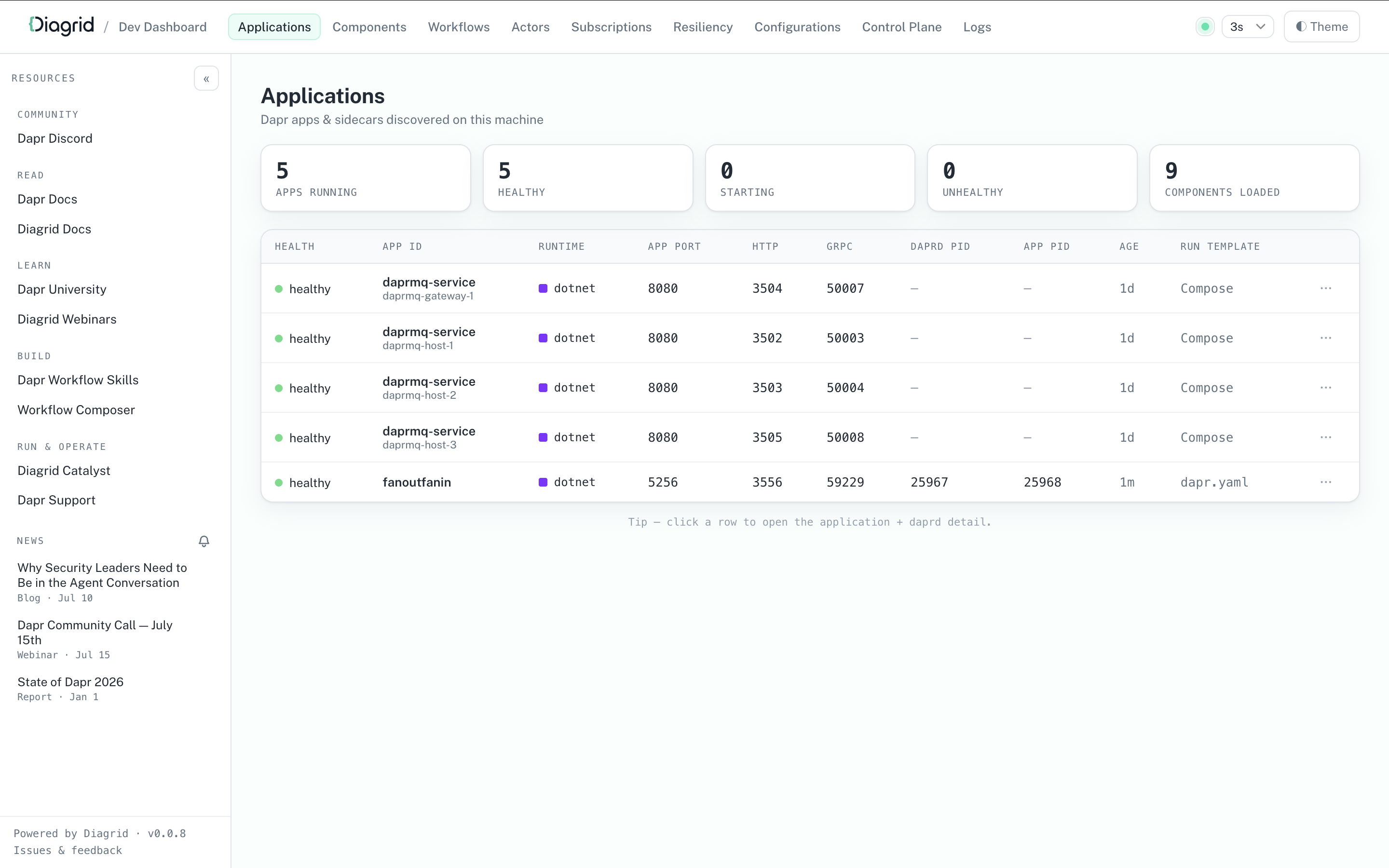
Note
The Dev Dashboard is a local development tool only. It is not intended to run inside a Kubernetes cluster, or in production, staging, or any shared environment.Install the Dev Dashboard
The dashboard ships as a standalone binary that is published on GitHub Releases. Download and install the dashboard via the terminal:
The script installs the dashboard to ~/.local/bin.
curl -sSL https://raw.githubusercontent.com/diagridio/dev-dashboard/main/scripts/install.sh | sh
To install a specific version, set VERSION before piping:
curl -sSL https://raw.githubusercontent.com/diagridio/dev-dashboard/main/scripts/install.sh | VERSION=vX.Y.Z sh
The script installs the dashboard to %LOCALAPPDATA%\Programs\diagrid-dev-dashboard.
iwr -useb https://raw.githubusercontent.com/diagridio/dev-dashboard/main/scripts/install.ps1 | iex
To install a specific version, set VERSION before piping:
$env:VERSION='vX.Y.Z'; iwr -useb https://raw.githubusercontent.com/diagridio/dev-dashboard/main/scripts/install.ps1 | iex
If the install directory is not on your PATH, the script prints the line you need to add.
Alternatively, download the archive for your platform from the GitHub Releases page, extract it, and place diagrid-dev-dashboard (or diagrid-dev-dashboard.exe) on your PATH.
Verify the installation with:
diagrid-dev-dashboard --version
Run the Dev Dashboard
Start the dashboard with:
diagrid-dev-dashboard
The dashboard opens in a browser at http://localhost:9090. Use the --port flag to run the dashboard on a different port:
diagrid-dev-dashboard --port 8080
No additional setup is needed. The dashboard discovers running Dapr apps the same way dapr list does, so anything started with dapr run / dapr run -f, Aspire, Docker Compose, or Dapr Testcontainers shows up within one refresh cycle.
Update the Dev Dashboard
On startup, the dashboard checks for a newer release. When one is available, the dashboard prints a notice and the UI shows an Update available indicator. To update to the latest release, run:
diagrid-dev-dashboard update
Restart any running dashboard to use the new version.
Features
Inspect applications
The Applications page shows a live table of all running apps and sidecars, including the app ID, health, runtime, ports, and process IDs. Drill into a single app to see its command, resource and configuration paths, runtime metadata, enabled features, and loaded components.
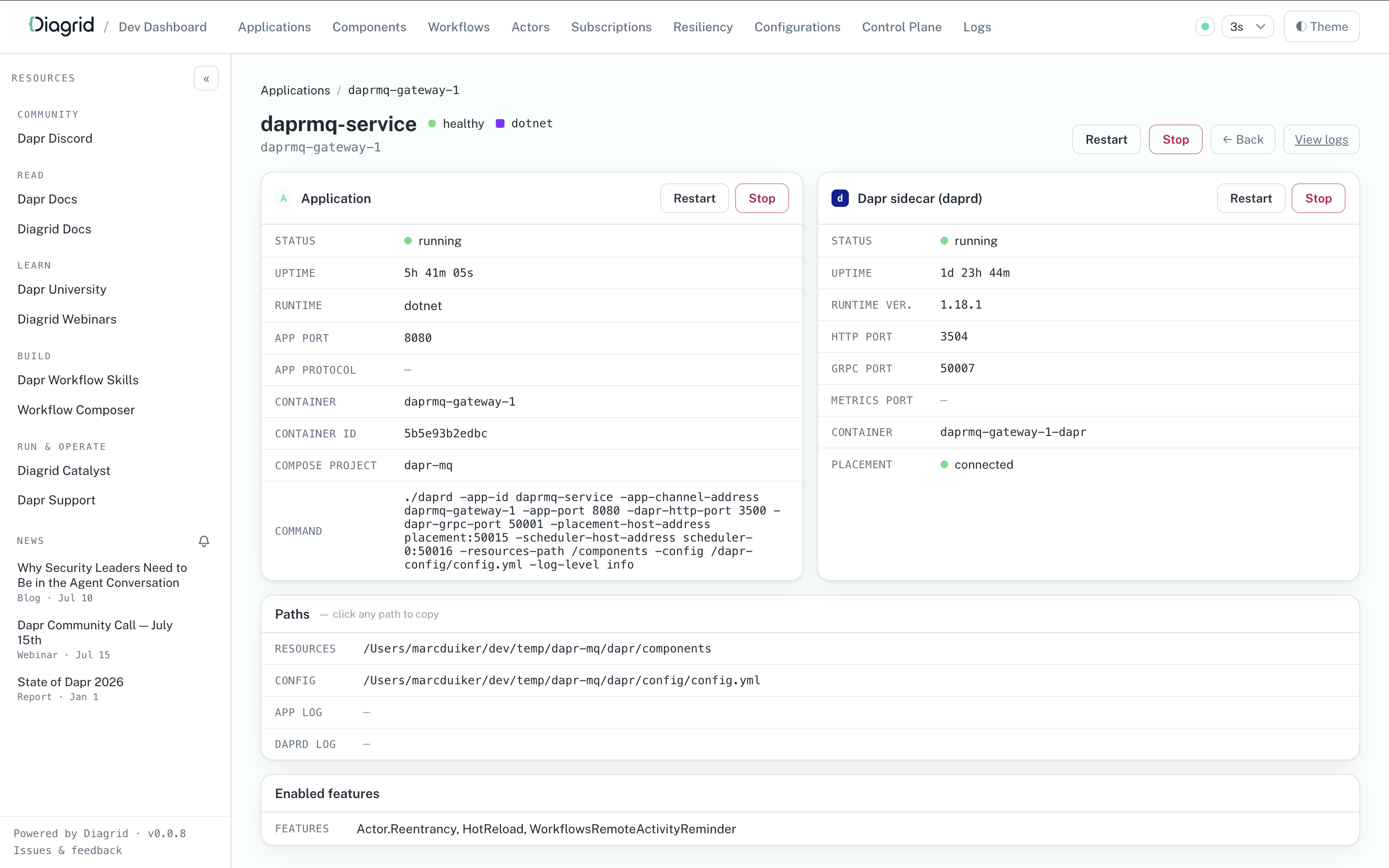
Debug workflows
The Workflows page lists the workflow executions across all apps, with status filters and search. You can terminate and purge individual workflows or bulk-delete them.
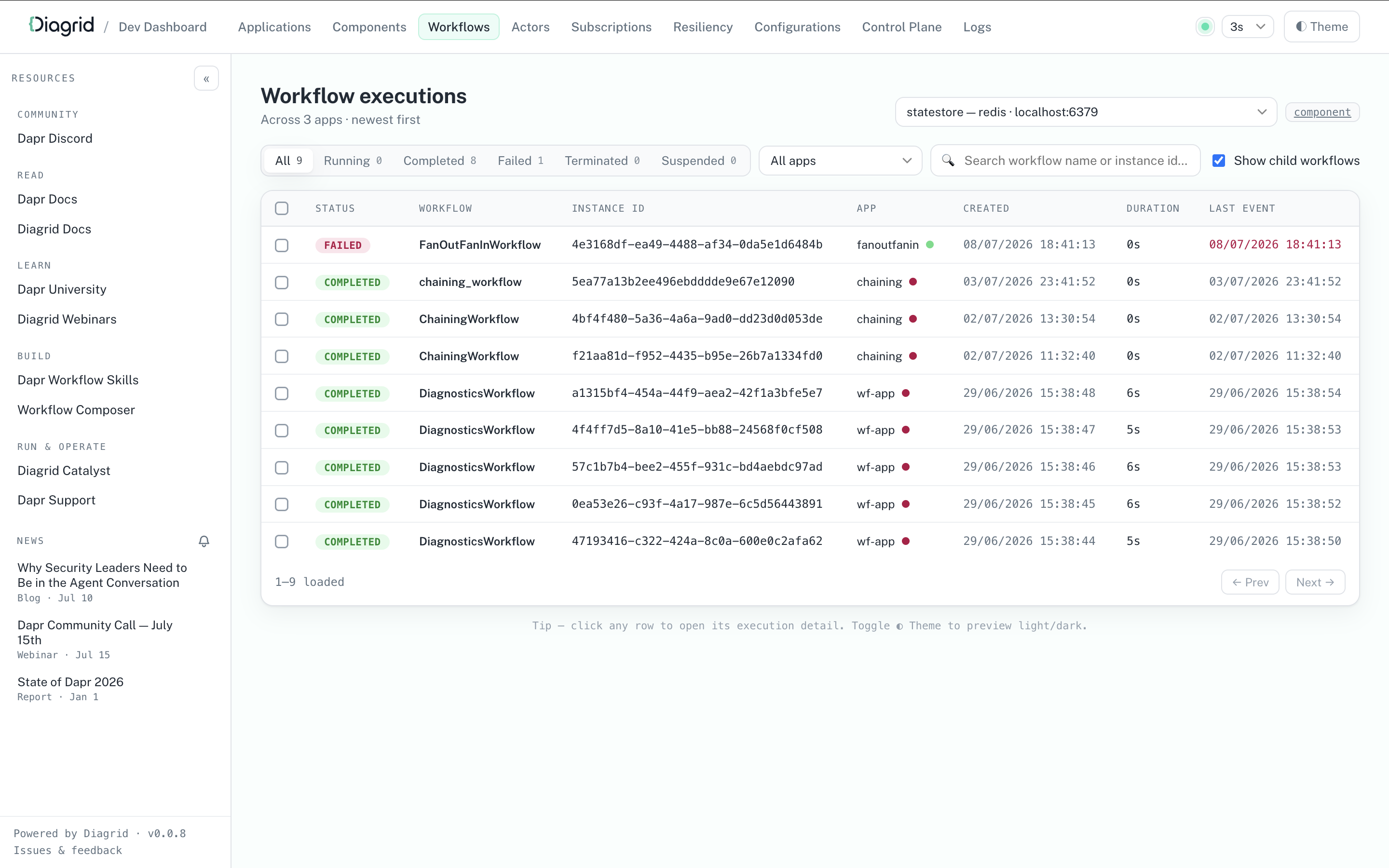
Open a workflow instance to watch its live event history, input and output, and custom status.
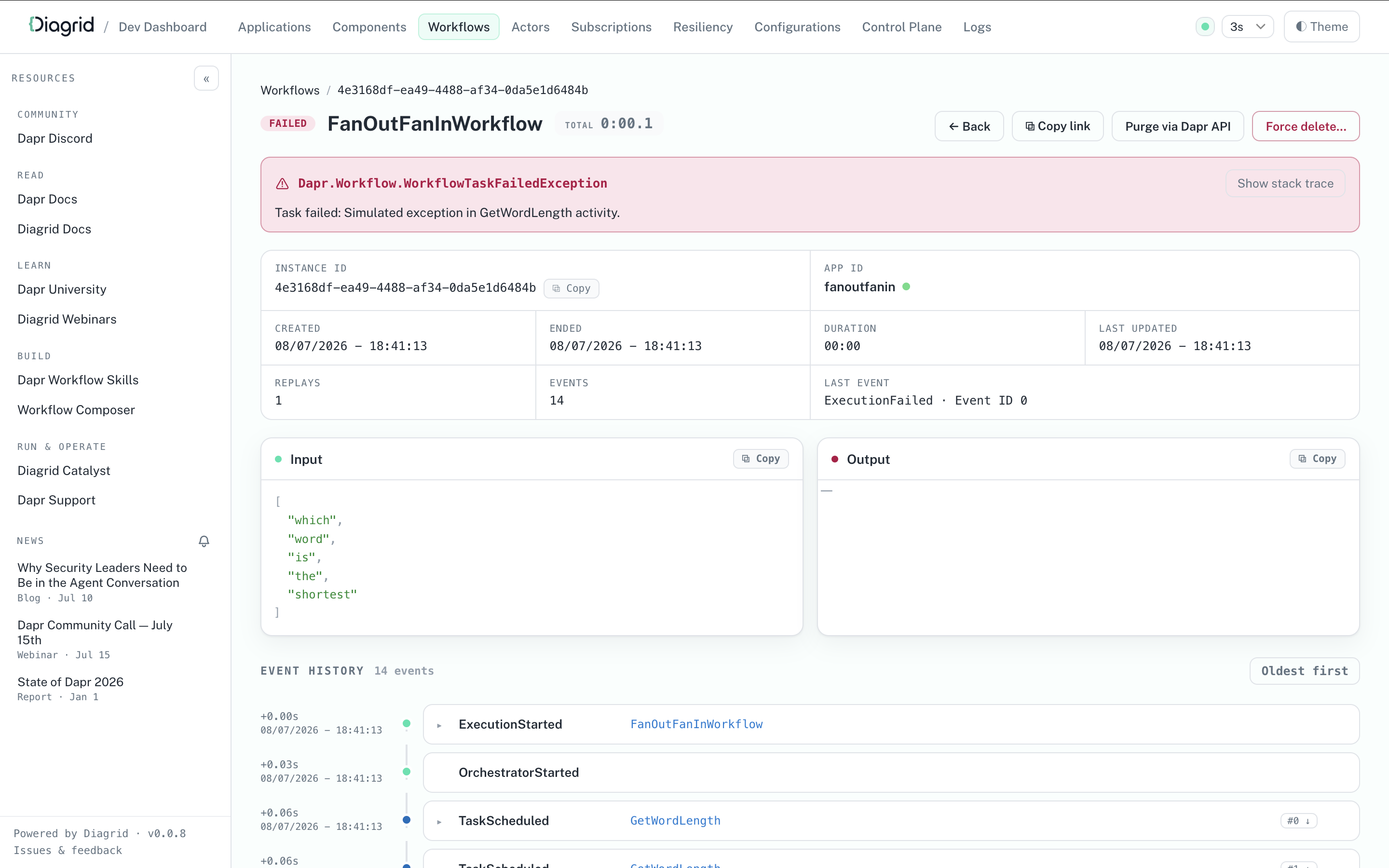
Review actors, subscriptions, and state
The Actors and Subscriptions pages aggregate the active actor types and pub/sub subscriptions across all apps, each linked back to the owning application. The State page lists the records in a connected state store, and lets you add and delete records.
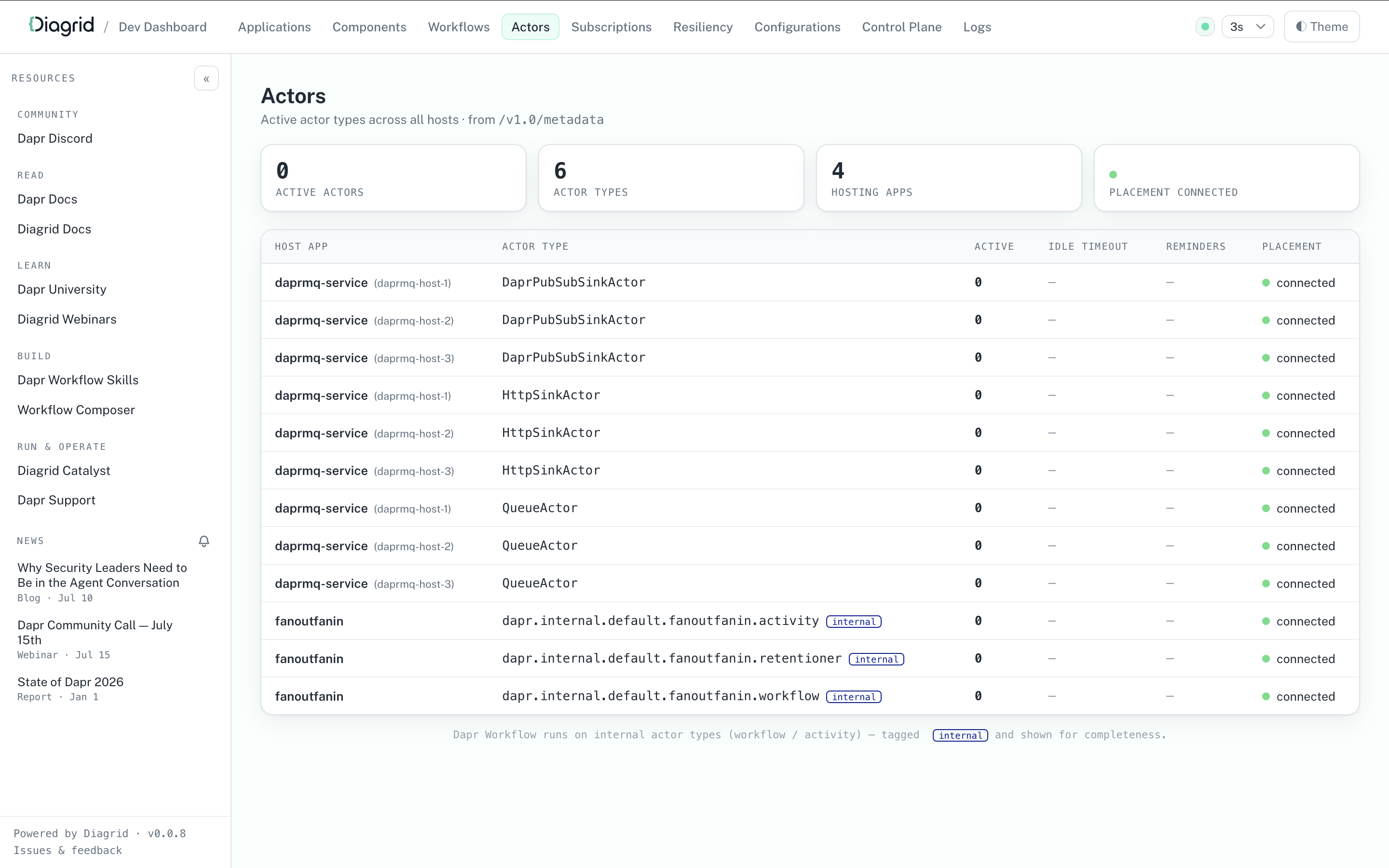
Read and build components
The Components page shows the component files and which apps loaded each component. Use the + New component button to open the Component Builder and generate component YAML for any component type in the Dapr catalog. The Resiliency page offers a similar builder for resiliency policies.
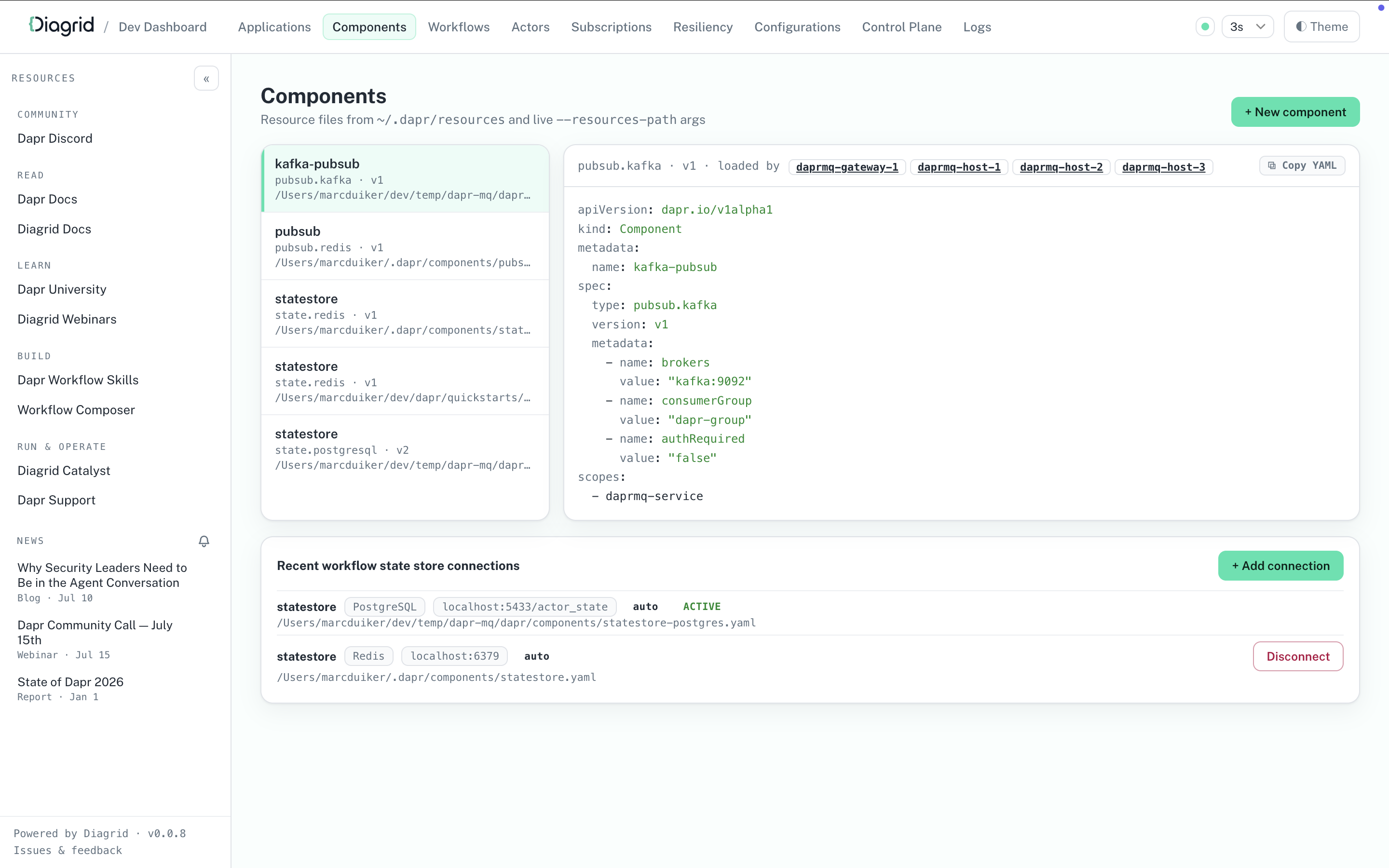
Check the control plane
The Control Plane page shows the status, ports, and memory usage of the local Dapr control plane services, such as the scheduler and placement services, and lets you restart or stop them.
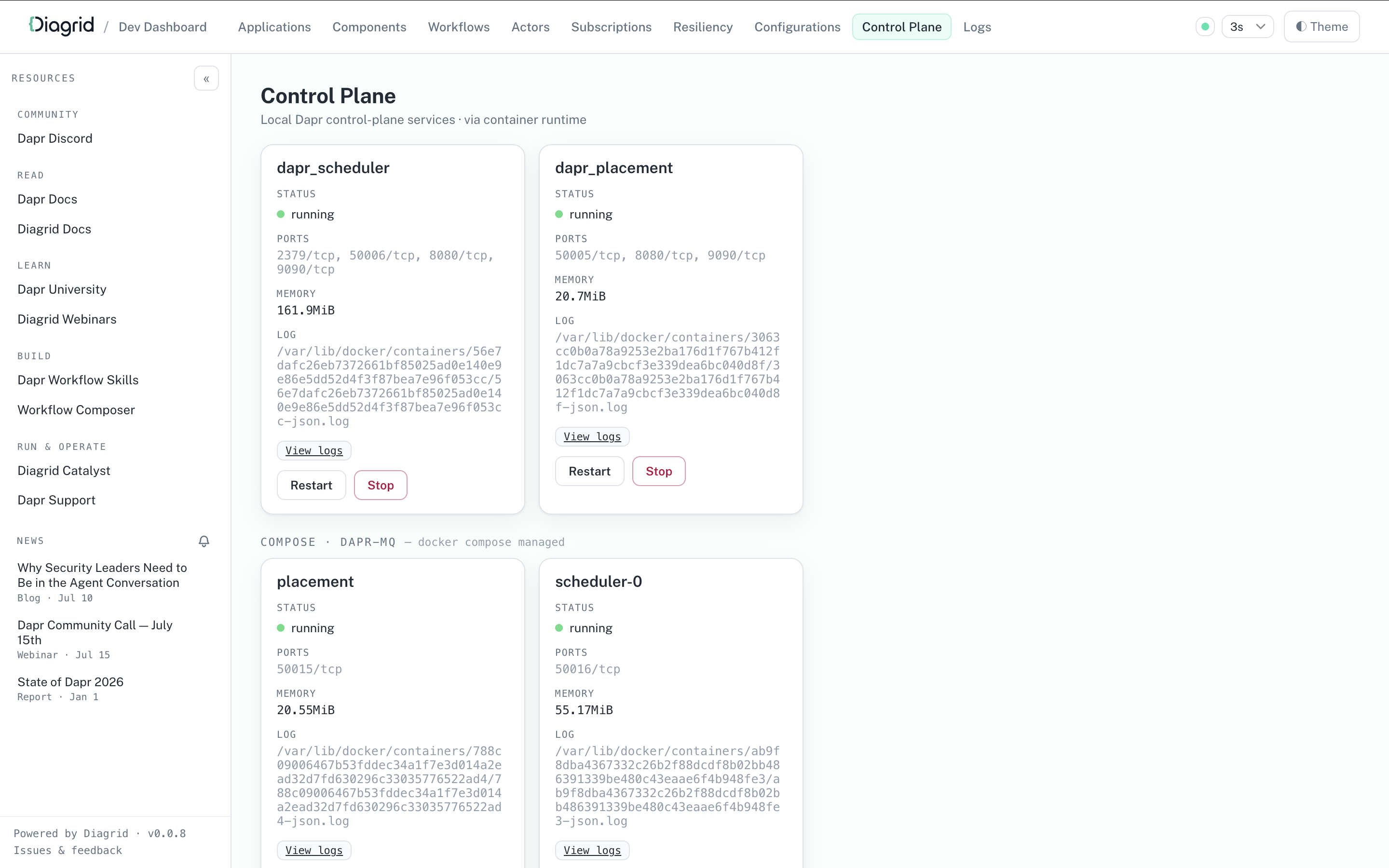
Stream logs
The Logs page streams the daprd and application logs per app, with level coloring, keyword highlighting, and a follow toggle.
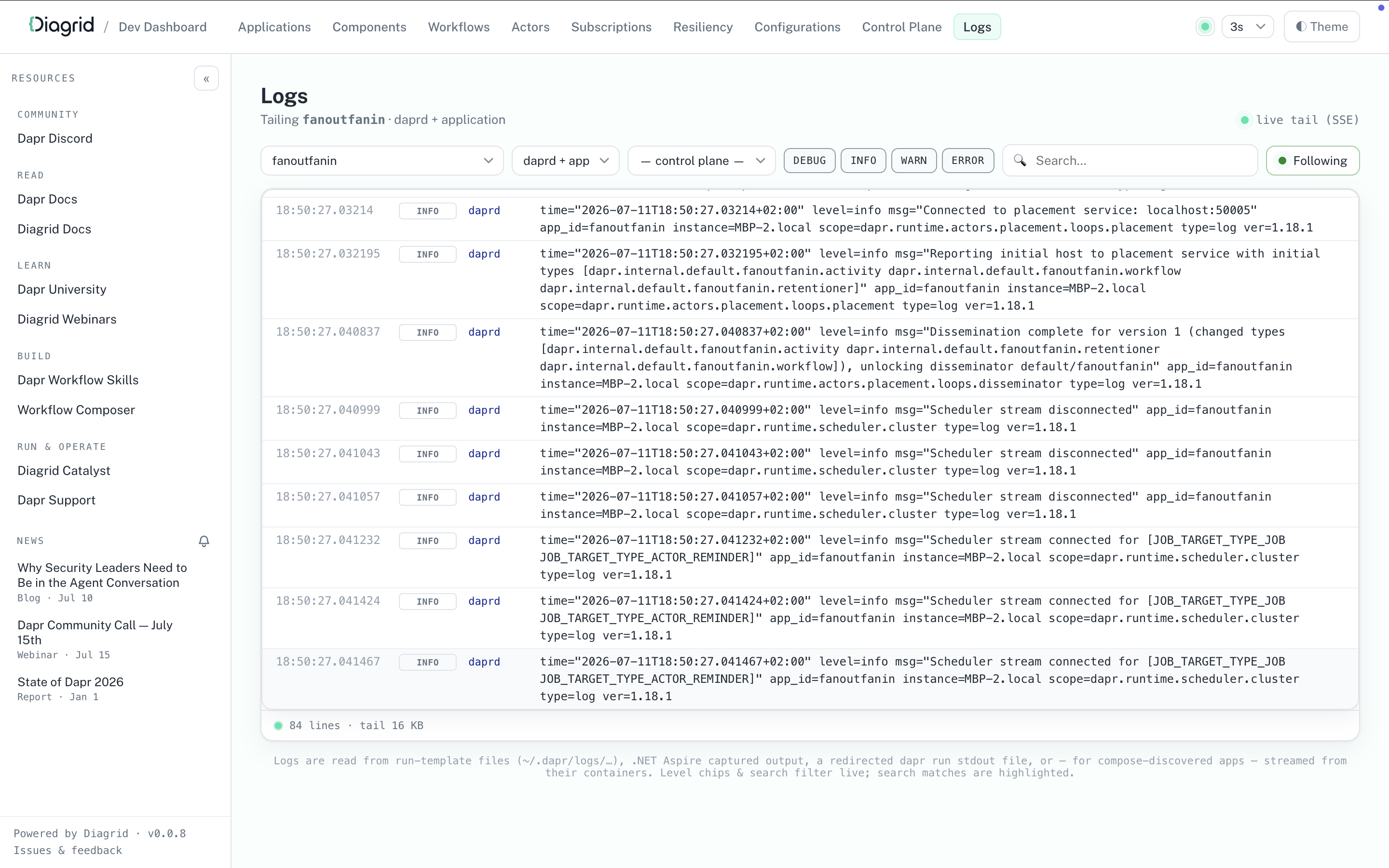
Related links
4.2 - IDE support
4.2.1 - Visual Studio Code integration with Dapr
4.2.1.1 - Dapr Visual Studio Code extension overview
Deprecation notice
The extension was previously supported by Microsoft, but is now deprecated. The extension will remain available in the Visual Studio Code marketplace, but it will no longer receive updates or support.The deprecated Dapr Visual Studio Code extension for local development which enables users a variety of features related to better managing their Dapr applications and debugging of your Dapr applications for all supported Dapr languages which are .NET, Go, PHP, Python and Java.
Features
Scaffold Dapr debugging tasks
The Dapr extension helps you debug your applications with Dapr using Visual Studio Code’s built-in debugging capability.
Using the Dapr: Scaffold Dapr Tasks Command Palette operation, you can update your existing task.json and launch.json files to launch and configure the Dapr sidecar when you begin debugging.
- Make sure you have a launch configuration set for your app. (Learn more)
- Open the Command Palette with
Ctrl+Shift+P - Select
Dapr: Scaffold Dapr Tasks - Run your app and the Dapr sidecar with
F5or via the Run view.
Scaffold Dapr components
When adding Dapr to your application, you may want to have a dedicated components directory, separate from the default components initialized as part of dapr init.
To create a dedicated components folder with the default statestore, pubsub, and zipkin components, use the Dapr: Scaffold Dapr Components Command Palette operation.
- Open your application directory in Visual Studio Code
- Open the Command Palette with
Ctrl+Shift+P - Select
Dapr: Scaffold Dapr Components - Run your application with
dapr run --resources-path ./components -- ...
View running Dapr applications
The Applications view shows Dapr applications running locally on your machine.
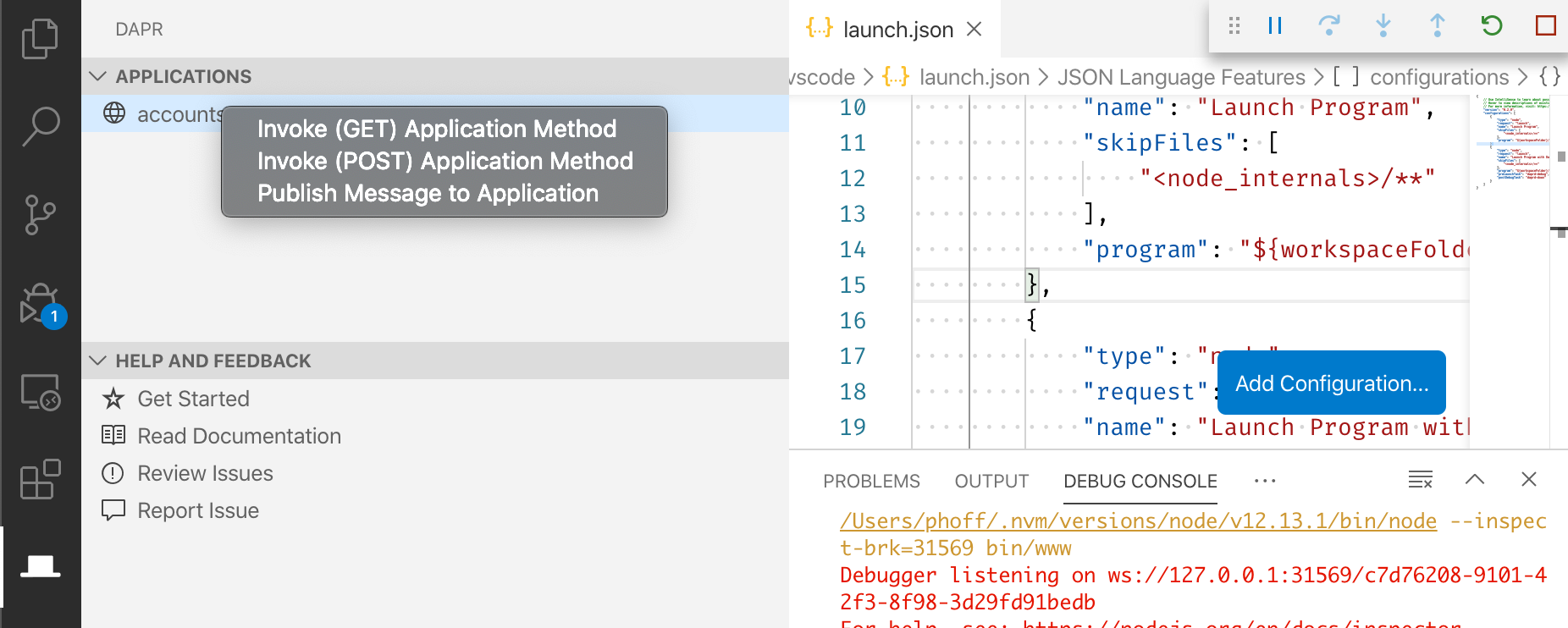
Invoke Dapr applications
Within the Applications view, users can right-click and invoke Dapr apps via GET or POST methods, optionally specifying a payload.
Publish events to Dapr applications
Within the Applications view, users can right-click and publish messages to a running Dapr application, specifying the topic and payload.
Users can also publish messages to all running applications.
Additional resources
Debugging multiple Dapr applications at the same time
Using the VS Code extension, you can debug multiple Dapr applications at the same time with Multi-target debugging.
Community call demo
Watch this video on how to use the Dapr VS Code extension:
4.2.1.2 - How-To: Debug Dapr applications with Visual Studio Code
Deprecation notice
The extension was previously supported by Microsoft, but is now deprecated. The extension will remain available in the Visual Studio Code marketplace, but it will no longer receive updates or support.Manual debugging
When developing Dapr applications, you typically use the Dapr CLI to start your daprized service similar to this:
dapr run --app-id nodeapp --app-port 3000 --dapr-http-port 3500 app.js
One approach to attaching the debugger to your service is to first run daprd with the correct arguments from the command line and then launch your code and attach the debugger. While this is a perfectly acceptable solution, it does require a few extra steps and some instruction to developers who might want to clone your repo and hit the “play” button to begin debugging.
If your application is a collection of microservices, each with a Dapr sidecar, it will be useful to debug them together in Visual Studio Code. This page will use the hello world quickstart to showcase how to configure VSCode to debug multiple Dapr application using VSCode debugging.
Prerequisites
- Install the Dapr extension. You will be using the tasks it offers later on.
- Optionally clone the hello world quickstart
Step 1: Configure launch.json
The file .vscode/launch.json contains launch configurations for a VS Code debug run. This file defines what will launch and how it is configured when the user begins debugging. Configurations are available for each programming language in the Visual Studio Code marketplace.
Scaffold debugging configuration
The Dapr VSCode extension offers built-in scaffolding to generate launch.json and tasks.json for you.
In the case of the hello world quickstart, two applications are launched, each with its own Dapr sidecar. One is written in Node.JS, and the other in Python. You’ll notice each configuration contains a daprd run preLaunchTask and a daprd stop postDebugTask.
{
"version": "0.2.0",
"configurations": [
{
"type": "pwa-node",
"request": "launch",
"name": "Nodeapp with Dapr",
"skipFiles": [
"<node_internals>/**"
],
"program": "${workspaceFolder}/node/app.js",
"preLaunchTask": "daprd-debug-node",
"postDebugTask": "daprd-down-node"
},
{
"type": "python",
"request": "launch",
"name": "Pythonapp with Dapr",
"program": "${workspaceFolder}/python/app.py",
"console": "integratedTerminal",
"preLaunchTask": "daprd-debug-python",
"postDebugTask": "daprd-down-python"
}
]
}
If you’re using ports other than the default ports baked into the code, set the DAPR_HTTP_PORT and DAPR_GRPC_PORT environment variables in the launch.json debug configuration. Match with the httpPort and grpcPort in the daprd tasks.json. For example, launch.json:
{
// Set the non-default HTTP and gRPC ports
"env": {
"DAPR_HTTP_PORT": "3502",
"DAPR_GRPC_PORT": "50002"
},
}
tasks.json:
{
// Match with ports set in launch.json
"httpPort": 3502,
"grpcPort": 50002
}
Each configuration requires a request, type and name. These parameters help VSCode identify the task configurations in the .vscode/tasks.json files.
typedefines the language used. Depending on the language, it might require an extension found in the marketplace, such as the Python Extension.nameis a unique name for the configuration. This is used for compound configurations when calling multiple configurations in your project.${workspaceFolder}is a VS Code variable reference. This is the path to the workspace opened in VS Code.- The
preLaunchTaskandpostDebugTaskparameters refer to the program configurations run before and after launching the application. See step 2 on how to configure these.
For more information on VSCode debugging parameters see VS Code launch attributes.
Step 2: Configure tasks.json
For each task defined in .vscode/launch.json , a corresponding task definition must exist in .vscode/tasks.json.
For the quickstart, each service needs a task to launch a Dapr sidecar with the daprd type, and a task to stop the sidecar with daprd-down. The parameters appId, httpPort, metricsPort, label and type are required. Additional optional parameters are available, see the reference table here.
{
"version": "2.0.0",
"tasks": [
{
"label": "daprd-debug-node",
"type": "daprd",
"appId": "nodeapp",
"appPort": 3000,
"httpPort": 3500,
"metricsPort": 9090
},
{
"label": "daprd-down-node",
"type": "daprd-down",
"appId": "nodeapp"
},
{
"label": "daprd-debug-python",
"type": "daprd",
"appId": "pythonapp",
"httpPort": 53109,
"grpcPort": 53317,
"metricsPort": 9091
},
{
"label": "daprd-down-python",
"type": "daprd-down",
"appId": "pythonapp"
}
]
}
Step 3: Configure a compound launch in launch.json
A compound launch configuration can defined in .vscode/launch.json and is a set of two or more launch configurations that are launched in parallel. Optionally, a preLaunchTask can be specified and run before the individual debug sessions are started.
For this example the compound configuration is:
{
"version": "2.0.0",
"configurations": [...],
"compounds": [
{
"name": "Node/Python Dapr",
"configurations": ["Nodeapp with Dapr","Pythonapp with Dapr"]
}
]
}
Step 4: Launch your debugging session
You can now run the applications in debug mode by finding the compound command name you have defined in the previous step in the VS Code debugger:
You are now debugging multiple applications with Dapr!
Daprd parameter table
Below are the supported parameters for VS Code tasks. These parameters are equivalent to daprd arguments as detailed in this reference:
| Parameter | Description | Required | Example |
|---|---|---|---|
allowedOrigins | Allowed HTTP origins (default “*”) | No | "allowedOrigins": "*" |
appId | The unique ID of the application. Used for service discovery, state encapsulation and the pub/sub consumer ID | Yes | "appId": "divideapp" |
appMaxConcurrency | Limit the concurrency of your application. A valid value is any number larger than 0 | No | "appMaxConcurrency": -1 |
appPort | This parameter tells Dapr which port your application is listening on | Yes | "appPort": 4000 |
appProtocol | Tells Dapr which protocol your application is using. Valid options are http, grpc, https, grpcs, h2c. Default is http. | No | "appProtocol": "http" |
args | Sets a list of arguments to pass on to the Dapr app | No | “args”: [] |
componentsPath | Path for components directory. If empty, components will not be loaded. | No | "componentsPath": "./components" |
config | Tells Dapr which Configuration resource to use | No | "config": "./config" |
controlPlaneAddress | Address for a Dapr control plane | No | "controlPlaneAddress": "http://localhost:1366/" |
enableProfiling | Enable profiling | No | "enableProfiling": false |
enableMtls | Enables automatic mTLS for daprd to daprd communication channels | No | "enableMtls": false |
grpcPort | gRPC port for the Dapr API to listen on (default “50001”) | Yes, if multiple apps | "grpcPort": 50004 |
httpPort | The HTTP port for the Dapr API | Yes | "httpPort": 3502 |
internalGrpcPort | gRPC port for the Dapr Internal API to listen on | No | "internalGrpcPort": 50001 |
logAsJson | Setting this parameter to true outputs logs in JSON format. Default is false | No | "logAsJson": false |
logLevel | Sets the log level for the Dapr sidecar. Allowed values are debug, info, warn, error. Default is info | No | "logLevel": "debug" |
metricsPort | Sets the port for the sidecar metrics server. Default is 9090 | Yes, if multiple apps | "metricsPort": 9093 |
mode | Runtime mode for Dapr (default “standalone”) | No | "mode": "standalone" |
placementHostAddress | Addresses for Dapr Actor Placement servers | No | "placementHostAddress": "http://localhost:1313/" |
profilePort | The port for the profile server (default “7777”) | No | "profilePort": 7777 |
sentryAddress | Address for the Sentry CA service | No | "sentryAddress": "http://localhost:1345/" |
type | Tells VS Code it will be a daprd task type | Yes | "type": "daprd" |
Related Links
4.2.1.3 - Developing Dapr applications with Dev Containers
Deprecation notice
The extension was previously supported by Microsoft, but is now deprecated. The extension will remain available in the Visual Studio Code marketplace, but it will no longer receive updates or support.The Visual Studio Code Dev Containers extension lets you use a self-contained Docker container as a complete development environment, without installing any additional packages, libraries, or utilities in your local filesystem.
Dapr has pre-built Dev Containers for C# and JavaScript/TypeScript; you can pick the one of your choice for a ready made environment. Note these pre-built containers automatically update to the latest Dapr release.
We also publish a Dev Container feature that installs the Dapr CLI inside any Dev Container.
Setup the development environment
Prerequisites
Add the Dapr CLI using a Dev Container feature
You can install the Dapr CLI inside any Dev Container using Dev Container features.
To do that, edit your devcontainer.json and add two objects in the "features" section:
"features": {
// Install the Dapr CLI
"ghcr.io/dapr/cli/dapr-cli:0": {},
// Enable Docker (via Docker-in-Docker)
"ghcr.io/devcontainers/features/docker-in-docker:2": {},
// Alternatively, use Docker-outside-of-Docker (uses Docker in the host)
//"ghcr.io/devcontainers/features/docker-outside-of-docker:1": {},
}
After saving the JSON file and (re-)building the container that hosts your development environment, you will have the Dapr CLI (and Docker) available, and can install Dapr by running this command in the container:
dapr init
Example: create a Java Dev Container for Dapr
This is an example of creating a Dev Container for creating Java apps that use Dapr, based on the official Java 17 Dev Container image.
Place this in a file called .devcontainer/devcontainer.json in your project:
// For format details, see https://aka.ms/devcontainer.json. For config options, see the
// README at: https://github.com/devcontainers/templates/tree/main/src/java
{
"name": "Java",
// Or use a Dockerfile or Docker Compose file. More info: https://containers.dev/guide/dockerfile
"image": "mcr.microsoft.com/devcontainers/java:0-17",
"features": {
"ghcr.io/devcontainers/features/java:1": {
"version": "none",
"installMaven": "false",
"installGradle": "false"
},
// Install the Dapr CLI
"ghcr.io/dapr/cli/dapr-cli:0": {},
// Enable Docker (via Docker-in-Docker)
"ghcr.io/devcontainers/features/docker-in-docker:2": {},
// Alternatively, use Docker-outside-of-Docker (uses Docker in the host)
//"ghcr.io/devcontainers/features/docker-outside-of-docker:1": {},
}
// Use 'forwardPorts' to make a list of ports inside the container available locally.
// "forwardPorts": [],
// Use 'postCreateCommand' to run commands after the container is created.
// "postCreateCommand": "java -version",
// Configure tool-specific properties.
// "customizations": {},
// Uncomment to connect as root instead. More info: https://aka.ms/dev-containers-non-root.
// "remoteUser": "root"
}
Then, using the VS Code command palette (CTRL + SHIFT + P or CMD + SHIFT + P on Mac), select Dev Containers: Rebuild and Reopen in Container.
Use a pre-built Dev Container (C# and JavaScript/TypeScript)
- Open your application workspace in VS Code
- In the command command palette (
CTRL + SHIFT + PorCMD + SHIFT + Pon Mac) type and selectDev Containers: Add Development Container Configuration Files...
- Type
daprto filter the list to available Dapr remote containers and choose the language container that matches your application. Note you may need to selectShow All Definitions...
- Follow the prompts to reopen your workspace in the container.
Example
Watch this video on how to use the Dapr Dev Containers with your application.
4.2.2 - IntelliJ
When developing Dapr applications, you typically use the Dapr CLI to start your ‘Daprized’ service similar to this:
dapr run --app-id nodeapp --app-port 3000 --dapr-http-port 3500 app.js
This uses the default components yaml files (created on dapr init) so that your service can interact with the local Redis container. This is great when you are just getting started but what if you want to attach a debugger to your service and step through the code? This is where you can use the dapr cli without invoking an app.
One approach to attaching the debugger to your service is to first run dapr run -- from the command line and then launch your code and attach the debugger. While this is a perfectly acceptable solution, it does require a few extra steps (like switching between terminal and IDE) and some instruction to developers who might want to clone your repo and hit the “play” button to begin debugging.
This document explains how to use dapr directly from IntelliJ. As a pre-requisite, make sure you have initialized the Dapr’s dev environment via dapr init.
Let’s get started!
Add Dapr as an ‘External Tool’
First, quit IntelliJ before modifying the configurations file directly.
IntelliJ configuration file location
For versions 2020.1 and above the configuration files for tools should be located in:
%USERPROFILE%\AppData\Roaming\JetBrains\IntelliJIdea2020.1\tools\
$HOME/.config/JetBrains/IntelliJIdea2020.1/tools/
~/Library/Application\ Support/JetBrains/IntelliJIdea2020.1/tools/
The configuration file location is different for version 2019.3 or prior. See here for more details.
Change the version of IntelliJ in the path if needed.
Create or edit the file in <CONFIG PATH>/tools/External\ Tools.xml (change IntelliJ version in path if needed). The <CONFIG PATH> is OS dependent as seen above.
Add a new <tool></tool> entry:
<toolSet name="External Tools">
...
<!-- 1. Each tool has its own app-id, so create one per application to be debugged -->
<tool name="dapr for DemoService in examples" description="Dapr sidecar" showInMainMenu="false" showInEditor="false" showInProject="false" showInSearchPopup="false" disabled="false" useConsole="true" showConsoleOnStdOut="true" showConsoleOnStdErr="true" synchronizeAfterRun="true">
<exec>
<!-- 2. For Linux or MacOS use: /usr/local/bin/dapr -->
<option name="COMMAND" value="C:\dapr\dapr.exe" />
<!-- 3. Choose app, http and grpc ports that do not conflict with other daprd command entries (placement address should not change). -->
<option name="PARAMETERS" value="run -app-id demoservice -app-port 3000 -dapr-http-port 3005 -dapr-grpc-port 52000" />
<!-- 4. Use the folder where the `components` folder is located -->
<option name="WORKING_DIRECTORY" value="C:/Code/dapr/java-sdk/examples" />
</exec>
</tool>
...
</toolSet>
Optionally, you may also create a new entry for a sidecar tool that can be reused across many projects:
<toolSet name="External Tools">
...
<!-- 1. Reusable entry for apps with app port. -->
<tool name="dapr with app-port" description="Dapr sidecar" showInMainMenu="false" showInEditor="false" showInProject="false" showInSearchPopup="false" disabled="false" useConsole="true" showConsoleOnStdOut="true" showConsoleOnStdErr="true" synchronizeAfterRun="true">
<exec>
<!-- 2. For Linux or MacOS use: /usr/local/bin/dapr -->
<option name="COMMAND" value="c:\dapr\dapr.exe" />
<!-- 3. Prompts user 4 times (in order): app id, app port, Dapr's http port, Dapr's grpc port. -->
<option name="PARAMETERS" value="run --app-id $Prompt$ --app-port $Prompt$ --dapr-http-port $Prompt$ --dapr-grpc-port $Prompt$" />
<!-- 4. Use the folder where the `components` folder is located -->
<option name="WORKING_DIRECTORY" value="$ProjectFileDir$" />
</exec>
</tool>
<!-- 1. Reusable entry for apps without app port. -->
<tool name="dapr without app-port" description="Dapr sidecar" showInMainMenu="false" showInEditor="false" showInProject="false" showInSearchPopup="false" disabled="false" useConsole="true" showConsoleOnStdOut="true" showConsoleOnStdErr="true" synchronizeAfterRun="true">
<exec>
<!-- 2. For Linux or MacOS use: /usr/local/bin/dapr -->
<option name="COMMAND" value="c:\dapr\dapr.exe" />
<!-- 3. Prompts user 3 times (in order): app id, Dapr's http port, Dapr's grpc port. -->
<option name="PARAMETERS" value="run --app-id $Prompt$ --dapr-http-port $Prompt$ --dapr-grpc-port $Prompt$" />
<!-- 4. Use the folder where the `components` folder is located -->
<option name="WORKING_DIRECTORY" value="$ProjectFileDir$" />
</exec>
</tool>
...
</toolSet>
Create or edit run configuration
Now, create or edit the run configuration for the application to be debugged. It can be found in the menu next to the main() function.
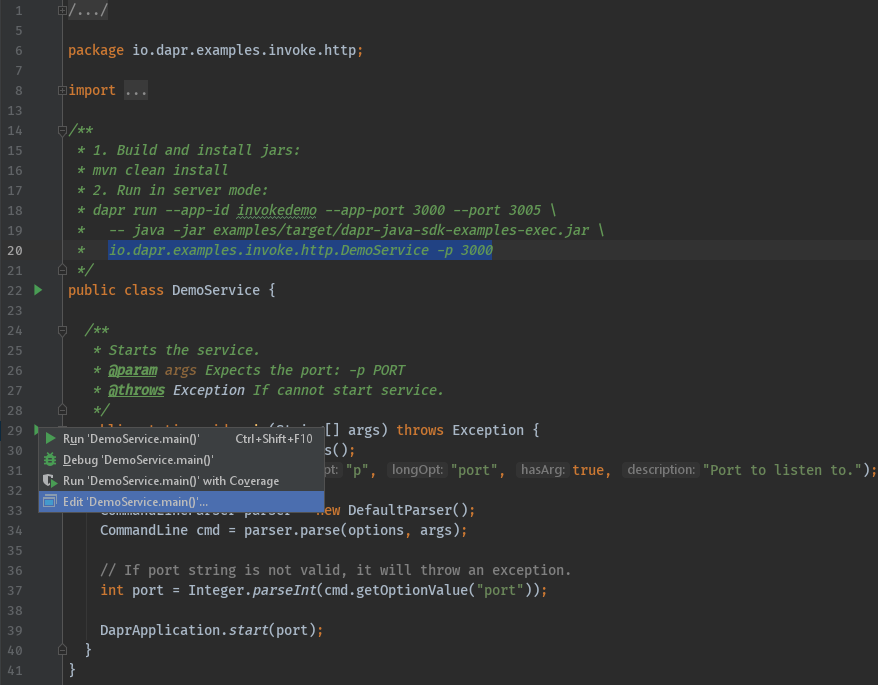
Now, add the program arguments and environment variables. These need to match the ports defined in the entry in ‘External Tool’ above.
- Command line arguments for this example:
-p 3000 - Environment variables for this example:
DAPR_HTTP_PORT=3005;DAPR_GRPC_PORT=52000
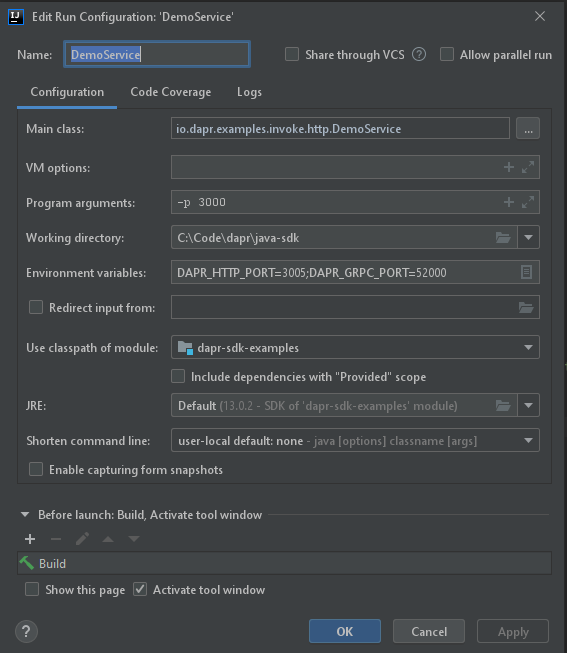
Start debugging
Once the one-time config above is done, there are two steps required to debug a Java application with Dapr in IntelliJ:
- Start
daprviaTools->External Toolin IntelliJ.
- Start your application in debug mode.
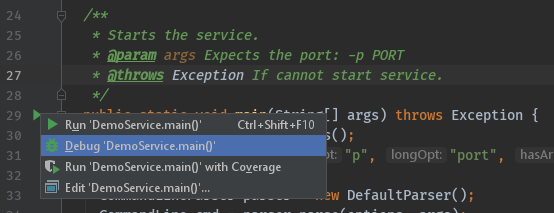
Wrapping up
After debugging, make sure you stop both dapr and your app in IntelliJ.
Note: Since you launched the service(s) using the dapr run CLI command, the dapr list command will show runs from IntelliJ in the list of apps that are currently running with Dapr.
Happy debugging!
Related links
- Change in IntelliJ configuration directory location
4.3 - Multi-App Run
4.3.1 - Multi-App Run overview
Note
Multi-App Run for Kubernetes is currently a preview feature.Let’s say you want to run several applications locally to test them together, similar to a production scenario. Multi-App Run allows you to start and stop a set of applications simultaneously, either:
- Locally/self-hosted with processes, or
- By building container images and deploying to a Kubernetes cluster
- You can use a local Kubernetes cluster (KiND) or one deploy to a Cloud (AKS, EKS, and GKE).
The Multi-App Run template file describes how to start multiple applications as if you had run many separate CLI run commands. By default, this template file is called dapr.yaml.
Multi-App Run template file
When you execute dapr run -f ., it starts the multi-app template file (named dapr.yaml) present in the current directory to run all the applications.
You can name template file with preferred name other than the default. For example dapr run -f ./<your-preferred-file-name>.yaml.
The following example includes some of the template properties you can customize for your applications. In the example, you can simultaneously launch 2 applications with app IDs of processor and emit-metrics.
version: 1
apps:
- appID: processor
appDirPath: ../apps/processor/
appPort: 9081
daprHTTPPort: 3510
command: ["go","run", "app.go"]
- appID: emit-metrics
appDirPath: ../apps/emit-metrics/
daprHTTPPort: 3511
env:
DAPR_HOST_ADD: localhost
command: ["go","run", "app.go"]
For a more in-depth example and explanation of the template properties, see Multi-app template.
Locations for resources and configuration files
You have options on where to place your applications’ resources and configuration files when using Multi-App Run.
Point to one file location (with convention)
You can set all of your applications resources and configurations at the ~/.dapr root. This is helpful when all applications share the same resources path, like when testing on a local machine.
Separate file locations for each application (with convention)
When using Multi-App Run, each application directory can have a .dapr folder, which contains a config.yaml file and a resources directory. Otherwise, if the .dapr directory is not present within the app directory, the default ~/.dapr/resources/ and ~/.dapr/config.yaml locations are used.
If you decide to add a .dapr directory in each application directory, with a /resources directory and config.yaml file, you can specify different resources paths for each application. This approach remains within convention by using the default ~/.dapr.
Point to separate locations (custom)
You can also name each app directory’s .dapr directory something other than .dapr, such as, webapp, or backend. This helps if you’d like to be explicit about resource or application directory paths.
Logs
The run template provides two log destination fields for each application and its associated daprd process:
appLogDestination: This field configures the log destination for the application. The possible values areconsole,fileandfileAndConsole. The default value isfileAndConsolewhere application logs are written to both console and to a file by default.daprdLogDestination: This field configures the log destination for thedaprdprocess. The possible values areconsole,fileandfileAndConsole. The default value isfilewhere thedaprdlogs are written to a file by default.
Log file format
Logs for application and daprd are captured in separate files. These log files are created automatically under .dapr/logs directory under each application directory (appDirPath in the template). These log file names follow the pattern seen below:
<appID>_app_<timestamp>.log(file name format forapplog)<appID>_daprd_<timestamp>.log(file name format fordaprdlog)
Even if you’ve decided to rename your resources folder to something other than .dapr, the log files are written only to the .dapr/logs folder (created in the application directory).
Inspect your apps with the Dapr Dev Dashboard
When you start multiple apps with Multi-App Run, the Dapr Dev Dashboard automatically discovers them and gives you one place to see all apps and sidecars, their health and ports, the components they loaded, and the application and daprd logs per app. This saves you from searching through the individual log files in each .dapr/logs folder.
Watch the demo
Multi-App Run template file
When you execute dapr run -k -f . or dapr run -k -f dapr.yaml, the applications defined in the dapr.yaml Multi-App Run template file starts in Kubernetes default namespace.
Note: Currently, the Multi-App Run template can only start applications in the default Kubernetes namespace.
The necessary default service and deployment definitions for Kubernetes are generated within the .dapr/deploy folder for each app in the dapr.yaml template.
If the createService field is set to true in the dapr.yaml template for an app, then the service.yaml file is generated in the .dapr/deploy folder of the app.
Otherwise, only the deployment.yaml file is generated for each app that has the containerImage field set.
The files service.yaml and deployment.yaml are used to deploy the applications in default namespace in Kubernetes. This feature is specifically targeted only for running multiple apps in a dev/test environment in Kubernetes.
You can name the template file with any preferred name other than the default. For example:
dapr run -k -f ./<your-preferred-file-name>.yaml
The following example includes some of the template properties you can customize for your applications. In the example, you can simultaneously launch 2 applications with app IDs of nodeapp and pythonapp.
version: 1
common:
apps:
- appID: nodeapp
appDirPath: ./nodeapp/
appPort: 3000
containerImage: ghcr.io/dapr/samples/hello-k8s-node:latest
containerImagePullPolicy: Always
createService: true
env:
APP_PORT: 3000
- appID: pythonapp
appDirPath: ./pythonapp/
containerImage: ghcr.io/dapr/samples/hello-k8s-python:latest
Note:
- If the
containerImagefield is not specified,dapr run -k -fproduces an error.- The containerImagePullPolicy indicates that a new container image is always downloaded for this app.
- The
createServicefield defines a basic service in Kubernetes (ClusterIP or LoadBalancer) that targets the--app-portspecified in the template. IfcreateServiceisn’t specified, the application is not accessible from outside the cluster.
For a more in-depth example and explanation of the template properties, see Multi-app template.
Logs
The run template provides two log destination fields for each application and its associated daprd process:
appLogDestination: This field configures the log destination for the application. The possible values areconsole,fileandfileAndConsole. The default value isfileAndConsolewhere application logs are written to both console and to a file by default.daprdLogDestination: This field configures the log destination for thedaprdprocess. The possible values areconsole,fileandfileAndConsole. The default value isfilewhere thedaprdlogs are written to a file by default.
Log file format
Logs for application and daprd are captured in separate files. These log files are created automatically under .dapr/logs directory under each application directory (appDirPath in the template). These log file names follow the pattern seen below:
<appID>_app_<timestamp>.log(file name format forapplog)<appID>_daprd_<timestamp>.log(file name format fordaprdlog)
Even if you’ve decided to rename your resources folder to something other than .dapr, the log files are written only to the .dapr/logs folder (created in the application directory).
Watch the demo
Watch this video for an overview on Multi-App Run in Kubernetes:
Next steps
4.3.2 - How to: Use the Multi-App Run template file
Note
Multi-App Run for Kubernetes is currently a preview feature.The Multi-App Run template file is a YAML file that you can use to run multiple applications at once. In this guide, you’ll learn how to:
- Use the multi-app template
- View started applications
- Stop the multi-app template
- Structure the multi-app template file
Use the multi-app template
You can use the multi-app template file in one of the following two ways:
Execute by providing a directory path
When you provide a directory path, the CLI will try to locate the Multi-App Run template file, named dapr.yaml by default in the directory. If the file is not found, the CLI will return an error.
Execute the following CLI command to read the Multi-App Run template file, named dapr.yaml by default:
# the template file needs to be called `dapr.yaml` by default if a directory path is given
dapr run -f <dir_path>
dapr run -f <dir_path> -k
Execute by providing a file path
If the Multi-App Run template file is named something other than dapr.yaml, then you can provide the relative or absolute file path to the command:
dapr run -f ./path/to/<your-preferred-file-name>.yaml
dapr run -f ./path/to/<your-preferred-file-name>.yaml -k
View the started applications
Once the multi-app template is running, you can view the started applications with the following command:
dapr list
dapr list -k
Stop the multi-app template
Stop the multi-app run template any time with either of the following commands:
# the template file needs to be called `dapr.yaml` by default if a directory path is given
dapr stop -f <dir_path>
or:
dapr stop -f ./path/to/<your-preferred-file-name>.yaml
# the template file needs to be called `dapr.yaml` by default if a directory path is given
dapr stop -f <dir_path> -k
or:
dapr stop -f ./path/to/<your-preferred-file-name>.yaml -k
Template file structure
The Multi-App Run template file can include the following properties. Below is an example template showing two applications that are configured with some of the properties.
version: 1
common: # optional section for variables shared across apps
resourcesPath: ./app/components # any dapr resources to be shared across apps
env: # any environment variable shared across apps
DEBUG: true
apps:
- appID: webapp # optional
appDirPath: .dapr/webapp/ # REQUIRED
resourcesPath: .dapr/resources # deprecated
resourcesPaths: .dapr/resources # comma separated resources paths. (optional) can be left to default value by convention.
appChannelAddress: 127.0.0.1 # network address where the app listens on. (optional) can be left to default value by convention.
configFilePath: .dapr/config.yaml # (optional) can be default by convention too, ignore if file is not found.
appProtocol: http
appPort: 8080
appHealthCheckPath: "/healthz"
command: ["python3", "app.py"]
appLogDestination: file # (optional), can be file, console or fileAndConsole. default is fileAndConsole.
daprdLogDestination: file # (optional), can be file, console or fileAndConsole. default is file.
- appID: backend # optional
appDirPath: .dapr/backend/ # REQUIRED
appProtocol: grpc
appPort: 3000
unixDomainSocket: "/tmp/test-socket"
env:
DEBUG: false
command: ["./backend"]
The following rules apply for all the paths present in the template file:
- If the path is absolute, it is used as is.
- All relative paths under common section should be provided relative to the template file path.
appDirPathunder apps section should be provided relative to the template file path.- All other relative paths under apps section should be provided relative to the
appDirPath.
version: 1
common: # optional section for variables shared across apps
env: # any environment variable shared across apps
DEBUG: true
apps:
- appID: webapp # optional
appDirPath: .dapr/webapp/ # REQUIRED
appChannelAddress: 127.0.0.1 # network address where the app listens on. (optional) can be left to default value by convention.
appProtocol: http
appPort: 8080
appHealthCheckPath: "/healthz"
appLogDestination: file # (optional), can be file, console or fileAndConsole. default is fileAndConsole.
daprdLogDestination: file # (optional), can be file, console or fileAndConsole. default is file.
containerImage: ghcr.io/dapr/samples/hello-k8s-node:latest # (optional) URI of the container image to be used when deploying to Kubernetes dev/test environment.
containerImagePullPolicy: IfNotPresent # (optional), the container image is downloaded if one is not present locally, otherwise the local one is used.
createService: true # (optional) Create a Kubernetes service for the application when deploying to dev/test environment.
- appID: backend # optional
appDirPath: .dapr/backend/ # REQUIRED
appProtocol: grpc
appPort: 3000
unixDomainSocket: "/tmp/test-socket"
env:
DEBUG: false
The following rules apply for all the paths present in the template file:
- If the path is absolute, it is used as is.
appDirPathunder apps section should be provided relative to the template file path.- All relative paths under app section should be provided relative to the
appDirPath.
Template properties
The properties for the Multi-App Run template align with the dapr run CLI flags, listed in the CLI reference documentation.
| Properties | Required | Details | Example |
|---|---|---|---|
appDirPath | Y | Path to the your application code | ./webapp/, ./backend/ |
appID | N | Application’s app ID. If not provided, will be derived from appDirPath | webapp, backend |
resourcesPath | N | Deprecated. Path to your Dapr resources. Can be default value by convention | ./app/components, ./webapp/components |
resourcesPaths | N | Comma separated paths to your Dapr resources. Can be default value by convention | ./app/components, ./webapp/components |
appChannelAddress | N | The network address the application listens on. Can be left to the default value by convention. | 127.0.0.1 |
configFilePath | N | Path to your application’s configuration file | ./webapp/config.yaml |
appProtocol | N | The protocol Dapr uses to talk to the application. | http, grpc |
appPort | N | The port your application is listening on | 8080, 3000 |
daprHTTPPort | N | Dapr HTTP port | |
daprGRPCPort | N | Dapr GRPC port | |
daprInternalGRPCPort | N | gRPC port for the Dapr Internal API to listen on; used when parsing the value from a local DNS component | |
metricsPort | N | The port that Dapr sends its metrics information to | |
unixDomainSocket | N | Path to a unix domain socket dir mount. If specified, communication with the Dapr sidecar uses unix domain sockets for lower latency and greater throughput when compared to using TCP ports. Not available on Windows. | /tmp/test-socket |
profilePort | N | The port for the profile server to listen on | |
enableProfiling | N | Enable profiling via an HTTP endpoint | |
apiListenAddresses | N | Dapr API listen addresses | |
logLevel | N | The log verbosity. | |
appMaxConcurrency | N | The concurrency level of the application; default is unlimited | |
placementHostAddress | N | Comma separated list of addresses for Dapr placement servers | 127.0.0.1:50057,127.0.0.1:50058 |
schedulerHostAddress | N | Dapr Scheduler Service host address | localhost:50006 |
appSSL | N | Enable https when Dapr invokes the application | |
maxBodySize | N | Max size of the request body in MB. Set the value using size units (e.g., 16Mi for 16MB). The default is 4Mi | |
readBufferSize | N | Max size of the HTTP read buffer in KB. This also limits the maximum size of HTTP headers. Set the value using size units, for example 32Ki will support headers up to 32KB . Default is 4Ki for 4KB | |
enableAppHealthCheck | N | Enable the app health check on the application | true, false |
appHealthCheckPath | N | Path to the health check file | /healthz |
appHealthProbeInterval | N | Interval to probe for the health of the app in seconds | |
appHealthProbeTimeout | N | Timeout for app health probes in milliseconds | |
appHealthThreshold | N | Number of consecutive failures for the app to be considered unhealthy | |
enableApiLogging | N | Enable the logging of all API calls from application to Dapr | |
runtimePath | N | Dapr runtime install path | |
env | N | Map to environment variable; environment variables applied per application will overwrite environment variables shared across applications | DEBUG, DAPR_HOST_ADD |
appLogDestination | N | Log destination for outputting app logs; Its value can be file, console or fileAndConsole. Default is fileAndConsole | file, console, fileAndConsole |
daprdLogDestination | N | Log destination for outputting daprd logs; Its value can be file, console or fileAndConsole. Default is file | file, console, fileAndConsole |
Next steps
The properties for the Multi-App Run template align with the dapr run -k CLI flags, listed in the CLI reference documentation.
| Properties | Required | Details | Example |
|---|---|---|---|
appDirPath | Y | Path to the your application code | ./webapp/, ./backend/ |
appID | N | Application’s app ID. If not provided, will be derived from appDirPath | webapp, backend |
appChannelAddress | N | The network address the application listens on. Can be left to the default value by convention. | 127.0.0, localhost |
appProtocol | N | The protocol Dapr uses to talk to the application. | http, grpc |
appPort | N | The port your application is listening on | 8080, 3000 |
daprHTTPPort | N | Dapr HTTP port | |
daprGRPCPort | N | Dapr GRPC port | |
daprInternalGRPCPort | N | gRPC port for the Dapr Internal API to listen on; used when parsing the value from a local DNS component | |
metricsPort | N | The port that Dapr sends its metrics information to | |
unixDomainSocket | N | Path to a unix domain socket dir mount. If specified, communication with the Dapr sidecar uses unix domain sockets for lower latency and greater throughput when compared to using TCP ports. Not available on Windows. | /tmp/test-socket |
profilePort | N | The port for the profile server to listen on | |
enableProfiling | N | Enable profiling via an HTTP endpoint | |
apiListenAddresses | N | Dapr API listen addresses | |
logLevel | N | The log verbosity. | |
appMaxConcurrency | N | The concurrency level of the application; default is unlimited | |
placementHostAddress | N | Comma separated list of addresses for Dapr placement servers | 127.0.0.1:50057,127.0.0.1:50058 |
schedulerHostAddress | N | Dapr Scheduler Service host address | 127.0.0.1:50006 |
appSSL | N | Enable HTTPS when Dapr invokes the application | |
maxBodySize | N | Max size of the request body in MB. Set the value using size units (e.g., 16Mi for 16MB). The default is 4Mi | 16Mi |
readBufferSize | N | Max size of the HTTP read buffer in KB. This also limits the maximum size of HTTP headers. Set the value using size units, for example 32Ki will support headers up to 32KB . Default is 4Ki for 4KB | 32Ki |
enableAppHealthCheck | N | Enable the app health check on the application | true, false |
appHealthCheckPath | N | Path to the health check file | /healthz |
appHealthProbeInterval | N | Interval to probe for the health of the app in seconds | |
appHealthProbeTimeout | N | Timeout for app health probes in milliseconds | |
appHealthThreshold | N | Number of consecutive failures for the app to be considered unhealthy | |
enableApiLogging | N | Enable the logging of all API calls from application to Dapr | |
env | N | Map to environment variable; environment variables applied per application will overwrite environment variables shared across applications | DEBUG, DAPR_HOST_ADD |
appLogDestination | N | Log destination for outputting app logs; Its value can be file, console or fileAndConsole. Default is fileAndConsole | file, console, fileAndConsole |
daprdLogDestination | N | Log destination for outputting daprd logs; Its value can be file, console or fileAndConsole. Default is file | file, console, fileAndConsole |
containerImage | N | URI of the container image to be used when deploying to Kubernetes dev/test environment. | ghcr.io/dapr/samples/hello-k8s-python:latest |
containerImagePullPolicy | N | The container image pull policy (default to Always). | Always, IfNotPresent, Never |
createService | N | Create a Kubernetes service for the application when deploying to dev/test environment. | true, false |
Next steps
Watch this video for an overview on Multi-App Run in Kubernetes:
4.4 - How to: Use the gRPC interface in your Dapr application
Dapr implements both an HTTP and a gRPC API for local calls. gRPC is useful for low-latency, high performance scenarios and has language integration using the proto clients.
Find a list of auto-generated clients in the Dapr SDK documentation.
The Dapr runtime implements a proto service that apps can communicate with via gRPC.
In addition to calling Dapr via gRPC, Dapr supports service-to-service calls with gRPC by acting as a proxy. Learn more in the gRPC service invocation how-to guide.
This guide demonstrates configuring and invoking Dapr with gRPC using a Go SDK application.
Configure Dapr to communicate with an app via gRPC
When running in self-hosted mode, use the --app-protocol flag to tell Dapr to use gRPC to talk to the app.
dapr run --app-protocol grpc --app-port 5005 node app.js
This tells Dapr to communicate with your app via gRPC over port 5005.
On Kubernetes, set the following annotations in your deployment YAML:
apiVersion: apps/v1
kind: Deployment
metadata:
name: myapp
namespace: default
labels:
app: myapp
spec:
replicas: 1
selector:
matchLabels:
app: myapp
template:
metadata:
labels:
app: myapp
annotations:
dapr.io/enabled: "true"
dapr.io/app-id: "myapp"
dapr.io/app-protocol: "grpc"
dapr.io/app-port: "5005"
...
Invoke Dapr with gRPC
The following steps show how to create a Dapr client and call the SaveStateData operation on it.
Import the package:
package main import ( "context" "log" "os" dapr "github.com/dapr/go-sdk/client" )Create the client:
// just for this demo ctx := context.Background() data := []byte("ping") // create the client client, err := dapr.NewClient() if err != nil { log.Panic(err) } defer client.Close()- Invoke the
SaveStatemethod:
// save state with the key key1 err = client.SaveState(ctx, "statestore", "key1", data) if err != nil { log.Panic(err) } log.Println("data saved")- Invoke the
Now you can explore all the different methods on the Dapr client.
Create a gRPC app with Dapr
The following steps will show how to create an app that exposes a server for with which Dapr can communicate.
Import the package:
package main import ( "context" "fmt" "log" "net" "github.com/golang/protobuf/ptypes/any" "github.com/golang/protobuf/ptypes/empty" commonv1pb "github.com/dapr/dapr/pkg/proto/common/v1" pb "github.com/dapr/dapr/pkg/proto/runtime/v1" "google.golang.org/grpc" )Implement the interface:
// server is our user app type server struct { pb.UnimplementedAppCallbackServer } // EchoMethod is a simple demo method to invoke func (s *server) EchoMethod() string { return "pong" } // This method gets invoked when a remote service has called the app through Dapr // The payload carries a Method to identify the method, a set of metadata properties and an optional payload func (s *server) OnInvoke(ctx context.Context, in *commonv1pb.InvokeRequest) (*commonv1pb.InvokeResponse, error) { var response string switch in.Method { case "EchoMethod": response = s.EchoMethod() } return &commonv1pb.InvokeResponse{ ContentType: "text/plain; charset=UTF-8", Data: &any.Any{Value: []byte(response)}, }, nil } // Dapr will call this method to get the list of topics the app wants to subscribe to. In this example, we are telling Dapr // To subscribe to a topic named TopicA func (s *server) ListTopicSubscriptions(ctx context.Context, in *empty.Empty) (*pb.ListTopicSubscriptionsResponse, error) { return &pb.ListTopicSubscriptionsResponse{ Subscriptions: []*pb.TopicSubscription{ {Topic: "TopicA"}, }, }, nil } // Dapr will call this method to get the list of bindings the app will get invoked by. In this example, we are telling Dapr // To invoke our app with a binding named storage func (s *server) ListInputBindings(ctx context.Context, in *empty.Empty) (*pb.ListInputBindingsResponse, error) { return &pb.ListInputBindingsResponse{ Bindings: []string{"storage"}, }, nil } // This method gets invoked every time a new event is fired from a registered binding. The message carries the binding name, a payload and optional metadata func (s *server) OnBindingEvent(ctx context.Context, in *pb.BindingEventRequest) (*pb.BindingEventResponse, error) { fmt.Println("Invoked from binding") return &pb.BindingEventResponse{}, nil } // This method is fired whenever a message has been published to a topic that has been subscribed. Dapr sends published messages in a CloudEvents 0.3 envelope. func (s *server) OnTopicEvent(ctx context.Context, in *pb.TopicEventRequest) (*pb.TopicEventResponse, error) { fmt.Println("Topic message arrived") return &pb.TopicEventResponse{}, nil }Create the server:
func main() { // create listener lis, err := net.Listen("tcp", ":50001") if err != nil { log.Fatalf("failed to listen: %v", err) } // create grpc server s := grpc.NewServer() pb.RegisterAppCallbackServer(s, &server{}) fmt.Println("Client starting...") // and start... if err := s.Serve(lis); err != nil { log.Fatalf("failed to serve: %v", err) } }This creates a gRPC server for your app on port 50001.
Run the application
To run locally, use the Dapr CLI:
dapr run --app-id goapp --app-port 50001 --app-protocol grpc go run main.go
On Kubernetes, set the required dapr.io/app-protocol: "grpc" and dapr.io/app-port: "50001 annotations in your pod spec template, as mentioned above.
Other languages
You can use Dapr with any language supported by Protobuf, and not just with the currently available generated SDKs.
Using the protoc tool, you can generate the Dapr clients for other languages like Ruby, C++, Rust, and others.
Related Topics
4.5 - Serialization in Dapr's SDKs
Dapr SDKs provide serialization for two use cases. First, for API objects sent through request and response payloads. Second, for objects to be persisted. For both of these cases, a default serialization method is provided in each language SDK.
| Language SDK | Default Serializer |
|---|---|
| .NET | DataContracts for remoted actors, System.Text.Json otherwise. Read more about .NET serialization here |
| Java | DefaultObjectSerializer for JSON serialization |
| JavaScript | JSON |
Service invocation
using var client = (new DaprClientBuilder()).Build();
await client.InvokeMethodAsync("myappid", "saySomething", "My Message");
DaprClient client = (new DaprClientBuilder()).build();
client.invokeMethod("myappid", "saySomething", "My Message", HttpExtension.POST).block();
In the example above, the app myappid receives a POST request for the saySomething method with the request payload as
"My Message" - quoted since the serializer will serialize the input String to JSON.
POST /saySomething HTTP/1.1
Host: localhost
Content-Type: text/plain
Content-Length: 12
"My Message"
State management
using var client = (new DaprClientBuilder()).Build();
var state = new Dictionary<string, string>
{
{ "key": "MyKey" },
{ "value": "My Message" }
};
await client.SaveStateAsync("MyStateStore", "MyKey", state);
DaprClient client = (new DaprClientBuilder()).build();
client.saveState("MyStateStore", "MyKey", "My Message").block();
In this example, My Message is saved. It is not quoted because Dapr’s API internally parse the JSON request object before saving it.
In this example, My Message is saved. It is not quoted because Dapr’s API internally serializes the string before
serving it.
PubSub
using var client = (new DaprClientBuilder()).Build();
await client.PublishEventAsync("MyPubSubName", "TopicName", "My Message");
The event is published and the content is serialized to byte[] and sent to Dapr sidecar. The subscriber receives it as a CloudEvent. Cloud event defines data as string. The Dapr SDK also provides a built-in deserializer for the CloudEvent object.
public async Task<IActionResult> HandleMessage(string message)
{
//ASP.NET Core automatically deserializes the UTF-8 encoded bytes to a string
return new Ok();
}
or
app.MapPost("/TopicName", [Topic("MyPubSubName", "TopicName")] (string message) => {
return Results.Ok();
}
DaprClient client = (new DaprClientBuilder()).build();
client.publishEvent("TopicName", "My Message").block();
The event is published and the content is serialized to byte[] and sent to Dapr sidecar. The subscriber receives it as a CloudEvent. Cloud event defines data as String. The Dapr SDK also provides a built-in deserializer for CloudEvent objects.
@PostMapping(path = "/TopicName")
public void handleMessage(@RequestBody(required = false) byte[] body) {
// Dapr's event is compliant to CloudEvent.
CloudEvent event = CloudEvent.deserialize(body);
}
Bindings
For output bindings the object is serialized to byte[] whereas the input binding receives the raw byte[] as-is and deserializes it to the expected object type.
- Output binding:
using var client = (new DaprClientBuilder()).Build();
await client.InvokeBindingAsync("sample", "My Message");
- Input binding (controllers):
[ApiController]
public class SampleController : ControllerBase
{
[HttpPost("propagate")]
public ActionResult<string> GetValue([FromBody] int itemId)
{
Console.WriteLine($"Received message: {itemId}");
return $"itemID:{itemId}";
}
}
- Input binding (minimal API):
app.MapPost("value", ([FromBody] int itemId) =>
{
Console.WriteLine($"Received message: {itemId}");
return ${itemID:{itemId}";
});
- Output binding:
DaprClient client = (new DaprClientBuilder()).build();
client.invokeBinding("sample", "My Message").block();
- Input binding:
@PostMapping(path = "/sample")
public void handleInputBinding(@RequestBody(required = false) byte[] body) {
String message = (new DefaultObjectSerializer()).deserialize(body, String.class);
System.out.println(message);
}
It should print:
My Message
Actor Method invocation
Object serialization and deserialization for Actor method invocation are same as for the service method invocation, the only difference is that the application does not need to deserialize the request or serialize the response since it is all done transparently by the SDK.
For Actor methods, the SDK only supports methods with zero or one parameter.
The .NET SDK supports two different serialization types based on whether you're using strongly-typed (DataContracts) or weakly-typed (DataContracts or System.Text.JSON) actor client. [This document](https://v1-19.docs.dapr.io/developing-applications/sdks/dotnet/dotnet-actors/dotnet-actors-serialization/) can provide more information about the differences between each and additional considerations to keep in mind.- Invoking an Actor’s method using the weakly-typed client and System.Text.JSON:
var proxy = this.ProxyFactory.Create(ActorId.CreateRandom(), "DemoActor");
await proxy.SayAsync("My message");
- Implementing an Actor’s method:
public Task SayAsync(string message)
{
Console.WriteLine(message);
return Task.CompletedTask;
}
- Invoking an Actor’s method:
public static void main() {
ActorProxyBuilder builder = new ActorProxyBuilder("DemoActor");
String result = actor.invokeActorMethod("say", "My Message", String.class).block();
}
- Implementing an Actor’s method:
public String say(String something) {
System.out.println(something);
return "OK";
}
It should print:
My Message
Actor’s state management
Actors can also have state. In this case, the state manager will serialize and deserialize the objects using the state serializer and handle it transparently to the application.
public Task SayAsync(string message)
{
// Reads state from a key
var previousMessage = await this.StateManager.GetStateAsync<string>("lastmessage");
// Sets the new state for the key after serializing it
await this.StateManager.SetStateAsync("lastmessage", message);
return previousMessage;
}
public String actorMethod(String message) {
// Reads a state from key and deserializes it to String.
String previousMessage = super.getActorStateManager().get("lastmessage", String.class).block();
// Sets the new state for the key after serializing it.
super.getActorStateManager().set("lastmessage", message).block();
return previousMessage;
}
Default serializer
The default serializer for Dapr is a JSON serializer with the following expectations:
- Use of basic JSON data types for cross-language and cross-platform compatibility: string, number, array, boolean, null and another JSON object. Every complex property type in application’s serializable objects (DateTime, for example), should be represented as one of the JSON’s basic types.
- Data persisted with the default serializer should be saved as JSON objects too, without extra quotes or encoding. The example below shows how a string and a JSON object would look like in a Redis store.
redis-cli MGET "ActorStateIT_StatefulActorService||StatefulActorTest||1581130928192||message
"This is a message to be saved and retrieved."
redis-cli MGET "ActorStateIT_StatefulActorService||StatefulActorTest||1581130928192||mydata
{"value":"My data value."}
- Custom serializers must serialize object to
byte[]. - Custom serializers must deserialize
byte[]to object. - When user provides a custom serializer, it should be transferred or persisted as
byte[]. When persisting, also encode as Base64 string. This is done natively by most JSON libraries.
redis-cli MGET "ActorStateIT_StatefulActorService||StatefulActorTest||1581130928192||message
"VGhpcyBpcyBhIG1lc3NhZ2UgdG8gYmUgc2F2ZWQgYW5kIHJldHJpZXZlZC4="
redis-cli MGET "ActorStateIT_StatefulActorService||StatefulActorTest||1581130928192||mydata
"eyJ2YWx1ZSI6Ik15IGRhdGEgdmFsdWUuIn0="
5 - Debugging Dapr applications and the Dapr control plane
5.1 - Debug Dapr in Kubernetes mode
5.1.1 - Debug Dapr control plane on Kubernetes
Overview
Sometimes it is necessary to understand what’s going on in Dapr control plane (aka, Kubernetes services), including dapr-sidecar-injector, dapr-operator, dapr-placement, and dapr-sentry, especially when you diagnose your Dapr application and wonder if there’s something wrong in Dapr itself. Additionally, you may be developing a new feature for Dapr on Kubernetes and want to debug your code.
This guide will cover how to use Dapr debugging binaries to debug the Dapr services on your Kubernetes cluster.
Debugging Dapr Kubernetes services
Pre-requisites
- Familiarize yourself with this guide to learn how to deploy Dapr to your Kubernetes cluster.
- Setup your dev environment
- Helm
1. Build Dapr debugging binaries
In order to debug Dapr Kubernetes services, it’s required to rebuild all Dapr binaries and Docker images to disable compiler optimization. To do this, execute the following commands:
git clone https://github.com/dapr/dapr.git
cd dapr
make release GOOS=linux GOARCH=amd64 DEBUG=1
On Windows download MingGW and use
ming32-make.exeinstead ofmake.
In the above command, ‘DEBUG’ is specified to ‘1’ to disable compiler optimization. ‘GOOS=linux’ and ‘GOARCH=amd64’ are also necessary since the binaries will be packaged into Linux-based Docker image in the next step.
The binaries could be found under ‘dist/linux_amd64/debug’ sub-directory under the ‘dapr’ directory.
2. Build Dapr debugging Docker images
Use the following commands to package the debugging binaries into Docker images. Before this, you need to login your docker.io account, and if you don’t have it yet, you may need to consider registering one from “https://hub.docker.com/".
export DAPR_TAG=dev
export DAPR_REGISTRY=<your docker.io id>
docker login
make docker-push DEBUG=1
Once the Dapr Docker images are built and pushed onto Docker hub, then you are ready to re-install Dapr in your Kubernetes cluster.
3. Install Dapr debugging binaries
If Dapr has already been installed in your Kubernetes cluster, uninstall it first:
dapr uninstall -k
We will use ‘helm’ to install Dapr debugging binaries. In the following sections, we will use Dapr operator as an example to demonstrate how to configure, install, and debug Dapr services in a Kubernetes environment.
First configure a values file with these options:
global:
registry: docker.io/<your docker.io id>
tag: "dev-linux-amd64"
dapr_operator:
debug:
enabled: true
initialDelaySeconds: 3000
Notice
If you need to debug the startup time of Dapr services, you need to consider configuringinitialDelaySeconds to a very long time value, e.g. “3000” seconds. If this is not the case, configure it to a short time value, e.g. “3” seconds.Then step into ‘dapr’ directory which’s cloned from GitHub in the beginning of this guide if you haven’t, and execute the following command:
helm install dapr charts/dapr --namespace dapr-system --values values.yml --wait
4. Forward debugging port
To debug the target Dapr service (Dapr operator in this case), its pre-configured debug port needs to be visible to your IDE. In order to achieve this, we need to find the target Dapr service’s pod first:
$ kubectl get pods -n dapr-system -o wide
NAME READY STATUS RESTARTS AGE IP NODE NOMINATED NODE READINESS GATES
dapr-operator-7878f94fcd-6bfx9 1/1 Running 1 61s 172.17.0.7 minikube <none> <none>
dapr-placement-server-0 1/1 Running 1 61s 172.17.0.8 minikube <none> <none>
dapr-sentry-68c7d4c7df-sc47x 1/1 Running 0 61s 172.17.0.6 minikube <none> <none>
dapr-sidecar-injector-56c8f489bb-t2st9 1/1 Running 0 61s 172.17.0.10 minikube <none> <none>
Then use kubectl’s port-forward command to expose the internal debug port to the external IDE:
$ kubectl port-forward dapr-operator-7878f94fcd-6bfx9 40000:40000 -n dapr-system
Forwarding from 127.0.0.1:40000 -> 40000
Forwarding from [::1]:40000 -> 40000
All done. Now you can point to port 40000 and start a remote debug session from your favorite IDE.
Related links
5.1.2 - Debug daprd on Kubernetes
Overview
Sometimes it is necessary to understand what’s going on in the Dapr sidecar (daprd), which runs as a sidecar next to your application, especially when you diagnose your Dapr application and wonder if there’s something wrong in Dapr itself. Additionally, you may be developing a new feature for Dapr on Kubernetes and want to debug your code.
This guide covers how to use built-in Dapr debugging to debug the Dapr sidecar in your Kubernetes pods. To learn how to view logs and troubleshoot Dapr in Kubernetes, see the Configure and view Dapr logs guide
Pre-requisites
- Refer to this guide to learn how to deploy Dapr to your Kubernetes cluster.
- Follow this guide to build the Dapr debugging binaries you will be deploying in the next step.
Initialize Dapr in debug mode
If Dapr has already been installed in your Kubernetes cluster, uninstall it first:
dapr uninstall -k
We will use ‘helm’ to install Dapr debugging binaries. For more information refer to Install with Helm.
First configure a values file named values.yml with these options:
global:
registry: docker.io/<your docker.io id>
tag: "dev-linux-amd64"
Then step into ‘dapr’ directory from your cloned dapr/dapr repository and execute the following command:
helm install dapr charts/dapr --namespace dapr-system --values values.yml --wait
To enable debug mode for daprd, you need to put an extra annotation dapr.io/enable-debug in your application’s deployment file. Let’s use quickstarts/hello-kubernetes as an example. Modify ‘deploy/node.yaml’ like below:
diff --git a/hello-kubernetes/deploy/node.yaml b/hello-kubernetes/deploy/node.yaml
index 23185a6..6cdb0ae 100644
--- a/hello-kubernetes/deploy/node.yaml
+++ b/hello-kubernetes/deploy/node.yaml
@@ -33,6 +33,7 @@ spec:
dapr.io/enabled: "true"
dapr.io/app-id: "nodeapp"
dapr.io/app-port: "3000"
+ dapr.io/enable-debug: "true"
spec:
containers:
- name: node
The annotation dapr.io/enable-debug will hint Dapr injector to inject Dapr sidecar into the debug mode. You can also specify the debug port with annotation dapr.io/debug-port, otherwise the default port will be “40000”.
Deploy the application with the following command. For the complete guide refer to the Dapr Kubernetes Quickstart:
kubectl apply -f ./deploy/node.yaml
Figure out the target application’s pod name with the following command:
$ kubectl get pods
NAME READY STATUS RESTARTS AGE
nodeapp-78866448f5-pqdtr 1/2 Running 0 14s
Then use kubectl’s port-forward command to expose the internal debug port to the external IDE:
$ kubectl port-forward nodeapp-78866448f5-pqdtr 40000:40000
Forwarding from 127.0.0.1:40000 -> 40000
Forwarding from [::1]:40000 -> 40000
All done. Now you can point to port 40000 and start a remote debug session to daprd from your favorite IDE.
Commonly used kubectl commands
Use the following common kubectl commands when debugging daprd and applications running on Kubernetes.
Get all pods, events, and services:
kubectl get all
kubectl get all --n <namespace>
kubectl get all --all-namespaces
Get each specifically:
kubectl get pods
kubectl get events --n <namespace>
kubectl get events --sort-by=.metadata.creationTimestamp --n <namespace>
kubectl get services
Check logs:
kubectl logs <podId> daprd
kubectl logs <podId> <myAppContainerName>
kuebctl logs <deploymentId> daprd
kubectl logs <deploymentId> <myAppContainerName>
kubectl describe pod <podId>
kubectl describe deploy <deployId>
kubectl describe replicaset <replicasetId>
Restart a pod by running the following command:
kubectl delete pod <podId>
This causes the replicaset controller to restart the pod after the delete.
Watch the demo
See the presentation on troubleshooting Dapr on Kubernetes in the Dapr Community Call #36.
Related links
5.2 - Debugging Dapr Apps running in Docker Compose
The goal of this article is to demonstrate a way to debug one or more daprised applications (via your IDE, locally) while remaining integrated with the other applications that have deployed in the docker compose environment.
Let’s take the minimal example of a docker compose file which contains just two services :
nodeapp- your appnodeapp-dapr- the dapr sidecar process to yournodeappservice
compose.yml
services:
nodeapp:
build: ./node
ports:
- "50001:50001"
networks:
- hello-dapr
nodeapp-dapr:
image: "daprio/daprd:edge"
command: [
"./daprd",
"--app-id", "nodeapp",
"--app-port", "3000",
"--resources-path", "./components"
]
volumes:
- "./components/:/components"
depends_on:
- nodeapp
network_mode: "service:nodeapp"
networks:
hello-dapr
When you run this docker file with docker compose -f compose.yml up this will deploy to Docker and run as normal.
But how do we debug the nodeapp while still integrated to the running dapr sidecar process, and anything else that you may have deployed via the Docker compose file?
Lets start by introducing a second docker compose file called compose.debug.yml. This second compose file will augment with the first compose file when the up command is ran.
compose.debug.yml
services:
nodeapp: # Isolate the nodeapp by removing its ports and taking it off the network
ports: !reset []
networks: !reset
- ""
nodeapp-dapr:
command: ["./daprd",
"--app-id", "nodeapp",
"--app-port", "8080", # This must match the port that your app is exposed on when debugging in the IDE
"--resources-path", "./components",
"--app-channel-address", "host.docker.internal"] # Make the sidecar look on the host for the App Channel
network_mode: !reset "" # Reset the network_mode...
networks: # ... so that the sidecar can go into the normal network
- hello-dapr
ports:
- "3500:3500" # Expose the HTTP port to the host
- "50001:50001" # Expose the GRPC port to the host (Dapr Worfklows depends upon the GRPC channel)
Next, ensure that your nodeapp is running/debugging in your IDE of choice, and is exposed on the same port that you specifed above in the compose.debug.yml - In the example above this is set to port 8080.
Next, stop any existing compose sessions you may have started, and run the following command to run both docker compose files combined together :
docker compose -f compose.yml -f compose.debug.yml up
You should now find that the dapr sidecar and your debugging app will have bi-directional communication with each other as if they were running together as normal in the Docker compose environment.
Note : It’s important to highlight that the nodeapp service in the docker compose environment is actually still running, however it has been removed from the docker network so it is effectively orphaned as nothing can communicate to it.
Demo : Watch this video on how to debug local Dapr apps with Docker Compose
6 - Components
6.1 - Pluggable components
6.1.1 - Pluggable components overview
Pluggable components are components that are not included as part the runtime, as opposed to the built-in components included with dapr init. You can configure Dapr to use pluggable components that leverage the building block APIs, but are registered differently from the built-in Dapr components.
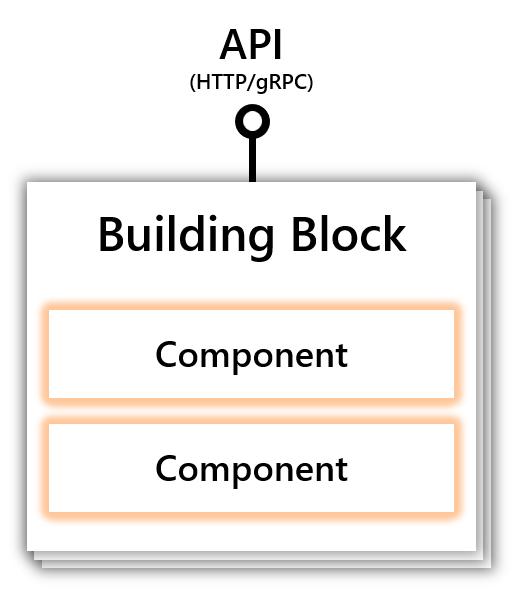
Pluggable components vs. built-in components
Dapr provides two approaches for registering and creating components:
- The built-in components included in the runtime and found in the components-contrib repository .
- Pluggable components which are deployed and registered independently.
While both registration options leverage Dapr’s building block APIs, each has a different implementation processes.
| Component details | Built-in Component | Pluggable Components |
|---|---|---|
| Language | Can only be written in Go | Can be written in any gRPC-supported language |
| Where it runs | As part of the Dapr runtime executable | As a distinct process or container in a pod. Runs separate from Dapr itself. |
| Registers with Dapr | Included into the Dapr codebase | Registers with Dapr via Unix Domain Sockets (using gRPC ) |
| Distribution | Distributed with Dapr release. New features added to component are aligned with Dapr releases | Distributed independently from Dapr itself. New features can be added when needed and follows its own release cycle. |
| How component is activated | Dapr starts runs the component (automatic) | User starts component (manual) |
Why create a pluggable component?
Pluggable components prove useful in scenarios where:
- You require a private component.
- You want to keep your component separate from the Dapr release process.
- You are not as familiar with Go, or implementing your component in Go is not ideal.
Features
Implement a pluggable component
In order to implement a pluggable component, you need to implement a gRPC service in the component. Implementing the gRPC service requires three steps:
- Find the proto definition file
- Create service scaffolding
- Define the service
Learn more about how to develop and implement a pluggable component
Leverage multiple building blocks for a component
In addition to implementing multiple gRPC services from the same component (for example StateStore, QueriableStateStore, TransactionalStateStore etc.), a pluggable component can also expose implementations for other component interfaces. This means that a single pluggable component can simultaneously function as a state store, pub/sub, and input or output binding. In other words, you can implement multiple component interfaces into a pluggable component and expose them as gRPC services.
While exposing multiple component interfaces on the same pluggable component lowers the operational burden of deploying multiple components, it makes implementing and debugging your component harder. If in doubt, stick to a “separation of concerns” by merging multiple components interfaces into the same pluggable component only when necessary.
Operationalize a pluggable component
Built-in components and pluggable components share one thing in common: both need a component specification. Built-in components do not require any extra steps to be used: Dapr is ready to use them automatically.
In contrast, pluggable components require additional steps before they can communicate with Dapr. You need to first run the component and facilitate Dapr-component communication to kick off the registration process.
Next steps
6.1.2 - How to: Implement pluggable components
In this guide, you’ll learn why and how to implement a pluggable component. To learn how to configure and register a pluggable component, refer to How to: Register a pluggable component
Implement a pluggable component
In order to implement a pluggable component, you need to implement a gRPC service in the component. Implementing the gRPC service requires three steps:
Find the proto definition file
Proto definitions are provided for each supported service interface (state store, pub/sub, bindings, secret stores).
Currently, the following component APIs are supported:
- State stores
- Pub/sub
- Bindings
- Secret stores
| Component | Type | gRPC definition | Built-in Reference Implementation | Docs |
|---|---|---|---|---|
| State Store | state | state.proto | Redis | concept, howto, api spec |
| Pub/sub | pubsub | pubsub.proto | Redis | concept, howto, api spec |
| Bindings | bindings | bindings.proto | Kafka | concept, input howto, output howto, api spec |
| Secret Store | secretstores | secretstore.proto | Hashicorp/Vault | concept, howto-secrets, api spec |
Below is a snippet of the gRPC service definition for pluggable component state stores ([state.proto]):
// StateStore service provides a gRPC interface for state store components.
service StateStore {
// Initializes the state store component with the given metadata.
rpc Init(InitRequest) returns (InitResponse) {}
// Returns a list of implemented state store features.
rpc Features(FeaturesRequest) returns (FeaturesResponse) {}
// Ping the state store. Used for liveness purposes.
rpc Ping(PingRequest) returns (PingResponse) {}
// Deletes the specified key from the state store.
rpc Delete(DeleteRequest) returns (DeleteResponse) {}
// Get data from the given key.
rpc Get(GetRequest) returns (GetResponse) {}
// Sets the value of the specified key.
rpc Set(SetRequest) returns (SetResponse) {}
// Deletes many keys at once.
rpc BulkDelete(BulkDeleteRequest) returns (BulkDeleteResponse) {}
// Retrieves many keys at once.
rpc BulkGet(BulkGetRequest) returns (BulkGetResponse) {}
// Set the value of many keys at once.
rpc BulkSet(BulkSetRequest) returns (BulkSetResponse) {}
}
The interface for the StateStore service exposes a total of 9 methods:
- 2 methods for initialization and components capability advertisement (Init and Features)
- 1 method for health-ness or liveness check (Ping)
- 3 methods for CRUD (Get, Set, Delete)
- 3 methods for bulk CRUD operations (BulkGet, BulkSet, BulkDelete)
Create service scaffolding
Use protocol buffers and gRPC tools to create the necessary scaffolding for the service. Learn more about these tools via the gRPC concepts documentation.
These tools generate code targeting any gRPC-supported language. This code serves as the base for your server and it provides:
- Functionality to handle client calls
- Infrastructure to:
- Decode incoming requests
- Execute service methods
- Encode service responses
The generated code is incomplete. It is missing:
- A concrete implementation for the methods your target service defines (the core of your pluggable component).
- Code on how to handle Unix Socket Domain integration, which is Dapr specific.
- Code handling integration with your downstream services.
Learn more about filling these gaps in the next step.
Define the service
Provide a concrete implementation of the desired service. Each component has a gRPC service definition for its core functionality which is the same as the core component interface. For example:
State stores
A pluggable state store must provide an implementation of the
StateStoreservice interface.In addition to this core functionality, some components might also expose functionality under other optional services. For example, you can add extra functionality by defining the implementation for a
QueriableStateStoreservice and aTransactionalStateStoreservice.Pub/sub
Pluggable pub/sub components only have a single core service interface defined pubsub.proto. They have no optional service interfaces.
Bindings
Pluggable input and output bindings have a single core service definition on bindings.proto. They have no optional service interfaces.
Secret Store
Pluggable Secret store have a single core service definition on secretstore.proto. They have no optional service interfaces.
After generating the above state store example’s service scaffolding code using gRPC and protocol buffers tools, you can define concrete implementations for the 9 methods defined under service StateStore, along with code to initialize and communicate with your dependencies.
This concrete implementation and auxiliary code are the core of your pluggable component. They define how your component behaves when handling gRPC requests from Dapr.
Returning semantic errors
Returning semantic errors are also part of the pluggable component protocol. The component must return specific gRPC codes that have semantic meaning for the user application, those errors are used to a variety of situations from concurrency requirements to informational only.
| Error | gRPC error code | Source component | Description |
|---|---|---|---|
| ETag Mismatch | codes.FailedPrecondition | State store | Error mapping to meet concurrency requirements |
| ETag Invalid | codes.InvalidArgument | State store | |
| Bulk Delete Row Mismatch | codes.Internal | State store |
Learn more about concurrency requirements in the State Management overview.
The following examples demonstrate how to return an error in your own pluggable component, changing the messages to suit your needs.
Important: In order to use .NET for error mapping, first install the
Google.Api.CommonProtosNuGet package.
Etag Mismatch
var badRequest = new BadRequest();
var des = "The ETag field provided does not match the one in the store";
badRequest.FieldViolations.Add(
new Google.Rpc.BadRequest.Types.FieldViolation
{
Field = "etag",
Description = des
});
var baseStatusCode = Grpc.Core.StatusCode.FailedPrecondition;
var status = new Google.Rpc.Status{
Code = (int)baseStatusCode
};
status.Details.Add(Google.Protobuf.WellKnownTypes.Any.Pack(badRequest));
var metadata = new Metadata();
metadata.Add("grpc-status-details-bin", status.ToByteArray());
throw new RpcException(new Grpc.Core.Status(baseStatusCode, "fake-err-msg"), metadata);
Etag Invalid
var badRequest = new BadRequest();
var des = "The ETag field must only contain alphanumeric characters";
badRequest.FieldViolations.Add(
new Google.Rpc.BadRequest.Types.FieldViolation
{
Field = "etag",
Description = des
});
var baseStatusCode = Grpc.Core.StatusCode.InvalidArgument;
var status = new Google.Rpc.Status
{
Code = (int)baseStatusCode
};
status.Details.Add(Google.Protobuf.WellKnownTypes.Any.Pack(badRequest));
var metadata = new Metadata();
metadata.Add("grpc-status-details-bin", status.ToByteArray());
throw new RpcException(new Grpc.Core.Status(baseStatusCode, "fake-err-msg"), metadata);
Bulk Delete Row Mismatch
var errorInfo = new Google.Rpc.ErrorInfo();
errorInfo.Metadata.Add("expected", "100");
errorInfo.Metadata.Add("affected", "99");
var baseStatusCode = Grpc.Core.StatusCode.Internal;
var status = new Google.Rpc.Status{
Code = (int)baseStatusCode
};
status.Details.Add(Google.Protobuf.WellKnownTypes.Any.Pack(errorInfo));
var metadata = new Metadata();
metadata.Add("grpc-status-details-bin", status.ToByteArray());
throw new RpcException(new Grpc.Core.Status(baseStatusCode, "fake-err-msg"), metadata);
Just like the Dapr Java SDK, the Java Pluggable Components SDK uses Project Reactor, which provides an asynchronous API for Java.
Errors can be returned directly by:
- Calling the
.error()method in theMonoorFluxthat your method returns - Providing the appropriate exception as parameter.
You can also raise an exception, as long as it is captured and fed back to your resulting Mono or Flux.
ETag Mismatch
final Status status = Status.newBuilder()
.setCode(io.grpc.Status.Code.FAILED_PRECONDITION.value())
.setMessage("fake-err-msg-for-etag-mismatch")
.addDetails(Any.pack(BadRequest.FieldViolation.newBuilder()
.setField("etag")
.setDescription("The ETag field provided does not match the one in the store")
.build()))
.build();
return Mono.error(StatusProto.toStatusException(status));
ETag Invalid
final Status status = Status.newBuilder()
.setCode(io.grpc.Status.Code.INVALID_ARGUMENT.value())
.setMessage("fake-err-msg-for-invalid-etag")
.addDetails(Any.pack(BadRequest.FieldViolation.newBuilder()
.setField("etag")
.setDescription("The ETag field must only contain alphanumeric characters")
.build()))
.build();
return Mono.error(StatusProto.toStatusException(status));
Bulk Delete Row Mismatch
final Status status = Status.newBuilder()
.setCode(io.grpc.Status.Code.INTERNAL.value())
.setMessage("fake-err-msg-for-bulk-delete-row-mismatch")
.addDetails(Any.pack(ErrorInfo.newBuilder()
.putAllMetadata(Map.ofEntries(
Map.entry("affected", "99"),
Map.entry("expected", "100")
))
.build()))
.build();
return Mono.error(StatusProto.toStatusException(status));
ETag Mismatch
st := status.New(codes.FailedPrecondition, "fake-err-msg")
desc := "The ETag field provided does not match the one in the store"
v := &errdetails.BadRequest_FieldViolation{
Field: etagField,
Description: desc,
}
br := &errdetails.BadRequest{}
br.FieldViolations = append(br.FieldViolations, v)
st, err := st.WithDetails(br)
ETag Invalid
st := status.New(codes.InvalidArgument, "fake-err-msg")
desc := "The ETag field must only contain alphanumeric characters"
v := &errdetails.BadRequest_FieldViolation{
Field: etagField,
Description: desc,
}
br := &errdetails.BadRequest{}
br.FieldViolations = append(br.FieldViolations, v)
st, err := st.WithDetails(br)
Bulk Delete Row Mismatch
st := status.New(codes.Internal, "fake-err-msg")
br := &errdetails.ErrorInfo{}
br.Metadata = map[string]string{
affected: "99",
expected: "100",
}
st, err := st.WithDetails(br)
Next steps
- Get started with developing .NET pluggable component using this sample code
- Review the pluggable components overview
- Learn how to register your pluggable component
6.1.3 - Pluggable components SDKs
The Dapr SDKs are the easiest way for you to create pluggable components. Choose your favorite language and start creating components in minutes.
Pluggable components SDKs
| Language | Status |
|---|---|
| Go | In development |
| .NET | In development |
6.1.3.1 - Getting started with the Dapr pluggable components .NET SDK
Dapr offers NuGet packages to help with the development of .NET pluggable components.
Prerequisites
- .NET 6 SDK or later
- Dapr 1.9 CLI or later
- Initialized Dapr environment
- Linux, Mac, or Windows (with WSL)
Note
Development of Dapr pluggable components on Windows requires WSL as some development platforms do not fully support Unix Domain Sockets on “native” Windows.Project creation
Creating a pluggable component starts with an empty ASP.NET project.
dotnet new web --name <project name>
Add NuGet packages
Add the Dapr .NET pluggable components NuGet package.
dotnet add package Dapr.PluggableComponents.AspNetCore
Create application and service
Creating a Dapr pluggable component application is similar to creating an ASP.NET application. In Program.cs, replace the WebApplication related code with the Dapr DaprPluggableComponentsApplication equivalent.
using Dapr.PluggableComponents;
var app = DaprPluggableComponentsApplication.Create();
app.RegisterService(
"<socket name>",
serviceBuilder =>
{
// Register one or more components with this service.
});
app.Run();
This creates an application with a single service. Each service:
- Corresponds to a single Unix Domain Socket
- Can host one or more component types
Note
Only a single component of each type can be registered with an individual service. However, multiple components of the same type can be spread across multiple services.Implement and register components
- Implementing an input/output binding component
- Implementing a pub-sub component
- Implementing a state store component
Test components locally
Pluggable components can be tested by starting the application on the command line and configuring a Dapr sidecar to use it.
To start the component, in the application directory:
dotnet run
To configure Dapr to use the component, in the resources path directory:
apiVersion: dapr.io/v1alpha1
kind: Component
metadata:
name: <component name>
spec:
type: state.<socket name>
version: v1
metadata:
- name: key1
value: value1
- name: key2
value: value2
Any metadata properties will be passed to the component via its IPluggableComponent.InitAsync() method when the component is instantiated.
To start Dapr (and, optionally, the service making use of the service):
dapr run --app-id <app id> --resources-path <resources path> ...
At this point, the Dapr sidecar will have started and connected via Unix Domain Socket to the component. You can then interact with the component either:
- Through the service using the component (if started), or
- By using the Dapr HTTP or gRPC API directly
Create Container
There are several ways to create a container for your component for eventual deployment.
Use .NET SDK
The .NET 7 and later SDKs enable you to create a .NET-based container for your application without a Dockerfile, even for those targeting earlier versions of the .NET SDK. This is probably the simplest way of generating a container for your component today.
Note
Currently, the .NET 7 SDK requires Docker Desktop on the local machine, a special NuGet package, and Docker Desktop on the local machine to build containers. Future versions of .NET SDK plan to eliminate those requirements.
Multiple versions of the .NET SDK can be installed on the local machine at the same time.
Add the Microsoft.NET.Build.Containers NuGet package to the component project.
dotnet add package Microsoft.NET.Build.Containers
Publish the application as a container:
dotnet publish --os linux --arch x64 /t:PublishContainer -c Release
Note
Ensure the architecture argument--arch x64 matches that of the component’s ultimate deployment target. By default, the architecture of the generated container matches that of the local machine. For example, if the local machine is ARM64-based (for example, a M1 or M2 Mac) and the argument is omitted, an ARM64 container will be generated which may not be compatible with deployment targets expecting an AMD64 container.For more configuration options, such as controlling the container name, tag, and base image, see the .NET publish as container guide.
Use a Dockerfile
While there are tools that can generate a Dockerfile for a .NET application, the .NET SDK itself does not. A typical Dockerfile might look like:
FROM mcr.microsoft.com/dotnet/aspnet:<runtime> AS base
WORKDIR /app
# Creates a non-root user with an explicit UID and adds permission to access the /app folder
# For more info, please refer to https://aka.ms/vscode-docker-dotnet-configure-containers
RUN adduser -u 5678 --disabled-password --gecos "" appuser && chown -R appuser /app
USER appuser
FROM mcr.microsoft.com/dotnet/sdk:<runtime> AS build
WORKDIR /src
COPY ["<application>.csproj", "<application folder>/"]
RUN dotnet restore "<application folder>/<application>.csproj"
COPY . .
WORKDIR "/src/<application folder>"
RUN dotnet build "<application>.csproj" -c Release -o /app/build
FROM build AS publish
RUN dotnet publish "<application>.csproj" -c Release -o /app/publish /p:UseAppHost=false
FROM base AS final
WORKDIR /app
COPY --from=publish /app/publish .
ENTRYPOINT ["dotnet", "<application>.dll"]
Build the image:
docker build -f Dockerfile -t <image name>:<tag> .
Note
Paths forCOPY operations in the Dockerfile are relative to the Docker context passed when building the image, while the Docker context itself will vary depending on the needs of the project being built (for example, if it has referenced projects). In the example above, the assumption is that the Docker context is the component project directory.Demo
Watch this video for a demo on building pluggable components with .NET:
Next steps
- Learn advanced steps for the Pluggable Component .NET SDK
- Learn more about using the Pluggable Component .NET SDK for:
6.1.3.1.1 - Implementing a .NET input/output binding component
Creating a binding component requires just a few basic steps.
Add bindings namespaces
Add using statements for the bindings related namespaces.
using Dapr.PluggableComponents.Components;
using Dapr.PluggableComponents.Components.Bindings;
Input bindings: Implement IInputBinding
Create a class that implements the IInputBinding interface.
internal sealed class MyBinding : IInputBinding
{
public Task InitAsync(MetadataRequest request, CancellationToken cancellationToken = default)
{
// Called to initialize the component with its configured metadata...
}
public async Task ReadAsync(MessageDeliveryHandler<InputBindingReadRequest, InputBindingReadResponse> deliveryHandler, CancellationToken cancellationToken = default)
{
// Until canceled, check the underlying store for messages and deliver them to the Dapr runtime...
}
}
Calls to the ReadAsync() method are “long-lived”, in that the method is not expected to return until canceled (for example, via the cancellationToken). As messages are read from the underlying store of the component, they are delivered to the Dapr runtime via the deliveryHandler callback. Delivery allows the component to receive notification if/when the application (served by the Dapr runtime) acknowledges processing of the message.
public async Task ReadAsync(MessageDeliveryHandler<InputBindingReadRequest, InputBindingReadResponse> deliveryHandler, CancellationToken cancellationToken = default)
{
TimeSpan pollInterval = // Polling interval (e.g. from initalization metadata)...
// Poll the underlying store until canceled...
while (!cancellationToken.IsCancellationRequested)
{
var messages = // Poll underlying store for messages...
foreach (var message in messages)
{
// Deliver the message to the Dapr runtime...
await deliveryHandler(
new InputBindingReadResponse
{
// Set the message content...
},
// Callback invoked when application acknowledges the message...
async request =>
{
// Process response data or error message...
})
}
// Wait for the next poll (or cancellation)...
await Task.Delay(pollInterval, cancellationToken);
}
}
Output bindings: Implement IOutputBinding
Create a class that implements the IOutputBinding interface.
internal sealed class MyBinding : IOutputBinding
{
public Task InitAsync(MetadataRequest request, CancellationToken cancellationToken = default)
{
// Called to initialize the component with its configured metadata...
}
public Task<OutputBindingInvokeResponse> InvokeAsync(OutputBindingInvokeRequest request, CancellationToken cancellationToken = default)
{
// Called to invoke a specific operation...
}
public Task<string[]> ListOperationsAsync(CancellationToken cancellationToken = default)
{
// Called to list the operations that can be invoked.
}
}
Input and output binding components
A component can be both an input and output binding, simply by implementing both interfaces.
internal sealed class MyBinding : IInputBinding, IOutputBinding
{
// IInputBinding Implementation...
// IOutputBinding Implementation...
}
Register binding component
In the main program file (for example, Program.cs), register the binding component in an application service.
using Dapr.PluggableComponents;
var app = DaprPluggableComponentsApplication.Create();
app.RegisterService(
"<socket name>",
serviceBuilder =>
{
serviceBuilder.RegisterBinding<MyBinding>();
});
app.Run();
Note
A component that implements bothIInputBinding and IOutputBinding will be registered as both an input and output binding.Next steps
- Learn advanced steps for the Pluggable Component .NET SDK
- Learn more about using the Pluggable Component .NET SDK for:
6.1.3.1.2 - Implementing a .NET pub/sub component
Creating a pub/sub component requires just a few basic steps.
Add pub/sub namespaces
Add using statements for the pub/sub related namespaces.
using Dapr.PluggableComponents.Components;
using Dapr.PluggableComponents.Components.PubSub;
Implement IPubSub
Create a class that implements the IPubSub interface.
internal sealed class MyPubSub : IPubSub
{
public Task InitAsync(MetadataRequest request, CancellationToken cancellationToken = default)
{
// Called to initialize the component with its configured metadata...
}
public Task PublishAsync(PubSubPublishRequest request, CancellationToken cancellationToken = default)
{
// Send the message to the "topic"...
}
public Task PullMessagesAsync(PubSubPullMessagesTopic topic, MessageDeliveryHandler<string?, PubSubPullMessagesResponse> deliveryHandler, CancellationToken cancellationToken = default)
{
// Until canceled, check the topic for messages and deliver them to the Dapr runtime...
}
}
Calls to the PullMessagesAsync() method are “long-lived”, in that the method is not expected to return until canceled (for example, via the cancellationToken). The “topic” from which messages should be pulled is passed via the topic argument, while the delivery to the Dapr runtime is performed via the deliveryHandler callback. Delivery allows the component to receive notification if/when the application (served by the Dapr runtime) acknowledges processing of the message.
public async Task PullMessagesAsync(PubSubPullMessagesTopic topic, MessageDeliveryHandler<string?, PubSubPullMessagesResponse> deliveryHandler, CancellationToken cancellationToken = default)
{
TimeSpan pollInterval = // Polling interval (e.g. from initalization metadata)...
// Poll the topic until canceled...
while (!cancellationToken.IsCancellationRequested)
{
var messages = // Poll topic for messages...
foreach (var message in messages)
{
// Deliver the message to the Dapr runtime...
await deliveryHandler(
new PubSubPullMessagesResponse(topicName)
{
// Set the message content...
},
// Callback invoked when application acknowledges the message...
async errorMessage =>
{
// An empty message indicates the application successfully processed the message...
if (String.IsNullOrEmpty(errorMessage))
{
// Delete the message from the topic...
}
})
}
// Wait for the next poll (or cancellation)...
await Task.Delay(pollInterval, cancellationToken);
}
}
Register pub/sub component
In the main program file (for example, Program.cs), register the pub/sub component with an application service.
using Dapr.PluggableComponents;
var app = DaprPluggableComponentsApplication.Create();
app.RegisterService(
"<socket name>",
serviceBuilder =>
{
serviceBuilder.RegisterPubSub<MyPubSub>();
});
app.Run();
Next steps
- Learn advanced steps for the Pluggable Component .NET SDK
- Learn more about using the Pluggable Component .NET SDK for:
6.1.3.1.3 - Implementing a .NET state store component
Creating a state store component requires just a few basic steps.
Add state store namespaces
Add using statements for the state store related namespaces.
using Dapr.PluggableComponents.Components;
using Dapr.PluggableComponents.Components.StateStore;
Implement IStateStore
Create a class that implements the IStateStore interface.
internal sealed class MyStateStore : IStateStore
{
public Task DeleteAsync(StateStoreDeleteRequest request, CancellationToken cancellationToken = default)
{
// Delete the requested key from the state store...
}
public Task<StateStoreGetResponse?> GetAsync(StateStoreGetRequest request, CancellationToken cancellationToken = default)
{
// Get the requested key value from from the state store, else return null...
}
public Task InitAsync(MetadataRequest request, CancellationToken cancellationToken = default)
{
// Called to initialize the component with its configured metadata...
}
public Task SetAsync(StateStoreSetRequest request, CancellationToken cancellationToken = default)
{
// Set the requested key to the specified value in the state store...
}
}
Register state store component
In the main program file (for example, Program.cs), register the state store with an application service.
using Dapr.PluggableComponents;
var app = DaprPluggableComponentsApplication.Create();
app.RegisterService(
"<socket name>",
serviceBuilder =>
{
serviceBuilder.RegisterStateStore<MyStateStore>();
});
app.Run();
Bulk state stores
State stores that intend to support bulk operations should implement the optional IBulkStateStore interface. Its methods mirror those of the base IStateStore interface, but include multiple requested values.
Note
The Dapr runtime will emulate bulk state store operations for state stores that do not implementIBulkStateStore by calling its operations individually.internal sealed class MyStateStore : IStateStore, IBulkStateStore
{
// ...
public Task BulkDeleteAsync(StateStoreDeleteRequest[] requests, CancellationToken cancellationToken = default)
{
// Delete all of the requested values from the state store...
}
public Task<StateStoreBulkStateItem[]> BulkGetAsync(StateStoreGetRequest[] requests, CancellationToken cancellationToken = default)
{
// Return the values of all of the requested values from the state store...
}
public Task BulkSetAsync(StateStoreSetRequest[] requests, CancellationToken cancellationToken = default)
{
// Set all of the values of the requested keys in the state store...
}
}
Transactional state stores
State stores that intend to support transactions should implement the optional ITransactionalStateStore interface. Its TransactAsync() method is passed a request with a sequence of delete and/or set operations to be performed within a transaction. The state store should iterate over the sequence and call each operation’s Visit() method, passing callbacks that represent the action to take for each type of operation.
internal sealed class MyStateStore : IStateStore, ITransactionalStateStore
{
// ...
public async Task TransactAsync(StateStoreTransactRequest request, CancellationToken cancellationToken = default)
{
// Start transaction...
try
{
foreach (var operation in request.Operations)
{
await operation.Visit(
async deleteRequest =>
{
// Process delete request...
},
async setRequest =>
{
// Process set request...
});
}
}
catch
{
// Rollback transaction...
throw;
}
// Commit transaction...
}
}
Queryable state stores
State stores that intend to support queries should implement the optional IQueryableStateStore interface. Its QueryAsync() method is passed details about the query, such as the filter(s), result limits and pagination, and sort order(s) of the results. The state store should use those details to generate a set of values to return as part of its response.
internal sealed class MyStateStore : IStateStore, IQueryableStateStore
{
// ...
public Task<StateStoreQueryResponse> QueryAsync(StateStoreQueryRequest request, CancellationToken cancellationToken = default)
{
// Generate and return results...
}
}
ETag and other semantic error handling
The Dapr runtime has additional handling of certain error conditions resulting from some state store operations. State stores can indicate such conditions by throwing specific exceptions from its operation logic:
| Exception | Applicable Operations | Description |
|---|---|---|
ETagInvalidException | Delete, Set, Bulk Delete, Bulk Set | When an ETag is invalid |
ETagMismatchException | Delete, Set, Bulk Delete, Bulk Set | When an ETag does not match an expected value |
BulkDeleteRowMismatchException | Bulk Delete | When the number of affected rows does not match the expected rows |
Next steps
- Learn advanced steps for the Pluggable Component .NET SDK
- Learn more about using the Pluggable Component .NET SDK for:
6.1.3.1.4 - Advanced uses of the Dapr pluggable components .NET SDK
While not typically needed by most, these guides show advanced ways to can configure your .NET pluggable components.
6.1.3.1.4.1 - Application Environment of a .NET Dapr pluggable component
A .NET Dapr pluggable component application can be configured for dependency injection, logging, and configuration values similarly to ASP.NET applications. The DaprPluggableComponentsApplication exposes a similar set of configuration properties to that exposed by WebApplicationBuilder.
Dependency injection
Components registered with services can participate in dependency injection. Arguments in the components constructor will be injected during creation, assuming those types have been registered with the application. You can register them through the IServiceCollection exposed by DaprPluggableComponentsApplication.
var app = DaprPluggableComponentsApplication.Create();
// Register MyService as the singleton implementation of IService.
app.Services.AddSingleton<IService, MyService>();
app.RegisterService(
"<service name>",
serviceBuilder =>
{
serviceBuilder.RegisterStateStore<MyStateStore>();
});
app.Run();
interface IService
{
// ...
}
class MyService : IService
{
// ...
}
class MyStateStore : IStateStore
{
// Inject IService on creation of the state store.
public MyStateStore(IService service)
{
// ...
}
// ...
}
Warning
Use ofIServiceCollection.AddScoped() is not recommended. Such instances’ lifetimes are bound to a single gRPC method call, which does not match the lifetime of an individual component instance.Logging
.NET Dapr pluggable components can use the standard .NET logging mechanisms. The DaprPluggableComponentsApplication exposes an ILoggingBuilder, through which it can be configured.
Note
Like with ASP.NET, logger services (for example,ILogger<T>) are pre-registered.var app = DaprPluggableComponentsApplication.Create();
// Reset the default loggers and setup new ones.
app.Logging.ClearProviders();
app.Logging.AddConsole();
app.RegisterService(
"<service name>",
serviceBuilder =>
{
serviceBuilder.RegisterStateStore<MyStateStore>();
});
app.Run();
class MyStateStore : IStateStore
{
// Inject a logger on creation of the state store.
public MyStateStore(ILogger<MyStateStore> logger)
{
// ...
}
// ...
}
Configuration Values
Since .NET pluggable components are built on ASP.NET, they can use its standard configuration mechanisms and default to the same set of pre-registered providers. The DaprPluggableComponentsApplication exposes an IConfigurationManager through which it can be configured.
var app = DaprPluggableComponentsApplication.Create();
// Reset the default configuration providers and add new ones.
((IConfigurationBuilder)app.Configuration).Sources.Clear();
app.Configuration.AddEnvironmentVariables();
// Get configuration value on startup.
const value = app.Configuration["<name>"];
app.RegisterService(
"<service name>",
serviceBuilder =>
{
serviceBuilder.RegisterStateStore<MyStateStore>();
});
app.Run();
class MyStateStore : IStateStore
{
// Inject the configuration on creation of the state store.
public MyStateStore(IConfiguration configuration)
{
// ...
}
// ...
}
Next steps
- Learn more about the component lifetime
- Learn more about multiple services
- Learn more about using the Pluggable Component .NET SDK for:
6.1.3.1.4.2 - Lifetimes of .NET Dapr pluggable components
There are two ways to register a component:
- The component operates as a singleton, with lifetime managed by the SDK
- A component’s lifetime is determined by the pluggable component and can be multi-instance or a singleton, as needed
Singleton components
Components registered by type are singletons: one instance will serve all configured components of that type associated with that socket. This approach is best when only a single component of that type exists and is shared amongst Dapr applications.
var app = DaprPluggableComponentsApplication.Create();
app.RegisterService(
"service-a",
serviceBuilder =>
{
serviceBuilder.RegisterStateStore<SingletonStateStore>();
});
app.Run();
class SingletonStateStore : IStateStore
{
// ...
}
Multi-instance components
Components can be registered by passing a “factory method”. This method will be called for each configured component of that type associated with that socket. The method returns the instance to associate with that component (whether shared or not). This approach is best when multiple components of the same type may be configured with different sets of metadata, when component operations need to be isolated from one another, etc.
The factory method will be passed context, such as the ID of the configured Dapr component, that can be used to differentiate component instances.
var app = DaprPluggableComponentsApplication.Create();
app.RegisterService(
"service-a",
serviceBuilder =>
{
serviceBuilder.RegisterStateStore(
context =>
{
return new MultiStateStore(context.InstanceId);
});
});
app.Run();
class MultiStateStore : IStateStore
{
private readonly string instanceId;
public MultiStateStore(string instanceId)
{
this.instanceId = instanceId;
}
// ...
}
Next steps
- Learn more about the application environment
- Learn more about multiple services
- Learn more about using the Pluggable Component .NET SDK for:
6.1.3.1.4.3 - Multiple services in a .NET Dapr pluggable component
A pluggable component can host multiple components of varying types. You might do this:
- To minimize the number of sidecars running in a cluster
- To group related components that are likely to share libraries and implementation, such as:
- A database exposed both as a general state store, and
- Output bindings that allow more specific operations.
Each Unix Domain Socket can manage calls to one component of each type. To host multiple components of the same type, you can spread those types across multiple sockets. The SDK binds each socket to a “service”, with each service composed of one or more component types.
Registering multiple services
Each call to RegisterService() binds a socket to a set of registered components, where one of each type of component can be registered per service.
var app = DaprPluggableComponentsApplication.Create();
app.RegisterService(
"service-a",
serviceBuilder =>
{
serviceBuilder.RegisterStateStore<MyDatabaseStateStore>();
serviceBuilder.RegisterBinding<MyDatabaseOutputBinding>();
});
app.RegisterService(
"service-b",
serviceBuilder =>
{
serviceBuilder.RegisterStateStore<AnotherStateStore>();
});
app.Run();
class MyDatabaseStateStore : IStateStore
{
// ...
}
class MyDatabaseOutputBinding : IOutputBinding
{
// ...
}
class AnotherStateStore : IStateStore
{
// ...
}
Configuring Multiple Components
Configuring Dapr to use the hosted components is the same as for any single component - the component YAML refers to the associated socket.
#
# This component uses the state store associated with socket `state-store-a`
#
apiVersion: dapr.io/v1alpha1
kind: Component
metadata:
name: state-store-a
spec:
type: state.service-a
version: v1
metadata: []
#
# This component uses the state store associated with socket `state-store-b`
#
apiVersion: dapr.io/v1alpha1
kind: Component
metadata:
name: state-store-b
spec:
type: state.service-b
version: v1
metadata: []
Next steps
- Learn more about the component lifetime
- Learn more about the application environment
- Learn more about using the Pluggable Component .NET SDK for:
6.1.3.2 - Getting started with the Dapr pluggable components Go SDK
Dapr offers packages to help with the development of Go pluggable components.
Prerequisites
- Go 1.20 or later
- Dapr 1.9 CLI or later
- Initialized Dapr environment
- Linux, Mac, or Windows (with WSL)
Note
Development of Dapr pluggable components on Windows requires WSL. Not all languages and SDKs expose Unix Domain Sockets on “native” Windows.Application creation
Creating a pluggable component starts with an empty Go application.
mkdir example
cd example
go mod init example
Import Dapr packages
Import the Dapr pluggable components SDK package.
go get github.com/dapr-sandbox/components-go-sdk@v0.1.0
Create main package
In main.go, import the Dapr plugggable components package and run the application.
package main
import (
dapr "github.com/dapr-sandbox/components-go-sdk"
)
func main() {
dapr.MustRun()
}
This creates an application with no components. You will need to implement and register one or more components.
Implement and register components
- Implementing an input/output binding component
- Implementing a pub/sub component
- Implementing a state store component
Note
Only a single component of each type can be registered with an individual service. However, multiple components of the same type can be spread across multiple services.Test components locally
Create the Dapr components socket directory
Dapr communicates with pluggable components via Unix Domain Sockets files in a common directory. By default, both Dapr and pluggable components use the /tmp/dapr-components-sockets directory. You should create this directory if it does not already exist.
mkdir /tmp/dapr-components-sockets
Start the pluggable component
Pluggable components can be tested by starting the application on the command line.
To start the component, in the application directory:
go run main.go
Configure Dapr to use the pluggable component
To configure Dapr to use the component, create a component YAML file in the resources directory. For example, for a state store component:
apiVersion: dapr.io/v1alpha1
kind: Component
metadata:
name: <component name>
spec:
type: state.<socket name>
version: v1
metadata:
- name: key1
value: value1
- name: key2
value: value2
Any metadata properties will be passed to the component via its Store.Init(metadata state.Metadata) method when the component is instantiated.
Start Dapr
To start Dapr (and, optionally, the service making use of the service):
dapr run --app-id <app id> --resources-path <resources path> ...
At this point, the Dapr sidecar will have started and connected via Unix Domain Socket to the component. You can then interact with the component either:
- Through the service using the component (if started), or
- By using the Dapr HTTP or gRPC API directly
Create container
Pluggable components are deployed as containers that run as sidecars to the application (like Dapr itself). A typical Dockerfile for creating a Docker image for a Go application might look like:
FROM golang:1.20-alpine AS builder
WORKDIR /usr/src/app
# Download dependencies
COPY go.mod go.sum ./
RUN go mod download && go mod verify
# Build the application
COPY . .
RUN go build -v -o /usr/src/bin/app .
FROM alpine:latest
# Setup non-root user and permissions
RUN addgroup -S app && adduser -S app -G app
RUN mkdir /tmp/dapr-components-sockets && chown app /tmp/dapr-components-sockets
# Copy application to runtime image
COPY --from=builder --chown=app /usr/src/bin/app /app
USER app
CMD ["/app"]
Build the image:
docker build -f Dockerfile -t <image name>:<tag> .
Note
Paths forCOPY operations in the Dockerfile are relative to the Docker context passed when building the image, while the Docker context itself will vary depending on the needs of the application being built. In the example above, the assumption is that the Docker context is the component application directory.Next steps
- Advanced techniques with the pluggable components Go SDK
- Learn more about implementing:
6.1.3.2.1 - Implementing a Go input/output binding component
Creating a binding component requires just a few basic steps.
Import bindings packages
Create the file components/inputbinding.go and add import statements for the state store related packages.
package components
import (
"context"
"github.com/dapr/components-contrib/bindings"
)
Input bindings: Implement the InputBinding interface
Create a type that implements the InputBinding interface.
type MyInputBindingComponent struct {
}
func (component *MyInputBindingComponent) Init(meta bindings.Metadata) error {
// Called to initialize the component with its configured metadata...
}
func (component *MyInputBindingComponent) Read(ctx context.Context, handler bindings.Handler) error {
// Until canceled, check the underlying store for messages and deliver them to the Dapr runtime...
}
Calls to the Read() method are expected to set up a long-lived mechanism for retrieving messages but immediately return nil (or an error, if that mechanism could not be set up). The mechanism should end when canceled (for example, via the ctx.Done() or ctx.Err() != nil). As messages are read from the underlying store of the component, they are delivered to the Dapr runtime via the handler callback, which does not return until the application (served by the Dapr runtime) acknowledges processing of the message.
func (b *MyInputBindingComponent) Read(ctx context.Context, handler bindings.Handler) error {
go func() {
for {
err := ctx.Err()
if err != nil {
return
}
messages := // Poll for messages...
for _, message := range messages {
handler(ctx, &bindings.ReadResponse{
// Set the message content...
})
}
select {
case <-ctx.Done():
case <-time.After(5 * time.Second):
}
}
}()
return nil
}
Output bindings: Implement the OutputBinding interface
Create a type that implements the OutputBinding interface.
type MyOutputBindingComponent struct {
}
func (component *MyOutputBindingComponent) Init(meta bindings.Metadata) error {
// Called to initialize the component with its configured metadata...
}
func (component *MyOutputBindingComponent) Invoke(ctx context.Context, req *bindings.InvokeRequest) (*bindings.InvokeResponse, error) {
// Called to invoke a specific operation...
}
func (component *MyOutputBindingComponent) Operations() []bindings.OperationKind {
// Called to list the operations that can be invoked.
}
Input and output binding components
A component can be both an input and output binding. Simply implement both interfaces and register the component as both binding types.
Register binding component
In the main application file (for example, main.go), register the binding component with the application.
package main
import (
"example/components"
dapr "github.com/dapr-sandbox/components-go-sdk"
"github.com/dapr-sandbox/components-go-sdk/bindings/v1"
)
func main() {
// Register an import binding...
dapr.Register("my-inputbinding", dapr.WithInputBinding(func() bindings.InputBinding {
return &components.MyInputBindingComponent{}
}))
// Register an output binding...
dapr.Register("my-outputbinding", dapr.WithOutputBinding(func() bindings.OutputBinding {
return &components.MyOutputBindingComponent{}
}))
dapr.MustRun()
}
Next steps
- Advanced techniques with the pluggable components Go SDK
- Learn more about implementing:
6.1.3.2.2 - Implementing a Go pub/sub component
Creating a pub/sub component requires just a few basic steps.
Import pub/sub packages
Create the file components/pubsub.go and add import statements for the pub/sub related packages.
package components
import (
"context"
"github.com/dapr/components-contrib/pubsub"
)
Implement the PubSub interface
Create a type that implements the PubSub interface.
type MyPubSubComponent struct {
}
func (component *MyPubSubComponent) Init(metadata pubsub.Metadata) error {
// Called to initialize the component with its configured metadata...
}
func (component *MyPubSubComponent) Close() error {
// Not used with pluggable components...
return nil
}
func (component *MyPubSubComponent) Features() []pubsub.Feature {
// Return a list of features supported by the component...
}
func (component *MyPubSubComponent) Publish(req *pubsub.PublishRequest) error {
// Send the message to the "topic"...
}
func (component *MyPubSubComponent) Subscribe(ctx context.Context, req pubsub.SubscribeRequest, handler pubsub.Handler) error {
// Until canceled, check the topic for messages and deliver them to the Dapr runtime...
}
Calls to the Subscribe() method are expected to set up a long-lived mechanism for retrieving messages but immediately return nil (or an error, if that mechanism could not be set up). The mechanism should end when canceled (for example, via the ctx.Done() or ctx.Err() != nil). The “topic” from which messages should be pulled is passed via the req argument, while the delivery to the Dapr runtime is performed via the handler callback. The callback doesn’t return until the application (served by the Dapr runtime) acknowledges processing of the message.
func (component *MyPubSubComponent) Subscribe(ctx context.Context, req pubsub.SubscribeRequest, handler pubsub.Handler) error {
go func() {
for {
err := ctx.Err()
if err != nil {
return
}
messages := // Poll for messages...
for _, message := range messages {
handler(ctx, &pubsub.NewMessage{
// Set the message content...
})
}
select {
case <-ctx.Done():
case <-time.After(5 * time.Second):
}
}
}()
return nil
}
Register pub/sub component
In the main application file (for example, main.go), register the pub/sub component with the application.
package main
import (
"example/components"
dapr "github.com/dapr-sandbox/components-go-sdk"
"github.com/dapr-sandbox/components-go-sdk/pubsub/v1"
)
func main() {
dapr.Register("<socket name>", dapr.WithPubSub(func() pubsub.PubSub {
return &components.MyPubSubComponent{}
}))
dapr.MustRun()
}
Next steps
- Advanced techniques with the pluggable components Go SDK
- Learn more about implementing:
6.1.3.2.3 - Implementing a Go state store component
Creating a state store component requires just a few basic steps.
Import state store packages
Create the file components/statestore.go and add import statements for the state store related packages.
package components
import (
"context"
"github.com/dapr/components-contrib/state"
)
Implement the Store interface
Create a type that implements the Store interface.
type MyStateStore struct {
}
func (store *MyStateStore) Init(metadata state.Metadata) error {
// Called to initialize the component with its configured metadata...
}
func (store *MyStateStore) GetComponentMetadata() map[string]string {
// Not used with pluggable components...
return map[string]string{}
}
func (store *MyStateStore) Features() []state.Feature {
// Return a list of features supported by the state store...
}
func (store *MyStateStore) Delete(ctx context.Context, req *state.DeleteRequest) error {
// Delete the requested key from the state store...
}
func (store *MyStateStore) Get(ctx context.Context, req *state.GetRequest) (*state.GetResponse, error) {
// Get the requested key value from the state store, else return an empty response...
}
func (store *MyStateStore) Set(ctx context.Context, req *state.SetRequest) error {
// Set the requested key to the specified value in the state store...
}
func (store *MyStateStore) BulkGet(ctx context.Context, req []state.GetRequest) (bool, []state.BulkGetResponse, error) {
// Get the requested key values from the state store...
}
func (store *MyStateStore) BulkDelete(ctx context.Context, req []state.DeleteRequest) error {
// Delete the requested keys from the state store...
}
func (store *MyStateStore) BulkSet(ctx context.Context, req []state.SetRequest) error {
// Set the requested keys to their specified values in the state store...
}
Register state store component
In the main application file (for example, main.go), register the state store with an application service.
package main
import (
"example/components"
dapr "github.com/dapr-sandbox/components-go-sdk"
"github.com/dapr-sandbox/components-go-sdk/state/v1"
)
func main() {
dapr.Register("<socket name>", dapr.WithStateStore(func() state.Store {
return &components.MyStateStoreComponent{}
}))
dapr.MustRun()
}
Bulk state stores
While state stores are required to support the bulk operations, their implementations sequentially delegate to the individual operation methods.
Transactional state stores
State stores that intend to support transactions should implement the optional TransactionalStore interface. Its Multi() method receives a request with a sequence of delete and/or set operations to be performed within a transaction. The state store should iterate over the sequence and apply each operation.
func (store *MyStateStoreComponent) Multi(ctx context.Context, request *state.TransactionalStateRequest) error {
// Start transaction...
for _, operation := range request.Operations {
switch operation.Operation {
case state.Delete:
deleteRequest := operation.Request.(state.DeleteRequest)
// Process delete request...
case state.Upsert:
setRequest := operation.Request.(state.SetRequest)
// Process set request...
}
}
// End (or rollback) transaction...
return nil
}
Queryable state stores
State stores that intend to support queries should implement the optional Querier interface. Its Query() method is passed details about the query, such as the filter(s), result limits, pagination, and sort order(s) of the results. The state store uses those details to generate a set of values to return as part of its response.
func (store *MyStateStoreComponent) Query(ctx context.Context, req *state.QueryRequest) (*state.QueryResponse, error) {
// Generate and return results...
}
ETag and other semantic error handling
The Dapr runtime has additional handling of certain error conditions resulting from some state store operations. State stores can indicate such conditions by returning specific errors from its operation logic:
| Error | Applicable Operations | Description |
|---|---|---|
NewETagError(state.ETagInvalid, ...) | Delete, Set, Bulk Delete, Bulk Set | When an ETag is invalid |
NewETagError(state.ETagMismatch, ...) | Delete, Set, Bulk Delete, Bulk Set | When an ETag does not match an expected value |
NewBulkDeleteRowMismatchError(...) | Bulk Delete | When the number of affected rows does not match the expected rows |
Next steps
- Advanced techniques with the pluggable components Go SDK
- Learn more about implementing:
6.1.3.2.4 - Advanced uses of the Dapr pluggable components .Go SDK
While not typically needed by most, these guides show advanced ways you can configure your Go pluggable components.
Component lifetime
Pluggable components are registered by passing a “factory method” that is called for each configured Dapr component of that type associated with that socket. The method returns the instance associated with that Dapr component (whether shared or not). This allows multiple Dapr components of the same type to be configured with different sets of metadata, when component operations need to be isolated from one another, etc.
Registering multiple services
Each call to Register() binds a socket to a registered pluggable component. One of each component type (input/output binding, pub/sub, and state store) can be registered per socket.
func main() {
dapr.Register("service-a", dapr.WithStateStore(func() state.Store {
return &components.MyDatabaseStoreComponent{}
}))
dapr.Register("service-a", dapr.WithOutputBinding(func() bindings.OutputBinding {
return &components.MyDatabaseOutputBindingComponent{}
}))
dapr.Register("service-b", dapr.WithStateStore(func() state.Store {
return &components.MyDatabaseStoreComponent{}
}))
dapr.MustRun()
}
In the example above, a state store and output binding is registered with the socket service-a while another state store is registered with the socket service-b.
Configuring Multiple Components
Configuring Dapr to use the hosted components is the same as for any single component - the component YAML refers to the associated socket. For example, to configure Dapr state stores for the two components registered above (to sockets service-a and service-b), you create two configuration files, each referencing their respective socket.
#
# This component uses the state store associated with socket `service-a`
#
apiVersion: dapr.io/v1alpha1
kind: Component
metadata:
name: state-store-a
spec:
type: state.service-a
version: v1
metadata: []
#
# This component uses the state store associated with socket `service-b`
#
apiVersion: dapr.io/v1alpha1
kind: Component
metadata:
name: state-store-b
spec:
type: state.service-b
version: v1
metadata: []
Next steps
6.2 - How to: Author middleware components
Dapr allows custom processing pipelines to be defined by chaining a series of middleware components. In this guide, you’ll learn how to create a middleware component. To learn how to configure an existing middleware component, see Configure middleware components
Writing a custom HTTP middleware
HTTP middlewares in Dapr wrap standard Go net/http handler functions.
Your middleware needs to implement a middleware interface, which defines a GetHandler method that returns a http.Handler callback and an error:
type Middleware interface {
GetHandler(metadata middleware.Metadata) (func(next http.Handler) http.Handler, error)
}
The handler receives a next callback that should be invoked to continue processing the request.
Your handler implementation can include an inbound logic, outbound logic, or both:
func (m *customMiddleware) GetHandler(metadata middleware.Metadata) (func(next http.Handler) http.Handler, error) {
var err error
return func(next http.Handler) http.Handler {
return http.HandlerFunc(func(w http.ResponseWriter, r *http.Request) {
// Inbound logic
// ...
// Call the next handler
next.ServeHTTP(w, r)
// Outbound logic
// ...
}
}, err
}